0:54
Y Combinator - .@usecardboard is an agentic video editor where you upload raw footag
Cardboard · B2B · Feb 2026
Cardboard’s 0:54 launch film runs 38 scenes, about 1.4 s each. The product shows up at 0:14 and 3 features are revealed. The call to action lands at 0:47 (87% in), over a voiceover. The video alternates slow, intimate live-action vignettes of a creator with fast, dark close-ups of the UI, moving from a relatable pain (hunting for clips) to a product reveal and three quick feature demos, then a logo and URL card. Its signature moves are macro shots of the SD card, captions that build word by word, 3D-tilted interface panels, and ghosted, mirrored UI overlays laid over the live footage.
Is this your launch? to your site or press kit.
Cardboard · B2B · Feb 2026
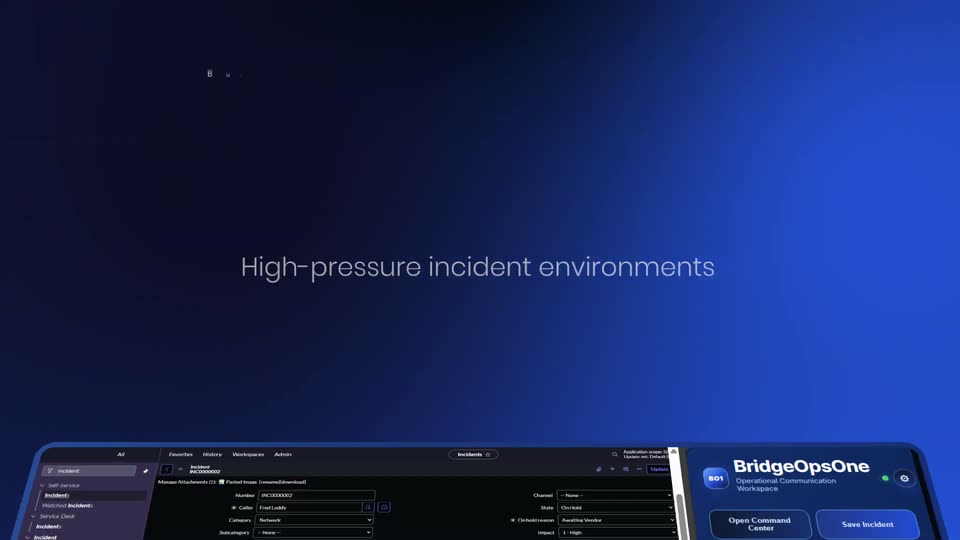
BridgeOpsOne · Jun 2026
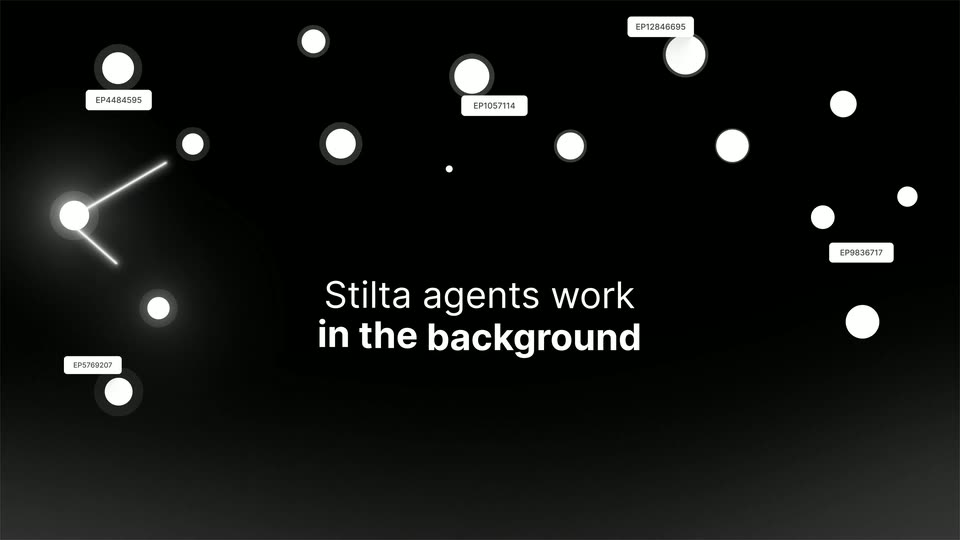
Stilta · B2B · Feb 2026
Films whose music sounds like this one, voice left out
Ledger · Modern electronic, corporate tech launch
Mave · Modern electronic
A man in a light t-shirt plays an upright piano in a dim room, a perforated lamp glowing over the keys. Flowers and a framed photo sit to the right, a window with trees to the left. The shot fades in from black as a subtitle reads at the bottom.
On-screen text: “you've got hours or”
Camera: Push in
A hand holds a small black and gold SD card steady against a blurred home background. The card fills the center of the frame while the shot stays locked off. Yellow subtitles appear at the bottom, swapping from one line to the next.
On-screen text: “you've got hours or”, “days of incredible footage.”
Camera: Static
A hand holds a SanDisk Extreme SD card centered in frame, sharp against a softly blurred background. The card stays still as the shot holds a locked-off close-up. A yellow subtitle reads along the bottom edge.
On-screen text: “days of incredible footage.”
Camera: Static
Close-up of a hand holding a black SanDisk Extreme 128 GB SD card between thumb and forefinger, against a soft-focus outdoor background. The card stays steady in a locked-off frame while a yellow caption reads at the bottom.
On-screen text: “days of incredible footage.”
Camera: Static
A hand pinches a small black-and-gold SD card between thumb and forefinger, holding it flat and steady in sharp focus against a soft, warm bokeh background. The card's label faces the camera, the hand barely moving.
Camera: Static
A thumb holds a gold SanDisk 128GB microSD card in sharp focus against a soft pale background. A silver laptop edge slides in from the left as the hand brings the card to its side.
Camera: Static
A fingertip pushes a 128 GB SanDisk SD card into the card reader slot on the edge of a silver laptop. Tight macro close-up, locked-off frame, dim warm light. A small yellow caption sits at the bottom center.
On-screen text: “and you have”
Camera: Static
A man in a gray t-shirt looks down at a screen in a dim, wood-paneled room, a warm lamp glowing at left. The locked-off medium close-up holds steady as yellow subtitles swap across the bottom of the frame.
On-screen text: “and you have”, “the perfect story”
Camera: Push in
A shallow-focus row of colorful app icons slides across a dark dock. The focus racks to the blue After Effects icon, where a cursor hovers and a tooltip appears above it.
On-screen text: “the perfect story”
Techniques: Cursor demo
Camera: Static
A shadowed close-up of a man looking down, with small yellow subtitles at the bottom cycling through 'the perfect story', 'floating around', 'in your head.' The shot cuts to a purple screen where blurred lines of text slide horizontally.
On-screen text: “the perfect story”, “floating around”, “in your head.”
Camera: Static
A tilted, motion-blurred list of sound-effect names in white handwritten type scrolls fast down a black screen, an orange highlight bar sliding along the rows. The small caption “but here's” fades in at the bottom as the list keeps moving.
On-screen text: “in your head.”, “but here's”
Techniques: Kinetic type, UI zoom
Camera: Static
A curly-haired man in a light t-shirt is filmed in profile in a dim, warm home interior, looking down as he speaks; a blurred figure stands in the background. A small yellow monospace caption appears at the bottom center and disappears.
On-screen text: “but here's”, “the problem.”
Camera: Push in
A close-up of a man in warm low light, eyes cast to the side as he speaks. The frame stays locked off while a yellow caption line at the bottom updates to match his words.
On-screen text: “you're spending 90%”, “of your time”
Camera: Static
A heavily blurred close-up of a video editing timeline, with stacked colored clips and a white file box labeled 00012.MTS. An orange clip slides left with a red drag marker as a small yellow caption at the bottom reads the line.
On-screen text: “of your time”, “just finding”, “the right clips”
Camera: Push in
A man in a gray t-shirt sits in a dim room, looking down and talking, as the frame brightens from near black. A yellow lowercase caption sits locked at the bottom center of the shot.
On-screen text: “the right clips”
Camera: Static
A man in a gray t-shirt speaks in a dim room while a translucent list of clip names, one row highlighted in yellow, slides down across the frame. A small yellow caption sits at the bottom.
On-screen text: “dragging them around.”
Camera: Static
A man in a dim brick room lifts a hand to his neck, then a close-up of a dark sound list scrolls with a yellow row highlight, as the caption “dragging them around.” and a large “1” scale in.
On-screen text: “dragging them around.”, “1”
Techniques: Kinetic type
Camera: Static
A tight close-up of a dark audio fader, a green level bar beside a vertical decibel scale. The frame is locked off and pulls from soft focus to sharp, the yellow marker line settling into view.
Camera: Static
A macro shot of a green screen panel with a yellow line cuts to a man in a gray shirt seated in a dim room, looking down at a screen. Small captions appear line by line at the bottom center in sync with the voiceover.
On-screen text: “what if you”, “had a friend”, “who knew all”
Camera: Static
A tilted 3D interface panel with a search bar and suggestion list sits in a dark teal space, the address bar typing out usecardboard.co. Yellow caption lines read who knew all, then inside out?, while the panel eases slightly toward the camera.
On-screen text: “usecardboard.co”, “who knew all”, “inside out?”
Techniques: 3D mockup, Kinetic type
Camera: Static
A dark, blurred backdrop sits behind a centered chat interface. The greeting headline and prompt box fade in, then a column of media file names slides in at the bottom right corner.
On-screen text: “usecardboard.co”
Camera: Static
A dark product screen fades up from black, revealing a centered welcome heading and subline above a prompt field and a row of three example thumbnails. The frame stays locked off as the interface brightens to full visibility.
On-screen text: “What are we editing today, Ishan?”, “Bring in your media and let's get started.”
Camera: Static
A locked-off shot of the Cardboard app screen over a dark, blurred background. A centered panel shows the greeting headline, a prompt field, and a row of six video thumbnails, while the tagline introducing cardboard. sits at the bottom.
On-screen text: “introducing cardboard.”
Camera: Static
A dark product screen shows a masonry wall of video thumbnails that brightens from black. In the center, a rounded prompt card holds the user's text request with a send button, and the status line 'Analyzing your footage' sits above it.
Camera: Static
A dark chat interface holds a fixed header line while a status label cycles from Searching content to Setting metadata to Getting media details. Yellow captions swap in at the bottom center. The frame stays locked off throughout.
On-screen text: “an ai video editor”, “that lives in your browser.”
Camera: Static
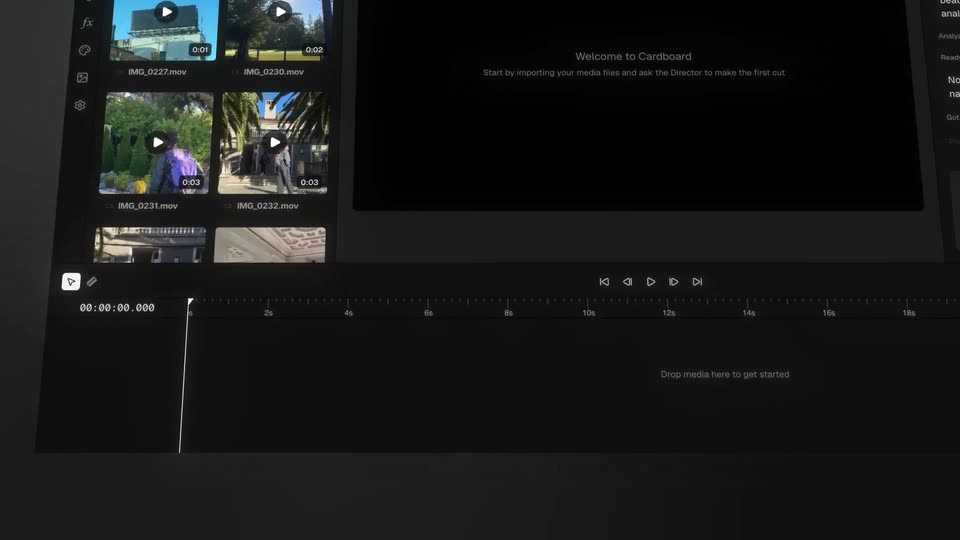
A dark editor interface crossfades from a tight crop of an agent analysis panel to the full window, revealing a grid of video clips on the left and a timeline below. A yellow caption, 'that lives in your browser,' fades out at the bottom.
On-screen text: “that lives in your browser.”
Camera: Static
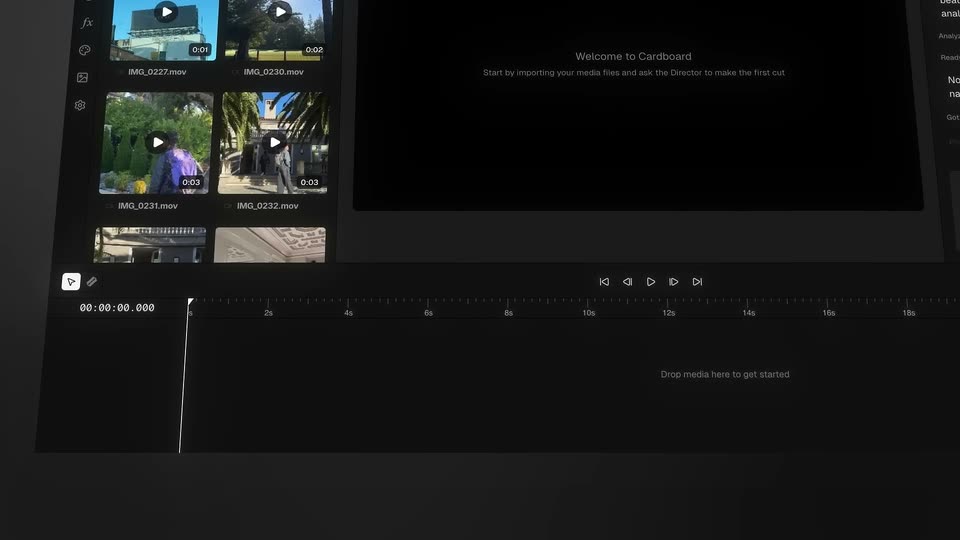
The Cardboard editor fills the frame, a clip library on the left and an empty timeline below. The view tracks right to expose an AI chat panel, while the caption you can literally fades in at the bottom.
On-screen text: “you can literally”
Techniques: UI zoom
Camera: Pan
A dark media library panel sits at a 3D angle while a cursor types “bench press” into the search field. Matching video thumbnails fill the grid as a yellow caption builds word by word along the bottom.
On-screen text: “search your”, “footage by description”, “in plain english”
Techniques: 3D mockup, Cursor demo, Kinetic type
Camera: Pull out
A dark AI editing interface opens on the top toolbar and a Director prompt box, then the view shifts down to a timeline with a green audio waveform and video thumbnails. A yellow caption reads a 60 second vlog at the bottom.
On-screen text: “a 60 second vlog.”
Techniques: UI zoom
Camera: Static
An angled video-editor interface shows a media bin of clip thumbnails and a green audio waveform on the timeline, while a yellow caption reads a 60 second vlog at the bottom.
On-screen text: “a 60 second vlog.”
Techniques: 3D mockup
Camera: Static
A dark video-editor interface in perspective updates as a purple captions track and a second audio track slide in above the video track; a small done. label sits below the timeline at first.
On-screen text: “done.”
Camera: Static
A dark video editor screen displays a prompt field typing out a request about changing the music, set above a timeline of purple clips. A white caption at the bottom reads the music, then doesn't hit.
On-screen text: “the music”, “doesn't hit.”
Techniques: Kinetic type
Camera: Static
A close-up of the AI chat panel zooms out to reveal the full video editor, with a captioned clip on the timeline and two green audio waveforms. A yellow caption builds word by word along the bottom edge.
On-screen text: “generate an original soundtrack”
Techniques: UI zoom, Kinetic type
Camera: Static
A dark video editor interface fills the frame: media thumbnails above, a timeline with purple caption clips and green audio waveforms below, playhead at zero. A cream serif line reads “fits your vibe.” at the bottom and fades out near the end as the view eases back slightly.
On-screen text: “fits your vibe.”
Camera: Static
A man in a dim room sits still as a translucent interface panel overlays the footage, its labels rendered mirrored. The panel shifts from a row of buttons to a centered value, and a large white 0.0 scales up across the frame while a cursor drifts at the lower left.
Techniques: Cursor demo, UI zoom
Camera: Push in
A man in a grey t-shirt sits in a dim room, smiling toward camera. A mirrored, translucent file-save dialog overlays his face, with a large dotted 0.0 scaling on his chest. The overlay fades out, revealing him plainly against a lamp and window.
On-screen text: “loniVsd tuO lanP”, “all osbiV B”, “0.0”, “EUTATE”, “Exbou”
Techniques: Masking
Camera: Push in
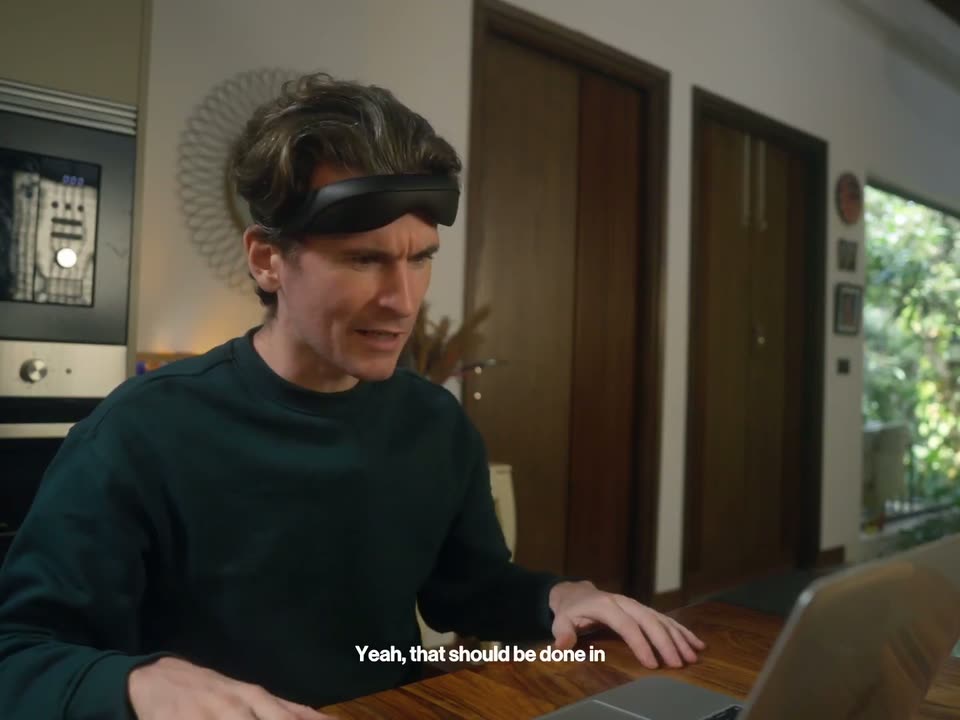
A man in a gray t-shirt sits at a wooden desk in a dim room, typing on a laptop under a glowing patterned lamp. He pauses and lifts both hands, palms open, as if explaining something. The camera slowly pushes in, tightening the frame on him.
Camera: Static
A radial bar spinner spins on black, then the Cardboard wordmark fades in beside it. The lockup fades out and the URL usecardboard.com appears centered, holding to the end. A small caption made with cardboard sits at the bottom throughout.
On-screen text: “made with cardboard”, “usecardboard.com”
Camera: Static