2:33
Explore
Kortix - Our Super AI Worker just landed in your pockets Out on all app sto
Kortix · Feb 2026 · 0:38 · Full motion · AI-annotated
- Length
- 0:38
- Scenes
- 15 · 2.5 s avg
- Product on screen
- 0:00
- Features shown
- 3
- Call to action
- 0:31 · 84%
- Voiceover
- Yes
- Views
- 6.6K on X
as of November 18, 2026
00:00:00 / 00:38:00
- Length
- 0:38
- Scenes
- 15 · 2.5 s avg
- Product on screen
- 0:00
- Features shown
- 3
- Call to action
- 0:31 · 84%
- Voiceover
- Yes
- Views
- 6.6K on X
as of November 18, 2026
Kortix’s 0:38 launch film runs 15 scenes, about 2.5 s each. The product is on screen from the first frame and 3 features are revealed. The call to action lands at 0:31 (84% in), over a voiceover. The video alternates clean white tagline cards with dark 3D phone mockups, each feature announced by a two-line promise and then shown as a chat prompt resolving into a finished output. Pacing tracks the ~96 BPM track with quick scale-in type, smooth camera tilts on the device, and the Kortix logo bookending both ends.
No filming indicatedEstimated needs: 2 capture groups — your screens or recordings · 1 official logo — reused across the film · 6 3D passages — build or supply
Is this your launch? to your site or press kit.
More like this

4:00
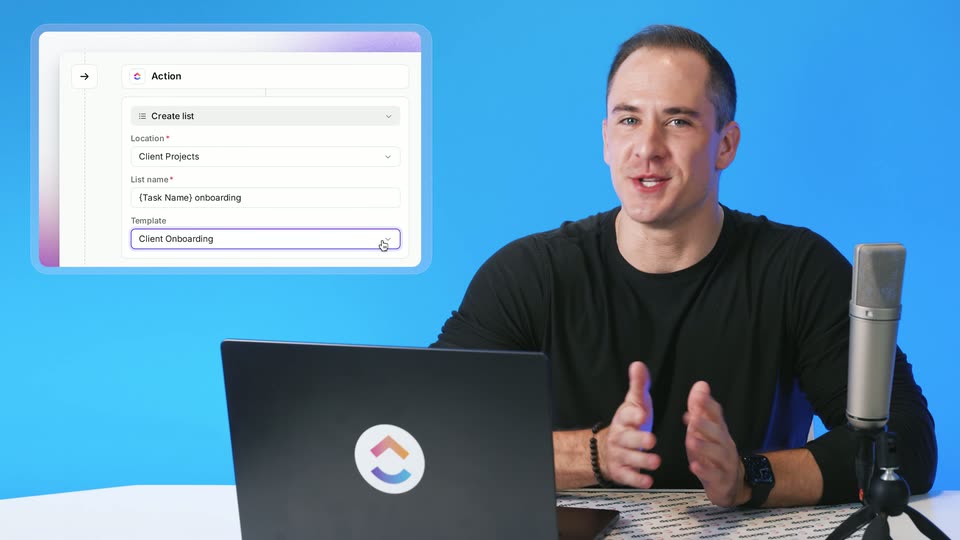

ClickUp Release 4.09: List Templates in Automations, Parent Task Date Sync, and more!
ClickUp · Productivity · Oct 2026
1:36


What’s New in Search
Google · AI · May 2026
Similar soundtrack
Films whose music sounds like this one, voice left out
1:00

BEST SaaS Brand Video Example | LangEase
LangEase · Electronic
0:45

Best AI SaaS Product Launch Video | AgentCloak
AgentCloak · Electronic
0:41

LTX.io - Introducing Brand Kit. A new enterprise feature in LTX Studio that l
LTX Studio · Lo-fi hip-hop, jazz fusion, and electronic
Kortix - Our Super AI Worker just landed in your pockets Out on all app sto, scene by scene
· 15 scenes as text
01 · Product intro · 0:00–0:02
A small black K mark holds center on a white field, then the Kortix wordmark forms beside it. The logo gives way to the tagline Super AI Worker, whose letters scale and fade in one by one.
On-screen text: “Kortix”, “Super AI Worker”
Techniques: Kinetic type
Camera: Static
02 · Product intro · 0:02–0:04
On a white background with a soft blurred ring, the headline “SuperAIWorker” scales in at center, then gives way to “In Your Pocket”, which scales in the same way. The frame stays locked off.
On-screen text: “SuperAIWorker”, “In Your Pocket”
Techniques: Kinetic type
Camera: Static
03 · Feature reveal · 0:04–0:05
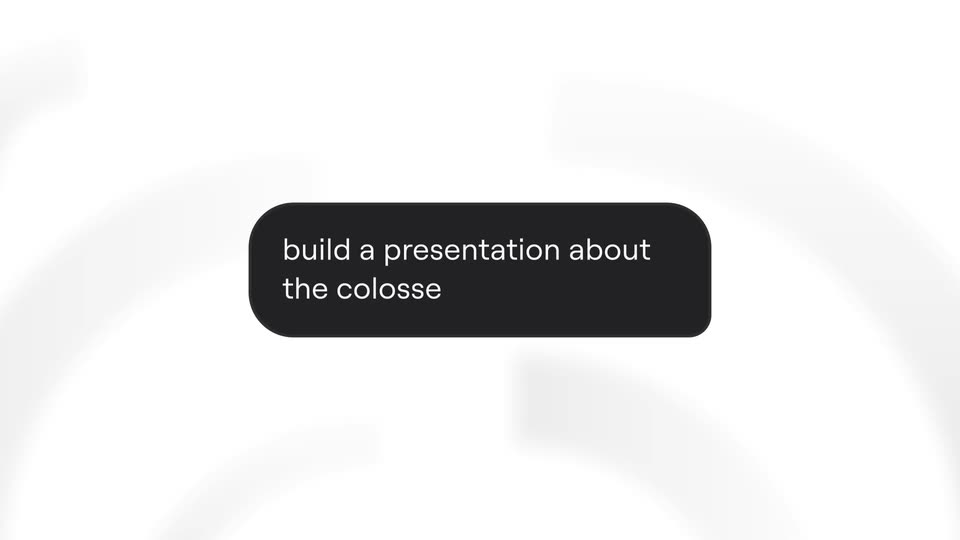
A black rounded prompt box is centered on a white background as the line “build a presentation about the colosseum” types out character by character in white, wrapping to a second line.
Techniques: Kinetic type
Camera: Static
04 · Feature reveal · 0:05–0:09
A dark iPhone in 3D perspective sits on black. A chat prompt reads 'build a presentation about the colosseum'; the AI status flips from 'Searching the web' to 'Done! Here's your final presentation.' as slide cards scroll in. The view tilts and reframes onto the slides.
Techniques: Morph, 3D mockup, UI zoom
Camera: Push in
05 · Feature reveal · 0:09–0:10
A tilted smartphone in 3D perspective shows a chat prompt and stacked presentation slides on a dark set. The device recedes and fades as a two-line white tagline, Complex data. Made simple., locks into the center of the frame.
On-screen text: “Complex data.”, “Made simple.”
Techniques: 3D mockup
Camera: Pull out
06 · Feature reveal · 0:10–0:11
A blurred dark phone mockup fades out behind a centered two-line headline. The text stays still on a near-black background in a locked-off frame.
On-screen text: “Complex data.”, “Made simple.”
Camera: Static
07 · Feature reveal · 0:11–0:16
A tilted smartphone screen in 3D perspective shows a dark chat app. The prompt is typed into the input field, then the camera reframes to the reply text and three status pills that slide in and stack: Researching data, Confirming data, Creating file.
Techniques: 3D mockup, UI zoom
Camera: Pan
08 · Feature reveal · 0:16–0:17
A phone screen shows an AI chat where status lines slide in, then a white Sales Dashboard card with metrics and two charts slides up into view beneath a Preview button.
Camera: Pull out
09 · Feature reveal · 0:17–0:20
Centered on a near-black field, the white line “Any image.” holds still as “One sentence.” fades in below it in dim gray. A faint dark phone silhouette rises at the bottom edge.
On-screen text: “Any image.”, “One sentence.”
Techniques: Kinetic type
Camera: Static
10 · Feature reveal · 0:20–0:25
A tilted phone mockup on a black background shows a dark chat interface. A prompt bubble reads 'create an image of a cherry blossom tree', then a 'Generating image' chip appears and a pink cherry blossom photo slides in as the camera pushes in.
On-screen text: “Any image.”
Techniques: 3D mockup, UI zoom
Camera: Pull out
11 · Feature reveal · 0:25–0:28
A tilted phone in 3D perspective fills the frame, showing a dark chat feed. A message bubble fades in, a Generating video pill appears beneath the Super Worker label, and the feed scrolls up to reveal a pink cherry blossom image with a Preview button.
Techniques: 3D mockup, UI zoom
Camera: Pull out
12 · Feature reveal · 0:28–0:29
A dark tablet stands in 3D perspective against black as the camera pulls back from a close-up of its top bar. On the screen, a pink cherry blossom tree image zooms out from a tight crop of petals to the full tree under a header with a Preview button.
Techniques: 3D mockup, UI zoom
Camera: Pull out
13 · Other · 0:29–0:31
A rounded app icon and two stacked words on a dark background cycle through labels. The icon swaps from a yellow slide glyph to a pink document glyph as “Slides” and “Research” sharpen from blur, then “Records” and “Exploration” take over, ending on a white flash revealing “Download”.
On-screen text: “Slides”, “Research”, “Records”, “Exploration”, “Download”
Techniques: Kinetic type
Camera: Static
14 · CTA · 0:31–0:35
The black “Download Now” headline is revealed through a white mask, then two black App Store and Google Play badges scale in side by side. The badges shrink and move down as the Kortix logo, an X mark over the wordmark, appears centered above them.
On-screen text: “Download Now”, “Download on the App Store”, “GET IT ON Google Play”, “Kortix”
Techniques: Masking
Camera: Static
15 · Outro · 0:35–0:38
On a black field, the white Kortix wordmark holds still at center while the Google Play and App Store badges scale in from small to full size beside it.
On-screen text: “GET IT ON”, “Google Play”, “Download on the”, “App Store”, “Kortix”
Techniques: Kinetic type
Camera: Static