0:30

High-Converting AI GTM Workflow Launch Video | Orange Slice
Orange Slice · Oct 2026
Unifold · Feb 2026 · 0:55 · Full motion · AI-annotated
Unifold’s 0:55 launch film runs 33 scenes, about 1.7 s each. The product is on screen from the first frame. The call to action lands at 0:53 (96% in). The video opens on the Unifold logo, poses a wallet mismatch problem, then walks the deposit flow step by step across desktop and mobile UI with stacked black caption boxes. Its signature moves are fast blur zoom transitions between interface states, a white hand cursor, and a 3D phone mockup that flips to close.
Is this your launch? to your site or press kit.
Orange Slice · Oct 2026
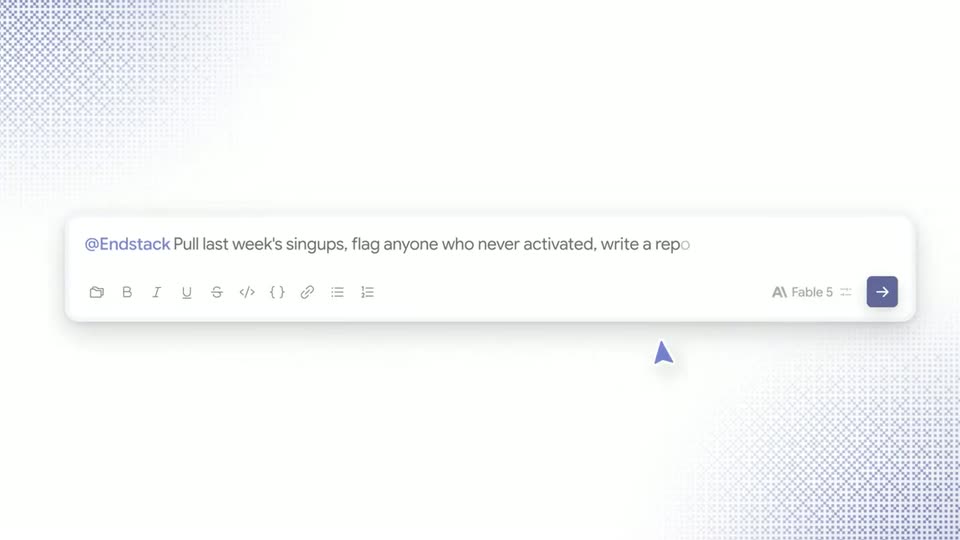
Endstack · B2B · Aug 2026
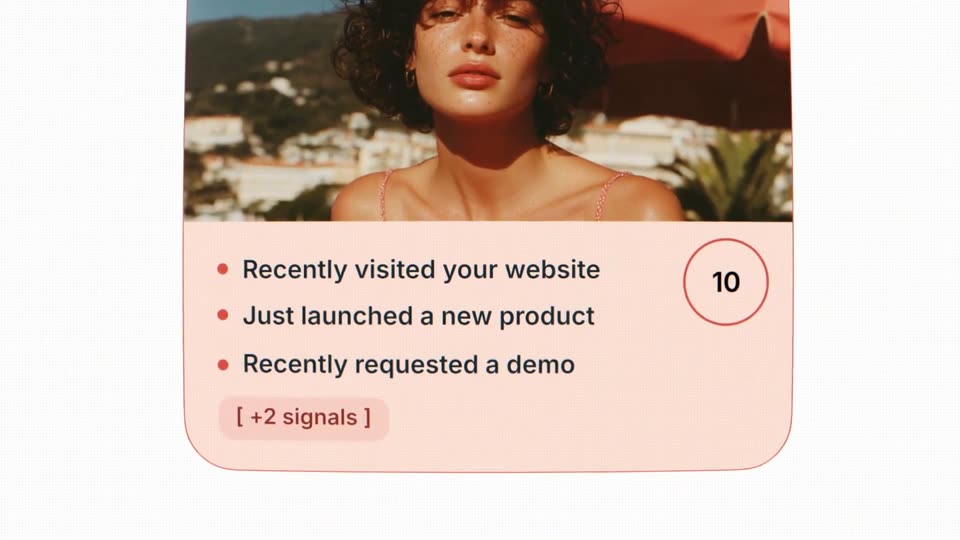
Gojiberry · Oct 2026
Films whose music sounds like this one, voice left out
TectoAI · Electronic, Corporate
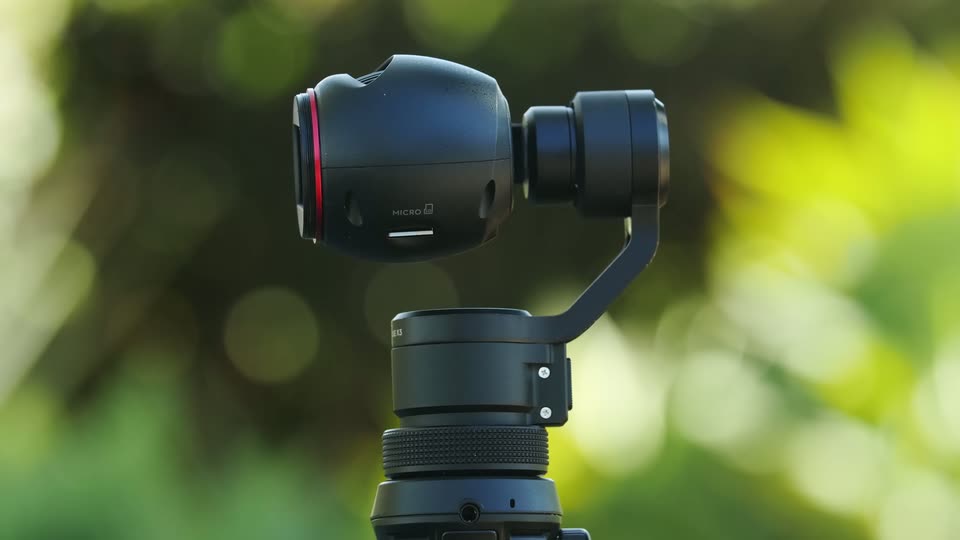
DJI · Cinematic electronic
ProvenMetal · Synth-pop, electronic, and rock
A blue U logomark and the gray word Unifold blur into sharp focus at center on a light gray field, the mark drifting slightly upward as it settles.
Camera: Static
A blue U mark scales into place above the word Unifold on a white field, both fading from pale to solid. A small gray tagline fades in at the bottom.
On-screen text: “Accept crypto payments”
Camera: Static
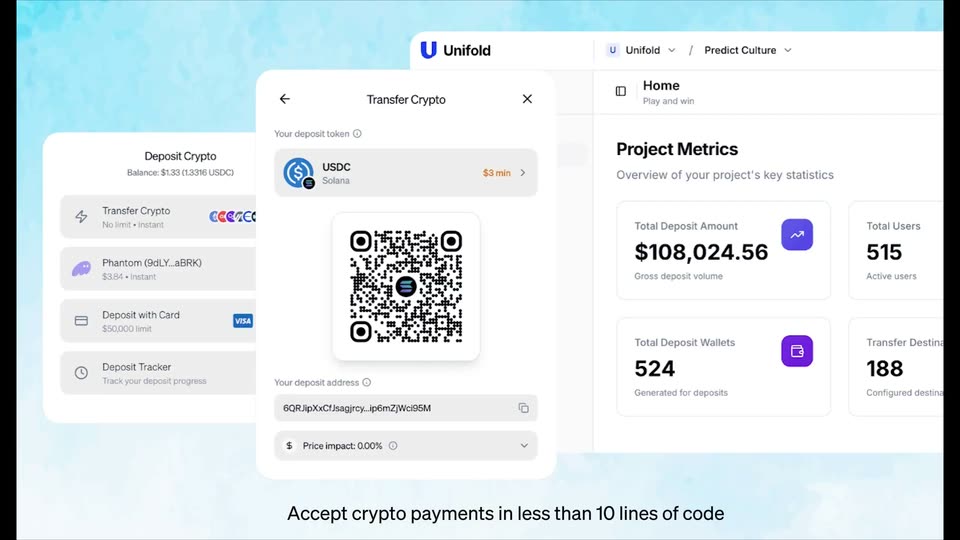
Three Unifold interface cards, a Deposit Crypto list, a Transfer Crypto QR modal and a Project Metrics dashboard, float over a light blue water texture. The cards drift and reposition into a new row while a black caption stays fixed at the bottom.
On-screen text: “Accept crypto payments in less than 10 lines of code”
Techniques: Parallax
Camera: Static
A screen recording zooms from the full Alpha Arcade market list into a single Seahawks versus Patriots card, then into its trading panel. A white caption box states the USDCa requirement while a cursor hovers over the amount buttons.
On-screen text: “Alpha Arcade requires you to”, “have USDCa in order to trade.”
Techniques: UI zoom, Cursor demo
Camera: Push in
A white caption box asks what to do with Ethereum in a Phantom wallet over a dark trading UI. A number is typed, the Buy SEA button swaps to a purple Deposit button, then a fast blur swipe lands on a Deposit USDC modal as a hand cursor clicks.
On-screen text: “You only have Ethereum in your Phantom wallet, now what?”
Techniques: Cursor demo, UI zoom
Camera: Pan
On a dark sports-betting screen, a hand cursor taps Transfer Crypto inside the deposit modal, and the panel swaps to a QR code with a wallet address. A bold white caption slides up at the lower left.
On-screen text: “No worries!”
Techniques: Cursor demo
Camera: Static
A dark betting app screen with an open Transfer Crypto modal showing a QR code and deposit address. A cursor opens the chain dropdown, picks Ethereum, and the QR and address update. White caption boxes at lower left read No worries! and Deposit your Ethereum with us.
On-screen text: “No worries!”, “Deposit your Ethereum with us.”
Techniques: Cursor demo
Camera: Static
A dark crypto betting interface shows a Transfer Crypto modal with a QR code and a hand cursor. A status pill flips from Deposit processing to Deposit completed, then the frame zooms out to reveal the full dashboard with a green Buy SEA button.
Techniques: Cursor demo, UI zoom
Camera: Pull out
A dark prediction-market interface fills the frame as a cursor glides to the Deposit button in the top right. A two-line black headline on white highlight boxes slides up from the bottom edge.
On-screen text: “We'll deliver you USDCa directly into your wallet ready to trade.”
Techniques: Kinetic type, Cursor demo
Camera: Static
A dark browser window shows the Alpha Arcade wallet and a Seahawks vs. Patriots market panel. A hand cursor glides to the magenta Deposit button while the view zooms into the top-right header. A two-line white caption rests at lower left.
On-screen text: “We’ll deliver you USDCa directly into your wallet ready to trade.”
Techniques: UI zoom, Cursor demo
Camera: Static
A dark interface list scrolls rapidly with heavy motion blur, a white cursor hovers mid-screen and a purple button sits at the top right as rows flash past.
Techniques: Cursor demo, Speed ramp
Camera: Static
A dark Deposit Crypto panel sits on a white background, its list of options sharpening in. A hand cursor glides in from the left and taps the Phantom wallet row, which fills in with its balance. A caption bar appears at the lower left.
On-screen text: “Directly interact with your connected browser wallet.”
Techniques: Cursor demo
Camera: Pull out
A dark deposit modal lists wallet options on a light background. A white hand cursor taps the Phantom row, and the view switches to a Select Token screen showing a loading spinner. A two-line caption box sits at the lower left.
On-screen text: “Directly interact with your connected browser wallet.”
Techniques: Cursor demo
Camera: Static
A dark Select Token panel sits on a white background; a white hand cursor glides to the SOL row as a loading spinner fades, while a two-line caption wipes out from the lower left.
On-screen text: “Directly interact with your connected browser wallet.”
Techniques: Cursor demo
Camera: Static
A dark mobile token selector lists USDC and SOL rows; a hand cursor taps SOL, the view switches to an amount entry screen, and the cursor taps a blue button. A white caption on black bars sits at the bottom left.
On-screen text: “You won’t need to do copy & paste the deposit intent address.”
Techniques: Cursor demo
Camera: Pull out
A dark deposit modal sits on a white field. The amount field counts up from 0 to 3.1 while a hand cursor hovers the blue Review button. Black caption boxes stack at the lower left, first about skipping copy and paste, then about entering an amount.
On-screen text: “You won’t need to do copy & paste”, “the deposit intent address.”, “Enter an amount”, “to deposit.”
Techniques: Cursor demo
Camera: Static
A dark transaction review card sits centered on a white field, showing a price, wallet rows and a blue Confirm Order button. A white hand cursor glides up from the bottom edge and rests on the button.
Techniques: Cursor demo
Camera: Static
A dark transaction card sits on a white field. A hand cursor taps the blue Confirm Order button, and the card switches to a spinner with a waiting message. A white caption on black boxes builds up at the lower left.
On-screen text: “Sign & approve from your connected browser wallet.”
Techniques: Cursor demo, Kinetic type
Camera: Static
A browser window shows a white page left and a dark wallet confirmation panel right, the panel sliding into sharp focus as a hand cursor hovers the Confirm button. A black caption box in the lower left carries the sign-off line.
On-screen text: “Sign & approve from your connected browser wallet.”
Techniques: UI zoom, Cursor demo
Camera: Pull out
A dark transaction card snaps into focus on a white background as a black caption bar reading “Sign & approve from your connected browser wallet.” slides away. A cursor arrow hovers at the card's right edge while the blue checkmark and “Transaction Submitted” text hold still.
On-screen text: “Sign & approve from your connected browser wallet.”
Camera: Static
A dark confirmation modal is centered on a white field, showing a blue checkmark ring above a submitted message. A white deposit banner along the bottom flips from processing to completed, gaining a green check, while a cursor glides over the card.
Techniques: Cursor demo
Camera: Static
A dark deposit-details card floats centered on a white background. On the left, white text on black highlight boxes stacks in line by line. The card then dims to translucent and a cursor arrow drops to its lower edge.
On-screen text: “We'll send you the correct token directly to your wallet.”
Techniques: Kinetic type, Cursor demo
Camera: Static
A black notched smartphone floats at a slight angle on a white backdrop, its screen blank white. The frame slowly pulls back to center the device's top, a soft shadow trailing to the right.
Techniques: 3D mockup
Camera: Static
A white smartphone mockup sits centered on a plain white background. Its screen fades to gray and shows the VERO logo, while white text on black boxes, 'We also support deposits,' stacks in at the left above a drawn black line.
On-screen text: “We also support deposits”
Techniques: Kinetic type
Camera: Static
A dark phone mockup sits at an angle on a white background, its screen shifting from a loading logo to a feed of prediction cards. On the left, white headline text on black highlight boxes wipes in line by line.
On-screen text: “We also support deposits natively on mobile platforms.”
Techniques: 3D mockup, Kinetic type, Masking
Camera: Static
A phone mockup floats on a light background, tilted in 3D, showing a dark feed of news and betting cards. It rotates to face the camera flat as the screen switches to a wallet page with a balance and action buttons.
Techniques: 3D mockup
Camera: Static
A dark phone mockup in 3D perspective turns from an angled view to face the camera as the frame zooms onto the lower half, holding the balance card and the Deposit Crypto sheet. The Withdraw button slides into place.
Techniques: 3D mockup, UI zoom
Camera: Push in
A dark phone mockup sits at an angle on a white background, showing a Deposit Crypto panel with three rows. A four-pointed star pops in near the center while white caption lines on dark tags build up at the lower right.
On-screen text: “Copy and paste”, “the deposit”, “intent address.”
Techniques: 3D mockup
Camera: Static
A tilted phone mockup on a light gray backdrop shows a dark deposit screen with a QR code and address field. Black caption boxes slide in on the right, then a green Copied tag pops in and a second caption enters at the lower left.
On-screen text: “Copy and paste the deposit intent address.”, “Enter and confirm”
Techniques: 3D mockup, Kinetic type
Camera: Static
A phone mockup with a dark crypto transfer screen sits centered on white, showing a QR code and a Deposit Complete confirmation. Black caption boxes with white text slide in from the left, then a second set slides in from the right.
On-screen text: “Enter and confirm the amount you want to deposit.”, “We'll handle the rest and send you the intended token to your wallet on the app.”
Techniques: 3D mockup, Kinetic type
Camera: Pull out
A phone mockup sits on the left showing a crypto app with a QR code and a deposit-complete confirmation. To the right, stacked black blocks hold white text stating the transfer promise. The composition stays static across the clip.
On-screen text: “We'll handle the rest and send you the intended token to your wallet on the app.”
Camera: Static
A dark smartphone mockup sits centered on a white background, its screen showing a crypto transfer view with a QR code and a deposit confirmation. The device then flips horizontally, the interface blurring with motion as it turns.
Techniques: 3D mockup
Camera: Static
A blue U mark sits centered on a white field with the black wordmark Unifold below it. The blue URL unifold.io fades in underneath. The background then turns gray and fades to black, dimming the lockup as the sign-off ends.
On-screen text: “Unifold”, “unifold.io”
Camera: Static