1:14
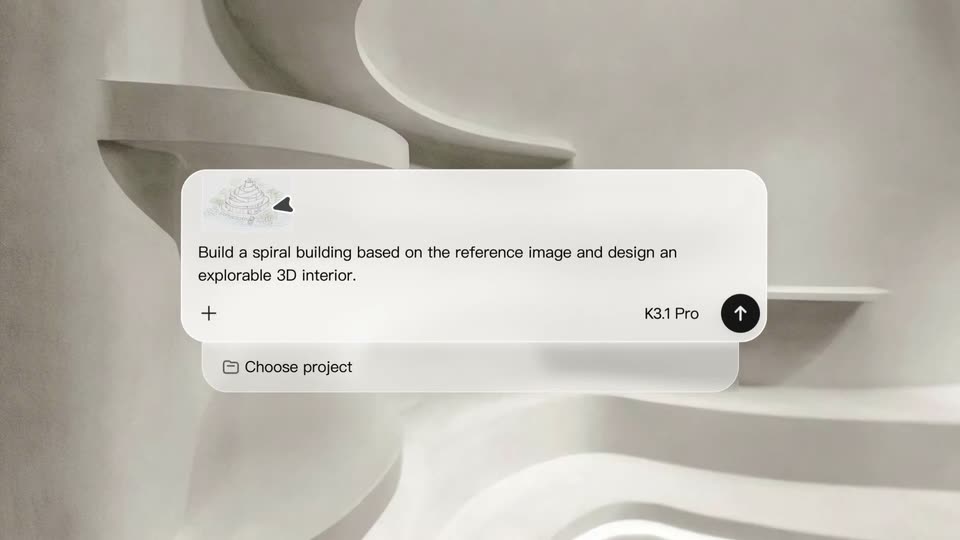
Kimi.ai - Introducing 3D Make in Kimi. Kimi connects to tools like Blender and
Moonshot AI · Oct 2026
Google’s 1:53 launch film runs 35 scenes, about 3.2 s each. The product shows up at 0:02 and 1 feature is revealed. There is no explicit call to action. The video alternates plain text cards with floating phone UI cards, using blur fades, zooms, and pastel highlight bars to trace a query from input to answer. Keep pacing brisk with short cuts, white space, and a recurring rainbow glow to mark the personalized interface.
Is this your launch? to your site or press kit.
Moonshot AI · Oct 2026
Replit · Developer tools · Apr 2026
Films whose music sounds like this one, voice left out
Perplexity · Ambient electronic
Manus · Modern electronic, cinematic
A centered headline on a white background fades in to full black, the word helpful carrying a shifting rainbow gradient, then the line dissolves out leaving helpful behind.
On-screen text: “Search just got even more helpful”
Camera: Static
A white phone mockup showing the Google search screen sits tilted in 3D against a pale background, then rotates to face the camera. A soft blue, green and pink glow rims the device. The screen holds the Google logo, a search bar and an AI Mode pill.
On-screen text: “Sequences shortened and results for illustrative purposes throughout. Screen images simulated.”
Techniques: 3D mockup
Camera: Static
A front-facing phone mockup of the Google app sits centered on white, backed by a soft blue, pink and yellow glow. The device scales up as the screen crossfades from the Google home view to a personalized greeting. A small gray disclaimer caption sits at the bottom.
On-screen text: “Sequences shortened and results for illustrative purposes throughout. Screen images simulated.”
Camera: Static
A flat phone mockup sits centered on a white background, showing the Gemini home screen with a greeting and an input field above a keyboard. A soft rainbow gradient glows around the device edges and shifts color slowly.
On-screen text: “Sequences shown are illustrative and may not represent actual use cases. Screen images simulated.”
Camera: Static
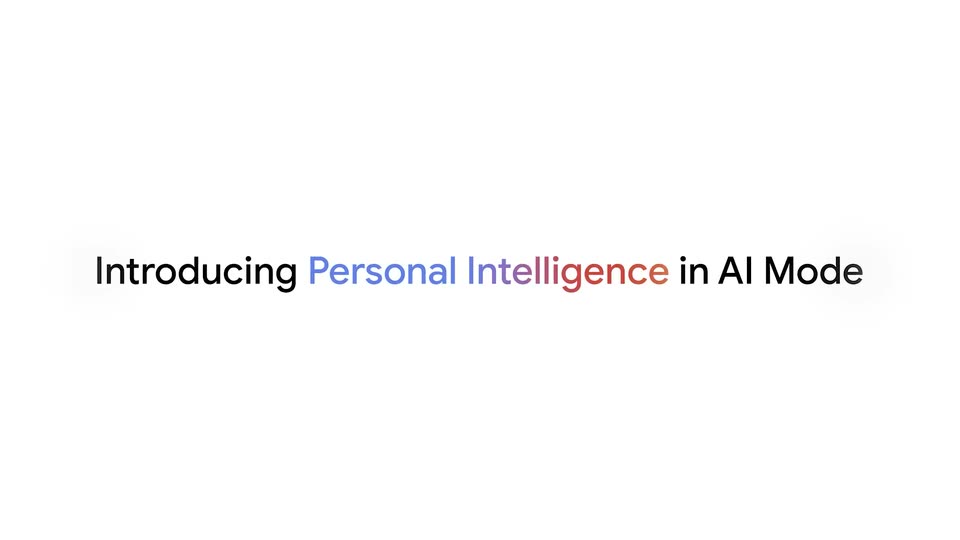
On a plain white background, a single line of text fades in from a soft blur. 'Introducing' and 'in AI Mode' are dark gray, while 'Personal Intelligence' carries a purple-to-orange gradient. The line holds, then dissolves back into a blur.
On-screen text: “Introducing Personal Intelligence in AI Mode”
Camera: Static
On a white background, a centered headline reads 'A Search experience that's uniquely yours', the first part in dark gray and the last two words in blue and orange. The line fades in, holds, then fades out.
On-screen text: “A Search experience that's uniquely yours”
Camera: Static
A white rounded phone card with the Google logo and a greeting fades in over a soft blue and green glow on a plain background. The frame then zooms into the input box while a query about late-night restaurants types out character by character.
On-screen text: “ASK”, “ANSWERS”
Techniques: UI zoom
Camera: Push in
A single sentence fades in with a soft blur on a white background, the word “intelligently” lettered in Google’s multicolor gradient. The line holds, then slides left and exits the frame.
On-screen text: “It intelligently works across your Google apps”
Techniques: Kinetic type
Camera: Static
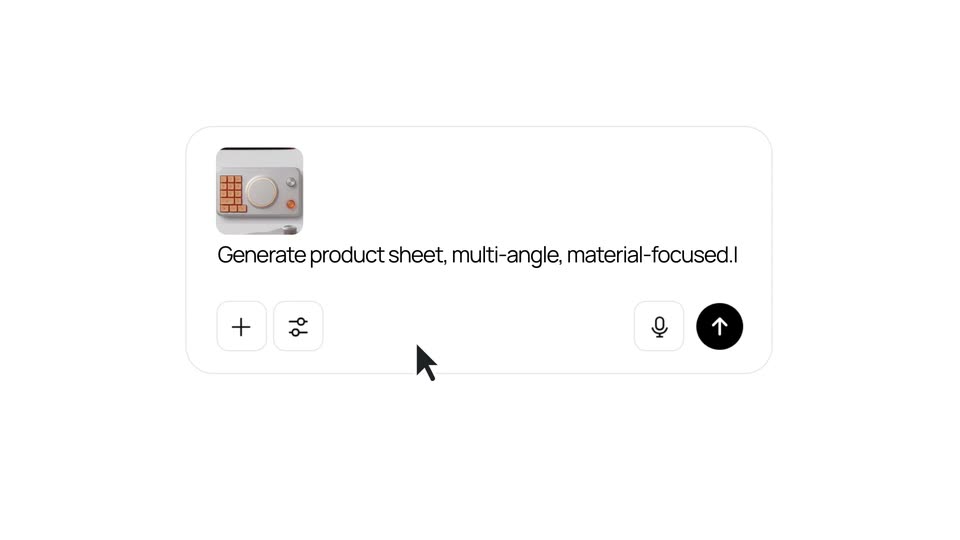
A centered light-gray chat input card sits on white. The prompt's final words slide in, leaving a blinking caret, while plus, microphone, camera, and blue send icons stay still below.
Camera: Static
A dark rounded prompt box with a glowing rainbow border floats on black, filled with a typed restaurant query and a row of plus, mic, camera and blue send icons. The box then tilts into 3D perspective, rotating around its vertical axis while the border light shifts.
Techniques: 3D mockup
Camera: Static
A cascade of glowing UI cards floats in 3D perspective on black. The front card shows a typed restaurant prompt with a blue send button; behind it, share, invitation, photo, and flight cards recede and spread apart as the camera drifts forward.
Techniques: 3D mockup, Parallax
Camera: Push in
A dark rounded prompt card with a glowing rainbow border eases from a tilted 3D angle, with a blue card behind it, into a flat centered view. The query text and a row of plus, mic, camera and blue send icons stay locked off as the card settles.
Techniques: 3D mockup
Camera: Static
A centered line of white text fades in on a dark navy background, holds, then fades out. The word “tailored” is tinted with a rainbow gradient while the rest of the line stays white. The frame is locked off with no camera movement.
On-screen text: “to create more tailored responses”
Camera: Static
A white Google search card with a soft rainbow glow sits on a plain background. A status line below the query bubble cycles through Thinking, Checking Connected Apps, Applying Personal Intelligence, and Searching with small app icons, then the view zooms into the answer text.
Techniques: UI zoom
Camera: Push in
Close-up of a chat answer with a collapsed prompt bubble and a '5 sites' chip on white. The view slowly zooms down the paragraph as pastel highlight boxes pop in behind key words ('your flight', 'Airport', 'casual', 'restaurants', 'open') while the surrounding text fades to light gray.
Techniques: UI zoom, Kinetic type
Camera: Push in
Three lines of text sit on white; the middle line in black is backed by a highlight bar that grows and shifts from yellow to pink, while the gray lines above and below slide horizontally and stay cropped at the left edge.
On-screen text: “ne casual”, “all open past 9:30”, “nough of a travel”
Techniques: Kinetic type
Camera: Static
A vertical list of restaurant recommendation cards scrolls upward behind oversized black sans-serif text that slides and scales across the frame, centering the line “open past 9:30”.
On-screen text: “ne casual”, “all open past 9:30”, “nough of a travel”
Techniques: Kinetic type
Camera: Pan
A restaurant recommendation list scrolls up, settling on the Eclipse card as a gray highlight bar sweeps across its description. The view then zooms in on the closing question, “Would you like any other meals nearby.”
Techniques: UI zoom
Camera: Push in
A large gray paragraph scrolls left across a white background while a rounded highlight bar, blue then green then pink, holds the passing words in black. The highlight's right edge eases outward and its color shifts as the lines tick by.
On-screen text: “Would you like any other recommendations for other meals nearby, like fastfood or breakfast or brunch, or a place to grab a coffee?”
Techniques: Kinetic type, Masking
Camera: Pan
The text Your plans fades in on a plain white background. The word Your is solid black, while plans resolves from a blur into a purple and orange gradient.
On-screen text: “Your plans”
Techniques: Kinetic type
Camera: Static
On a plain white background, the black word 'Your' stays fixed while the next word cycles from 'plans' to 'preferences' to 'personal favorites', each set in a multicolor gradient that dissolves into the following phrase.
On-screen text: “Your plans”, “Your preferences”, “Your personal favorites”
Techniques: Kinetic type
Camera: Static
A white Google app card with a soft rainbow glow is centered on a pale background. The greeting “Hi Lukas, what’s on your mind?” fades in, then a search field slides up from the bottom and a long query about coat colors is typed out above a keyboard.
Techniques: Cursor demo
Camera: Pull out
A Google AI Mode card on a white field with a soft glow. Its status line cycles from Checking Connected Apps to Searching, then the answer fills in. A Gmail card slides up and the frame zooms into it, the flight line turning green.
Techniques: UI zoom
Camera: Push in
A shopping assistant screen shows the headline “Warm and waterproof” above a product card; both fade out while soft yellow and green highlights sweep behind the message text. The view then zooms in on the sentence about the river cruise.
Techniques: UI zoom
Camera: Static
Close-up of a white Miro board. Large gray sans-serif lines read partially as 'These insulated', 'for your Archite' and '24.' with a small circular M logo. The text block slides right and fades to light gray while a small card with a blue-purple edge and a pink marker slides in from the left.
On-screen text: “These insulated coats will be especially good”, “24.M”
Techniques: Kinetic type
Camera: Pan
Three lines of large sans-serif text scroll left across a white background. A rounded highlight bar, yellow then pink, sweeps along the middle line, turning the words black as it passes, while the date line holds at the bottom.
On-screen text: “These insulated coats will be especially good”, “for your Architecture River Cruise on”, “24.24.”
Techniques: Kinetic type, Masking
Camera: Pan
A close-up of two lines of text on a plain white background. The bold black phrase 'River Cruise' sits on a rounded highlight that shifts from pale blue to peach, while the surrounding gray text stays still.
On-screen text: “These insulated coats will be especially good”, “ure River Cruise on”
Camera: Static
Centered on a white background, the line “All under your control” holds still. The first half stays black while the second half shifts from a pale pastel gradient to a saturated blue, purple and red fill.
On-screen text: “All under your control”
Camera: Static
On a white background, the gray headline blurs and fades out as a Gmail icon and a Calendar icon pop in at the bottom center above a soft blue glow.
On-screen text: “All under your control”
Camera: Static
A circular portrait of a woman speaking sits center on white, ringed by a soft rainbow glow. White rounded tiles holding Gmail, Calendar, Drive, and Photos icons drift around her, with the calendar showing 31.
Camera: Pull out
A white card with a soft rainbow glow holds a circular headshot of a woman; Gmail, Calendar, Drive and Photos tiles float around it, then converge into the photo and vanish. The heading switches from 'Connecting your apps' to 'Your apps are connected' as both rows gain green checkmarks.
Camera: Static
A rounded search card with a rotating rainbow border sits in sharp focus over a field of blurred prompt cards. Inside, prompt text types out character by character, then the card swaps to a new prompt and types again, repeating through three examples.
Techniques: Kinetic type
Camera: Push in
A sharp search input box holding a typed fashion query sits centered, ringed by blurred floating input boxes; it softens out of focus as the line 'An all new Search experience' fades in on a white field.
On-screen text: “An all new Search experience”
Camera: Static
A plain white card holds the line “An all new Search experience”, its last word in a shifting multicolor gradient; the line blurs and fades away. Then “that gets you” appears the same way, and a blue-green arc flashes above it as it dissolves.
On-screen text: “An all new Search experience”, “that gets you”
Techniques: Kinetic type
Camera: Static
A small multicolored Google G logo sits centered on a plain off-white background. The mark holds its size and position, static for the entire clip.
Camera: Static