1:20
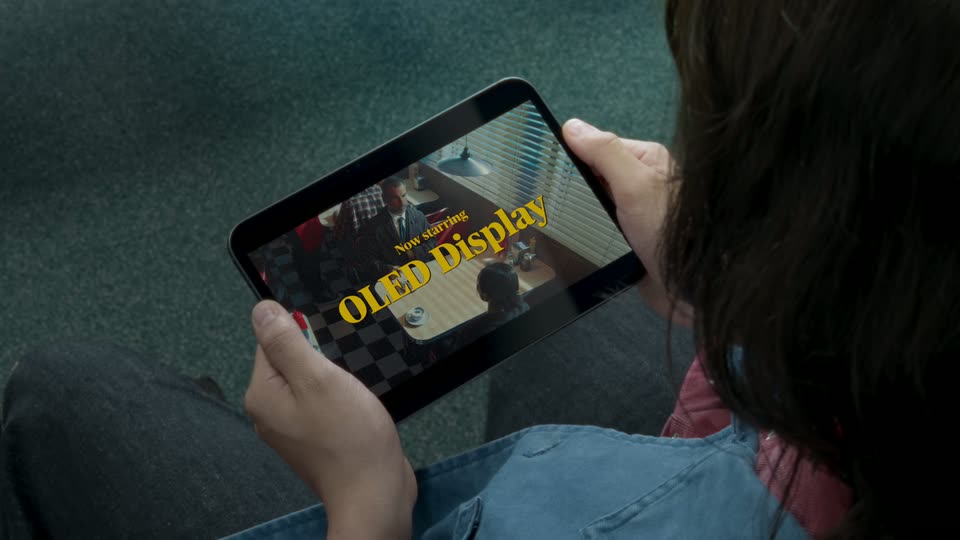

Introducing the new iPad mini with OLED display
Apple · Hardware · Oct 2026
Claude’s 0:53 launch film runs 24 scenes, about 2.2 s each. The product shows up at 0:04 and 4 features are revealed. There is no explicit call to action. The video is one continuous chat thread where each typed user prompt triggers an assistant card that condenses into a live app window, giving every integration the same beat of prompt, card, spinner, and zoom. Its signature moves are letter-by-letter serif captions, soft push-ins on the input field, and the orange starburst that opens and closes every assistant turn.
Is this your launch? to your site or press kit.
Apple · Hardware · Oct 2026
Aero Sentinel · Nov 2026
Off-white triangles, squares, circles and diamonds assemble into a grid at the center of a beige field. A hand-drawn black line strokes itself across them, growing from a small arc into a horizontal line with branching node dots. The shapes then fade, leaving the diagram.
Techniques: Morph
Camera: Static
A white hand-drawn blob with two dots and a cursor sits on a beige panel, then it condenses into a rounded prompt bar under the serif headline “What’s new, Jared?”. A cursor hovers the red send button while the prompt “I’m meeting with Conor today about the dashboard” types itself into the field.
On-screen text: “What's new, Jared?”, “I'm meeting with Conor today about the dashboard”
Techniques: Cursor demo, Morph, Kinetic type
Camera: Static
A white prompt box below the headline “What’s new, Jared?” fills with typed text and grows taller. The camera zooms into the box as a hand cursor presses the red send button.
On-screen text: “What's new, Jared?”
Techniques: Cursor demo, UI zoom
Camera: Push in
A tight close-up of a chat input with a cursor beside the send button zooms out to reveal the full message card, then the card fades as the reply text types out on a cream background with a small orange sparkle icon.
Techniques: Cursor demo, UI zoom, Kinetic type
Camera: Static
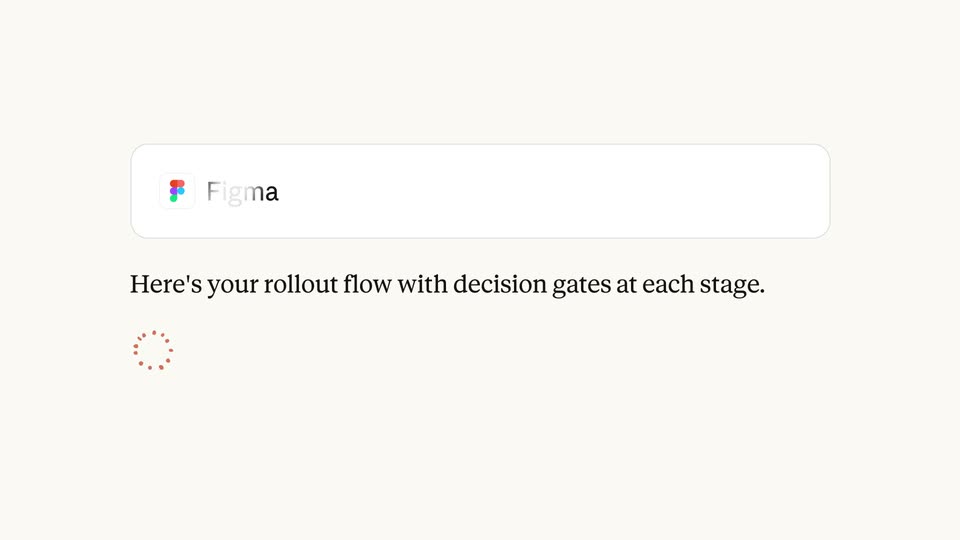
A white Figma file card with its colorful logo fades in on a cream background, a small pink loading spinner spins below it, and a single line of caption text slides in beneath the card.
On-screen text: “Here's your rollout flow with decision gates at each stage.”
Techniques: Kinetic type
Camera: Static
A cream card holding the Figma wordmark, a serif caption and a red asterisk slides out, unfolding into a Figma window. The dotted canvas reveals a color-coded rollout flowchart with purple, blue and faded yellow nodes.
On-screen text: “Here's your rollout flow with decision gates at each stage.”
Techniques: Morph
Camera: Static
A Figma canvas displays a deployment flowchart of purple, blue, yellow and green boxes linked by arrows. A cursor sits at the lower right by the zoom controls, then shifts to a hand icon. The diagram stays static.
Techniques: Cursor demo
Camera: Static
A Figma canvas displays a deployment flowchart with purple, blue, yellow and green boxes linked by arrows on a dotted grid. A hand cursor rests on the plus zoom control at the bottom right. The view holds still.
Camera: Static
A Figma canvas shows a deployment flowchart of colored boxes and arrows. The view starts zoomed in on the blue and yellow columns, then a cursor hits the zoom control and the canvas zooms out to reveal the whole window with the Figma header and left toolbar.
Techniques: Cursor demo, UI zoom
Camera: Pull out
A Figma window holding a colored deployment flowchart slides left across a beige backdrop while the diagram inside pans slower, revealing the Prep and QA sign-off nodes on the left. A cursor icon hovers at the top right corner at the start.
Techniques: Parallax
Camera: Static
A screen showing a Figma rollout flowchart and body text zooms down to the reply input, where a typed message fills the box and the cursor rests on the orange send button.
Techniques: UI zoom, Cursor demo
Camera: Push in
A chat interface with a reply field and model selector clears to a cream panel. The brand starburst logo sits below a line of serif text that types out letter by letter, reading 'Here's the engagement trend.' The frame stays locked off as the sentence completes.
Techniques: Kinetic type
Camera: Static
A white rounded card holding the blue Amplitude logo and wordmark sits on a cream background, with a salmon dot spinner turning below it. A serif caption reads out word by word beneath the card as the loader spins.
On-screen text: “Here's the engagement trend. The stagi”
Camera: Static
A chat card loads an Amplitude line chart. A dotted spinner spins, then the chart draws two trend lines over a weekly axis while the message text types in below. The card settles into place.
Camera: Pull out
A dashboard showing a line chart of user engagement zooms in on the graph, then a cursor clicks the chart-type dropdown and hovers over the Bar chart option.
Techniques: UI zoom, Cursor demo
Camera: Push in
A rounded chat input box sits on a cream background as a message types itself out word by word behind a blinking caret. An orange arrow button rests at the right edge of the field.
Techniques: Cursor demo
Camera: Static
A white chat card on a cream background holds a two-line message. A hand cursor taps the orange send button, the card collapses into a thin line with a small spinner, then a new reply line streams in word by word at the left.
Techniques: Cursor demo, Morph, Kinetic type
Camera: Static
On a cream background, the serif line Done! sits at left above a small orange starburst. The line extends word by word to announce the new Rollout section while a white Asana card with its dot logo slides in from the top.
On-screen text: “Done!”, “I've added a Rollout section with tasks for each”
Techniques: Kinetic type
Camera: Static
A bold serif caption under an Asana card slides in, the view widens to the full app screen, then zooms into the Rollout task list where a hand cursor clicks the QA Sign off row and its check turns green.
On-screen text: “Done! I've added a Rollout section with tasks for each deployment stage. Priya owns the technical steps, David has the announcement.”
Techniques: UI zoom, Cursor demo
Camera: Push in
A rounded chat input sits on a cream field, filled with a typed prompt, a plus icon at left and an Opus 4.5 tag beside an orange send button. A hand cursor rests on the send button while a black arrow pointer vanishes below it.
Techniques: Cursor demo
Camera: Static
A white input card holds a typed prompt with a model label and a red send button; a hand cursor clicks the button, the card fades out, and a serif line types out beneath it beside a growing orange asterisk logo.
On-screen text: “Here's a draft for Conor”
Techniques: Cursor demo
Camera: Static
A serif caption sits under a Slack draft card assembling over cream, a dotted loader spinning. The card expands into a full message UI as the body types out. The view zooms in, the last line is selected and retyped, then pulls back with a cursor on Send.
On-screen text: “Here's a draft for Conor—feel free to edit before sending.”
Techniques: Kinetic type, UI zoom, Cursor demo
Camera: Pull out
A chat screen pushes in on a Slack draft card as a cursor clicks Send, and the card becomes a green-checked “Message sent” notice. The assistant’s line “Need anything else?” appears, then a reply types itself into the input box.
Techniques: Cursor demo, UI zoom, Morph
Camera: Pan
A small orange dot in the center of a plain beige background grows into a twelve-ray starburst, and the black serif wordmark Claude fades in to its right. The lockup holds centered and still for the rest of the clip.
On-screen text: “Claude”
Camera: Static