0:52
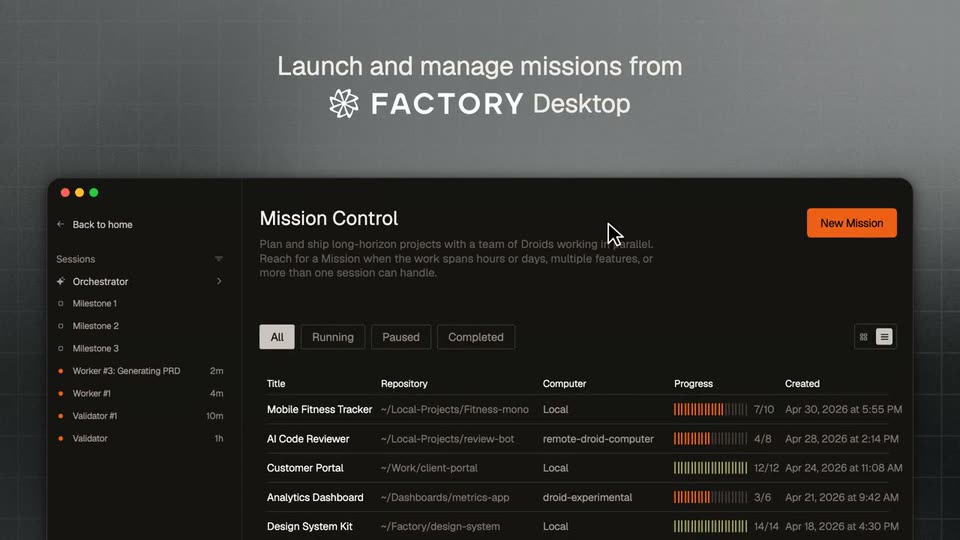

Factory - Missions are now available on Factory Desktop.
Factory · Jun 2026
Bubble Lab · Feb 2026 · 3:34 · Full motion · AI-annotated
Bubble Lab’s 3:34 launch film runs 24 scenes, about 8.9 s each. The product is on screen from the first frame and 2 features are revealed. There is no explicit call to action; a voiceover carries the film. Tone is conversational and instructional, a single presenter walking through a live product tour. Background is a flat blue gradient with a floating browser window and a circular presenter webcam pinned bottom-right. Fonts are a clean sans-serif UI face with a bold white caption pill at the bottom. Music mood is neutral and low, letting the voiceover lead. The video is built as one continuous screen-recording demo: a steady webcam anchor, slow push-in and pull-out zooms on the interface, red-d圆圈
Is this your launch? to your site or press kit.
Factory · Jun 2026
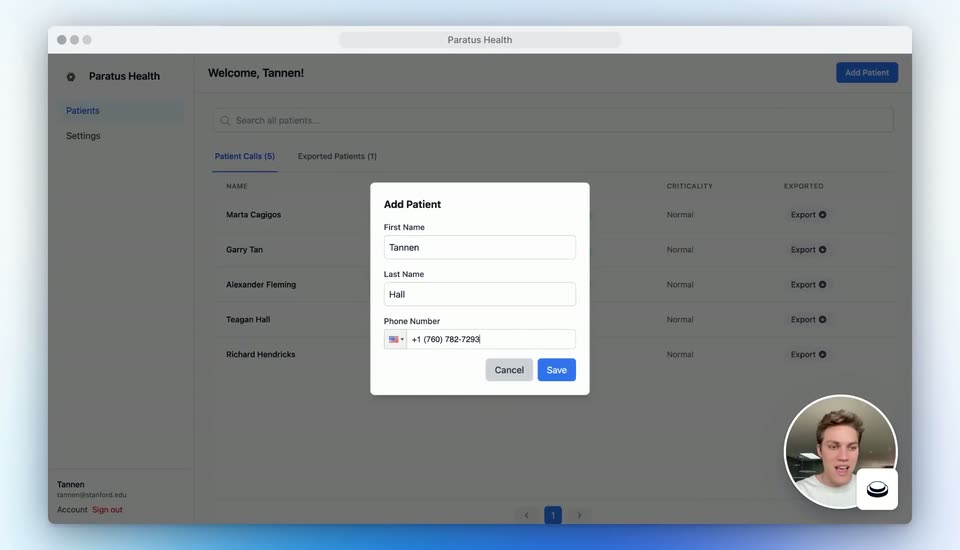
Paratus Health · Healthcare · Feb 2025
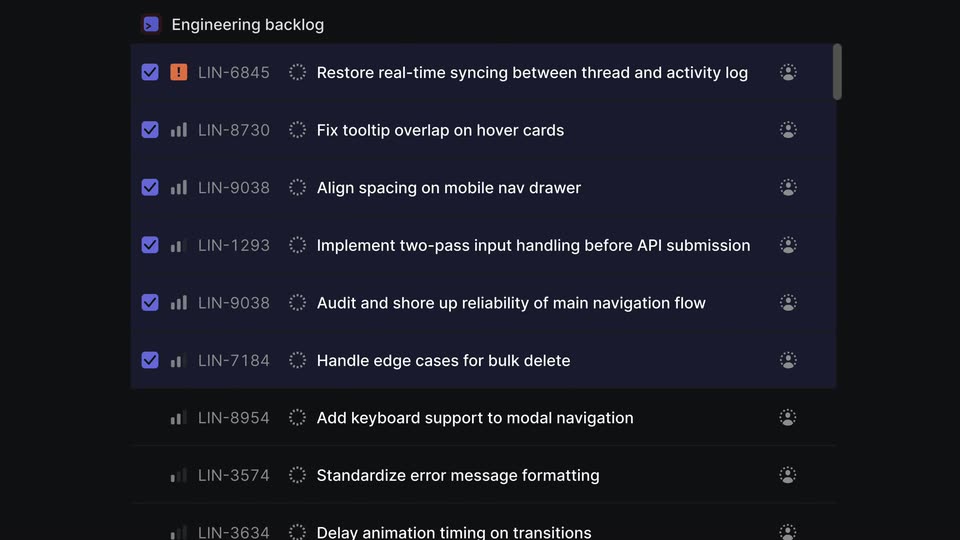
Linear · Productivity · May 2025
Films whose music sounds like this one, voice left out
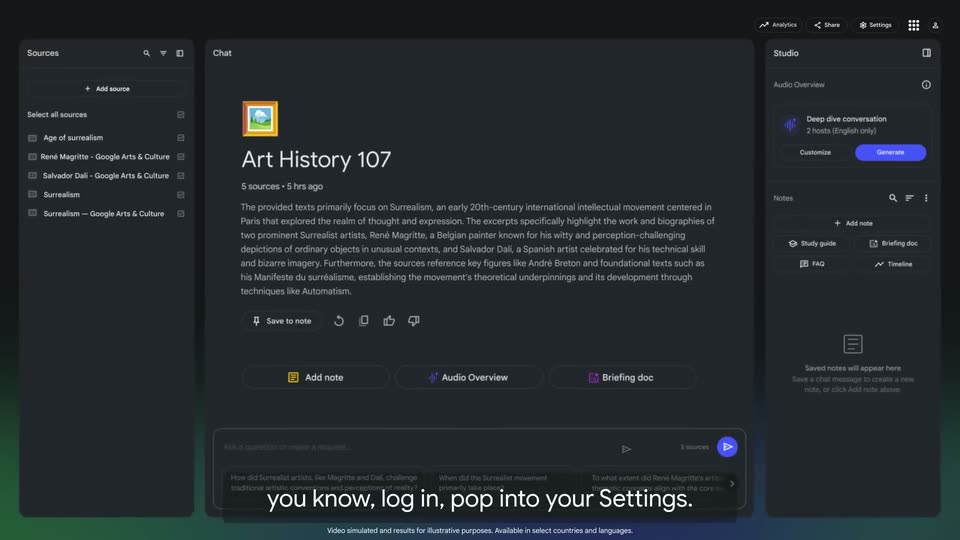
Google · Podcast
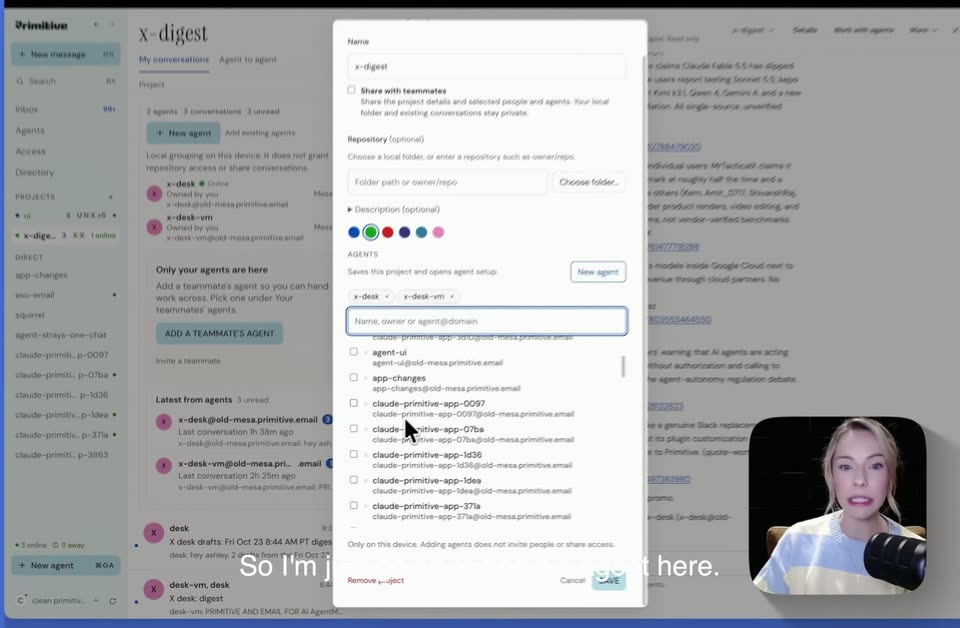
primitive · Technical demonstration / Tutorial
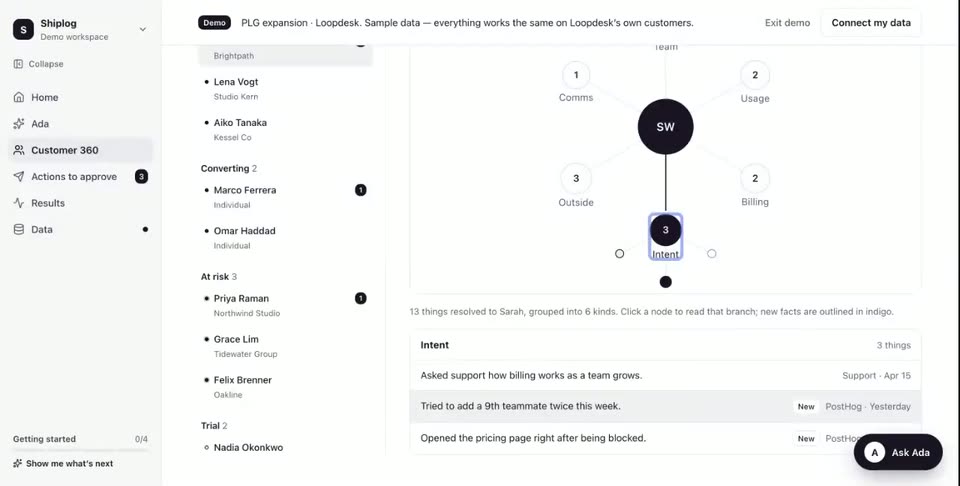
Shiplog · Corporate presentation / Product demo
A browser window floats over a blue background, showing the Pearl interface with a sidebar, activity feed, and a capabilities panel; a presenter speaks from a circular inset at bottom right. A ring of app logos blooms around a central orb, then a red circle outlines the capabilities list.
On-screen text: “hi everyone”, “Selina from bubble lab back”, “so you've set up pearl in your slack workspace”, “and now you're ready to unleash its full power”, “by connecting it to all of the tools that you're using”, “on the daily we've made it really easy to do this”, “on the bubble lab platform”, “through what we call capabilities”, “when you build pearl”, “it already automatically comes with three capabilities”
Techniques: 3D mockup
Camera: Pan
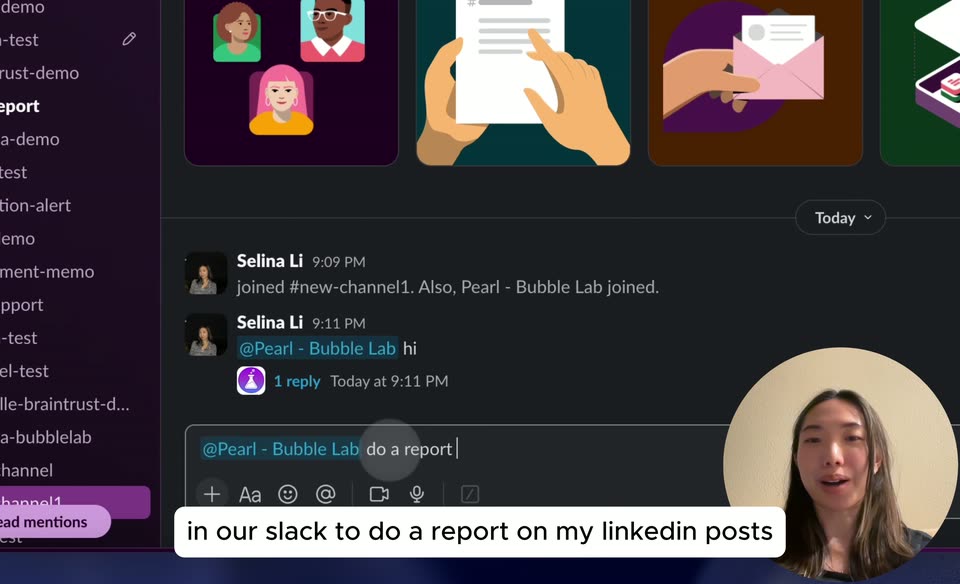
A dark chat interface zooms from a wide view into a channel; a cursor clicks the at-sign, a mention list opens, and a message to a bot is typed. A circular presenter video sits bottom right, with a white caption bar below.
On-screen text: “for instance right out of the box”, “we can ask pearl”, “in our slack to do a report on my linkedin posts”, “and”, “because we've given it the capability of web research”
Techniques: UI zoom, Cursor demo
Camera: Push in
A dark Slack-style workspace shows a close-up of a channel's message list with a loading spinner. The view pulls back to the full browser window in 3D perspective as a side thread panel opens, then pushes in on the thread where the bot Pearl streams a long markdown report.
On-screen text: “because we've given it the capability of web research”, “and using third parties like apify to scrape linkedin”, “pearl is able to complete a task like this”
Techniques: 3D mockup, UI zoom
Camera: Pull out
A dark chat app screen shows a LinkedIn report in the right thread panel; the view zooms into the post table, then pulls back as the report scrolls through engagement and content sections. A circular webcam of the speaker sits bottom right while subtitles caption her demo.
On-screen text: “it's accessed my linkedin”, “and done some research on my top posts”, “what my engagement has been like”, “content themes etcetera”, “because it also has a chart capability built in”, “we can ask pearl to make some graphs”, “it's come back with some informative bar charts”
Techniques: UI zoom
Camera: Pull out
A Slack-style workspace fills the frame; the view zooms into the thread panel's blue-and-red bar chart, a cursor hovers over it, then pulls back to the full window showing stacked charts. A circular presenter webcam and a caption pill sit at the bottom.
On-screen text: “it's come back with some informative bar charts”, “of my engagement by content”, “theme and post frequency over time”, “on bubble labs platform”
Techniques: UI zoom, Cursor demo
Camera: Pull out
A browser window shows the Pearl dashboard with an activity list and a capabilities panel, while a presenter speaks from a circular webcam inset at the bottom right. White caption text at the bottom updates line by line to match her voiceover.
On-screen text: “on bubble labs platform”, “you can monitor all of these conversations”, “as it's coming through now”
Camera: Static
A browser window shows the Pearl app as a bar chart animates with growing purple and pink columns, then a second chart appears before the view returns to the activity list. A red circle marks the Add button while a circular webcam of a presenter sits bottom right.
On-screen text: “to make this even more exciting”, “let's now add some additional capabilities to pearl”, “simply click on the add button”
Camera: Static
A locked-off screen recording shows a browser window with a grid of integration cards in an Add Capabilities dialog, while a circular webcam of a presenter sits in the lower right. A red hand-drawn circle marks the close button, then the card grid scrolls up.
On-screen text: “and you'll see the list of integrations”, “so i'll just go ahead and add a couple of tools”
Camera: Static
A browser screen shows the Bubble Studio app: a dropdown picks a Postgres database, then the dashboard appears with green toasts confirming added capabilities and a growing sidebar list. A circular webcam of the presenter sits bottom right, and the frame zooms into the interface at the end.
On-screen text: “so i'll just go ahead and add a couple of tools”, “including postgres”, “i'll also go ahead and add some other tools like”, “like calendar gmail”, “jira stripe docs and posthog”, “that's all you need to do to configure capabilities”, “now my pearl”
Techniques: Cursor demo, UI zoom
Camera: Pan
A dark Slack channel fills the frame with a circular webcam of a presenter in the corner. The view zooms into the message thread as a cursor types a question to the Pearl bot in the input box. The sent message then appears in the channel.
On-screen text: “and slack has all of these integrations built in”, “so now i can ask it things such as”, “what are the most common errors”, “people have been hitting on our platform”, “this is pulling data from our postgres database”
Techniques: UI zoom, Cursor demo
Camera: Push in
A dark chat interface shows a numbered list of error categories that scrolls slowly downward. A circular video of a woman speaking sits in the lower right corner, and white caption pills with the voiceover text appear at the bottom.
On-screen text: “and we can see pearl has now come back with a report”, “that our users have been hitting recently”
Camera: Push in
A dark Slack-like chat fills the screen: a mention dropdown opens, the user sends a note to Pearl, and the bot's reply shifts from Thinking... to Saved.... The view zooms out to the full workspace, then a thread panel opens right. A webcam circle and subtitle captions sit below.
On-screen text: “pearl listens to your feedback”, “so if i teach it something”, “i don't actually count quota limits as an error”, “remember this for the future”, “we can see that pearl is now updating its memory”, “and for future requests like this”, “it will remember this preference that i have”, “and get smarter over time”, “as another example i asked pearl”
Techniques: UI zoom
Camera: Pull out
A dark Slack-style thread fills the frame, a presenter's circular webcam sits bottom right, and white caption boxes swap at the bottom. The view zooms into the composer as a typed command and an autocomplete menu appear, then pulls back to the full thread.
On-screen text: “what are my open invoices”, “this is pulling on our stripe sandbox data”, “it came back with eight open invoices and a small table”, “displaying a couple of them”, “this has been something that's been really useful”, “for our revops users”, “a very critical part of my organization”, “and i don't wanna keep pinging pearl every single time”, “i want to look over pearl's invoices”, “i can ask pearl to set this up”
Techniques: UI zoom, Cursor demo
Camera: Pull out
A Chrome window shows the Bubble Lab interface switching from the Pearl channel to the Dashboard, a spinner loading the My Bubble Flows panel. A circular webcam of the presenter sits bottom right above a white caption bar.
On-screen text: “we can see on bubble lab if we go to the dashboard”
Camera: Static
A browser window of the Bubble Studio dashboard scrolls down past flow folders to a flows table. A cursor hovers over the Daily Open Invoice Chase row as a red arrow points to it. A circular webcam of the presenter sits bottom right, and subtitles run along the bottom.
On-screen text: “we can see on bubble lab if we go to the dashboard”, “pearl has gone ahead and generated a daily”, “open invoice flow for us”, “just from the short conversation that we have in slack”
Techniques: Cursor demo
Camera: Static
A browser window shows a workflow canvas of connected node cards; the diagram scrolls downward through the steps while a woman speaks in a circular webcam at bottom right, and white subtitle lines swap across the bottom edge.
On-screen text: “just from the short conversation that we have in slack”, “so this is a robust workflow”, “that will now run every single morning”, “and it's automatically built out the logic”
Camera: Static
A browser window shows a node-based workflow builder. The canvas pans across connected step cards, then reframes onto a schedule node. A circular webcam of a woman occupies the bottom-right corner, and white subtitles run along the bottom.
On-screen text: “and it's automatically built out the logic”, “to go through my stripe fetch the open invoices”, “post the message in slack”, “and also draft all the emails for me”
Techniques: UI zoom
Camera: Static
A browser window shows the Bubble Studio flow canvas and a left icon rail. The right panel switches from a Build with Pearl view to an Execution History list. A circular webcam of a woman sits bottom right; white captions on a dark bar run along the bottom.
On-screen text: “and also draft all the emails for me”, “we see that pearl has mock executed it already”
Camera: Static
The Pearl interface opens with a brief motion-blur settle onto an Execution History panel reading Completed, 7.3s, $0. A soft white cursor glides over the run metadata, and a circular webcam of a woman anchors the lower right as white caption boxes roll the narration.
On-screen text: “we see that pearl has mock executed it already”, “and in the #all-bubble-lab channel”
Techniques: Cursor demo
Camera: Push in
A dark Slack window fills the frame, the all-bubble-lab channel highlighted in the left list and a thread of Selina Li messages on the right. A circular video of a woman speaking sits bottom right, and a white caption bar reads we have just gotten a slack message.
On-screen text: “we have just gotten a slack message”
Camera: Static
A dark Slack workspace fills the frame, its channel list and a Daily Open Invoice Report panel side by side, while a circular webcam of the presenter sits bottom right. The report scrolls to reveal totals and invoice rows as a subtitle caption updates at the bottom.
On-screen text: “we have just gotten a slack message”, “with the list of open invoices”
Camera: Pull out
A dark Slack channel displays a Daily Open Invoice Report list with amounts, due dates and View Invoice links; a white caption pill appears at the bottom and a circular webcam shows a woman. The screen then cuts to a Stripe invoice page.
On-screen text: “with the list of open invoices”, “and the invoice link as well”
Camera: Pull out
A flat browser window showing a Stripe invoice for $95.00 slides into place over a blurred blue backdrop. A circular webcam of a talking presenter stays fixed at bottom right while a white caption pill updates along the bottom edge.
On-screen text: “and the invoice link as well”, “and now if i go into my gmail”
Camera: Pan
A Gmail drafts list fills the screen, with a circular webcam feed of a smiling woman in the bottom-right. A white caption bar at the bottom cycles through the voiceover phrases. At 5 seconds the list switches to another draft; a cursor hovers over the tab close button.
On-screen text: “i see that all of the eight drafts”, “chasing down these unpaid invoices”, “are now just sitting in my inbox”, “without ever contact switching”, “you're able to easily connect all of your tools”, “ask questions about your database”, “or anything else in your setup”, “actually have it take action for you”, “and when it needs to be robust and repeated”, “that it can build and run autonomously”
Techniques: Kinetic type, Cursor demo
Camera: Static