
2:20
Explore
Paratus Health - Product Demo
Paratus Health · Feb 2025 · 2:33 · Full motion · AI-annotated
- Length
- 2:33
- Scenes
- 9 · 17.1 s avg
- Product on screen
- 0:00
- Features shown
- 4
- Voiceover
- Yes
- Views
- 2.1K on YouTube
as of November 24, 2026
00:00:00 / 02:33:48
- Length
- 2:33
- Scenes
- 9 · 17.1 s avg
- Product on screen
- 0:00
- Features shown
- 4
- Voiceover
- Yes
- Views
- 2.1K on YouTube
as of November 24, 2026
Paratus Health’s 2:33 launch film runs 9 scenes, about 17 s each. The product is on screen from the first frame and 4 features are revealed. There is no explicit call to action; a voiceover carries the film. The video is a single continuous screen-capture walkthrough anchored by a fixed circular webcam of the presenter, moving from the dashboard through the patient-add, AI diagnostic call, and report screens. Pacing is steady with slow zooms and scrolls, and the signature move is the split-screen pairing of the app UI with a live terminal of green logs.
No filming indicatedEstimated needs: 6 capture groups — your screens or recordings · 1 3D passage — build or supply
Is this your launch? to your site or press kit.


Paratus Health - Product Demo, scene by scene
· 9 scenes as text
01 · Product intro · 0:00–0:04
A flat browser window of a patient dashboard sits centered on a blue gradient background. A table lists five patients with green and yellow status badges. A circular live video of a man speaking is pinned to the bottom-right corner, his mouth moving while the interface stays still.
Camera: Static
02 · Demo · 0:04–0:12
A browser window shows the Paratus Health dashboard with a patient list and colored status badges. A circular webcam feed of a man talking sits in the lower right. A mouse cursor glides across the rows and rests on the Add Patient button.
Techniques: Cursor demo
Camera: Static
03 · Feature reveal · 0:12–0:25
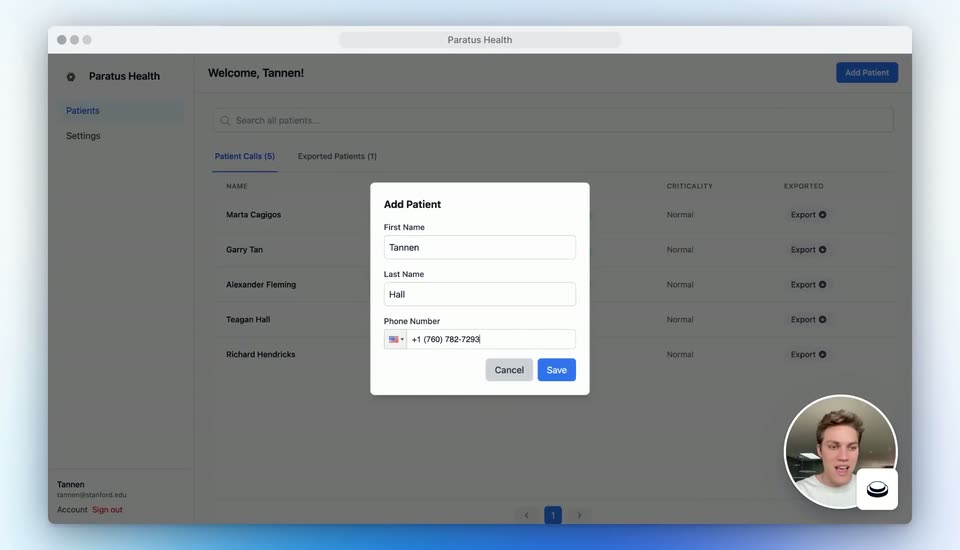
A browser window of the Paratus Health app opens on an Add Patient modal. The view zooms in as a cursor types a name and phone number, then zooms out to show the full window and a presenter webcam feed as the cursor clicks Save.
Techniques: Cursor demo, UI zoom
Camera: Static
04 · Feature reveal · 0:25–0:49
A screen capture shows a Paratus Health welcome page in a browser beside a terminal of green logs, with a circular webcam feed of a talking man in the corner. A cursor clicks the red Begin Diagnostic button, and the page fades to a microphone-permission loading screen.
Techniques: Split screen, Cursor demo
Camera: Static
05 · Feature reveal · 0:49–1:41
A split screen holds a browser with the Paratus Health diagnostic page, its gray waveform box pulsing as a man in a circular webcam speaks, beside a terminal scrolling green logs into a JSON list. Near the end the cursor clicks the red End Call button.
On-screen text: “Please allow microphone access when prompted.”
Techniques: Split screen, Cursor demo
Camera: Static
06 · Feature reveal · 1:41–1:47
The Paratus Health web app fills the frame, showing a patient list table with green and yellow status badges. A circular video of the presenter sits in the bottom right corner. The view cuts to a patient overview page with summary, symptoms and assessment panels.
On-screen text: “Diagnostic Session Started”
Camera: Static
07 · Feature reveal · 1:47–2:23
A browser window on a blue gradient shows the Paratus Health patient report. The page scrolls down through Symptoms, Assessment, Family History and Next Steps, then back up, while a circular live video of the patient stays fixed in the corner.
Techniques: Cursor demo
Camera: Push in
08 · Feature reveal · 2:23–2:29
A browser window mockup of the Paratus Health app floats in 3D perspective on a light blue gradient, showing a SOAP Note page with a long clinical text block and a circular video thumbnail. A cursor hovers over the note, then moves to the Conversation tab as the text scrolls.
Techniques: 3D mockup, Cursor demo
Camera: Static
09 · Feature reveal · 2:29–2:33
A flat browser window of the Paratus Health app opens on the Conversation tab, showing a chat transcript between Assistant and Tannen. The view zooms in to frame the message bubbles while a cursor drifts across the panel.
Techniques: UI zoom, Cursor demo
Camera: Push in