1:00

Meet Notion Mail
Notion · Productivity · Apr 2025
Nothing’s 1:07 launch film runs 36 scenes, about 1.9 s each. The product is on screen from the first frame and 1 feature is revealed. The call to action lands at 1:05 (96% in). A launch film for Nothing OS 4.0 built as a sequence of locked-off title cards in serif and monospace type, each opening a montage of flat UI components and 3D phone mockups on a light gray field. The pacing is calm and metronomic at about 103 bpm, with monoline line-draws, morphing icons and dithered pixel text as the signature moves, closing on a black CTA and dot-matrix logo.
Is this your launch? to your site or press kit.
Notion · Productivity · Apr 2025
Apple · Hardware · Oct 2026
OpenAI · AI · May 2026
Films whose music sounds like this one, voice left out
Finary · Electronic, Hip-Hop
OpenAI · Lo-fi hip-hop
White serif text reading Introducing sits centered on a black field, then cuts to a small pixel-dot line of NOTHING OS 4.0. Thin white lines then draw angular geometric shapes across the black background.
On-screen text: “Introducing”, “NOTHING OS 4.0”
Camera: Static
White line segments on a black background begin as two abstract rectangular blocks. The lines then slide and reconfigure, drawing the thin monoline number 4662 in the center of the frame.
On-screen text: “4662”
Techniques: Morph, Kinetic type
Camera: Pull out
On a black field, large white geometric digits read 3022, then each glyph reshapes in place into 2502. A small still date line holds fixed while the frame stays locked off.
On-screen text: “3022”, “2502”, “Fri 25, Oct”
Techniques: Kinetic type, Morph
Camera: Static
A phone lock screen with a blue gradient and a large 10:20 clock fills the frame. The shot zooms out to reveal the full device, including the bezels and home button, centered on black.
Techniques: UI zoom, 3D mockup
Camera: Static
A plain white frame holds the centered line “It's extra minimal” in black serif type. The line crossfades into “For maximum usability” in a monospace face, the two strings briefly overlapping mid-transition.
On-screen text: “It's extra minimal”, “For maximum usability”
Techniques: Kinetic type
Camera: Static
On a light gray field, a row of labeled color swatches swaps between brand colors, a red scale, and a neutral gray scale. The gray swatches then stretch into thin vertical bars of varying heights, forming a bar chart, while their small codes slide beneath.
Techniques: Morph
Camera: Static
A grid of grayscale swatches labeled N-50 to N-1000 fades out on a light background above three pill buttons. The buttons, each with a smiley icon and Button label text, flip from white to dark fill left to right, scaling slightly as they change state.
Camera: Static
A ring of flat black-and-white toggle switches and checkbox icons rotates clockwise on a light gray background. The controls keep their orientation as the circle turns, each casting a soft drop shadow.
Camera: Static
A ring of dark toggle, checkbox and radio icons orbits the center on a pale gray field, then disperses as a square photo of a city skyline with a rainbow scales up to fill the middle; a check mark badge peels off the top corner.
Camera: Static
A minimalist audio player interface on a light gray background. A red playhead line moves across a waveform graphic. Below, a digital timecode counts up from 00:02.60 to 00:04.00. A circular button at the bottom transitions from a play icon to a pause icon, then to a red dot.
Techniques: Morph
Camera: Static
A flat phone mockup sits centered on a light gray field, showing an audio recording screen titled Bedford House. A red waveform with a moving playhead sits above a ticking timecode and a circular dial with a red center dot; the phone scales down slightly as the timecode advances.
Camera: Static
A black serif tagline, “Effortless everything,” sits centered on a white field, then shrinks as “Thoughtful touches make every day easy” scales up from the center, the two lines overlapping mid-transition. The text fades out to white, leaving a small pink shape in the middle.
On-screen text: “Effortless everything”, “Thoughtful touches make every day easy”
Techniques: Kinetic type
Camera: Static
On a light gray field, three white control cards sit in a row as pills, then expand into squares that reveal full labels. They scatter into a staggered layout, each morphing shape: the torch card becomes a circle, the dark theme card a pill, the earbuds card a square.
Techniques: Morph
Camera: Static
A smartphone in 3D perspective displays a quick settings panel that fades in on a light gray background. The camera pushes in on the dark theme tile, then the screen transitions to the Dark theme page as the toggle flips on and the UI turns black.
Techniques: 3D mockup, UI zoom
Camera: Push in
A phone settings screen on a black background scrolls up briefly, revealing the Dark theme heading at the top. The Use dark theme and Extra dark mode toggles sit switched on, with Schedule set to None.
Camera: Static
A phone mockup centered on black shows a dark settings screen. The Glyph Interface page with its oval light matrix scrolls upward, revealing the About phone page with OS version, device card, RAM and storage tiles, ending on the processor and camera rows.
Techniques: UI zoom
Camera: Static
A centered phone mockup appears from black on a light gray background, then its screen switches to a dark About phone view. Rounded widgets settle into place, and the Storage label slides in on the locked-off frame.
Camera: Static
A phone home screen fills the frame, showing a clock, earbud battery, photo card and round icons. The view zooms in toward the right edge, ending on two small circular buttons, a gear and an umbrella.
Techniques: UI zoom
Camera: Push in
An aerial view of a dark storm cloud over the coast holds a white umbrella icon at center. The icon's right edge breaks into small oval shapes, then the whole frame crossfades into a close-up of a person in a blue shirt with clasped hands.
Techniques: Morph
Camera: Static
Close-up of a man in a dark puffer jacket holding a phone to his ear, backlit against a pale sky. A white four-oval logo holds center as a faint desert landscape and a small square outline fade in behind it.
On-screen text: “2”
Camera: Static
Wide locked-off shot of a dry heath before a mountain range. A translucent face ghost dissolves out over the landscape while a small white square outline holding the numeral 2 stays centered, the year 2018 beneath it fading away.
On-screen text: “2”, “2018”
Camera: Static
A 3D space view of Earth over a desert landscape. A white hexagonal logo with a six-pointed star is centered on the screen. A faint wireframe square outline fades out on the left.
Camera: Static
On a plain gray background, two white circular icons expand into a row of six black symbols: a life ring, a window, an asterisk hexagon, a camera, a hazard mark and an umbrella. A thin white ring highlights the umbrella, then the asterisk.
Camera: Static
Six white circular icons with black symbols sit in a centered row on a light gray field. The frame stays locked as the icons fade out in opacity until they vanish.
Camera: Static
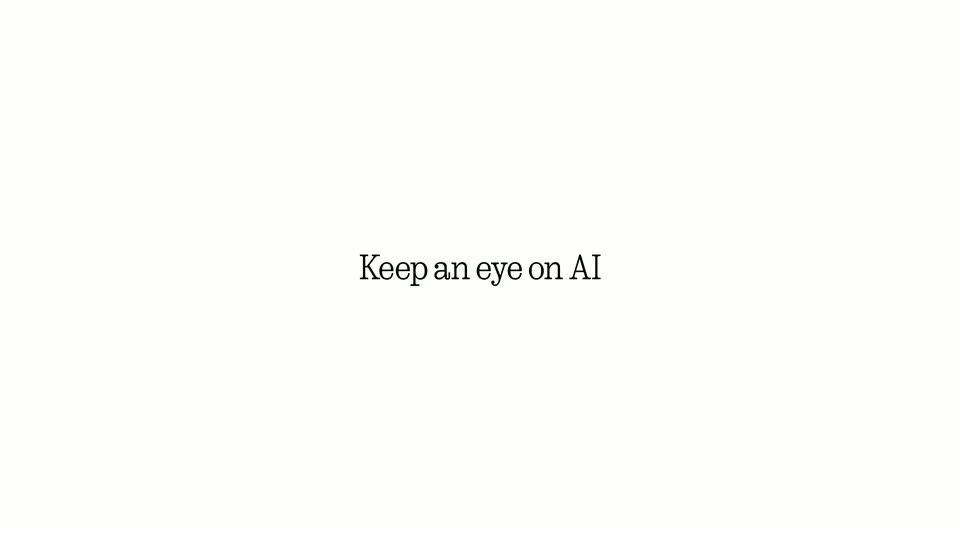
A single line of black serif text reads Keep an eye on AI, centered on a plain cream background. The frame is locked off with no motion.
On-screen text: “Keep an eye on AI”
Camera: Static
A single centered line of black text on a plain white field. The line resolves from a compressed, overlapping state into the full sentence, then holds perfectly still on a locked-off frame.
On-screen text: “Know exactly what your AI is doing for you”
Techniques: Kinetic type
Camera: Static
A flat phone mockup on a light gray background scales up from a close-up of the Start AI analysis button to reveal the full recording screen, with the Essential recording title, waveform player, and Collections row settling into place.
Techniques: UI zoom
Camera: Static
A white-framed phone floats at a three-quarter angle on a pale gray backdrop, its dark home screen showing a recording widget and a dotted smiley card. The device rotates flat to face the camera as a white notification banner with a yellow star icon slides in.
Techniques: 3D mockup
Camera: Static
A 3D phone mockup shows a home screen with widgets and a yellow asterisk badge captioned “Using Whisper in Essential Space.” The interface fades to white, leaving the yellow asterisk circle centered on a plain light background.
On-screen text: “Using Whisper in Essential Space”
Techniques: 3D mockup
Camera: Static
On a flat light gray field, a small yellow circle holding a black asterisk sits at center. The circle squashes vertically into a thin horizontal bar, collapsing the mark into a line.
On-screen text: “*”
Techniques: Morph
Camera: Static
On a light gray background, three horizontal bars separate vertically and grow to different lengths, then a legend with model names and percentages fades in below.
On-screen text: “Whisper 23%”, “GPT-4o 15%”, “Gemini Flash 7%”
Camera: Static
A light-gray bar chart with three stepped bars and a legend listing Whisper 50%, GPT-4o 34%, Gemini Flash 16% drifts slightly downward and settles on a plain off-white background.
Camera: Static
A phone mockup in 3D perspective sits centered on a light gray background, its screen showing an AI Usage bar chart and a model percentage list. The whole device drifts slowly downward across the clip.
Techniques: 3D mockup
Camera: Static
A flat phone mockup sits centered on a light gray field while white circular icon badges drift around it, a few tinted yellow. The lock screen clock ticks from 09:45 to 10:30, then the phone and icons fade to blank.
Camera: Pull out
White serif text reading “Open Beta coming soon” sits centered on a black field. The line holds steady, then dissolves into a dithered pixel pattern that scatters and fades to black.
On-screen text: “Open Beta coming soon”
Camera: Static
A black screen holds a small line of white dot-matrix text centered in the frame. The text stays locked and still for the full duration.
On-screen text: “NOTHING (R)”
Camera: Static