
0:31
Explore
00:00:00 / 01:05:09
- Length
- 1:05
- Scenes
- 32 · 2.0 s avg
- Product on screen
- 0:03
- Features shown
- 7
- Voiceover
- Yes
- Views
- 3.4K on YouTube
as of November 24, 2026
Candle’s 1:05 launch film runs 32 scenes, about 2.0 s each. The product shows up at 0:03 and 7 features are revealed. There is no explicit call to action; a voiceover carries the film. The video is built as a single 3D iPhone mockup on a white field, with the app UI animating inside the screen while the device tilts, rotates and settles in rhythm with a 113 BPM track and a steady 16.5 cuts per minute. Its signature moves are letter-by-letter typing in chat bubbles, cards that swipe up like a deck, and the recurring orange flame that ties the brand, the streak counter and the end card together.
No filming indicatedEstimated needs: 2 capture groups — your screens or recordings · 1 official logo — reused across the film · 26 3D passages — build or supply
Is this your launch? to your site or press kit.
More like this



Similar soundtrack
Films whose music sounds like this one, voice left out
1:11
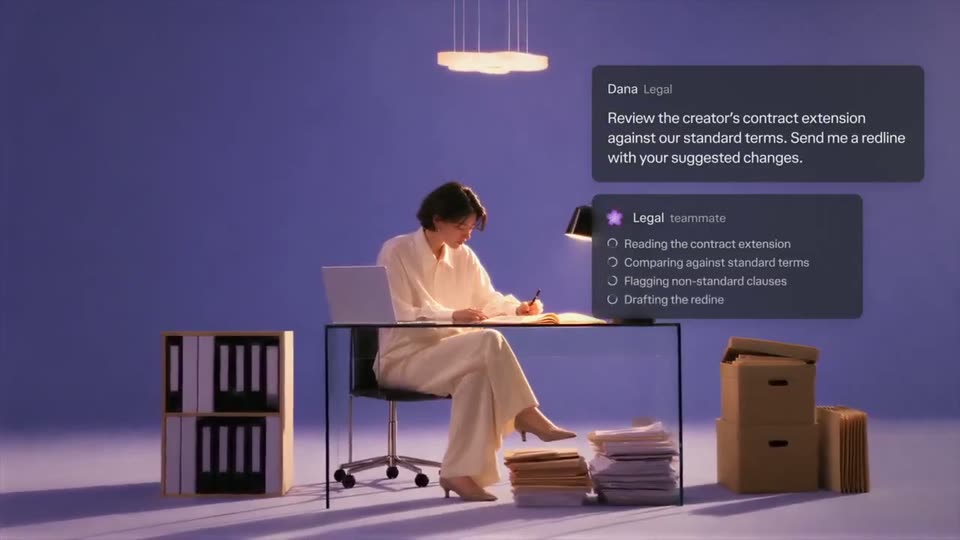

Introducing Perplexity teammates
Perplexity · Modern electronic
0:56

adam - Today we're launching the Adam Workspace: Orchestrate AI agents acr
Adam · Upbeat electronic
1:19
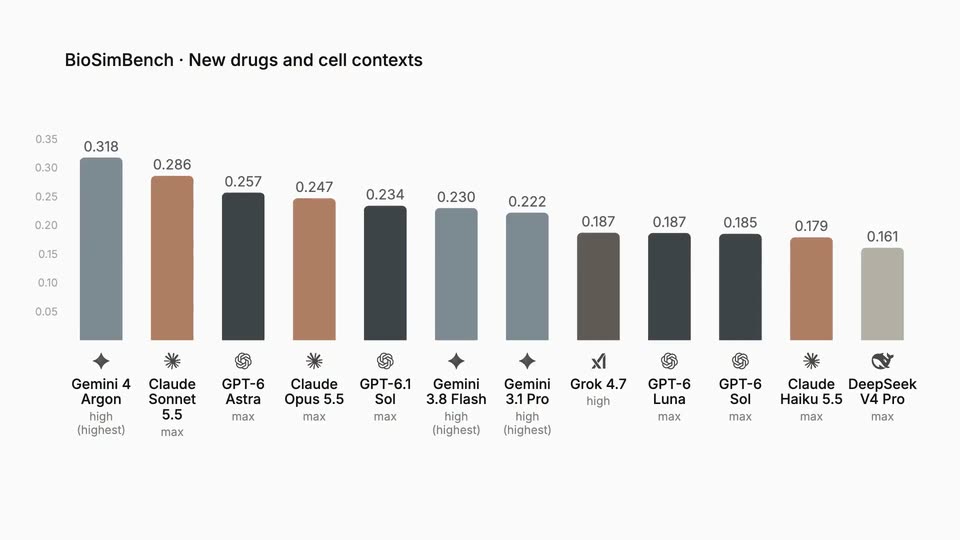

CellType - Can LLMs simulate biology? We tested frontier models on real lab exp
CellType · Modern electronic
Couple Games & Photos - Launch!, scene by scene
· 32 scenes as text
01 · Hook · 0:00–0:03
A 3D iPhone mockup rests at a slight angle on a white background, casting a soft shadow. Its dark chat screen swaps through short message exchanges with Sophia, ending on a line that the contact has silenced notifications.
Techniques: 3D mockup
Camera: Static
02 · Product intro · 0:03–0:04
A dark phone mockup sits at a slight angle on a light gray background. A notification banner reading “Sophia ❤️❤️ has notifications silenced” pulses to the center with a soft glow, then the screen fills with a feed of memory posts.
Techniques: 3D mockup
Camera: Static
03 · Product intro · 0:04–0:05
A tilted phone mockup rotates to face the camera on a white background. Its dark screen shows a list of response cards that collapses into one expanded card reading 'Upload the last photo of them that made you smile.' Two round buttons sit at the bottom.
Techniques: 3D mockup, UI zoom
Camera: Pull out
04 · Feature reveal · 0:05–0:07
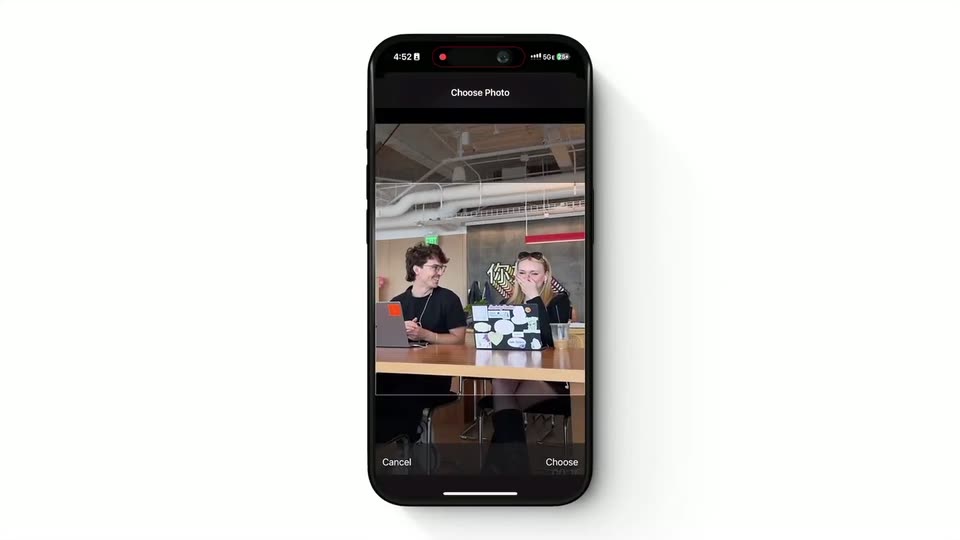
A front-facing iPhone mockup on a white background. A white serif headline over a maroon photo grid scales up and fades out, revealing the library, then the screen reframes to a Choose Photo view of two people at a table.
On-screen text: “Upload the last photo of them that made you smile.”
Techniques: Kinetic type, UI zoom
Camera: Static
05 · Feature reveal · 0:07–0:11
A front-facing iPhone on a white background shows the candle. app. A maroon prompt card collapses into a black thread as a couple photo and a table photo drop in, then the list scrolls to reveal the reply field.
On-screen text: “Choose”
Techniques: Morph
Camera: Static
06 · Feature reveal · 0:11–0:12
A smartphone mockup sits centered on a plain white background, its screen playing a selfie video of a smiling couple in a sunlit park. The device tilts slightly, then settles upright.
Techniques: 3D mockup
Camera: Static
07 · Feature reveal · 0:12–0:13
A phone mockup in 3D perspective shows a chat thread with two photos. The thread scrolls up as an emoji panel slides in from the bottom, then the view zooms into the reply field and the emoji search bar.
Techniques: 3D mockup, UI zoom
Camera: Push in
08 · Feature reveal · 0:13–0:16
A phone chat screen with a fixed video thumbnail of a person at a desk on top. The input bar types out a reply letter by letter, then sends it; a new purple bubble expands below the three-skull message while the keyboard suggestion bar shifts.
Camera: Static
09 · Feature reveal · 0:16–0:18
A tilted phone mockup on a white background shows a dark chat screen. The camera pulls back as the thread scrolls up past a shared photo, and purple and gray bubbles with emojis pop in, settling on the reply field.
Techniques: 3D mockup, UI zoom
Camera: Pan
10 · Feature reveal · 0:18–0:21
A front-on phone shows a dark chat app. A purple bubble reading 'Wait is that from our 3rd date???' sits above a gray 'omg yes' bubble with crying emojis. The input types 'Loll we need to go back there' letter by letter, then sends it as a purple bubble as the chat scrolls up over a gray keyboard.
Camera: Pull out
11 · Feature reveal · 0:21–0:22
A smartphone tilted in 3D perspective on a pale background shows a dark text chat with purple and gray bubbles; the thread scrolls up slightly as a final gray bubble and the reply bar settle into view.
Techniques: 3D mockup
Camera: Static
12 · Feature reveal · 0:22–0:24
A tilted phone mockup on a white background shows a text thread scrolling down. The reply field types a reply over the on-screen keyboard, then a purple bubble pops into the conversation.
Techniques: 3D mockup
Camera: Static
13 · Feature reveal · 0:24–0:27
A close-up of a smartphone screen displays a text message conversation in dark mode. The chat scrolls upward, revealing new messages in purple and grey bubbles.
Camera: Pull out
14 · Feature reveal · 0:27–0:28
A tilted phone mockup on a white background shows a text chat that dissolves into an Explore feed. Four colored cards with short prompts appear under a date-ideas banner.
Techniques: 3D mockup
Camera: Static
15 · Feature reveal · 0:28–0:29
A black phone mockup on a white background tilts in 3D, then settles flat as its screen crossfades from an Explore feed to a Responses list. A purple notification banner about date ideas slides in at the top.
Techniques: 3D mockup
Camera: Pull out
16 · Feature reveal · 0:29–0:31
A black smartphone, tilted in 3D perspective on a white background, scrolls a list of relationship questions on its dark screen, then the camera pulls back to show the whole device.
Techniques: 3D mockup
Camera: Pull out
17 · Feature reveal · 0:31–0:36
A black phone mockup centered on white shows the candle app feed. Pink, teal, blue and purple event cards swipe up one after another, each with white serif copy and location chips, as the top progress bar fills. The phone eases into a slight tilt at the end.
Camera: Push in
18 · Feature reveal · 0:36–0:39
A black phone mockup in 3D perspective rotates from a tilted angle to face front on a white background. Its screen crossfades from an orange event card to a dark match card reading 'It's a Date!' with a party popper emoji and confetti bursting around it.
Techniques: 3D mockup, Particles
Camera: Pull out
19 · Feature reveal · 0:39–0:40
A black smartphone mockup floats centered on a white background, tilted with a soft drop shadow. Its screen plays a handheld clip of a baseball stadium, panning from two seated fans to the green field and stands.
Techniques: 3D mockup
Camera: Static
20 · Feature reveal · 0:40–0:44
A black phone in 3D perspective on a white background. Its screen cuts from a stadium video to a teal question card, where an answer types out letter by letter, then an emoji grid slides up from the bottom.
Techniques: 3D mockup, UI zoom, Cursor demo
Camera: Pull out
21 · Feature reveal · 0:44–0:45
A black phone mockup stands upright on a plain white background, locked off. Its screen shows a teal card with white serif body copy and a progress bar at the top; the interface stays still throughout the shot.
Camera: Static
22 · Feature reveal · 0:45–0:47
A black phone mockup sits centered on a white background, showing the candle camera app. The viewfinder frames a coffee cup with a straw on a wooden table beside a dark mug; the zoom tag reads 1.8x then 1.2x and the shutter button turns into a paper plane.
Camera: Static
23 · Feature reveal · 0:47–0:47
A phone mockup on a white background shows the candle app. The screen switches from a camera viewfinder framing a coffee cup on a wooden table to a teal prompt card that repeats the photo and asks the user to share it.
Camera: Static
24 · Feature reveal · 0:47–0:48
A phone mockup sits on a white field, displaying the candle app. A teal prompt card asking the user to share a photo of an anxiety trigger swaps, with a slight tilt, to a purple card requesting a 60-second audio, showing a microphone and timer.
Camera: Static
25 · Feature reveal · 0:48–0:49
A black smartphone mockup sits centered on a plain white background, its screen showing a pink app card with a dating prompt, a 0:30 timer, and a microphone button. The shot holds steady with a soft drop shadow.
Techniques: 3D mockup
Camera: Static
26 · Feature reveal · 0:49–0:51
A black smartphone mockup floats on a plain white background, tilting gently in 3D. On its screen a blue question card slides sideways to reveal a magenta streak card with a flame icon behind it.
Techniques: 3D mockup
Camera: Static
27 · Feature reveal · 0:51–0:55
A black phone mockup on a pale background rotates around its vertical axis, then the camera pushes into the dark screen. A flame icon sits above a streak counter that counts up from 7 to 360 while the orange progress bar fills to 365/365.
Techniques: 3D mockup, UI zoom
Camera: Pull out
28 · Feature reveal · 0:55–0:56
A phone mockup sits in 3D, rotating from a side-tilted angle to a flat front view. Its dark screen shows a flame, a 365/365 progress bar, and a white Explore More Cards button.
Techniques: 3D mockup
Camera: Pull out
29 · Feature reveal · 0:56–0:57
A black smartphone mockup rotates in 3D against a white background, its dark app interface switching from an Explore feed to a Messages list with filter pills and a chat card.
Techniques: 3D mockup
Camera: Push in
30 · Feature reveal · 0:57–1:01
A 3D phone mockup on a light gray background displays a dark couples app. The screen scrolls down past a date countdown and an orange button to a Thumb Kiss panel, where a magenta fingerprint sits among floating red and pink heart emojis.
Techniques: 3D mockup, UI zoom
Camera: Pull out
31 · Outro · 1:01–1:03
A tilted phone mockup on a white background shows the candle app interface while heart and flower emoji stickers float around it; the screen then switches to a black panel with the candle logo, a couple photo, and store badges, with small sparkles.
Techniques: 3D mockup, Particles
Camera: Static
32 · Outro · 1:03–1:05
A black smartphone stands upright on a plain white background, casting a soft shadow to the right. Its screen shows the candle logo with a flame, a square photo of a couple, and two app store badges, with small stars on the black field. The frame is locked-off and static.
Techniques: 3D mockup
Camera: Static