3:53
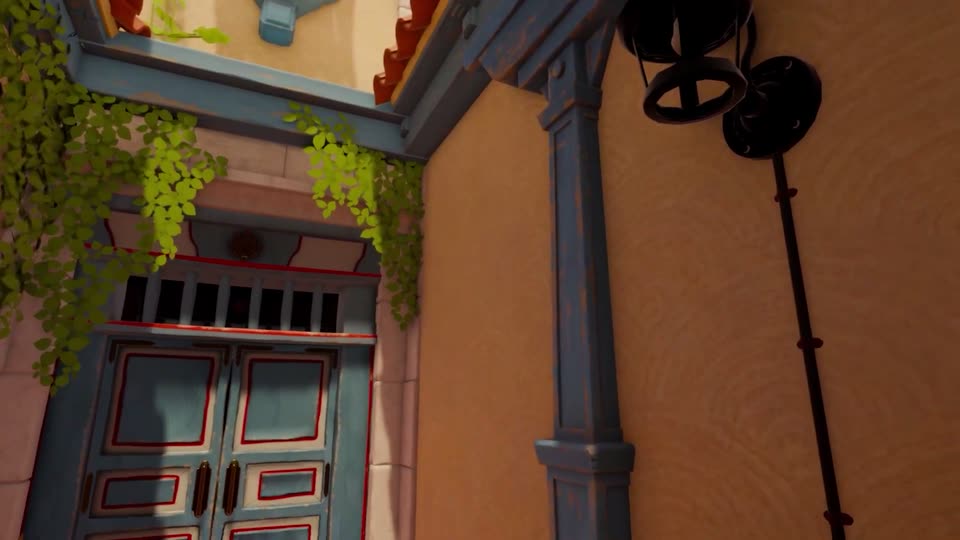
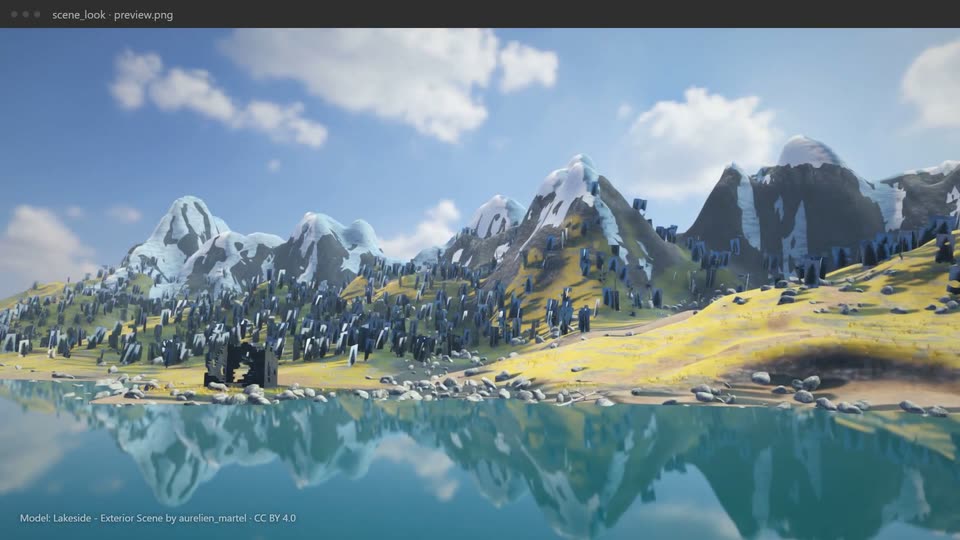
Explore SCGI in Atrio | 3D stylized Unity sample
Unity · Nov 2026
Keiki · 0:29 · Full motion · AI-annotated
Keiki’s 0:29 launch film runs 9 scenes, about 3.3 s each. The product is on screen from the first frame and 1 feature is revealed. The call to action lands at 0:27 (92% in). The film is a hard-cut product demo at about 120 bpm: a locked logo and a blue title card name Keiki Vault, then a centered iPhone plays two approval flows (an email and an Apple Pay purchase) over a grainy sunset, before a split-screen code reveal and a static tagline lead to a still end card. Signature moves are the scale-up phone entrance, sheets and cards sliding up inside the screen, and the split-screen highlight over the policy code.
Is this your launch? to your site or press kit.
Films whose music sounds like this one, voice left out
Jam · Modern electronic
Deep Principle · Modern corporate electronic
Illume Labs · Upbeat electronic
A white rocking horse emblem and the word Keiki sit centered on a solid blue background. The frame is locked off and the logo holds still for the full shot.
Camera: Static
A blue title card opens as the large white headline “Keiki Vault” wipes in above a monospace subtitle, then the headline clears and a front-facing iPhone mockup appears at center showing a chat thread with one blue message bubble.
On-screen text: “Keiki Vault”, “Face ID approvals for Keiki agents”
Techniques: Kinetic type, Masking
Camera: Static
A front-facing iPhone on a plain light background shows a dark-mode iMessage thread with Wren. A blue sent bubble sits above a typing indicator that fills with a gray reply, while the device scales up slightly.
Camera: Static
A front-facing iPhone mockup sits centered on a grainy blue-and-orange sunset backdrop. Inside, an iMessage thread shows an approval card, then a bottom sheet with email details; the chat then switches to a bakery thread where a payment card slides up.
Camera: Static
A 3D phone mockup floats centered against a blurred sunset over water. Inside, an Apple Pay sheet slides up over the Rossi Bakery invoice, shows a debit card and Face ID confirm, then the screen cuts to a chat thread ending with a Done payment card.
Techniques: 3D mockup
Camera: Static
A 3D-angled iPhone sits centered over a grainy blue-and-orange night water backdrop. The iMessage thread with Rossi Bakery shows a paid card, then a new gray bubble with the delivery confirmation slides in at the bottom of the screen.
Techniques: 3D mockup
Camera: Static
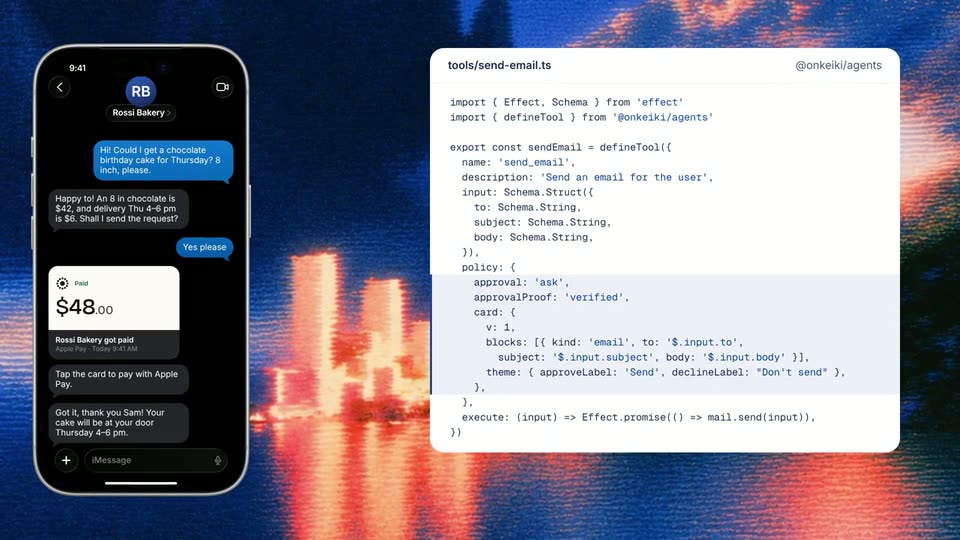
Split screen over a blurred blue-and-orange backdrop. Left, a phone shows an iMessage chat with Rossi Bakery ending in a $48.00 paid card; right, a TypeScript file shows a light blue highlight fading in over the policy block.
Techniques: Split screen
Camera: Static
A centered two-line headline sits on a plain off-white background, locked-off and static. The words are dark navy, with the final word pair rendered in a red-to-blue gradient. No motion across the shot.
On-screen text: “any tool you build,”, “approved with Face ID”
Camera: Static
A locked-off end card on a plain white field. The dark blue Keiki lockup, a rocking horse mark beside the wordmark, sits centered with a blue pill button reading onkeiki.com below it. The frame is completely still with no motion.
On-screen text: “any tool you build,”, “approved with Face ID”, “onkeiki.com”
Camera: Static