0:43
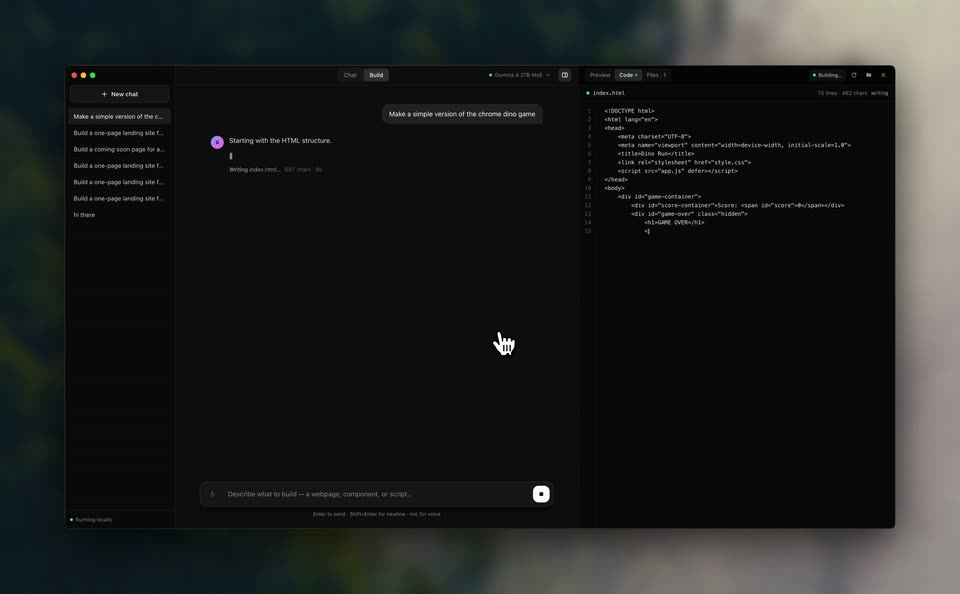
Google Gemma - Offline vibe coding with Gemma 4. This open-source Electron app runs
Google Gemma · Apr 2026
AgentMail · Jun 2025 · 0:45 · Full motion · AI-annotated
AgentMail’s 0:45 launch film runs 10 scenes, about 4.6 s each. The product is on screen from the first frame. There is no explicit call to action; a voiceover carries the film. Built as a screen-recording tutorial: a static black title card, a long code-editor pass, an API-docs pass, a Gmail pass, then a static logo card. Pacing is slow with few cuts; the signature moves are push-in zooms on code and JSON, panel slide transitions, a white hand cursor, and outlined white subtitles over a dark UI.
Is this your launch? to your site or press kit.
Google Gemma · Apr 2026
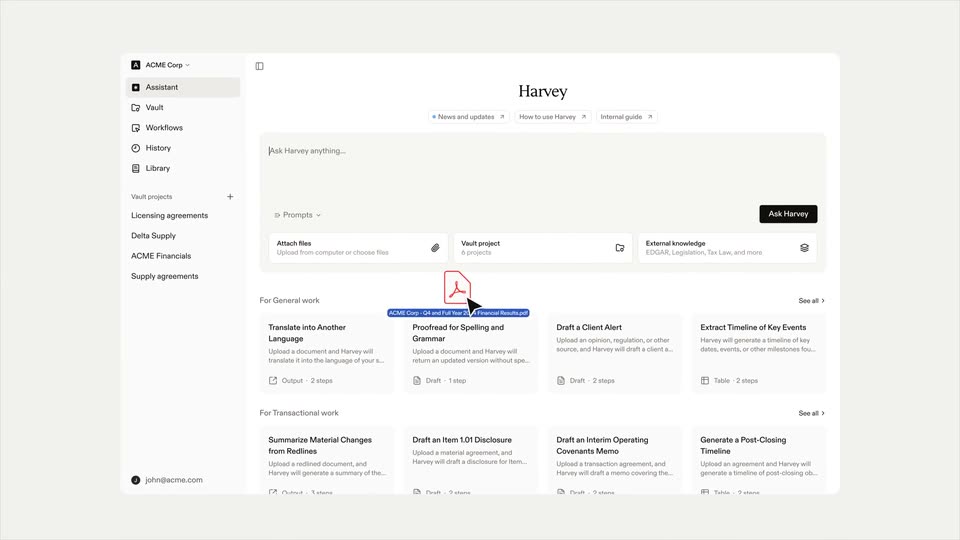
Harvey · Mar 2025
Films whose music sounds like this one, voice left out
HeyGen · Upbeat corporate electronic
Google · Upbeat electronic
Notion · Upbeat electronic
A white line-art envelope wearing a fedora sits centered on black. The wordmark “AgentMail” fades in beneath it, followed by the caption “Integration Demo”. The frame stays locked off with no camera movement.
On-screen text: “AgentMail”, “Integration Demo”
Camera: Static
Screen recording of a code editor: Python code for an email agent above a terminal with a curl request. A cursor clicks the terminal, the view zooms into the code as a new import is typed, then the cursor clicks a Sync Changes button. White subtitles caption the voiceover.
On-screen text: “This is a simple AI agent that is accessible via a Flask service.”, “I can hit the endpoint to generate a response,”, “but I want to be able to talk to the agent via email.”, “The easiest way to do this is to use AgentMail.”, “All it requires is a few simple code changes.”, “The next step is to configure a webhook for sending email events,”, “Integration Demo”
Techniques: Cursor demo, UI zoom
Camera: Pan
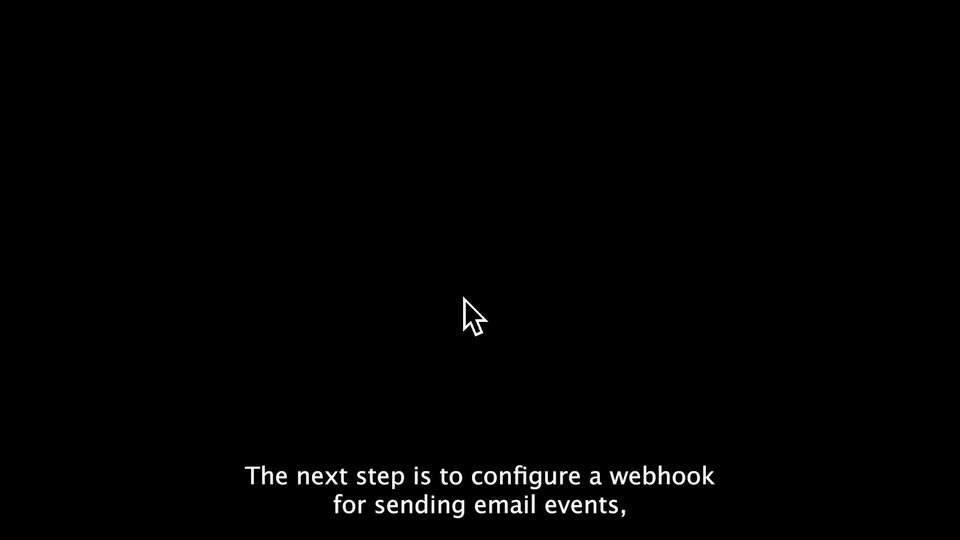
A dark code editor panel at the left edge of a black screen slides out, leaving a white arrow cursor centered. A two-line white caption at the bottom explains the next step for a webhook.
On-screen text: “The next step is to configure a webhook for sending email events,”
Techniques: Cursor demo
Camera: Static
On a dark API docs screen, a white cursor clicks the Send Request button, the view zooms into the JSON response panel, then pulls back as the cursor clicks Create Inbox in the sidebar, swapping the form to an inbox setup.
On-screen text: “The next step is to configure a webhook for sending email events,”, “and to create an inbox for my agent to use.”
Techniques: Cursor demo, UI zoom
Camera: Pull out
A dark API console opens blurred on a Send Request button as a hand cursor taps it. The response JSON snaps into focus, then the camera zooms out to reveal the full interface: sidebar, request code and response panels.
Techniques: Cursor demo, UI zoom
Camera: Pull out
A dark API docs screen shows a POST inbox endpoint with a green authenticated banner, a username field set to demo, and a cURL request plus JSON response on the right. A cursor hovers near the top while a white caption sits centered at the bottom.
On-screen text: “I've created the inbox [email protected]”
Techniques: Cursor demo
Camera: Static
A Gmail screen shows a compose panel on the right. The view zooms into the panel, a cursor points at the recipient address, then the frame scrolls down past the message body to a blank white area. White outlined captions run along the bottom.
On-screen text: “I've created the inbox [email protected]”, “and I've sent it a message from my personal email.”
Techniques: UI zoom, Cursor demo
Camera: Push in
A Gmail search list shows one email row, which updates in place with a reply from AgentMail. A cursor clicks the row, opening the full thread with the agent's message and three suggested reply chips. Bottom captions narrate the exchange.
On-screen text: “and I've sent it a message from my personal email.”, “After a few seconds, I've received a response from my agent.”
Techniques: Cursor demo
Camera: Pull out
A Gmail email thread is shown with a hand cursor hovering over the message body. A white caption with a black outline appears at the bottom of the screen and then disappears.
On-screen text: “After a few seconds, I've received a response from my agent.”
Techniques: Cursor demo
Camera: Static
A white outline logo of an envelope wearing a hat sits centered on a black background, with the URL agentmail.to beneath it. The frame stays locked and static for the full shot.
On-screen text: “agentmail.to”
Camera: Static