1:14
Explore
00:00:00 / 00:45:02
- Length
- 0:45
- Scenes
- 26 · 1.7 s avg
- Product on screen
- 0:14
- Call to action
- 0:40 · 90%
- Voiceover
- Yes
- Views
- 574 on YouTube
as of November 23, 2026
burnt’s 0:45 launch film runs 26 scenes, about 1.7 s each. The product shows up at 0:14. The call to action lands at 0:40 (90% in), over a voiceover. The video alternates near-black and off-white dot-grid backdrops and drives every beat with type that types in or scales on the grid, punctuated by 3D tumbling chat bubbles and a green selection-frame processing effect on the light UI. Pacing is steady at 115 BPM with hard cuts, moving from a candid problem statement to a logo reveal, a clean product demo, benefit lines over live-action clips, and a single CTA card.
Footage neededEstimated needs: 3 capture groups — your screens or recordings · 1 official logo — reused across the film · 1 filmed passage — shoot, supply or replace · 7 graphic passages — draw or supply · 3 3D passages — build or supply
Is this your launch? to your site or press kit.
More like this


Similar soundtrack
Films whose music sounds like this one, voice left out
1:12
Introducing Preambient: The Next $1,000,000,000,000 Company
Preambient · Upbeat electronic
1:25
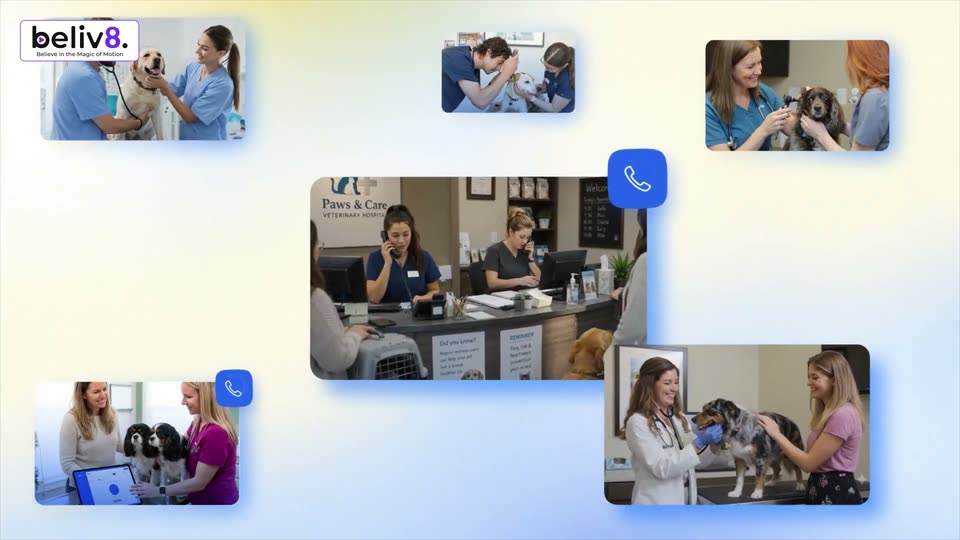

Product Feature Video for VetRec - Veterinary AI Assistant
VetRec · Modern electronic, corporate tech
1:30

TesterArmy: Test your app with natural language
e2e · Upbeat electronic
Burnt - Order Management made easy, scene by scene
· 26 scenes as text
01 · Hook · 0:00–0:02
A white typing cursor blinks on a black dot-grid background, then “Let's be real” scales in in white sans-serif. The line is replaced by “order entry in food distribution” in white italic serif.
On-screen text: “Let's be real”, “order entry in food distribution”
Techniques: Kinetic type
Camera: Pull out
02 · Problem · 0:02–0:04
On a black dotted background, the italic peach line 'order entry in food distribution' holds center as the bold white line 'is still stuck in the past.' types in below it, then three iOS notification banners for voicemail and email slide up from the bottom.
On-screen text: “order entry in food distribution is still stuck in the past.”
Techniques: Kinetic type
Camera: Pull out
03 · Problem · 0:04–0:05
A dark dotted background holds a centered two-line headline while a stack of phone notification cards scrolls upward, new messages entering from the top and older ones fading below.
On-screen text: “order entry in food distribution is still stuck in the past.”
Camera: Static
04 · Problem · 0:05–0:06
A phone screen holds a column of notification cards that scrolls upward, each row pairing a contact icon with a short message, while an orange italic and white sans headline sits above; a chat input bar with plus, camera and mic icons appears at the bottom.
On-screen text: “entry in food distribution”, “stuck in the past.”
Camera: Pan
05 · Problem · 0:06–0:07
A close-up of a chat thread zooms out to reveal a tilted phone in 3D perspective next to a flat message side panel, all on a dotted dark background.
Techniques: UI zoom, 3D mockup
Camera: Pull out
06 · Problem · 0:07–0:10
A tilted iPhone mockup shows an iMessage thread while email, call and voicemail cards pop in around it in 3D. The cluster shrinks toward center over a grid as a white headline begins to type in.
On-screen text: “The mo”
Techniques: 3D mockup, Kinetic type
Camera: Pull out
07 · Problem · 0:10–0:11
On a black grid, white text types out inside orange selection boxes while orange chat bubbles carrying customer requests slide in from the screen edges.
On-screen text: “The more time you spend typing”
Techniques: Kinetic type
Camera: Pull out
08 · Problem · 0:11–0:12
On a black grid, a white headline sits centered over orange highlight bars with small orange corner dots. White and orange chat bubbles carrying grocery requests stream diagonally across the frame, rotating as they pass the static text.
On-screen text: “The more time you spend typing,”
Camera: Pull out
09 · Problem · 0:12–0:14
On a black grid floor, white and orange chat bubbles with order requests tumble and fly through 3D space. They orbit a centered orange headline that reads more time you spend typing, passing in front of and behind it.
On-screen text: “more time”, “you spend typing.”
Techniques: 3D mockup
Camera: Pan
10 · Product intro · 0:14–0:14
A black canvas holds a ring of tilted chat bubbles in orange and white orbiting a dark central circle. The white wordmark burnt scales up in the middle as the circle behind it expands, closing the sequence.
On-screen text: “burnt”
Techniques: Kinetic type
Camera: Push in
11 · Product intro · 0:14–0:15
The white burnt logo sits in a dark disc at center, ringed by a thin circle, with tilted chat message bubbles arranged around it on black. The logo and bubbles blur and rotate as the scene spins out.
On-screen text: “burnt”
Techniques: Kinetic type, Morph
Camera: Pan
12 · Product intro · 0:15–0:17
A black lowercase burnt wordmark sharpens and scales to the center of a white circle, then a gray tagline fades in beneath it. Light gray concentric rings, radial beams, and small black dots drift around the circle on a pale background.
On-screen text: “burnt”, “AI agents for food distributors”
Techniques: Kinetic type
Camera: Static
13 · Product intro · 0:17–0:18
A giant black word “burnt” fills the frame over a blurred wall of email cards, then scales out to reveal the inbox, one order card sharp in the center. The line “AI agents for food distributors” fades in below as the small rai logo settles in.
On-screen text: “burnt”, “AI agents for food distributors”
Techniques: Kinetic type, UI zoom
Camera: Pan
14 · Demo · 0:18–0:18
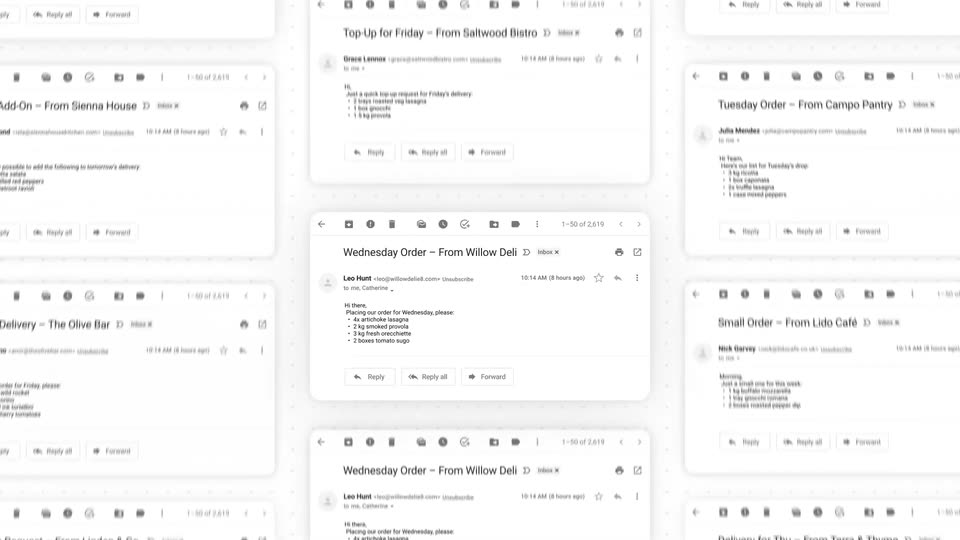
A wall of email windows recedes in 3D perspective as the central message, a Wednesday order from Willow Deli, scales forward into sharp focus while the surrounding orders blur. The four-item list stays legible at the center.
Techniques: 3D mockup, UI zoom
Camera: Push in
15 · Demo · 0:18–0:20
On a light dotted grid, an email card for an order from Willow Deli fades in. A green selection frame with corner handles snaps around it, and a green highlight marks the sender name in the subject line.
Camera: Push in
16 · Demo · 0:20–0:22
A green rounded card holds a white order form titled Processing Order, centered on a dotted grid with selection handles. The green card fades out, leaving the form alone, which tilts slightly against a soft glow.
Camera: Static
17 · Demo · 0:22–0:23
A green envelope icon holds the center of a white dotted grid as white rounded tiles with WhatsApp, XLS, and PDF icons pop in around it.
Camera: Static
18 · Demo · 0:23–0:26
A grid of white rounded tiles holds black line icons for email, WhatsApp, PDF, XLS and voicemail on a dotted background. A soft green glow blooms on the email tile and fades, the grid drifts slightly, then the whole pattern fades out to white.
Camera: Pull out
19 · Demo · 0:26–0:29
On a dotted white background, a delivery notification card opens zoomed in, then scales down as eight ERP logos fade in around it. The cluster fades out and the phrase 'No typing' types itself in the center.
On-screen text: “No typing”
Techniques: UI zoom, Kinetic type
Camera: Static
20 · Other · 0:29–0:31
On a white dotted-grid background, the italic serif word No stays fixed while the bold sans word after it scales and crossfades from typing to toggling. The frame is locked off and the swap happens in a single quick beat.
On-screen text: “No typingl”, “No toggling”
Techniques: Kinetic type, Morph
Camera: Static
21 · Other · 0:31–0:34
A black dotted backdrop holds the headline “No more copy-paste,” which builds word by word before switching to “No more delays.” White cursor arrows point to “Sales Rep” and “Customer Service Rep” pills that slide in from the corners.
On-screen text: “No toggling”, “No more copy”, “Customer Service Rep”, “No more copy-paste”, “Sales Rep”, “No more delays”
Techniques: Kinetic type
Camera: Pull out
22 · Other · 0:34–0:35
On a black dot-grid, the headline No more delays sits above two white speech bubbles, Sales Rep and Customer Service Rep. It slides out as thin grid lines draw in and Designed to enters at left, while three tilted video panels of offices and a store rise from the bottom.
On-screen text: “No more delays”, “Sales Rep”, “Customer Service Rep”, “Designed to streamline operations”
Techniques: Kinetic type
Camera: Static
23 · Other · 0:35–0:38
Black grid background: a peach italic serif line and a white sans line slide in word by word above three tilted live-action clips (truck loading, desk with machine, butcher shop) that rise side by side; the headline exits and an orange dot with a stem appears below.
On-screen text: “Designed to streamline operations”, “and lighten the load”
Techniques: Kinetic type, Split screen
Camera: Pan
24 · Other · 0:38–0:40
A faint white grid sits on black as a vertical orange line with a dot retracts upward. Two lines of text scale in at center. Three tilted live-action clips of a warehouse, a fruit sorter, and a produce stand slide up from the bottom and grow.
On-screen text: “without changing”, “how your team works.”
Techniques: Kinetic type
Camera: Pull out
25 · CTA · 0:40–0:41
On a black dot-grid background, the lowercase wordmark burnt de-blurs from a large soft glow into a sharp centered white logo. A small gray Get started line fades in beneath it as the sign-off.
On-screen text: “burnt”, “Get started”
Camera: Pull out
26 · CTA · 0:41–0:45
The white burnt wordmark holds center on a black field of small gray dots that drift slowly. Below it, a white pill button with getburnt.ai sits beside Get started at; a cursor appears, hovers near the button, and the scene fades to black.
On-screen text: “Get started at”, “getburnt.ai”
Techniques: Cursor demo, Parallax
Camera: Pull out