1:03

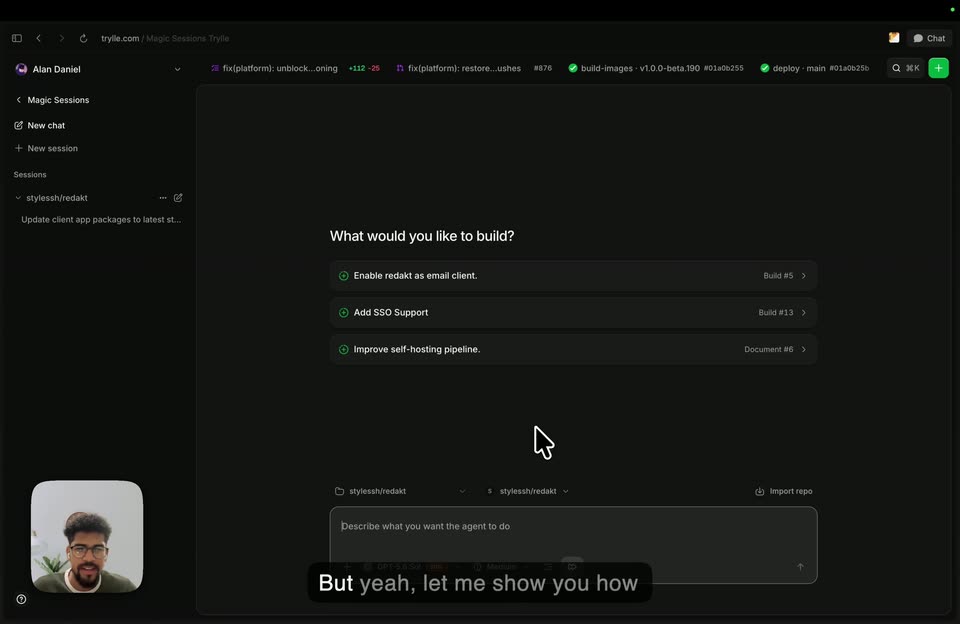
Browserbase - What will you 🅱️uild?
Browserbase · Nov 2024
BitPatrol’s 1:31 launch film runs 23 scenes, about 4.0 s each. The product shows up at 0:49 and 2 features are revealed. The call to action lands at 1:02 (68% in), over a voiceover. The video runs a confession interview plus green terminal tagline into a problem block with the founder and a regex demo, then two feature reveals for the ML detector and the GitHub app, and closes on the landing page call to action. Pacing is fast at about 13 cuts per minute with locked-off shots, glitch and scanline transitions, and all-caps caption pills that swap in sync with the voiceover.
Is this your launch? to your site or press kit.
Browserbase · Nov 2024
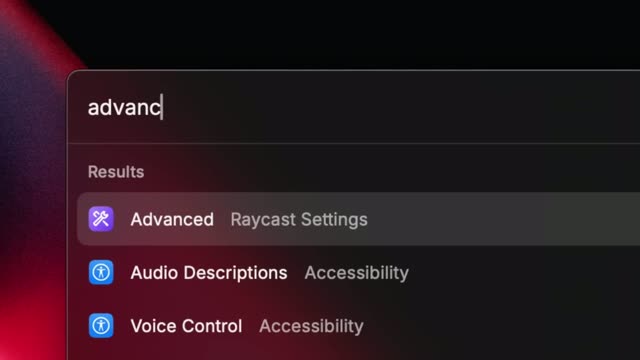
Raycast · Productivity · Feb 2025
Films whose music sounds like this one, voice left out
Mirage · Spoken word with digital sound effects
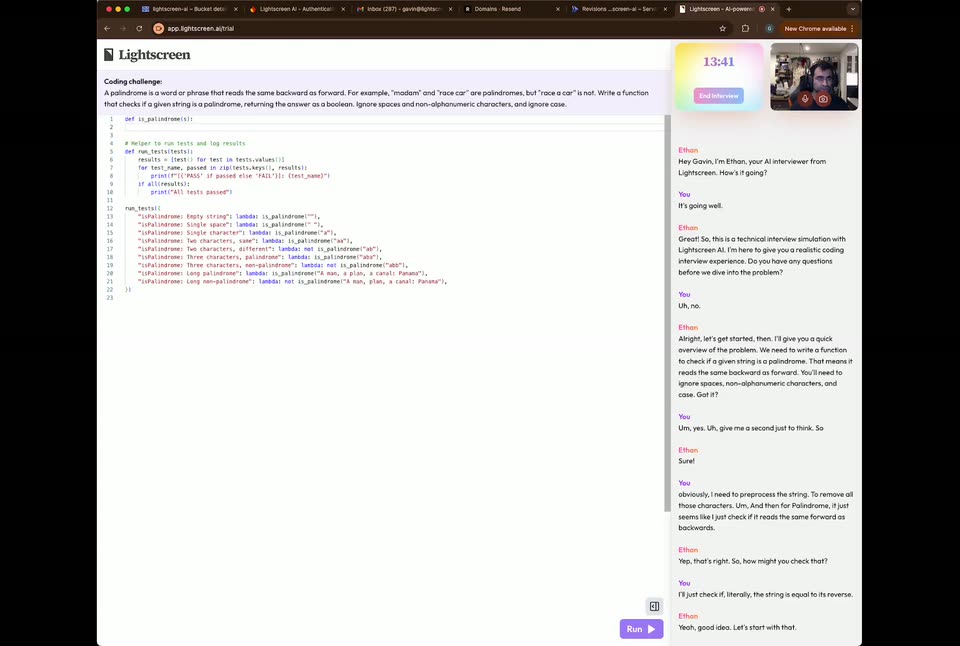
Lightscreen AI
A smiling older woman with short white hair and rimless glasses is interviewed in a sunny park, the crowd behind her out of focus. She laughs, lifts her glasses away from her face, and gestures with both hands.
On-screen text: “THE SECRET WAS JUST SITTING THERE ON GITHUB”, “SO I THOUGHT WHY NOT”, “AND I LEAKED ALL OF THEIR CUSTOMER DATA”
Camera: Pull out
A green block cursor blinks on black, then a centered monospace line types “Hacking should never” character by character, then deletes and retypes. The frame stays locked off.
On-screen text: “Hacking should never”
Techniques: Kinetic type
Camera: Static
Green monospace text types out on a black screen, finishing with a blinking block cursor. A brief glitch overlap flickers through the first word before the full line resolves.
On-screen text: “Hacking should NEVER be this easy...”
Techniques: Kinetic type
Camera: Static
Syntax-highlighted code on a black screen scrolls vertically with a glitchy, flickering CRT effect and horizontal scanlines. A static caption stays locked in frame over the moving code.
On-screen text: “Hacking should I”
Camera: Static
Lines of PHP code in green and magenta fill a black screen, tearing with horizontal glitch bands and color fringing, then settling as the list scrolls upward.
Techniques: Kinetic type
Camera: Static
A young man in a black zip-up jacket faces the camera in a locked-off medium close-up against a plain light gray wall. White all-caps captions in black boxes cycle at the bottom, and a purple and dark-gray lower-third name bar appears at the left.
On-screen text: “SECRET LEAKS ARE HAPPENING”, “THOUSANDS OF TIMES PER DAY”, “Christopher Lambert”, “Founder & CEO, BitPatrol”, “AND IMPACT COMPANIES ACROSS”, “EVERY INDUSTRY IMAGINABLE”, “THE PROBLEM IS ONLY GETTING WORSE”, “AND THERE'S A GAP IN EXISTING SECURITY TOOLS”, “THAT ALLOWS MANY OF THESE SECRETS”, “TO SLIP THROUGH THE CRACKS”
Camera: Static
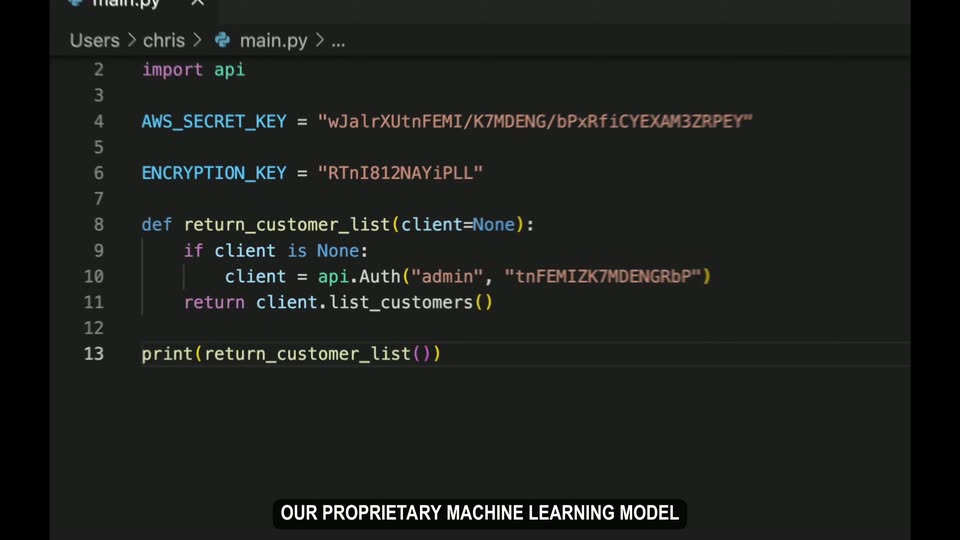
A VS Code window on a colorful macOS desktop displays a Python file containing hardcoded secret keys. White caption lines appear in a dark box at the bottom. Near the end the editor dims and a gray outline highlights the AWS_SECRET_KEY line.
On-screen text: “HERE I HAVE A PYTHON FILE”, “WITH A NUMBER OF HARD CODED SECRETS INSIDE OF IT”, “LEGACY TOOLS LOOK FOR KNOWN PREFIXES”
Camera: Static
A dark code editor fades in over the previous shot; a line holding an AWS secret key is boxed in gray. White labels Prefix and a regex string pop in at the bottom, each with a thin line pointing to the code, while all-caps captions swap beneath.
On-screen text: “LEGACY TOOLS LOOK FOR KNOWN PREFIXES”, “AND THEN MATCH SECRETS USING REGULAR EXPRESSIONS”, “Prefix: ”
Techniques: Kinetic type
Camera: Static
A dark code editor highlights a Python line holding an AWS secret key. Two white leader lines drop to the labels Prefix and Regex. Bottom captions swap with the voiceover, then the view zooms out to the full editor window.
On-screen text: “Prefix: AWS”, “Regex: ([a-zA-Z0-9+/]{40})”, “THIS WORKS WELL FOR SECRETS”, “THAT FOLLOW A SET PATTERN”, “BUT REAL WORLD CODE OFTEN DOESN'T”
Techniques: UI zoom
Camera: Pull out
A dark code editor window fills the frame over a warm orange and blue gradient, displaying Python code with two highlighted secret key lines. A white caption in a black rounded box at the bottom reads the first line, then swaps to the second.
On-screen text: “BUT REAL WORLD CODE OFTEN DOESN'T”, “AS YOU CAN SEE”
Camera: Static
A dark code editor window sits flat and centered on a wavy orange and blue background, its Python code highlighting two secret key lines. A white caption in a black bar at the bottom swaps from one phrase to the next while the window stays still.
On-screen text: “SO SECRETS LIKE THIS”, “AND THIS FALL THROUGH THE CRACKS”
Camera: Static
A dark code editor window shows Python code with secret keys over a colorful desktop background. The frame zooms into the code area, and a blue highlight covers the function block. A white caption sits in a dark bar at the bottom.
On-screen text: “AT BITPATROL WE TAKE A DIFFERENT APPROACH”, “OUR PROPRIETARY MACHINE LEARNING MODEL”
Techniques: UI zoom
Camera: Push in
A dark code editor close-up shows Python code with a function block highlighted in blue while bottom captions cycle through phrases. In the final second the frame zooms out to reveal the whole editor window on a colorful desktop background.
On-screen text: “UNDERSTANDS CODE CONTEXT”, “AND DETECTS SECRETS”, “REGARDLESS OF THE KEY TYPE”, “FORMAT OR NAMING CONVENTION”
Techniques: Kinetic type, UI zoom
Camera: Pull out
A dark code editor window on a colorful gradient desktop shows a Python file with hardcoded AWS and encryption keys. The editor stays static while white caption lines in a black box at the bottom swap every second.
On-screen text: “FORMAT OR MAINTAIN CONVENTION”, “THIS MEANS THAT”, “BITPATTROL DETECTS SECRETS”, “THAT EXISTING TOOLS MISS”
Camera: Static
A dark code editor window sits on a colorful orange and blue gradient, showing a Python file with hardcoded secret keys. A black caption pill at the bottom reads the line. The shot holds still with no motion.
On-screen text: “AND WE CAN PROVE IT”
Camera: Static
A flat browser window on a gradient desktop shows the BitPatrol landing page building up: headline, subtext, then two buttons fade in. A cursor glides to the Install GitHub App button as the frame zooms in on the buttons.
On-screen text: “IF YOU HEAD OVER TO BITPATROL.IO”, “YOU CAN REQUEST AN AUDIT”, “OF ALL OF YOUR”, “COMPANY'S PUBLIC CODE”, “TO SEE WHAT SECRET LEAKS”, “ARE ALREADY OUT THERE”, “FOR TEAMS AND PERSONAL DEVELOPERS”, “LOOKING FOR REAL TIME SECRET DETECTION”, “YOU CAN USE OUR GITHUB APP TO SCAN COMMITS IN REAL TIME”
Techniques: Cursor demo, UI zoom
Camera: Push in
A dark GitHub App page for BitPatrol fills the frame with a white cursor over the feature list, then zooms out to show the full browser window on a colorful abstract gradient. A black lower-third caption sits at the bottom.
On-screen text: “YOU CAN USE OUR GITHUB APP TO SCAN COMMITS IN REAL TIME”
Techniques: UI zoom
Camera: Pull out
A flat browser window shows the dark BitPatrol GitHub App page with a green Install button and a cursor. A white PagerDuty incidents panel slides in from the left, covering half the page. A black caption bar at the bottom swaps its text.
On-screen text: “YOU CAN USE OUR GITHUB APP TO SCAN COMMITS IN REAL TIME”, “AND KICK OFF ACTIONS”
Camera: Static
A Chrome window shows the PagerDuty incident list. White captions in a black box build up at the bottom, then the cursor hovers a browser tab as the view zooms in to show a Slack tab tooltip.
On-screen text: “LIKE ACTIONS”, “LIKE PAGERDUTY NOTIFICATIONS”, “SLACK MESSAGES”
Techniques: UI zoom, Cursor demo
Camera: Push in
A browser window opens a Slack channel where a BitPatrol app posts a secret-detected alert with code context. A purple wash fades over the screen as a black caption swaps from SLACK MESSAGES to OR CUSTOM WEBHOOKS.
On-screen text: “SLACK MESSAGES”, “OR CUSTOM WEBHOOKS”
Camera: Pan
A dark Slack channel lists two BitPatrol secret-detected alerts, each with a risk score and highlighted code lines. A white cursor hovers over the messages while a bottom caption swaps from one phrase to the next.
On-screen text: “OR CUSTOM WEBHOOKS”, “THAT FIRE WHEN A SECRET IS LEAKED”
Camera: Static
A tight vertical crop of a white card fades up from black, revealing the heading 'Secret detection' in a glitchy vertical-bar font above a dark button. A white caption sits at the bottom.
On-screen text: “THAT FIRE WHEN A SECRET IS LEAKED”
Camera: Static
A static BitPatrol landing page in a browser window sits centered on a colorful abstract background. White caption phrases in a dark pill appear one after another at the bottom, matching the voiceover.
On-screen text: “IF YOUR TEAM IS JUST LOOKING TO”, “CHECK A BOX FOR COMPLIANCE PURPOSES”, “YOU COULD USE ONE OF OUR COMPETITORS”, “BUT IF YOU'RE SERIOUS”, “ABOUT STOPPING SECRET LEAKS”, “USE BITPATROL”
Camera: Static