3:35
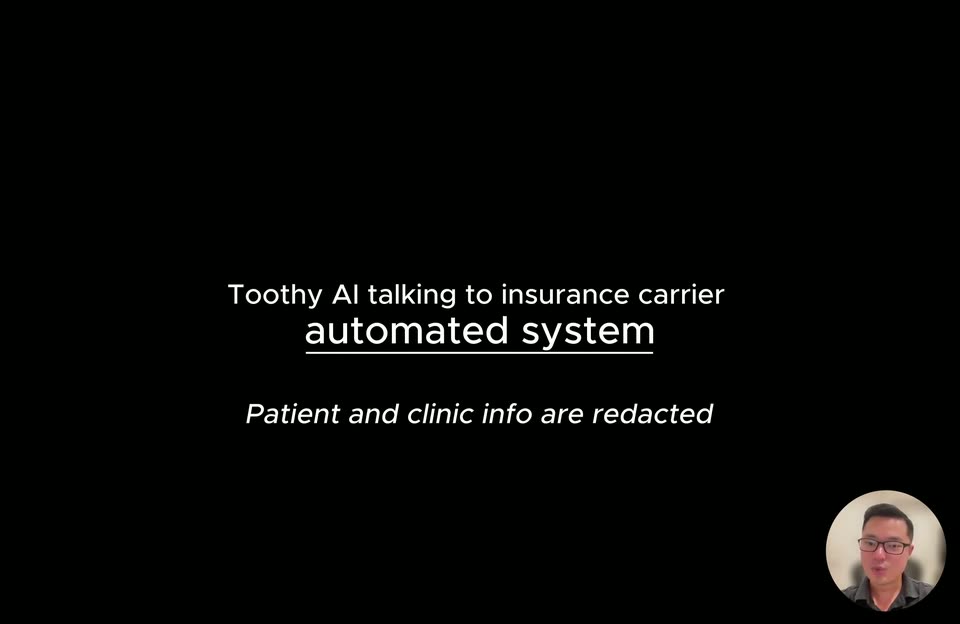
Toothy.ai (YC W25)
Toothy AI · Healthcare · Feb 2025
Lightscreen AI · Oct 2024 · 4:00 · Full motion · AI-annotated
Lightscreen AI’s 4:00 launch film runs 9 scenes, about 27 s each. The product is on screen from the first frame and 1 feature is revealed. The call to action lands at 3:31 (88% in), over a voiceover. The video is a single continuous screen-recording walkthrough that moves from the hiring dashboard to the candidate email, the interview setup, the evaluation report, and a sample interview clip, closing on a direct call to action. Its defining style is a small circular face cam pinned to the lower-left corner over a calm, pastel-accented interface, with a steady, unhurried pace that lets each panel of the UI carry the explanation.
Is this your launch? to your site or press kit.
Toothy AI · Healthcare · Feb 2025
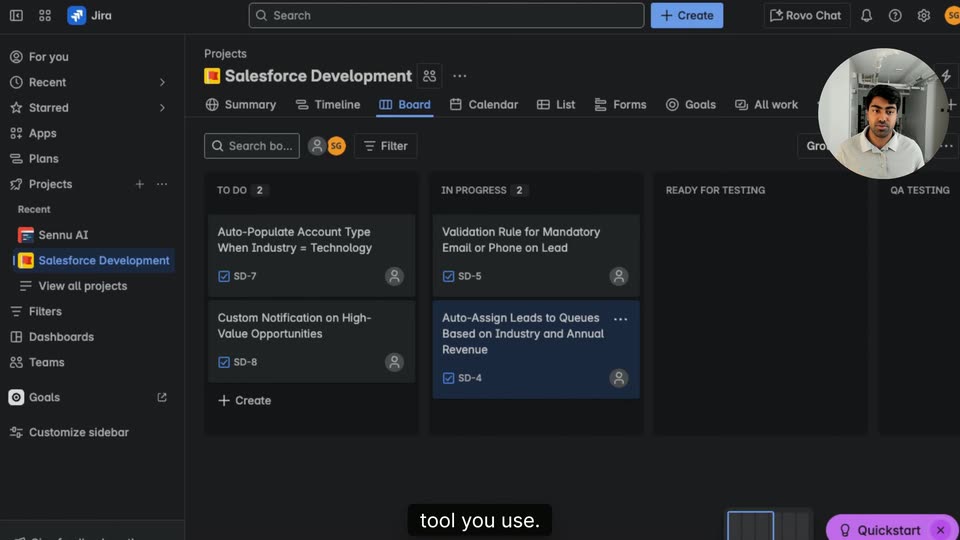
Sennu AI · B2B · Jun 2025
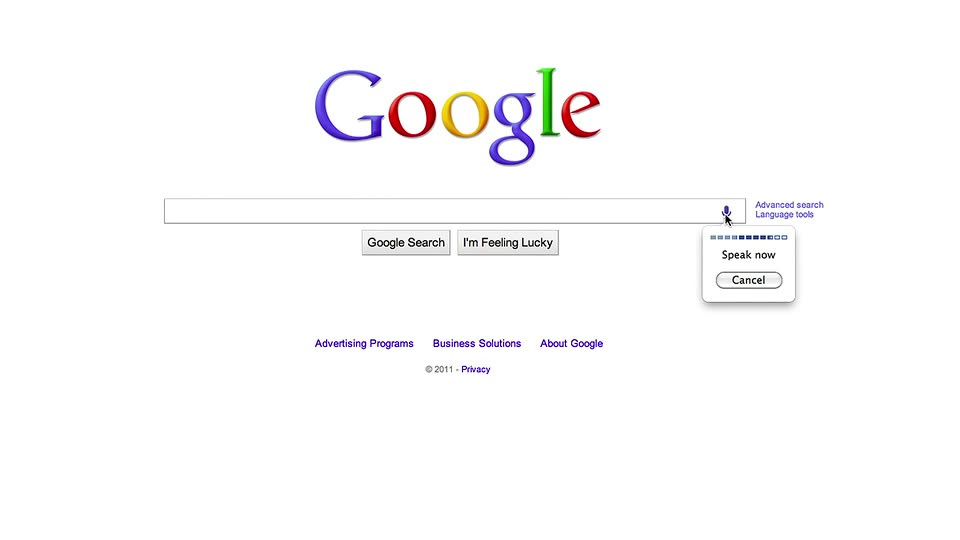
Google · AI · Jun 2011
Films whose music sounds like this one, voice left out
Autumn · Speech
Endstack
Mirage · Spoken word with digital sound effects
A browser window shows the Lightscreen AI candidate dashboard, with a circular webcam of the presenter in the lower left. A cursor clicks Add Candidate, fills the modal form, and a new row with a NOT STARTED badge appears in the table.
Techniques: Cursor demo
Camera: Static
A Gmail inbox screen shows one email from Lightscreen Team. A cursor moves up and clicks it, opening the message body with a video player and dashboard screenshots. A circular presenter video sits in the bottom-left corner.
Techniques: Cursor demo
Camera: Static
A Gmail email titled AI Interview Instructions fills the screen, with a circular webcam feed of a woman in a black top talking in the lower left. The cursor drifts across the page and the email scrolls down to show an embedded video with a red play button, then back up.
Techniques: Cursor demo
Camera: Static
A locked-off browser view of a dark, blank Lightscreen page with the address bar reading app.lightscreen.ai/trial. A circular webcam feed of a woman sits in the bottom-left corner, and a cursor rests near the center of the empty page.
On-screen text: “4”
Camera: Static
Static screen recording of the Lightscreen trial page. A pastel gradient card reads “All set!” beside a white setup card with audio and coding language fields and a pink Start Interview Call button. A circular webcam video of a woman talking and gesturing sits bottom-left.
Camera: Static
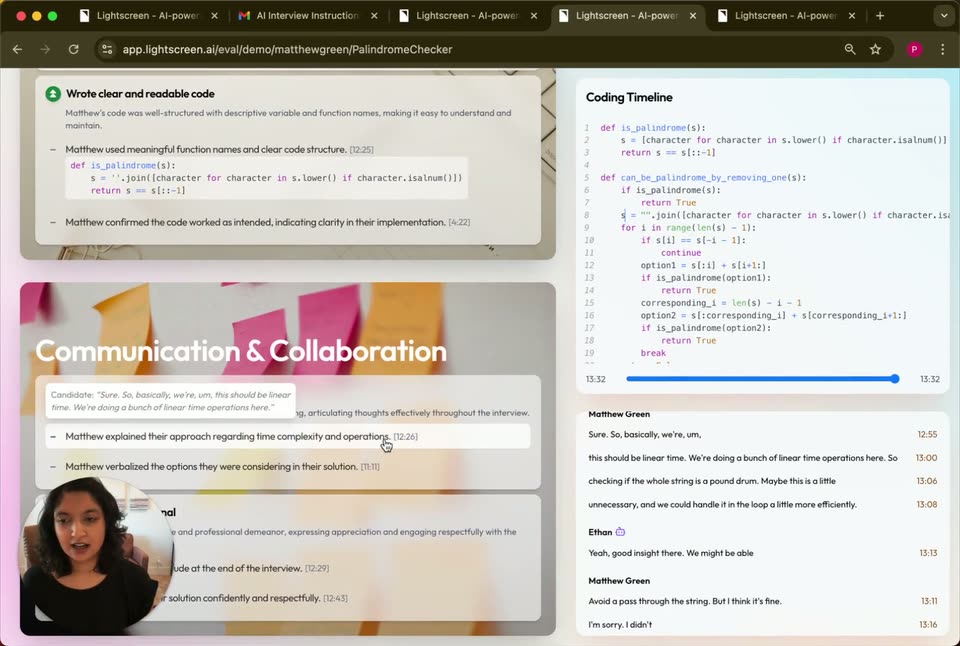
A browser window shows the Lightscreen evaluation page for a candidate, with a star rating and summary on the left, a code timeline and transcript on the right. The cursor drags the timeline slider, scrolls the page to the skills sections, and hovers a bullet to reveal a quote.
Techniques: Cursor demo
Camera: Static
A browser window shows the Lightscreen report for candidate Daniel White, flagged Not Recommended with strong evidence of cheating. The cursor hovers the plagiarism card as the page scrolls to the Problem Solving section; the code and transcript panels on the right update as the timeline scrubber moves.
Techniques: Cursor demo
Camera: Static
A locked-off screen recording of the Lightscreen app in a browser. The left code editor types a Python palindrome function line by line, while the right chat panel scrolls as messages from the AI interviewer appear. A video thumbnail and countdown timer sit in the corner.
Camera: Static
A locked-off screen recording of the Lightscreen app. The left panel, titled Problem Solving on a warm gradient, stacks evidence cards; the right panel shows a Coding Timeline of Python code beside a timestamped transcript. A circular inset plays a woman talking and gesturing.
Camera: Static