0:15
Sherjil Ozair - Today I'm launching my new company @GeneralAgentsCo and our first pro
GeneralAgentsCo · Apr 2025
Endstack · Nov 2024 · 3:05 · Full motion · AI-annotated
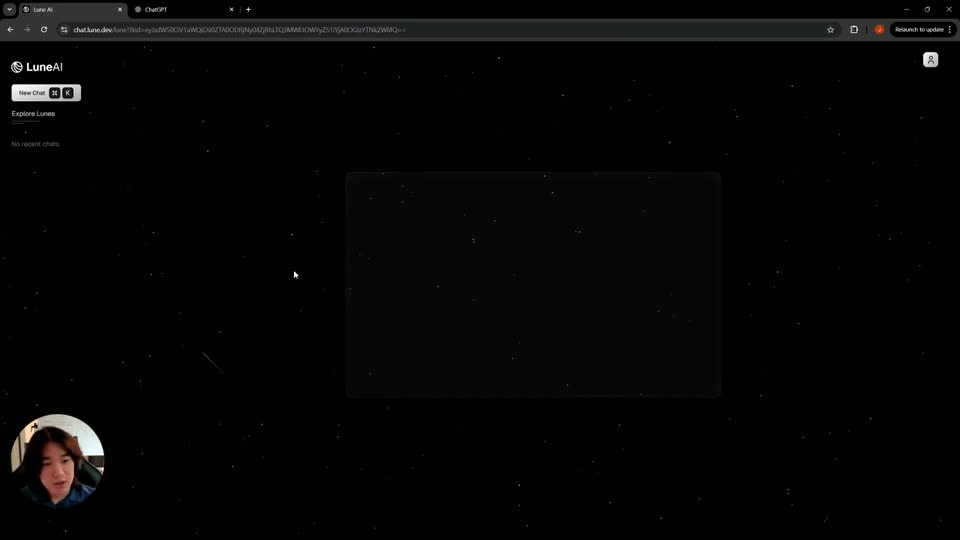
Endstack’s 3:05 launch film runs 22 scenes, about 8.4 s each. The product is on screen from the first frame. There is no explicit call to action; a voiceover carries the film. The video is one continuous screen-recording walkthrough that advances feature by feature (landing page, Loon chat, Cursor API setup, contribution programs, training a Loon) with the presenter's facecam pinned in the lower-left corner throughout. Its look is a dark starfield backdrop with light-weight sans-serif type and slow, cursor-driven pacing, using crossfades and skeleton-card loads to mark each transition.
Is this your launch? to your site or press kit.
GeneralAgentsCo · Apr 2025
Hiredmail · Nov 2026
Films whose music sounds like this one, voice left out
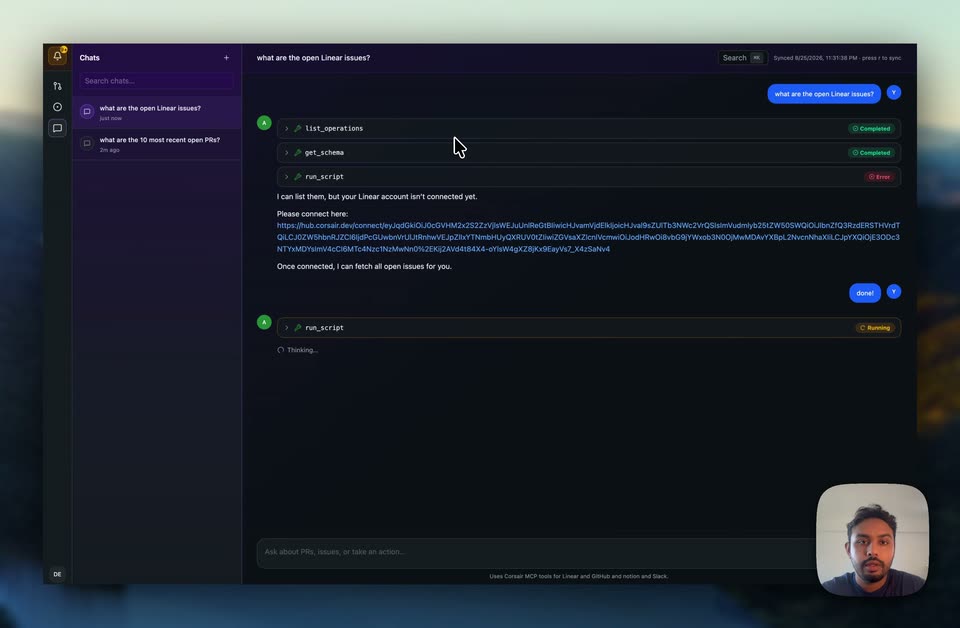
Corsair · Technical tutorial / Product demonstration
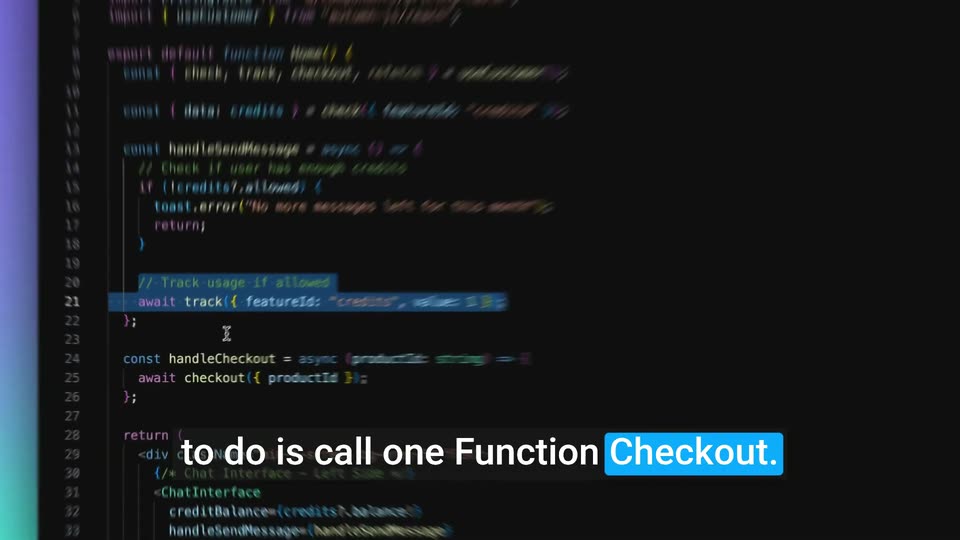
Autumn · Speech
Lightscreen AI
Screen recording of the LumeAI landing page on a black starfield. The large headline stays fixed while the subtitle types and cycles through phrases such as “For Coding Copilots.” A circular face-cam of the presenter sits bottom-left, and a cursor hovers the nav near the end.
Techniques: Kinetic type, Particles, Cursor demo
Camera: Static
A dark browser window shows the LuneAI Explore Lunes page; a long two-column grid of cards scrolls down past GitHub and API entries while a webcam feed sits bottom left. The cursor clicks View Details, a Langchain Python Github card fades in center, a Save to Dashboard tooltip pops, then the cursor moves to New Chat.
Techniques: Cursor demo
Camera: Pan
Dark starry product screen: three model cards load from gray skeletons as Firebase, Google Sheets API, and Langchain Python Github. A cursor clicks the last card, a chip appears under the input bar, then the cursor types a question. A circular webcam of the presenter sits bottom-left.
Techniques: Cursor demo
Camera: Static
A browser screen recording of the LuneAI chat over a starfield with occasional shooting stars. The answer to a question streams in, the view scrolls to a Python code block that types out, then the cursor selects the code. A small circular webcam of a presenter sits bottom-left.
Techniques: Particles, Cursor demo
Camera: Pan
A dark ChatGPT window shows a question and a long answer with steps and a Python code block. A circular webcam feed of a woman sits lower left. The page scrolls down through the code and a benefits list, then back up, as a cursor drifts left.
Techniques: Cursor demo
Camera: Pan
Dark web app screen with a Python code block and answer text; a circular webcam of the presenter sits in the corner. The cursor opens the top-right avatar menu, hovers My Profile for a tooltip, then the view cuts to a Profile page with tabs and two empty cards.
Techniques: Cursor demo
Camera: Static
A dark web dashboard fills the frame with a small webcam feed in the corner. The cursor clicks the API Keys tab, swapping the plan cards for two key rows, then clicks the copy icon and a small tooltip pops in.
Techniques: Cursor demo
Camera: Static
A dark browser window shows the LuneAI profile page on the API Keys tab, with a 'Key Copied' badge beside the Personal Key. A circular webcam feed of a woman sits in the lower left corner, and a small dark code editor window appears at the bottom center.
Camera: Static
Screen recording of the Cursor settings panel, with a presenter's webcam feed in the corner. The cursor opens the Models tab, scrolls to the OpenAI API Key, types a new base URL, then clicks Save and Verify. The window is dragged aside to reveal the API keys page.
Techniques: Cursor demo
Camera: Static
A dark web-app profile screen fills the frame, with a small circular webcam feed of a presenter in the lower left. The cursor hovers the API Keys rows, then clicks Explore Lunes, switching the view to a search bar and gray skeleton cards.
Techniques: Cursor demo
Camera: Static
A dark browser window shows the LuneAI Explore Lunes page. Six gray skeleton cards load and resolve into a Popular list of API and docs Lunés with buttons, then an Indexed-github-repos section appears. A small webcam circle of a person sits bottom left.
Camera: Static
A browser window holds the LuneAI landing page on a black starfield. The white headline stays fixed at center while the line below types out one phrase, then re-types the next. A circular webcam feed of a person sits in the lower left corner.
Techniques: Kinetic type
Camera: Static
A screen capture of the Lune website on a dark starfield background scrolls upward, moving the hero from “Eliminate Hallucinations” to the “Take part in our community. Get paid.” payouts section. A circular webcam avatar of a person stays pinned in the lower-left corner throughout the locked-off frame.
Camera: Static
Screen recording of the LuneAI payments page on a starfield background. The page scrolls down from the large headline into the Lune Contribute Program section, where a dark mockup of the feedback interface sits in a glowing card. A small circular webcam of the presenter stays in the lower left while the cursor drifts over the page.
On-screen text: “Take part in our community.”, “Get paid.”, “Lune Contribute Program”
Techniques: Cursor demo
Camera: Pan
A dark starry screen shows the lune.dev payments page: a 'Lune Creator Program' heading over a profile panel listing two payout programs with dollar amounts. The page slides up into place at the start, then holds. A small circular facecam of a presenter sits in the lower-left corner.
Camera: Pan
A crossfade settles into a flat browser view of the LuneAI payments page on a dark starry field. The viewport drifts up and down, framing the payout cards and the FAQ heading, while a small circular webcam of the presenter sits in the lower-left corner.
Camera: Static
A dark product webpage scrolls upward as the view moves past a code block toward a Lune Creator Program heading and a black profile card listing paid Lunes. A circular webcam of a woman is fixed in the bottom-left corner.
Camera: Pan
A browser window shows the Lune website on a dark page. The page scrolls up, revealing a large “Get paid.” headline and a “Lune Contribute Program” section with an embedded Cursor interface. A small round video-call avatar sits in the bottom-left corner.
Camera: Pan
A dark browser window shows the Lune.dev payments page over a starfield background. A white two-line headline sits center, with a small circular video of a man in the lower left. The frame stays locked off while the cursor drifts slightly.
Camera: Static
A dark browser window shows the Lune AI contribute page with the heading Take part in our community. Get paid. A cursor hovers the Explore Lunes nav item, and the page crossfades into the Explore Lunes view with a search bar. A circular webcam of the presenter sits in the bottom left.
Techniques: Cursor demo
Camera: Static
A dark web app page titled Explore Lunes scrolls down through two-column card lists of API docs and GitHub repos, with a small webcam feed of a presenter in the lower-left corner. The cursor moves to the top-right avatar and opens a user menu dropdown.
Techniques: Cursor demo
Camera: Pan
A dark web app screen lists trained Lunes, then opens a Create a Lune form where a name and description are typed. The cursor clicks Continue, advancing to the Configure Knowledge Base step. A small webcam feed of a presenter sits in the lower-left corner over a starfield.
Techniques: Cursor demo
Camera: Static