1:02
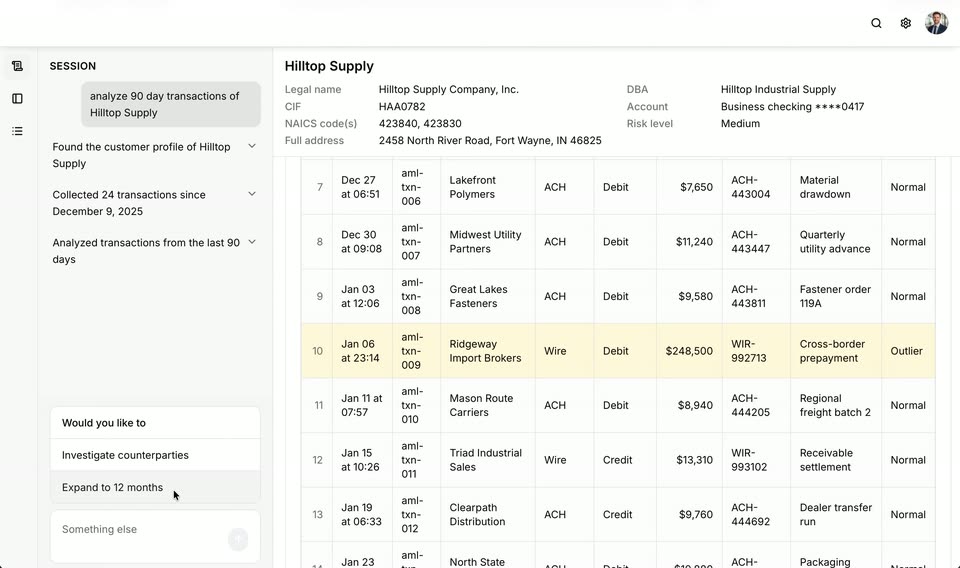

Fenrock AI - back office AI agents for banks and private lenders
Fenrock AI · Fintech · Mar 2026
Hiredmail · Nov 2026 · 0:52 · Full motion · AI-annotated
Hiredmail’s 0:52 launch film runs 12 scenes, about 4.4 s each. The product is on screen from the first frame. There is no explicit call to action. The video is one continuous screen recording that walks through the Hiredmail interface, chaining loading skeletons, table scrolls and dropdown clicks from page to page. Its defining moves are the cursor-led navigation, the skeleton-to-content reveals and the orange highlights on handles, badges and the Copied toast.
Is this your launch? to your site or press kit.
Fenrock AI · Fintech · Mar 2026
Doe · B2B · Jan 2026
A browser window shows the Hiredmail site, a sky hero banner above an outreach contact table. The cursor rises to hover the Open directory button, and a dark URL tooltip appears at the bottom left.
On-screen text: “https://gethiredmail.xyz/app/queue”
Techniques: Cursor demo
Camera: Static
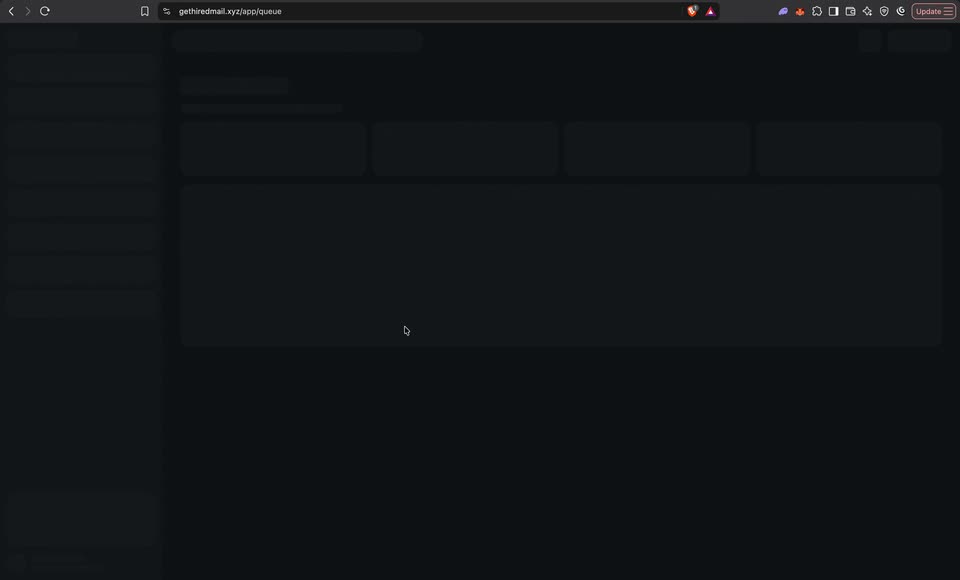
A dark queue dashboard fills the frame, a left sidebar of empty rows and a row of blank stat cards above an empty content panel. A mouse cursor drifts down and left, stopping on a URL link in the bottom corner.
On-screen text: “https://gethiredmail.xyz/app/queue”
Techniques: Cursor demo
Camera: Static
A dark Hiredmail outreach screen fills from a blank loading state with a contact table. The rows scroll down through the list and return to the top as the cursor eases toward the YC entry in the left sidebar.
Techniques: Cursor demo
Camera: Static
A dark dashboard loads a YC company list with four stat cards and a table. A cursor types in the search box, opens the sort and country dropdowns, then picks Most people on X; the table re-sorts to companies with the largest people counts.
Techniques: Cursor demo
Camera: Static
A dark Hiredmail dashboard screen with a left menu and an empty gray panel at top. A mouse cursor glides from the right edge toward the middle of the blank content area.
Techniques: Cursor demo
Camera: Static
A dark web app interface in a browser window. A long table of team names paired with orange X handles scrolls vertically from top to bottom, then stops to reveal two side-by-side panels, Team inboxes and People emails. A mouse cursor hovers over the list and drifts right at the end.
On-screen text: “gethiredmail.xyz/app/yc/exa.ai”
Techniques: Cursor demo
Camera: Static
A dark browser window with an empty page and a visible address bar. A white cursor drifts across the blank area while the frame stays locked off.
Techniques: Cursor demo
Camera: Static
A dark X profile page loads inside a browser window. An empty feed shows the X mark and a spinner, then the header, green banner and a pinned post with satellite photos fill in from the top while a cursor drifts across the screen.
On-screen text: “x.com/songyou”
Camera: Static
A dark dashboard scrolls through names and orange email handles; the cursor hovers copy icons and a Copied toast appears, then clicks Companies in the left menu, switching to a Companies page where skeleton rows fill into a table of company names and contact counts.
Techniques: Cursor demo
Camera: Static
A dark Hiredmail dashboard fills the frame, its left sidebar and top search bar framing a large empty panel. A mouse cursor glides from the right side toward the middle of the blank area.
Techniques: Cursor demo
Camera: Static
A dark dashboard UI populates its empty main panel with a company card for Retool, followed by two columns listing team inboxes and people emails. The left sidebar and top bar stay static throughout.
Camera: Static
A dark web app view of the Retool company page scrolls down through a long list of people emails, then back to the top, and a cursor moves to the Companies item in the left sidebar.
Techniques: Cursor demo
Camera: Static