0:26
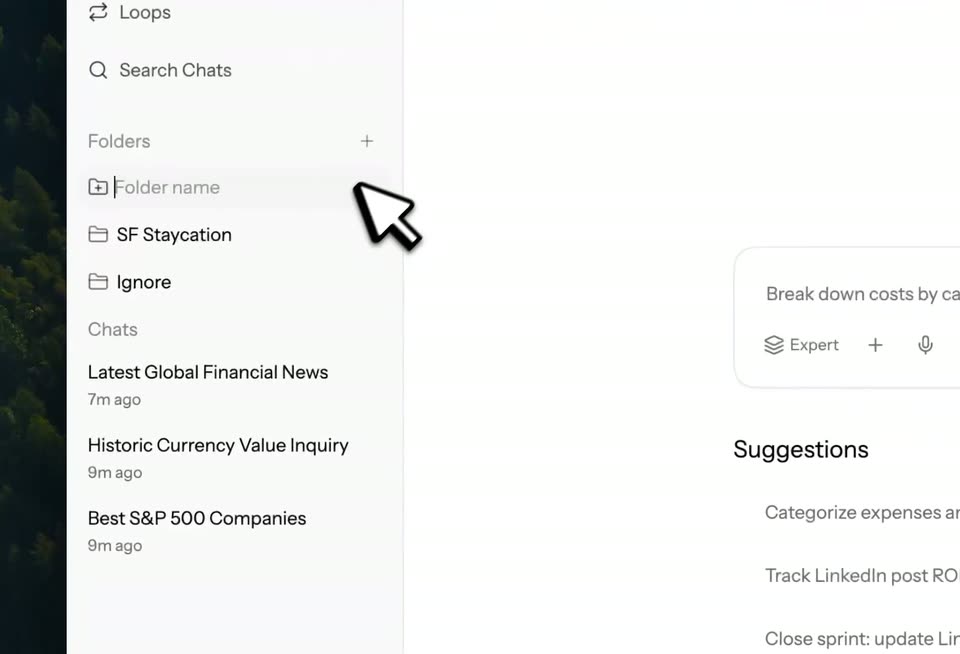

doe - We're announcing folders for chat sessions and files!
Doe · B2B · Jan 2026
Plenty’s 3:21 launch film runs 7 scenes, about 29 s each. The product is on screen from the first frame and 3 features are revealed. There is no explicit call to action; a voiceover carries the film. A single presenter intro gives way to a slow, cursor-driven screen recording of the product, with the presenter's webcam pinned in the corner throughout. The edit barely cuts (under one per minute), letting the interface and the narration carry the story.
Is this your launch? to your site or press kit.
Films whose music sounds like this one, voice left out
Modelence · Technical tutorial voiceover
Dawn Industries · Corporate tech presentation
Oura · Corporate tech advertisement
A bald man with a reddish beard in a black t-shirt speaks to the camera in a static medium close-up. He sits against a green wall with a plant and white shelf behind him, introducing his product launch.
Camera: Static
A dark landing page in a browser window: headline with a color-shifting outline on the left, a demo panel on the right where a cursor travels a timeline and steps check off, ending in an approval card. A webcam feed of a bald man sits bottom-right.
Techniques: Cursor demo
Camera: Static
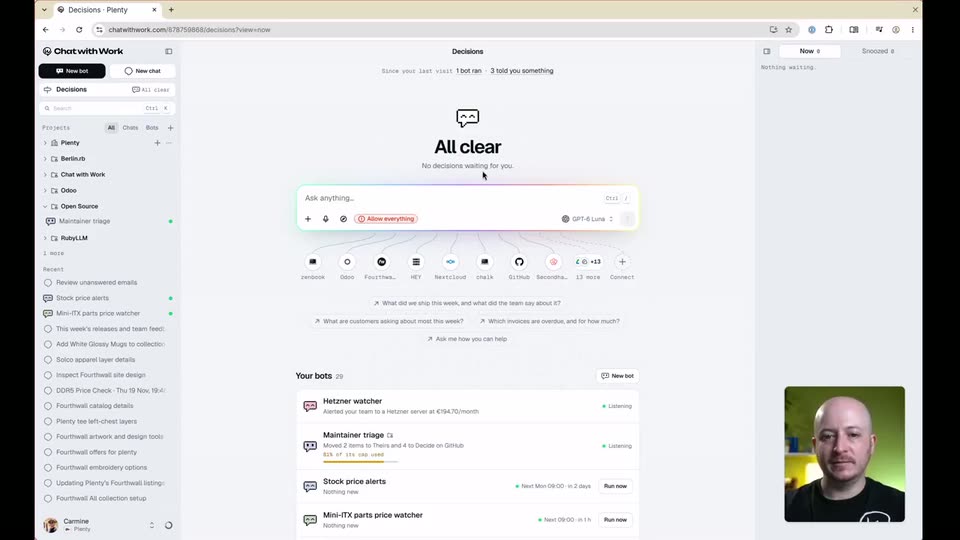
A screen recording of the Chat with Work dashboard shows an empty 'All clear' decision view beside a sidebar, bot list, and a small presenter video at bottom right. The cursor opens the account menu at bottom left and switches organizations, revealing a filled decision queue.
Techniques: Cursor demo
Camera: Static
A web app interface fills the screen, showing a decision card with a coffee order question and three numbered supplier options. A cursor drifts across the card and hovers over the first option, while a small video of a talking man sits in the lower right corner.
Techniques: Cursor demo
Camera: Static
A browser window shows the ChatWithWork interface: a left project list, a center decision card drafting an email to Priya Shah, and a right queue of pending actions. A small webcam feed of a man sits bottom-right. The cursor drifts across the panes, hovering over list items.
Techniques: Cursor demo
Camera: Static
A locked-off screen recording of the Chat with Work bot builder shows the Wholesale orders flow, with a presenter's small video in the bottom right. The cursor opens a side chat, types a change request, and clicks approve, updating the flow text live.
Techniques: Cursor demo
Camera: Static
A web app decision queue fills the screen; a cursor clicks through approval cards that swap from an email draft to a Slack message to a calendar event. A small video of a bald man in a black shirt talks in the lower right corner.
Techniques: Cursor demo
Camera: Static