
2:03
Explore
Modelence - Launch Demo
Modelence · Jul 2025 · 1:43 · Full motion · AI-annotated
- Length
- 1:43
- Scenes
- 22 · 4.7 s avg
- Product on screen
- 0:00
- Features shown
- 4
- Call to action
- 1:38 · 95%
- Voiceover
- Yes
- Views
- 216 on YouTube
as of November 23, 2026
00:00:00 / 01:43:21
- Length
- 1:43
- Scenes
- 22 · 4.7 s avg
- Product on screen
- 0:00
- Features shown
- 4
- Call to action
- 1:38 · 95%
- Voiceover
- Yes
- Views
- 216 on YouTube
as of November 23, 2026
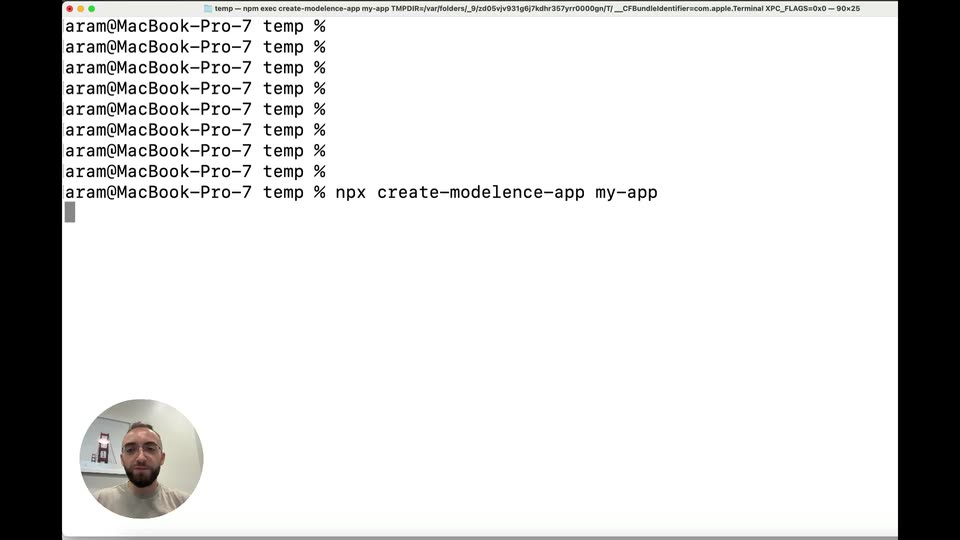
Modelence’s 1:43 launch film runs 22 scenes, about 4.7 s each. The product is on screen from the first frame and 4 features are revealed. The call to action lands at 1:38 (95% in), over a voiceover. A single continuous screen-recording launch walkthrough: a static landing page opens, then a circular founder webcam stays pinned bottom-left while the cursor drives terminal, dashboard and browser in a fast, linear how-it-works flow. Pacing is steady and cut-light, with hard cuts between terminal, dashboard and browser, purple accent buttons and toasts marking each completed step, and the URL card closing the loop.
No filming indicatedEstimated needs: 6 capture groups — your screens or recordings
Is this your launch? to your site or press kit.
More like this



Similar soundtrack
Films whose music sounds like this one, voice left out
3:21
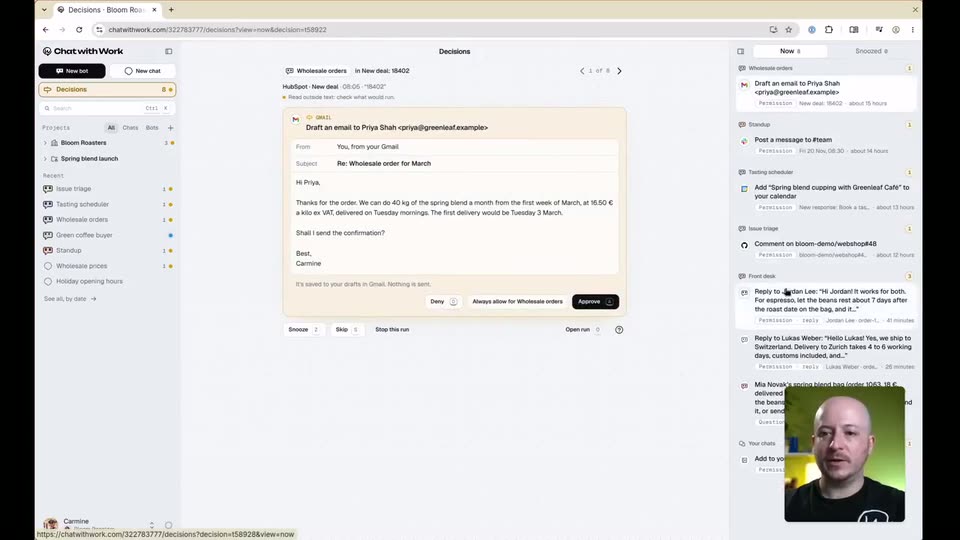
Carmine Paolino - On Monday I'm launching Chat with Work: AI bots that run on triggers,
Plenty · Speech / Voiceover
1:10
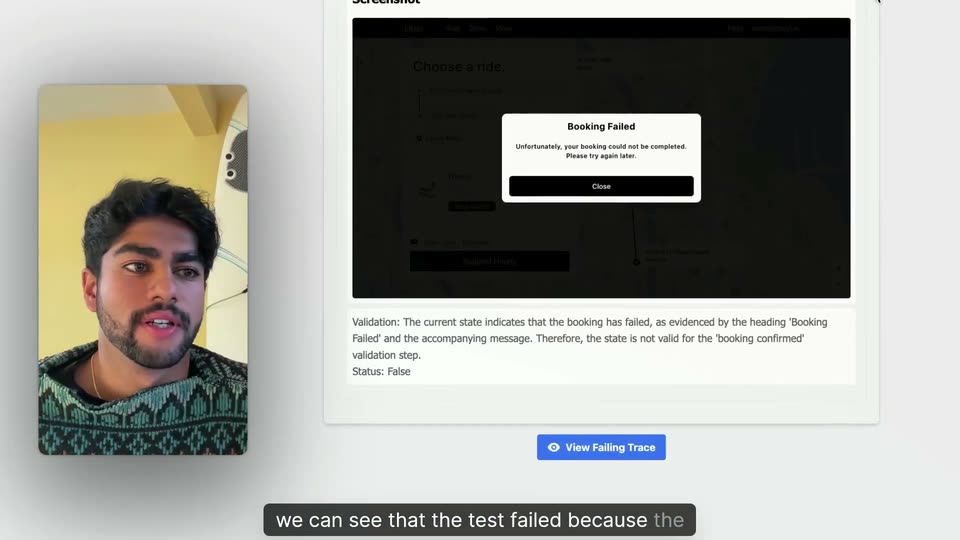

Launch YC: Revyl (F24)
Revyl · Corporate tech presentation with electronic background music
2:20
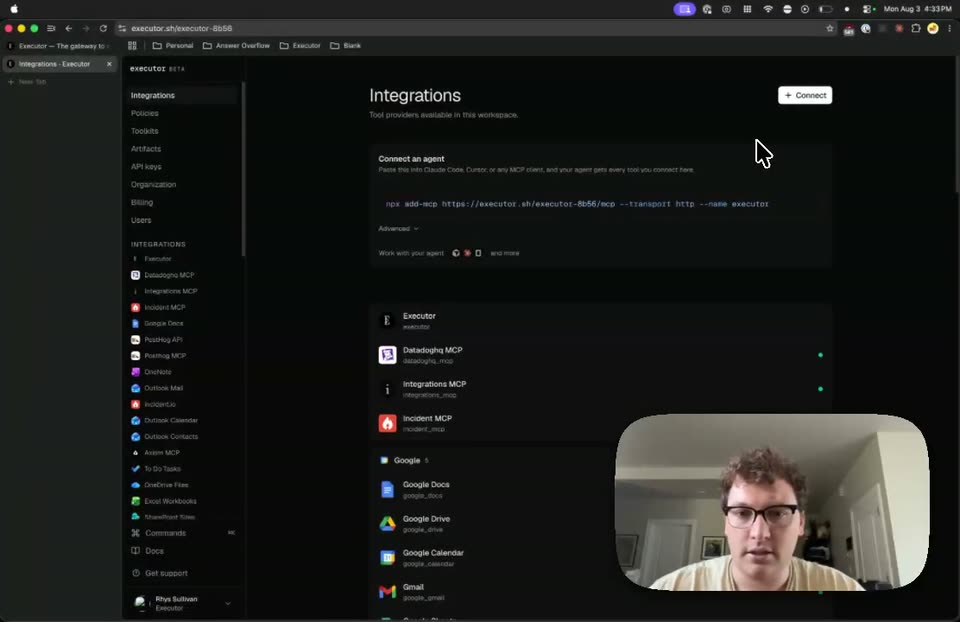

Executor Demo
Executor · Spoken word
Modelence - Launch Demo, scene by scene
· 22 scenes as text
01 · Product intro · 0:00–0:00
A static view of the Modelence landing page shows the hero headline, a purple Get Started button, three feature columns and a row of partner logos on a white striped background. A circular video of the founder talking sits in the lower left corner.
Camera: Static
02 · Product intro · 0:00–0:15
A static white landing page shows the headline All-in-one TypeScript Platform for Startups, a purple Get Started button, three feature columns with purple icons, and gray tech logos. A circular video of a bearded man in a beige shirt plays in the lower left corner as he speaks.
Camera: Static
03 · Feature reveal · 0:15–0:19
A macOS terminal window on a white background types the command npx create-modelence-app my-app, then prints two lines of output, while a circular webcam feed of a bearded man sits in the lower-left corner.
Techniques: Cursor demo
Camera: Static
04 · Feature reveal · 0:19–0:25
A white macOS terminal window fills the frame, commands typed line by line (cd my-app, PORT=3005 npm run dev) producing dev-server output, with a small circular webcam feed of the presenter in the lower left corner.
Camera: Static
05 · Feature reveal · 0:25–0:28
A cursor types 'local' into the Environment Alias field of the Create New Environment form, opening an autocomplete dropdown, then clicks the purple Create Environment button. The form is replaced by a loading spinner. A circular webcam of the presenter sits in the lower left.
Techniques: Cursor demo
Camera: Static
06 · Feature reveal · 0:28–0:31
A Modeleence dashboard fills the frame, the cursor glides across the top nav and the view switches from the environment overview to the Settings page showing a Local Development Setup card. A circular webcam of the presenter sits in the lower-left corner.
Techniques: Cursor demo
Camera: Static
07 · Feature reveal · 0:31–0:34
A cursor glides from the Setup Local Environment button to the copy icon beside the second terminal command and clicks it, popping a Command copied to clipboard toast in the top right corner. A circular webcam feed of a bearded presenter holds in the lower left.
Techniques: Cursor demo
Camera: Static
08 · Feature reveal · 0:34–0:37
A macOS Terminal window fills the frame on a black desktop, with a small circular webcam self-view of a bearded man in the lower left. A setup command types out line by line, then two output lines confirm the configuration, ending at a fresh prompt.
Camera: Static
09 · Feature reveal · 0:37–0:41
A browser window shows the default Modelence welcome page: a purple hexagon logo, a Hello, World heading and a code path box on a pale background. A circular webcam feed of a man rests in the lower left corner while the mouse cursor drifts across the page.
Camera: Static
10 · Feature reveal · 0:41–0:48
A screen recording of a code editor with an AI chat panel on the right. A prompt is typed into the chat box, then code lines highlight as a diff in the editor and a terminal command appears for approval, while a small circular webcam of the presenter stays fixed in the lower-left corner.
Camera: Static
11 · Feature reveal · 0:48–0:50
A light-gray landing page holds a purple hexagon logo above a bold “Hello, World!” heading, a code-styled note box, and blue Sign In and green Sign Up buttons. A small circular webcam video of a man sits in the lower left while a mouse cursor hovers mid-frame.
Camera: Static
12 · Feature reveal · 0:50–0:54
A welcome screen with a purple hexagon logo and Hello, World heading: the cursor clicks the blue Sign In button, cutting to a centered sign-in card, then clicks Sign up to swap in a Create an account form. A circular webcam feed of the presenter sits bottom-left.
Techniques: Cursor demo
Camera: Static
13 · Feature reveal · 0:54–0:59
A centered account-creation form on a light background fills in as the email and password fields type and gain focus, then the view cuts to a welcome screen with a purple hexagon logo, a checklist card and a save-login popup, while a webcam feed of a man stays bottom left.
Camera: Static
14 · Feature reveal · 0:59–1:00
A static light-gray web page shows a purple hexagon logo above a Welcome back! heading and a white card listing four authentication features with green checkmarks. A circular webcam feed of a bearded man sits in the bottom left corner, and the mouse cursor drifts slightly.
Camera: Static
15 · Feature reveal · 1:00–1:11
A Cursor IDE screen where a prompt is typed into the chat box, then the agent streams green diff code blocks and a to-do list while a new file appears in the sidebar. A circular webcam feed of a man sits in the bottom-left corner.
Techniques: Cursor demo
Camera: Static
16 · Feature reveal · 1:11–1:20
The ModeLence AI Integrations page shows three provider cards. The cursor clicks Configure on OpenAI, pastes an API key into the form, and clicks Save; the card then shows a green check and an Edit button. A presenter's webcam overlays the corner.
Techniques: Cursor demo
Camera: Static
17 · Feature reveal · 1:20–1:22
A static browser window shows a light-gray Modelence welcome page with a purple hexagon logo, the heading Hello World, a code-styled notice box, and three colored buttons, while a circular webcam inset of a bearded man sits in the lower left and a cursor drifts across the upper area.
Camera: Static
18 · Feature reveal · 1:22–1:29
A screen recording of a chat web app with a circular webcam feed pinned bottom left. The input field is focused and a message is typed, sent, and answered in chat bubbles. The view then cuts to a dashboard's AI integrations page showing three provider cards.
On-screen text: “Hello, World!”, “by AI Chat”
Camera: Static
19 · Feature reveal · 1:29–1:33
A light-themed dashboard screen shows the AI tab with a Recent Prompt Runs table. A cursor glides across the rows, then clicks the Application tab, swapping the view to a User Management table. A circular webcam of a man sits in the lower-left corner.
Techniques: Cursor demo
Camera: Static
20 · Feature reveal · 1:33–1:36
A light dashboard screen shows the User Management table with two rows. A circular facecam of a bearded man in glasses sits in the lower left, his mouth moving as he speaks. The cursor drifts across the table rows.
Techniques: Cursor demo
Camera: Static
21 · Feature reveal · 1:36–1:38
A screen recording of the Modelence dashboard. The cursor clicks the Environment tab, switching the main panel from a User Management table to an environment overview card. A circular webcam feed of a bearded presenter sits in the lower left corner.
Techniques: Cursor demo
Camera: Static
22 · CTA · 1:38–1:43
A static view of the Modelence website landing page, framed by a black border. A circular webcam inset in the lower left shows a man talking, his head shifting slightly. The page holds a URL bar, a bold headline, three feature columns and a row of integration logos.
On-screen text: “https://modelence.com”
Camera: Static