0:36
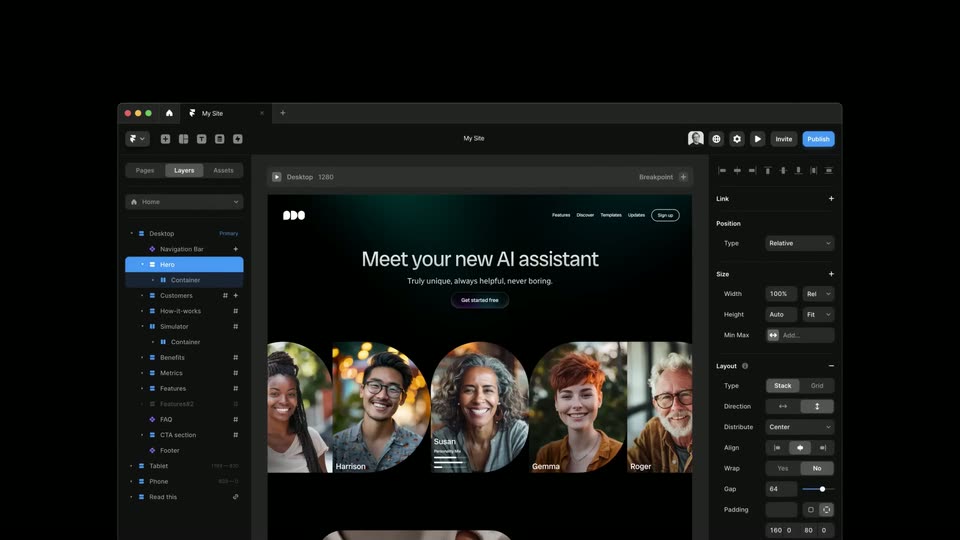

Framer: All Design, No Code, Real Websites
Framer · Design · May 2024
Laminar · Nov 2024 · 1:20 · Full motion · AI-annotated
Laminar’s 1:20 launch film runs 16 scenes, about 5.1 s each. The product is on screen from the first frame and 6 features are revealed. There is no explicit call to action; a voiceover carries the film. The film is a dark, starfield-backed product tour that opens on the sre.ai wordmark and co-founders, then walks through the chat interface one prompt at a time, each demo capped by a single white tagline. Pacing is slow and steady at about 8 cuts per minute, with slow zooms into the UI, letter-by-letter typing, and a recurring green accent on buttons and tags as the signature moves.
Is this your launch? to your site or press kit.
Framer · Design · May 2024
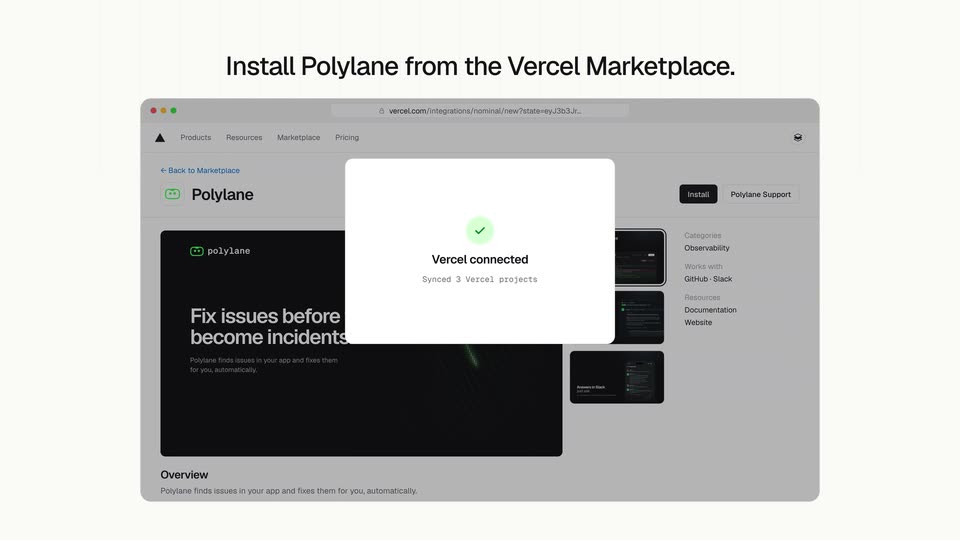
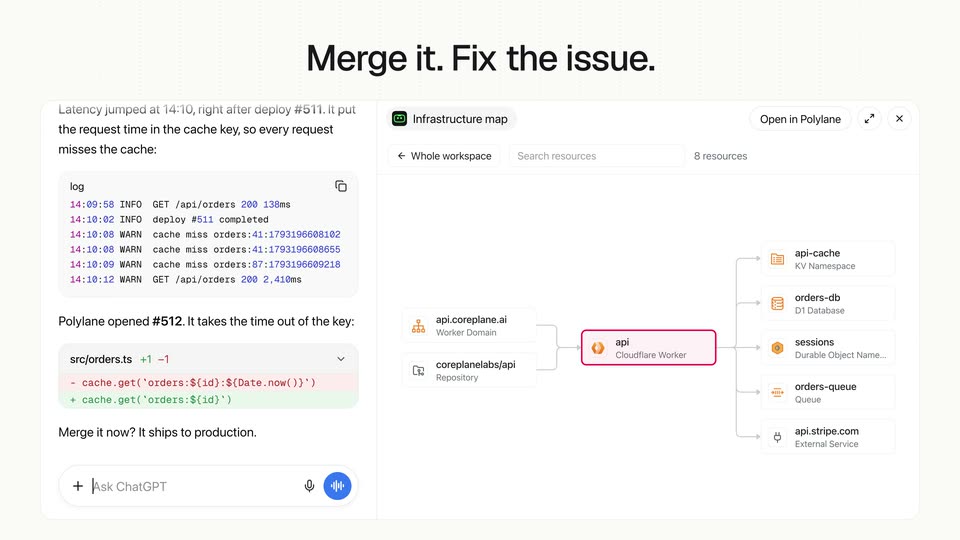
Polylane
Spline · Design · Aug 2026
Films whose music sounds like this one, voice left out
Perplexity · Electronic, chillwave, lo-fi
Polylane · Electronic
ElevenLabs · Electronic
A locked-off black frame with a faint starfield in the lower half. The centered gray wordmark fades in from near-black to full gray, then holds still for the rest of the shot.
On-screen text: “sre.ai”
Camera: Static
On a black field, the lowercase word 'sre' appears centered, then the string extends to the full URL 'sre.ai' while small white particles drift slowly across the lower half.
On-screen text: “sre”, “sre.ai”
Techniques: Kinetic type, Particles
Camera: Static
A black starfield drifts slowly behind the white sre.ai wordmark held top center. Two circular headshots fade in, left then right, each settling above a name caption.
On-screen text: “sre.ai”, “Edward Aryee”, “Raj Kadiyala”
Techniques: Particles
Camera: Static
Dark chat UI of sre.ai showing the AlphaSRE agent with three feature cards and prompt suggestions. The view zooms in on the cards, pushing the sidebar out of frame, then zooms back out to the full window.
On-screen text: “sre.ai”, “Raj Kadiyala”
Techniques: UI zoom
Camera: Push in
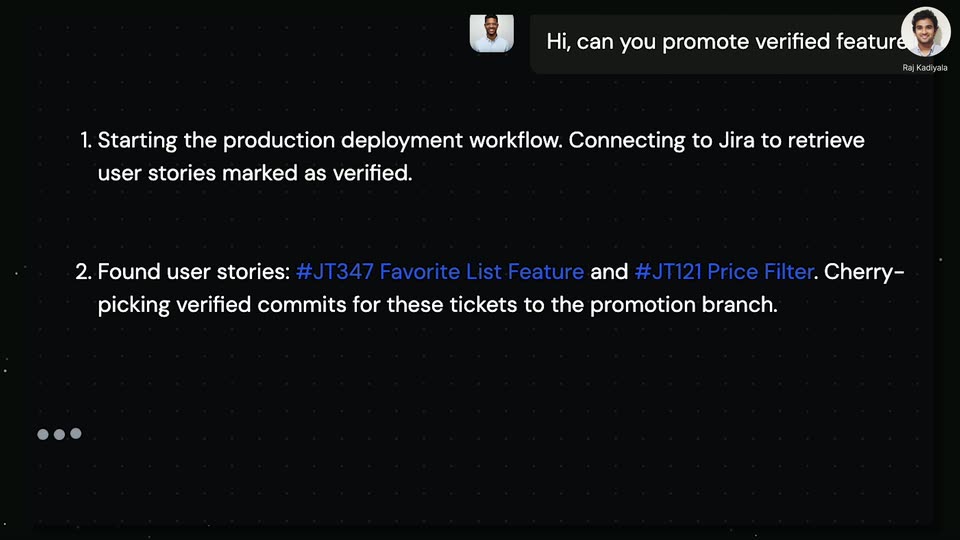
A dark chat UI: a prompt is typed into the input field as the camera zooms in, green Salesforce tags above. The message sends, and the agent's reply streams in as a numbered list of deployment steps, ending with action icons and a cursor over a link.
Techniques: UI zoom, Kinetic type, Cursor demo
Camera: Pull out
A dark SRE dashboard fills the frame with a directory tree, feature cards and a deploy panel ending in a green Broadcast button. A white tagline fades in and out along the bottom edge over a black starfield background.
On-screen text: “Speed and simplicity that just works”
Camera: Static
A dark chat input panel on a dotted black background. Two green Salesforce tags sit above the field as a caret types the question into it, and a white caption holds at the bottom.
On-screen text: “Get insights into each of your environments”
Techniques: Cursor demo, Particles
Camera: Static
The dark sre.ai interface fills the frame, a left sidebar beside a chat where the AI streams tables of metadata changes in answer to a question. A white caption sits centered below the window.
On-screen text: “Get insights into each of your environments”
Camera: Static
A dark chat interface displays a schema change summary. A user types a workflow request into the input field and sends it. A bot responds requesting admin approval. A bottom caption reads “Run custom workflows and understand their impact”.
On-screen text: “Run custom workflows and understand their impact”
Techniques: Particles
Camera: Static
A dark chat interface holds still, showing a field-change table, a user message bubble and a bot approval prompt above a tagged input bar. A white caption line sits at the bottom and fades out over the clip.
On-screen text: “Run custom workflows and understand their impact”
Camera: Static
A dark chat interface scrolls up as a message input bar with green integration tags slides in from the bottom. The word Confirm is typed into the field, then sent as a button bubble, prompting a new bot reply. A caption sits centered at the bottom.
On-screen text: “Include a human in the loop wherever needed”
Camera: Pan
A dark chat thread scrolls and reframes onto the input bar, where a reply is typed letter by letter and sent. The sent bubble and the agent's confirmation slide in. A white caption at the bottom swaps from one tagline to another.
On-screen text: “Include a human in the loop wherever needed”, “Integrate with your existing tools”
Techniques: UI zoom
Camera: Push in
A dark dashboard with ticket cards and a pipeline row fills the frame, then the view zooms onto the red merge conflict banner with its green FIX button, and finally reframes to the ticket detail panel showing stages and commit history. A white caption sits at the bottom.
On-screen text: “Anticipate and resolve conflicts early”
Techniques: UI zoom
Camera: Push in
Dark SRE dashboard shows a ticket with a five-stage pipeline and a commit history table. A cursor moves to the SYNC NOW button under QA Testing, then the view zooms into a code diff with conflict markers and an AUTO RESOLVE panel.
On-screen text: “Anticipate and resolve conflicts early”
Techniques: Cursor demo, UI zoom
Camera: Static
A dark diff editor shows two XML panes side by side. A cursor glides to the green AUTO RESOLVE button and clicks it; the bottom banner flips to CONFLICT RESOLVED and the DONE button lights up. The starfield background drifts slowly, and the caption below swaps to the next line.
On-screen text: “Anticipate and resolve conflicts early”, “Automate merge conflict resolution”
Techniques: Cursor demo
Camera: Static
A black starfield of tiny white dots drifts slowly behind the centered sre.ai wordmark, which brightens from gray to white in the first second. The email [email protected] sits below the logo, and the frame holds locked off.
On-screen text: “[email protected]”
Techniques: Particles
Camera: Static