Cursor demo
A visible cursor operates the interface.
14,902 scenes · page 236 of 249
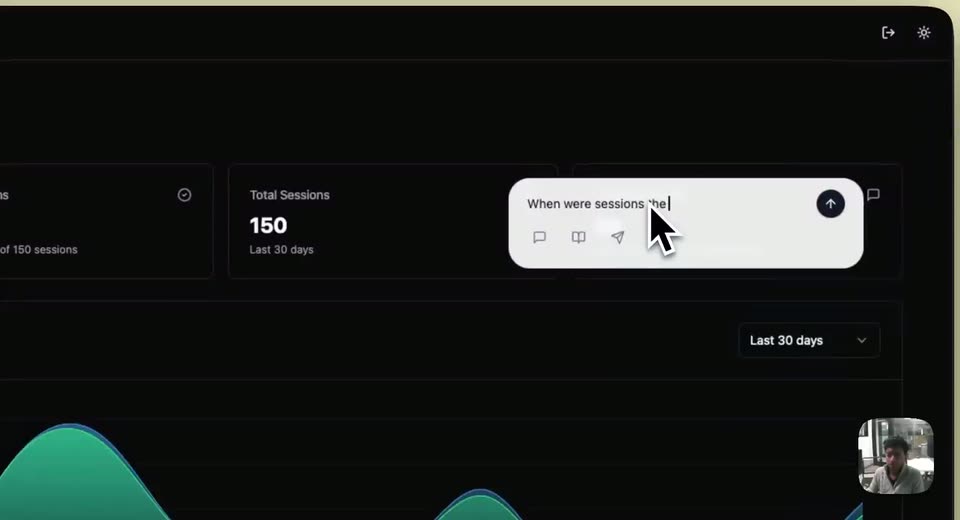 0:32–0:33Hobbes · 🚨Major update🚨 Syra is now Hobbes (hihobbes.com)! As we worked with some amazing teams this year, we saw a big gap in the agent landscape: visual context. Agents trained on knowledge bases + helpA dark analytics dashboard holds a white input bar on the right where a cursor types a query, beside a Total Sessions card and a Last 30 days filter. A small webcam video of a presenter sits in the bottom right corner.
 1:42–1:48LangEase · Imagine reaching a global audience without breaking a sweat. 🌎 LangEase is making it a reality. Our AI-powered localization platform is coming soon! Join the waitlist for exclusive early access.… | LangEaseOn a pale lavender background, a blue J logo with a four-pointed star sits above a pill button that fills from a purple outline to a purple-to-cyan gradient as a white cursor hovers and leaves. The button reads “Join the waitlist”; the URL www.LangEase.ai sits at the bottom.
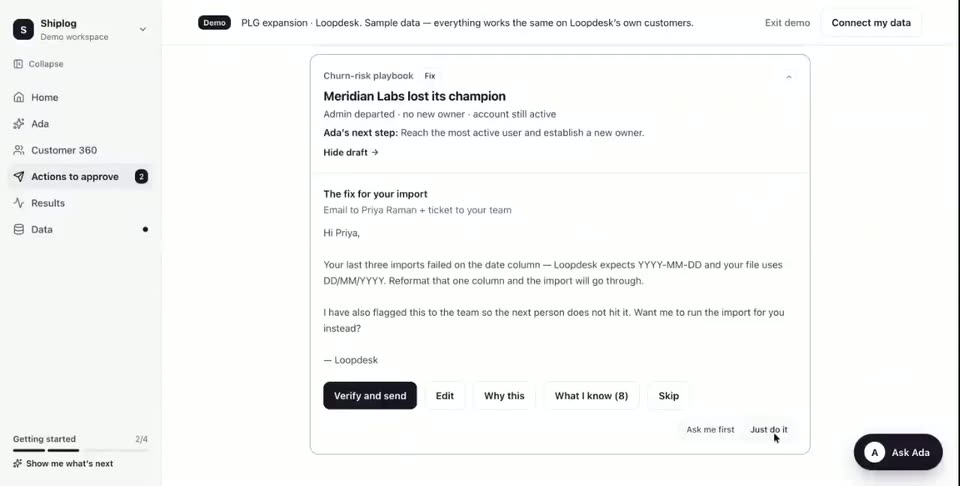 4:00–4:12Shiplog · #customersuccess #ai #saas #productledgrowth #revenuegrowth | Shiplog (F/AI F26)A static screen of the Shiplog dashboard shows an expanded action card with a drafted email and buttons. At 9.5s a cursor appears, clicks the Verify and send button, then glides to the Customer 360 entry in the left sidebar.
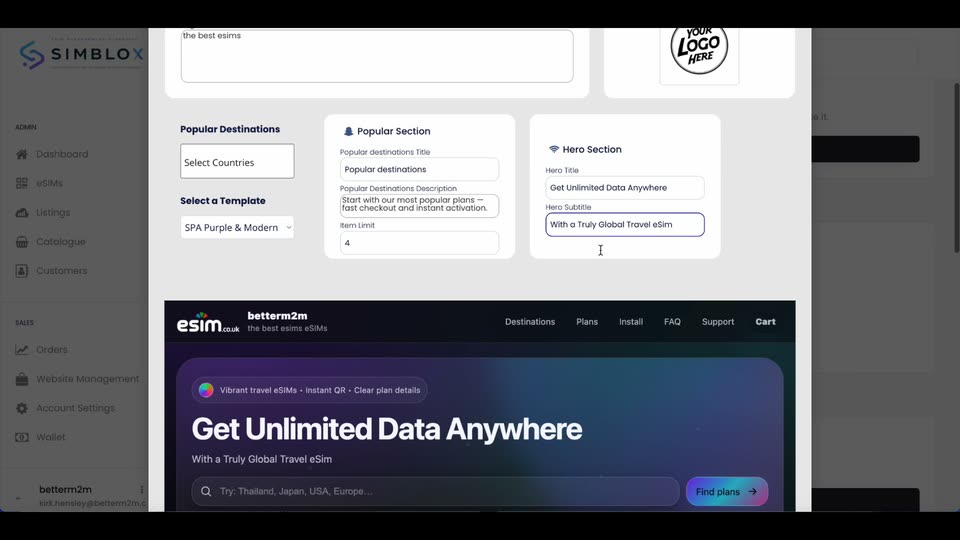 1:23–1:25SimBlox · SimBlox: minute demoA dimmed admin dashboard sits behind a centered configuration modal for a white-label template store. A cursor drifts across the form fields as the view scrolls down, revealing a live website preview with a purple hero banner and feature cards.
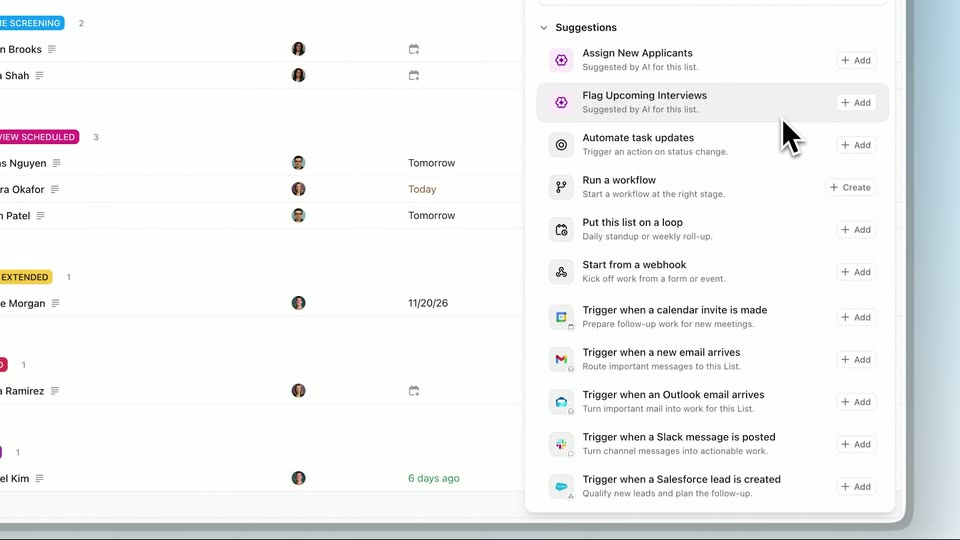 2:11–2:16ClickUp · ClickUp Release 4.10: Sheets, Work Schedules, Email Triggers, and more!A Slack-style applications list fills the screen. The cursor clicks the automation icon in the top bar, a right panel slides in with AI-suggested automations, and the view zooms into the panel as the cursor reaches the Add button for the email trigger.
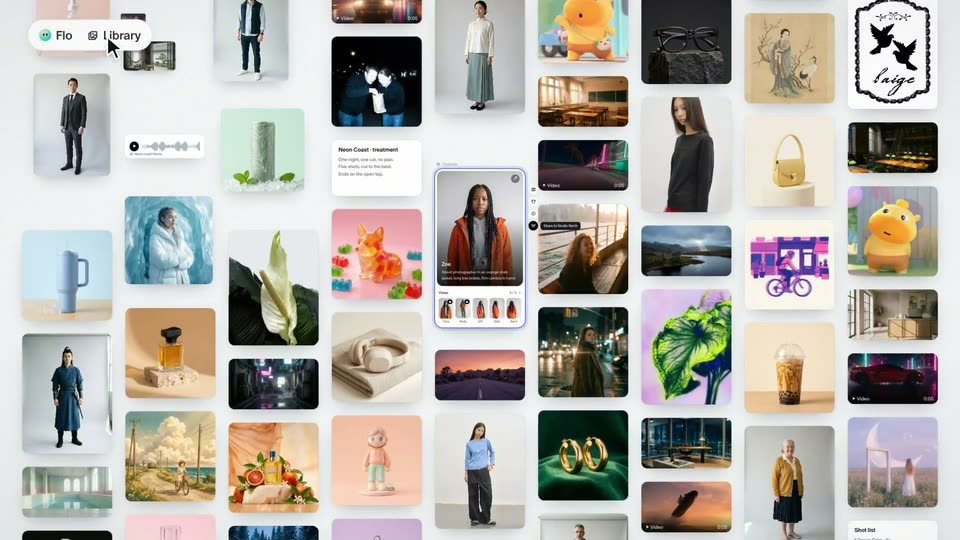 0:46–0:51Flowith · Flowith - introducing Flowith 3.0. the ultimate canvas for human-ai creation.A dense grid of content thumbnails fills the frame as the cursor selects a character card, which highlights and enlarges. The view zooms into the card, then the surrounding grid fades to white, leaving the card centered under a breadcrumb.
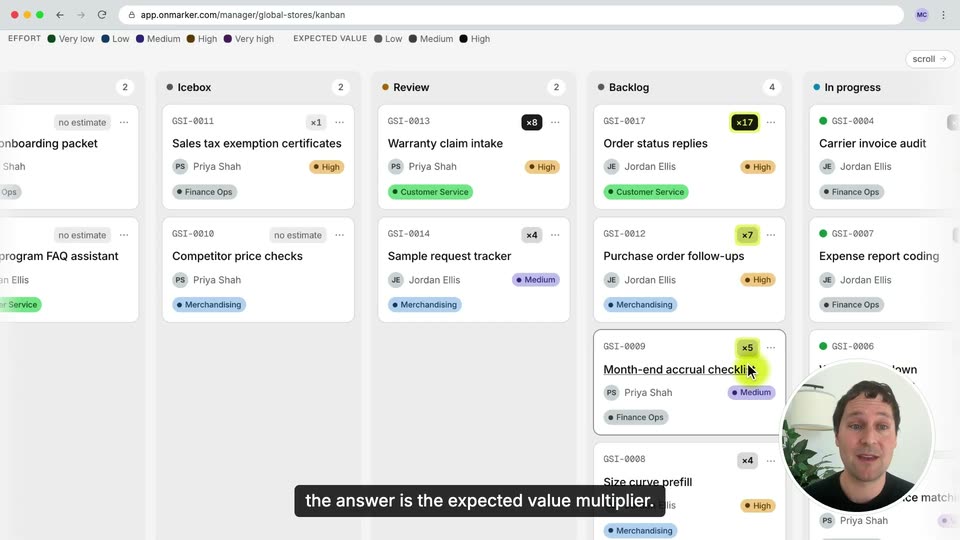 1:10–1:25Marker · Introducing Marker ManagerA Kanban board fills the screen; a glowing cursor hovers over cards and their value-multiplier badges, then the board pans right to reveal later columns. A circular webcam of a presenter sits in the corner, and dark caption bars swap lines at the bottom.
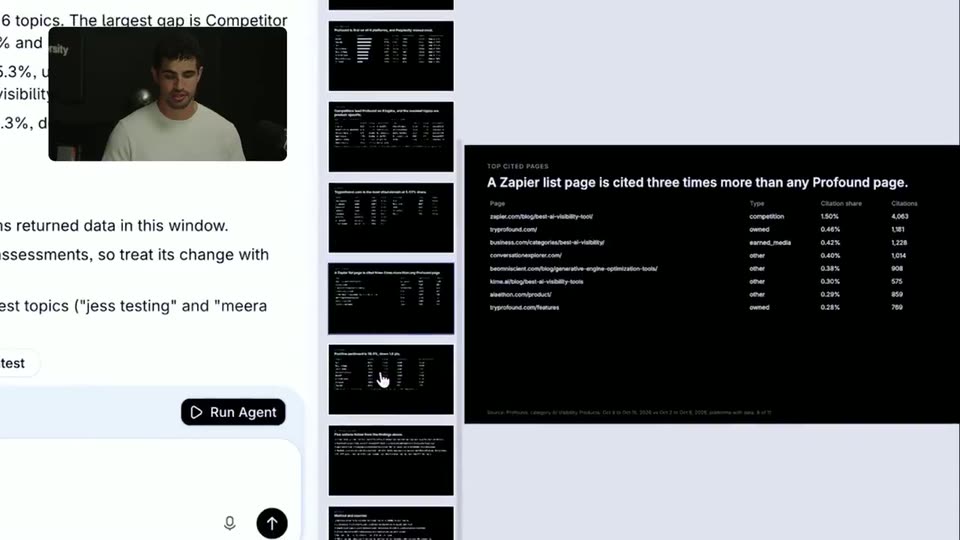 2:35–2:36Profound · Dylan Babbs - Today we're launching a new generation of Agents in @profound, now poInterface panels drift at different speeds: a dark citation report table on the right, a vertical strip of terminal screens with a cursor in the center, body copy with a Run Agent button on the left, and a small video of a man speaking top left.
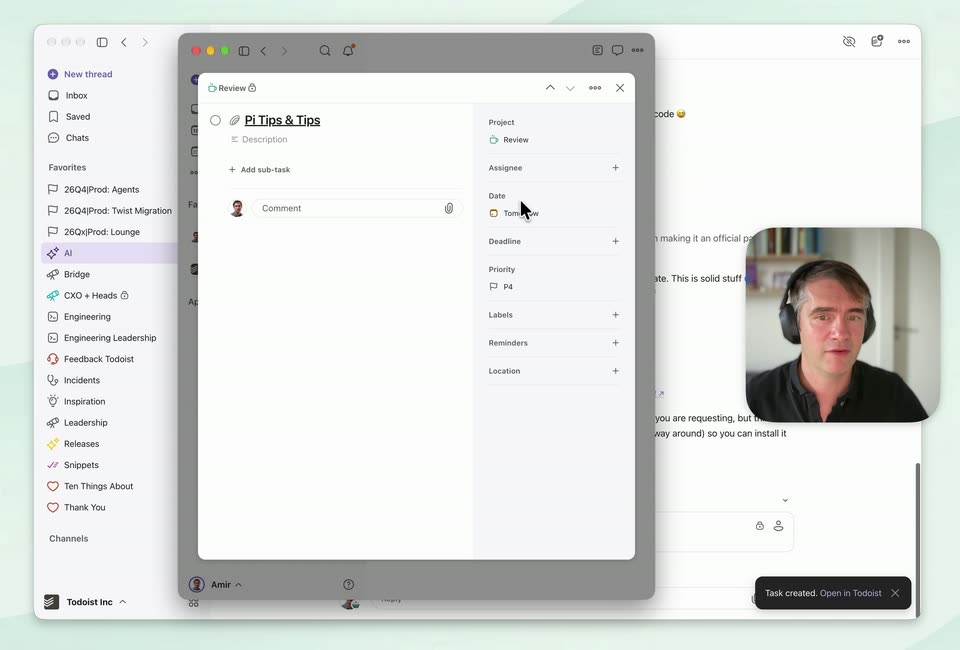 2:22–2:28Todoist · Amir Salihefendić - Todoist Comms is now in public beta 🚀 What's in it: ⋅ Turn any threA Todoist inbox modal sits over a document, with a video-call inset of a man at the right. The cursor moves up and clicks the Priority field, opening a dropdown. The frame zooms in on the dropdown as Priority 4 is selected.
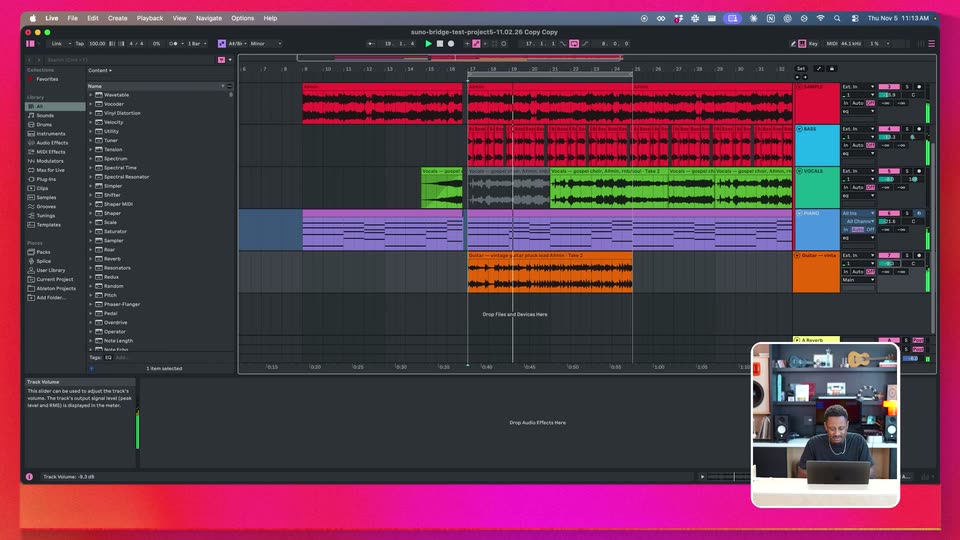 2:45–3:00Suno · Introducing Suno Bridge (beta): Your DAW, Suno-poweredAbleton Live's arrangement view with colored audio clips fills the screen. The cursor drags the orange Guitar + Voca volume knob down in the mixer while the timeline scrolls right. A corner inset shows a man talking in his studio, switching from close-up to a desk shot.
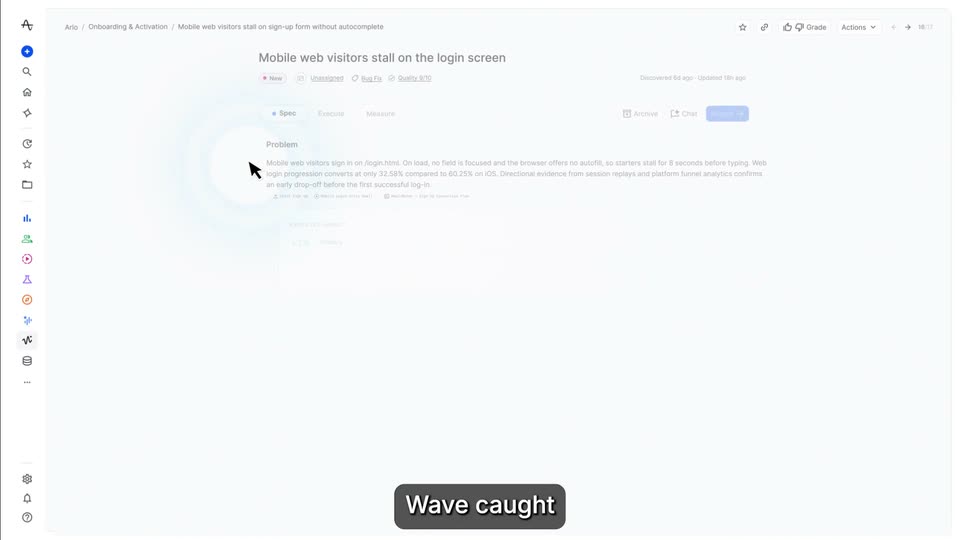 1:16–1:18Amplitude · Spenser Skates - Introducing Wave. The world's first AI that reads your customers' miA cursor hovers over a highlighted issue row in a project tracker, then the view reframes into that issue's detail page with a problem summary and an embedded mobile login mockup. A dark “Wave caught” caption sits at the bottom.
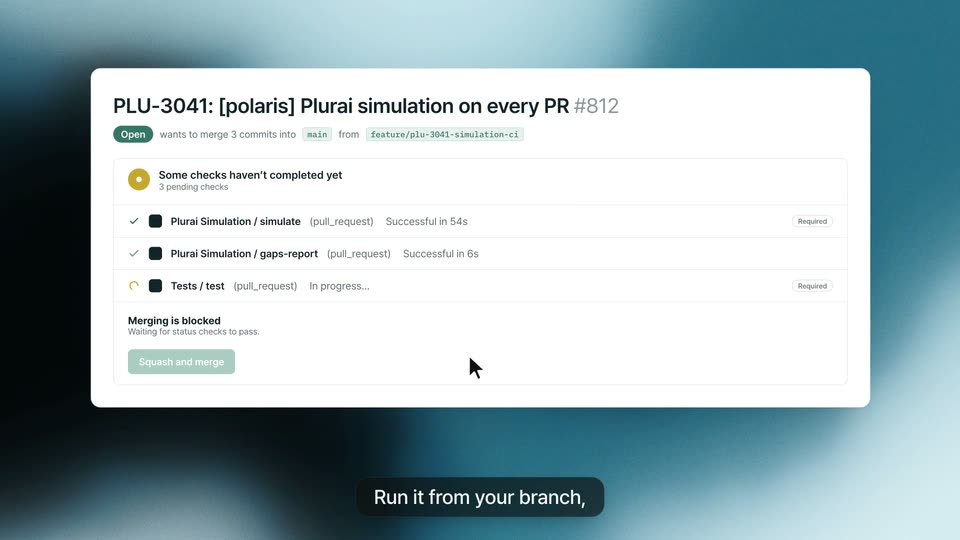 1:09–1:11Plurai · Ilan Kadar - Big day for us at @pluraiAI ! Plurai Simulation is live and free forA pull request card floats on a soft blue gradient. The check rows tick from pending to successful, the status line flips to All checks have passed, and a cursor glides onto the green Squash and merge button as a caption swaps at the bottom.
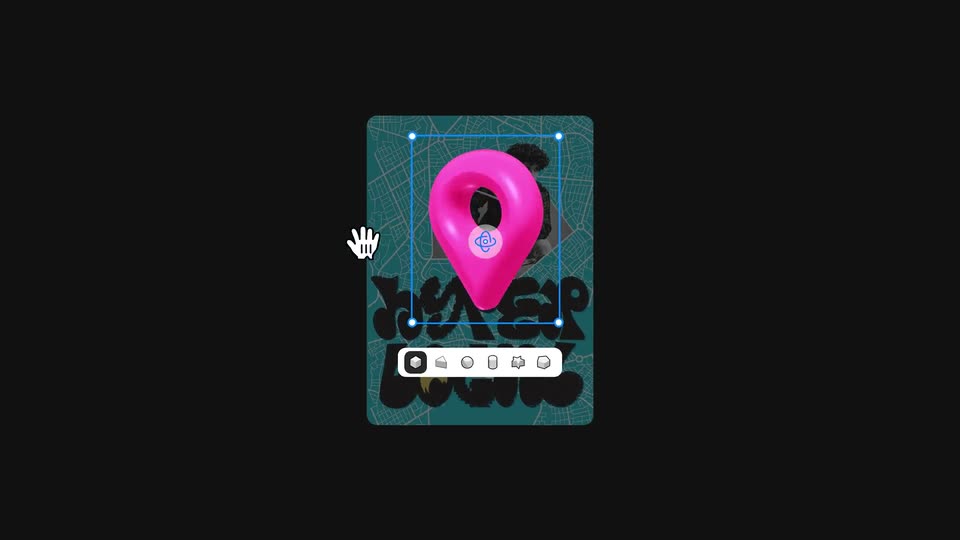 0:54–0:55Adobe · What’s New in Creative Cloud and Adobe Firefly | Adobe MAX 2026A vertical card on black shows a teal map, a black-and-white portrait and a pink 3D map pin inside a blue selection box. A white cursor clicks a pin icon then grabs the pin as the card tilts into 3D, revealing an orange map and sale text.
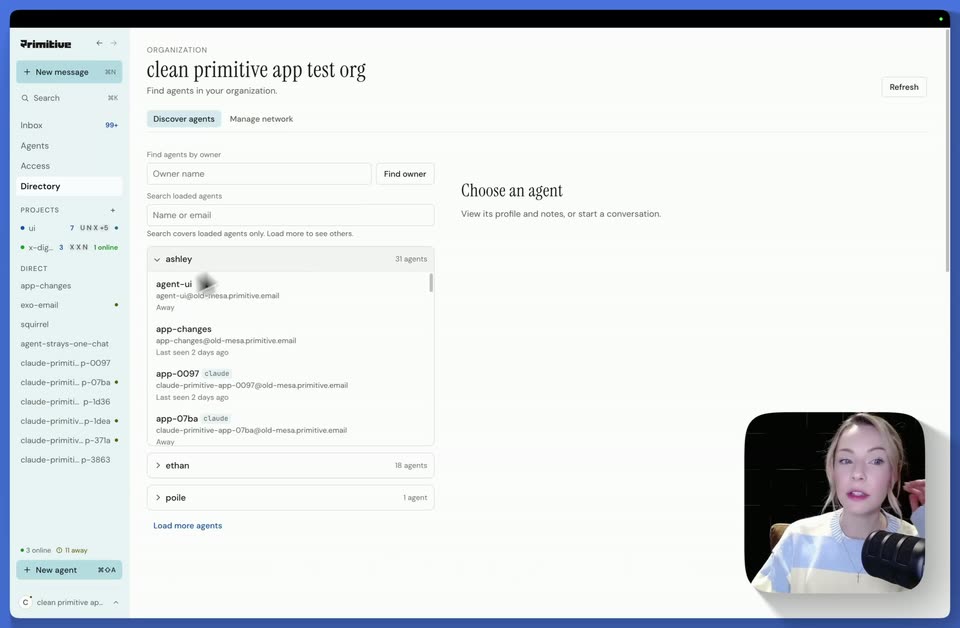 2:08–2:12primitive · Primitive - we 💌 emailA screen capture of the Primitive app shows an organization directory with a sidebar and agent list. A cursor moves and clicks to expand the ashley list. A small webcam video of the presenter sits in the bottom right corner, with white caption text along the bottom.
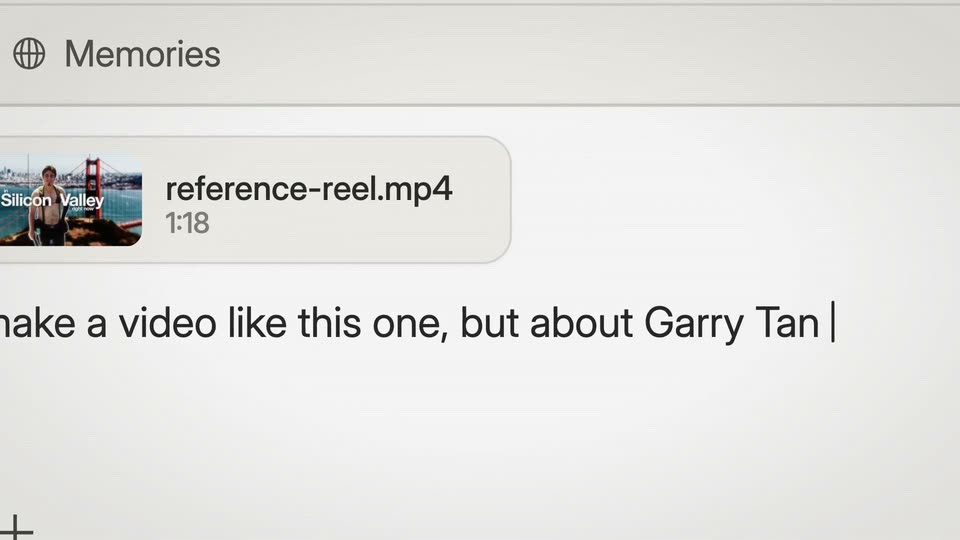 1:39–1:41Motion · Adish Jain ☕️ - today, we're launching the General Video Agent. GVA edited this entiA light gray interface panel shows a Memories header and a reference-reel.mp4 file card. A prompt types out letter by letter behind a blinking caret, then the view reframes onto a green circular send button as a mouse pointer hovers over it.
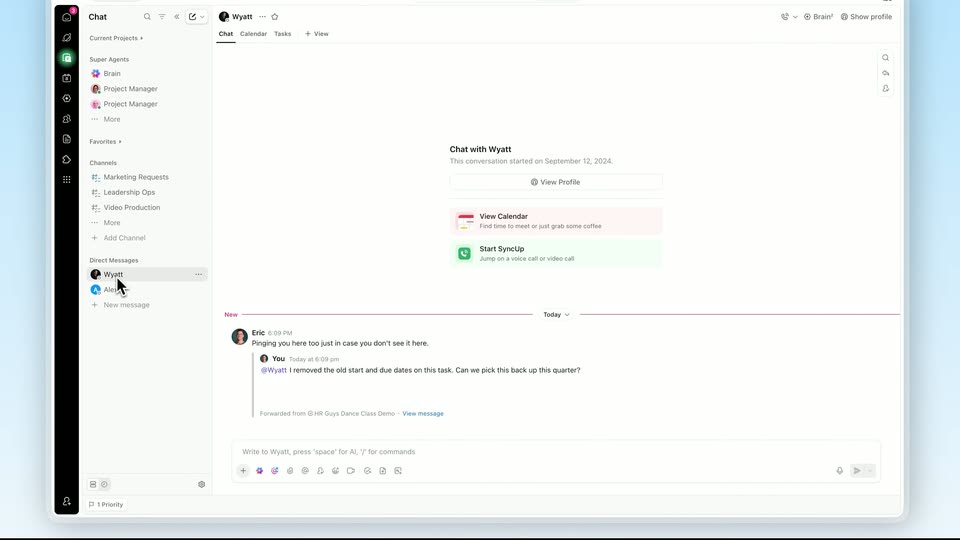 2:39–2:43ClickUp · ClickUp Release 4.09: List Templates in Automations, Parent Task Date Sync, and more!A cursor travels down the left sidebar of a workspace app, opens a direct message chat, then the view zooms into the thread to show a forwarded message with a quoted preview and a link back to the original.
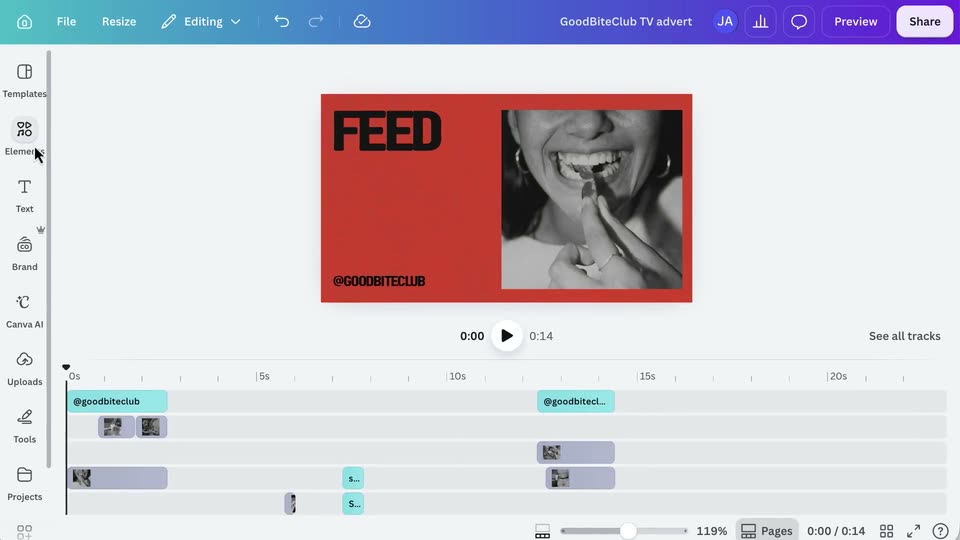 3:32–3:33Canva · Create and launch TV ads straight from CanvaThe Canva editor shows a red FEED design with a black-and-white eating photo in the canvas. A cursor glides from the empty middle area to the Elements tab on the left sidebar, while a multi-track timeline runs along the bottom.
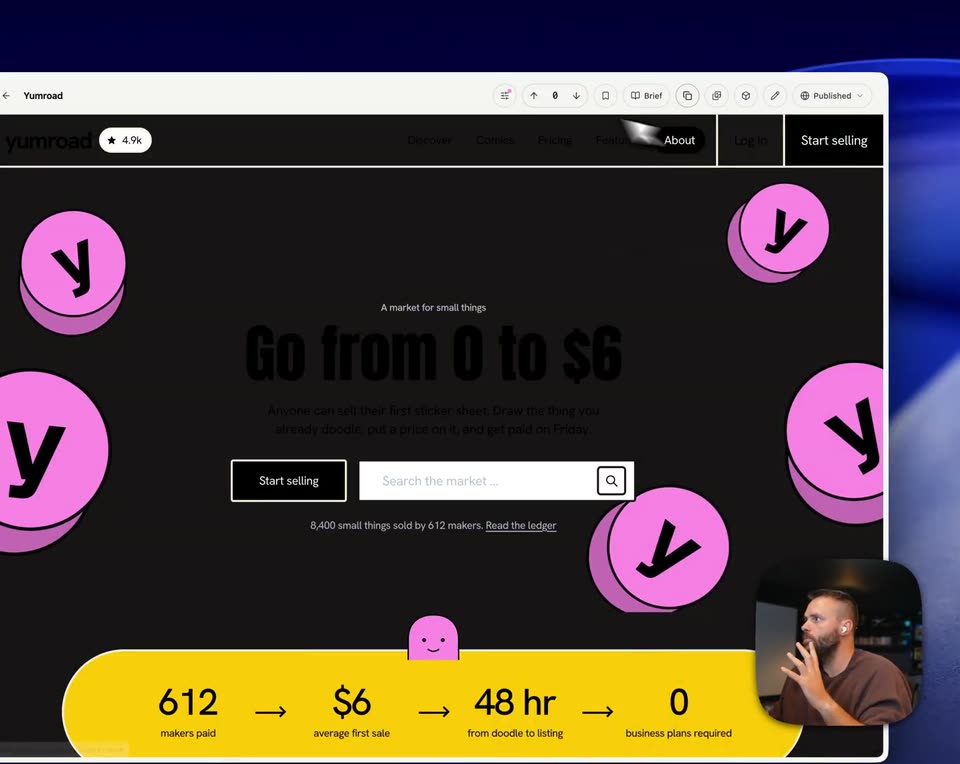 0:29–0:33flavors design · Dr. Kitze ❤️ healthmaxx.app - your agent can code, but it has zero taste. introducing 🌸 a galleryA browser window shows the yumroad site with a Tweak panel docked on the right. The cursor clicks shuffle and the page flips to a low-contrast dark-on-dark scheme; the panel then closes and reopens. A face-cam of a gesturing man sits in the bottom-right corner.
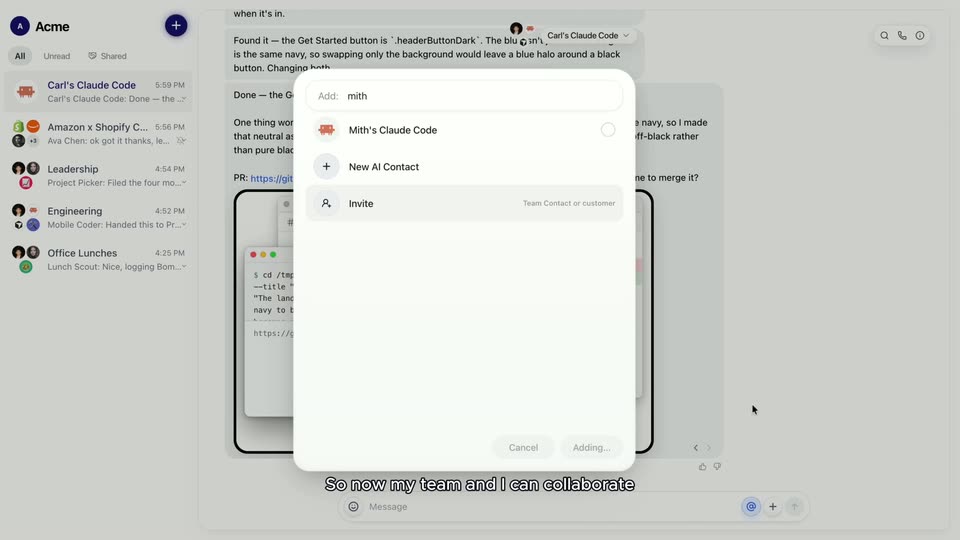 2:45–2:50Sila · Sila - Introducing Sila: the agent messaging platform backed by @ycombinatorA cursor in the Sila chat app ticks Mith Patel and Mith's Cursor in an Add-people modal, then clicks Add. The modal closes, the view zooms into the thread, and a code diff with a terminal mockup appears above notices that both agents were added. Bottom captions run throughout.
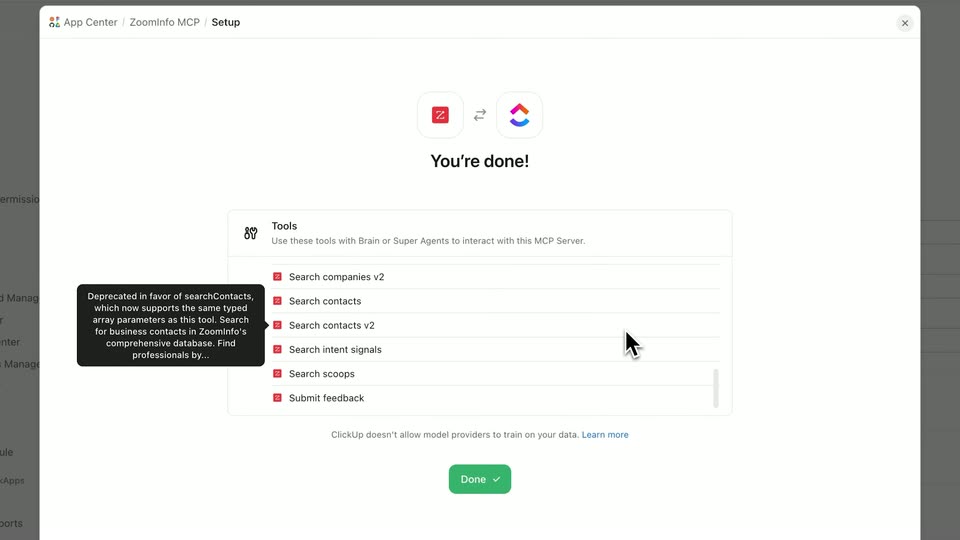 2:13–2:21ClickUp · ClickUp Release 4.08: Meetings Hub, Super Agent Cloning, and more!A white setup modal loads with a spinner, then flips to a 'You're done!' heading above a list of tools with red checkboxes. The cursor hovers over rows, popping dark tooltips, while the list scrolls. The frame zooms out to reveal the ClickUp settings window with ZoomInfo MCP connected.
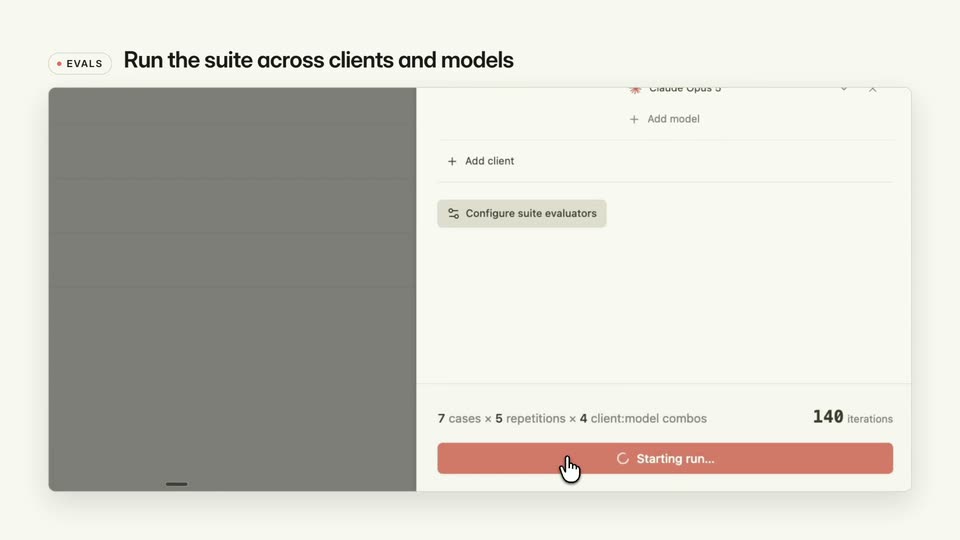 1:53–1:55MCPJam · Prathmesh Patel - Today, we're launching MCPJam as the first testing & evaluation pA cream screen shows the heading “Run the suite across clients and models” above a product panel of test cases and model combos. A hand cursor scrolls to the Start run button and clicks it; the button turns salmon with a checkmark while the case list dims to gray.
 1:23–1:24Anthropic · Meet Claude Slides, Claude Design and Claude DocsA white Share button with a people icon and a cursor sits in a coral glow on a cream field of scattered confetti shapes. The view pans left as a blue document card with gray placeholder lines slides in from the right.
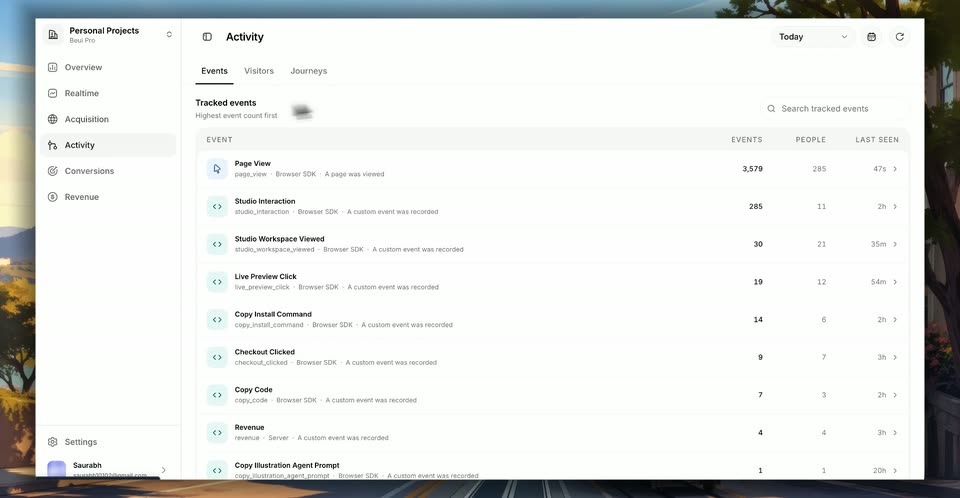 1:13–1:22Tracwell · Saurabh - INTRODUCING TRACWELL ( @tracwellapp ) 🚀 An agent-first analytics plaA flat analytics window sits over a blurred office backdrop. A cursor clicks the Pages tab, swapping the table from campaign URLs to page paths, then clicks Activity in the sidebar to open an events list and hovers down its rows.
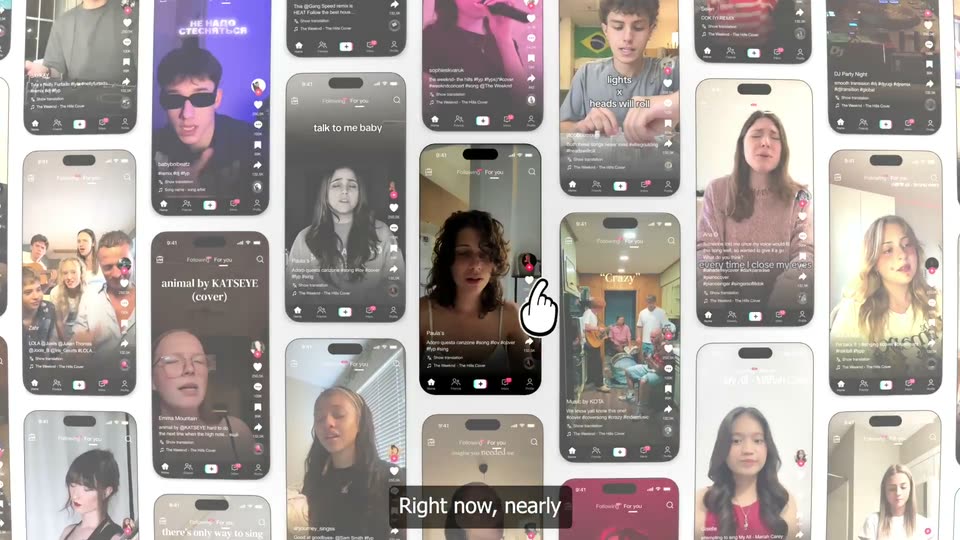 1:22–1:23Hook · Gaurav Sharma - AI platforms are stealing from artists > Millions spent on data cA wall of tilted phone mockups showing TikTok video feeds fills the frame in 3D perspective. A white hand cursor icon moves across the screens, tapping, while a dark caption pill sits at the bottom.
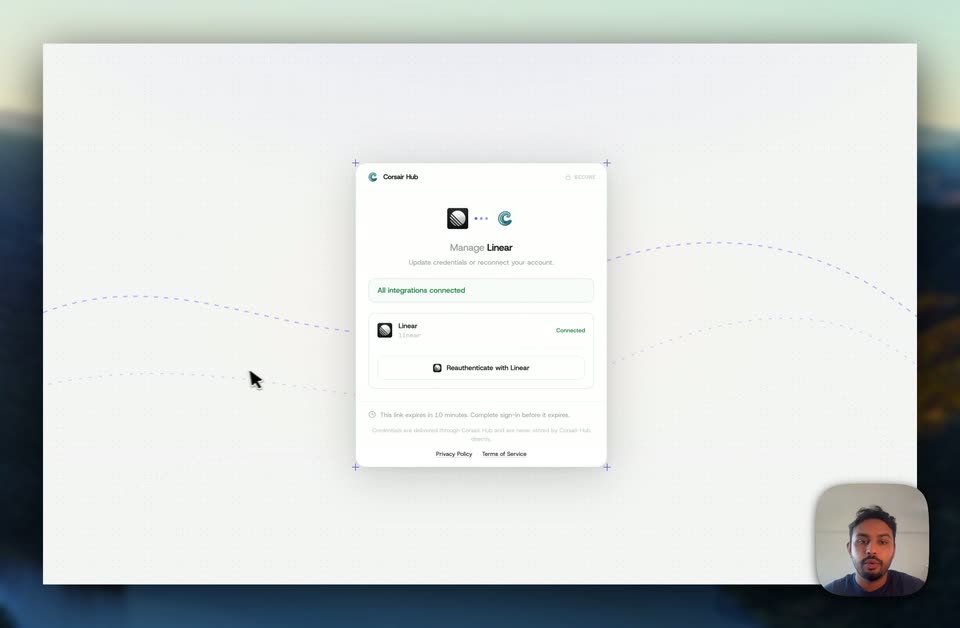 3:32–3:35Corsair · Building a Github Clone with CorsairA white card centered on a pale background with faint dashed waves shows a loading spinner, then switches to a Manage Linear panel with the Linear integration connected. A cursor moves left toward the reauthenticate button. A small rounded webcam feed of a man stays bottom-right.
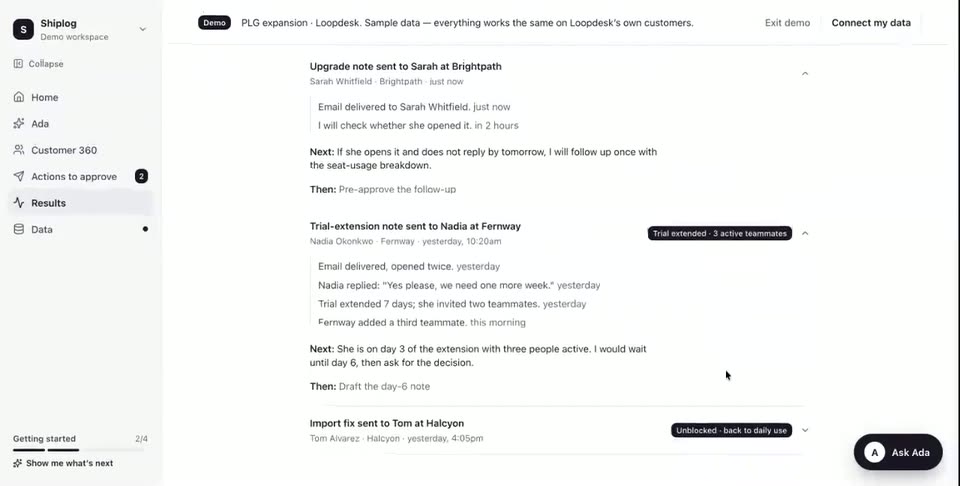 4:19–4:25Shiplog · AI for Customer Success: How Ada Automates Expansion, Retention & Churn PreventionA cursor clicks through a results list in the Shiplog interface, expanding each row to reveal delivery details and next steps while the page scrolls down. The three rows open in sequence, showing email status, replies, and follow-up plans.
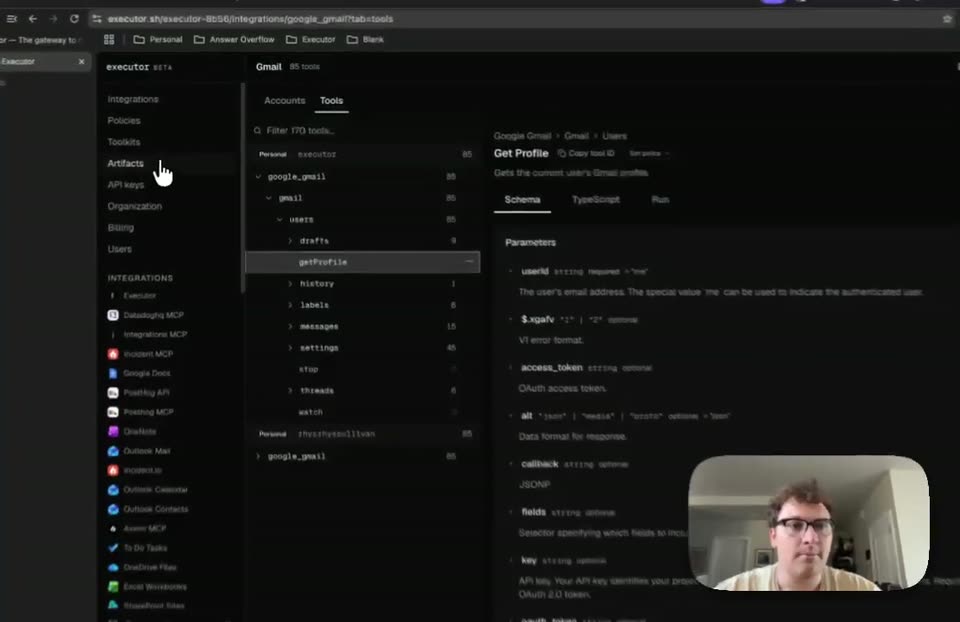 1:32 · 0.8sExecutor · Executor DemoA dark API explorer fills the screen: a left sidebar of integrations, a middle tree of Gmail tools with getProfile highlighted, and a right panel of schema and parameters. A cursor glides down the sidebar while a small rounded video-call window in the corner shows a bespectacled man speaking.
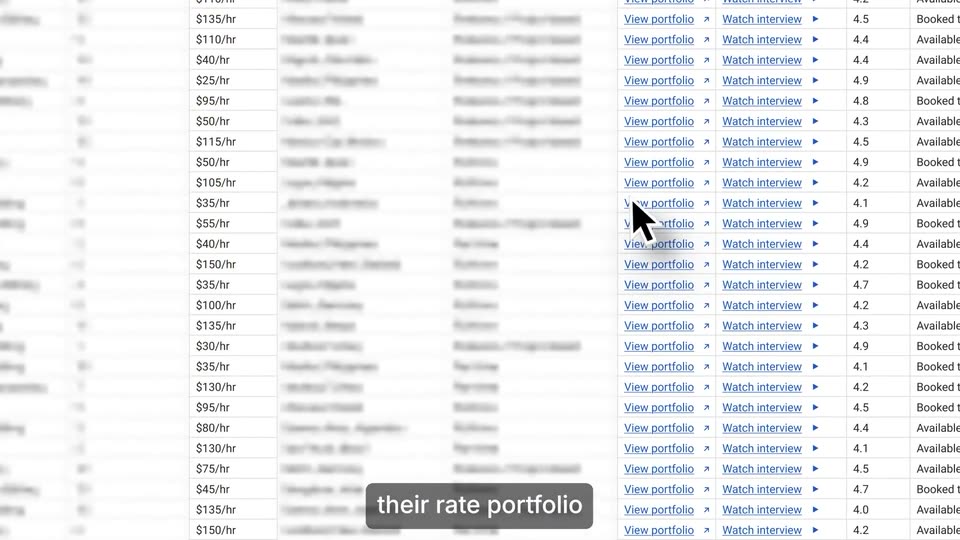 1:41–1:42Melius · joowon - If you’re a creative not using AI you’re fcked. Introducing Melius:A table of hourly rates and portfolio links sits in focus against blurred rows; a cursor clicks a View portfolio link and a white card with three thumbnails pops up in the center. A gray pill caption reads their rate portfolio at the bottom.
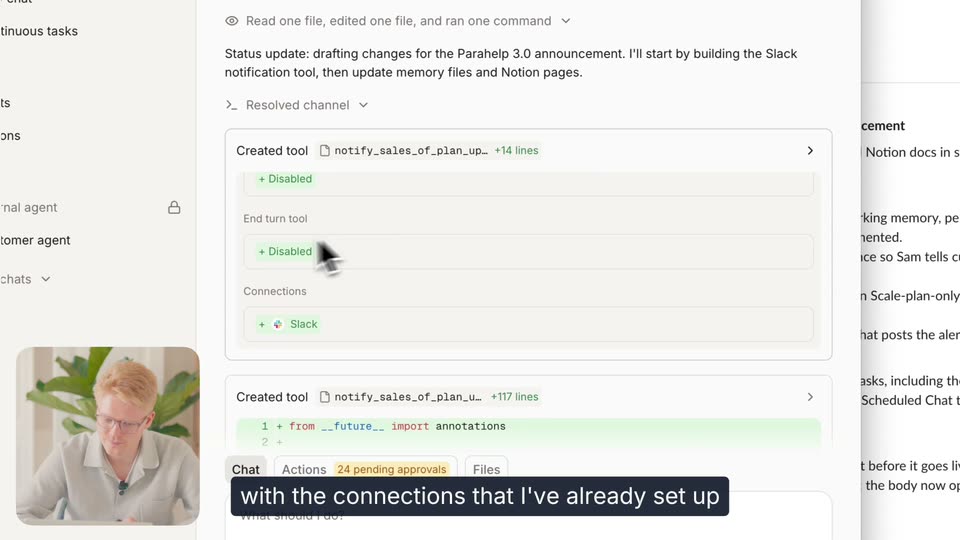 2:58–3:00Parahelp · Mads Lunau - Today, we’re launching Parahelp 3. With Parahelp 3, we’re doubling dA light agent interface displays a Created tool card with green Disabled and Slack buttons as a cursor glides across the rows. A small video of a man at a desk sits in the lower left, and a dark caption bar reads at the bottom.
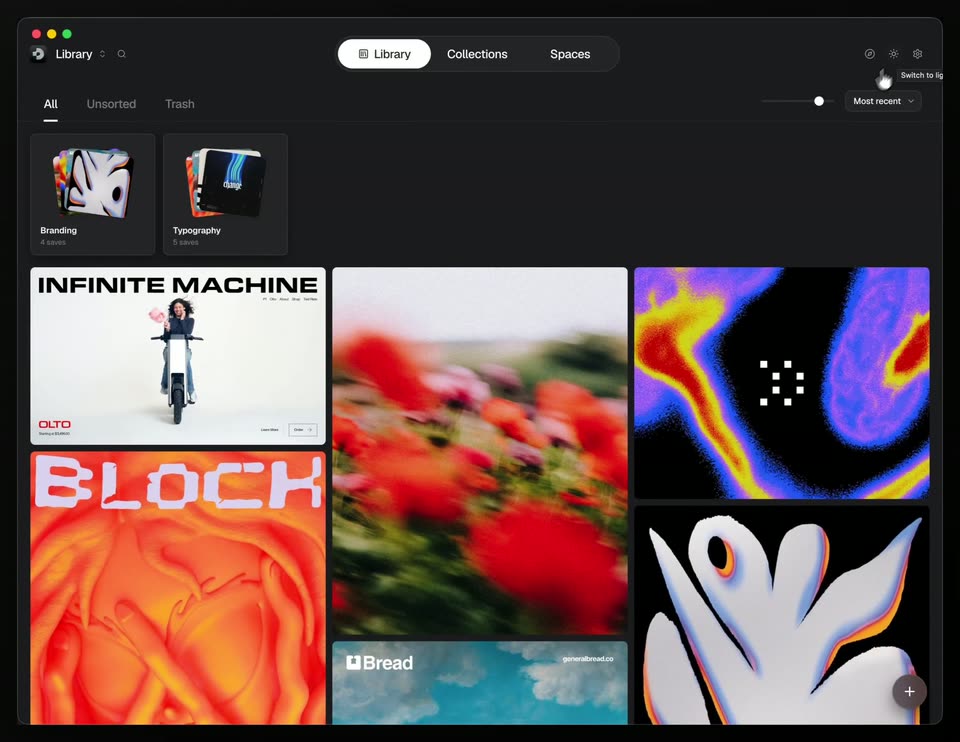 0:57–1:00GatherOS · Brett - Introducing GatherOS™ [beta]. The Mac app for design inspiration, buA dark library window is shown zoomed in on its toolbar as a white cursor hovers the theme toggle. The frame then pulls back to the full window, revealing collection tiles and a grid of saved image thumbnails.
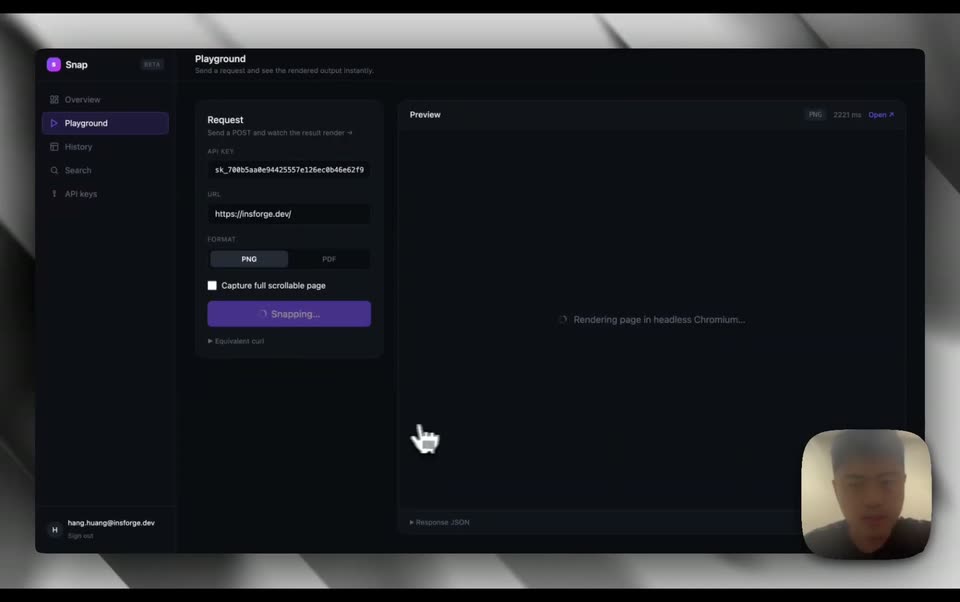 1:27–1:28InstaBox · InsForge YC Launch VideoA dark web app screen shows a request panel with a purple Snapping button beside a preview panel. A white hand cursor glides from the button to the lower right. A small rounded video of the presenter sits in the bottom right corner over a light diagonal background.
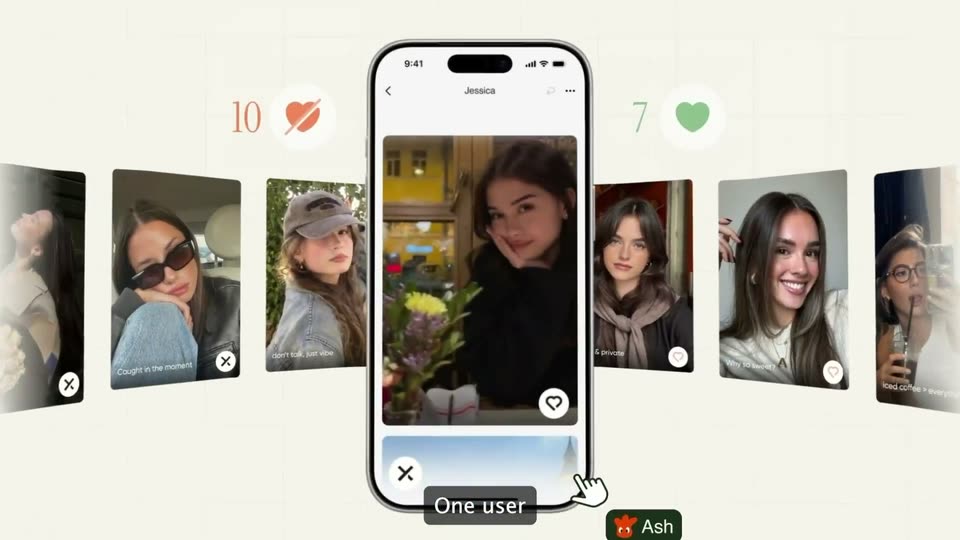 1:14–1:15Vellum · akash - We’ve raised 25M to build the world’s first Personal Intelligence. IA smartphone mockup floats in 3D perspective over a curved row of profile cards. A hand cursor taps the heart button on the center profile, and a small profile tag appears at the right. A dark caption pill sits at the bottom.
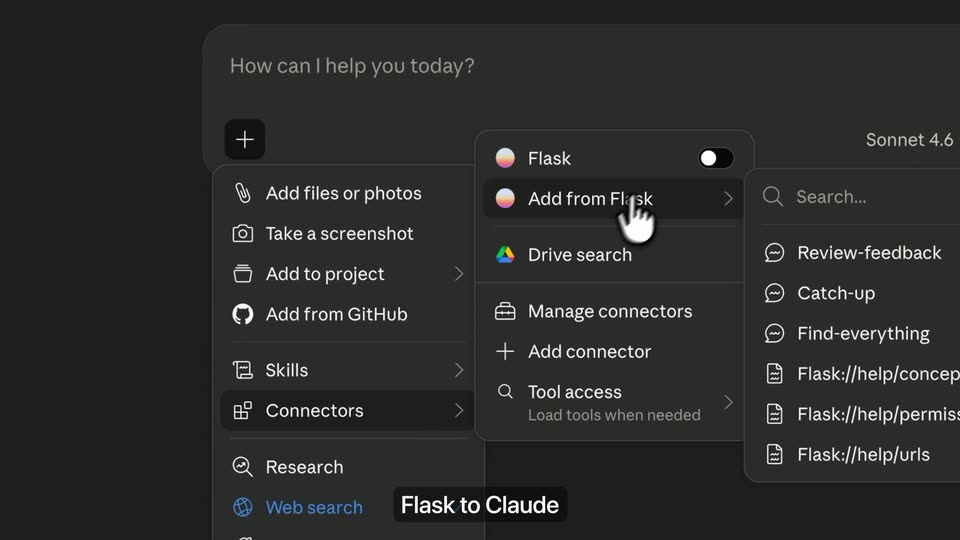 1:11–1:14Flask · Enrico Tartarotti - Introducing Flask. Give detailed feedback on videos and creative assA dark chat window tilts in 3D, then flattens as a hand cursor taps the plus button and opens a menu. The cursor hovers Connectors, a submenu slides in from the right, and the cursor flips the Flask toggle on. A caption reads at the bottom.
 0:52–0:53Anthropic · Introducing Claude Design by Anthropic LabsA horizontal row of rounded pill buttons labeled Comment, Edit text, Knobs and Draw slides left across a cream field. A black arrow and a white pointing-hand cursor travel with the row, and the hand taps the Knobs button, which fills solid orange.
 1:01–1:02Anthropic · Claude - Introducing Claude Design by Anthropic Labs: make prototypes, slides,A white comment card sits on a muted blue-gray background, holding a bold heading, a red-outlined text field reading “Make this a line graph instead?”, and three buttons. A hand-drawn cursor rests on the salmon Send button as the card drifts slightly upward.
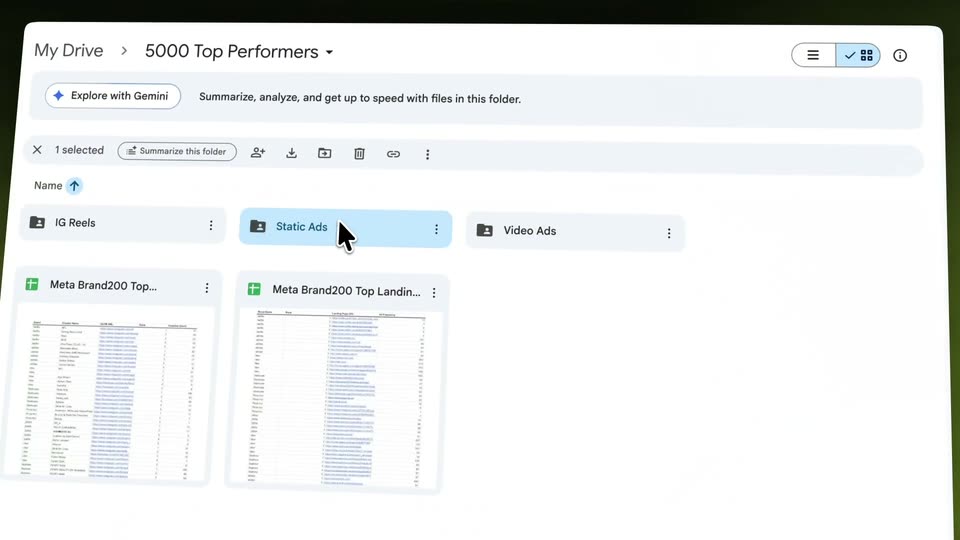 1:45–1:46General Context Labs · Sawyer Covington - This is what having a creative team of 100 could look like. IntroduciA tilted Google Drive window shows a folder grid. A cursor clicks the Static Ads tile, and the view quickly transitions into a grid of ad image thumbnails.
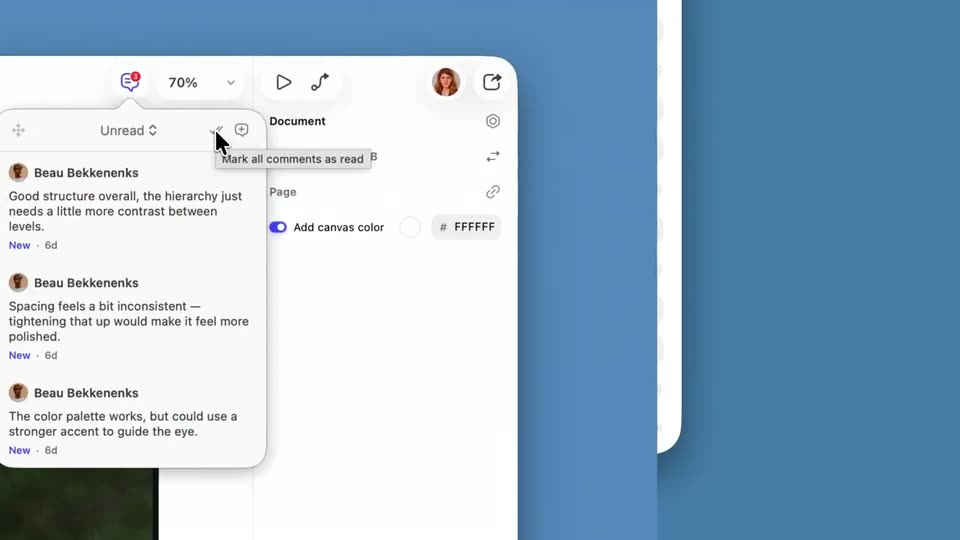 1:33–1:34Sketch · Sketch - 🆕 Things you’ve been asking us for 🆕 Selection colors, independent bA white settings panel floats on a blue gradient; the view reframes from the Shadows and Effects rows to a comments list on the left, while a cursor moves from the bottom of the panel to the top.
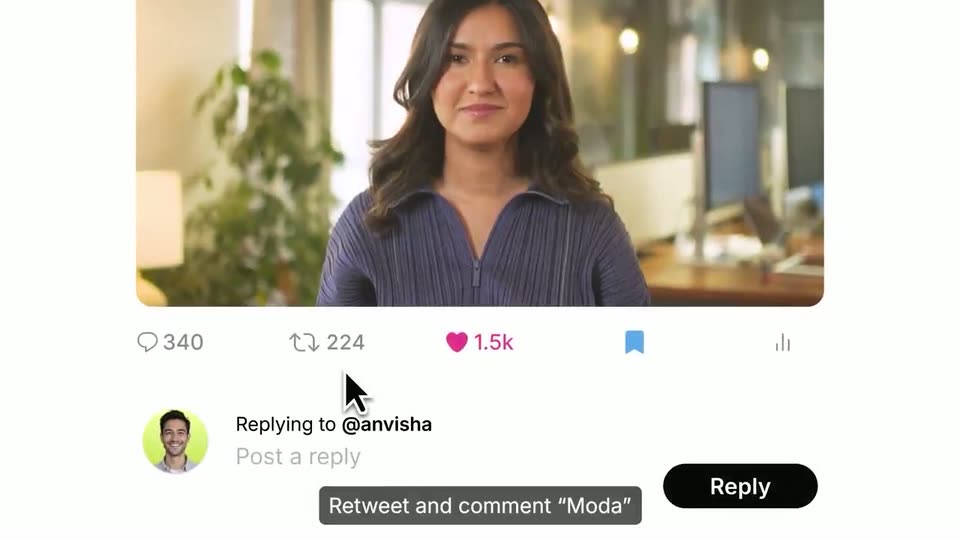 1:37–1:38Moda · Anvisha - We raised $7.5M to kill AI slop. Introducing Moda: the world's firstA social media post with a video of a woman in a blue top sits on white. A cursor clicks the retweet icon, turning it green as the count ticks from 224 to 225. A dark pill caption at the bottom reads the retweet instruction.
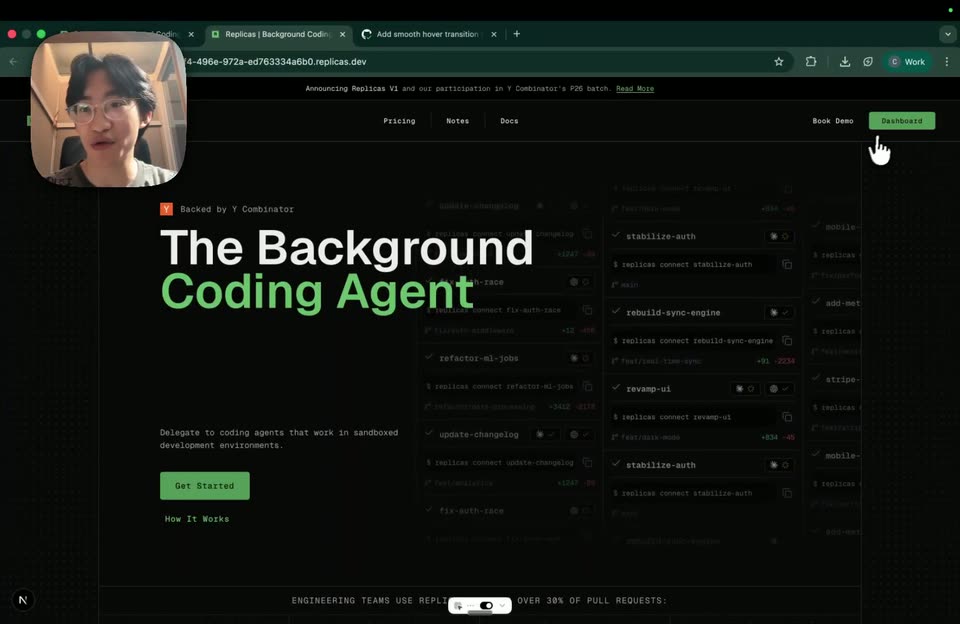 3:21–3:24Replicas · Replicas V1 DemoA screen recording of the Replicas website with a small webcam feed of a talking person in the top-left corner. A cursor hovers the top navigation, then moves to the green Dashboard button and clicks it, cutting to a black loading screen.
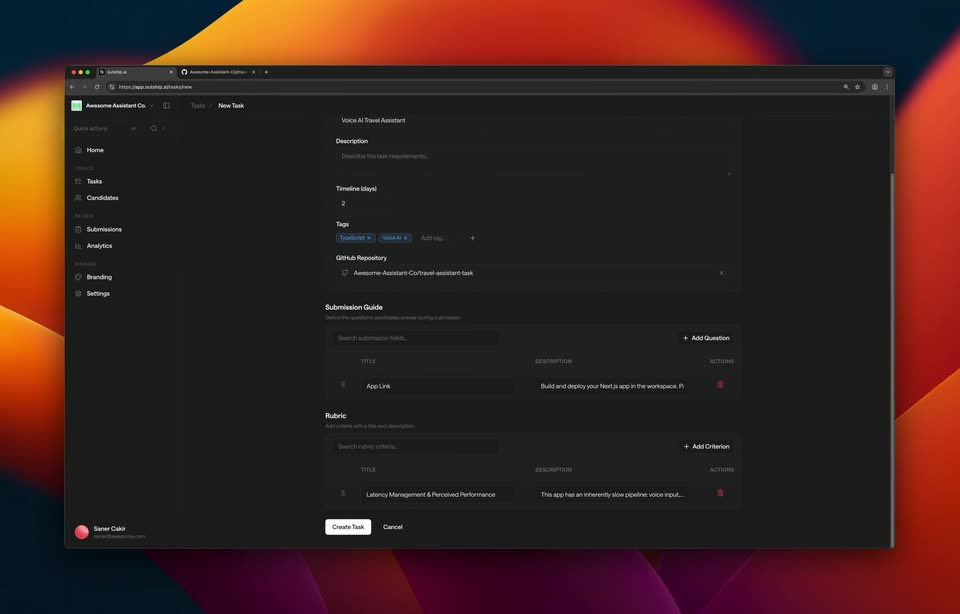 0:47–0:51Outship · OutshipA dark task-creation screen opens on an Edit Description dialog, which brightens then closes to reveal the full browser window. The view zooms to the Rubric table, where a cursor clicks Add Criterion and an empty row appears.
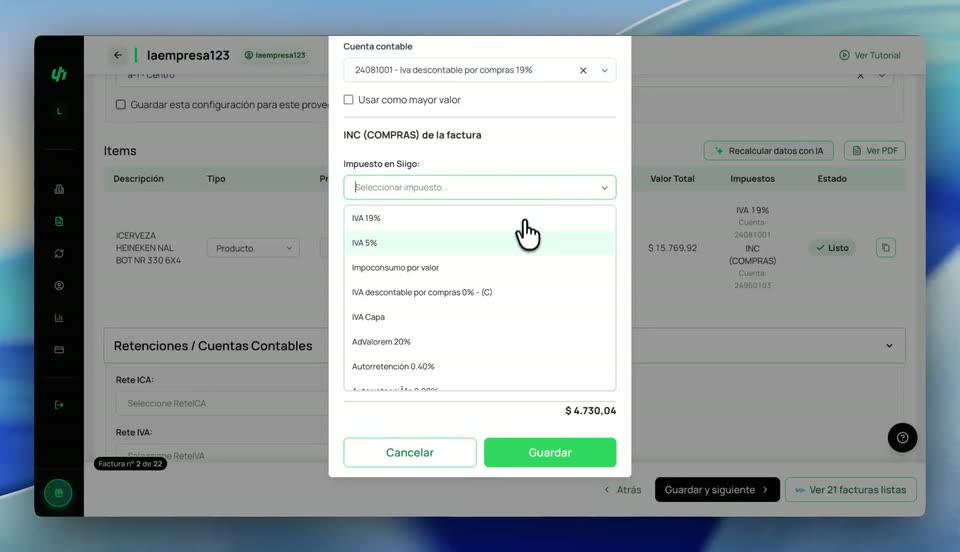 1:17–1:22Cifrato · Demo CifratoA white tax-assignment modal sits over a dimmed invoice screen. The cursor scrolls the panel, opens the tax dropdown, picks an option, then scrolls to the green save button. The interface text stays static while the pointer drives the flow.
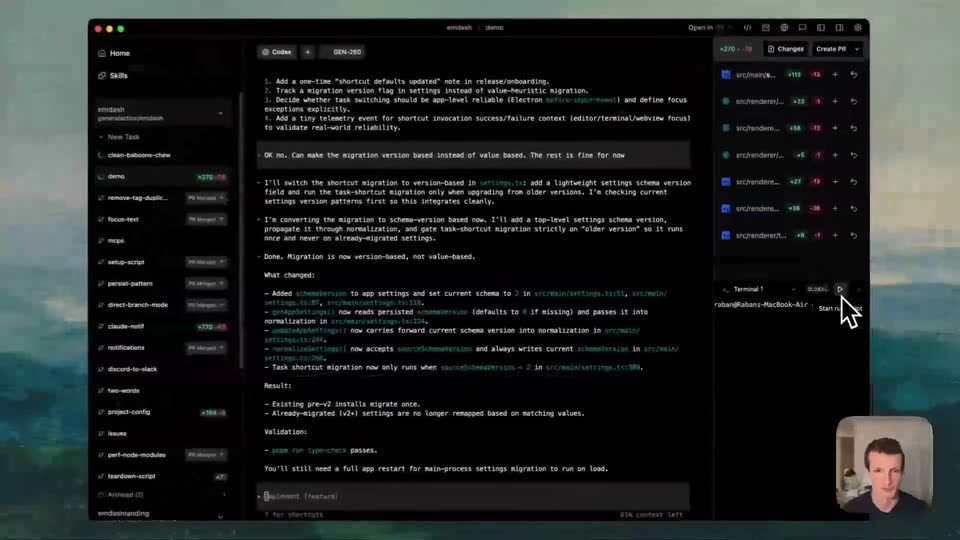 0:48–0:52Emdash · Y Combinator - .@emdashsh is building an open-source Agentic Development EnvironmentA zoomed-in view of a dark code editor's terminal panel, where a white cursor hovers over a play button. The caption reads I can also test the changes, then the view pulls back through a blur to reveal the full window with its task list and diff panel.
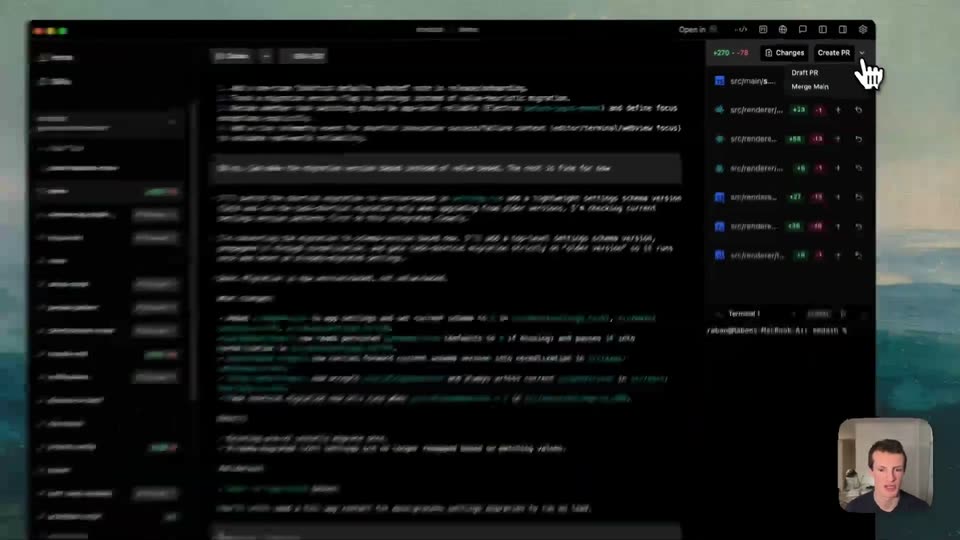 0:44–0:48Emdash · Launch Emdash (YC W26)A cursor clicks the Create PR button on the right panel, a dropdown with Draft PR and Merge Main opens, and the cursor picks Draft PR. The view then pulls back to reveal the full app window with its sidebar and chat panel.
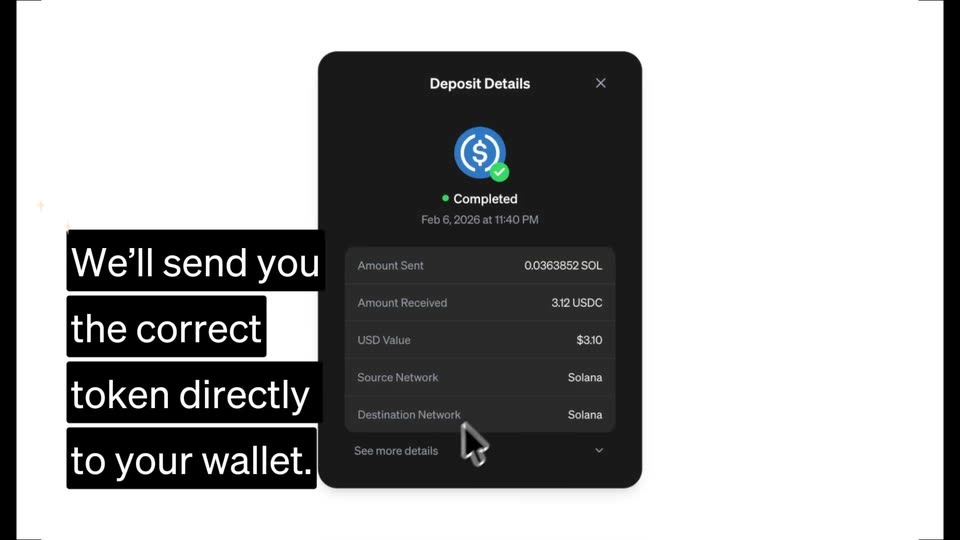 0:37–0:38Unifold · Unifold - Universal Deposit InfrastructureA dark deposit-details card floats centered on a white background. On the left, white text on black highlight boxes stacks in line by line. The card then dims to translucent and a cursor arrow drops to its lower edge.
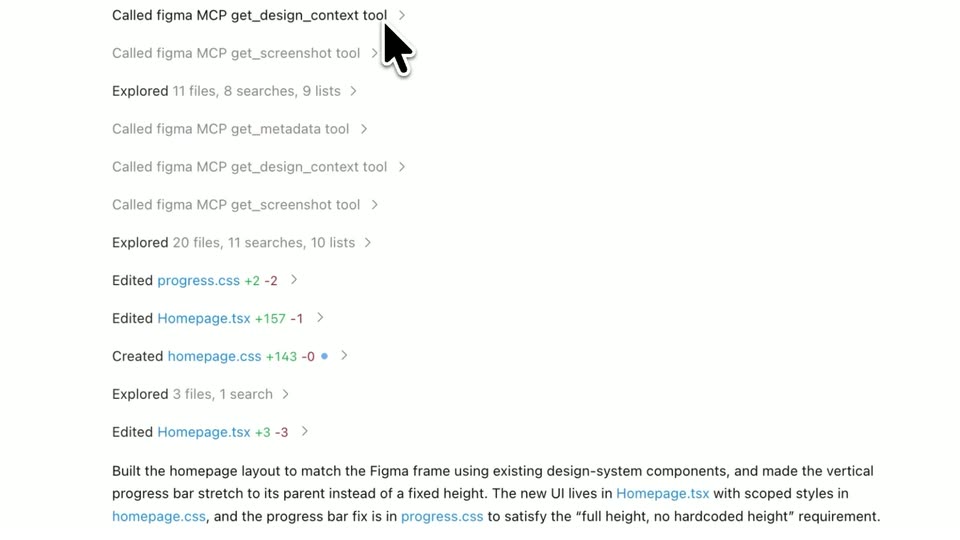 3:08–3:09OpenAI · Introducing the Codex appA light interface list of tool calls and file edits sits static, with a summary paragraph pinned at the bottom. A black arrow cursor hovers near the top row and drifts slightly.
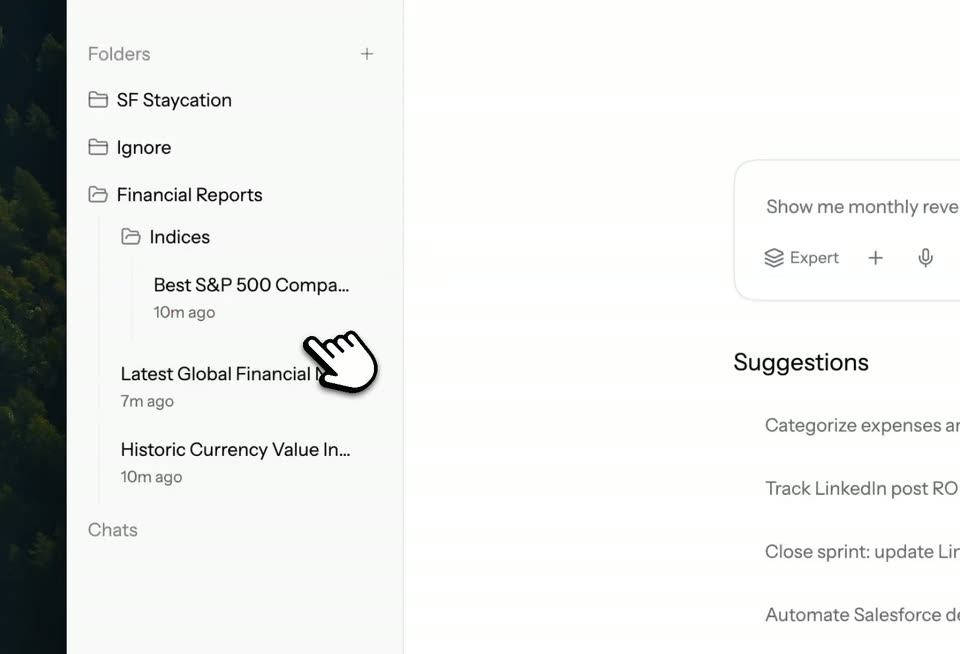 0:17–0:18Doe · doe - We're announcing folders for chat sessions and files!A white sidebar over a dark forest backdrop lists folders and recent files. A Rename/Delete context menu closes, and a hand cursor slides down to hover the Historic Currency row, where three dots appear.
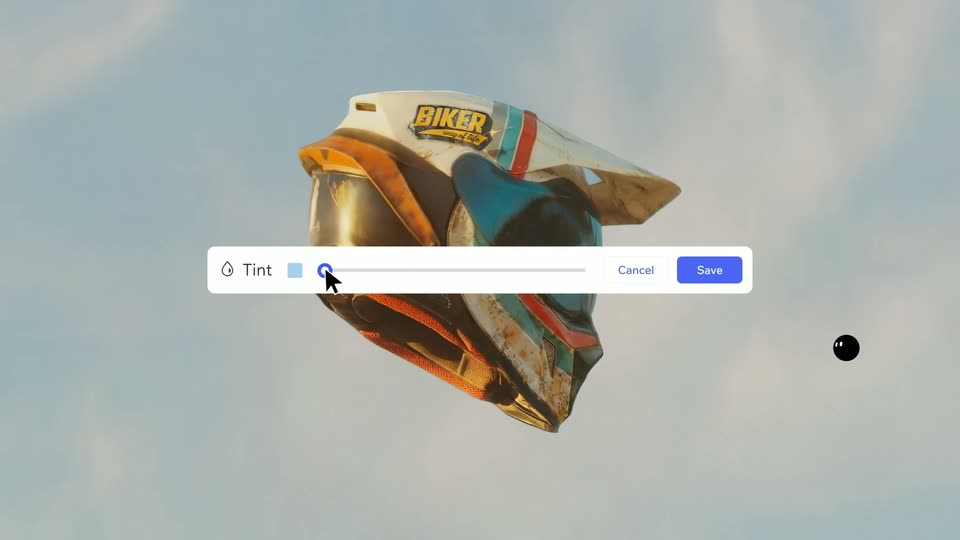 0:47–0:48Wix Harmony · Wix Harmony: The new way to createA 3D motorcycle helmet floats in a cloudy sky, its surface shifting from gold to white and blue as a flat Tint panel with slider, Cancel, and Save buttons hovers in front. A cursor moves onto the slider handle.
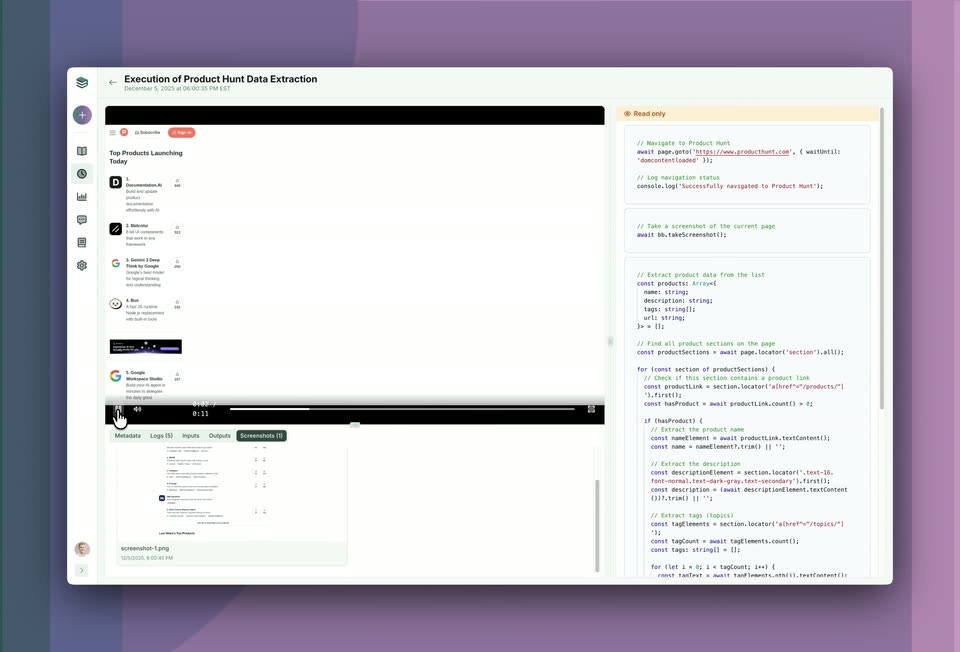 3:33–3:39Kilvin · BrowserBook YC DemoA flat dashboard mockup on a purple gradient shows an automation run. A cursor clicks play on the embedded video player, whose timeline advances, while the browser pane above switches from the Google homepage to a Product Hunt list. A read-only code panel stays fixed on the right.
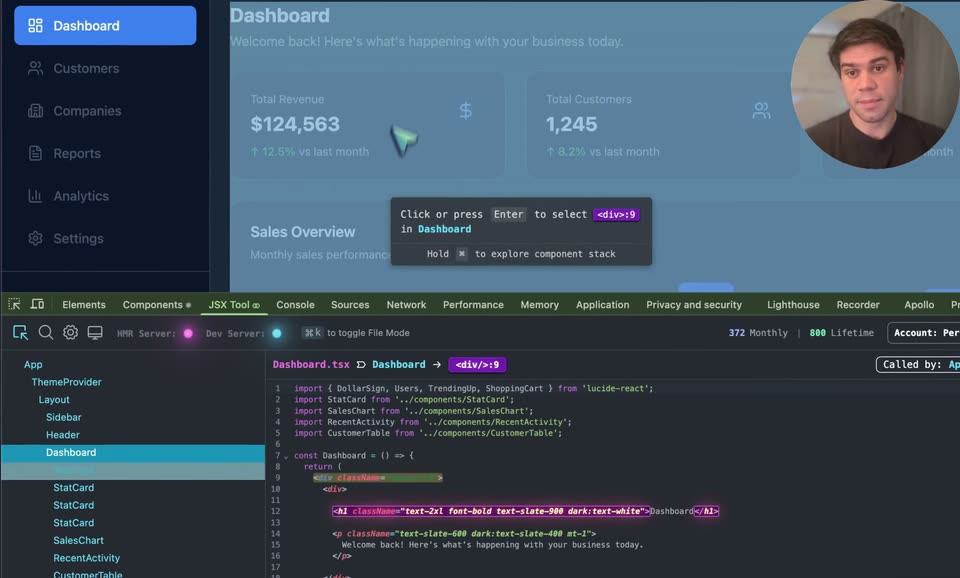 1:19 · 0.8sCoasts · JSX Tool DemoA dashboard app and a code editor fill the frame, stacked top and bottom. A green cursor hovers across the stat cards as dark tooltips naming the components follow it. A small circular webcam of a presenter sits in the top right corner.
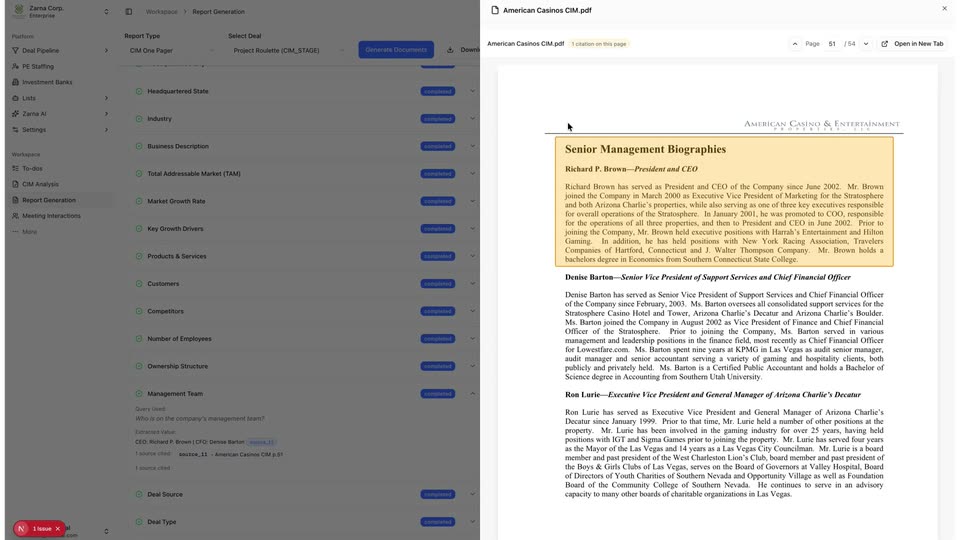 2:41–2:43Zarna · Demo Video - ZarnaThe Zarna interface fills the frame: a report checklist with completed badges on the left, a PDF of executive biographies on the right. A cursor glides over the orange-highlighted Senior Management Biographies block, then to the company logo.
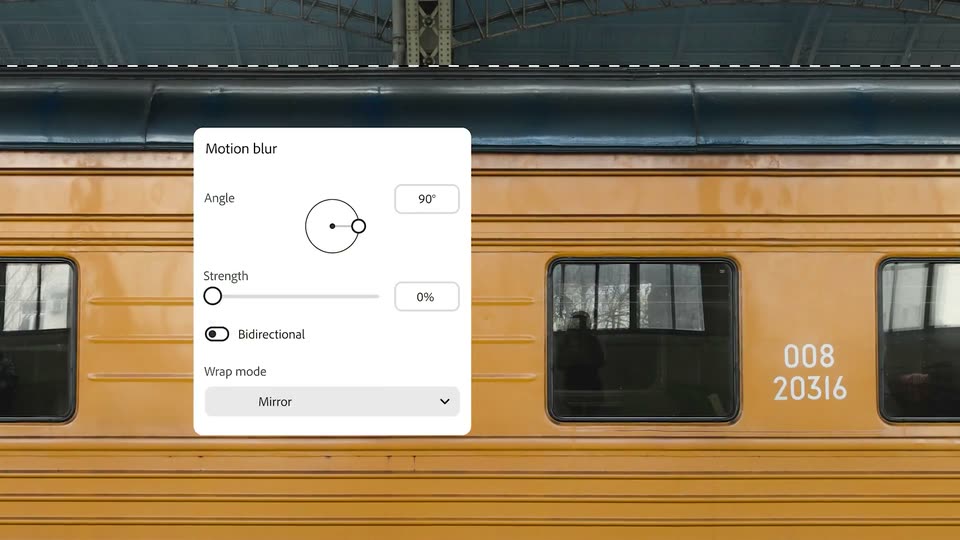 0:42–0:43Topaz Labs · Topaz Labs - @Adobe + Topaz Labs 🤝🙌 Just announced—you can now access select TopazA white Effects panel with a search field and three blur thumbnails floats over a yellow train. The cursor hovers the Motion blur card, then the panel switches to its settings, showing an angle dial, strength slider, and wrap-mode dropdown.
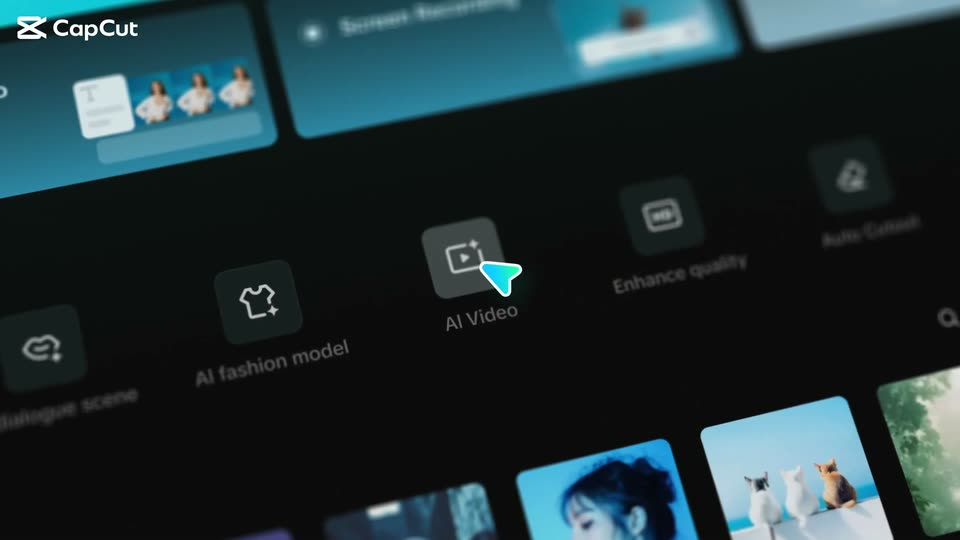 1:20–1:21CapCut · CapCut - Your all-in-one e-comm toolkit is here. Meet the new CapCut Desktop!A dark CapCut interface tilts in 3D perspective with shallow focus across a row of feature tiles. A teal cursor glides up from the lower right and hovers over the AI Video tile, while the CapCut logo holds the top-left corner.
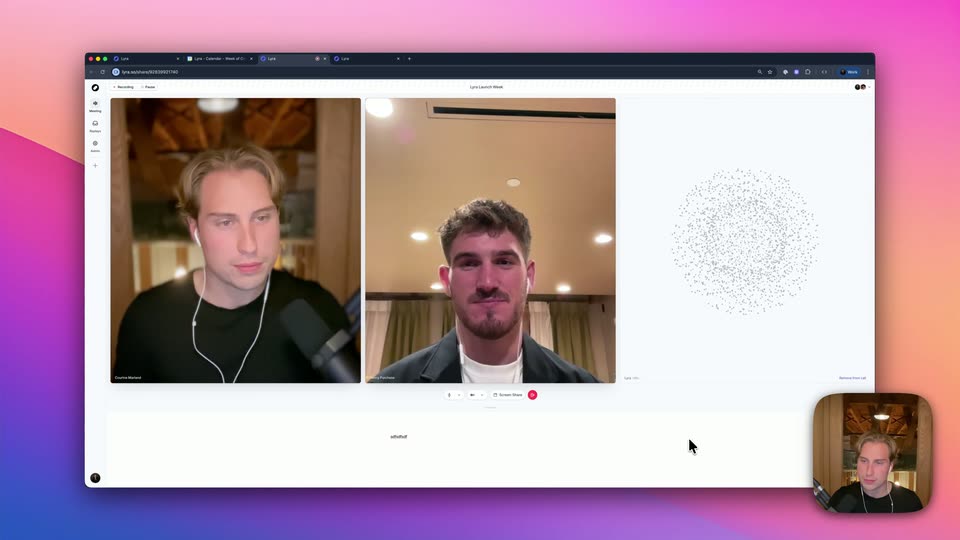 1:24–1:37IRBC · Lyra, The Final Meeting Platform.A tilted browser window mockup of a video call floats on a pink-to-orange gradient. Two men talk in the tiles while a swarm of gray dots assembles into a circle in the third tile; a cursor drifts across the chat and hovers the remove button.
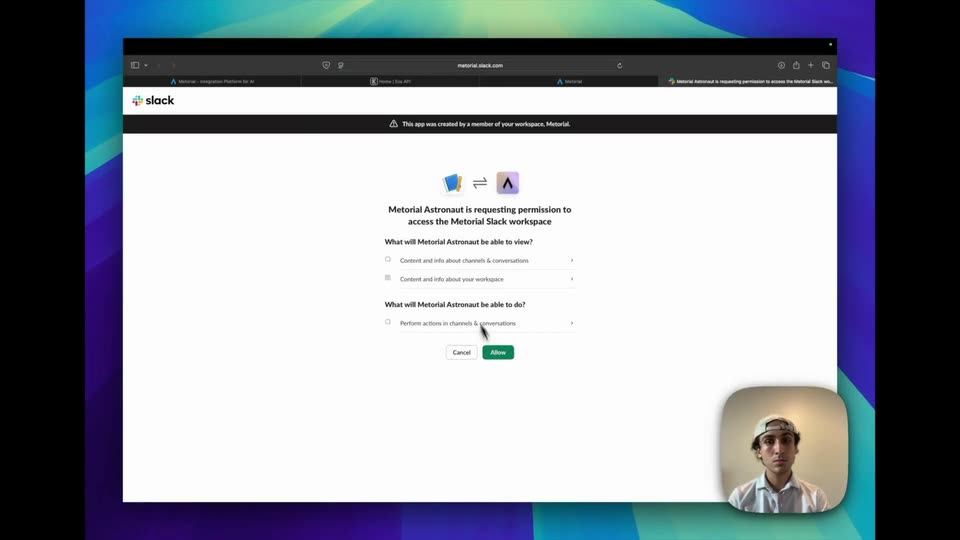 1:21–1:25Metorial · Introducing Metorial - YC F25A locked-off browser on a blue desktop shows a Slack permission page for the Metorial app, with a small webcam self-view of a man in the corner. The cursor moves to the Allow button and clicks it, the button turns green, and the address bar updates.
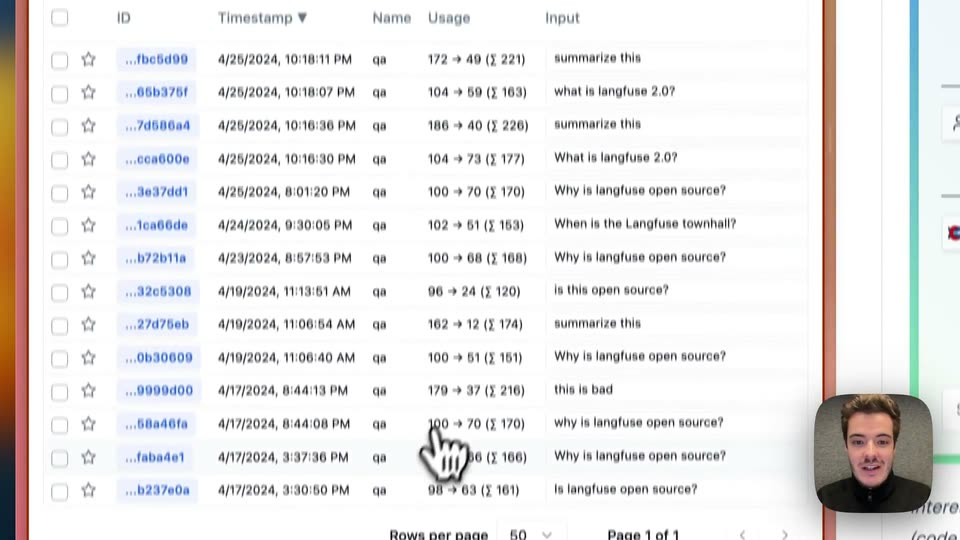 1:53–1:57Langfuse · Introducing Langfuse 2.0A product UI shows a User Detail page. A hand cursor clicks the Traces tab, a table of trace rows loads, then the view pulls back to reveal a chat panel on the right. A small presenter webcam sits in the lower corner.
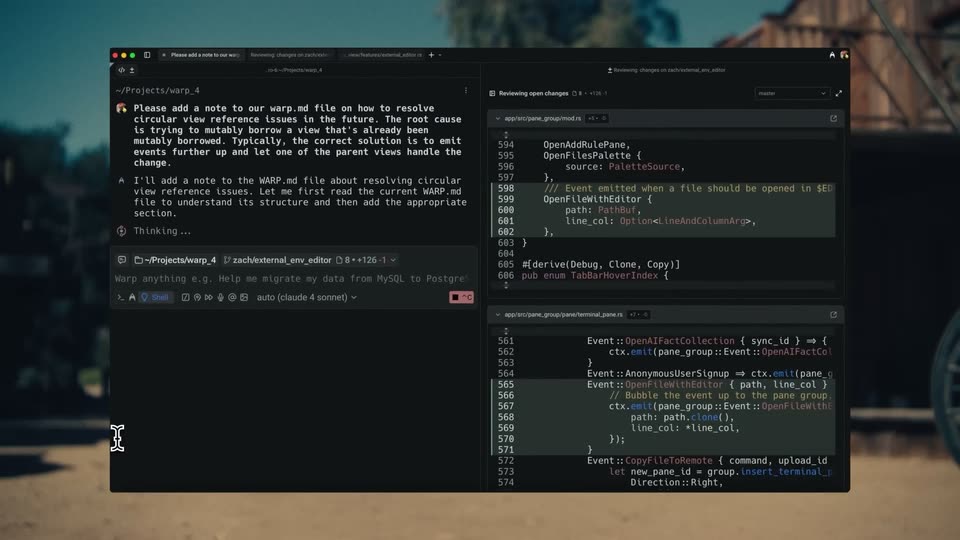 2:22–2:32Warp · Introducing Warp Code | The fastest way from prompt to productionA dark editor window tilts in 3D perspective over a blurred desk. The left chat pane scrolls as the agent's reply and git commands appear, the right diff panes swap from Rust source to a markdown guide, and a cursor hovers over the text.
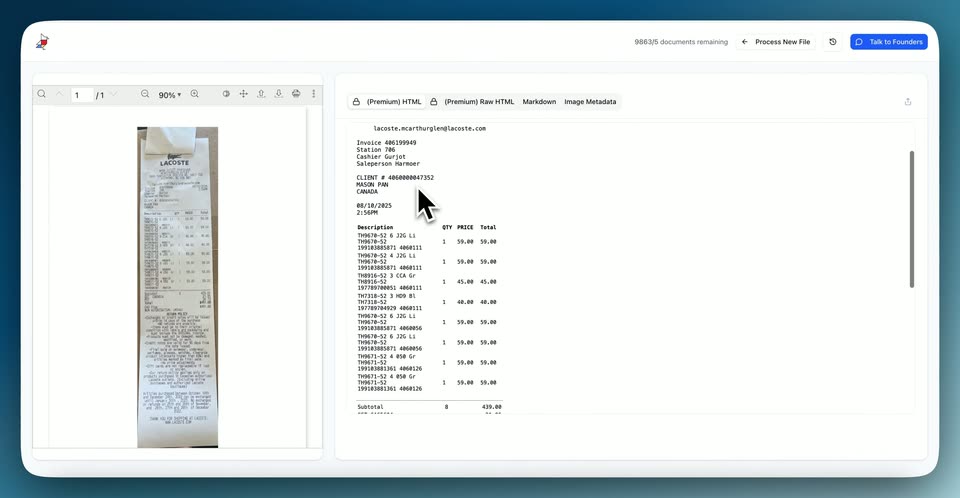 0:53–0:54Cardinal · cardinal demoA document-processing interface fills the frame: a scanned Lacoste receipt sits in the left pane under zoom controls, while the right pane lists extracted text under format tabs. The text scrolls upward past a hovering cursor as the top bar holds a document count and action buttons.
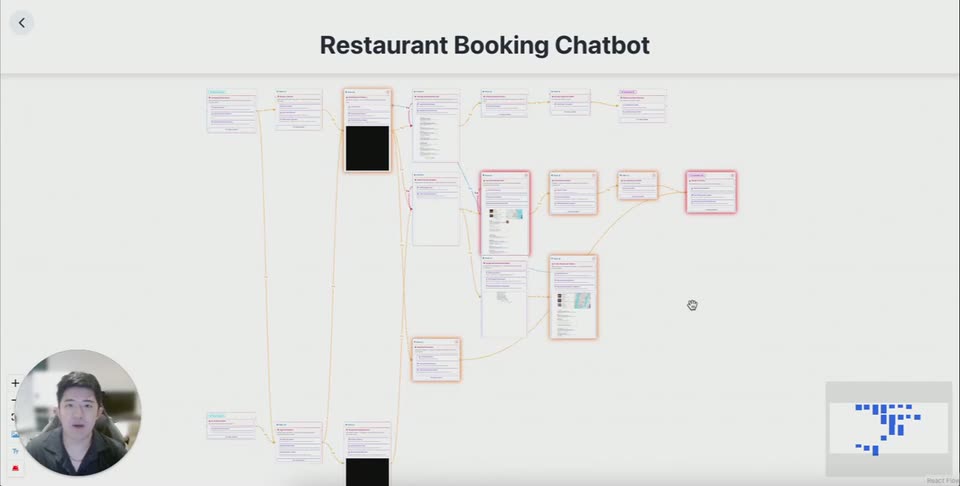 2:53–3:06Lucidic AI · Lucidic HN DemoA screen recording shows a node-graph interface titled Restaurant Booking Chatbot, its cards linked by colored lines. The view scrolls in on the cluster while a cursor drifts across the canvas; a circular webcam of a presenter sits bottom-left and a minimap bottom-right.
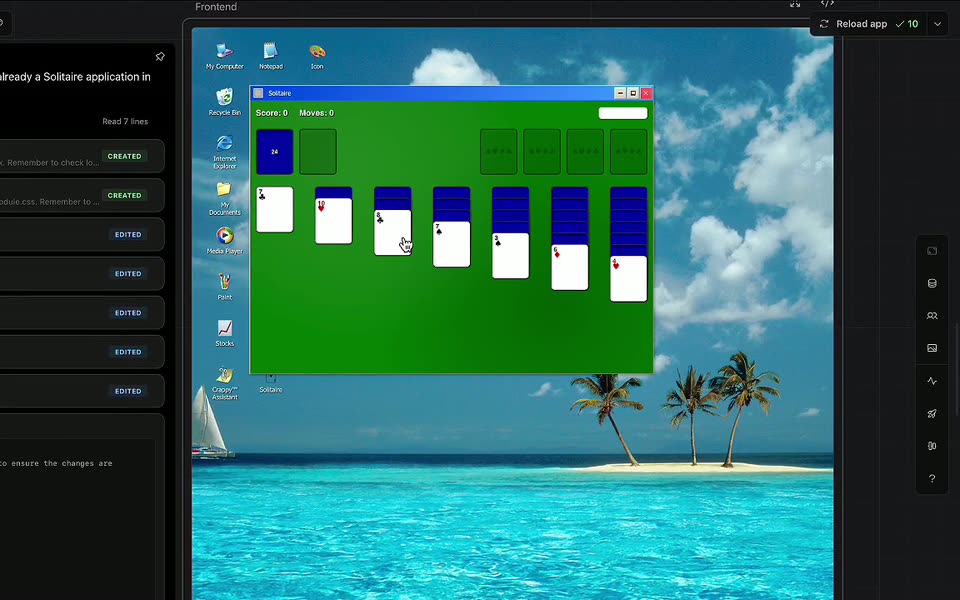 1:27–1:29Sharpe · Introducing Solar by LumenaryA Windows desktop mockup shows a Solitaire window dealing its cards while a left panel logs file edits. The view then reframes onto the file list, where Desktop.tsx entries and a Frontend Logs block stack up.
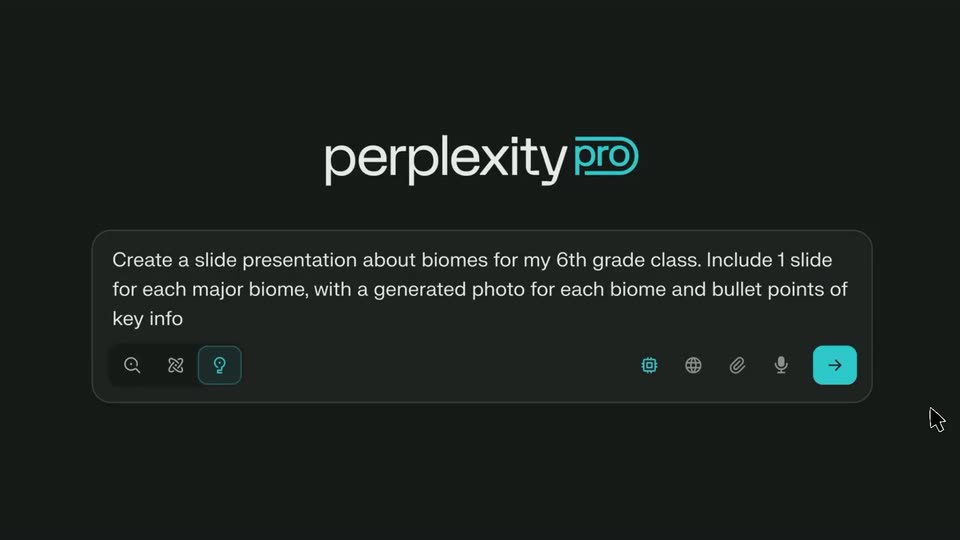 0:59–1:05Perplexity · Perplexity - Today we're launching Perplexity Labs. Labs is for your more complexOn a dark screen, the Perplexity Pro prompt field types a biomes slide request letter by letter as the autocomplete list disappears; the cursor moves to the teal arrow button and clicks it, then the caption “Bring your classroom project to life.” is locked on screen.