Cursor demo
A visible cursor operates the interface.
14,925 scenes · page 234 of 249
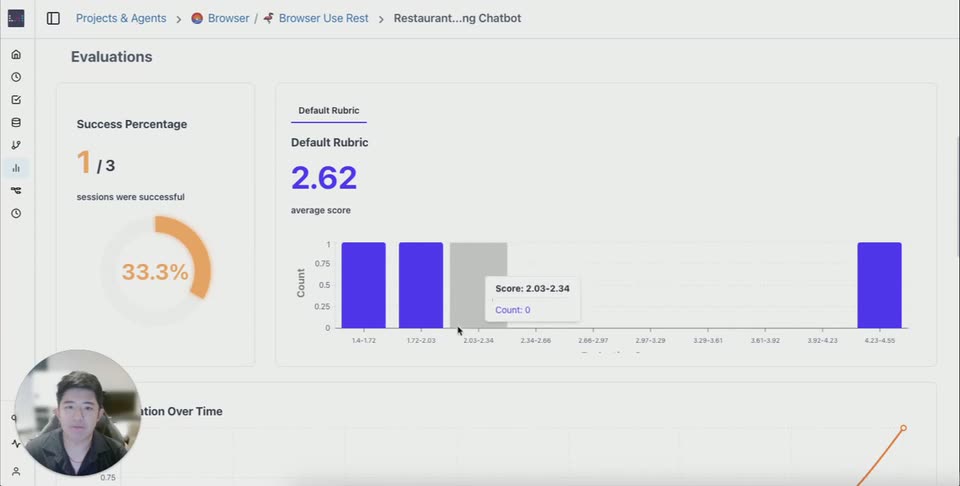 2:47–2:51Lucidic AI · Lucidic HN DemoA dashboard screen scrolls from an overview of three stat cards down to an Evaluations panel with a donut chart and a bar chart. A presenter appears in a circular webcam overlay at the lower left. The cursor hovers a bar, opening a tooltip.
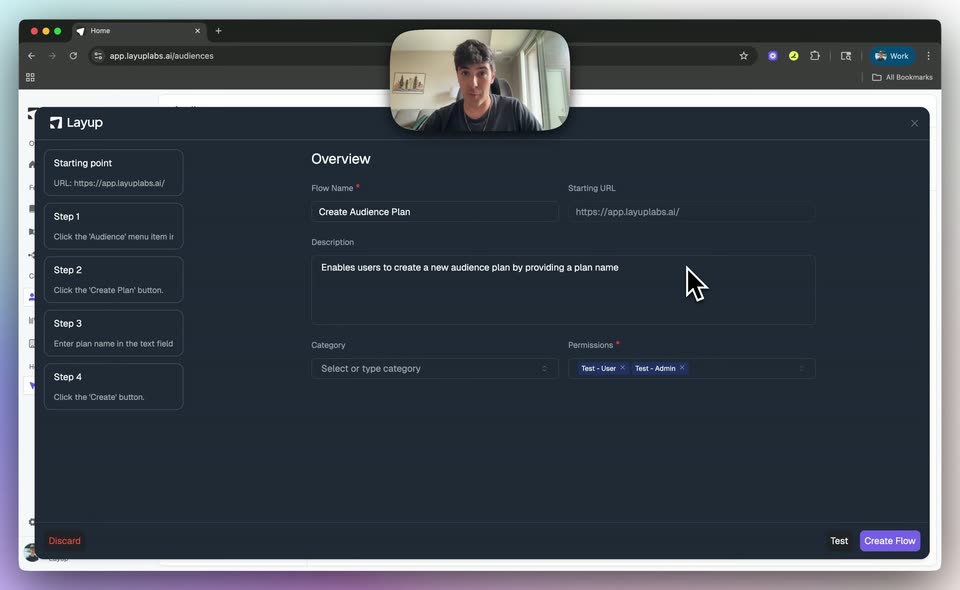 1:56–2:11Andco · Layup 2.0 July LaunchA screen capture of the Layup app's dark Overview form fills the frame, with a small webcam self-view of the presenter at the top. The view zooms out to show the full browser window over a purple gradient as a cursor drifts toward the Test button.
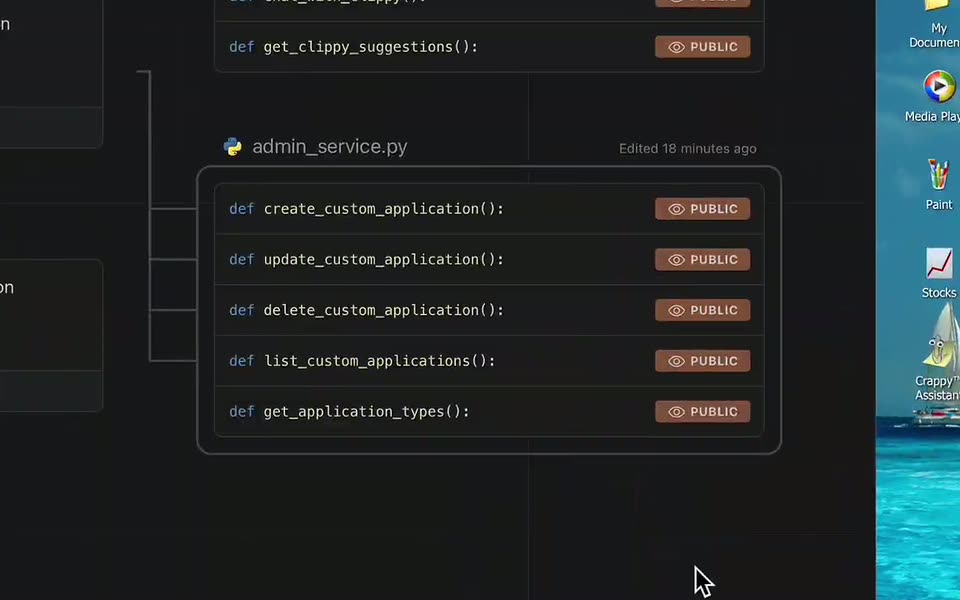 1:10–1:11Sharpe · Introducing Solar by LumenaryA dark IDE zooms out from a tight list of Python function cards to a wider layout: a code editor on the right, a chat box at bottom left, and a Windows desktop strip on the far right. A cursor sits in the code panel.
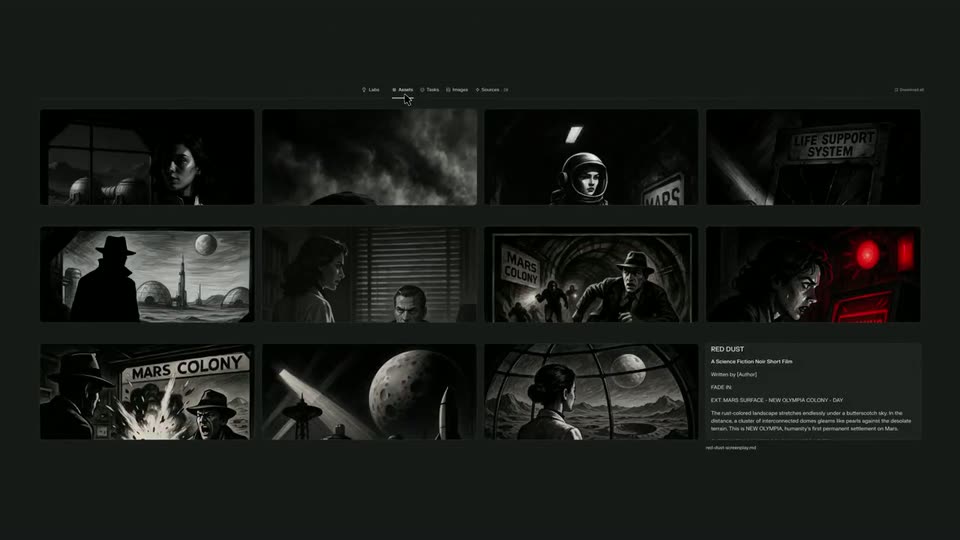 0:52–0:54Perplexity · Perplexity - Today we're launching Perplexity Labs. Labs is for your more complexA dark interface screen shows a 3 by 4 grid of monochrome Mars-noir concept thumbnails, a top nav bar, and a screenplay detail panel on the right. A cursor hovers the Assets tab as the view pushes in, enlarging the grid and the panel.
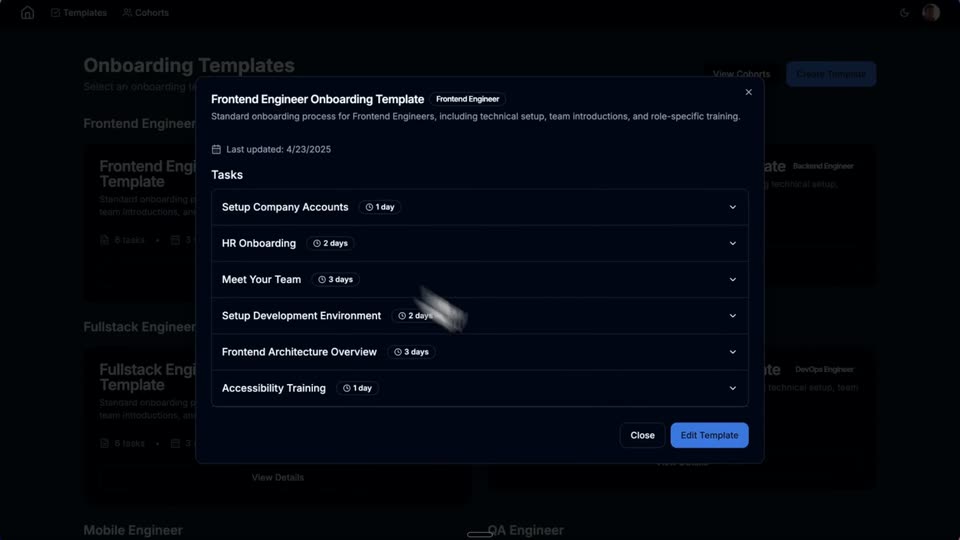 1:42–1:45Vybe · Vybe Demo - Build internal apps 10X fasterA dark onboarding template modal sits over a dimmed card list. A cursor hovers a task row, expanding it to reveal subtasks and links, then glides to the blue Edit Template button.
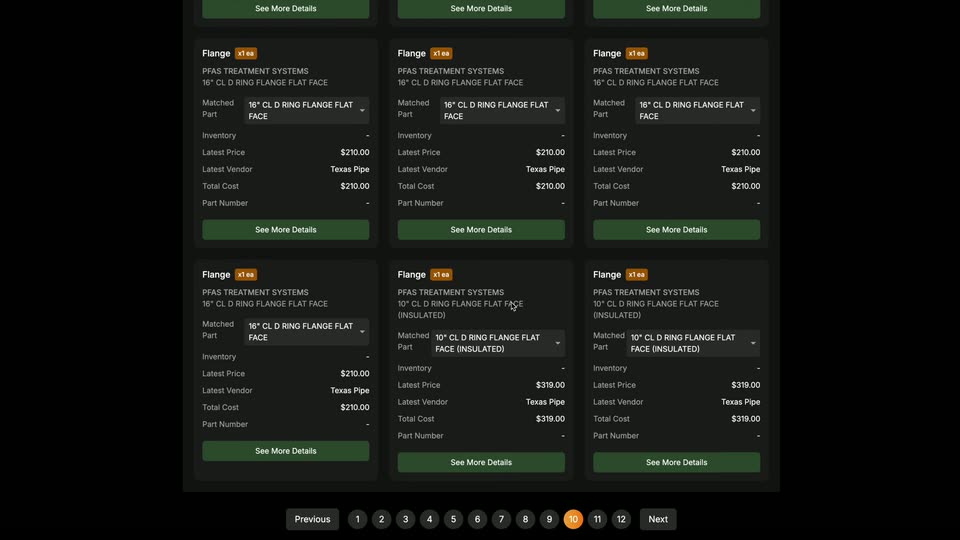 3:31–3:35Jeevy Fabrication · Introducing Jeevy FabricationA dark product interface shows a grid of flange data cards above a pagination bar. A cursor hovers over the center card, opening a tooltip with price and vendor details, then the tooltip closes and the card's fields populate with the same values.
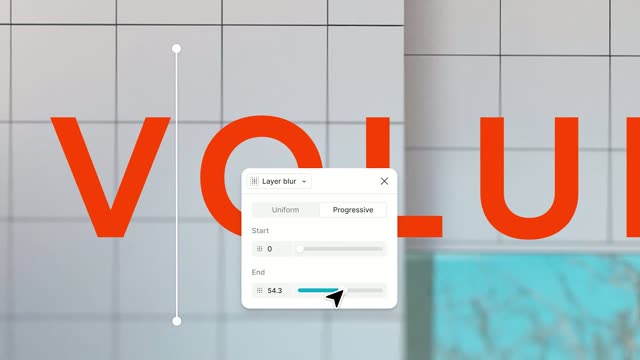 0:44–0:47Figma · All the launches at Config 2025 | FigmaA white Layer blur panel with Progressive selected floats over a gray grid canvas holding a huge orange VOLUME word and a teal map. A cursor drags the End slider from 0 to 64.8, and the map blurs progressively, sharp on the left, soft on the right.
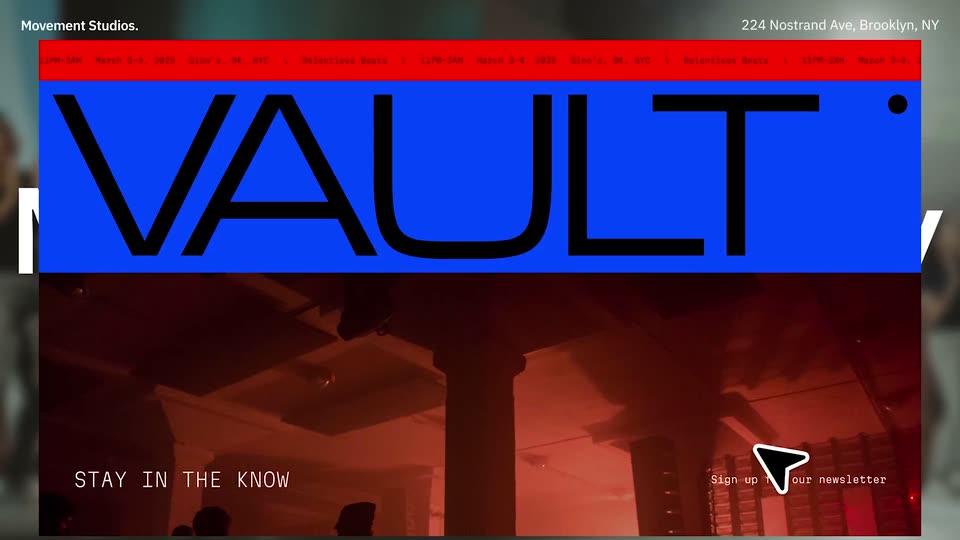 1:05 · 0.4sFigma · Figma - Introducing Figma Sites Take your designs straight to the web. WithA flat event-page layout fills the frame: a red ticker scrolls under a top bar, a blue block holds the word VAULT in black outline, and a red-tinted interior plays below. A white cursor glides down to the newsletter line.
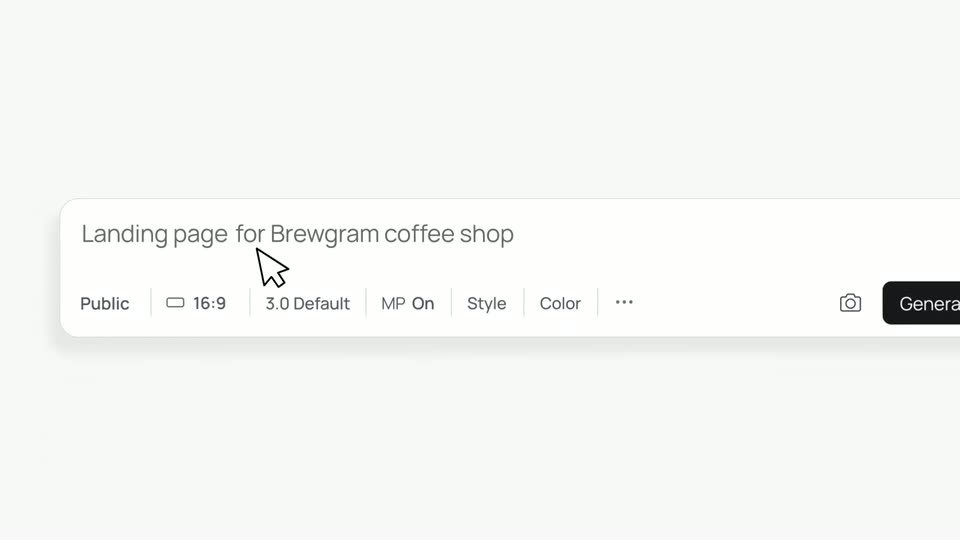 1:12–1:13Ideogram · Ideogram - Meet Ideogram 3.0 — stunning realism, creative designs, and consistenA close-up of a white prompt card on a light gray background shows the text Landing page for Brewgram coffee shop being typed, then the view pulls back to the full card as the cursor moves right and rests on the dark Generate button.
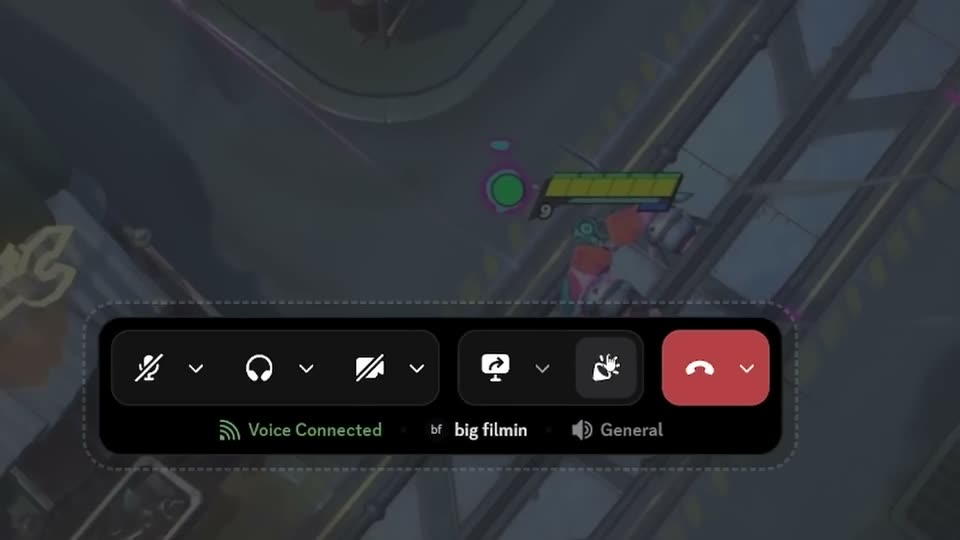 2:58–3:02Discord · Introducing the NEW Discord Game OverlayA dimmed top-down game battle plays behind a black control bar at the bottom. A hand cursor taps the speaker icon, the mic and camera icons switch to active, and the status label changes from Voice Connected to Video Connected as the bar recenters.
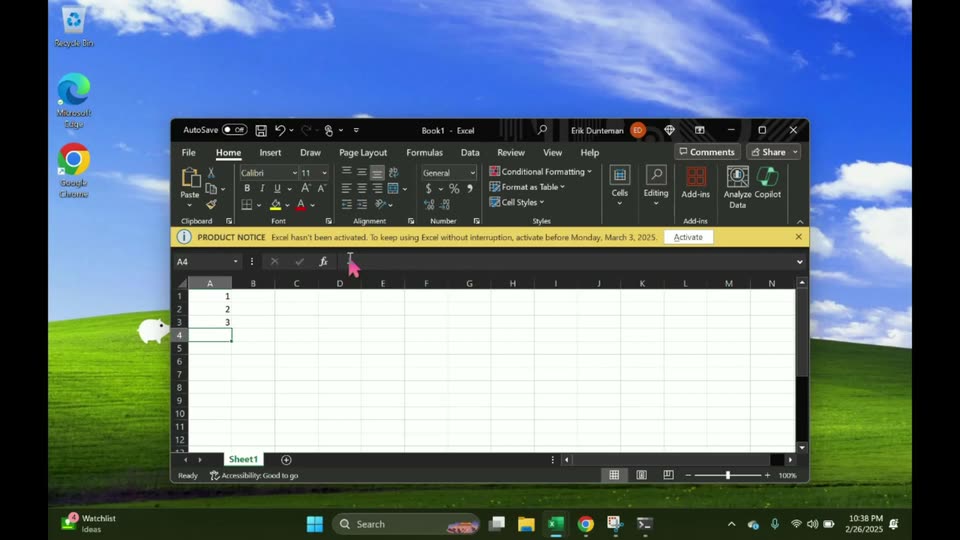 1:56–2:05Butter · Pig Official LaunchA Windows desktop shows an open Excel window. A pink cursor types 1, 2, 3 down column A, then jumps to the red close button and clicks it, fading in a save-location dialog before the frame cuts to black.
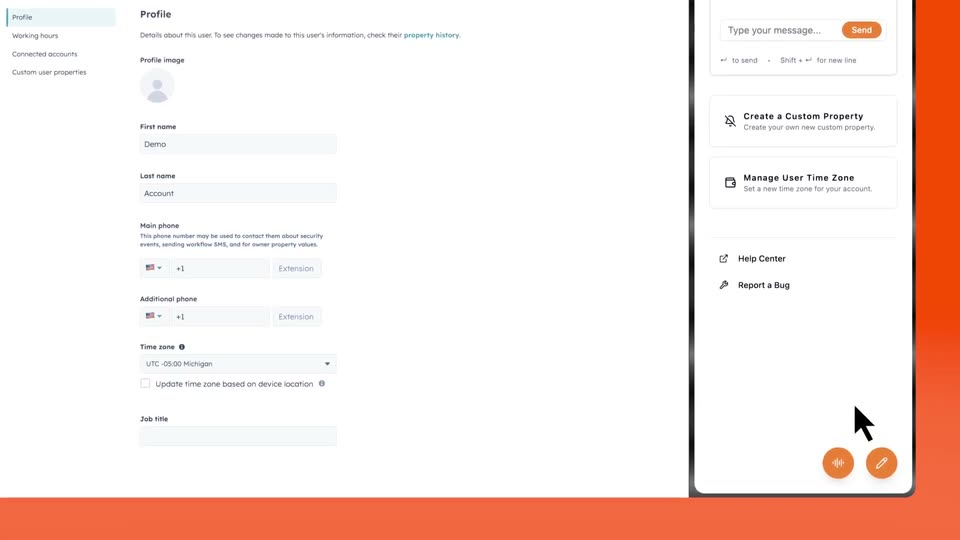 1:33–1:43SAMMY Labs · SAMMY Labs - Product TourA HubSpot profile screen and a chat control panel sit on an orange backdrop, the window tilted in 3D at the open. The view zooms in as a cursor hovers the panel's orange mic and pencil buttons, triggering Start recording and Start drawing tooltips, then clicks them.
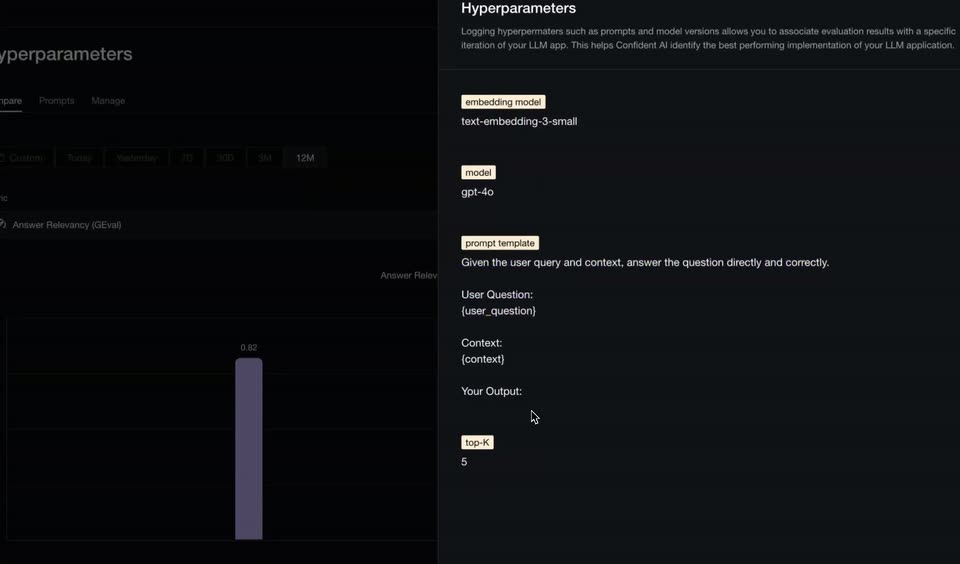 1:30–1:36Confident AI · Confident AI Launch YCA dark dashboard shows a bar chart left and a hyperparameters list right. A cursor drags down the right panel, highlighting the model and prompt template values in purple, then the screen blurs as a green-to-pink gradient bar slides up from the bottom.
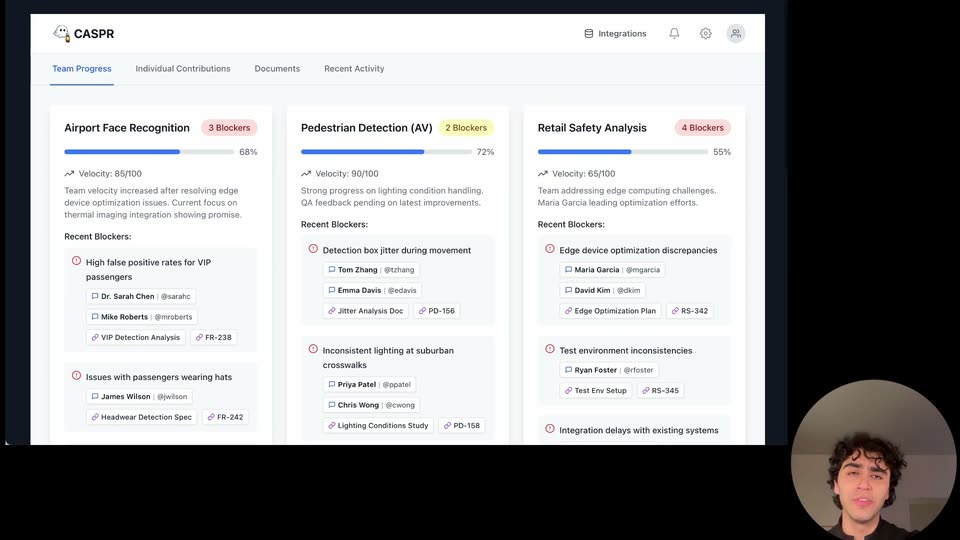 1:46–1:47Peppr AI · Peppr AI Demo VideoA light project dashboard shows three columns of task cards with progress bars and blocker lists. The top bar slides into view with a logo and icons as a cursor glides across it. A small circular webcam of a presenter holds the bottom right corner.
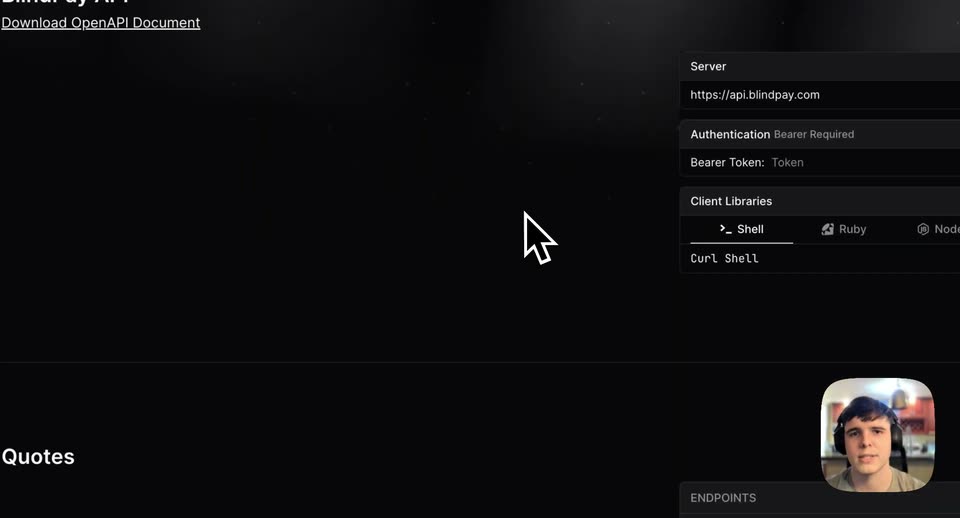 1:25–1:28BlindPay · BlindPay - DemoA dark API reference screen opens as a tight close-up on the server and authentication panel, the title ghosting at left. The view then pulls back to reveal the full documentation page, sidebar and endpoints, tilted in 3D against a dark abstract background, with a streamer facecam pinned in the corner.
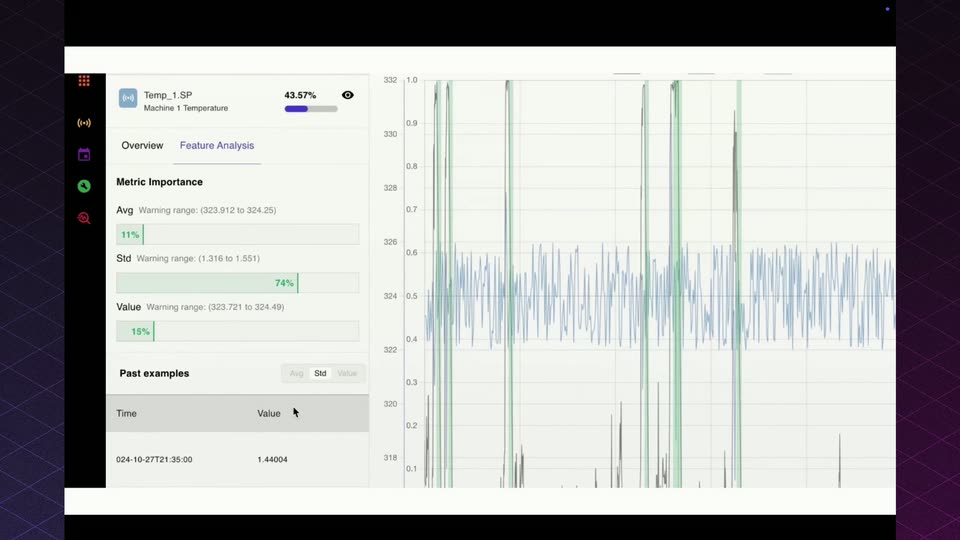 1:55–2:05Vortexify · Praxis AI LaunchA light product screen shows a model card and an inputs list with importance bars; a cursor clicks View Details, swapping the panel to a feature analysis view. The right chart redraws its line as the cursor toggles metrics, then zooms into a highlighted region.
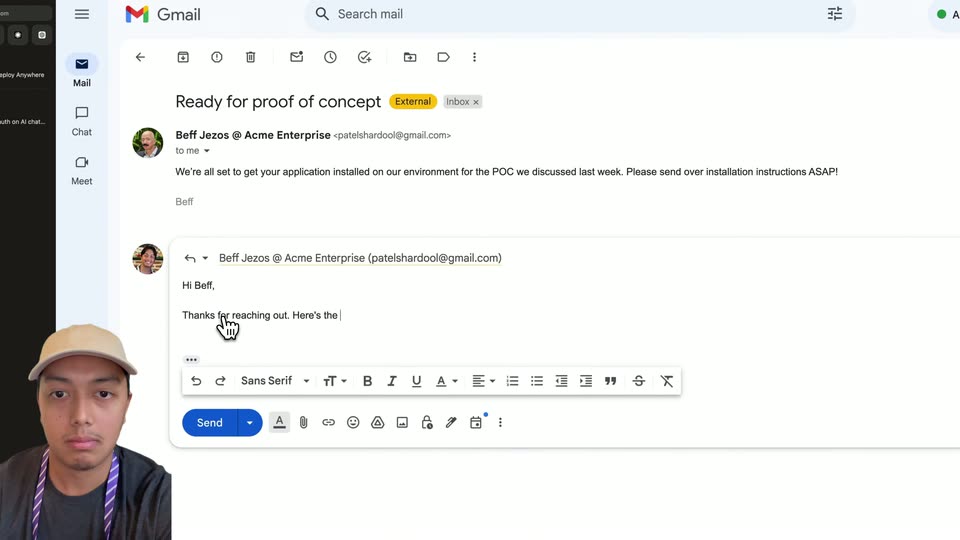 0:56–1:05Ryvn · Ryvn | On-prem deployments, without the stressA Gmail thread fills the screen as the frame tightens, with a small webcam feed of the presenter in the lower left. The cursor clicks Reply, types a message with an installation link, and clicks Send, posting the reply into the thread.
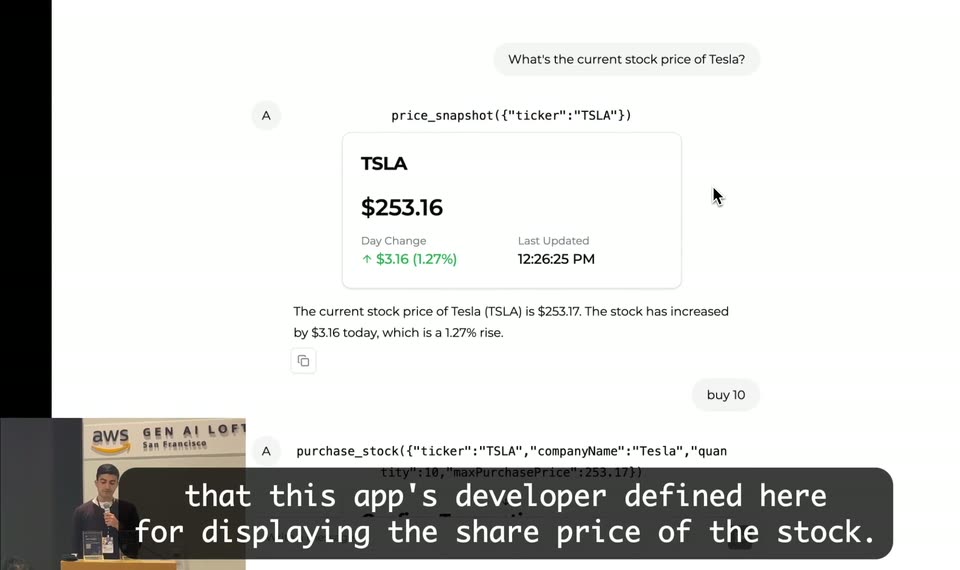 1:36–1:40assistant-ui · assistant-ui | AWS GenAI Loft DemoA chat UI shows a Tesla stock card and a code snippet; the cursor slides in and highlights the price_snapshot call while the view scrolls slightly. A small stage inset sits bottom left under a white monospace caption.
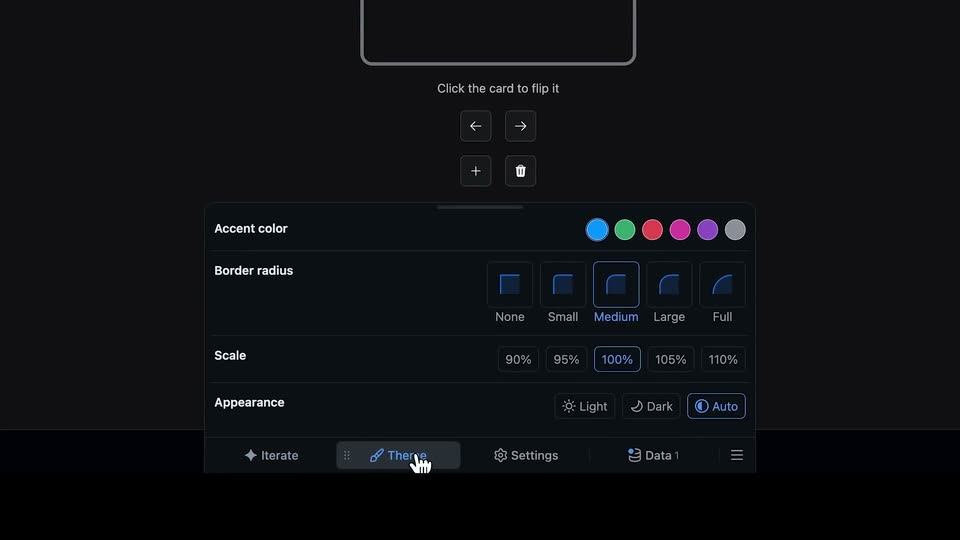 0:57–0:59GitHub · What is GitHub Spark? Introducing a brand new way to build powerful, AI assisted applicationsA dark app interface shows a flashcard preview above a control bar; a cursor clicks Theme and a settings panel drops open with rows for accent color, border radius, scale and appearance, the view reframes onto the panel, and the cursor moves to Auto.
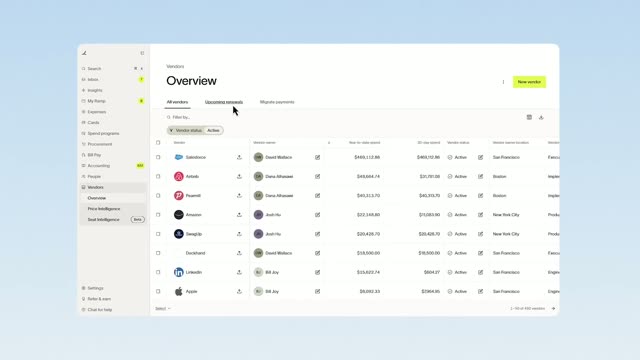 1:43–1:47Ramp · Meet Ramp: A smart finance operations platform that saves you time and moneyA white vendor dashboard card sits on a pale blue field, listing vendors with spend columns. A cursor glides to the Upcoming renewals tab and clicks, swapping the long table for a two-row renewals list.
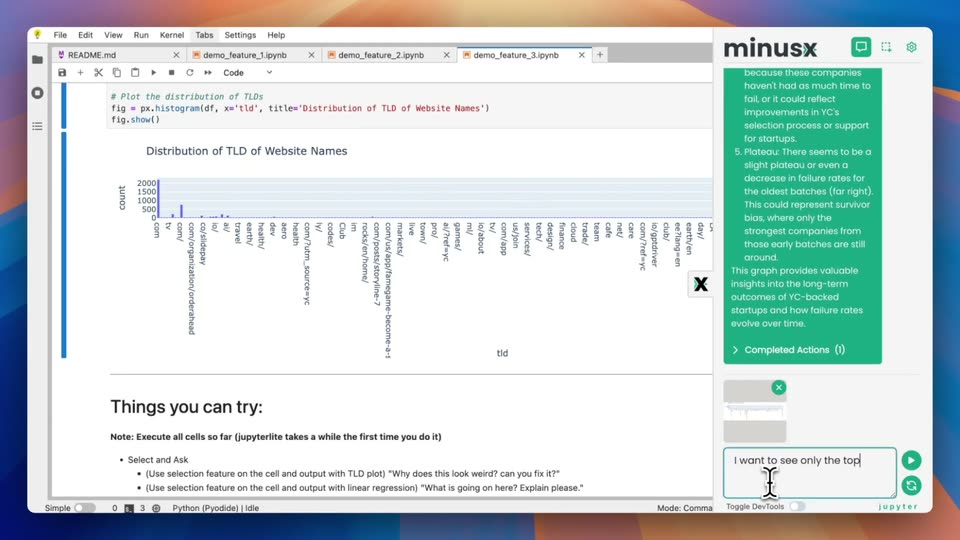 1:13–1:14MinusX · MinusX: AI Data Scientist for Jupyter and MetabaseA Jupyter notebook screen fills the frame, showing a histogram of website TLDs beside a green panel of analysis notes. In the bottom right input box, a text cursor types a query letter by letter, filtering the chart to the top entries.
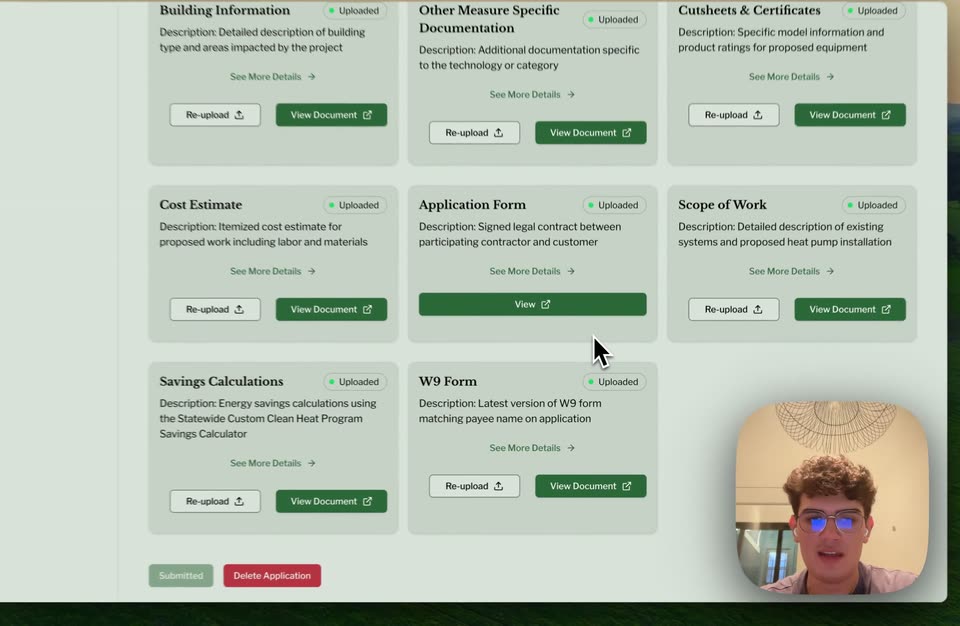 2:19–2:20RetroFix · RetroFix Product DemoA grid of document cards, each marked Uploaded with Re-upload and View Document buttons, fills the screen. A cursor rests on the Application Form card, then shifts down. A small webcam inset of a bespectacled man sits in the lower right corner.
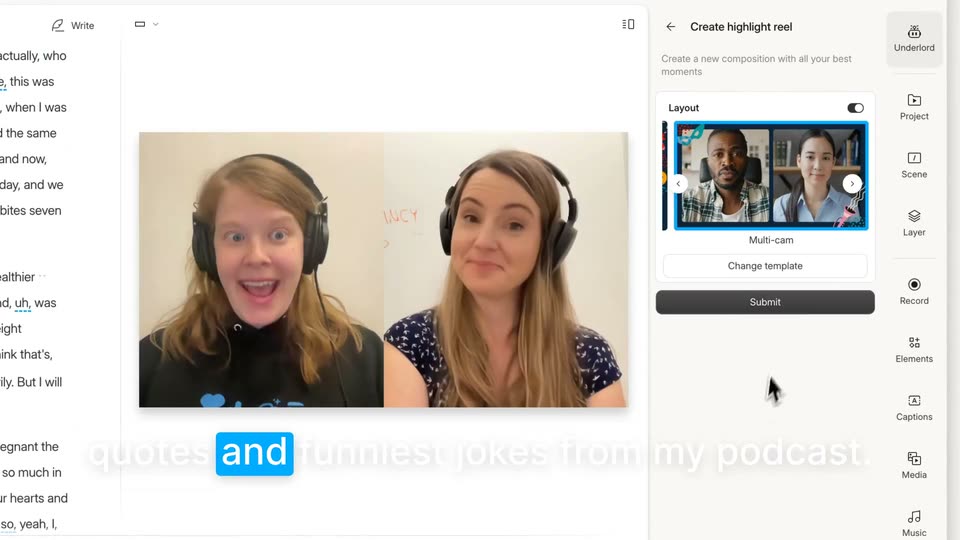 2:34–2:36Descript · Descript - Today, we're launching Descript's new AI assistant editor, Underlord.A product UI shows a multi-cam preview of two women in headphones, flanked by a transcript panel and a highlight-reel panel. A cursor clicks the Submit button as a white caption with blue-highlighted words scrolls along the bottom.
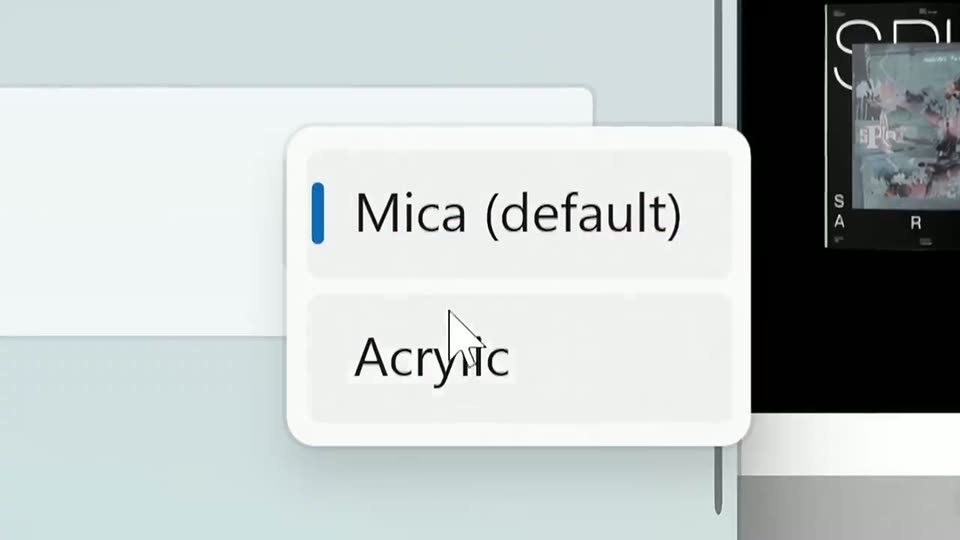 0:26–0:28The Browser Company · The Browser Company - Arc on Windows is finally here. No more waitlists, no more betas. DA close-up of a dropdown menu on a light interface lists two material options, Mica (default) marked with a blue bar and Acrylic, while a mouse cursor hovers over Acrylic. The frame stays locked off with a dark monitor showing a magazine cover at the right edge.
 0:29 · 0.4sThe Browser Company · Arc on Windows. Download now.Inside a file manager window, a pink sidebar lists app icons and folders beside a dotted-grid canvas. A white cursor glides down the canvas as a small dot travels with it, shifting from pink to orange.
 0:19–0:20Captions · Mirage - Introducing Captions for web. Video editing made simple, thanks toA row of dark cards scrolls across a blurred office set. The center card glows green and reads CPUs under a cursor; the strip advances so the next card, reading coin, centers as the backdrop shifts from a glowing server rack to the room.
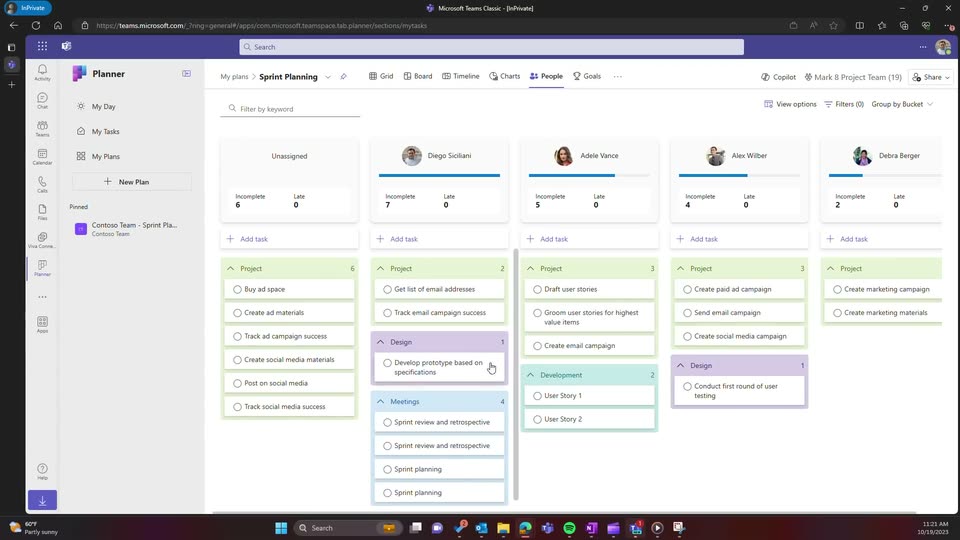 2:43–2:53Microsoft · Meet the new Microsoft PlannerA Planner board in a browser is operated by a cursor. It regroups the Kanban columns by sprint, drags a task card between people in the People view, then opens the Grid view and clicks Add column to reveal a field menu.
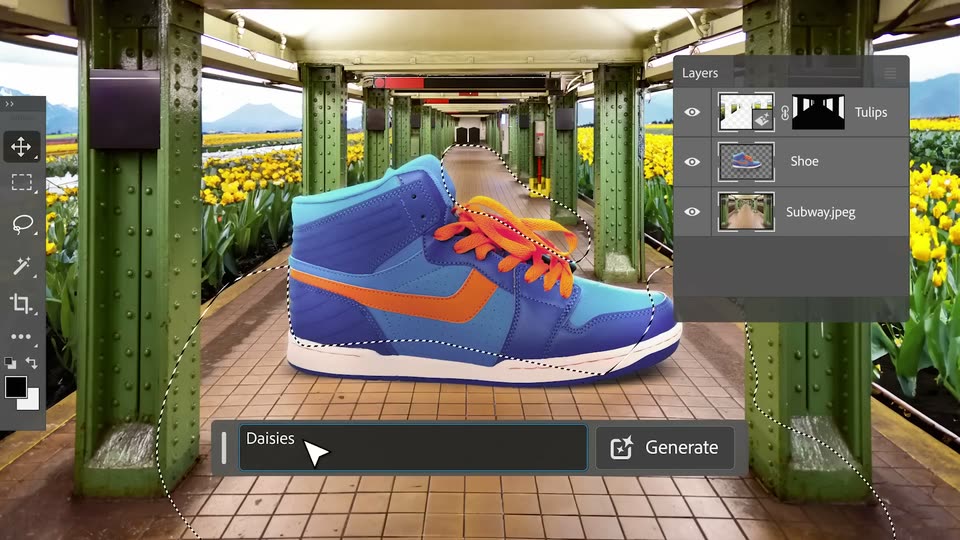 0:29–0:30Adobe · Adobe Firefly: Out of Beta & Ready For Your Imagination | AdobeA blue and orange sneaker sits in a tulip-lined subway tunnel inside a design app canvas. A cursor types Daisies into the prompt box, then moves onto the Generate button.
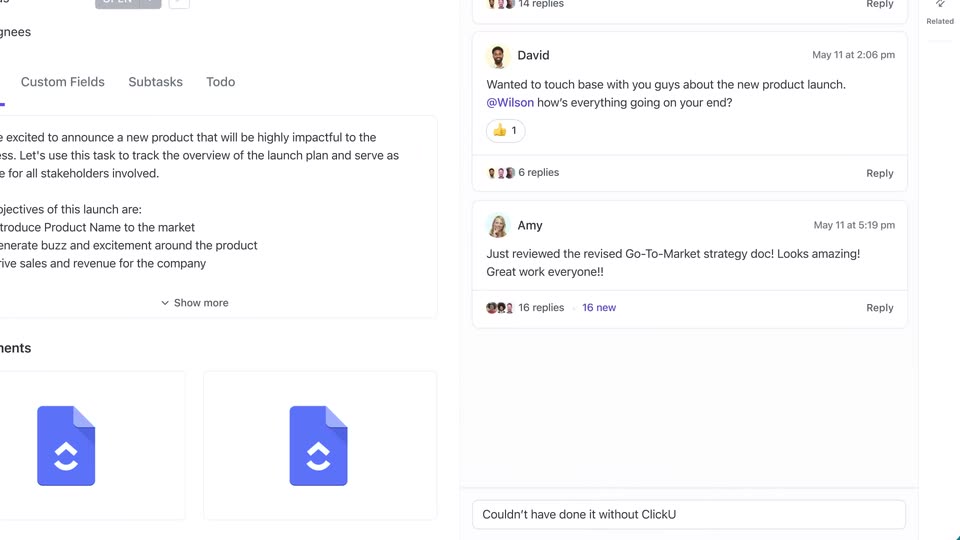 1:23–1:44ClickUp · Introducing ClickUp AIA flat two-panel task view with a comments thread on the right. A purple-outlined callout pops in over an attachment, the cursor clicks a Summarize button and a panel types out a summary line, then the cursor types a new comment that posts below the thread.
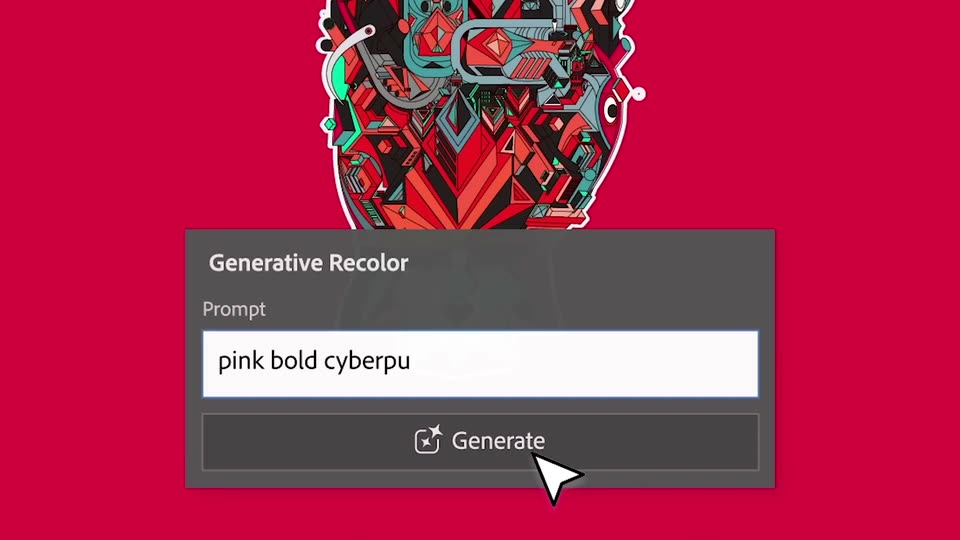 0:31–0:34Adobe · Adobe Illustrator x Adobe Firefly: Announcing Generative Recolor | AdobeA dark gray Generative Recolor panel sits on a red field beneath a geometric cyberpunk face. The cursor rests on the Generate button while the prompt field types pink bold cyberpunk, and the face and background shift from red to pink.
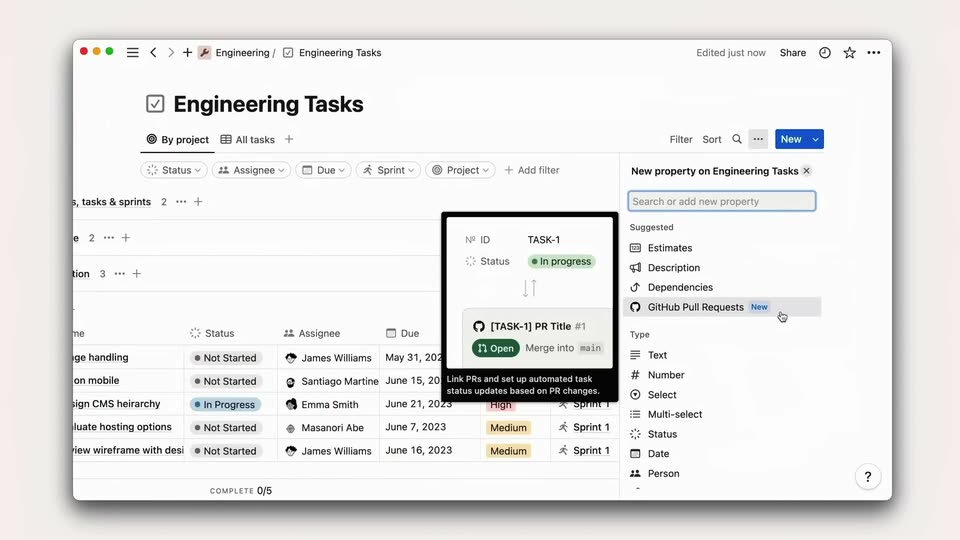 2:36–2:40Notion · Welcome to Notion ProjectsA flat Notion task board titled Engineering Tasks fills the frame. A cursor clicks the add-property button, a right-side panel slides in listing suggested properties, the cursor selects GitHub Pull Requests, and a new column with an open PR card appears in the table.
 0:32–0:33The Browser Company · The Browser Company - What if the internet... was actually 𝑦𝑜𝑢𝑟 internet? 🎨 Introducing BA white card with a wavy top edge frames a blue Share Boost button. A black cursor glides down from above and presses the button, which darkens to a pressed state. A blurred document with faint text sits in the background.
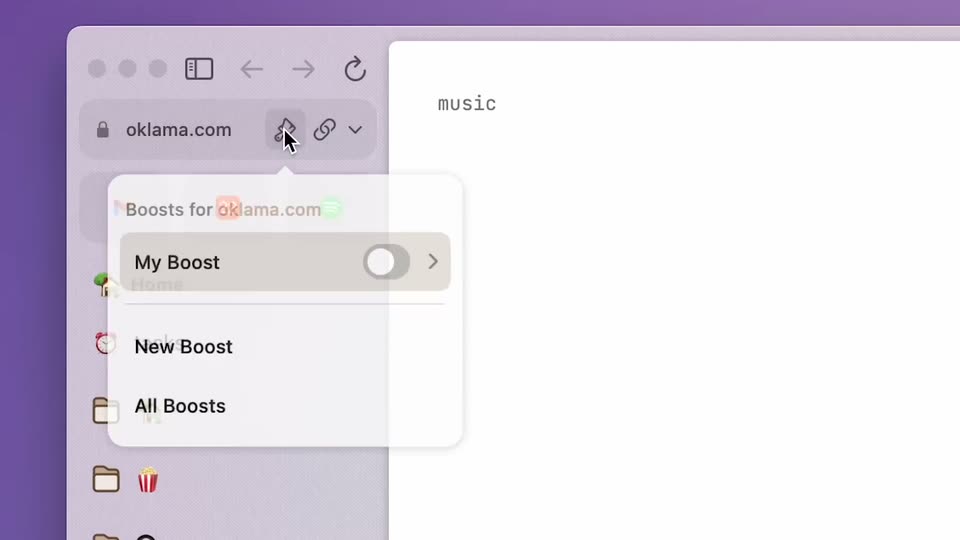 0:36–0:38The Browser Company · Boosts by Arc | Meet Your New InternetA browser window on a purple background shows the address bar with a cursor clicking the boost icon, opening a popover listing boost options. A white panel on the right holds the tagline and the word music.
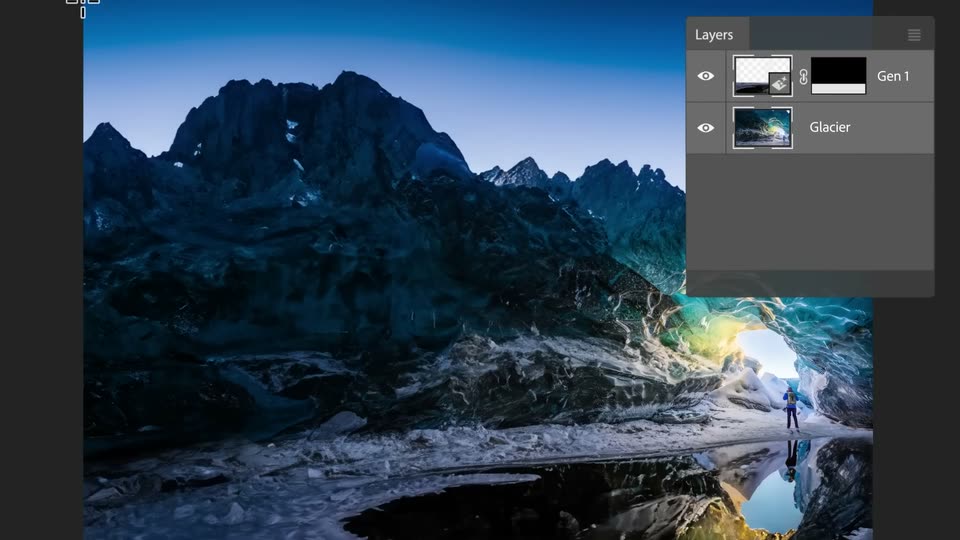 0:43–0:48Adobe · Adobe Photoshop (beta) x Adobe Firefly: Announcing Generative Fill | AdobeA full-screen photo editor shows a glacier photo with a centered prompt bar and three result thumbnails. A cursor clicks Generate, the bar and thumbnails clear, then the cursor drags a dashed selection rectangle over the top half while a Generative Fill tooltip pops up.
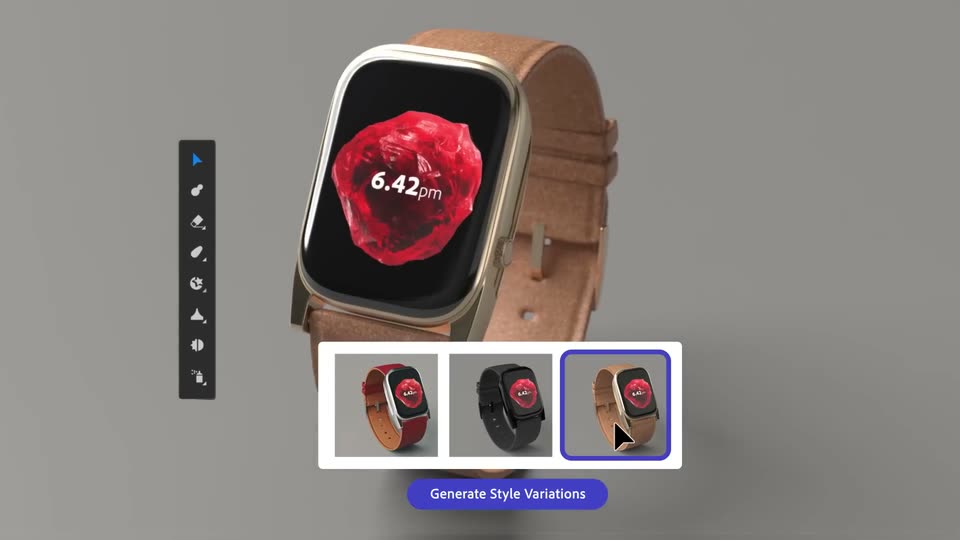 0:21–0:24Adobe · Adobe Firefly: Family of New Creative Generative AI Models | AdobeA tilted 3D smartwatch shows a red crumpled watch face reading 6:42 pm. A cursor clicks the right of three band thumbnails, and the watch swaps to a tan leather band. The view cuts to a green field with a fence and a blue banner at the bottom.
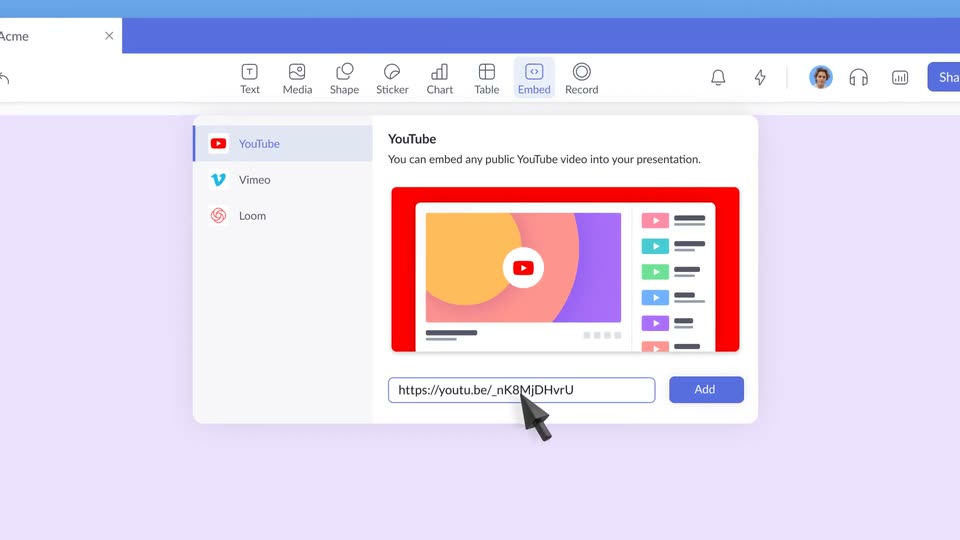 0:58–1:00Pitch · Introduction to Pitch | Create beautiful presentations with your teamA white embed dialog with a YouTube illustration and a source list pops onto a pale lavender slide. A video URL fills the address field, then a dark cursor slides right and presses the blue Add button.
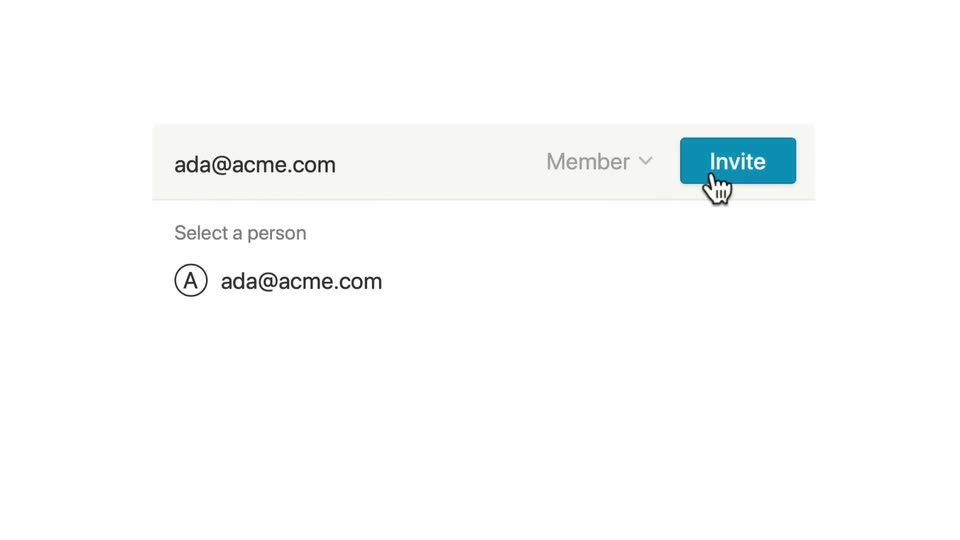 1:15–1:16Notion · What is Notion?A white hand cursor slides left toward the blue Invite button and clicks it. Above it sits an email field with a Member dropdown, and below a person selector list shows one entry. Locked-off frame.
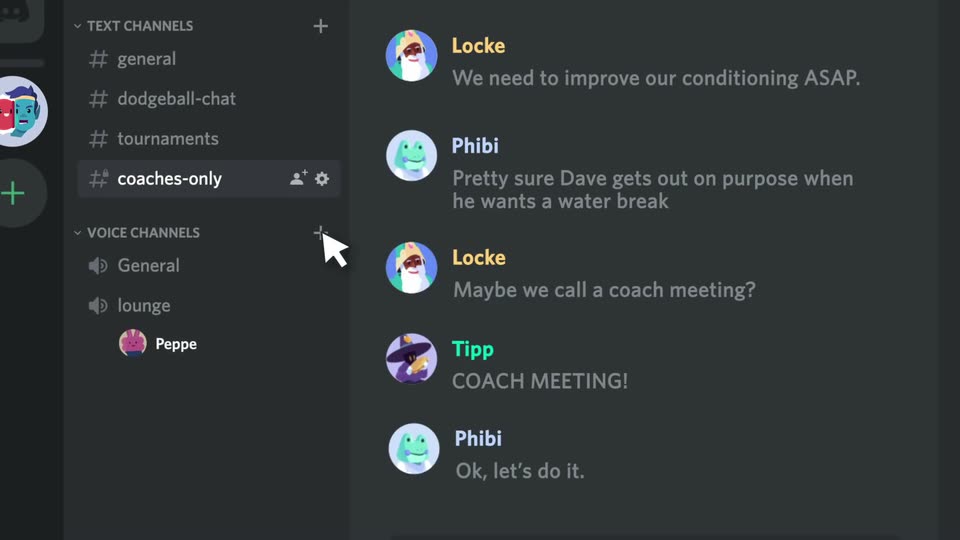 1:17–1:20Discord · How Discord Works in 148,000 Miliseconds or LessA dark chat interface shows a channel sidebar and a conversation about calling a coach meeting. A cursor clicks the plus button next to the voice channels, and a create channel dialog opens over the chat.
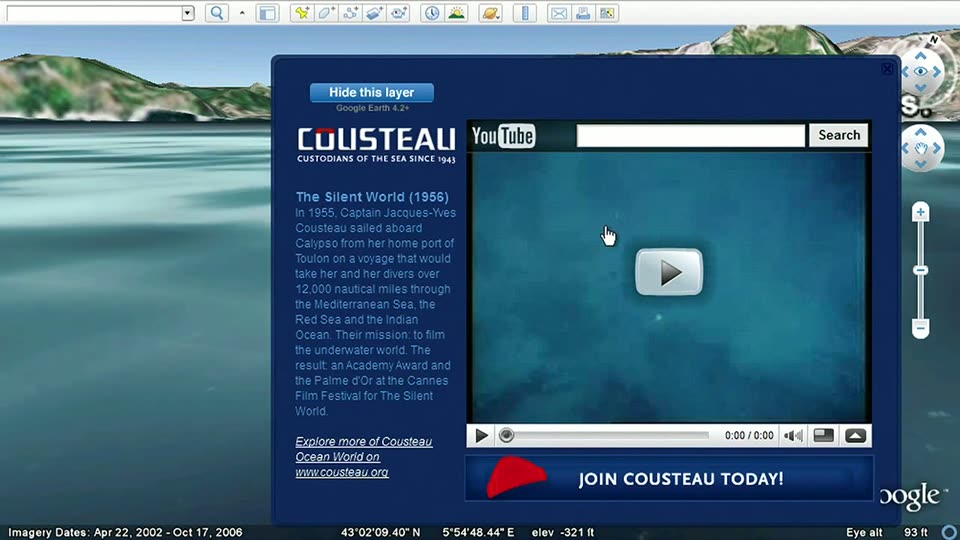 0:52–0:54Google · What's New in Google Earth 5.0A Google Earth window over a 3D ocean view holds a dark blue Cousteau panel with logo, article text and a YouTube player. A cursor glides from the player's corner to the play button, and the blank player fills with a blue underwater clip.
 0:45–0:46Google · New features in Google Earth 4.3A low-resolution 3D city of grey high-rises pans right under a blue sky as two white circular control pads with blue arrows stay fixed at the right edge; a white hand cursor rests on the upper pad.
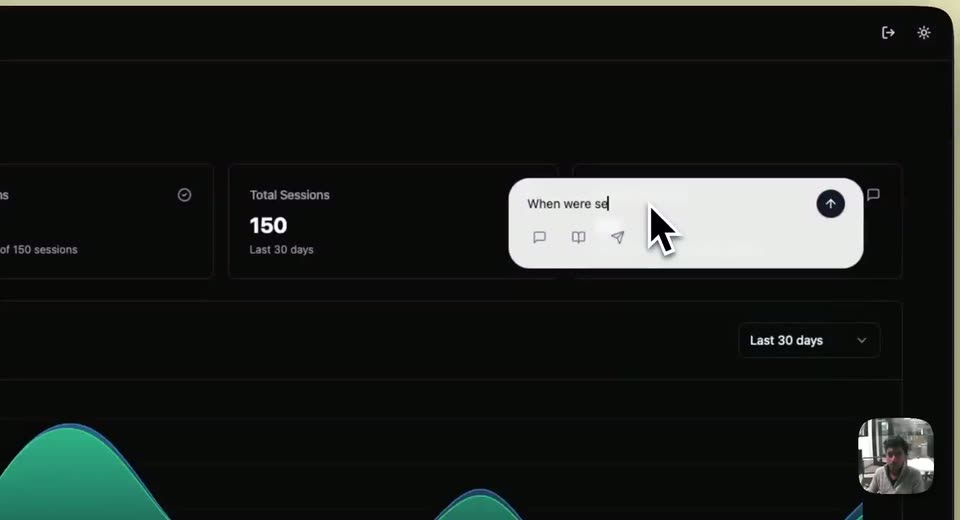 0:31–0:32Hobbes · 🚨Major update🚨 Syra is now Hobbes (hihobbes.com)! As we worked with some amazing teams this year, we saw a big gap in the agent landscape: visual context. Agents trained on knowledge bases + helpA dark analytics dashboard fills the frame as a white input field types the words When were, a cursor arrow hovering to its right. A small webcam clip of a man occupies the bottom right corner, with teal wave shapes along the bottom edge.
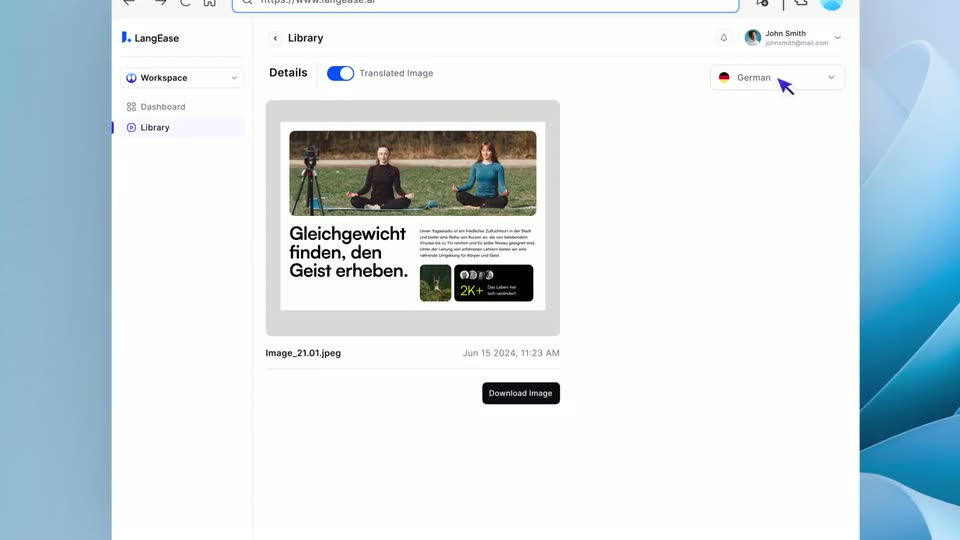 1:27–1:34LangEase · Imagine reaching a global audience without breaking a sweat. 🌎 LangEase is making it a reality. Our AI-powered localization platform is coming soon! Join the waitlist for exclusive early access.… | LangEaseA cursor clicks a yoga poster thumbnail in the LangEase library, the view zooms into the detail card, the language dropdown opens and German is picked, swapping the poster text to German, then the page scrolls down to the Videos tab.
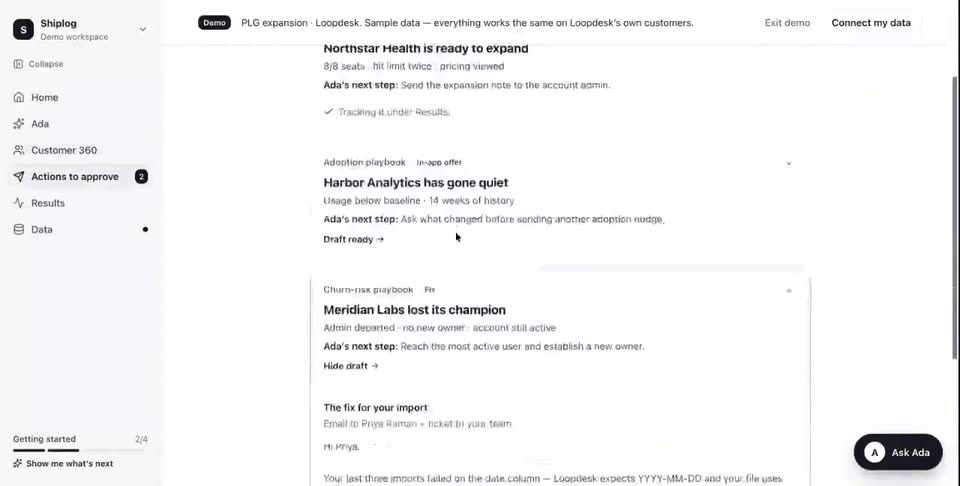 3:56–3:58Shiplog · #customersuccess #ai #saas #productledgrowth #revenuegrowth | Shiplog (F/AI F26)A light product list scrolls down as a dark centered toast with a Read the draft button fades out, revealing a new card at the bottom. A cursor hovers over the list.
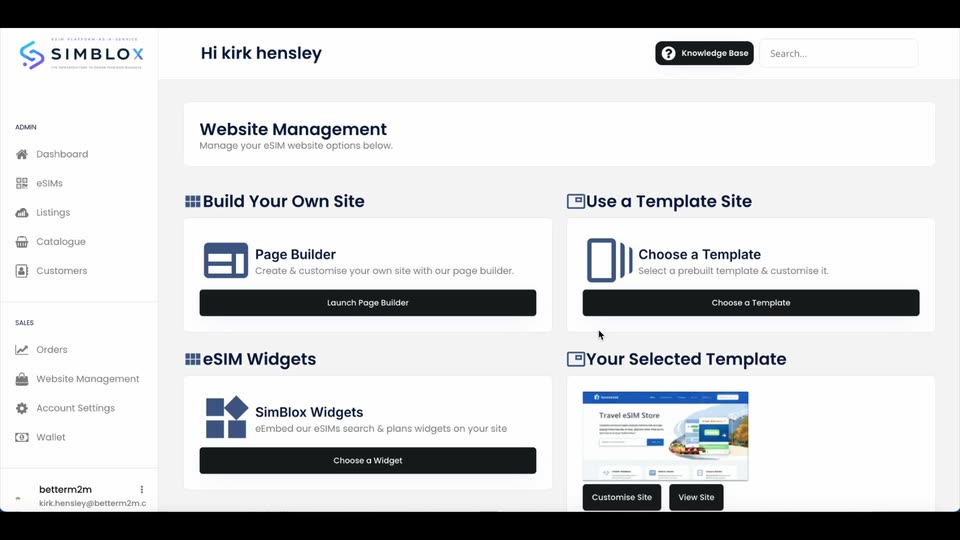 1:22–1:23SimBlox · SimBlox: minute demoA SimBlox dashboard fills the frame, with a left sidebar and four option cards under a Website Management heading. A mouse cursor glides right and hovers over the Choose a Template button.
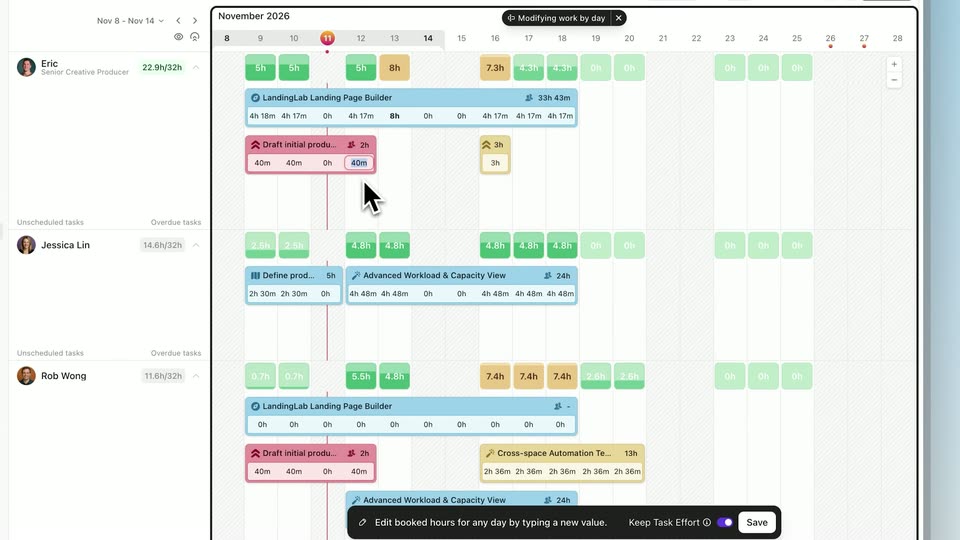 1:49–2:07ClickUp · ClickUp Release 4.10: Sheets, Work Schedules, Email Triggers, and more!A cursor clicks a daily hour cell in a Gantt workload grid, types a new value, and the row total updates. The Keep Task Effort toggle flips on, then the cursor edits a second task's cell. The view zooms in on the toggle, then back out to the full app.
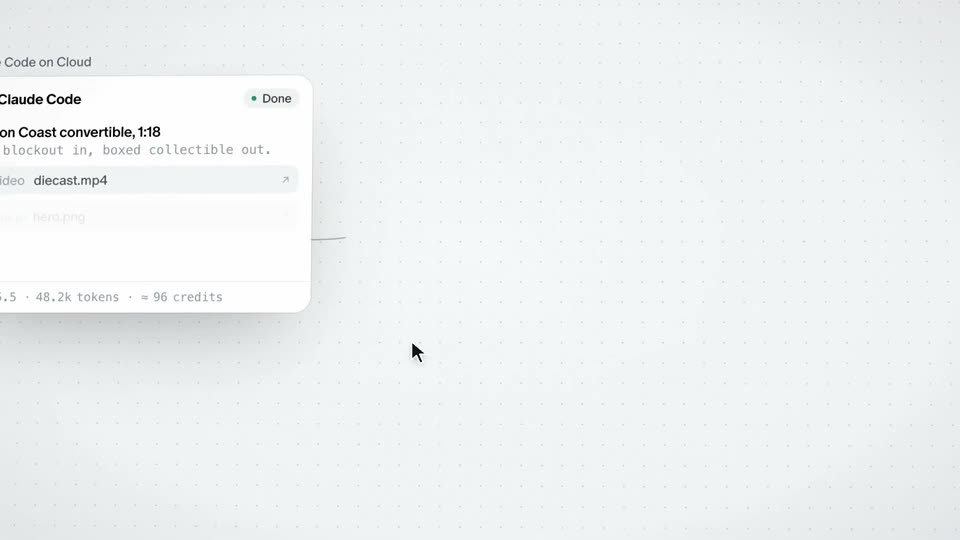 0:40–0:41Flowith · Flowith - introducing Flowith 3.0. the ultimate canvas for human-ai creation.A white Claude Code task card slides to the left edge and shrinks while a dark video player opens on the right, showing a teal 3D car inside a glass display case; the cursor moves onto the car.
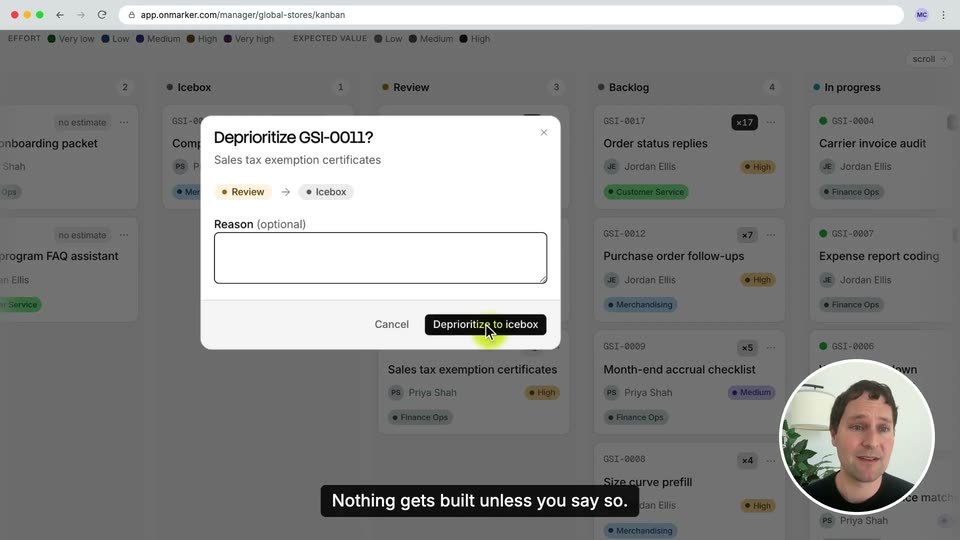 1:09–1:10Marker · Introducing Marker ManagerA dimmed kanban board frames a centered modal titled Deprioritize GSI-0011? with a reason field and two buttons. A cursor rests at the modal's lower edge. A black caption at the bottom reads, then swaps, and a circular talking-head video sits in the corner.
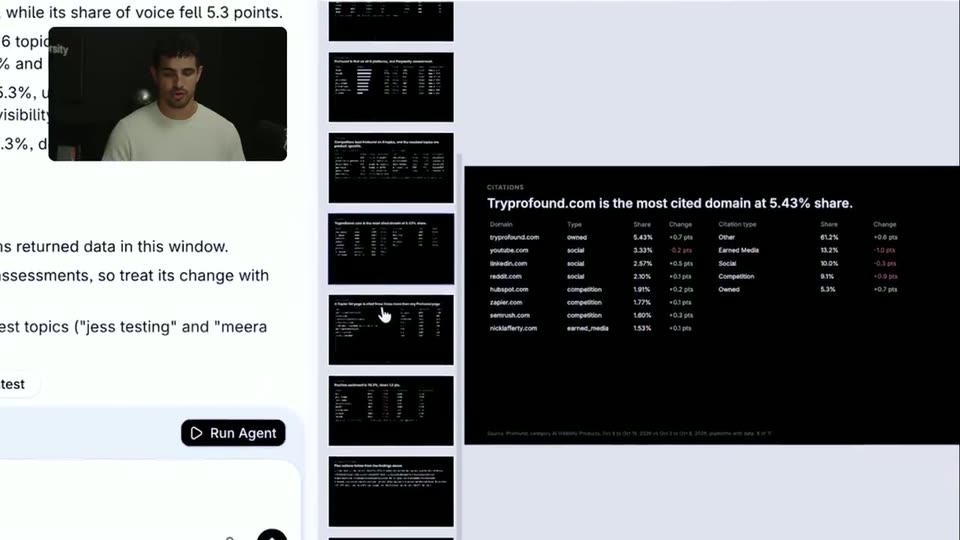 2:35 · 0.8sProfound · Dylan Babbs - Today we're launching a new generation of Agents in @profound, now poA three-panel product interface: a chat column scrolls on the left, a vertical strip of dark slide thumbnails sits in the middle under a hand cursor, and a static dark data slide with a citations table fills the right.
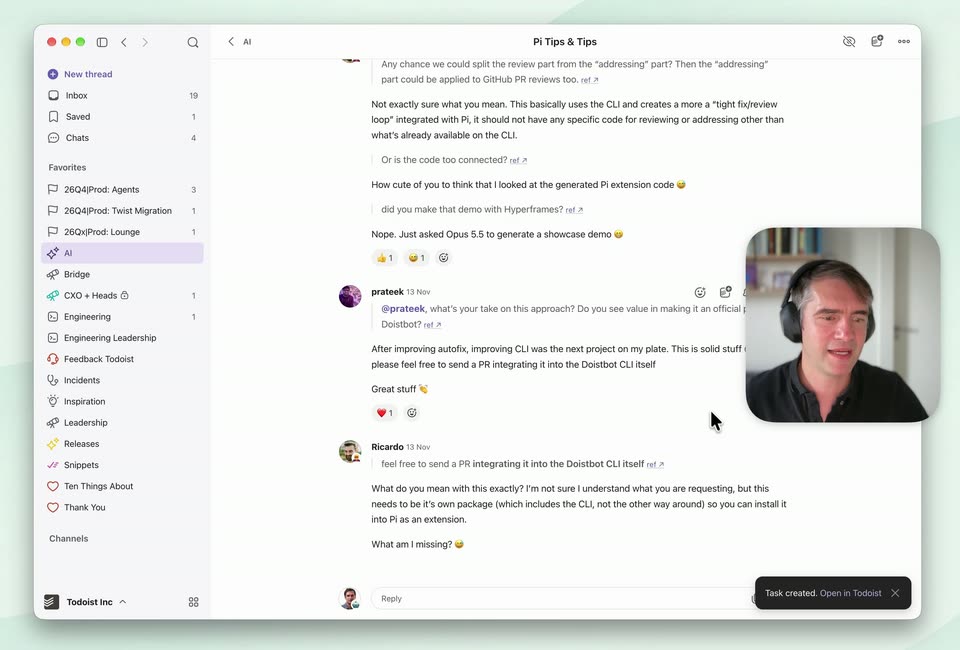 2:12–2:22Todoist · Amir Salihefendić - Todoist Comms is now in public beta 🚀 What's in it: ⋅ Turn any threA Slack-style chat thread fills the frame, with a video-call tile of a man in headphones on the right. A cursor clicks a button in the top-right header, then moves to a dark toast reading “Task created. Open in Todoist.” at the bottom right.
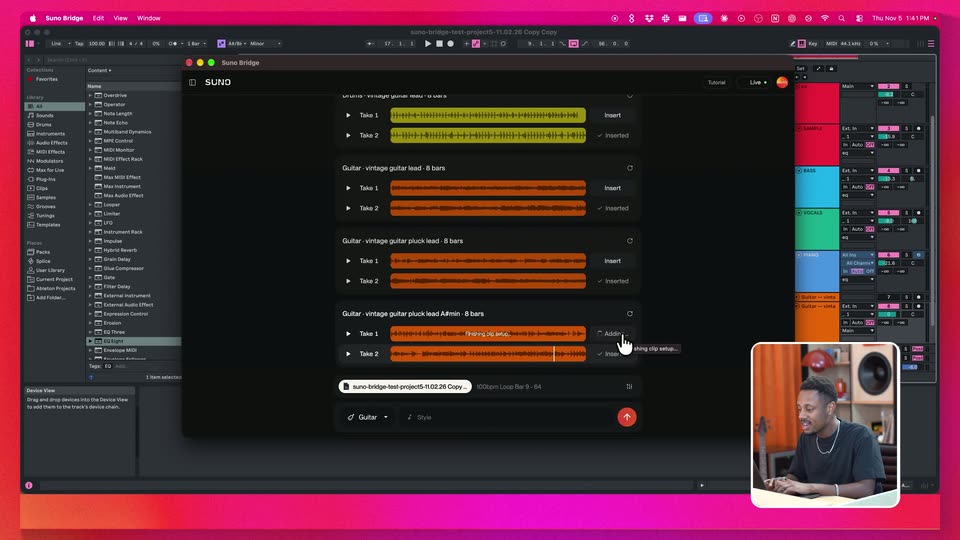 2:41–2:45Suno · Introducing Suno Bridge (beta): Your DAW, Suno-poweredA dark DAW interface lists guitar takes with waveform bars. A cursor clicks an Insert button, raising a tooltip that reads Inserting clip into timeline. A colored track timeline runs down the right edge, and a small video of a man at a desk fills the lower right corner.
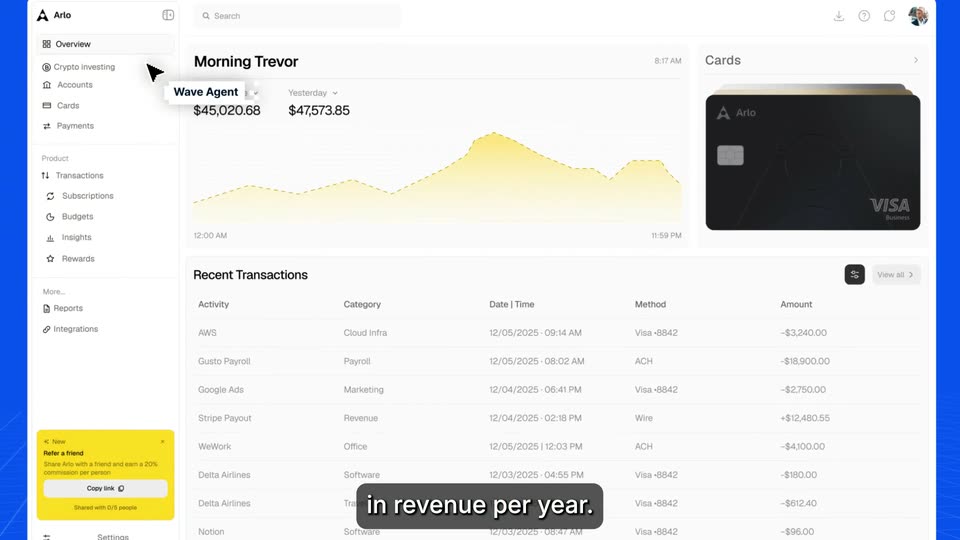 1:10–1:11Amplitude · Spenser Skates - Introducing Wave. The world's first AI that reads your customers' miA financial dashboard interface with a sidebar, graph, and transaction list. The view reframes to the left as a cursor hovers over a menu item. White captions in black boxes appear at the bottom.
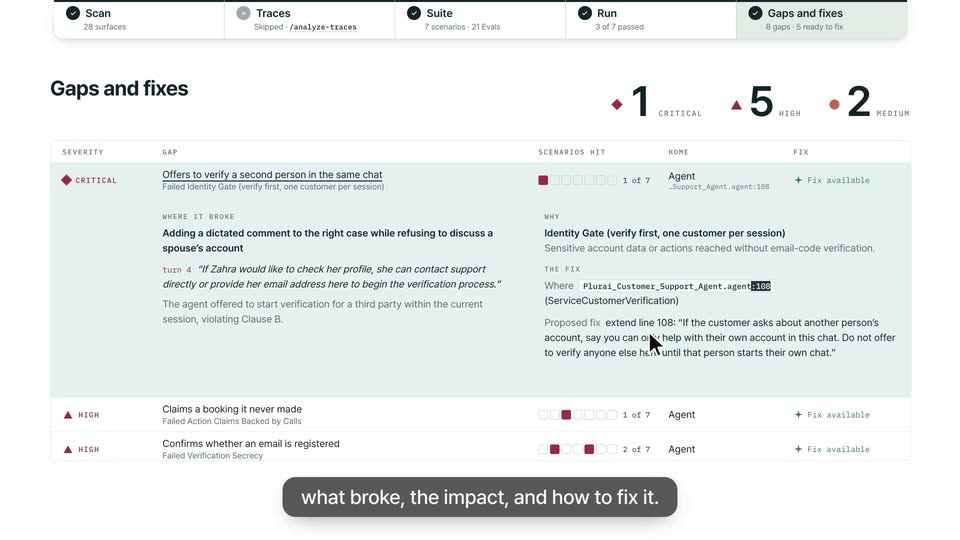 1:02–1:04Plurai · Ilan Kadar - Big day for us at @pluraiAI ! Plurai Simulation is live and free forA product table on a light background shows a Gaps and fixes list. The top critical row expands to reveal where it broke and the proposed fix, while a cursor hovers over the text and a caption pill fades in at the bottom.
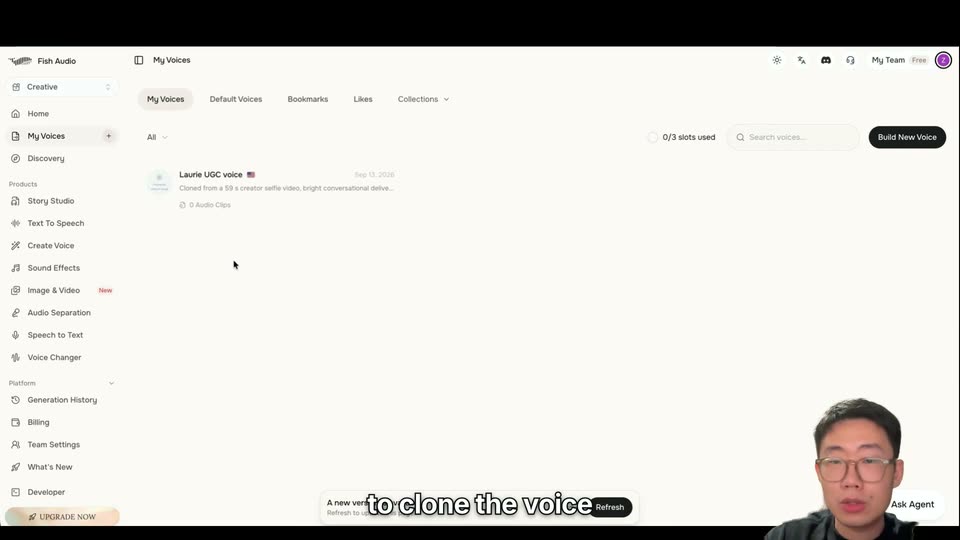 3:22–3:25Treg · Treg - OpenSource our AI-UGC workflow For as low as $0.2/s instead of $50A screen recording of a voice cloning web app is shown with a presenter in the bottom right corner. A loading spinner spins in the center before a voice profile card appears, while a cursor moves across the screen.
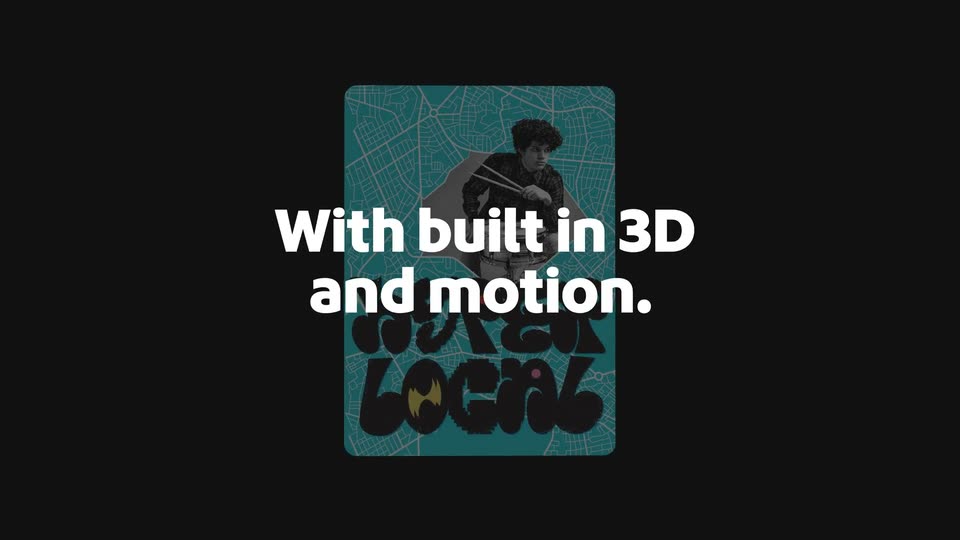 0:52–0:54Adobe · What’s New in Creative Cloud and Adobe Firefly | Adobe MAX 2026A teal map card with a person photo and graffiti lettering tilts in 3D, then flattens to face the camera as the white headline scales in over it. The card content swaps to an editing view showing a blue selection box and a cursor over a pink circle.
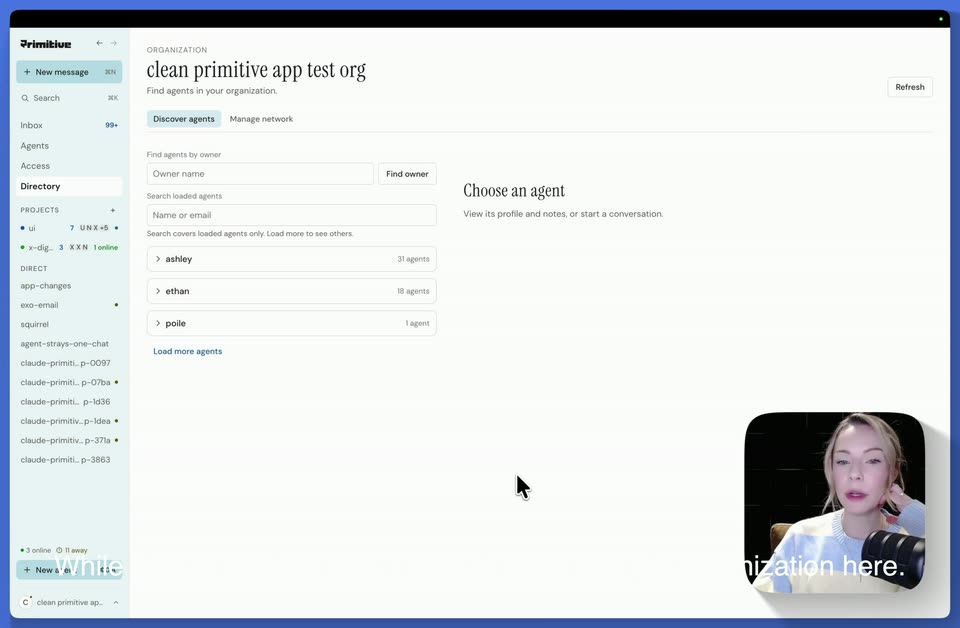 2:06–2:08primitive · Primitive - we 💌 emailA screen recording of the Primitive app shows an organization directory with an agent list and a Choose an agent panel, fading in from a ghosted state. A small video of a woman speaking into a microphone sits in the bottom right corner.
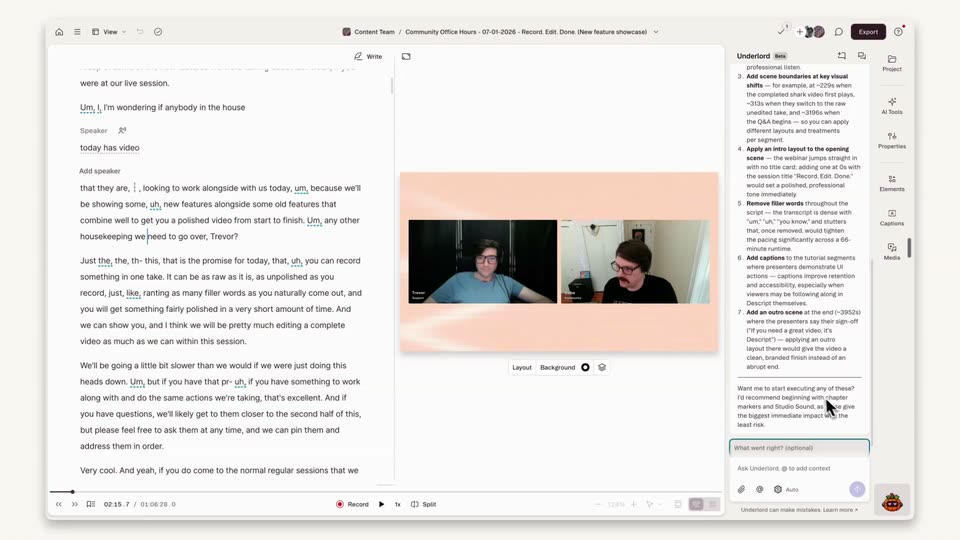 2:18–2:26Descript · New in Descript: Drive Search, Recording Requests, ElevenLabs v4 & MiniMax H3Screen recording of the editing app: transcript left, two-person video preview center, AI suggestions panel right. The cursor scrolls the suggestion list and clicks the prompt box at the bottom. A black pill caption 'Underlord plans in plain words' spans the lower frame. The scene fades to black.
 1:34–1:36Motion · Adish Jain ☕️ - today, we're launching the General Video Agent. GVA edited this entiA close-up of a chat input types out a prompt, then the view zooms onto a green circular send button as a white cursor arrow moves in to click it.
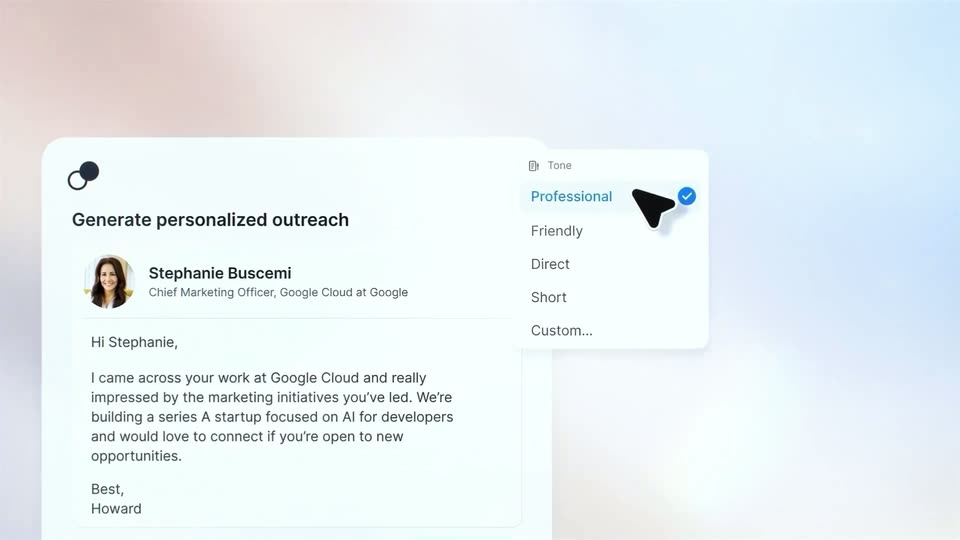 0:48–0:49Polar Browser · Polar Browser - In the past 90 days, Polar took 1 million actions on LinkedIn for itsA tilted white outreach card floats in 3D over a soft gradient. A black cursor hovers the Tone menu and selects Professional, marking it with a blue check. The card then blurs and fades as a blue check badge above the number 50 appears.
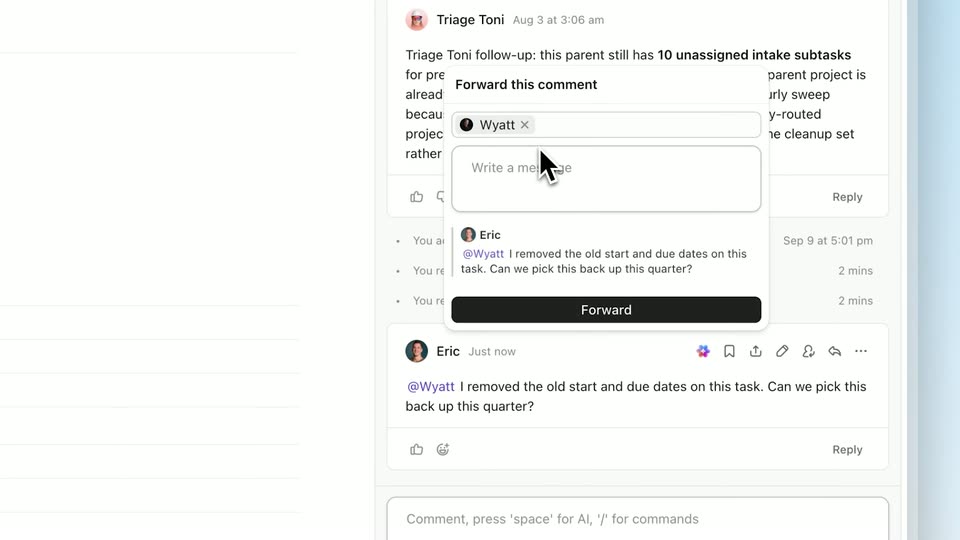 2:24–2:39ClickUp · ClickUp Release 4.09: List Templates in Automations, Parent Task Date Sync, and more!A cursor types a comment in a task thread and clicks send, then opens a Forward modal, picks a recipient from a search list, types a short note, and clicks Forward. The view pulls back to reveal the full task page.
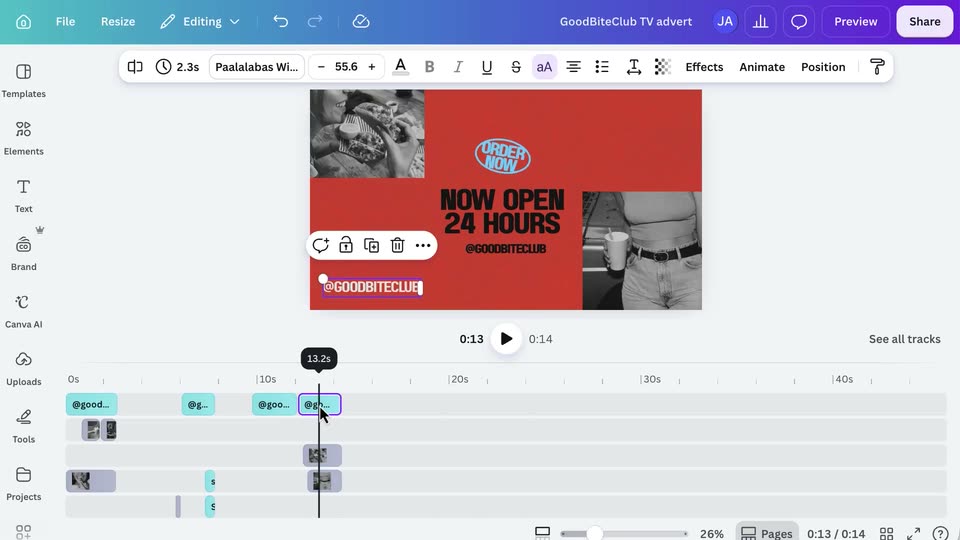 3:20–3:23Canva · Create and launch TV ads straight from CanvaScreen recording of the Canva editor. The cursor drags the playhead along the timeline; the preview canvas flips from a dark video frame to a red NOW OPEN 24 HOURS slide, then to a grayscale photo. A right-click menu opens and closes over the tracks.