0:20
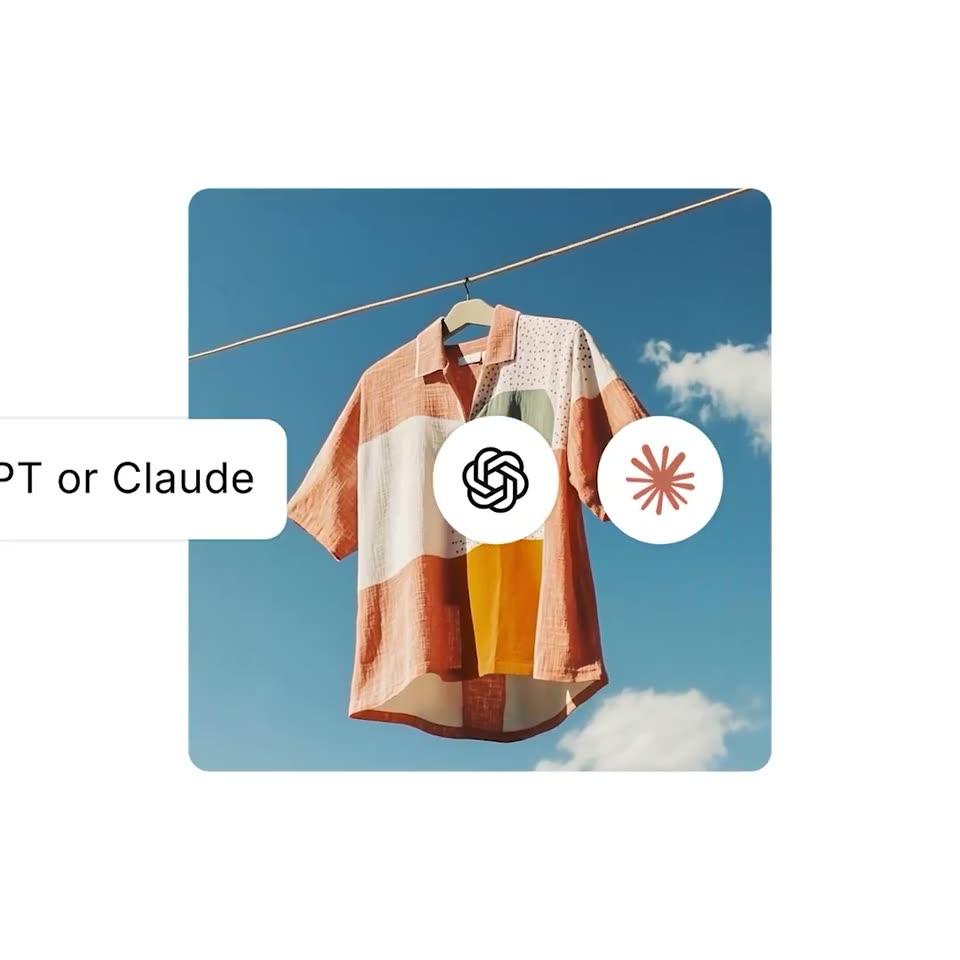

Shopify - manage your store inside ChatGPT or Claude get insights, add product
Shopify · Business software · May 2026
Adobe · Sep 2023 · 1:00 · AI-annotated
Adobe’s 1:00 launch film runs 43 scenes, about 1.4 s each. The product is on screen from the first frame and 7 features are revealed. There is no explicit call to action; a voiceover carries the film. The video is a rapid montage of prompt-to-result demos, each built on the same beat of a typed prompt, a Generate button press, and a reveal of the generated material, bookended by the folding Adobe logo and a Dream Bigger tagline card. Signature moves are letter-by-letter typing, pill buttons and thumbnails popping in, and type, textures, and palettes morphing into generated results, all cut hard on a steady ~103 BPM pulse.
Is this your launch? to your site or press kit.
Shopify · Business software · May 2026
ClickUp · Productivity · Oct 2026
Slack · Productivity · Apr 2024
A red Adobe wordmark sits centered on a white field, then its letters fold and collapse into the red A logo mark, which holds in the center.
Techniques: Morph
Camera: Static
A red square ring and a white card scale outward from the center until the ring becomes the frame border. On the left, a black sans-serif headline types out letter by letter inside a rounded outline.
On-screen text: “Friendly dragon emerging from stormy sea”
Techniques: Kinetic type
Camera: Static
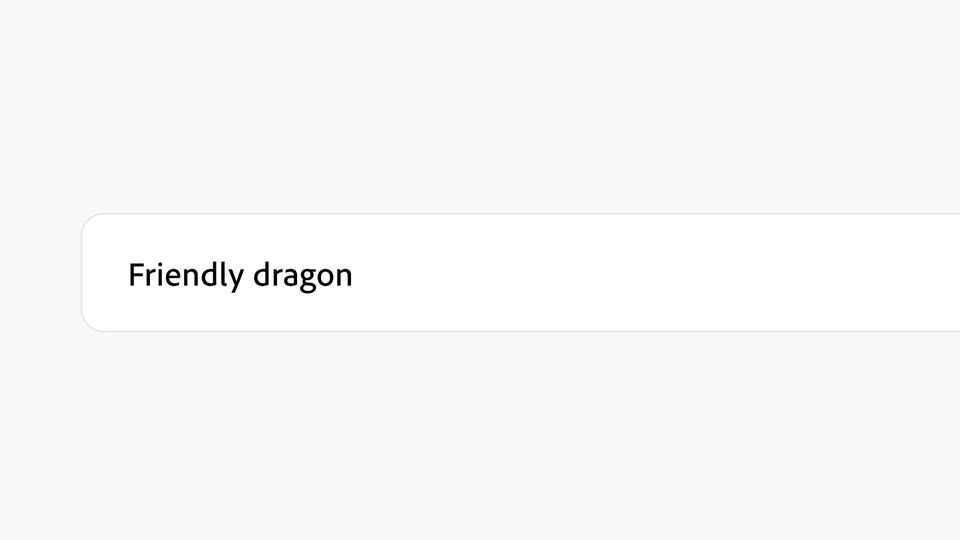
A white rounded input field on a light gray background types the prompt letter by letter, then a blue Generate button pops in at the right edge as a cursor slides in and presses it.
Techniques: Kinetic type, Cursor demo
Camera: Static
A black-outlined cursor hovers on a blue Generate button inside a white rounded field. The button then fades to a pale blue fill with a blue outline and grayed label, marking a pressed or loading state. The frame stays locked.
Techniques: Cursor demo
Camera: Static
A light gray UI panel shows four dragon images in a row above a prompt field reading 'Friendly dragon emerging from stormy sea.' A black pill button labeled 'Refresh' scales in at the field's right end as a white cursor hovers over it.
Techniques: Cursor demo
Camera: Static
A layered paper-craft illustration of a teal dragon with brown wings and horns rises from white clouds and teal waves. A dark band on the left edge wipes away in the first frame to reveal the full image, which then holds still.
On-screen text: “Friendly dragon emerging from stormy sea”
Techniques: Masking
Camera: Push in
A white dialog box titled Promoting transparency in AI overlays a 3D teal dragon among white clouds. A cursor glides up from the bottom and hovers over the blue Continue button.
Techniques: Cursor demo
Camera: Static
A teal 3D dragon with brown wings winds through layered paper-cut clouds in teal and cream, the frame locked off. On the left, a white credentials dialog fades in as its blue progress bar fills from left to right.
Camera: Static
Inside an image editor, a dusk fairground photo with a lit Ferris wheel sits on a canvas marked by a rule-of-thirds grid. A checkerboard transparency pattern flanks the image while a resize handle at the left edge shrinks the photo between frames.
Techniques: Cursor demo
Camera: Static
A dusk fairground with a lit Ferris wheel and game stalls fills a portrait video window on a transparent canvas. A dark Generate button fades in at the bottom center as a white cursor hovers over it.
Techniques: Cursor demo
Camera: Static
A wide dusk shot of a lit carnival with a Ferris wheel at center sharpens from a soft blur to full focus. A dark Generate button with a sparkle icon at the bottom fades out.
Camera: Static
A large black serif headline “Pop-Up Shop” sits above a white prompt bar. The prompt “Purple gloss balloon” is typed, a cursor hovers the purple Generate button, then the headline shrinks and morphs into inflated purple balloon letters.
On-screen text: “Pop-Up Shop”
Techniques: Kinetic type, Cursor demo, Morph
Camera: Pull out
A pink-to-orange gradient frames a vertical poster reading Pop-Up Shop in purple 3D type. A cursor taps the blue Text to Image pill, and a white prompt bar with a Generate button slides in below the poster.
Techniques: Cursor demo
Camera: Static
A white rounded search bar floats over a split pink and orange poster with purple 3D balloon 'Shop' lettering and yellow and green sale lines. A mouse cursor clicks inside and the query 'Flower illustration' types out from left to right.
Techniques: Cursor demo
Camera: Static
A yellow-to-orange Pop-Up Shop poster sits on a pink-orange gradient. A white prompt bar reads “Flower illustration” beside a blue Generate button. A cursor hovers on the button, then six flower illustration thumbnails pop in at the top left.
Techniques: Cursor demo
Camera: Static
A vertical yellow poster slides to center on a pink-to-orange gradient as a selected 3x3 grid of flower photos shrinks and morphs into small flower stickers that pop into the corners, joined by a smiley sun, daisies and sparkles, while a cursor hovers over the layout.
On-screen text: “Pop-Up Shop”, “Summer Sale”, “NYC INDIE FAIR”, “11AM - 6PM”, “FRI-SUN”, “JULY 7 - 9”
Techniques: Cursor demo, Morph
Camera: Static
A design tool interface shows a blue and orange sneaker on a white canvas beside a Layers panel. A cursor moves over the canvas and drops a file, Subway.jpeg, creating a new layer above the Shoe layer, which highlights in the panel.
Techniques: Cursor demo
Camera: Static
A blue high-top sneaker with orange laces sits on a subway platform inside an editing view; a layers panel, left toolbar, blue selection lines and a cursor overlay the frame, then the interface clears to show the composited shoe.
Techniques: Cursor demo
Camera: Static
A close-up of a blue and orange sneaker on a tiled floor fills the top of a locked-off frame. A dark search bar with a blue focus ring sits at the bottom, and the query types in letter by letter until it reads Tulip field.
Techniques: Kinetic type
Camera: Static
A product editor frames a blue sneaker on a subway platform, with a prompt box reading 'Tulip field' and a Generate button below. Two cursors rest on the field and button, then the background behind the steel pillars shifts into a yellow tulip field as the side panels fade.
Techniques: Cursor demo, Morph
Camera: Static
A blue high-top sneaker mockup with an orange swoosh holds still in a 3D viewport over a corridor of green columns and yellow tulips, dashed outline around it. The cursor drifts up to a rotation gizmo. A layer panel with thumbnails lines the right edge.
Techniques: 3D mockup, Cursor demo
Camera: Static
A blue and orange sneaker sits in a tulip-lined subway tunnel inside a design app canvas. A cursor types Daisies into the prompt box, then moves onto the Generate button.
Techniques: 3D mockup, Cursor demo
Camera: Static
A 3D scene editor interface shows a blue and orange high-top sneaker on a tiled subway platform flanked by yellow daisy fields, with a layers panel and a prompt field reading Daisies. A cursor clicks the Generate button, then the panels fade out to leave the clean 3D render.
Techniques: Cursor demo
Camera: Static
A white rounded input bar on a light gray background holds the label TIGER FUR left of a thin divider. The prompt field types Realistic tiger fur letter by letter as a black cursor arrow slides in from the right.
Techniques: Cursor demo
Camera: Static
A locked-off frame shows a huge black TIGER FUR title above a white input bar with a blue Generate button. A cursor rests at the button, then four square tiles, each a letter T filled with tiger-fur texture, appear in the center.
On-screen text: “TIGER FUR”
Techniques: Cursor demo
Camera: Static
A product interface shows a bold headline TIGER FUR filling from solid black to a tiger-fur texture as a cursor selects a fur swatch in a row of letter samples; a side panel lists prompts, fonts and colors, and an input bar reads Realistic tiger fur with a Refresh button.
Techniques: Masking, Cursor demo
Camera: Static
A text-effect editor on white shows the words TIGER FUR filled with orange-and-black tiger fur. The right-hand control panel and the bottom row of letter swatches fade out, reframing the textured wordmark alone and centered.
On-screen text: “TIGER FUR”
Techniques: UI zoom
Camera: Push in
A dark gray Generative Recolor panel overlays a blue isometric line drawing of a pit crew servicing a race car. A cursor types 80's neon into the prompt field, then moves onto the Generate button.
Techniques: Cursor demo
Camera: Static
A dark Generative Recolor panel floats over a pink isometric illustration of a pit crew servicing a race car. The prompt field reads 80's neon and a cursor hovers on the Generate button. The frame is locked off and static.
Techniques: Cursor demo
Camera: Static
A flat comic illustration of a pink race-car pit crew fills the frame. A bordered strip of four thumbnails shows the same scene recolored in different palettes. A white cursor arrow glides leftward across the panels.
Techniques: Cursor demo
Camera: Static
An isometric illustration of a purple race car and a pit crew on a lime green field. A strip of four color-variant thumbnails sits across the lower center; a white cursor taps the rightmost one, then the strip and cursor disappear, leaving the full scene.
Techniques: Cursor demo
Camera: Pull out
Two flat gray illustrated figures sit side by side on a near-black background. The left is a round single-eyed face ringed with triangular spikes and a flame shape. The right is a face with one large eye, two horn shapes and spiral curls on the sides. The image holds still.
Camera: Static
Two gray cartoon monsters with blue line-art overlays fill the frame in close-up, then the camera pulls back to show the full illustration in a selection box and a Generative Recolor panel with a Prompt field and Generate button, a cursor hovering at its edge.
Techniques: UI zoom, Cursor demo
Camera: Pull out
A dark gray Generative Recolor panel floats over a blue line-art background. A cursor hovers over the prompt field while the words Metallic fire retro are typed in letter by letter above a Generate button.
Techniques: Cursor demo
Camera: Static
Two one-eyed line-art creatures sit in a blue frame. A gray panel with a white field reading Metallic fire retro and a Generate button appears; a white cursor clicks it. The panel drops away and a row of multicolored swatches fills the bottom strip, the cursor on the first tile.
Techniques: Cursor demo
Camera: Static
Two flat vector monsters with single eyes, one blue with a flame hand and red halo, one yellow with lightning horns, stand over a strip of four thumbnails. Cursor arrows tap the frames as the color palette inverts, all inside a dashed selection box.
Camera: Static
A black juice carton with a blue cap and two cartoon monsters sits center frame on a gray backdrop. The view then widens to a row of three cartons, each with a different cap color and flavor label, all bearing the FIZZY BUCHA wordmark.
Techniques: 3D mockup
Camera: Pull out
A 3D library aisle with a mossy floor and a jungle opening at the end sits behind a flat product interface. A cursor types prompts into the bottom bar and clicks the Generate button while a dashed path traces the moss.
Techniques: Cursor demo
Camera: Static
A generator UI shows a 3D library aisle, moss floor and central pond. A lasso and prompt bar with a cursor on Generate surround a blurry jaguar, which then resolves into a sharp drinking pose as the bottom bar disappears.
Techniques: Cursor demo
Camera: Static
A jaguar bends to drink from a small blue pond on a mossy floor between two wooden bookshelves, ferns in the background. A thin white hand-drawn line snakes across the frame, ending in a cursor arrow and a small spiral doodle.
Camera: Static
A dark canvas editor displays a library aisle blended with a jungle, where a leopard drinks from a teal pond. A layers panel on the right lists Jaguar, Water, Jungle and Library. A cursor types Foliage into the prompt bar and clicks Generate as dashed outlines trace the regions.
Techniques: Cursor demo
Camera: Static
A 3D library aisle overgrown with jungle plants, a jaguar drinks from a small pond. Floating editor panels with layers and a search field fade out, then a red frame and large white “Dream Bigger.” text appear, and the whole composition scales down to a small centered card on red.
On-screen text: “Dream”, “Bigger.”
Techniques: 3D mockup, Cursor demo, Kinetic type
Camera: Static
A red letter A logo, shown in 3D perspective, rotates to face the camera flat against a plain white background.
Camera: Static