Cursor demo
A visible cursor operates the interface.
14,902 scenes · page 235 of 249
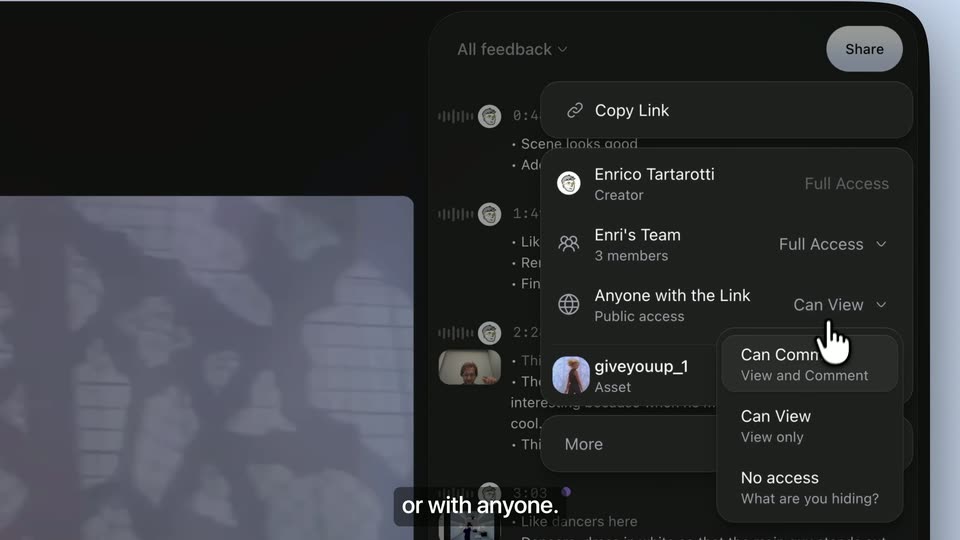 1:05–1:09Flask · Enrico Tartarotti - Introducing Flask. Give detailed feedback on videos and creative assA dark feedback panel sits at the right over a blurred video still. A cursor taps the Share button, opening a sharing menu with access rows; the cursor then opens the Can View dropdown, revealing Can Comment, Can View and No access options. White captions read at the bottom.
 0:48–0:49Anthropic · Introducing Claude Design by Anthropic LabsA row of rounded toolbar buttons sits on a cream background. A hand cursor rises from below and taps the Comment button, which fills orange with white text as the cursor settles.
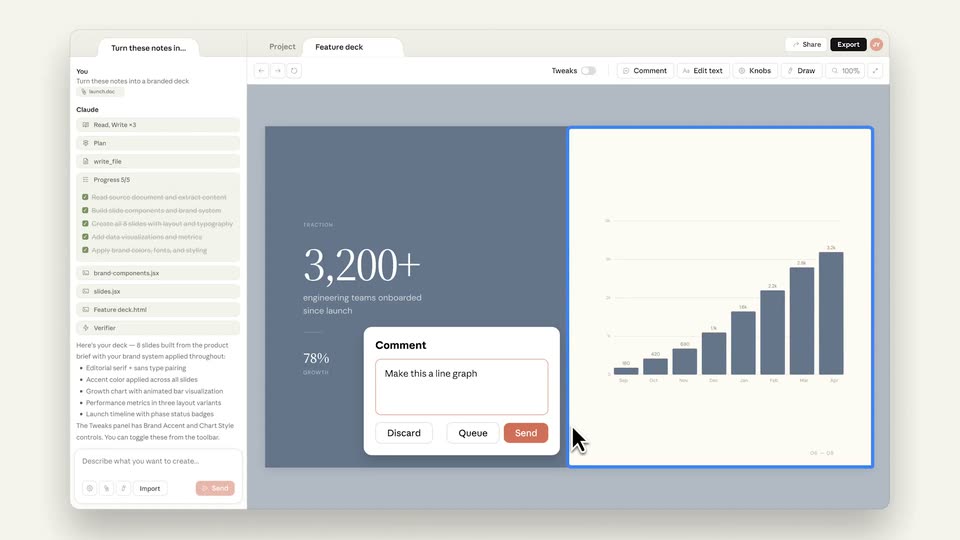 0:59–1:01Anthropic · Claude - Introducing Claude Design by Anthropic Labs: make prototypes, slides,A light product interface shows a chat sidebar beside a slide canvas holding a large stat and a bar chart. A comment dialog types out a request while a mouse cursor rests on the Send button.
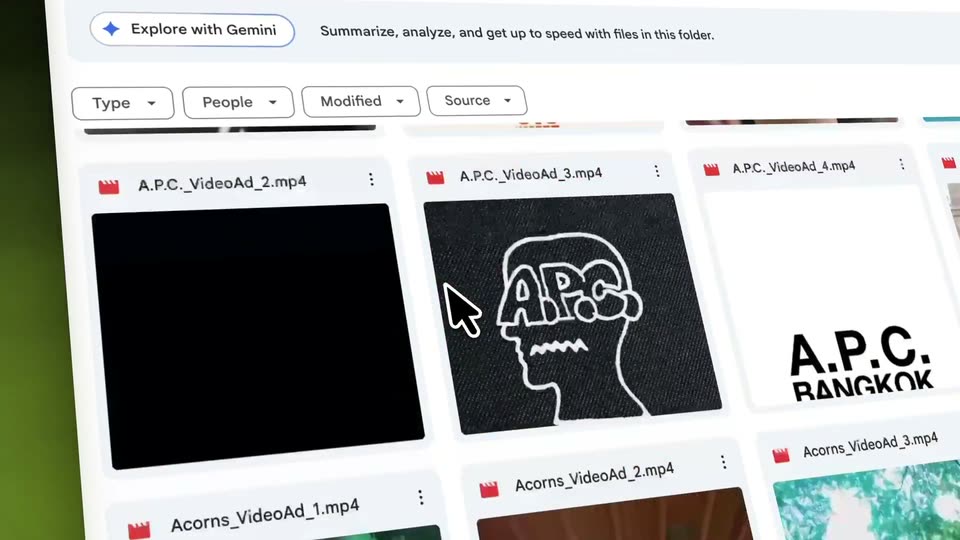 1:41–1:45General Context Labs · Sawyer Covington - This is what having a creative team of 100 could look like. IntroduciA Google Drive folder grid, tilted in 3D perspective, scrolls vertically past rows of video ad thumbnails while a cursor glides across them. The view then pulls back to a head-on angle, revealing a left sidebar listing folders such as IG Reels and Video Ads.
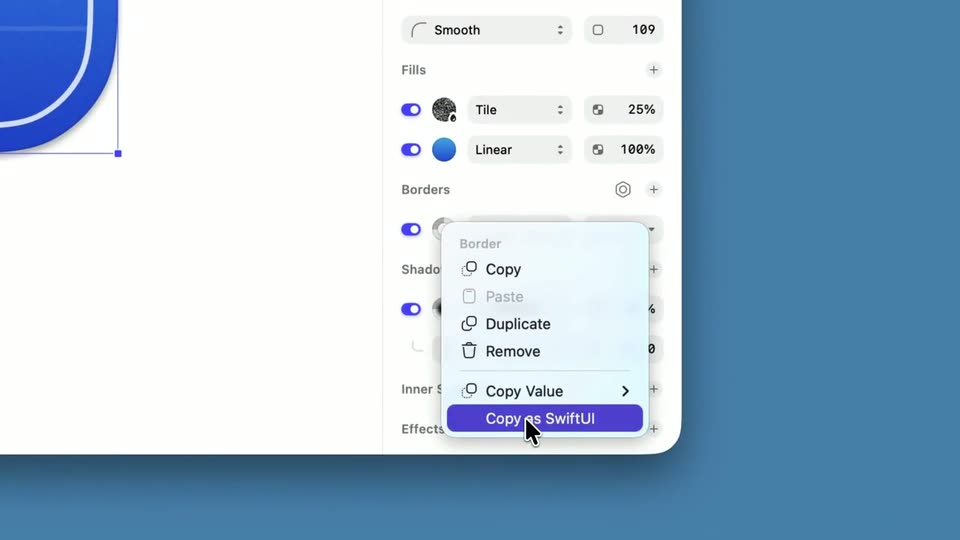 1:31–1:33Sketch · Sketch - 🆕 Things you’ve been asking us for 🆕 Selection colors, independent bClose-up of a design app's properties panel on a blue gradient. A context menu opens over the Borders row. The cursor travels down the list, the purple highlight sliding from Copy to Copy as SwiftUI.
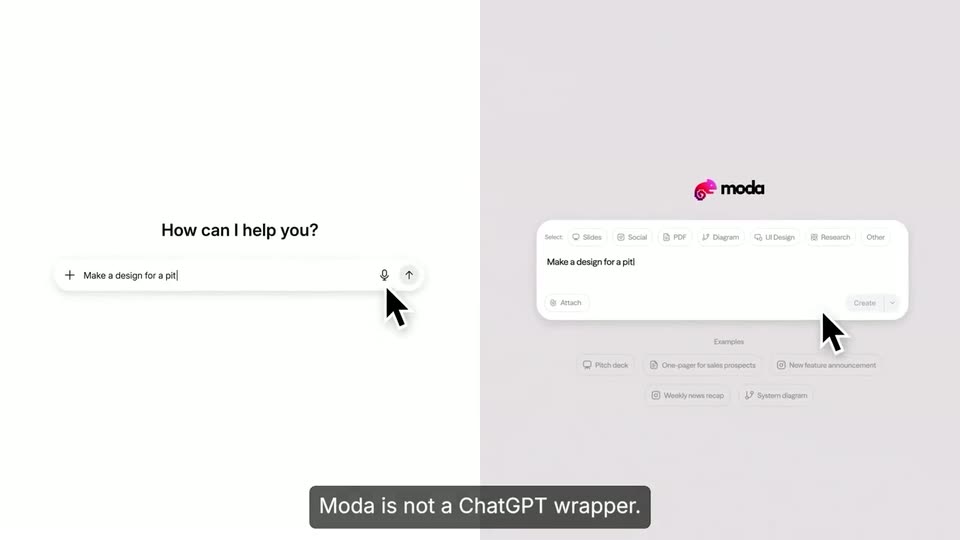 1:20–1:23Moda · Anvisha - We raised $7.5M to kill AI slop. Introducing Moda: the world's firstA split view shows a prompt bar and a task card side by side. The left panel sharpens as a cursor types 'a pitch deck', then the right sharpens as the cursor clicks the pink Create button, under the caption 'Moda is not a ChatGPT wrapper.'
 3:20–3:21Replicas · Replicas V1 DemoA dark teal browser page fills the frame, with a small webcam video of a man in the top-left corner. A white cursor glides across the empty page, rising toward the tab bar and drifting back to the center as the speaker says he is clicking his web app.
 0:45–0:47Outship · OutshipA light rubric modal sits over a dark interface; a formatting bar and a context menu of AI actions open beside highlighted text, then the view blurs into a task detail table listing criteria.
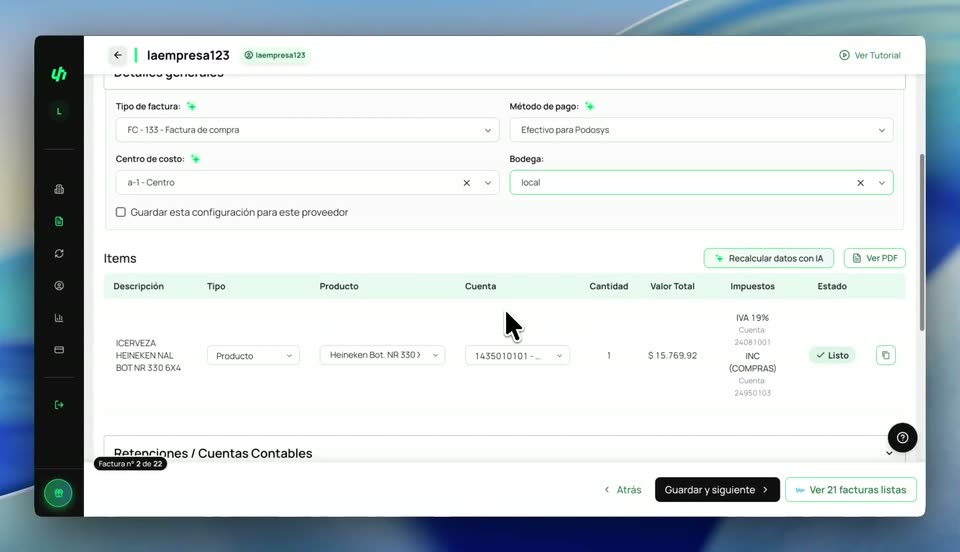 1:11–1:17Cifrato · Demo CifratoA tilted 3D screen of an invoice form scrolls down past its field rows. A hand cursor opens a dropdown and selects an entry, then a small gray cube floats up over the items table.
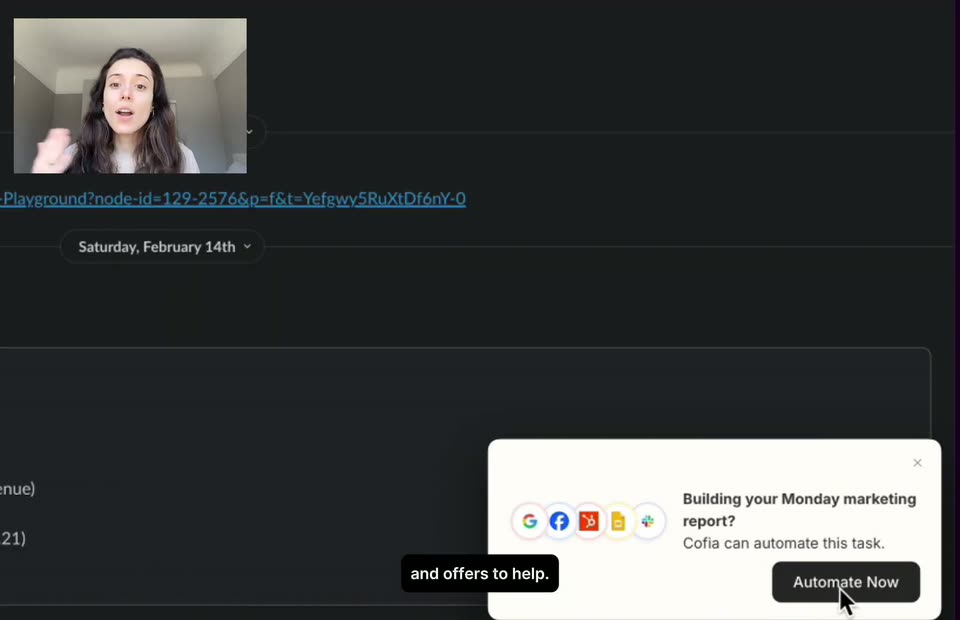 1:07–1:10Cofia · Introducing CofiaA dark interface screen with a small webcam feed of a woman in the top left. A white card listing app icons and an Automate Now button sits at bottom right, a cursor rests on the button, and black caption boxes read across the bottom.
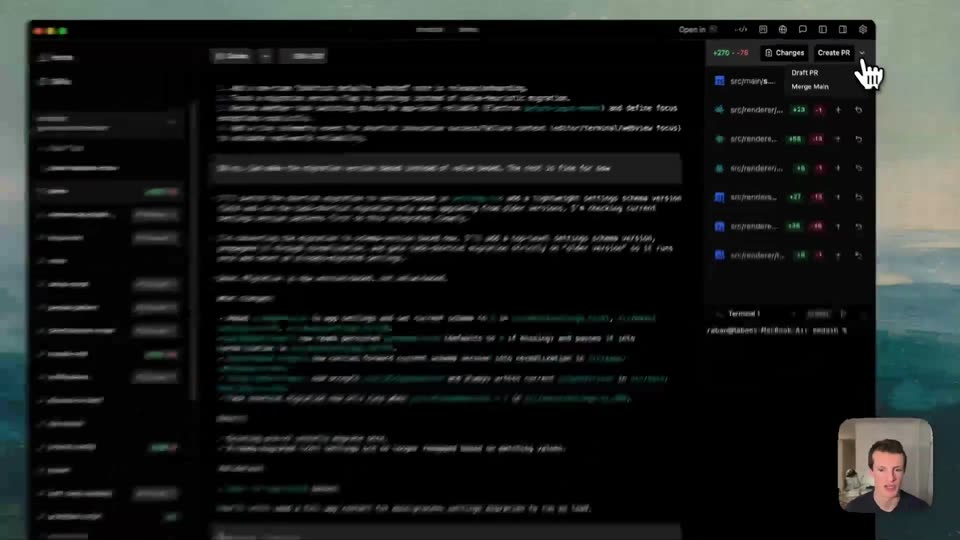 0:44–0:48Emdash · Y Combinator - .@emdashsh is building an open-source Agentic Development EnvironmentA dark pull-request view: code diff left, file list with change counts right. A hand cursor hovers the Create PR button, opening a Draft PR / Merge Main menu, then the frame pulls back to show the full app window with sidebar and terminal.
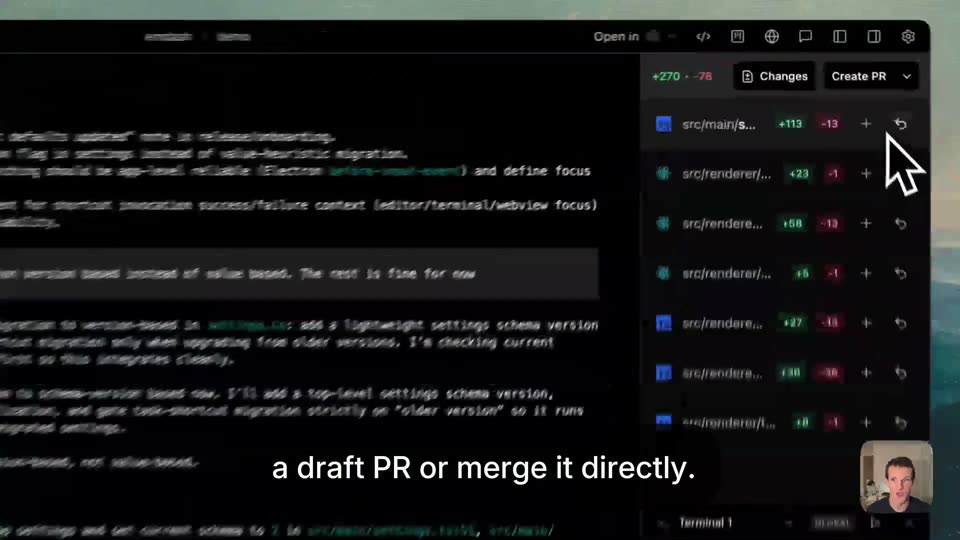 0:44 · 0.8sEmdash · Launch Emdash (YC W26)A dark editor window shows a task list, a chat log and a file-changes panel. A white cursor hovers by the Create PR button while a small webcam feed sits bottom right. The frame pushes in on the right panel.
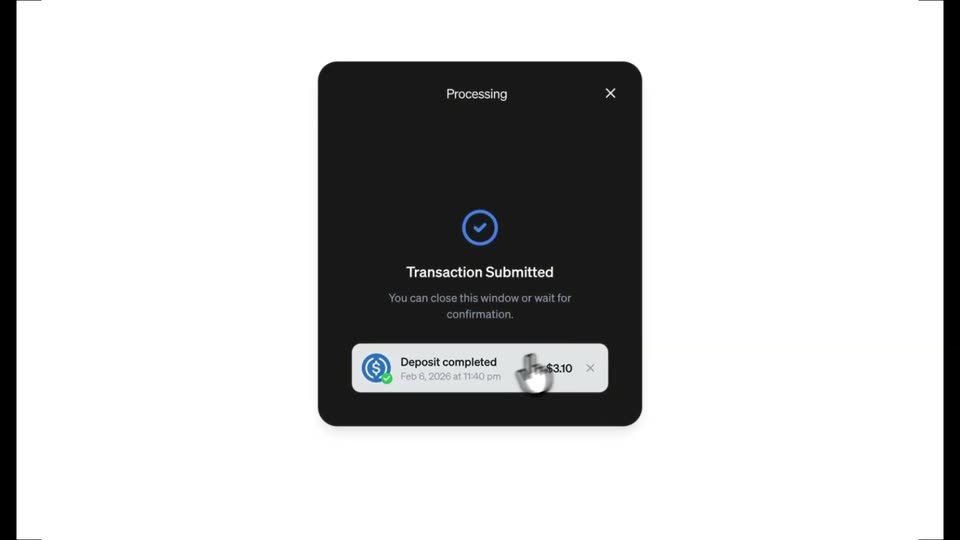 0:35–0:37Unifold · Unifold - Universal Deposit InfrastructureA dark confirmation modal is centered on a white field, showing a blue checkmark ring above a submitted message. A white deposit banner along the bottom flips from processing to completed, gaining a green check, while a cursor glides over the card.
 2:56–3:06OpenAI · Introducing the Codex appA Figma canvas shows a Fitness Tracker design with desktop and mobile panels beside a React code panel, while a small video of a man at a laptop sits in the top right. The view zooms into the code block and a cursor clicks through the interface.
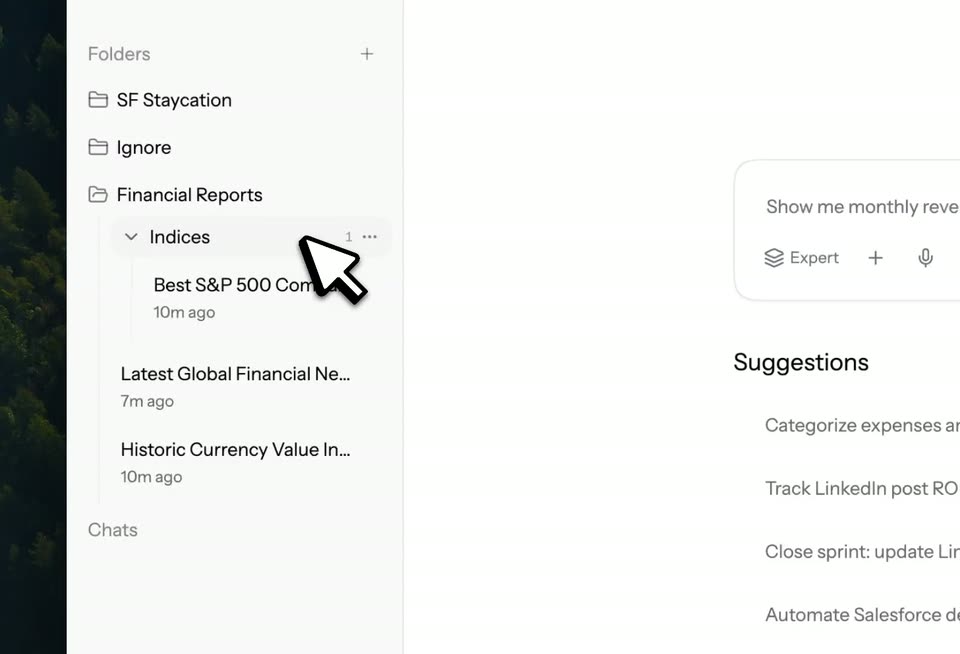 0:16–0:17Doe · doe - We're announcing folders for chat sessions and files!A close-up of an app interface. A cursor clicks a folder, opening a context menu, then the folder collapses.
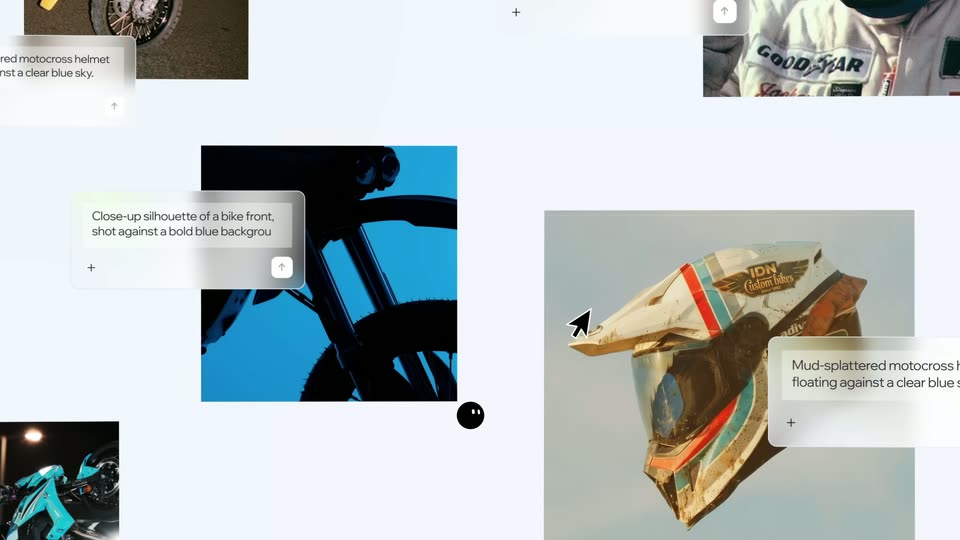 0:45–0:47Wix Harmony · Wix Harmony: The new way to createA light gray canvas holds a scattered collage of generated image cards, each paired with a white prompt box and an up-arrow button. A cursor drifts across the layout as the cards and labels slide and scale into place, panning across biker photos, a yellow glove, and a blue bike silhouette.
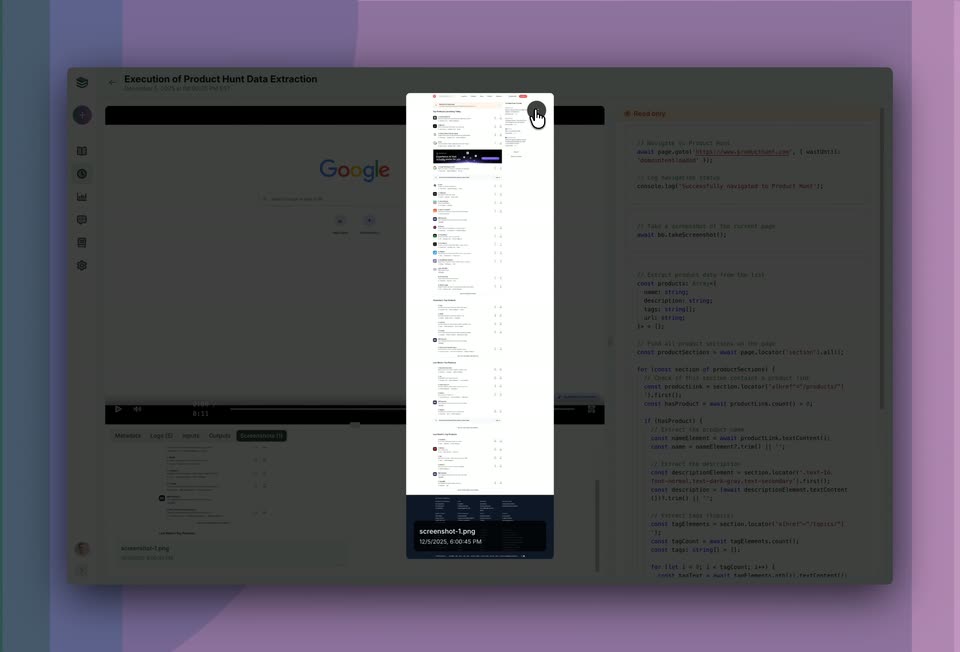 3:29–3:33Kilvin · BrowserBook YC DemoA dark automation interface sits in 3D perspective on a purple gradient, a tall white list window floating in the center. A white cursor glides from the lower left up to the top right and presses the close button on the window.
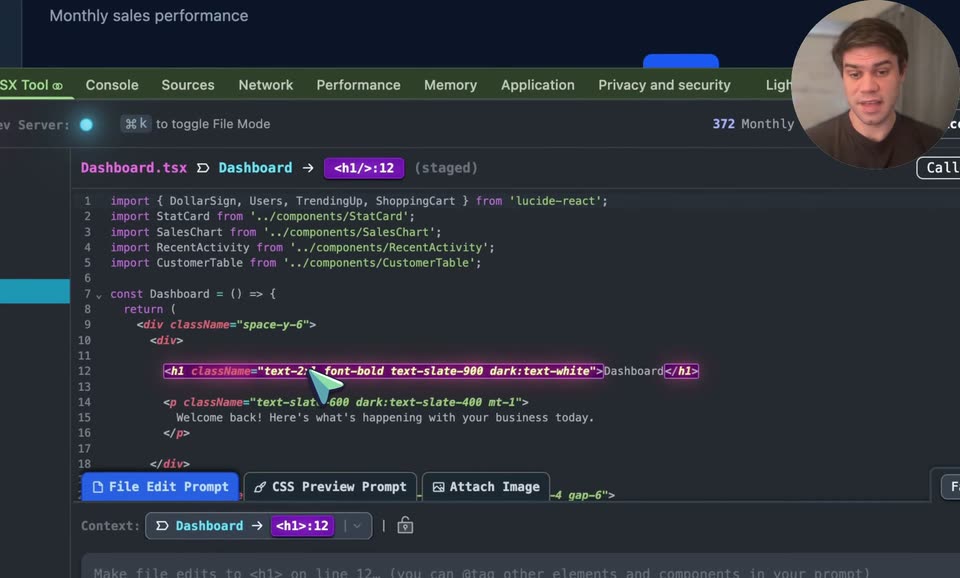 1:11–1:19Coasts · JSX Tool DemoA dark CRM dashboard sits in a browser above an open code inspector, with a face cam circle top right. A cursor hovers the heading, a tooltip pops up, then the view zooms into the editor where the matching JSX line glows pink before zooming back out.
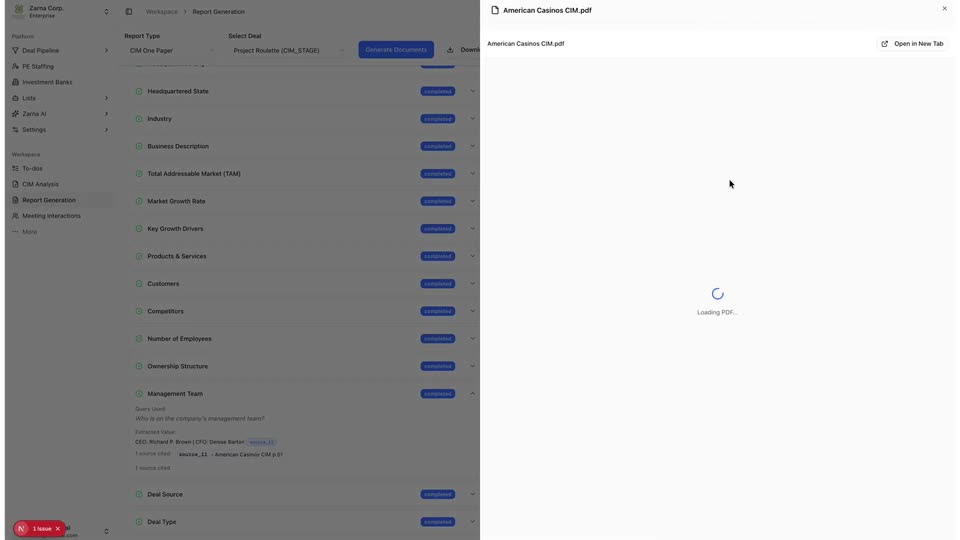 2:39–2:41Zarna · Demo Video - ZarnaA two-panel interface shows a report checklist with completed badges on the left and a PDF viewer on the right. The document jumps from page 1 to page 51, and a yellow highlight box frames the CEO biography as the cursor hovers over the text.
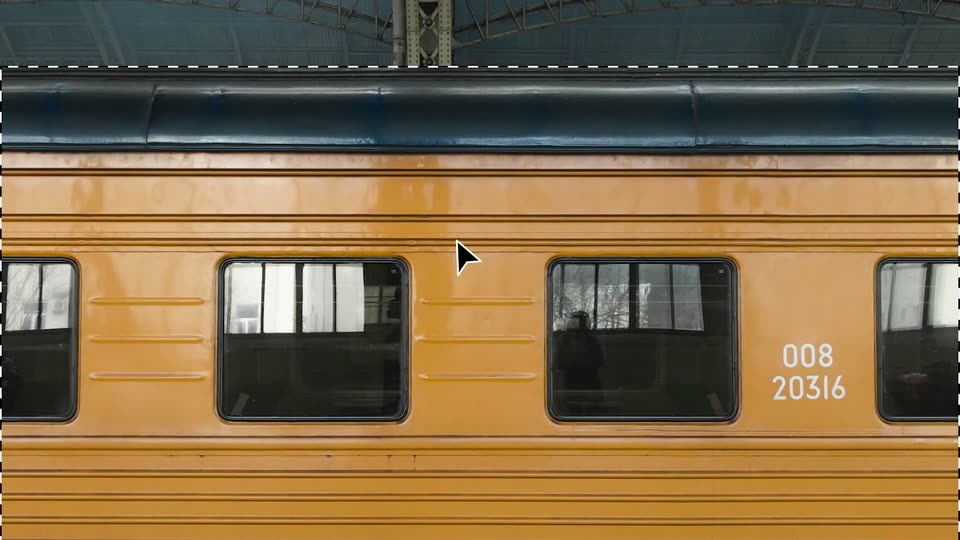 0:41–0:42Topaz Labs · Topaz Labs - @Adobe + Topaz Labs 🤝🙌 Just announced—you can now access select TopazA white Effects panel with a search field and three blur thumbnails pops in on the left over a side view of a yellow train car. A black cursor glides from the center to the Bokeh blur tile, which carries a dark outline.
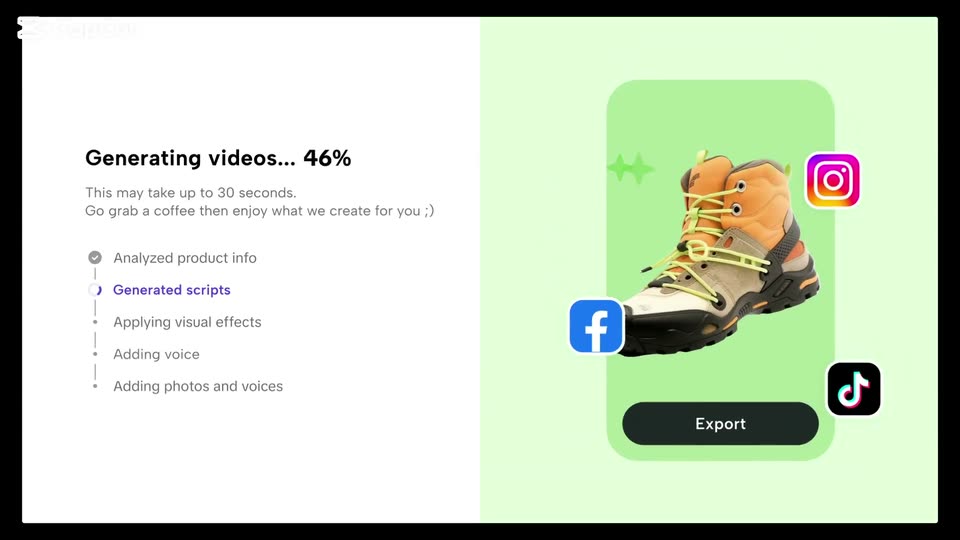 1:11–1:12CapCut · CapCut - Your all-in-one e-comm toolkit is here. Meet the new CapCut Desktop!A teal cursor sits on a dark Generate button, which scales up to fill the frame as a diagonal light sweep crosses the white text. It cuts to a dark progress panel reading Generating videos... 43%, with a checklist left and a green phone mockup of a sneaker right.
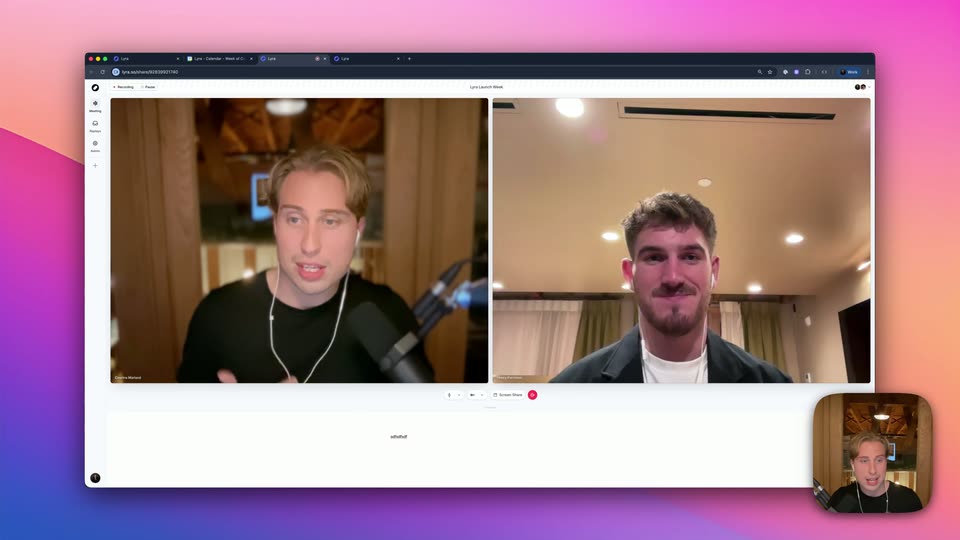 1:16–1:24IRBC · Lyra, The Final Meeting Platform.A flat browser window on a pink-to-purple gradient displays a two-person video call with a small picture-in-picture tile pinned in the corner. A cursor clicks and the two call tiles expand upward to fill the window.
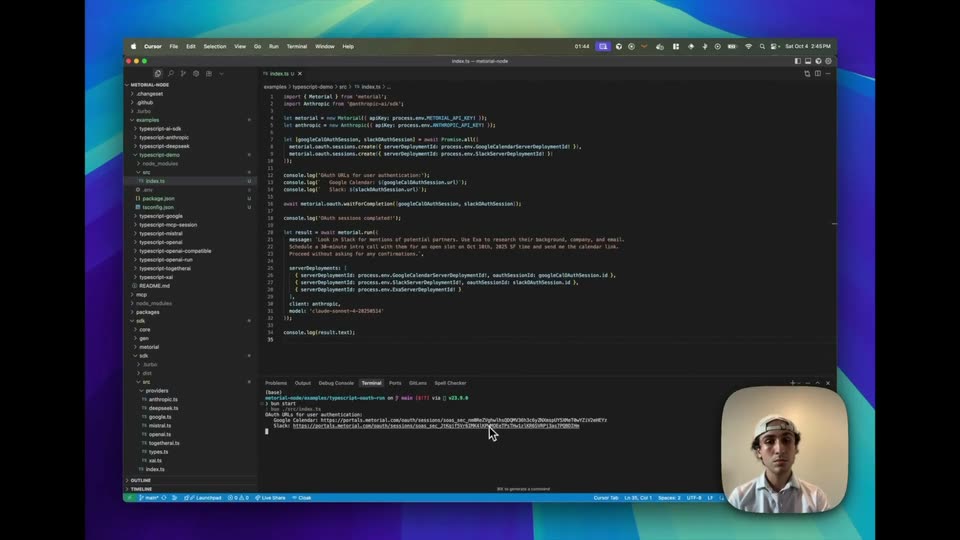 1:19–1:21Metorial · Introducing Metorial - YC F25A locked-off screen capture of a code editor: a Google authentication window on the right closes to reveal the file tree and a terminal printing OAuth links. A small webcam feed of the presenter sits in the lower right corner.
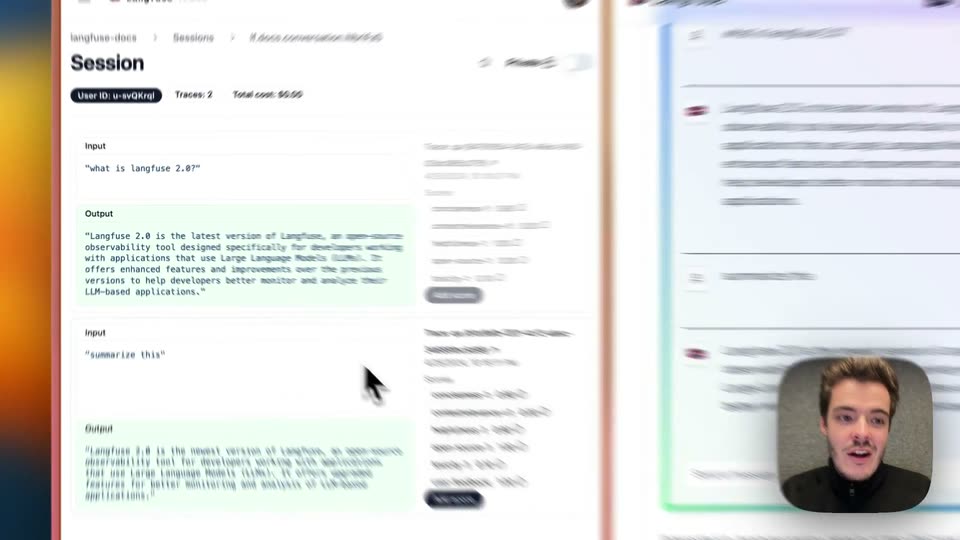 1:50–1:53Langfuse · Introducing Langfuse 2.0A close-up of the Langfuse session page zooms out to reveal a second browser window with a chat demo on the right, then zooms back in. A hand cursor points at the traces and user ID labels while a presenter's webcam sits in the corner.
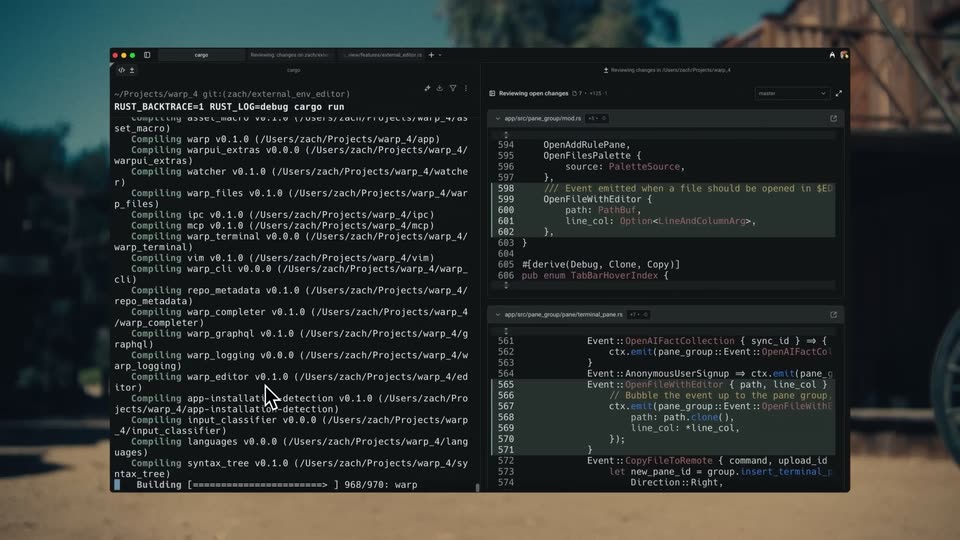 2:12–2:16Warp · Introducing Warp Code | The fastest way from prompt to productionA code editor interface displays a terminal pane on the left with scrolling build logs and two code panes on the right with Rust code. A mouse cursor is visible in the terminal pane, set against a blurred office background.
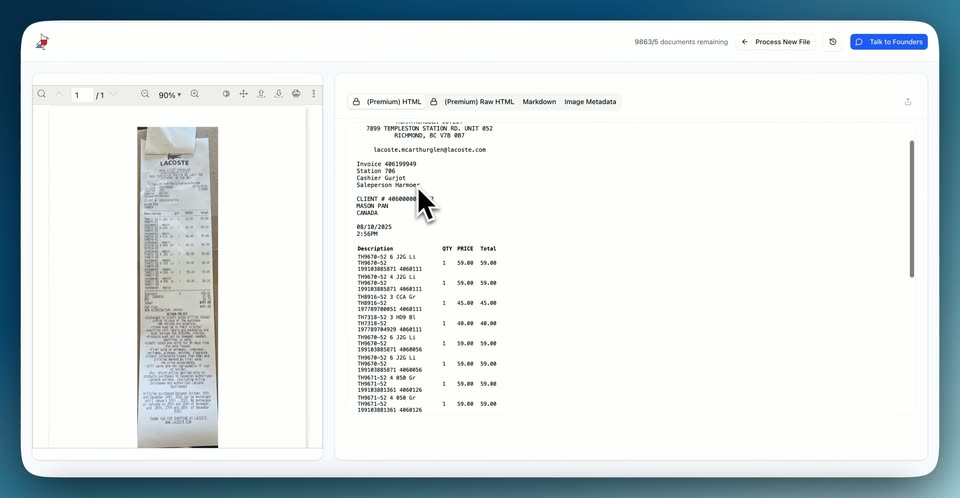 0:52–0:53Cardinal · cardinal demoA document-processing interface shows a scanned LACOSTE receipt on the left and extracted invoice text on the right. The right pane scrolls upward while a black cursor hovers over the data. A top bar holds the document count and action buttons.
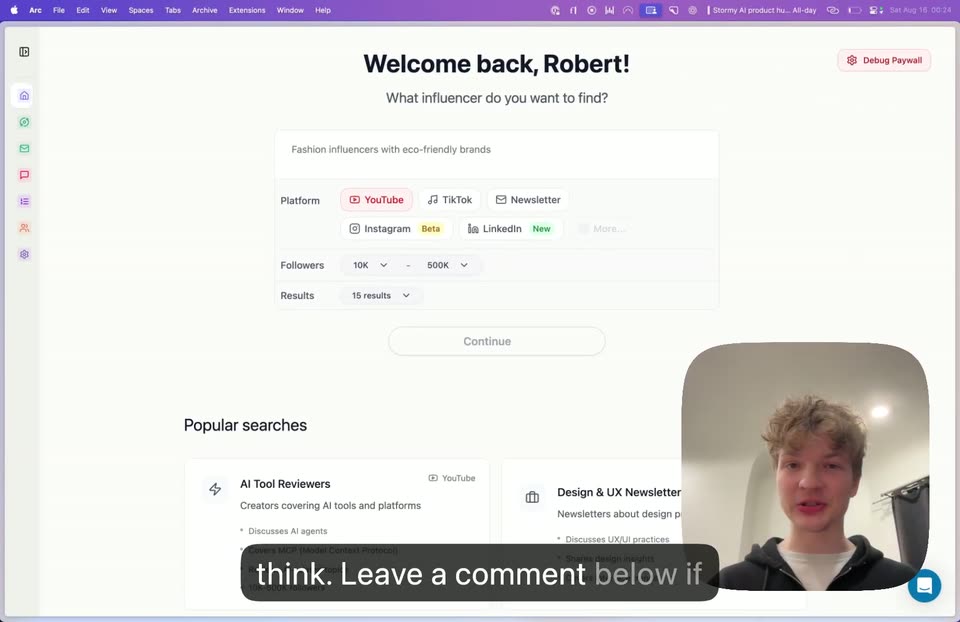 2:06–2:13Stormy · Stormy AI launch videoA screen recording of the Arc browser shows an influencer search form while a young man talks in a picture-in-picture box at bottom right. The view opens tilted in 3D and settles flat as the cursor types a query into the search field.
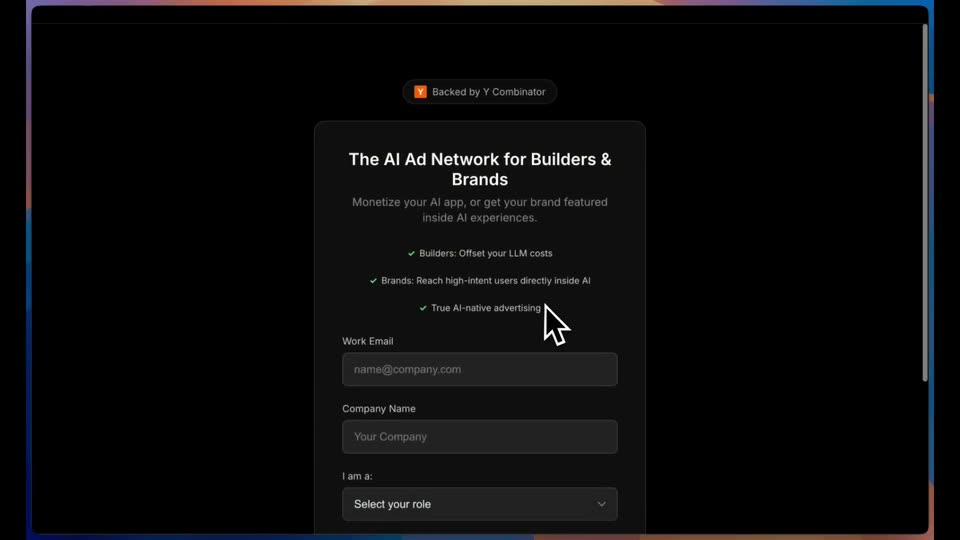 1:34 · 0.9sImprezia · Imprezia Launch VideoA white cursor moves down a dark IMPREZIA landing page as it scrolls, passing a Y Combinator badge, the headline The AI Ad Network for Builders & Brands, green checkmark bullets, and an email form ending in a Get Early Access button.
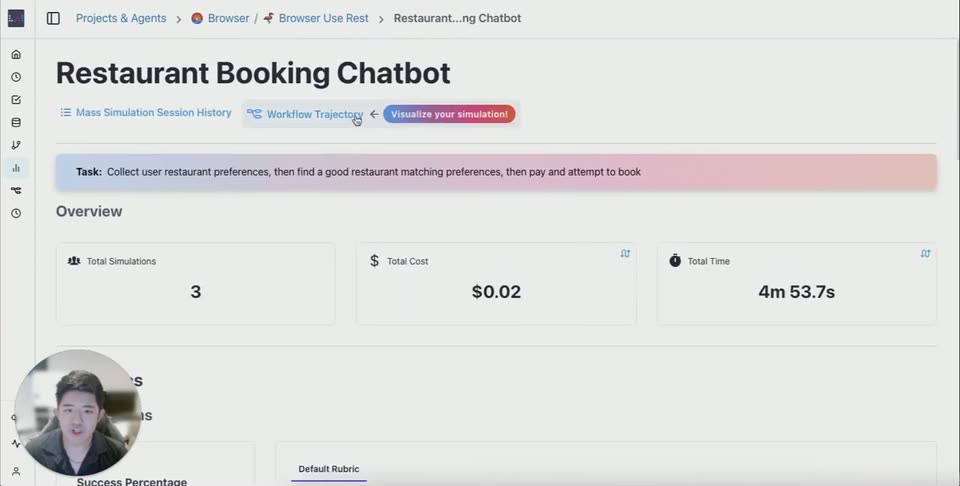 2:51–2:53Lucidic AI · Lucidic HN DemoA cursor moves to the Workflow Trajectory button on a dashboard and clicks it. The screen switches to a graph canvas titled Restaurant Booking Chatbot with a small loading spinner. A circular webcam of a presenter stays in the bottom-left corner.
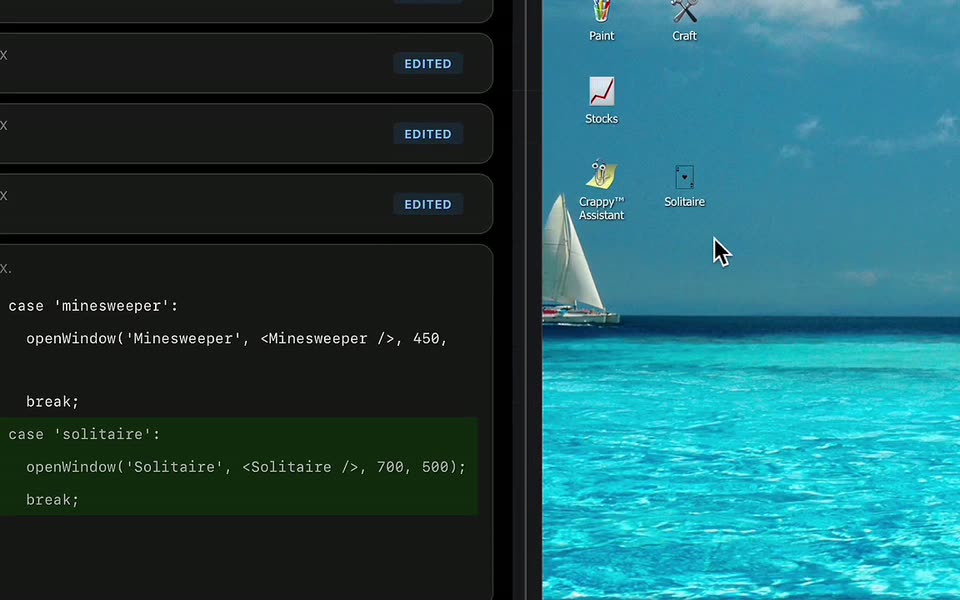 1:25–1:27Sharpe · Introducing Solar by LumenaryA dark code editor with a green-highlighted block sits beside a Windows XP desktop. The frame zooms onto the desktop as the cursor moves to the Solitaire icon and clicks it, the icon lighting up with a dotted border.
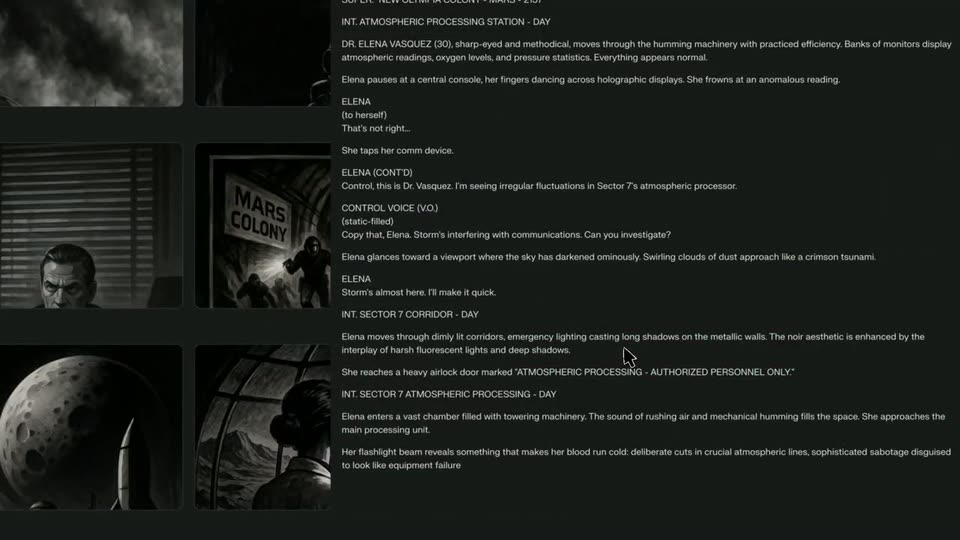 0:54–0:56Perplexity · Perplexity - Today we're launching Perplexity Labs. Labs is for your more complexA dark interface shows a grid of black-and-white sci-fi stills beside a column of white screenplay text. A cursor rests on a tooltip titled RED DUST, the tooltip closes, the script scrolls slightly, then the frame fades to black.
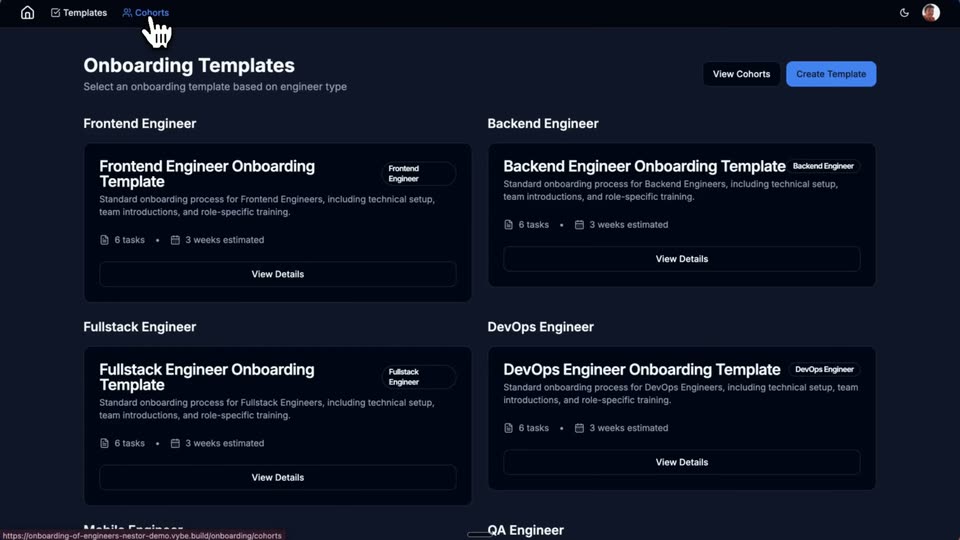 1:45–1:47Vybe · Vybe Demo - Build internal apps 10X fasterA dark dashboard shows a grid of onboarding template cards. A hand cursor moves to the top navigation bar and hovers over the Cohorts link. A red URL bar fades in at the bottom left corner.
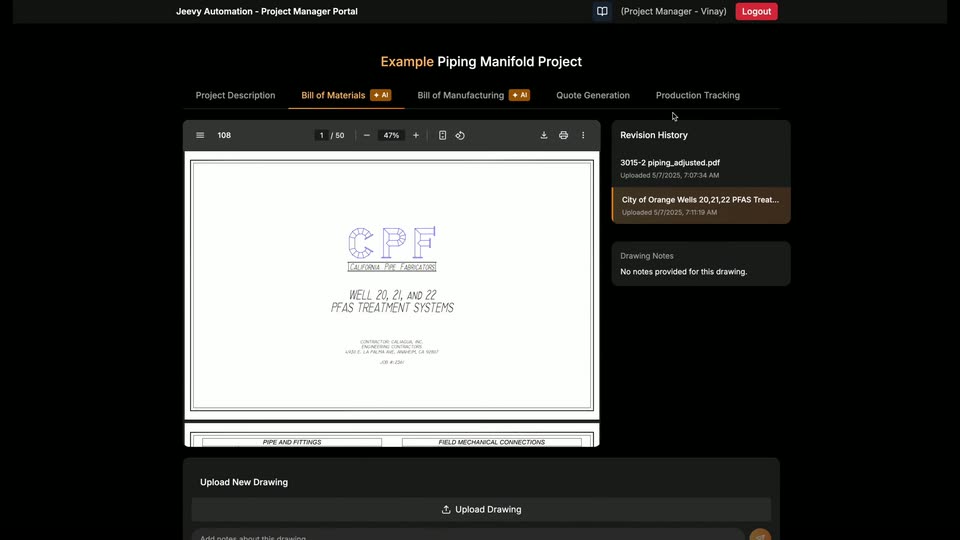 3:40–3:42Jeevy Fabrication · Introducing Jeevy FabricationA dark project portal shows the Bill of Materials view with a PDF drawing and a revision history panel. A cursor glides from the document up to the Production Tracking tab.
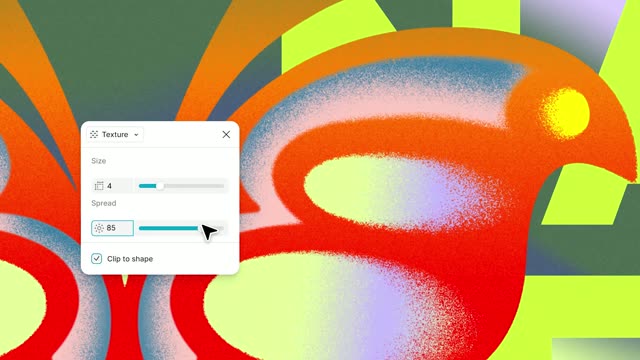 0:51–0:53Figma · All the launches at Config 2025 | FigmaA cursor drags the Spread slider in the open Texture panel from 0 to 77, adding a grainy noise to the pastel ovals of a red bird-butterfly shape. The camera pulls back to show the whole artwork set over large lime-green letters.
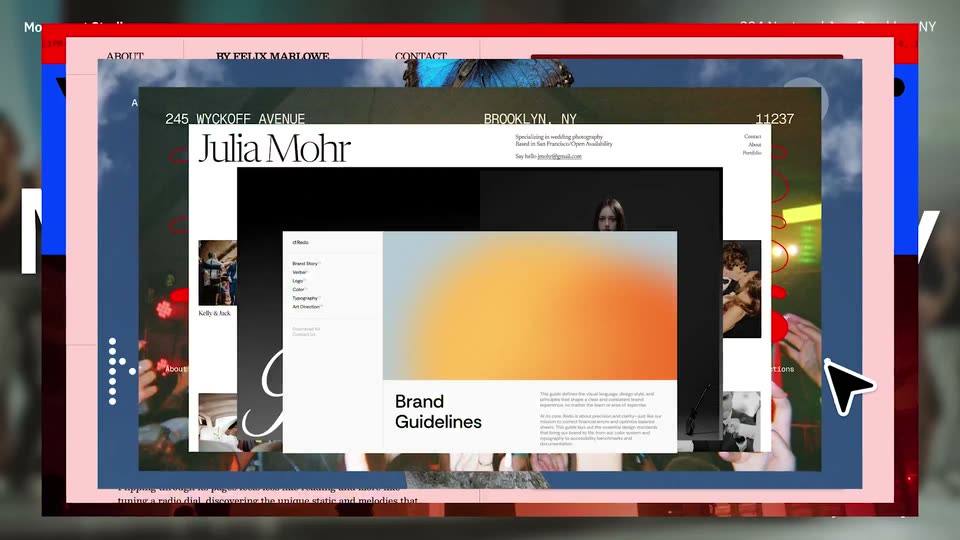 1:06–1:07Figma · Figma - Introducing Figma Sites Take your designs straight to the web. WithA stack of layered website templates in pink, blue and red fills the frame over a blurred background. A white cursor moves toward the right edge as a dark “Publish site” button fades in at the center.
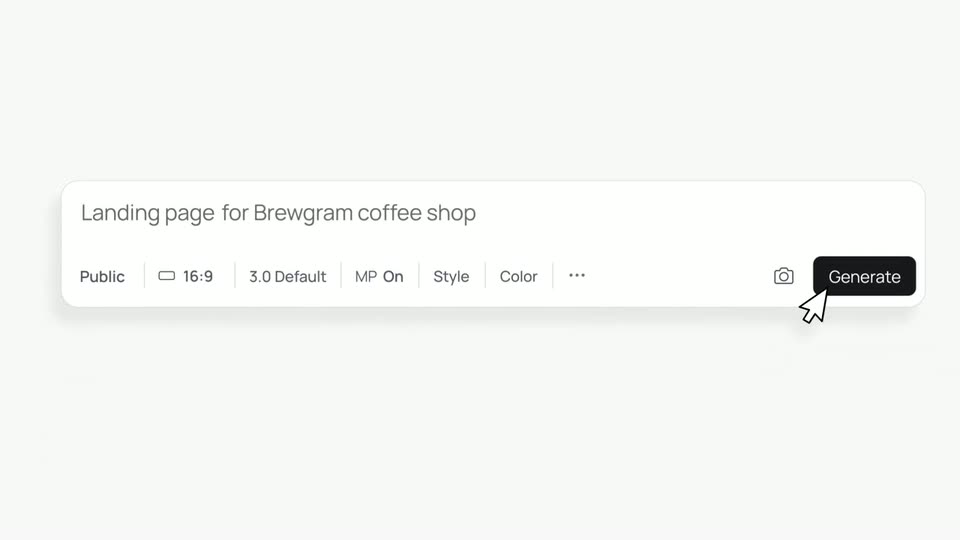 1:13–1:14Ideogram · Ideogram - Meet Ideogram 3.0 — stunning realism, creative designs, and consistenA white prompt card on a pale gray field shows a coffee shop landing page request, the cursor resting on the dark Generate button. The frame scrolls down to reveal two generated thumbnails, a cafe interior and a steaming cup with welcome text.
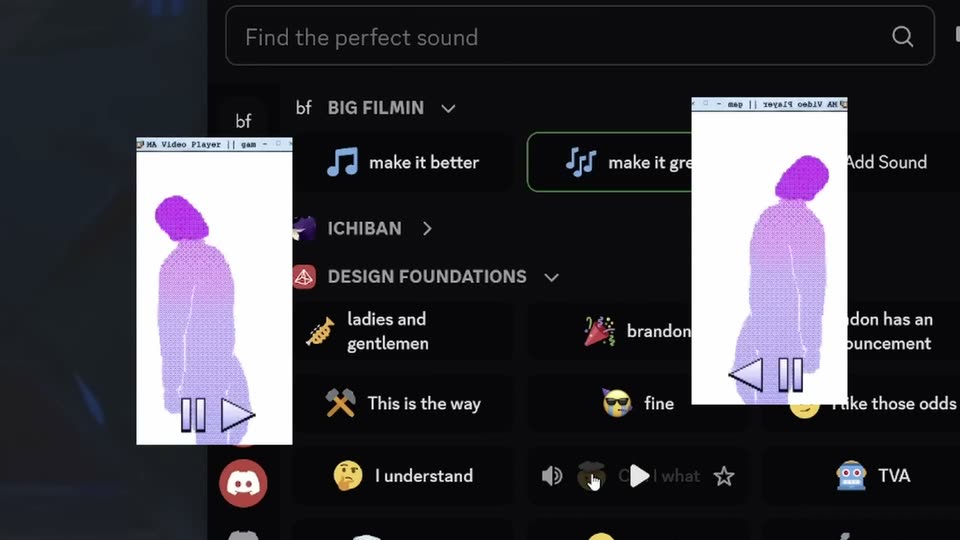 3:02–3:06Discord · Introducing the NEW Discord Game OverlayA dark soundboard grid fills the screen. A cursor clicks the make it better button, popping a retro video player window with a purple pixel figure on the left, then clicks make it great, opening a second player window on the right.
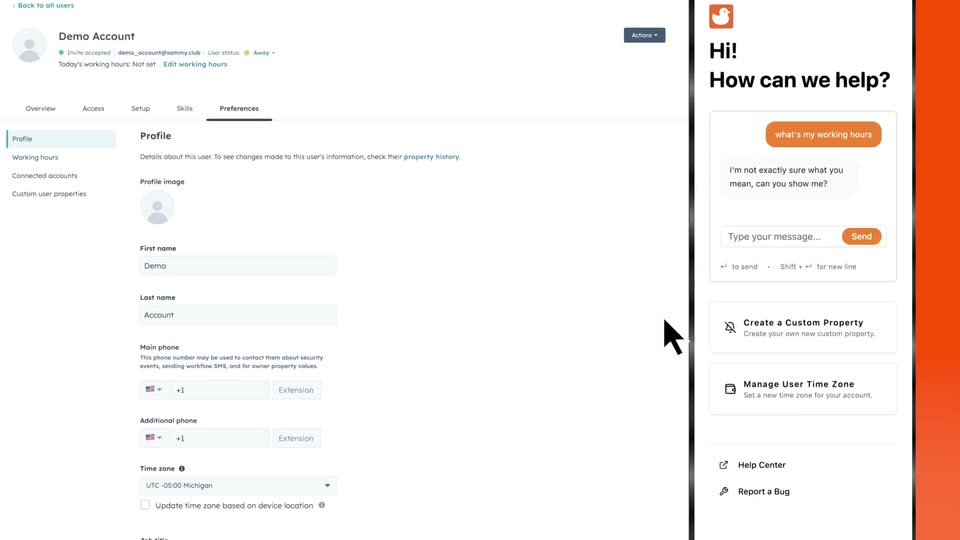 1:43–1:54SAMMY Labs · SAMMY Labs - Product TourA split view pairs an admin profile settings page on the left with an orange chat widget on the right. A cursor drifts down the chat as a question bubble and a reply appear, then the view scrolls to show a green add button on the profile.
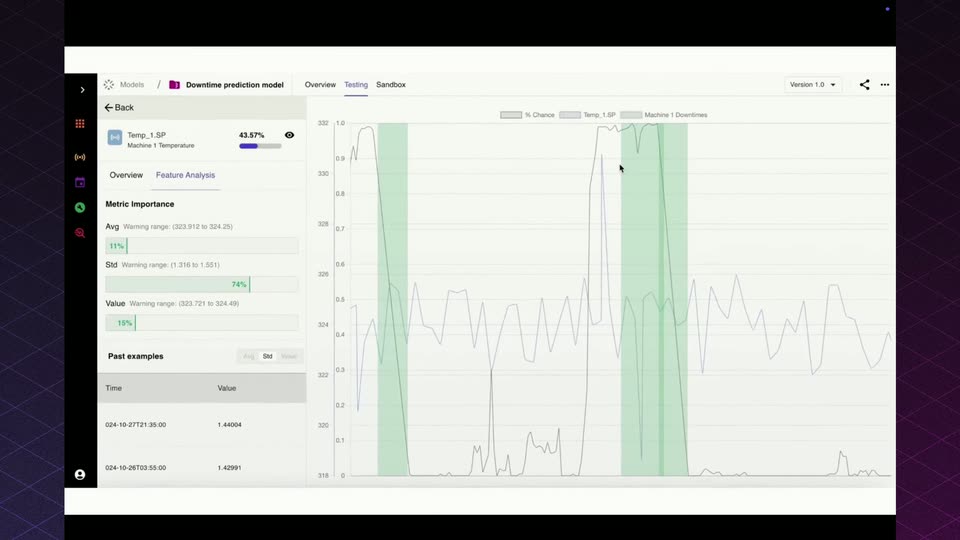 2:05–2:06Vortexify · Praxis AI LaunchA light dashboard shows a configuration form on the left and a large time-series chart with green anomaly bands on the right. A cursor hovers over the plot as the view holds.
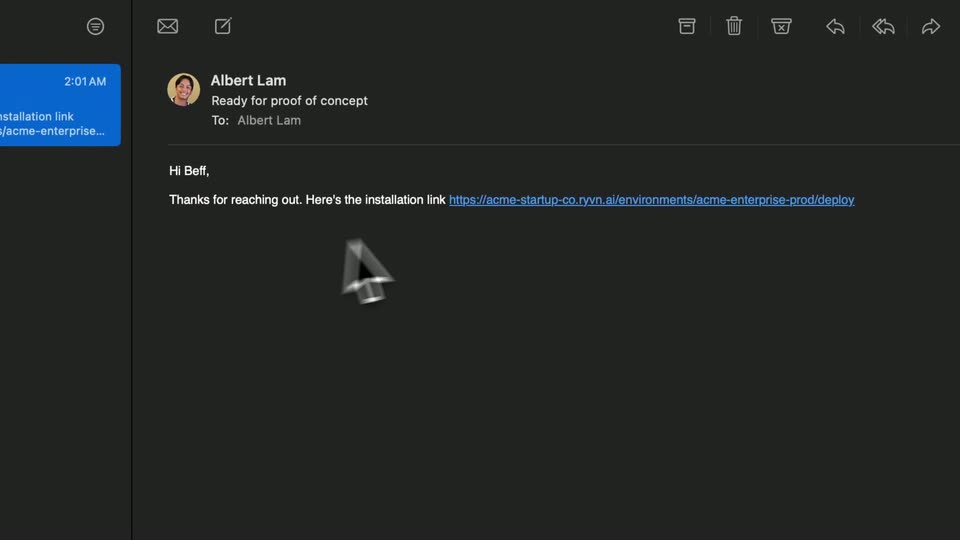 1:10–1:11Ryvn · Ryvn | On-prem deployments, without the stressA dark email client shows an open message with a blue highlighted row in the left list. A white cursor glides from the sidebar across the body text toward a blue hyperlink.
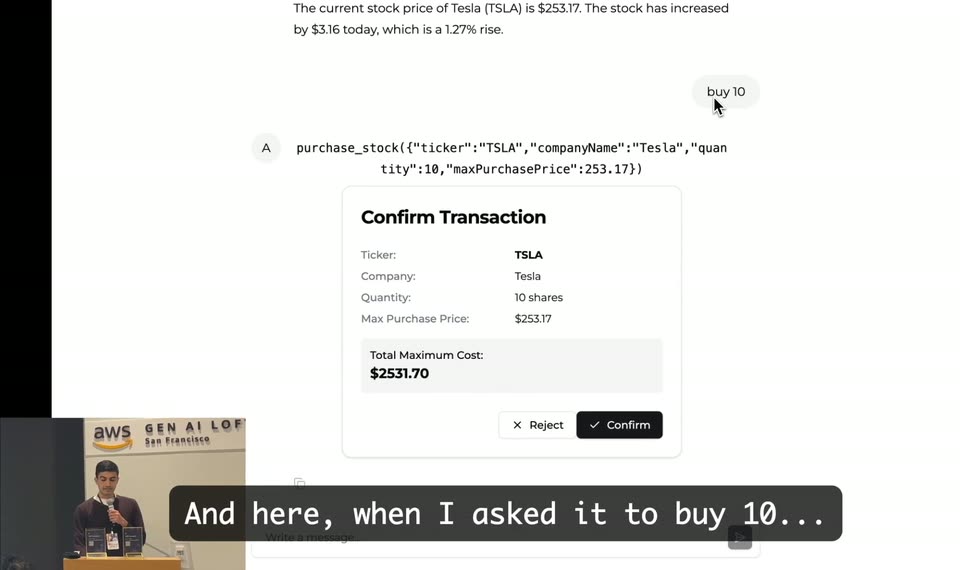 1:40–1:44assistant-ui · assistant-ui | AWS GenAI Loft DemoA screen recording of a chat interface shows a TSLA quote and a Confirm Transaction card with Reject and Confirm buttons. A cursor hovers the buy 10 button. A small inset of a speaker at an AWS event sits bottom left, and a dark caption bar carries the narration.
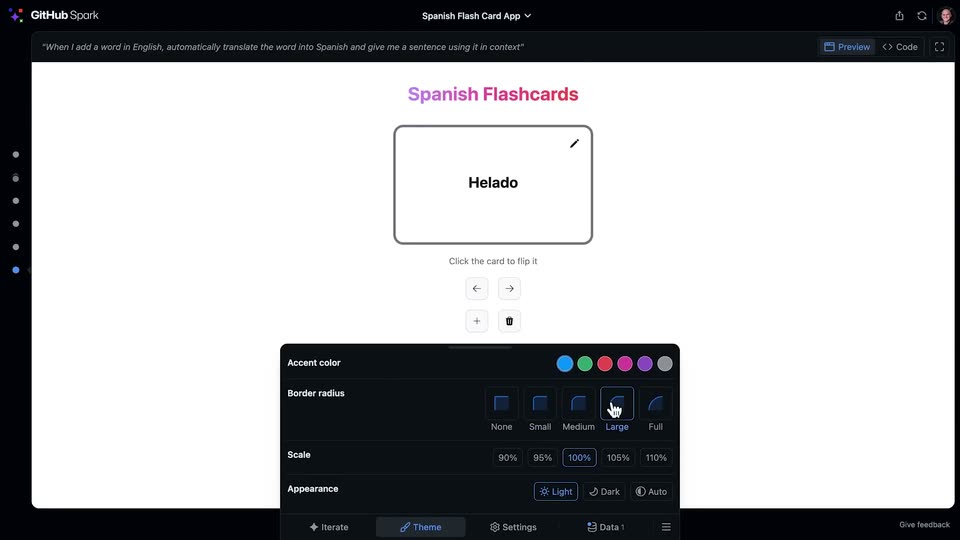 0:59–1:03GitHub · What is GitHub Spark? Introducing a brand new way to build powerful, AI assisted applicationsThe clip opens zoomed into a dark theme panel, then reframes to the whole flashcard app, a pink title above a card reading Helado. A cursor moves across border radius and scale controls in the panel.
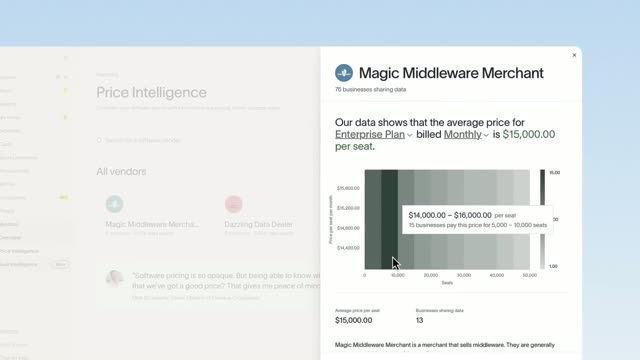 1:52–1:53Ramp · Meet Ramp: A smart finance operations platform that saves you time and moneyA dashboard screen shows a vendor pricing panel on the right; the view zooms into the panel while the background app slides left. A cursor hovers over the distribution chart, revealing a price-range tooltip.
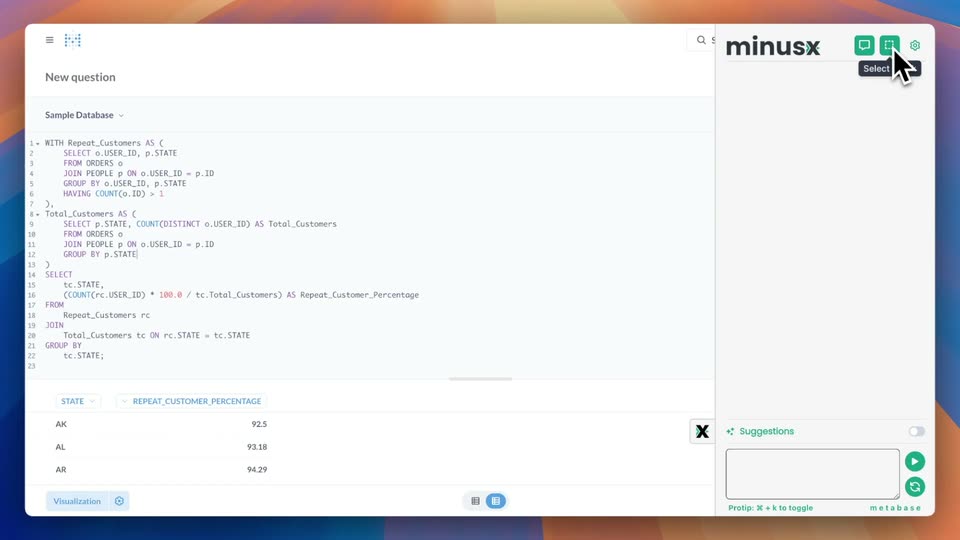 1:16 · 0.7sMinusX · MinusX: AI Data Scientist for Jupyter and MetabaseA split view of the product interface shows a SQL code editor with a results table on the left and a minusx panel with a Suggestion box on the right. A cursor hovers over an icon in the top right corner, popping a small Select tooltip.
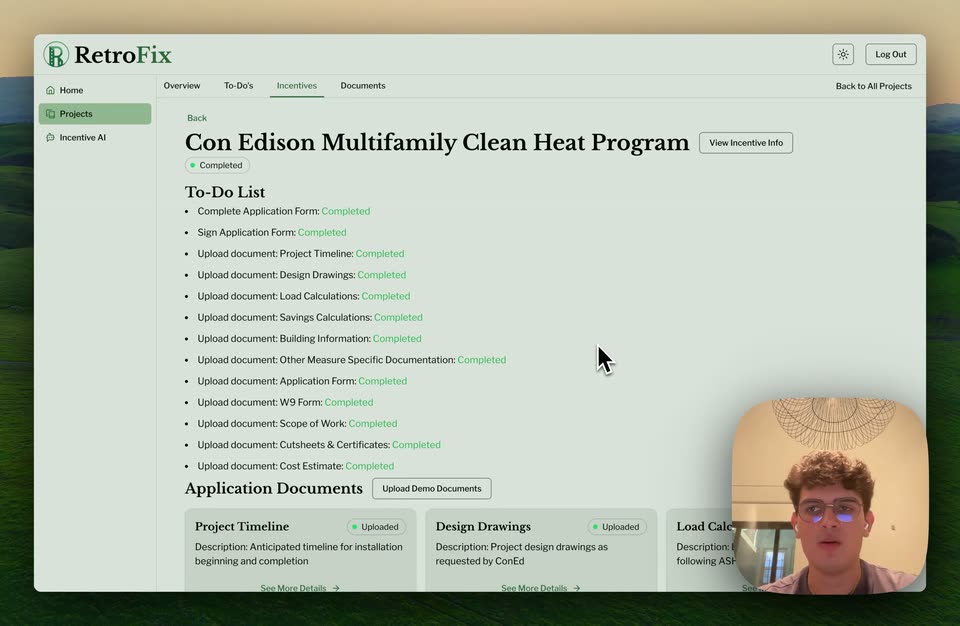 2:20–2:35RetroFix · RetroFix Product DemoA RetroFix project page fills the frame over a blurred desktop, showing a completed to-do list and document cards. A rounded webcam feed of a man in glasses sits bottom right, talking. A cursor hovers mid-page, then drifts down to the first card.
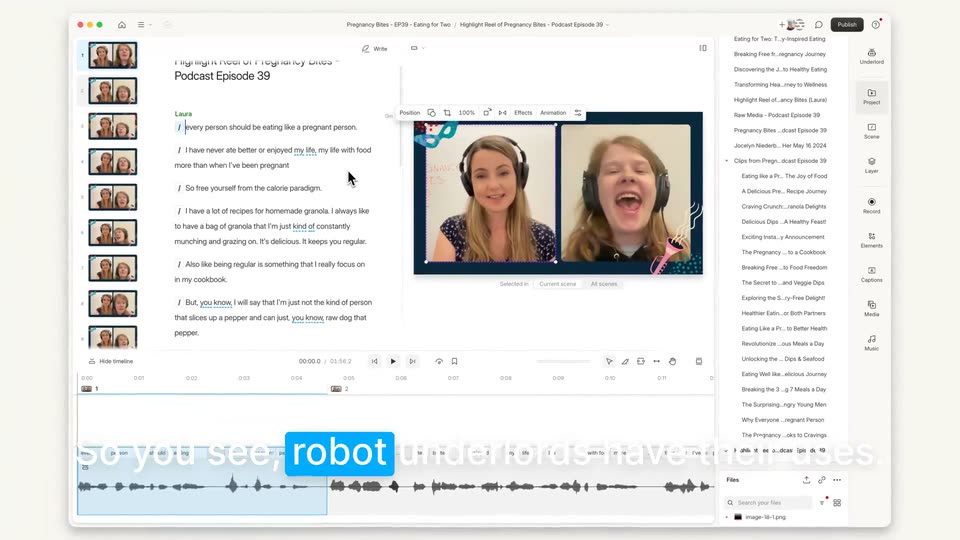 2:36–2:40Descript · Descript - Today, we're launching Descript's new AI assistant editor, Underlord.Screen recording of the podcast editor, starting zoomed on the transcript and preview window, then pulling back to the full interface. A clip of two women with headphones plays while a white caption slides in at the bottom, a blue box hopping word to word with the voiceover.
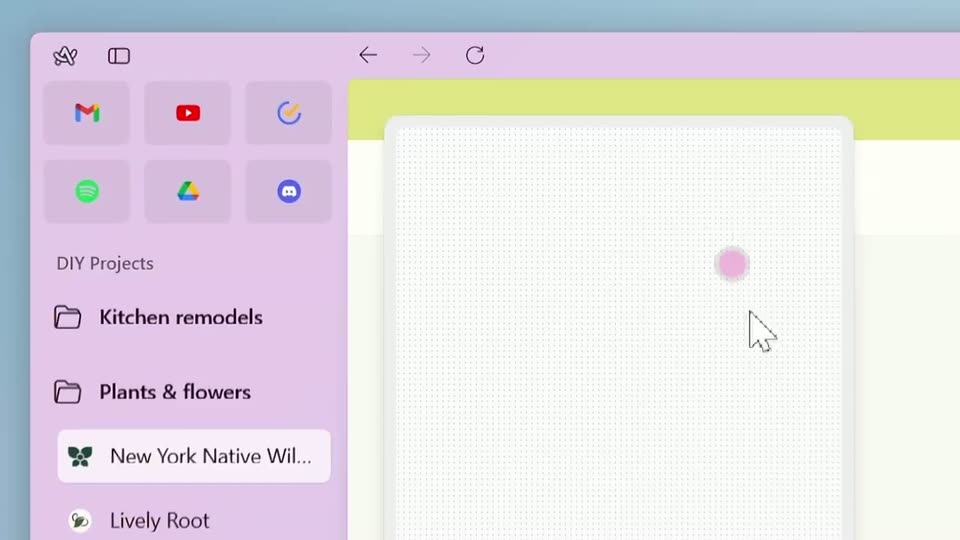 0:29 · 0.4sThe Browser Company · The Browser Company - Arc on Windows is finally here. No more waitlists, no more betas. DA close-up UI panel holds a white cursor on a sun-moon toggle. The toggle flips left, a row of round swatches shifts from dark saturated hues to pale pastels, and the left panel lightens from deep magenta to soft pink. The dotted canvas and blue slider stay still.
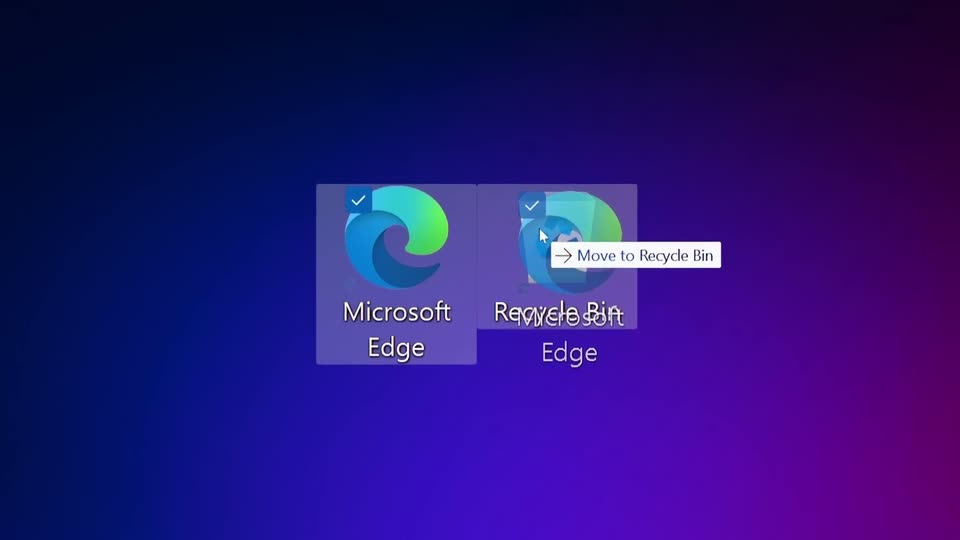 0:33–0:35The Browser Company · Arc on Windows. Download now.On a blue-purple desktop, the selected Microsoft Edge icon and the Recycle Bin sit side by side. A 'Move to Recycle Bin' option pops in, then the Edge icon crossfades out, leaving the Recycle Bin alone with a small white square at its corner.
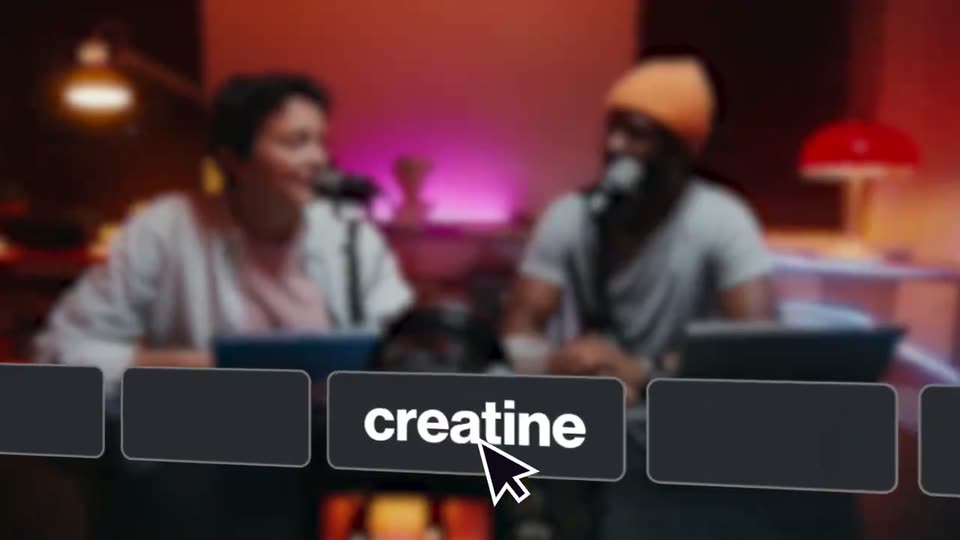 0:20–0:21Captions · Mirage - Introducing Captions for web. Video editing made simple, thanks toA row of dark rounded tiles runs across a blurred shot of a streamer at a desk, the center tile glowing teal with 'coin' and a cursor. The tile turns green as 'creatine' scales in and the Doge illustration on the right clears.
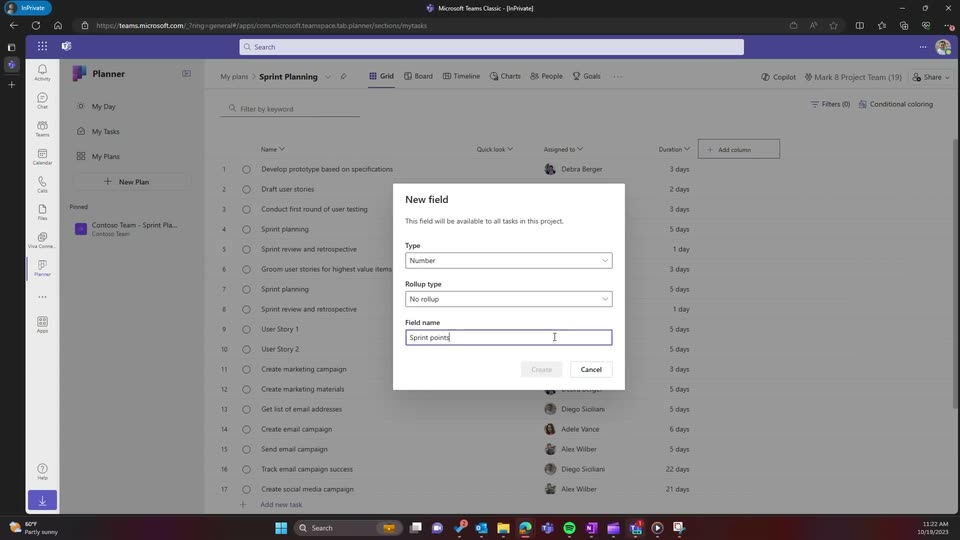 2:53–2:57Microsoft · Meet the new Microsoft PlannerA Planner grid view sits behind a centered New field dialog. The cursor switches the type dropdown from Text to Number, types Sprint points into the field name box, and clicks the Create button.
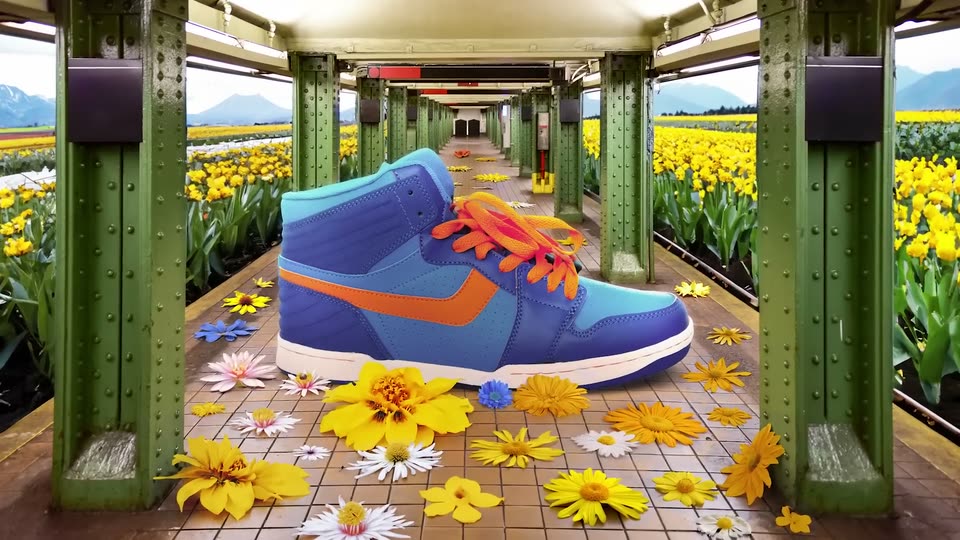 0:30–0:32Adobe · Adobe Firefly: Out of Beta & Ready For Your Imagination | AdobeA 3D scene editor interface shows a blue and orange high-top sneaker on a tiled subway platform flanked by yellow daisy fields, with a layers panel and a prompt field reading Daisies. A cursor clicks the Generate button, then the panels fade out to leave the clean 3D render.
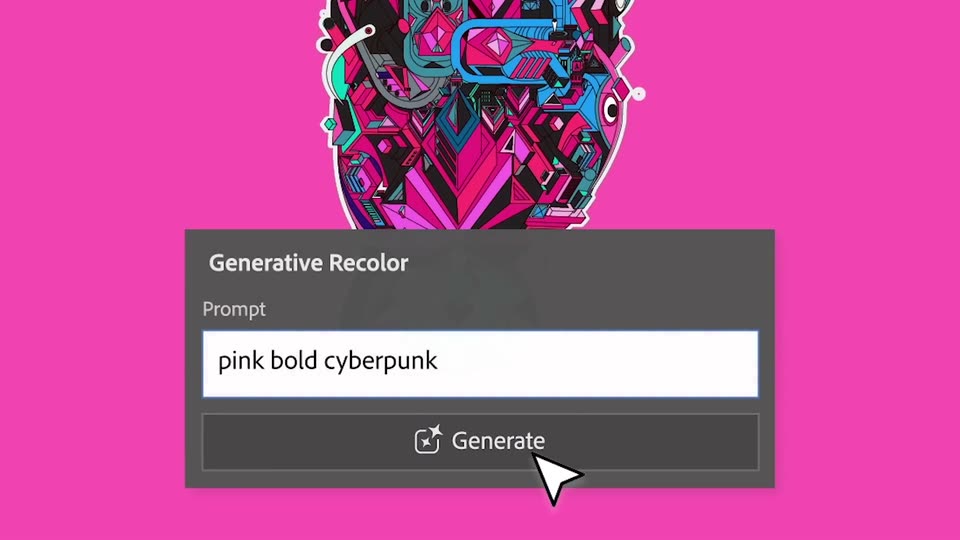 0:34–0:35Adobe · Adobe Illustrator x Adobe Firefly: Announcing Generative Recolor | AdobeA dark gray panel titled Generative Recolor with a prompt field and Generate button sits on a pink background behind a geometric pink and blue illustration. A white cursor hovers over the Generate button.
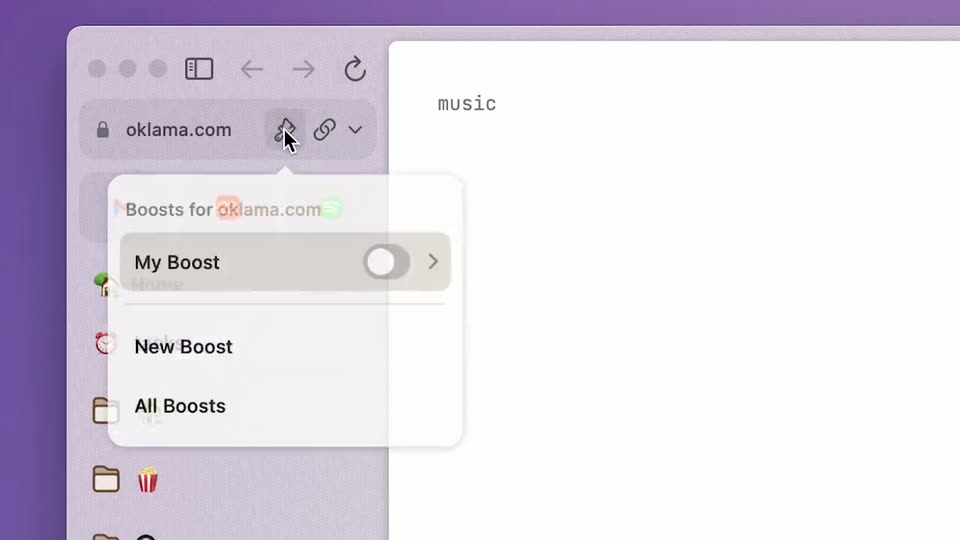 0:36–0:38The Browser Company · The Browser Company - What if the internet... was actually 𝑦𝑜𝑢𝑟 internet? 🎨 Introducing BClose-up of a browser window on a purple background. The view zooms in as the cursor clicks the rocket extension icon, and a white dropdown menu opens with My Boost, New Boost and All Boosts. The cursor then moves to New Boost.
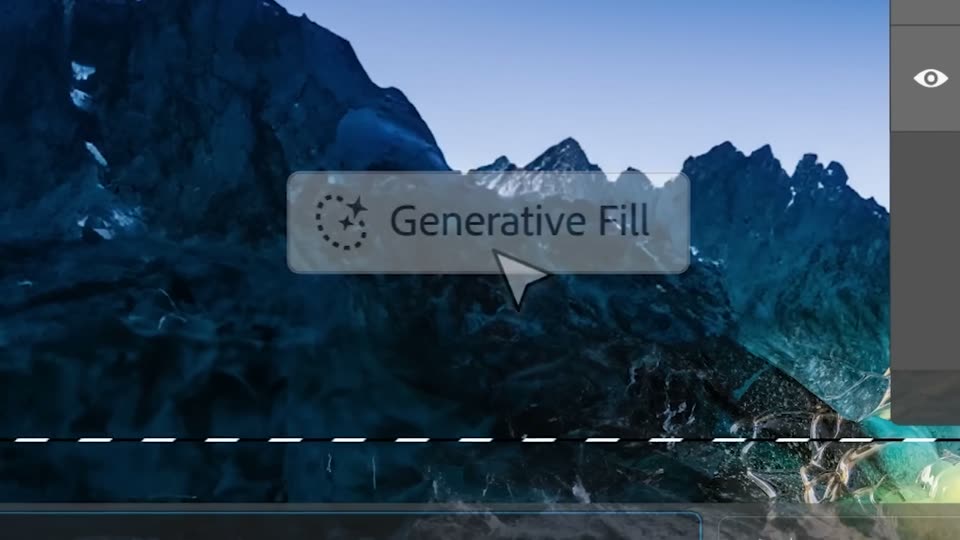 0:48–0:49Adobe · Adobe Photoshop (beta) x Adobe Firefly: Announcing Generative Fill | AdobeA dark blue mountain range fills the editing canvas. A gray Generative Fill pill with a sparkle icon sits center, a white cursor arrow hovers on it, and a dashed line crosses the bottom. A right panel shows an eye icon; the button scales gently.
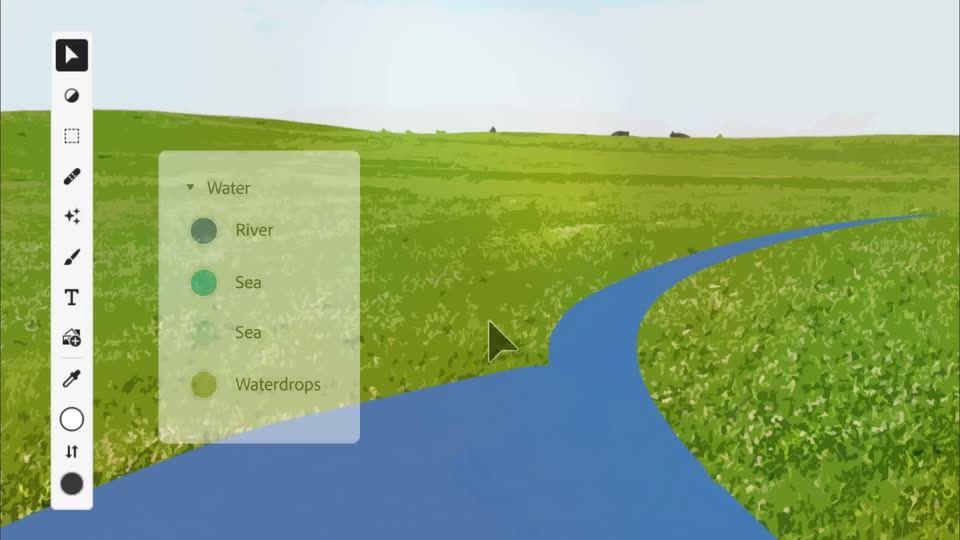 0:24–0:26Adobe · Adobe Firefly: Family of New Creative Generative AI Models | AdobeA painting app screen with a left tool rail; a thick blue stroke draws a winding river across a grassy field, then a small dropdown listing Water, River, Sea and Waterdrops pops up beside it and closes.
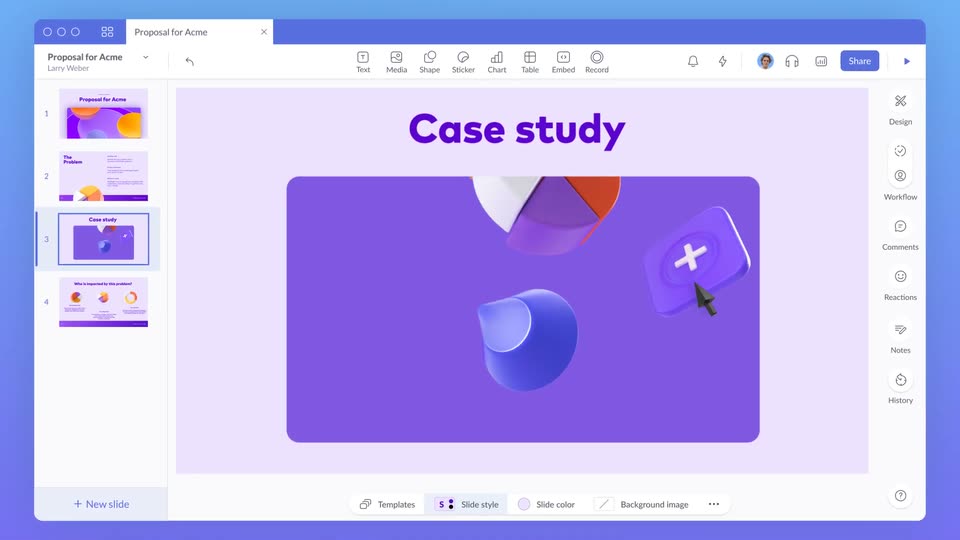 1:00–1:03Pitch · Introduction to Pitch | Create beautiful presentations with your teamA presentation editor window displays a slide titled Case study, with a purple panel where a segmented pie, a blue sphere and a purple plus tile float and drift upward. A cursor arrow hovers near the bottom edge.
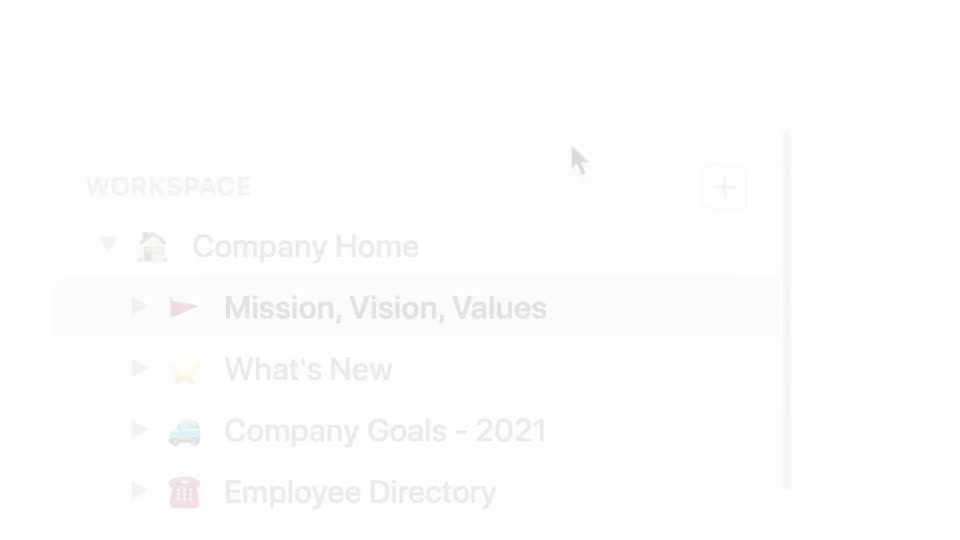 1:16 · 0.8sNotion · What is Notion?A flat product interface shows an invite row with an email, a Member dropdown and a blue Invite button under a hand cursor, then reframes to a workspace sidebar listing emoji-tagged pages before fading to white.
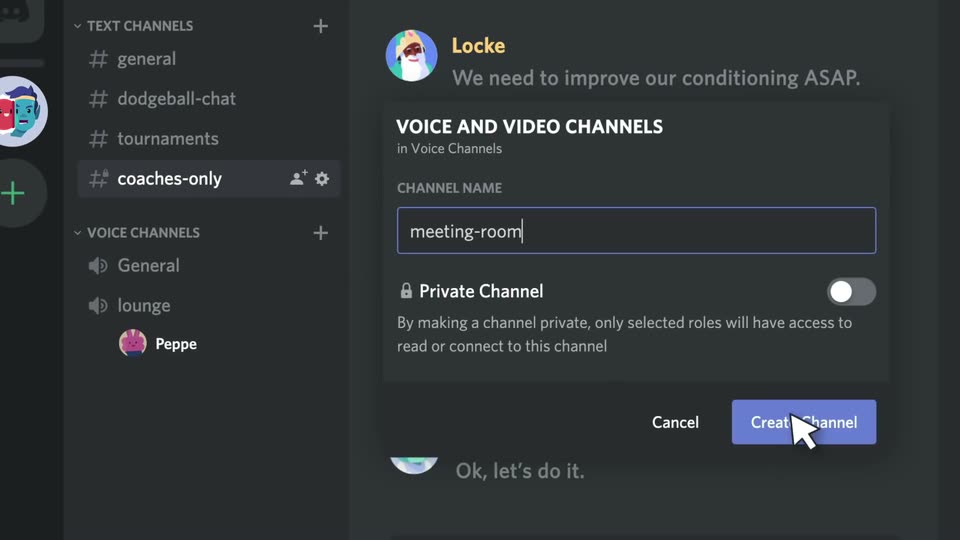 1:20–1:23Discord · How Discord Works in 148,000 Miliseconds or LessA dark team-chat interface with a create-channel modal open. A cursor types “meeting-room” into the channel name field, clicks Create Channel, and the new channel appears in the sidebar as chat messages populate the feed.
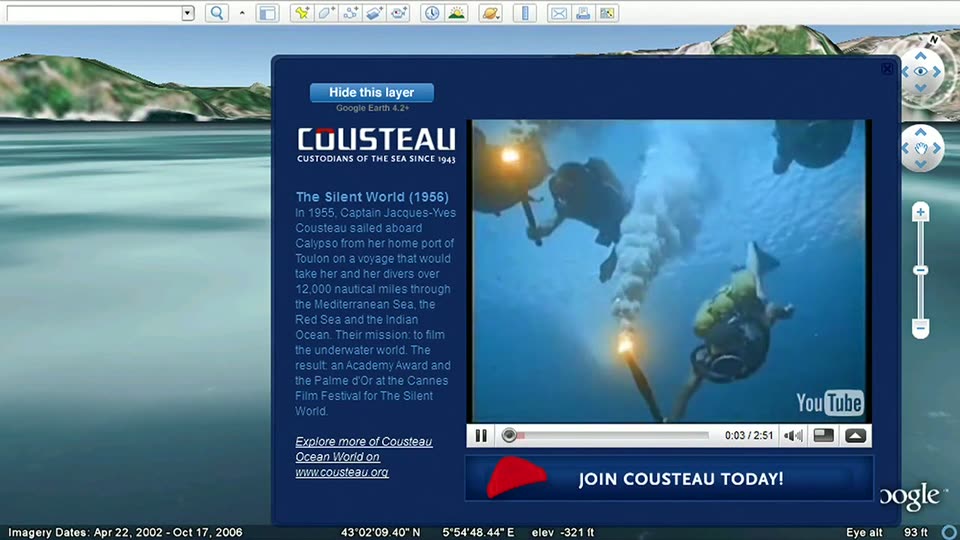 0:54–0:59Google · What's New in Google Earth 5.0A Google Earth window shows a dark blue Cousteau layer panel over a coastal map. The left column holds the Cousteau logo and a paragraph on The Silent World; the right plays an embedded YouTube clip of torch-lit divers, the cursor clicking play then resting on the progress bar.
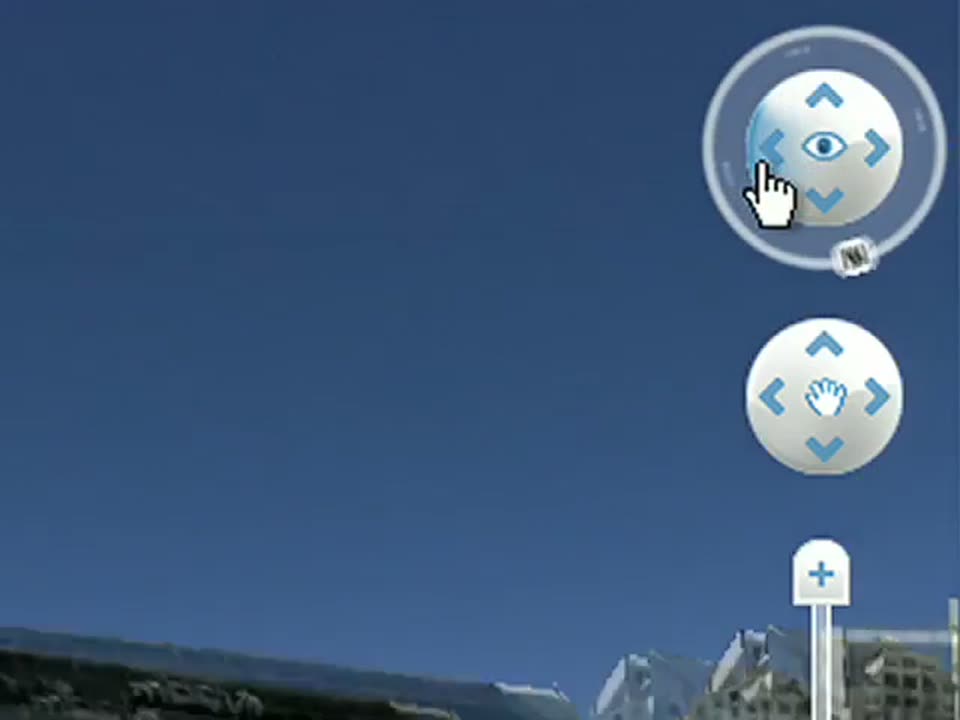 0:47–0:48Google · New features in Google Earth 4.3A 3D city under a deep blue sky, with two round joystick controls and a plus button stacked on the right edge. A white pointing-hand cursor presses the left arrow of the top joystick, and the view pans left to reveal low mountains on the horizon.