Cursor demo
A visible cursor operates the interface.
14,925 scenes · page 233 of 249
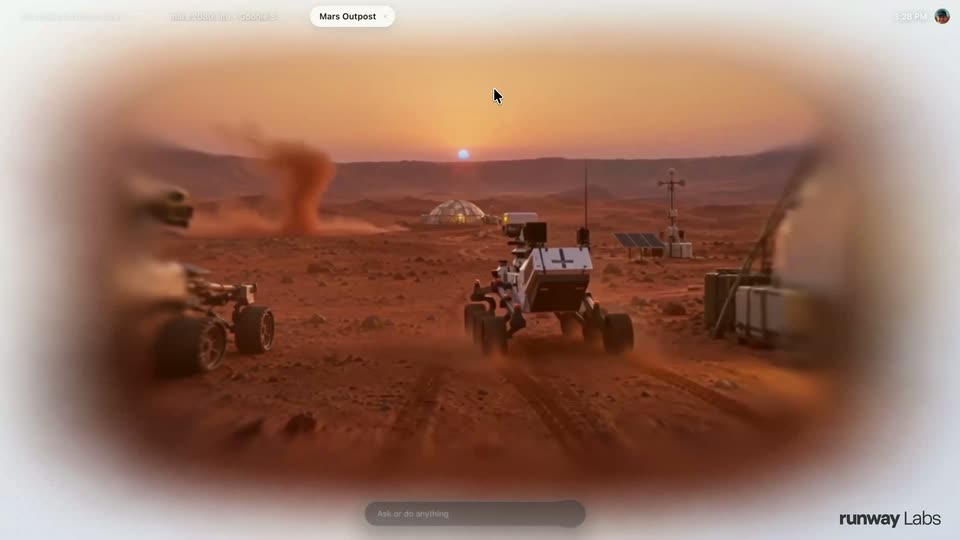 4:51 · 0.5sRunway · Introducing Continuum: A Real-Time Video Operating System | Runway LabsA rendered Mars landscape with two rovers, a dome habitat and a dust plume fills a rounded mask with soft white edges. A light interface frame surrounds it, a cursor hovers mid-frame, and a prompt bar types at the bottom.
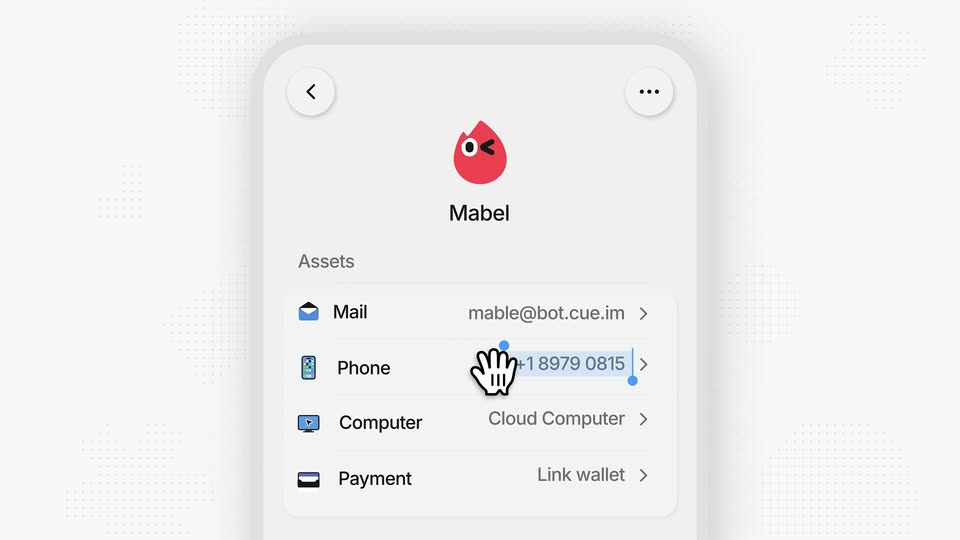 2:15–2:17Manus · Manus - Introducing Manus 2.0A tilted phone mockup floats over a dotted white background, showing a profile screen with an assets list. A hand cursor taps the Phone row and highlights the number in blue, while the headline scales in beside the device.
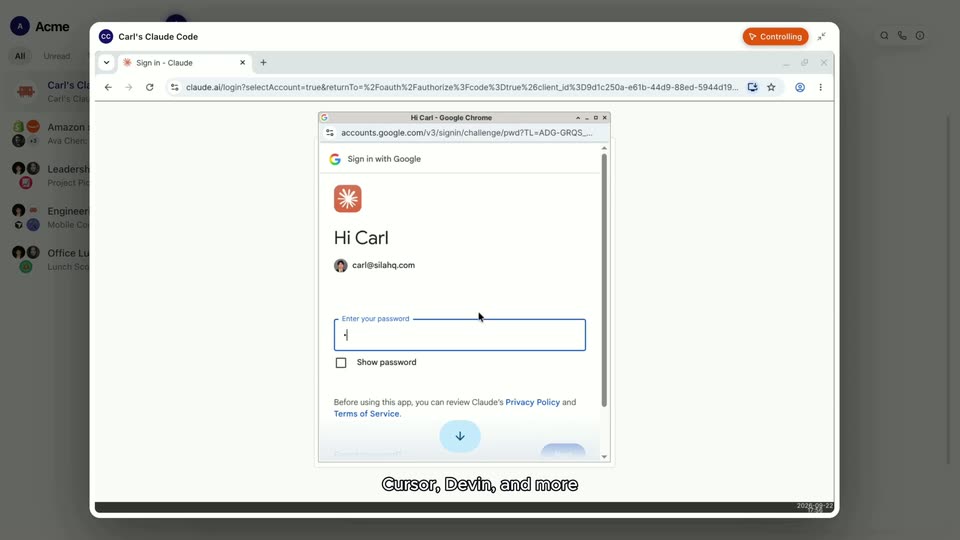 2:34–2:37Sila · Sila - Introducing Sila: the agent messaging platform backed by @ycombinatorA desktop screen shows a chat app with a browser window open to a Google sign-in page. A cursor clicks Continue with Google, then dots fill a password field as the page advances to a greeting. Captions at the bottom name the supported agents.
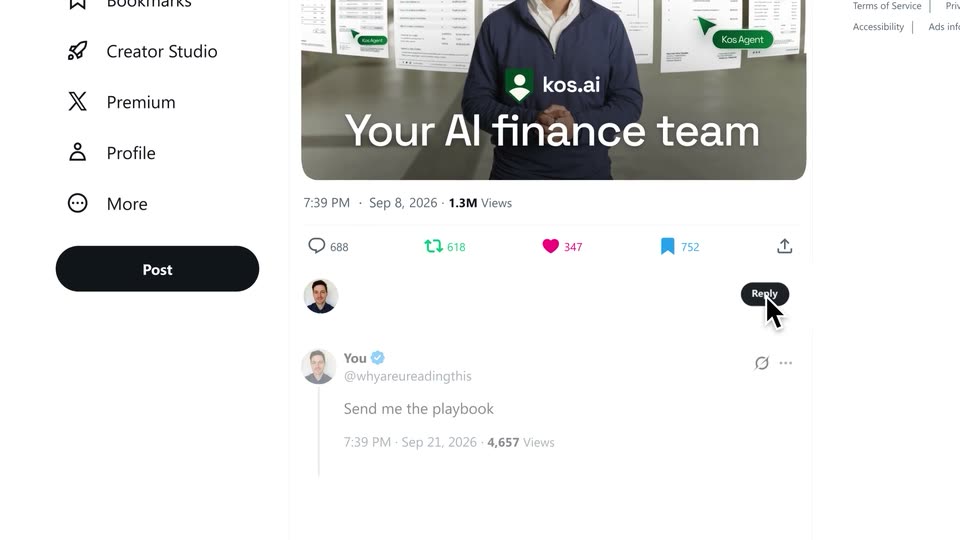 2:00–2:02Kos AI · Tanuj Thapliyal - China is winning the AI race. So we raised $12M from @8vc to build tA light X interface shows a post with a video thumbnail and a comment thread. The view scrolls down slightly as a cursor moves to the Reply button, while a black caption bar stays at the bottom.
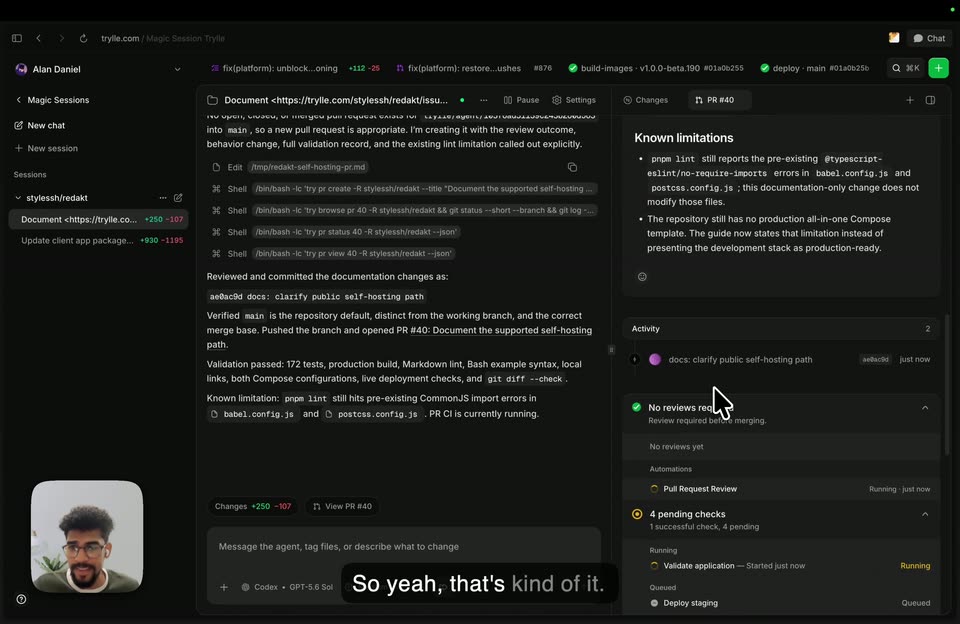 1:20–1:24Trylle · alan - we just shipped Magic Sessions in Trylle a new way to run longer codA dark app interface fills the browser window. The center document stays fixed while the right panel switches from a pull request checks list to a documentation card, then scrolls down to Problem and Result sections. A cursor moves over the right panel as bottom captions change.
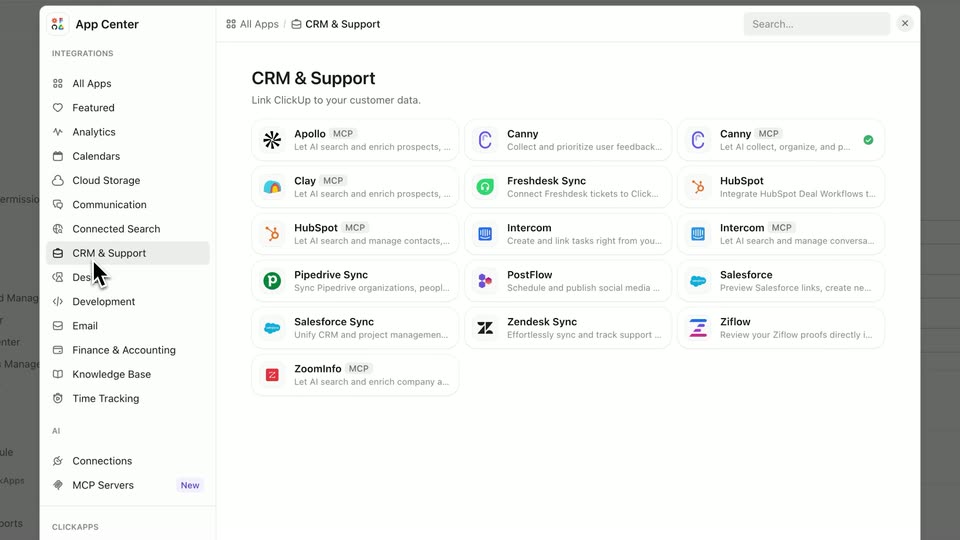 2:08–2:11ClickUp · ClickUp Release 4.08: Meetings Hub, Super Agent Cloning, and more!A light App Center window fills the frame, a sidebar of categories on the left and a grid of integration cards on the right. A cursor glides down the sidebar and clicks CRM & Support, and the Featured grid crossfades into a CRM list.
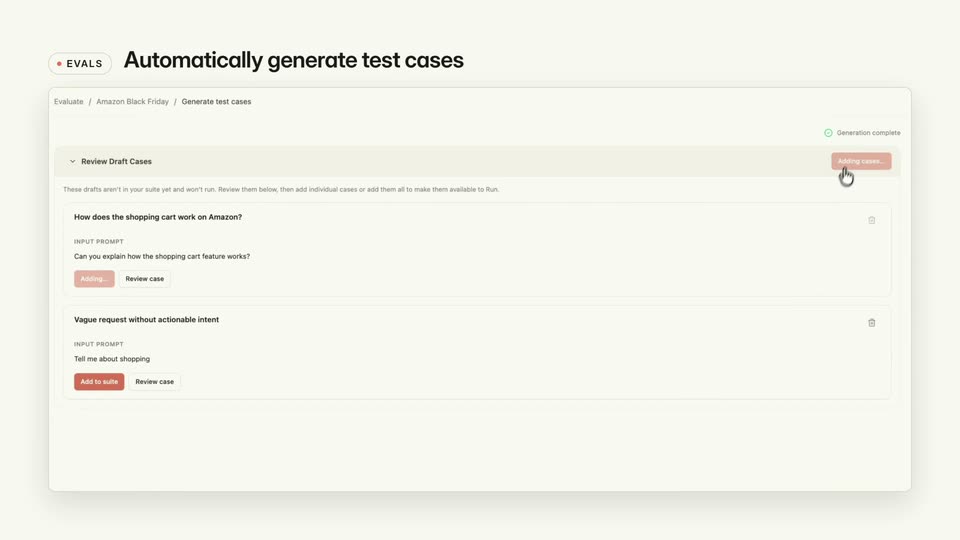 1:48–1:51MCPJam · Prathmesh Patel - Today, we're launching MCPJam as the first testing & evaluation pA light product panel lists draft test cases beneath the headline 'Automatically generate test cases'. The list scrolls up as a cursor glides to the red 'Add all to suite' button and clicks it, and the panel clears to a short reviewed-state message with a back link.
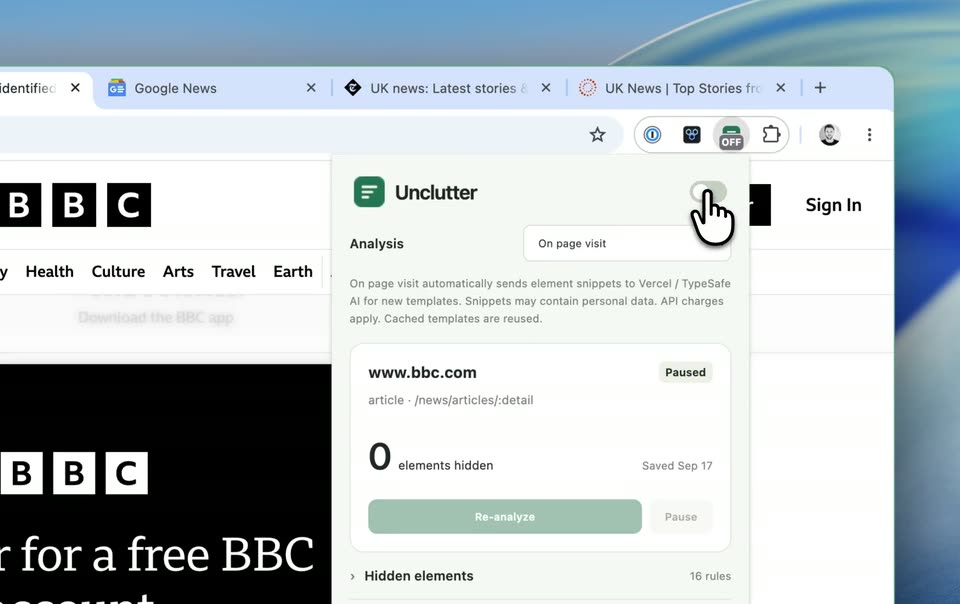 0:19–0:25Unclutter (by Kitze) · Dr. Kitze ❤️ healthmaxx.app - introducing Unclutter: a smart ad + slop blocker with Jev 🤓 it autoA close-up of the Unclutter panel on a BBC page shows a cursor clicking the green toggle off, dropping the hidden count from 12 to 0. The view pulls back to 3D, revealing a woman in a green sweater giving a thumbs up behind the floating browser.
 1:21–1:22Anthropic · Meet Claude Slides, Claude Design and Claude DocsClose-up of a white collaboration toolbar: five colored avatar circles with initials, a comment-count pill, and a Share button. The controls nudge into place while a cursor glides up from the lower right and stops beneath the Share button.
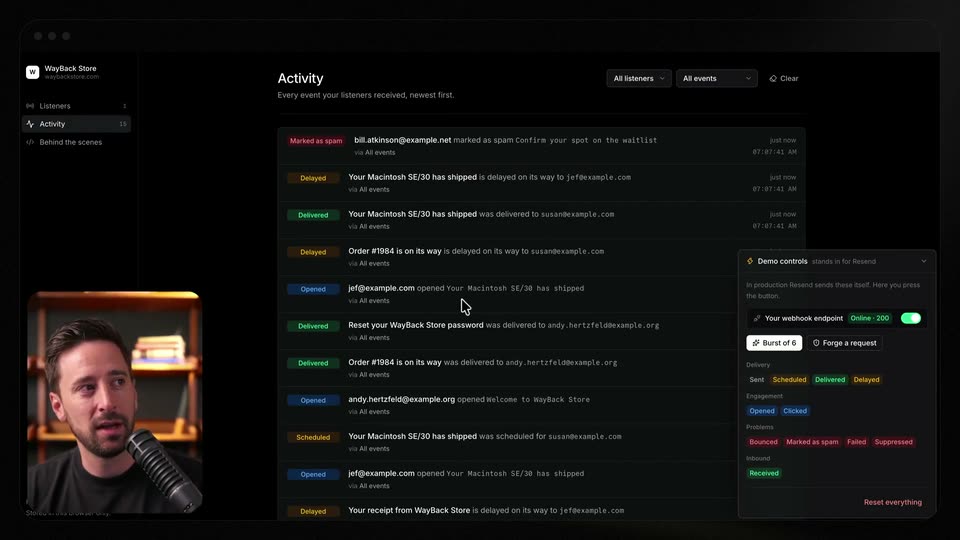 2:26–2:29Resend · Resend - Announcing Headless Webhooks API Programmatically... ▪️ list webhookA dark activity dashboard fills the frame, listing event rows with colored status tags. A small video of a man at a microphone sits in the lower-left corner. A cursor glides over the list as a white toast pops in at the top right and a control panel appears.
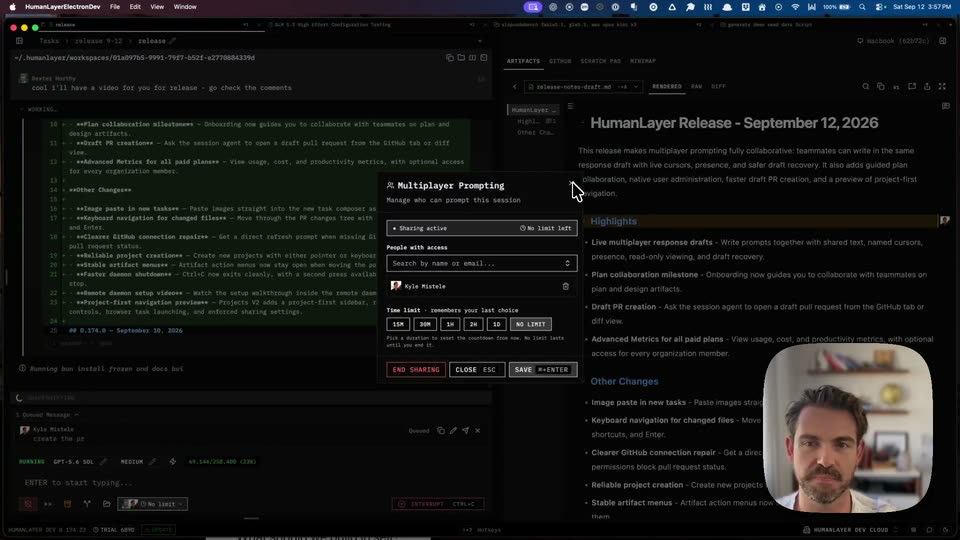 1:09–1:10HumanLayer · dex - coming soon to a humanlayer new you: live multiplayer prompting - coA dark developer workspace fills the screen: a code editor left, a Multiplayer Prompting modal center with a time-limit row, a rendered release document right. A small facecam of a man sits in the lower right corner while the cursor drifts across the panels.
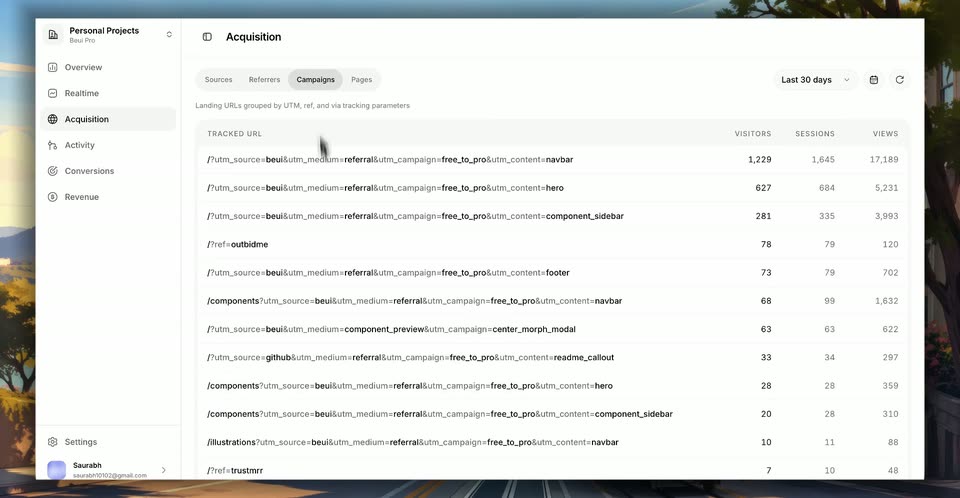 1:04–1:08Tracwell · Saurabh - INTRODUCING TRACWELL ( @tracwellapp ) 🚀 An agent-first analytics plaA tilted analytics dashboard floats over a blurred desk background. A cursor clicks through the Sources, Referrers and Campaigns tabs, each swap blurring the table rows, and a UTM referrer tooltip pops up at the end.
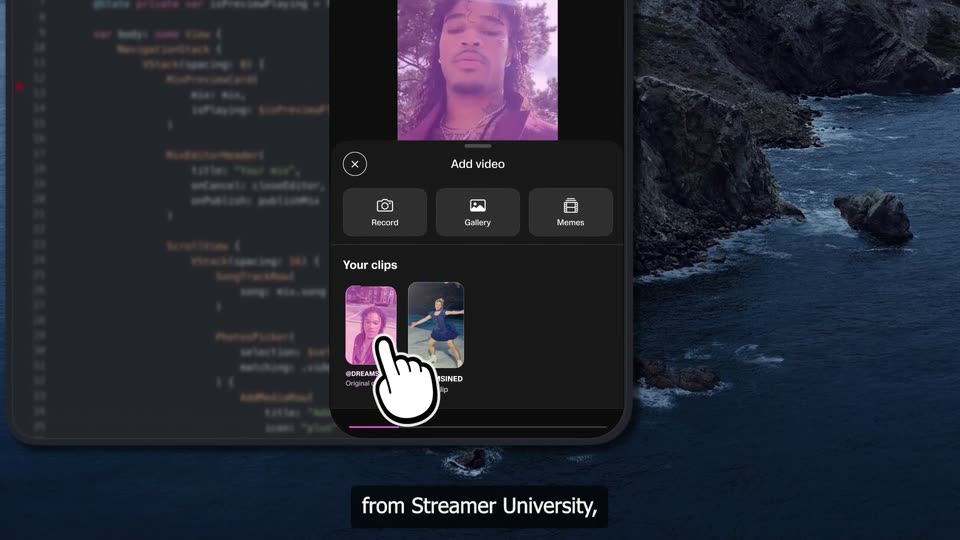 1:10–1:14Hook · Gaurav Sharma - AI platforms are stealing from artists > Millions spent on data cA tilted phone mockup floats over a rocky coastline with a code editor panel angled behind it. A white hand cursor taps the editor, the screen scrolls up to reveal an add-video sheet, and white captions in a black box swap line by line at the bottom.
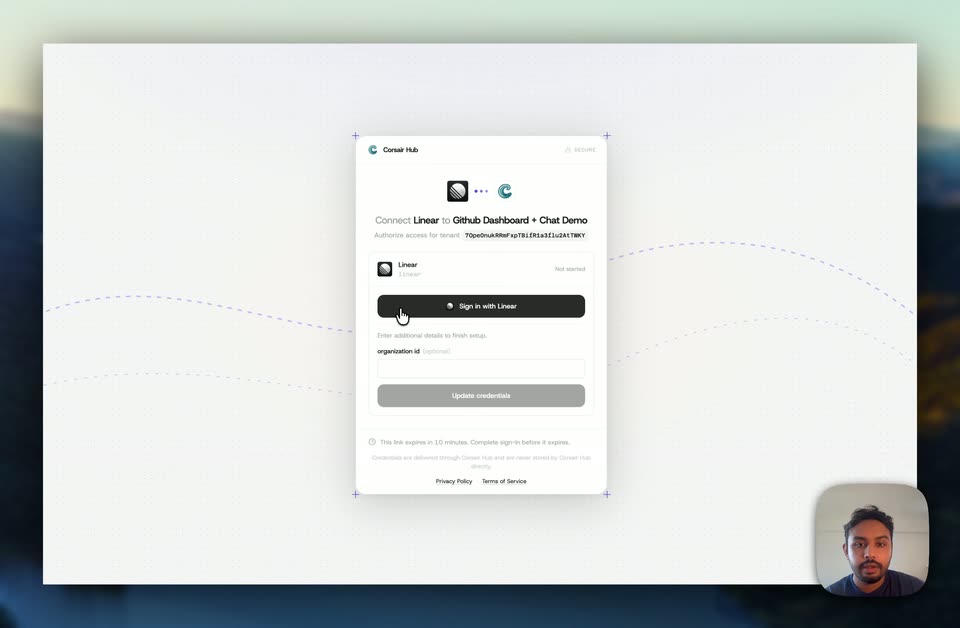 3:28–3:30Corsair · Building a Github Clone with CorsairA white connection card is centered on a blurred desktop with faint wavy dashed lines. A cursor glides onto the dark sign-in button, while a small webcam of a presenter stays in the bottom-right corner.
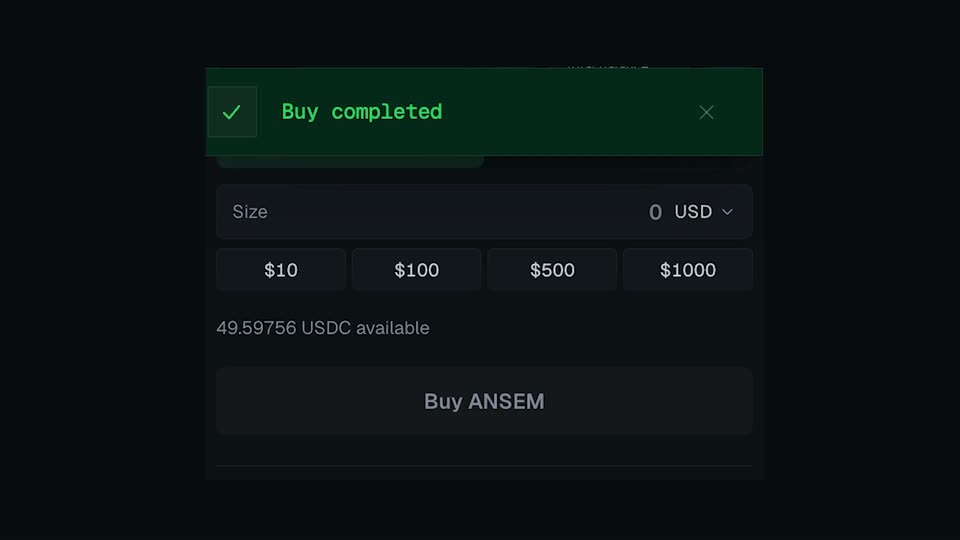 0:54–0:55Arbital · Arbital - Today, we’re launching Arbital. Trade memes. Trade stocks. Trade perA dark trading panel shows a cursor clicking the blue Buy ANSEM button. The label switches to Buying... and the size drops to 0 USD, then a green Buy completed banner with a checkmark slides in across the top.
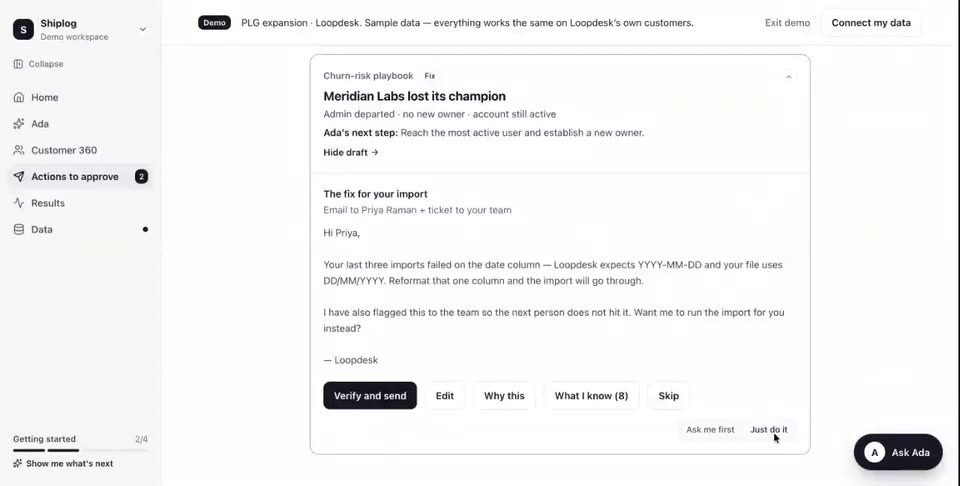 4:00–4:12Shiplog · AI for Customer Success: How Ada Automates Expansion, Retention & Churn PreventionA static view of the Shiplog workspace shows an approval card for a churn-risk fix with a drafted email and action buttons. Near the end a cursor drifts in, hovering the Just do it and Verify and send controls, then the sidebar.
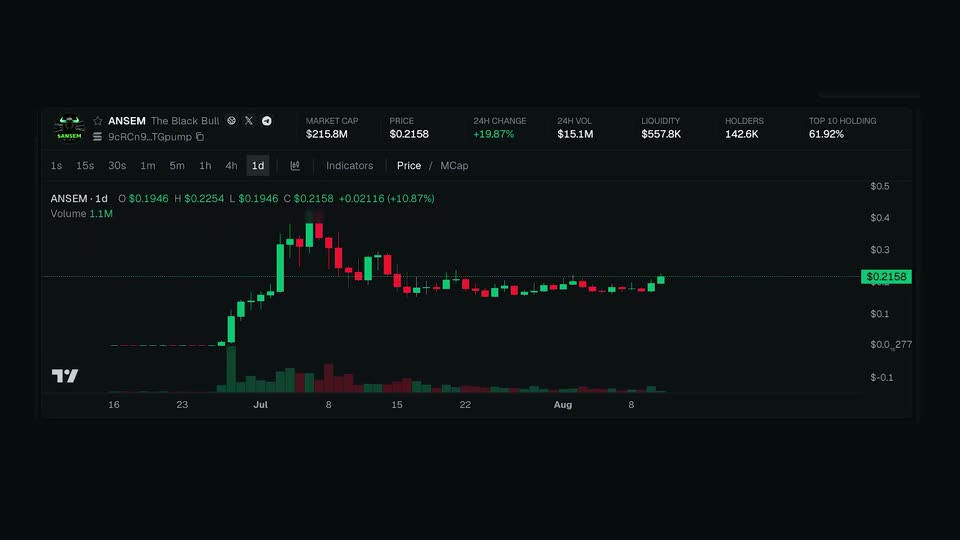 0:52–0:54Arbital · Arbital – Trade memes, stocks, and perps from one placeA dark ANSEM candlestick chart with a stats header fills the frame. A buy panel slides up over the lower half, showing a size field set to 10 USD, preset chips and a Buy ANSEM button, while a cursor rests near the button.
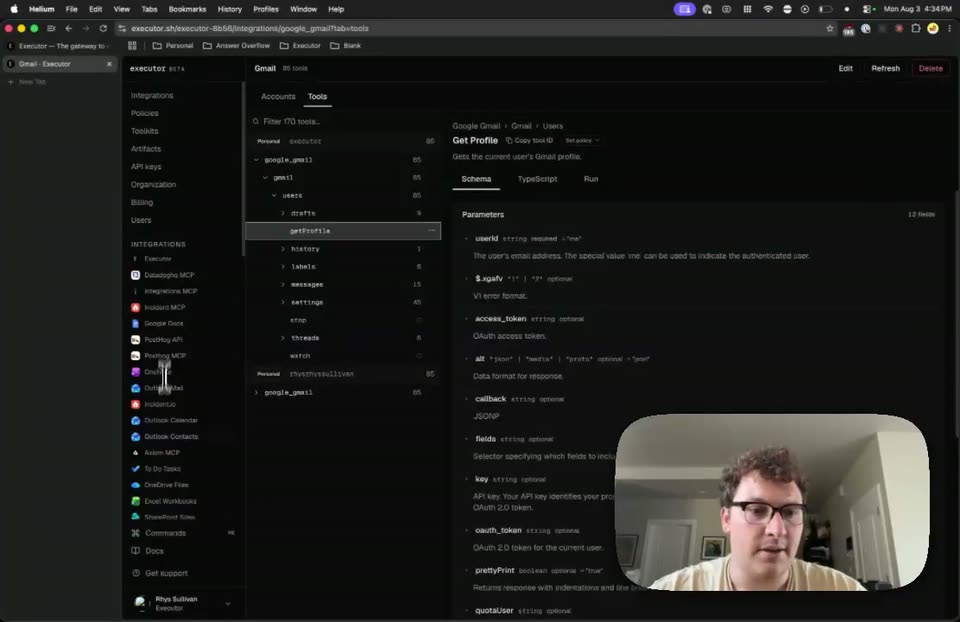 1:26–1:28Executor · Executor DemoA dark app window fills the frame, showing an integrations sidebar, a tools tree and a parameters panel. A mouse cursor drifts down the sidebar list. A small rounded webcam inset of a man in glasses sits in the lower right corner.
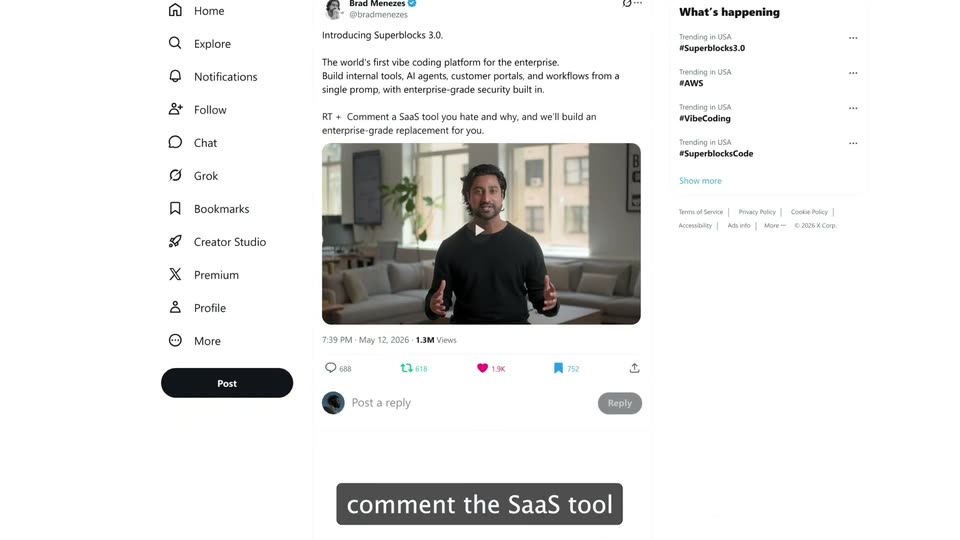 1:55–1:56Superblocks · Brad Menezes - Today we’re partnering with AWS to launch Superblocks 3.0: the secureA flat Twitter-style interface mockup with a left menu, a central video post, and a right trending list. A dark caption bar at the bottom types the voiceover line word by word, while a cursor hovers near the reply field as the layout settles into place.
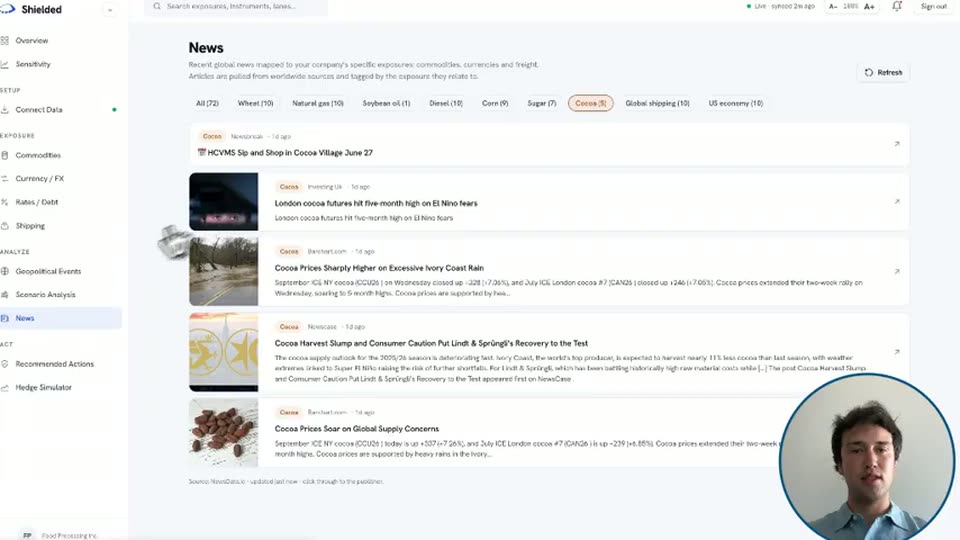 0:44–0:47Shielded · Shielded Live DemoA light-themed news dashboard fills the screen with a left sidebar and a list of cocoa-related articles. A cursor hovers over the Cocoa filter tag, then moves to the Geopolitical Events item in the sidebar, while a presenter talks in a circular inset at the bottom right.
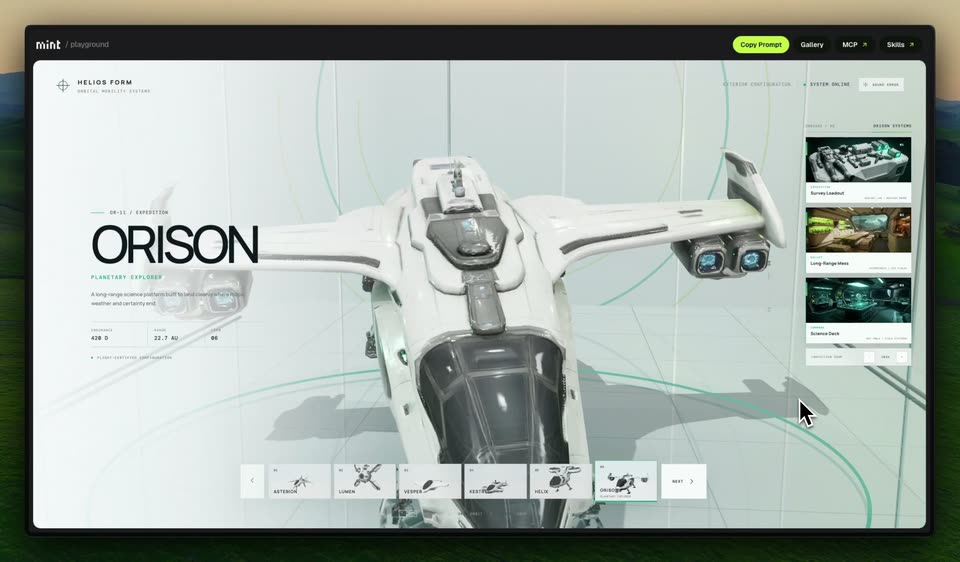 0:36–0:38Mint MCP · tamrat - Introducing Mint MCP - It turns your coding agent into a 3D engine!A browser window shows a white product page for a spacecraft. A 3D model of the ORISON lander orbits in the center while a cursor moves from the bottom thumbnail to the right panel. The headline and side panels stay locked.
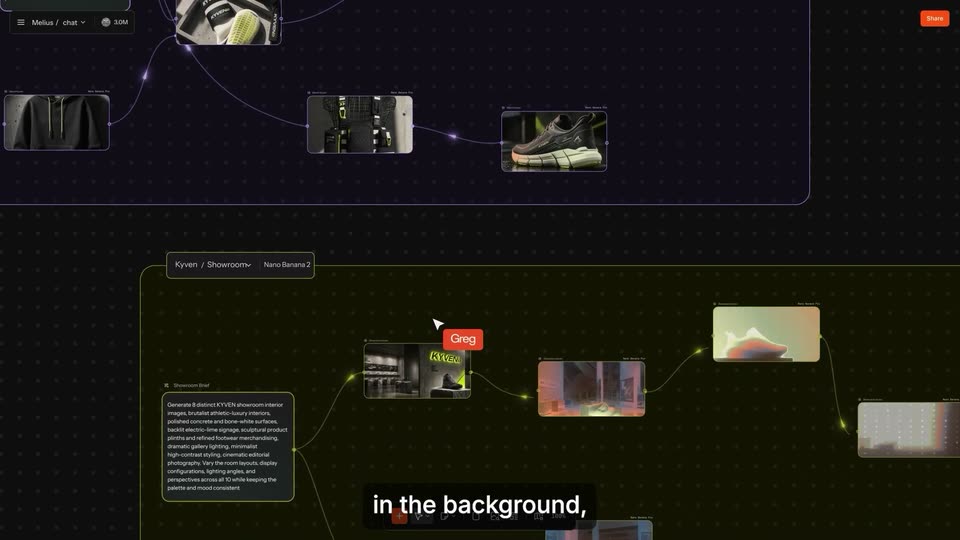 1:21–1:22Melius · joowon - If you’re a creative not using AI you’re fcked. Introducing Melius:A dark collaborative canvas shows two node-graph panels of sneaker and showroom image cards linked by glowing lines, while labeled cursors for Greg and Mel hover over cards. A white caption reads in the background, in a black pill at the bottom.
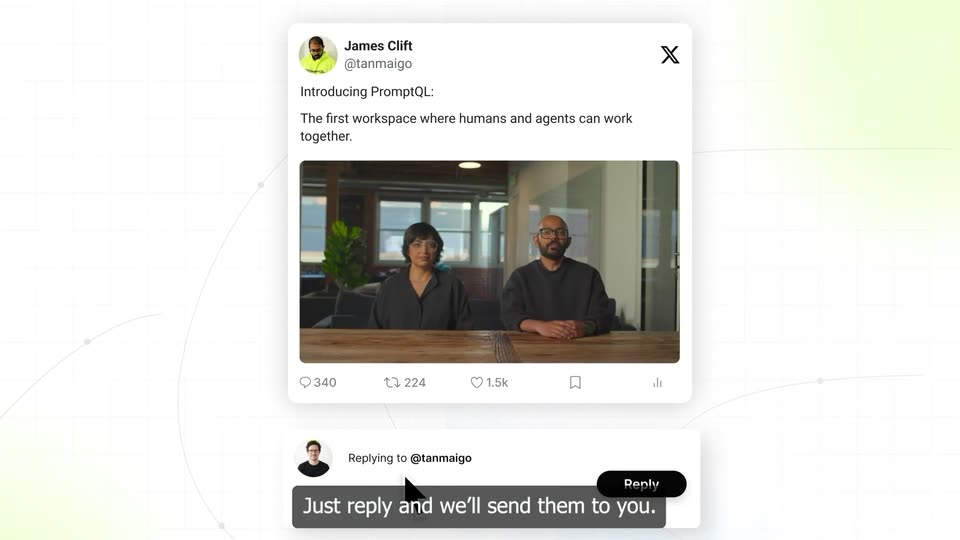 2:42–2:44PromptQL · Tanmai Gopal - We raised $136M to kill Slack. Introducing PromptQL: The first AI veA pale grid background holds a Twitter post card with an embedded video of two people at a desk. The clip fades in from white, then a cursor moves to the reply field as a dark tooltip appears: Just reply and we'll send them to you.
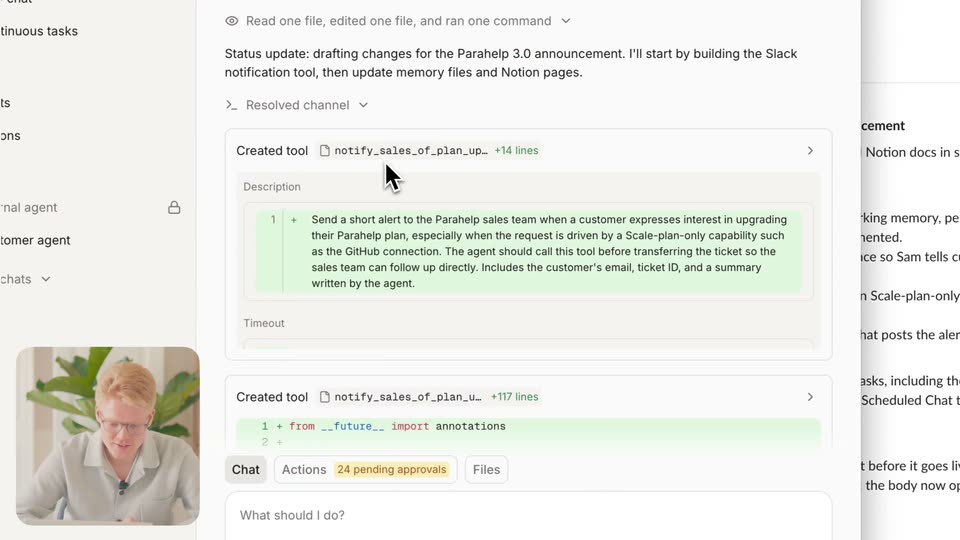 2:55–2:56Parahelp · Mads Lunau - Today, we’re launching Parahelp 3. With Parahelp 3, we’re doubling dA split screen pairs an agent dashboard of tool cards on the left with a Slack sales channel message on the right. A small live-action inset shows the presenter looking down. A cursor hovers over a created tool card while captions read the voiceover.
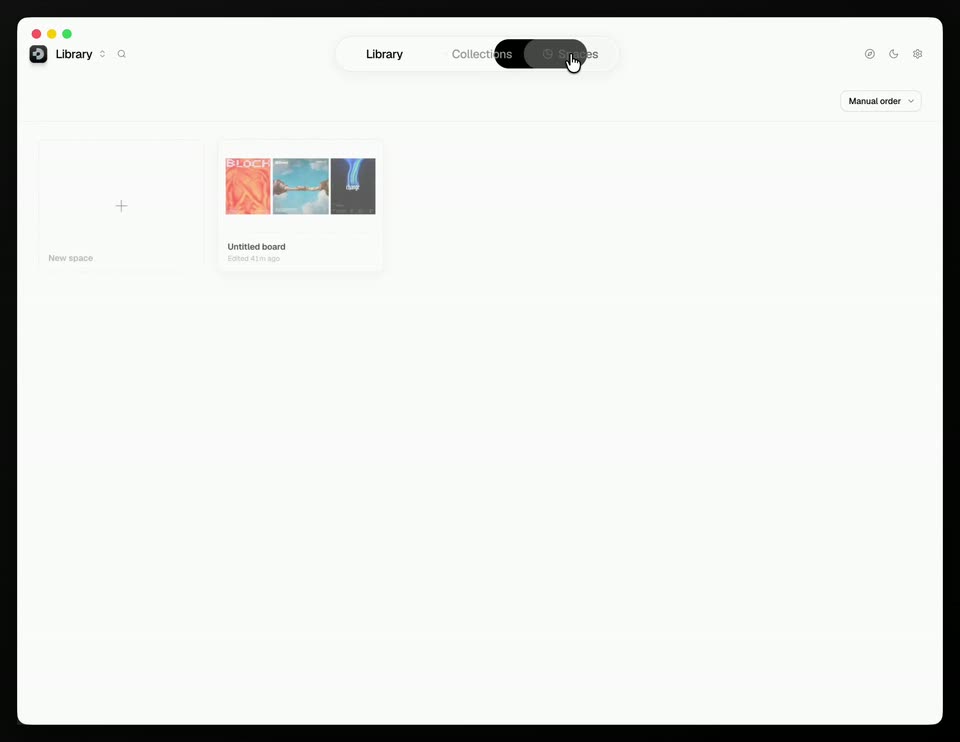 0:51–0:54GatherOS · Brett - Introducing GatherOS™ [beta]. The Mac app for design inspiration, buA light app window with a top tab bar reads Library, Collections, Spaces. A hand cursor taps each tab in turn, and the card grid below cross-fades between collection stacks and a board preview.
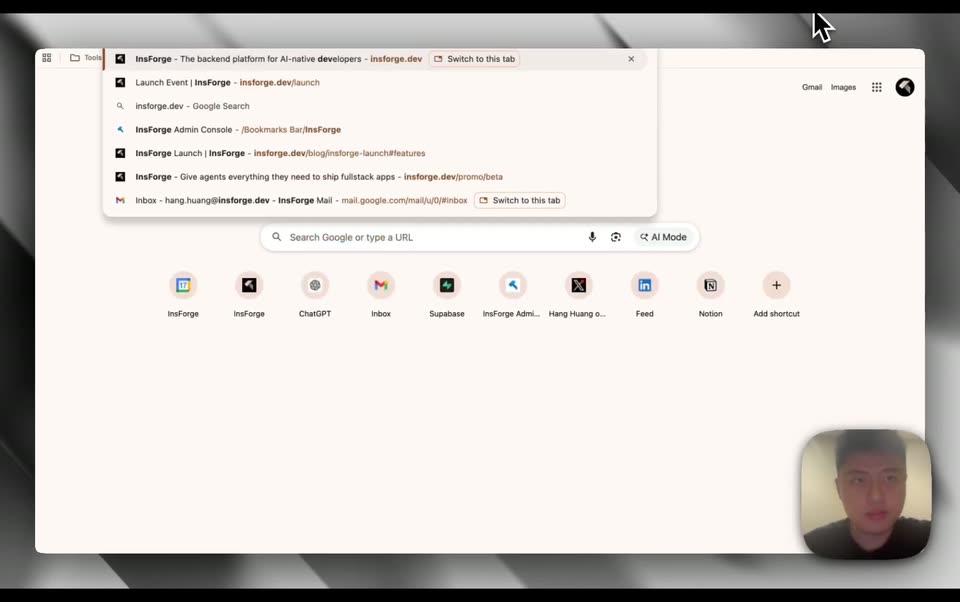 1:22–1:24InstaBox · InsForge YC Launch VideoA 3D-tilted browser window sits on a soft gray background. A tab-switcher dropdown lists several InsForge tabs, then closes as the cursor moves to the top-right, revealing the sepia Google new-tab page with a row of shortcut icons. A small corner webcam bubble of the presenter is present at first, then disappears.
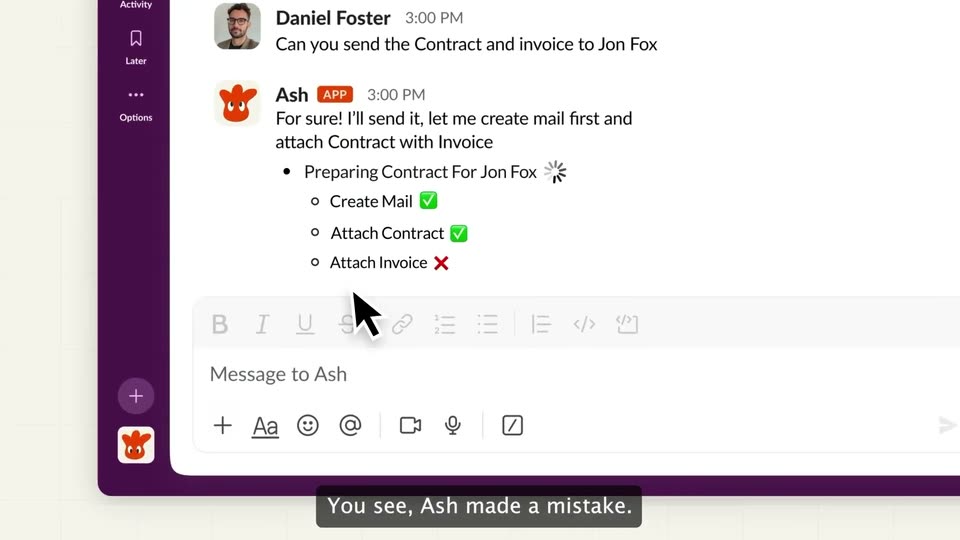 0:54–0:55Vellum · akash - We’ve raised 25M to build the world’s first Personal Intelligence. IA purple Slack window shows a chat where the Ash bot lists subtasks, the last one, Attach Invoice, marked with a red X as a cursor hovers. The view zooms in on the message area. A dark caption bar at the bottom reads the narrator's line.
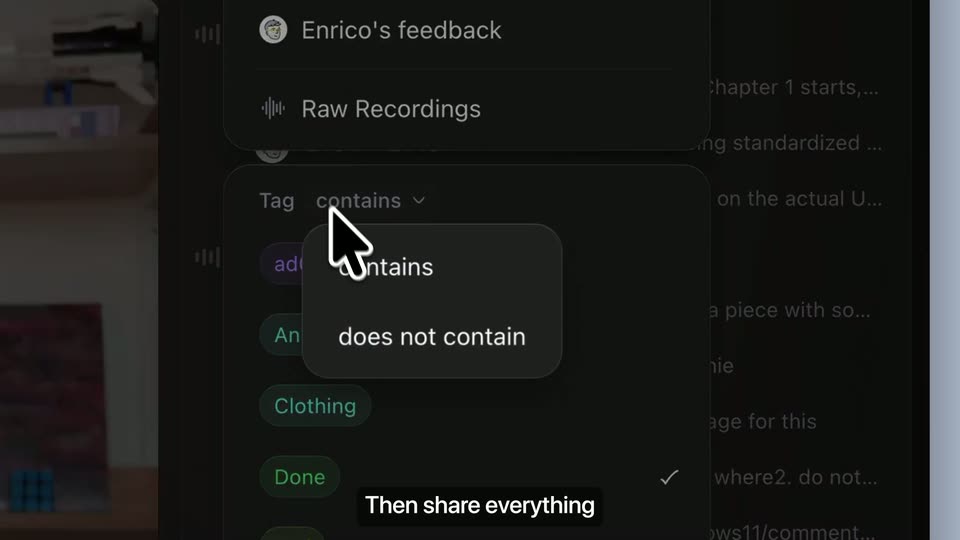 1:03–1:05Flask · Enrico Tartarotti - Introducing Flask. Give detailed feedback on videos and creative assA dark-mode app screen fills the frame over a blurred desk. A white cursor moves down a dropdown list, then opens a Tag filter menu and hovers “does not contain” as the view tightens on the menu.
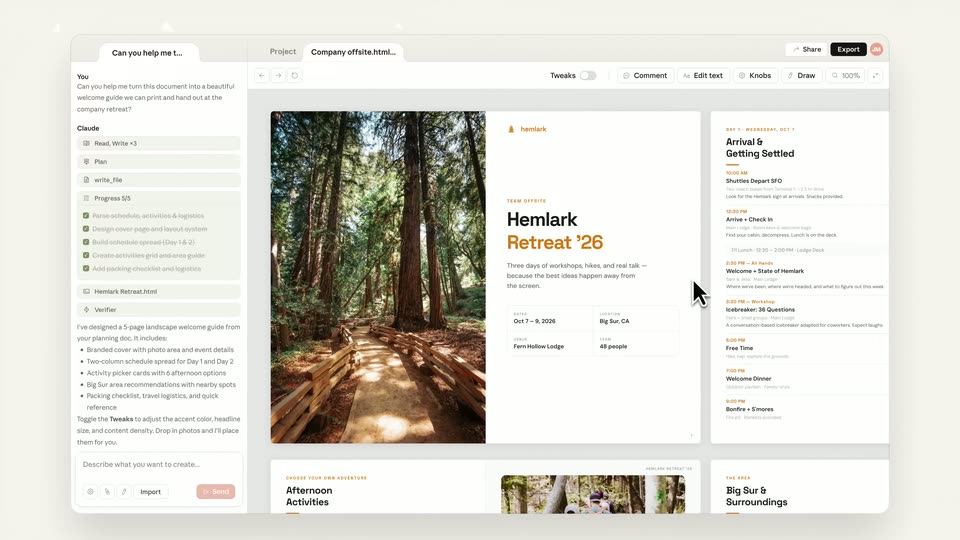 0:47–0:48Anthropic · Introducing Claude Design by Anthropic LabsA product screen shows a document editor: an AI chat panel on the left, a company offsite document with a forest cover photo in the center, and a schedule list on the right. The view eases in on the document as the cursor moves across the page.
 0:56–0:57Anthropic · Claude - Introducing Claude Design by Anthropic Labs: make prototypes, slides,A row of three white rounded buttons labeled Comment, Edit text, and Knobs sits on a cream background. A black hand cursor hovers over the Edit text button, which fills with salmon pink.
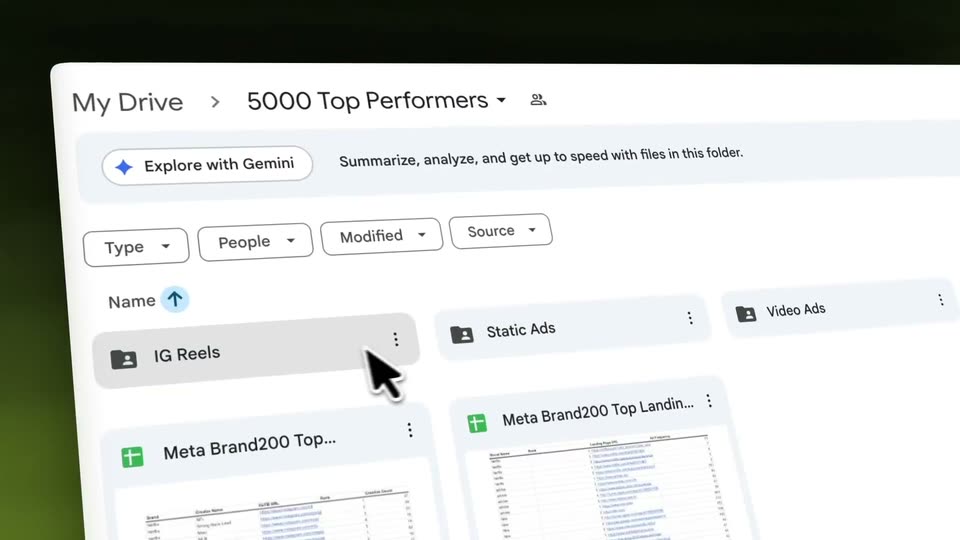 1:40–1:41General Context Labs · Sawyer Covington - This is what having a creative team of 100 could look like. IntroduciA tilted 3D Google Drive window sits on a green gradient. A cursor clicks the IG Reels folder, and the list swaps to a row of video ad thumbnails. A large caption reads today's launch.
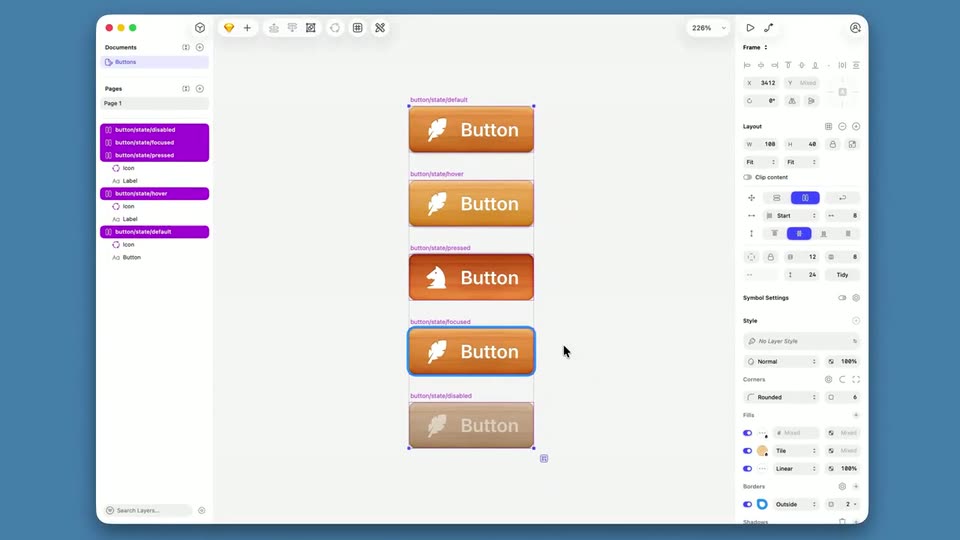 1:30–1:31Sketch · Sketch - 🆕 Things you’ve been asking us for 🆕 Selection colors, independent bA design tool window on a blue background lists orange button states in a column. The view zooms into the right properties panel, where a context menu is open and a cursor hovers over the Borders toggle.
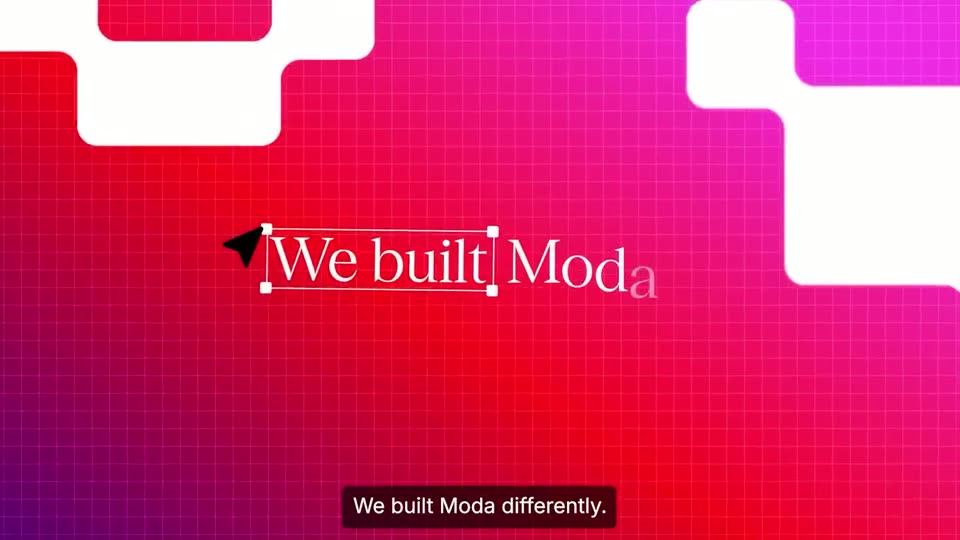 1:19–1:20Moda · Anvisha - We raised $7.5M to kill AI slop. Introducing Moda: the world's firstWhite rounded blocks drift across a red-to-magenta grid canvas as a selected text layer grows from “We built” to “We built Moda”, then a rotated box with “differently!” slides in, black cursors marking each line. A dark pill caption repeats the line at the bottom.
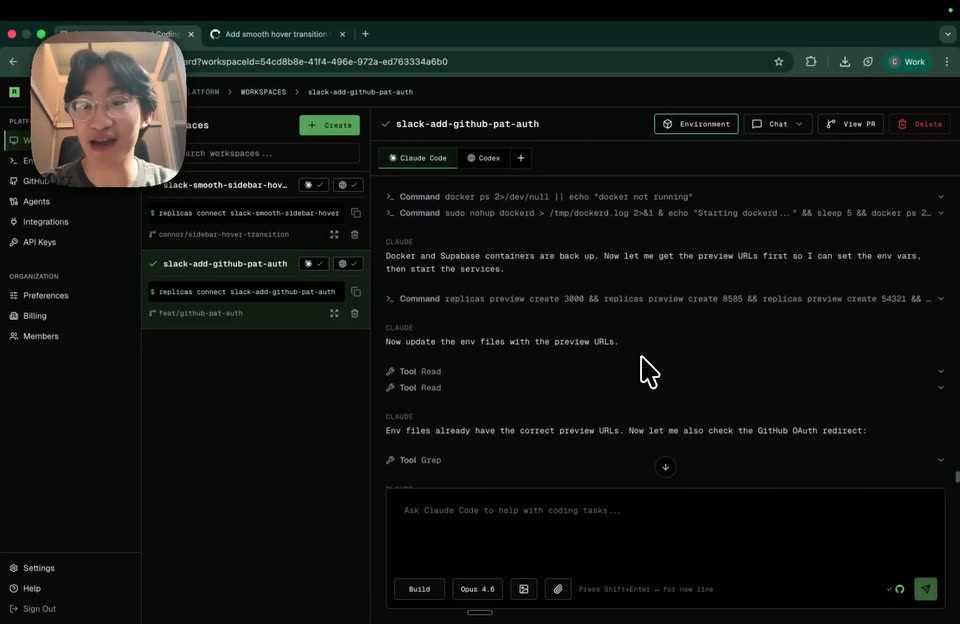 3:09–3:20Replicas · Replicas V1 DemoA dark developer interface fills the frame with a small webcam inset of a presenter in the top-left corner. The chat log scrolls upward as the cursor glides across it, then clicks the Environment button, opening a dropdown panel that lists preview URLs.
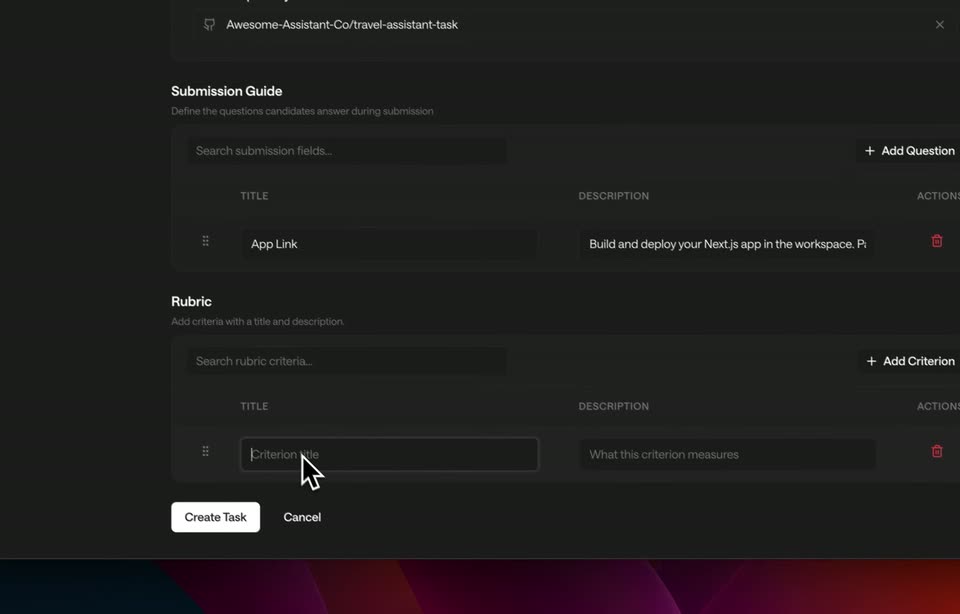 0:44–0:45Outship · OutshipA dark form panel scrolls up a touch as a cursor drops into the Rubric title field and types a criterion name, the Create Task and Cancel buttons resting at the bottom edge.
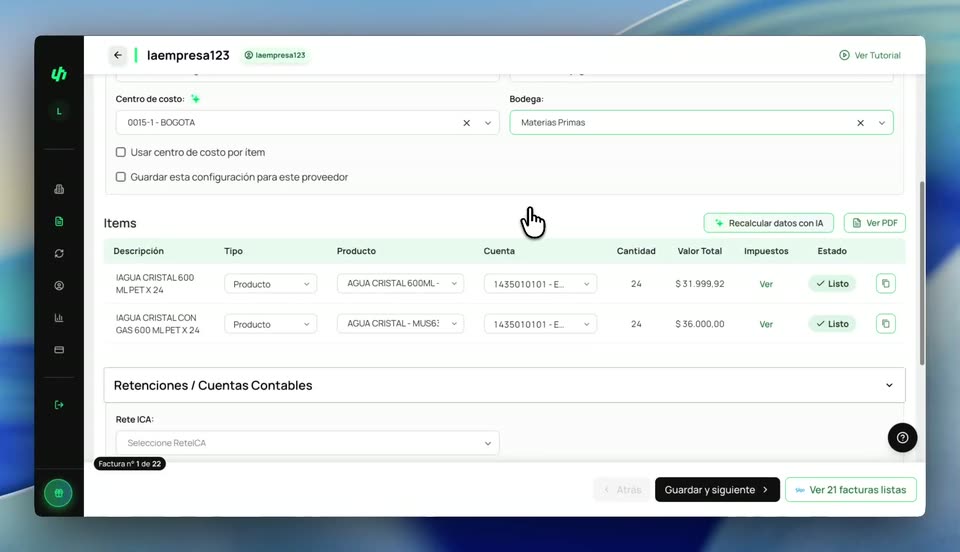 1:03–1:11Cifrato · Demo CifratoA flat invoice form fills the frame over a blue desktop. A cursor opens the Bodega dropdown, picks Materias Primas, and the product cells auto-fill. The view scrolls to the retenciones block, then the cursor hits Guardar y siguiente, swapping to the next invoice.
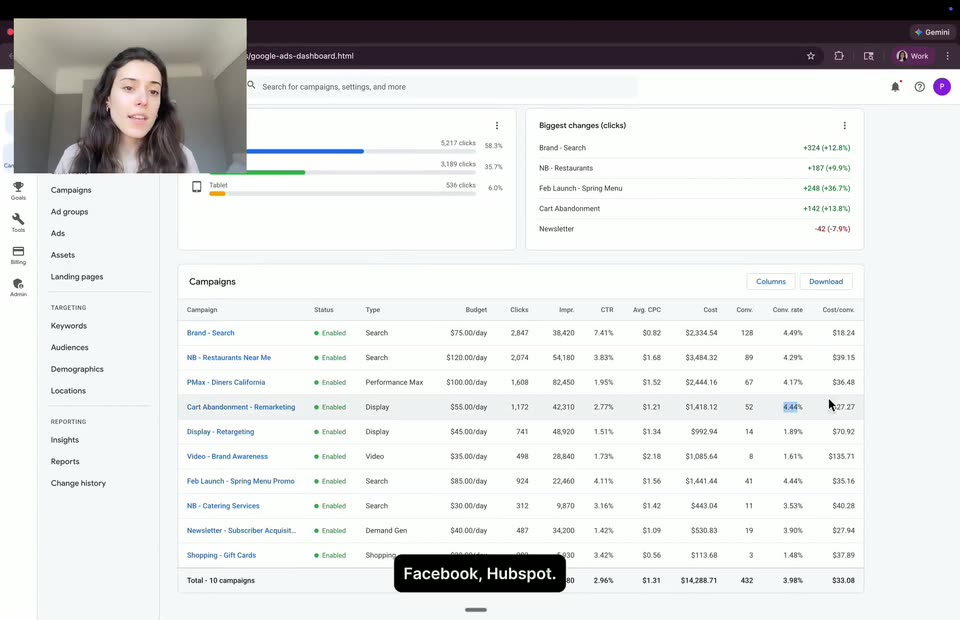 1:04–1:06Cofia · Introducing CofiaA presenter's webcam sits in the top-left corner over a Google Ads dashboard. The view zooms out to reveal the full campaigns table and side navigation, while a black caption reading 'Facebook, Hubspot.' holds at the bottom.
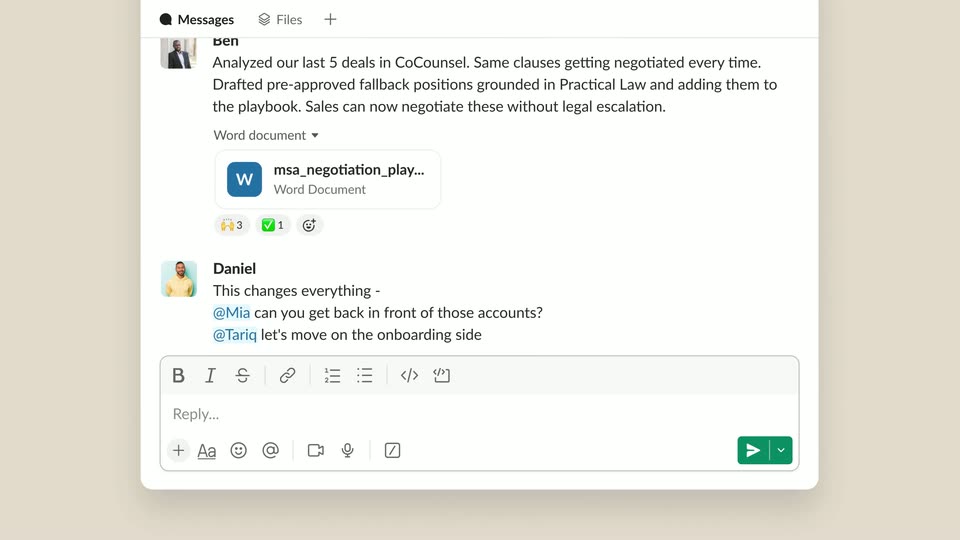 1:24–1:28Anthropic · Claude - Introducing Cowork and plugin updates that help enterprises customizeA Word document page is dragged into a chat composer as an Uploaded label flashes, then the view pulls back and the file posts into the thread as a card. Reactions pop in beneath it and the thread scrolls down to reveal new replies.
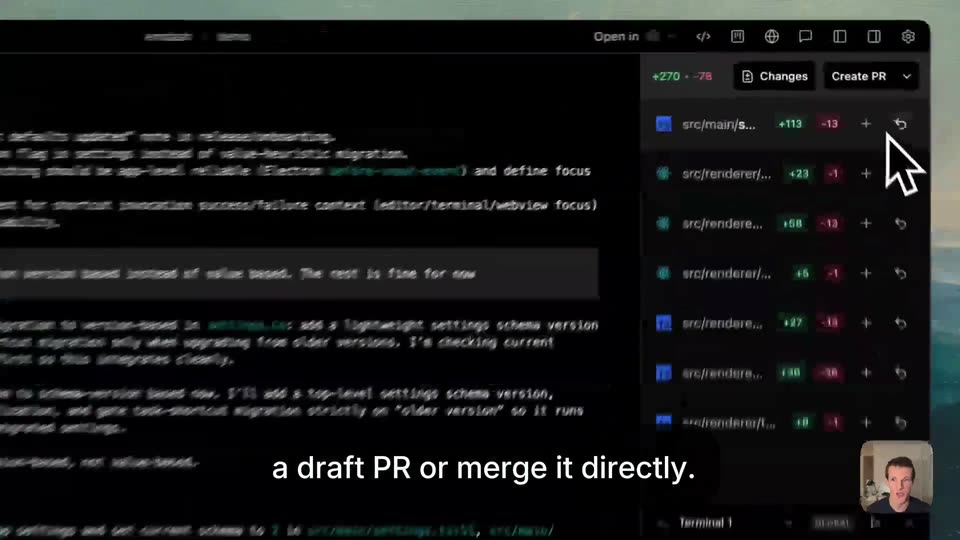 0:44 · 0.9sEmdash · Y Combinator - .@emdashsh is building an open-source Agentic Development EnvironmentA dark IDE fills the frame, a chat panel with review notes on the left and a file-diff list on the right. A hand cursor hovers near the Create PR button as the view zooms in, and a small webcam feed sits in the lower right.
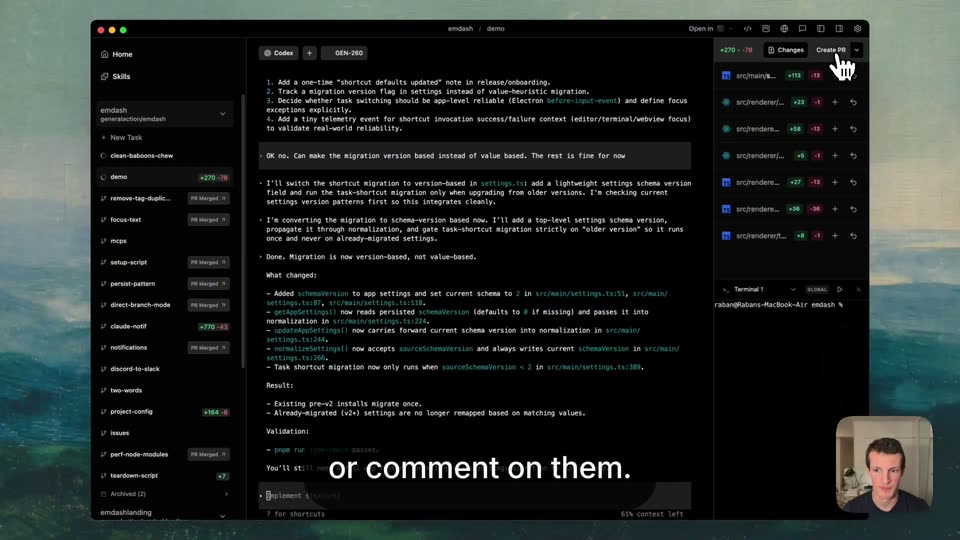 0:42 · 0.5sEmdash · Launch Emdash (YC W26)A dark code editor window fills the frame, showing a task list on the left, a chat thread in the center, and a file changes panel on the right. A cursor hovers over the Create PR button at the top right, and a small webcam of a man sits in the corner. A white caption rests at the bottom.
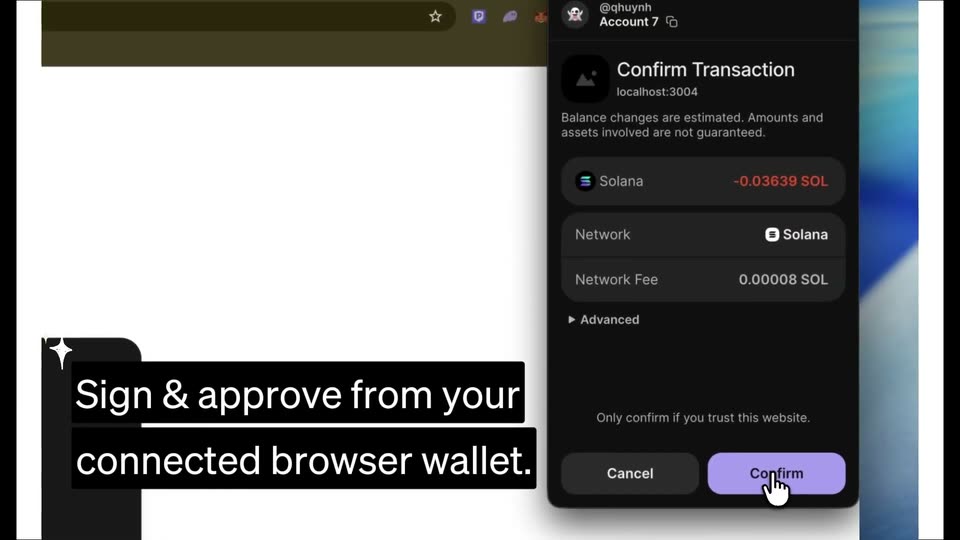 0:33–0:34Unifold · Unifold - Universal Deposit InfrastructureA browser window shows a white page left and a dark wallet confirmation panel right, the panel sliding into sharp focus as a hand cursor hovers the Confirm button. A black caption box in the lower left carries the sign-off line.
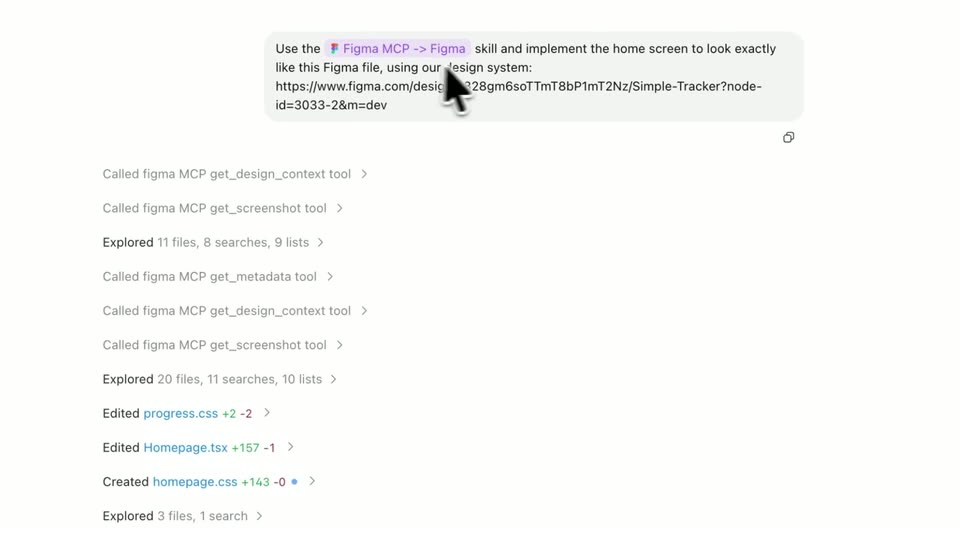 2:47–2:54OpenAI · Introducing the Codex appA coding assistant UI shows a project sidebar and a chat log of tool calls. The view blurs and zooms into the chat panel; a cursor hovers over the Figma prompt and link, then a row of app icons slides up from the bottom.
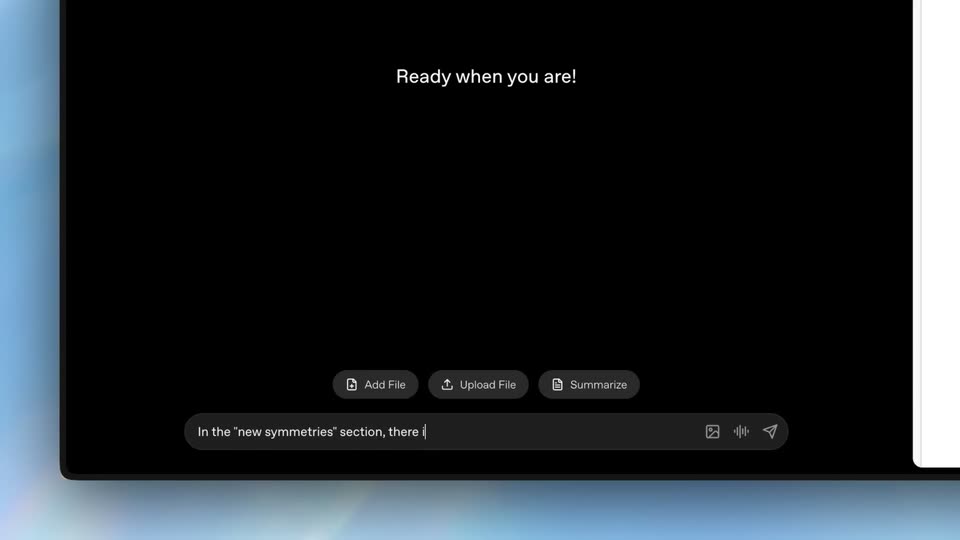 1:36–1:37OpenAI · Introducing Prism, a free workspace for scientists to write and collaborate on researchA black product screen holds a centered greeting above three action buttons. A prompt field at the bottom fills in as a cursor types a sentence, the frame locked off throughout.
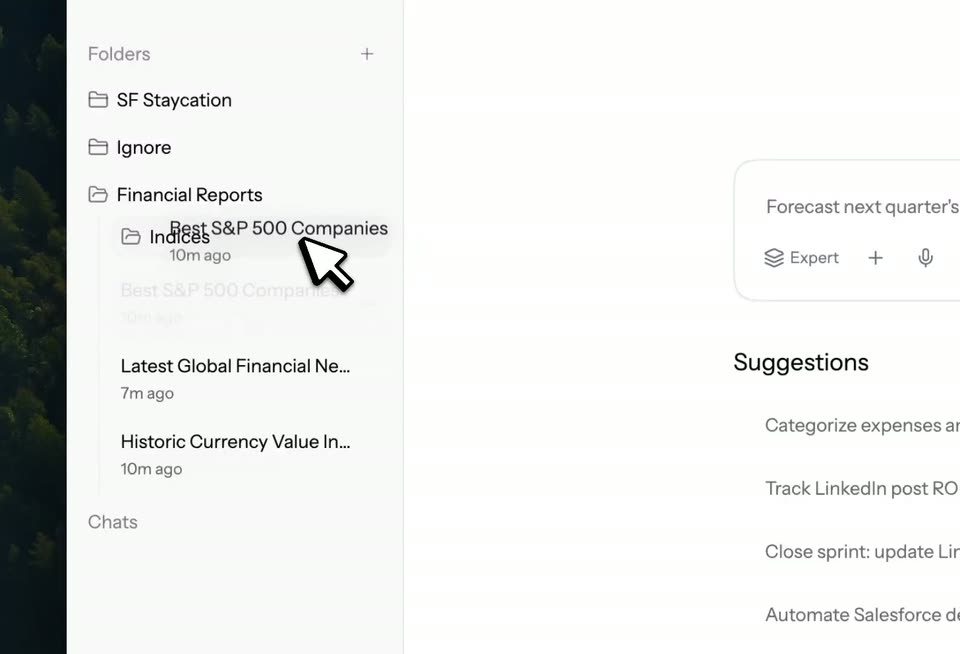 0:15–0:16Doe · doe - We're announcing folders for chat sessions and files!A light file sidebar lists folders; a cursor glides to the Indices row and clicks it, the row expands to show a sub-item and a count appears, while a right-hand panel with a prompt box and suggestions stays still.
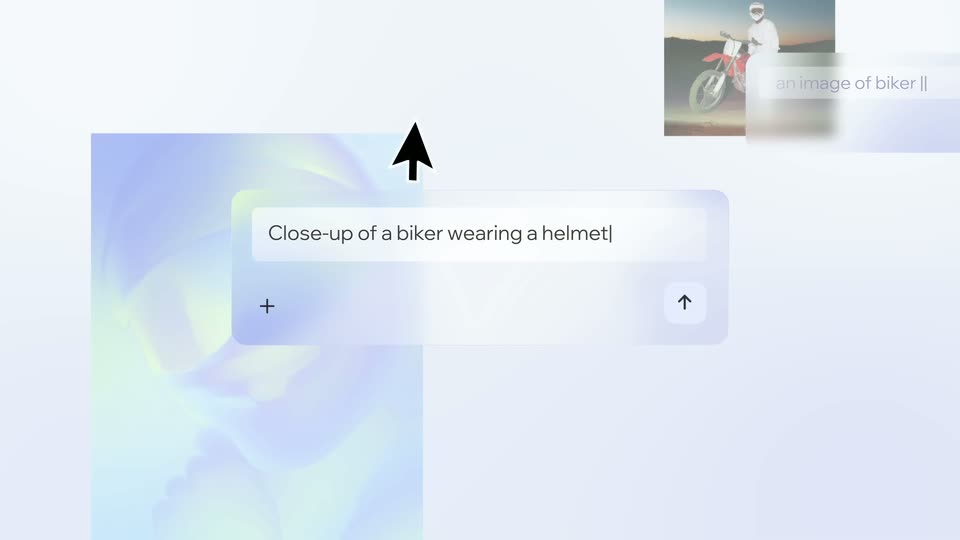 0:44–0:45Wix Harmony · Wix Harmony: The new way to createA light interface shows a prompt field typing out a sentence as a black cursor arrow glides upward. A blurred blue-green image panel expands on the left and a small photo of a biker on a red motorcycle fades in at the top right.
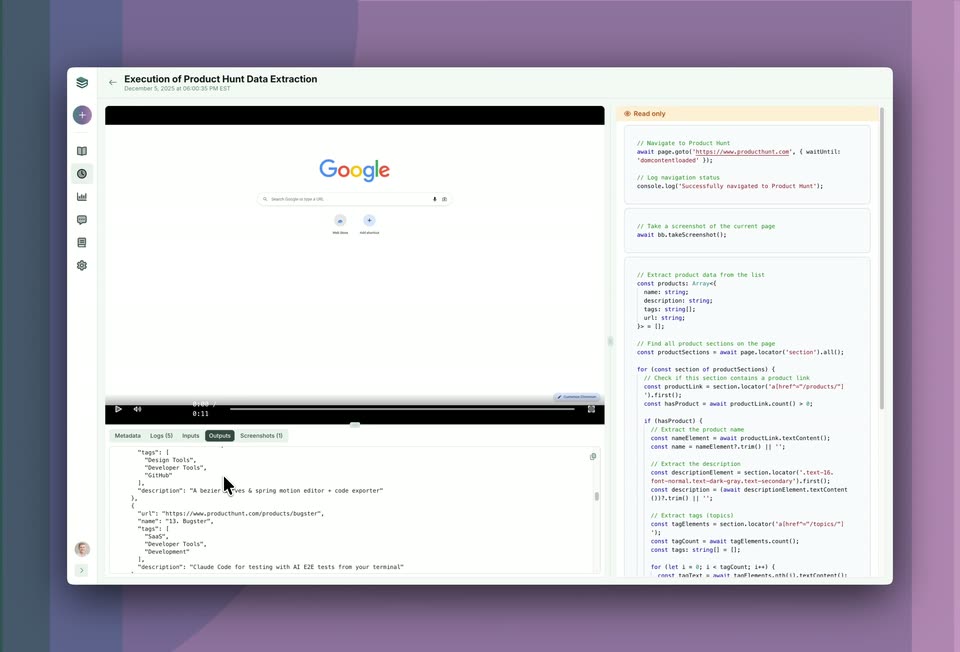 3:17–3:29Kilvin · BrowserBook YC DemoAn automation dashboard window sits on a purple gradient, with a Google page in a video player and a code panel on the right. A cursor glides over the video, then clicks the Logs, Outputs and Screenshots tabs in turn, each swapping in a panel of log lines, JSON data or a screenshot thumbnail.
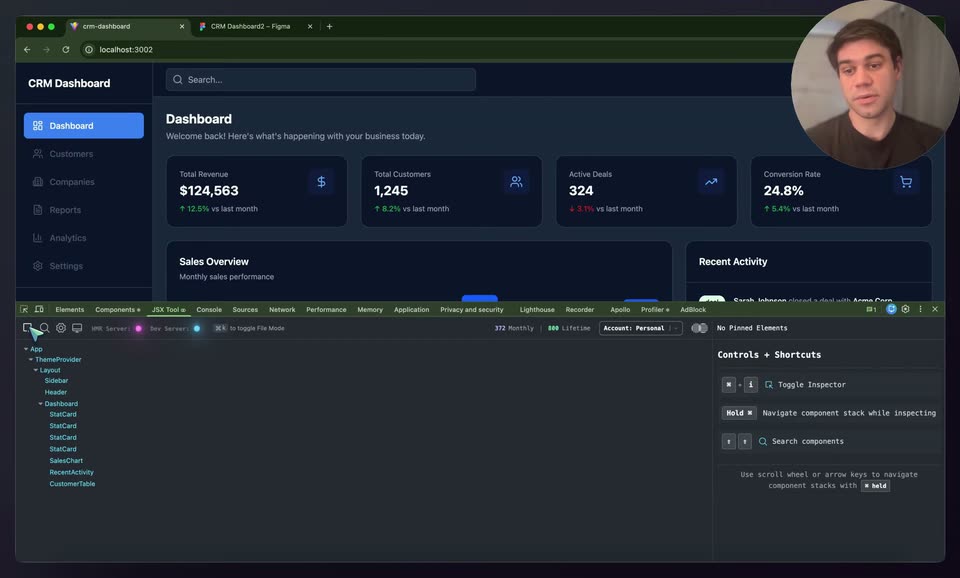 1:08–1:11Coasts · JSX Tool DemoA screen capture of a dark CRM dashboard with DevTools open below, a circular webcam of a man in the top right. The cursor moves into the DevTools toolbar, a tooltip pops up, and the Header row lights up in cyan.
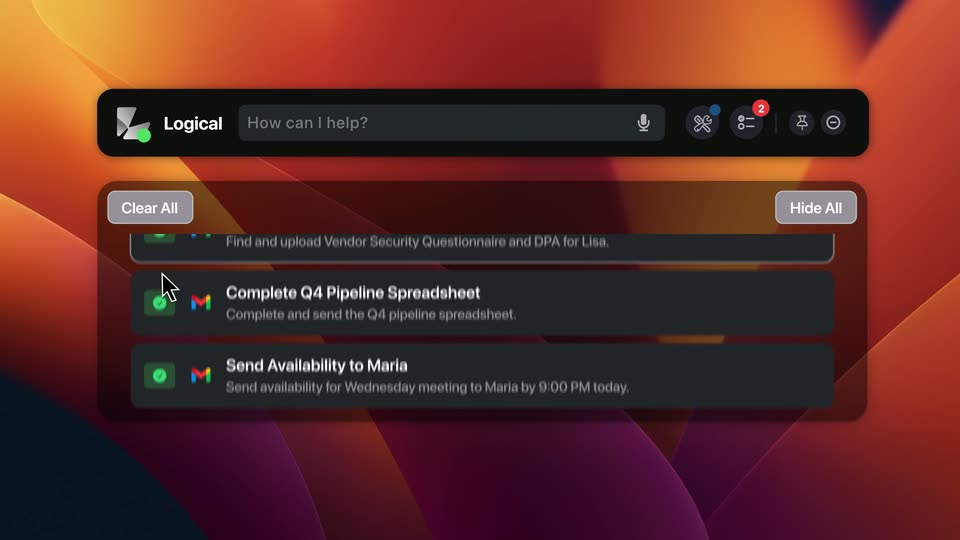 1:20–1:22Logical · Logical | The Proactive Desktop CopilotA dark command bar and task list float over a flowing orange and purple abstract background. A cursor clicks the first task's green check, the mark doubles, the completed row slides to the bottom, and the panel shrinks to one row.
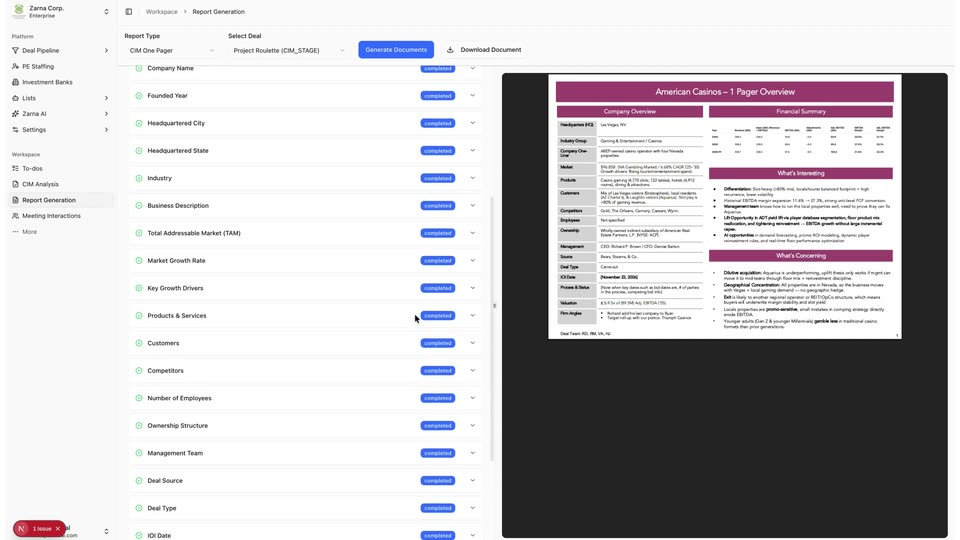 2:31–2:39Zarna · Demo Video - ZarnaOn a report-generation screen, the right panel holds a static one-pager document while the left column of field rows scrolls down. The cursor follows, and the Management Team row expands to reveal its query and source citation.
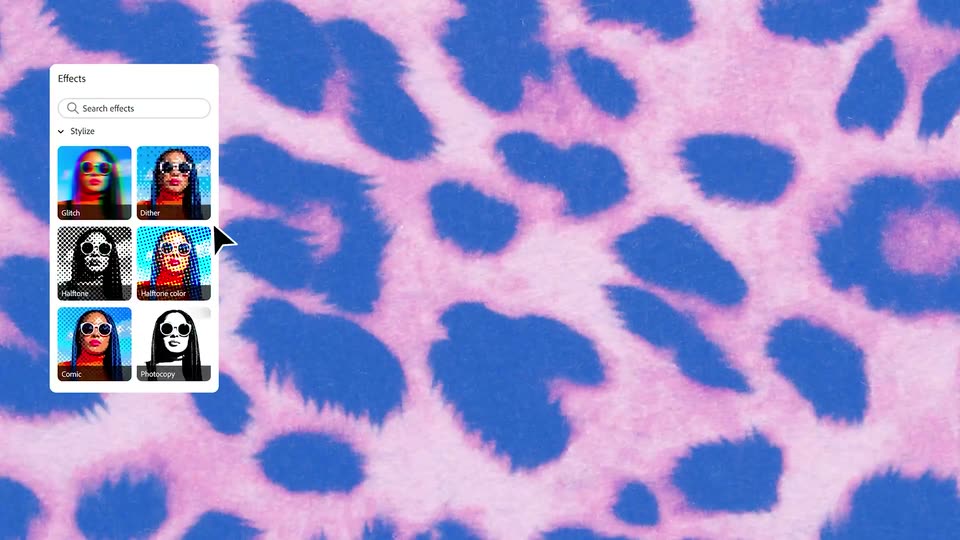 0:36–0:37Topaz Labs · Topaz Labs - @Adobe + Topaz Labs 🤝🙌 Just announced—you can now access select TopazA pink and blue leopard-print texture fills the frame while a white Effects panel with a grid of stylized face thumbnails sits on the left. The panel settles into place at the start, and a cursor hovers in the center of the pattern.
 1:10–1:11CapCut · CapCut - Your all-in-one e-comm toolkit is here. Meet the new CapCut Desktop!A black rounded button labeled Generate slides in from the right edge onto a white card. A blue-green gradient arrow cursor glides from the button's center to its lower-right corner, poised to click.
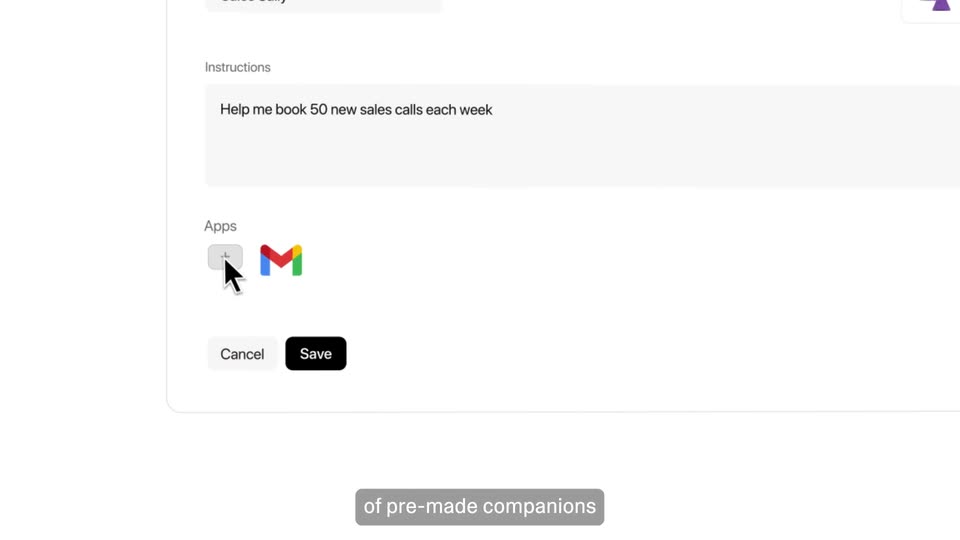 1:03–1:11Strawberry · Charles Maddock - We've raised $6M from General Catalyst, EQT Ventures, and founders ofA flat Create Companion form fills the screen. A cursor types a name and a sales instruction, then clicks to add Gmail, Notion and Zapier icons. The view zooms into the Apps row. Gray caption pills at the bottom read the line, and the scene crossfades out.
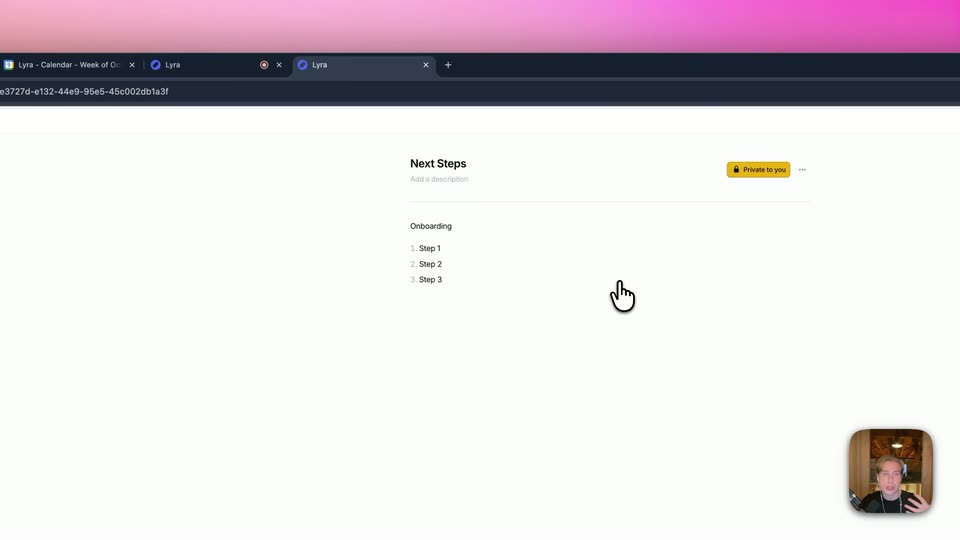 1:09–1:14IRBC · Lyra, The Final Meeting Platform.A browser window shows the Lyra app's Overview page with a left sidebar and meeting notes, then transitions to a Next Steps page with an onboarding checklist. A hand cursor moves across the screen while a small presenter video sits in the corner.
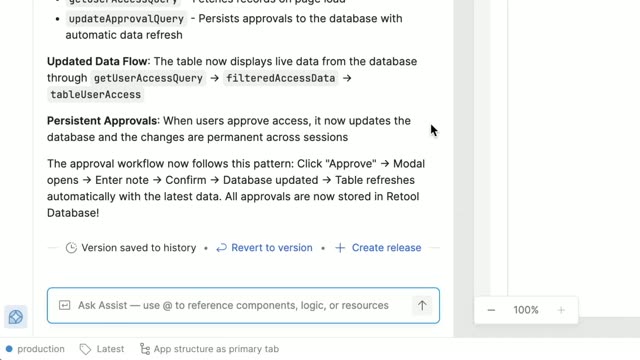 2:37–2:43Retool · Introducing Enterprise AppGen: AI-Assisted Development from RetoolA split view of an AI assistant panel beside a review app. A cursor clicks the history icon, a dropdown of saved versions opens, and the cursor hovers each entry, then the view reframes to the panel footer where the cursor rests on 'Revert to version.'
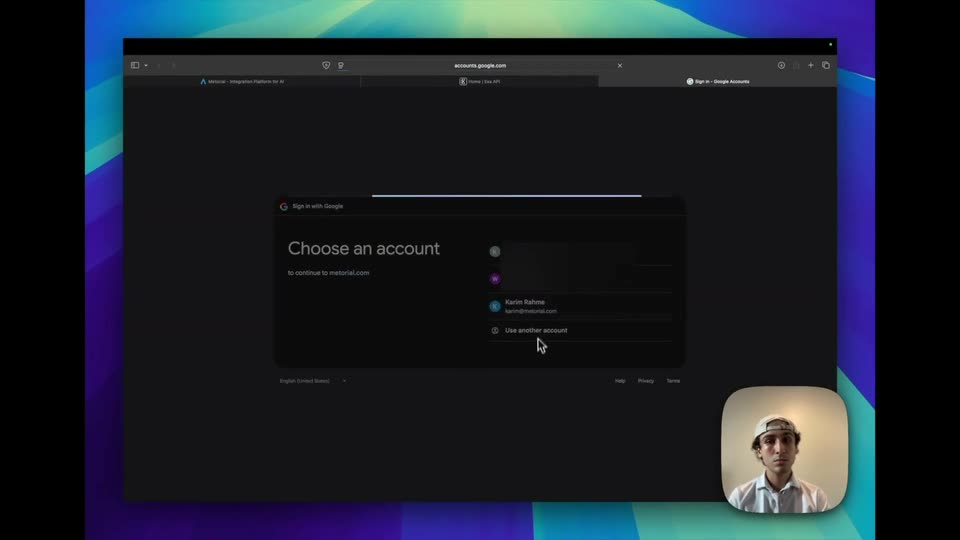 1:17–1:19Metorial · Introducing Metorial - YC F25A dark browser window fills the frame over a colorful abstract desktop. A Google sign-in card reads Choose an account. A cursor glides up and hovers the Use another account row. A small rounded webcam feed of a man in a cap sits in the lower right corner.
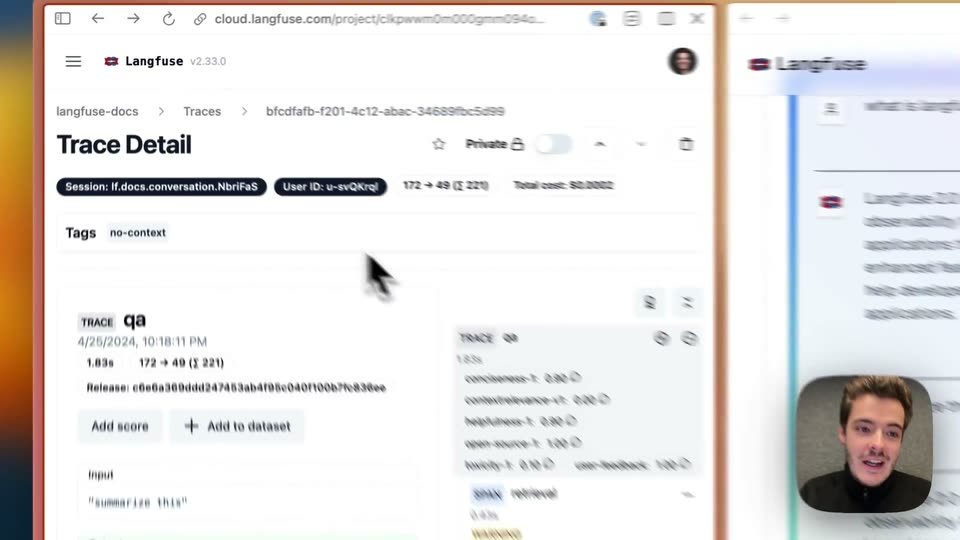 1:48–1:50Langfuse · Introducing Langfuse 2.0Two browser windows sit side by side over a gradient background, a circular webcam of a presenter in the corner. A cursor hovers over a session tag, then the view zooms into the left Trace Detail window until it fills the frame.
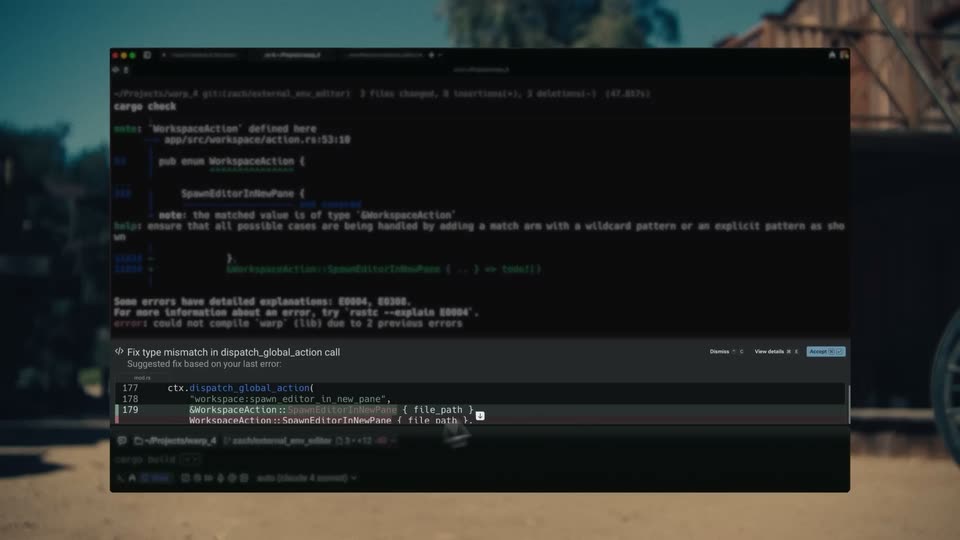 2:07–2:11Warp · Introducing Warp Code | The fastest way from prompt to productionA dark code editor window sits over a blurred outdoor backdrop. A diff panel rises from the bottom offering a one-line fix, and the cursor moves to the highlighted Accept button and clicks it, marking the corrected line green.
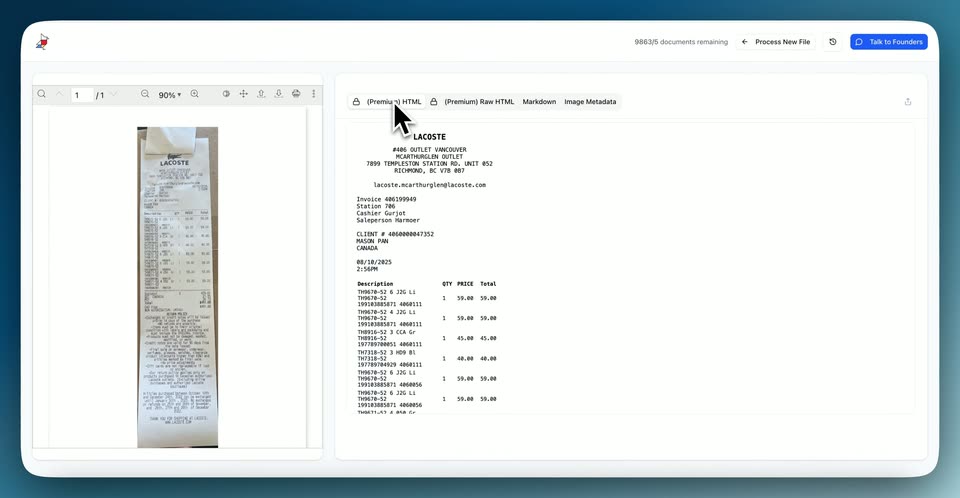 0:51–0:52Cardinal · cardinal demoA flat application window shows a scanned LACOSTE receipt in the left pane and its extracted text in the right pane. A cursor hovers over the Premium HTML tab while the top bar displays the document count and action buttons.
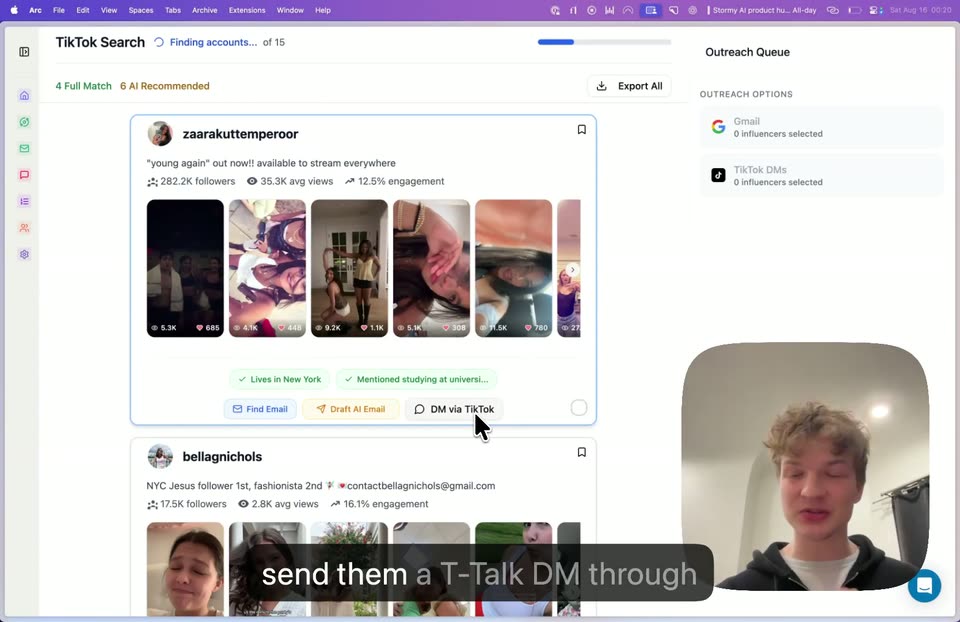 2:00–2:06Stormy · Stormy AI launch videoA screen recording of a TikTok Search interface lists influencer profiles with stats and video thumbnails. A cursor glides over the Find Email, Draft AI Email and DM buttons. A small webcam of the presenter occupies the bottom-right corner, and white subtitles run along the bottom.
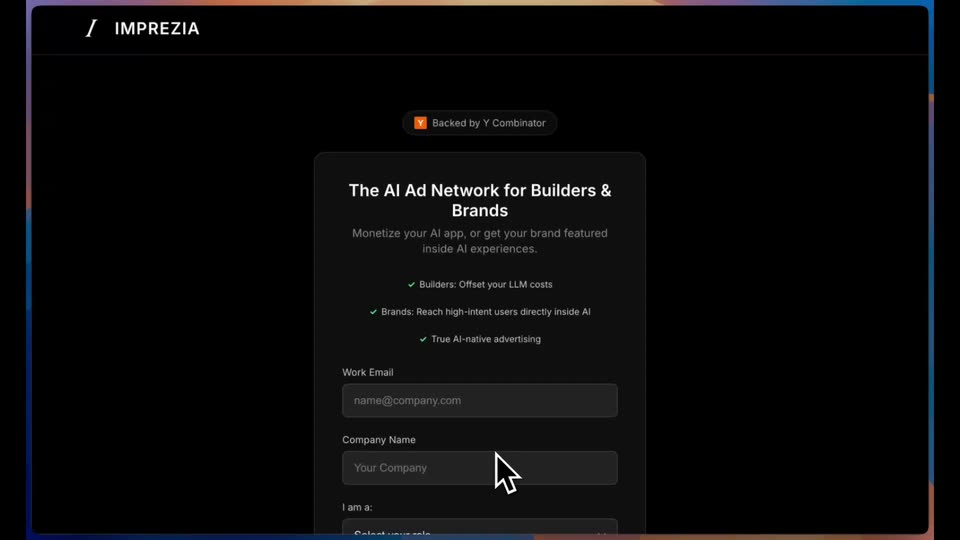 1:33–1:34Imprezia · Imprezia Launch VideoA dark web interface brightens from a dimmed state, revealing a centered sign-up card with a headline, three checkmark points and email fields. A white cursor rests over the company name input.