Cursor demo
A visible cursor operates the interface.
14,925 scenes · page 231 of 249
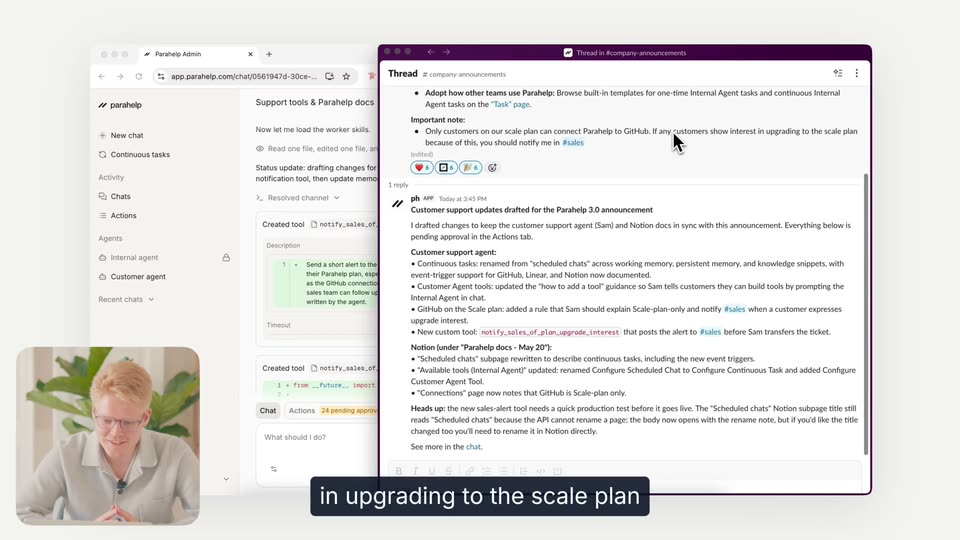 2:44–2:55Parahelp · Mads Lunau - Today, we’re launching Parahelp 3. With Parahelp 3, we’re doubling dThe Parahelp admin screen sits behind a Notion thread panel on the right, where a cursor hovers over the #sales mention in the announcement note. A small talking-head video plays in the bottom-left corner and white subtitles roll across the bottom. The view zooms into the thread at the end.
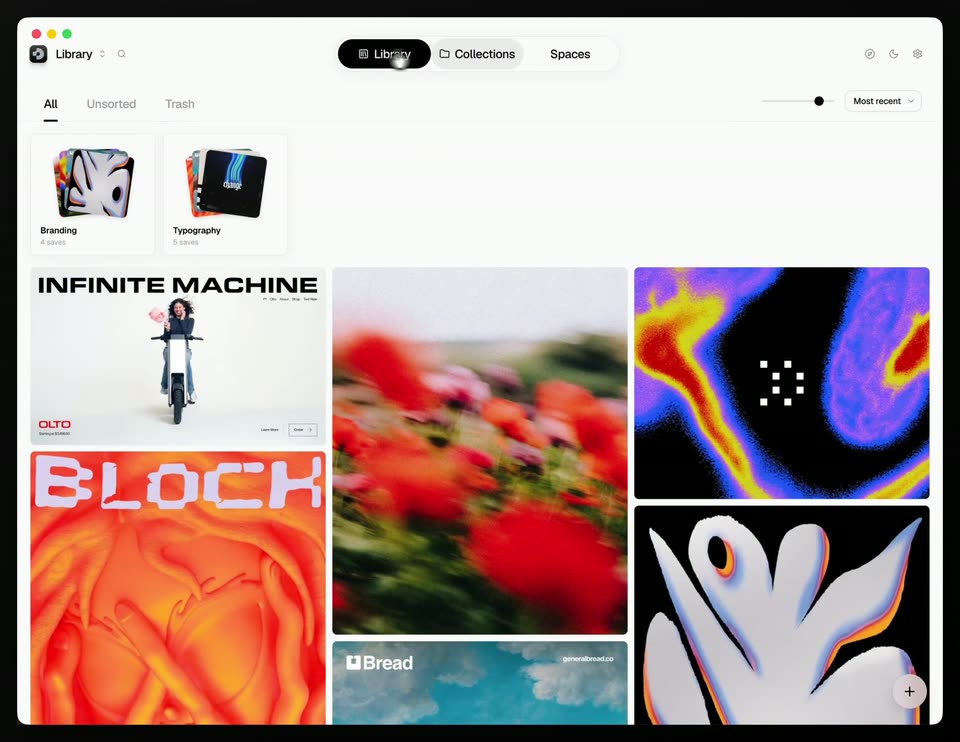 0:50–0:51GatherOS · Brett - Introducing GatherOS™ [beta]. The Mac app for design inspiration, buA flat library interface fills the frame, showing a grid of colorful saved cards under a top navigation bar. A cursor drifts from the top-left corner toward the Collections tab. The screen stays locked-off, with the card thumbnails static throughout.
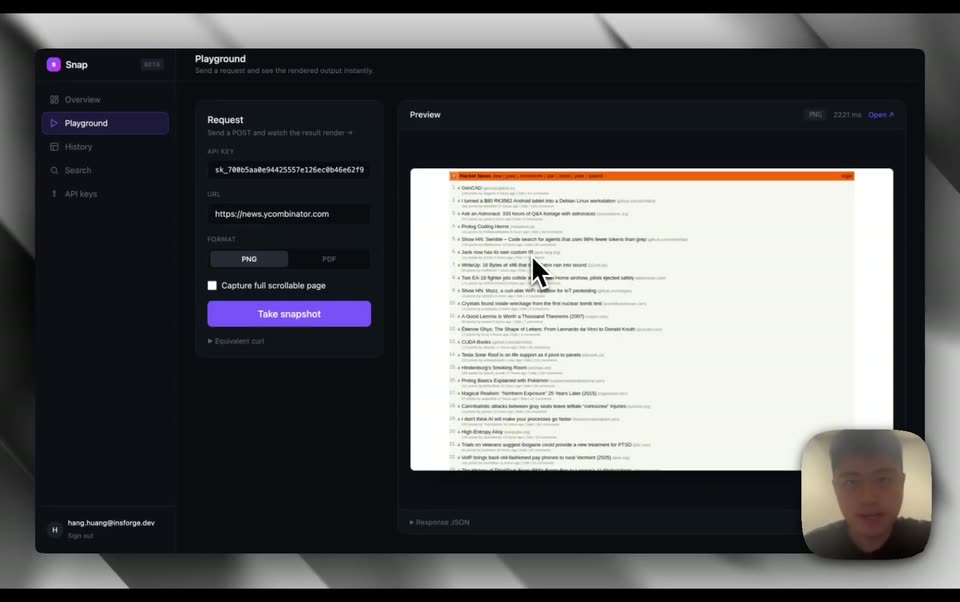 1:19–1:22InstaBox · InsForge YC Launch VideoA dark product interface fills the frame: a request form left, a rendered Hacker News preview right, and a rounded webcam of a man in a cap in the corner. A white cursor drifts from the URL field toward the top right. Locked-off camera.
 0:51–0:52Vellum · akash - We’ve raised 25M to build the world’s first Personal Intelligence. IA document viewer with a Back button and a purple Send button floats over a mountain lake landscape. A cursor presses Send, then a large purple rounded panel scales in to cover the screen. A subtitle runs along the bottom.
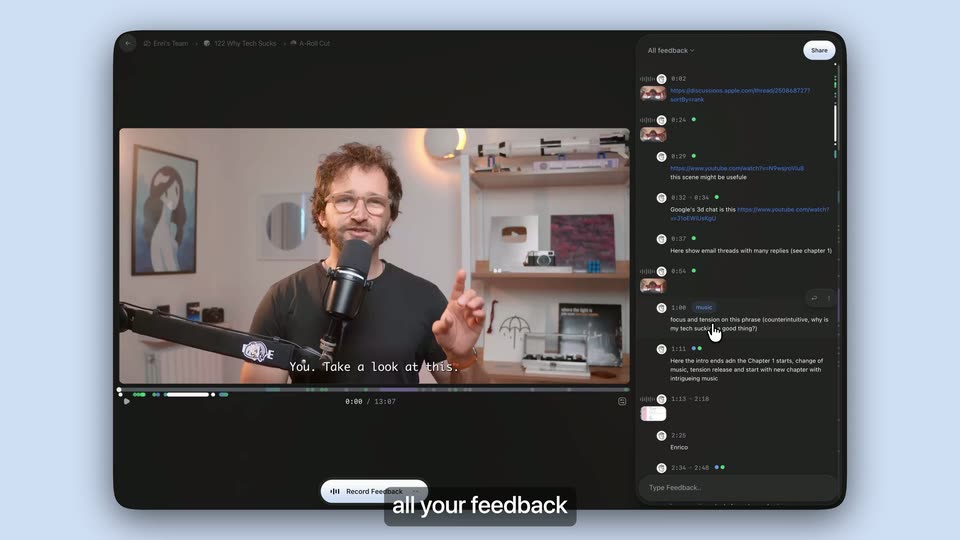 1:00–1:01Flask · Enrico Tartarotti - Introducing Flask. Give detailed feedback on videos and creative assA tilted 3D tablet on a pale blue background shows a video editor with a talking-head clip on the left and a feedback list on the right that scrolls up while a cursor hovers a comment. A white caption phrase updates at the bottom.
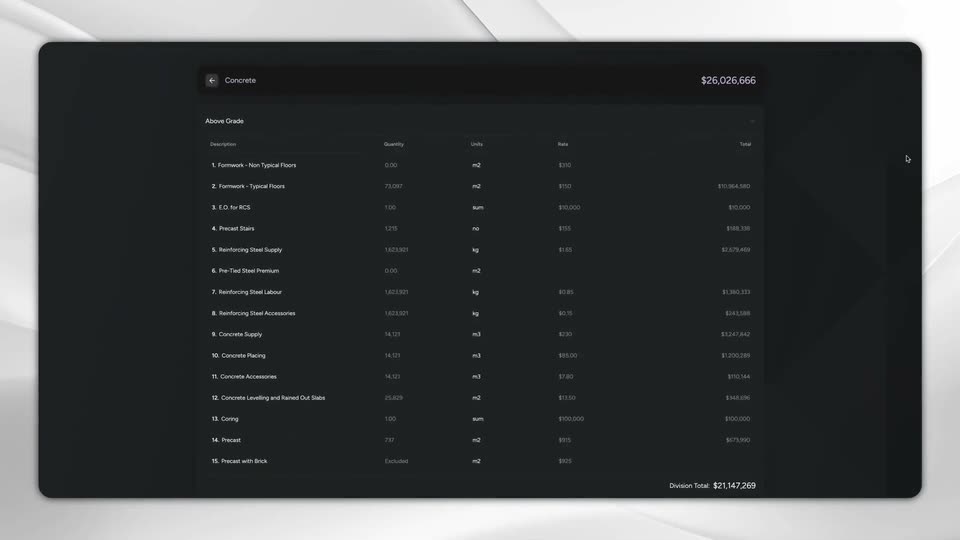 3:25–3:41PLAN0 AI · PLAN0 Demo VideoA dark cost table titled Concrete dissolves in over a light angular background. The cursor clicks a rate cell and the view zooms in; the value is retyped from 305 to 310, then the view zooms back to the full list. The panel dissolves out.
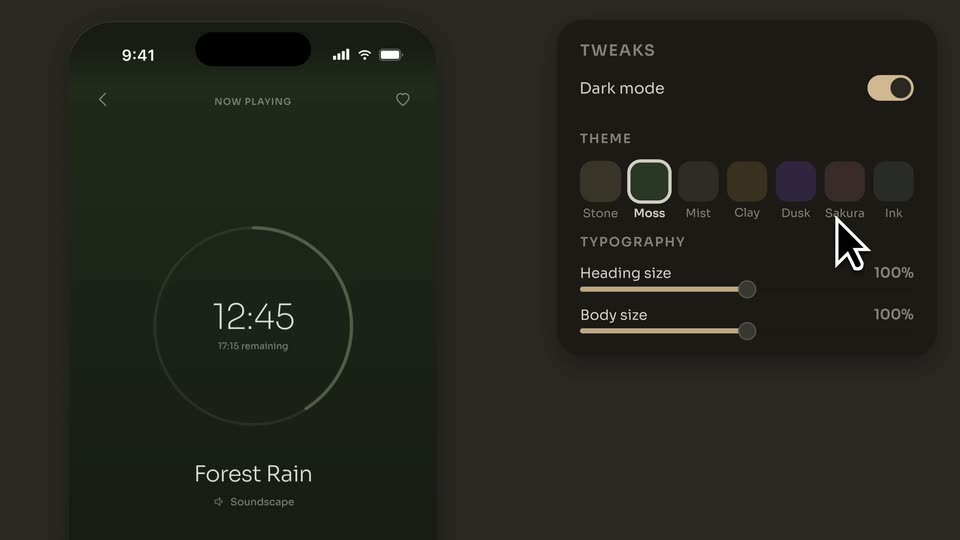 0:44–0:45Anthropic · Introducing Claude Design by Anthropic LabsA phone screen showing a sleep soundscape sits beside a settings panel. A hand cursor taps the Dark mode toggle, then the pointer slides down to hover over the Sakura theme swatch.
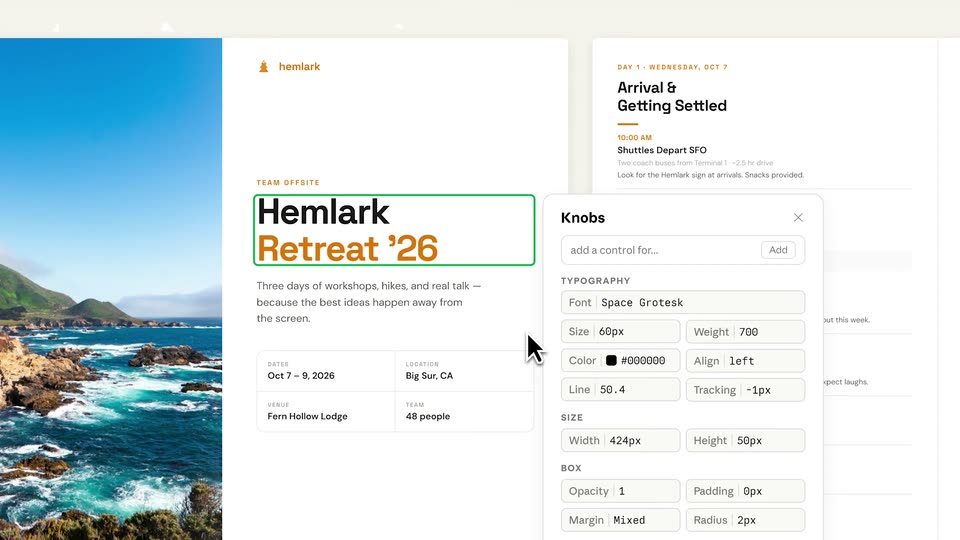 0:53–0:56Anthropic · Claude - Introducing Claude Design by Anthropic Labs: make prototypes, slides,A flat product screen shows a Hemlark Retreat offsite page beside a Knobs typography panel; a cursor moves over the Size and Line fields. It cuts to a row of three white chips, Edit text, Knobs, and Draw, sliding in on a pale gray background.
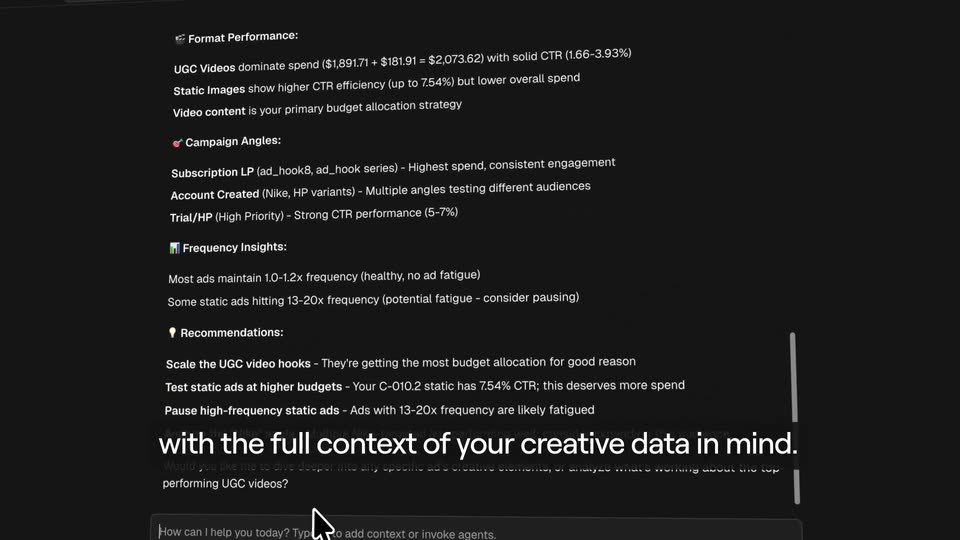 1:30–1:32General Context Labs · Sawyer Covington - This is what having a creative team of 100 could look like. IntroduciA dark document view of an ad analytics report scrolls slowly upward, revealing a data table and a creative strategy breakdown, while a white caption holds at the bottom and a cursor hovers over the list.
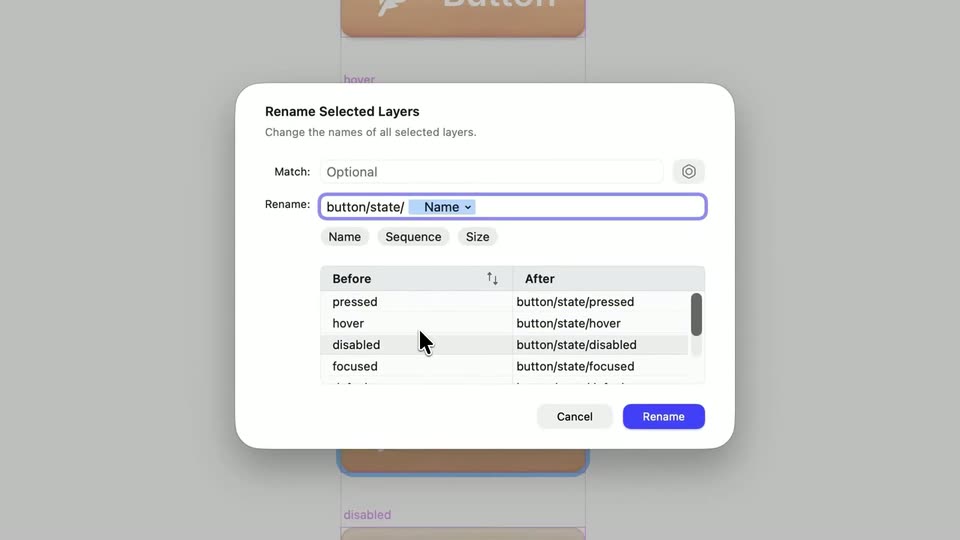 1:26–1:30Sketch · Sketch - 🆕 Things you’ve been asking us for 🆕 Selection colors, independent bA design tool canvas zooms into a Rename Selected Layers dialog as a cursor glides down to the blue Rename button and clicks it, then the view settles on a vertical stack of orange Button components relabeled with state names.
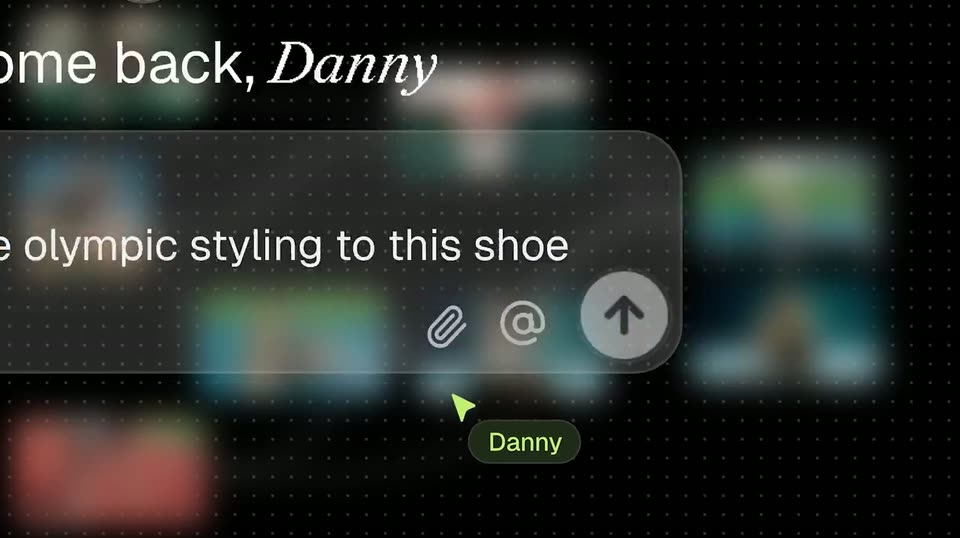 1:07–1:14FLORA · FLORA © - Introducing FAUNA. The creative agent built for people whose ideas deOn a dark dotted grid with blurred product cards, a chat input bar slides in below the welcome headline. A prompt types out as a green cursor labeled Danny moves across the controls. A shoe chip appears, then the frame zooms onto the send button.
 1:14–1:16Moda · Anvisha - We raised $7.5M to kill AI slop. Introducing Moda: the world's firstA design-editor window fills the frame, its canvas playing a LinkedIn post that shifts from a purple layout to a red glow and then a white layout, while a cursor rests at the right edge and a caption bar updates below.
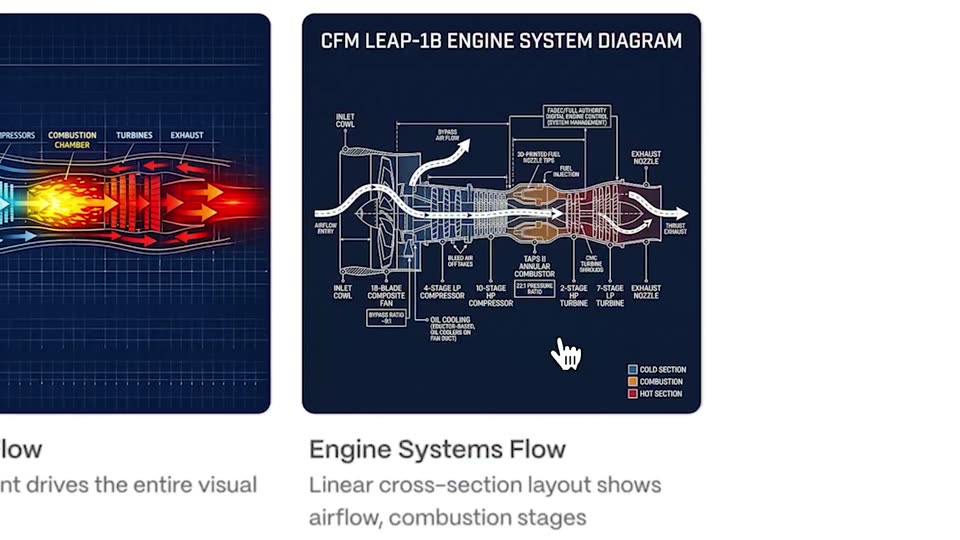 0:42–0:43Gamma · Gamma - Introducing Gamma Imagine! Gamma Imagine lets you create standaloneTwo dark navy engine-diagram cards sit side by side on a white page, the left one cropped at the frame edge. A white hand cursor hovers over the lower right of the right card, which is captioned with a title and a two-line description.
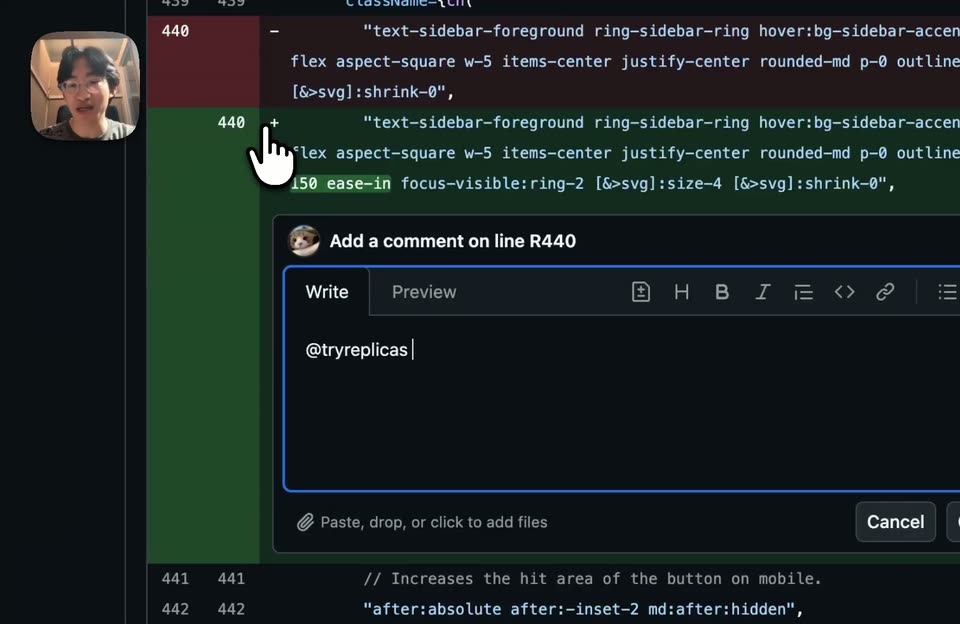 3:06–3:08Replicas · Replicas V1 DemoA dark code diff shows a comment box open on line R440. A hand cursor hovers at the gutter while '@tryreplicas' is typed into the field, raising a mention suggestion; the screen then blurs into a chat view. A small video call of a man sits top left.
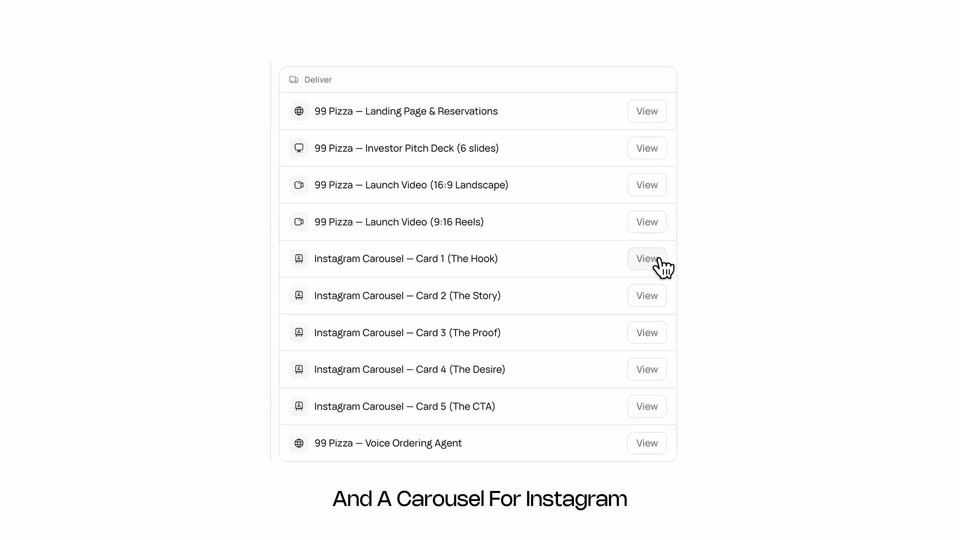 1:58–2:01Runable · Umesh Kumar - Introducing Runable 2.0 — the best way to work with AI. Runable nowA white deliverables panel lists project rows, each with a View button. A cursor hovers the View button on the Instagram Carousel row, then the panel shrinks into the top-left corner as a red circle bearing the number 99 fades into the center.
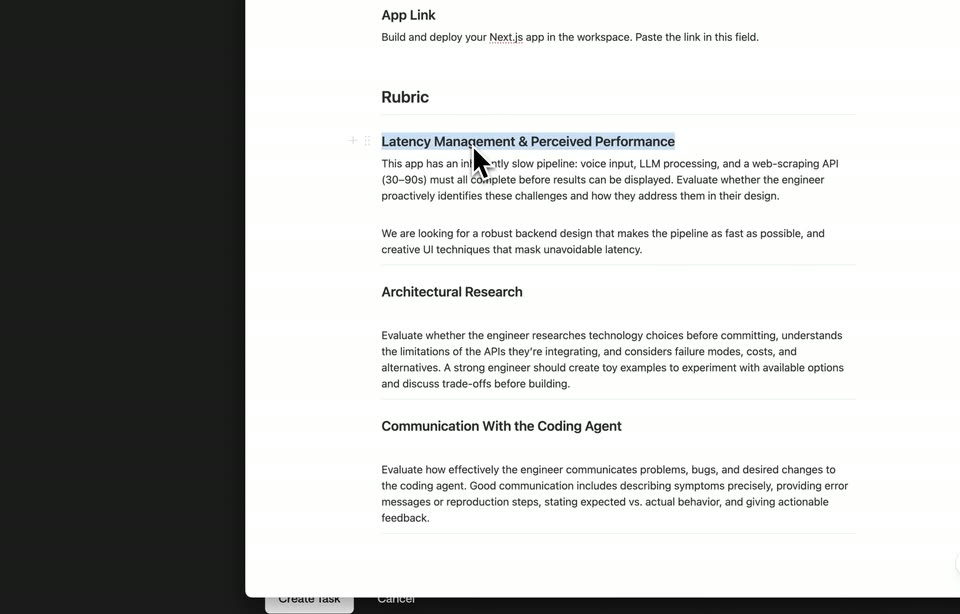 0:42–0:44Outship · OutshipA white document panel lists rubric criteria under bold headings. An actions menu on the right slides away, then the cursor moves to a section heading and highlights it.
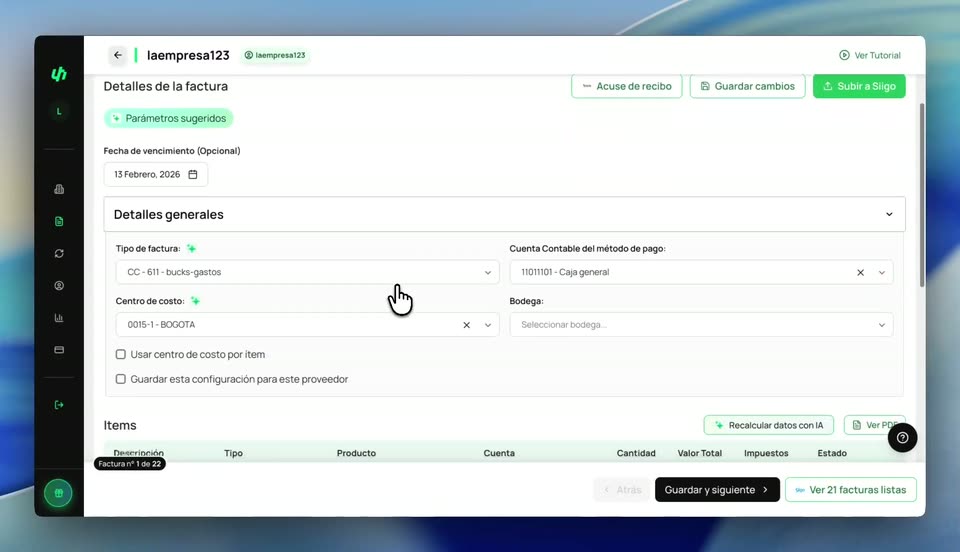 0:59–1:03Cifrato · Demo CifratoA white invoice screen scrolls down as a hand cursor clicks into fields; the Tipo de factura and Centro de costo dropdowns fill with suggested values, then a product row with a loading spinner appears in the Items table.
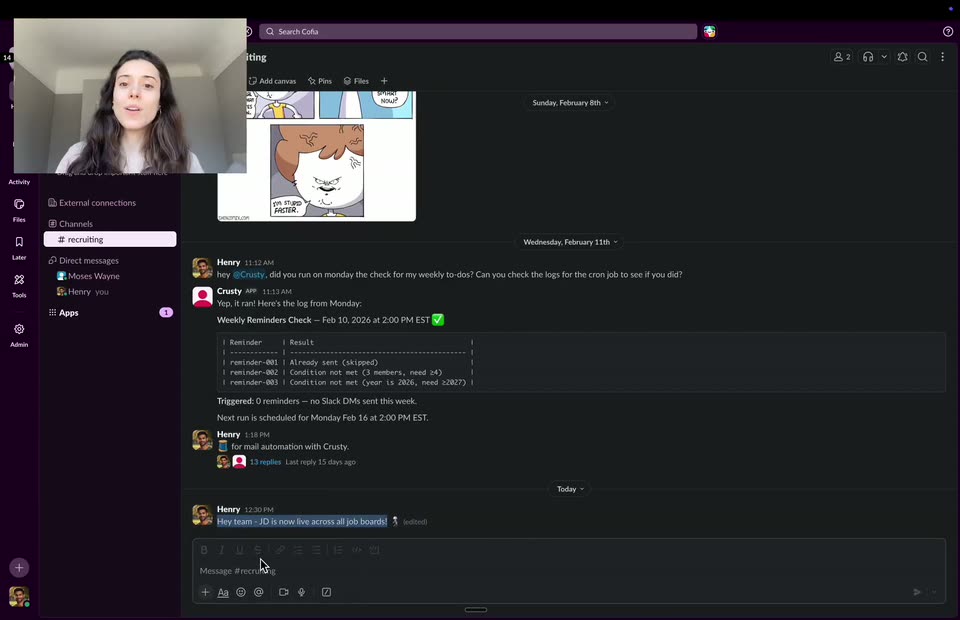 0:59–1:02Cofia · Introducing CofiaA dark Slack channel shows a video call tile top-left with a woman talking, a message thread with a reminders table, and a typing box. A cursor moves over the messages and to the top menu bar. Black caption boxes appear at the bottom center.
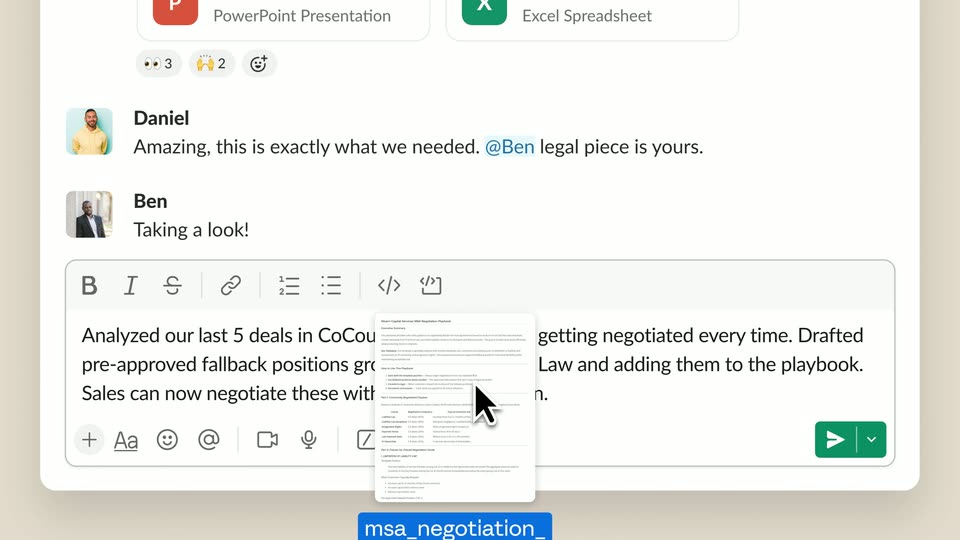 1:23–1:24Anthropic · Claude - Introducing Cowork and plugin updates that help enterprises customizeA chat view with a drafted legal note cross-fades into an upload screen. A document preview follows the cursor as it is dragged in, a blue tag shows its file name, and the heading Upload a document sits above.
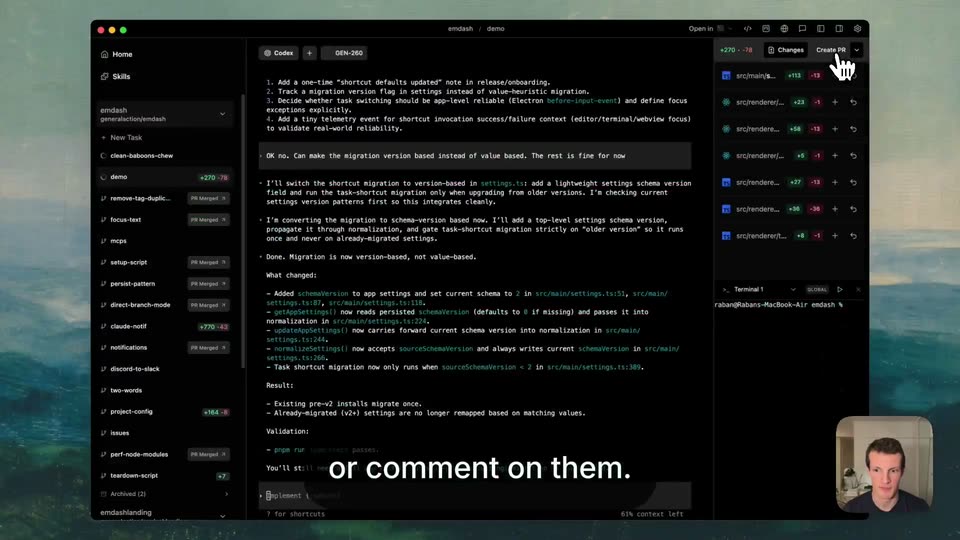 0:42 · 0.5sEmdash · Y Combinator - .@emdashsh is building an open-source Agentic Development EnvironmentA dark code editor fills the frame, showing a left task list, a central markdown panel and a right changes panel. A hand cursor hovers the Create PR button at top right, and a small webcam feed sits in the corner. White captions swap at the bottom.
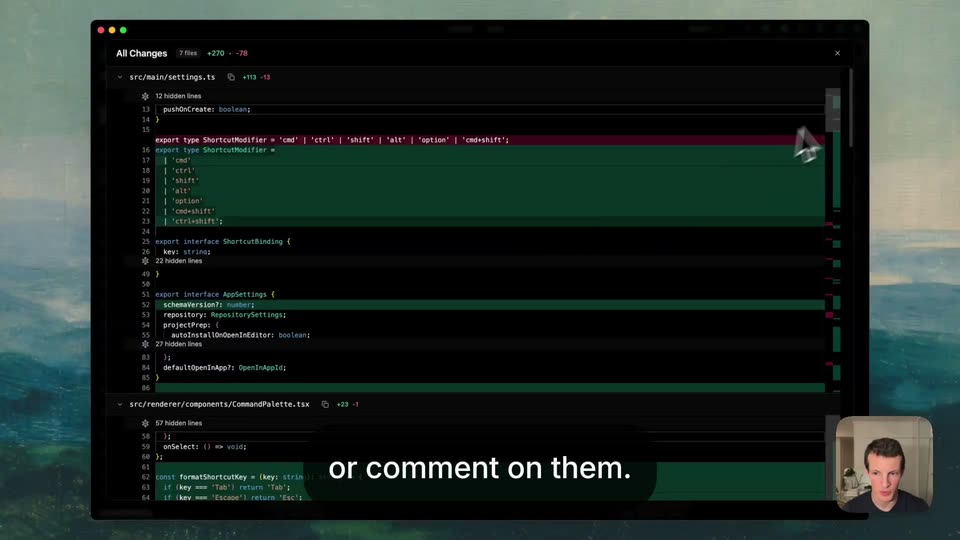 0:40–0:42Emdash · Launch Emdash (YC W26)A dark code diff view fills the frame with green and red highlighted lines. A white cursor glides from the center to the top right corner as white captions swap at the bottom. A small webcam feed of a man sits in the lower right corner.
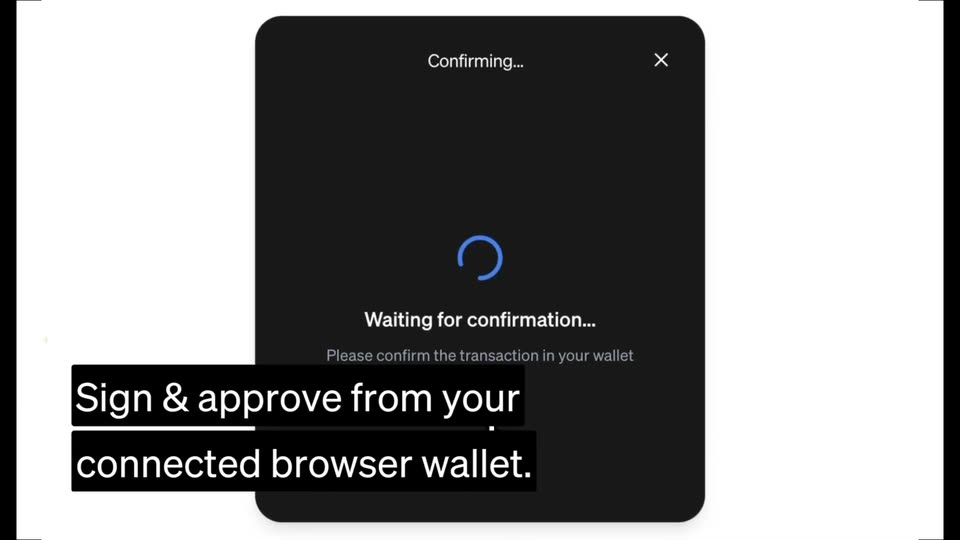 0:32–0:33Unifold · Unifold - Universal Deposit InfrastructureA dark transaction card sits on a white field. A hand cursor taps the blue Confirm Order button, and the card switches to a spinner with a waiting message. A white caption on black boxes builds up at the lower left.
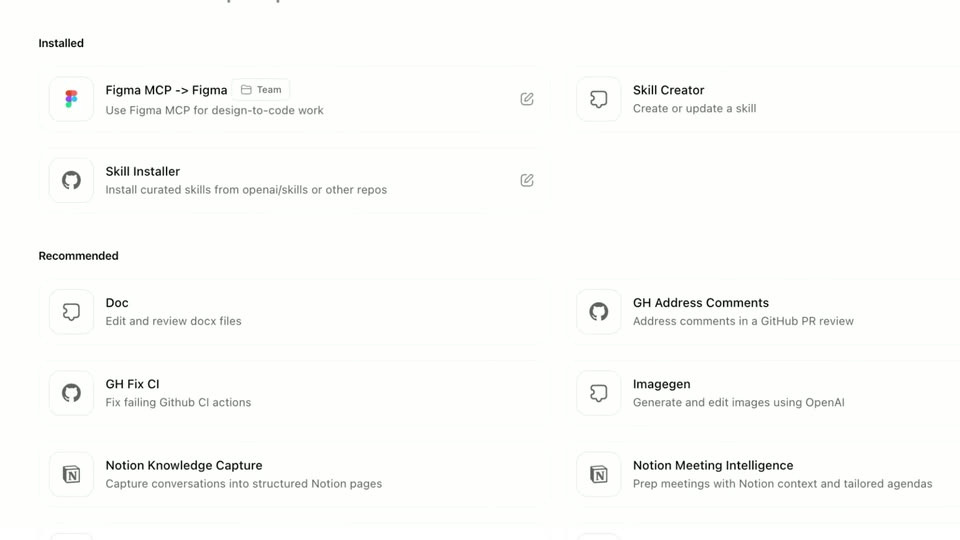 2:41–2:47OpenAI · Introducing the Codex appA cursor hovers over the Skills item in the app sidebar as the sidebar fades out and the Skills page fills the frame. The page, headed Skills with the tagline Give Codex super powers, scrolls slowly down through installed and recommended skill cards, then blurs out.
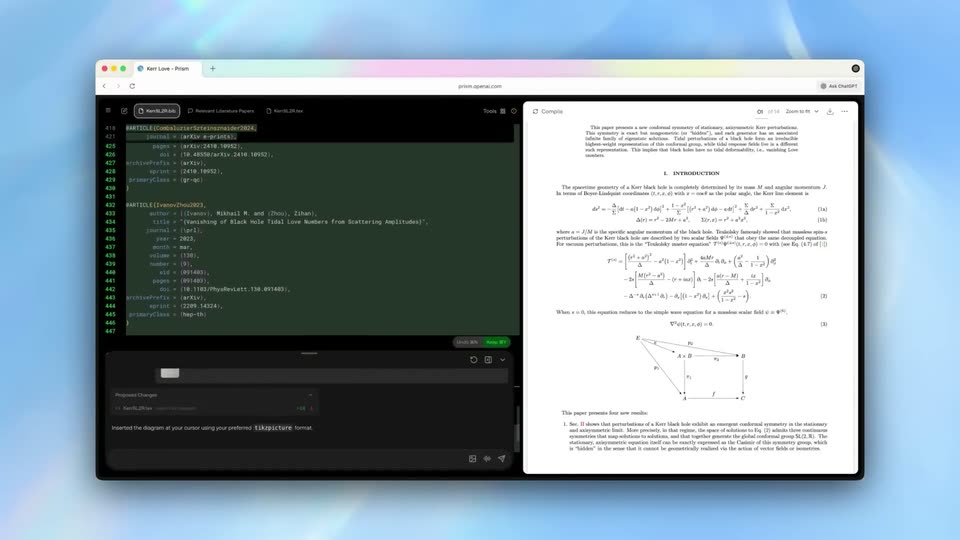 1:25–1:33OpenAI · Introducing Prism, a free workspace for scientists to write and collaborate on researchA browser window splits a code editor on the left from a static document preview on the right. The code panel scrolls up through bibliography entries, then a cursor moves to and clicks an Accept pill on a proposed change.
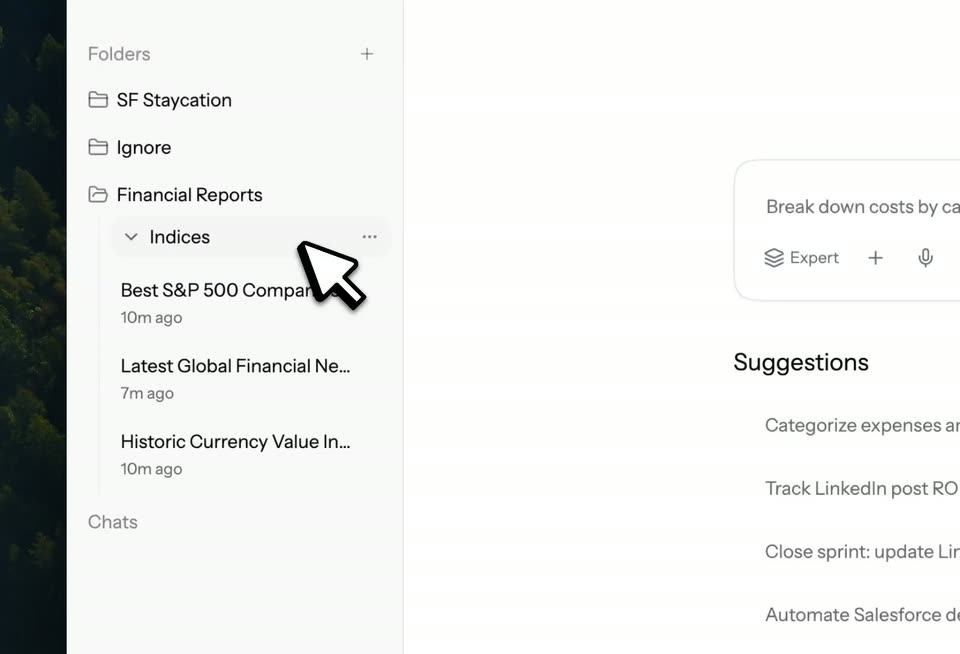 0:14–0:15Doe · doe - We're announcing folders for chat sessions and files!Close-up of a white app sidebar listing folders and documents. A large cartoon cursor slides down from the Indices folder to the Best S&P 500 Compar... item and clicks it, highlighting the row. A prompt box and a Suggestions list sit at the right edge.
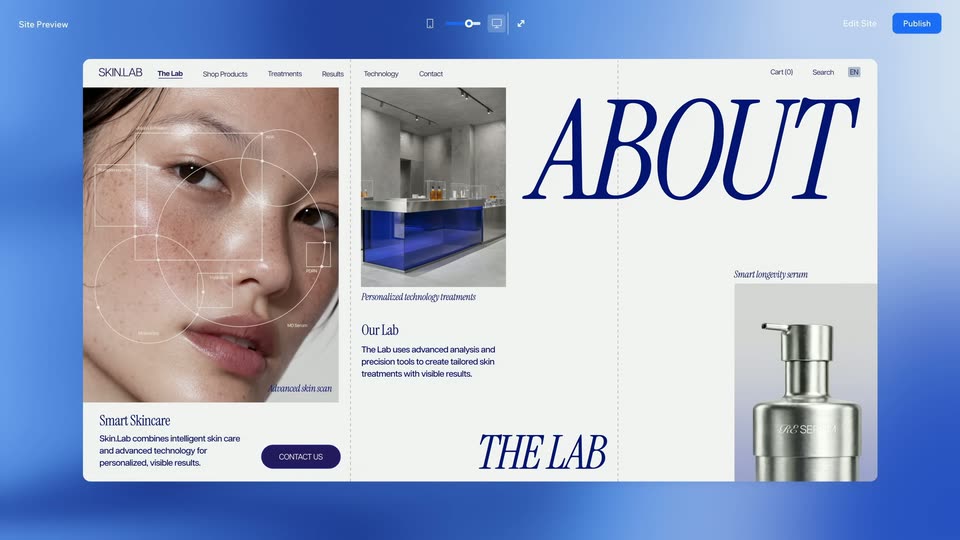 0:43–0:44Wix Harmony · Wix Harmony: The new way to createA website builder preview displays a skincare site with a face photo, lab interior and serif ABOUT heading. The page pans left, the heading sliding off the right edge, as a cursor moves over the canvas against a blue gradient backdrop.
 1:59–2:02Teamble · Teamble launch filmA white feedback card with a headshot and a note about RTO policy sits on a purple gradient, then gives way to a headline and a Create report button. A hand cursor taps the button as the frame blurs and shrinks.
 3:14–3:17Kilvin · BrowserBook YC DemoA light Execution History table fills a UI panel over a purple gradient. A cursor hovers the first row, clicks it, and the panel clears to a blank state with a centered spinner reading Loading execution details.
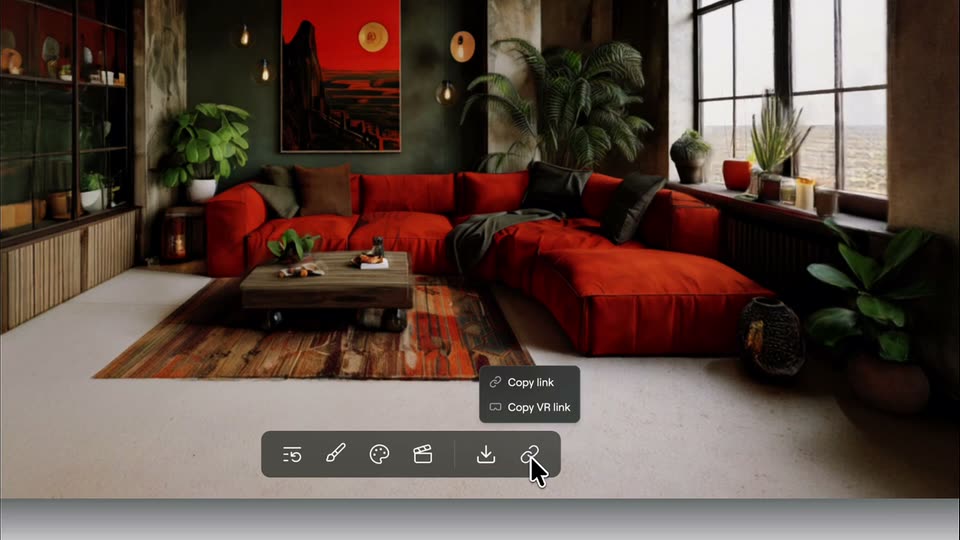 1:01–1:21World Labs · Welcome to Marble!A screen recording of a 3D world viewer showing a living room with an orange sofa. A cursor clicks the download icon, opening an export options menu, then the share icon, opening a copy-link menu. The view zooms out to a rounded card as the cursor opens the info menu.
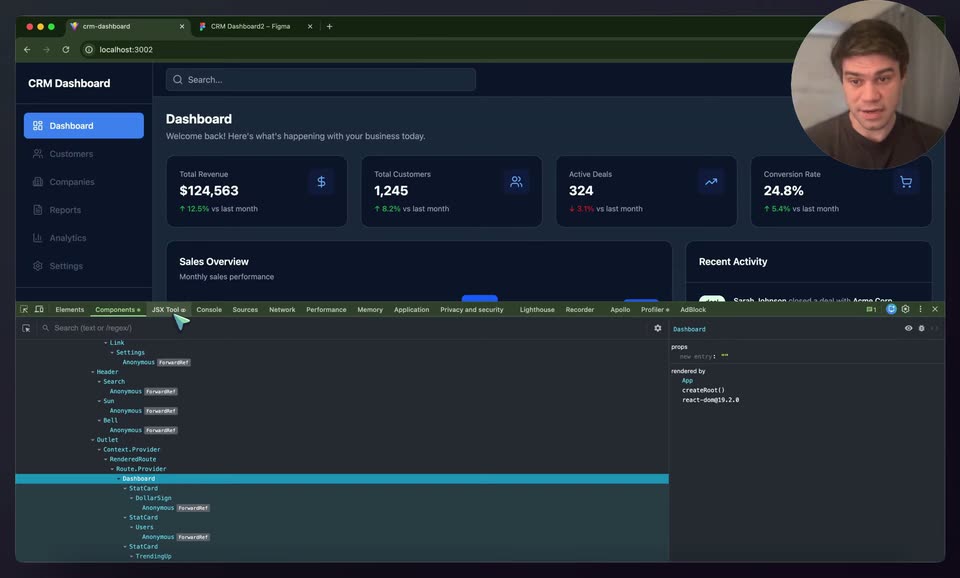 1:06–1:08Coasts · JSX Tool DemoA screen capture shows a dark CRM dashboard in a browser, with developer tools open below it. The cursor moves across the JSX Tool tab and hovers over the component tree. A circular webcam feed of the presenter sits in the top right corner.
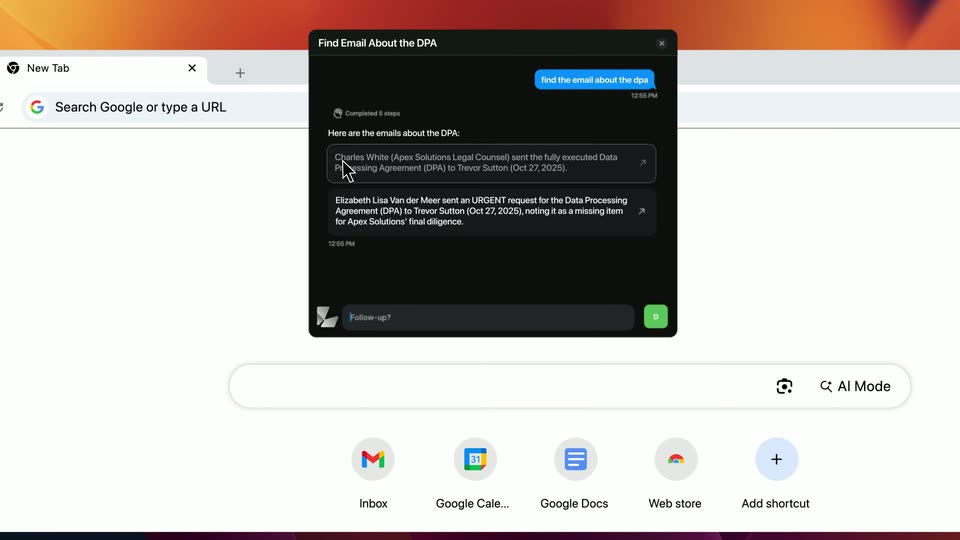 1:15–1:16Logical · Logical | The Proactive Desktop CopilotA dark chat panel titled “Find Email About the DPA” floats centered over a light browser window. It lists two email result cards under a completed-search note, with a cursor resting on the top card and a follow-up input bar at the bottom.
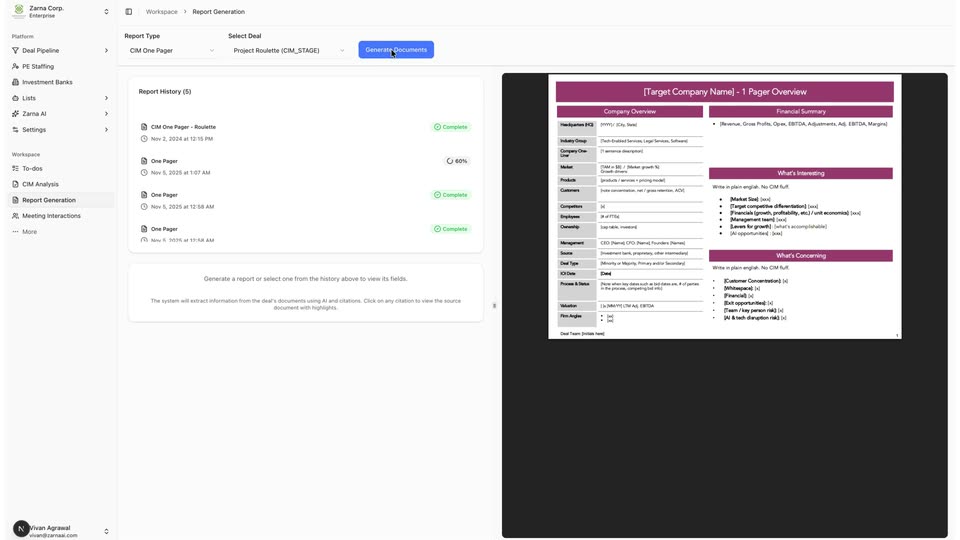 2:14–2:31Zarna · Demo Video - ZarnaA flat software screen shows a Report Generation page beside a maroon one-pager document preview. A cursor opens the Select Deal dropdown, picks a project, the history list fills in, then the cursor hovers the Generate Documents button as a red issue badge pops in.
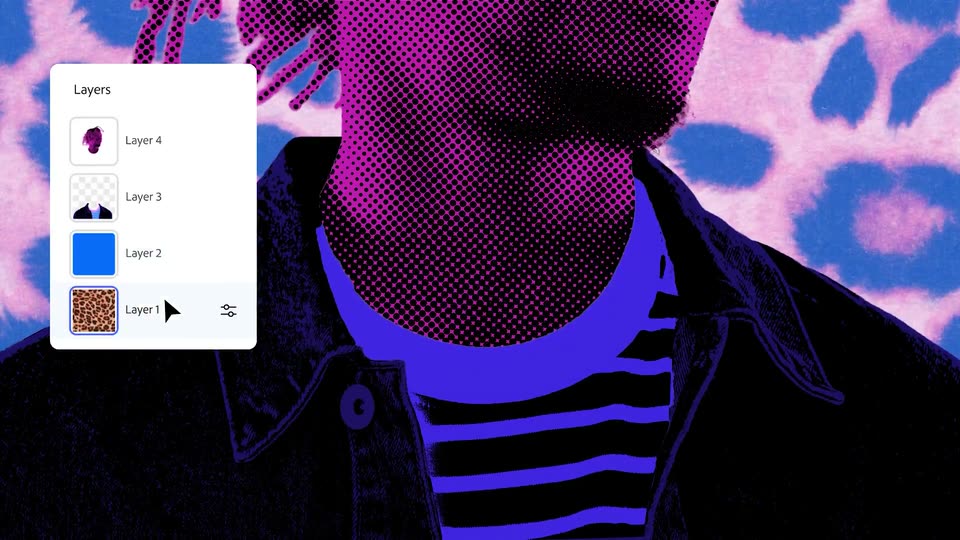 0:35–0:36Topaz Labs · Topaz Labs - @Adobe + Topaz Labs 🤝🙌 Just announced—you can now access select TopazA halftone portrait in magenta and blue sits against a pink cloud background while a white Layers panel lists four thumbnails on the left. A cursor slides down from Layer 2 to Layer 1.
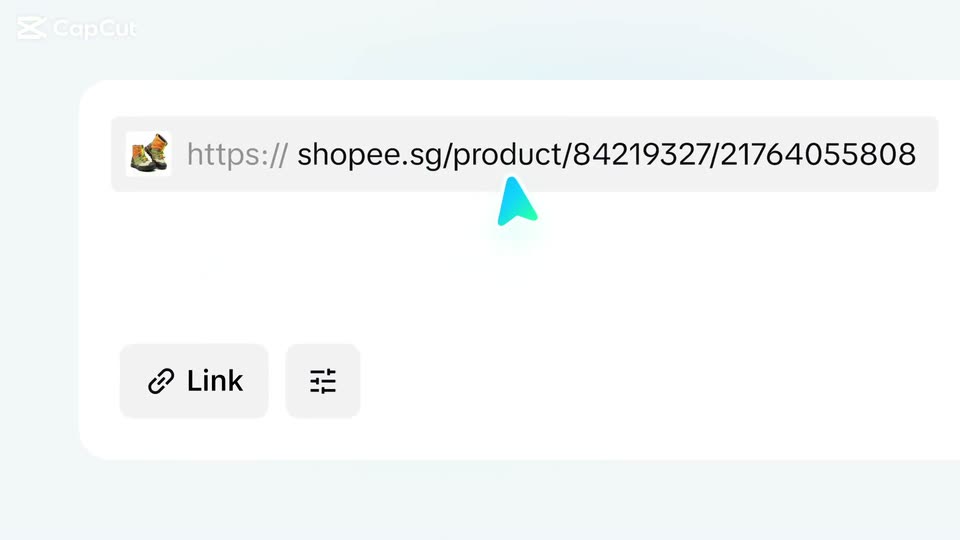 1:09–1:10CapCut · CapCut - Your all-in-one e-comm toolkit is here. Meet the new CapCut Desktop!On a light blue background, a white UI card shows a dark Paste tooltip above a gradient cursor. The frame settles on an input field where a long product URL fills in beside a shoe emoji, the cursor hovering below it and a Link button at the lower left.
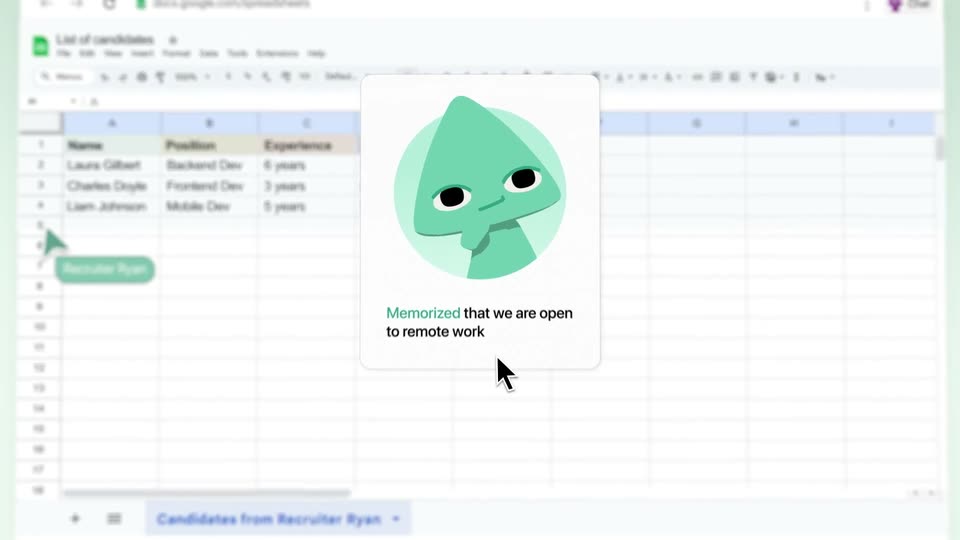 0:59–1:03Strawberry · Charles Maddock - We've raised $6M from General Catalyst, EQT Ventures, and founders ofA white dialog card with a green mascot asks a question over a blurred spreadsheet. The cursor clicks Yes, then the card shrinks and vanishes, revealing the full candidate spreadsheet with a Recruiter Ryan tag.
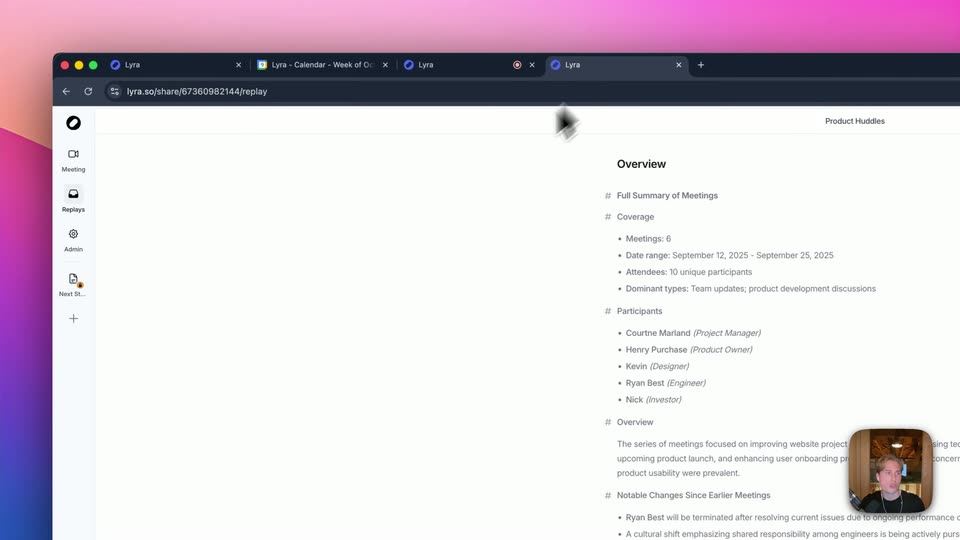 1:08–1:09IRBC · Lyra, The Final Meeting Platform.A browser window with a dark tab bar sits on a pink gradient background. A white cursor glides left across the open tabs above a Lyra overview page that lists meeting summaries, participant names and a small video thumbnail in the lower right corner.
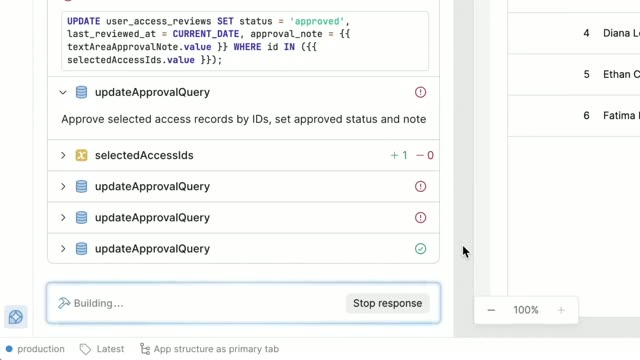 2:29–2:35Retool · Introducing Enterprise AppGen: AI-Assisted Development from RetoolA code editor interface in close-up. The cursor clicks the blue Save query button; the panel refreshes into a list of query rows with status icons, a Building indicator with animated dots sits at the bottom, then the assistant's text response fills the left panel.
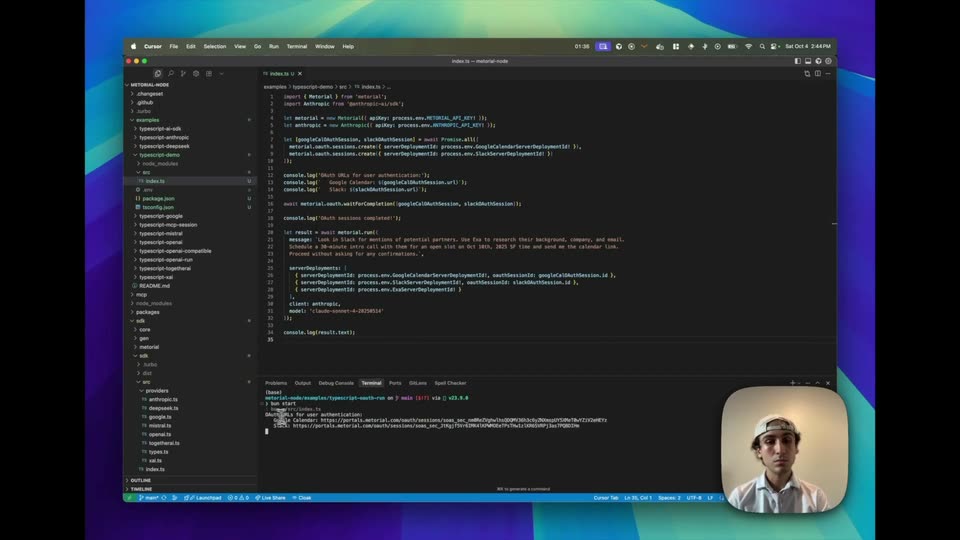 1:13–1:17Metorial · Introducing Metorial - YC F25A code editor fills the screen as the terminal below prints an OAuth authentication URL. The view cuts to a browser window loading a blank dark page, and a small face-cam video of the presenter stays in the lower right corner.
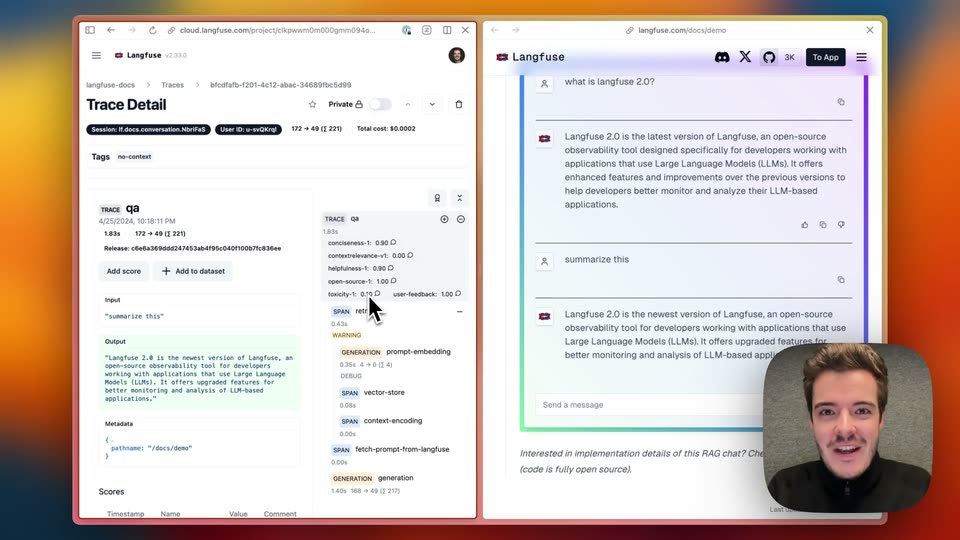 1:32–1:48Langfuse · Introducing Langfuse 2.0Two Langfuse browser windows sit side by side on a gradient background: a trace detail view on the left and a chat demo on the right. A cursor hovers over a span in the trace tree. A presenter talks from a circular webcam inset in the corner.
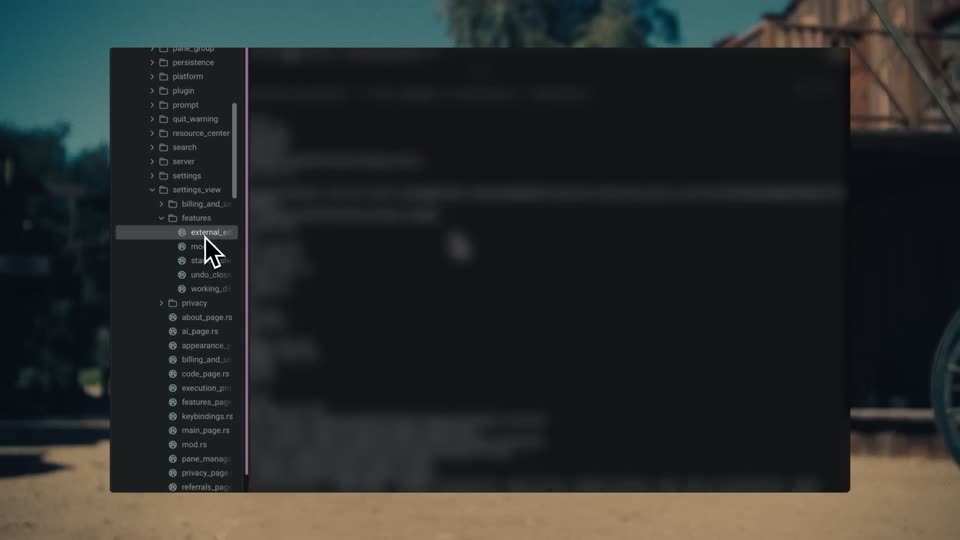 1:57–2:02Warp · Introducing Warp Code | The fastest way from prompt to productionA dark code editor window with a file-tree sidebar floats over a blurred outdoor backdrop. A cursor scrolls the tree and hovers over folders, then the window zooms out to reveal more code lines in the main panel.
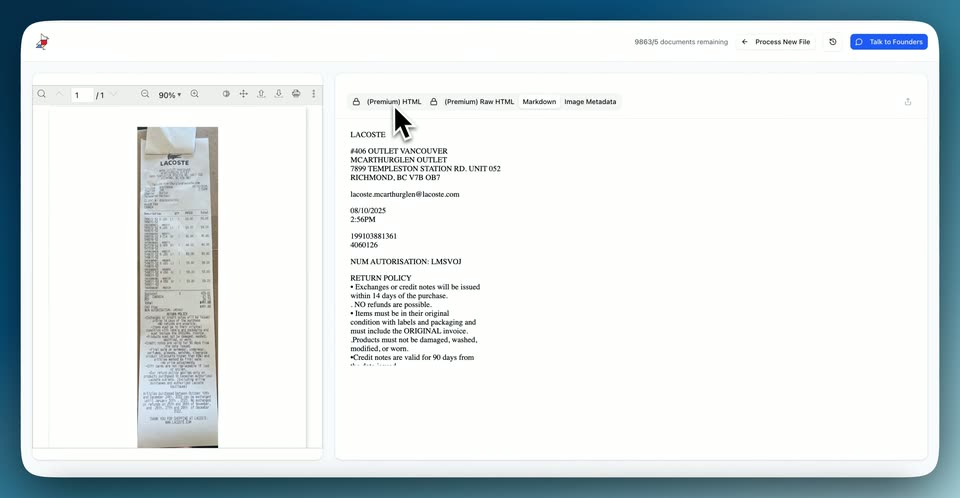 0:50–0:51Cardinal · cardinal demoA document-processing window shows a scanned LACOSTE receipt on the left and extracted text on the right. A cursor hovers the HTML tab while the itemized price columns slide into the text panel, completing the layout.
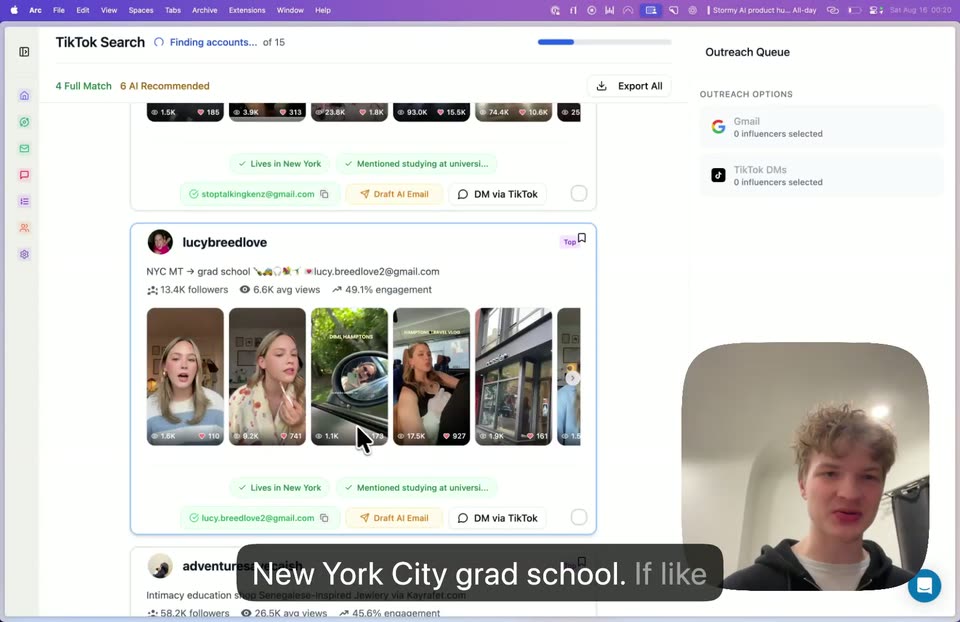 1:56–2:00Stormy · Stormy AI launch videoA screen recording of an influencer outreach interface fills the frame, its list of profile cards scrolling down past highlighted entries. A small webcam video of a young man talking sits in the bottom right corner, and a dark caption bar at the bottom updates with the spoken words.
 1:30–1:33Imprezia · Imprezia Launch VideoA black landing page framed by a thin gradient border shows the Imprezia wordmark, a white headline, a Y Combinator badge and a Get early access button. A cursor glides from the center text down to the button and hovers on it.
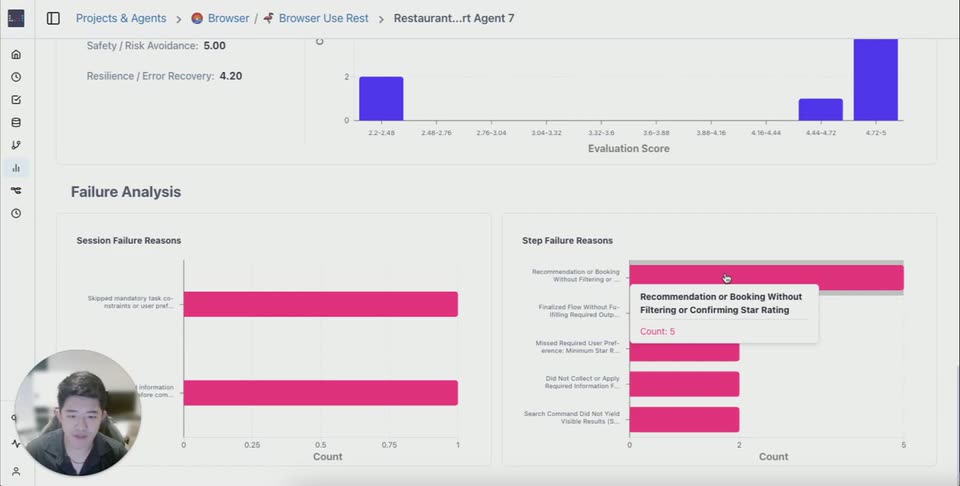 2:24–2:47Lucidic AI · Lucidic HN DemoA dashboard scrolls down past stat cards, a green donut chart and an orange line graph, then pink failure-reason bars as a cursor hovers to reveal tooltips. A circular webcam of a man sits in the corner; the view ends on a results table.
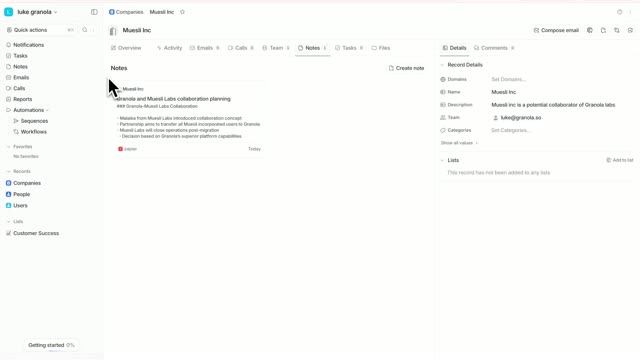 2:22–2:29Granola · Introducing Granola + Zapier | Your meeting notes, now connected with over 8,000 appsA CRM company record for Muesli Inc shows the Notes tab open, with a meeting summary card on the left and a Record Details panel on the right. A cursor drifts across the note card, pointing at its content.
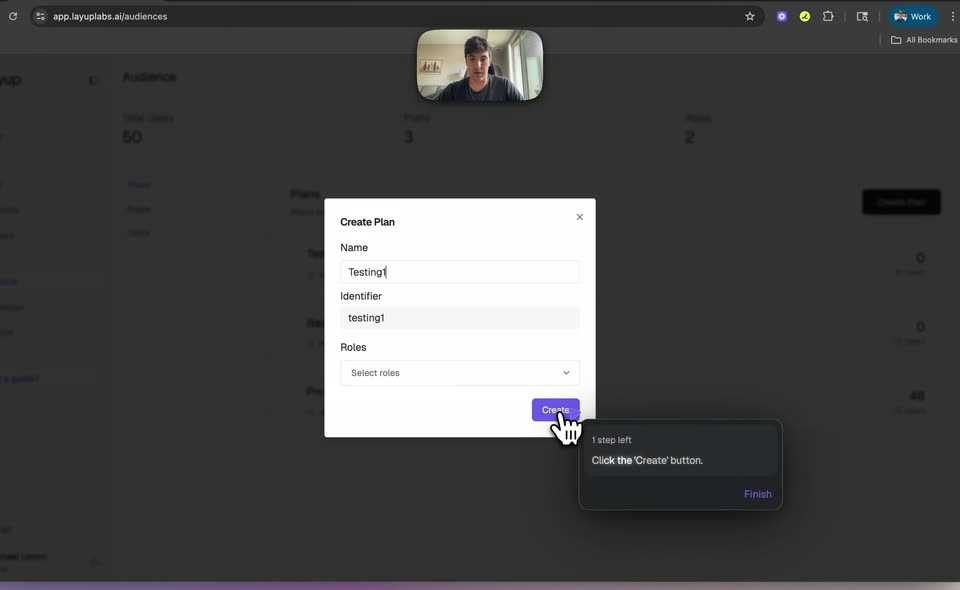 1:47–1:56Andco · Layup 2.0 July LaunchA web app screen with a small video-call inset of a man at top. A cursor fills a Create Plan modal, types a name, then clicks Create. The view switches to a plans list and a green success toast appears bottom right. A dark onboarding tooltip follows the cursor.
 1:07–1:08Sharpe · Introducing Solar by LumenaryA dark interface shows a blank white panel split by a vertical line at center, flanked by Python function lists on the left and a status checklist on the right. A cursor moves across the screen as the panel narrows.
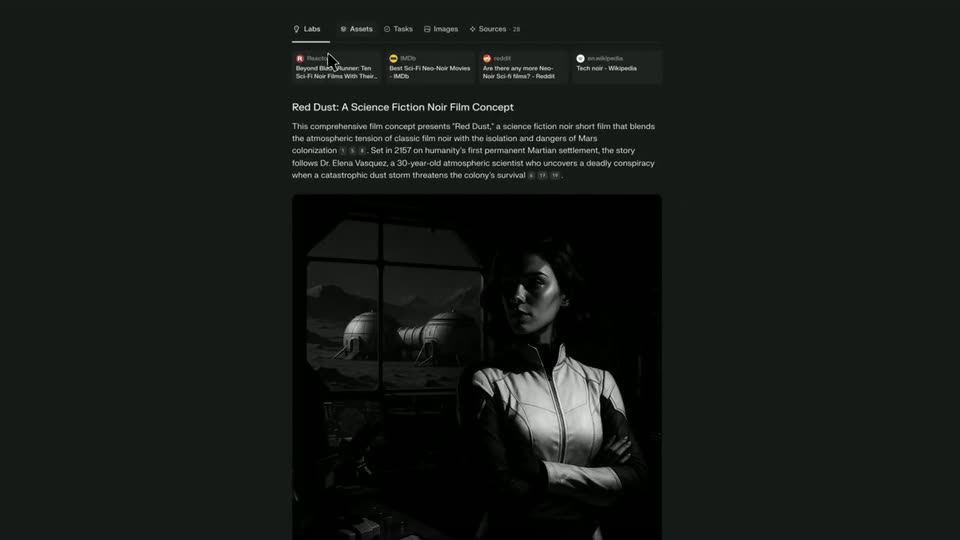 0:51–0:52Perplexity · Perplexity - Today we're launching Perplexity Labs. Labs is for your more complexA dark research app screen shows a film concept document: source cards, a title, a paragraph and a black-and-white still of a woman in a spacesuit. A cursor glides from the left margin to the Assets tab at the top.
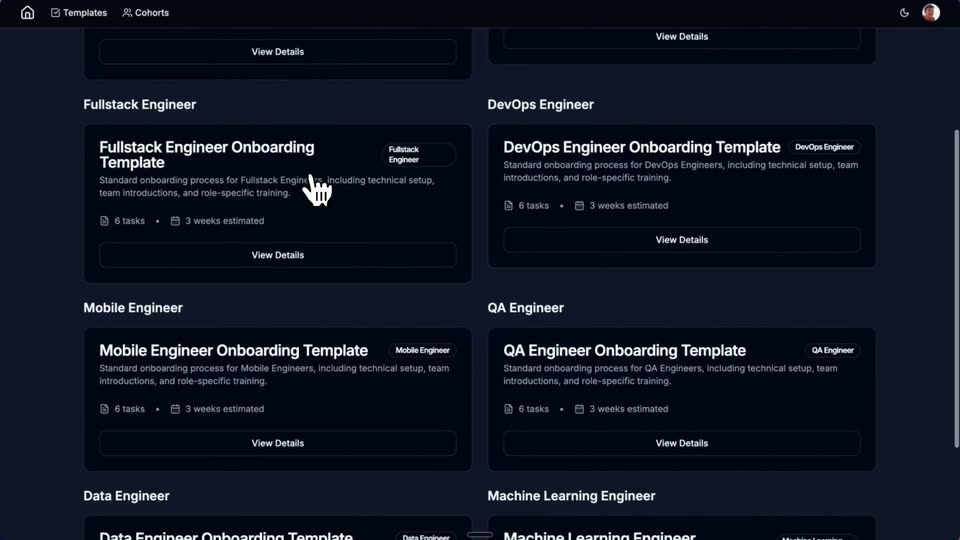 1:39–1:42Vybe · Vybe Demo - Build internal apps 10X fasterA dark product screen displays a grid of onboarding template cards. A hand cursor taps the Templates tab, then rests on the Frontend Engineer card while the list scrolls down to reveal Mobile, Data and Machine Learning cards.
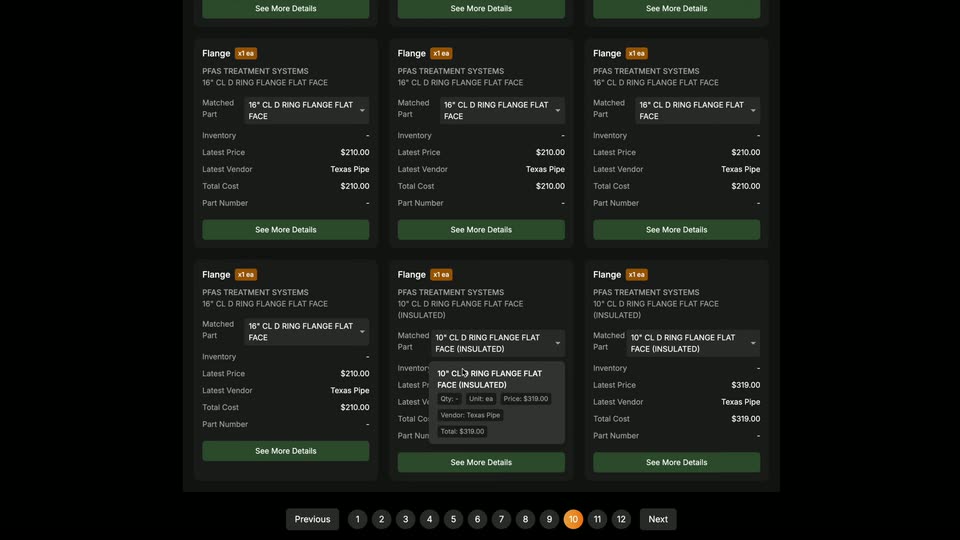 3:27–3:31Jeevy Fabrication · Introducing Jeevy FabricationA dark interface shows a grid of flange part cards, each listing a dropdown, price, vendor and a green See More Details button, with page numbers at the bottom. A cursor hovers a dropdown to pop a price tooltip, then slides down to a button.
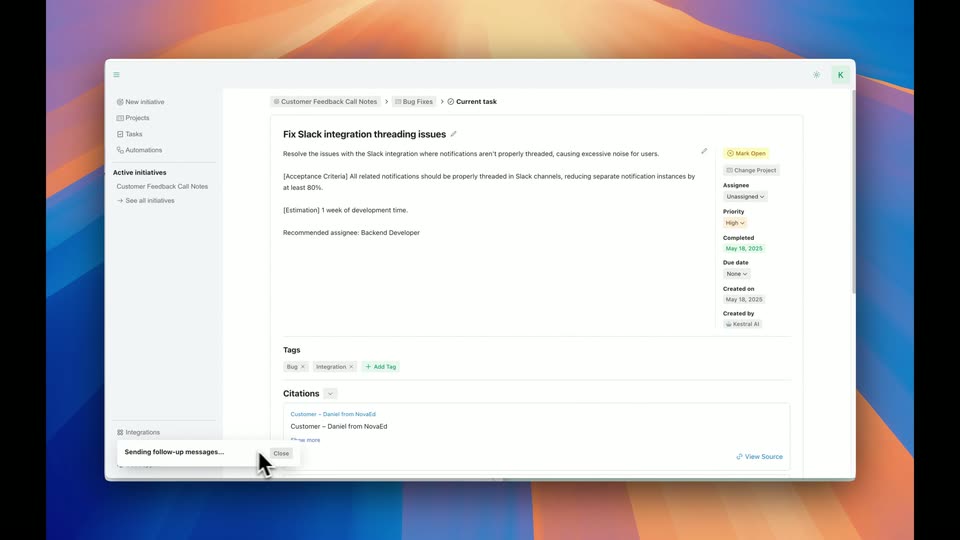 1:10–1:14Kestral · Kestral - Your AI Work Prioritizer -- Launch YCA tilted 3D window of a task app floats over a colorful gradient desktop. A cursor glides from the center to the lower left and hovers over the Close button of a small notification card. The window shows a task detail with sidebar, description, tags, and citations.
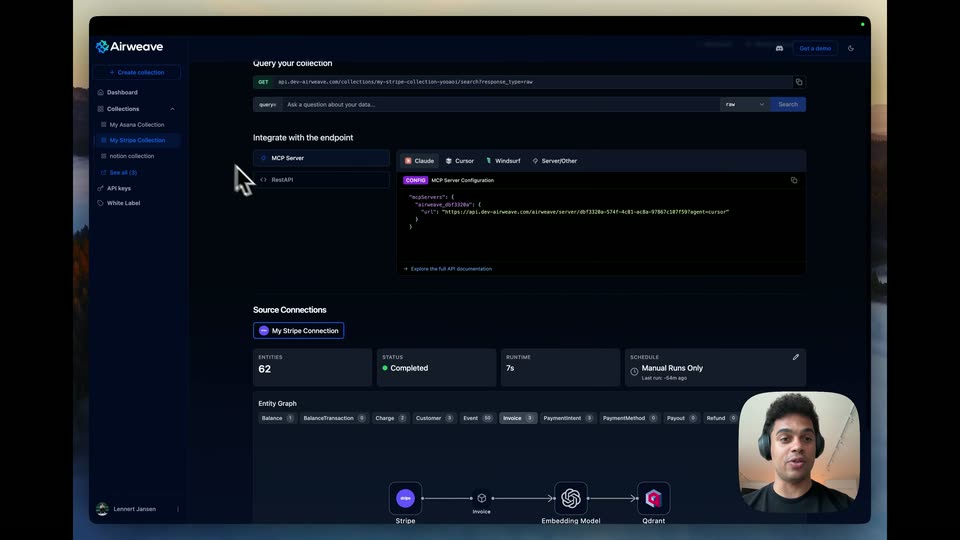 1:45–1:50Airweave · Airweave AI // Launch YC DemoA dark Airweave dashboard scrolls down past a query bar and an integrate panel while a cursor clicks the REST API and Postman tabs, revealing an entity graph. A small webcam of a man wearing headphones sits in the bottom right corner.
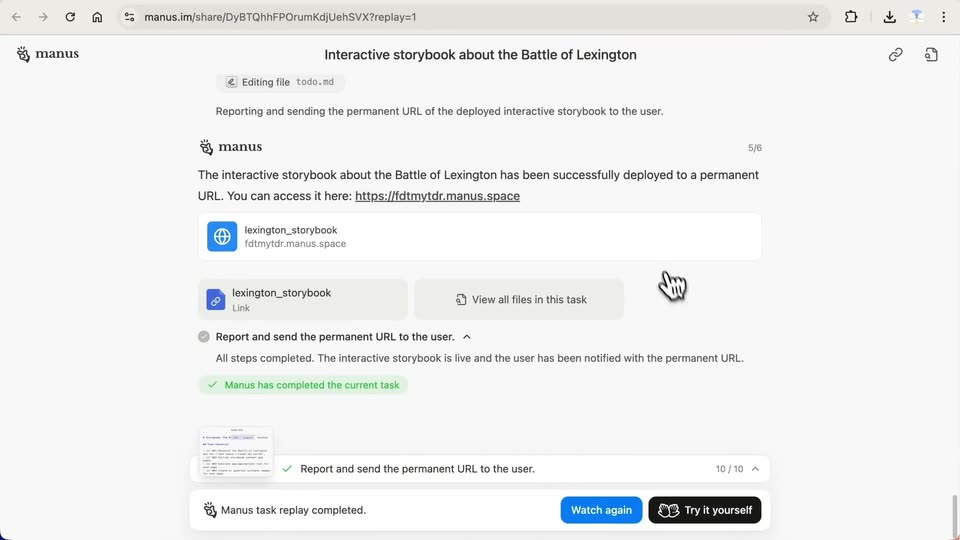 0:50–0:52Manus · Manus - Introducing Manus image generation. Manus doesn’t just generate imagA light browser window displays the Manus interface with a completed task report titled 'Interactive storybook about the Battle of Lexington.' A hand cursor drifts from the lower center up to the right, hovering over the deployed storybook link card.
 0:43–0:44Figma · All the launches at Config 2025 | FigmaClose-up of a white tiled building facade with large orange letters “VOLU” split across two panels. A cursor arrow glides upward, leaving a thin white trail, while the left panel drifts slightly.
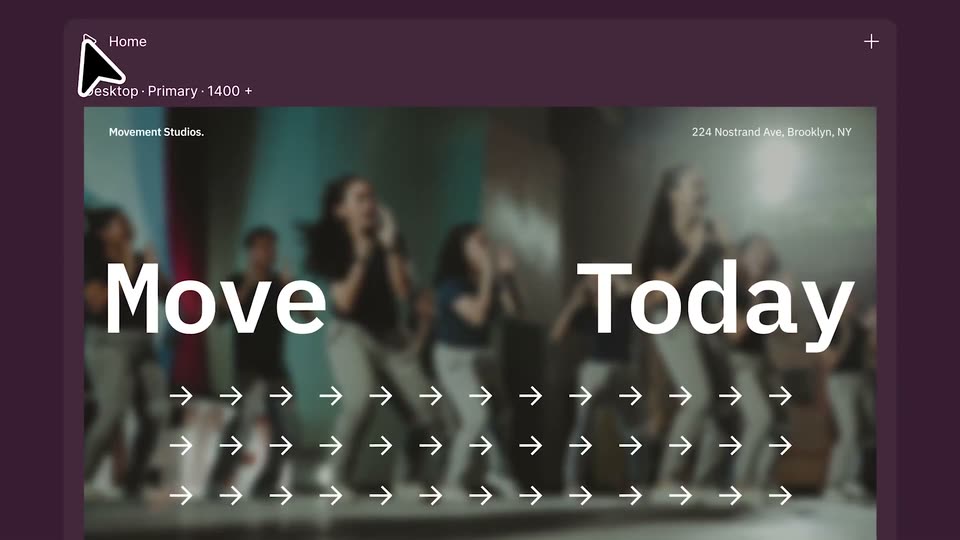 1:00–1:02Figma · Figma - Introducing Figma Sites Take your designs straight to the web. WithIn a design tool canvas, a grid of right-pointing arrow icons is selected with a green box, then slides down out of the frame beneath the white Move Today headline over a blurred dance video, while a cursor moves across the screen.
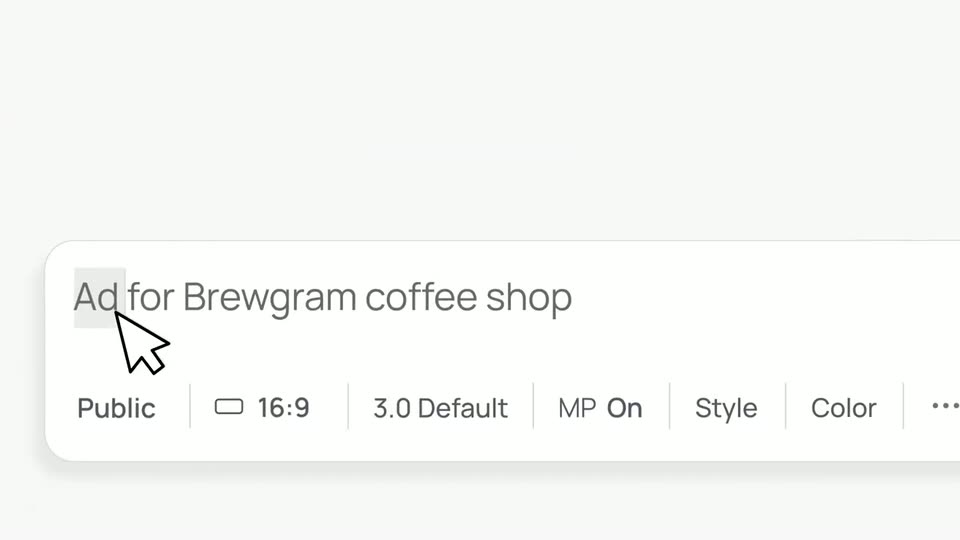 1:11–1:12Ideogram · Ideogram - Meet Ideogram 3.0 — stunning realism, creative designs, and consistenAn illustrated coffee bar with a Brewgram apron and a CRAFT YOUR MOMENT tagline slides up out of frame, revealing a white asset card titled Ad for Brewgram coffee shop with a row of settings and a cursor resting on its title.
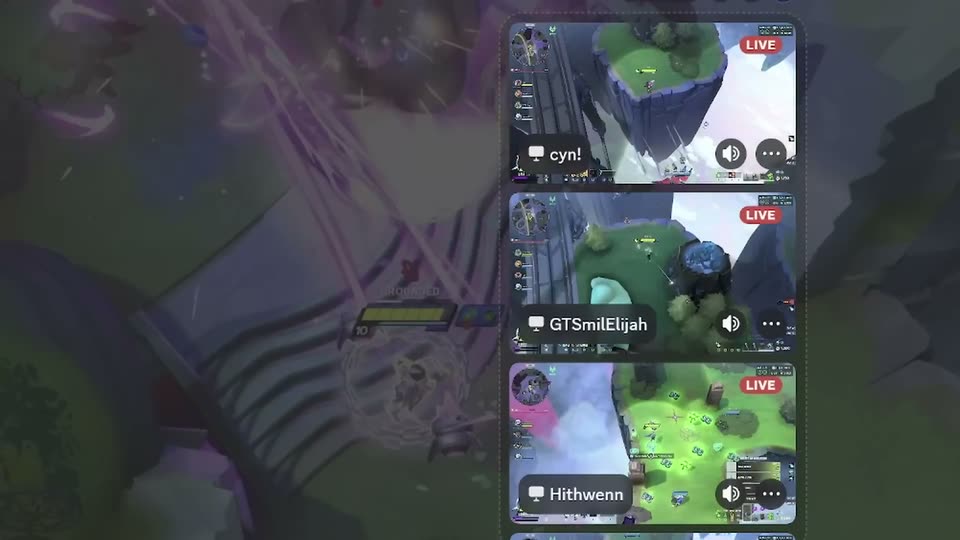 2:54–2:57Discord · Introducing the NEW Discord Game OverlayA dark app screen shows a streamer list on the left and a Watching Stream panel in the center. The view zooms into the panel, then it slides right to become the middle of a vertical stack of three live gameplay windows, each tagged LIVE, while the list dims.
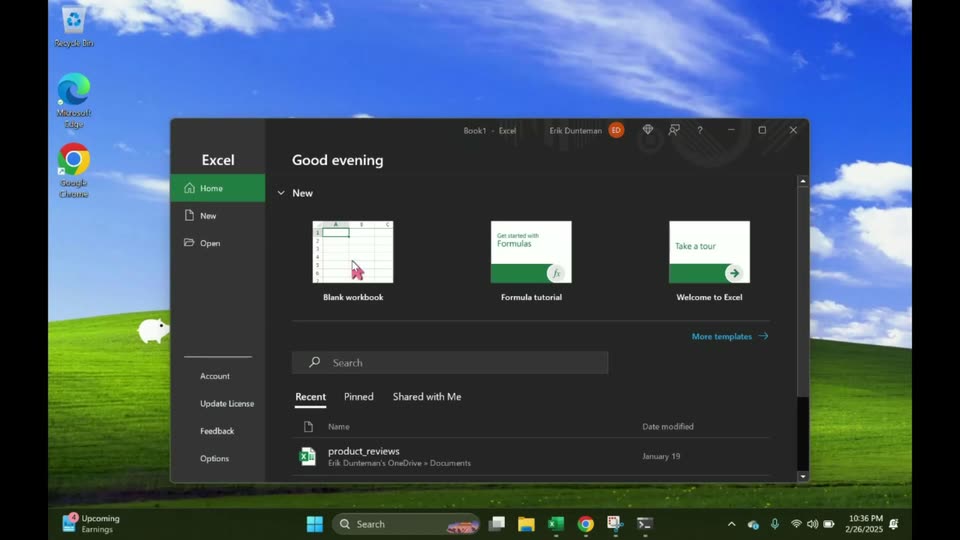 1:51–1:56Butter · Pig Official LaunchThe Excel start screen sits on a Windows desktop. A Run dialog appears at the lower left; the cursor clicks Cancel to close it, then moves to the Blank workbook card and hovers, highlighting it.
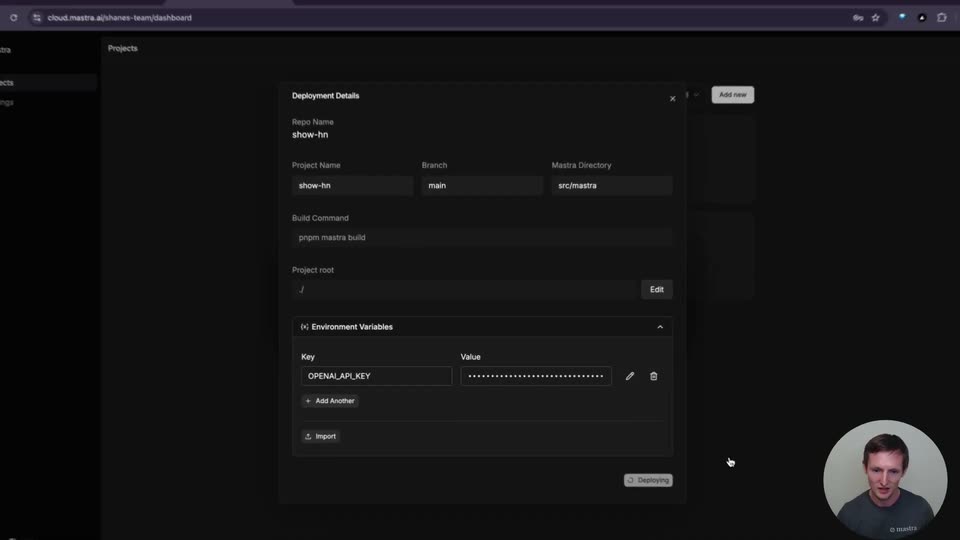 3:12–3:23Mastra · Mastra Demo - The Typescript AI Agent Framework (2024)A dark deployment modal fills the frame while a cursor types OPENAI_API_KEY and a masked value fills the field. The cursor clicks Deploy Project, the button reads Deploying, then the view reframes to the full browser window showing a deploying row. A small circular webcam sits bottom right.
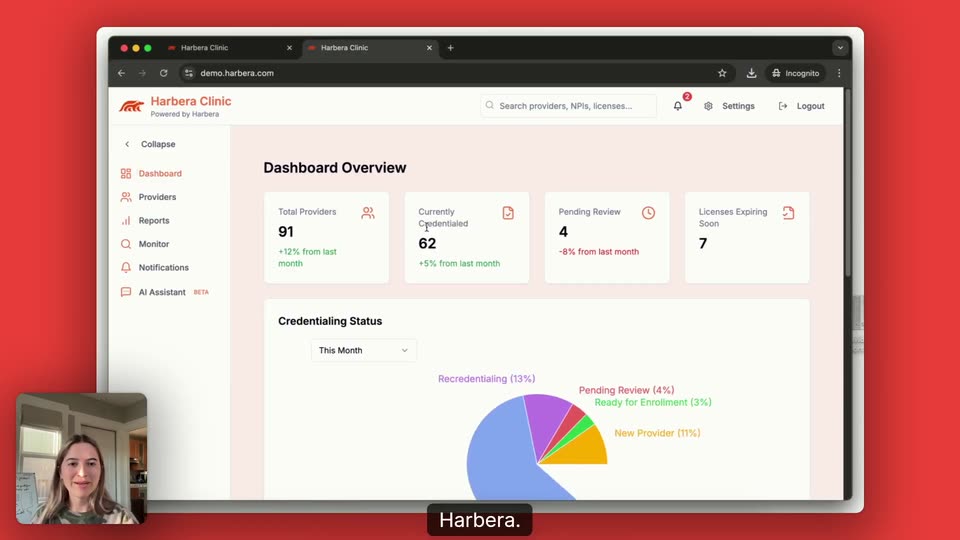 1:57–2:02Harbera · Launch YC: HarberaA browser mockup crossfades from a roster export panel to the Dashboard Overview as a cursor hovers the Dashboard menu item. A pie chart sweeps in under the stat cards. A presenter's webcam feed sits bottom left; captions read Thanks. then Harbera.