Cursor demo
A visible cursor operates the interface.
14,945 scenes · page 230 of 250
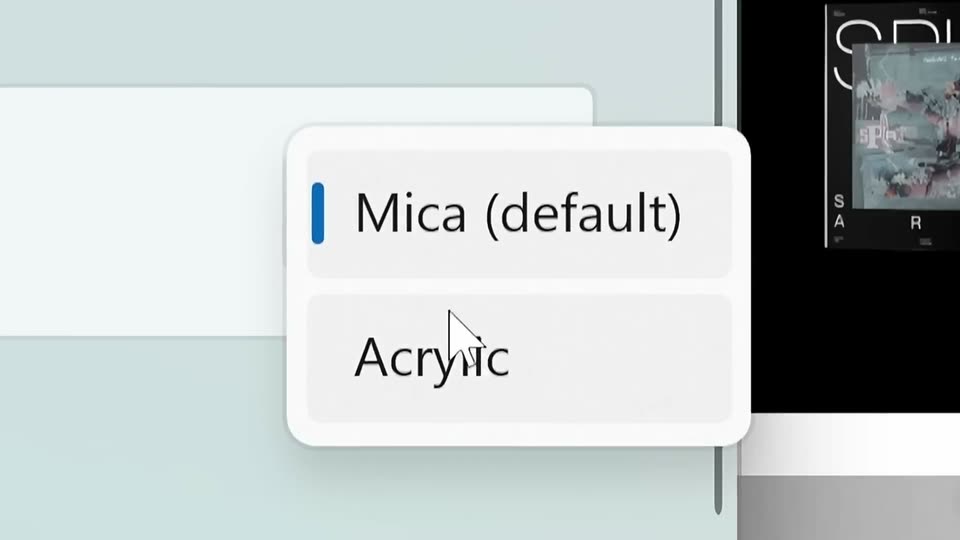 0:26–0:28The Browser Company · Arc on Windows. Download now.A Windows desktop with a file explorer, a YouTube video and a recipe browser window zooms into a settings dropdown listing Mica (default) and Acrylic, where a cursor hovers over Acrylic.
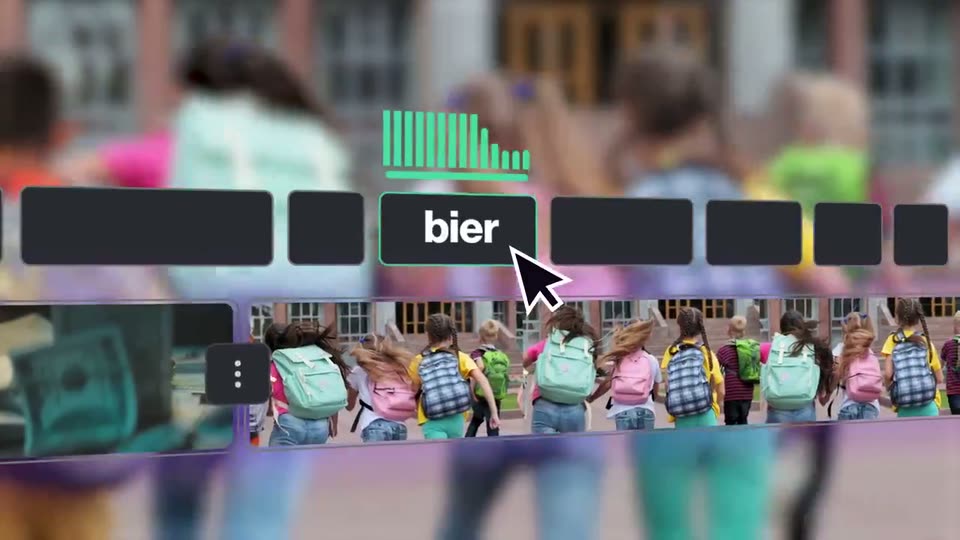 0:17–0:18Captions · Mirage - Introducing Captions for web. Video editing made simple, thanks toA blurred shot of children running sits behind a video-editor timeline; a green waveform pulses above dark clips, one outlined in green reads “bier”, and a white cursor hovers on it; a preview monitor below plays the same footage.
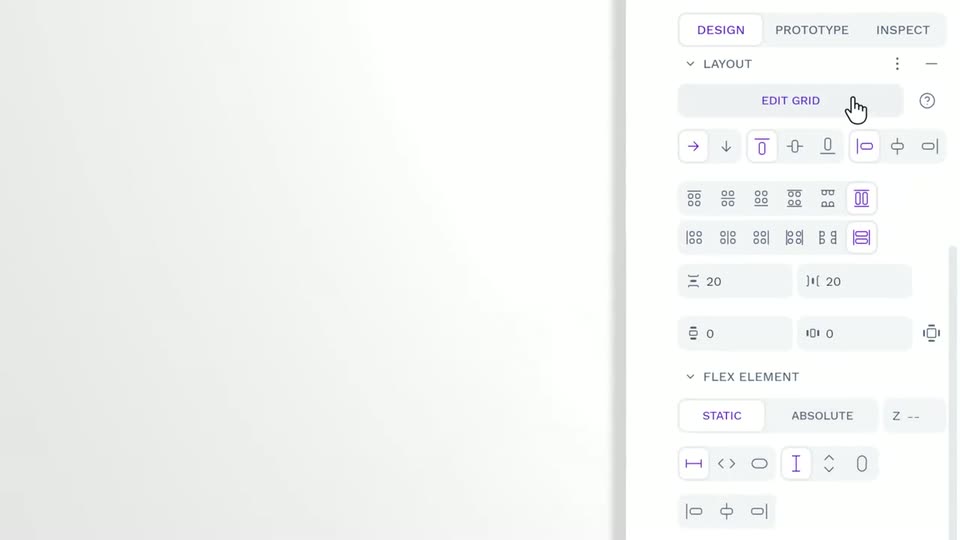 1:19–1:21Penpot · Penpot - 💥 Penpot 2.0 is now available! Explore & enjoy the unique featurA design tool's layout panel sits on the right of a white canvas, showing grid and flex controls. The cursor glides in from the left and hovers over the EDIT GRID button as extra grid rows shift into view.
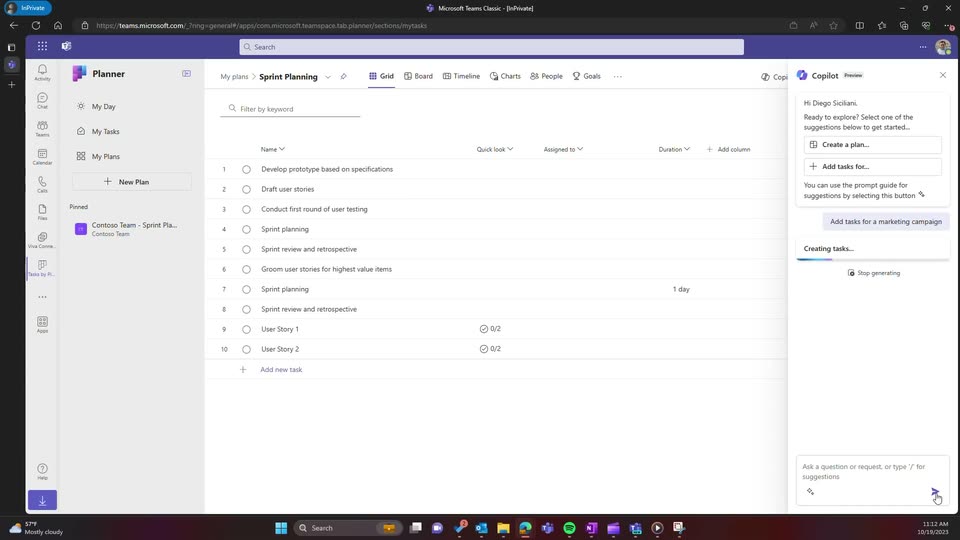 2:04–2:21Microsoft · Meet the new Microsoft PlannerA flat screen recording of the Planner grid. The cursor clicks the Copilot button, a side panel slides in from the right, the cursor types a prompt and sends it, a brief loading indicator runs, then new task rows fill the grid below.
 1:15–1:16Slack · Introducing canvas | A new surface to share and organize knowledge | SlackA 3D window mockup on a magenta field shows a cursor tapping a Request Submitted button. The camera swings to a flat front view and zooms onto the Technical Resources card, where a purple dot pulses over blue placeholder lines.
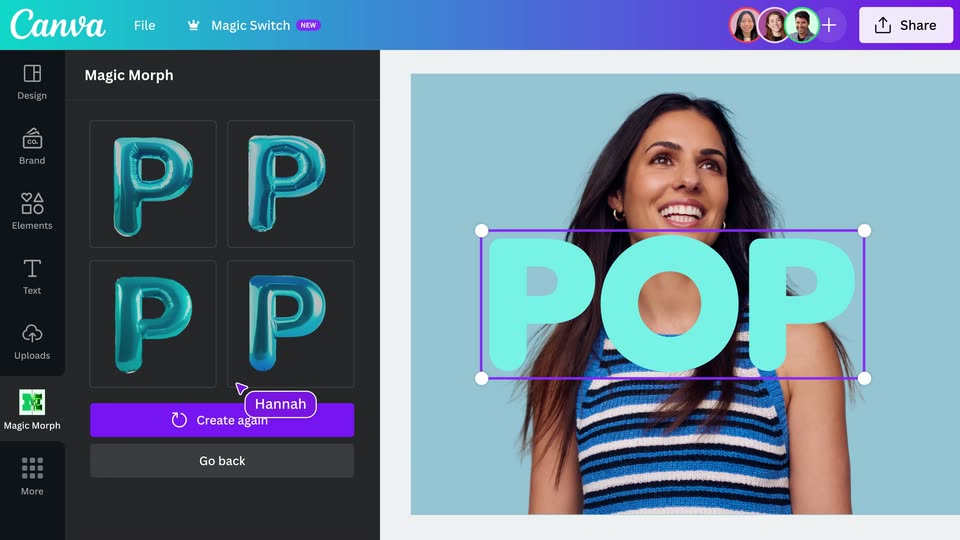 1:33–1:36Canva · Meet Magic Studio | Let the power of AI supercharge your workThe Canva Magic Morph panel loads four glossy balloon letter options after a tagged cursor clicks the button. The cursor selects one, and the flat cyan POP text on the canvas morphs into large 3D blue balloon letters floating in front of the smiling woman, with small sparkles.
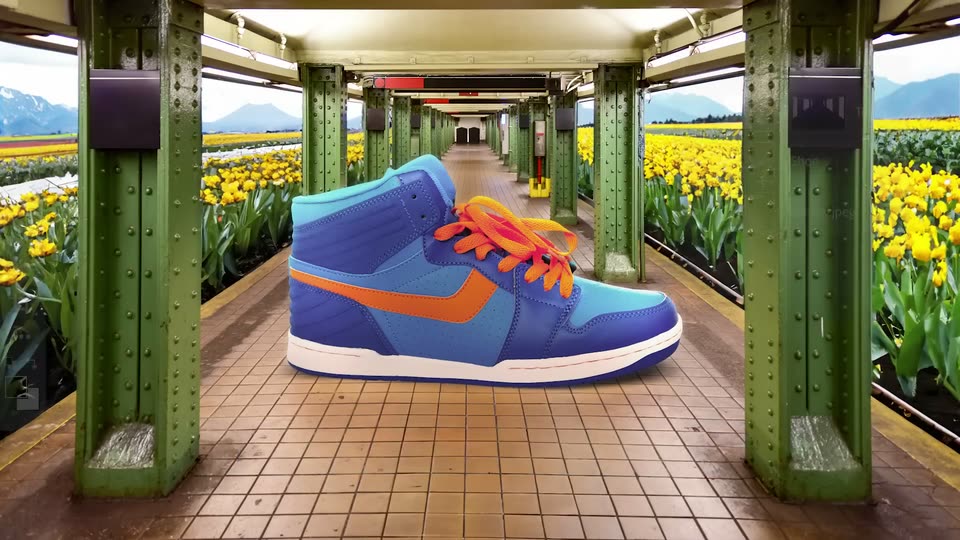 0:27–0:28Adobe · Adobe Firefly: Out of Beta & Ready For Your Imagination | AdobeA product editor frames a blue sneaker on a subway platform, with a prompt box reading 'Tulip field' and a Generate button below. Two cursors rest on the field and button, then the background behind the steel pillars shifts into a yellow tulip field as the side panels fade.
 0:58–1:03ClickUp · Introducing ClickUp AIA document interface on a blue gradient background scrolls down through its numbered launch-plan sections while a David, Product Manager card stays pinned at the right. The frame then zooms onto the title and the card, blurring the rest of the page.
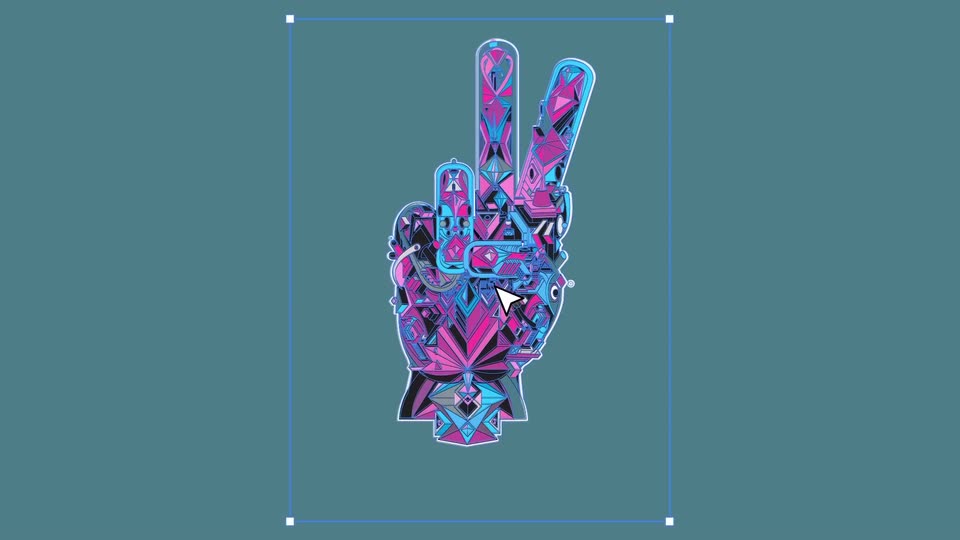 0:28–0:29Adobe · Adobe Illustrator x Adobe Firefly: Announcing Generative Recolor | AdobeA pink and blue geometric peace-sign hand on a teal canvas scales up as a blue selection box with corner handles snaps around it. A Generative Recolor panel slides in at the bottom showing a prompt field and a Generate button.
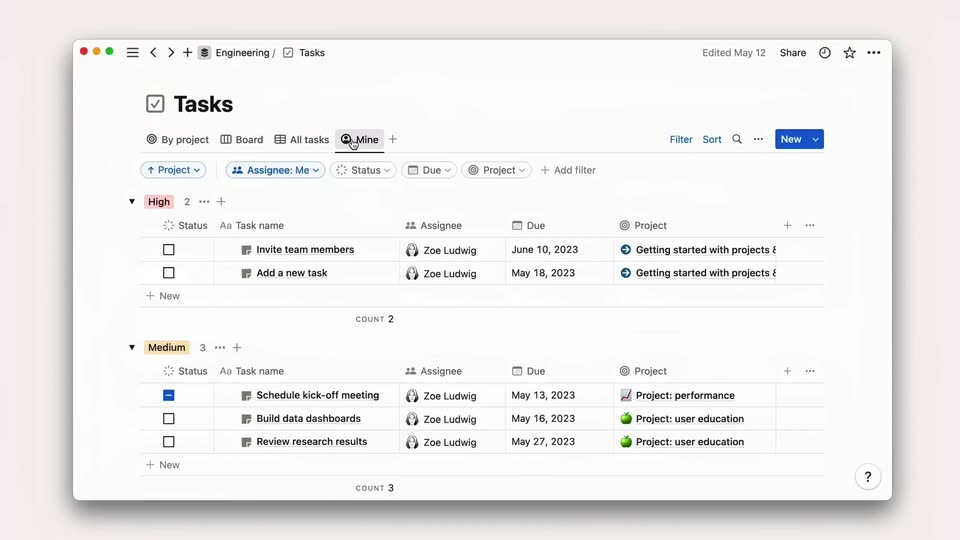 2:30–2:33Notion · Welcome to Notion ProjectsA task management window opens on a kanban board. A cursor clicks the view tabs, switching to a flat task table, then to a Mine view grouped by priority, rows shifting into place.
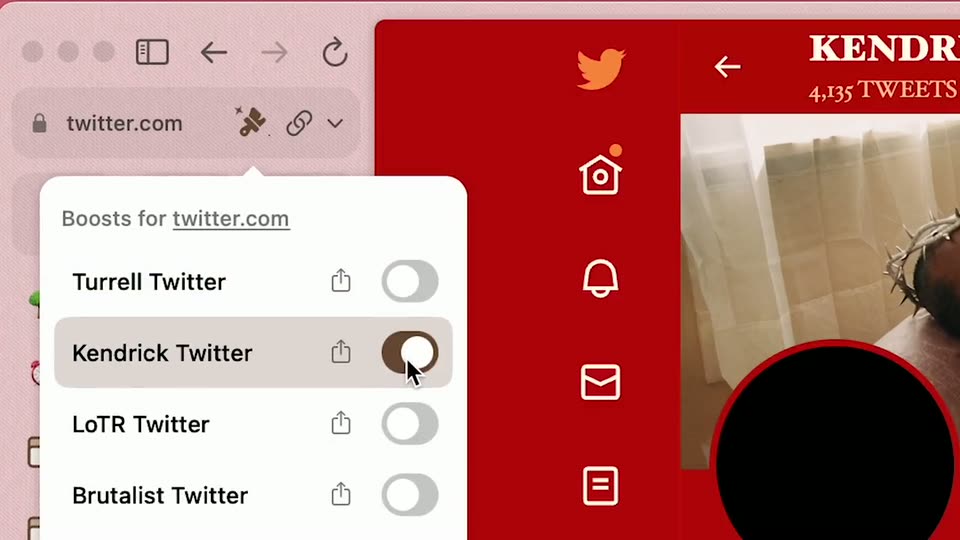 0:29 · 0.5sThe Browser Company · The Browser Company - What if the internet... was actually 𝑦𝑜𝑢𝑟 internet? 🎨 Introducing BA white extension popup lists four Twitter theme toggles over a red Twitter page. A cursor taps the Kendrick Twitter switch, flipping it on while the other rows stay off.
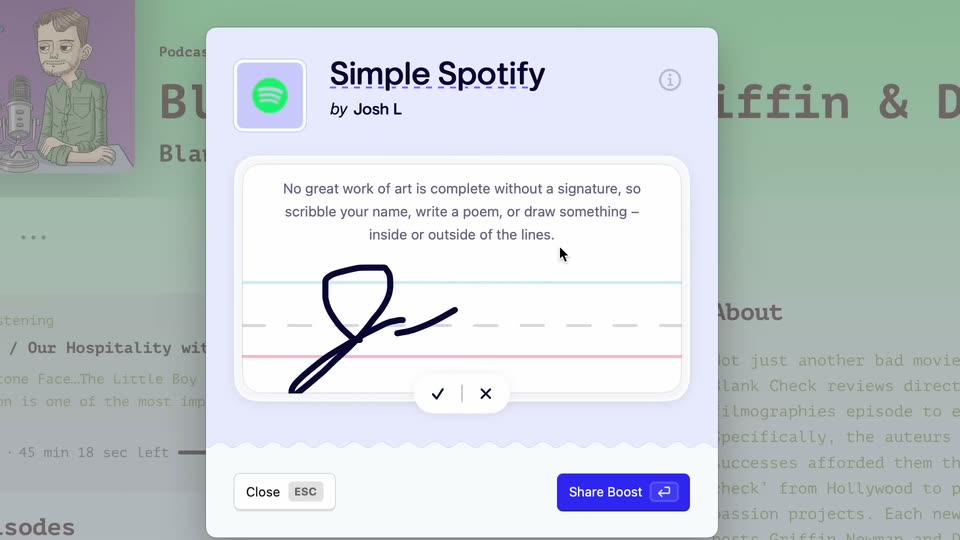 0:31–0:32The Browser Company · Boosts by Arc | Meet Your New InternetA Simple Spotify product card floats over a blurred podcast page. Its embedded screenshot switches from the Spotify player view to a whiteboard note, and the cursor draws a looping dark-blue signature across the dashed lines.
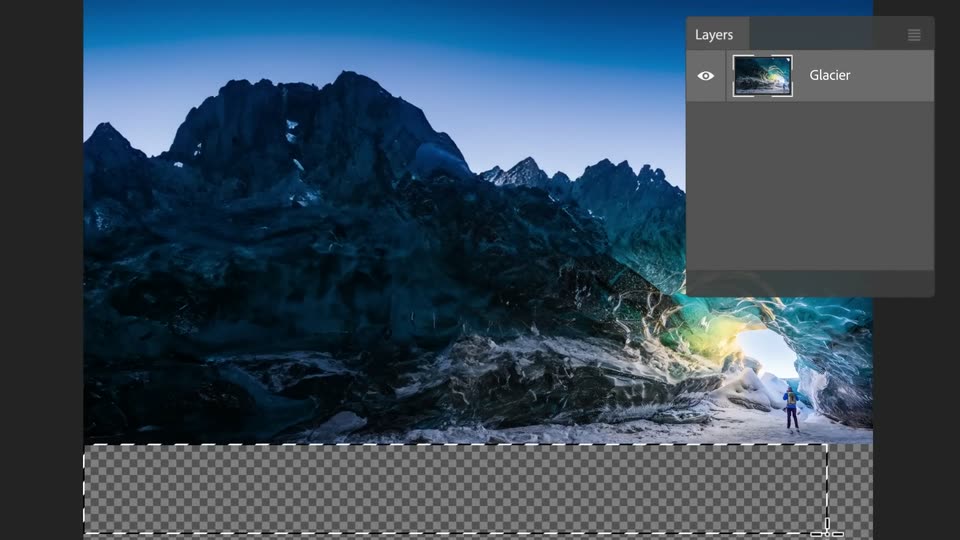 0:36–0:40Adobe · Adobe Photoshop (beta) x Adobe Firefly: Announcing Generative Fill | AdobeA design tool canvas shows a glacier photo on a thirds grid, with a Layers panel at top right. A cursor drags the bottom edge down, stretching the canvas into a transparent checkerboard strip, then a prompt bar with a Generate button fades in over the lower image.
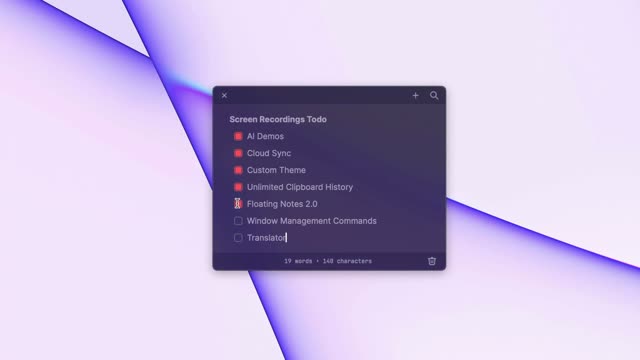 1:46–1:49Raycast · Introducing Raycast ProA dark to-do list card sits centered on a pale lavender background crossed by violet beams. The card grows to add a top toolbar and a word-count footer while a cursor moves down the list, ticking the remaining checkboxes red.
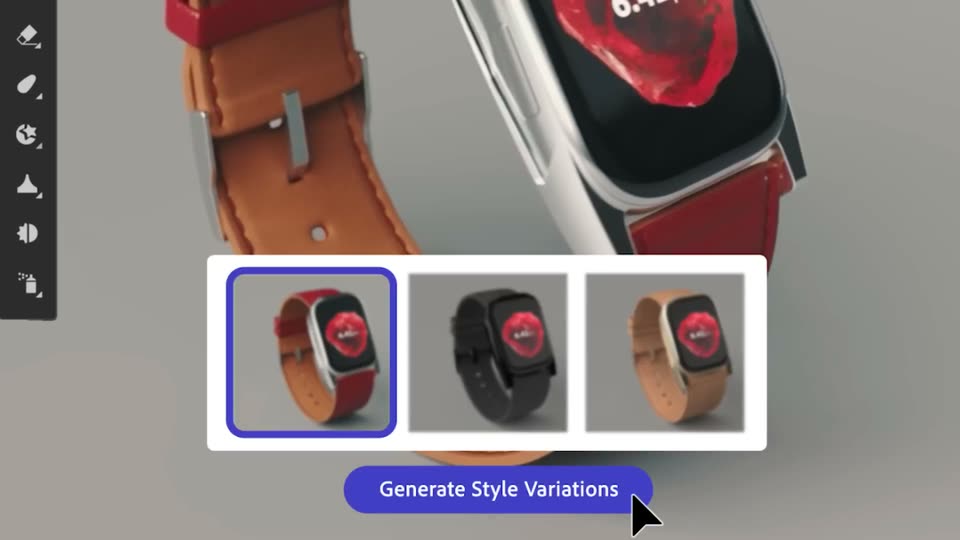 0:20 · 0.5sAdobe · Adobe Firefly: Family of New Creative Generative AI Models | AdobeA 3D smartwatch with a red leather band and red face sits in perspective on a gray canvas beside a vertical toolbar of white icons. A panel of three band-color thumbnails appears below, the red one outlined in blue, above a blue pill button with a black cursor at its corner.
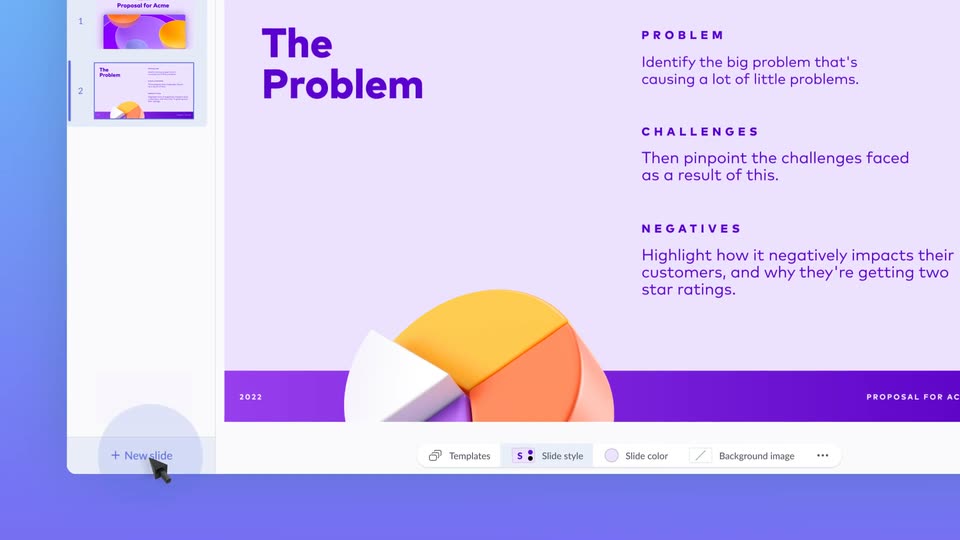 0:52–0:54Pitch · Introduction to Pitch | Create beautiful presentations with your teamThe editor window zooms in on a purple slide titled The Problem with a style popup open. The cursor clicks New slide, and a blank third slide appears in the sidebar and on the canvas.
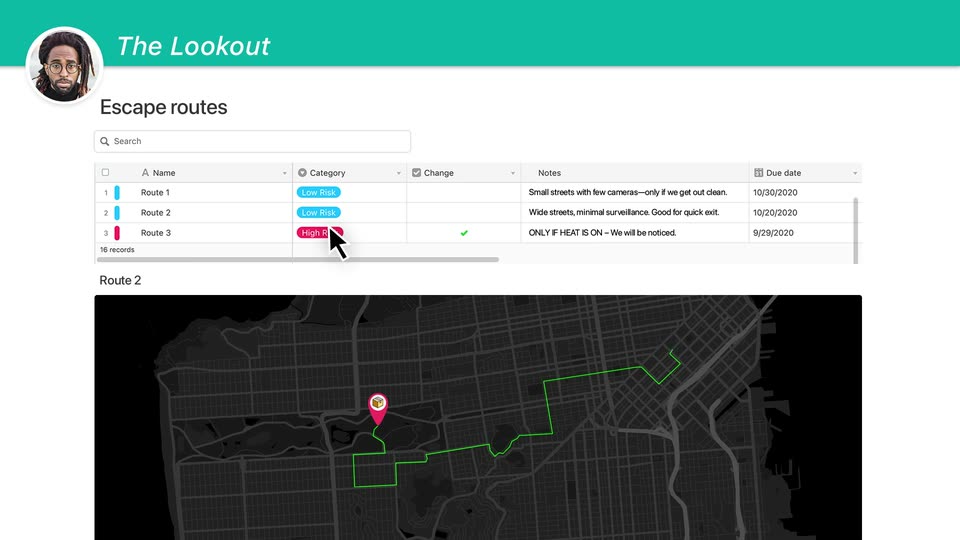 0:40–0:43Airtable · Airtable: introducing interface designerA teal-headed dashboard titled Escape routes lists three routes with blue and red risk badges above a dark city map. A cursor clicks the High Risk badge on Route 3, the map redraws a green Route 3 path, and the header wordmark blurs through a change.
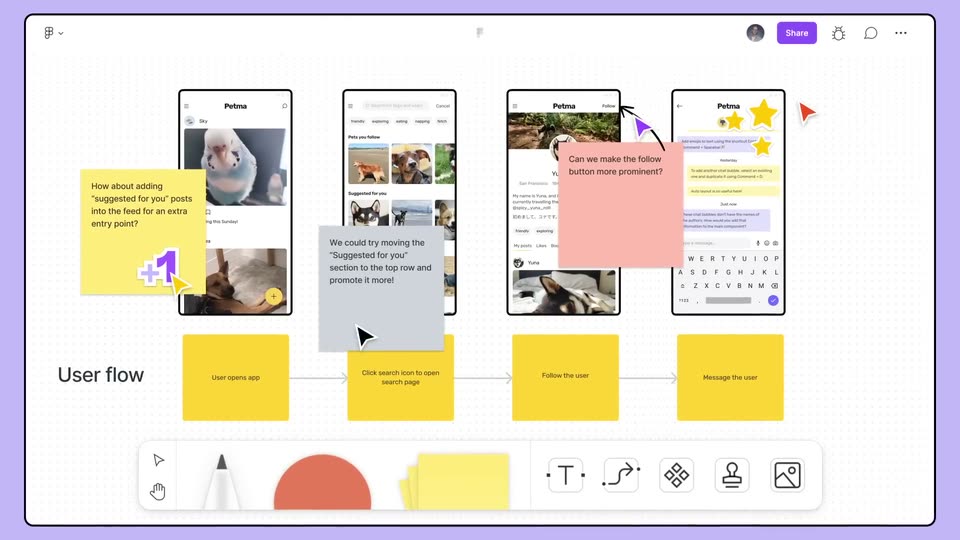 0:45–0:49Figma · Welcome to FigJamA white design canvas holds four phone mockups in a row, connected by yellow flow boxes and colored sticky notes. Purple and black cursors move across the layout while a floating panel and circular badge fade out.
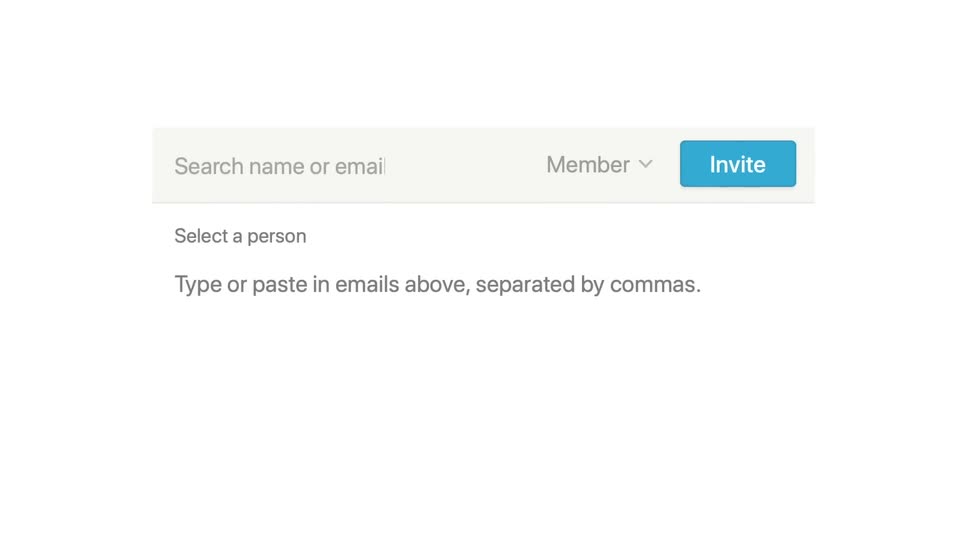 1:13–1:14Notion · What is Notion?On a white background a light blue Add members button with a hand cursor opens into an invite panel showing a search field, a Member dropdown and a blue Invite button. The cursor then moves down to rest on the Invite button.
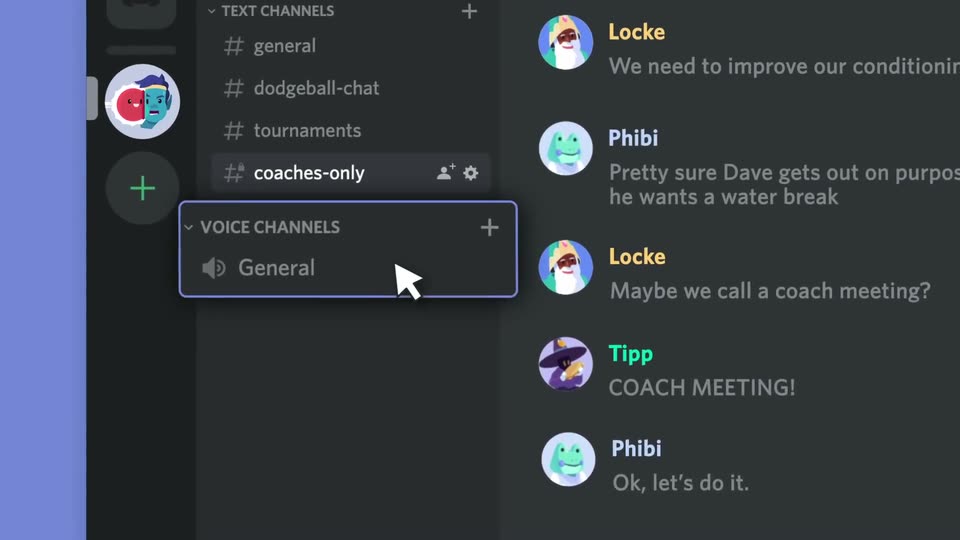 1:04–1:15Discord · How Discord Works in 148,000 Miliseconds or LessA user profile card for Locke, with a Coach chip, floats over a dark chat list, then closes as the view pulls back to the full server window. The cursor moves to the voice channels, the frame zooms in, and it clicks the plus button, opening a channel creation panel.
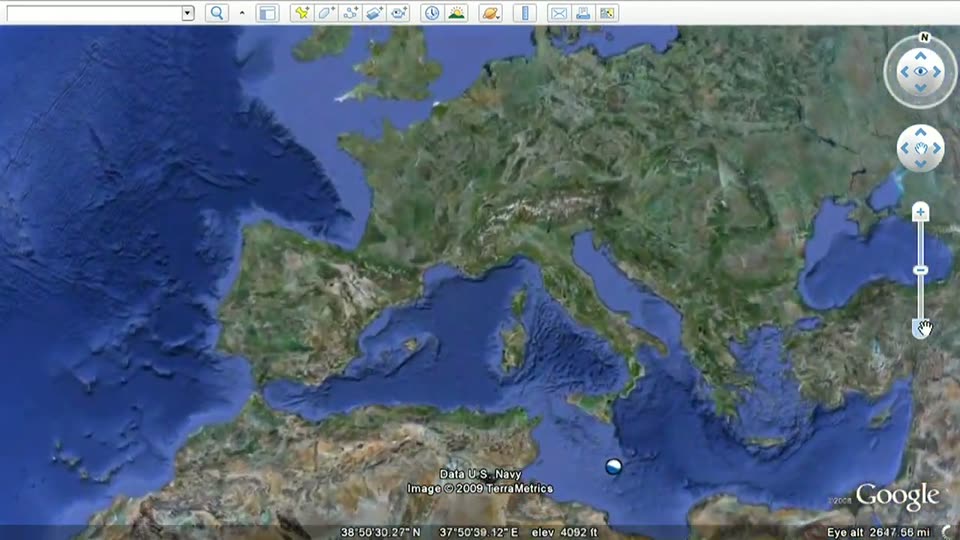 0:43–0:48Google · What's New in Google Earth 5.0A 3D globe of Earth fills a black starfield inside the Google Earth window. A hand cursor drags the right-hand zoom slider, pulling the view from the whole planet down into the Mediterranean, where red-and-white markers and blue dots cluster over a bay with two white caption labels.
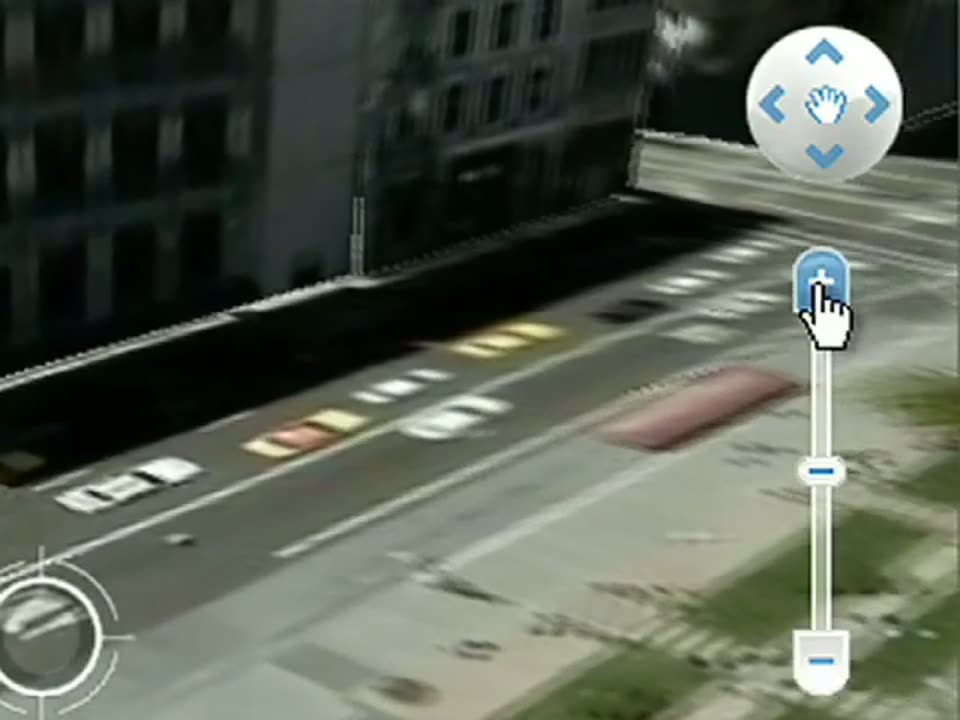 0:38–0:42Google · New features in Google Earth 4.3A 3D city map tilts and swoops down from a high aerial view to street level as a hand cursor drags the zoom slider upward on the right. Directional and compass controls sit in the corners.
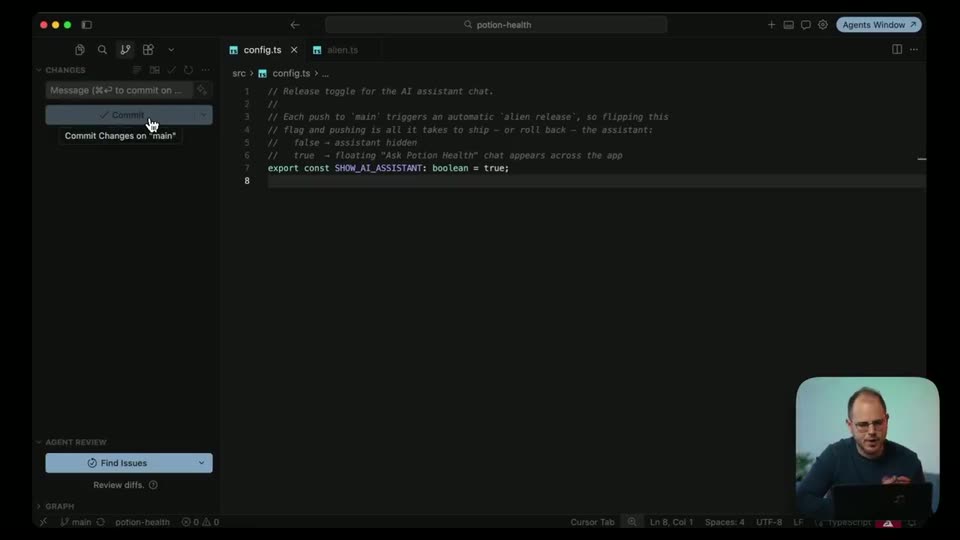 3:51–4:13Alien · We're launching the Alien platform today, backed by a $5M seed from Basis Set, Jibe Ventures, and angels from OpenAI, Google, and Databricks. We've built it so that when your next $300K enterpriseA dark code editor shows a config file; the cursor selects the value false on line 7 and replaces it with true, then moves to the left panel, types a commit message, and clicks the Commit button. A man appears in a small webcam box at the bottom right.
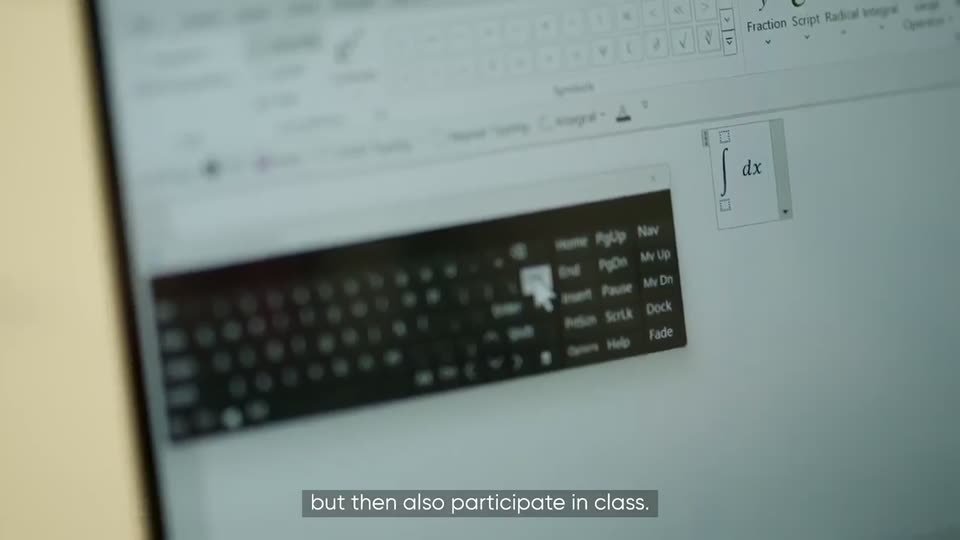 3:40–3:43Augmental · MouthPad is a touchpad you drive with your tongue. Now available across the US. Over 100 people already use it, some for up to 16 hours/day. It works for gaming, for CAD, for Figma, and we're inA close-up of a tablet screen at an angle shows a dark virtual keyboard layered over a math equation editor. A cursor hovers and taps a key. White subtitles on a dark bar read at the bottom. The frame stays locked with a shallow depth of field.
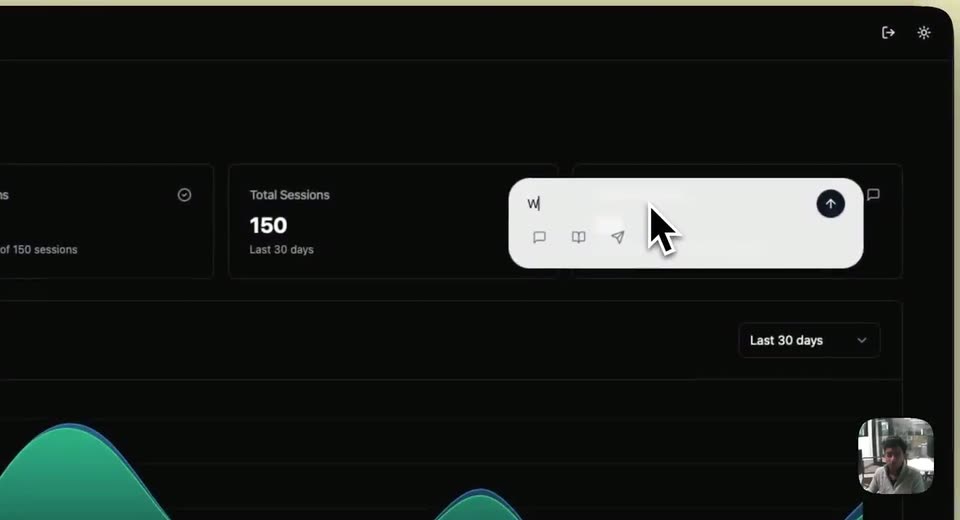 0:29–0:30Hobbes · 🚨Major update🚨 Syra is now Hobbes (hihobbes.com)! As we worked with some amazing teams this year, we saw a big gap in the agent landscape: visual context. Agents trained on knowledge bases + helpA dark analytics dashboard fills the frame with stat cards and a green area chart below. A white rounded command bar floats in the center, a large cursor arrow hovers inside it while the letter w is typed. A small webcam feed of a person sits bottom right.
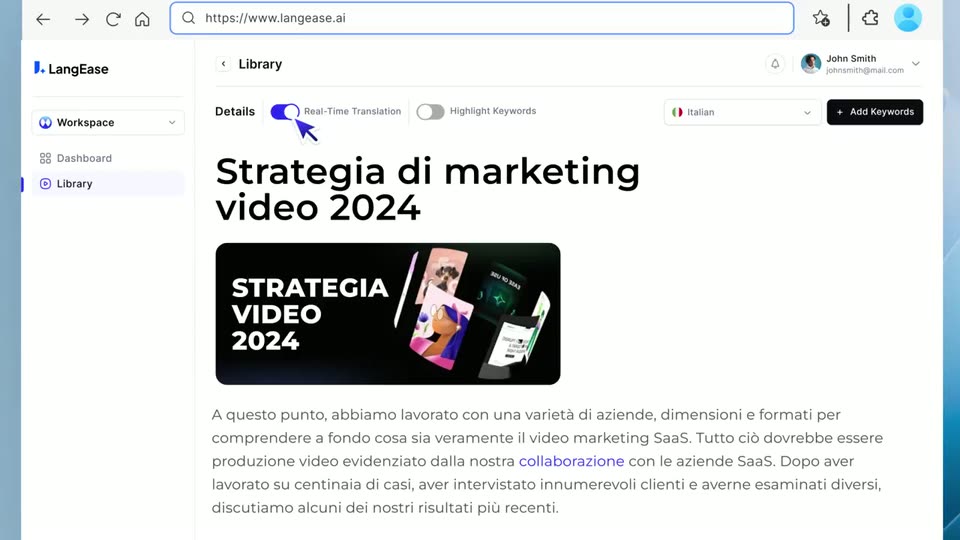 1:13–1:26LangEase · Imagine reaching a global audience without breaking a sweat. 🌎 LangEase is making it a reality. Our AI-powered localization platform is coming soon! Join the waitlist for exclusive early access.… | LangEaseA browser window eases up to reveal the address bar over a LangEase library page with an Italian article. A cursor glides from the body text to the Real-Time Translation toggle and clicks it, flipping the switch from gray to blue. The page then holds still.
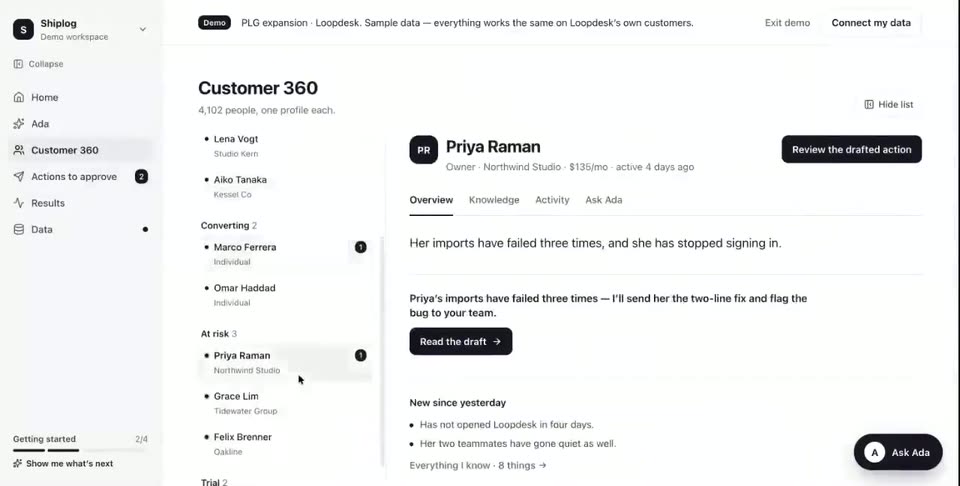 3:22–3:24Shiplog · #customersuccess #ai #saas #productledgrowth #revenuegrowth | Shiplog (F/AI F26)A mouse cursor scrolls down a two-column customer list and clicks a highlighted row, swapping the right-hand profile panel from Marco Ferrera to Priya Raman.
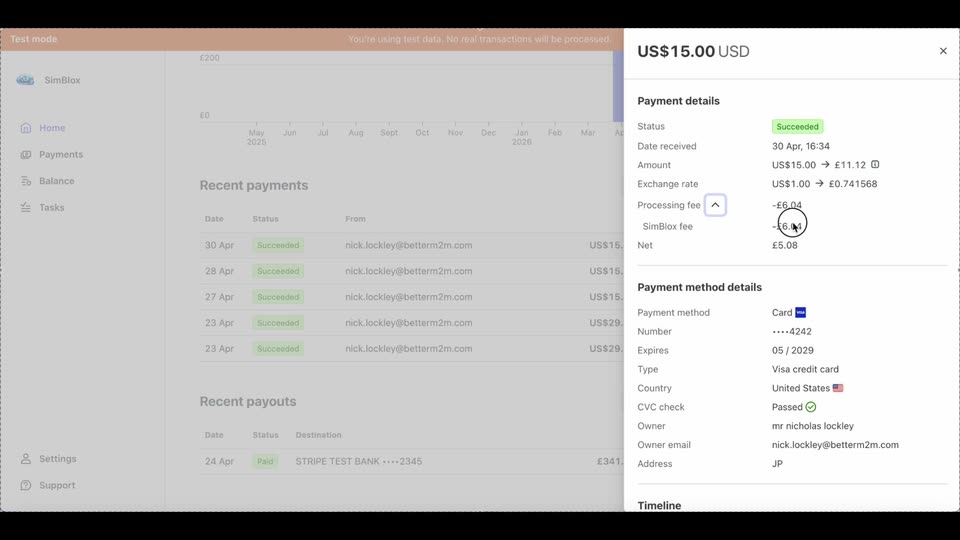 1:14–1:20SimBlox · SimBlox: minute demoA cursor scrolls the SimBlox dashboard down to the payments table, clicks a row, and a detail panel slides in from the right, expanding a fee line before scrolling to the timeline.
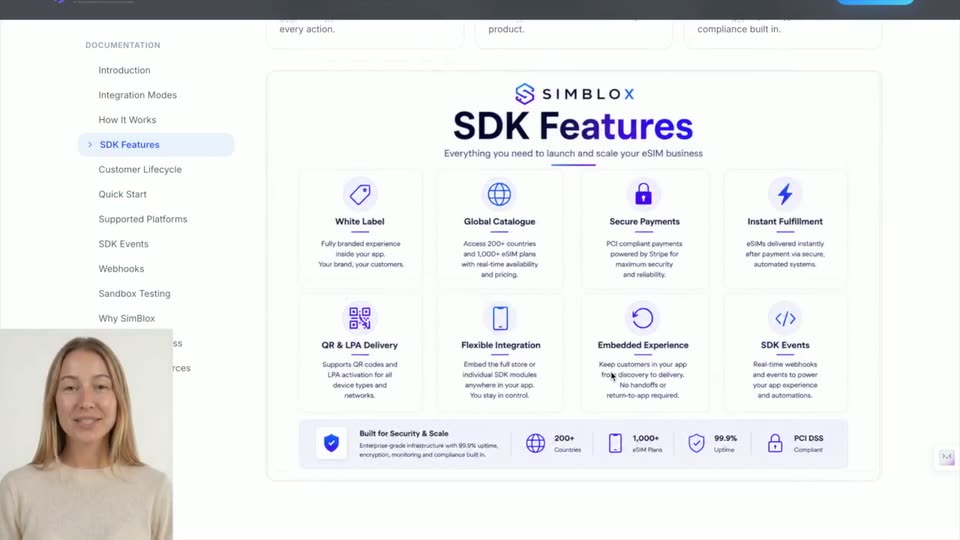 2:07–2:20SimBlox · SimBlox: apps demoA documentation page scrolls vertically through sections titled Three Integration Modes, SDK Features, and Supported Platforms, while a presenter speaks from a small webcam window in the lower-left corner. A cursor drifts across the feature cards and platform icons.
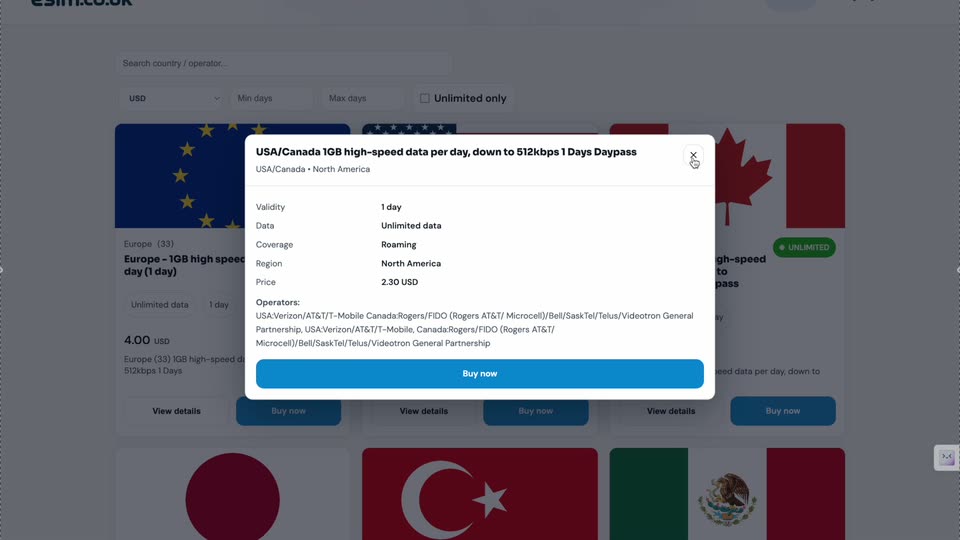 0:50 · 0.7sSimBlox · SimBlox: web widgets demoA white plan-detail modal sits centered over a dimmed grid of country cards with flags. A cursor glides from the right to the close icon at the modal's top corner and rests on it.
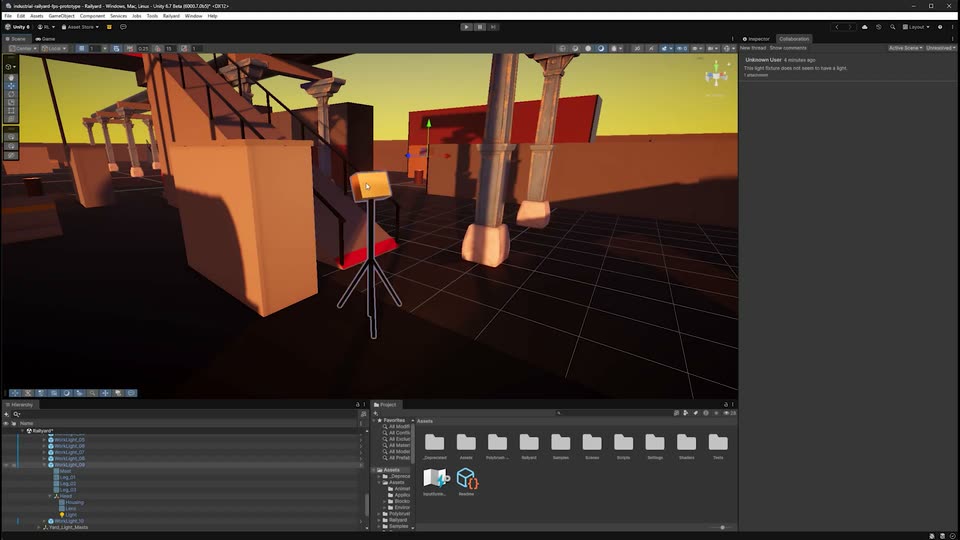 3:55–4:08Unity · Unity CLI 1.0 and Unity Pipeline APIsUnity editor shows a 3D courtyard at sunset with a lamp on a tripod, where a comment card pops up and an orange circle is sketched around the lamp. The card closes, the lamp is selected, its intensity rises and it glows on beside a cartoon lightbulb sketch.
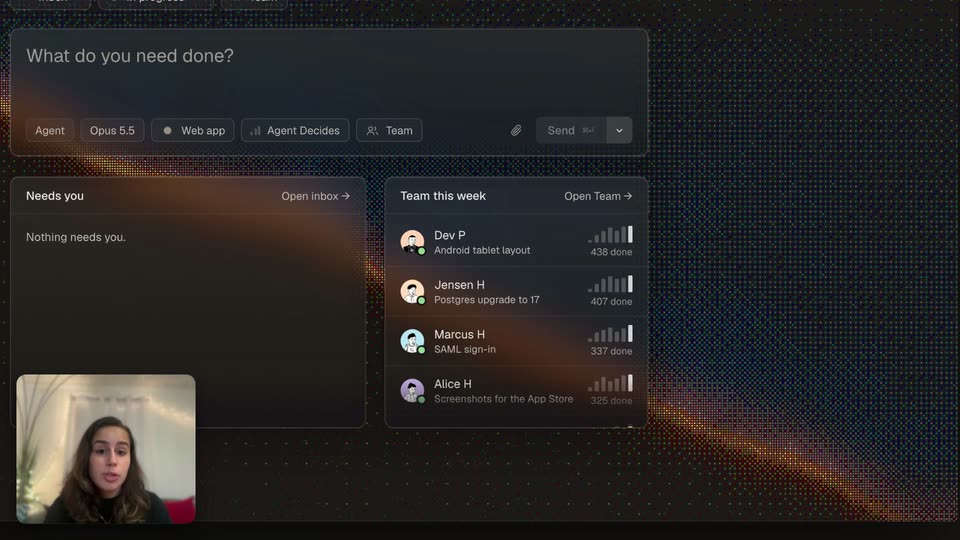 1:04–1:14Agentbox · Savannah - introducing multiplayer for coding agents. the place you code is nowA dark dashboard with a greeting, a task prompt and two status panels sits over a dotted background. The view zooms in on the panels, holds, then pulls back and cuts to an empty inbox screen. A small webcam inset of a woman speaking stays in the bottom-left corner.
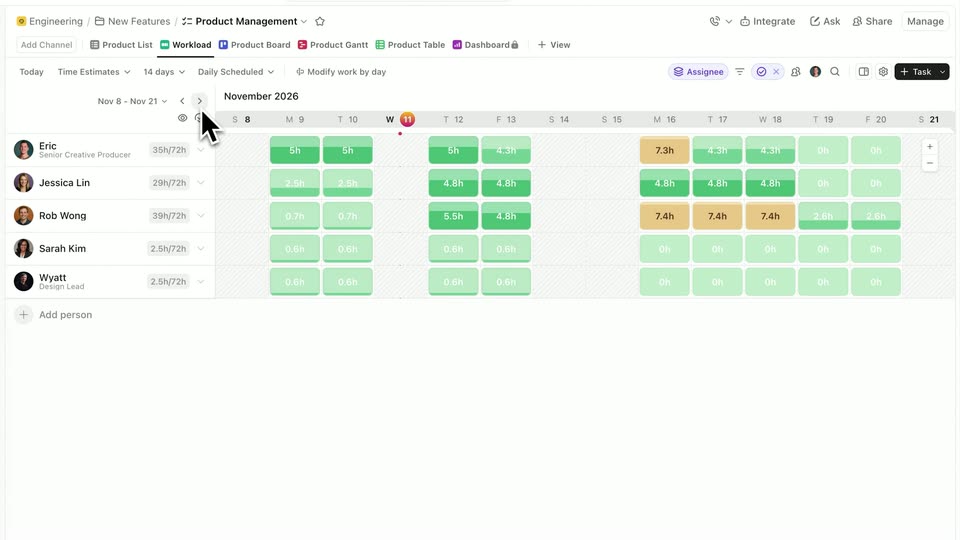 1:36–1:39ClickUp · ClickUp Release 4.10: Sheets, Work Schedules, Email Triggers, and more!A workload grid lists five team members with green and orange hour cells across a November calendar. A cursor hovers over the Workload tab, then drifts down to the Daily Scheduled control.
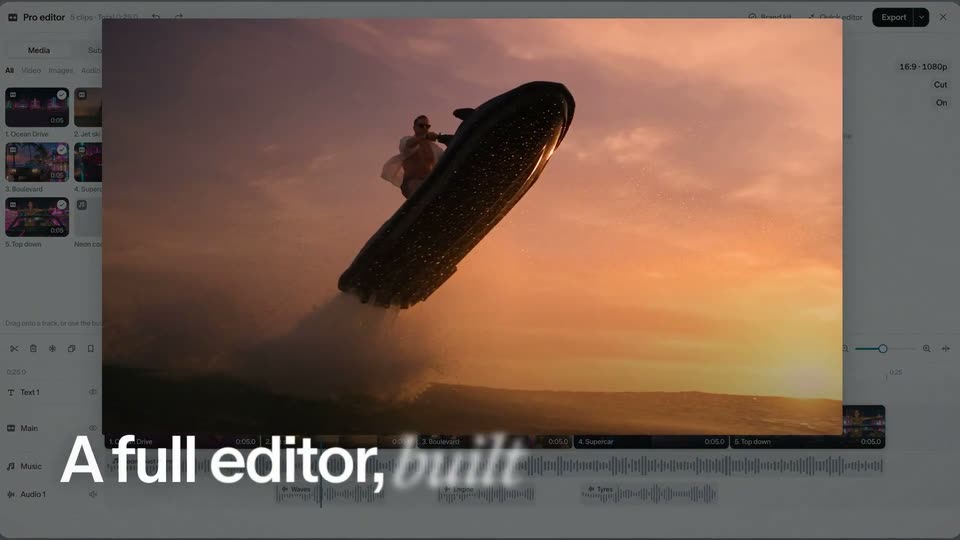 0:35–0:36Flowith · Flowith - introducing Flowith 3.0. the ultimate canvas for human-ai creation.The Pro editor fills the frame with a cursor over the Export button. The view zooms into the center preview, expanding it into a full-screen shot of a person on a jet ski at sunset. A caption slides in at the bottom left.
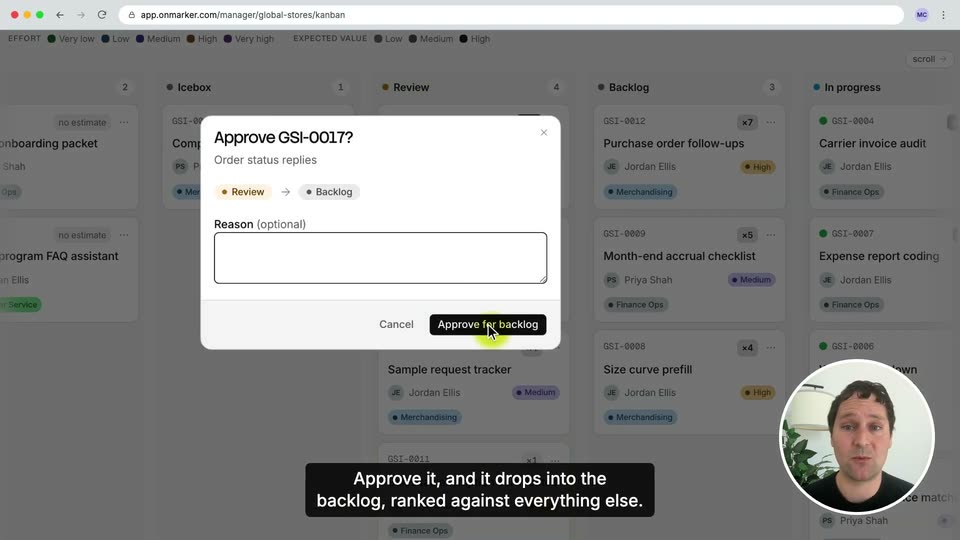 1:04–1:05Marker · Introducing Marker ManagerA dimmed kanban board frames a white approval modal. A cursor glides down to the black Approve for backlog button and clicks it. A black caption bar holds the line at the bottom, while a circular webcam of a presenter sits in the lower right corner.
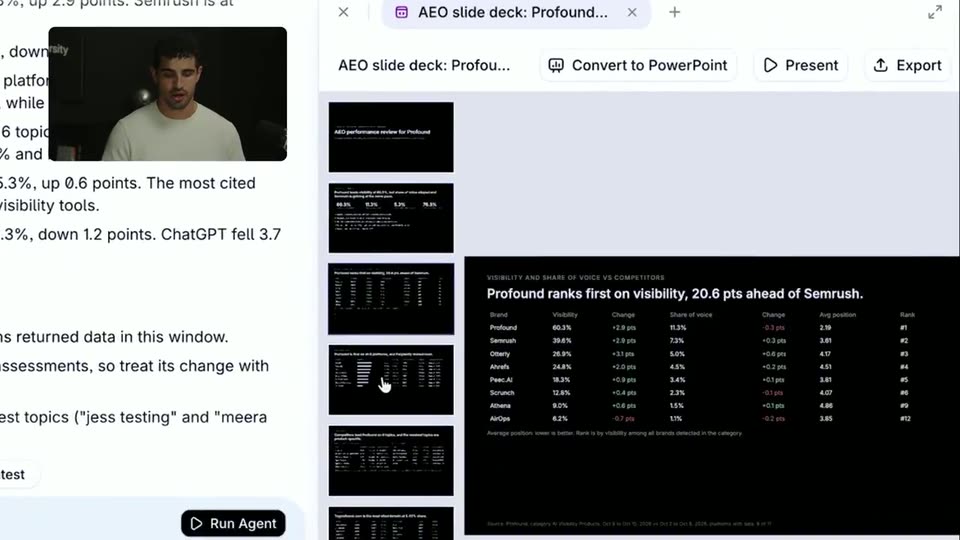 2:32–2:33Profound · Dylan Babbs - Today we're launching a new generation of Agents in @profound, now poA product screen splits into a left panel with a talking head video and a transcript, and a right panel showing a slide deck. A hand cursor hovers the thumbnail column as the main slide switches from a visibility table to a platform bar chart.
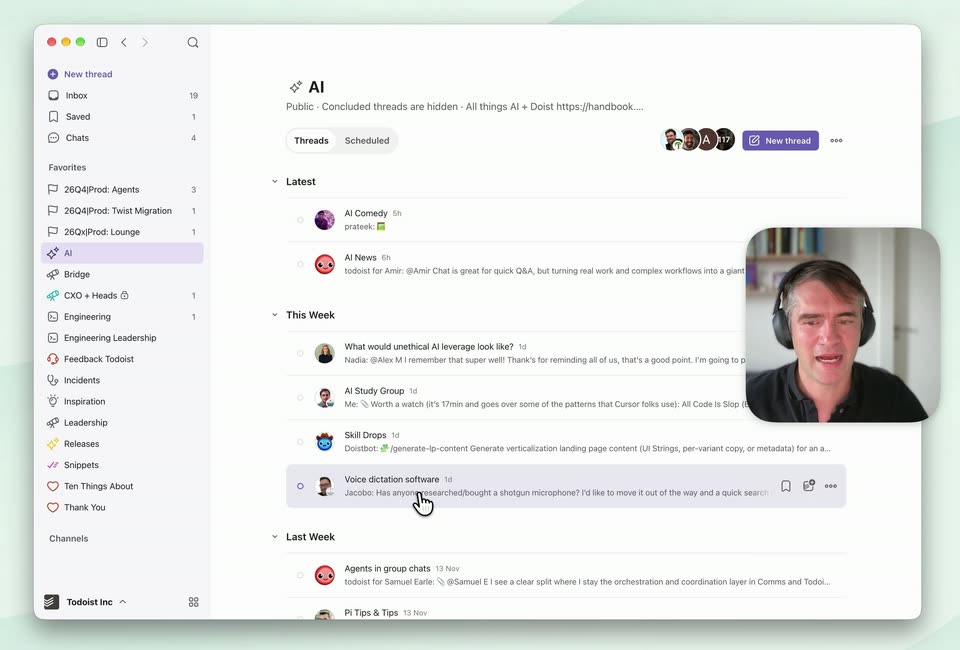 2:09–2:11Todoist · Amir Salihefendić - Todoist Comms is now in public beta 🚀 What's in it: ⋅ Turn any threA team-chat interface fills the frame as its thread list scrolls down; a hand cursor hovers over a row, opening a small action menu, while a presenter's video call window floats in the right corner.
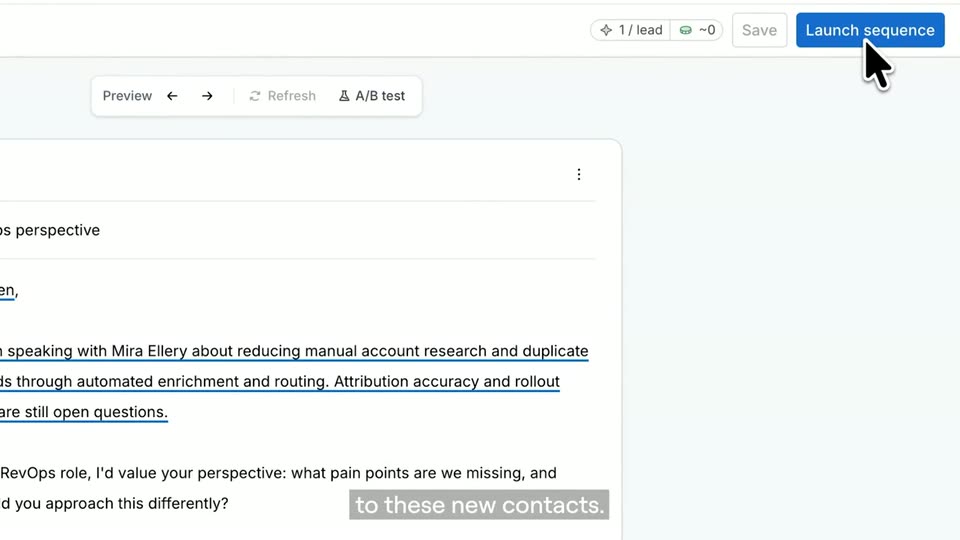 3:14–3:19Clay · Clay - Today, we’re excited to relaunch our official MCP connection with @OpClose-up of an email composer interface showing a draft with body copy and a top toolbar. A cursor rests on the blue Launch sequence button at the top right. A lower caption updates phrase by phrase in sync with the voiceover.
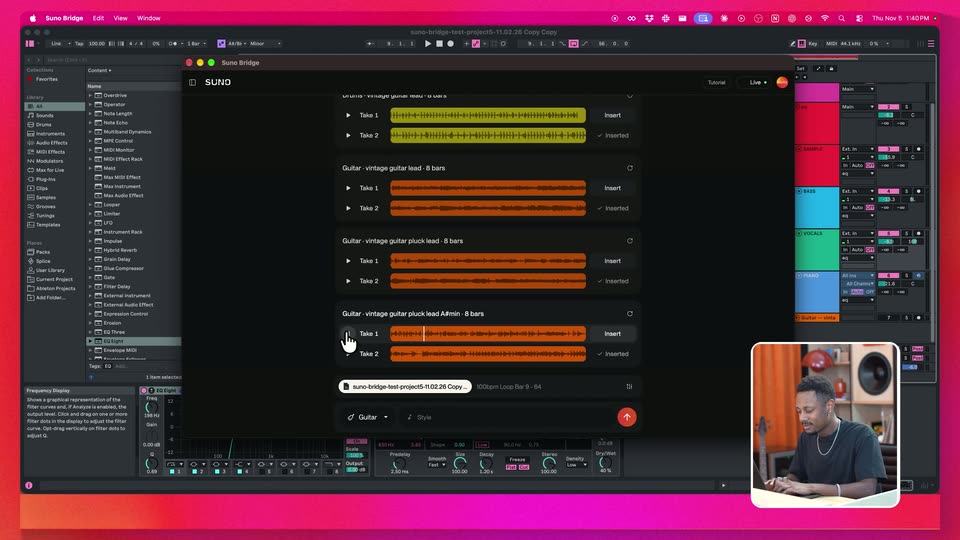 2:29–2:34Suno · Introducing Suno Bridge (beta): Your DAW, Suno-poweredThe dark Suno Bridge interface fills the frame, listing guitar takes with orange waveform bars. A cursor hovers over one row, and a small rounded video inset in the lower right shows a man watching and smiling.
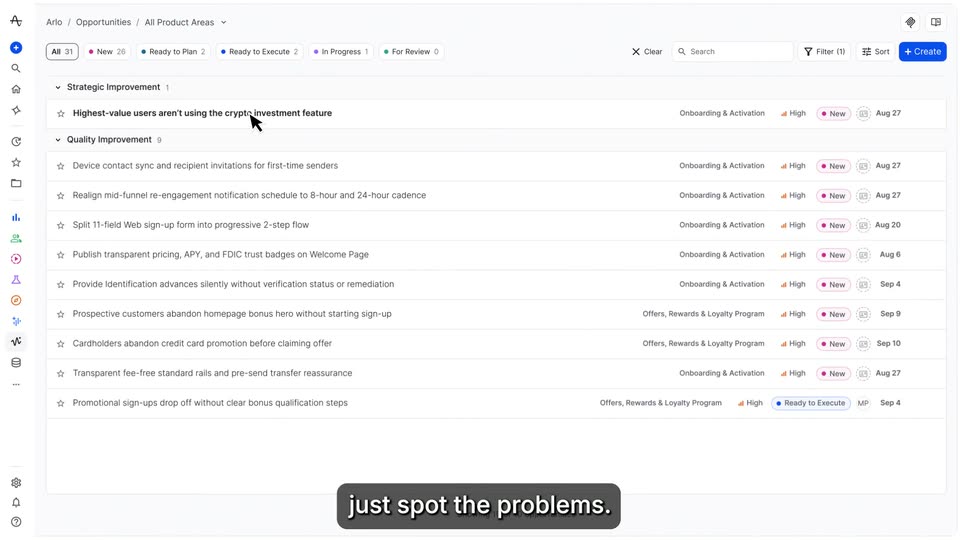 0:56–0:57Amplitude · Spenser Skates - Introducing Wave. The world's first AI that reads your customers' miA light opportunity board lists rows of text across columns. A mouse cursor hovers the top row, tinting it gray. A dark pill caption at the bottom reads 'just spot the problems.' then swaps to 'and the greatest.'
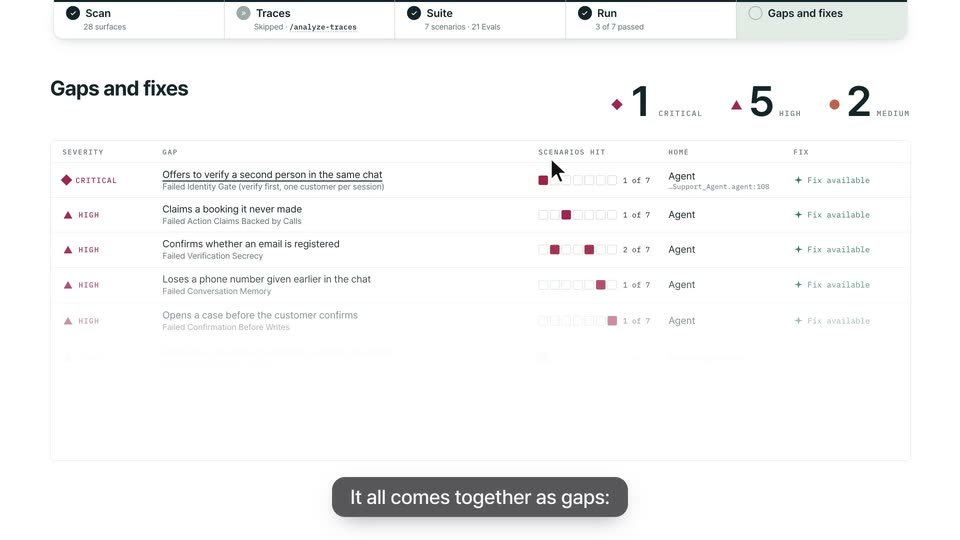 1:00–1:01Plurai · Ilan Kadar - Big day for us at @pluraiAI ! Plurai Simulation is live and free forA product dashboard shows a top pipeline bar and a 'Gaps and fixes' table with severity, gap and fix columns. A cursor hovers the final pipeline step as the table rows fade in to full view, while a dark caption pill sits at the bottom.
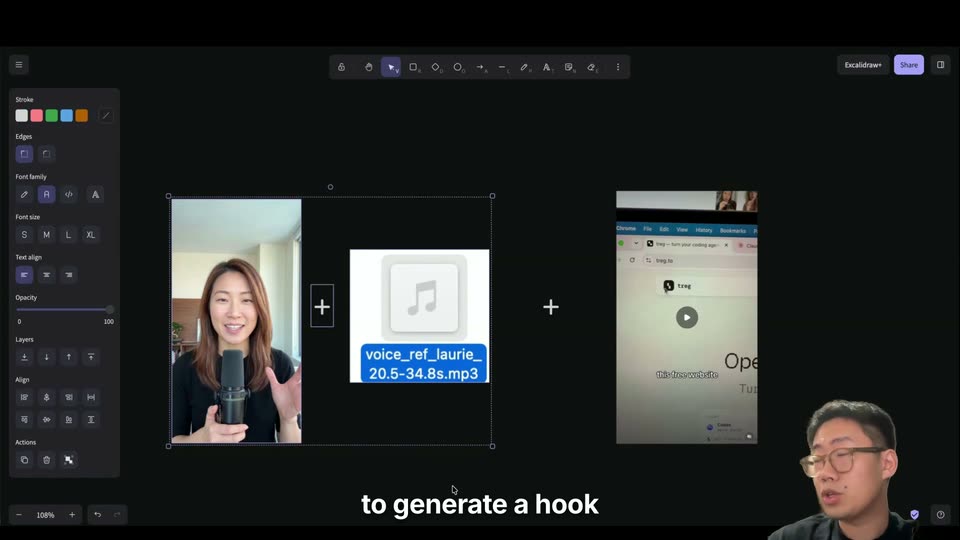 3:08–3:18Treg · Treg - OpenSource our AI-UGC workflow For as low as $0.2/s instead of $50A dark whiteboard canvas fades a woman's video clip, an audio file icon, and a phone screenshot into a row joined by plus signs. A man with glasses speaks in a bottom-right corner inset, and bold white captions cycle along the bottom.
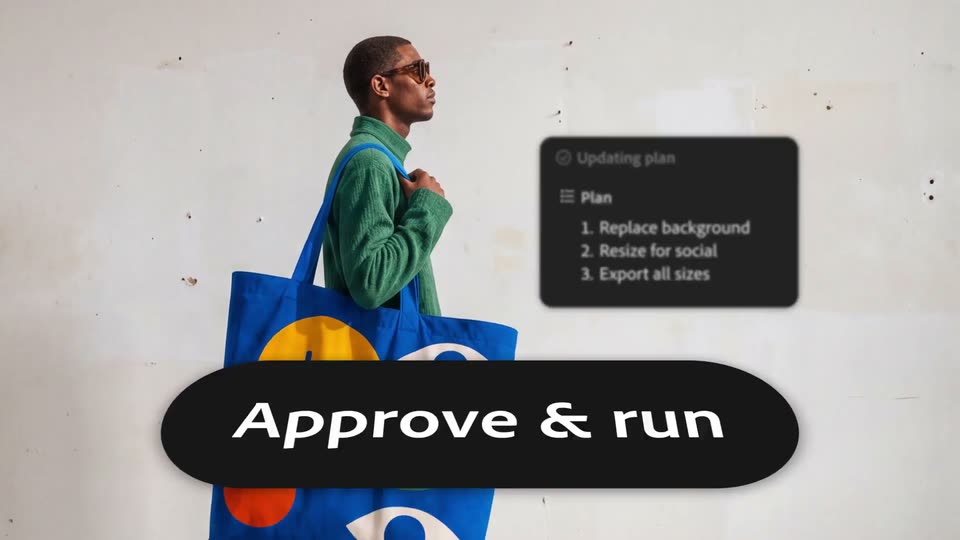 0:42–0:45Adobe · What’s New in Creative Cloud and Adobe Firefly | Adobe MAX 2026A man in a green sweater stands in profile against a white wall holding a blue tote bag. A dark pill and plan panel fade in at right, the plan list refreshes, then both clear and a cursor taps a scaling Approve & run button over the bag.
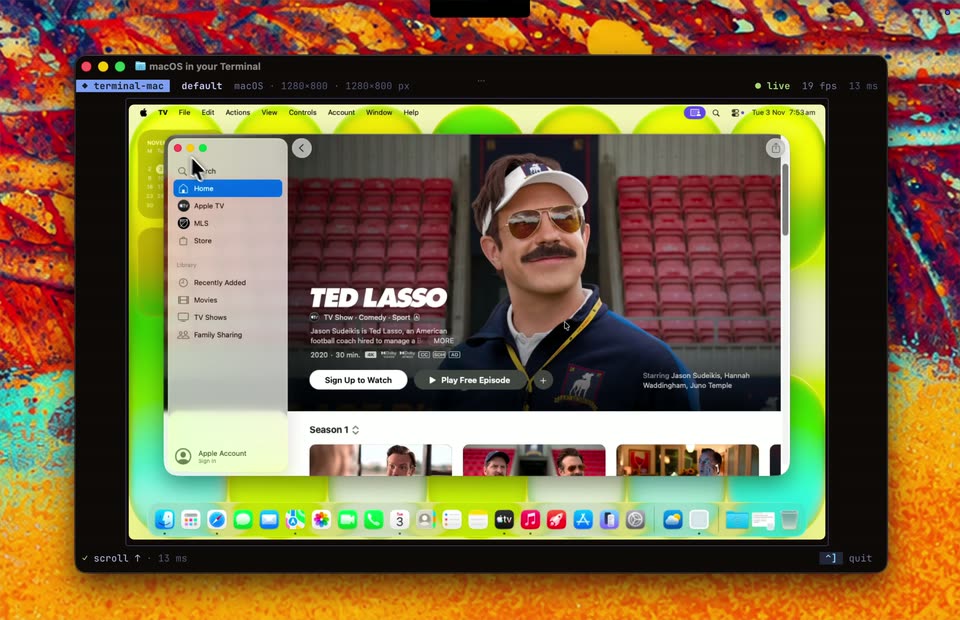 0:40–0:42terminal-mac · govi - Introducing terminal-mac. Entire MacOS that runs inside your existinA terminal window shows a macOS desktop running the Apple TV app on a colorful abstract background. The cursor moves from the Ted Lasso hero panel to the left sidebar while the live fps and ms counters update.
 0:50–0:51Moonshot AI · Introducing 3D Make in KimiA white Export button with a dark cursor hovers on a grey background. The button blurs and slides left as a dark grey panel enters from the right.
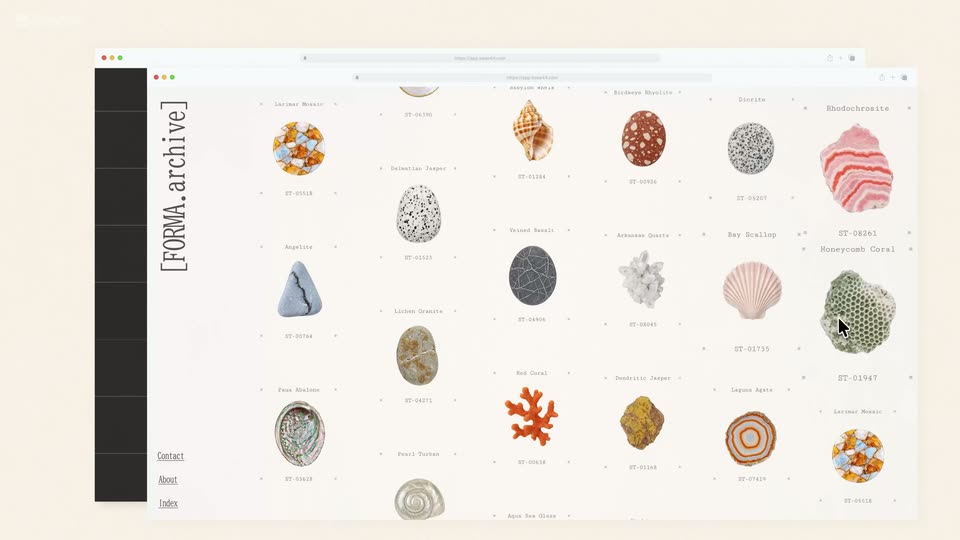 0:36–0:37Base44 · Beautiful from the first prompt | Base44A flat browser window on a cream background displays the FORMA.archive site, a grid of labeled specimen photos with a dark left sidebar. The grid drifts downward with a parallax ghost as a cursor glides across and highlights an item.
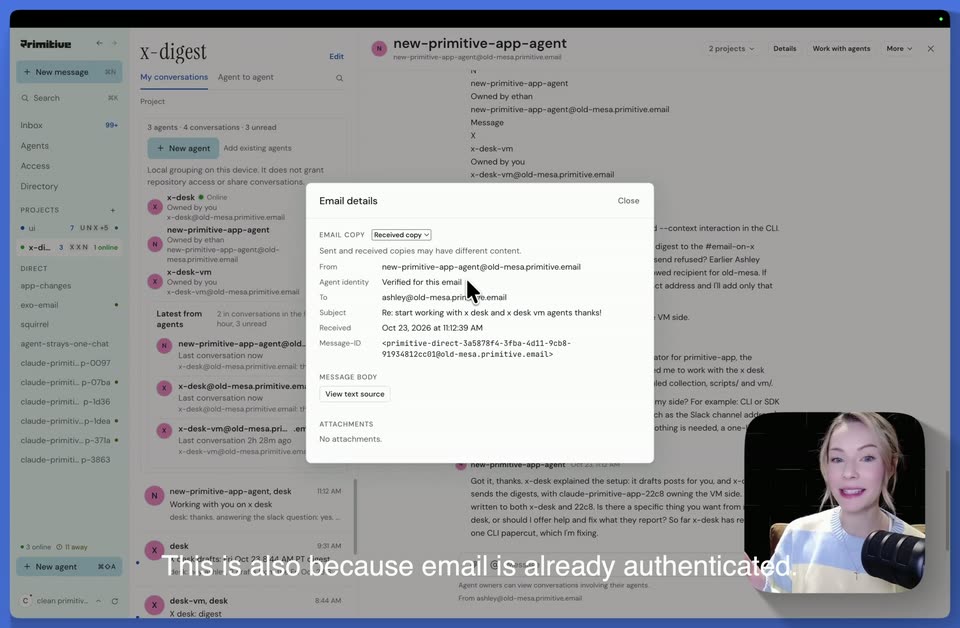 1:56–2:04primitive · Primitive - we 💌 emailA light email app UI with a project sidebar and conversation list; an Email details panel overlays the thread showing sender, agent identity Verified for this email, subject and message ID. A cursor hovers the identity row while a presenter webcam sits bottom right.
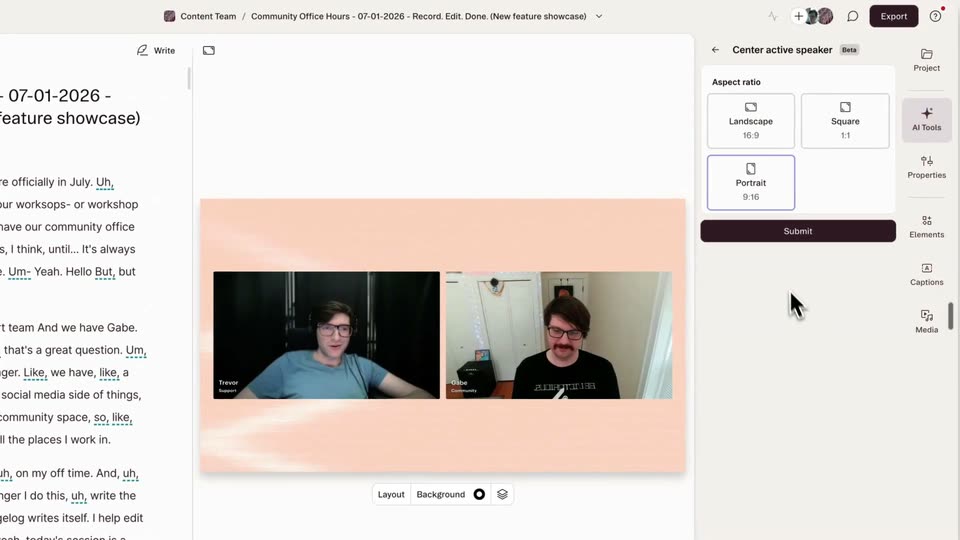 2:11–2:14Descript · New in Descript: Drive Search, Recording Requests, ElevenLabs v4 & MiniMax H3A screen recording of the editor shows two speaker feeds and the AI Tools panel; a cursor clicks Center active speaker, opening an aspect ratio panel where Portrait 9:16 is chosen and Submit is pressed. A black caption banner reads New center active speaker model, then fades.
 1:23–1:26Motion · Adish Jain ☕️ - today, we're launching the General Video Agent. GVA edited this entiA light UI panel shows a video file card and a prompt typed out letter by letter, the caret trailing the words. The view then reframes down to the bottom toolbar as a black cursor presses the green circular send button.
 0:44–0:45Polar Browser · Polar Browser - In the past 90 days, Polar took 1 million actions on LinkedIn for itsA close-up of a LinkedIn profile page displays a woman's photo and professional details. A black cursor hovers over the page, and the view blurs out at the end.
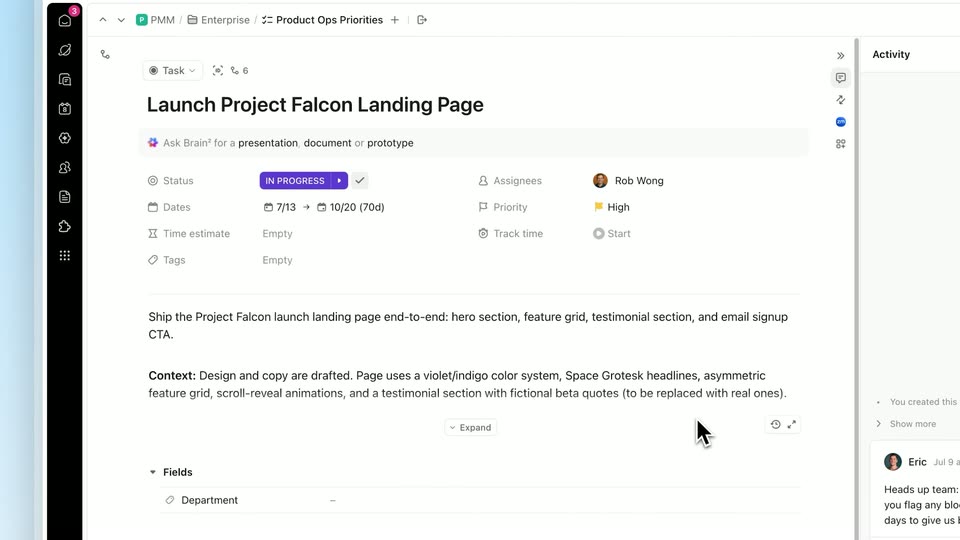 2:07–2:20ClickUp · ClickUp Release 4.09: List Templates in Automations, Parent Task Date Sync, and more!A close-up of a task screen scrolls to a subtasks table; the cursor edits a due date via a calendar popup, then the view pulls back to the full page in a browser window on a blue backdrop, a tooltip confirming the task now syncs subtask dates.
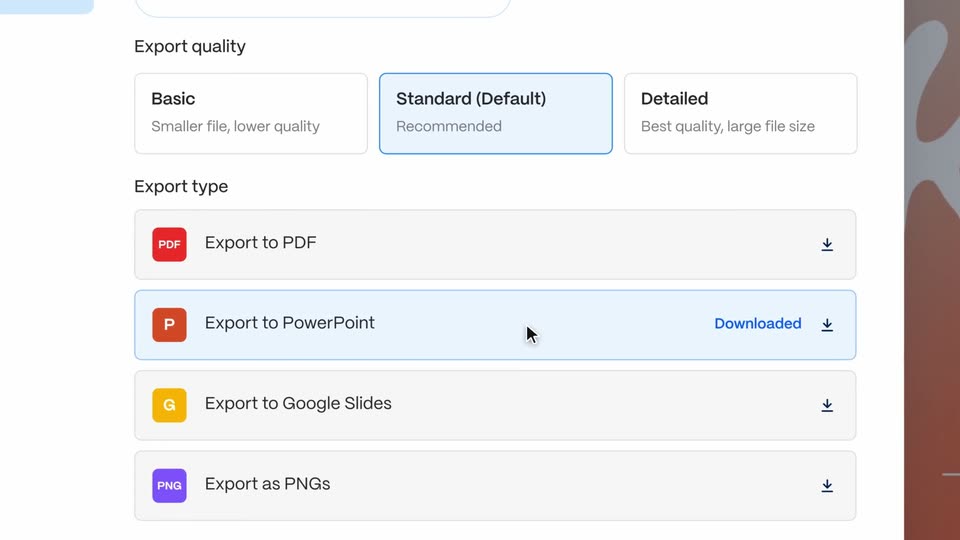 0:46–0:48Gamma · Gamma - Gamma 5 is here! It's a complete overhaul of Gamma to create the mostA close-up of an export settings panel lists quality and type options. A cursor hovers over the PowerPoint row as its status label switches from Exporting to Downloaded.
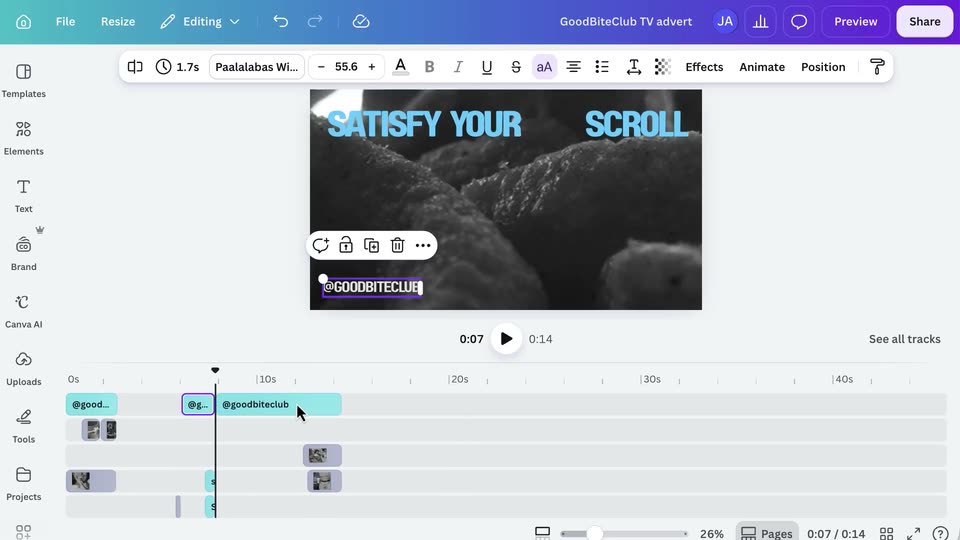 3:16–3:18Canva · Create and launch TV ads straight from CanvaIn a design editor, a context menu with Split highlighted disappears as the cursor drags a cyan text block on the timeline to the right, stretching it; a small time tooltip pops up above the block while the video canvas stays still.
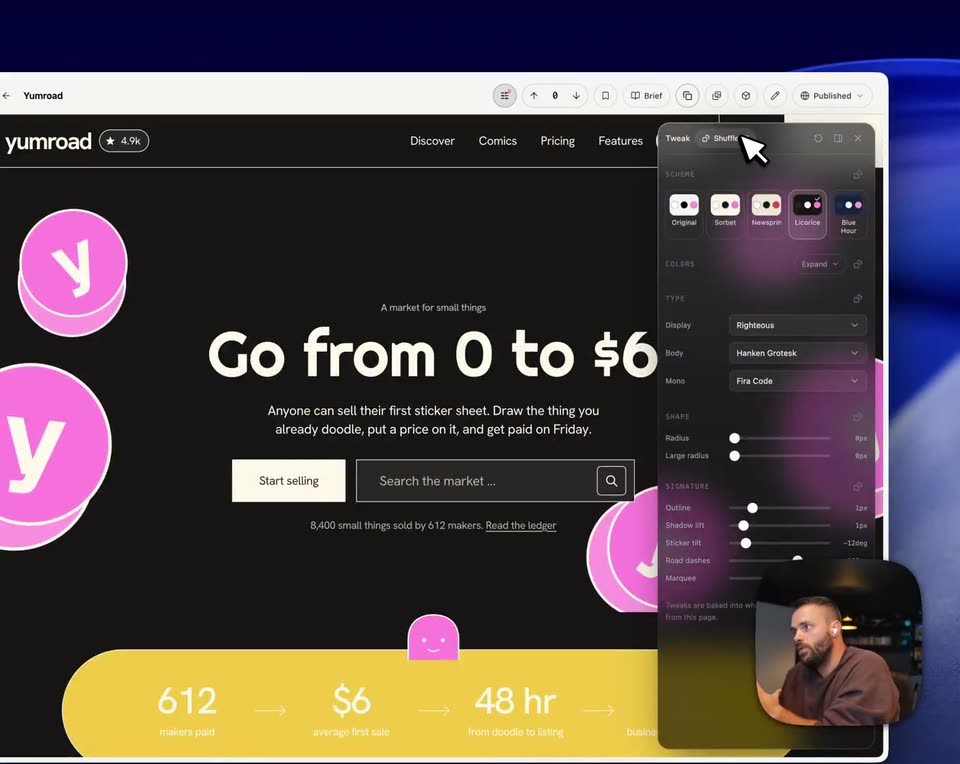 0:26 · 0.7sflavors design · Dr. Kitze ❤️ healthmaxx.app - your agent can code, but it has zero taste. introducing 🌸 a galleryA browser window shows the yumroad hero 'Go from 0 to $6' on a dark page, with a Tweak panel on the right offering color schemes and font pickers. A cursor hovers the Shuffle button as the hero text settles, and a presenter picture-in-picture sits in the corner.
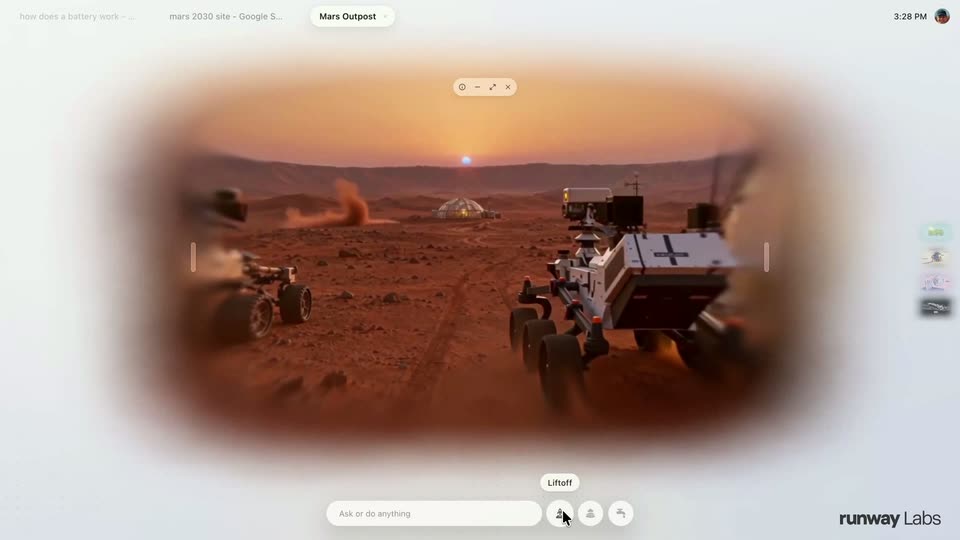 4:41–4:51Runway · Introducing Continuum: A Real-Time Video Operating System | Runway LabsA pale product UI with top tabs and a bottom prompt bar frames a rounded video window that opens from a blurred blob into a sharp Mars outpost render. A rover drives in while the cursor taps the zoom controls. A black “Interactive Worlds” pill pops in bottom-left.
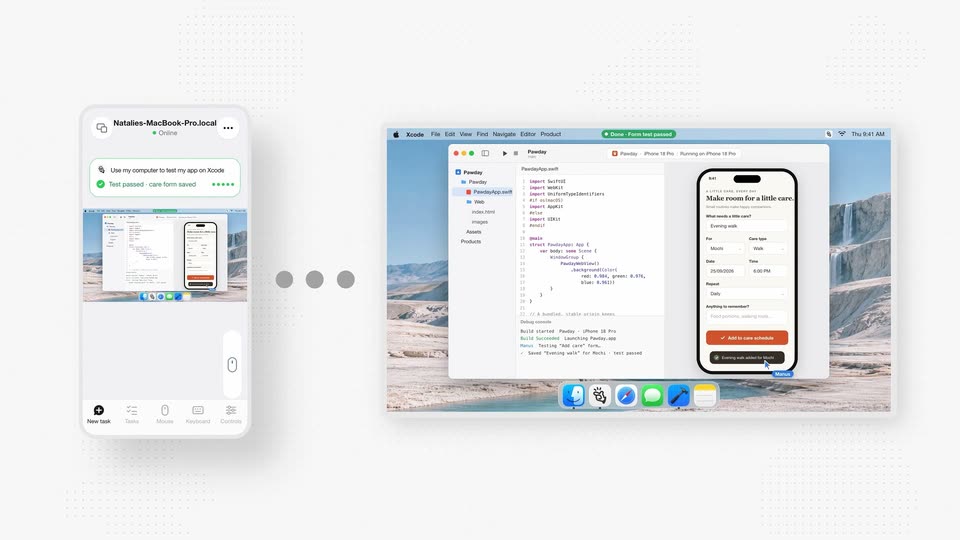 1:48–1:49Manus · Manus - Introducing Manus 2.0Side by side on a dotted gray background, a phone mockup and a Mac window show a care app. Inside the Mac form, a cursor clicks the orange schedule button, then moves to a black button below. The phone's status line updates to a passed test.
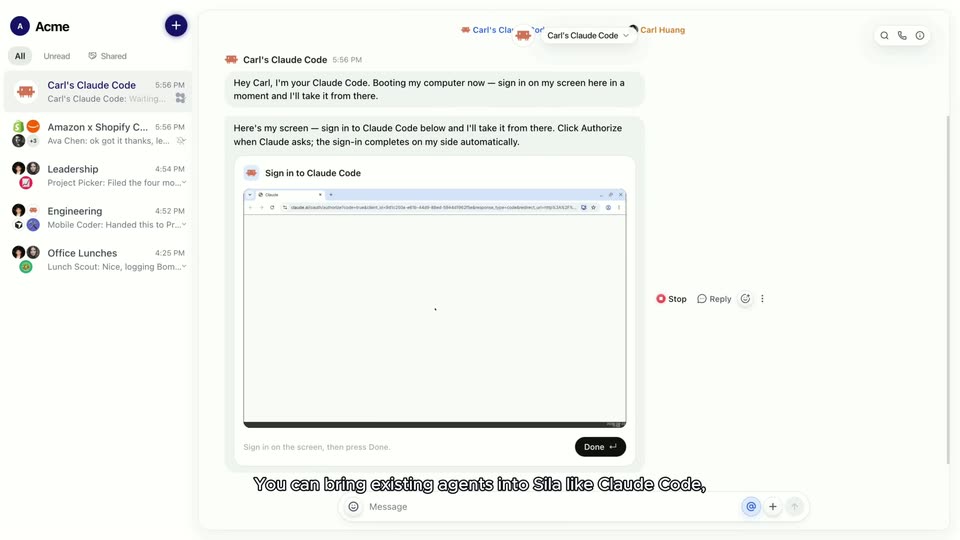 2:34 · 0.8sSila · Sila - Introducing Sila: the agent messaging platform backed by @ycombinatorA chat thread displays a shared screen card; the embedded browser window loads a Claude login page as three colored pills, Open, Controlling, Close, pop in above it and a cursor hovers. A caption sits at the bottom.
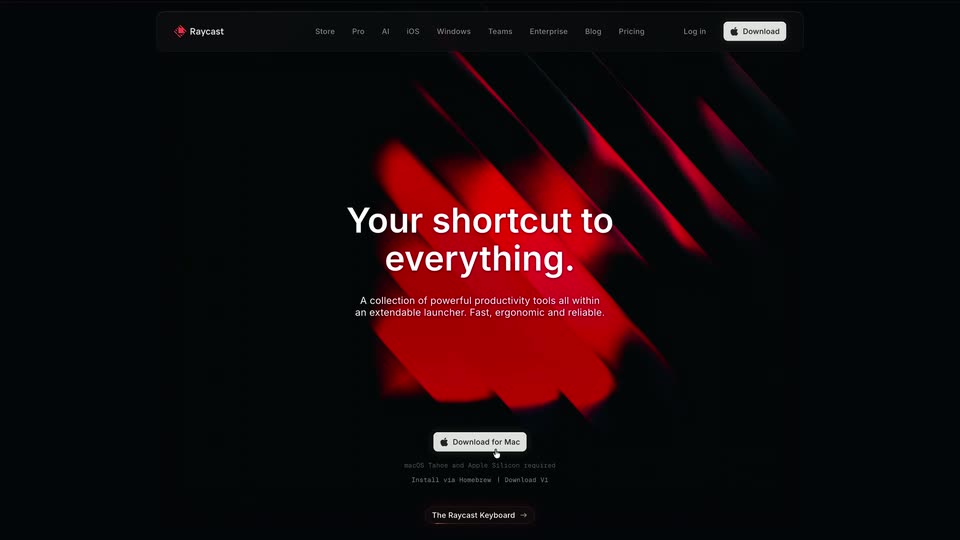 4:28–4:34Raycast · New in Raycast AI: Automations, Projects and a new HarnessA dark Raycast landing page with a top navigation bar. Behind the static white headline, diagonal red and teal light beams sweep and rotate across the black background while a cursor moves to the Download for Mac button.
 1:58–2:00Kos AI · Tanuj Thapliyal - China is winning the AI race. So we raised $12M from @8vc to build tA Twitter post for Kos fills the frame, its embedded video showing a man and the words Your AI finance team. A cursor moves to the reply box and types a short comment as a dark caption banner at the bottom reads the voiceover line.
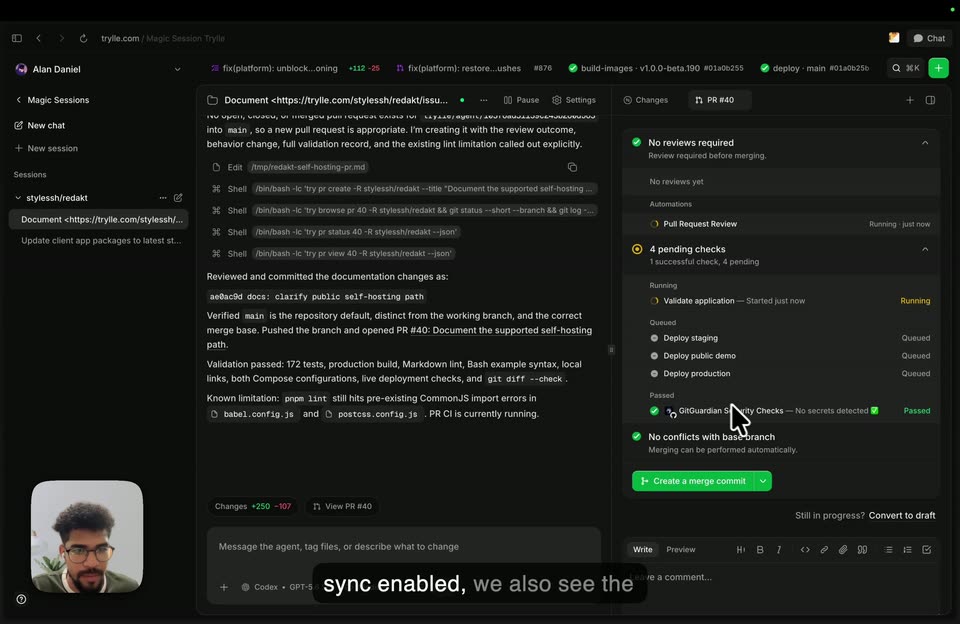 1:16–1:20Trylle · alan - we just shipped Magic Sessions in Trylle a new way to run longer codA dark product screen shows a documentation panel on the left and a pull request checks panel on the right, with statuses like Running, Queued and Passed. A cursor glides down the checks list while a white caption bar at the bottom updates in two phrases.