1:30

Introducing Webflow Campaigns – Launch While It Still Matters
Webflow · Design · Oct 2026
Unity’s 4:18 launch film runs 55 scenes, about 4.7 s each. The product is on screen from the first frame and 2 features are revealed. The call to action lands at 1:59 (46% in), over a voiceover. The video alternates flat vector diagrams on a near-black grid with locked-off screen captures of the Unity editor and terminal, joined by hard cuts at a steady pace. Signature moves are the line-drawn icons (trash can, folder, ring) that draw themselves, the blue accent on dark, and the warm sunset low-poly 3D yard that recurs as the through-line between the CLI and pipeline demos.
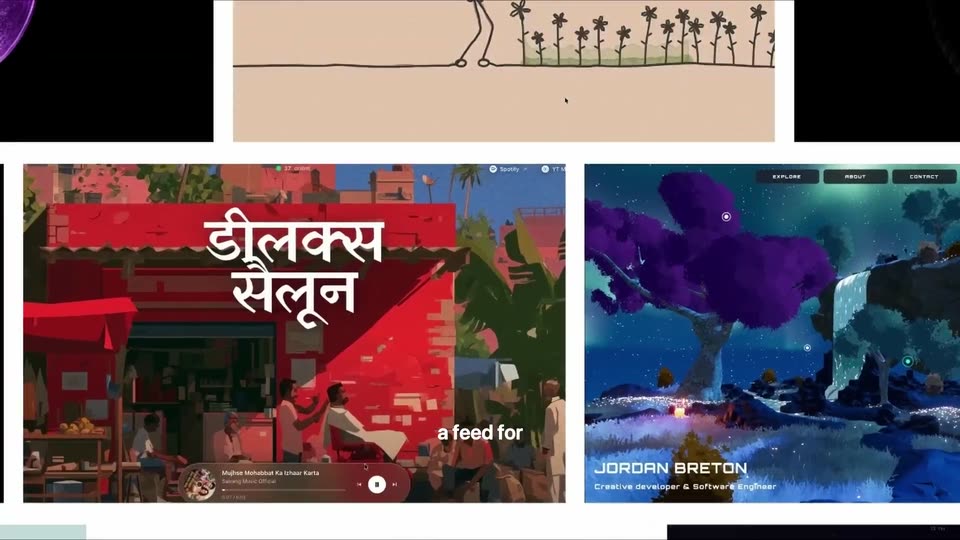
Is this your launch? to your site or press kit.
Webflow · Design · Oct 2026
Whip · Consumer · Sep 2026
Compresr · B2B · Feb 2026
A dark PowerShell terminal window sits centered on a near-black background. Installer lines stream in, then the command unity pipeline install is typed and its output fills the window. A white caption unity pipeline install fades in at the bottom. The terminal scrolls up as new lines appear.
On-screen text: “unity pipeline install”
Camera: Static
On a dark grid, ten rounded tiles with blue sparkle icons drift and settle into two loose rows, then a single dashed card labeled Prototype appears beside a gray trash bin.
Camera: Static
On a dark grid, a dashed blue card labeled Prototype arcs toward a gray trash can icon, rotating and shrinking as it flies. The can's lid pops open to catch it, then closes as the card disappears.
On-screen text: “Prototype”
Camera: Static
Dark grid background. A Prototype bar fills blue, then drains to gray as a Thrown away tag appears. Below, a Built again bar fills blue and a blue Ship tag pops in. A line-art trash can shows in the dark at the start and end as the scene fades.
On-screen text: “Prototype”, “Thrown away”, “Built again”, “✓ Ship”
Camera: Static
A gray line-art trash can sits centered on a dark grid background. A blue circle draws itself around the icon, then a diagonal slash draws across it, forming a prohibition sign. The symbol holds steady and dims slightly at the end.
Camera: Static
A blue folder icon sits centered on a dark grid background, with a dashed grid rectangle and a small sparkle inside. The white label Unity project fades in on the folder front, then a light blue checkmark badge pops onto the right edge.
On-screen text: “Unity project”
Camera: Static
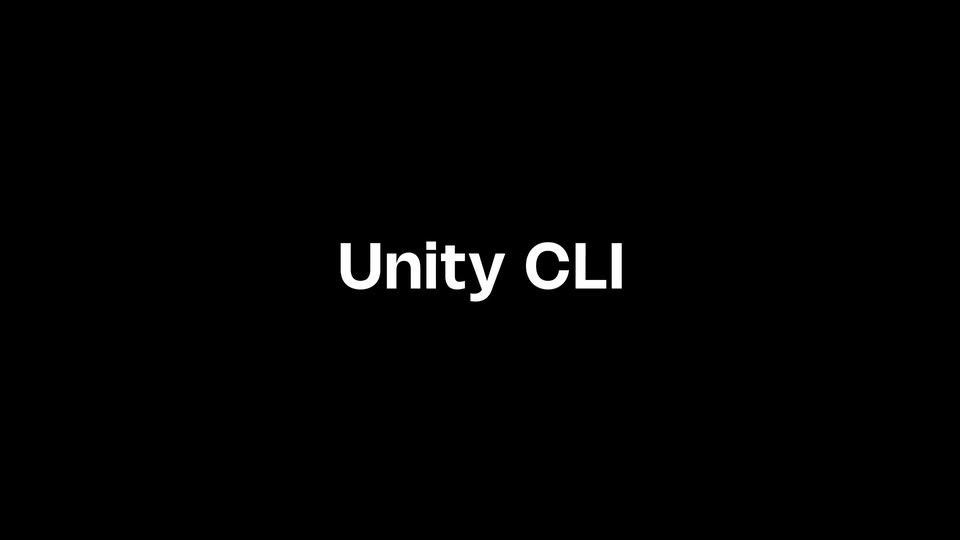
Black title card. A small “Unity project” label and the large bold white “Unity CLI” title fade in at center, then hold on a locked-off frame.
On-screen text: “Unity project”, “Unity CLI”
Camera: Static
A light gray sans title holds center on a black field, then the frame cuts to an empty terminal window with a dark title bar and three colored signal dots, placed on the left.
On-screen text: “Unity CLI”
Camera: Static
A dark terminal window sits left of frame, typing shell commands line by line and ending in a green test result. The white Unity logo holds the right side. A thin blue line draws from the terminal toward the logo near the end.
Techniques: Kinetic type
Camera: Static
A dark terminal window on the left lists two commands and a green pass line, a thin blue line leads to a white Unity logo on the right with a small pill label beneath. The locked-off frame holds, then the whole composition fades to black.
On-screen text: “Straight to Unity”
Camera: Static
A flat Windows PowerShell window is centered on a dark, abstract 3D backdrop. Inside, a progress bar fills from 44% to full as the install line updates, then resolves to a checkmark and a fresh prompt.
Camera: Static
A screen capture shows a Unity 3D viewport, an empty brown grid with a sun icon, beside a dark AI agent chat. The agent streams a long prompt, then a task list fills in as checkmarks appear and the status line ticks from running to thinking.
Techniques: Split screen
Camera: Static
A split desktop screen shows the Unity editor on the left with a dusk blockout scene and a dark CLI chat window on the right. The chat log scrolls upward as new lines appear, and a running-command timer ticks at the bottom.
Camera: Static
Static screen capture of the Unity editor. A low-poly industrial scene with an orange sky sits in the left viewport; a dark AI chat panel on the right logs commands and a checklist. The status line ticks up token counts while small image thumbnails pop in.
Camera: Static
A white settings panel sits centered on a terracotta background. A cursor moves to the Browse plugins button and clicks it, sliding a directory panel in from the right that overlaps the settings list.
Techniques: Cursor demo
Camera: Static
Two flat white UI panels sit on a terracotta background, the front one a plugin directory with Plugins selected. A cursor clicks into the search field, types Unity, a Unity result card slides in, and the cursor clicks its plus button.
Techniques: Cursor demo
Camera: Static
A white rounded Install button sits centered on a flat terracotta background. A black cursor arrow with a white outline glides in from the right, pauses beside the button, then drifts back toward the right edge.
Techniques: Cursor demo
Camera: Static
White comment cards with Anonymous avatars slide in from the right and stack in overlapping rows over a blue-green gradient. Each card carries a short request for Codex. The camera then zooms into the pile, framing a few cards up close.
Techniques: UI zoom
Camera: Pull out
A black arrow cursor glides up to a white pill button reading Install plugin on a soft blue-to-green gradient, then presses it, the button dimming with a faint ring.
Techniques: Cursor demo
Camera: Static
A locked-off screen capture frames the Unity editor on the left, its scene view holding a grid floor and a small white prop, next to a dark agent chat panel on the right. A running-command timer ticks in the panel while a text caret blinks in the input box.
Camera: Static
A dark agent panel on the right scrolls up as new status lines and checkmarks appear, while the 3D editor on the left fills an empty grid with a low-poly industrial railway set under a yellow sky.
Camera: Static
A screen capture of the Unity editor shows a 3D freight yard at sunset. The in-scene camera pans right across silos and train cars while a HUD box switches from a ready prompt to a target label and a centered title fades out.
Techniques: 3D mockup
Camera: Static
A 3D train yard at sunset renders inside the Unity editor viewport. An orange panel expands downwards from the top edge, acting as a mask, while white technical text floats in the upper center.
On-screen text: “TARGET 1 / 5 — South yard, static”, “Time 00:03.30 Scene 0 Hike 0/0 (0%)”
Techniques: Masking, 3D mockup
Camera: Static
The Unity editor fills the frame; its 3D viewport shows an industrial yard at dusk in orange light, with silos, a steel bridge and power lines. The virtual camera tilts up and back to reveal the silos, the orange arrow and center crosshair holding position.
Camera: Static
A Unity editor screen shows a 3D industrial yard at sunset, with silos, a yellow gantry crane and stacked containers. The viewport camera drifts slowly through the scene while a HUD overlay reads target, time, score and hits, and a 2.5m distance marker points to a container.
Techniques: 3D mockup
Camera: Static
A first-person 3D game view inside a Unity editor window at sunset, with a rifle held low right and orange arches ahead. The camera pans slightly as the HUD header switches from GET READY to TARGET 1 / 5 while a crosshair locks on a red container.
Camera: Static
A first-person view of a low-poly freight yard at dusk moves through the scene as the yellow crosshair snaps between targets with distance readouts. The clip ends on a muzzle flash and a +75 score pop while the timer runs.
Camera: Push in
A locked-off screen capture shows a black PowerShell terminal window over the Unity editor, whose viewport renders a sunset-lit courtyard with a grid floor and benches. The terminal line types a project path and the command 'unity command get_quality_settings' behind a blinking caret.
Camera: Static
A locked-off screen capture shows a PowerShell terminal on the right over a Unity editor with a sunset-lit 3D courtyard on the left. A command types itself into the terminal, a JSON result block pops in, then a second command begins typing.
Camera: Static
Three editor windows sit side by side on a black background, each playing low-poly game footage: a first-person dusk alley, an isometric fortress map, and a colorful interior. The windows stay fixed while the scenes inside shift.
Techniques: Split screen
Camera: Push in
Three game windows sit side by side on a black background: a first-person shooter with a target reticle, an isometric castle map, and a cluttered room. The middle and right windows fade to black, leaving the shooter window, which drifts slightly downward.
Techniques: Split screen
Camera: Static
First-person view walks through a low-poly industrial yard at dusk, past red fences and stacked containers toward a dark shed, with a crosshair and a long weapon held at the lower right. The HUD target label and score update as the player advances.
Camera: Static
A locked-off screen capture of a Windows desktop. A black PowerShell terminal sits over a dimmed Unity editor showing a 3D courtyard at sunset. The terminal prints JSON results, and the word git is typed at the prompt near the end.
On-screen text: “TARGET 3 / 5 — Behind repair shed”
Camera: Static
A black screen holds, then the white title Unity CLI with the smaller line Available now beneath it fades in at center, stays still for a beat, and fades back to black.
On-screen text: “Unity CLI”, “Available now”
Camera: Static
Avatar icons with status badges gather around a central isometric stack as dark slabs pile onto a blue base. The avatars split into two clusters with spinning clocks, then a blue ring labeled Unity Pipeline APIs encircles the stack while dots travel the dashed lines. Caption: A few weeks later.
On-screen text: “Unity Pipeline APIs”, “A few weeks later”
Techniques: 3D mockup, Particles
Camera: Static
Inside the Unity editor, a first-person view sprints through a low-poly industrial yard at dusk. The camera turns past a red repair shed and a lit walkway, aiming at distance-tagged targets; a hit flashes +100 BULLSEYE in yellow at center.
On-screen text: “Unity Pipeline APIs”, “A few weeks later”
Techniques: 3D mockup
Camera: Push in
A static screen capture of a dark web interface shows a left navigation panel, a file tree, and a grid of colored sphere thumbnails. A cursor drifts across the screen, pausing over the search field and several thumbnails.
On-screen text: “TARGET 4 / 5 — Footbridge walkway”
Techniques: Cursor demo
Camera: Static
The dark Unity editor shows a project file tree on the left and a gray 3D sphere in the main view. A cursor clicks a material entry, then the main view switches to a grid of colored material thumbnails.
Techniques: Cursor demo
Camera: Static
A screen recording of the Unity editor shows the project file tree on the left scrolling down through material files as the cursor follows, and the RTS folder expands to reveal blockout assets. A grid of colored material preview spheres sits static on the right.
Techniques: Cursor demo
Camera: Static
A dark Unity editor window fills the frame. The cursor clicks through the project tree on the left, expanding Materials, Meshes and Prefabs, while the thumbnail grid on the right swaps from colored spheres to 3D railway prefab previews.
Techniques: Cursor demo
Camera: Static
A dark Unity editor window fills the frame. The left file tree collapses the Railyard folder and expands a Pillar subfolder as the cursor moves down to hover a file, while a grid of 3D container and bridge thumbnails stays fixed on the right.
Techniques: Cursor demo
Camera: Static
A dark Unity Pipeline screen: a file tree on the left and a 3D viewport showing a gray pillar on the right. The cursor moves over the file list, right-clicks a selected file to open a small context menu, then a confirm-update dialog pops up over the viewport.
Techniques: Cursor demo
Camera: Static
A dark Unity Asset Manager screen shows a file tree on the left and a pillar model in the viewport. A confirm-update dialog sits in the center as a cursor moves to the Confirm button and clicks it.
Techniques: Cursor demo
Camera: Static
A dark Unity interface fills the frame, a file tree on the left and a blue 3D pillar model in the right viewport. A cursor drifts across the panels and stops on the blue Check in changes button.
Techniques: Cursor demo
Camera: Static
A static view of the Unity Scene window shows a rooftop set with a staircase and plain box pillars at sunset. At about one second the pillars turn into weathered blue classical columns with rock bases, then the shot holds on the result.
Techniques: Morph
Camera: Static
A dark version-control interface with a file tree and a commit panel on the right zooms in on the commit message field, where a blinking caret types the word Updated.
Techniques: UI zoom, Cursor demo
Camera: Push in
A dark code editor shows a commit panel on the right with the message 'Updated'. The view reframes to reveal a 3D Unity scene with stone columns in the left viewport, while the commit panel stays fixed.
Techniques: UI zoom
Camera: Static
Locked-off screen capture: a Unity viewport on the left holds a 3D pillar outlined in orange on a grid at dusk, while a dark chat panel on the right fills with user prompts, step lists and a counting status line as the session advances.
Camera: Static
A low-poly 3D rooftop at dusk, with stone pillars, stairs, and a tripod lamp. The view drifts left, bringing a lit lamp into frame with a bright vertical flare.
Techniques: Parallax
Camera: Static
A low-poly 3D rooftop scene at dusk, lit by a warm orange sky and a single glowing lamp on a tripod. The camera drifts forward and pans right, revealing pillars and a staircase, while a crosshair and a small HUD sit in the corners.
Camera: Pull out
A locked-off Unity editor shows a low-poly industrial 3D scene. In the viewport a comment box types a note about a light fixture, a color picker dialog opens, then an orange line is sketched around the tripod prop.
Techniques: Cursor demo
Camera: Static
A static screen capture of the Unity editor. The 3D viewport shows a dim industrial rail yard with cranes, tracks and a platform glowing warm orange. The hierarchy and project panels list the RailYard scene assets along the bottom.
Camera: Static
Unity editor shows a 3D courtyard at sunset with a lamp on a tripod, where a comment card pops up and an orange circle is sketched around the lamp. The card closes, the lamp is selected, its intensity rises and it glows on beside a cartoon lightbulb sketch.
Techniques: Cursor demo
Camera: Static
The Unity editor fills the frame, its dark panels framing a 3D viewport that orbits a low-poly courtyard at sunset. Orange light glows on columns and a tripod lamp as the camera pans right, then holds on two weathered pillars.
Camera: Push in
A black screen holds as the white title “Unity Pipeline APIs” fades in at center, with the smaller line “Coming in early 2027” beneath it. The pair stays locked and still, then fades to black at the end.
On-screen text: “Unity Pipeline APIs”, “Coming in early 2027”
Camera: Static