Cursor demo
A visible cursor operates the interface.
14,945 scenes · page 229 of 250
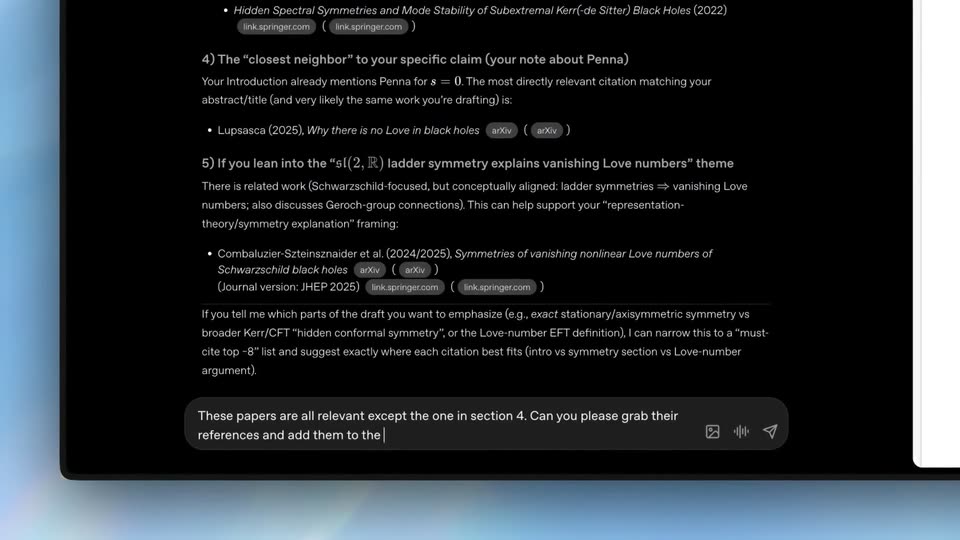 1:19–1:20OpenAI · Introducing Prism, a free workspace for scientists to write and collaborate on researchA dark chat window lists academic citations with arXiv and Springer tags. In the input bar at the bottom, a prompt is typed out character by character behind a blinking cursor, ending mid-word on the letters 'bib'.
 0:44–0:49Anthropic · Claude - Your work tools are now interactive in Claude. Draft Slack messages,A chat screen pushes in on a Slack draft card as a cursor clicks Send, and the card becomes a green-checked “Message sent” notice. The assistant’s line “Need anything else?” appears, then a reply types itself into the input box.
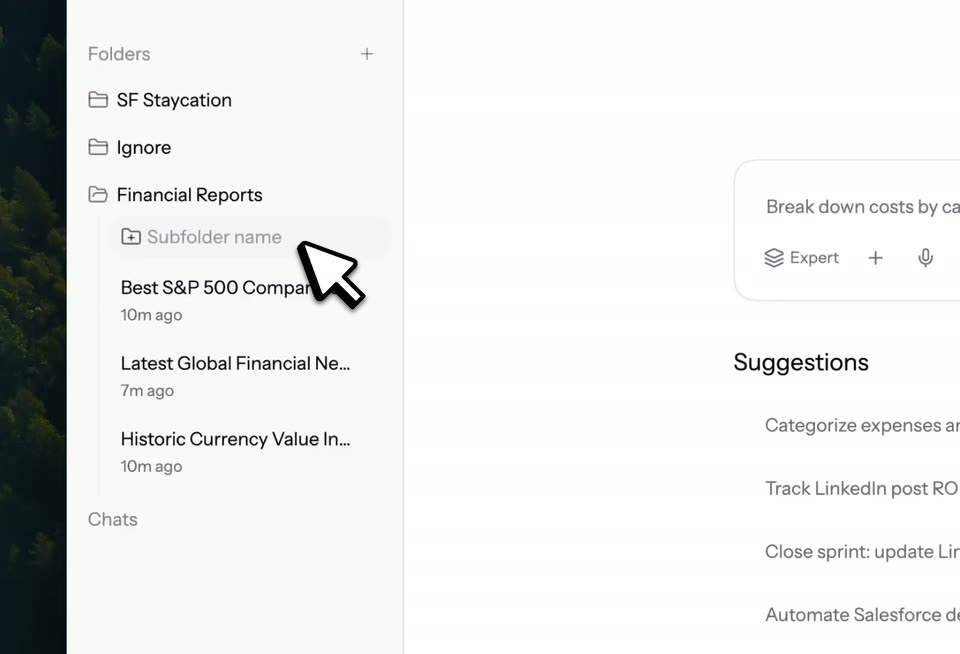 0:13–0:14Doe · doe - We're announcing folders for chat sessions and files!A white folders sidebar shows a large outlined cursor over a new subfolder field, which fills with the typed text Indi as the clip runs. A right panel holds a prompt box and a Suggestions list, all static except the typing.
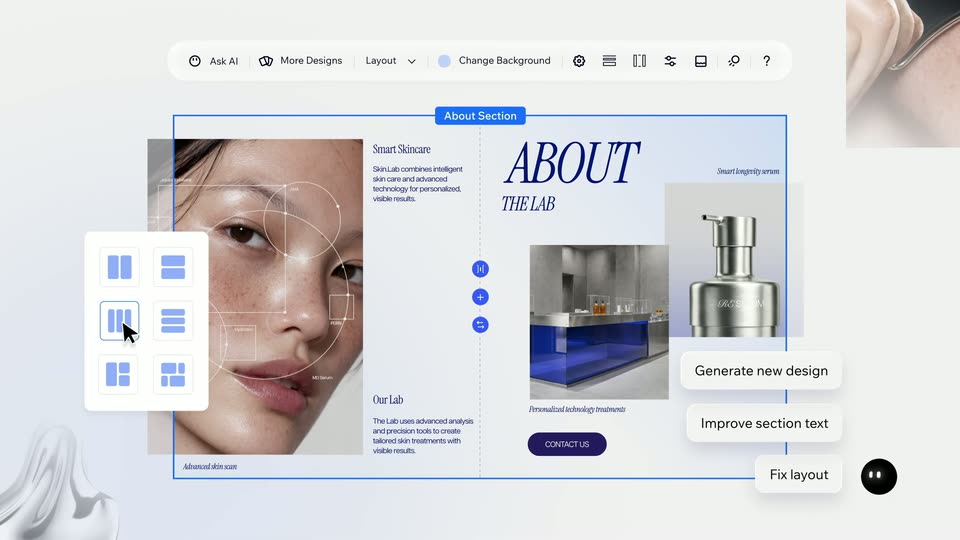 0:41–0:43Wix Harmony · Wix Harmony: The new way to createA design tool interface frames a skincare brochure on a blue-outlined canvas. A cursor glides over a floating grid of layout icons and clicks one, and the brochure's columns and photos shuffle into a new arrangement. White action pills line the right edge.
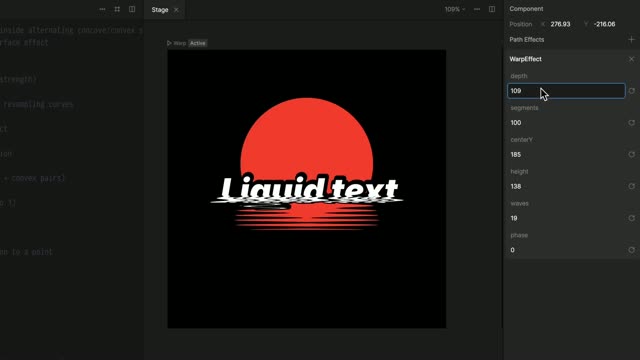 1:19–1:21Rive · Scripting is Live in Rive ✨A design tool screen shows a black canvas with a red sun and white Liquid text rippling like water. The cursor raises the WarpEffect depth from 78 to 104, and the ripple lines under the text spread and deepen.
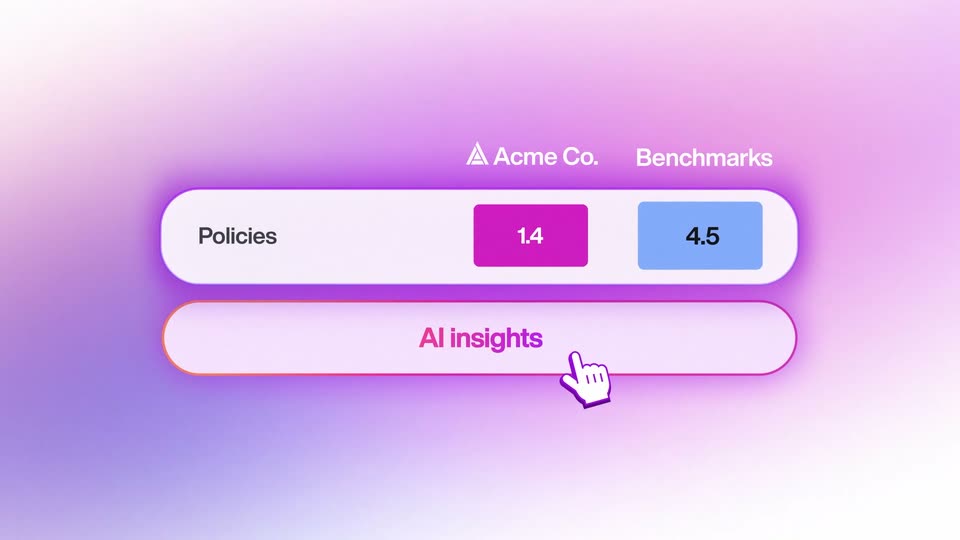 1:52–1:54Teamble · Teamble launch filmTwo white rounded cards sit on a purple-pink gradient. The top card shows Policies with a magenta 1.4 and blue 4.5 under Acme Co. and Benchmarks; the bottom card reads AI insights in pink, and a hand cursor moves onto it as its outline shifts color.
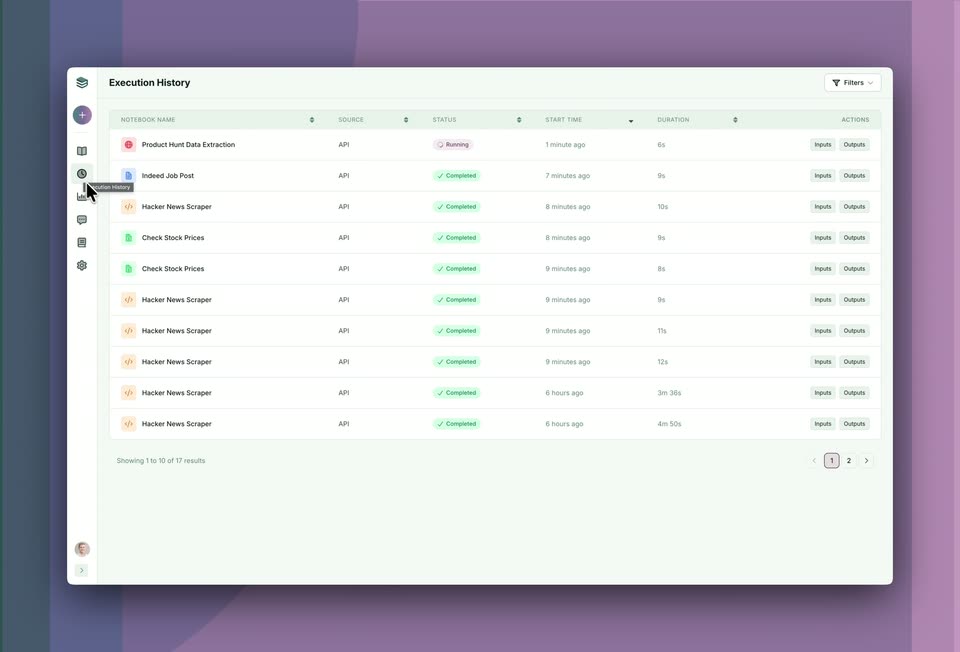 3:06–3:14Kilvin · BrowserBook YC DemoA pale green app window on a purple gradient shows a live browser page and code steps side by side. A cursor clicks a sidebar icon, and the panel switches to an Execution History table listing notebook runs.
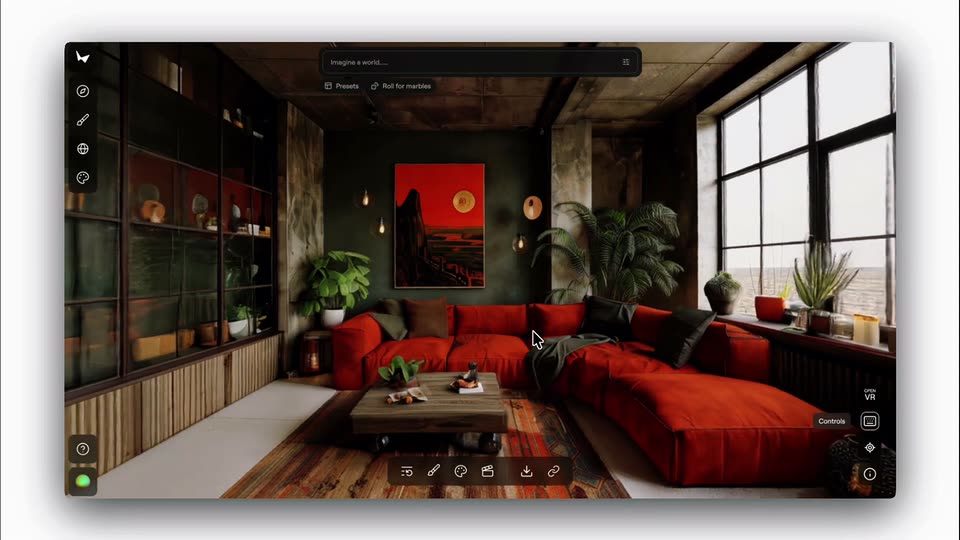 0:51–1:01World Labs · Welcome to Marble!A screen recording of a 3D world viewer. The view zooms into the room as the cursor clicks the keyboard icon, opening a dark Controls panel with WASD keys and mouse toggles. The cursor closes it, and the camera glides through the orange-sofa living room.
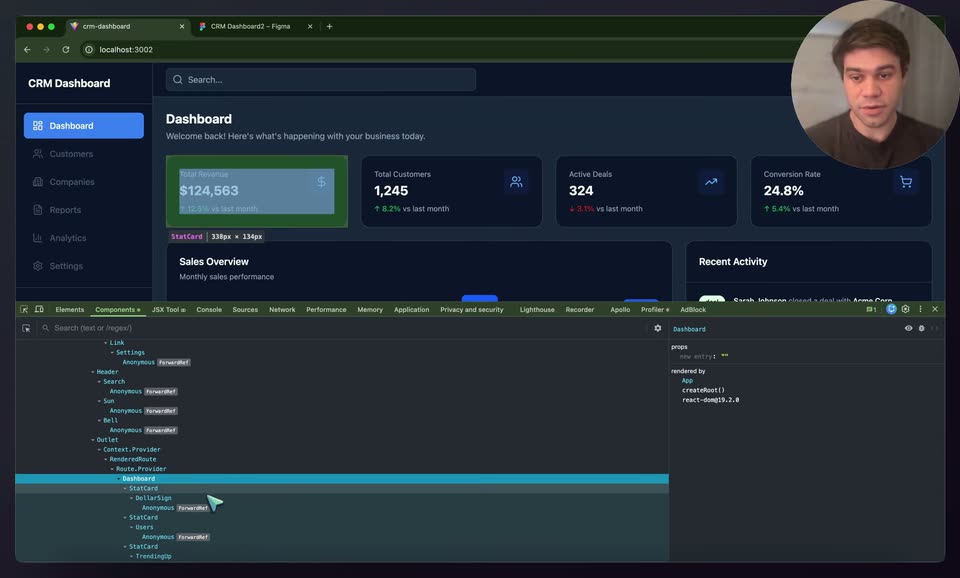 1:03–1:06Coasts · JSX Tool DemoA browser window shows a CRM dashboard above an open DevTools panel. A cursor moves down the component tree, and each hovered node highlights its matching area in the dashboard with a blue overlay and a pixel-size label. A circular webcam of the presenter sits top-right.
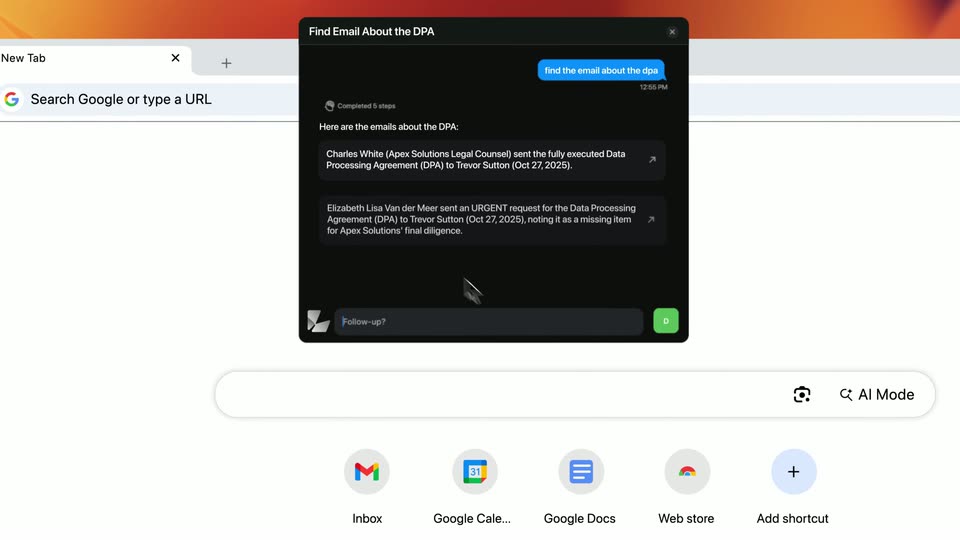 1:14–1:15Logical · Logical | The Proactive Desktop CopilotA browser new-tab page with a floating AI chat panel titled Find Email About the DPA zooms in as a cursor moves up from the toolbar into the panel, hovering over the second email summary.
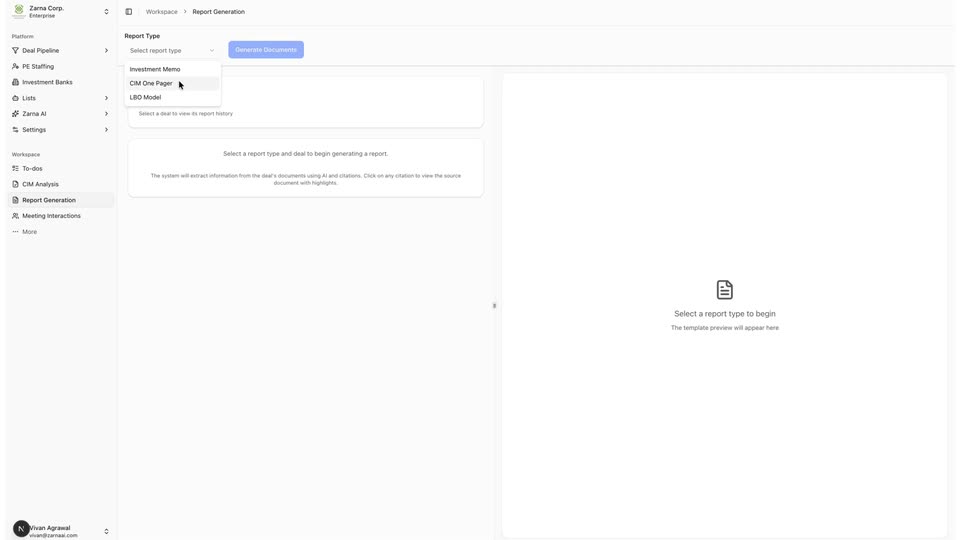 2:12–2:14Zarna · Demo Video - ZarnaA light-themed SaaS workspace shows the Report Generation page. A cursor moves from the sidebar to the Report Type dropdown, opens it, and picks CIM One Pager, which adds a Select Deal field beside the blue Generate Documents button.
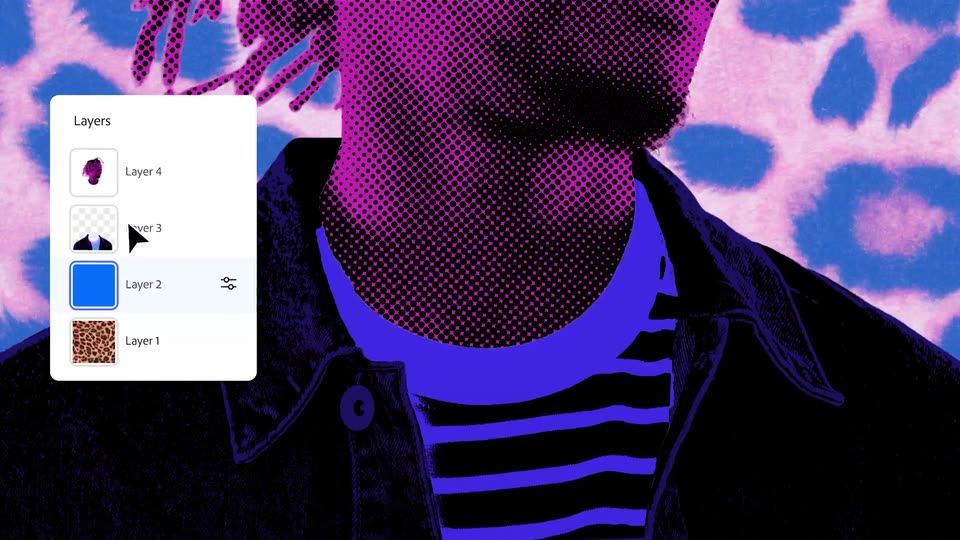 0:35 · 0.4sTopaz Labs · Topaz Labs - @Adobe + Topaz Labs 🤝🙌 Just announced—you can now access select TopazA magenta halftone portrait of a person in a blue striped shirt fills the frame against pink and blue clouds. A white Photocopy panel with a cursor on the Highlight button sits at left, then fades out, leaving the portrait alone.
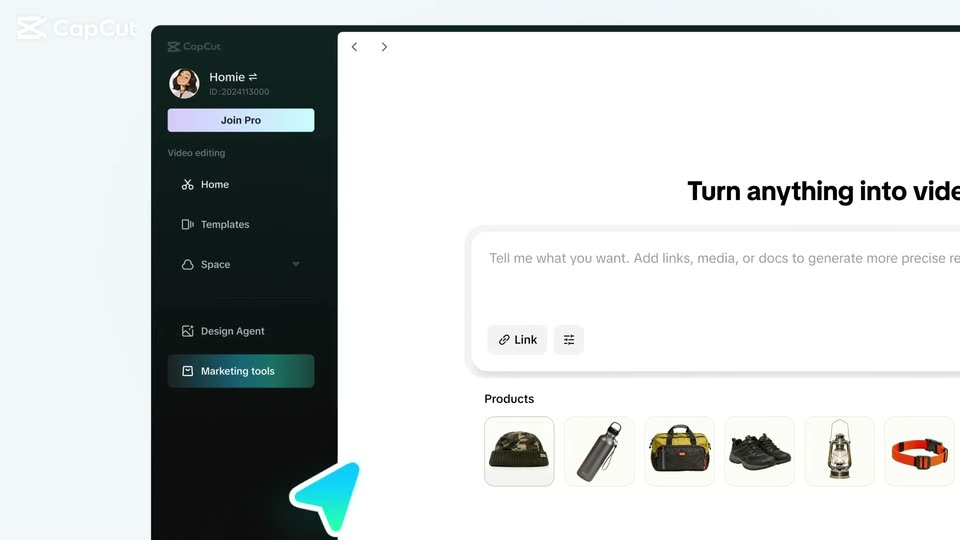 1:09 · 0.5sCapCut · CapCut - Your all-in-one e-comm toolkit is here. Meet the new CapCut Desktop!A CapCut interface sits on a light gray background, dark sidebar left, white panel right with a row of product photos. A cyan cursor glides in from the lower left and hovers over the Link button as the view pushes in on the panel.
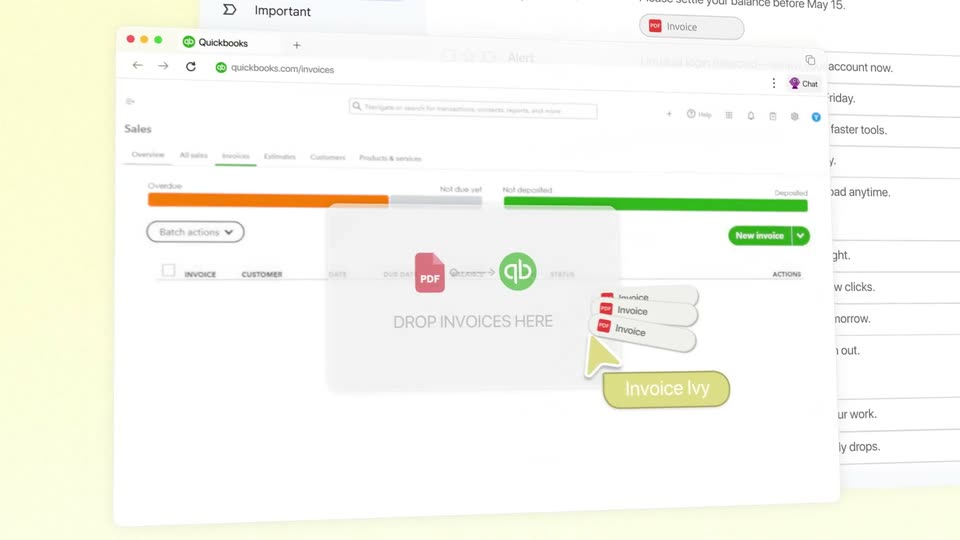 0:54 · 0.8sStrawberry · Charles Maddock - We've raised $6M from General Catalyst, EQT Ventures, and founders ofA QuickBooks invoice table fills a tilted browser window. A gray drop-zone dialog with a PDF icon and green logo scales up at center, covering a fanned stack of invoice pages and a yellow Invoice.ly button. A cursor rests on the stack; small text lines the right edge.
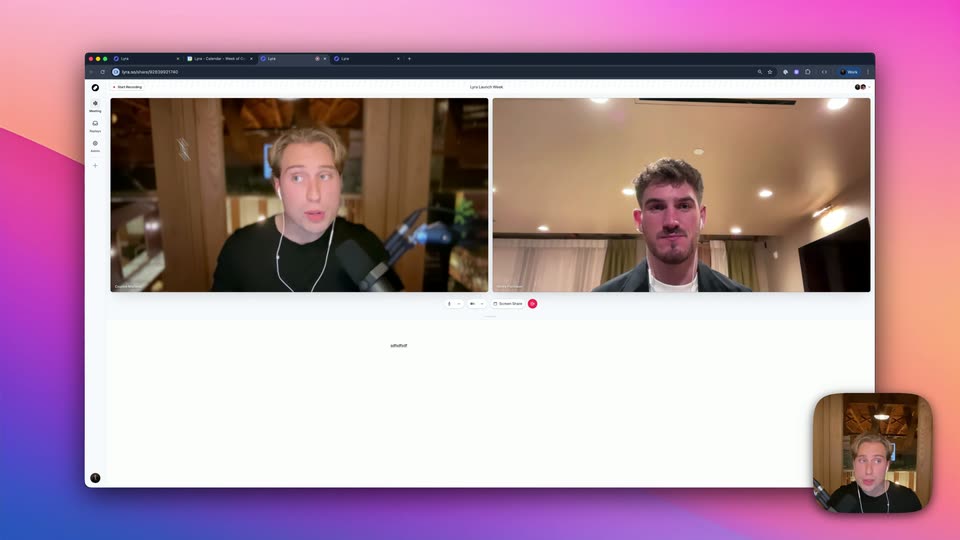 0:45–1:08IRBC · Lyra, The Final Meeting Platform.A browser window on a pink-purple gradient shows a two-person video call. The cursor clicks a toolbar control, the video tiles shrink to the top and a large white note field opens below, where the cursor types. A small floating self-view stays in the lower right.
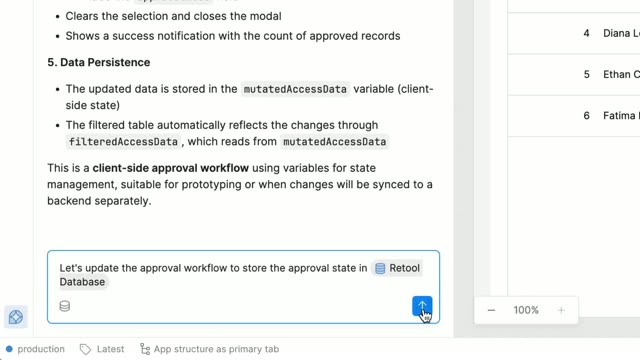 2:24–2:29Retool · Introducing Enterprise AppGen: AI-Assisted Development from RetoolA documentation pane with a chat input at the bottom. The cursor types a prompt, opens an @-mention dropdown, and picks 'Retool Database', which inserts as a chip. The assistant then generates a SQL update query into the document.
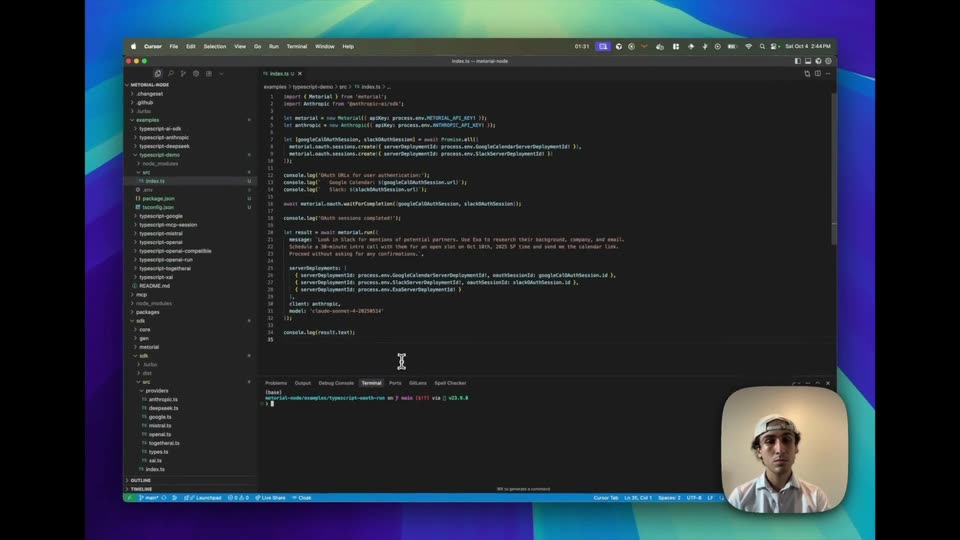 1:12–1:13Metorial · Introducing Metorial - YC F25A macOS desktop shows several open windows over a forest wallpaper, with a small webcam self-view in the corner. The view zooms into the Cursor code editor, where a cursor hovers over a block of code.
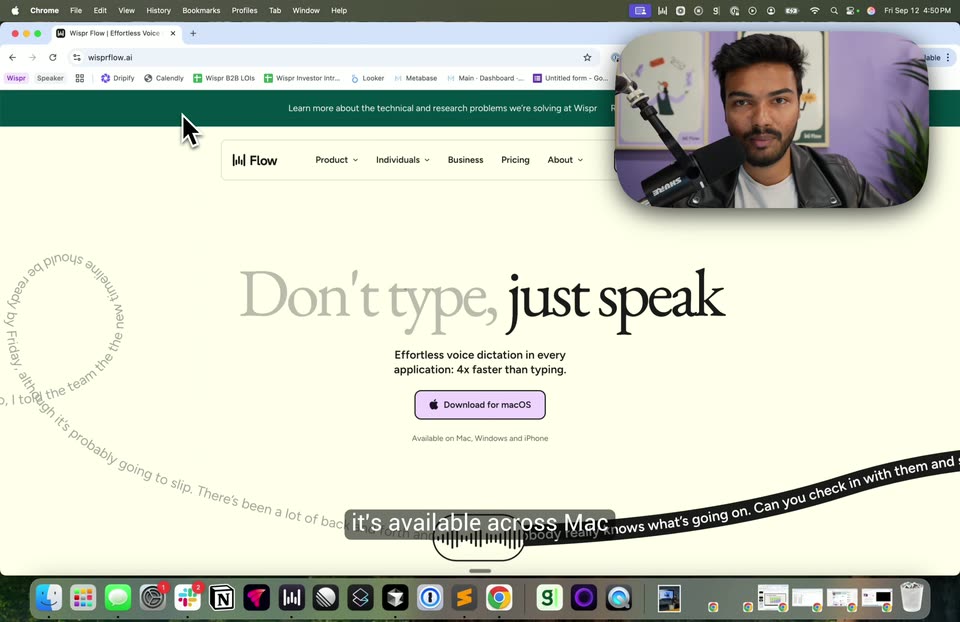 1:53–2:02Wispr Flow · Intro to Wispr Flow: voice-to-text AI that turns speech into clear, polished writing in every app.A screen recording of the Wispr Flow website fills the frame, with a small webcam feed of a man in the top right corner. The view zooms into the browser address bar, then back out, while caption pills roll across the bottom and a cursor hovers over the page.
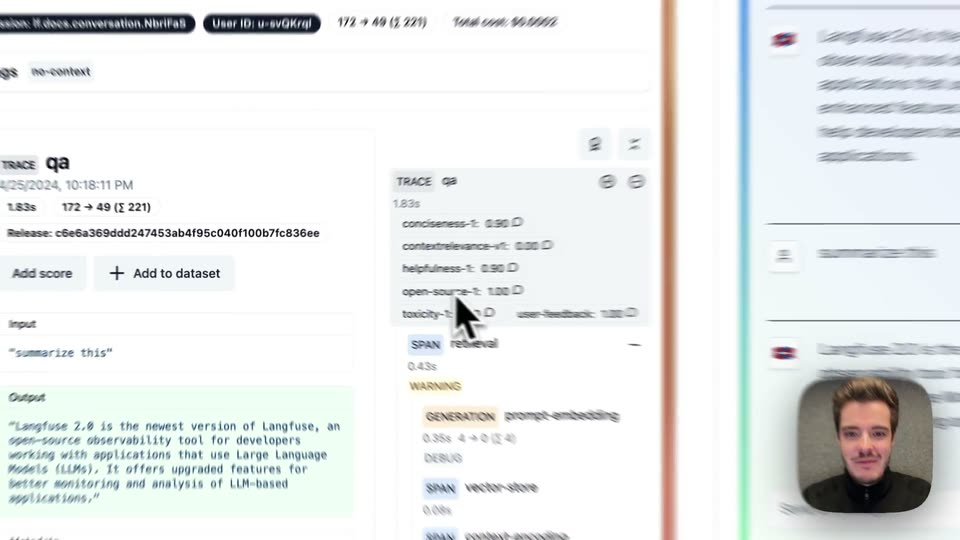 1:30–1:32Langfuse · Introducing Langfuse 2.0A screen recording of the Langfuse interface, cropped tight on a trace panel with a cursor pointing at evaluation scores, then zooms out to reveal two side-by-side windows: a Trace Detail page and a demo chat, with a small webcam of the presenter in the corner.
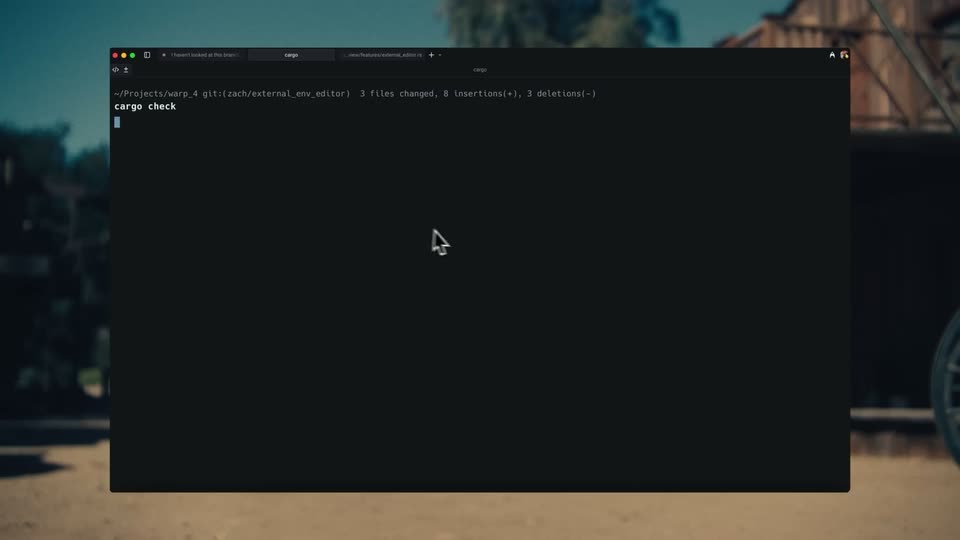 1:56–1:57Warp · Introducing Warp Code | The fastest way from prompt to productionA dark terminal window floats over a blurred outdoor photo. The prompt line and the cargo check command sit at the top, then hundreds of Checking lines stream in rapidly to fill the window, ending on a progress bar; a mouse pointer hovers in the center.
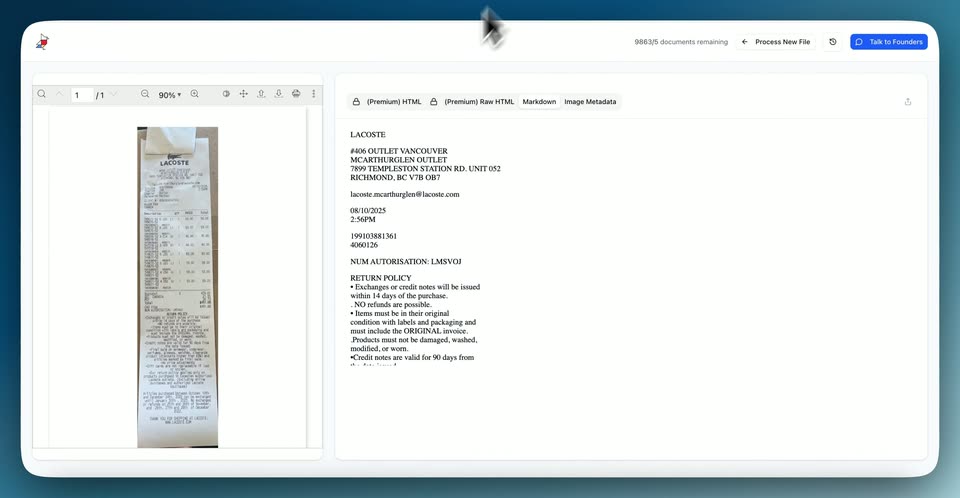 0:49–0:50Cardinal · cardinal demoA split-pane document converter shows a scanned LACOSTE receipt in the left pane and its extracted plain text in the right pane. The screen holds steady while a mouse cursor drifts into the upper area of the text panel.
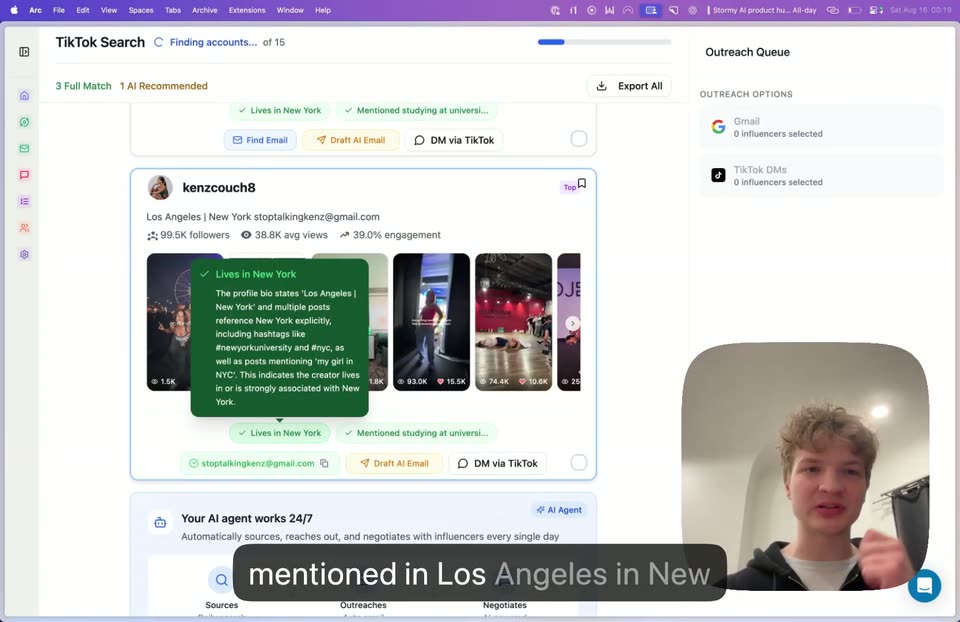 1:46–1:56Stormy · Stormy AI launch videoThe influencer search interface fills the screen; the cursor hovers over green tags, each opening a dark green tooltip with verification text. A presenter speaks in a rounded webcam inset at bottom right, white subtitles on a dark pill run along the bottom.
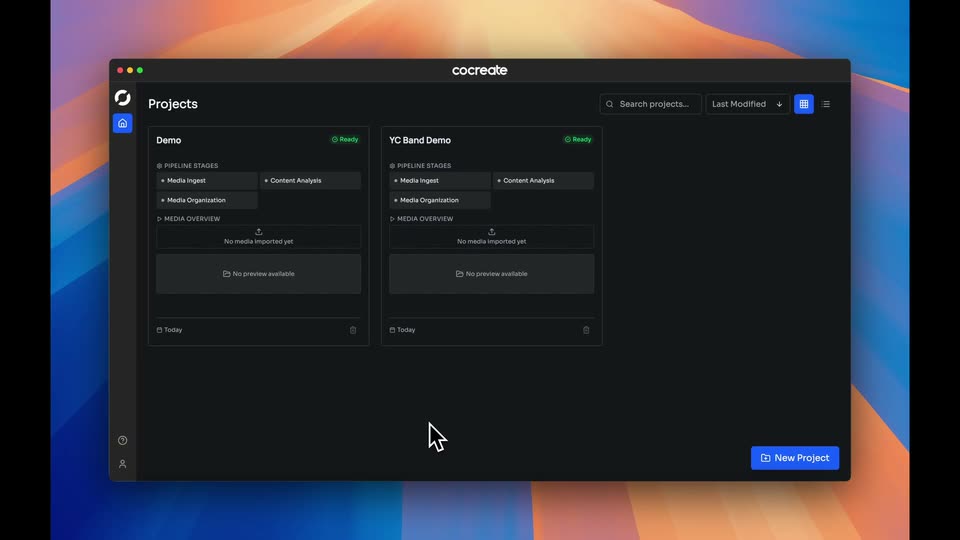 1:47–1:52cocreate · Cocreate demo videoA dark Projects dashboard window sits on a colorful gradient desktop, showing two project cards with pipeline stage chips and a blue New Project button. A white arrow cursor drifts slightly in the lower center; the rest of the frame stays static.
 1:30 · 0.8sImprezia · Imprezia Launch VideoA centered video-call tile of a smiling man in a dark lounge flips into a black card with an iridescent border, revealing the Imprezia wordmark, three white text lines and a cursor, all over a blurred close-up of the same man.
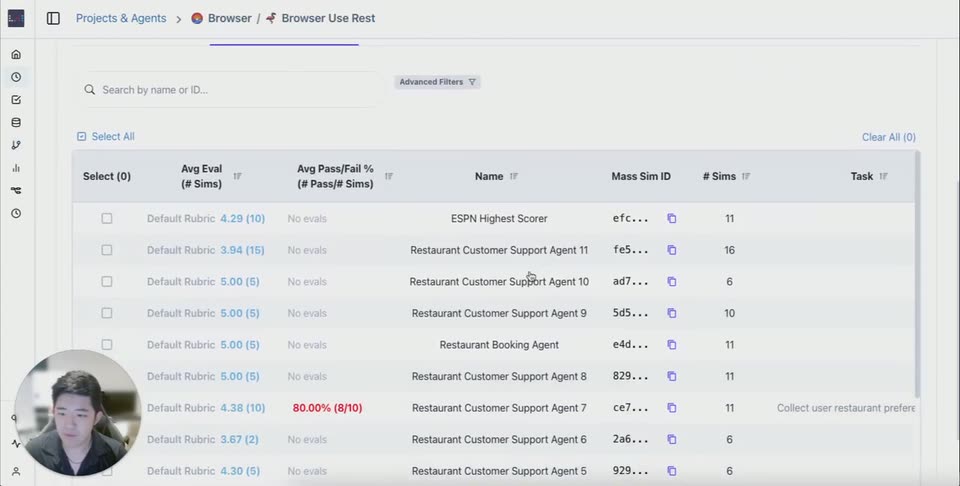 2:21–2:24Lucidic AI · Lucidic HN DemoA dashboard shows a sessions table under a heading and agent ID field. A cursor leaves the Single Sessions tab, moves to the Mass Simulations tab and clicks it, swapping the table for a list of named simulations. A circular webcam of the presenter sits in the lower left.
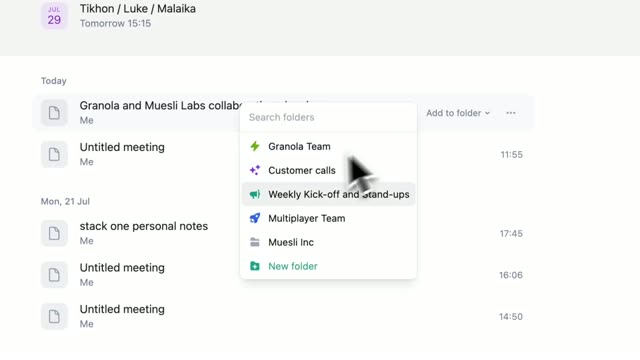 2:13–2:16Granola · Introducing Granola + Zapier | Your meeting notes, now connected with over 8,000 appsThe view reframes onto a note list as a cursor clicks an add to folder button, opening a dropdown menu. The cursor moves down and hovers over the Muesli Inc option.
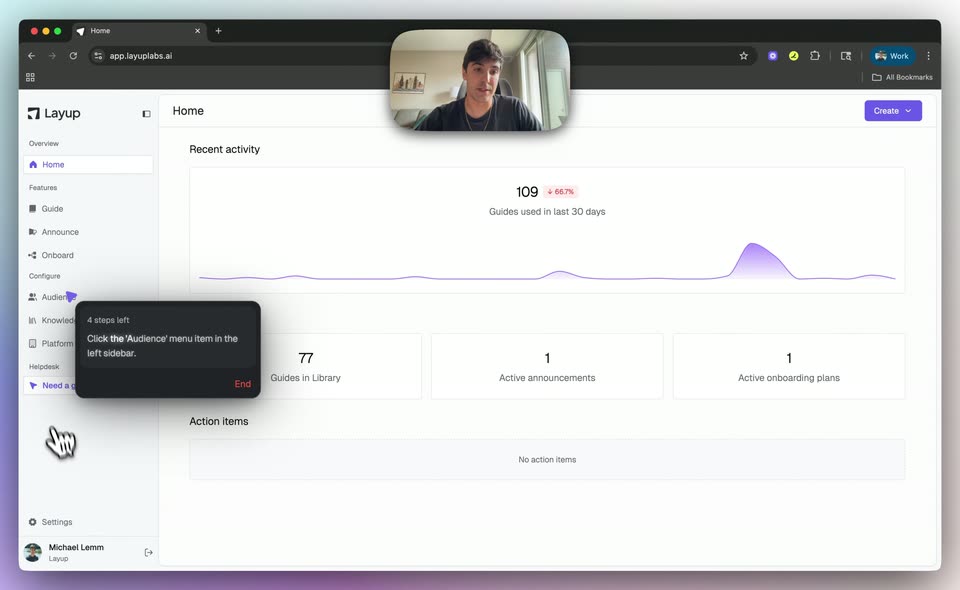 1:36–1:45Andco · Layup 2.0 July LaunchA screen capture of the Layup dashboard with a webcam overlay of the presenter at top. The view widens to reveal the browser window and sidebar; a dark tooltip points at the Audience item, and the hand cursor clicks it, loading the Audience page.
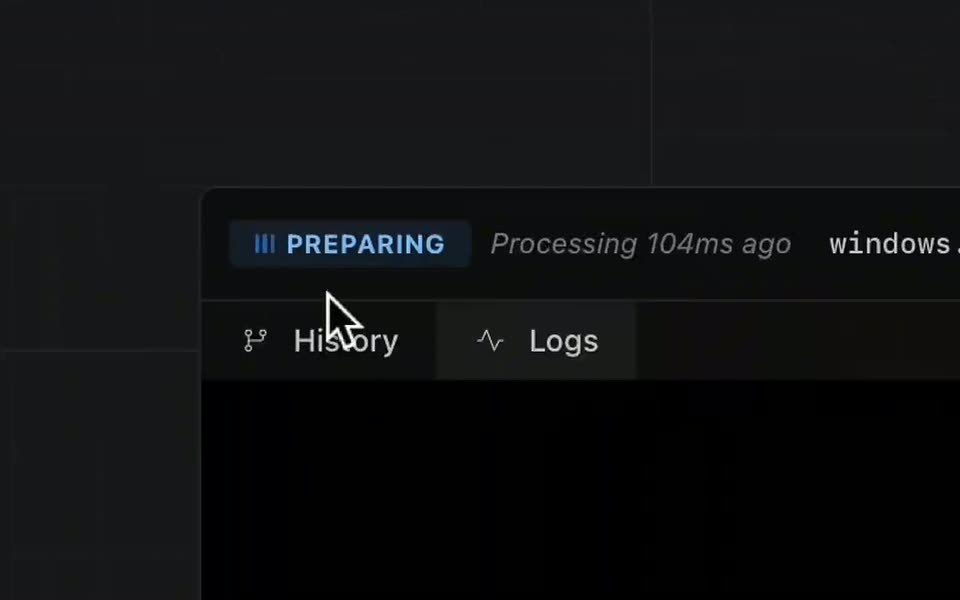 1:05–1:06Sharpe · Introducing Solar by LumenaryA dark project bar labeled solar with a Download button and a commit hash sits behind a white line logo that rotates in the center. The view then cuts to a logs panel where a hand cursor points at the Logs History tab.
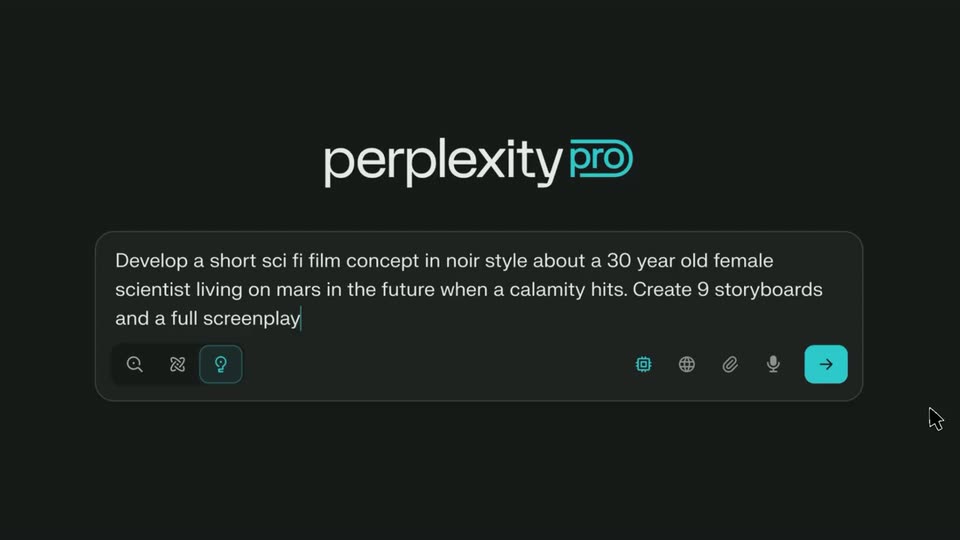 0:41–0:47Perplexity · Perplexity - Today we're launching Perplexity Labs. Labs is for your more complexThe Perplexity Pro logo sits centered above a dark rounded prompt box on a near-black background. A text cursor types a multi-line sci-fi film brief into the box, then an arrow cursor glides to the teal send button at the right.
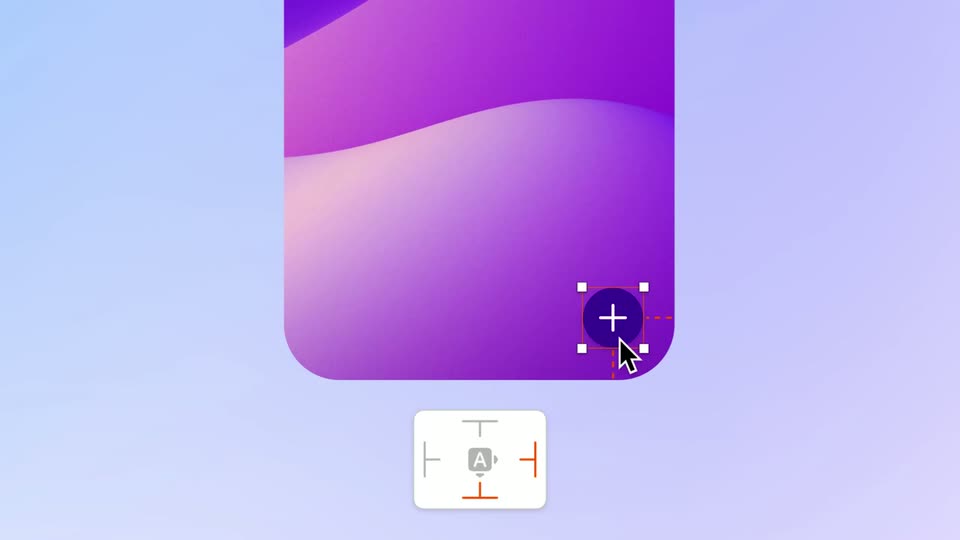 0:39–0:44Sketch · Sketch - Remember when we said auto layout was coming to Sketch? It’s here. ItClose-up of a design tool canvas. Two cursors select circular plus buttons on a purple gradient card; the left button vanishes as orange alignment guides snap to the right one, then a resize arrow widens the card's right edge.
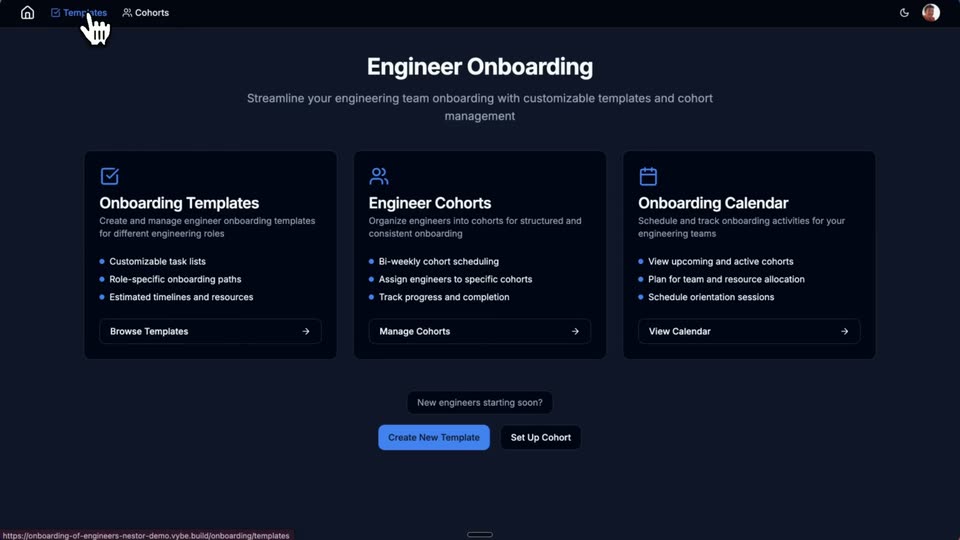 1:38–1:39Vybe · Vybe Demo - Build internal apps 10X fasterA dark product screen shows the Engineer Onboarding page with three feature cards and action buttons. A cursor glides from the top-right theme toggle across the top bar to hover the Templates nav item.
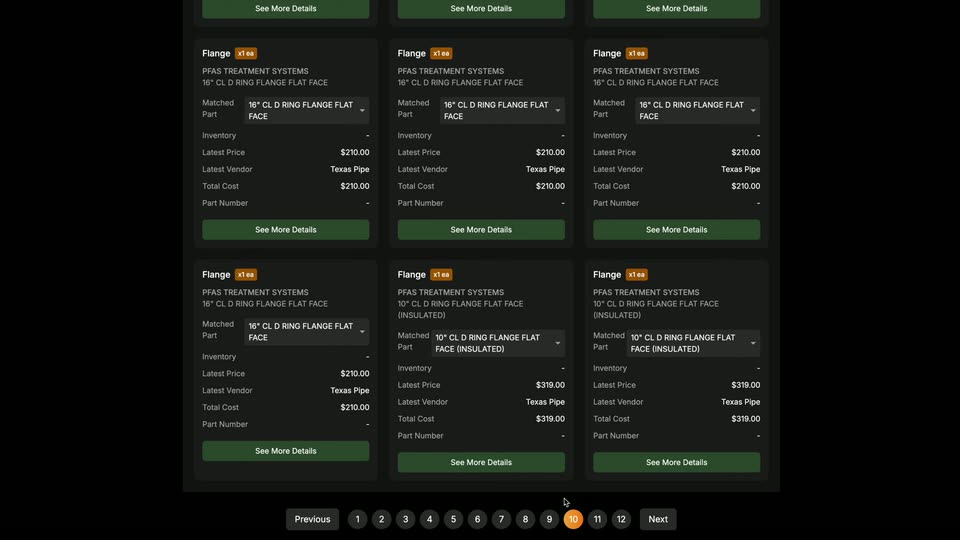 3:26–3:27Jeevy Fabrication · Introducing Jeevy FabricationA dark interface grid of flange part cards, each with an orange x1 badge, price and a green See More Details button, sits above a numbered pagination bar. A white cursor drifts down onto the middle button.
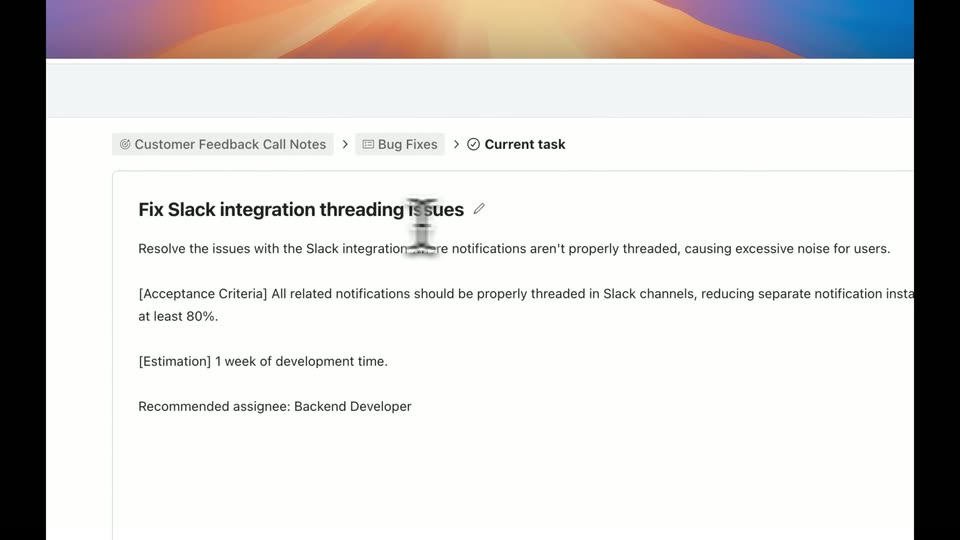 0:59–1:10Kestral · Kestral - Your AI Work Prioritizer -- Launch YCA close-up of a task detail screen scrolls down to the Citations list, where a cursor expands one entry to reveal a customer transcript. The view then zooms out to the full app window on a gradient desktop as a Follow Up dialog pops up.
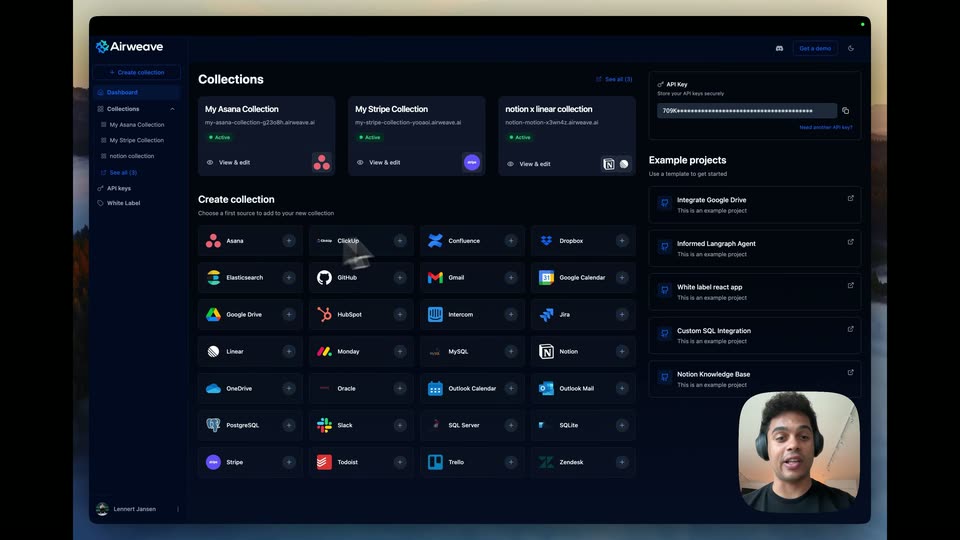 1:39–1:45Airweave · Airweave AI // Launch YC DemoA dark Airweave dashboard fills the frame: collection cards, a grid of integration connectors, an example projects panel. A white cursor glides across the connector tiles, then stops on the Stripe card. A small circular video of a man in headphones talks in the bottom right.
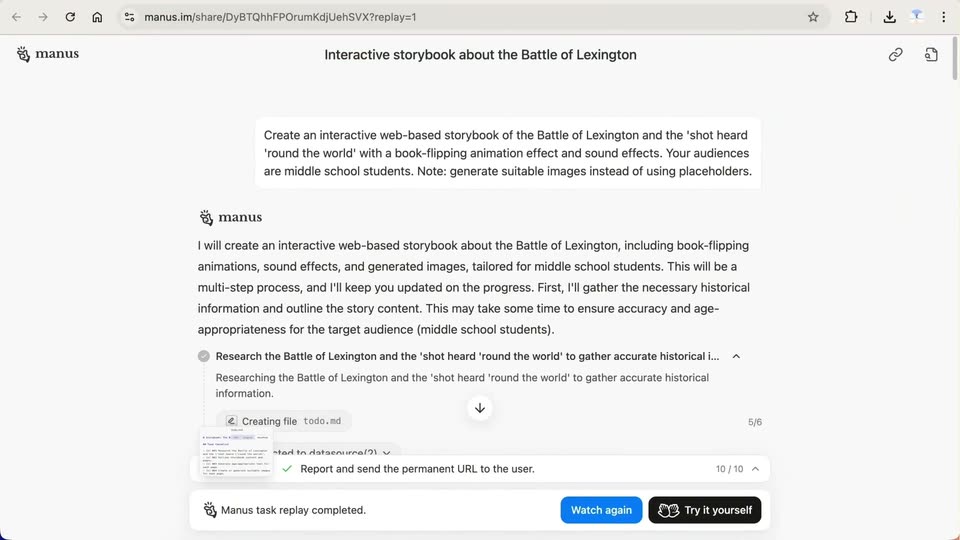 0:48–0:50Manus · Manus - Introducing Manus image generation. Manus doesn’t just generate imagA browser window on the Manus share page reframes to a tighter view of the chat column. A prompt bubble and the assistant reply fill the center as a hand cursor fades in over the text, and a bottom bar shows the replay is complete with two buttons.
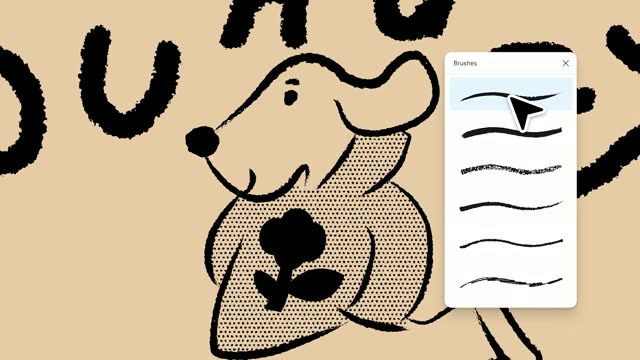 0:38–0:40Figma · All the launches at Config 2025 | FigmaA hand-drawn dog in a hatched sweater stands on a tan canvas beneath large black marker letters. A white Brushes panel floats at right while a cursor slides up the stroke list and highlights a smooth line.
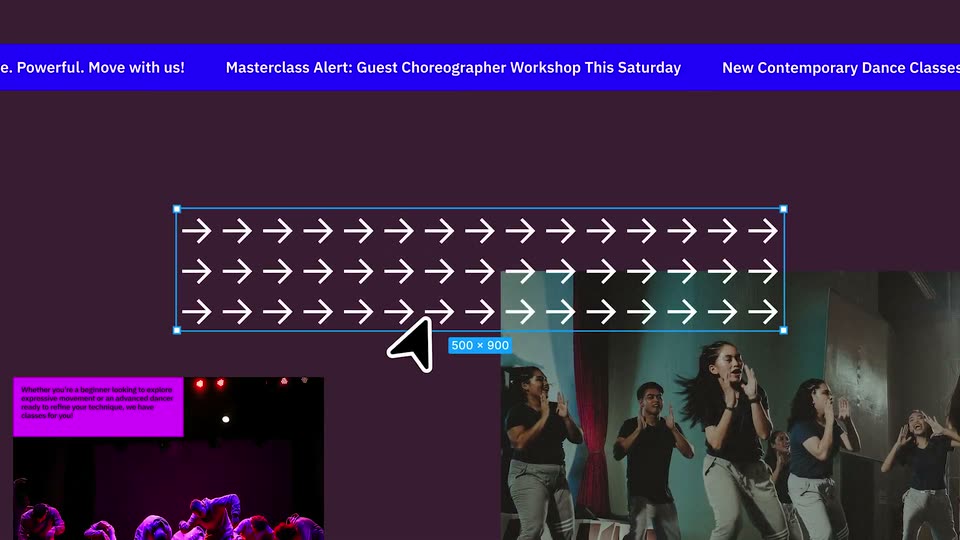 0:49–0:51Figma · Figma - Introducing Figma Sites Take your designs straight to the web. WithA dark purple design canvas holds a scrolling marquee banner up top and two dance thumbnails below. A grid of white arrows brightens as a blue selection box with handles and a 500 x 900 label snaps around it, while two mouse pointers drift in.
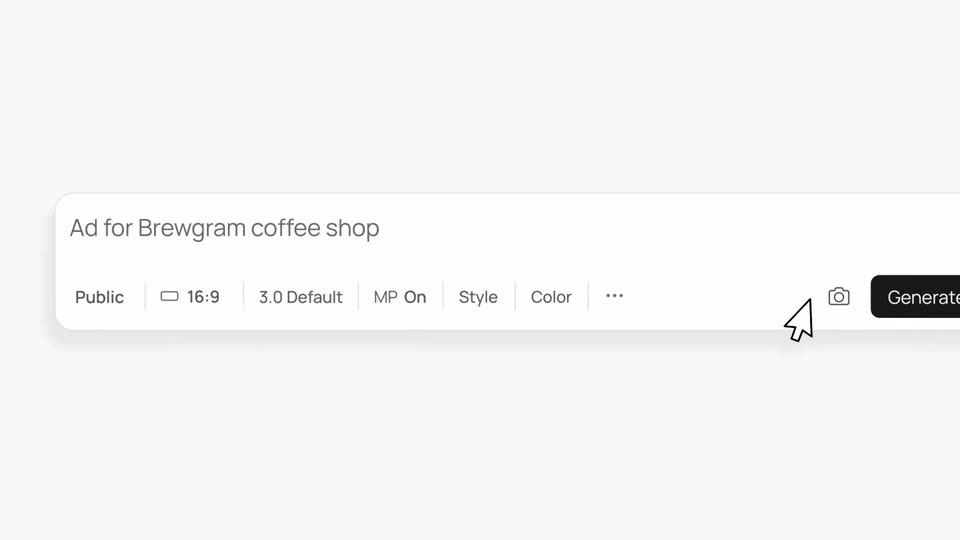 1:00–1:03Ideogram · Ideogram - Meet Ideogram 3.0 — stunning realism, creative designs, and consistenA white prompt panel fills the frame, the cursor hovers over the prompt text as it decodes into the coffee shop ad line. The panel then shrinks and recenters, the cursor moves to the Style control, and a column of generated photos slides in at the right edge.
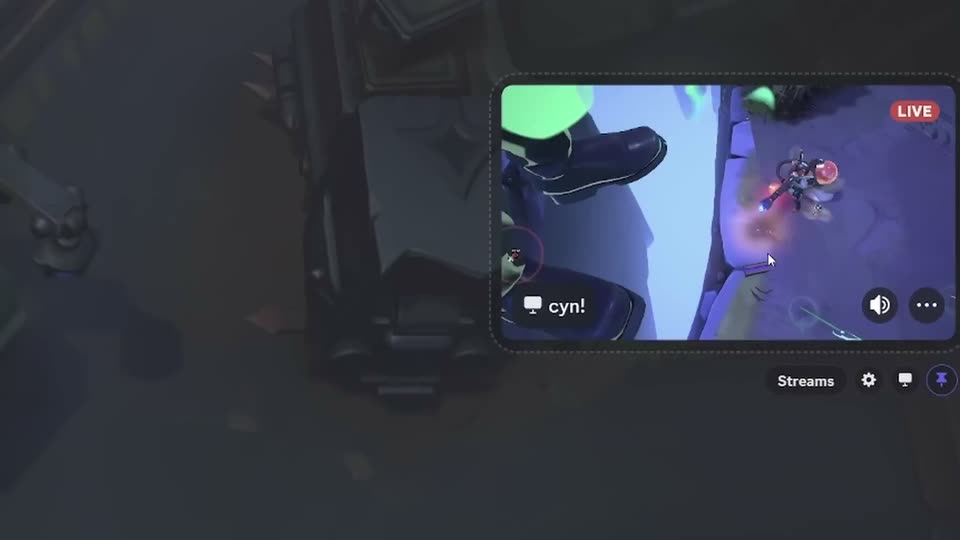 2:52–2:54Discord · Introducing the NEW Discord Game OverlayA rounded overlay window with a dashed selection border, holding a live game clip and a LIVE badge, is dragged by a cursor to new spots over a darkened game backdrop, showing the stream can be placed anywhere.
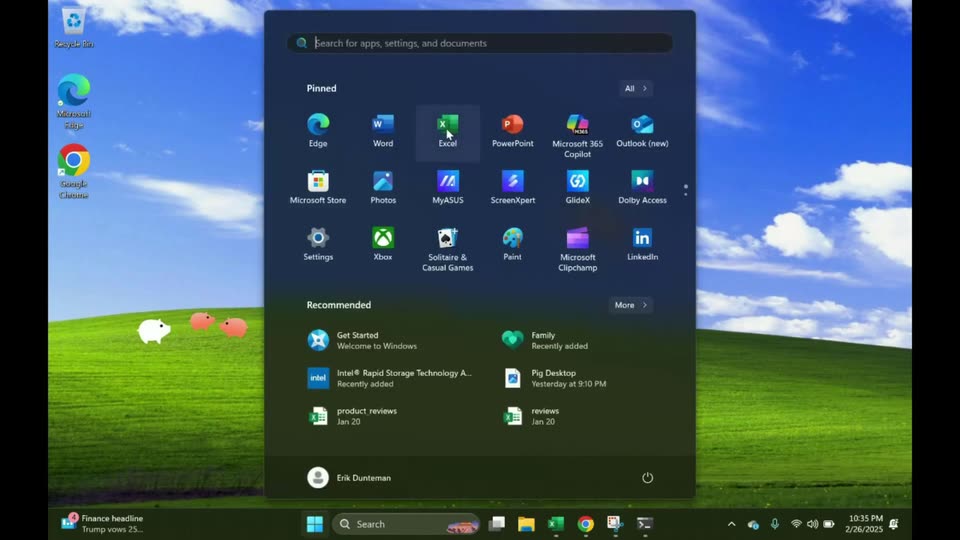 1:48–1:50Butter · Pig Official LaunchA Windows 11 desktop shows the open Start menu over the default sky-and-hill wallpaper. A cursor glides down from the search bar to the Excel tile, which brightens on hover, while the taskbar clock ticks from 10:34 to 10:35 PM.
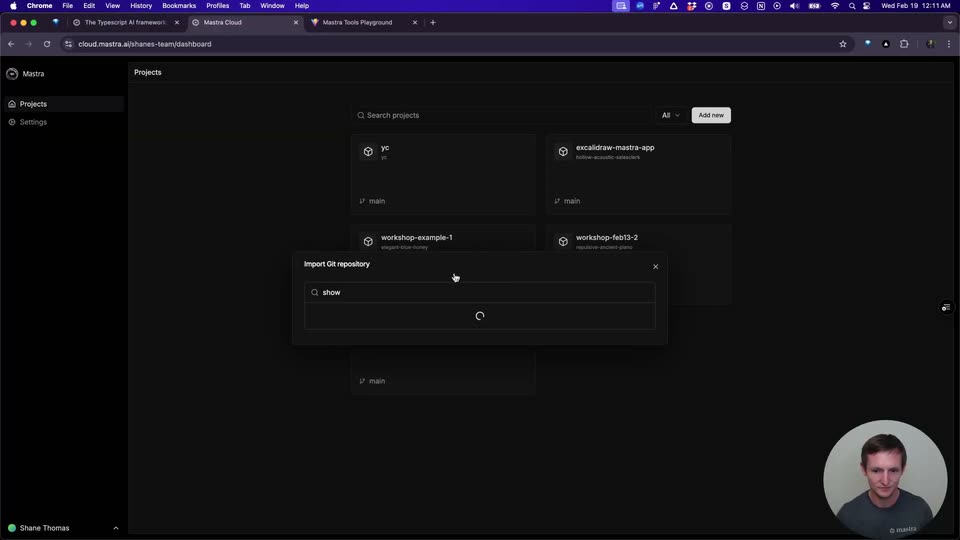 3:07–3:12Mastra · Mastra Demo - The Typescript AI Agent Framework (2024)A dark Mastra projects dashboard shows a grid of repository cards. A cursor clicks Add new, opening an Import Git repository modal, and types show into the search field until one result appears. A circular webcam of a man sits in the corner as the view zooms in.
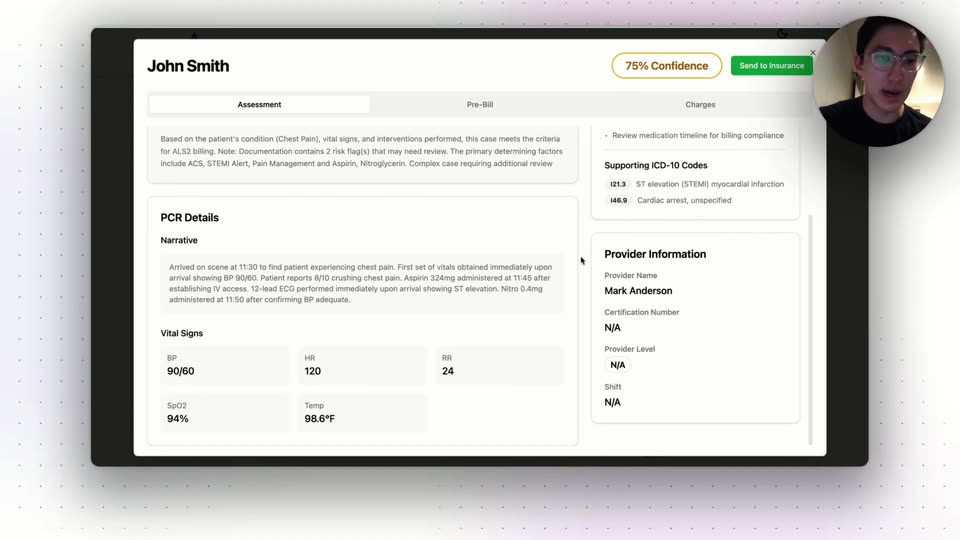 2:18–3:06Amby Health · Amby Health YC LaunchA tilted 3D laptop mockup on a dotted grid shows a patient billing screen; a circular webcam of a man with glasses sits top right. The cursor clicks through Assessment, Charges and Pre-Bill tabs and scrolls the form, with a quick zoom into the interface.
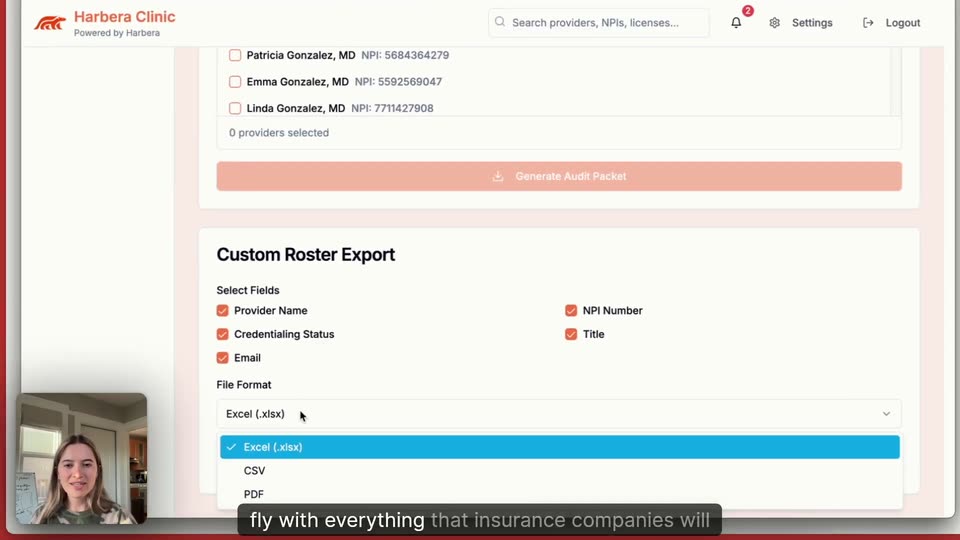 1:42–1:53Harbera · Launch YC: HarberaA browser window on an orange background shows the Harbera reports page. The view zooms into the Custom Roster Export panel while a cursor checks field boxes and opens the format dropdown, then clicks Generate Roster Export to open a save dialog. A presenter's webcam sits in the corner.
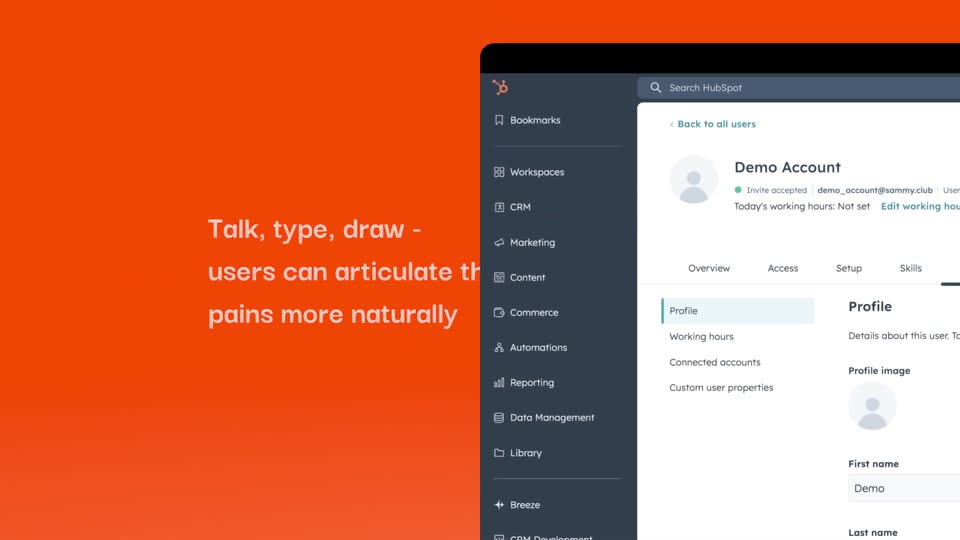 1:28–1:31SAMMY Labs · SAMMY Labs - Product TourA HubSpot account page sits at a 3D angle beside a white headline on an orange field. The interface rotates flat to fill the frame as the headline fades, then a cursor appears over the screen.
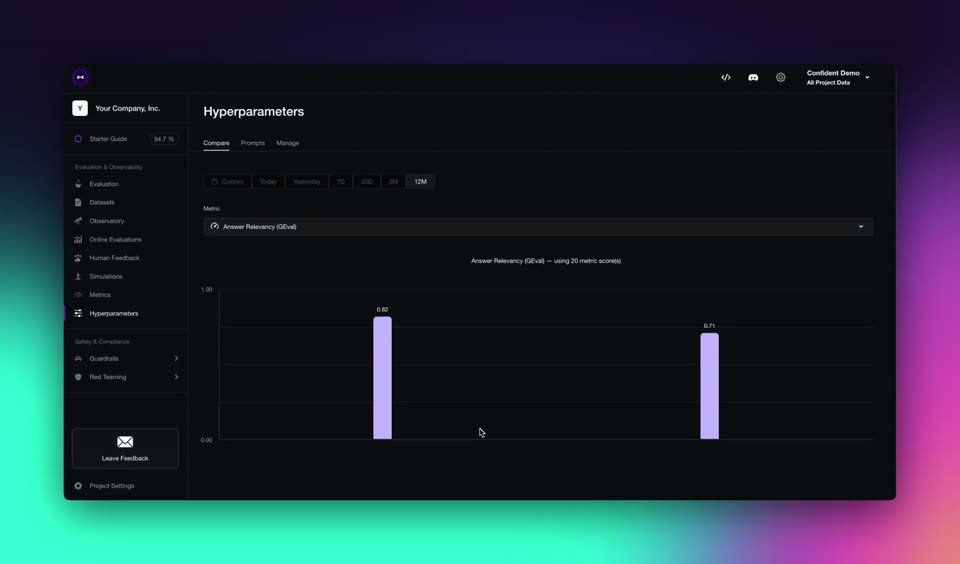 1:17–1:28Confident AI · Confident AI Launch YCA dark dashboard screen sits flat on a glowing teal-to-pink gradient. A cursor clicks the Hyperparameters tab, opens the metric dropdown, and picks a value, rendering a two-bar chart. The cursor then hovers the taller bar, which brightens with a purple glow.
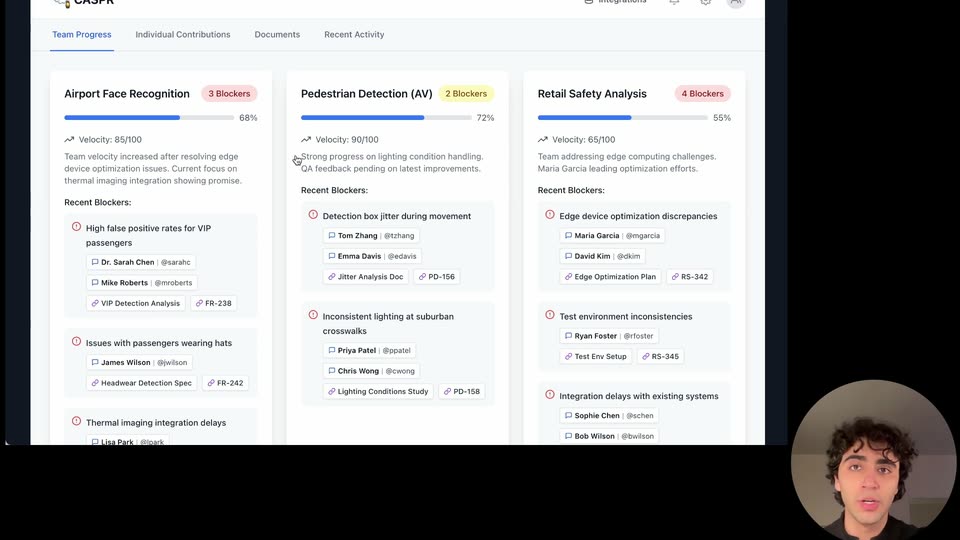 1:21–1:37Peppr AI · Peppr AI Demo VideoThe CASPR dashboard shows three project columns with progress bars and blocker lists. The view scrolls down to reveal bar and line charts, then back up. A cursor hovers over items while a presenter speaks in a circular webcam inset at the bottom right.
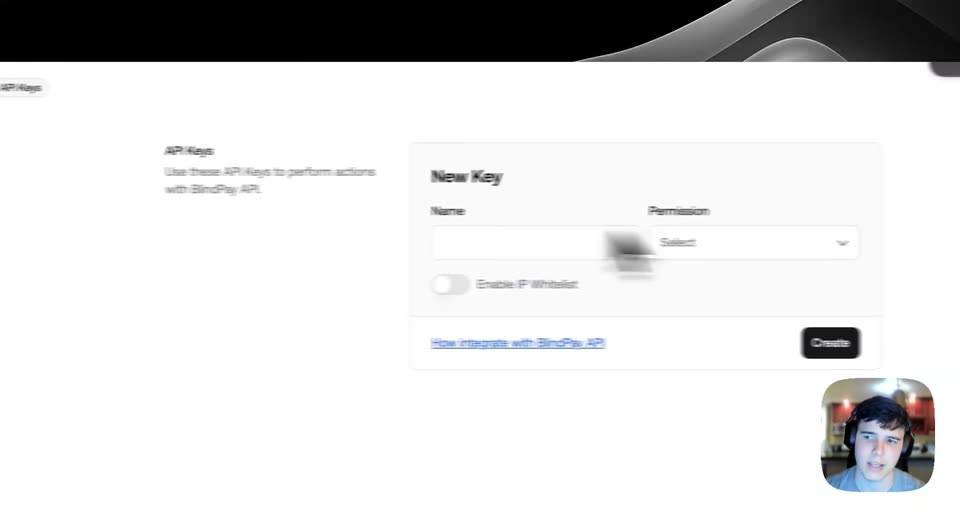 1:17–1:20BlindPay · BlindPay - DemoA dashboard sidebar is shown with a hand cursor hovering over API Keys. The page resolves from blur into a New Key form, then wipes into the Webhooks page. A small webcam of the presenter sits in the bottom right corner.
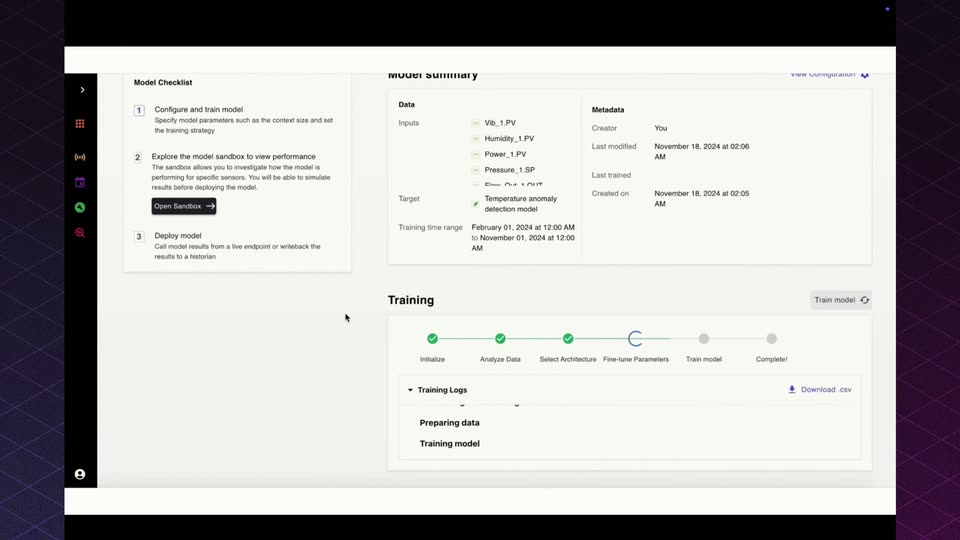 1:51–1:54Vortexify · Praxis AI LaunchA light dashboard screen sits on a dark purple grid background. A mouse cursor hovers near the Open Sandbox button, and a spinner rotates on the Fine-tune Parameters step of the training progress bar.
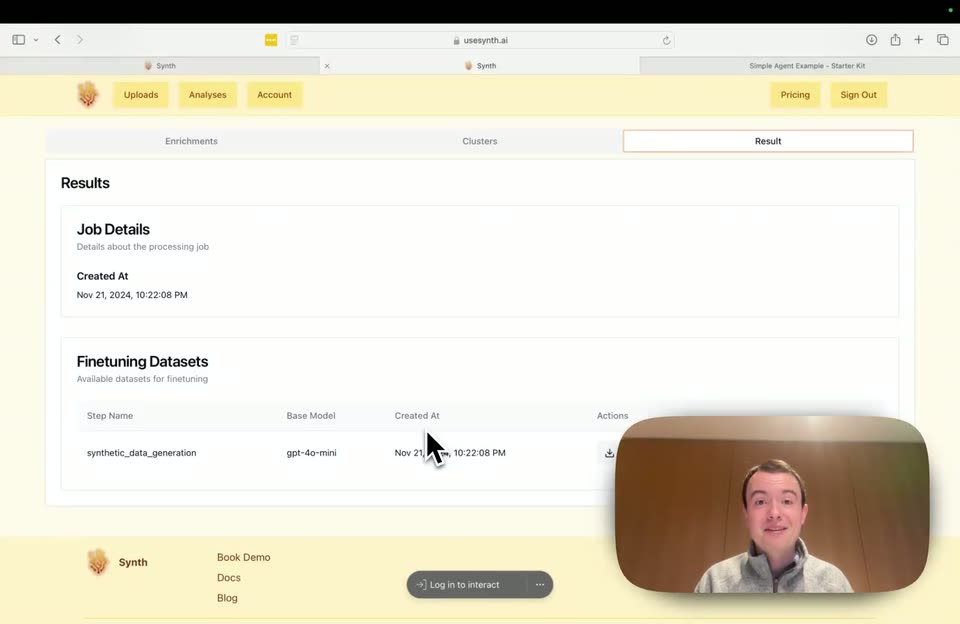 2:48–2:54Synth · Synth AI YC LaunchA screen recording of the Synth results page shows a job details card and a finetuning datasets table, with the cursor resting on the created-at date. A rounded webcam video of a man speaking sits in the bottom-right corner, and he gestures with his hand near the end.
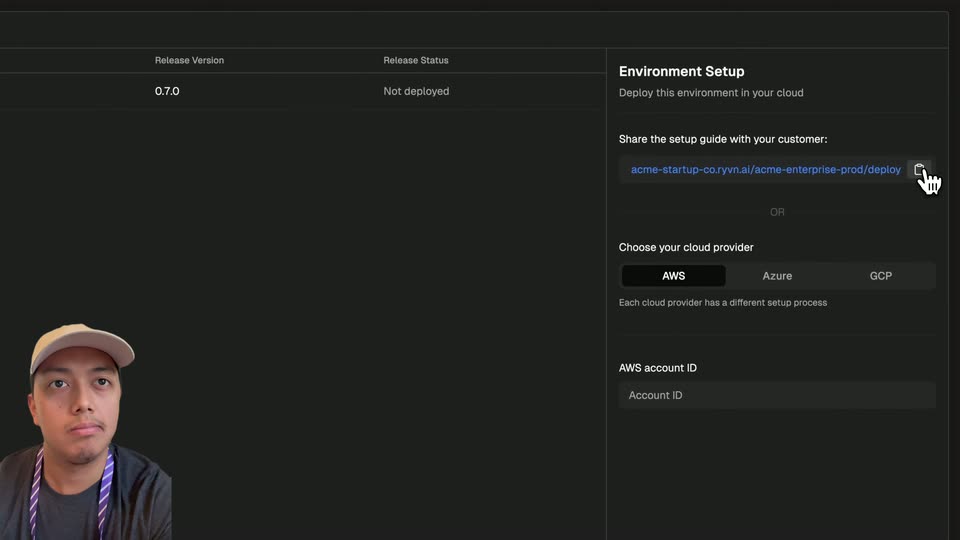 0:52–0:54Ryvn · Ryvn | On-prem deployments, without the stressA dark product interface shows an environment setup panel on the right and a release table on the left, with a small webcam feed of a man in a cap at the bottom left. A cursor glides to the copy button next to the deploy URL.
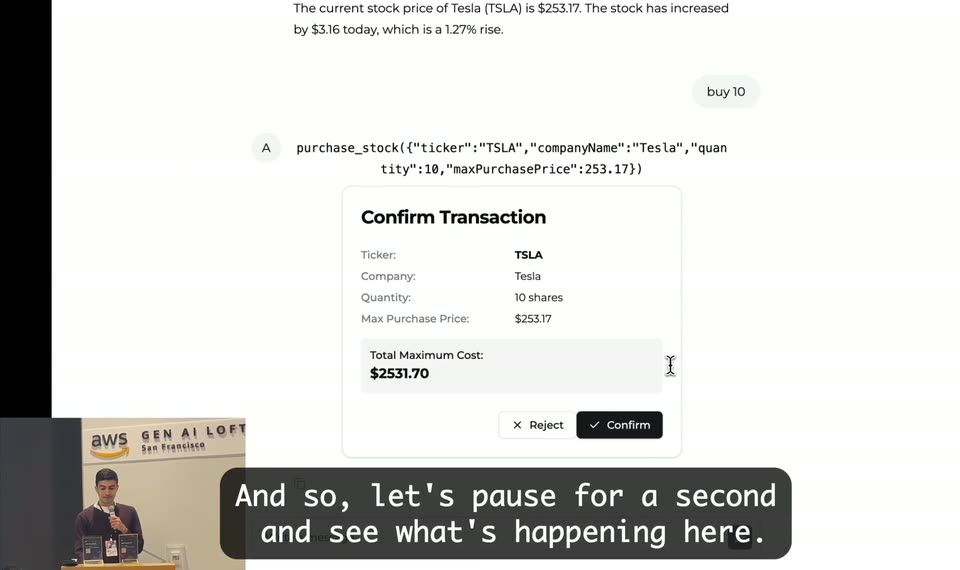 1:28–1:32assistant-ui · assistant-ui | AWS GenAI Loft DemoA stock-buying chat interface fills the frame, showing a Confirm Transaction card with TSLA details. A small inset in the lower left shows a speaker at an AWS podium. A dark caption banner sits at the bottom while a cursor drifts toward the Confirm button.
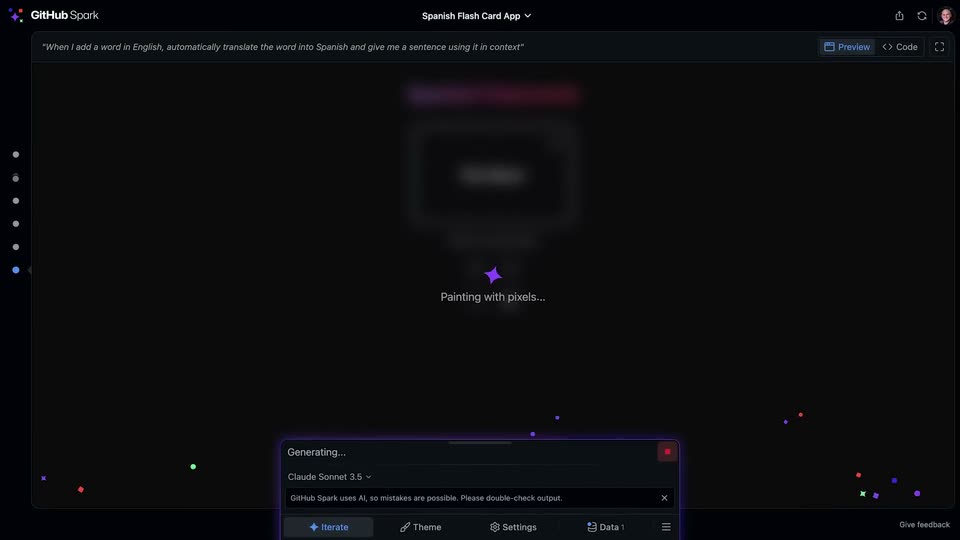 0:47–0:48GitHub · What is GitHub Spark? Introducing a brand new way to build powerful, AI assisted applicationsA dark interface shows a blurred preview with a top progress bar and the caption “Painting with pixels...”. A bottom panel labeled “Generating...” lists a model and an AI disclaimer. A cursor hovers over the panel, then small colored dots drift in at the lower corners.
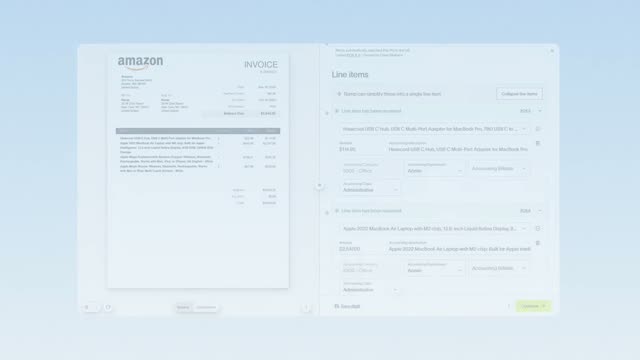 1:34–1:35Ramp · Meet Ramp: A smart finance operations platform that saves you time and moneyA locked-off light interface shows an Amazon invoice beside a line items panel, then a payment details form appears with a cursor at the panel edge.
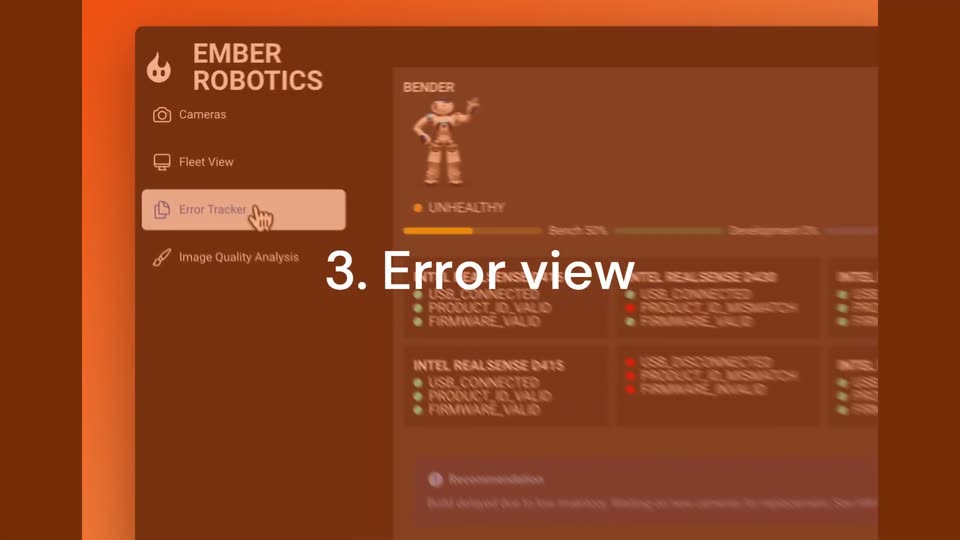 0:54–0:55Ember Robotics · 🔥 Introducing Ember Assistant 🔥- Robotics Camera System Assistant!A dark Ember Robotics dashboard fills an orange-tinted frame, a hand cursor hovers over the Error Tracker menu item, and a white caption reads 3. Error view at center.
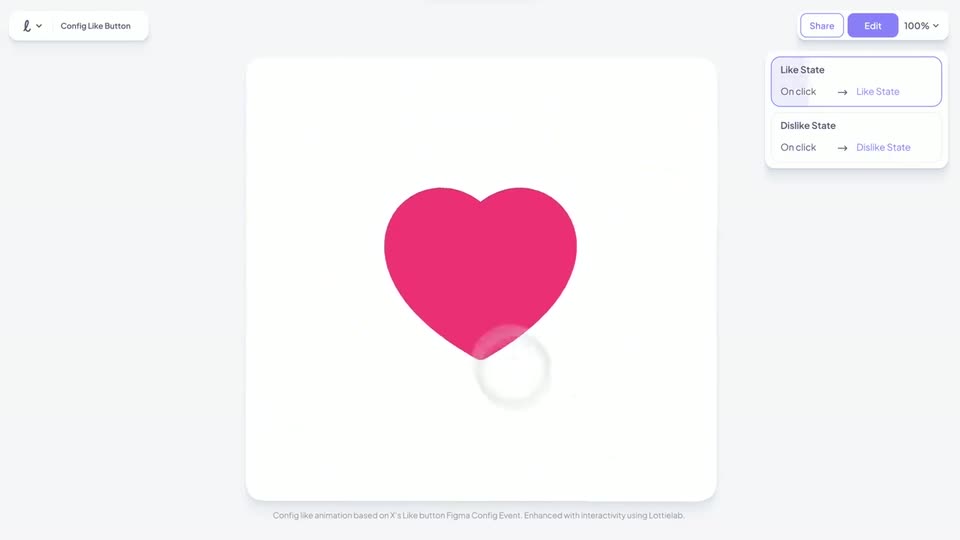 0:46–0:47Lottielab · Lottielab - Interactivity is now live on Lottielab. 📣A light editor screen with a white canvas card centered. The card's artwork switches from a tiled grid of colorful circles and pixel smileys to a single magenta heart, while a ring cursor glides from the lower right to the heart. Side panels and top toolbar stay fixed.
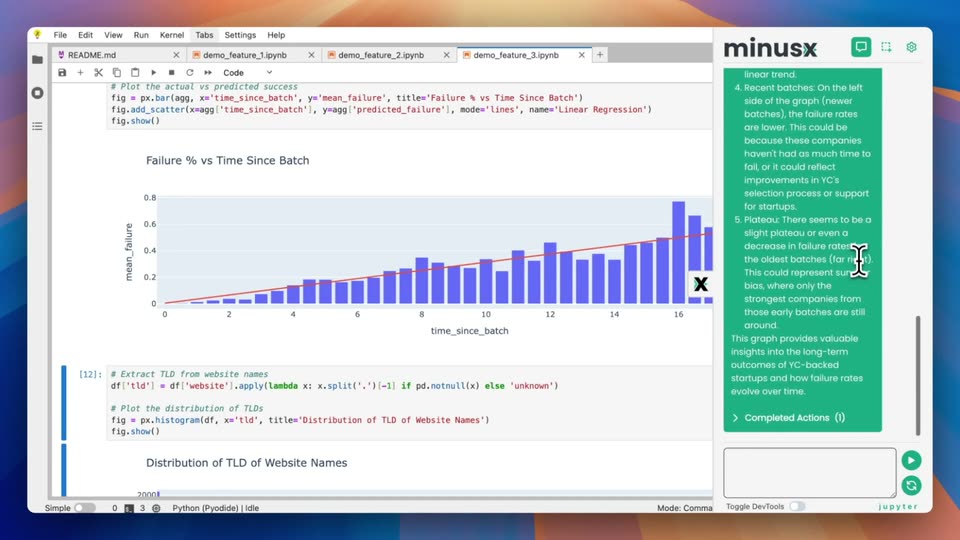 1:05–1:10MinusX · MinusX: AI Data Scientist for Jupyter and MetabaseA Jupyter notebook shows a bar chart as a selection tool drags a box over it and a question is typed into the minusx panel. A green explanation card streams in on the right, then the notebook scrolls to a second chart and the cursor hovers over an icon.
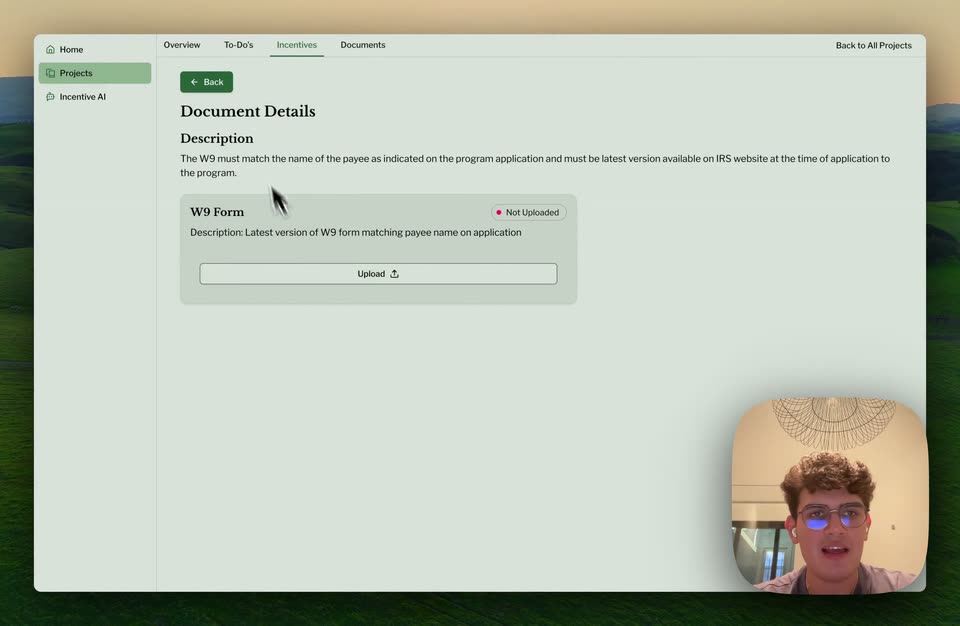 2:00–2:05RetroFix · RetroFix Product DemoA screen recording of the RetroFix app shows a macOS file dialog over the Document Details page. The cursor picks demo-w9.pdf and clicks Open, the dialog fades out, and a success toast slides in at the bottom right. A presenter facecam sits in the corner.
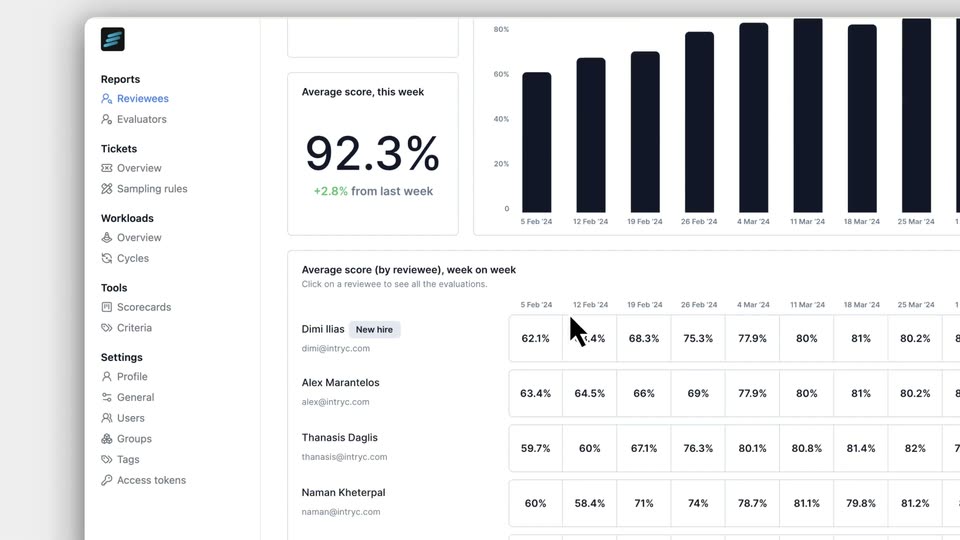 0:55–1:00Intryc · Intryc YC Launch videoA flat dashboard interface fills the frame as the camera zooms in and a cursor clicks through the left sidebar, swapping the reviewee score cards and bar chart for evaluator metrics.
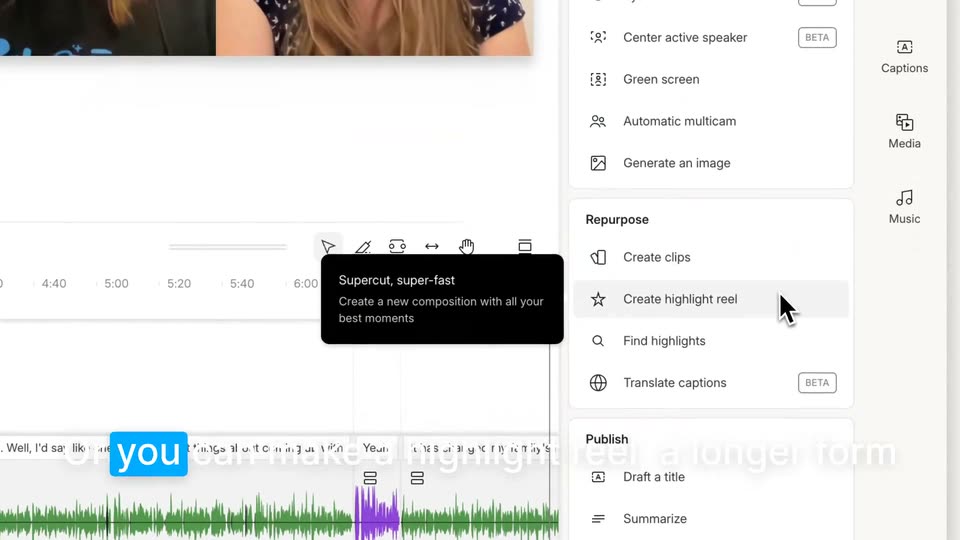 2:30–2:31Descript · Descript - Today, we're launching Descript's new AI assistant editor, Underlord.A close-up of the editing interface shows a timeline with a green waveform on the left and a right-hand menu where a cursor hovers over the highlight reel option, raising a black tooltip. A blue Or chip and a white post. caption appear at the bottom.
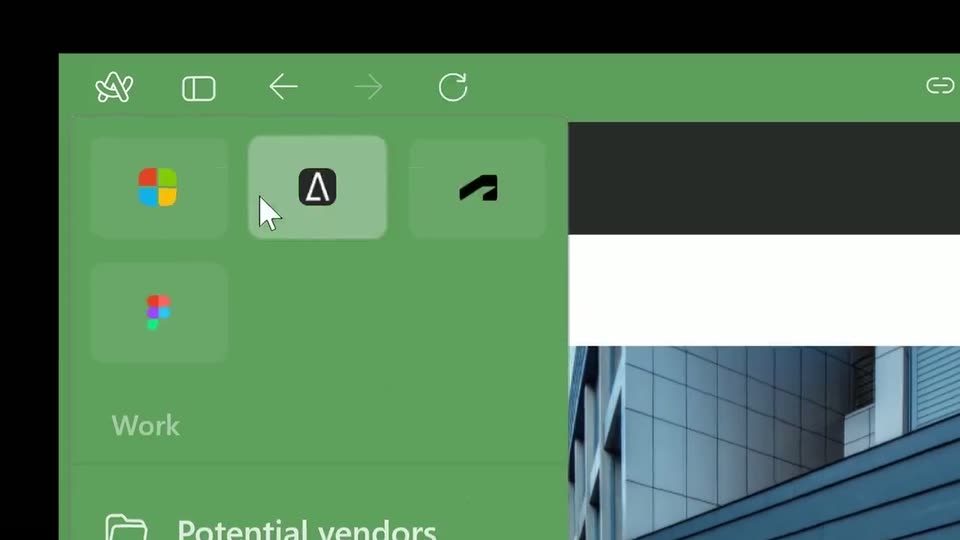 0:23–0:24The Browser Company · The Browser Company - Arc on Windows is finally here. No more waitlists, no more betas. DA green browser window shows a left sidebar of colored app icons above a Work folder list, next to a webpage with a building photo. A white cursor hovers a triangle icon, popping a truncated tooltip that then fades as the icons settle into place.