3:08
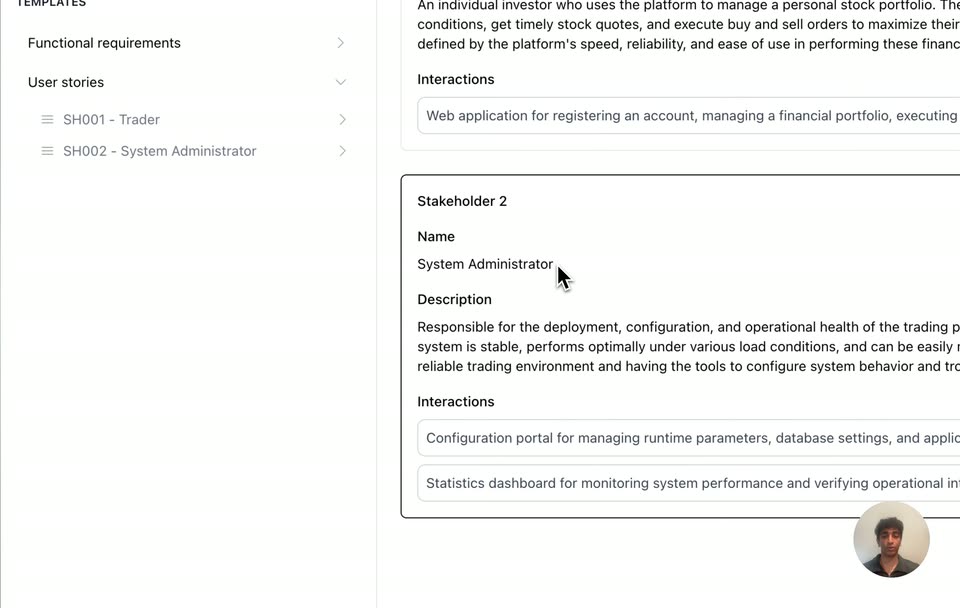

Extract Functional Requirements from Legacy Code
Axal · Industrials · Jun 2025
Airweave · May 2025 · 1:50 · Full motion · AI-annotated
Airweave’s 1:50 launch film runs 18 scenes, about 6.1 s each. The product is on screen from the first frame and 1 feature is revealed. The call to action lands at 1:39 (90% in), over a voiceover. The video is built as a before-and-after comparison: the built-in Drive connector chains many failed calls, then Airweave's connector answers the same prompt in a single endpoint call, bookended by a dashboard intro and a setup CTA. Its style is steady dark screen-recording with push-in zooms on key text and a facecam bubble pinned bottom-right throughout.
Is this your launch? to your site or press kit.
Axal · Industrials · Jun 2025
Google · AI · Mar 2010
Films whose music sounds like this one, voice left out
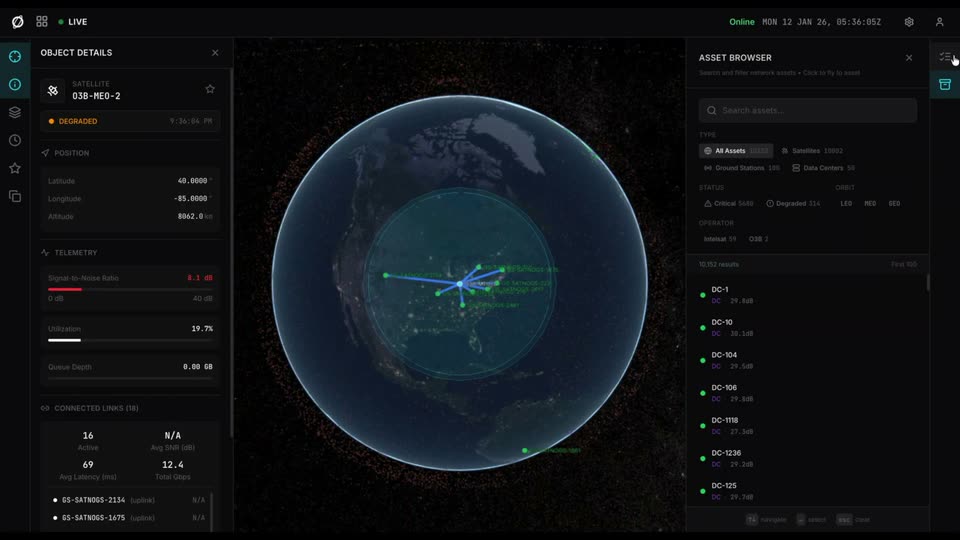
Constellation Space · Voiceover
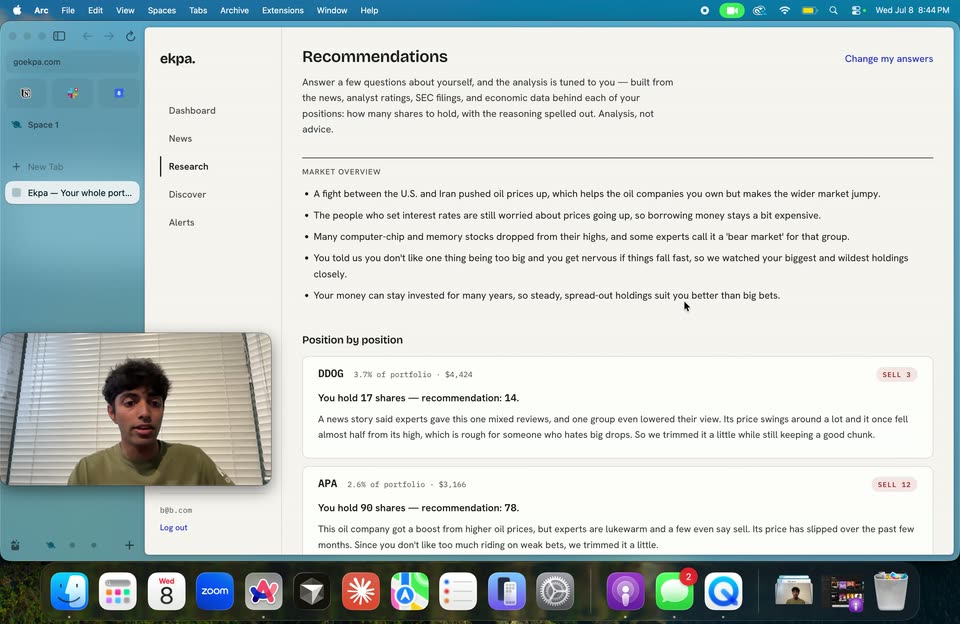
Ekpa · Spoken word / Tech tutorial
A dark Airweave dashboard fills a browser window, with a grid of app integration tiles on the left and an example projects list on the right. A small rounded video of a man wearing headphones sits at the bottom center, talking. The interface stays locked off.
Camera: Static
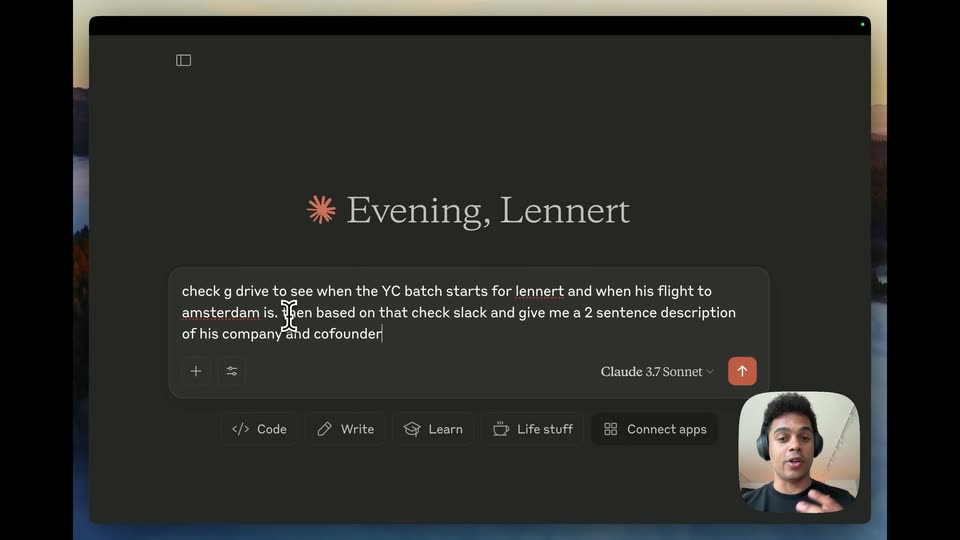
A dark Claude interface greets 'Evening, Lennert' with a presenter in a corner video inset. The frame zooms in while a prompt is typed, then a hand cursor opens the settings menu and toggles on Drive search.
Techniques: UI zoom, Cursor demo
Camera: Push in
A dark interface shows a typed query underlined in red; a dropdown of search connectors opens with a hand cursor on the enabled Drive search row. The cursor moves up, the menu closes, and the view pulls back to reveal a Gmail sidebar beside a flight itinerary.
Techniques: Cursor demo, UI zoom
Camera: Pan
A screen recording shows a dark drive sidebar beside two white flight-itinerary cards. A white cursor drifts down the empty left panel while a small webcam of a man wearing headphones sits in the bottom-right corner.
Techniques: Cursor demo
Camera: Static
A Google Drive file list fills the screen with a small webcam overlay in the lower right. A cursor glides down from the highlighted first row and clicks the second PDF, which turns blue as a tooltip flashes. The interface framing stays static.
Techniques: Cursor demo
Camera: Static
A Google Drive window opens on a Y Combinator letter. The page reveals through a horizontal mask, the camera zooms onto it, and the text scrolls down past the name and body copy. A circular webcam bubble of a man with headphones stays in the corner.
Techniques: Masking, UI zoom
Camera: Pan
A Google Docs letter from Y Combinator scrolls down the page, a blue highlight flashes over the date phrase, then the view reframes to the toolbar and a Drive side panel with a cursor. A circular presenter video sits in the corner.
Techniques: Cursor demo
Camera: Pan
A Google Drive screen pans horizontally to reveal a suggested files list, the cursor hovers over a highlighted PDF row, and a small circular facecam of a man with headphones sits in the bottom right corner.
Techniques: Cursor demo
Camera: Pan
A file manager list is shown with a small circular webcam of a presenter in the corner. A cursor moves up from one row and clicks the Lufthansa ticket file, highlighting it in blue.
Techniques: Cursor demo
Camera: Static
A flight booking page scrolls down past the outbound leg to the return flight, San Francisco to Amsterdam, as the cursor moves across the departure and arrival times. A small face cam of the presenter stays in the bottom-right corner.
Techniques: Cursor demo
Camera: Pan
A blurred pan resolves into a Google Docs flight itinerary, ticket details and an Economy Basic tag visible, a cursor hovering at the right edge and a small webcam self-view of the speaker in the lower corner.
Techniques: UI zoom, Cursor demo
Camera: Pan
A Google Drive screen recording shows the cursor clicking a view toggle, then the frame zooms into a document line reading “Lennert and when his flight to Amsterdam” with Amsterdam in red, above a model selector bar.
Techniques: Cursor demo, UI zoom
Camera: Pan
A close-up of the Claude prompt zooms out to the full dark chat window; the assistant streams a reply and Google Drive search chips while the chat scrolls. A hand cursor clicks the new-chat button, clearing the screen.
Techniques: UI zoom, Cursor demo
Camera: Push in
A dark chat UI in close-up: a hand cursor opens the tools menu, toggles the Drive search off and the Slack search on. The frame pulls back to the full window while a prompt is typed into the input box. A face-cam of the presenter sits bottom right.
Techniques: Cursor demo, UI zoom
Camera: Pull out
A dark chat interface streams an AI reply and expands a Google Drive search call, then scrolls to the Slack results. The frame zooms in on the answer while a cursor highlights two dates, and a small webcam of the speaker sits in the corner.
Techniques: UI zoom, Cursor demo
Camera: Push in
A dark chat interface fills the frame, its white response text about a flight and the company cut off at both edges. Below, an input field shows the placeholder 'to Claude...' next to a small live video of a man with headphones. The shot holds static.
Camera: Static
A dark Airweave dashboard fills the frame: collection cards, a grid of integration connectors, an example projects panel. A white cursor glides across the connector tiles, then stops on the Stripe card. A small circular video of a man in headphones talks in the bottom right.
Techniques: Cursor demo
Camera: Static
A dark Airweave dashboard scrolls down past a query bar and an integrate panel while a cursor clicks the REST API and Postman tabs, revealing an entity graph. A small webcam of a man wearing headphones sits in the bottom right corner.
Techniques: Cursor demo
Camera: Static