1:37
Moda Launch YC
Moda · B2B · Mar 2026
Kestral’s 1:36 launch film runs 18 scenes, about 5.4 s each. The product is on screen from the first frame and 5 features are revealed. The call to action lands at 1:14 (78% in), over a voiceover. The video bookends a long screen-recording walkthrough with a talking-head founder, moving step by step from data connection to task extraction to at-scale prioritization. Signature moves are zoom-and-blur reframes between app panels, flat UI windows floating on a gradient desktop, and a final 3D tilt of the window.
Is this your launch? to your site or press kit.
Moda · B2B · Mar 2026
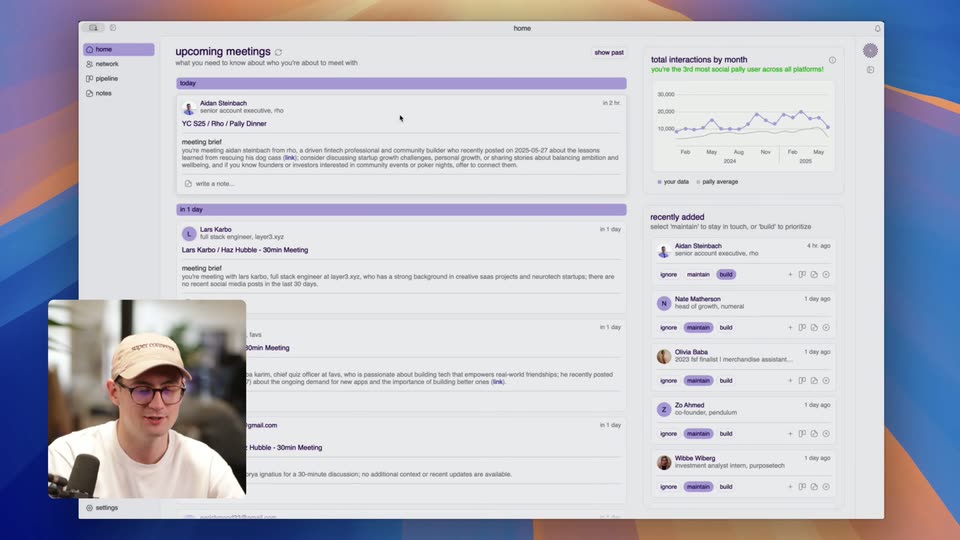
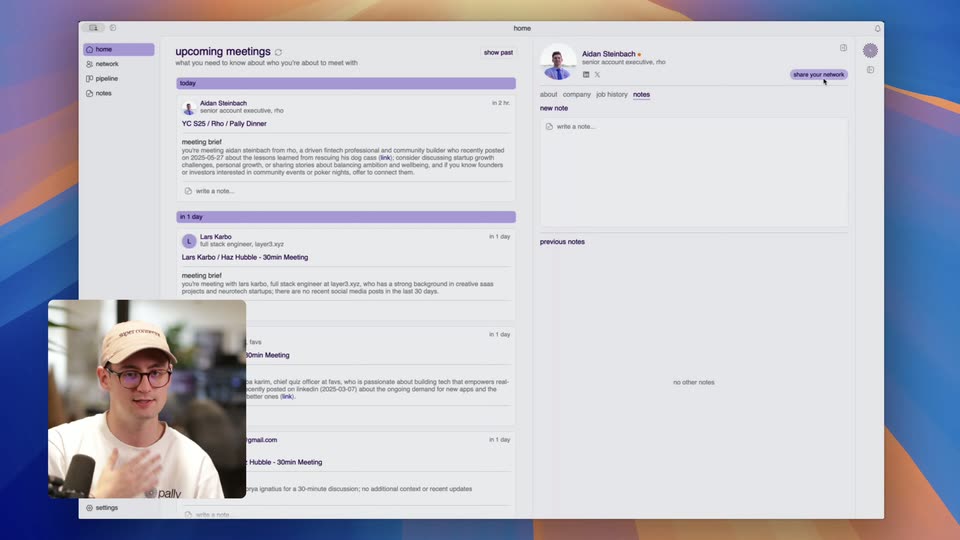
Pally · B2B · Jun 2025
Google · AI · Apr 2008
Films whose music sounds like this one, voice left out
Pally · Corporate Product Demo
Dawn Industries · Corporate tech presentation
A man in a black t-shirt sits on an orange chair by a window, speaking to camera and gesturing with his hands. A black card with the green Kestral logo and name appears top right, then a green tagline fades in below it.
On-screen text: “Kestral”, “AI Work Prioritizer”
Camera: Static
A flat product window floats on a gradient desktop, showing an onboarding screen titled Transform your documents into action. The camera zooms into the panel as a cursor clicks the existing sources dropdown, opening a list of integrations such as Notion and Google Drive.
Techniques: UI zoom, Cursor demo
Camera: Push in
A 'Link Notion Page' modal with a scrollable list of customer pages sits centered over a dimmed gray background. The view reframes from a wider blurred layout onto the modal, and a cursor drifts down the list, hovering over rows.
Techniques: UI zoom, Cursor demo
Camera: Pan
A light settings panel lists Notion customer pages with checkboxes. The cursor ticks the row for Priya from Orion Labs, then slides down to the green button at the bottom right as the list scrolls up slightly.
Techniques: Cursor demo
Camera: Pan
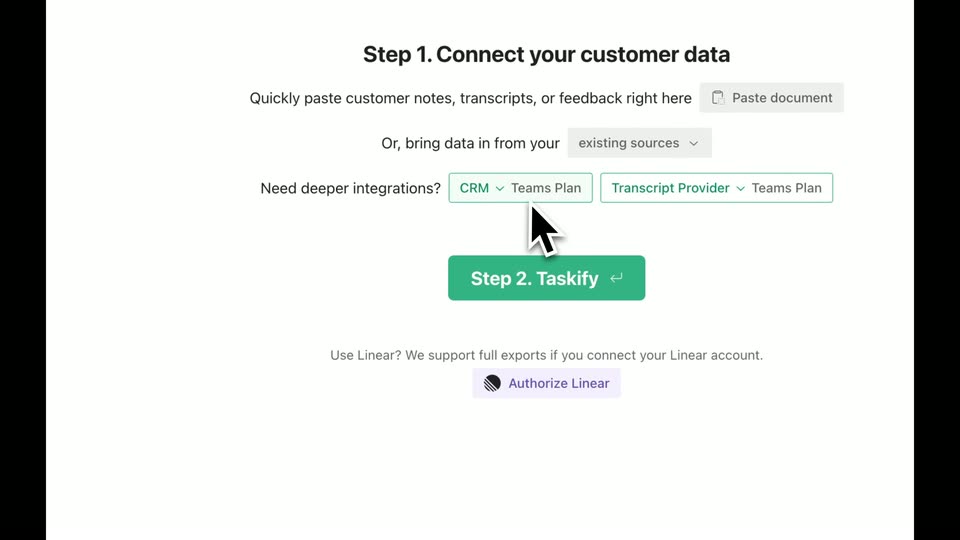
A white product page shows a green Step 2. Taskify button and integration links. A cursor slides up from the bottom right and clicks the button, and the view cuts to a chat layout with a message bar and a customer panel on the right.
Techniques: Cursor demo
Camera: Static
A white chat panel shows a message input bar with a Send button and a black cursor. The frame then widens to the full app, revealing a Kestral AI card with a green progress bar reading 'Analyzing your input.' while the cursor drifts down.
Techniques: Cursor demo, UI zoom
Camera: Pull out
A product window sharpens from a blurred close-up into a full chat view. A cursor hovers as AI messages stream in with green progress bars; the panel scrolls to a prioritized task list, then zooms into the right Tasks sidebar.
Techniques: Cursor demo, UI zoom
Camera: Push in
A task app window sits on a warm gradient desktop. A detail panel slides in from the right over the sidebar, revealing a task entry, as the cursor moves from the Bug Fixes row to the panel.
Techniques: Cursor demo
Camera: Push in
A task detail panel sits open over a colorful desktop wallpaper, showing the issue title and body copy on the left and a property sidebar on the right. A cursor hovers over the assignee and change project controls.
Techniques: Cursor demo
Camera: Static
A flat product window sits on a gradient desktop, showing a task list titled Customer Feedback Call Notes with priority tags. A cursor drifts up the left sidebar, pausing on Automations and Active initiatives, then the frame blurs into a white wipe.
Techniques: Cursor demo
Camera: Push in
A white task board fills the frame over an orange-blue gradient. The left column shows priority rows and action buttons; the right column lists customer entries, each with a Notion button. A cursor glides down the list as the frame sharpens from a soft blur.
Techniques: Cursor demo
Camera: Pull out
A blurred multi-panel slide resolves into a locked-off three-column app view on a diagonal orange-blue gradient: sidebar, task list with priority tags, right-hand task list. A hand cursor taps a highlighted sidebar entry, then the frame holds.
Techniques: Cursor demo
Camera: Static
A light task app screen with a left sidebar; a hand cursor moves from the sidebar to the task list, then the view zooms into the table as the cursor hovers a yellow High priority badge.
Techniques: Cursor demo, UI zoom
Camera: Push in
A light task table lists rows with status, priority, and tag labels. A hand cursor glides left from a High priority dropdown toward the assignee column. Filter dropdowns sit in a toolbar above the header row.
Techniques: Cursor demo
Camera: Static
A close-up of a task detail screen scrolls down to the Citations list, where a cursor expands one entry to reveal a customer transcript. The view then zooms out to the full app window on a gradient desktop as a Follow Up dialog pops up.
Techniques: Cursor demo, UI zoom
Camera: Pull out
A tilted 3D window of a task app floats over a colorful gradient desktop. A cursor glides from the center to the lower left and hovers over the Close button of a small notification card. The window shows a task detail with sidebar, description, tags, and citations.
Techniques: 3D mockup, Cursor demo
Camera: Static
A man in a black t-shirt sits on an orange seat between a curtained window and a wooden dresser, speaking to camera. He gestures with both hands, palms open, then raises one finger, in a steady medium shot.
Camera: Static
A soft green-to-blue gradient background holds the Kestral logo lockup, a teal bird mark beside the black wordmark, with the line Check us out at kestral.team centered below. The lockup fades in from low opacity at the start, then holds still.
On-screen text: “Check us out at kestral.team”
Camera: Static