0:28
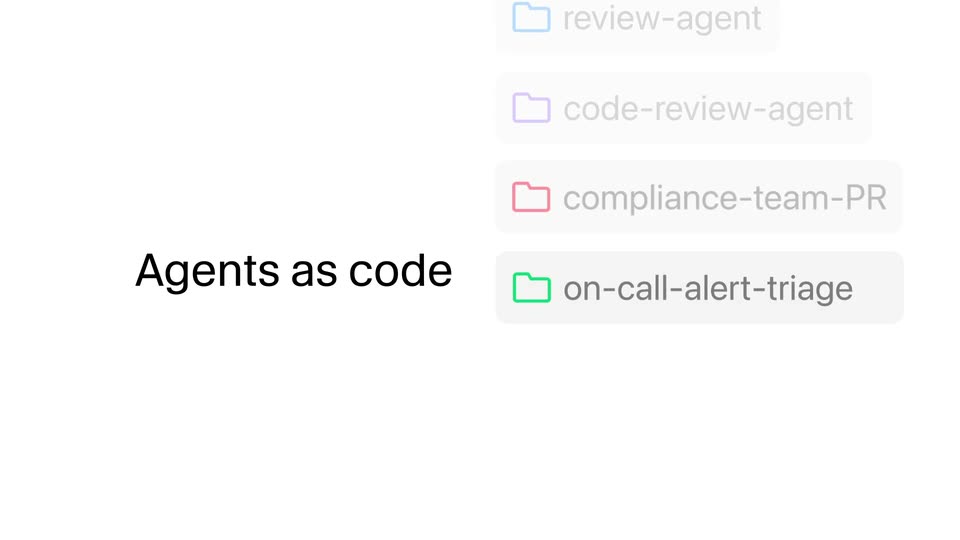

Cursor - The Agent SDK is now available. Define agents as code, with prompts
Cursor · Developer tools · Oct 2026
Peppr AI · Feb 2025 · 2:01 · Full motion · AI-annotated
Peppr AI’s 2:01 launch film runs 19 scenes, about 6.4 s each. The product is on screen from the first frame and 5 features are revealed. There is no explicit call to action; a voiceover carries the film. A founder-led screen capture: a static landing hero opens, then a cursor tours the dashboard feature by feature while a circular webcam of the speaker stays pinned in the corner. The pacing is quick (about 8 cuts a minute) with spinner loads and slide-ins as the only transitions, and the video closes on a black logo card and a line-by-line tagline.
Is this your launch? to your site or press kit.
Cursor · Developer tools · Oct 2026
Miro · Productivity · Jun 2023
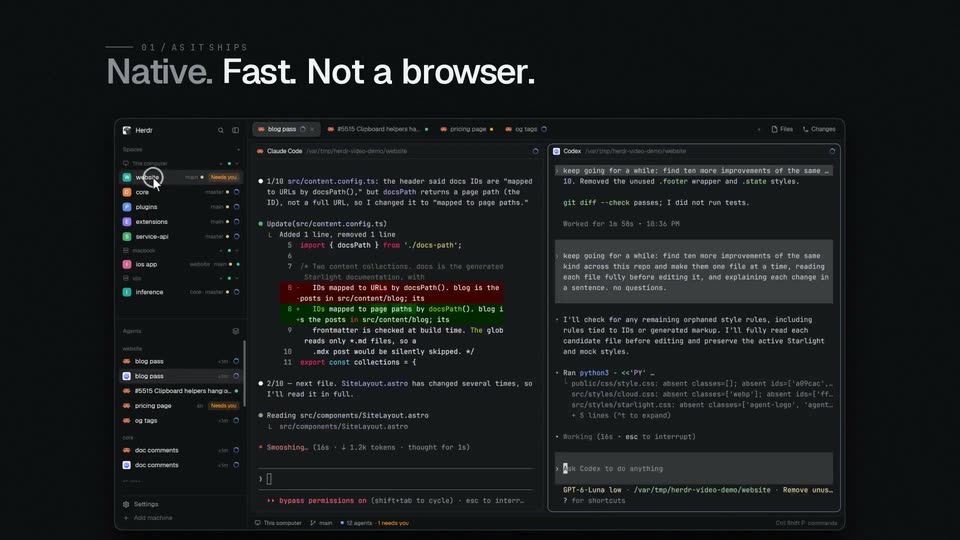
herdr · B2B · Oct 2026
Films whose music sounds like this one, voice left out
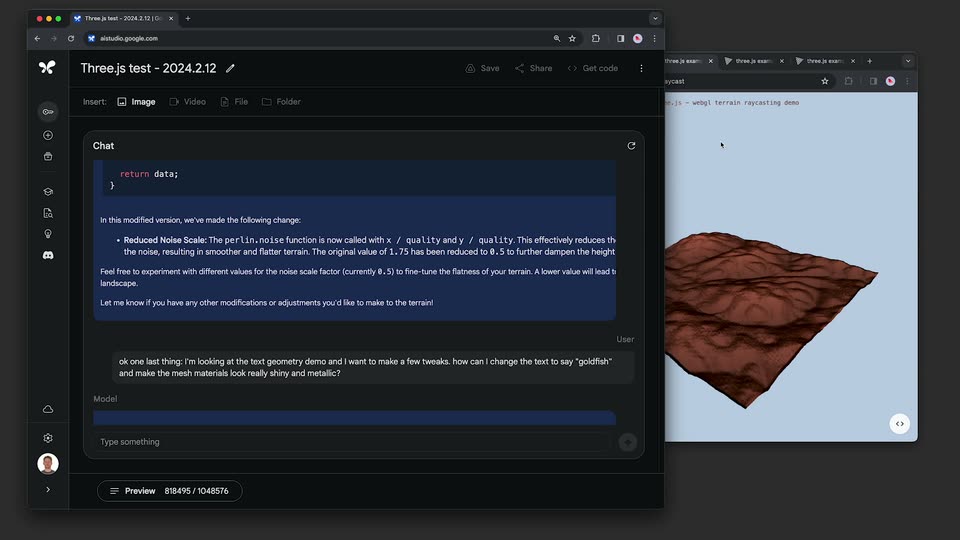
Google · Technical demonstration voiceover
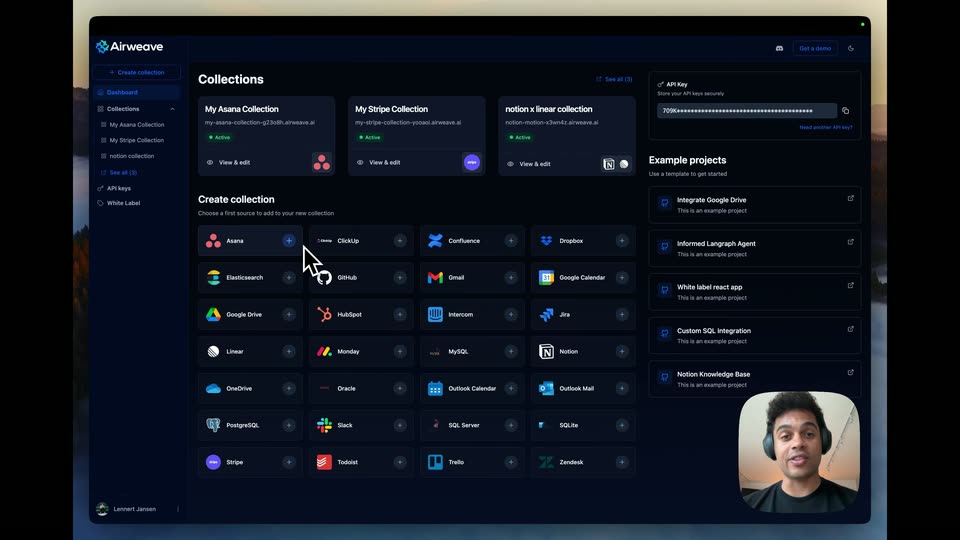
Airweave · Speech over minimal electronic stings
Kestral · Corporate Tech Demo
A static dark website hero for Peppr AI holds the frame, showing a Y Combinator badge and a large white headline. A circular webcam feed of a curly-haired founder sits in the bottom right corner, talking to camera.
Camera: Static
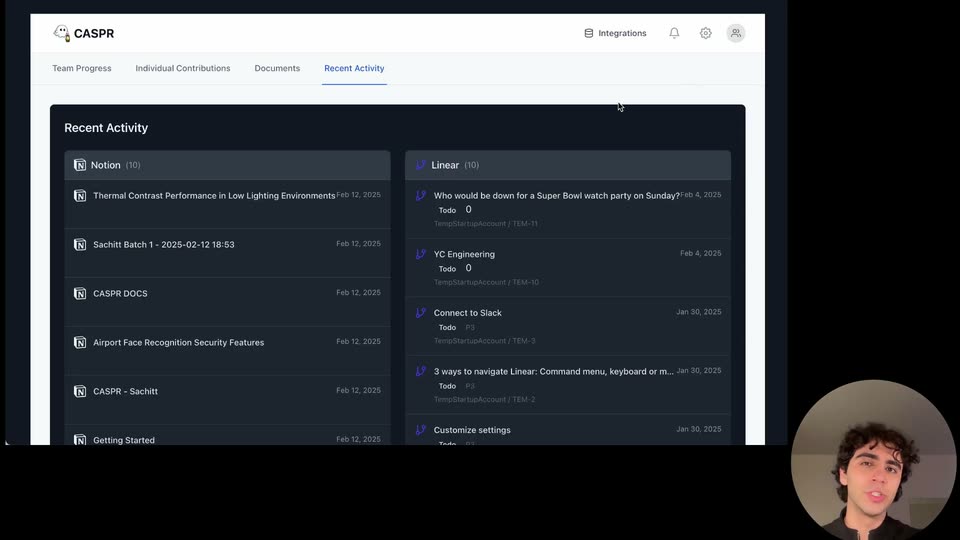
A dark dashboard lists recent activity in two columns, Notion and Linear. A cursor drifts up to the Integrations button in the top bar. A circular webcam of the host stays pinned in the bottom right corner.
Techniques: Cursor demo
Camera: Static
A white Integrations side panel slides in from the right over a dimmed CASPR dashboard, listing connected tools with Connect and Disconnect buttons. A cursor scrolls the list and hovers over the buttons. A circular webcam of the presenter sits in the bottom-right corner.
Techniques: Cursor demo
Camera: Static
A dark activity dashboard scrolls down through two columns of Notion, Linear, Slack and GitHub entries, with a small circular webcam of the presenter in the bottom-right corner. An integrations dropdown is open at the top right and a cursor hovers there before the feed scrolls to its end.
Techniques: Cursor demo
Camera: Pan
A locked-off screen capture of the CASPR dashboard shows two dark panels, a Notion activity list on the left and a Linear list on the right, with a white cursor hovering over the top navigation. A circular webcam of a curly-haired presenter sits in the lower right corner.
Techniques: Cursor demo
Camera: Static
A screen recording of the CASPR dashboard fills a black frame, with a circular webcam of a talking presenter in the lower right. A cursor hovers the Documents tab, a spinner loads, then folder cards appear; the cursor drills into a batch folder and three document cards resolve.
Techniques: Cursor demo
Camera: Static
A near-blank light-lavender document canvas fills the frame, with a small arrow cursor drifting near the center. A circular webcam of a dark-haired presenter in a dark shirt sits in the bottom-right corner, speaking to camera.
Techniques: Cursor demo
Camera: Static
A Notion-style page fills with an AI-written article on thermal contrast, its cursor selects a source tag to open a floating AI toolbar, then the view scrolls back to the title. A circular webcam of the presenter stays in the lower right.
Techniques: Cursor demo
Camera: Static
A screen recording of the CASPR Documents interface fills the frame, with a circular webcam of the presenter in the bottom-right corner. A cursor clicks Back, opens the CASPR - Nitya folder, and a brief spinner loads the teammate's document cards.
Techniques: Cursor demo
Camera: Static
A blank pale-lavender canvas fills the frame with a mouse cursor hovering near the center, then an I-beam text cursor appears beside it. The presenter's face sits in a circular webcam overlay at the bottom right. The frame stays locked off.
Techniques: Cursor demo
Camera: Static
A screen recording of a Notion page titled “Large Crowd Scenarios in AV Testing” scrolls briefly up and down. A cursor drags across the paragraph and bullet list, flashing a blue highlight. A circular webcam feed of a speaking presenter sits in the bottom right corner.
Techniques: Cursor demo
Camera: Static
A screen recording of the CASPR dashboard shows the Documents tab with a grid of document cards. A cursor clicks Back twice, swapping the cards for folder views, while a small circular webcam of the presenter sits in the bottom right corner.
Techniques: Cursor demo
Camera: Static
The CASPR dashboard scrolls down past a stacked area chart as the cursor hovers dates, popping tooltips of commit and review counts, then highlights the Recent Impact heading. A circular webcam of the presenter stays in the bottom right corner.
Techniques: Cursor demo
Camera: Pan
A light dashboard for an AI engineer shows a name header, two percentage badges, and a stacked area chart of activity over five days. A cursor hovers the chart to reveal a tooltip, then moves to the top menu. A circular webcam of the presenter sits bottom right.
Techniques: Cursor demo
Camera: Static
The CASPR dashboard shows three project columns with progress bars and blocker lists. The view scrolls down to reveal bar and line charts, then back up. A cursor hovers over items while a presenter speaks in a circular webcam inset at the bottom right.
Techniques: Cursor demo
Camera: Static
A white modal titled 'Inconsistent lighting at suburban crosswalks' floats over a dimmed dashboard, listing a four-step workflow, two contacts and two links. A cursor hovers the workflow rows, triggering blue highlights, then moves to the close icon; a circular webcam of the presenter sits bottom right.
Techniques: Cursor demo
Camera: Static
A light project dashboard shows three columns of task cards with progress bars and blocker lists. The top bar slides into view with a logo and icons as a cursor glides across it. A small circular webcam of a presenter holds the bottom right corner.
Techniques: Cursor demo
Camera: Static
On a black background, a silver faceted cube icon appears left of center, then the blue glean wordmark appears beside it, while a small circular webcam of the presenter stays in the bottom-right corner.
On-screen text: “glean”
Camera: Static
The Glean cube mark and blue wordmark sit on black, then fade out. White text builds line by line in the center: engine, for, efficiency, then clears to black. A circular webcam inset of the presenter holds the bottom right corner throughout.
On-screen text: “engine for efficiency”
Techniques: Kinetic type
Camera: Static