0:28

Cursor - The Agent SDK is now available. Define agents as code, with prompts
Cursor · Developer tools · Oct 2026
Miro · Jun 2023 · 0:17 · AI-annotated
Miro’s 0:17 launch film runs 5 scenes, about 3.4 s each. The product is on screen from the first frame and 1 feature is revealed. There is no explicit call to action. A 17 second opener built as brand lockup, line by line title, one UI demo, closing lockup. Movement is minimal: blur to crisp text fades, a line by line title build, and a single real time paste into chip interaction, all on a flat dark navy field.
Is this your launch? to your site or press kit.
Cursor · Developer tools · Oct 2026
Cursor · Developer tools · Aug 2026
OpenAI · AI · Apr 2026
On a dark navy field, the Miro mark and the Google G fade in around a thin white divider line. A cut brings white bold text that builds line by line, each line fading out as the next arrives, ending on “with the Miro smart chip”.
On-screen text: “Streamline project”, “documentation &”, “share access”, “with the Miro smart chip”
Techniques: Kinetic type
Camera: Static
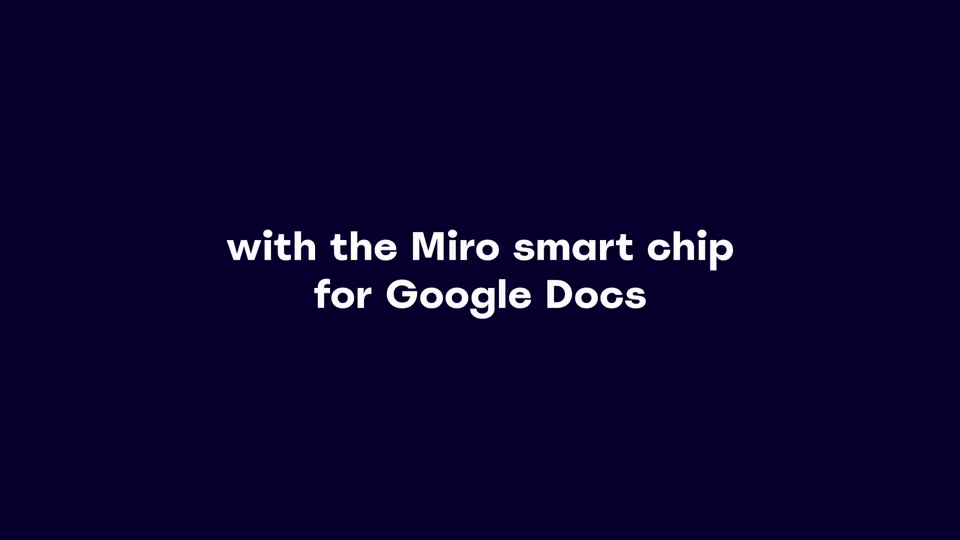
Two centered lines of white text fade in from a soft blur on a dark navy background, then hold still. The frame is locked off for the full duration.
On-screen text: “with the Miro smart chip”, “for Google Docs”
Techniques: Kinetic type
Camera: Static
On a dark navy field, two centered lines of white sans text hold the frame. The upper line, with the Miro smart chip, fades to nothing while the lower line, for Google Docs, resolves from a soft ghosted blur into crisp white.
On-screen text: “with the Miro smart chip”, “for Google Docs”
Techniques: Kinetic type
Camera: Static
A Google Docs table: a green cursor trailed by a Kristina presence tag types “Please use this Miro board”, opens a context menu, pastes a Miro URL, and swaps it for a Q3 Project Outline chip, then a board preview card pops up.
Techniques: Cursor demo, Morph
Camera: Static
A yellow rounded square bearing a dark angular mark and the multicolor Google G sit side by side on a dark navy field, split by a thin vertical white line. The pair eases into the center and holds on a locked-off frame.
Camera: Static