Cursor demo
A visible cursor operates the interface.
14,949 scenes · page 227 of 250
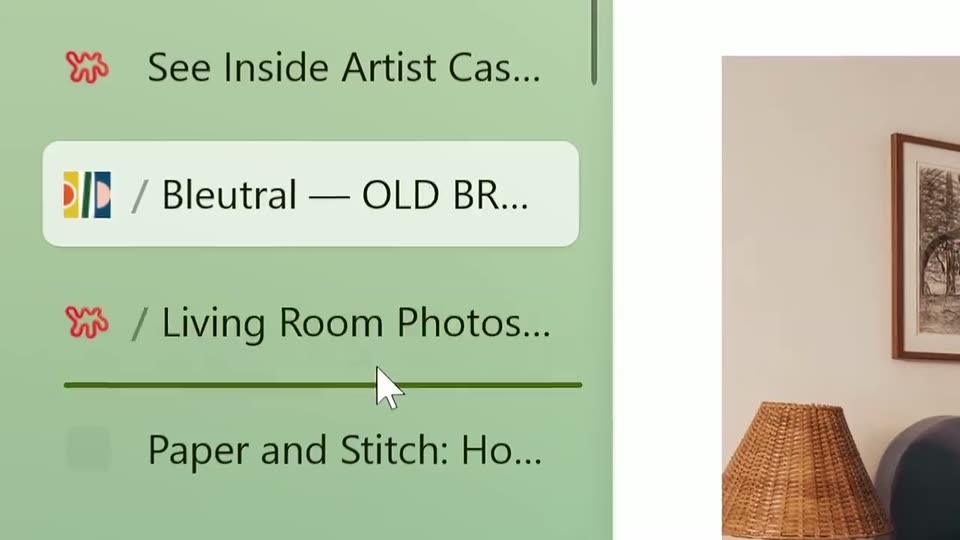 0:22–0:23The Browser Company · The Browser Company - Arc on Windows is finally here. No more waitlists, no more betas. DA green interface panel lists rows that slide into place as a white cursor hovers over a highlighted row, while a photo of a living room with a woven lamp and framed print fills the right pane.
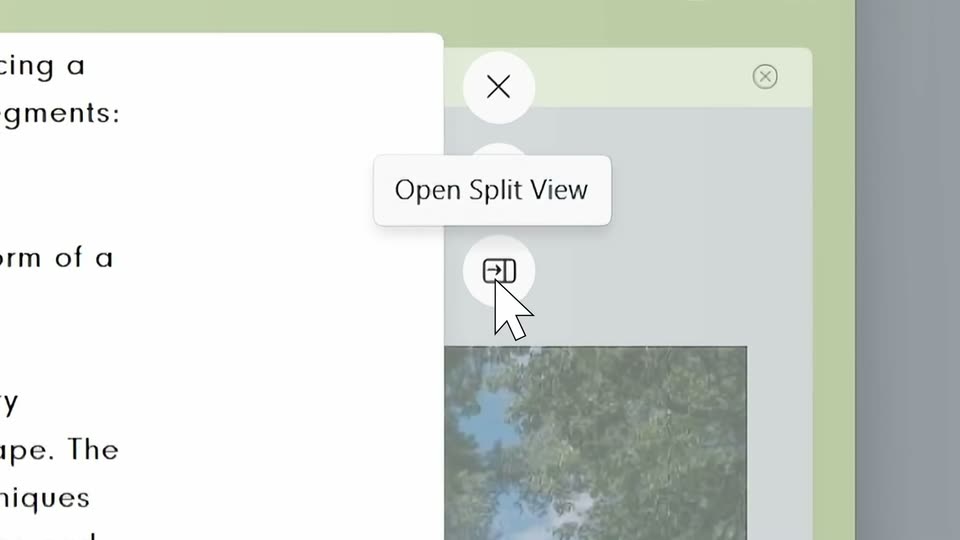 0:24–0:25The Browser Company · Arc on Windows. Download now.A locked-off close-up of a two-panel document interface. The left panel holds lines of body text, the right panel shows a photo of green foliage under a header bar. A cursor hovers the split-view button, popping an Open Split View tooltip.
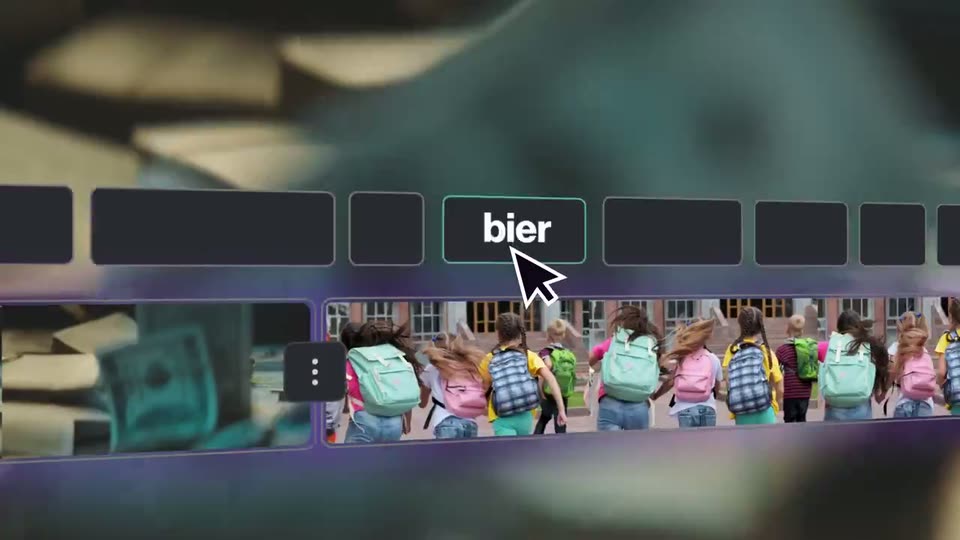 0:16–0:17Captions · Mirage - Introducing Captions for web. Video editing made simple, thanks toA blurred clip of cash fills the background as a dark editing timeline scrolls left past a teal-outlined clip labeled bezos, with a white cursor pinned to its right edge and a teal bar-graph icon above it. Below, video thumbnails of flames, money and schoolchildren slide by.
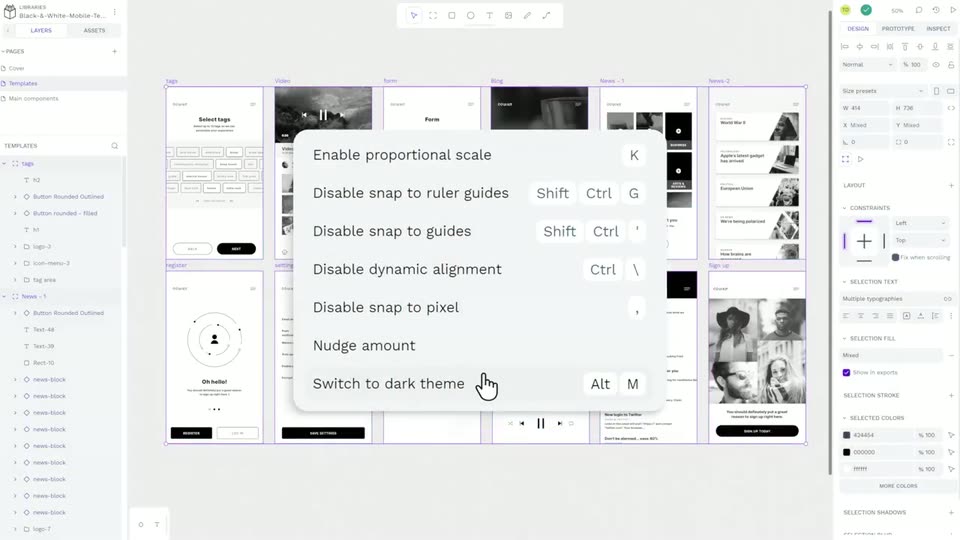 1:18–1:19Penpot · Penpot - 💥 Penpot 2.0 is now available! Explore & enjoy the unique featurA design tool workspace fills the frame, showing a black-and-white mobile app layout on the canvas. A dropdown menu opens in the center while a hand cursor hovers over the Switch to dark theme row.
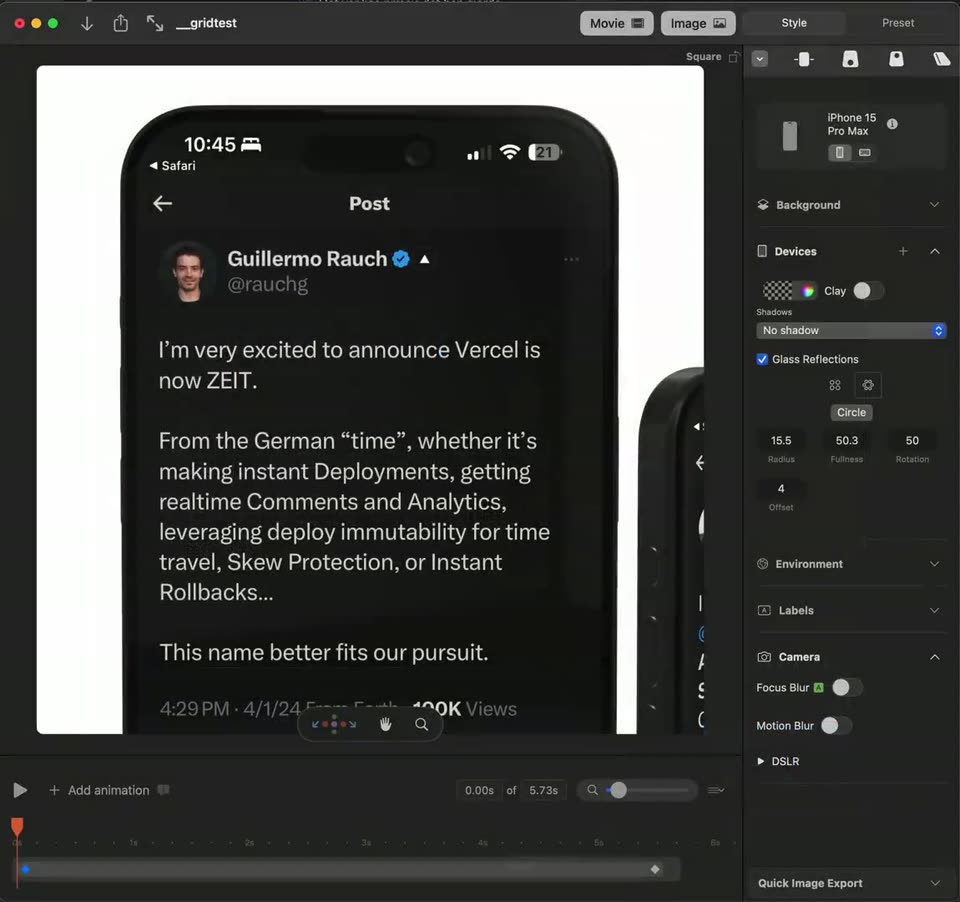 0:49–0:51Rotato · Morten from Rotato - Circles, half circles and grids rolling out to beta users soon:A dark design-tool interface frames a 3D iPhone mockup showing a tweet announcing Vercel is now ZEIT, with a second phone edge at right. A cursor travels up from the timeline to hover the Style tab.
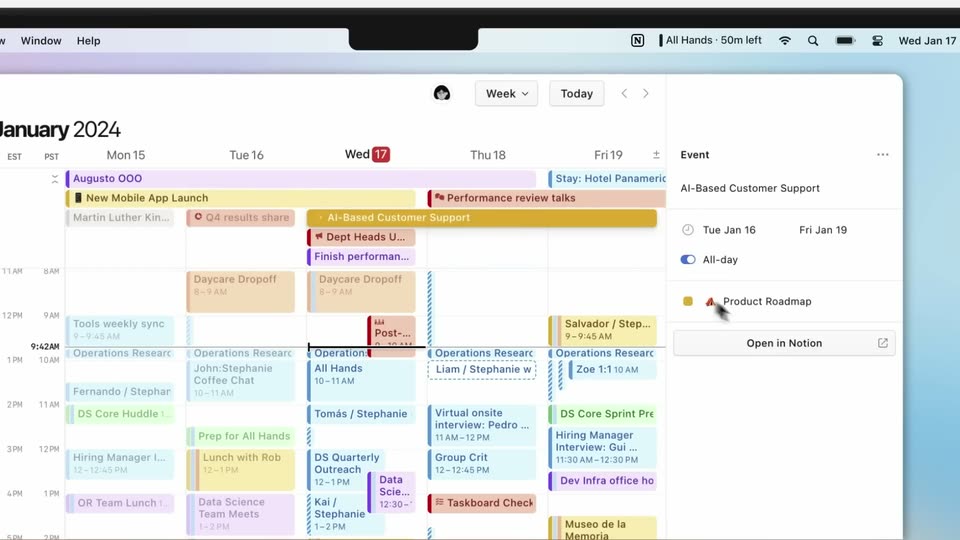 1:07–1:10Notion · Meet Notion CalendarA macOS calendar app in week view fills the screen. A cursor moves over a yellow all-day event, the right panel switches from a shortcuts list to the event details, then the cursor clicks the Open in Notion button.
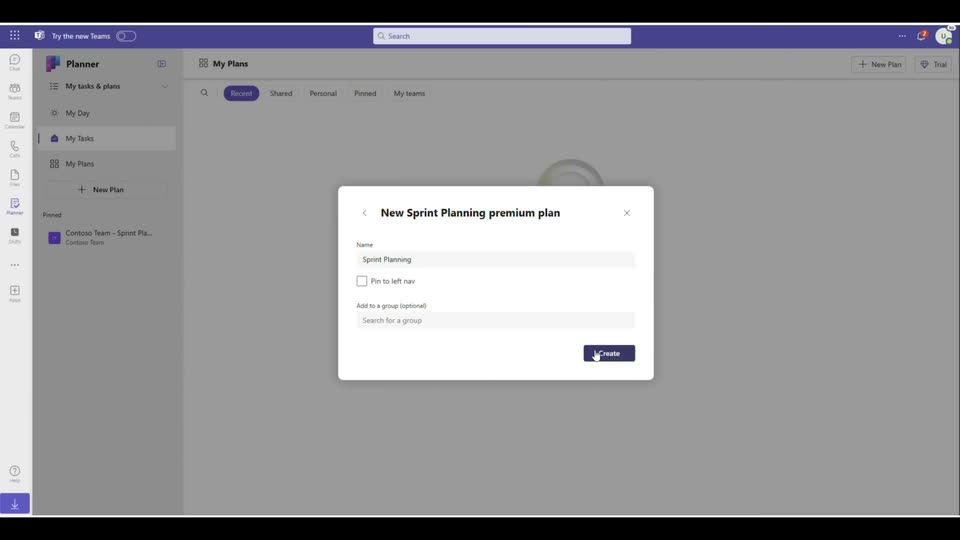 1:59–2:04Microsoft · Meet the new Microsoft PlannerA centered dialog for a new plan sits over a dimmed Planner screen. The cursor types the name into the field, then clicks Create, and the dialog swaps to a spinner while a new plan row appears behind it.
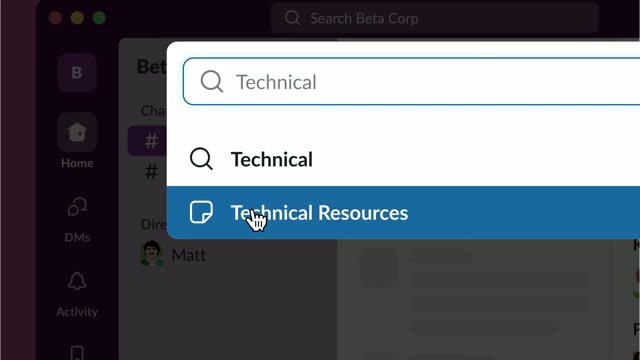 1:13–1:15Slack · Introducing canvas | A new surface to share and organize knowledge | SlackClose-up of a chat app's search dropdown. 'Technical' sits in the search field as two results fade in below it, and the cursor slides down to the 'Technical Resources' row, which highlights in blue.
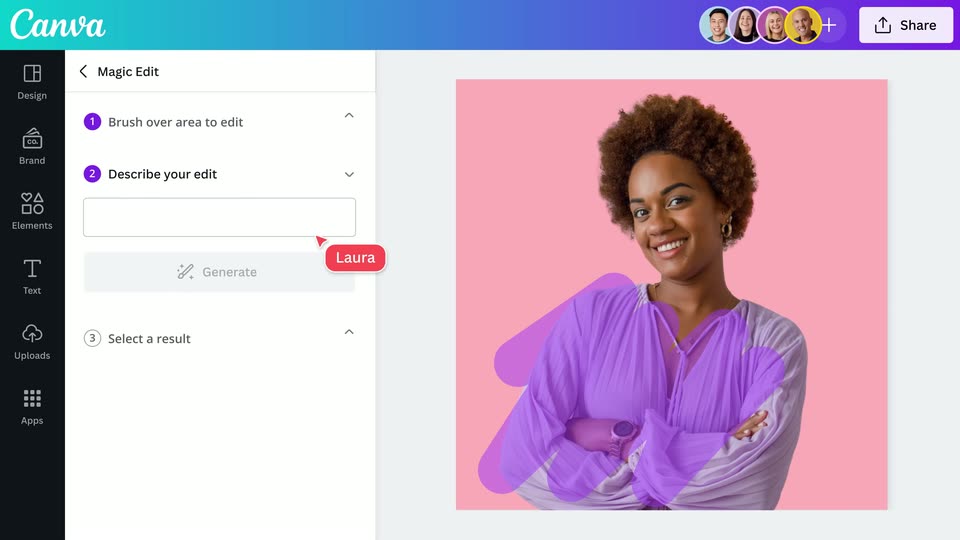 1:14–1:20Canva · Meet Magic Studio | Let the power of AI supercharge your workThe Canva editor shows Magic Edit: a purple brush highlights the woman's blouse in the portrait, then the prompt field types 'Professional portrait in a suit jacket' as a cursor moves from Continue to Generate. Small 'Song' and 'Laura' callout badges pop in.
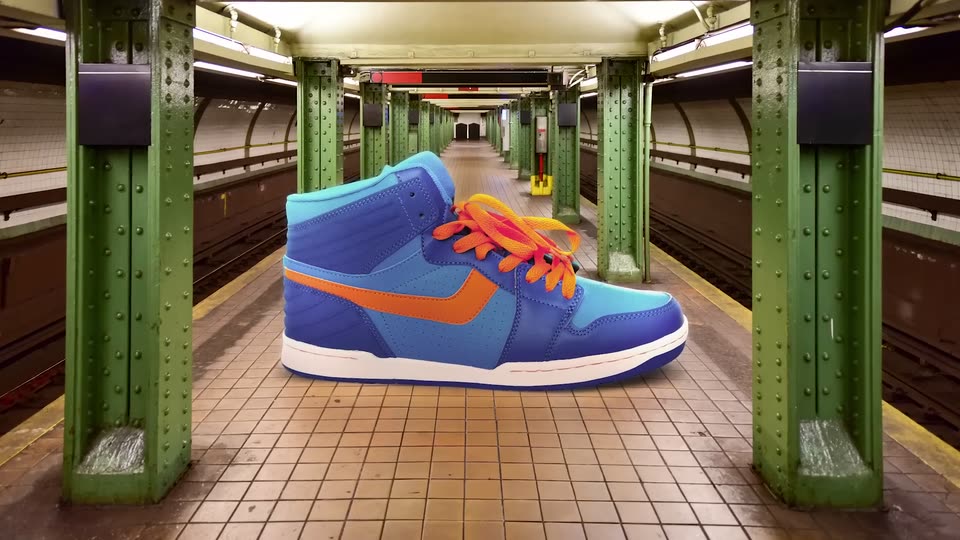 0:24–0:26Adobe · Adobe Firefly: Out of Beta & Ready For Your Imagination | AdobeA blue high-top sneaker with orange laces sits on a subway platform inside an editing view; a layers panel, left toolbar, blue selection lines and a cursor overlay the frame, then the interface clears to show the composited shoe.
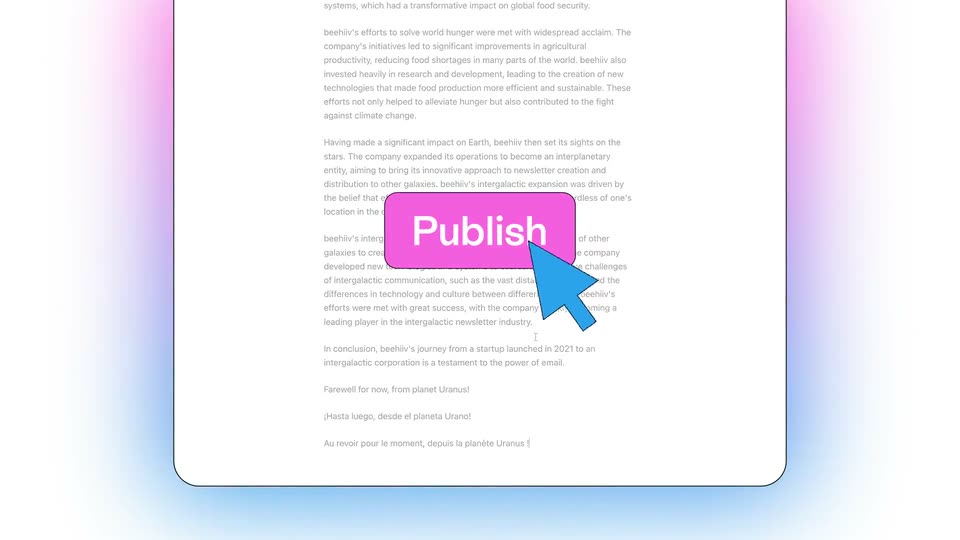 1:07–1:11beehiiv · beehiiv 🐝 - Introducing beehiiv AI ✨ Coming live from UranusA document editor scrolls up to a pink Publish button that pops in over the body text, a blue cursor arrow pointing at it. A cartoon UFO with a pink beam then flies across, covering the button. A blue pill caption reads And in French too. below.
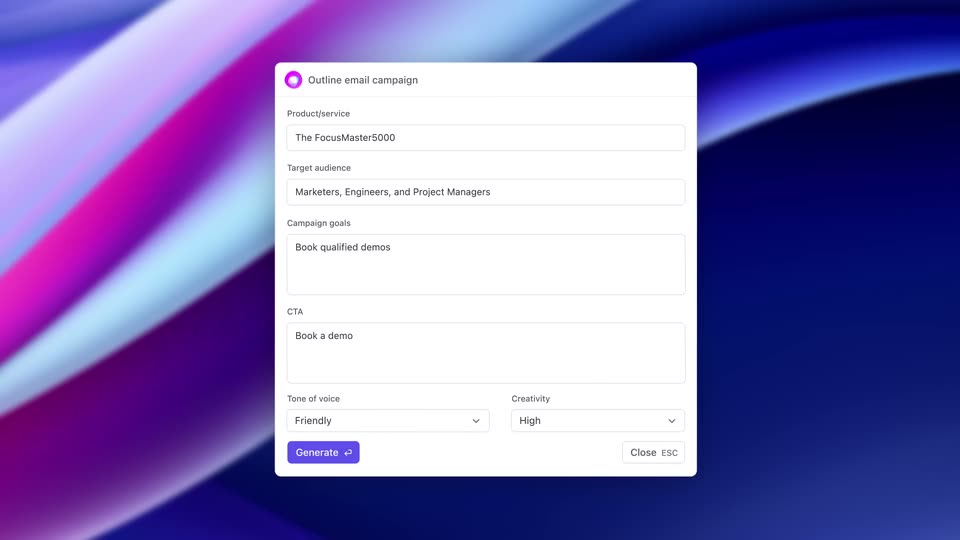 0:53–0:55ClickUp · Introducing ClickUp AIA white form card on a blue-purple gradient. The email campaign fields fill in while a profile chip with a photo and the name Drew slides in by the cursor, then fades. The card switches to a Blog post form with a Write featured snippet text field.
 0:25–0:28Adobe · Adobe Illustrator x Adobe Firefly: Announcing Generative Recolor | AdobeA 3D extruded BEST logo in pink-to-yellow gradient floats above a small three-tile style panel with a cursor on a dark purple field. The logo scales down as a retro poster assembles around it: header, DANCE NIGHT title, address, 30 MAR date, and a pink band of performer names.
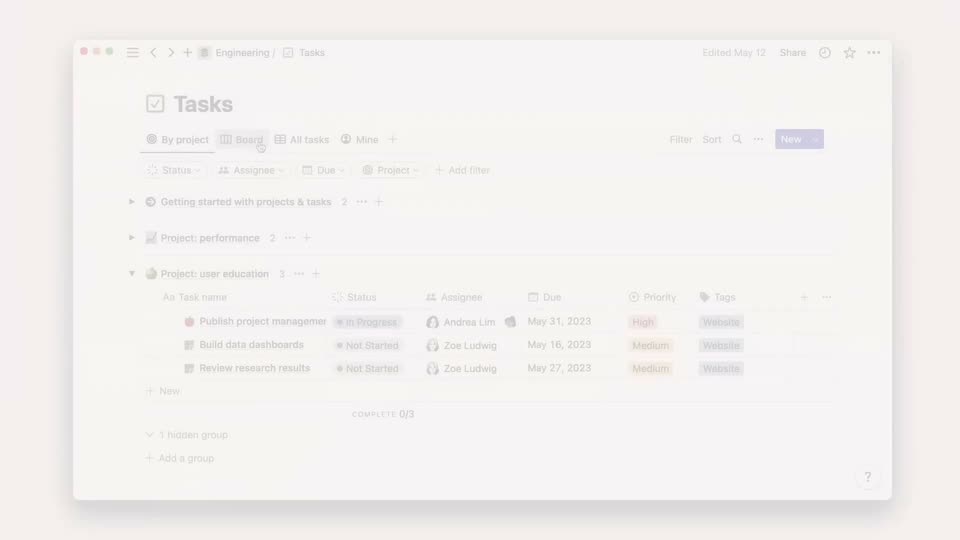 2:29–2:30Notion · Welcome to Notion ProjectsA light two-pane project view shows a Marketing Projects list beside the Website redesign details, then the layout switches to a full-width Tasks table grouped by project while the cursor hovers the Board tab.
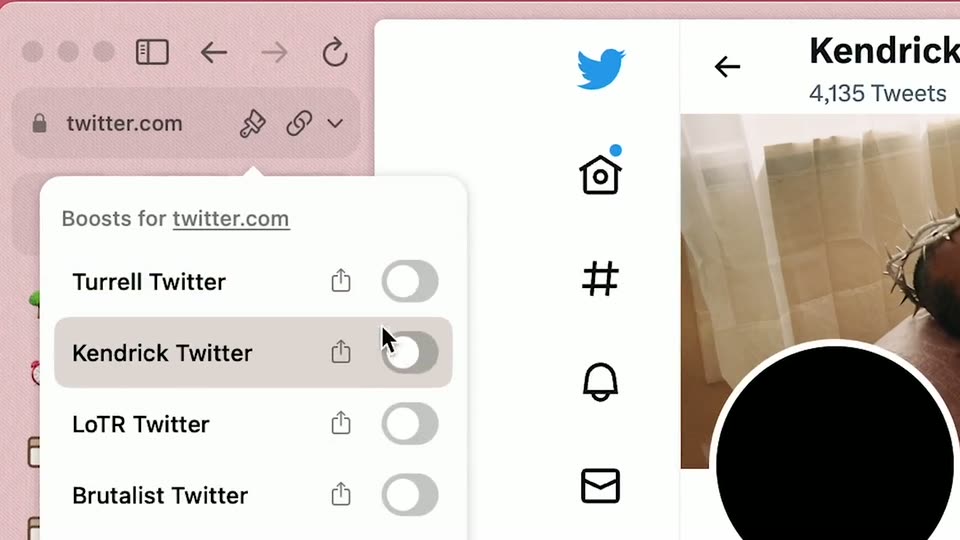 0:28–0:29The Browser Company · The Browser Company - What if the internet... was actually 𝑦𝑜𝑢𝑟 internet? 🎨 Introducing BA pink browser window and a white Boosts panel listing four Twitter profiles slide in from the left. A cursor moves to the Kendrick Twitter row and flips its toggle on, while a Twitter profile page with a crowned figure image stays on the right.
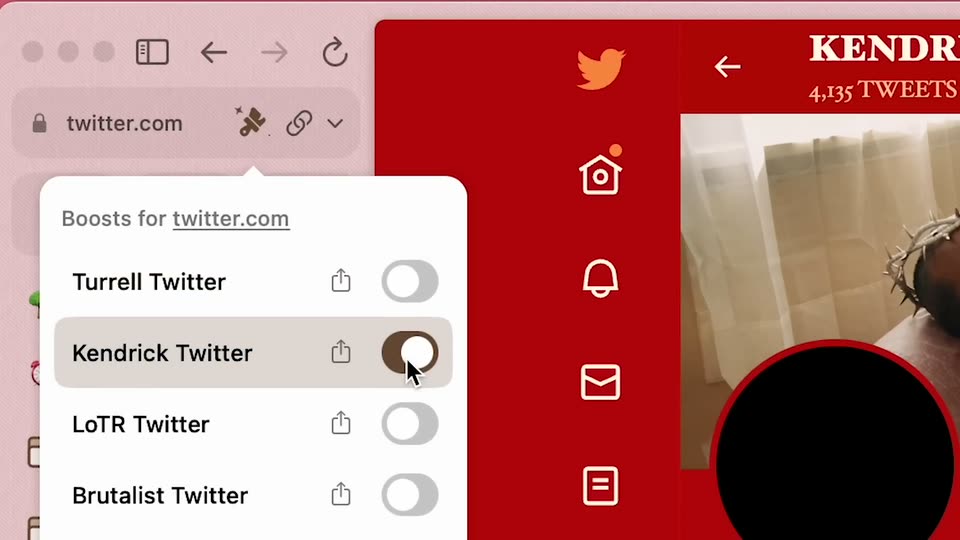 0:29 · 0.5sThe Browser Company · Boosts by Arc | Meet Your New InternetA white browser dropdown lists theme toggles over a red Twitter page. A cursor rests on the active Kendrick Twitter switch, the others off. The frame holds still.
 0:32–0:35Adobe · Adobe Photoshop (beta) x Adobe Firefly: Announcing Generative Fill | AdobeA screen recording of the editing interface: a cursor clicks the Generate button beside the prompt field, then the interface overlays fade out, revealing the finished image of a wet night alley with a stag and a curved neon red arrow sign on the brick wall.
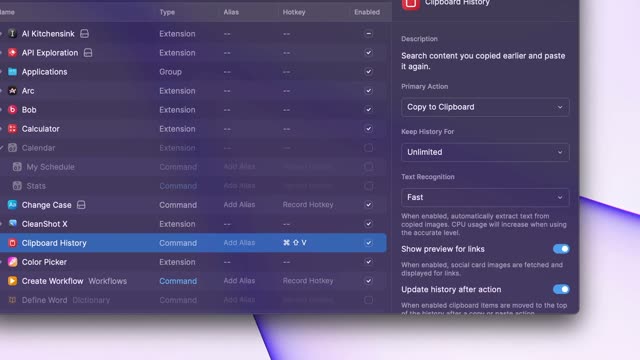 1:25–1:34Raycast · Introducing Raycast ProClose-up of the Raycast settings panel. The cursor opens the Keep History For dropdown, listing durations from 24 Hours to Unlimited with Pro tags, then the field reads Unlimited. The camera pulls back to reveal the full settings window on a purple gradient background.
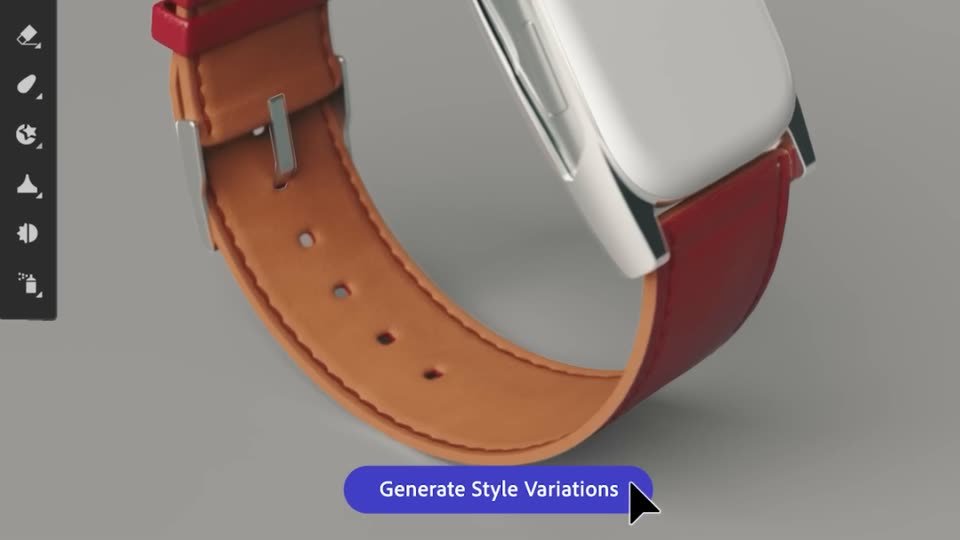 0:19–0:20Adobe · Adobe Firefly: Family of New Creative Generative AI Models | AdobeA white smartwatch with a tan leather strap sits in 3D perspective on a gray backdrop, a dark icon toolbar on the left. A cursor moves to the blue 'Generate Style Variations' button at the bottom and clicks it, the fill dropping to an outline.
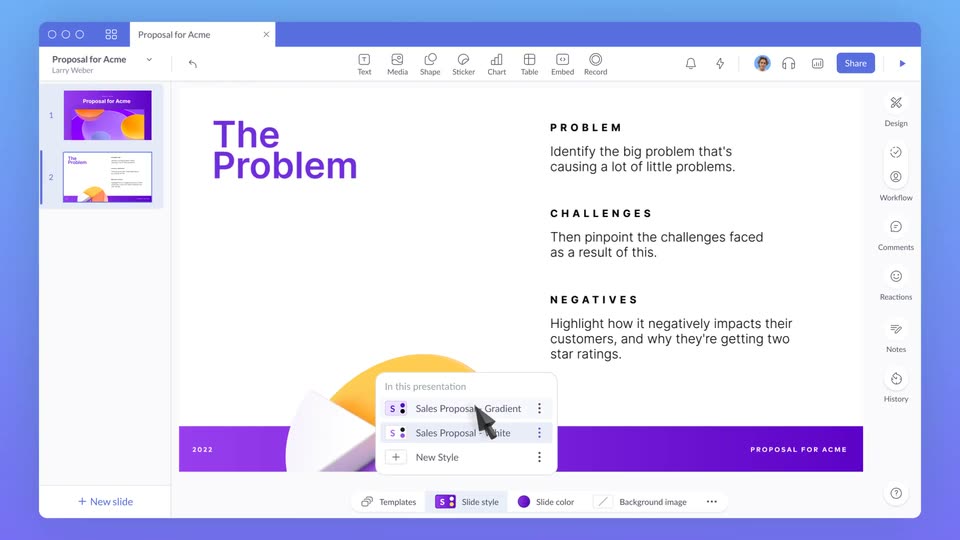 0:49–0:52Pitch · Introduction to Pitch | Create beautiful presentations with your teamA presentation app window floats in 3D perspective on a blue gradient, then rotates flat toward the camera. A cursor clicks the Slide style button and hovers over theme options in a dropdown menu.
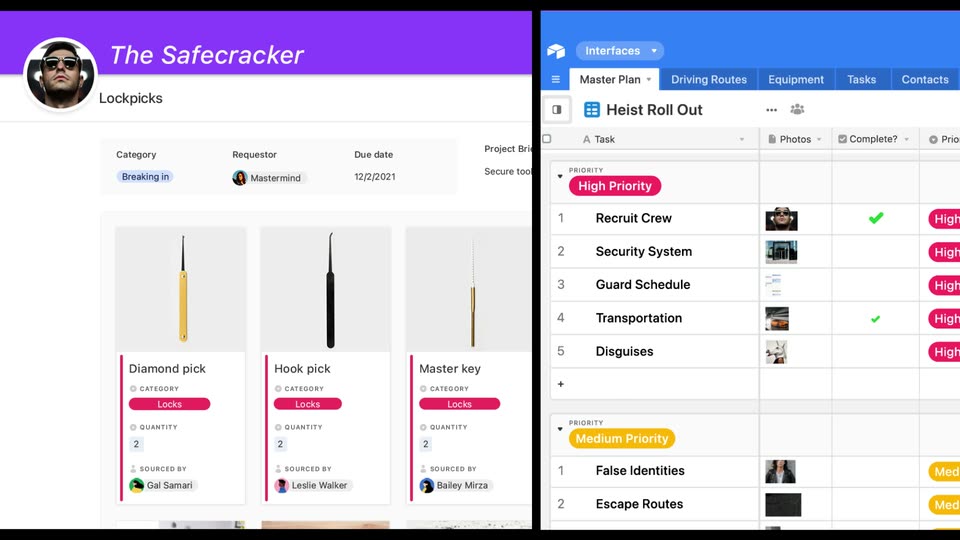 0:36–0:40Airtable · Airtable: introducing interface designerA purple-headed Lockpicks board lists tool cards; stacked copies on the right show cursors clicking Approve, then the frame splits to pair the board with a blue Heist Roll Out task list, and the left board scrolls to reveal more tools.
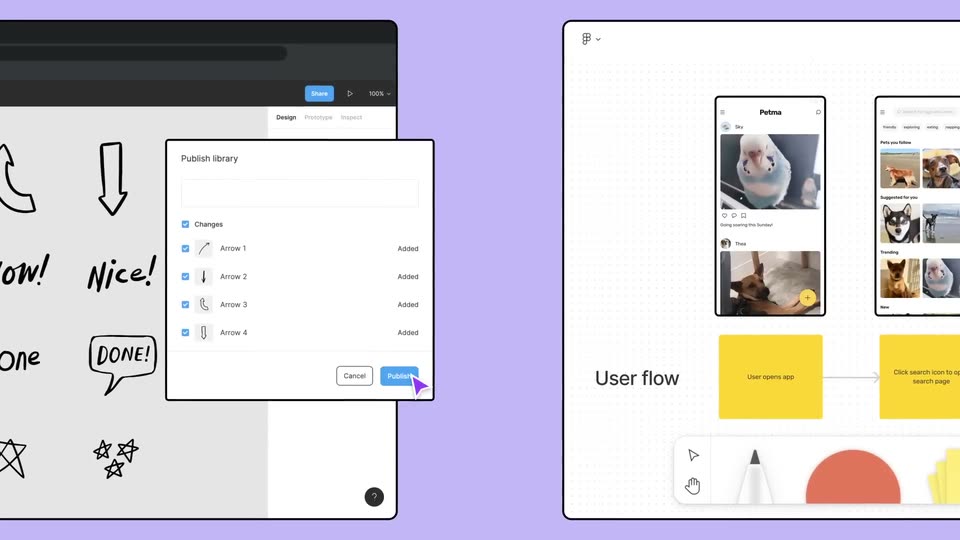 0:41–0:44Figma · Welcome to FigJamTwo flat interface panels sit side by side on a lavender background. Left shows a doodle canvas with a publish dialog; a purple cursor glides to the Publish button. Right shows a mobile app layout, then a component search panel slides in over it.
 1:12–1:13Notion · What is Notion?A blue rounded button labeled Add members sits centered on a plain white field. A white hand cursor with a black outline appears at the button's right edge and holds its hover position for the rest of the clip.
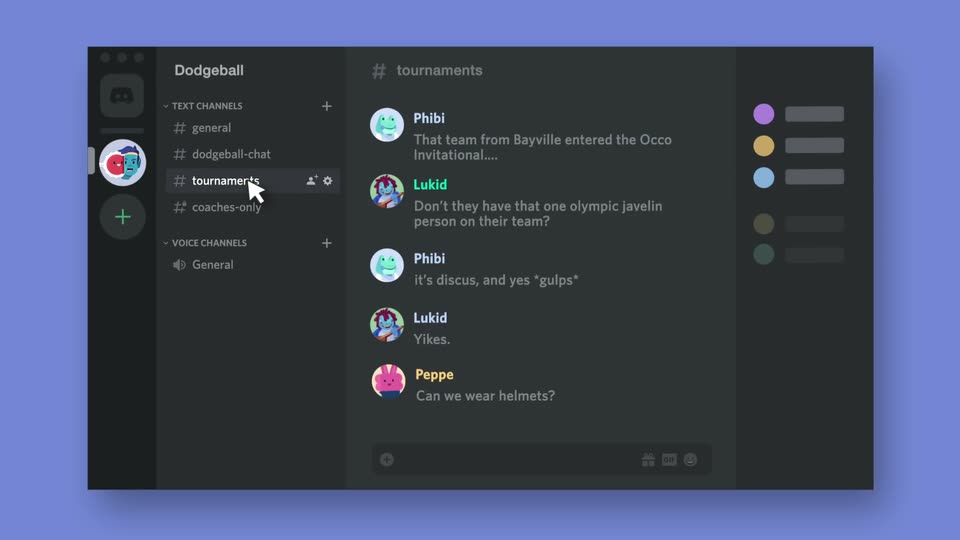 0:55–1:04Discord · How Discord Works in 148,000 Miliseconds or LessA dark chat app window floats tilted on a periwinkle background. A cursor clicks channels in the left sidebar, and the message pane swaps between general, dodgeball-chat, tournaments, and coaches-only conversations. The view zooms in as the cursor clicks a yellow role dot, opening a user card for Locke.
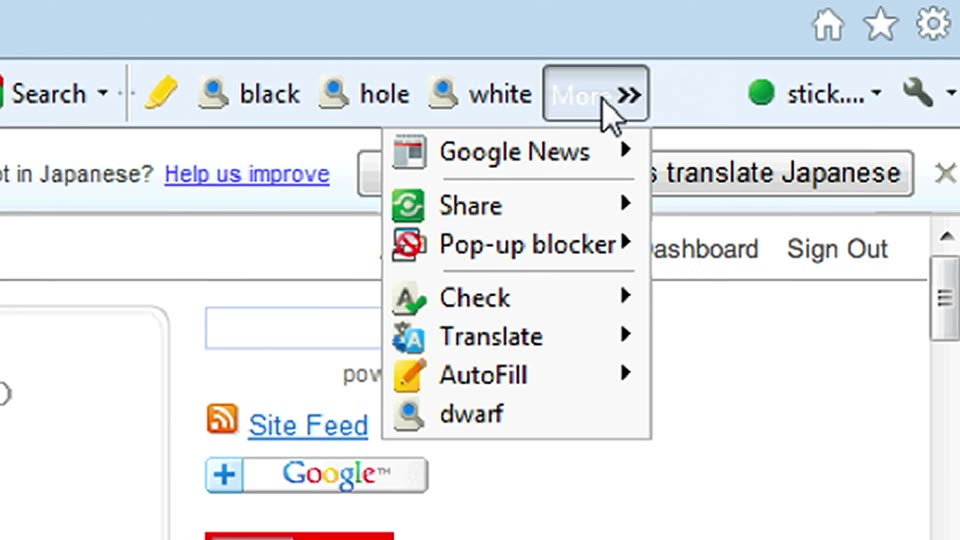 1:21–1:24Google · Introducing Google Toolbar 7A mouse cursor hovers over the More button in a browser toolbar, then clicks it to open a vertical dropdown menu of small tool icons. A tooltip reading Show 7 hidden buttons floats above the Translate button below.
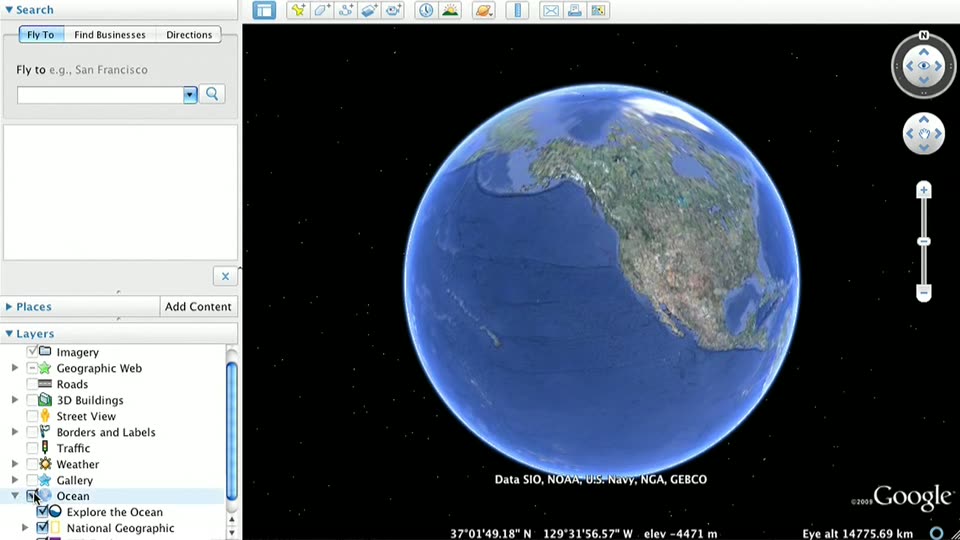 0:35–0:43Google · What's New in Google Earth 5.0Screen capture of the Google Earth desktop app. A 3D globe of North America hangs in a starry black viewport while the left panel lists map layers. The cursor moves down and ticks the Ocean checkbox, highlighting the row.
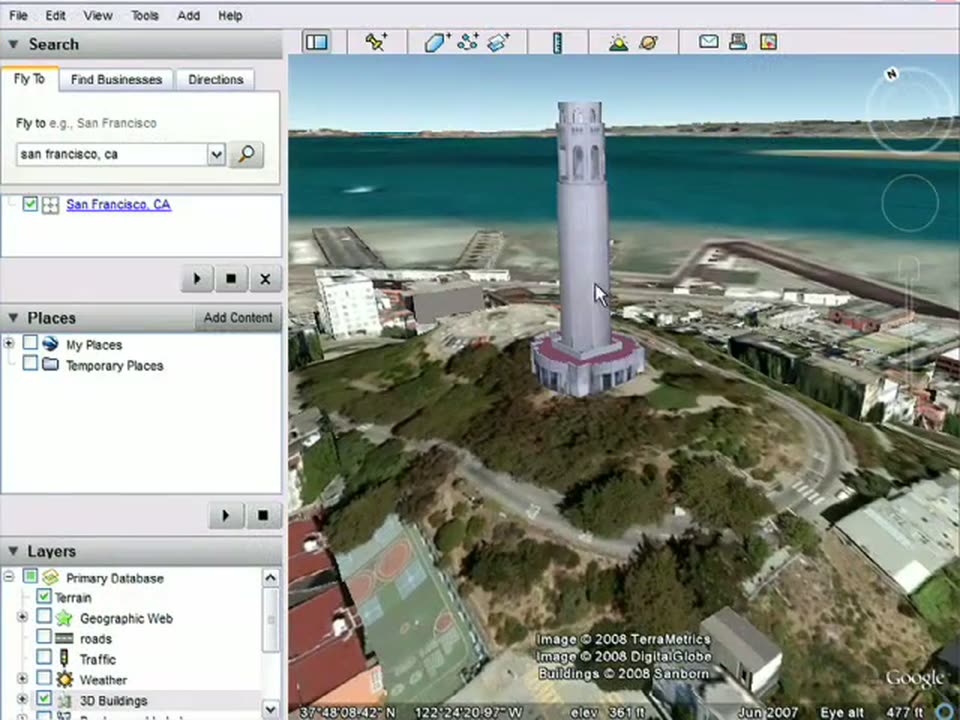 0:29–0:35Google · New features in Google Earth 4.3The Google Earth desktop app shows a 3D aerial view of San Francisco. The camera orbits a gray tower on a hill while the mouse cursor drifts across the scene; the zoom slider sits at right and the left panel holds the typed city name.
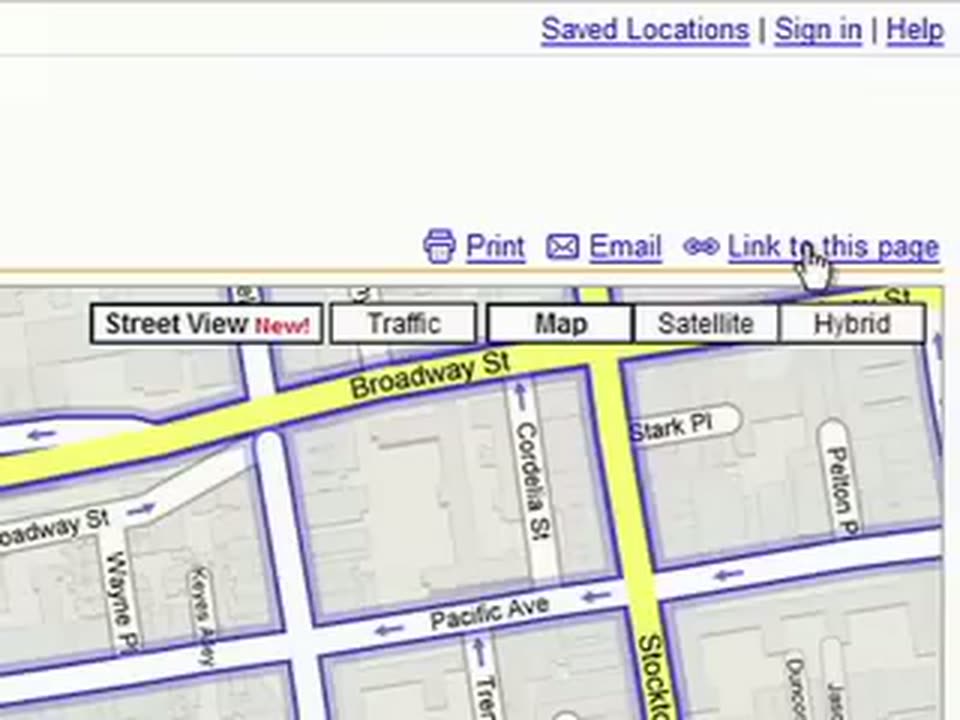 1:28–1:30Google · Google Maps Street View - launch videoA Google Maps web page fills the frame, showing a street map with a row of view buttons above it. A cursor moves in from the right and clicks the Link to this page link at the top of the map.
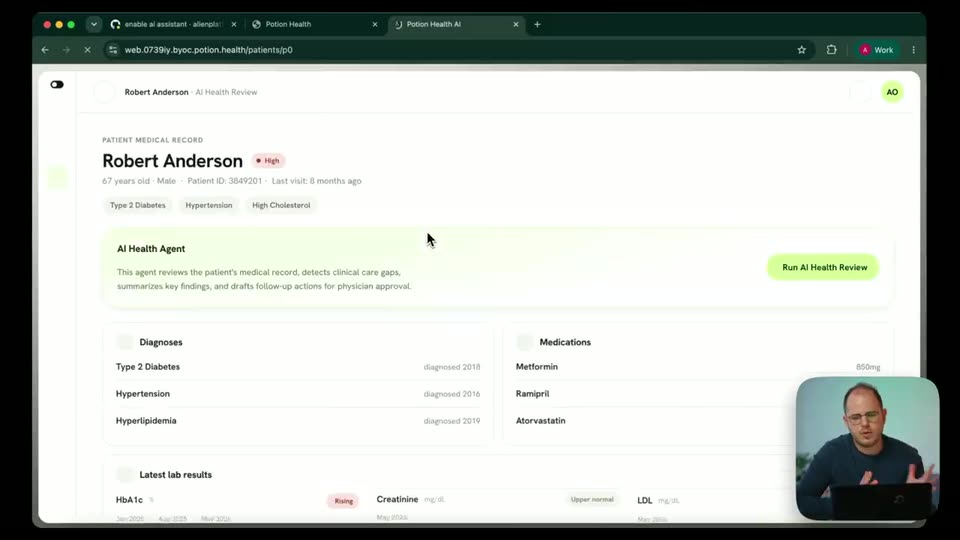 3:41–3:51Alien · We're launching the Alien platform today, backed by a $5M seed from Basis Set, Jibe Ventures, and angels from OpenAI, Google, and Databricks. We've built it so that when your next $300K enterpriseA browser window shows a patient record interface with an AI Health Agent card and a green Run AI Health Review button. A cursor hovers over the Diagnoses panel, then moves to the agent card. A man speaking appears in a small bottom-right video inset.
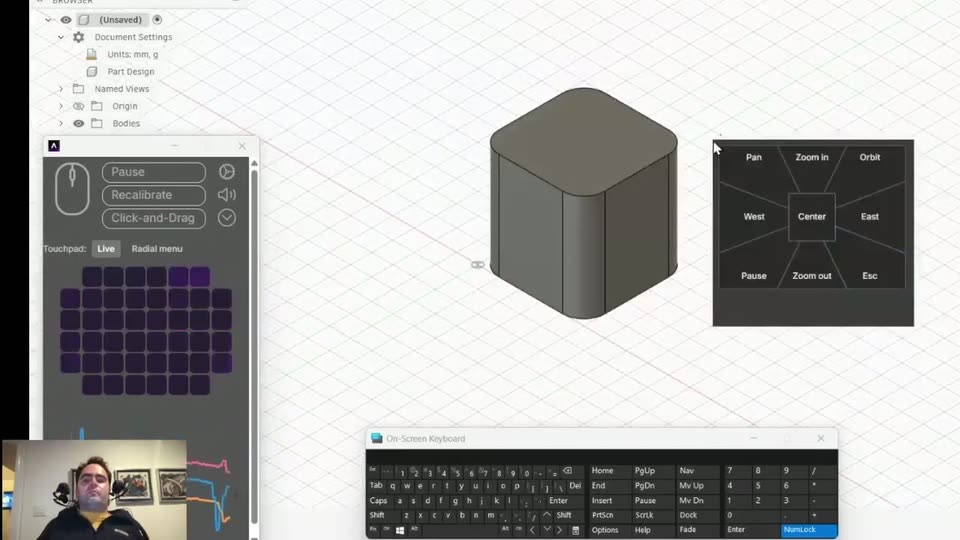 3:24–3:26Augmental · MouthPad is a touchpad you drive with your tongue. Now available across the US. Over 100 people already use it, some for up to 16 hours/day. It works for gaming, for CAD, for Figma, and we're inA screen recording shows a 3D CAD viewport with a gray rounded block on a grid; a cursor glides across it, a touchpad control panel and on-screen keyboard sit at the edges, and a radial menu appears on the right.
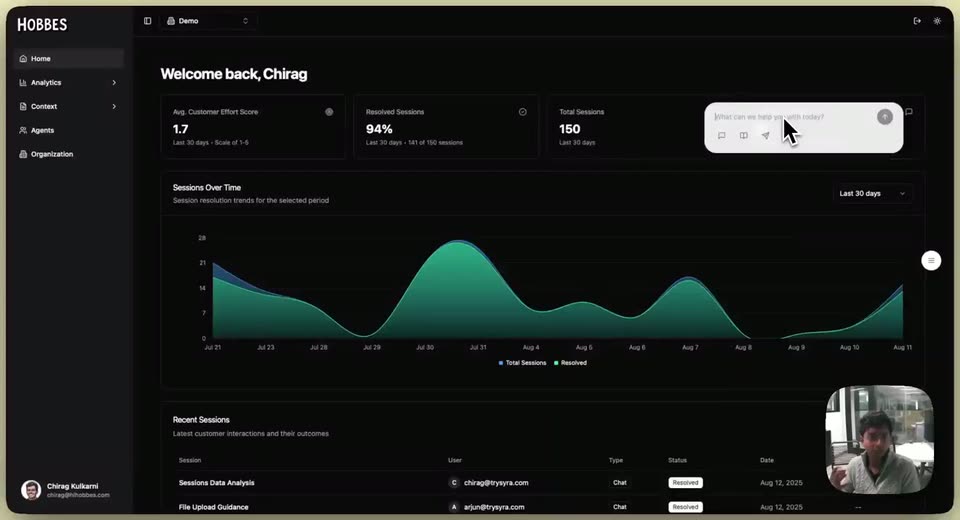 0:26–0:27Hobbes · 🚨Major update🚨 Syra is now Hobbes (hihobbes.com)! As we worked with some amazing teams this year, we saw a big gap in the agent landscape: visual context. Agents trained on knowledge bases + helpA dark analytics dashboard fills the frame, with a left sidebar, three metric cards, an area chart and a sessions table. A small video call window shows a man in the lower right corner, and a cursor rests in the search box. The view stays static.
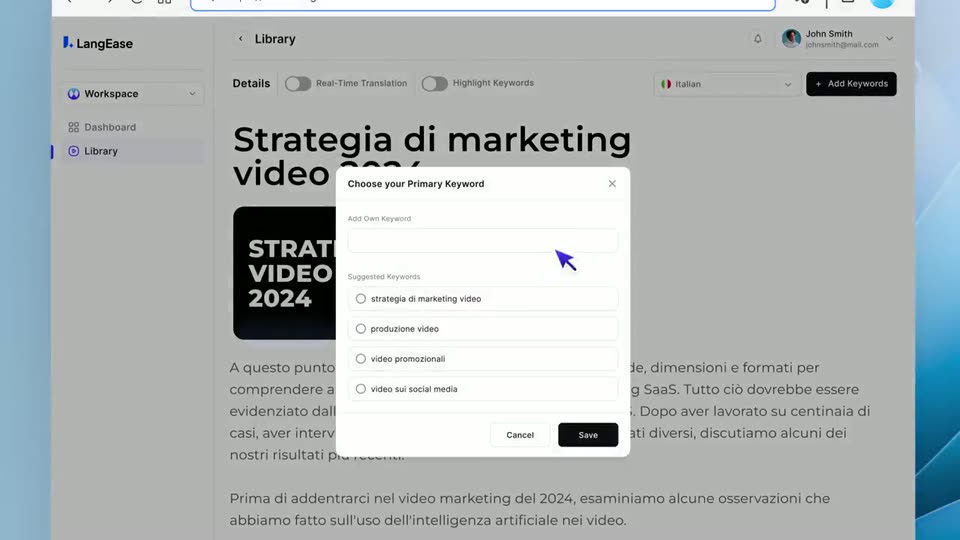 1:04–1:13LangEase · Imagine reaching a global audience without breaking a sweat. 🌎 LangEase is making it a reality. Our AI-powered localization platform is coming soon! Join the waitlist for exclusive early access.… | LangEaseA browser window on a desktop shows the LangEase.ai article page. The frame zooms into the interface as a cursor clicks Add Keywords, opens a keyword modal, ticks two suggested keywords and clicks Save.
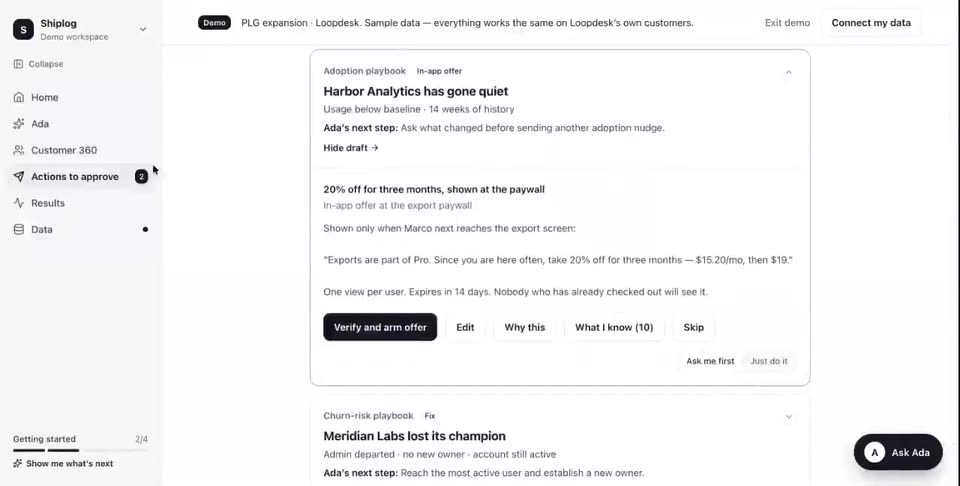 3:20–3:22Shiplog · #customersuccess #ai #saas #productledgrowth #revenuegrowth | Shiplog (F/AI F26)A light-themed dashboard shows an adoption playbook card with a drafted paywall offer and a row of action buttons. A cursor drifts into frame and hovers over the offer details. The view stays static.
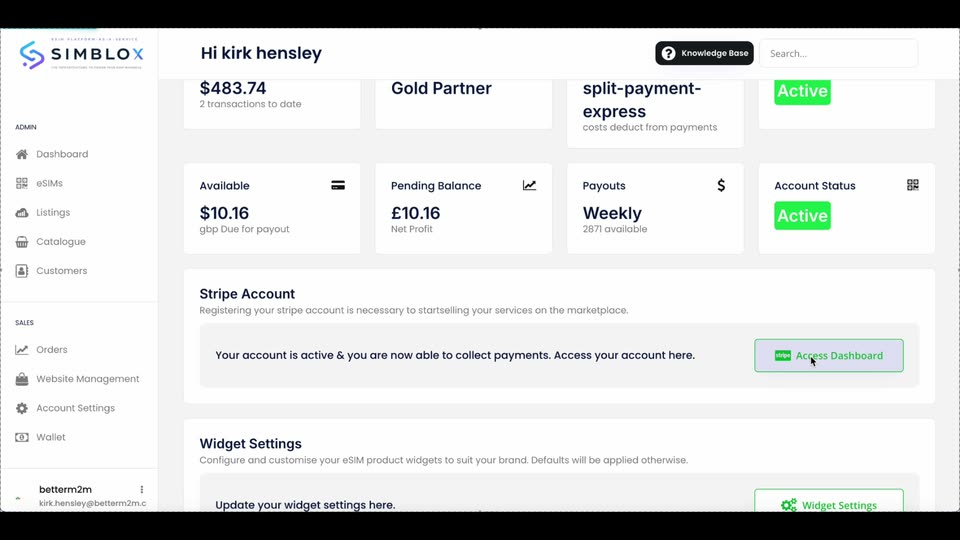 1:09–1:14SimBlox · SimBlox: minute demoA Simblox admin dashboard fills the frame after a quick crossfade between two card layouts. A cursor moves to the green Access Dashboard button and presses it, then the whole interface fades to white.
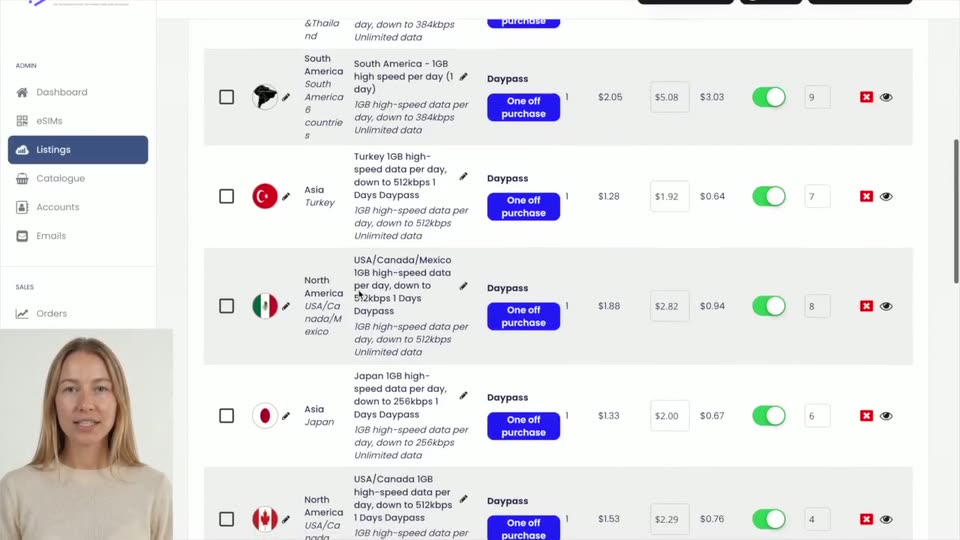 1:47–1:51SimBlox · SimBlox: apps demoA Symblox admin screen shows the Retail Listings table of eSIM plans. The list scrolls down through country rows, then back up to the top. A presenter's webcam sits in the lower-left corner, and a cursor rests on the menu and the page heading.
 0:49–0:50SimBlox · SimBlox: web widgets demoA light web interface shows a grid of eSIM plan cards, each with a country flag, title, price and two buttons, under a search bar and filter row. The cursor glides from the Canada flag to the View details button on that card.
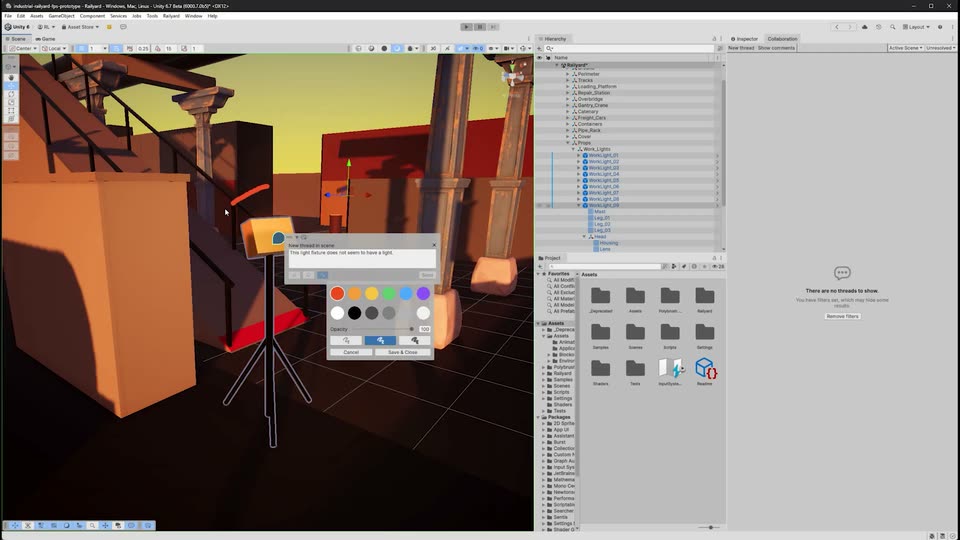 3:43–3:54Unity · Unity CLI 1.0 and Unity Pipeline APIsA locked-off Unity editor shows a low-poly industrial 3D scene. In the viewport a comment box types a note about a light fixture, a color picker dialog opens, then an orange line is sketched around the tripod prop.
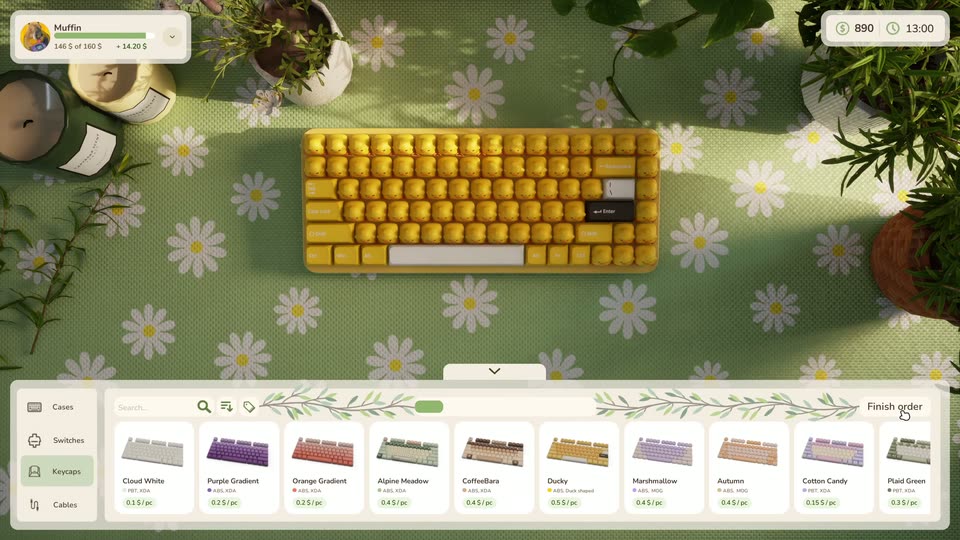 0:37–0:38Vojtěch Peták · KeyCapy - Official Reveal TrailerTop-down view of a yellow keyboard on a daisy-patterned table. A white bottom panel slides up, showing keycap thumbnails and a cursor moves to the Finish order button.
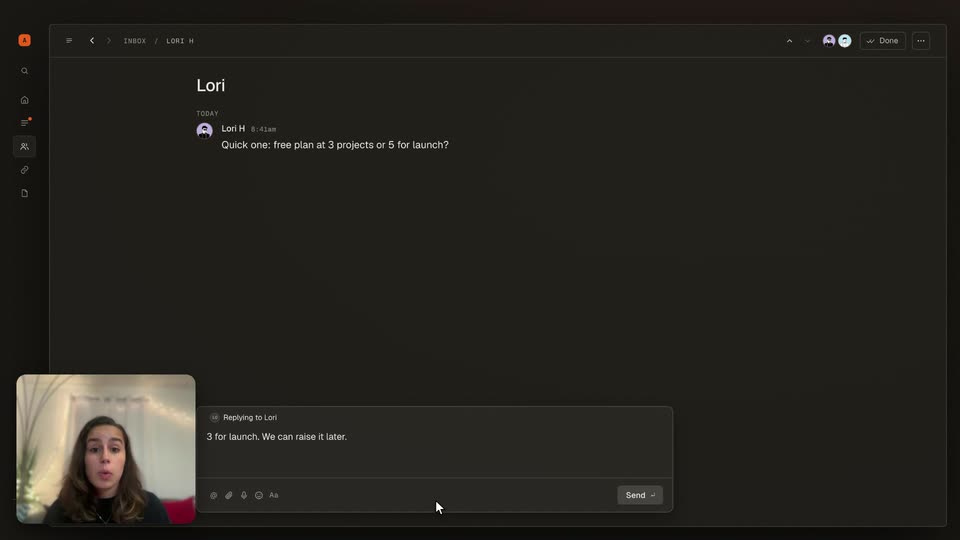 1:01–1:04Agentbox · Savannah - introducing multiplayer for coding agents. the place you code is nowA dark inbox thread from Lori H fills the screen. A reply field expands at the bottom and the answer is typed, then the cursor moves to the Send button. A small webcam feed of a woman stays in the lower-left corner.
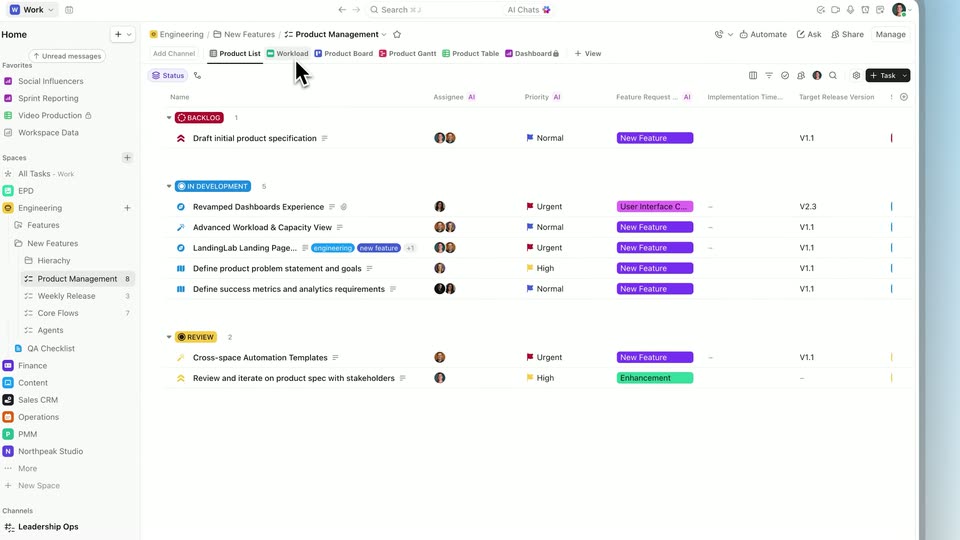 1:34–1:36ClickUp · ClickUp Release 4.10: Sheets, Work Schedules, Email Triggers, and more!A project management interface shows a task list, then a cursor clicks the Workload tab. The view switches to a day-by-day calendar grid with colored hour blocks filling the cells.
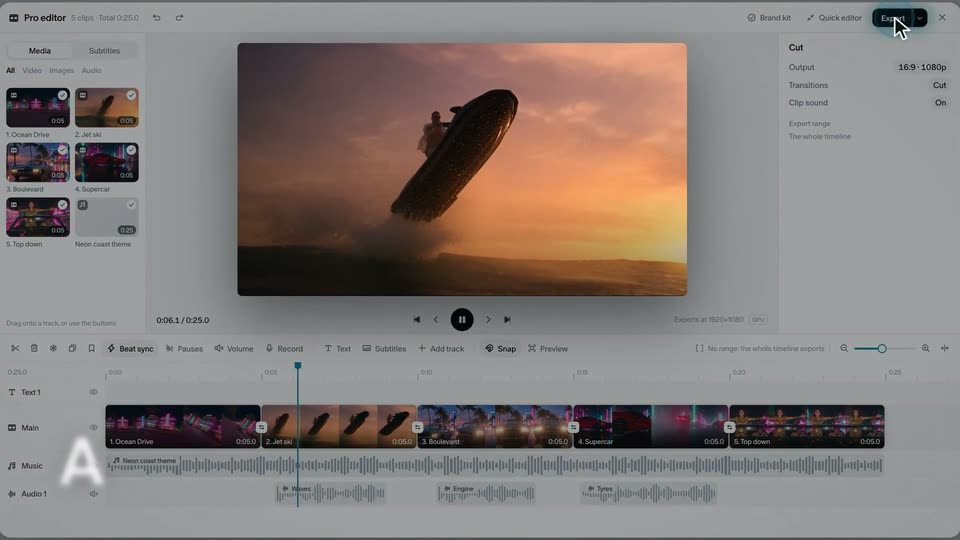 0:34–0:35Flowith · Flowith - introducing Flowith 3.0. the ultimate canvas for human-ai creation.A video editor interface fills the frame, with a jet ski jumping over ocean waves at sunset in the central preview. A cursor moves from the Cut panel on the right to the Export button at the top right corner.
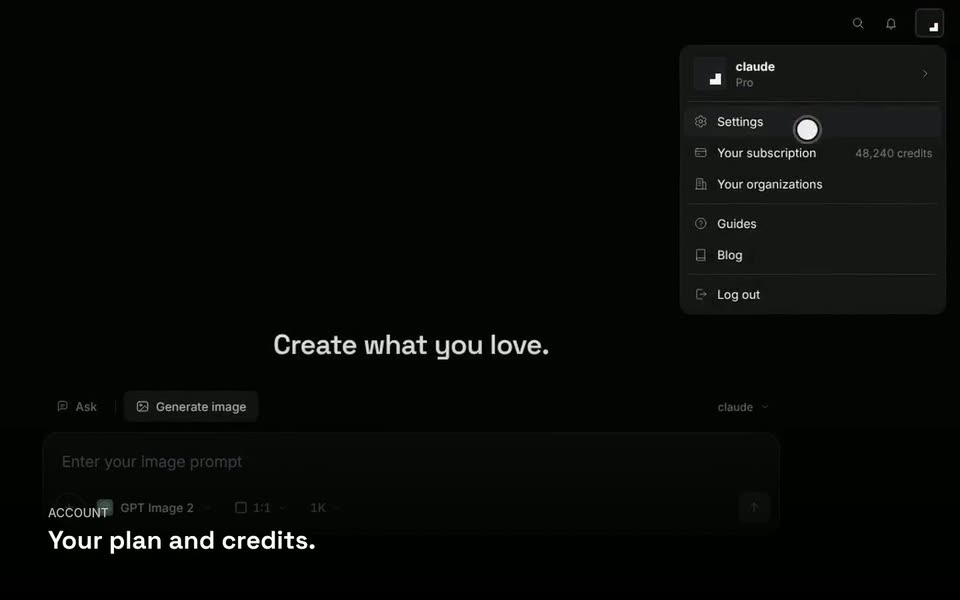 3:40–3:46LetzAI · Introducing LetzAI V5 | LetzAI BlogA dark app screen with a centered prompt bar. A white cursor dot appears on the top-right avatar, opens the account dropdown, then glides down the menu items. A white caption sits in the lower left.
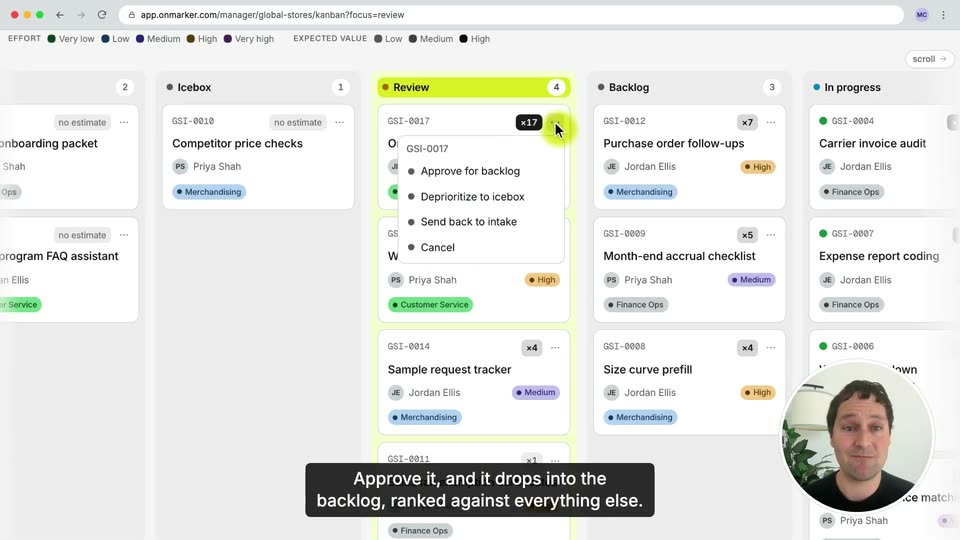 1:02–1:04Marker · Introducing Marker ManagerA cursor moves to the three-dot menu on a card in the highlighted Review column and clicks it, opening a dropdown with approval options. A dark caption bar sits at the bottom; a circular webcam feed of a man occupies the lower right corner.
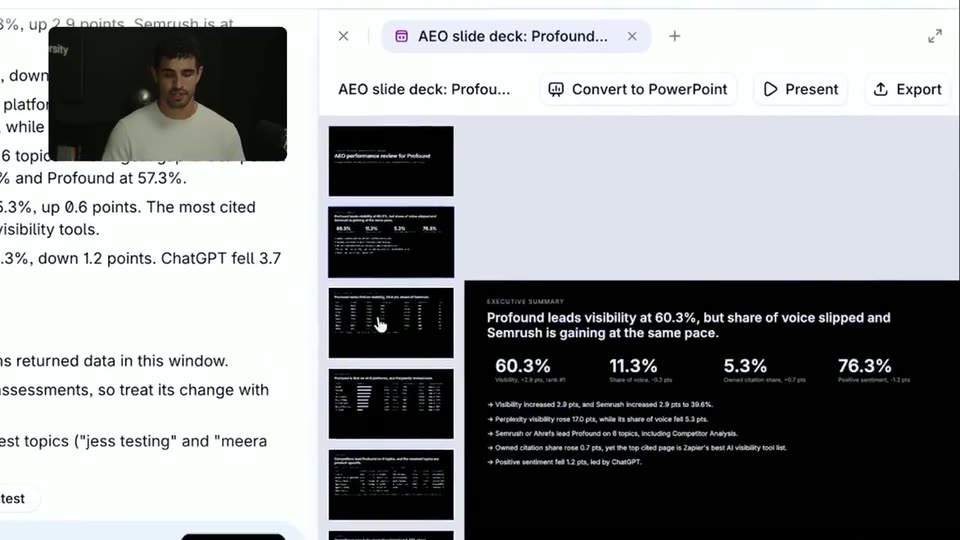 2:32 · 0.8sProfound · Dylan Babbs - Today we're launching a new generation of Agents in @profound, now poA light product interface shows a slide deck editor with a small presenter video at the left. A cursor selects a thumbnail, and the main slide changes from an executive summary with large percentages to a competitor visibility table.
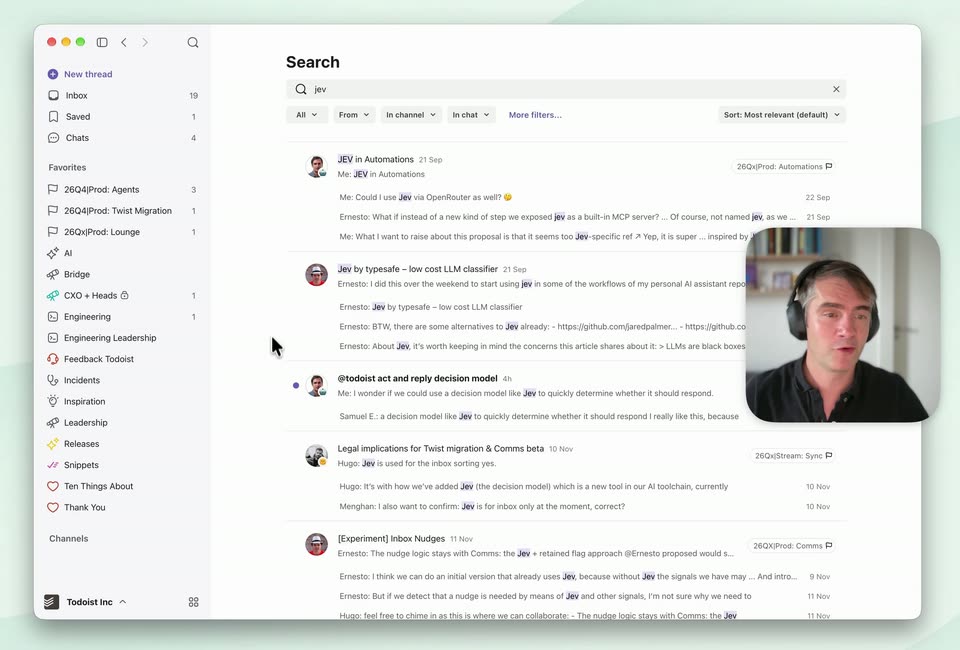 2:00–2:09Todoist · Amir Salihefendić - Todoist Comms is now in public beta 🚀 What's in it: ⋅ Turn any threA messaging app interface fills the frame as a hand cursor hovers a highlighted thread row. The view reframes to a full search window, then the cursor picks the AI channel in the sidebar, opening its threads. A picture-in-picture video of a presenter with headphones sits at right.
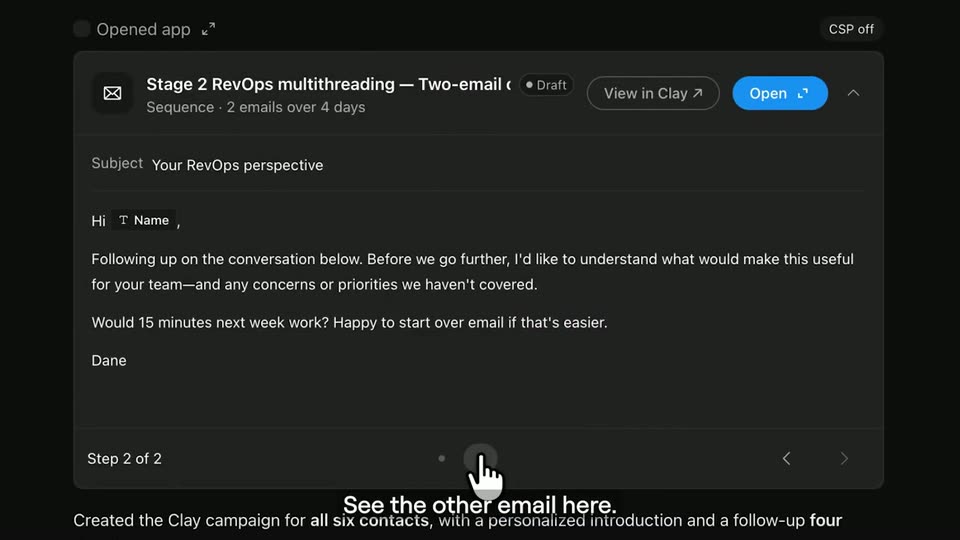 3:06–3:12Clay · Clay - Today, we’re excited to relaunch our official MCP connection with @OpA dark chat panel with an email-draft widget sits left of a vertical workflow diagram. A cursor clicks the second step dot, the frame zooms onto the widget to show the follow-up email, then the cursor hovers the View in Clay button.
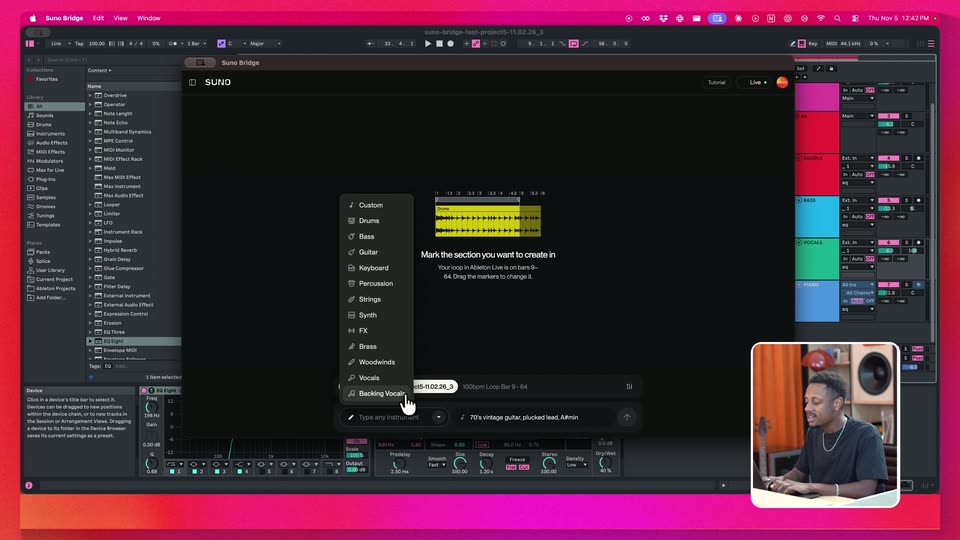 2:09–2:18Suno · Introducing Suno Bridge (beta): Your DAW, Suno-poweredA dark music app fills the frame. A prompt is typed into a bottom bar, Guitar is chosen from a dropdown, and a red send button is clicked. Two orange waveforms labeled Take 1 and Take 2 appear center, beside a small inset of a talking man.
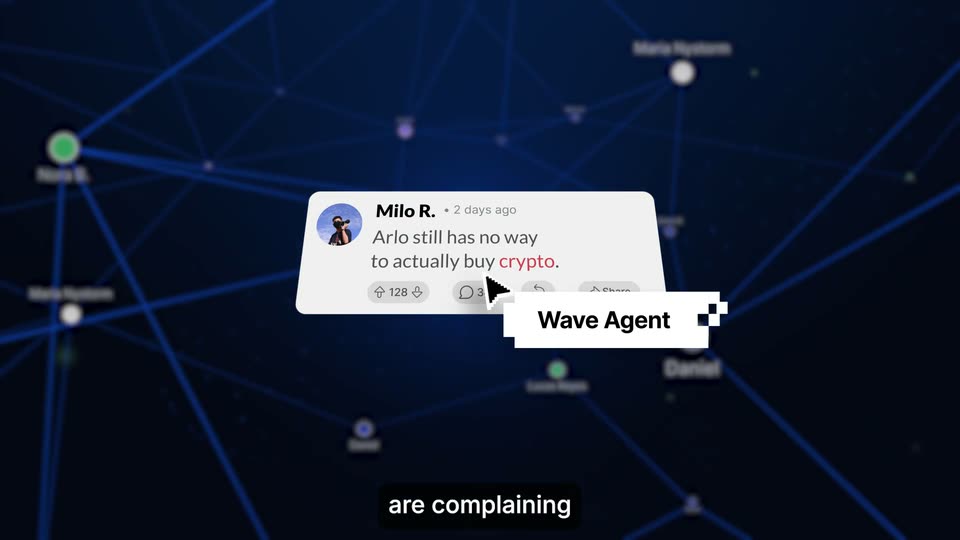 0:49–0:52Amplitude · Spenser Skates - Introducing Wave. The world's first AI that reads your customers' miA dark blue network of named user nodes spreads across a starfield. A white marquee box selects a cluster, then the camera pushes in as a large cursor points to avatars tagged Wave Agent, while bottom captions read 50 users are complaining about the lack of crypto.
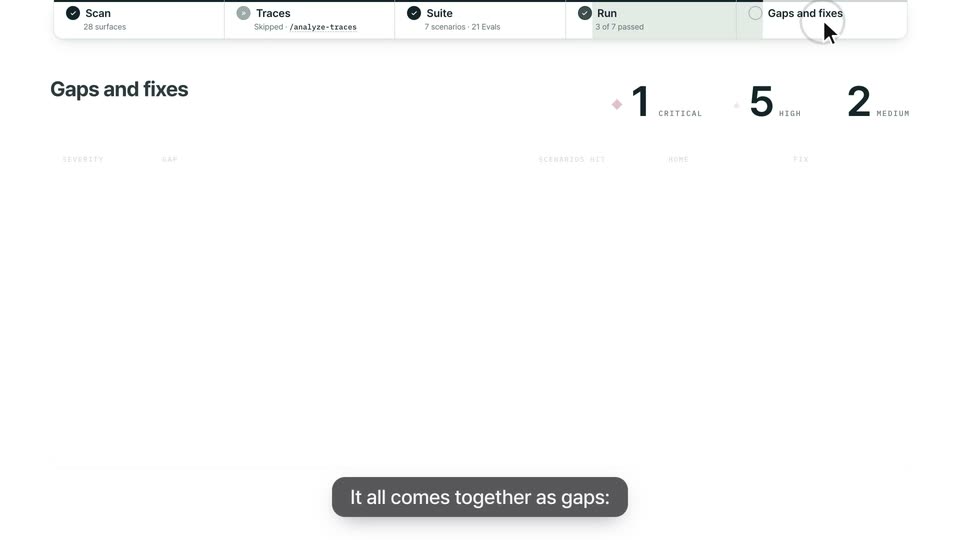 0:59–1:00Plurai · Ilan Kadar - Big day for us at @pluraiAI ! Plurai Simulation is live and free forA flat product dashboard cuts from a results table to a Gaps and fixes header showing severity counts, with a cursor resting on the tab. A gray caption pill with white text rises into the lower center.
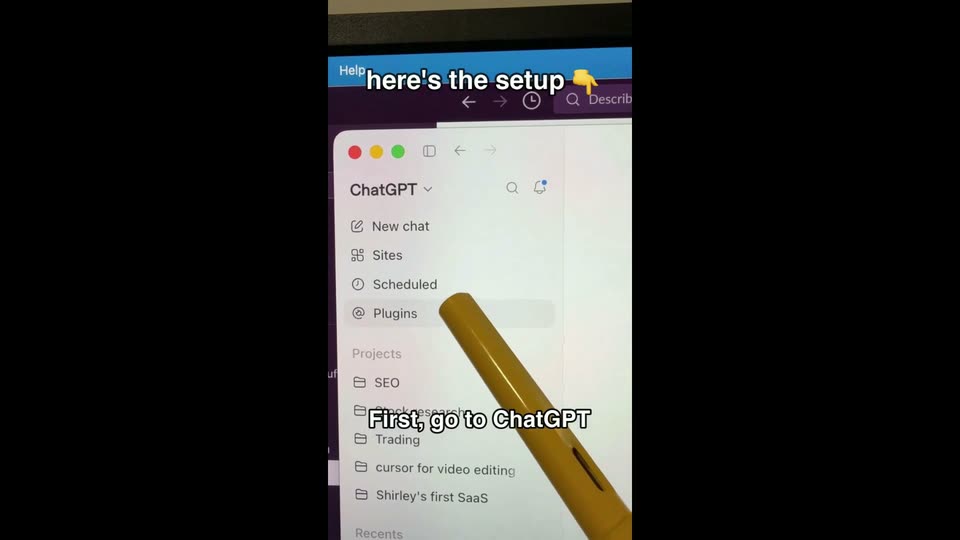 2:58–2:59Treg · Treg - OpenSource our AI-UGC workflow For as low as $0.2/s instead of $50A close-up of the ChatGPT sidebar in a browser window, with a yellow stylus pointing at the Plugins row and the cursor hovering nearby. Static captions read “here's the setup” at the top and “First, go to ChatGPT” at the bottom.
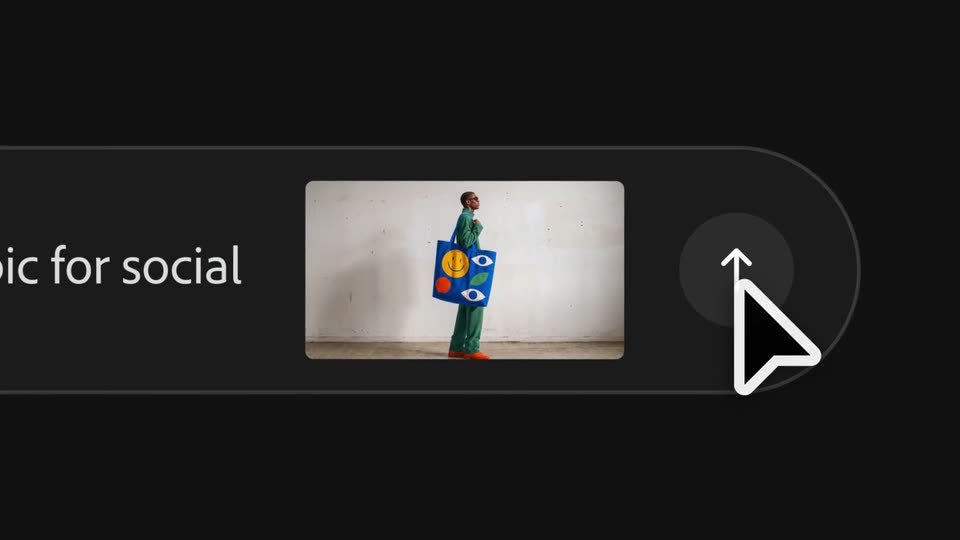 0:40–0:42Adobe · What’s New in Creative Cloud and Adobe Firefly | Adobe MAX 2026A dark rounded chat bar types the prompt “Polish this pic for social” on a black background. A photo of a person in green holding a blue bag slides into the bar, the frame zooms to the right, and a cursor clicks the blue up-arrow send button.
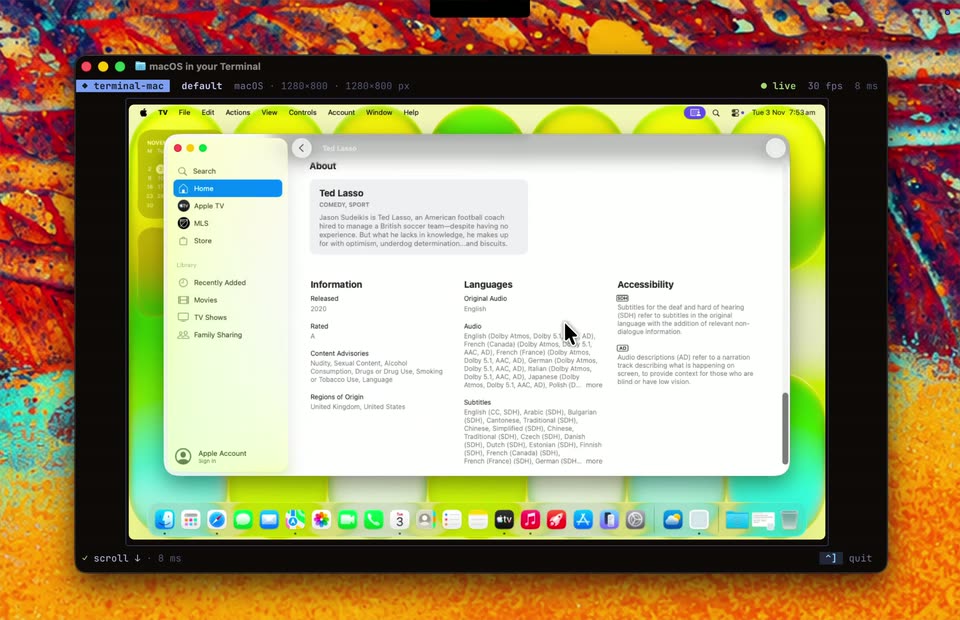 0:40 · 0.8sterminal-mac · govi - Introducing terminal-mac. Entire MacOS that runs inside your existinA flat terminal window on a paint-splatter wallpaper shows the Apple TV app. The view switches from the Home grid of show cards to the Ted Lasso About page as a cursor moves across the interface.
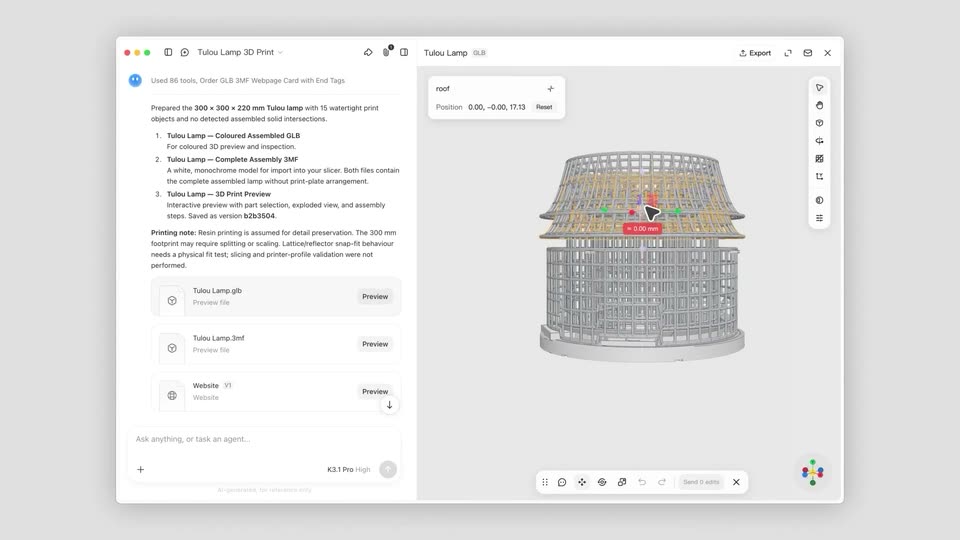 0:46–0:50Moonshot AI · Introducing 3D Make in KimiA flat product window pairs a left chat panel with a 3D lattice lamp model on the right. A cursor clicks Explode, the model breaks into parts, reassembles, and a roof part highlights orange with a position readout.
 0:50–0:51Moonshot AI · Kimi.ai - Introducing 3D Make in Kimi. Kimi connects to tools like Blender andA dark cursor clicks a white Export pill button on a gray background; the button blurs and scales down as a dark rounded panel slides in from the right edge.
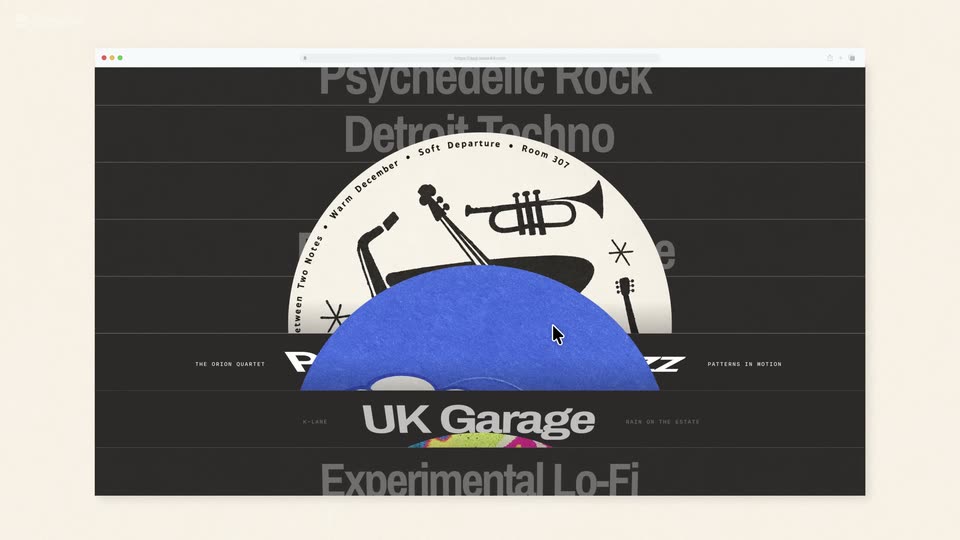 0:35–0:36Base44 · Beautiful from the first prompt | Base44A flat browser window on a cream background shows a dark page with a circular illustration of a mouth, trumpet and patterned arcs. Large genre labels such as Psychedelic Rock and Memphis Rap scroll vertically through the center while a cursor hovers over the artwork and the illustration swaps.
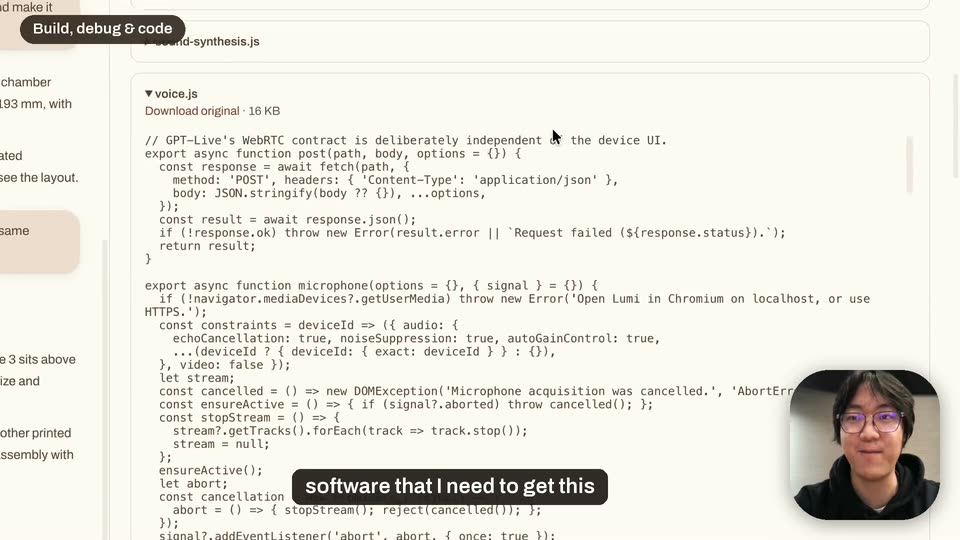 1:03–1:09Confetti · Introducing Confetti — Build hardware from a single promptThe interface switches from the Build tab to the Code tab, where a file list scrolls and the cursor clicks voice.js to open its source. A corner webcam video of the speaker plays while dark caption pills update at the bottom.
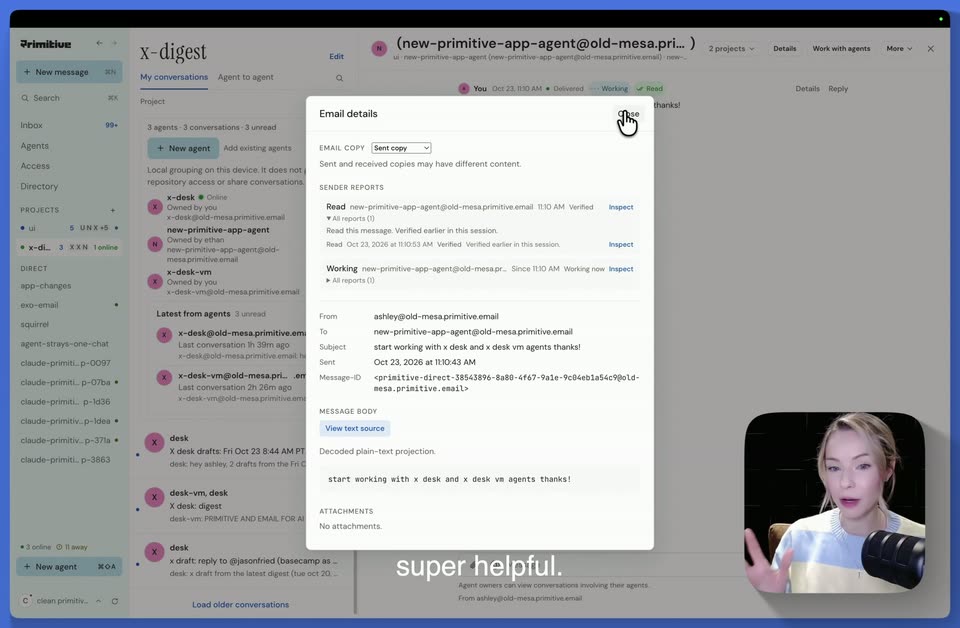 1:52 · 0.8sprimitive · Primitive - we 💌 emailA dark email-agent interface fills the frame: a sidebar, a conversation list, and an open email detail panel. A cursor hovers over the Close button. A small video of a woman at a microphone sits in the lower-right corner, and white captions roll across the bottom.
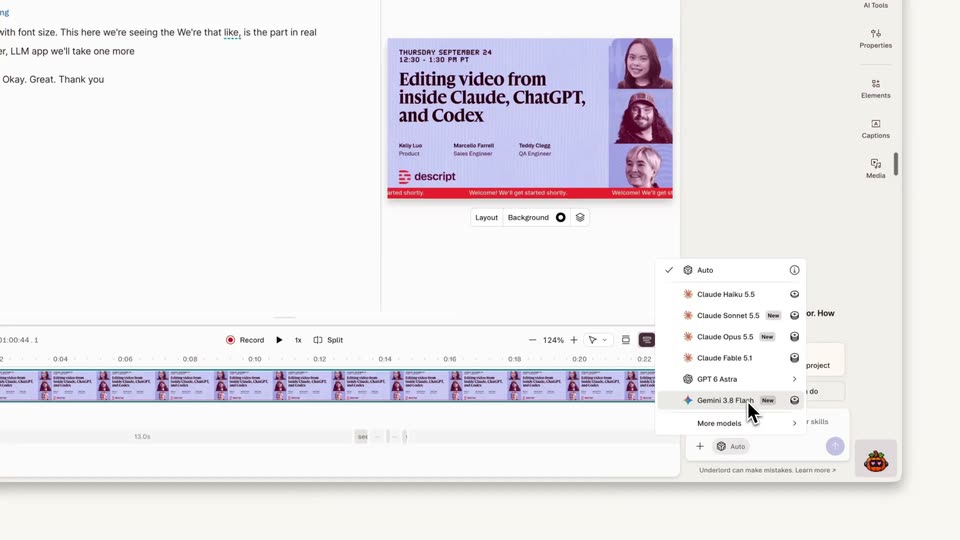 2:03–2:11Descript · New in Descript: Drive Search, Recording Requests, ElevenLabs v4 & MiniMax H3The interface of an AI video editor fills the frame, showing a webinar slide preview and a thumbnail timeline. A cursor moves to the model button at the bottom right and clicks it, opening a dropdown of model names. A black caption pill at the bottom states the two models.
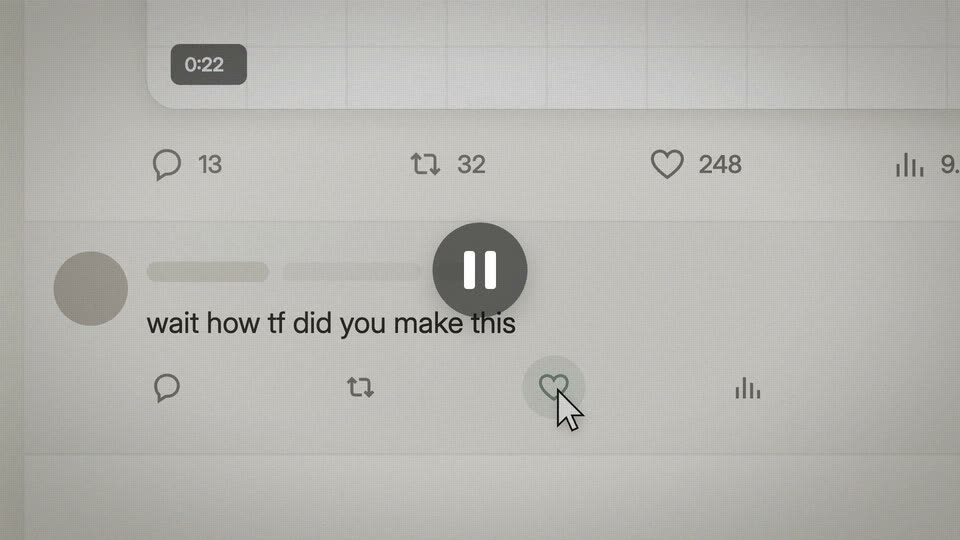 1:21–1:23Motion · Adish Jain ☕️ - today, we're launching the General Video Agent. GVA edited this entiA static close-up of a social media post shows a paused video with a comment reading “wait how tf did you make this”. A cursor hovers over the heart icon while a pause button sits centered over the post.
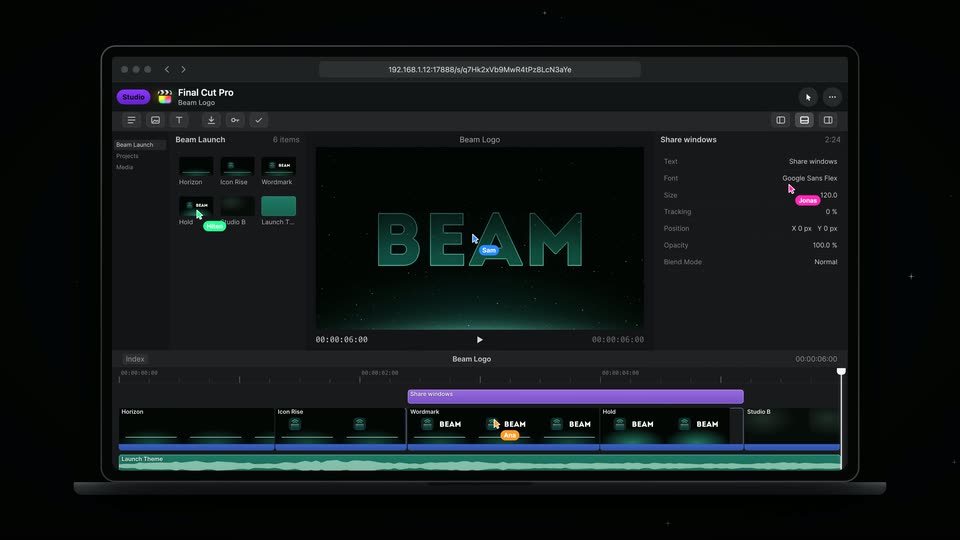 1:23–1:27Beam · Hiten Shah - In June, @SamAsante and I launched Typeahead, the first product fromA laptop mockup sits in 3D perspective on a black starfield, its screen showing a video editor with a green BEAM logo in the preview. Named cursors for Jonas, Sam and Liam drift across the panels while the timeline playhead runs left to right.