Cursor demo
A visible cursor operates the interface.
14,960 scenes · page 225 of 250
 0:15–0:16Unclutter (by Kitze) · Dr. Kitze ❤️ healthmaxx.app - introducing Unclutter: a smart ad + slop blocker with Jev 🤓 it autoA browser window shows the BBC News UK page with a side panel of hidden elements. A cursor taps the green extension icon to close it, then the view zooms fast into the news headline as the cursor rests on the text.
 0:57–1:07Anthropic · Meet Claude Slides, Claude Design and Claude DocsA chat agent interface on a light background. A user bubble sends a brief, an orange spinner shows Working on it, then a question card with two numbered options appears. A cursor clicks The weight, the card collapses, and serif reply text types out. The view zooms in on the typing status at the end.
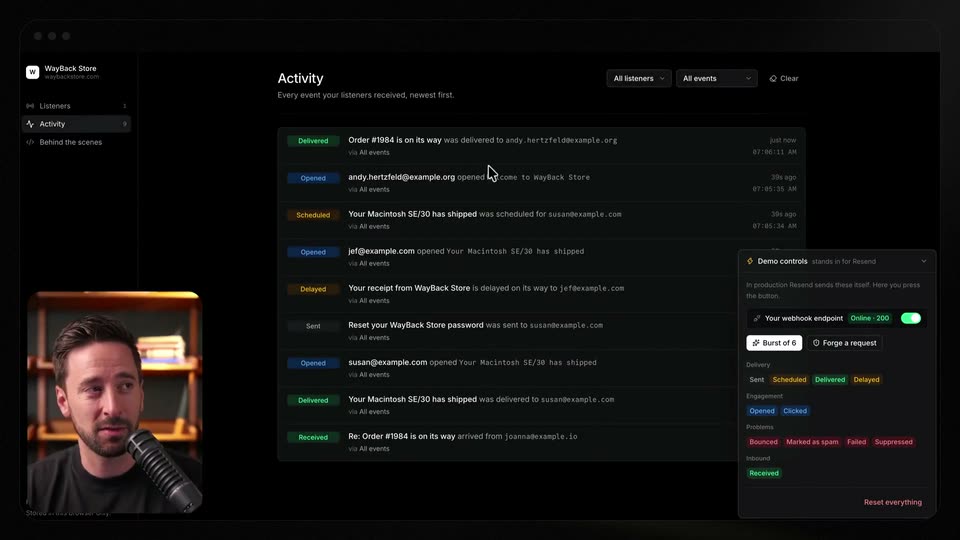 2:06–2:07Resend · Resend - Announcing Headless Webhooks API Programmatically... ▪️ list webhookA dark Activity feed of the WayBack Store app fills the screen, listing colored event labels and timestamps. A small webcam video of a man speaking into a microphone sits in the lower left. A cursor drifts from the left sidebar down the event list.
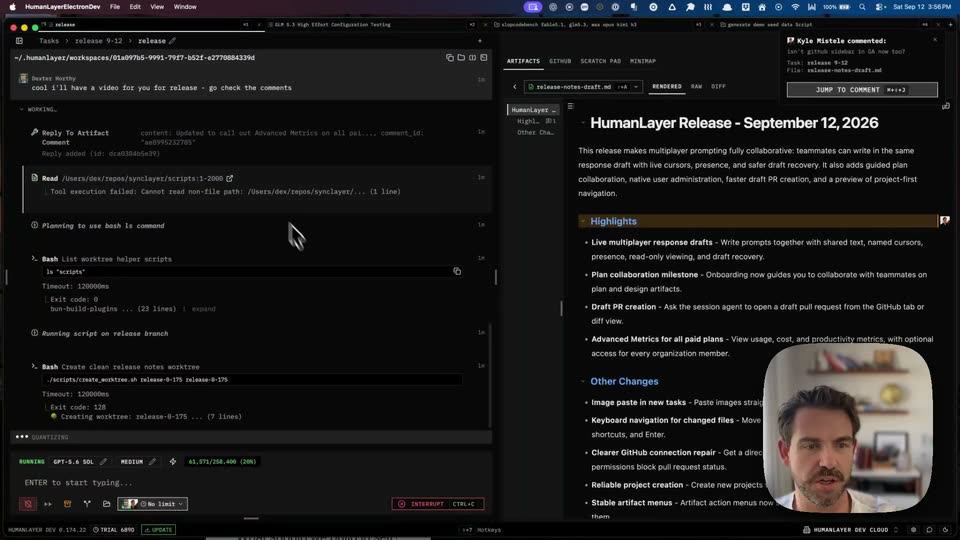 0:49 · 0.5sHumanLayer · dex - coming soon to a humanlayer new you: live multiplayer prompting - coA split developer interface shows a dark terminal log on the left and a rendered release-notes document on the right, with a small video-call inset of a man in the lower corner. A mouse cursor moves over the terminal list as the agent processes steps.
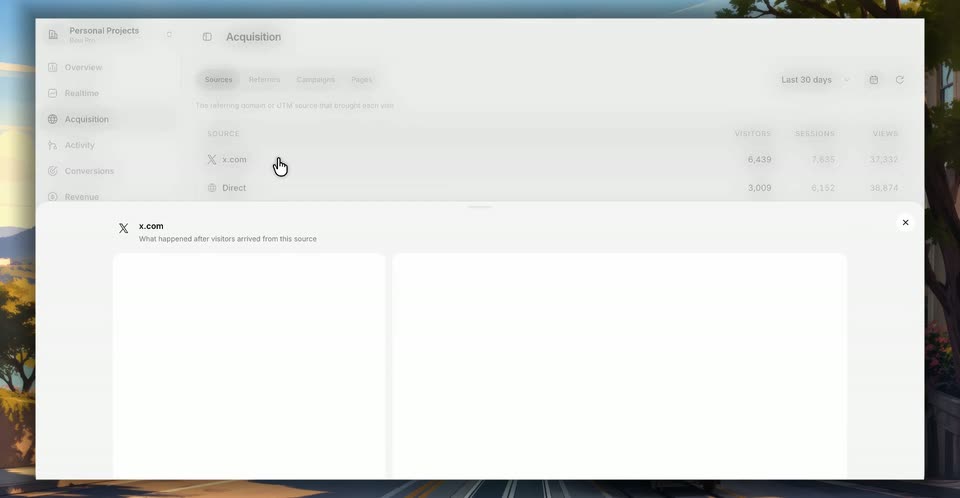 0:57–0:59Tracwell · Saurabh - INTRODUCING TRACWELL ( @tracwellapp ) 🚀 An agent-first analytics plaA light analytics dashboard with a left sidebar and a sources table sits over a blurred outdoor backdrop. A cursor moves to the x.com row and clicks it, opening a detail card on the left with two empty chart panels. The table flickers briefly as the row re-renders.
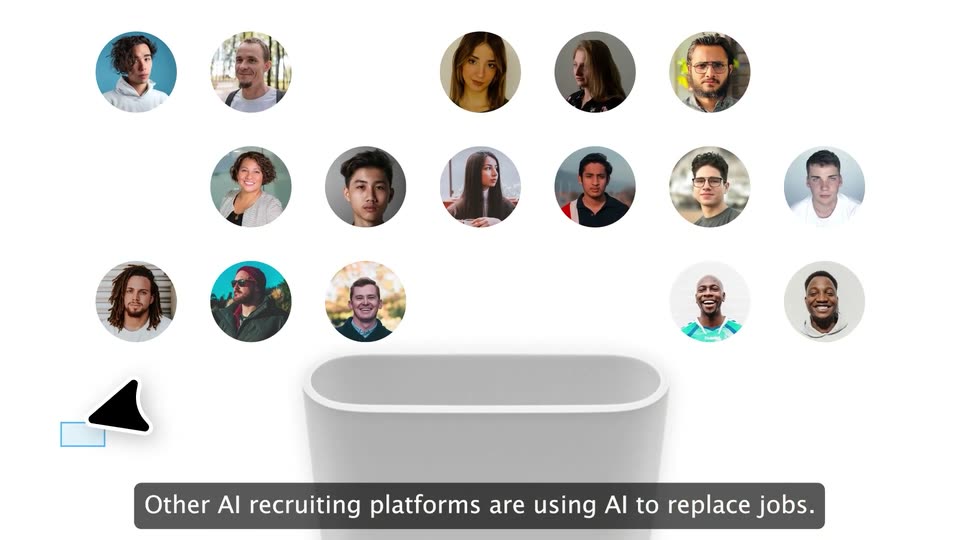 1:46–1:48Elly · Kristen Habacht - AI broke hiring. Candidates use AI to mass apply, recruiters use AIA grid of circular candidate headshots floats over a faint recruiting-platform interface, with a 3D gray cup in the foreground. A black cursor drags a blue selection box across the avatars while a caption bar stays locked at the bottom.
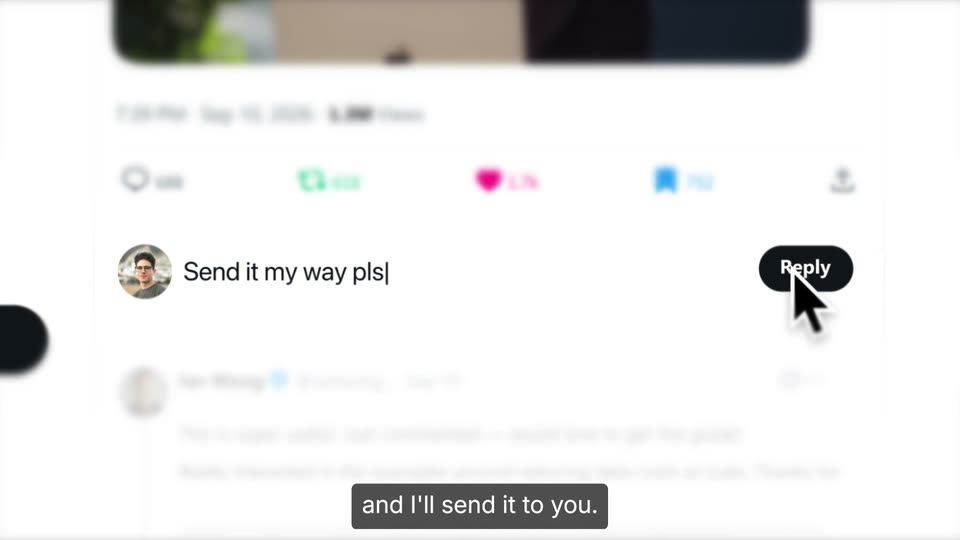 2:00–2:01Summation · Ian Wong - I co-founded Opendoor ($10B+ rev). Today, I’m launching Summation. WLocked-off close-up of a social post's comment section, background softly blurred. The comment 'Send it my way pls' types out behind a mouse cursor, which then slides toward the Reply button. A dark caption box at the bottom carries the voiceover line.
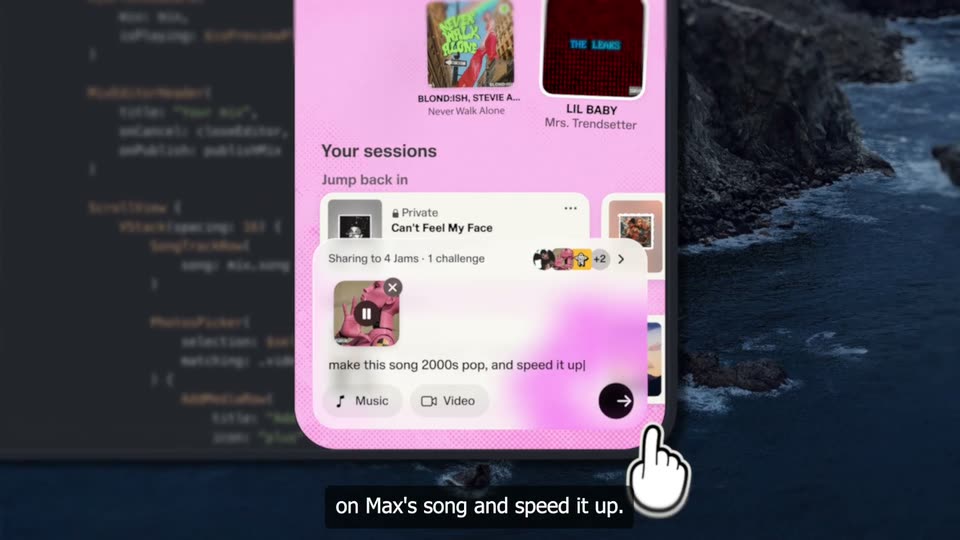 0:52–0:53Hook · Gaurav Sharma - AI platforms are stealing from artists > Millions spent on data cA 3D phone mockup floats over ocean waves, its pink music app open; a white hand cursor taps the mic button, then the screen switches to a dark task input as the background cuts to a man in a red shirt at a table.
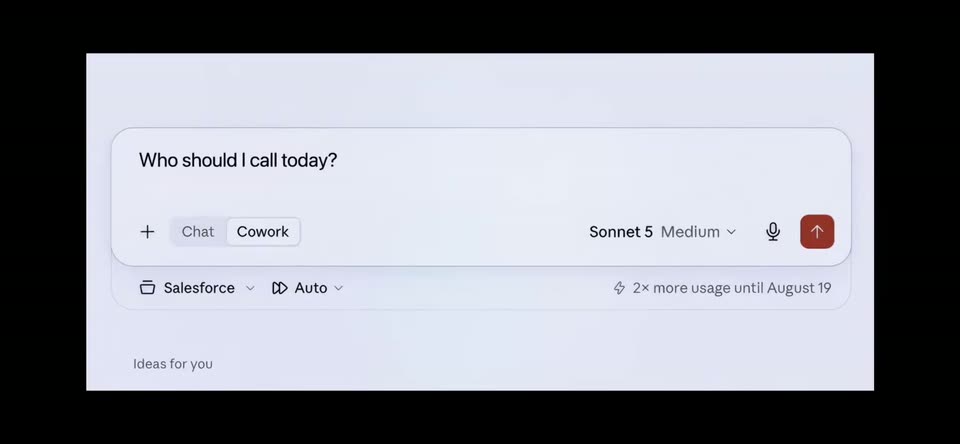 2:38–2:41Salesforce · Marc Benioff - Welcome Claudeforce. ❤️A light chat input card shows a prompt that crossfades from drafting a follow-up to asking what to do next, the tab switching from Chat to Cowork. The card then slides up to reveal a red Let's go button that a cursor hovers over.
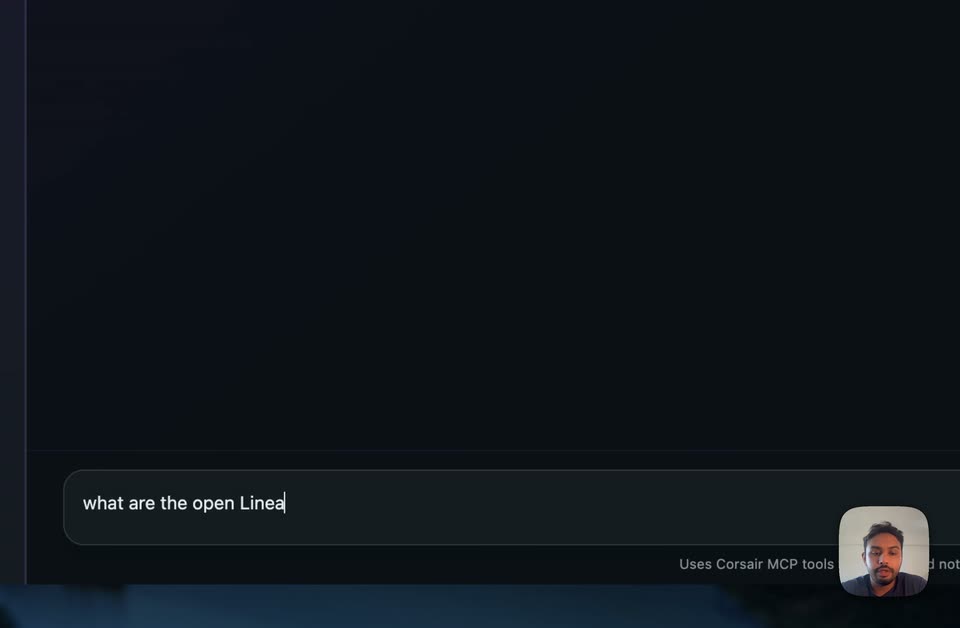 2:52–3:00Corsair · Building a Github Clone with CorsairA dark chat interface with a purple sidebar; a hand cursor moves to the bottom input field and clicks it, then the frame zooms into the field as the query is typed word by word. A small rounded webcam inset of the presenter stays in the bottom right corner.
 0:49–0:50Floot · Build with the AI subscription you're already paying for.A 3D-tilted white toolbar hovers above a dark video of a steaming copper teapot. An orange arrow cursor sweeps right to left across the buttons, which shift and settle into place.
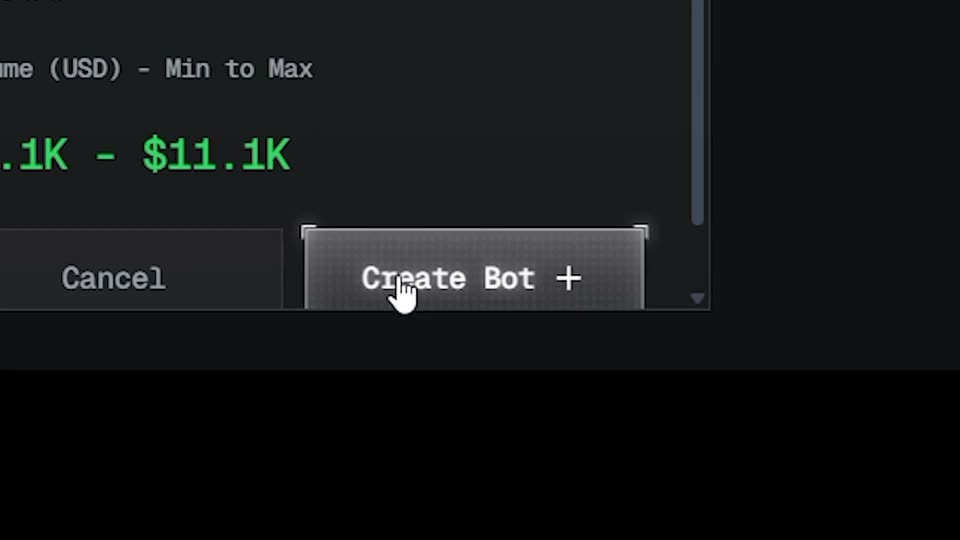 0:45–0:46Arbital · Arbital - Today, we’re launching Arbital. Trade memes. Trade stocks. Trade perA dark dialog box fills the frame, showing a green price range and two buttons. A white hand cursor clicks the highlighted Create Bot button, and the label switches to Creating... as the button dims.
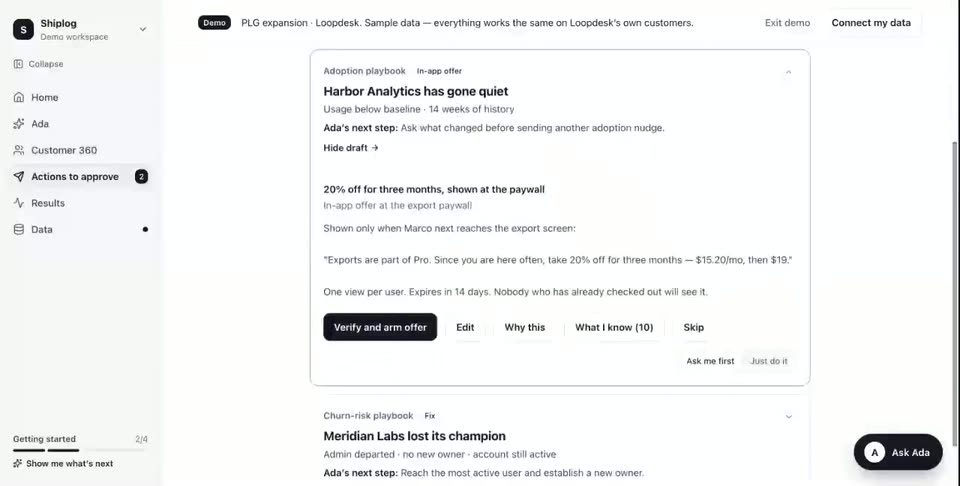 3:17–3:22Shiplog · AI for Customer Success: How Ada Automates Expansion, Retention & Churn PreventionA light product UI with a left nav rail. The content panel crossfades from a customer overview to a playbook card, then reframes onto the Harbor Analytics card as a cursor drifts to the sidebar.
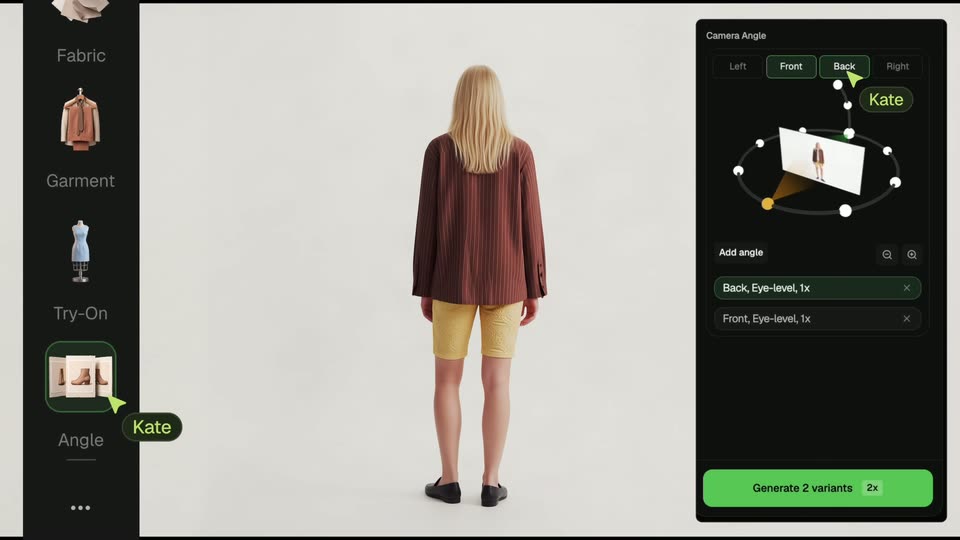 0:39–0:41FLORA · Introducing Fashion StudioA blonde model in a brown shirt and yellow shorts turns from front to back view in a light studio. A dark Camera Angle panel with a circular camera map and green Generate button slides in on the right as a green cursor moves to the Back option.
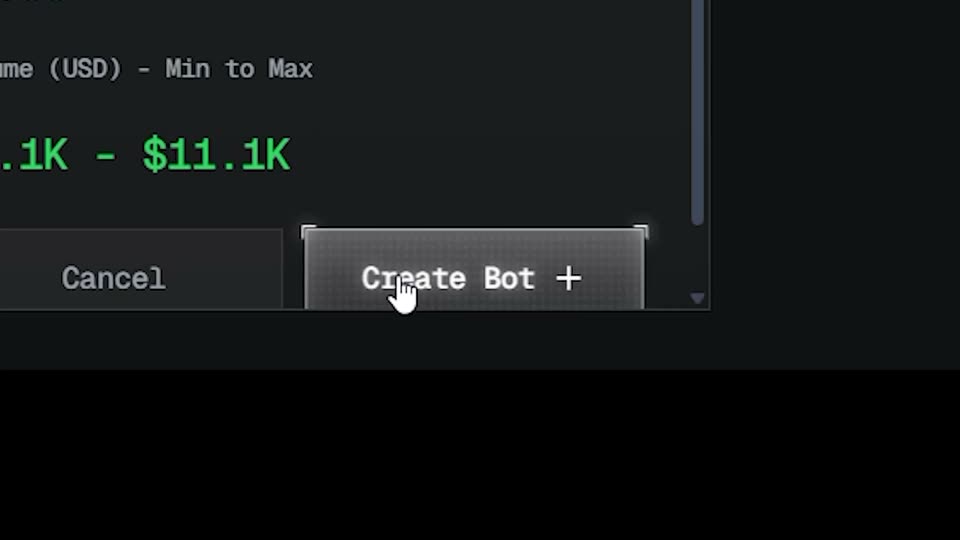 0:45–0:46Arbital · Arbital – Trade memes, stocks, and perps from one placeA locked-off close-up of a dark settings dialog shows a green price range above two buttons. A white hand cursor rests on the 'Create Bot +' button, which then switches its label to 'Creating...' as the cursor vanishes.
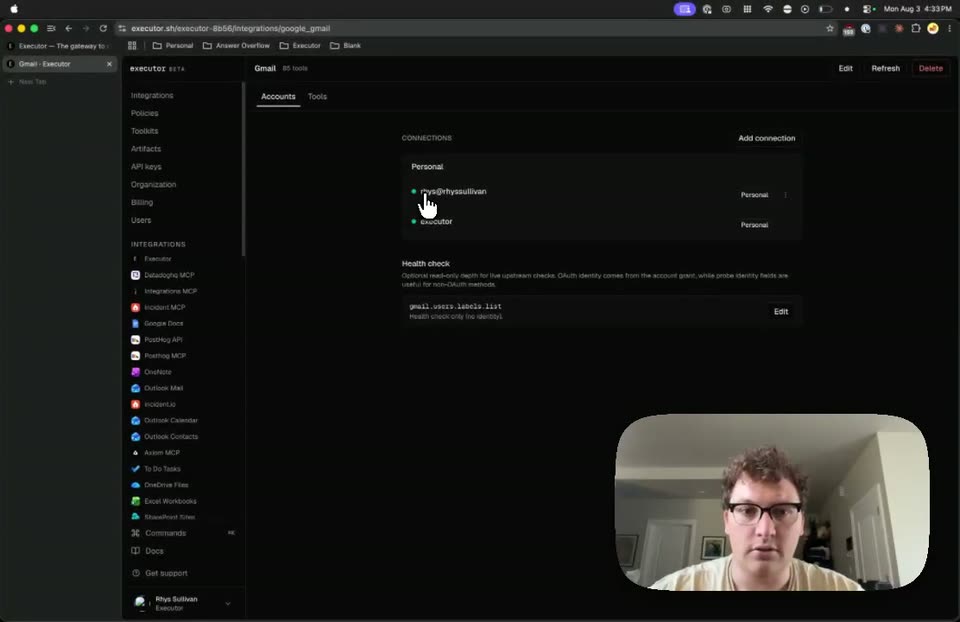 0:39–0:45Executor · Executor DemoA dark Gmail panel in the executor app lists two personal accounts, rhy@rhyssullivan and executor, under Connections. A white cursor hovers each row while a small webcam of a man sits in the lower right; the frame zooms into the panel, then pulls back to the full browser window.
 0:49–0:50Enrich Labs · Seijin Jung - introducing Helena, the world's first self-improving AI marketer. $1A static Google search results page for pizza in Annandale shows a Places list, a map, and a Dale's Pizza detail panel. A cursor hovers over the top result. A dark caption pill sits across the bottom of the frame.
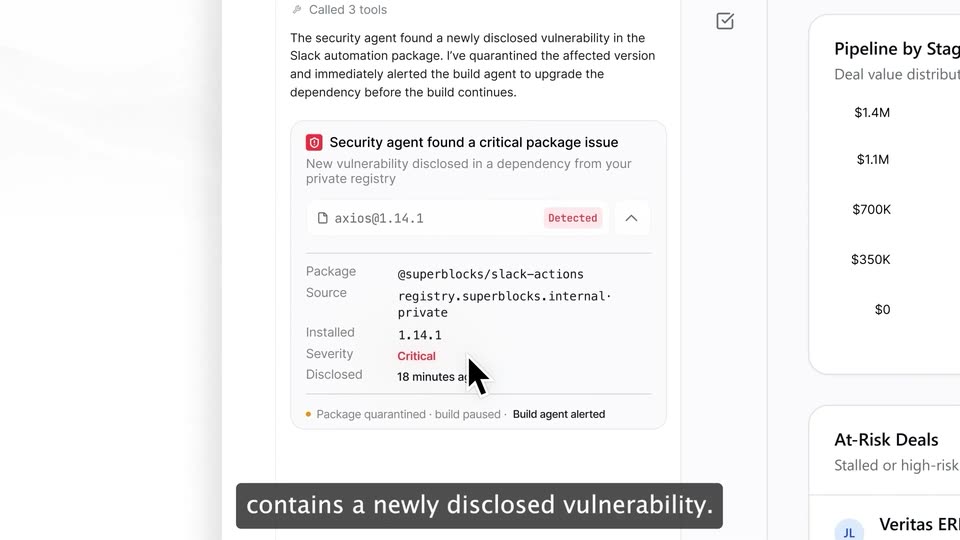 1:10–1:16Superblocks · Brad Menezes - Today we’re partnering with AWS to launch Superblocks 3.0: the secureA product dashboard zooms into a red security alert card in the left panel. A cursor clicks the expand chevron, revealing a package detail table, while dark caption pills swap phrases at the bottom.
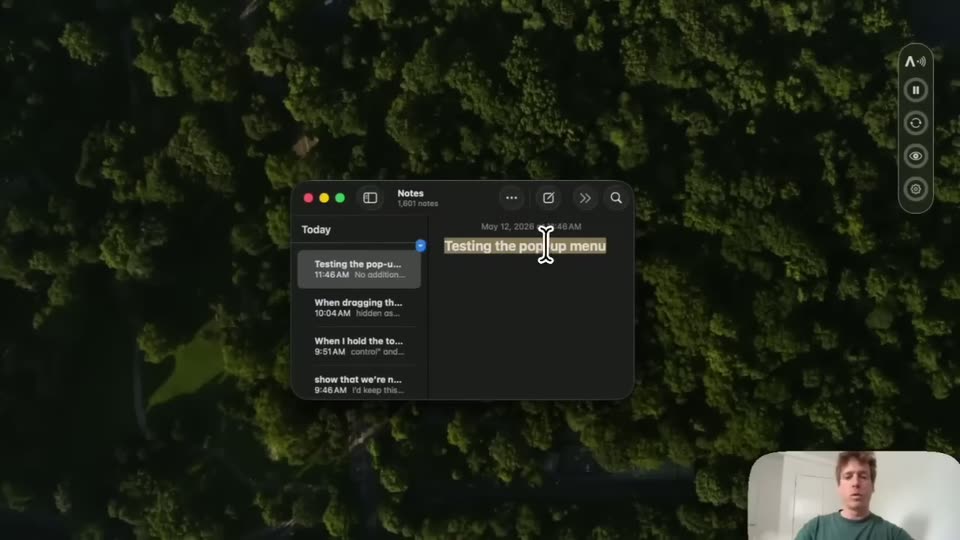 3:03–3:09Augmental · MouthPad is now availableA dark Notes window floats over an aerial forest wallpaper; a cursor types a note, selects the line, and a radial menu of action icons blooms around the pointer. A rounded face-cam of the presenter sits in the bottom-right corner.
 1:08–1:11HeyGen · HeyGen - Introducing companion mode The difference between ordering a video aGrainy purple and teal 3D slabs drift on black as the white headline HeyGen HyperFrames pops in and the logo glides to the top right. A cursor clicks a GitHub-style button that flips from Star 36.7k to Starred 36.8k with a yellow star.
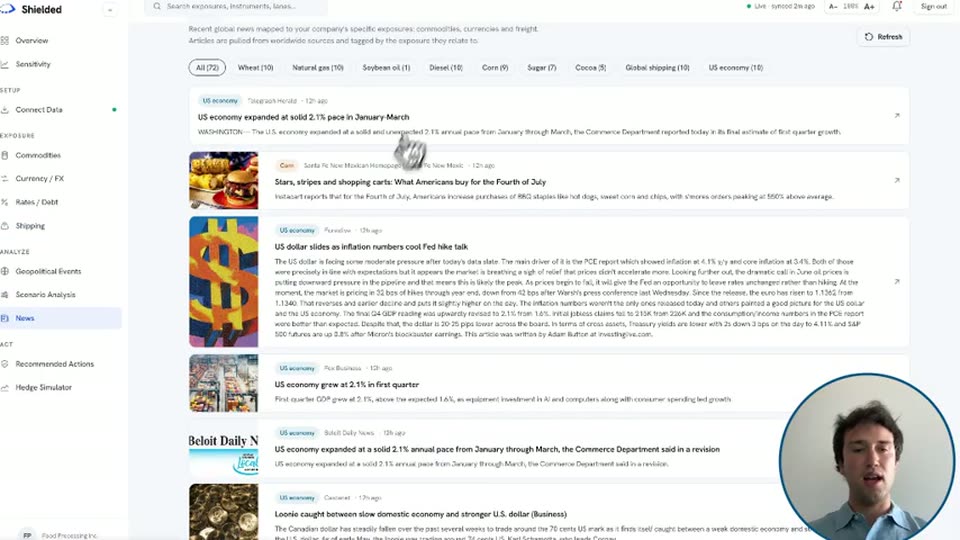 0:41–0:42Shielded · Shielded Live DemoA light dashboard UI fills the frame, with a left sidebar of menu items and a news feed of article cards beneath a row of category filter pills. A cursor glides in from the top and rests on the Natural gas pill.
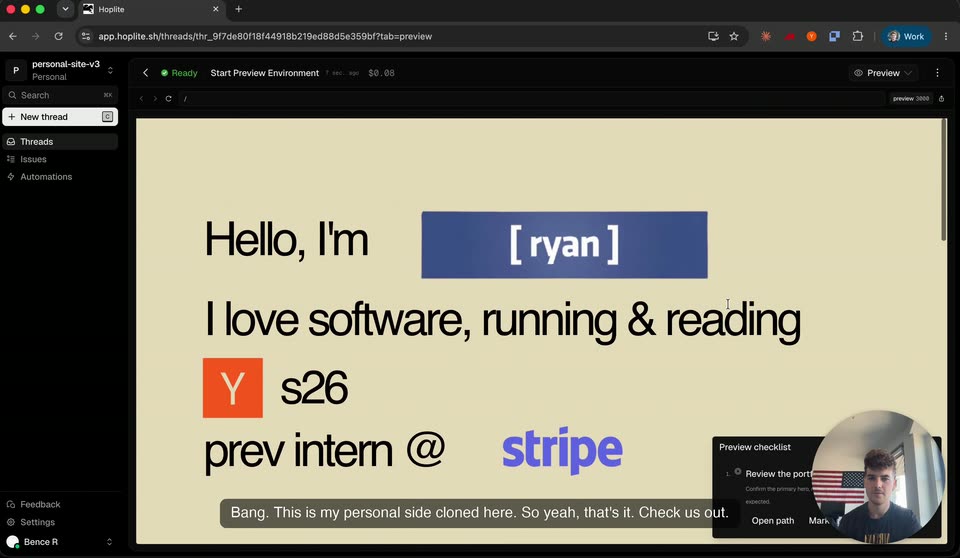 1:40–1:48Hoplite · Ryan Morrissey - We have spent weeks making the best cloud coding platform out thereA browser window shows the Hoplite app previewing a personal site on cream: “Hello, I'm [ryan]”, a red Y badge, “s26”, “prev intern @ stripe”. The page scrolls down to a keyboard image and back up. A circular webcam of a man and a checklist panel sit bottom right.
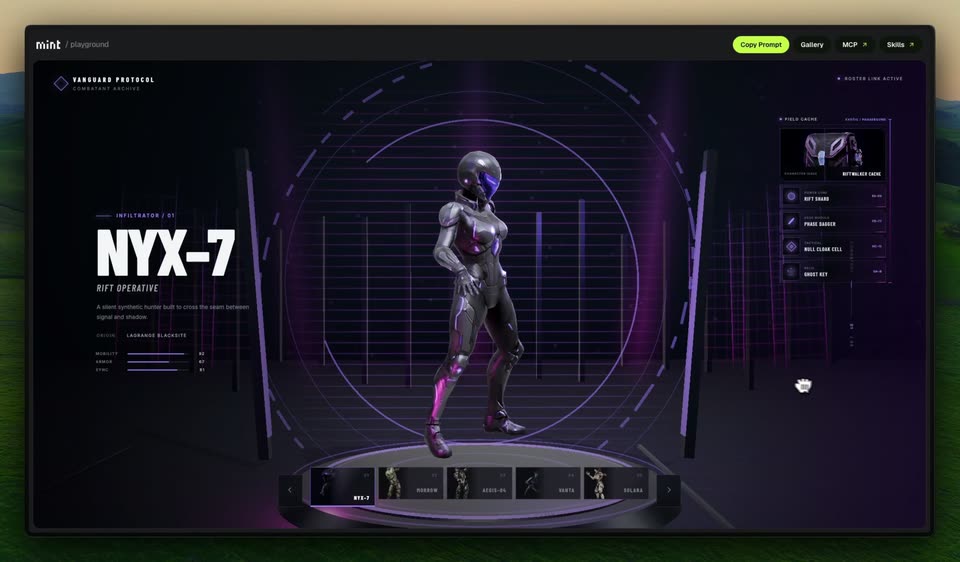 0:23–0:27Mint MCP · tamrat - Introducing Mint MCP - It turns your coding agent into a 3D engine!A dark character-select screen shows a metallic female android spinning on a circular platform. A cursor hovers her thumbnail in the bottom carousel, then moves right as the view narrows from two figures to her solo turntable rotation.
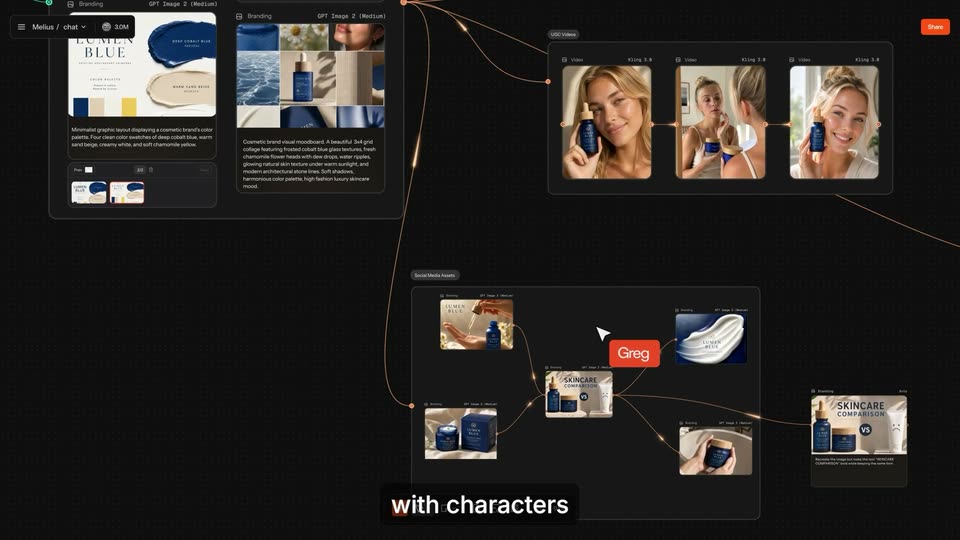 1:09–1:18Melius · joowon - If you’re a creative not using AI you’re fcked. Introducing Melius:A dark node canvas shows generated Lumen Blue skincare cards linked by glowing orange lines. A red Greg cursor chip clicks a branding card, then the view pulls back across UGC video and social asset groups while bottom captions narrate the sequence.
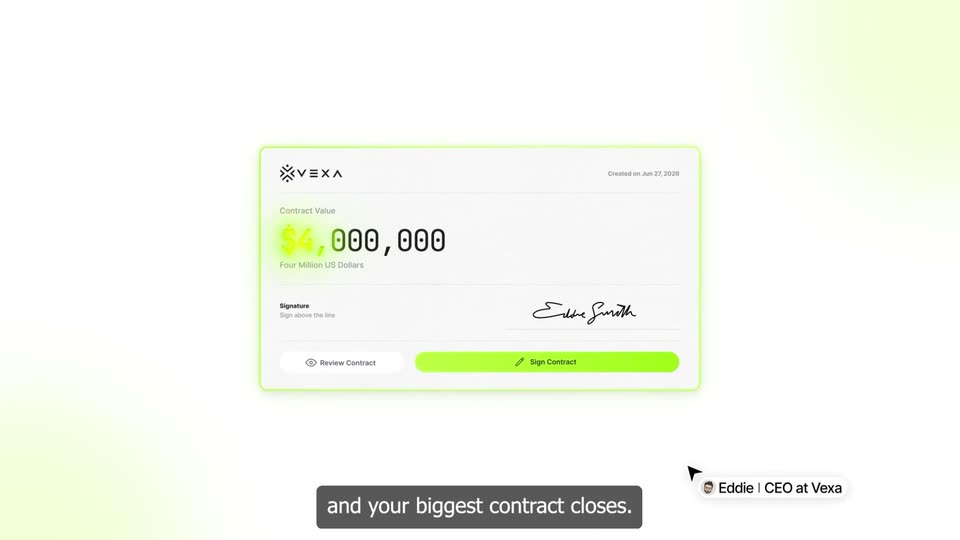 2:25 · 0.8sPromptQL · Tanmai Gopal - We raised $136M to kill Slack. Introducing PromptQL: The first AI veA contract card on a pale background zooms in, showing a green $4,000,000 value and a signature, while a cursor tagged Eddie | CEO at Vexa glides in from the bottom right. A large faded Shipped word scales out behind the card and a dark caption pill sits below.
 1:38–1:39Riverside · Nadav Keyson - AI Videos are ALL slop. AI should be making you a content machine.A blurred YouTube comment view fills the frame. A cursor types a comment line by line, ending with a blinking caret, while a black Reply button slides in on the right. A dark caption box at the bottom reads 'Leave a comment below and'.
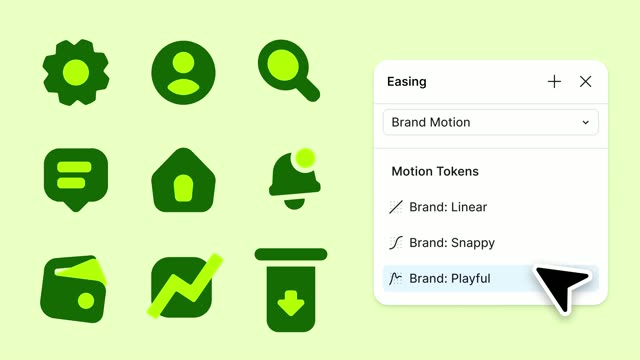 0:51–0:54Figma · Introducing Figma Motion: Your canvas now has a timelineA light green screen holds a 3x3 grid of dark green icons that settle from offset positions into a clean layout. On the right, a white Easing panel lists Motion Tokens. A black cursor glides down the list and highlights Brand: Playful in pale blue.
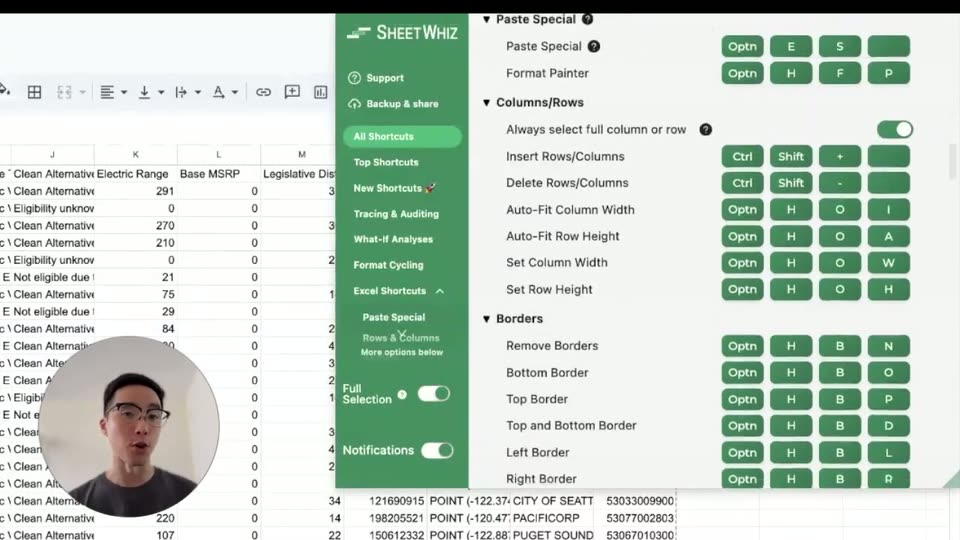 2:00–2:09Dimely · SheetWhiz Trace Precedents AI DemoA spreadsheet screen with a green SheetWhiz sidebar holds still while a long list of keyboard shortcuts scrolls down the right panel, a cursor gliding along the rows. A small circular webcam of a bespectacled presenter sits in the lower left corner.
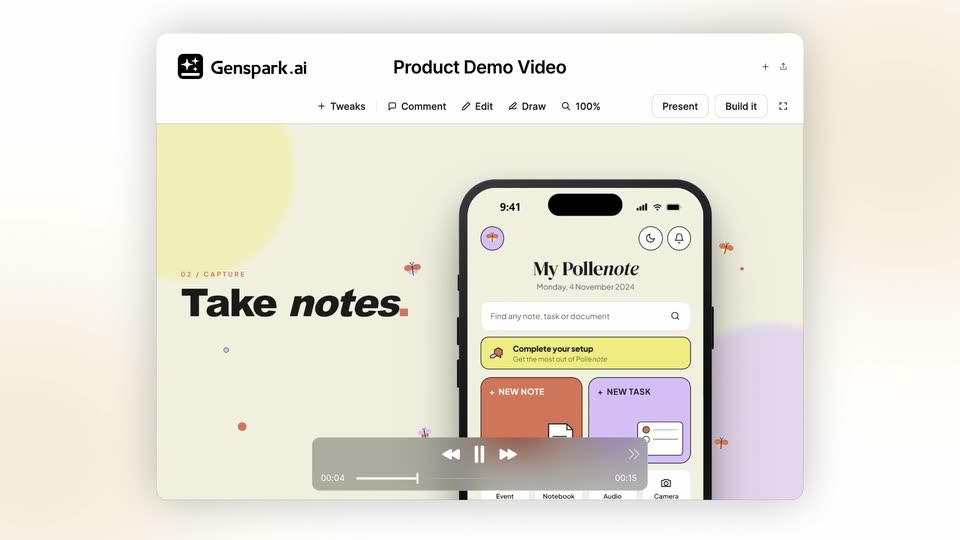 1:04–1:10Genspark · Genspark - 🎨 Introducing Genspark Design The next-gen AI for design and creatioThe Genspark.ai editor window plays a demo video of the Pollenote app on a flat smartphone mockup. A cursor clicks the play button, then the video runs through a welcome illustration, a home screen and a new note, while the left caption switches from Welcome to Take notes.
 0:44–0:45Lottielab · Lottielab - Introducing Magic Animator beta 3.0✨ Prompt and edit animations in FA vector editor screen sits over golden light streaks, a wireframe diamond in the canvas and the caption above it. The diamond fills with yellow and red as the view zooms into the right panel, where a cursor drags a point on the easing curve.
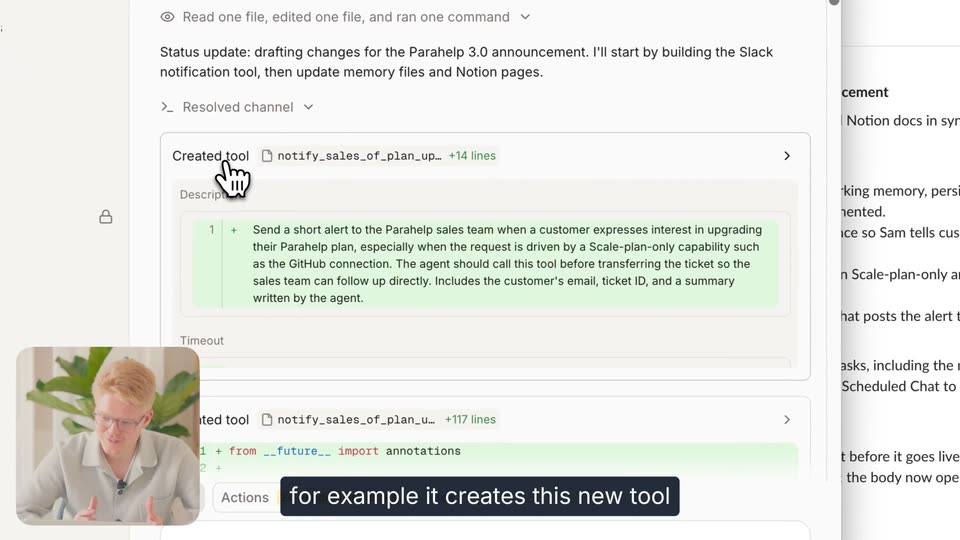 2:38–2:40Parahelp · Mads Lunau - Today, we’re launching Parahelp 3. With Parahelp 3, we’re doubling dA browser view of the Parahep admin interface shows a chat panel with “Created tool” cards and green code blocks, a Notion doc on the right, and a small presenter video in the corner. The frame zooms into the tool description as a hand cursor hovers.
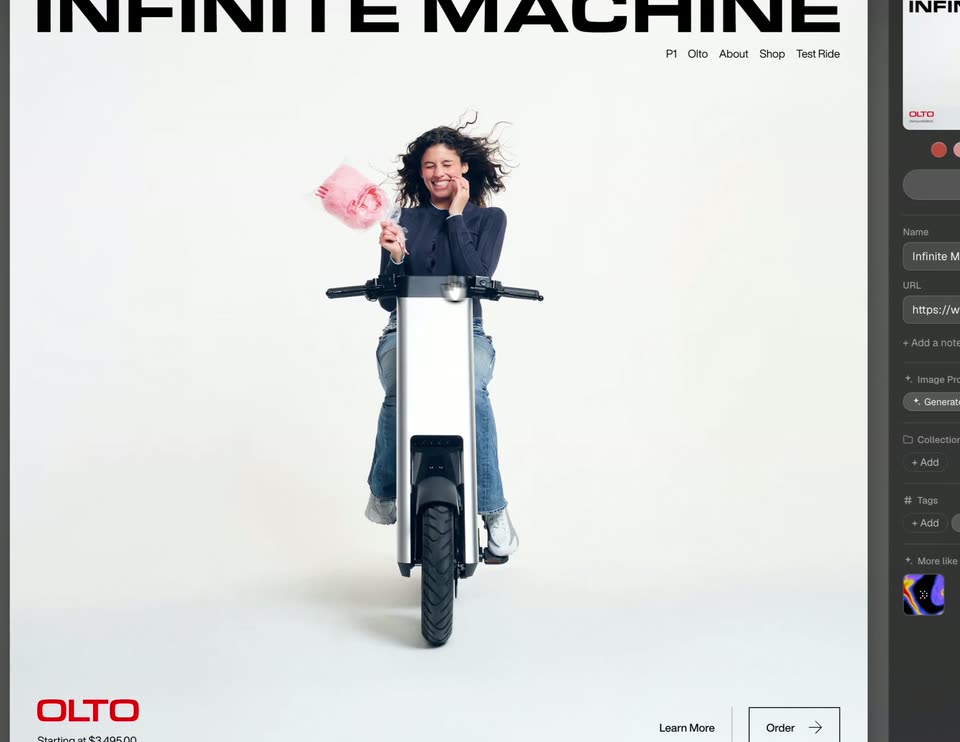 0:41–0:44GatherOS · Brett - Introducing GatherOS™ [beta]. The Mac app for design inspiration, buA dark design-tool window displays a webpage mockup of a woman on a bike beneath a bold headline. The view zooms in on the page as a white cursor glides from the left margin to the handlebar.
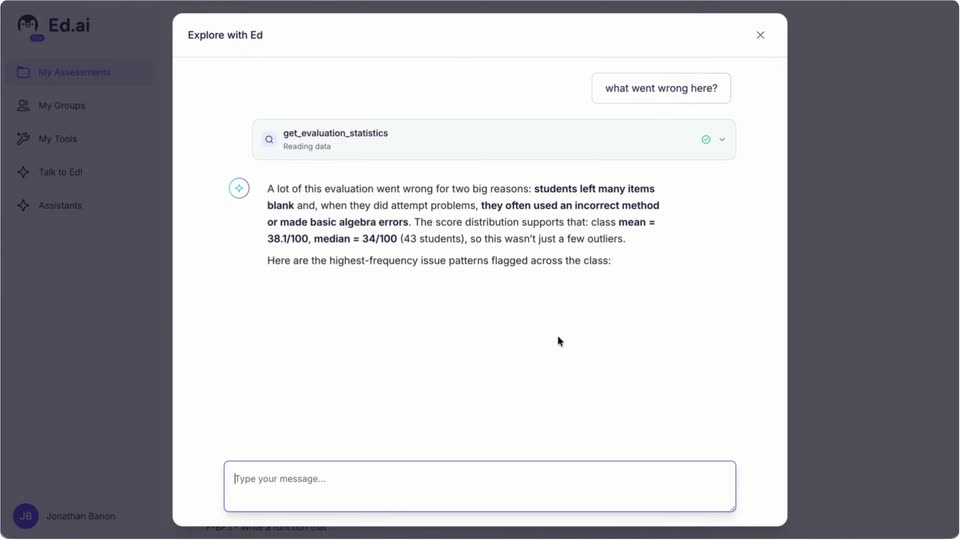 1:01–1:17Ed.ai · Ed.ai in 1 minuteA dimmed app shell frames a white chat panel. A cursor types a question into the input bar and sends it; the assistant replies with streamed text and a three-column data table, then the panel scrolls up to reveal the full table.
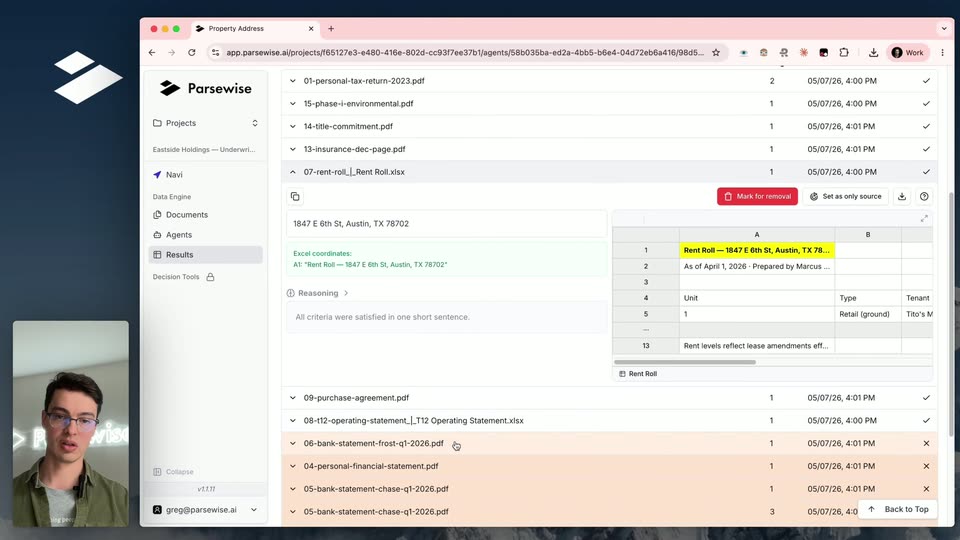 2:06–2:07Parsewise · Parsewise API LaunchThe Parsewise app interface fills the frame over a dark backdrop, with a man on a video call in the lower-left corner. The document list scrolls down as a cursor hovers, expanding a bank statement that flags an inconsistent value in red.
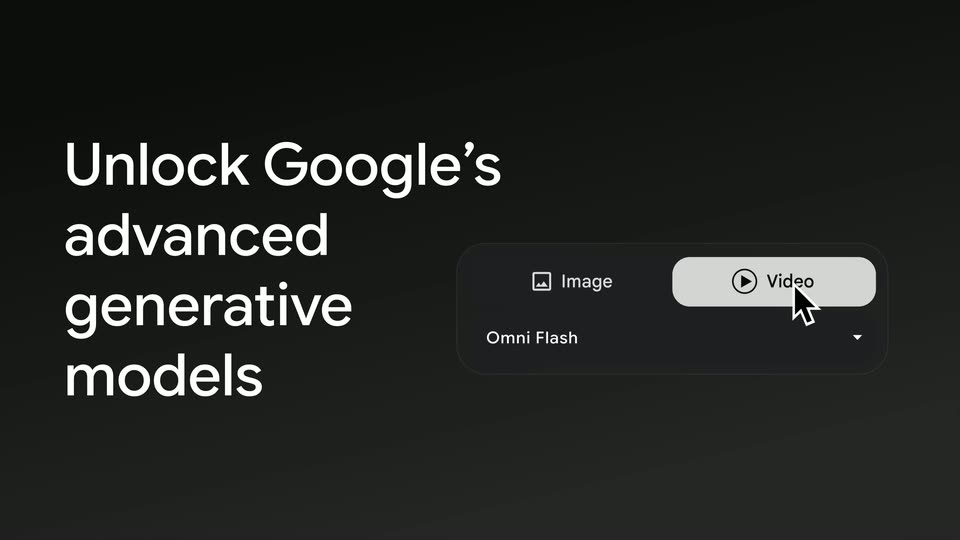 0:50–0:54Google · Google Flow - Introducing your agent and the all-new Gemini Omni model in Google FlA white four-line headline sits left of a dark rounded control panel on black. A cursor taps the Video tab, the light pill slides from Image to Video, the model row swaps from Nano Banana Pro to Omni Flash, then the scene fades to black.
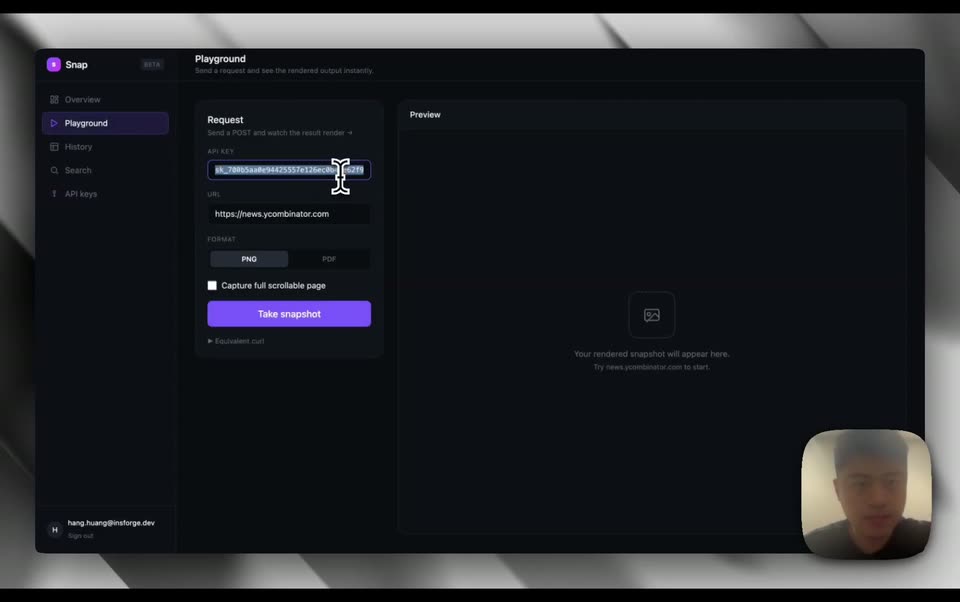 1:12–1:16InstaBox · InsForge YC Launch VideoA dark dashboard UI fills the frame. A hand cursor copies an API key, clicks the Playground tab, pastes the key into the request field, then presses Take snapshot, swapping the empty preview for a loading spinner. A small webcam of the presenter sits in the bottom right corner.
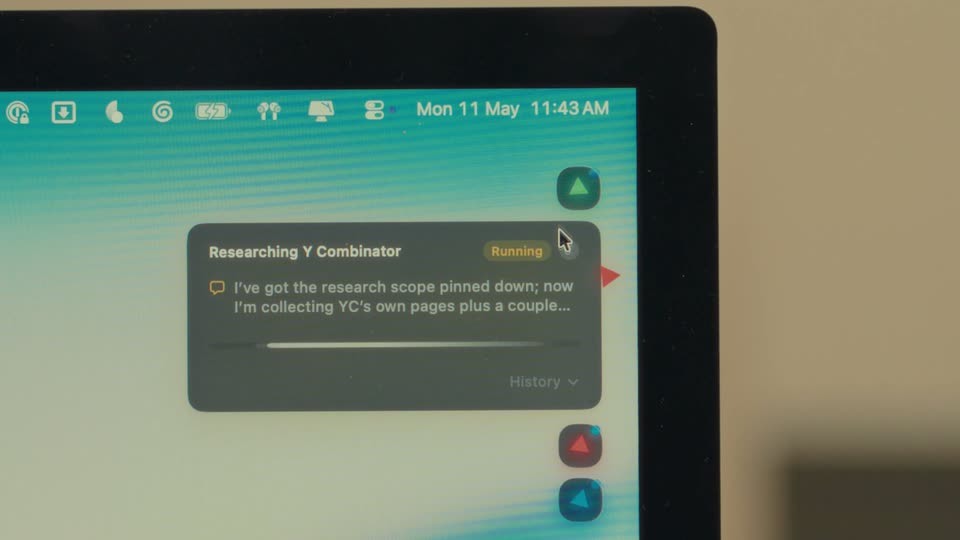 0:57–0:58HeyClicky · hi im clickyA close-up of a tablet screen at a slight angle shows a dark task card titled Researching Y Combinator with a Running badge and a filling progress bar. A white cursor hovers at the card's top right corner while the screen sits against a soft beige background.
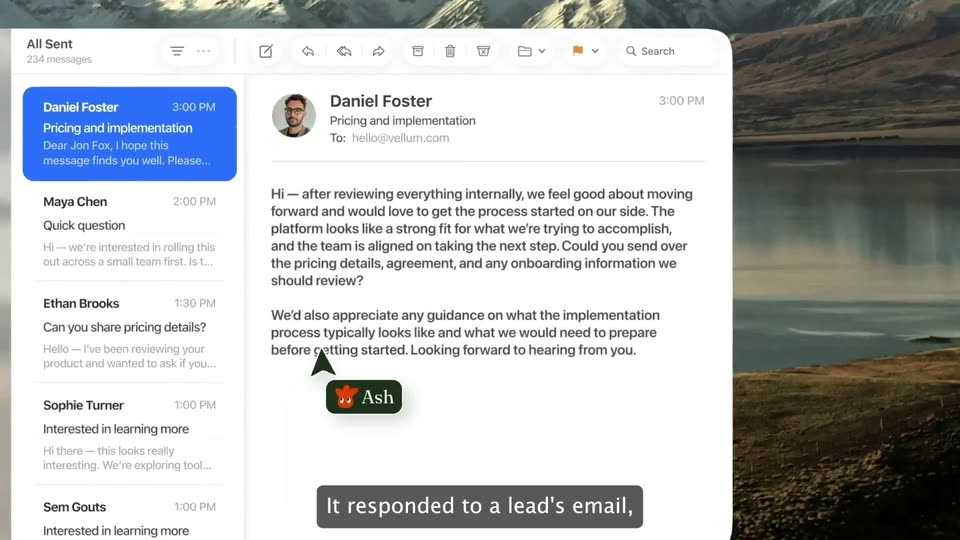 0:44–0:45Vellum · akash - We’ve raised 25M to build the world’s first Personal Intelligence. IA Gmail-style email window floats over a mountain landscape. A cursor hovers the toolbar, an Ash reply badge pops in, then a red signature card with a blue Sign button appears beside the email body. A dark caption pill at the bottom reads the line.
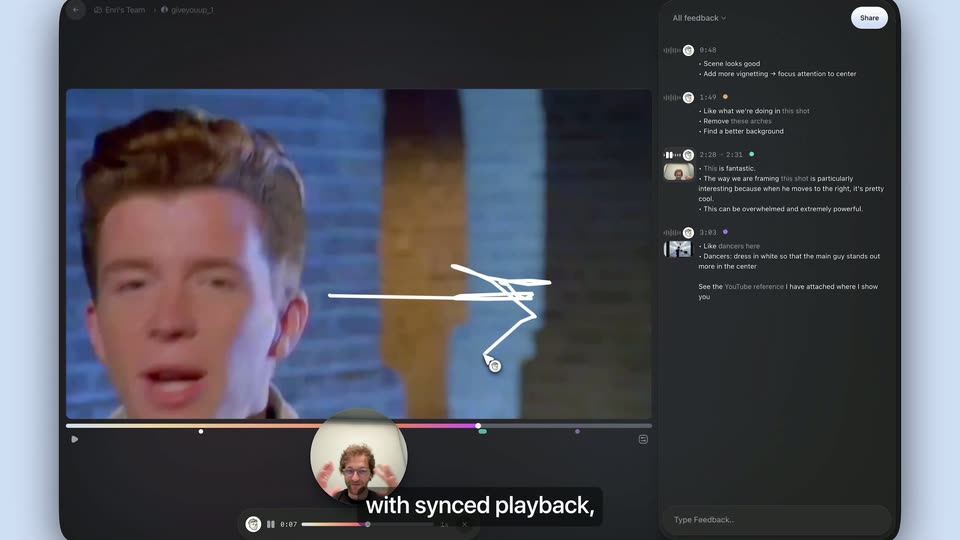 0:53–0:56Flask · Enrico Tartarotti - Introducing Flask. Give detailed feedback on videos and creative assA dark feedback app mockup floats in 3D on a pale blue backdrop. Inside, a talking-head video plays while a white pen stroke draws a line and a zigzag across the frame, and a caption line swaps at the bottom.
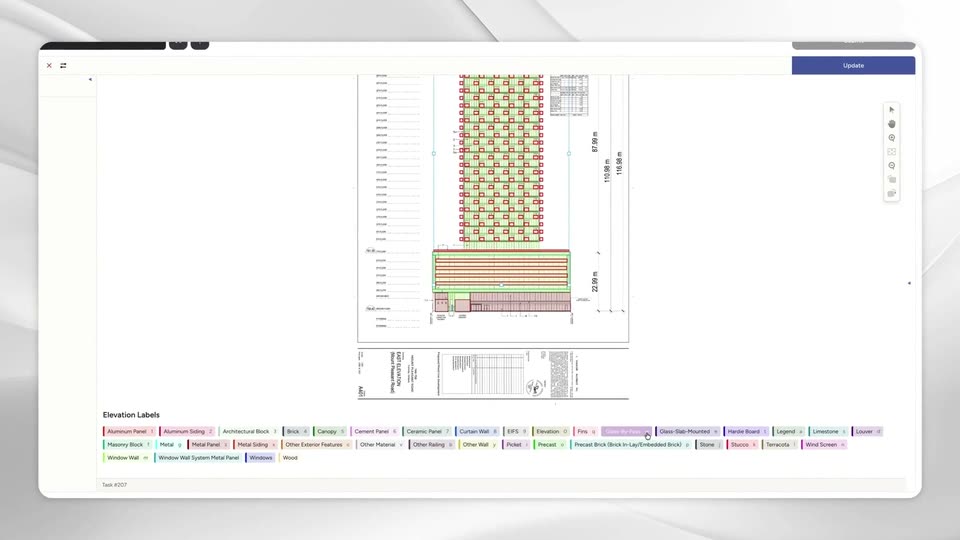 2:05–2:15PLAN0 AI · PLAN0 Demo VideoA tilted screen mockup of the PLANO app shows a building elevation with a green grid facade on a white 3D background. A cursor checks a facade layer and the grid recolors red, then the view zooms to a color-coded legend as the cursor clicks a chip.
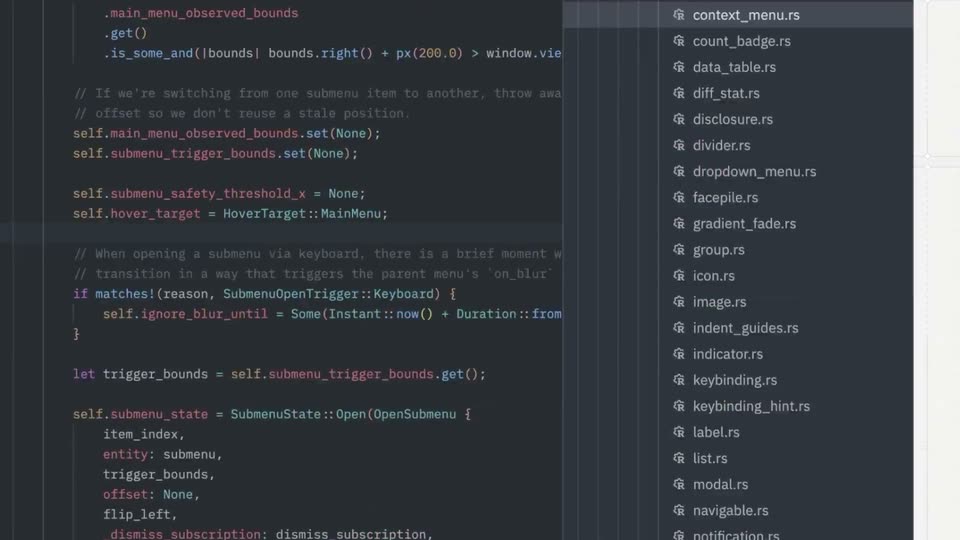 1:34–1:35Zed · Zed - Zed 1.0: Your last next editor.A dark code editor fills the frame with a model-selection dropdown open at center. The list of AI model names scrolls upward while a cursor hovers over the entries; code and a chat panel occupy the left and right edges.
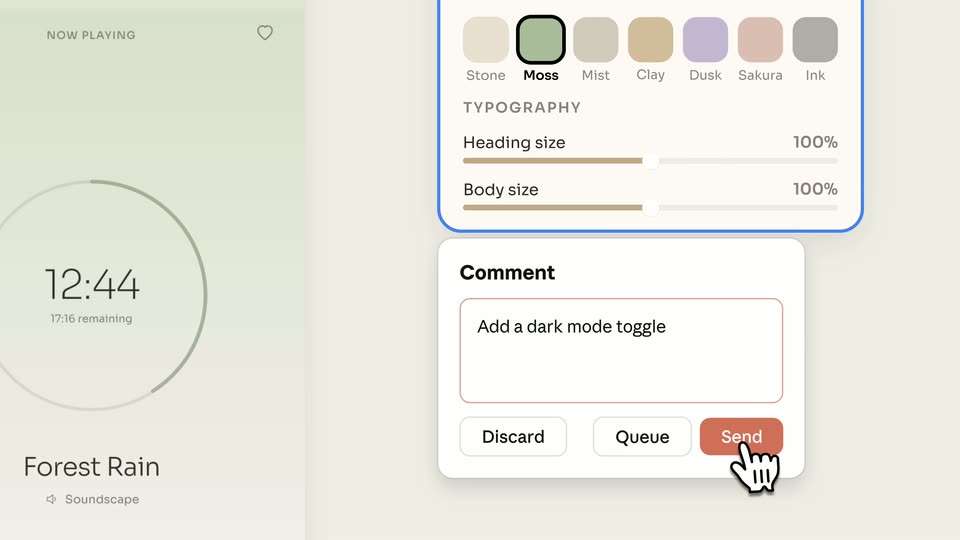 0:39–0:42Anthropic · Introducing Claude Design by Anthropic LabsA tweaks panel with theme swatches and type sliders sits beside a phone screen. A comment box types out a request while a hand cursor taps the orange Send button. The view cuts to a cream screen with an orange asterisk and the word Dimming.
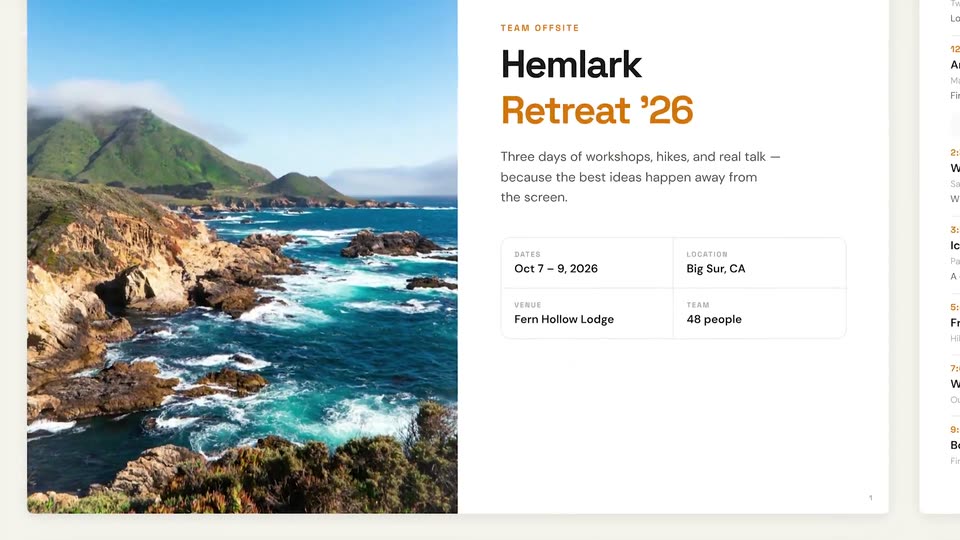 0:50–0:52Anthropic · Claude - Introducing Claude Design by Anthropic Labs: make prototypes, slides,A comment card over a retreat slide shows a cursor over Send; the card exits, the view reframes closer to the slide, and the forest photo swaps to a coastline photo.
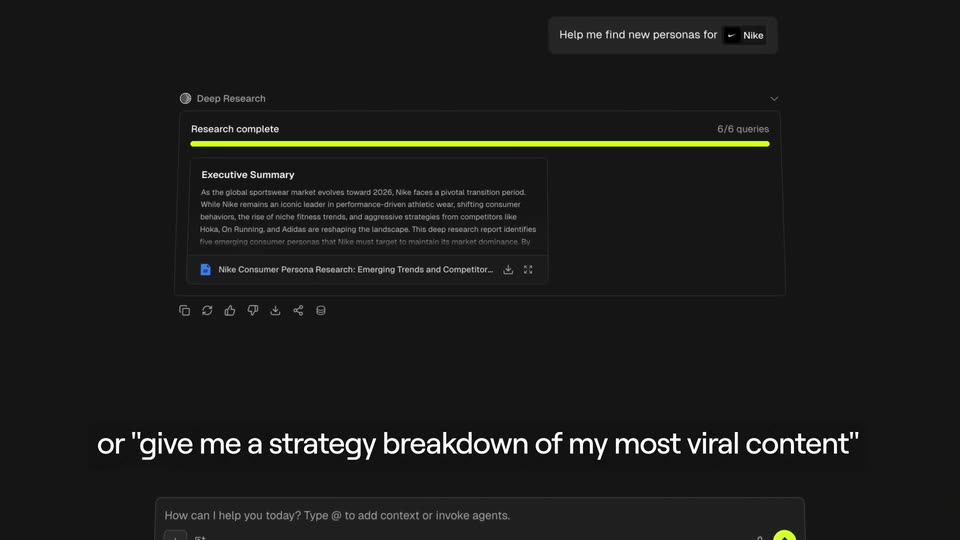 1:18–1:21General Context Labs · Sawyer Covington - This is what having a creative team of 100 could look like. IntroduciA dark research interface lists subqueries, a cursor presses a yellow Start Research button, then the panel crossfades to a Research complete state where an Executive Summary card fades in. A white caption builds word by word along the bottom.
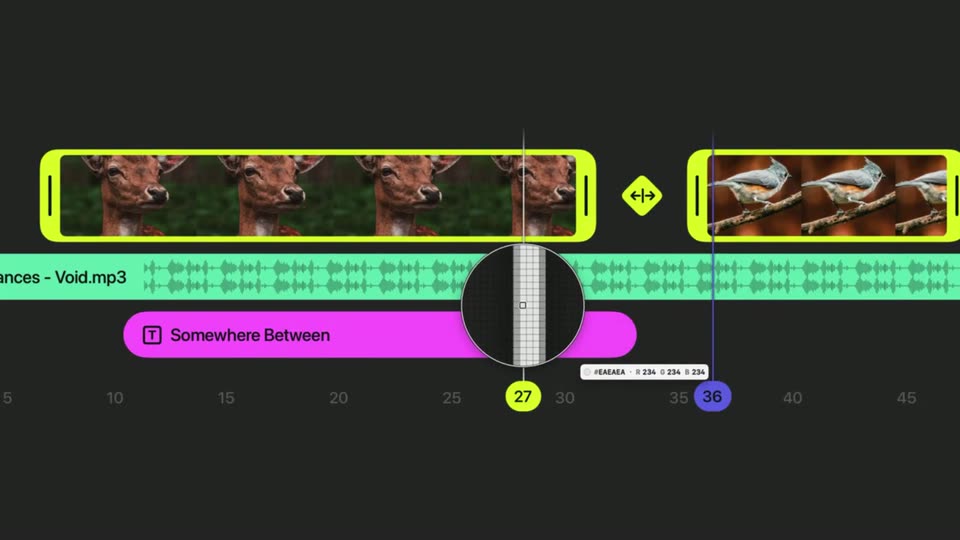 1:17–1:21Sketch · Sketch - 🆕 Things you’ve been asking us for 🆕 Selection colors, independent bA dark editor timeline holds a deer clip and a bird clip above a green waveform and a magenta text clip. A playhead sweeps right, a circular loupe magnifies the ruler, and a cursor moves to the magenta clip as value tooltips appear.
 0:49–0:50FLORA · FLORA © - Introducing FAUNA. The creative agent built for people whose ideas deFive campaign photo cards sit on a dark dotted canvas, linked by thin curved gray lines into a node map, each with a small file-name label above it. The doubled labels and card positions settle into a clean layout as a small green cursor fades in at the center.
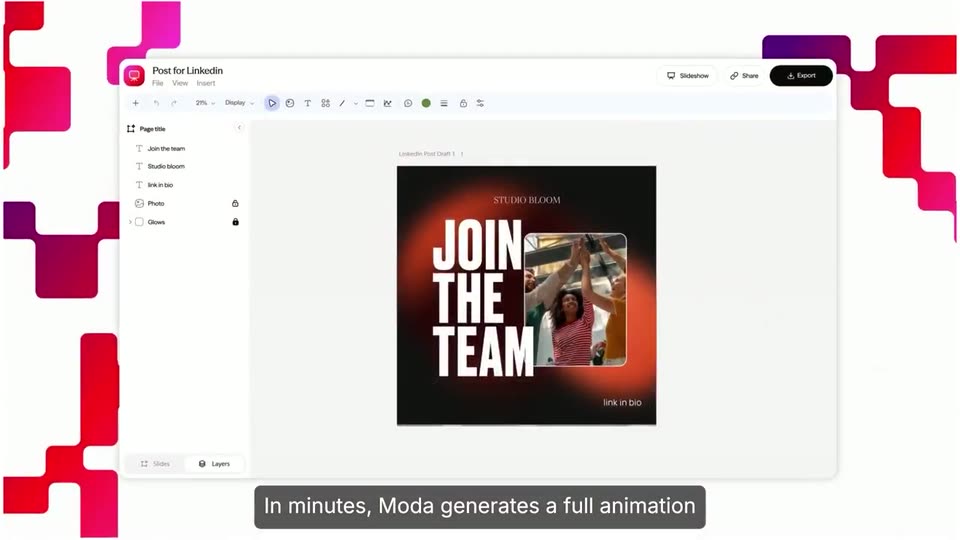 1:10–1:11Moda · Anvisha - We raised $7.5M to kill AI slop. Introducing Moda: the world's firstA design tool window shows a LinkedIn post slide with bold JOIN THE TEAM type over a photo, framed by red pixel shapes in the corners. A large black cursor hovers at right as the view zooms in slightly.
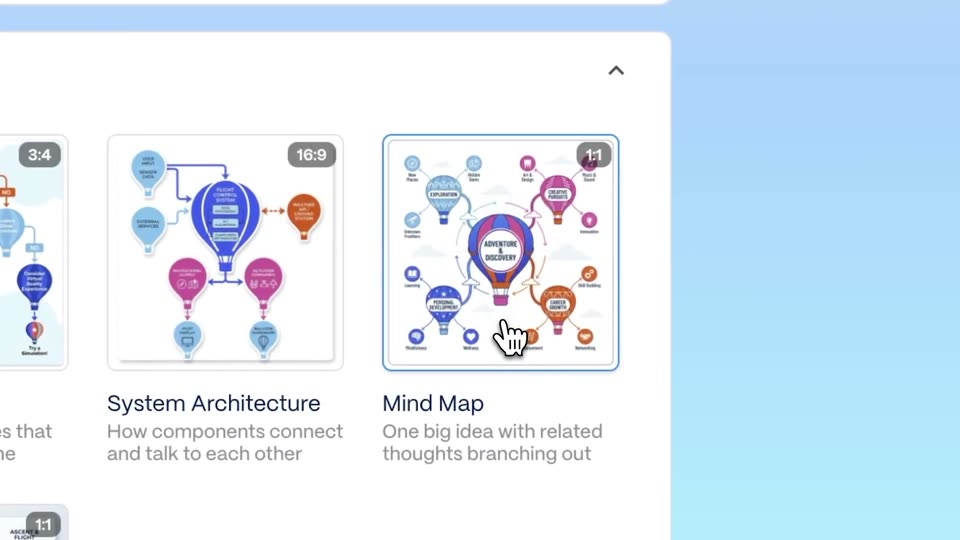 0:35–0:37Gamma · Gamma - Introducing Gamma Imagine! Gamma Imagine lets you create standaloneA white panel lists template cards, each with a balloon diagram and a caption. A hand cursor hovers over the right card, which holds a blue border, then nudges downward. The middle card reads System Architecture.
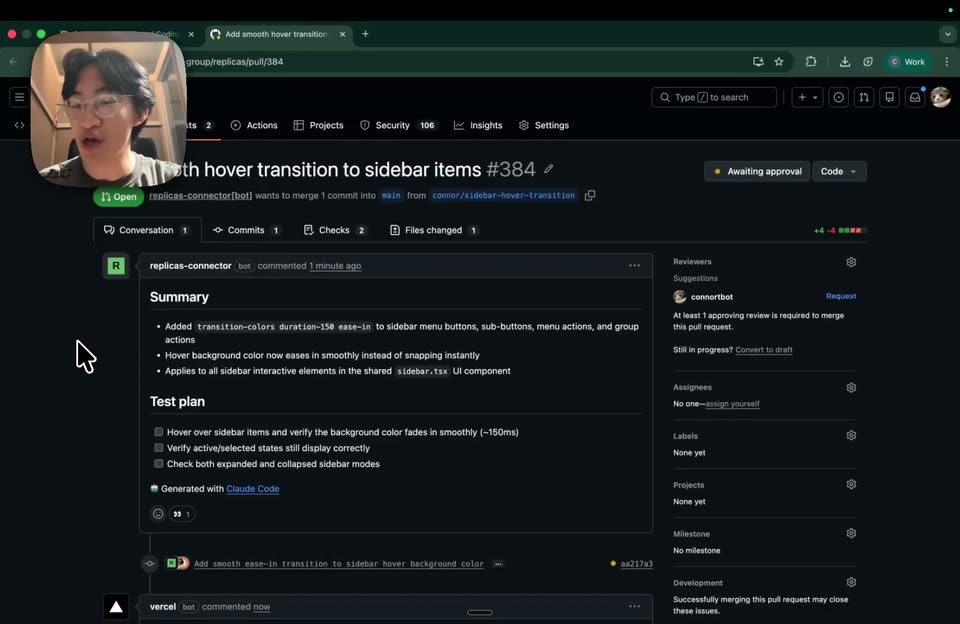 2:52–3:03Replicas · Replicas V1 DemoA dark GitHub pull request page fills the frame with a small rounded webcam inset of the presenter in the top left. The cursor drifts to the tab bar, hovers over the tabs, and the view zooms into the Summary section.
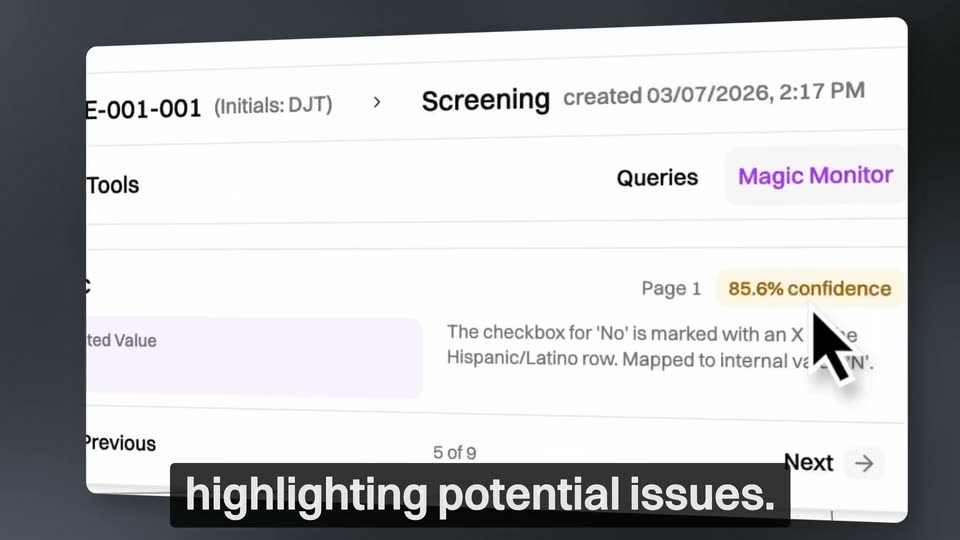 1:25–1:28Harbor · Y Combinator - Harbor (@runharbor) is a new electronic data capture platform for cliA tilted interface card floats on a dark background, showing a demographics form beside a scanned page, then reframes onto the Magic Monitor query panel. A cursor hovers by an orange 85.6% confidence badge as a query note describes the extracted value.
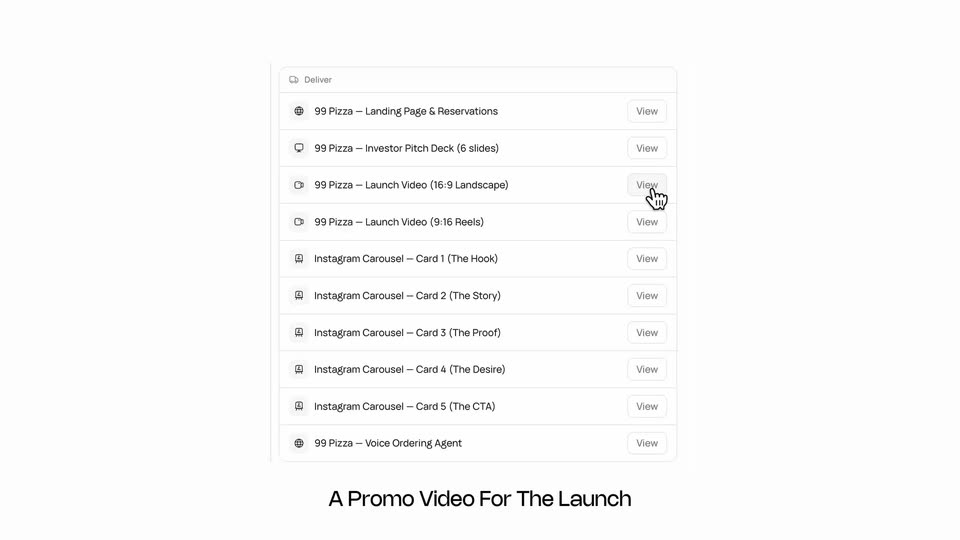 1:50–1:52Runable · Umesh Kumar - Introducing Runable 2.0 — the best way to work with AI. Runable nowA white deliverables panel lists rows with View buttons while a hand cursor rests on one, and a caption below shifts from gray to black.
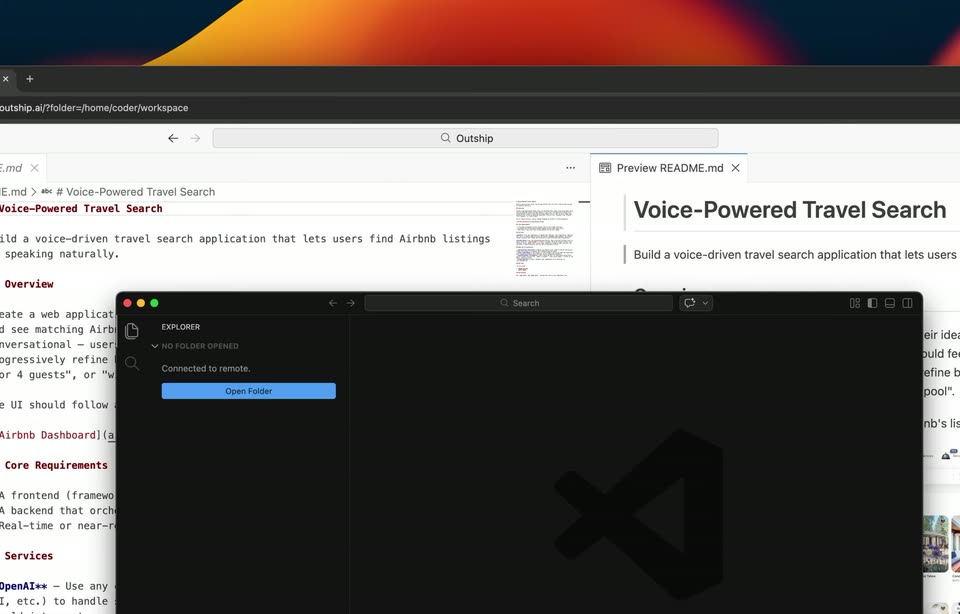 0:38–0:39Outship · OutshipA browser tab shows a README titled Voice-Powered Travel Search over a dark gradient backdrop, with a floating macOS window in front. The view cuts to a dark VS Code window whose empty explorer panel reads Connected to remote. A cursor rests on the page.
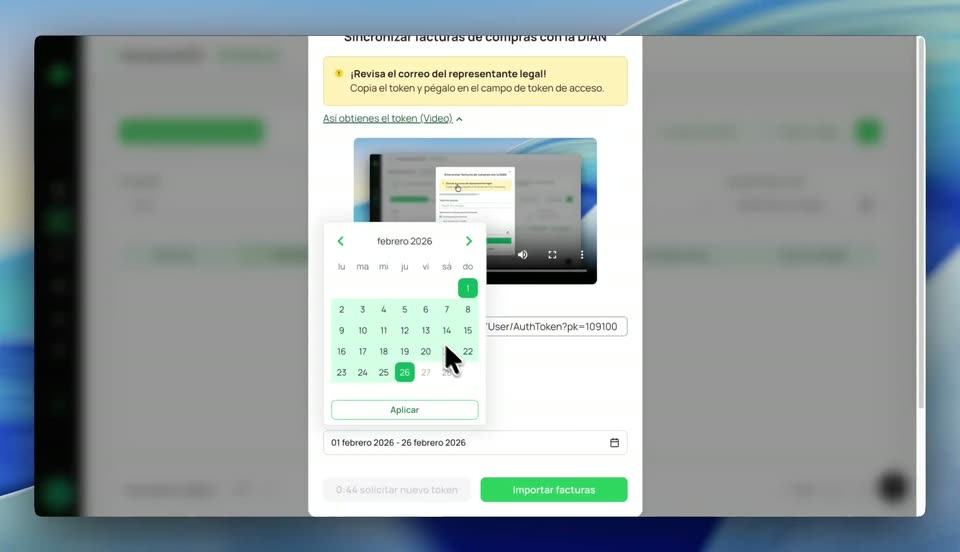 0:47–0:55Cifrato · Demo CifratoA flat capture of a sync modal over a blurred dashboard: the cursor pastes a token URL, opens a February 2026 calendar to set the range, then clicks Import. The modal closes to reveal an invoice list with a spinner.
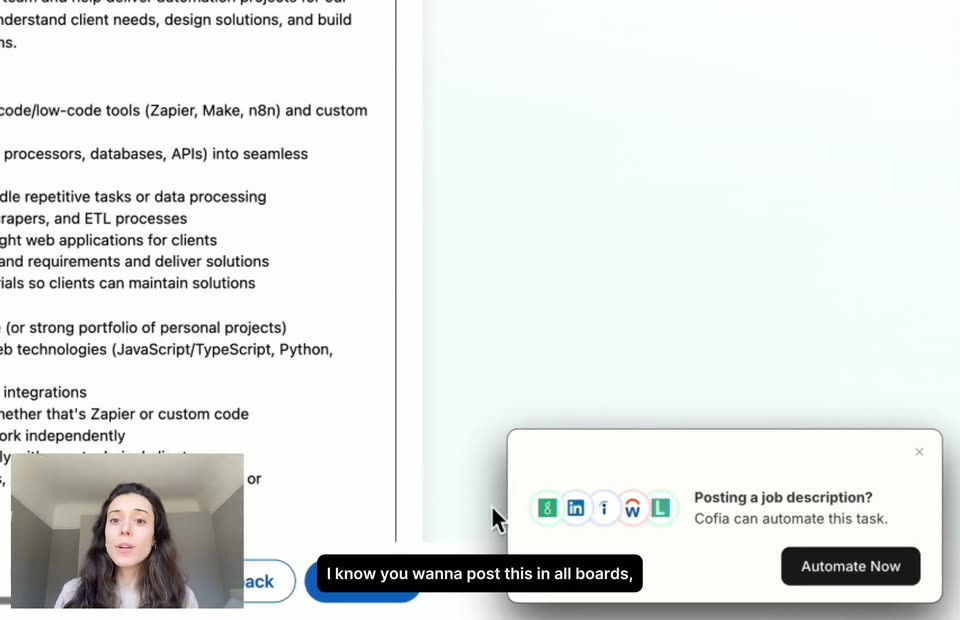 0:51–0:56Cofia · Introducing CofiaA screen capture of a job posting form; a white card on the right offers to automate posting, with a small webcam video of a woman in the lower left. The cursor glides to the black Automate Now button and clicks it as captions swap at the bottom.
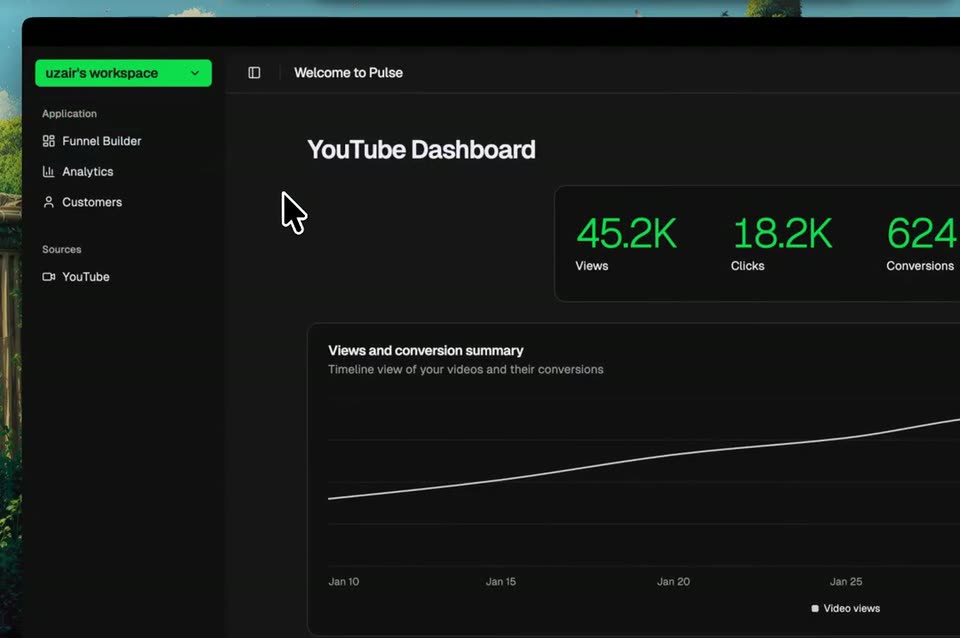 0:31–0:36Pulse · Pulse App - Psst, dark mode is here. If you're running youtube lead gen offers,A dark YouTube dashboard fills the screen. The view starts tight on a views-and-conversions table, a cursor opens the workspace dropdown, then the frame zooms out to reveal the full layout: a stats row, a line chart, and a strip of top converting video thumbnails.
 1:09–1:11Anthropic · Claude - Introducing Cowork and plugin updates that help enterprises customizeA close-up of a chat input box holding a long typed prompt; a hand cursor clicks the green send button, then the view pulls out to the full conversation as the assistant's reply types in.
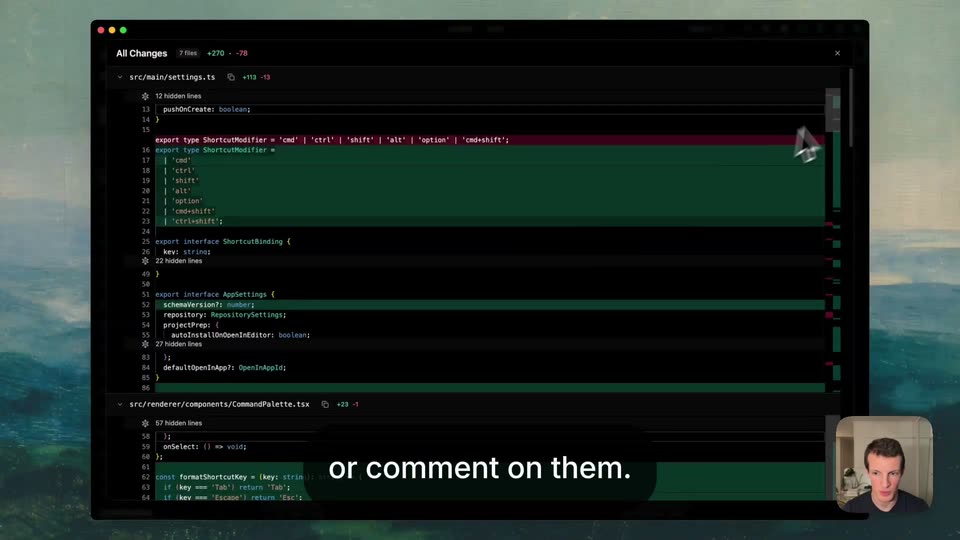 0:39–0:41Emdash · Y Combinator - .@emdashsh is building an open-source Agentic Development EnvironmentA dark editor window shows a diff view with green and red highlighted code lines. A white cursor glides over the code while a small webcam feed of a man sits in the corner. White captions at the bottom change from edit them, revert them to comment on them.
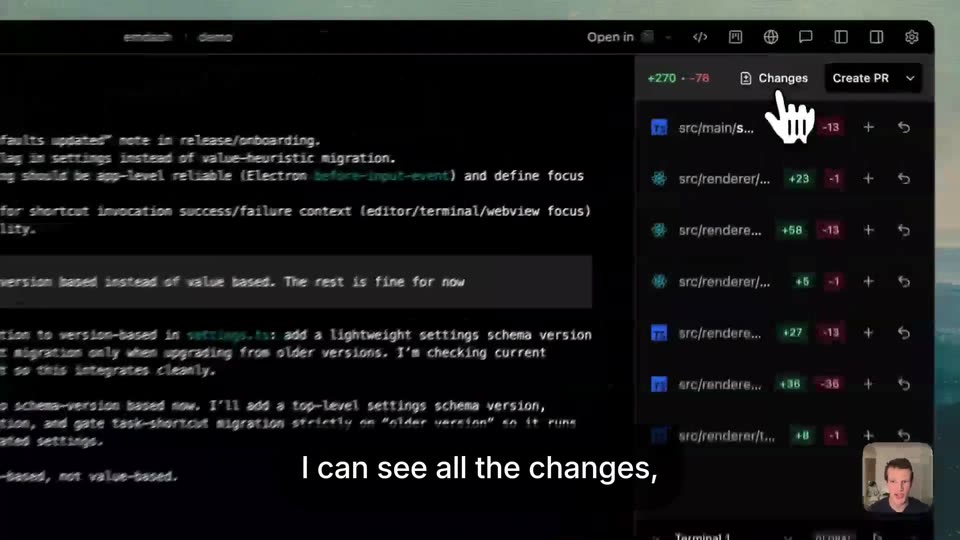 0:36–0:37Emdash · Launch Emdash (YC W26)A dark code editor fills the frame: a file sidebar, a code panel, and a changes list with green and red diff counts. A hand cursor points at the list, then the view zooms toward the top-right corner. A small webcam window of the speaker sits bottom-right.
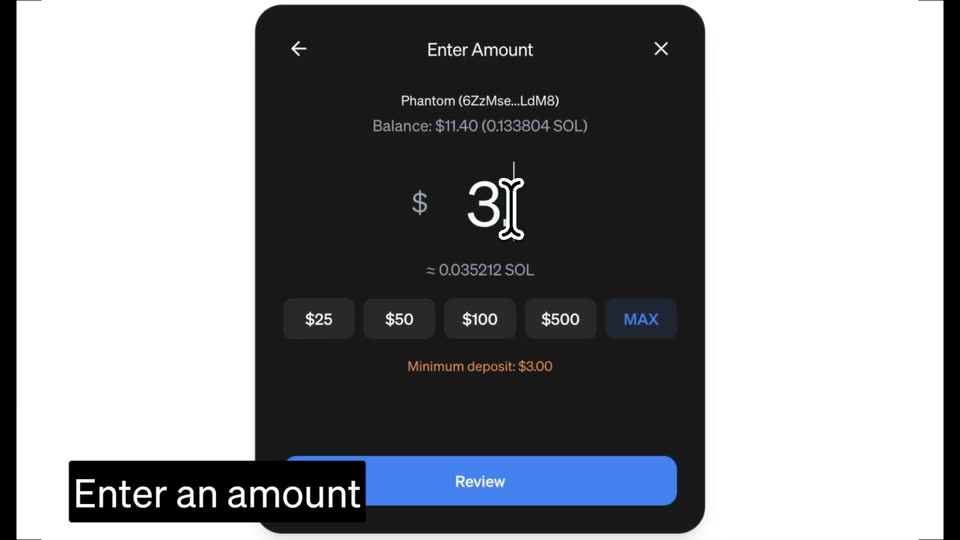 0:28–0:30Unifold · Unifold - Universal Deposit InfrastructureA dark deposit modal sits on a white field. The amount field counts up from 0 to 3.1 while a hand cursor hovers the blue Review button. Black caption boxes stack at the lower left, first about skipping copy and paste, then about entering an amount.
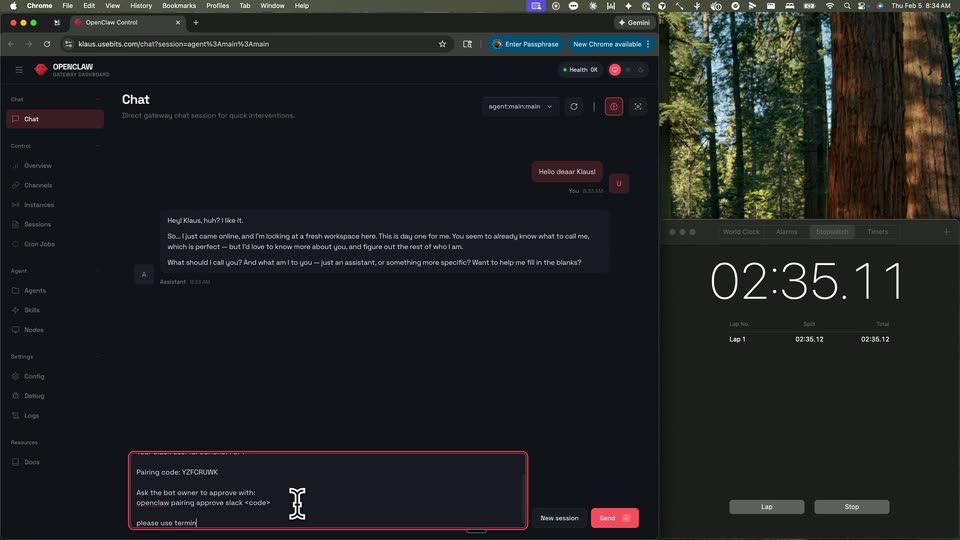 0:36–0:40usebits_inc · Y Combinator - OpenClaw is a new viral and scarily effective virtual assistant. ButA locked-off split screen shows a dark chat interface on the left and a stopwatch over a forest photo on the right. In the chat, a red-outlined input box fills line by line with a pairing code while a cursor sits inside it, and the stopwatch counts up.