Cursor demo
A visible cursor operates the interface.
14,960 scenes · page 223 of 250
 2:44–2:47Discord · Introducing the NEW Discord Game OverlayA black rounded control bar with mic, headphone, camera, Go Live, megaphone and red end-call icons floats over a dimmed, slowly panning game map. A white cursor rests on the highlighted Go Live button, its tooltip shown above, while green and gray status labels line the bottom.
 1:39–1:40Butter · Pig Official LaunchA browser window displays the Pig app's Machines page on a white background, with a Piglet Machine card and an Add New Machine card. A pink cursor with a white arrow hovers in the empty area to the right, drifting a few pixels between frames.
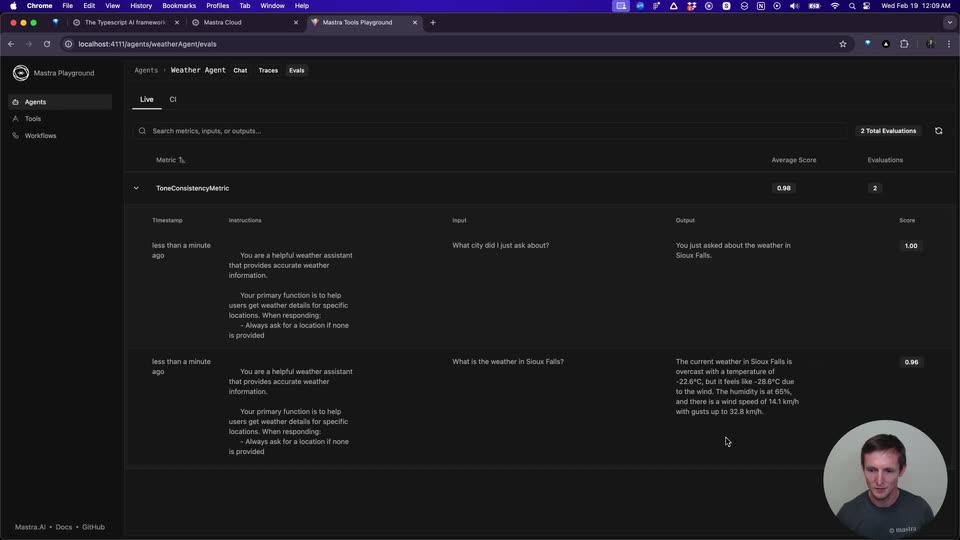 2:41–2:49Mastra · Mastra Demo - The Typescript AI Agent Framework (2024)A dark web app fills the frame, with a circular webcam of a man in the corner. The cursor clicks Evals and the chat panel swaps to an evals table; a metric row expands into two scored entries, then the frame blurs into a zoom.
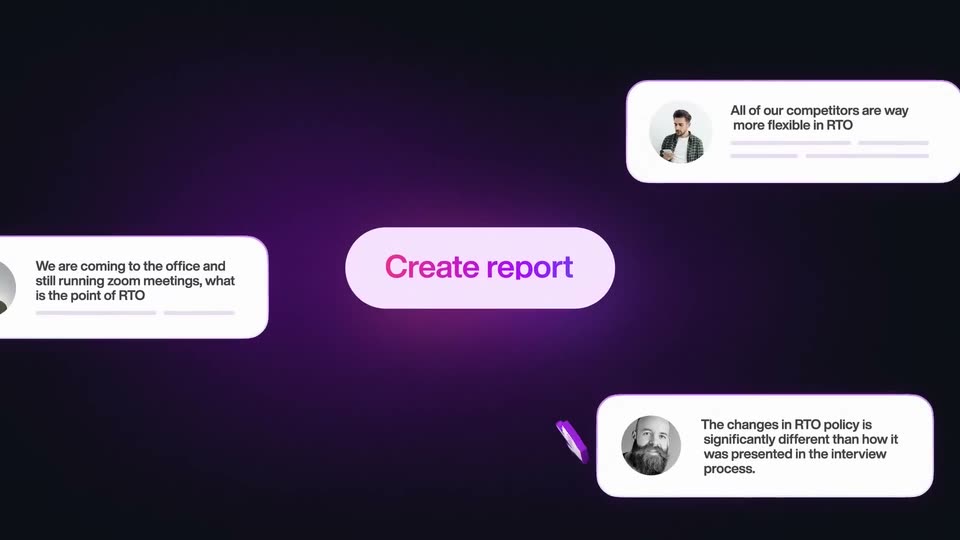 1:28–1:34Teamble · Best SaaS Product Demo Video | TeambleOn a dark purple gradient, a white pill card labeled Teamble AI insights expands to show a summary line. Quote cards with headshots stack below, then spread aside as a Create report button appears. A cursor clicks it; the screen clears to a checkmark in a white circle.
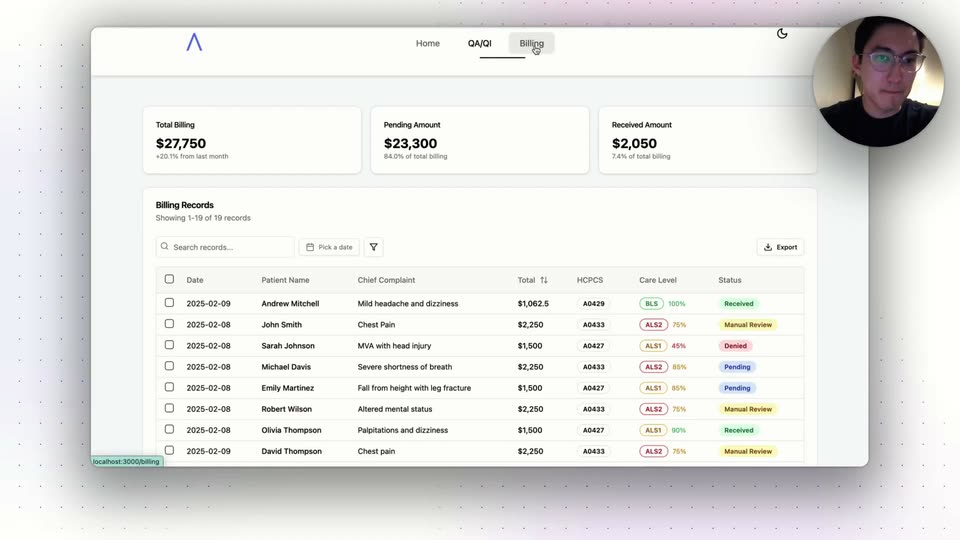 2:07–2:08Amby Health · Amby Health YC LaunchA Quality Review Dashboard table fills a browser frame, with a circular webcam self-view in the top corner. A report panel ghosts in over the table, then dissolves as the cursor moves to the Billing tab.
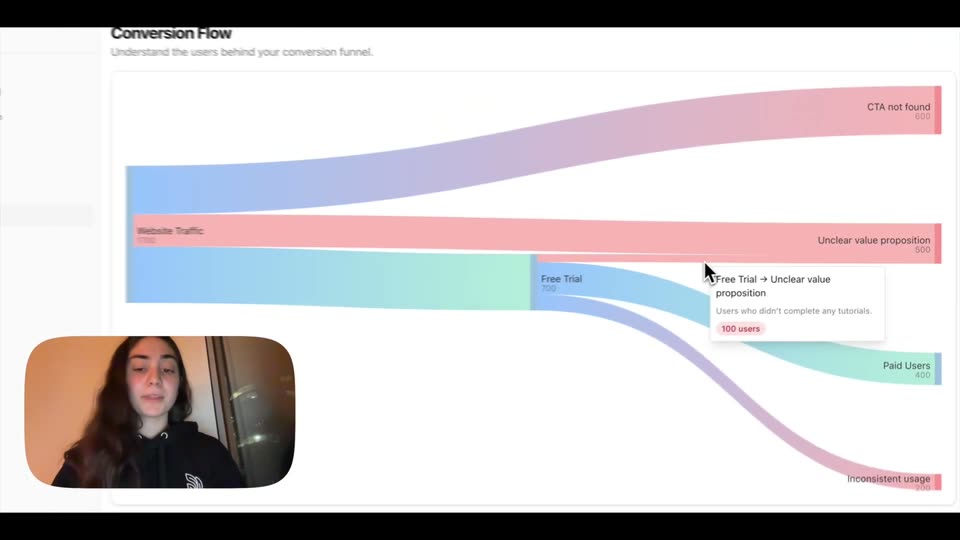 2:00–2:30Cedar · Cedar Demo 🌲A Sankey funnel in a white dashboard shows blue, teal, and pink flow bands. A cursor hovers over the bands, popping white tooltip cards with user counts as the view zooms out and back in. A presenter's webcam sits in a rounded box at bottom left.
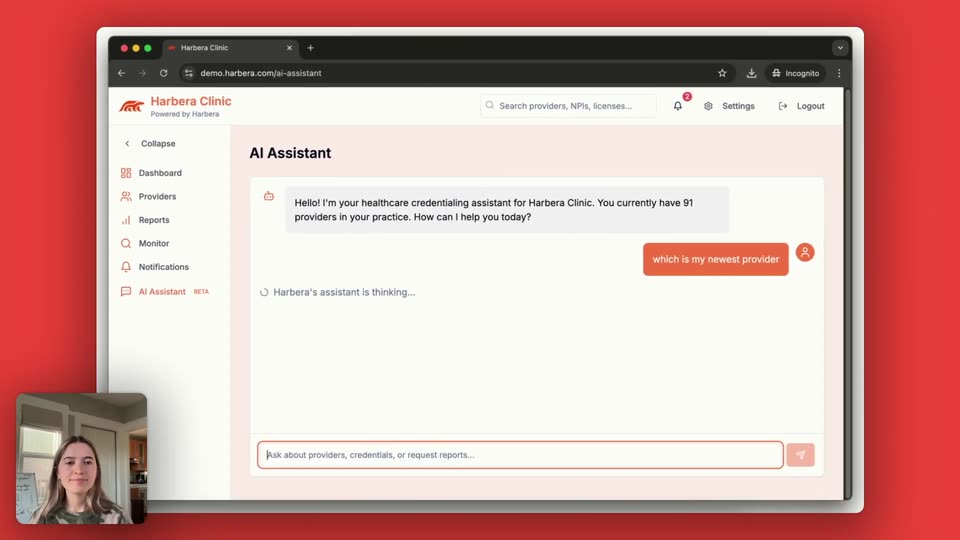 1:21–1:31Harbera · Launch YC: HarberaA flat browser window on an orange background shows the AI Assistant chat, with a webcam inset of a presenter in the lower-left. The view zooms into the input field as a question is typed, then back out as the reply appears. The cursor hovers over the View Profile link.
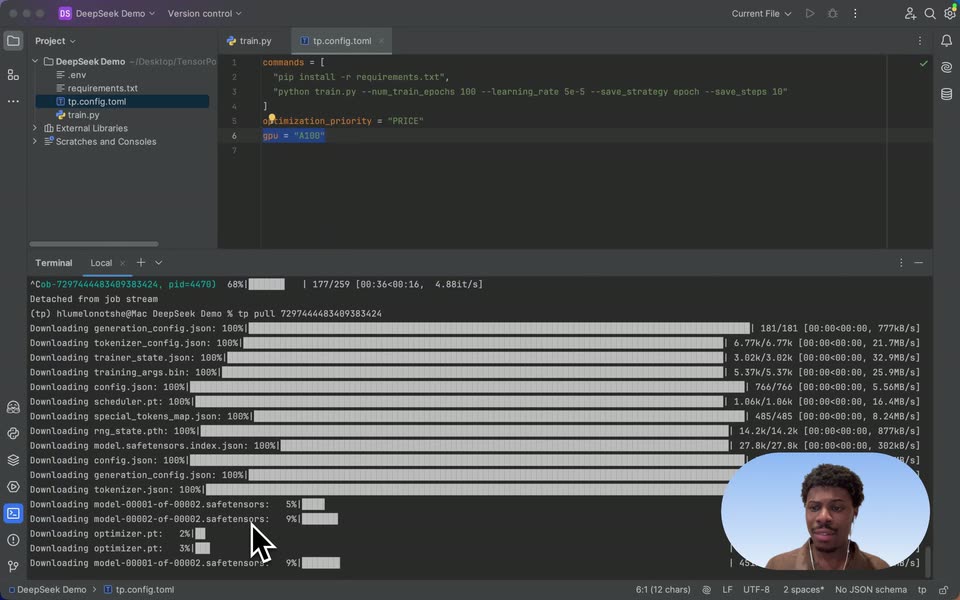 2:05–3:10TensorPool · TensorPool (W25) - The Easiest Way to Access GPUsA dark code editor fills the frame with a terminal panel below. The terminal streams live training progress lines climbing from 43% to 68%, then a typed pull command fills it with file download bars. A circular face cam of a speaking man sits in the lower right corner.
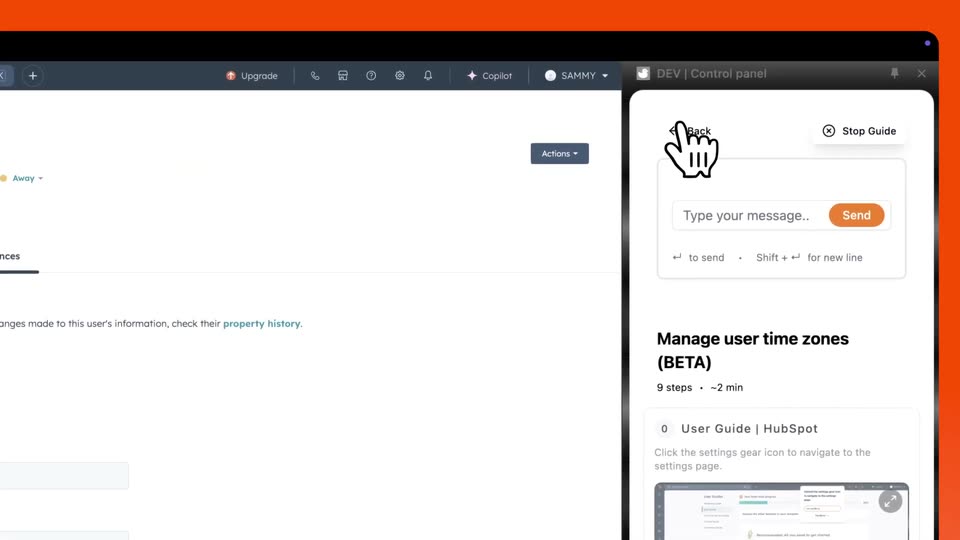 1:22–1:23SAMMY Labs · SAMMY Labs - Product TourA screen recording of a dashboard with a guide panel on the right. A cartoon hand cursor hovers over the Back button while the view zooms out slightly, revealing an orange frame around the interface.
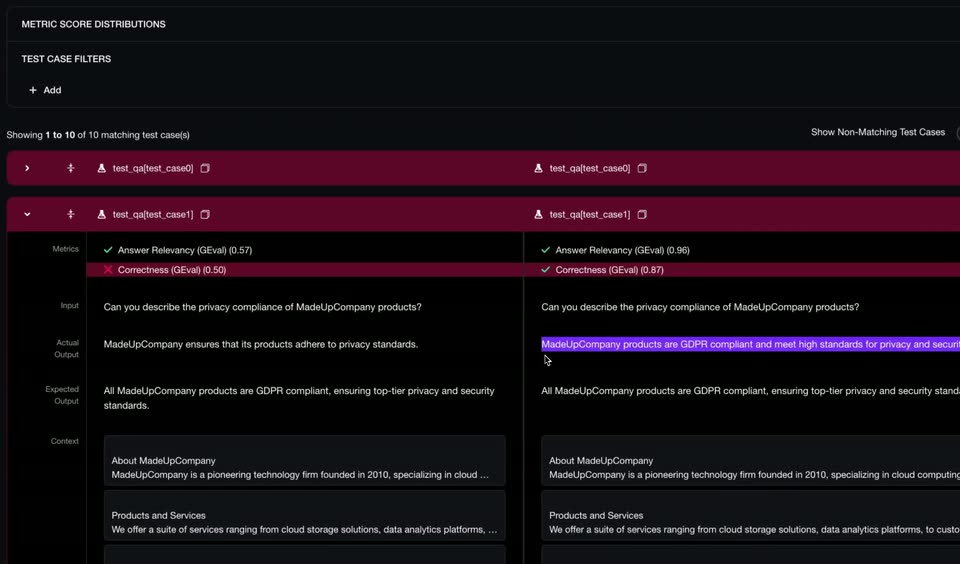 1:08–1:16Confident AI · Confident AI Launch YCA dark test-comparison interface floats over a teal-and-pink gradient glow. The case list scrolls to a second row, then the view zooms into the two output cells, where the differing sentences get a purple highlight, and finally pulls back to the full screen.
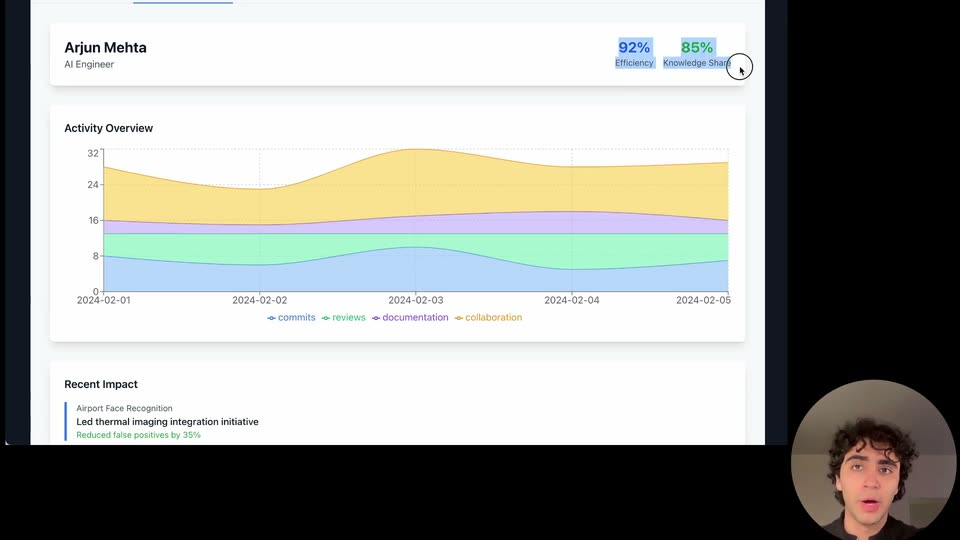 1:03–1:19Peppr AI · Peppr AI Demo VideoThe CASPR dashboard scrolls down past a stacked area chart as the cursor hovers dates, popping tooltips of commit and review counts, then highlights the Recent Impact heading. A circular webcam of the presenter stays in the bottom right corner.
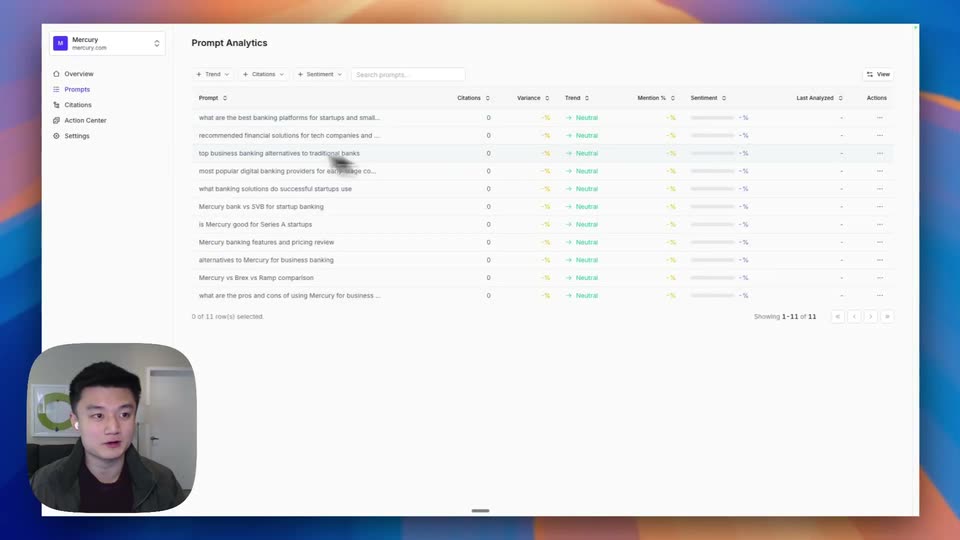 1:00–1:09AthenaHQ · AthenaHQ with Andrew, Co-Founder and CEOA white analytics table fills with prompt rows as a cursor glides across them, a small webcam window of a man sits bottom-left. The cursor clicks Overview, swapping the table for a dashboard of metric cards and a line chart.
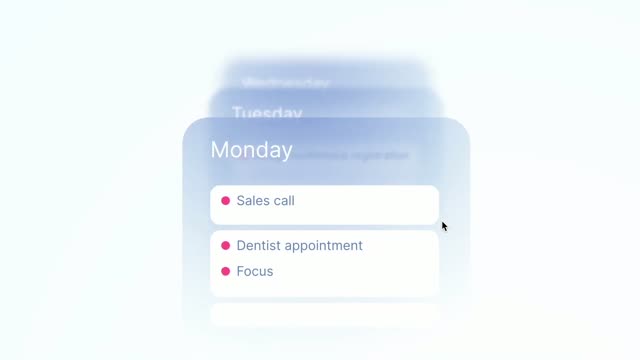 1:09–1:11Rive · Feathering AnnouncementStacked frosted-glass day cards shift in depth on a pale blue background. The Monday card with task rows slides forward while Tuesday and Wednesday blur behind, and a cursor arrow hovers near the right edge.
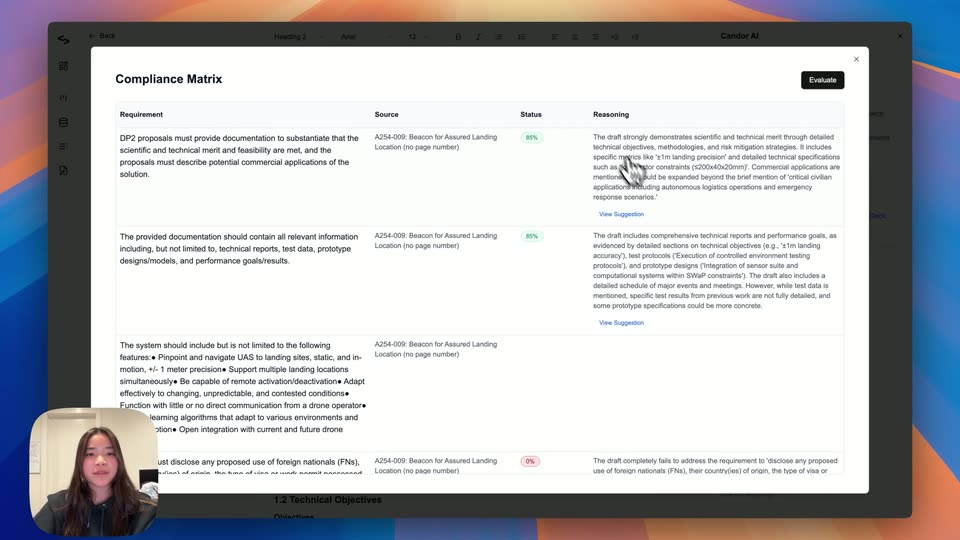 2:21–2:32Candor · Candor (YC W25) Demo || Win Government Funding With AIA screen recording of a document editor's Compliance Matrix. The cursor clicks Evaluate, and 85% and 0% badges with reasoning text fill the rows. The cursor clicks View Suggestion, opening a Suggested Changes card, and the view zooms in on it. A small webcam window sits in the corner.
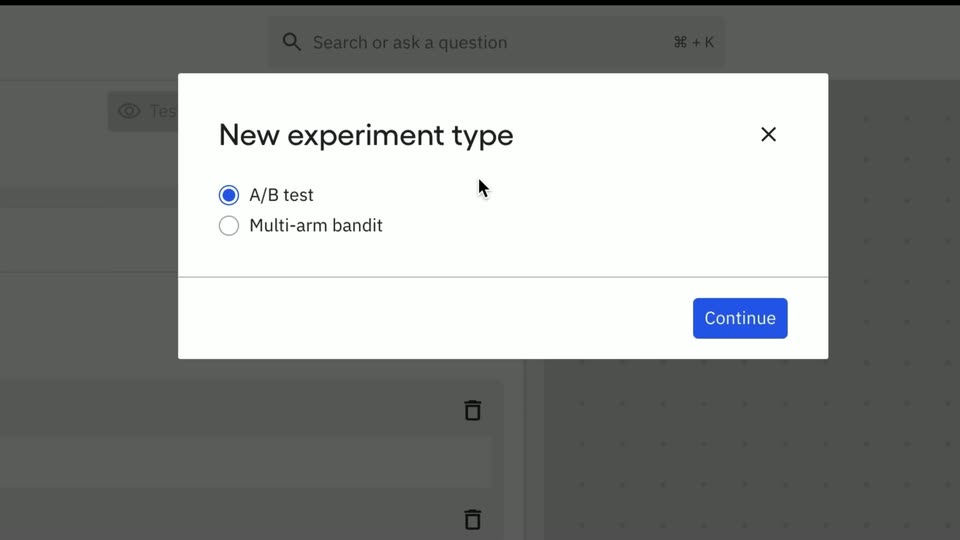 2:08–2:12Amplitude · Amplitude Guide and Survey OverviewA white modal titled New experiment type zooms out to center over a dimmed dashboard, A/B test selected and Continue button at the lower right, while a cursor drifts across the card.
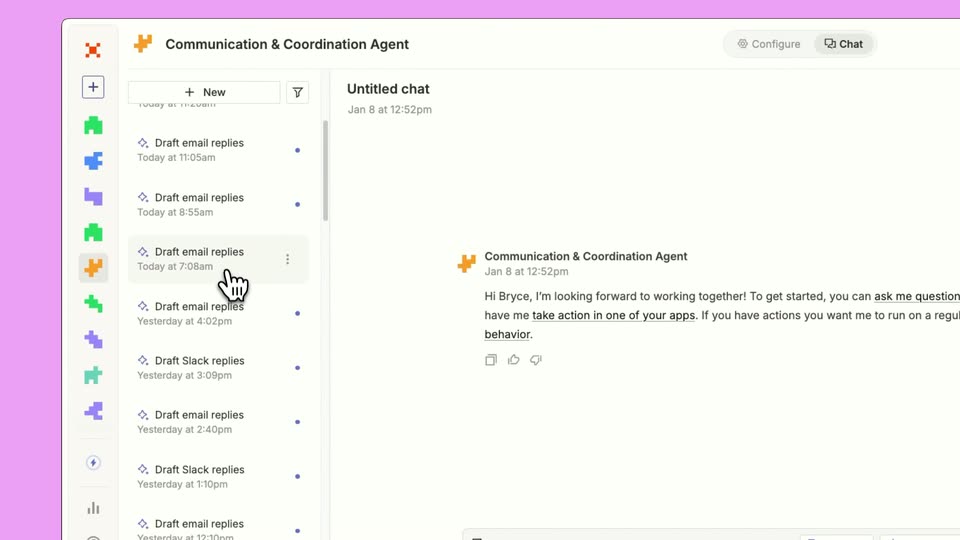 0:40–0:42Zapier · Introducing Zapier Agents: The Future of Automation is Here!A chat agent interface sits on a pink gradient. A cursor travels down the sidebar list of draft replies and clicks one entry. The chat pane then refreshes to a new thread showing gray skeleton loading bars.
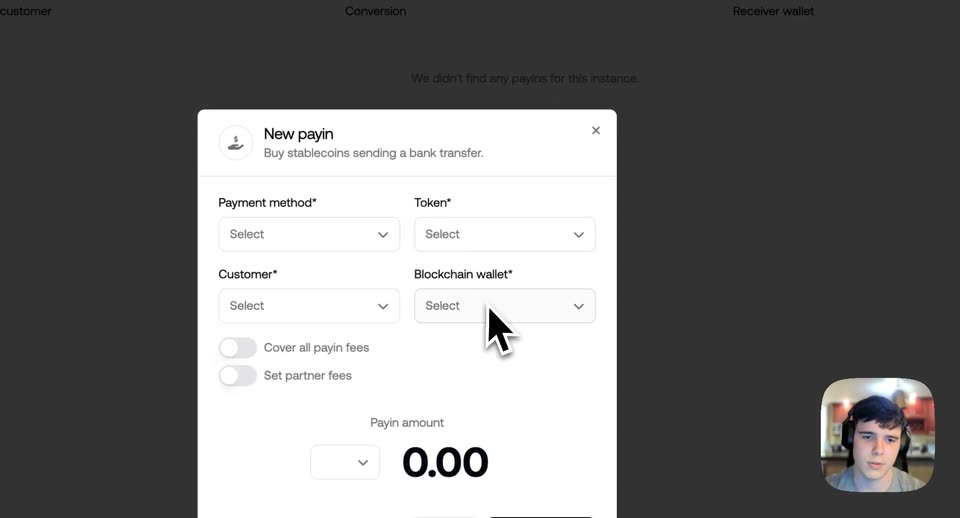 1:05–1:13BlindPay · BlindPay - DemoA screen recording zooms into a New payin modal on a dimmed dashboard. A hand cursor opens the Payment method dropdown, hovers ACH, Domestic Wire, Pix and SPEI, then opens the Token dropdown with USDC and USDT. A man with headphones appears in a webcam window at the bottom right.
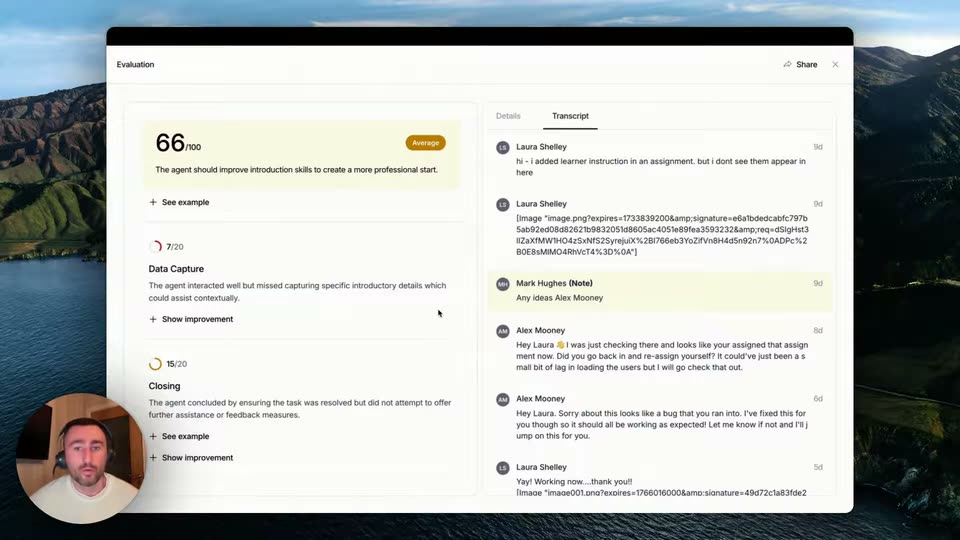 2:10–2:35Solidroad · Solidroad YC Launch DemoA flat front-on view of an evaluation dashboard on a desktop screen. The left panel scrolls down through scored skill categories while the right panel holds a static chat transcript. A cursor drifts across the transcript; a circular webcam self-view of a man with headphones sits bottom-left.
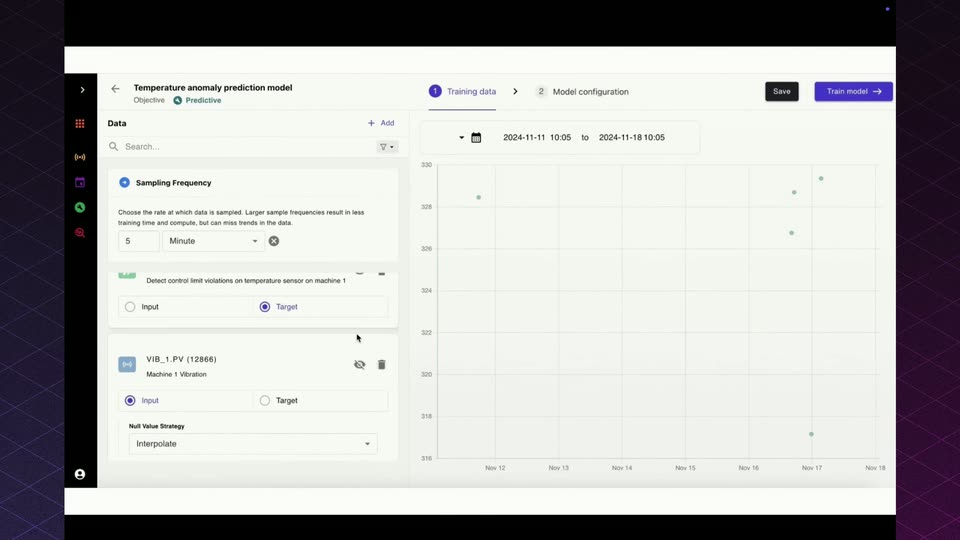 1:39–1:47Vortexify · Praxis AI LaunchA predictive-model interface shows a configuration panel on the left and a data chart on the right. A cursor scrolls the sensor cards and clicks tabs as the chart redraws from scattered dots into a red line.
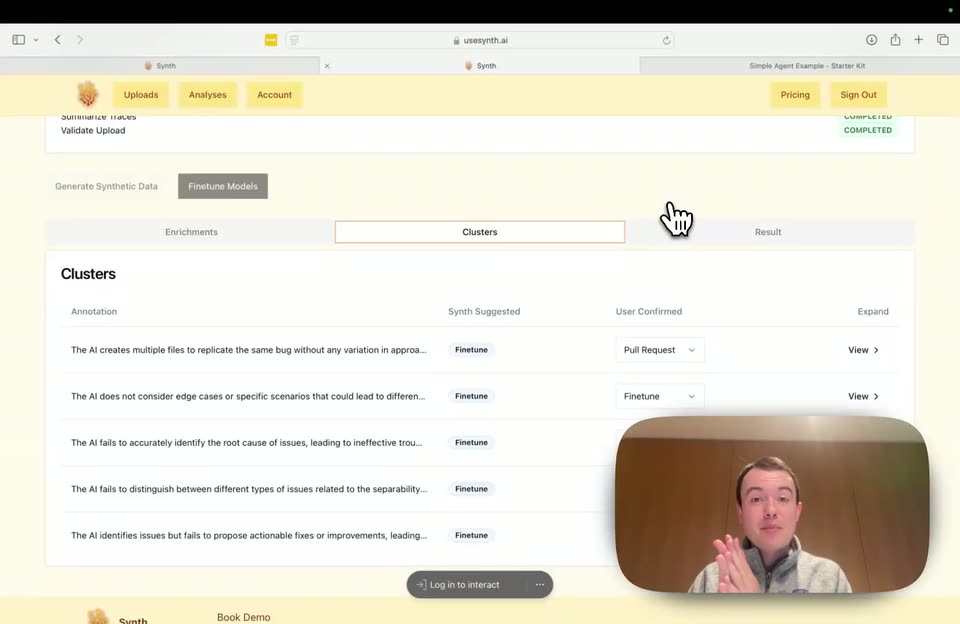 2:24–2:30Synth · Synth AI YC LaunchA cream-toned browser window shows the Synth interface on the Clusters tab, with a table of annotation rows and a hand cursor hovering by the tab. A rounded webcam inset in the lower right shows a man in a grey jacket talking and gesturing.
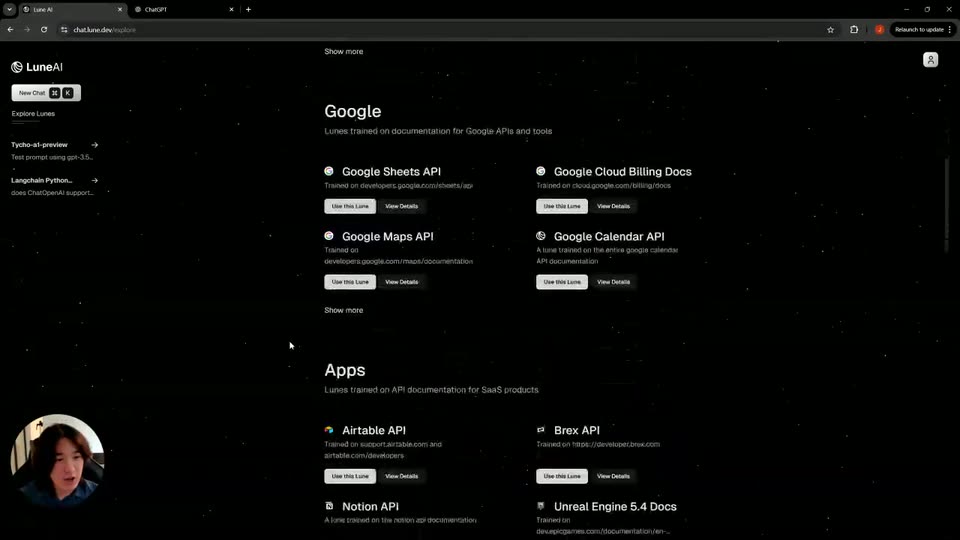 2:48–2:54Endstack · Lune AI DemoA dark web app page titled Explore Lunes scrolls down through two-column card lists of API docs and GitHub repos, with a small webcam feed of a presenter in the lower-left corner. The cursor moves to the top-right avatar and opens a user menu dropdown.
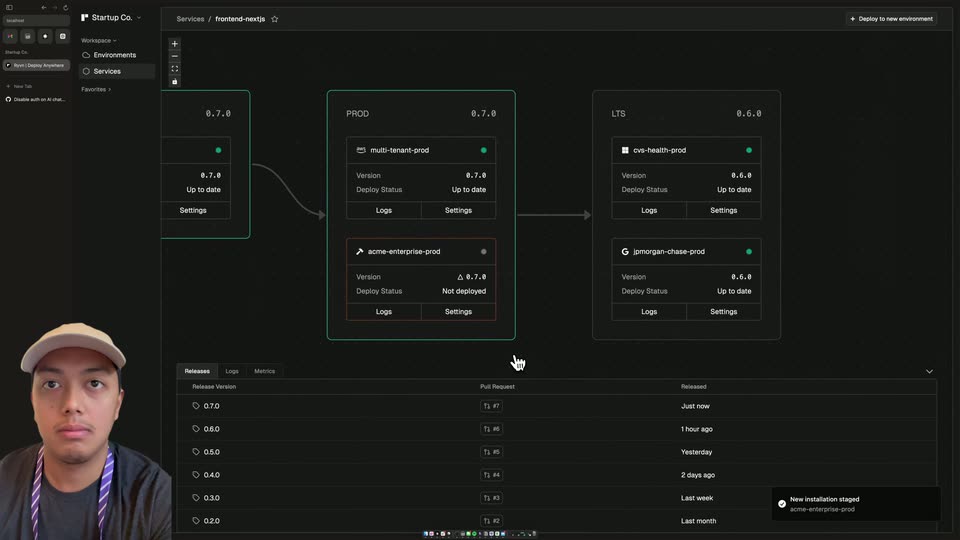 0:46–0:48Ryvn · Ryvn | On-prem deployments, without the stressA dark deployment board shows PROD and LTS environment cards with service tiles. A cursor hovers the Stage environment button inside a deploy dialog, then the dialog closes. A small webcam feed of a presenter in a cap sits in the lower left corner.
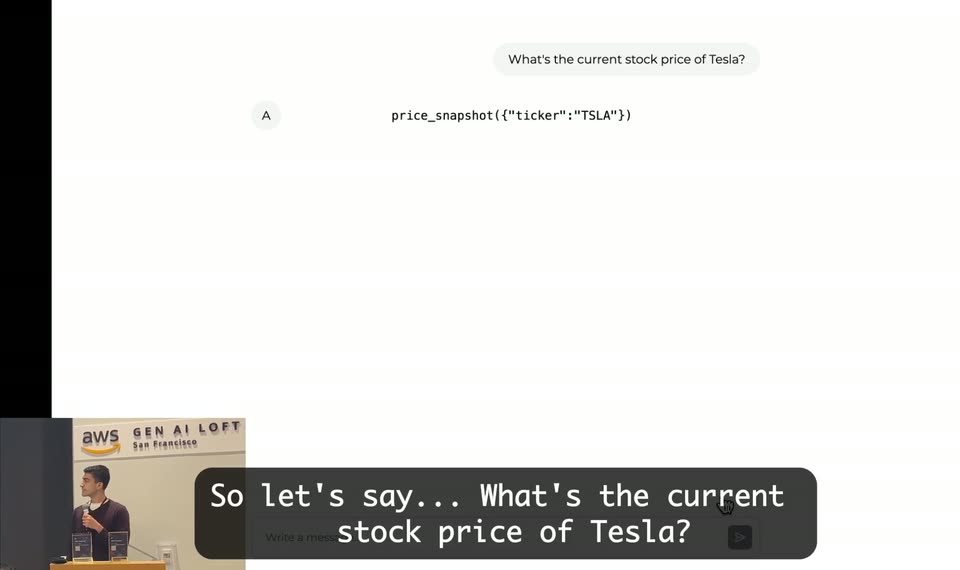 1:16–1:20assistant-ui · assistant-ui | AWS GenAI Loft DemoA white chat interface shows an assistant greeting and three question chips; a cursor taps the Tesla chip, the question posts as a bubble, and a TSLA stock card appears. A small inset of a podium speaker sits bottom left under a caption bar.
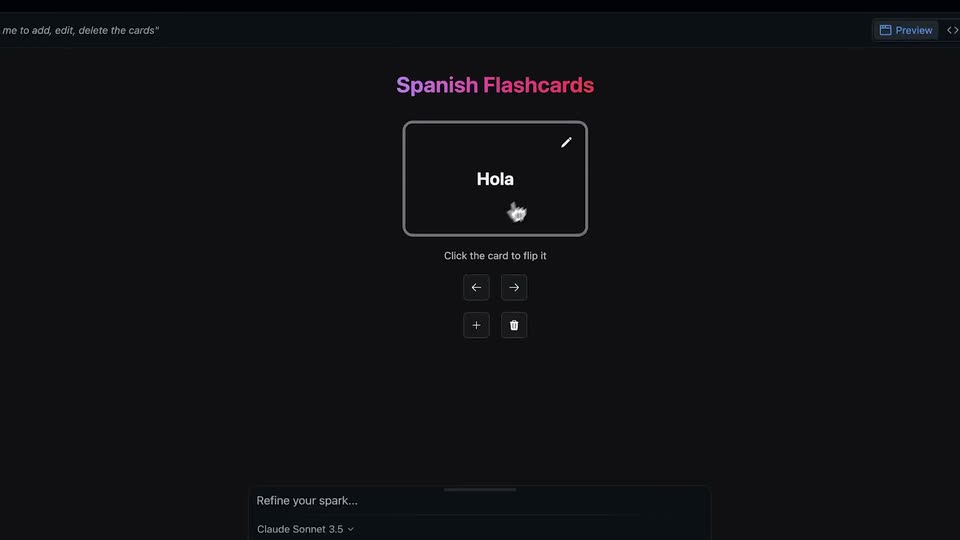 0:40–0:41GitHub · What is GitHub Spark? Introducing a brand new way to build powerful, AI assisted applicationsThe GitHub Spark preview zooms in on a dark flashcard app, centering a single card that reads “Hola” with an edit pencil icon. A cursor hovers at the card's top-right corner as the framing tightens on the card and its control buttons.
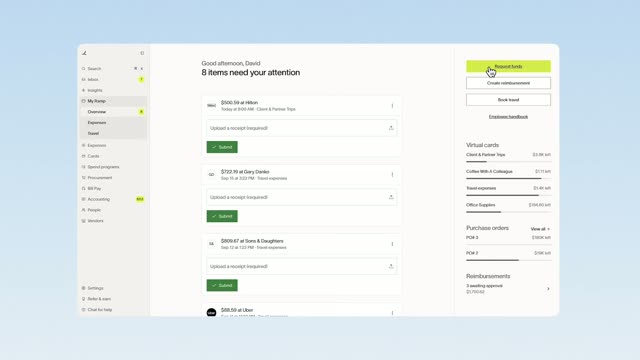 1:15–1:17Ramp · Meet Ramp: A smart finance operations platform that saves you time and moneyA tilted Ramp dashboard mockup rotates flat toward the camera against a pale blue backdrop, then a cursor glides to the yellow Request funds button and presses it.
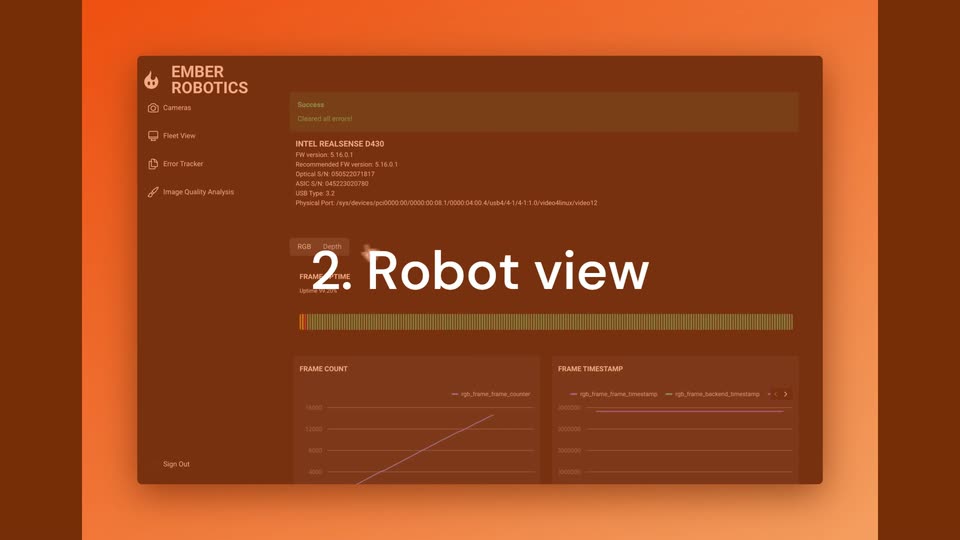 0:44–0:47Ember Robotics · 🔥 Introducing Ember Assistant 🔥- Robotics Camera System Assistant!A flat Ember Robotics dashboard sits on an orange gradient behind a locked white caption. A hand cursor clicks the file button, the warning banner flips to success, then the cursor taps Fleet View, swapping the panel to a robot status grid with a small robot icon.
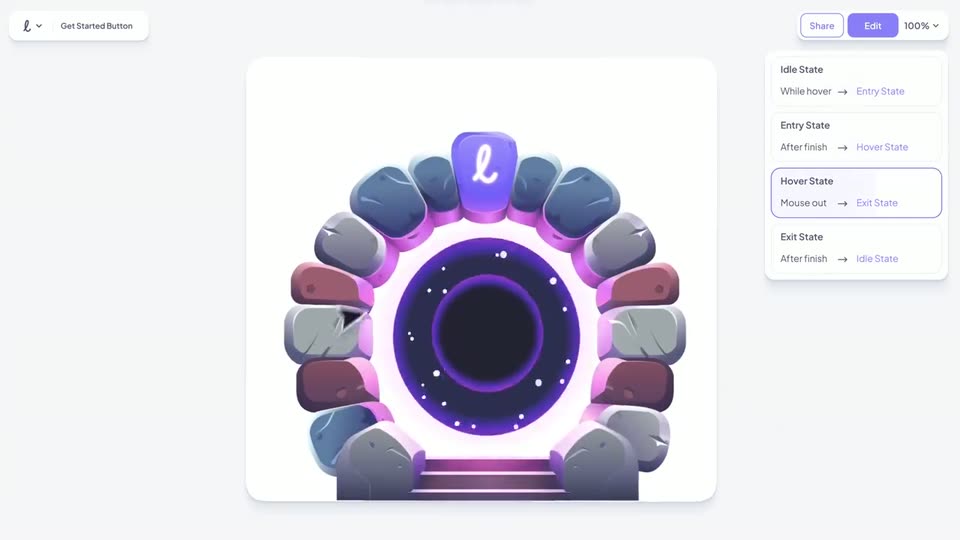 0:40–0:42Lottielab · Lottielab - Interactivity is now live on Lottielab. 📣A 3D ring of stone blocks forms a glowing portal in the editor's white canvas, topped by a purple logo button. The portal morphs between closed and open states as the side panel highlights Entry then Hover, with a cursor resting at the left edge.
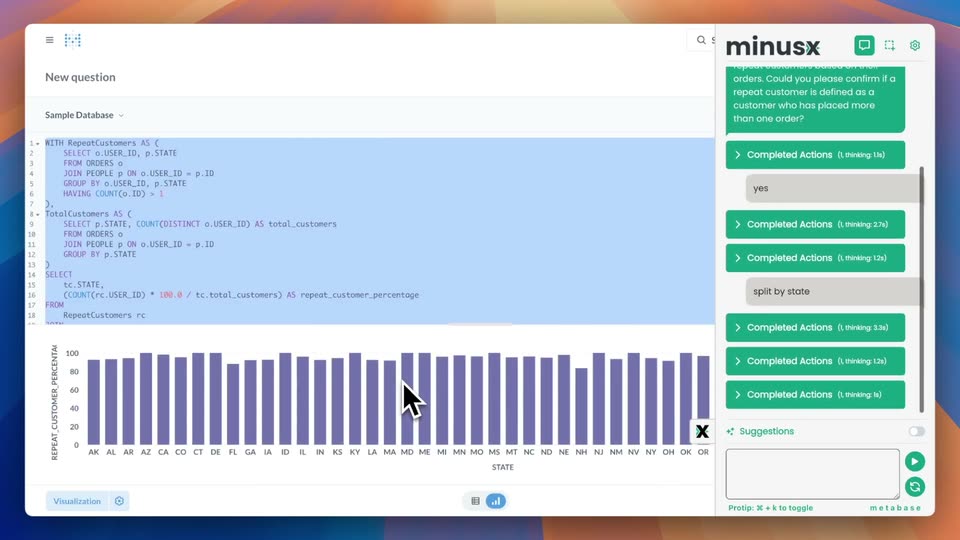 0:51–0:57MinusX · MinusX: AI Data Scientist for Jupyter and MetabaseA product screen splits into a SQL notebook on the left and a chat panel on the right. The query text rewrites itself, the result flips from a large number to a state bar chart, and the chat stacks green action blocks as a cursor types a new prompt.
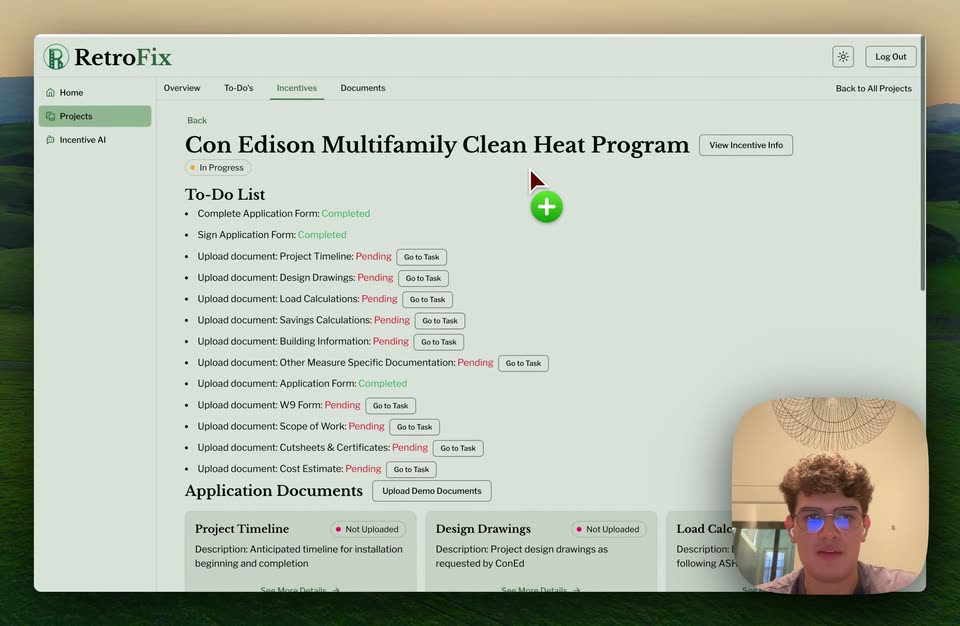 1:42–1:54RetroFix · RetroFix Product DemoThe cursor navigates the RetroFix app: from the signed application PDF to a file browser, then a To-Do list and a grid of document cards, ending on the W9 Form card. A webcam feed of the presenter sits bottom-right.
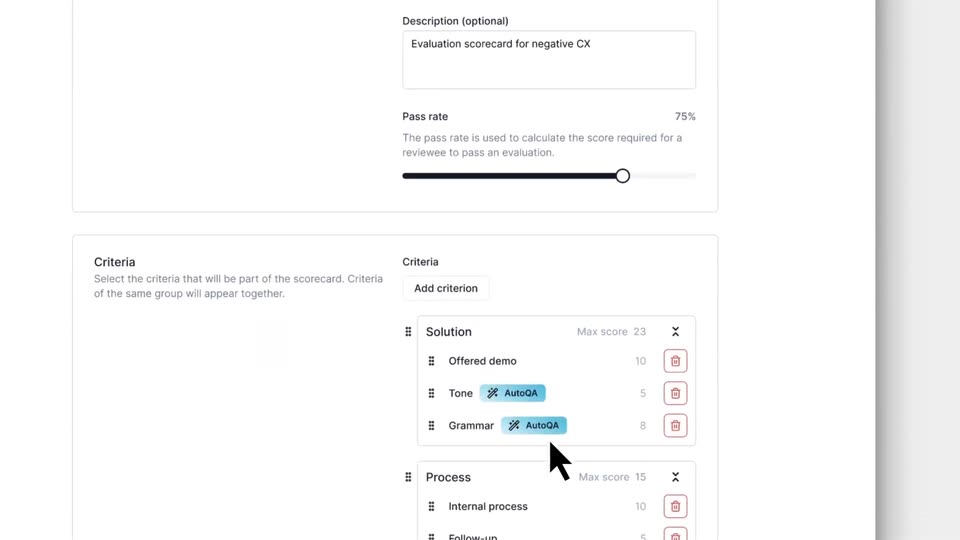 0:41–0:47Intryc · Intryc YC Launch videoA scorecard editor screen opens full-frame, then zooms into the details card as the cursor hovers the name and description fields. The view scrolls down past the criteria groups, then pulls back to the full layout with a tooltip pointing at the AutoQA rows.
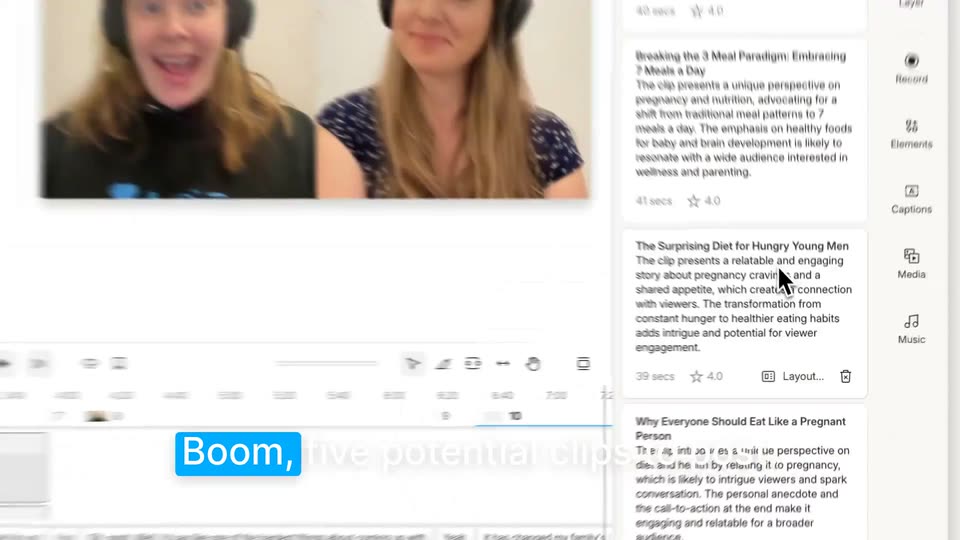 2:27–2:28Descript · Descript - Today, we're launching Descript's new AI assistant editor, Underlord.A video editor shows a preview clip beside a prompt panel; the cursor hovers over the panel and a column of five titled clip cards fills the right side, while large white captions type out along the bottom.
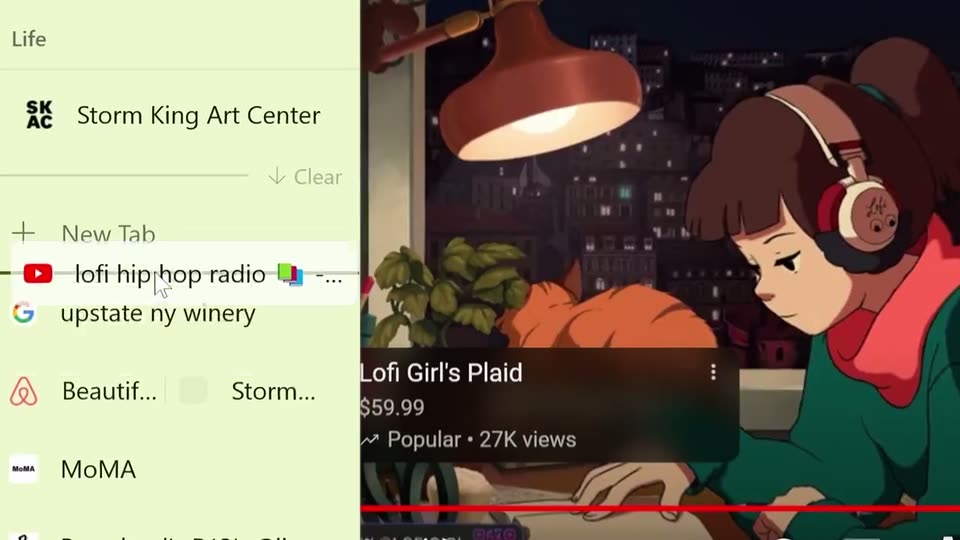 0:22 · 0.5sThe Browser Company · The Browser Company - Arc on Windows is finally here. No more waitlists, no more betas. DA pale green browser sidebar lists bookmarks and tabs while a cursor hovers a highlighted row that shifts up one place. The right pane holds a flat illustration of a girl in headphones at a desk under a lamp, with a dark product card showing a price and view count.
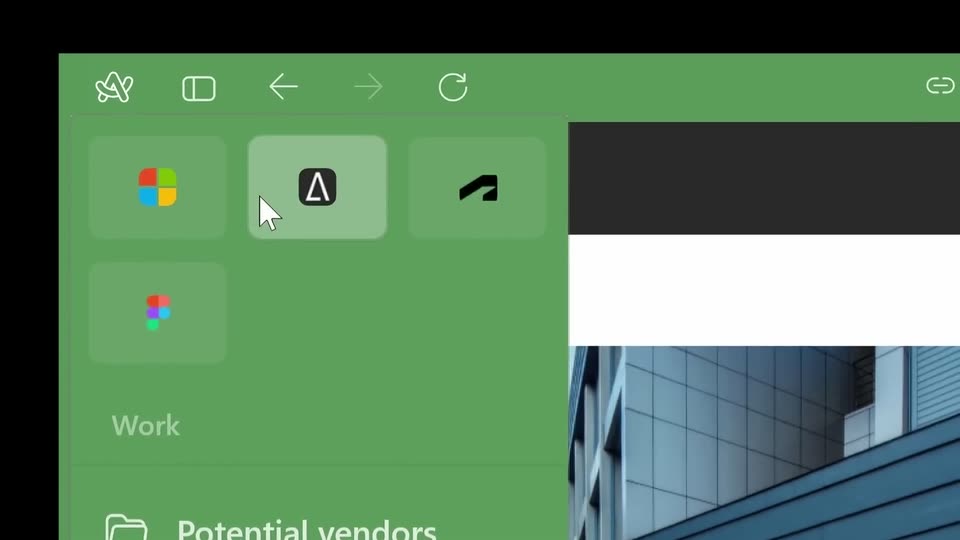 0:23–0:24The Browser Company · Arc on Windows. Download now.A green-tinted file browser panel with three folder icons and a hovering cursor fades in on the left, while a building photo with a dark and white bar sits on the right. The labels Work and Potential vendors slide into place.
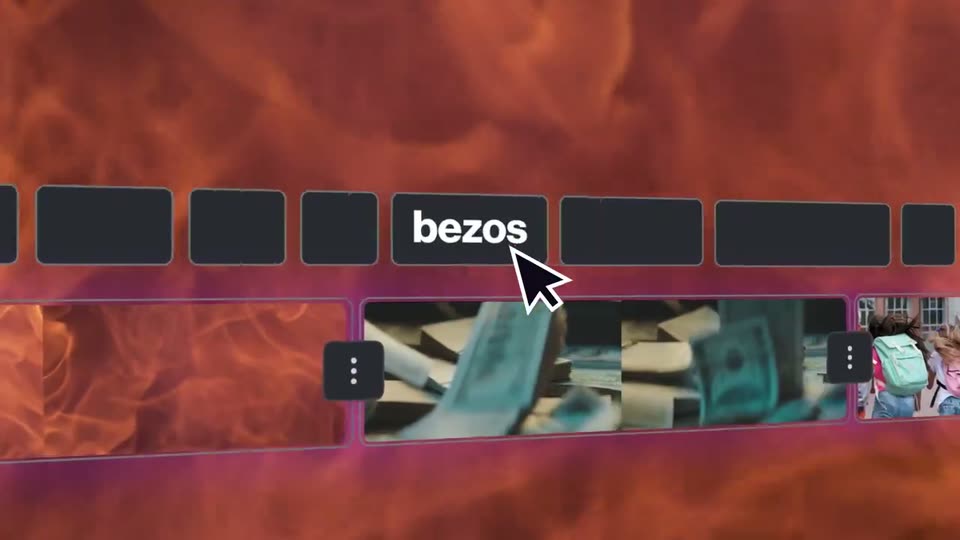 0:16 · 0.5sCaptions · Mirage - Introducing Captions for web. Video editing made simple, thanks toA dark horizontal clip strip scrolls left over a smoky orange background as a white cursor selects highlighted cells labeled billy then bezos, while a preview row of thumbnails updates below.
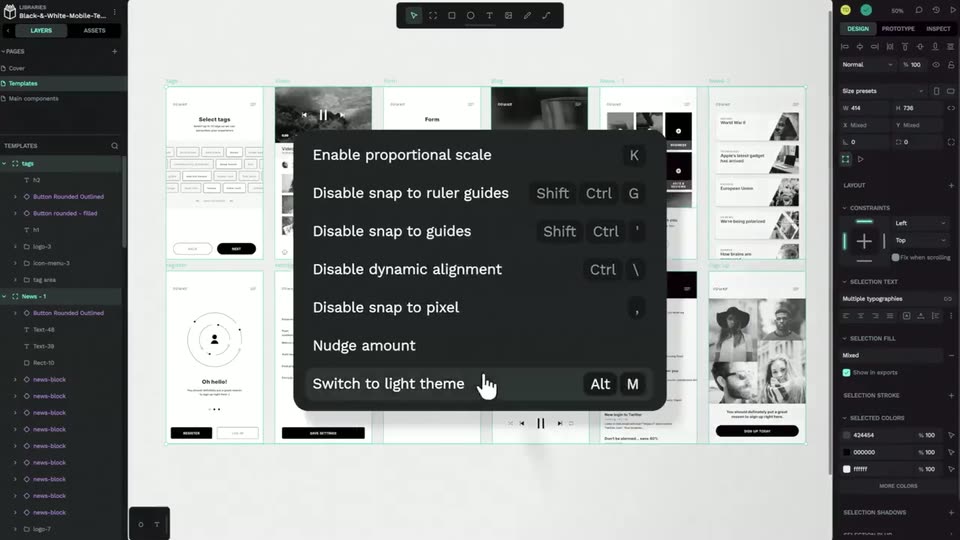 1:17–1:18Penpot · Penpot - 💥 Penpot 2.0 is now available! Explore & enjoy the unique featurA dark design canvas shows several mobile app frames. A black context menu opens in the center, its rows resolving from a blurred double into a crisp list, while a hand cursor hovers over the bottom option.
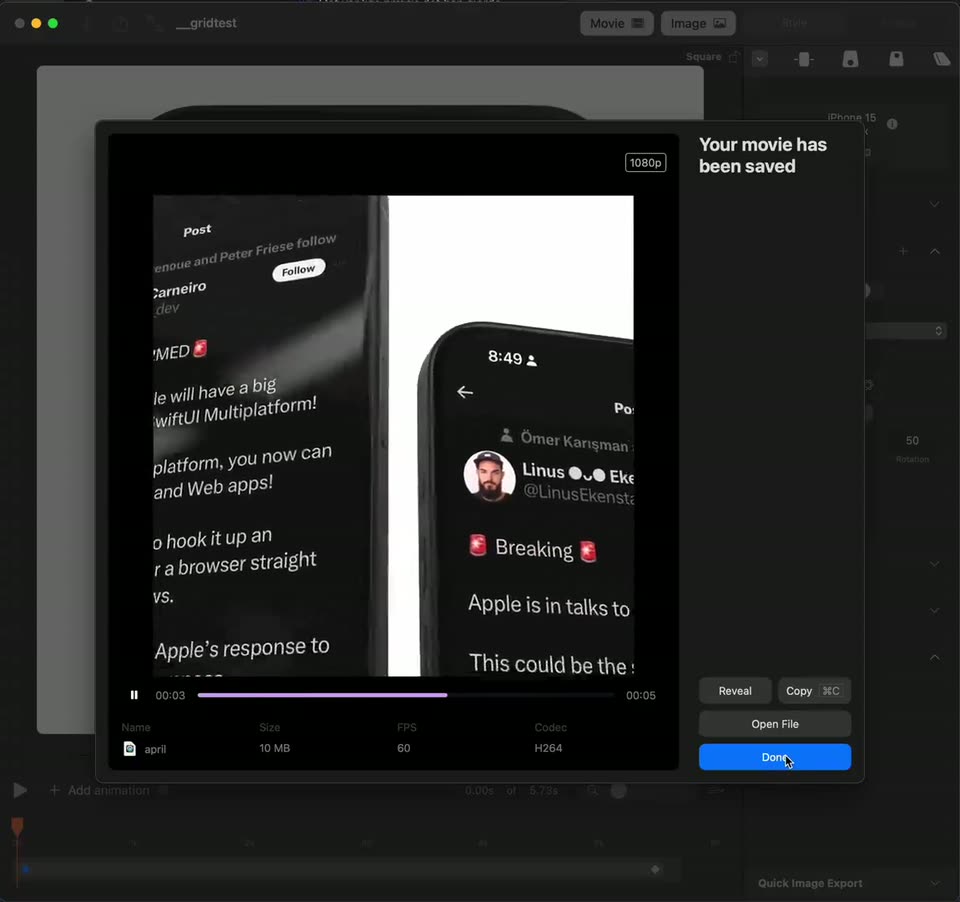 0:44–0:49Rotato · Morten from Rotato - Circles, half circles and grids rolling out to beta users soon:A dark app window holds a saved-movie dialog whose video preview plays phone mockups scrolling through social posts. A cursor drifts to the blue Done button and clicks, dismissing the dialog to reveal the canvas with a large phone mockup and a right-side properties panel.
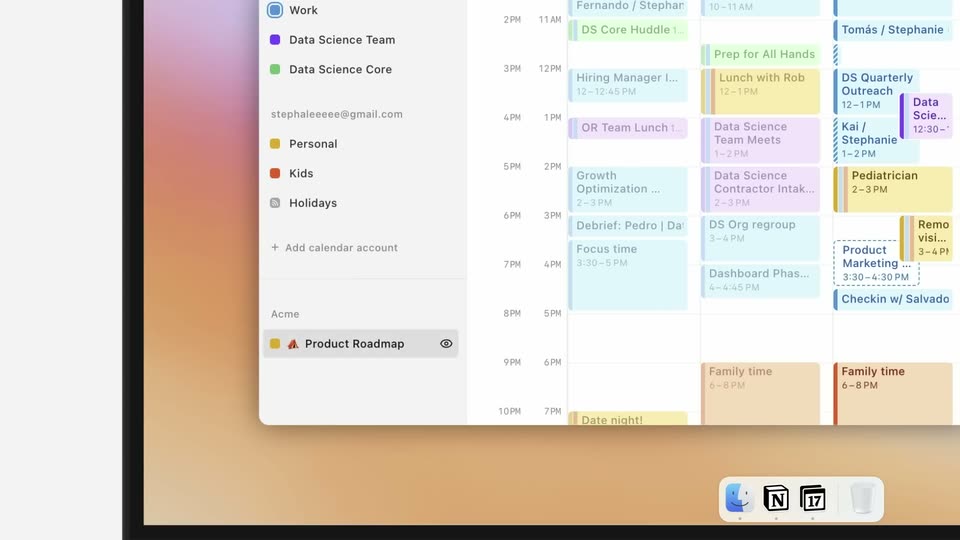 1:05–1:07Notion · Meet Notion CalendarA calendar window, angled in 3D, rotates to face the camera and pulls back to show the full app with its sidebar and week grid. A cursor hovers over the highlighted Product Roadmap entry.
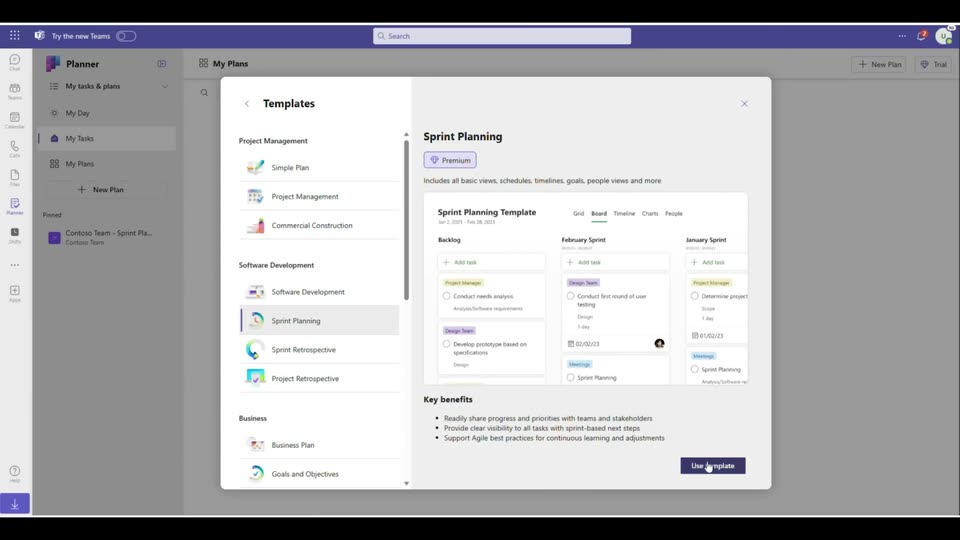 1:57–1:59Microsoft · Meet the new Microsoft PlannerA cursor clicks the Use template button in the Sprint Planning dialog. The dialog closes and a New Sprint Planning Premium plan form appears centered, with the cursor resting on the Create button.
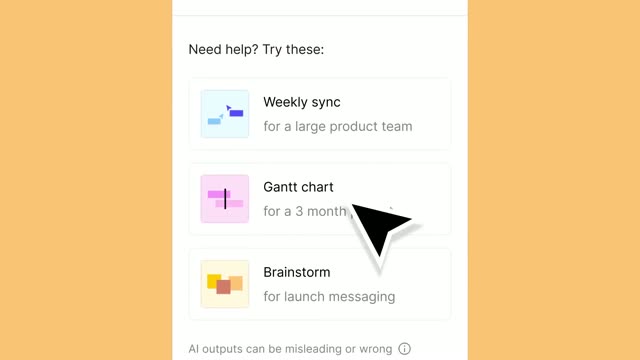 0:38–0:40Figma · Introducing FigJam AIA white product panel on an orange background lists three template cards: Weekly sync, Gantt chart, Brainstorm. A large black cursor slides in from the right and hovers over the Gantt chart card, which lifts with a shadow.
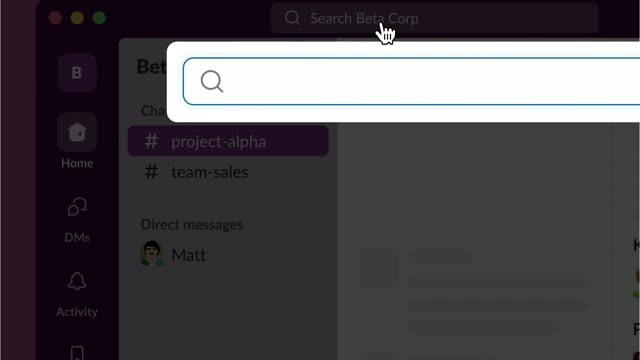 1:09–1:13Slack · Introducing canvas | A new surface to share and organize knowledge | SlackA flat Slack-style window sits on a pink background. A cursor clicks the top search bar, the view zooms in as a dropdown opens, and the word Technical is typed, revealing two matching suggestions below.
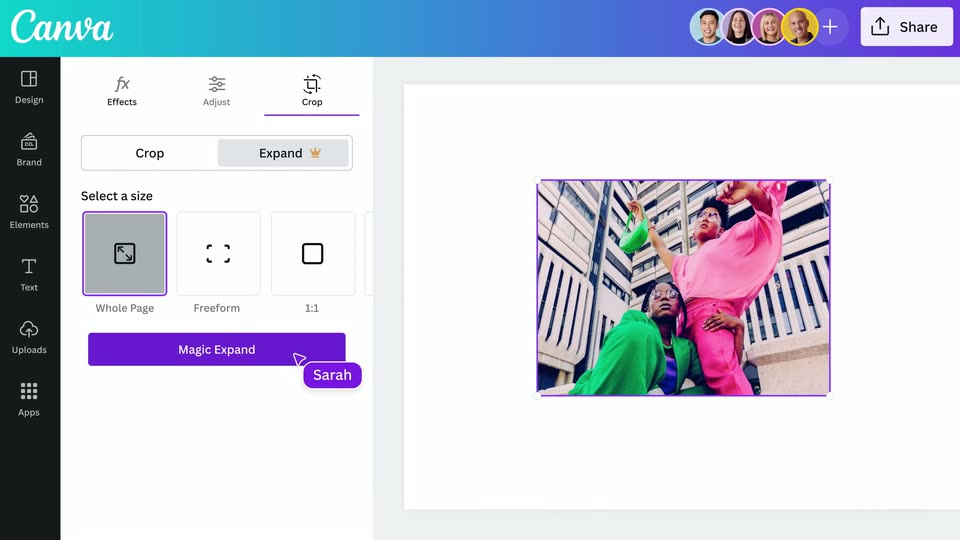 1:08–1:10Canva · Meet Magic Studio | Let the power of AI supercharge your workIn a Canva editor, a purple cursor labeled Sarah moves from the size options to the Magic Expand button and clicks it. The view then zooms to the framed photo of two people, centered on the canvas with crop handles.
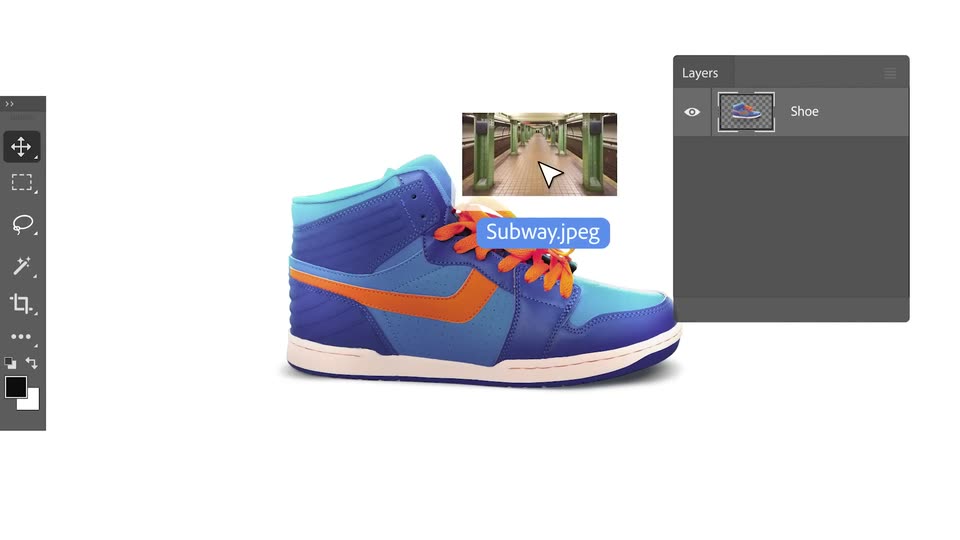 0:22–0:24Adobe · Adobe Firefly: Out of Beta & Ready For Your Imagination | AdobeA design tool interface shows a blue and orange sneaker on a white canvas beside a Layers panel. A cursor moves over the canvas and drops a file, Subway.jpeg, creating a new layer above the Shoe layer, which highlights in the panel.
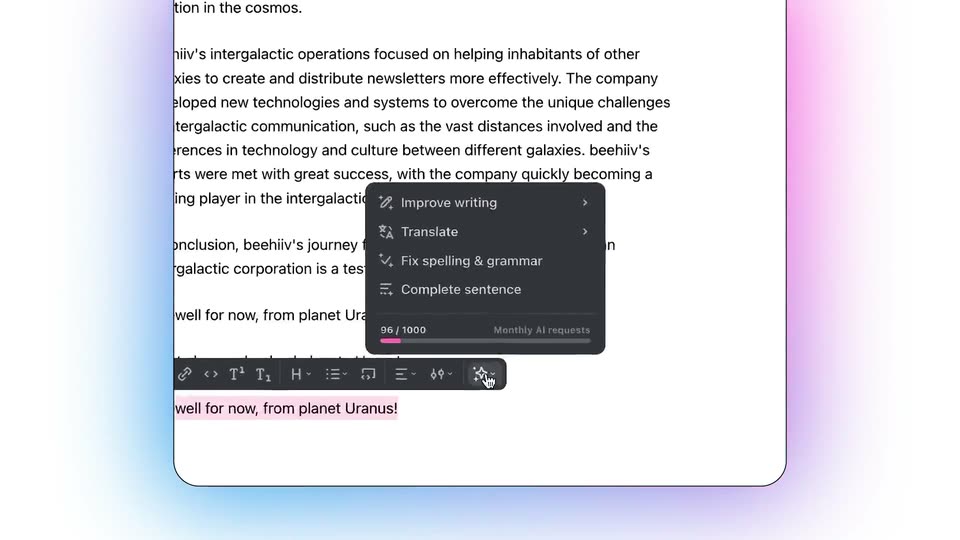 1:03–1:07beehiiv · beehiiv 🐝 - Introducing beehiiv AI ✨ Coming live from UranusClose-up of a dark Translate-to dropdown over a newsletter editor, with a blue caption below. The frame zooms out to the full page as the body text switches from English to Spanish, then back in as a cursor selects French and the menu dims.
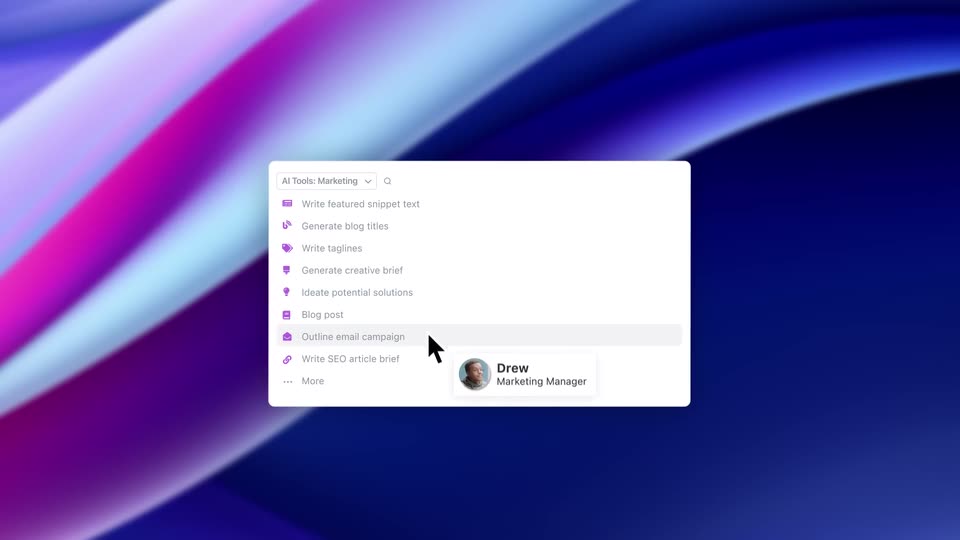 0:50–0:53ClickUp · Introducing ClickUp AIA white panel floats on a blurred blue-purple gradient. A department dropdown opens and the cursor clicks Marketing; the left tool list refreshes. The cursor then moves to Outline email campaign, while a small card for Drew, Marketing Manager, stays at the bottom right.
 0:24–0:25Adobe · Adobe Illustrator x Adobe Firefly: Announcing Generative Recolor | AdobeLarge 3D extruded BEST wordmark with orange sides and a long shadow sits on turquoise, overlaid by a thin white outline. Below, a small 3D monitor shows three BEST panels in orange, teal, and purple; a white cursor slides from the middle panel to the right as the wordmark scales.
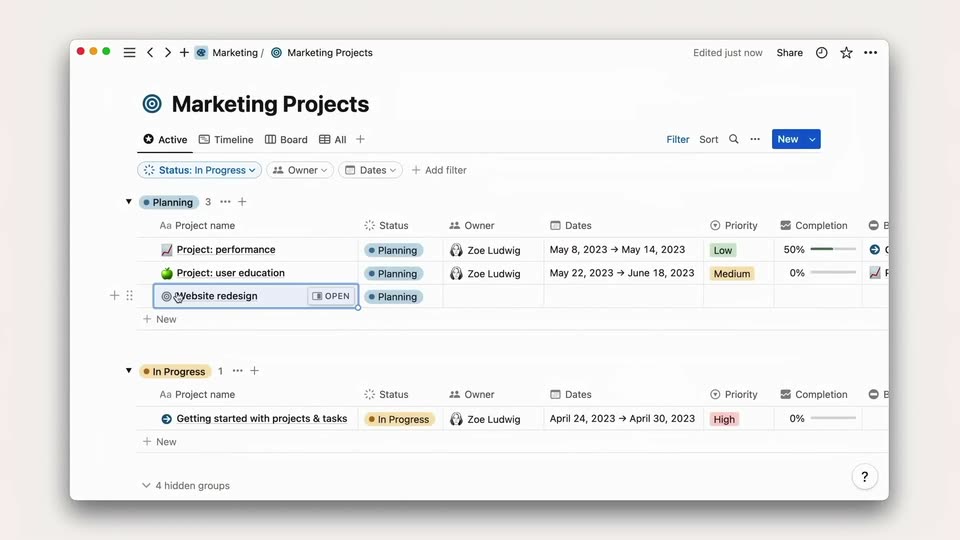 2:24–2:28Notion · Welcome to Notion ProjectsA flat project-management window sits on a light background. A cell in the Project name column is edited as the text Website redesign is typed, then a cursor hovers over the new row and an OPEN tooltip appears.
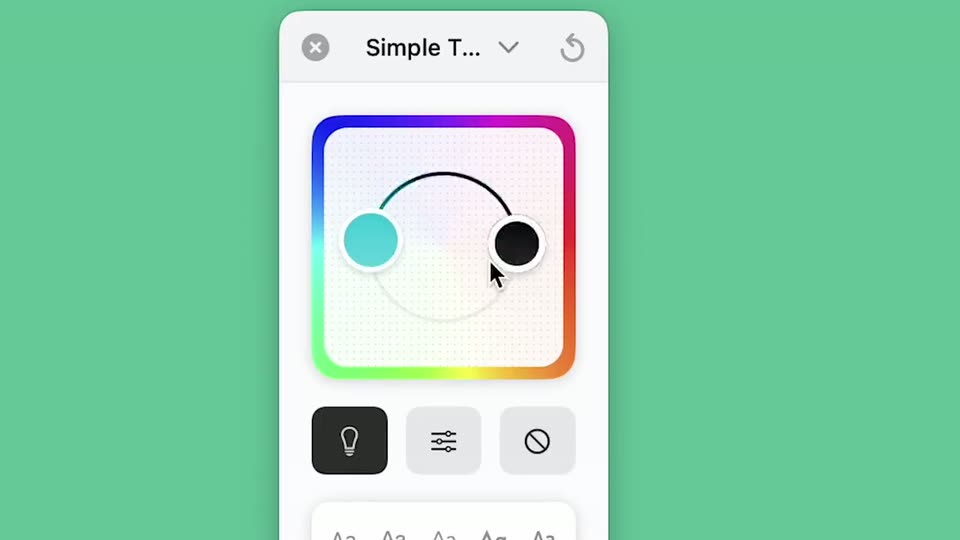 0:23–0:24The Browser Company · The Browser Company - What if the internet... was actually 𝑦𝑜𝑢𝑟 internet? 🎨 Introducing BA white gradient-editor panel sits on a flat green background. A rainbow border frames a dotted canvas where a cursor drags two round handles, cyan and black, along a curved path. Three tool buttons sit below the canvas. The frame is locked-off.
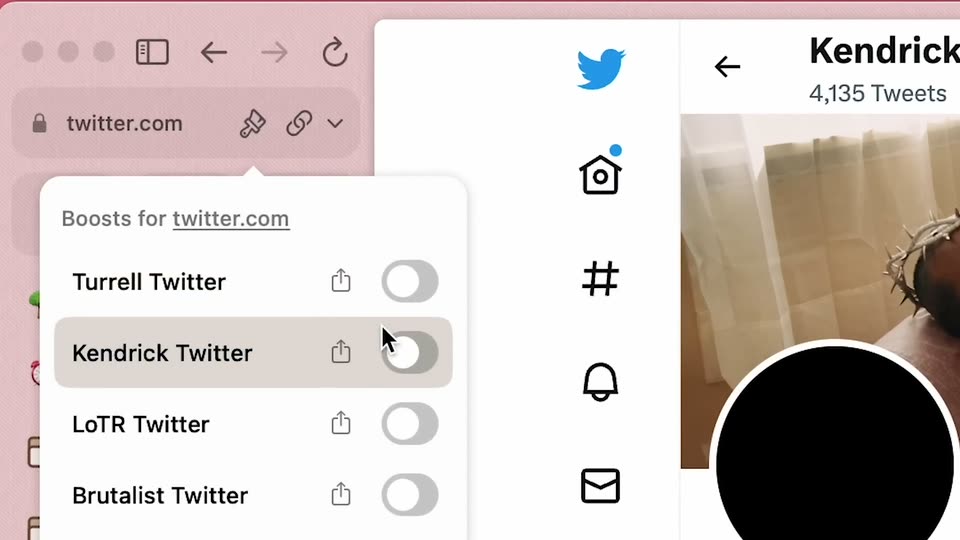 0:28–0:29The Browser Company · Boosts by Arc | Meet Your New InternetA browser window shows a “Boosts for twitter.com” dropdown listing four profiles. The cursor moves to the toggle beside “Kendrick Twitter” and clicks it, flipping the switch on, while the Kendrick profile page with its sidebar icons sits on the right.
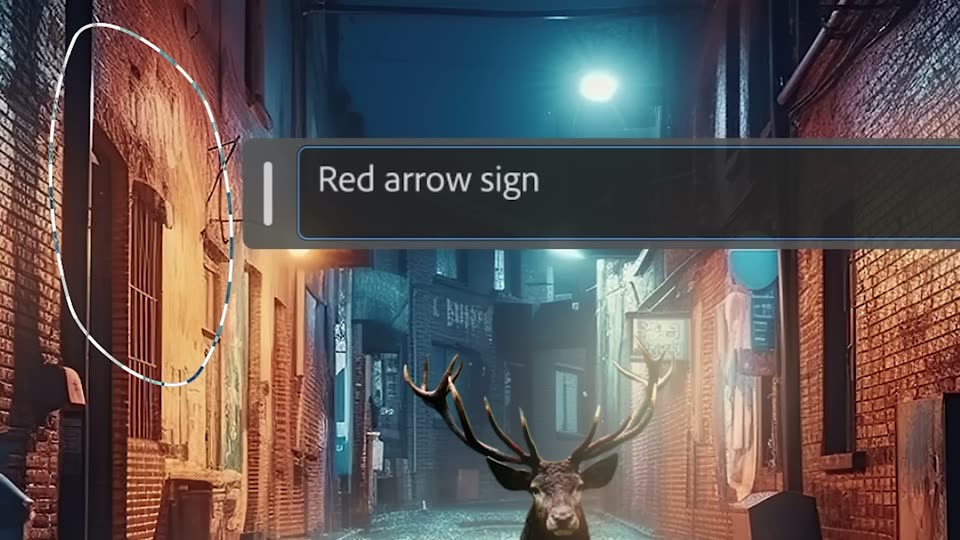 0:31–0:32Adobe · Adobe Photoshop (beta) x Adobe Firefly: Announcing Generative Fill | AdobeA generated alley image with a deer head sits behind a dark prompt bar that fills with the text Red arrow sign. A Layers panel and a Generate button slide in from the right as a cursor rests on the button.
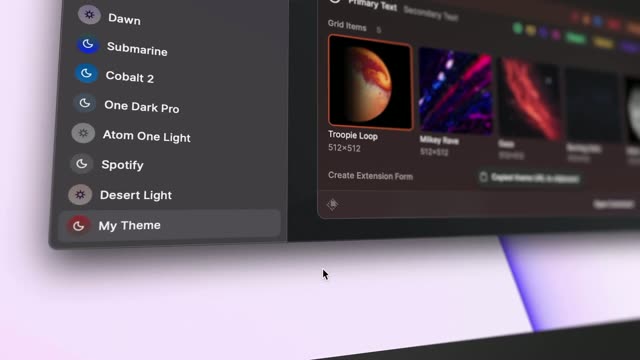 1:15–1:18Raycast · Introducing Raycast ProA dark theme-editor panel sits in 3D perspective over a blurred purple backdrop. A cursor opens a context menu on the My Theme row, hovers Copy as URL, then the menu closes and the panel rotates to a flat front view.
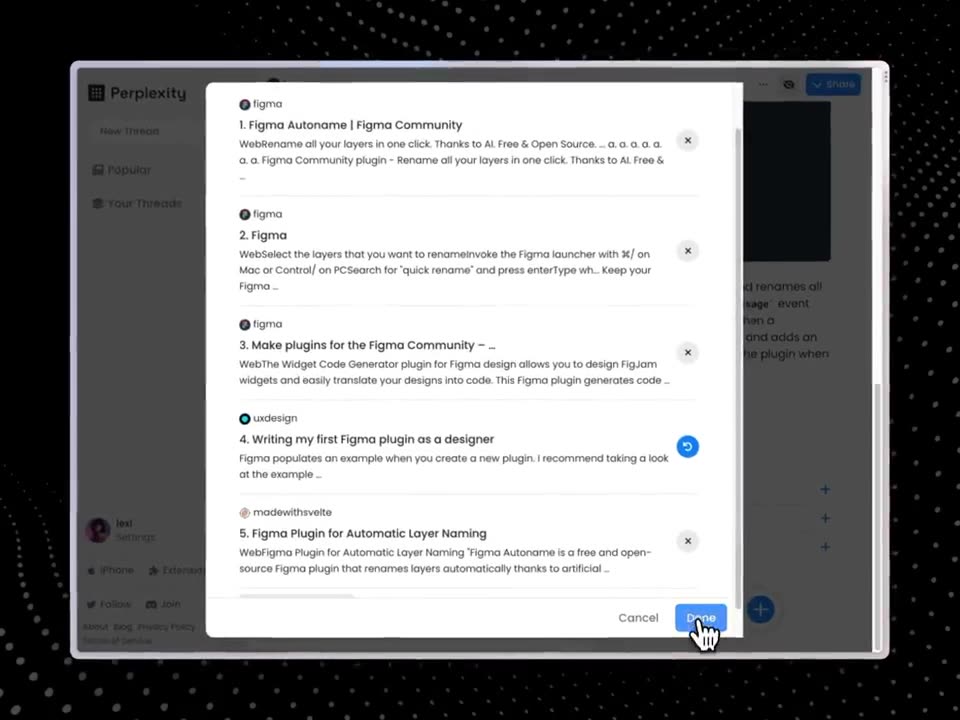 1:05–1:07Perplexity · Perplexity - We are excited to launch the next version of Introducing login, threaA dimmed Perplexity screen sits behind a white modal listing five numbered Figma results. The modal settles into the center as a cursor glides down to rest on the blue Done button.
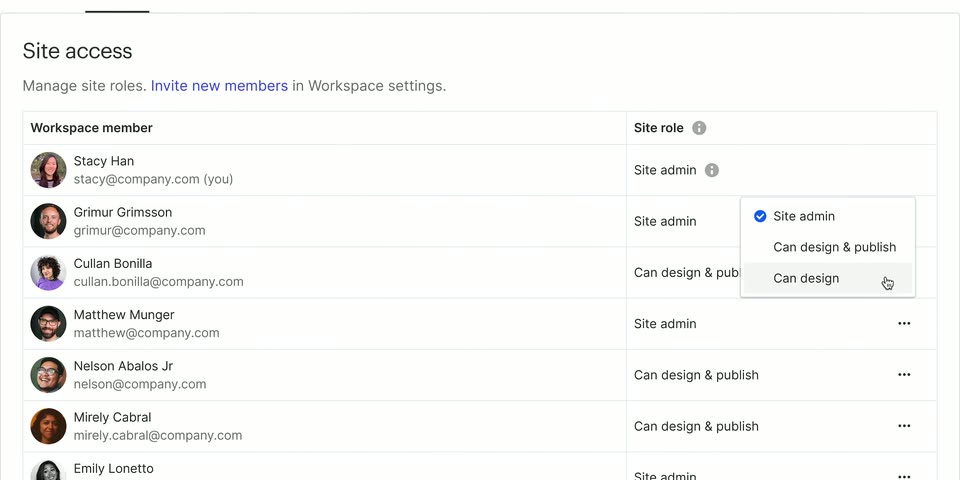 1:29–1:32Webflow · Introducing WebflowA white Site access table lists team members with avatars and roles. A cursor clicks the three-dot menu on one row, a dropdown opens with role options, and the role updates to Can design.
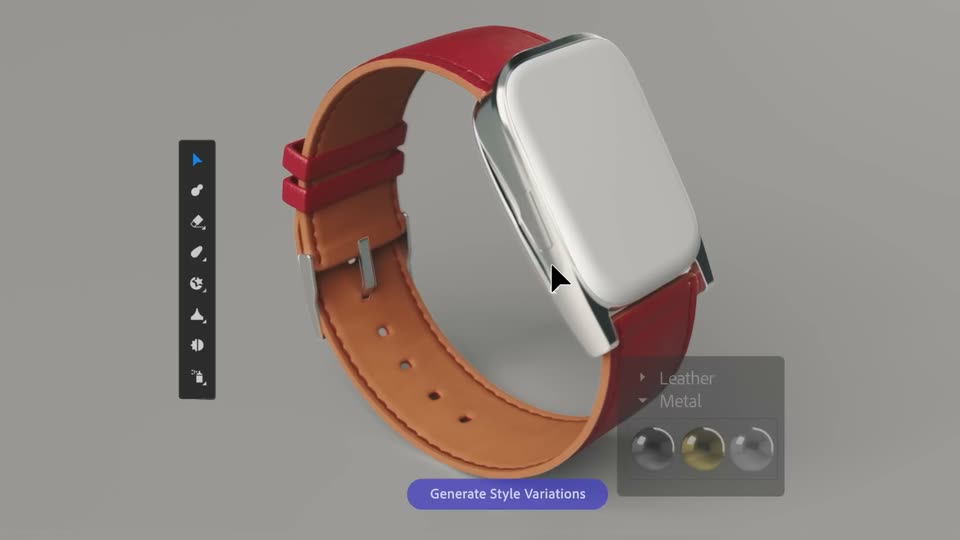 0:18–0:19Adobe · Adobe Firefly: Family of New Creative Generative AI Models | AdobeA white smartwatch with a tan leather strap sits in 3D on a gray backdrop, framed by a modeling toolbar and a material panel. The cursor moves across the swatches and the side button, then the view pushes in on the strap as a purple Generate Style Variations button appears.
 1:02–1:07Runway · Text to Video: Early Access Waitlist | RunwayThe black Runway logo holds center on a pale gray field. A dark rounded input bar drops in beneath it, a caret types the words next to a mic icon while an Add button sits at the right, then the bar vanishes, leaving the logo alone.
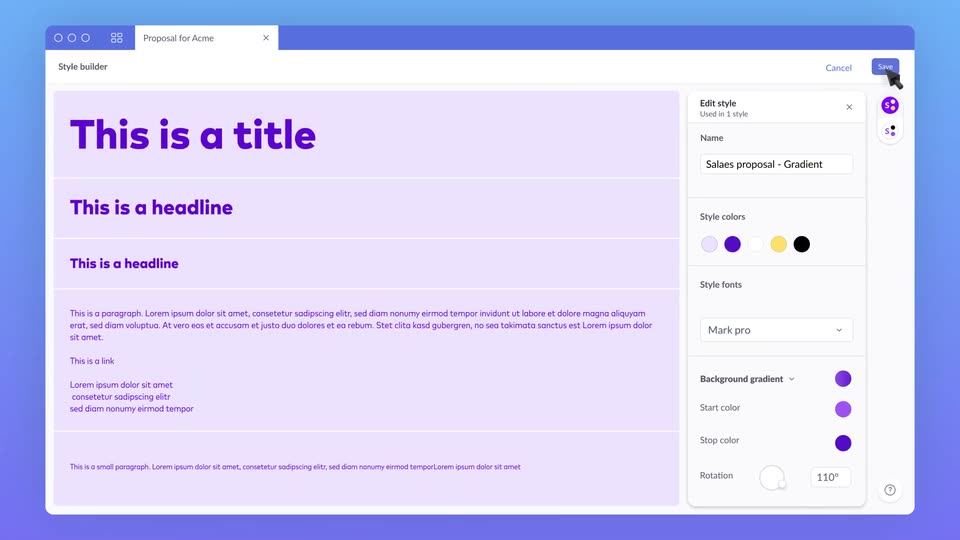 0:42–0:49Pitch · Introduction to Pitch | Create beautiful presentations with your teamA style-editor panel of a presentation app: the cursor opens the font list, picks Mark pro, then taps a light color swatch and the purple slide preview flips to white with purple text. After clicking Save, the canvas shows a slide titled The Problem in the new style.
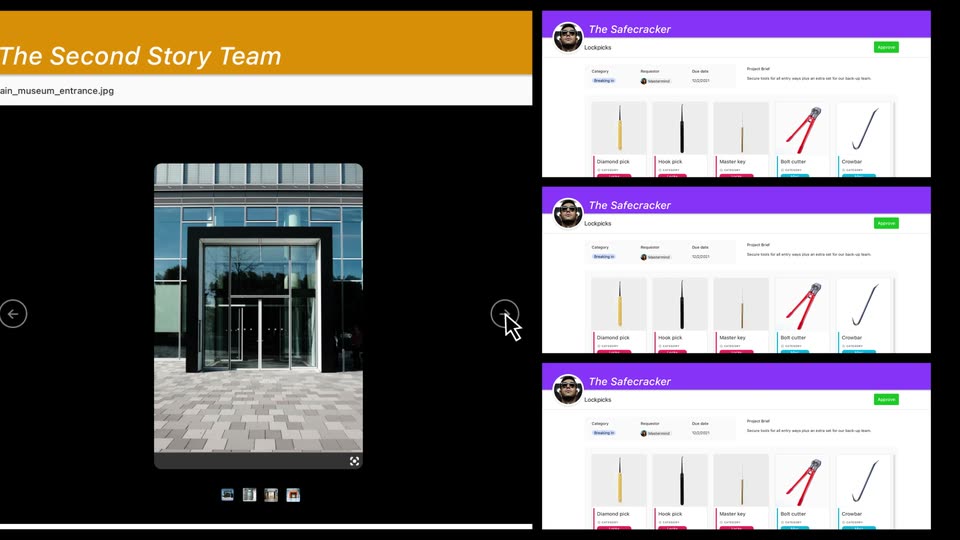 0:35–0:36Airtable · Airtable: introducing interface designerA flat two-column UI layout. The left shows an image viewer with an orange team header and a photo of a glass museum entrance. The right stacks three purple user dashboards listing lockpick tools, scrolling upward while a white cursor hovers over the panels.
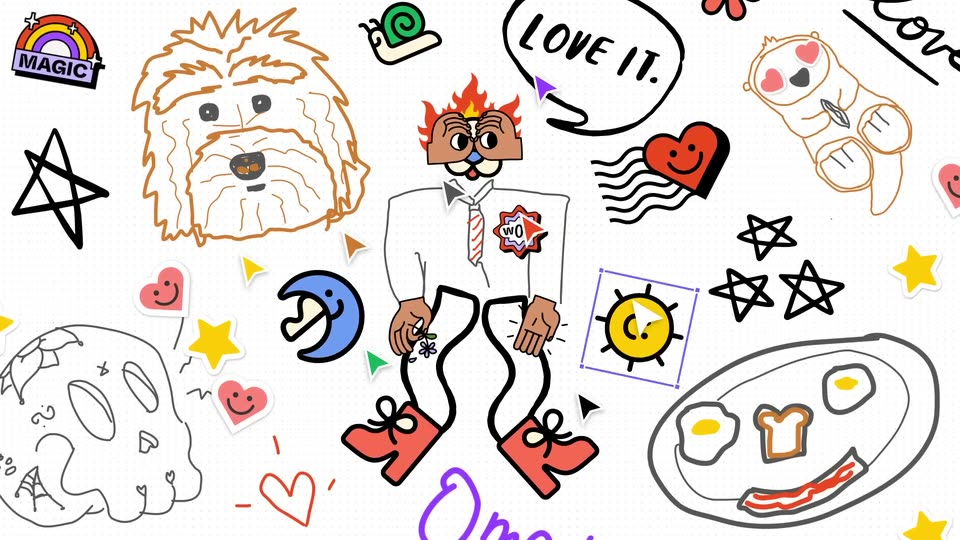 0:30–0:35Figma · Welcome to FigJamA hand-drawn doodle fills a dotted-grid canvas. A cursor drags stickers onto a central dog-headed figure, coloring its second boot and dropping a WOOF badge on the chest. A purple selection box briefly frames the sun.
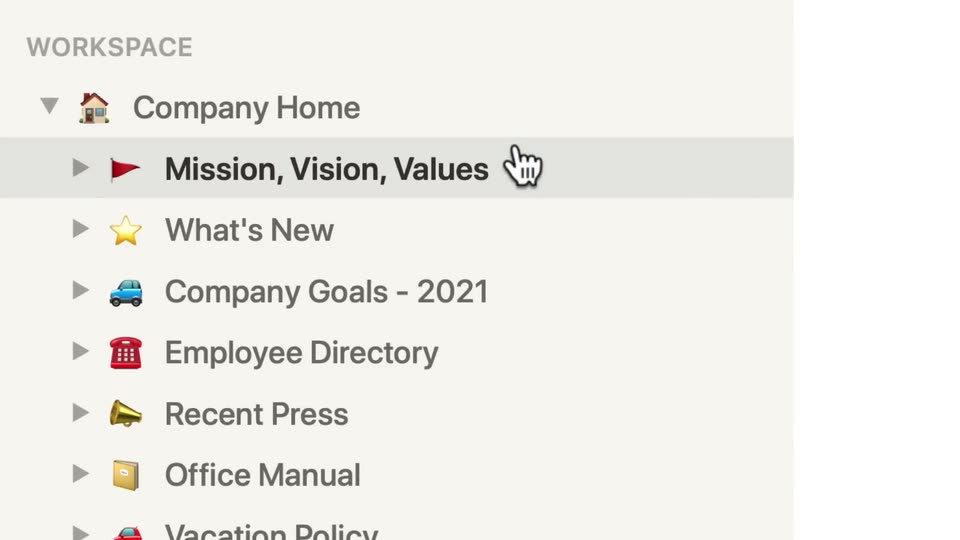 1:09–1:12Notion · What is Notion?A Notion workspace sidebar list resolves from a blur, emoji icons beside each page. A hand cursor hovers down the rows onto Mission, Vision, Values, then a blue Add members button pops in at the lower right.
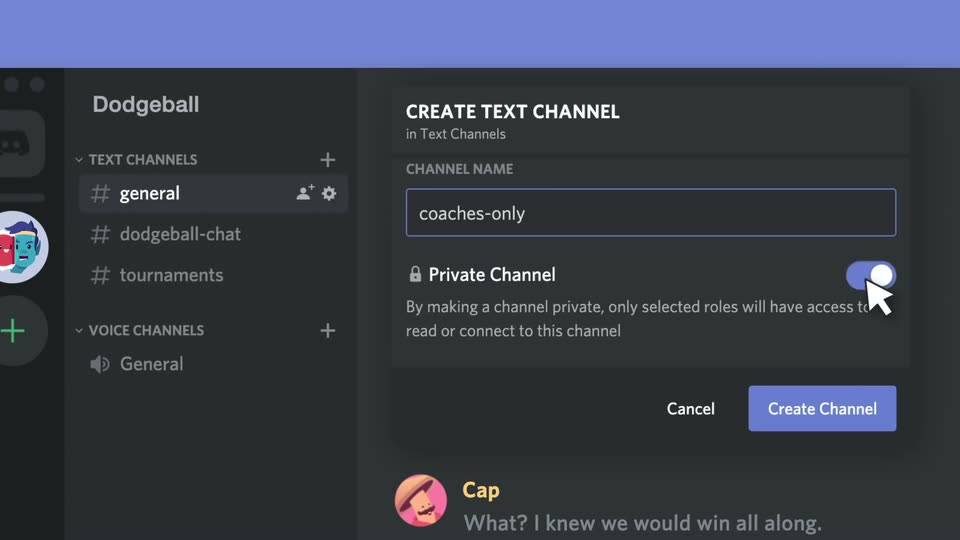 0:52–0:55Discord · How Discord Works in 148,000 Miliseconds or LessA dark chat interface shows a cursor clicking the plus icon beside a channel. A create-channel dialog opens, the name field fills with coaches-only, the Private Channel toggle flips on, and the cursor rests on the Create Channel button.
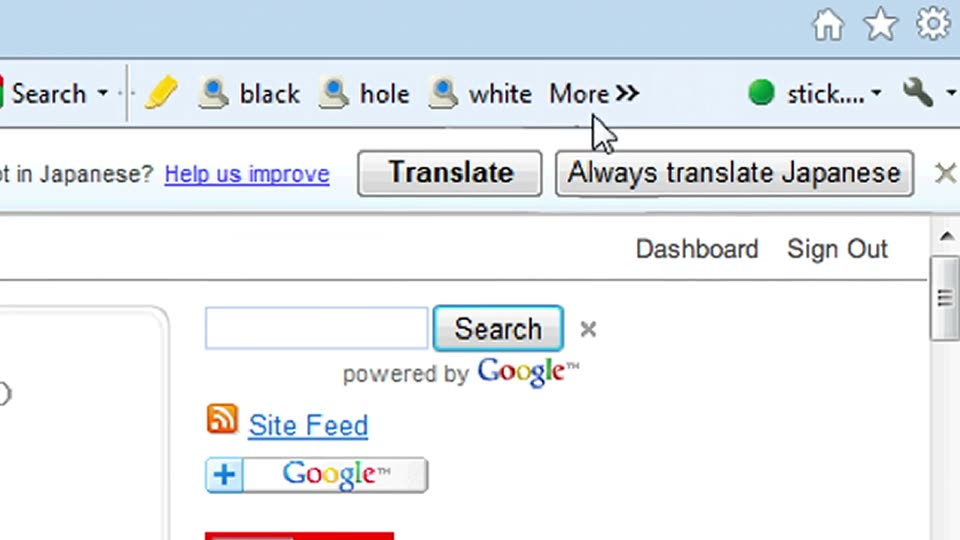 1:20–1:21Google · Introducing Google Toolbar 7The view pulls back from a tight crop of a Japanese blog to reveal the top toolbar; the cursor glides right along the icons and stops on the More label.