2:03
Sublingual AI Demo
Sublingual · B2B · Feb 2025
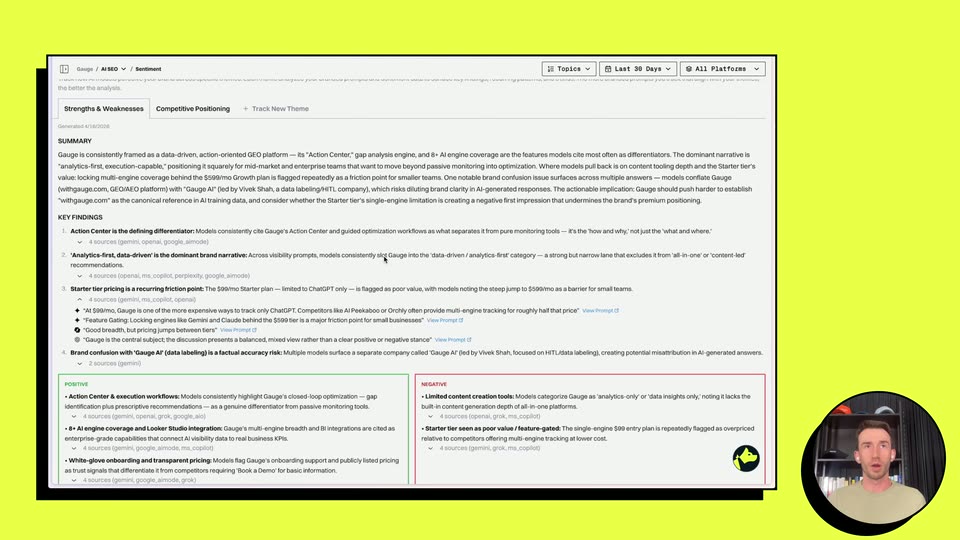
AthenaHQ · Feb 2025 · 1:24 · Full motion · AI-annotated
AthenaHQ’s 1:24 launch film runs 13 scenes, about 6.5 s each. The product is on screen from the first frame and 3 features are revealed. The call to action lands at 1:09 (82% in), over a voiceover. The video is one continuous screen recording of the onboarding flow, with the presenter pinned in a lower-left webcam tile and a cursor driving every step. Pacing is brisk, using zoom-ins on form submissions and rapid cuts across the generated prompt list, while a steady voiceover names each stage as it appears.
Is this your launch? to your site or press kit.
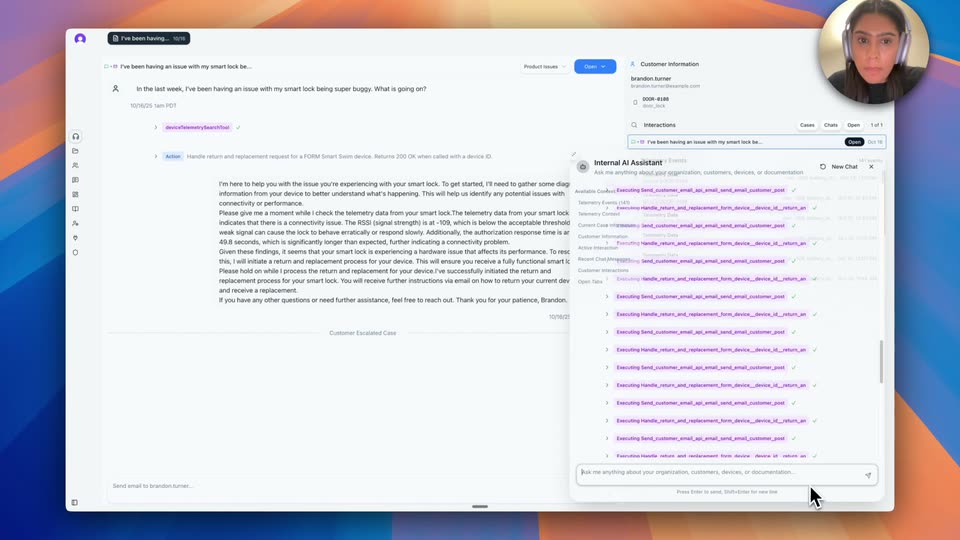
Sublingual · B2B · Feb 2025
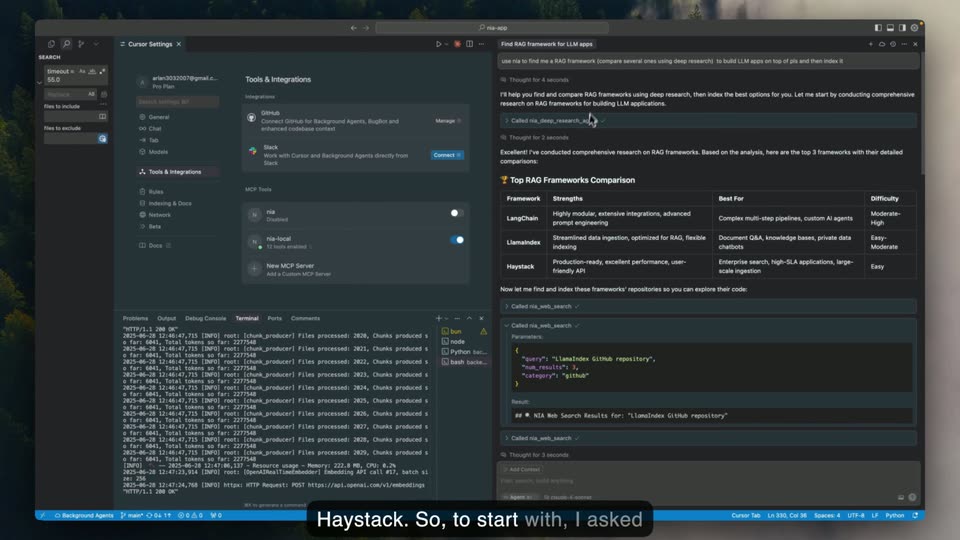
Nozomio · Consumer · Jun 2025
Loom · Productivity · Oct 2021
Films whose music sounds like this one, voice left out
Layers
Salesforce · Corporate tutorial / Instructional voiceover
A white onboarding form titled “What brings you to AthenaHQ?” sits over a colorful gradient, with a small webcam inset of a man talking in the lower left. The cursor checks three option boxes, the Continue button turns solid purple, and the frame zooms in as the cursor clicks Continue.
Techniques: Cursor demo, UI zoom
Camera: Static
A white form card on a light gray background, with a small webcam video of a man in the lower-left. A cursor fills the fields with Andrew, Yan, Mercury and a URL, and the Continue button turns from pale lavender to vivid purple.
Techniques: Cursor demo
Camera: Static
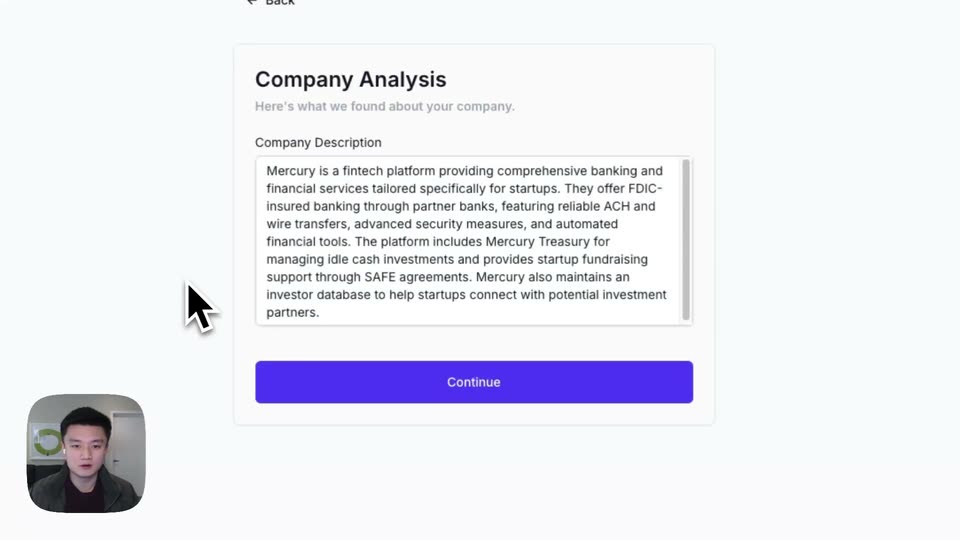
A white Company Analysis card on a pale background, with a small rounded webcam video of a presenter in the bottom-left. A description paragraph fills the text box line by line, the Analyzing... button becomes a solid purple Continue, and a cursor moves to hover it.
Techniques: Cursor demo
Camera: Static
A product screen shows a Relevant Prompts card loading with a spinner button, a small webcam feed of a man in the corner. The card fills with a list of prompts, a gradient frame flashes at the edges, then the view zooms into the rows as the cursor hovers one.
Techniques: Cursor demo, UI zoom
Camera: Pan
A light search suggestion list scrolls up slightly as a cursor moves to hover over one row, while a small rounded webcam of a man sits in the lower left corner.
Techniques: Cursor demo
Camera: Static
A white list of search queries in rounded boxes fills the frame. A black cursor glides down the list, hovering on a row, while a small rounded webcam feed of a talking man sits in the bottom left corner.
Techniques: Cursor demo
Camera: Static
A light interface panel shows a vertical list of rounded search-query rows about Mercury banking. A small webcam clip of a man sits in the lower-left corner while a mouse cursor drifts across the right edge of the screen.
Techniques: Cursor demo
Camera: Static
A light interface shows a vertical list of banking query suggestions in rounded cards, while a cursor moves down and hovers over the items. A small webcam video of a man sits in the lower left corner.
Techniques: Cursor demo
Camera: Static
A vertical list of banking query suggestions scrolls up on a white panel, revealing a purple button at the bottom. A black cursor moves along the right edge while a small circular webcam of a man sits in the lower left corner.
Techniques: Cursor demo
Camera: Static
A flat list of banking query suggestions sits on a white panel with a purple button below. A black cursor glides down the rows at a slow pace while a small video feed of a man appears in the bottom left corner.
Techniques: Cursor demo
Camera: Static
A white panel lists rounded query boxes; a cursor clicks the blue button, which turns into a spinner reading Generating, while the list grows upward with new items and a webcam tile of a man enlarges in the corner.
Techniques: Cursor demo
Camera: Pull out
A white analytics table fills with prompt rows as a cursor glides across them, a small webcam window of a man sits bottom-left. The cursor clicks Overview, swapping the table for a dashboard of metric cards and a line chart.
Techniques: Cursor demo
Camera: Pull out
A white analytics dashboard titled AI Search Visibility Overview sits static over a blue and orange gradient, with a small round webcam video of a man speaking in the lower-left corner. The mouse cursor drifts from the left sidebar toward the center of the screen.
Camera: Static