Cursor demo
A visible cursor operates the interface.
14,972 scenes · page 221 of 250
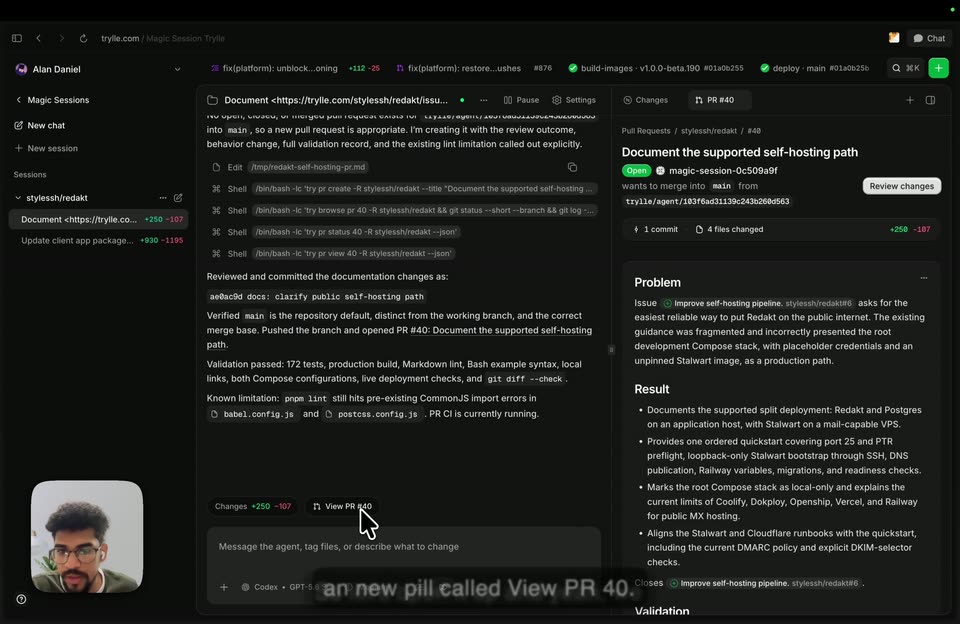 1:08 · 0.9sTrylle · alan - we just shipped Magic Sessions in Trylle a new way to run longer codDark app interface with a session chat on the left and a changes panel on the right. A cursor clicks the View PR 40 pill, and the right panel switches from an empty No changes state to a pull request detail view.
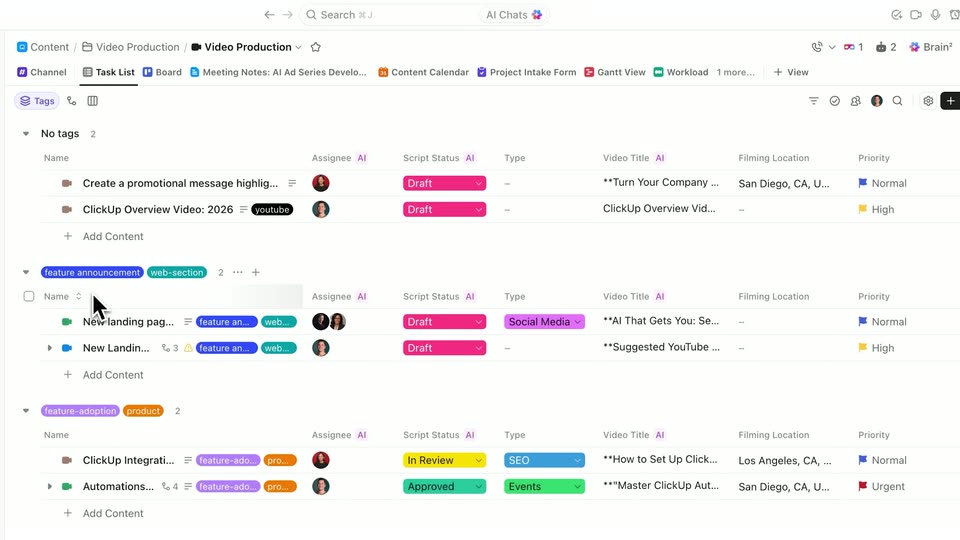 1:35–1:54ClickUp · ClickUp Release 4.08: Meetings Hub, Super Agent Cloning, and more!A 3D-tilted window of a task app flattens to full screen. A cursor opens the group-by menu, picks Assignee and flips the one-assignee-per-group toggle, so rows re-group under each person; it then does the same with Tags before the window tilts back into 3D.
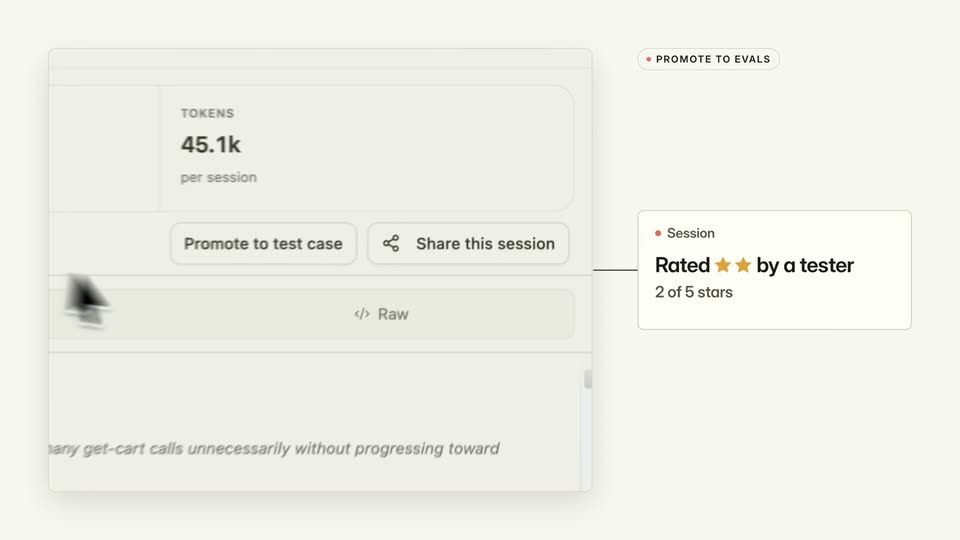 1:34–1:39MCPJam · Prathmesh Patel - Today, we're launching MCPJam as the first testing & evaluation pA flat product dashboard shows a session detail with metrics and a tester rating. A cursor hovers the rating, and a right-side callout card labels it. The view then zooms to the action buttons as the callout switches to the promote button.
 0:14–0:15Unclutter (by Kitze) · Dr. Kitze ❤️ healthmaxx.app - introducing Unclutter: a smart ad + slop blocker with Jev 🤓 it autoA browser window displays the BBC News homepage against a blurred blue background. The mouse cursor glides down from the toolbar to the Register button and clicks it, the button darkening on press.
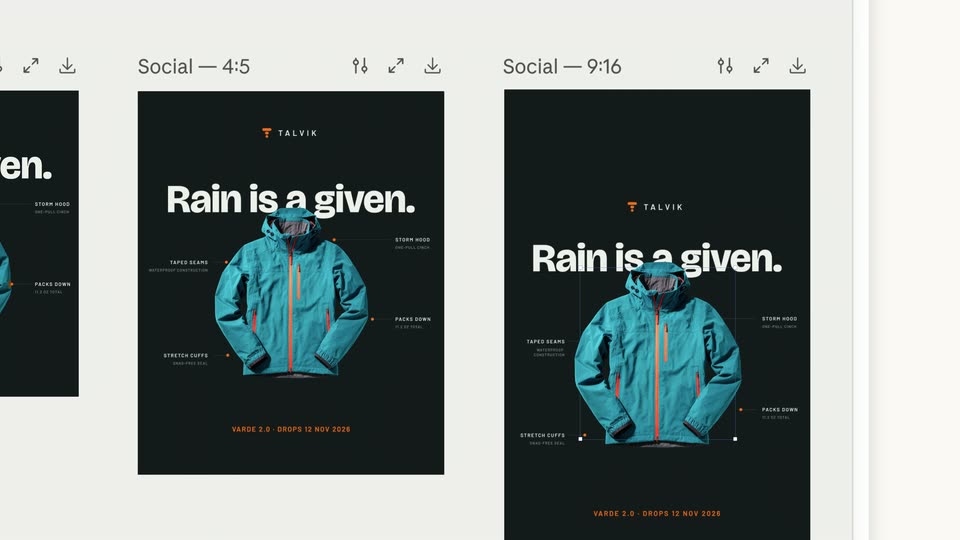 0:56–0:57Anthropic · Meet Claude Slides, Claude Design and Claude DocsA design-tool canvas holds two dark social mockups of a teal jacket, titled 4:5 and 9:16, with annotation callouts around the garment. The view zooms and pans across the cards while a cursor types into a text field at the bottom of the left card.
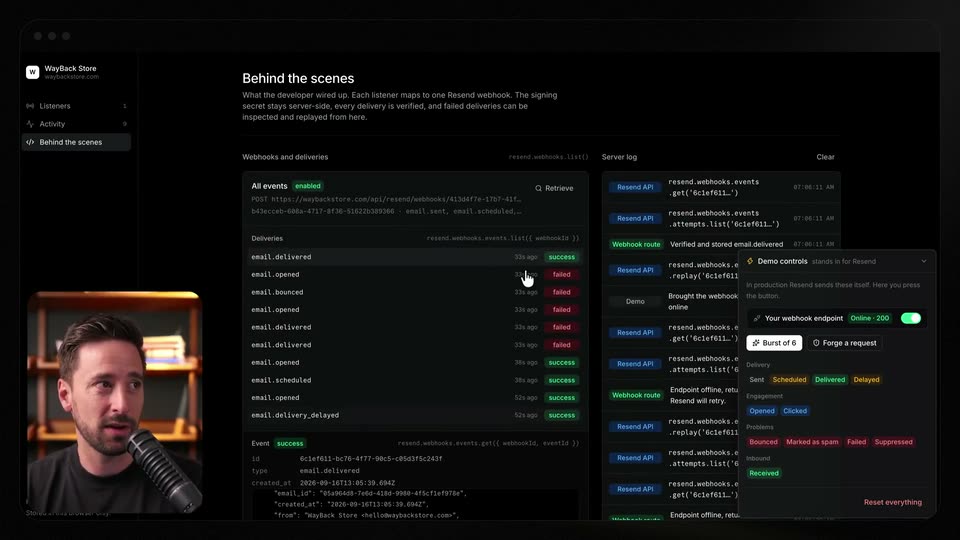 2:04–2:06Resend · Resend - Announcing Headless Webhooks API Programmatically... ▪️ list webhookA dark product dashboard shows a webhook deliveries list beside a server log, with a small inset video of a man speaking into a microphone at lower left. A cursor moves from the event list up to the sidebar menu.
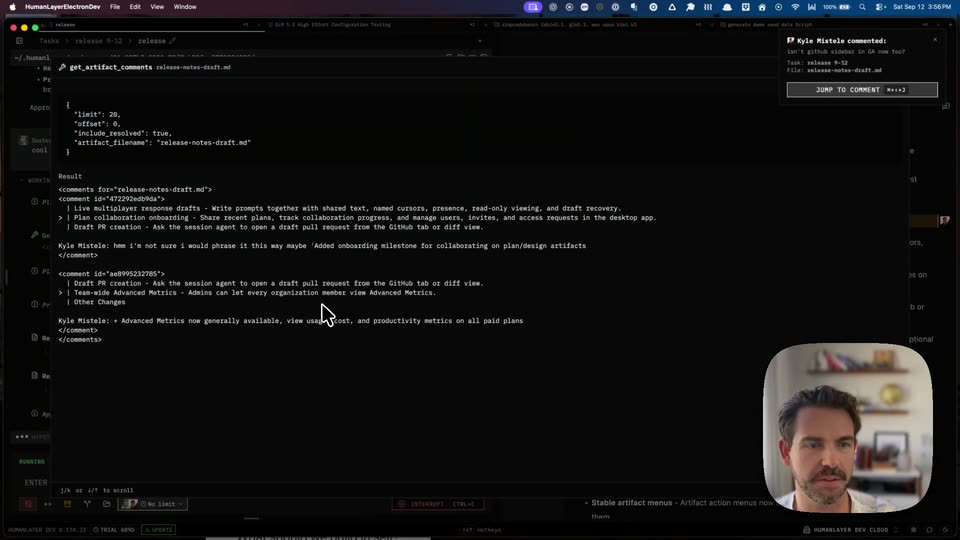 0:47–0:48HumanLayer · dex - coming soon to a humanlayer new you: live multiplayer prompting - coA dark code editor displays a JSON block of artifact comments as a mouse cursor hovers over the text. A rounded webcam feed of a man occupies the bottom right corner, and a comment notification panel is pinned to the top right.
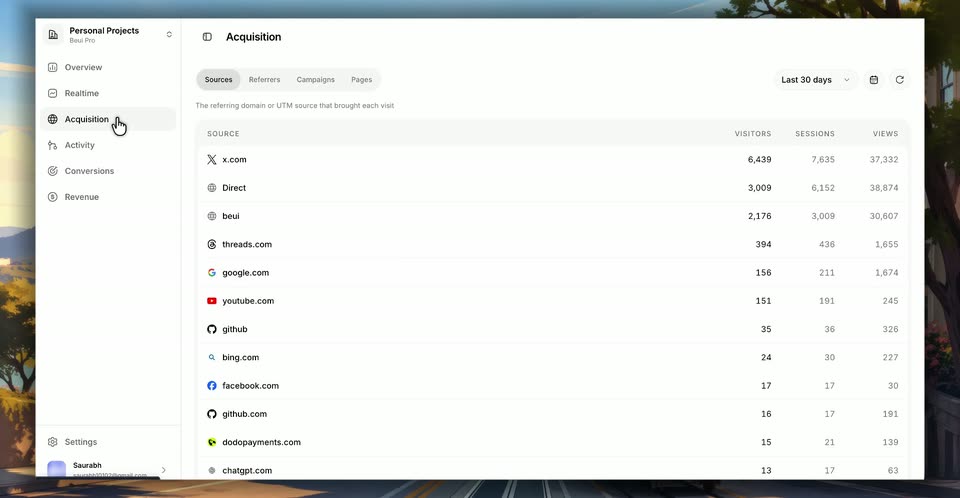 0:54–0:57Tracwell · Saurabh - INTRODUCING TRACWELL ( @tracwellapp ) 🚀 An agent-first analytics plaA white analytics dashboard sits over a blurred outdoor photo. A cursor taps Acquisition in the sidebar, the table fills from gray placeholders with source names and counts, then scrolls down the list as the cursor hovers a row.
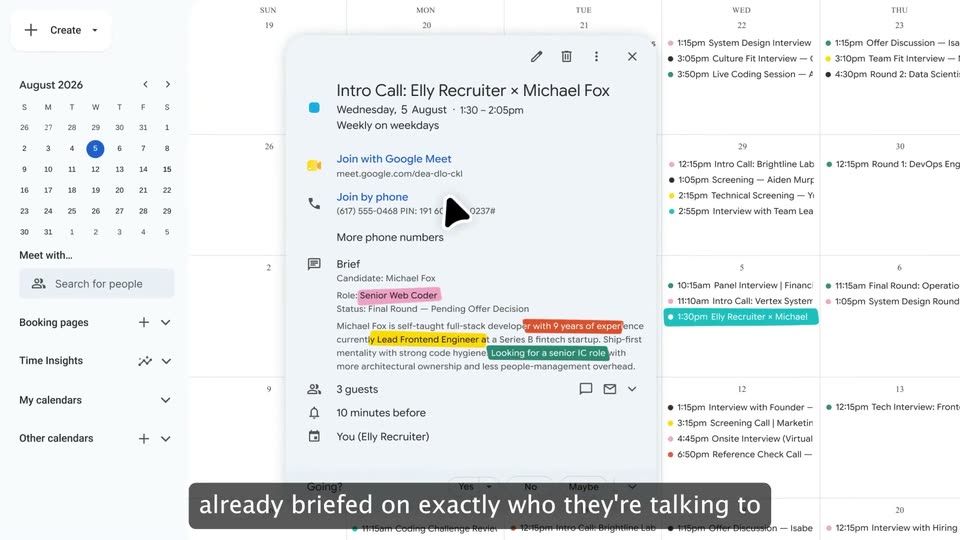 1:35–1:38Elly · Kristen Habacht - AI broke hiring. Candidates use AI to mass apply, recruiters use AIA week calendar grid of interview events fills the frame; a teal event is clicked and the view reframes to its detail panel, listing the candidate, role and status. A cursor hovers over the brief. A caption line sits in a dark bar at the bottom.
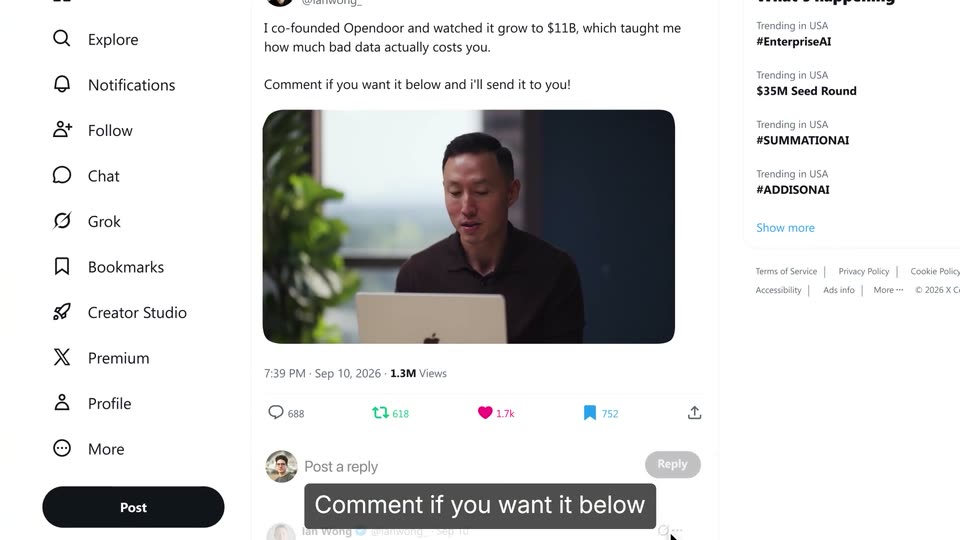 1:58–2:00Summation · Ian Wong - I co-founded Opendoor ($10B+ rev). Today, I’m launching Summation. WA social media post with an embedded video of a man at a laptop. The frame scrolls and zooms down to the like and reply row as a cursor drifts in. A white caption on a dark pill reads “Comment if you want it below” at the bottom.
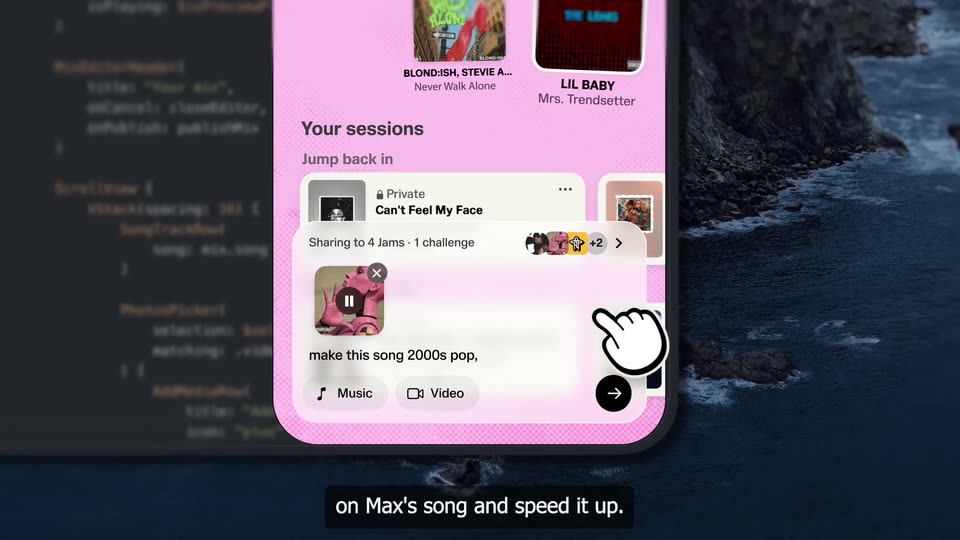 0:48–0:52Hook · Gaurav Sharma - AI platforms are stealing from artists > Millions spent on data cA tilted phone mockup displays a pink music app over a blurred code and coastline backdrop, rotating to face the camera. The view zooms onto the prompt field as a hand cursor types a request and taps the send button.
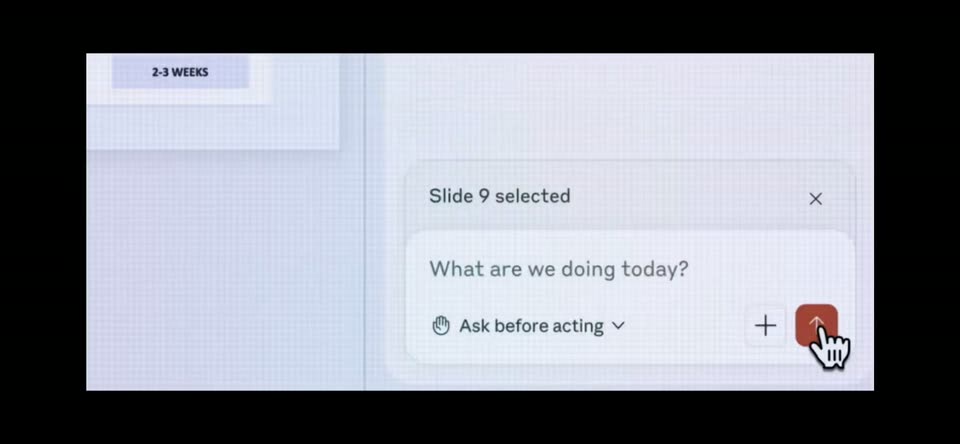 2:29–2:31Salesforce · Marc Benioff - Welcome Claudeforce. ❤️A chat interface shows a typed message with a hand cursor on the red send button, then the view switches to a results panel listing contrast fixes with green checkmarks, next to a kanban board.
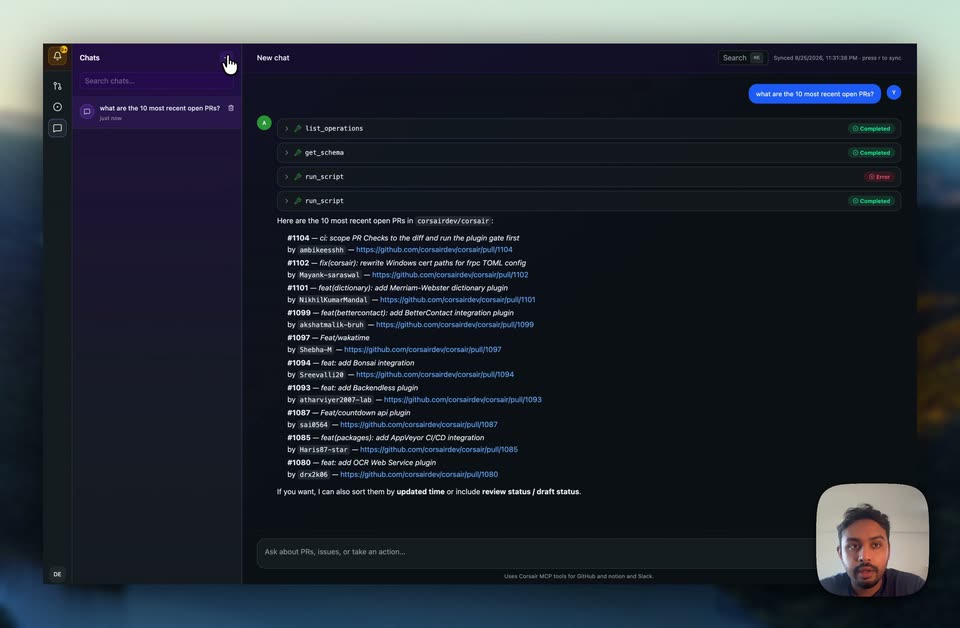 2:49–2:52Corsair · Building a Github Clone with CorsairA dark chat app window fills the frame. A cursor moves to the plus icon in the Chats sidebar and clicks it, and the main panel switches from a PR list to an empty state with a sparkle icon. A small webcam tile of the presenter stays bottom right.
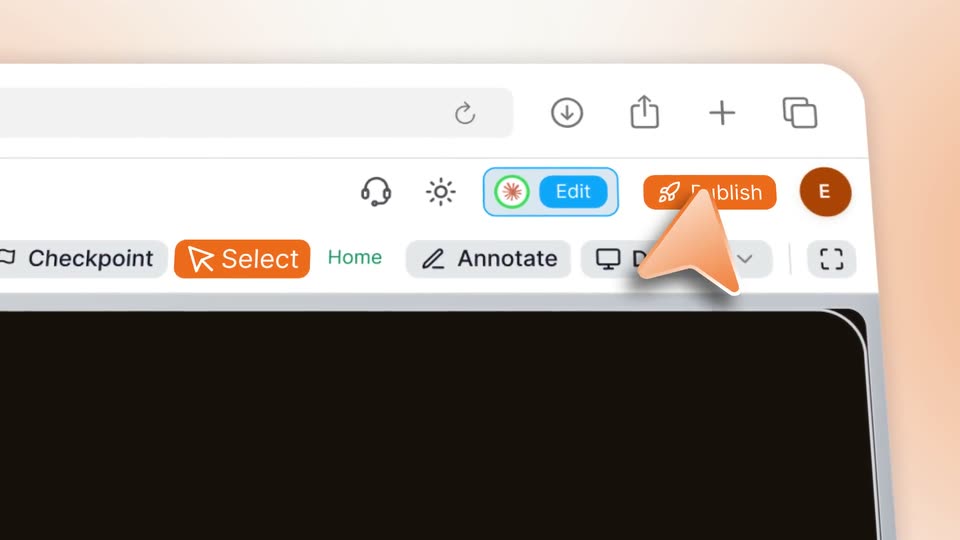 0:48–0:49Floot · Build with the AI subscription you're already paying for.A 3D-tilted browser window floats on a peach background, its top toolbar in focus. A large orange cursor arrow with a white outline rises from the dark canvas and hovers over the orange Publish button as the camera reframes tighter on the toolbar.
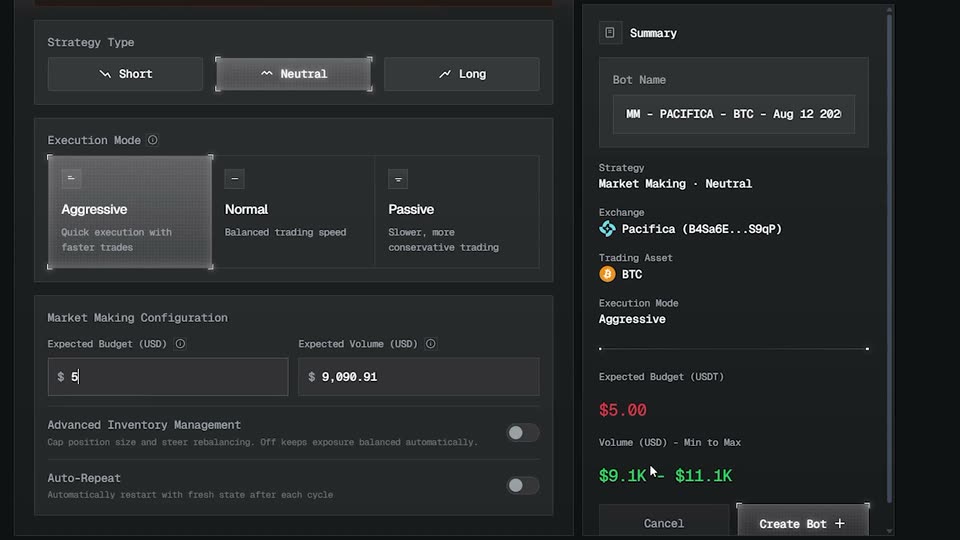 0:44–0:45Arbital · Arbital - Today, we’re launching Arbital. Trade memes. Trade stocks. Trade perA dark bot-configuration interface shows a left form and a right summary panel. The volume field fills with a value and the summary's volume range updates, then a mouse cursor rests on the Create Bot button.
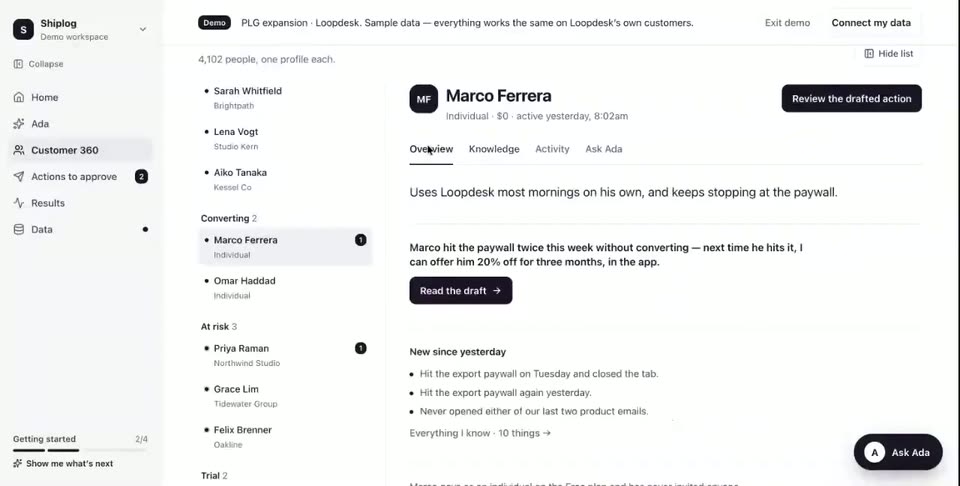 3:10–3:17Shiplog · AI for Customer Success: How Ada Automates Expansion, Retention & Churn PreventionA customer profile screen holds still while a cursor clicks the top tabs, swapping the right panel from an AI chat to a knowledge graph, then to an overview with a drafted offer. The left sidebar and contact list remain fixed throughout.
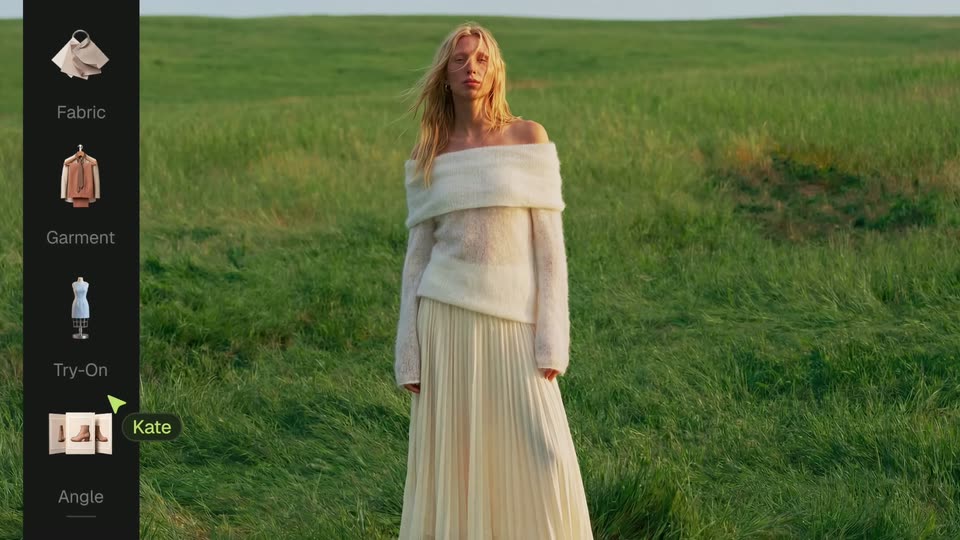 0:38–0:39FLORA · Introducing Fashion StudioA blonde model in a cream off-shoulder sweater and pleated skirt stands still in a green field. A dark vertical panel on the left scrolls upward, its icons and labels rising, while a green cursor and a Kate tooltip move down to the next item.
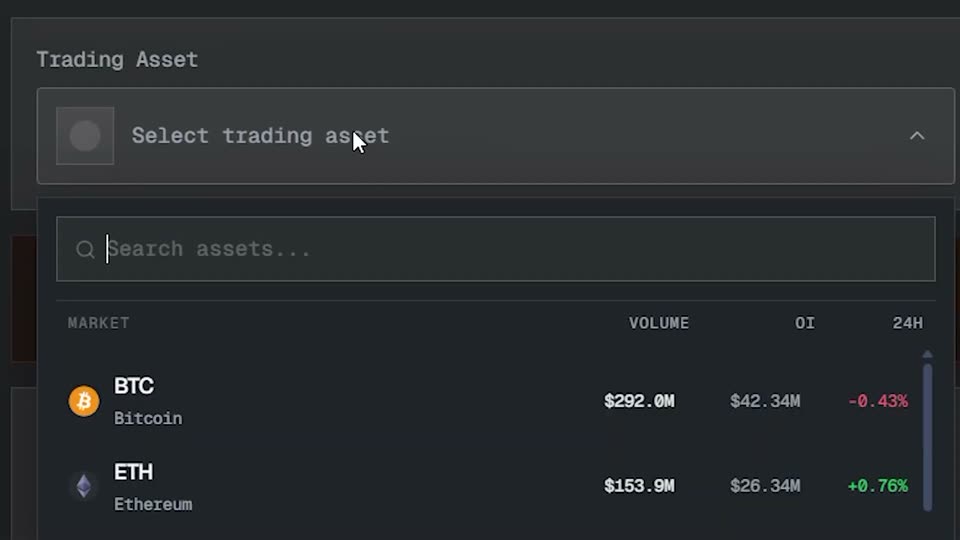 0:43–0:44Arbital · Arbital – Trade memes, stocks, and perps from one placeA dark trading dashboard fills the frame. A white cursor hovers over the Select trading asset field, which expands open to reveal a search bar and a two-row list of BTC and ETH with volume and 24h change columns.
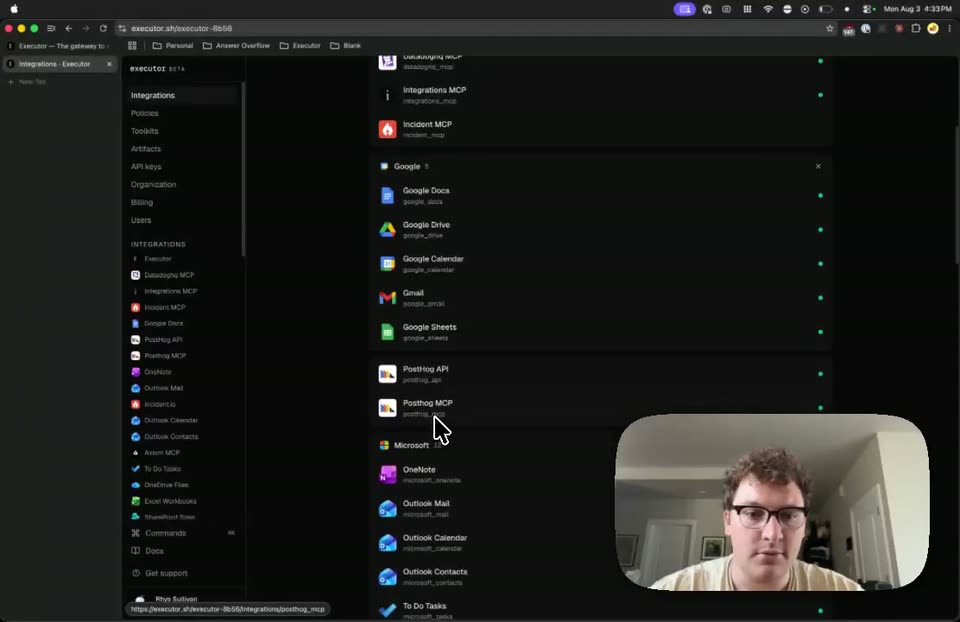 0:37–0:39Executor · Executor DemoA dark integrations dashboard fills the screen, its left sidebar and grouped connector list staying static while a white cursor glides from PostHog MCP up to Google Sheets. A rounded video-call inset in the lower right shows a bespectacled man speaking to camera.
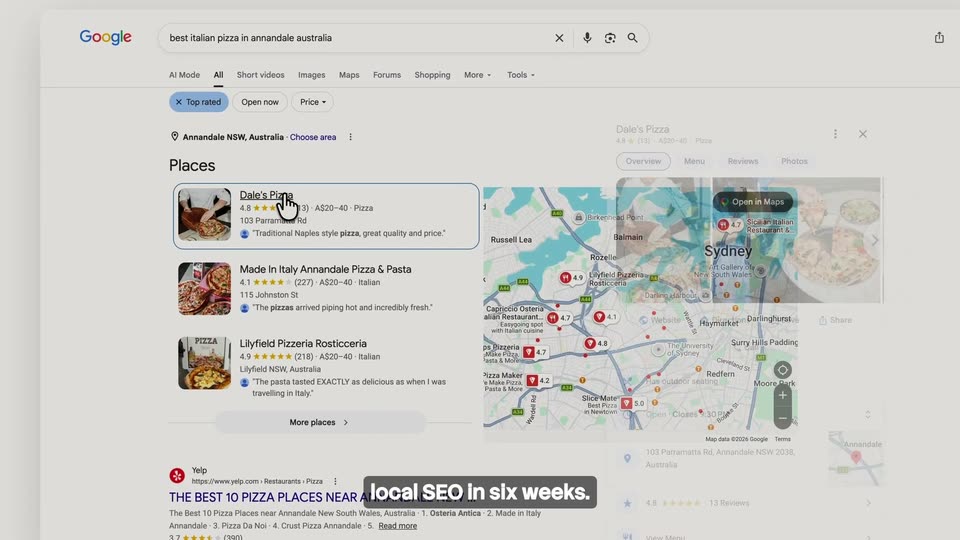 0:47–0:49Enrich Labs · Seijin Jung - introducing Helena, the world's first self-improving AI marketer. $1A Google results page lists pizza places beside a Sydney map. A cursor slides to Dale's Pizza and clicks it, opening a photo and address panel on the right as the map centers on the pin. A dark caption bar sits at the bottom.
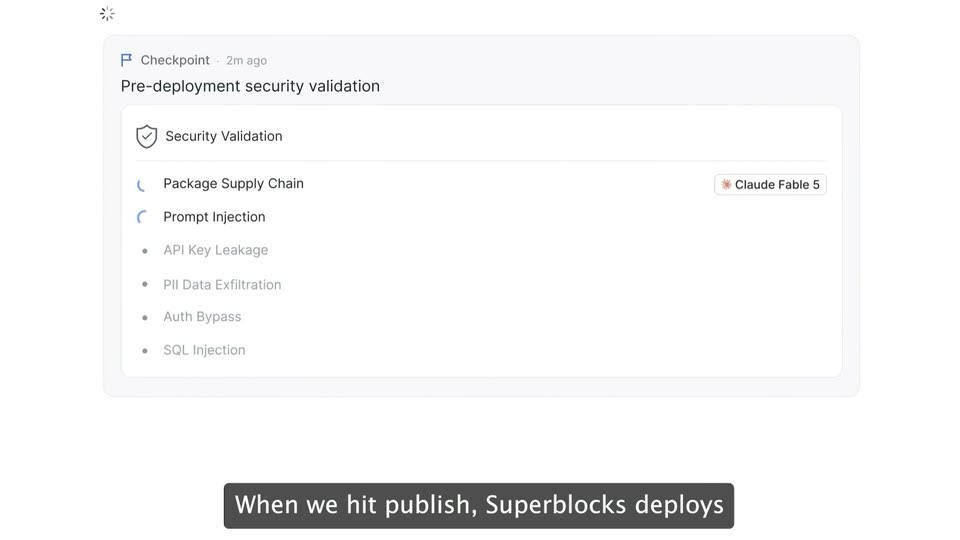 1:01–1:02Superblocks · Brad Menezes - Today we’re partnering with AWS to launch Superblocks 3.0: the secureA light product interface shows a toolbar with a Preview button and a blue Publish button. A cursor presses Publish, then the view reveals a security validation card listing checks under a Checkpoint header.
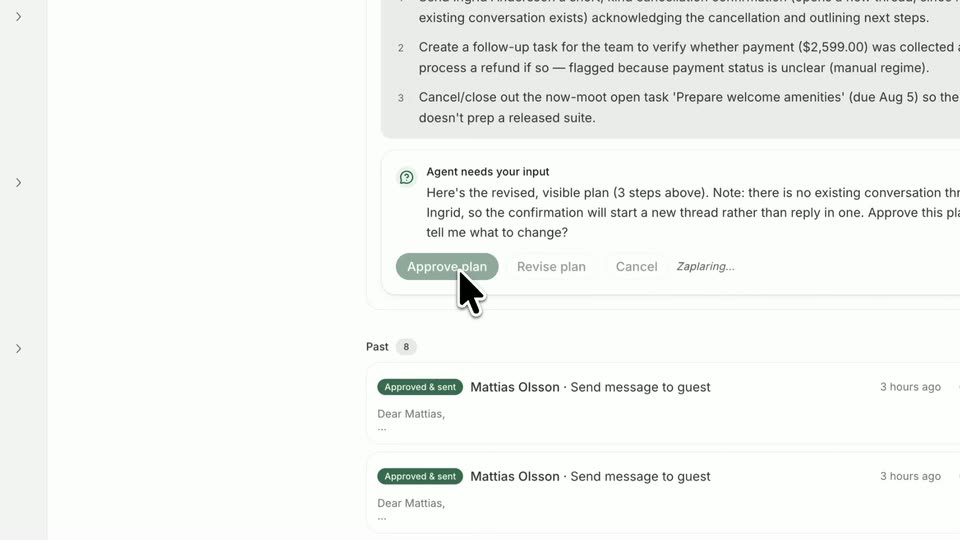 1:55–1:56Zaplar · Zaplar: the AI-native operating system for hotels (Y Combinator S26)A light product interface shows an agent plan card with a black cursor resting on the green Approve plan button. On the click, the card swaps to a Drafted message panel revealing the full cancellation letter, while a Past list of sent items sits below.
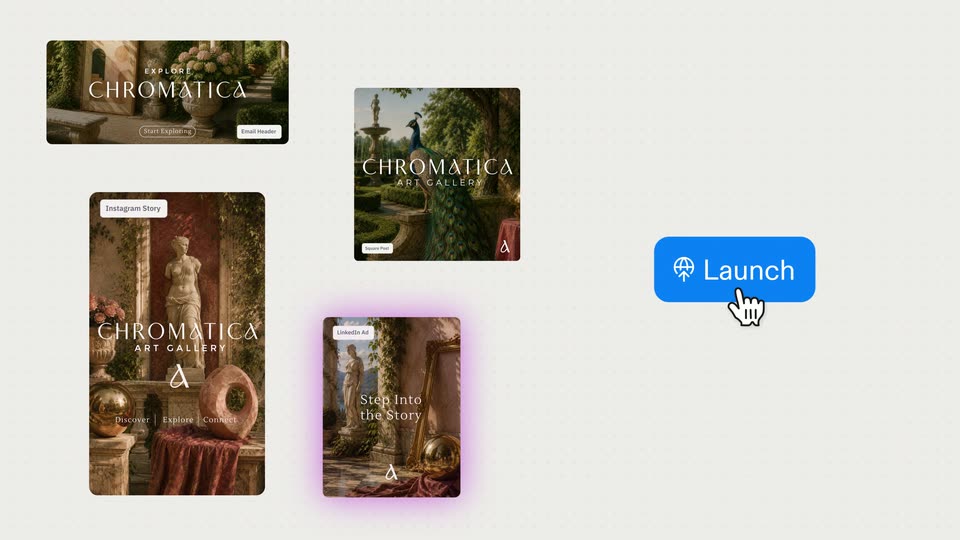 0:49–0:52Replit · Introducing Replit DesignFour Chromatica Art Gallery post mockups (email header, square post, Instagram story, LinkedIn ad) are arranged on a light gray background. A blue Launch button with a globe icon appears at right and a cursor clicks it, then the frame pushes in and blurs across the cards.
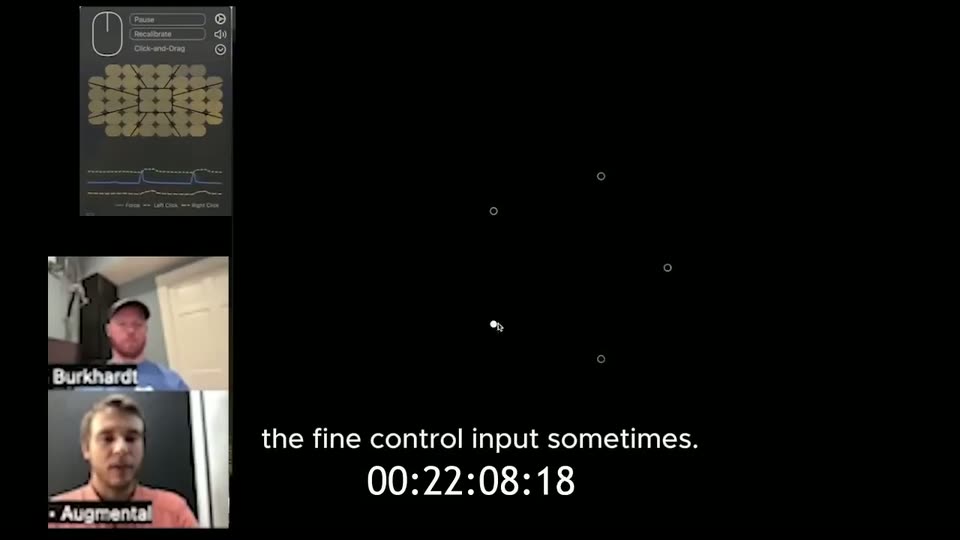 2:58–3:03Augmental · MouthPad is now availableA screen recording of a control demo: a left strip holds the app panel with a tan dot grid and two webcam tiles, while a white dot and mouse cursor move across a black canvas marked with small circle targets. Subtitles and a running timecode sit at the bottom.
 1:07–1:08HeyGen · HeyGen - Introducing companion mode The difference between ordering a video aA white abstract logo mark sits centered on tilted, grainy panels with purple and green iridescent gradients, set in 3D perspective on a black background. A white cursor arrow drifts up from the lower center toward the logo.
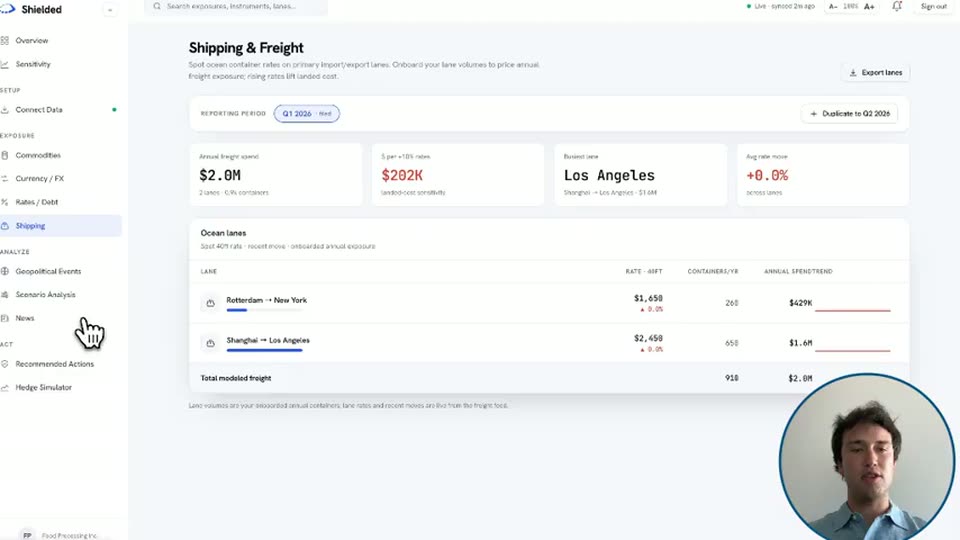 0:39–0:41Shielded · Shielded Live DemoA light product dashboard fills the frame, its left sidebar listing navigation items. A cursor clicks down the list from Shipping to News, triggering a loading line under the page title. A small circular webcam of a man speaking sits in the bottom right corner.
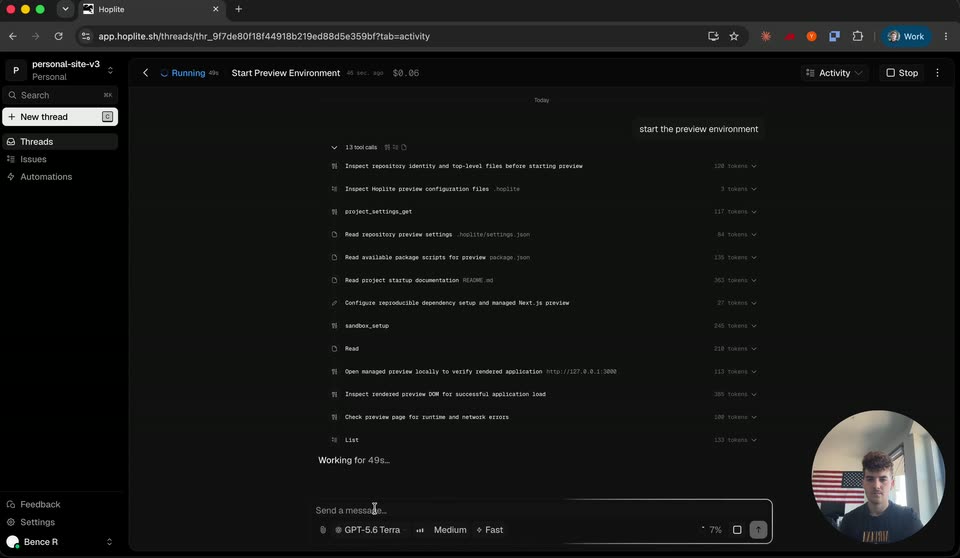 1:16–1:40Hoplite · Ryan Morrissey - We have spent weeks making the best cloud coding platform out thereA dark chat thread lists tool calls that accumulate line by line as a Working timer counts up, then flips to Ready with a success note. A circular webcam of a presenter sits bottom right. The cursor opens the Activity menu and selects Preview, loading a preview pane.
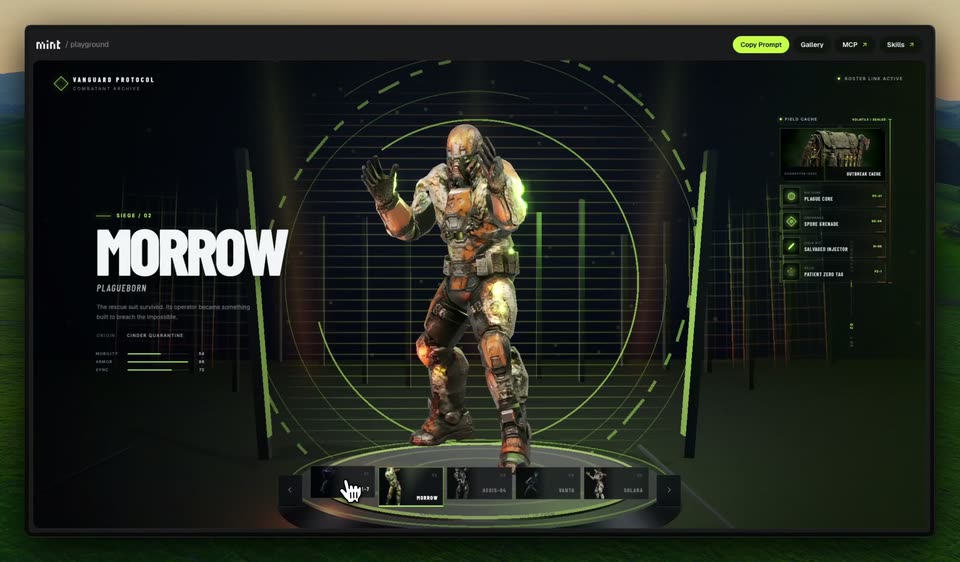 0:22–0:23Mint MCP · tamrat - Introducing Mint MCP - It turns your coding agent into a 3D engine!A dark product interface fills a desktop window, a 3D armored character stands on a glowing circular rig at center and shifts its pose. A hand cursor hovers over the bottom thumbnail carousel while side panels list character and gear data.
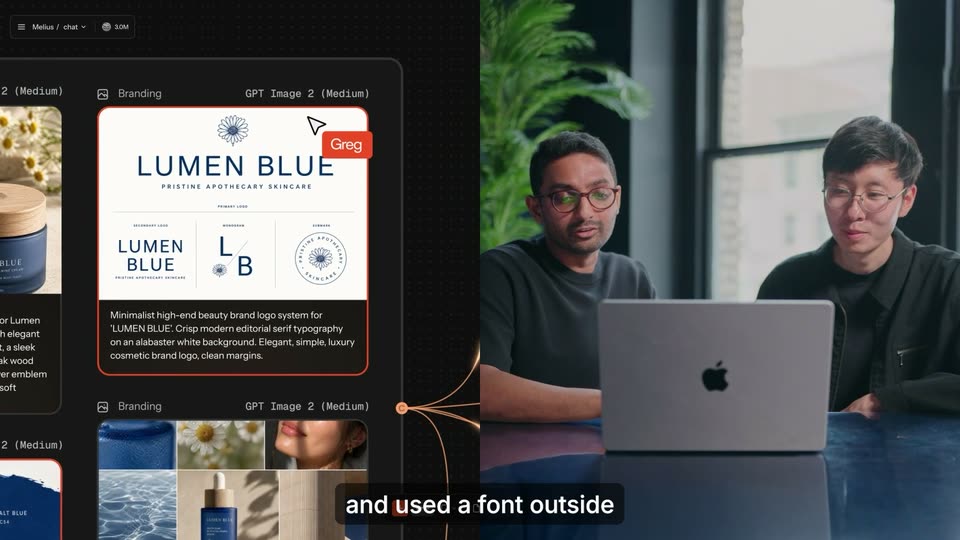 1:02–1:07Melius · joowon - If you’re a creative not using AI you’re fcked. Introducing Melius:Split screen: the dark Melius canvas zooms onto a LUMEN BLUE branding card as a cursor moves across it and a red outline highlights it, while two men sit at a laptop on the right. White captions in a black bar at the bottom state the issue.
 2:20–2:22PromptQL · Tanmai Gopal - We raised $136M to kill Slack. Introducing PromptQL: The first AI veA chat thread with an attached email preview fills the screen, then the view zooms into the compose box. A green cursor hovers the promptql badge and the blue Send button. A bottom caption reads “and you send it to the customer.” then “The integration ships 10X”.
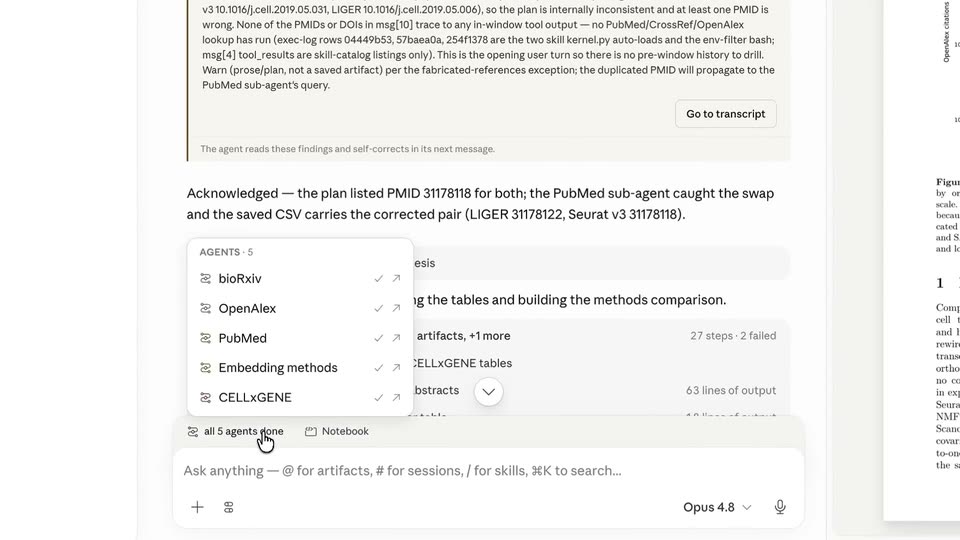 1:01–1:07Anthropic · Introducing Claude Science (now in beta)A light agent chat scrolls as a hand cursor clicks the Reviewer header, unfolding a warning card on a duplicated PMID. An agents popover pops over the input field while a document pane with a data table fills the right side.
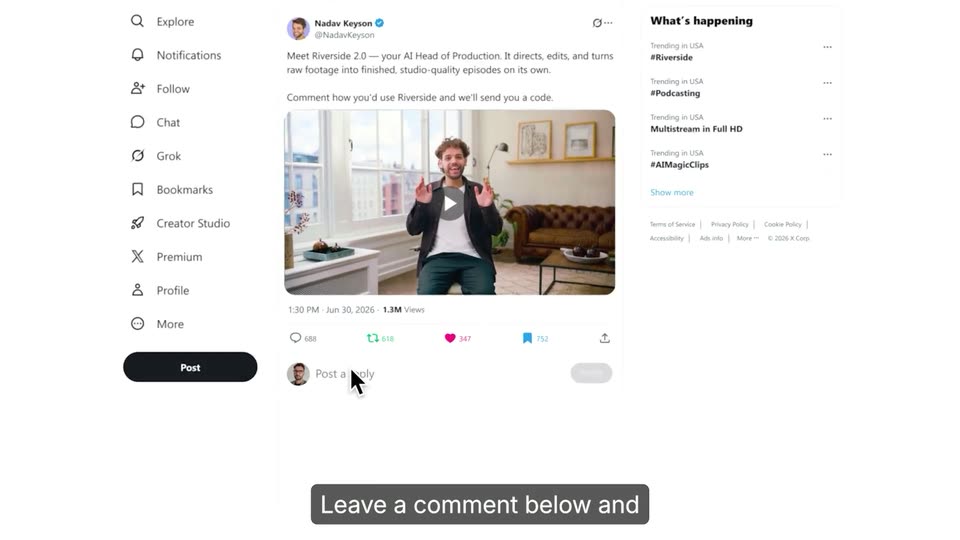 1:37–1:38Riverside · Nadav Keyson - AI Videos are ALL slop. AI should be making you a content machine.A Twitter post about Riverside 2.0 fills the screen, the cursor drifts down to the reply box, and a dark caption bar at the bottom reads the offer, swapping from one line to the next.
 2:38–2:39Tana · Beyond AI Meeting Notes: Meet the New TanaA dark empty screen holds a white cursor that drifts from the center toward the right edge. A tiny gray cube rests near the bottom, and a webcam inset of the presenter in the top-right corner slowly enlarges.
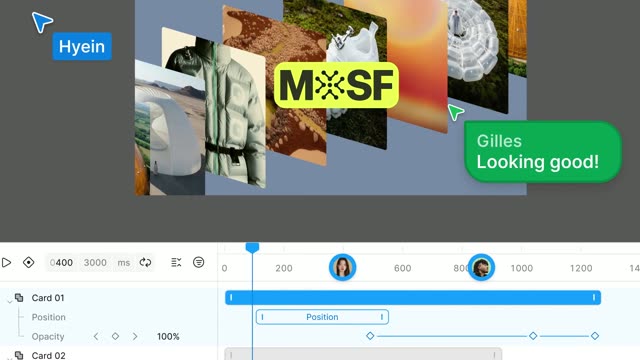 0:46–0:49Figma · Introducing Figma Motion: Your canvas now has a timelineScreen recording of a collaborative motion tool: a 3D fan of photo cards rotates on the canvas while a yellow M*SF logo pops in the center. A green Gilles comment bubble expands to read Looking good!, and a cursor drags the Position property on the timeline below.
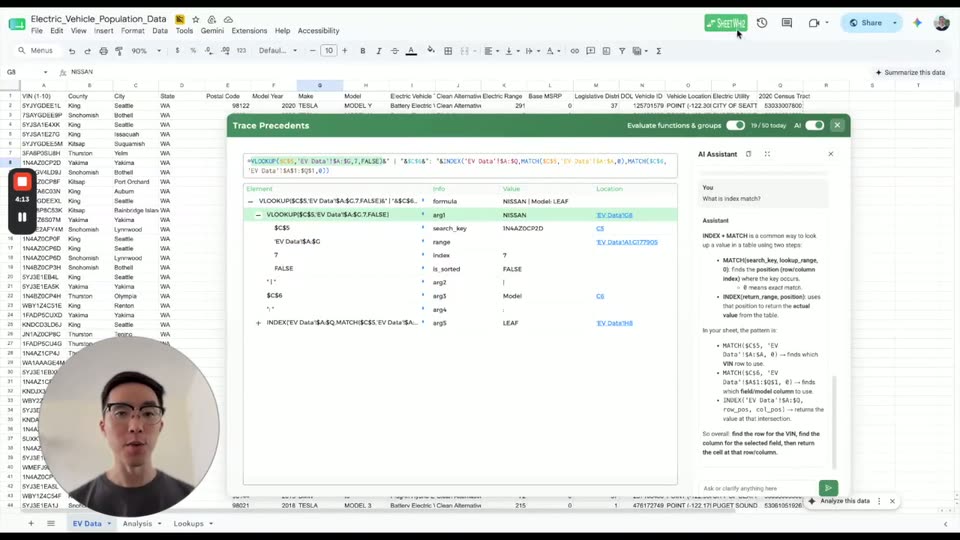 1:50–1:55Dimely · SheetWhiz Trace Precedents AI DemoA Google Sheets spreadsheet fills the frame with a Trace Precedents panel and an AI Assistant panel open. A circular webcam of a bespectacled man talks in the lower left. A cursor moves to the top right and clicks the SheetWiz button, opening a dropdown menu of shortcut options.
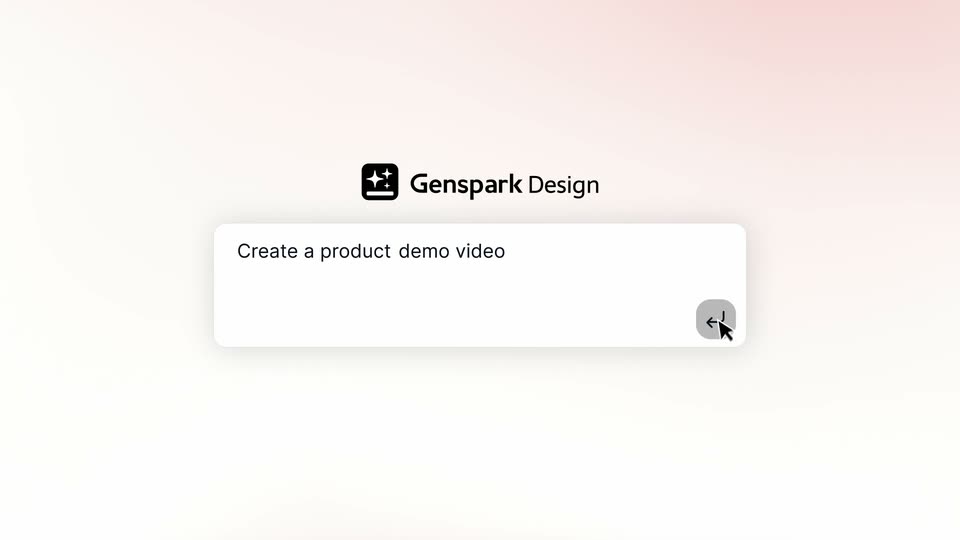 1:01–1:03Genspark · Genspark - 🎨 Introducing Genspark Design The next-gen AI for design and creatioOn a soft pink gradient, a black app icon and Genspark Design sit above a white rounded input field reading Create a product demo video, with a return-arrow button at its lower right. A cursor enters from the right and hovers the button as the group drifts upward.
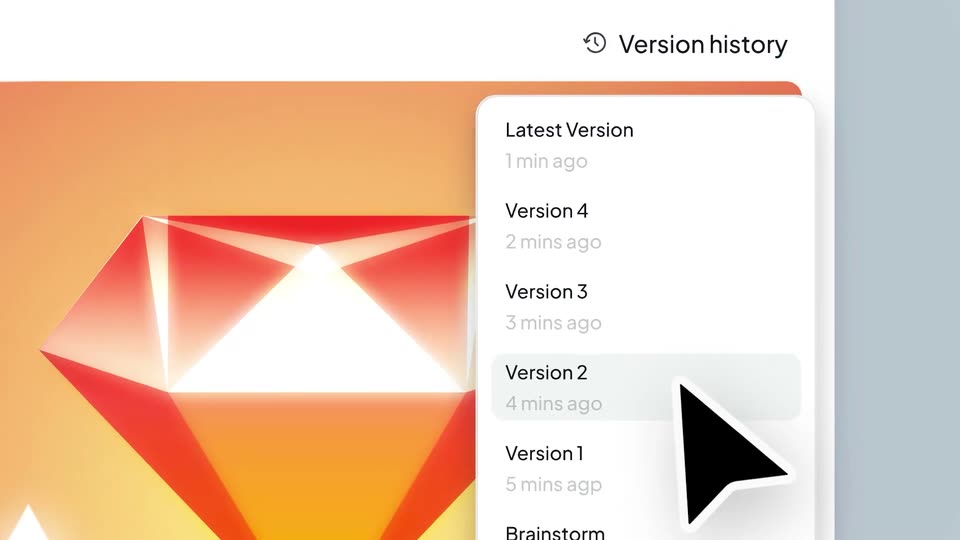 0:34–0:36Lottielab · Lottielab - Introducing Magic Animator beta 3.0✨ Prompt and edit animations in FA white UI panel with a top bar showing Animations and Free Credits. A cursor clicks the Version history button, opening a dropdown list of versions, then hovers over Version 2. An orange faceted gem sits behind the panel.
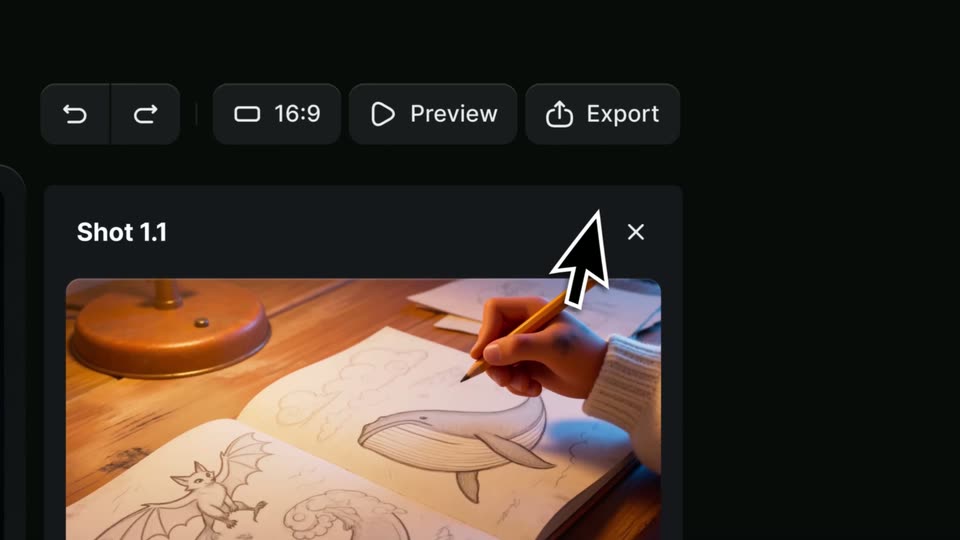 1:06–1:11OpenArt · OpenArt - The way videos are made is about to change. Introducing OpenArt DireA dark editing UI shows a video player on the left and a Shot 1.1 panel on the right. A cursor drags the Volume and Speed sliders, then the view zooms into the top toolbar with Preview and Export buttons.
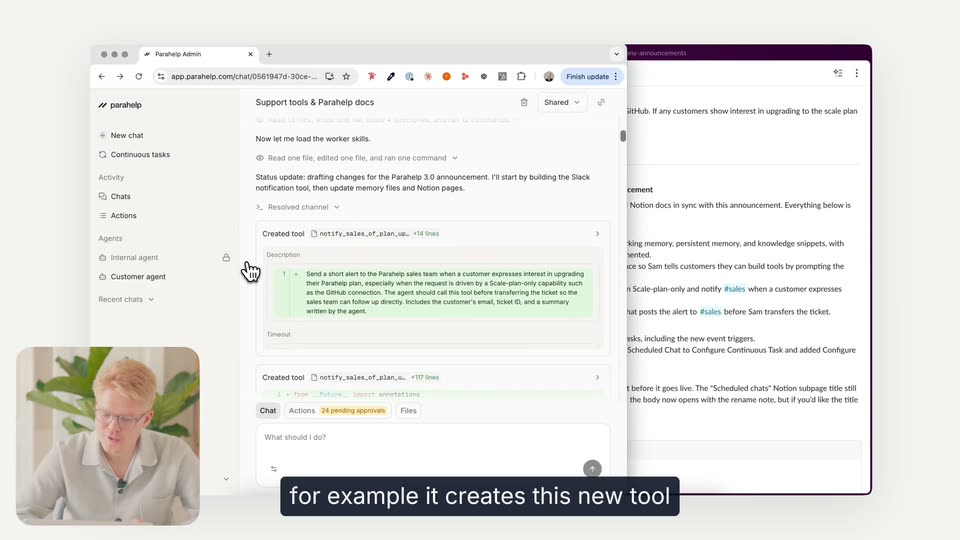 2:36–2:38Parahelp · Mads Lunau - Today, we’re launching Parahelp 3. With Parahelp 3, we’re doubling dA browser window shows the Parahelp admin interface with a cursor hovering over a created-tool card, while a second window holding a Notion page sits to the right. A small video of a man at a desk fills the bottom-left corner as the bottom caption swaps.
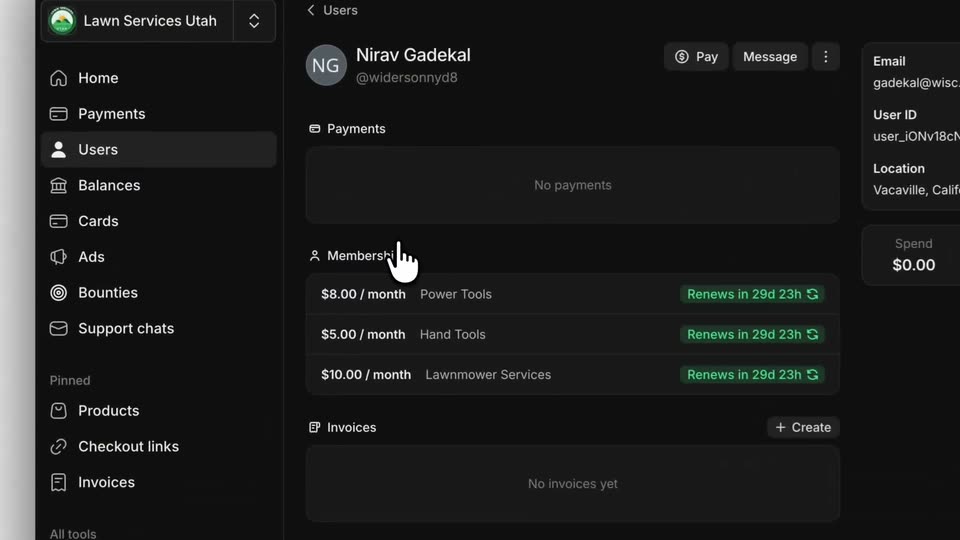 0:24–0:26Whop · Whop MigrationsA dark dashboard mockup tilts in 3D on a light gray field, a hand cursor resting on the Payments row. The view zooms flat into the user detail as the cursor slides down to the Memberships list.
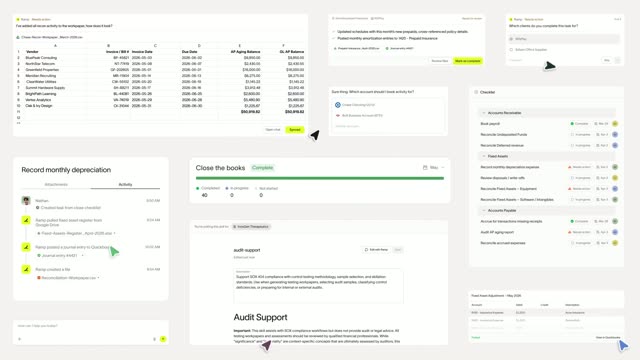 0:56–1:01Ramp · Introducing Stack | AI built for accountants | by RampA grid of six interface panels fills the frame. Cursors glide across them, clicking buttons that change states: a spreadsheet flips to Synced, a checklist marks rows complete, a progress bar fills and reads Complete.
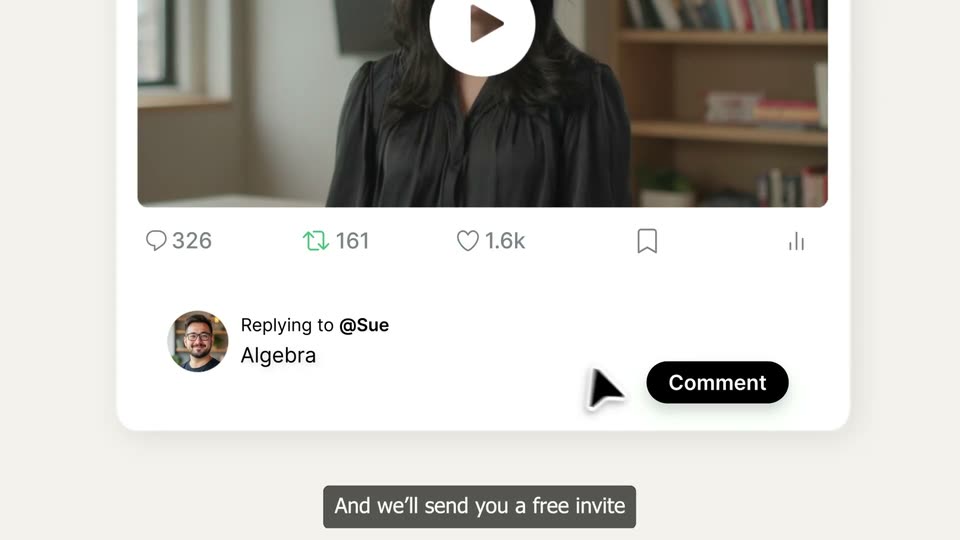 2:09–2:15Koji · Sue - AI is making kids dumber. It should be making them geniuses. IntrodA flat social media post card on a light background zooms in. A cursor clicks the repost icon, turning it green, then types Algebra in the reply box and hovers the Comment button, which glows green. White captions in dark boxes swap at the bottom.
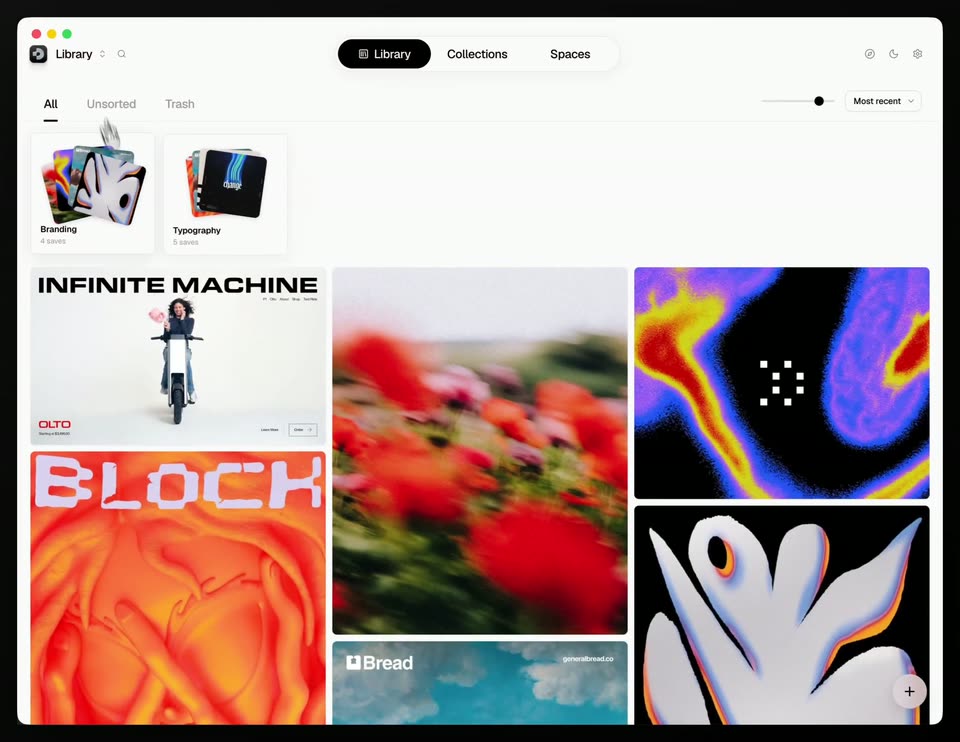 0:39–0:41GatherOS · Brett - Introducing GatherOS™ [beta]. The Mac app for design inspiration, buA blurred browser window zooms out and tilts into a 3D perspective, then flattens to a front view of a library grid. A hand cursor moves from the back button to a poster thumbnail.
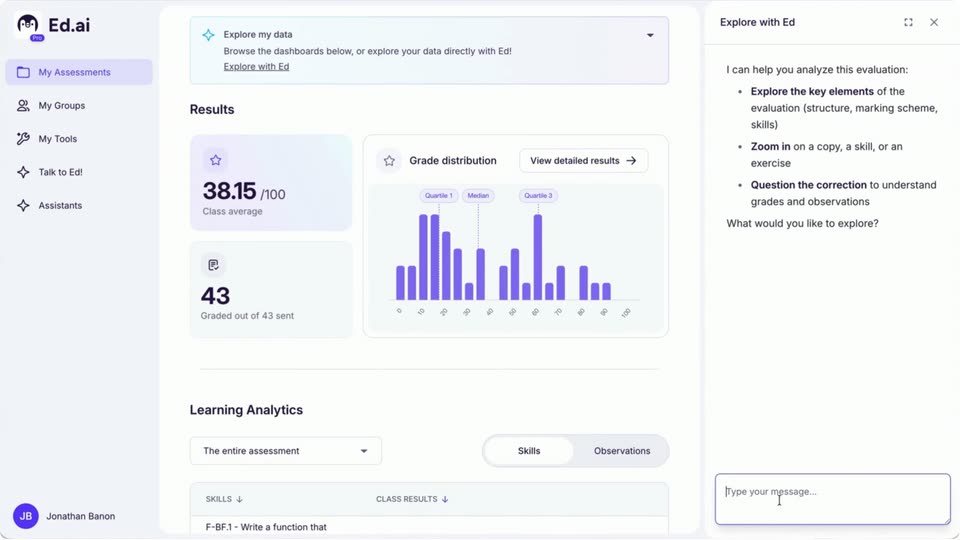 0:53–1:01Ed.ai · Ed.ai in 1 minuteA light dashboard shows a Results section with a purple bar chart and an average card. A cursor clicks the Explore with Ed link, and a side panel slides in from the right with a bulleted list and message field, shifting the content left.
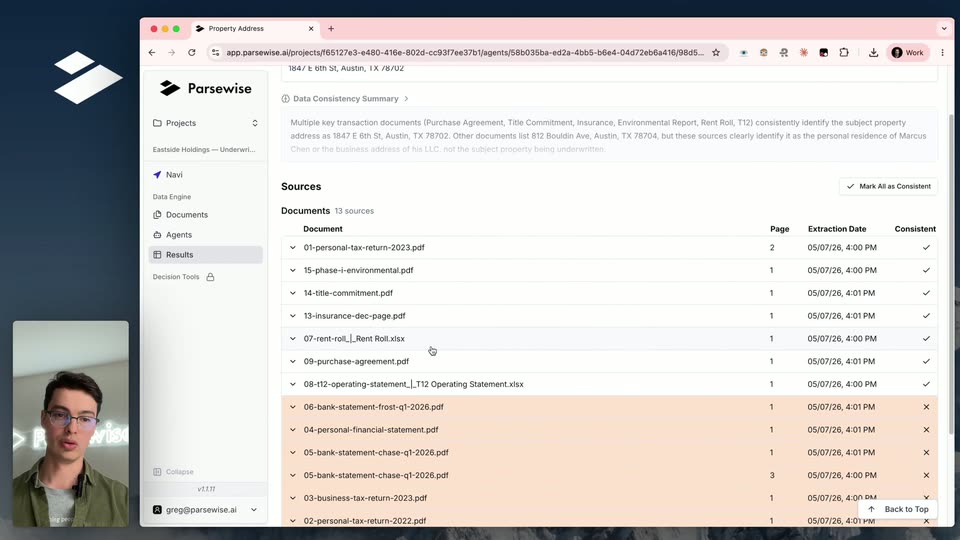 2:01–2:04Parsewise · Parsewise API LaunchA Parsewise results screen scrolls down through a documents table; the cursor then hovers one row, which highlights in orange and pops open a tooltip listing extracted Excel cell values. A talking presenter's webcam occupies the lower-left corner.
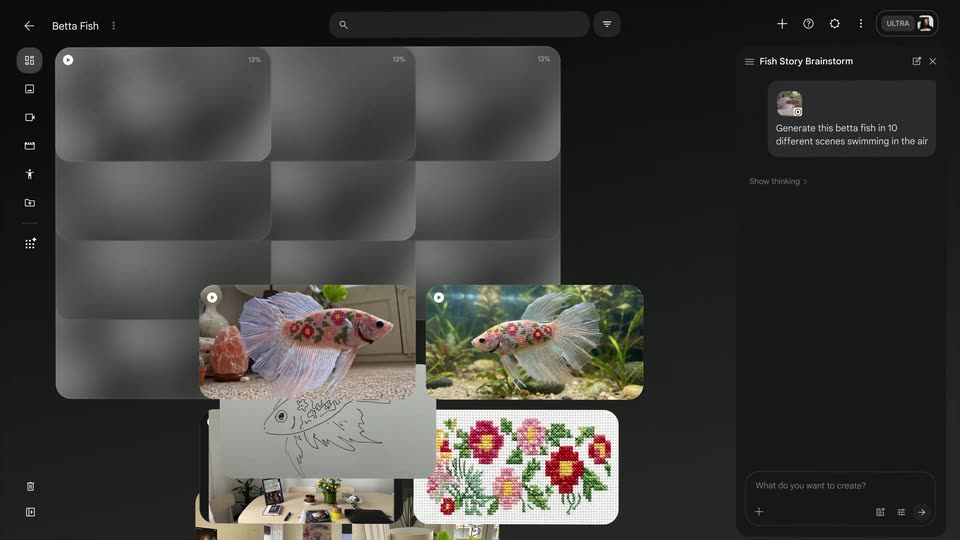 0:44–0:45Google · Google Flow - Introducing your agent and the all-new Gemini Omni model in Google FlA dark image-generation interface shows a grid of betta fish, room and cross-stitch photos beside a chat panel holding a prompt. A cursor hovers over the grid, then the flat view tilts into a 3D angle as a diagonal light beam crosses the screen.
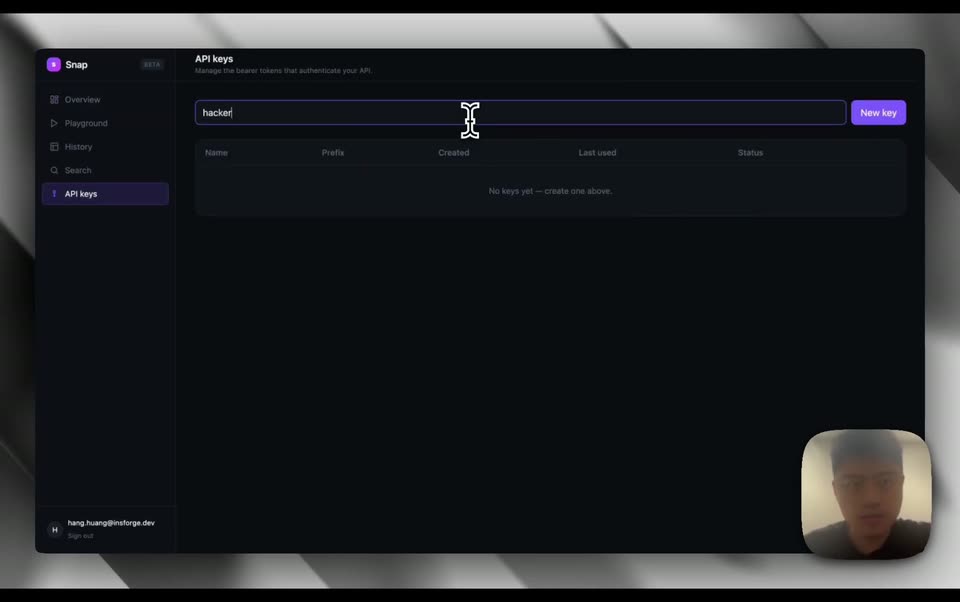 1:08–1:12InstaBox · InsForge YC Launch VideoA dark Snap dashboard on the API keys page fills the frame. A cursor clicks the key name field, types a name, and a green token banner with a Copy button slides in above a new Active row. A small webcam of the presenter sits in the bottom-right corner.
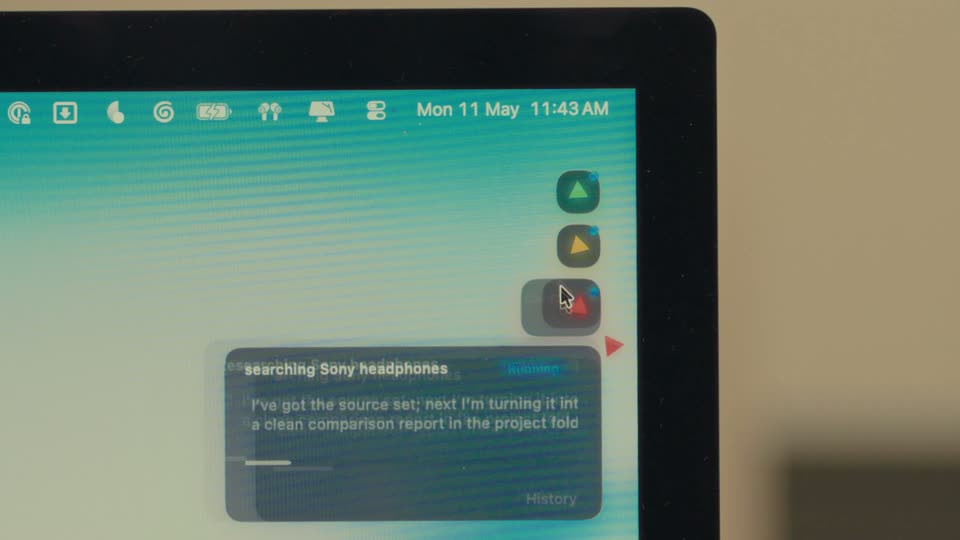 0:56–0:57HeyClicky · hi im clickyA tablet screen is filmed at an angle on a teal gradient background. A white cursor glides to the yellow triangle button on the right, and a translucent tooltip labeled Compressor fades in over the notification card.
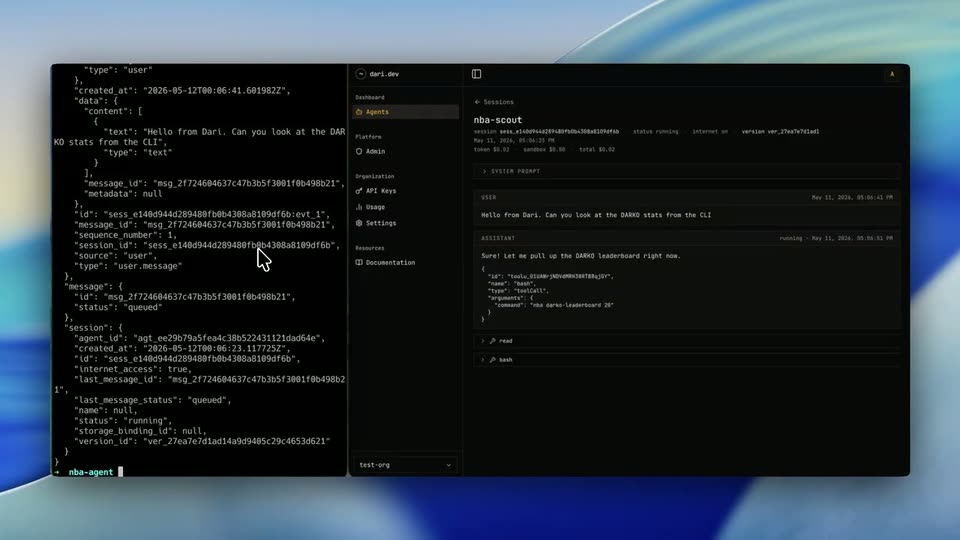 0:57–1:09dari.dev · Dari.devA dark three-pane interface: terminal, dashboard sidebar, agent session. The camera starts tight on the terminal, where a cursor types a CLI command, then pulls back to reveal the window over a blurred blue background. JSON streams as the reply, with a leaderboard table, types out in the right pane.
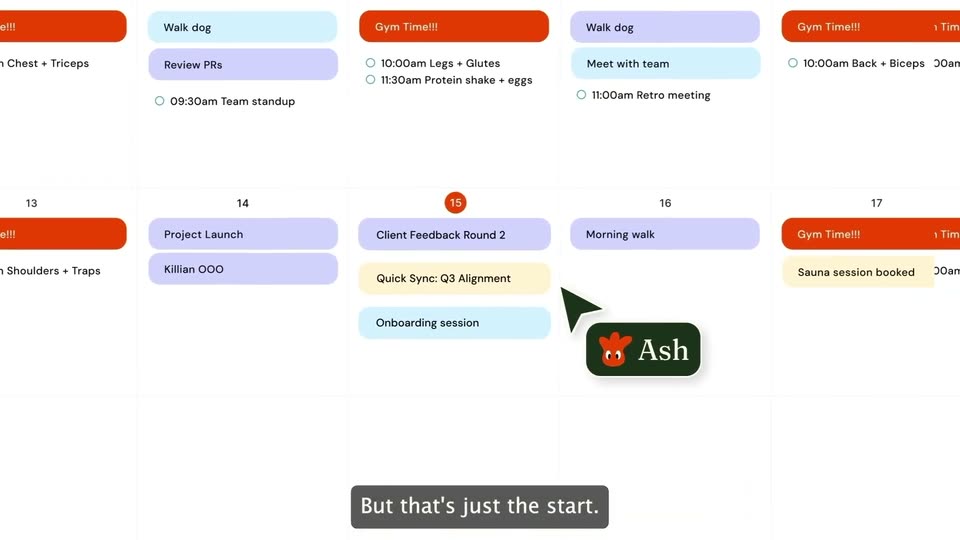 0:40–0:41Vellum · akash - We’ve raised 25M to build the world’s first Personal Intelligence. IA calendar interface fills with three new event blocks as a detail popup closes. A cursor glides across the grid while a dark caption bar at the bottom switches from one line to the next.
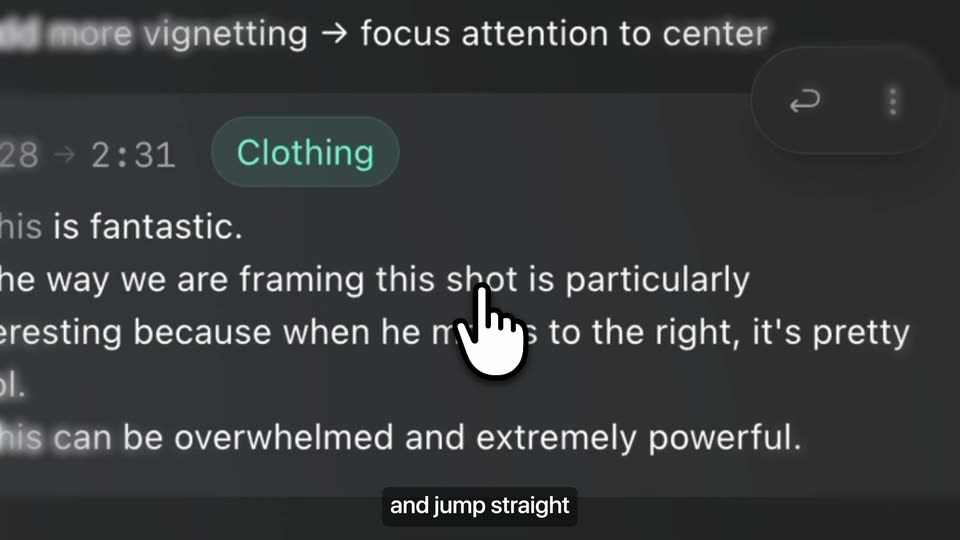 0:51–0:53Flask · Enrico Tartarotti - Introducing Flask. Give detailed feedback on videos and creative assA dark review interface: the surrounding comment list blurs and darkens while the central comment text and a green Clothing tag stay sharp. A white hand cursor hovers over the copy, and a small caption pill at the bottom swaps short phrases.
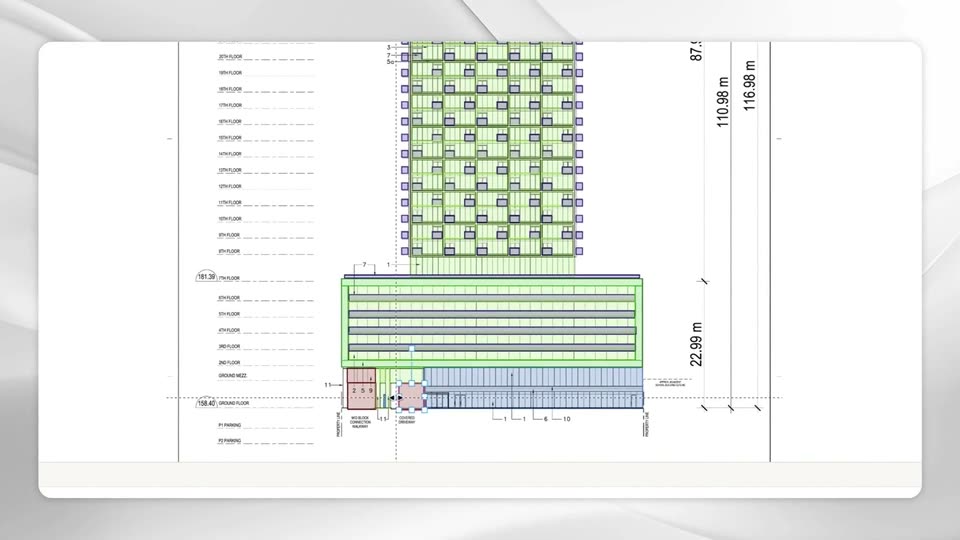 1:58–2:05PLAN0 AI · PLAN0 Demo VideoA cursor clicks a toolbar button in the PLAN0 app and the building elevation's materials fill with green, blue, and pink. The view zooms in on the colored facade, then back out to the full sheet.
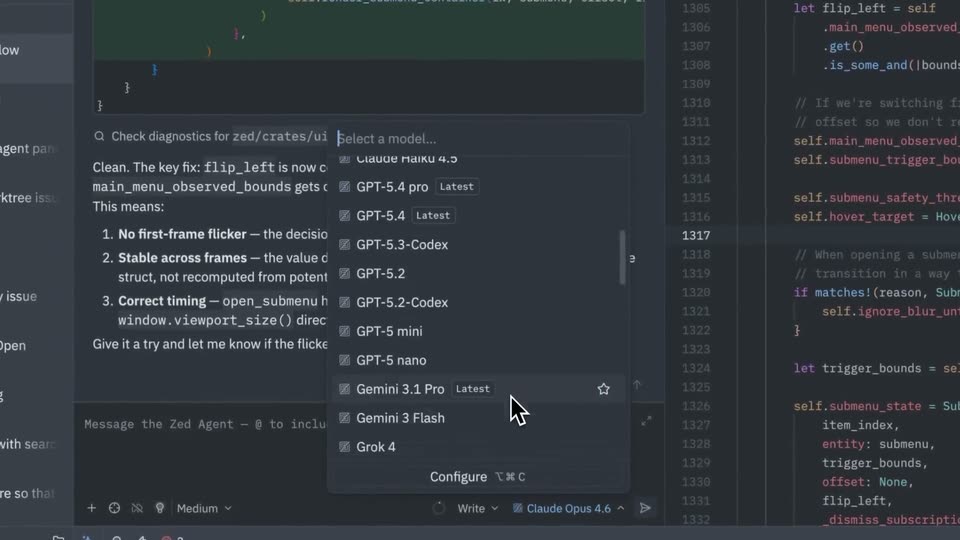 1:29–1:34Zed · Zed - Zed 1.0: Your last next editor.A light pricing page with three plan cards is shown as a cursor moves to and clicks the blue Get Started button. The scene cuts to a dark code editor, where the cursor scrolls through a model-selection dropdown.
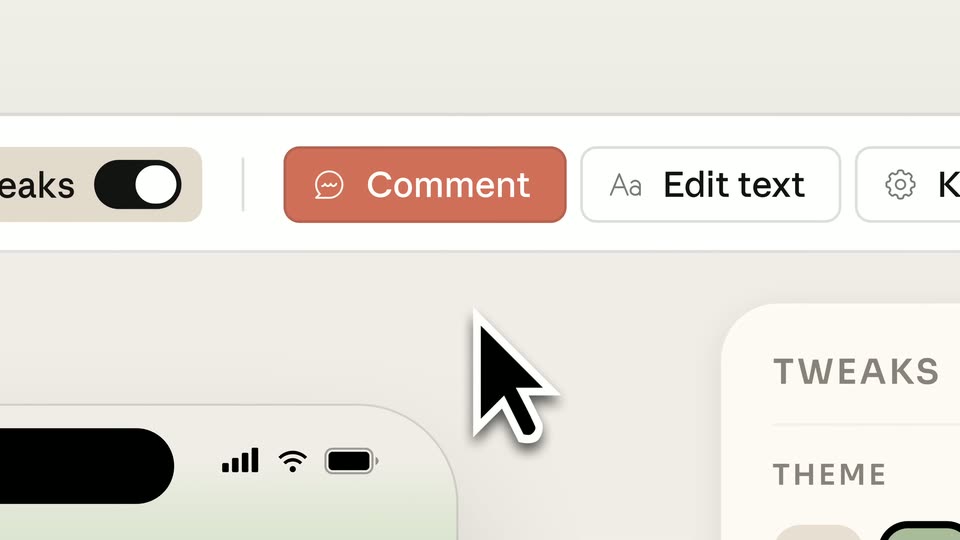 0:39 · 0.5sAnthropic · Introducing Claude Design by Anthropic LabsA close-up of an orange Comment button and a hand cursor reframes outward to a flat layout: a phone mockup on the left and a TWEAKS panel on the right showing theme swatches and typography sliders, with an arrow cursor at the top.
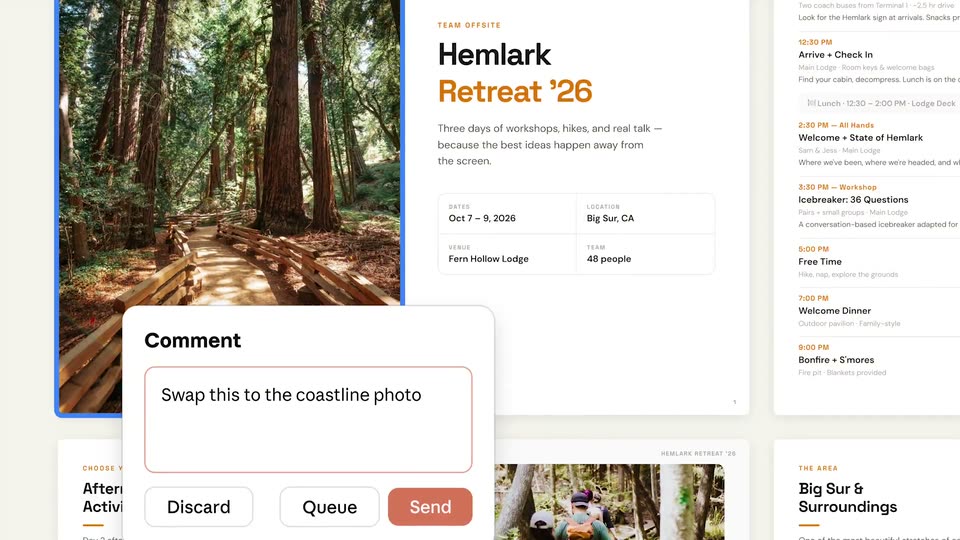 0:49–0:50Anthropic · Claude - Introducing Claude Design by Anthropic Labs: make prototypes, slides,A retreat-planning interface shows a card with a forest photo and a comment box. The field types out a note while a hand cursor moves to the Send button.
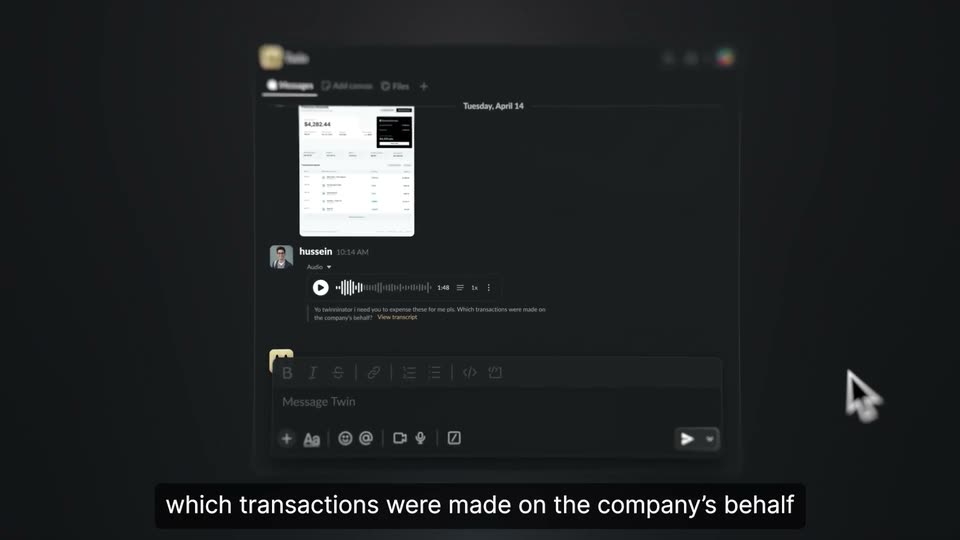 1:40–1:45Slash · Victor Cardenas Codriansky - We (@slashapp) raised a $100M Series C at $1.4 billion valuation to bA close-up of a dark message composer holds a PDF and a voice note as the cursor clicks the send button. The view then pulls back to the full chat window and slides up to Twin's reply listing the transactions.
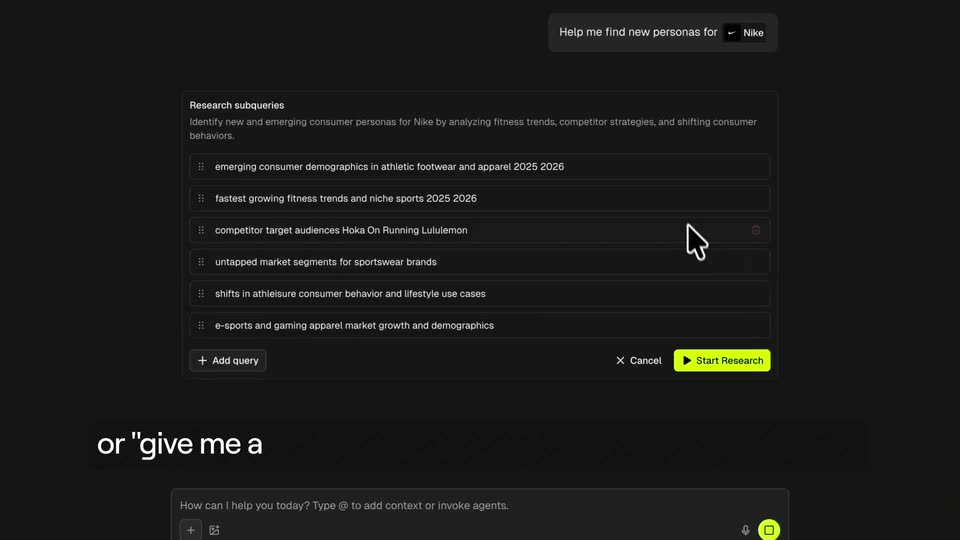 1:17–1:18General Context Labs · Sawyer Covington - This is what having a creative team of 100 could look like. IntroduciA dark task screen shows a greeting line and a prompt field holding a Nike chip. Two hand cursors slide to the green send button on the right, while a white caption types in word by word at the lower left.
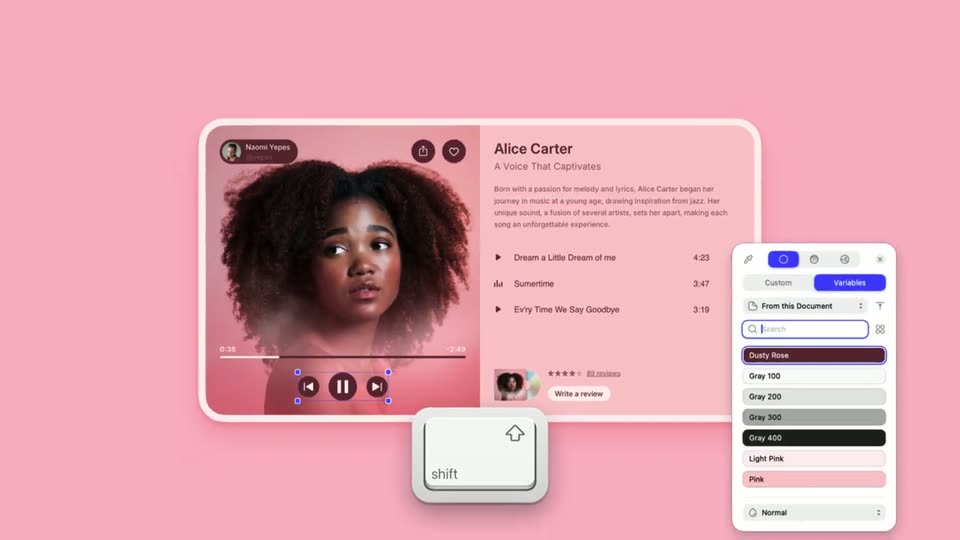 1:10–1:17Sketch · Sketch - 🆕 Things you’ve been asking us for 🆕 Selection colors, independent bA tilted pink music player card floats on a pink background; a magnifier follows the cursor, and the color picker's hex value shifts from pink to dusty rose. A shift keycap pops up, the picker flips to a variables list, then the frame wipes to a dark timeline with clips.
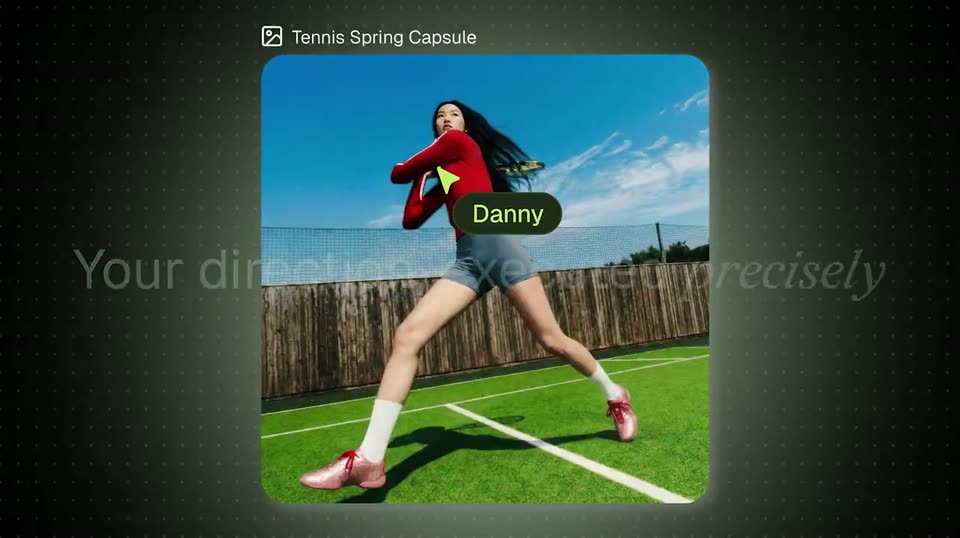 0:46–0:47FLORA · FLORA © - Introducing FAUNA. The creative agent built for people whose ideas deA rounded card shows a woman in a red top swinging a tennis racket on a green court, with a green cursor and a dark green name tag over her. The card scales up then back down on a dotted grid, and a white headline locks in across the frame.
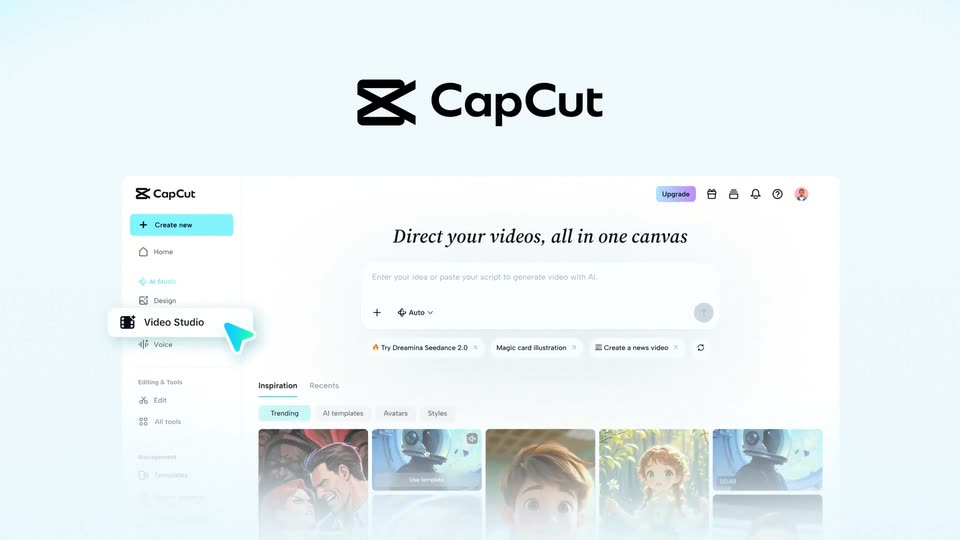 1:12–1:16CapCut · CapCut - Introducing CapCut Video Studio, a timeline-free way to create videosThe CapCut wordmark sits centered above a tilted 3D mockup of the web interface. A teal cursor glides in from the left and hovers over the Video Studio menu item, which lights up with a white pill.