Cursor demo
A visible cursor operates the interface.
14,972 scenes · page 220 of 250
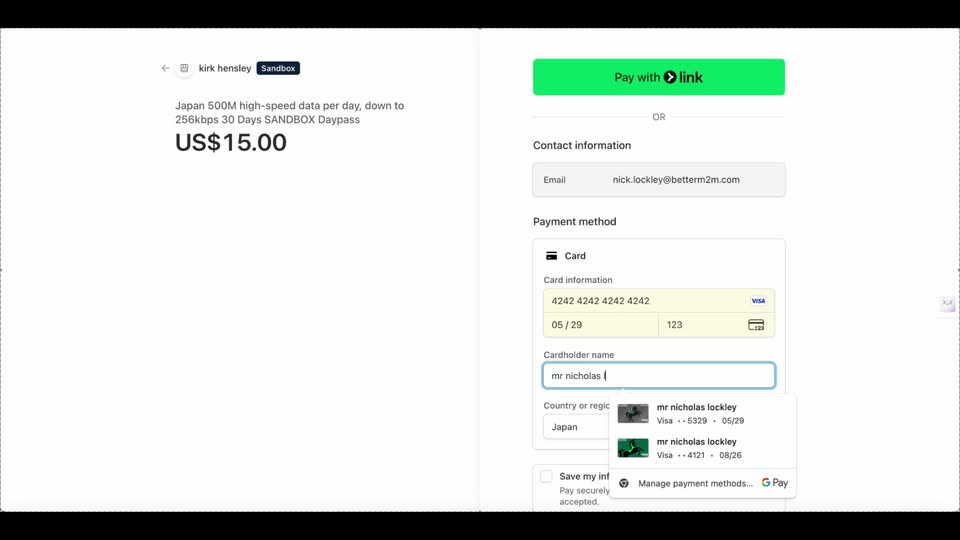 0:55–0:59SimBlox · SimBlox: minute demoA two-column checkout page for a Japan eSIM daypass shows the price US$15.00 on the left and a payment form on the right. A cursor types the card number, expiry and CVC, an autofill dropdown suggests the cardholder name, then the page scrolls down to reveal the blue Pay button.
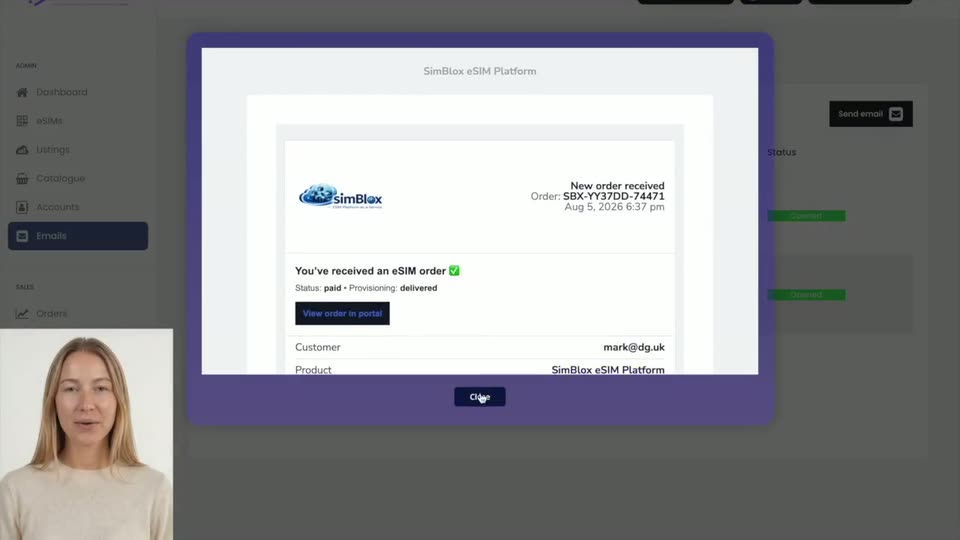 1:37–1:42SimBlox · SimBlox: apps demoA dashboard screen recording with a small presenter webcam in the corner. A modal email preview opens over the Emails table, scrolls through order and profit details, then closes as the cursor clicks Accounts in the sidebar to reveal stat cards.
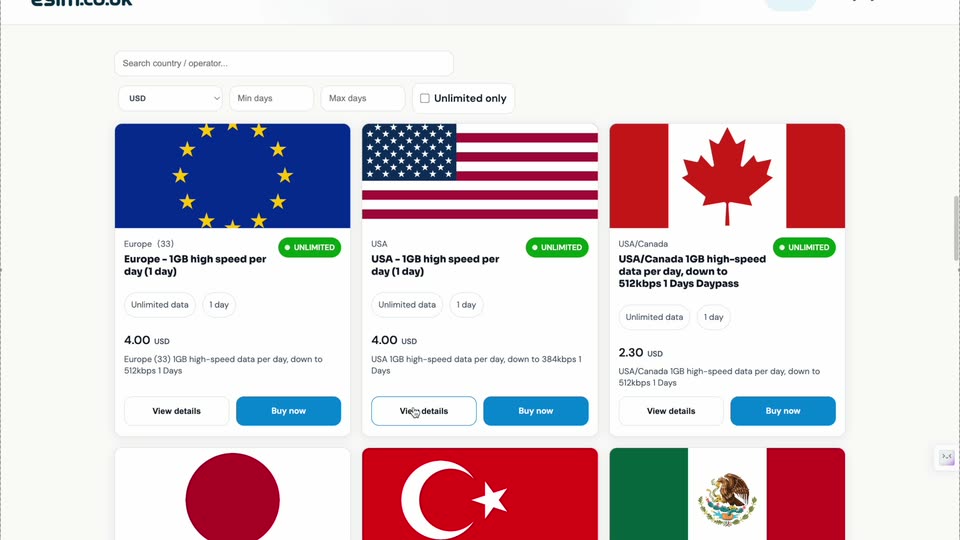 0:48 · 0.5sSimBlox · SimBlox: web widgets demoA grid of SIM plan cards with country flags fills the screen. A cursor hovers over the View details button on the middle card, briefly highlighting it. The layout stays static.
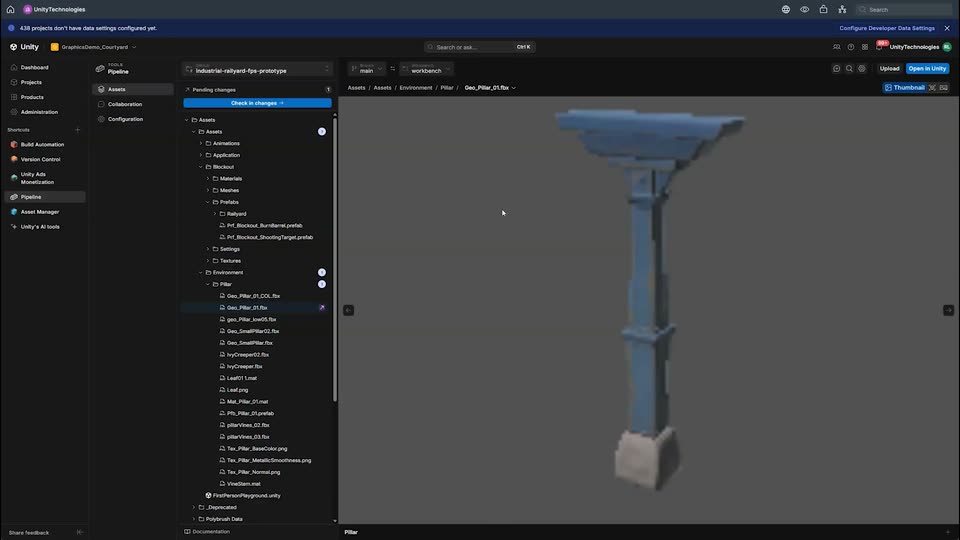 3:05–3:08Unity · Unity CLI 1.0 and Unity Pipeline APIsA dark Unity interface fills the frame, a file tree on the left and a blue 3D pillar model in the right viewport. A cursor drifts across the panels and stops on the blue Check in changes button.
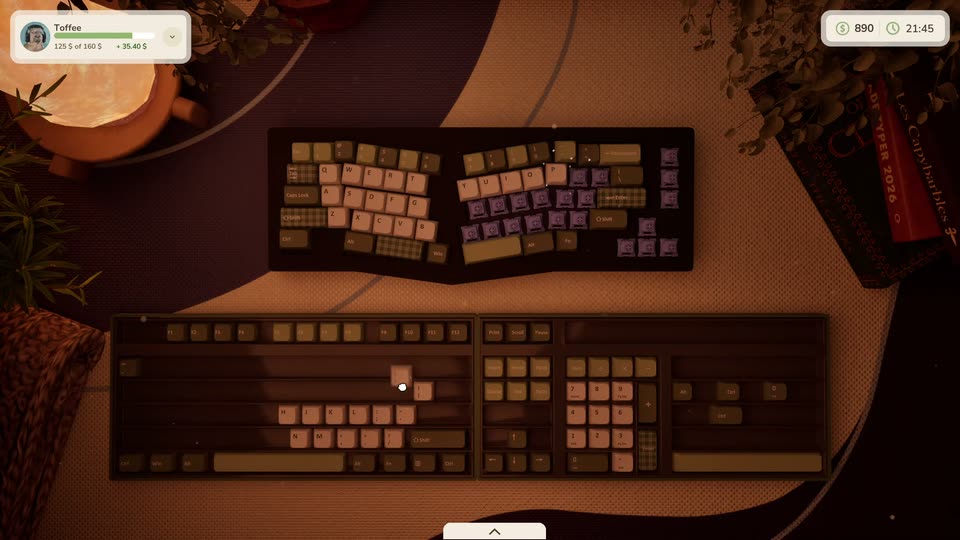 0:30–0:35Vojtěch Peták · KeyCapy - Official Reveal TrailerTop-down locked-off shot of two keyboards, a curved ergonomic one above a full-size one, on a dim amber desk with plants and books. A cursor drifts across the keycaps, one glowing as it is tapped; corner chips show a session timer and balance.
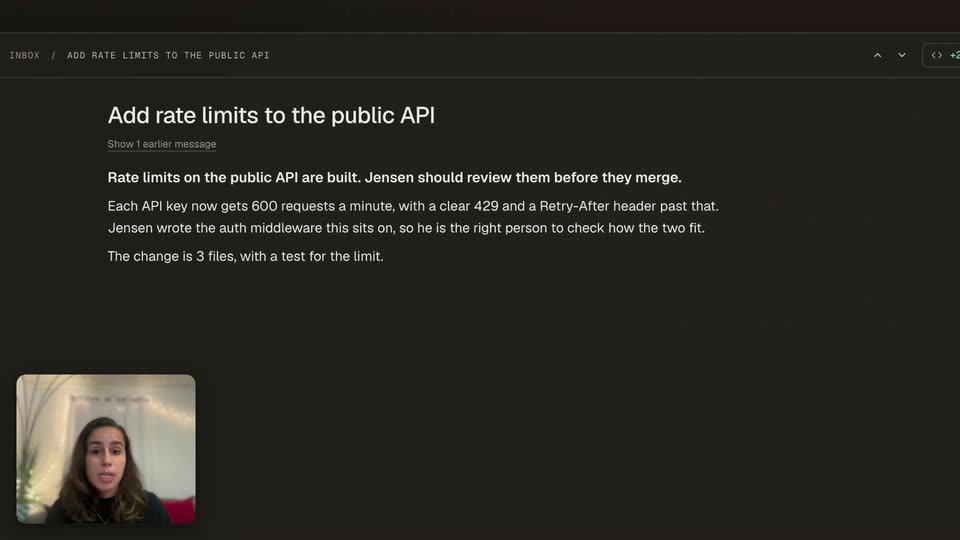 0:55–0:57Agentbox · Savannah - introducing multiplayer for coding agents. the place you code is nowA dark code-review window shows a thread titled Add rate limits to the public API, with a video-call tile of a speaking woman in the lower left. The view zooms in on the title, then pulls back as a cursor moves to the change-count button at top right.
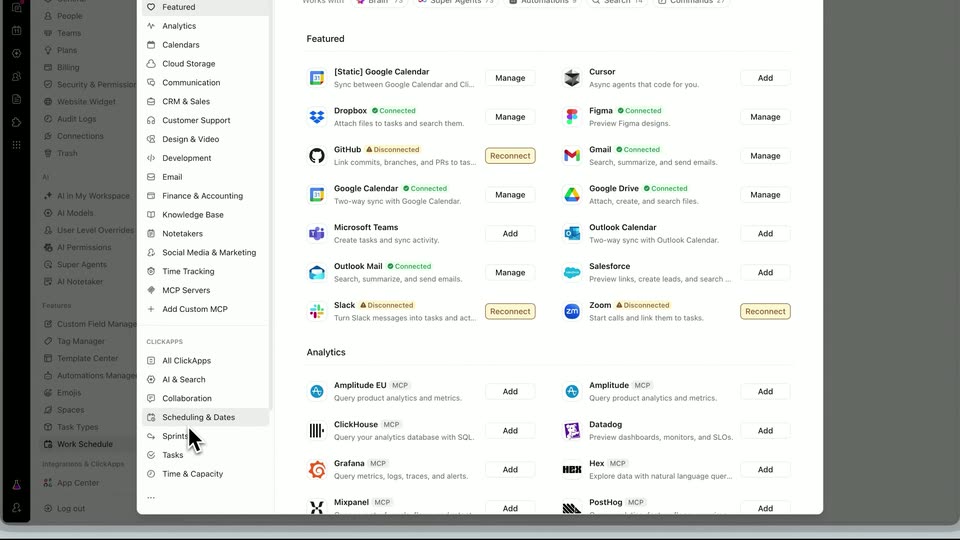 1:25–1:26ClickUp · ClickUp Release 4.10: Sheets, Work Schedules, Email Triggers, and more!A dashboard interface shows a sidebar with an open dropdown of integration categories over a grid of app cards. The cursor travels down the menu and the main panel swaps to a Scheduling and Dates view, pairing a dependency diagram with a column of labeled toggles.
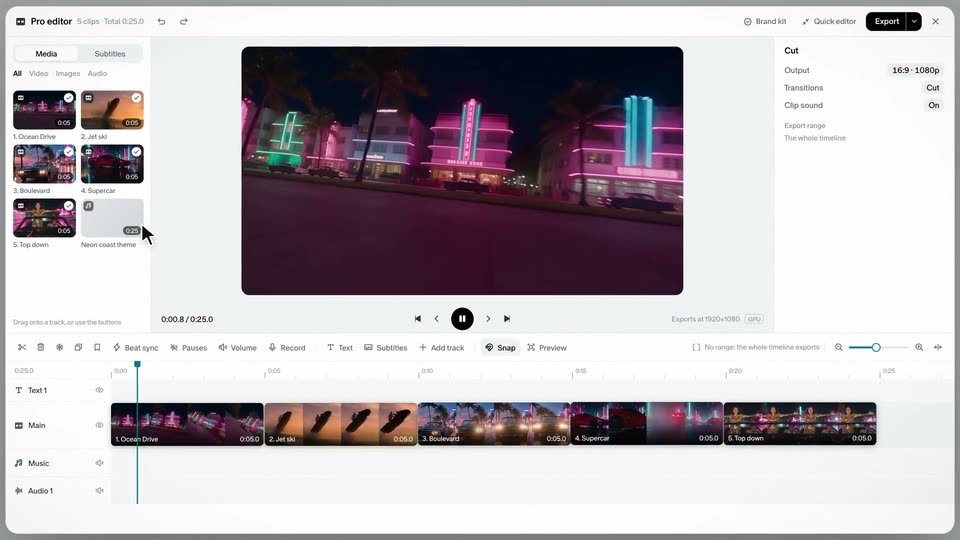 0:31–0:32Flowith · Flowith - introducing Flowith 3.0. the ultimate canvas for human-ai creation.A video editor interface fills the frame, with a thumbnail panel on the left, a neon night street playing in the center preview, and a timeline below. The cursor glides from the preview to a media thumbnail as the playhead advances along the track.
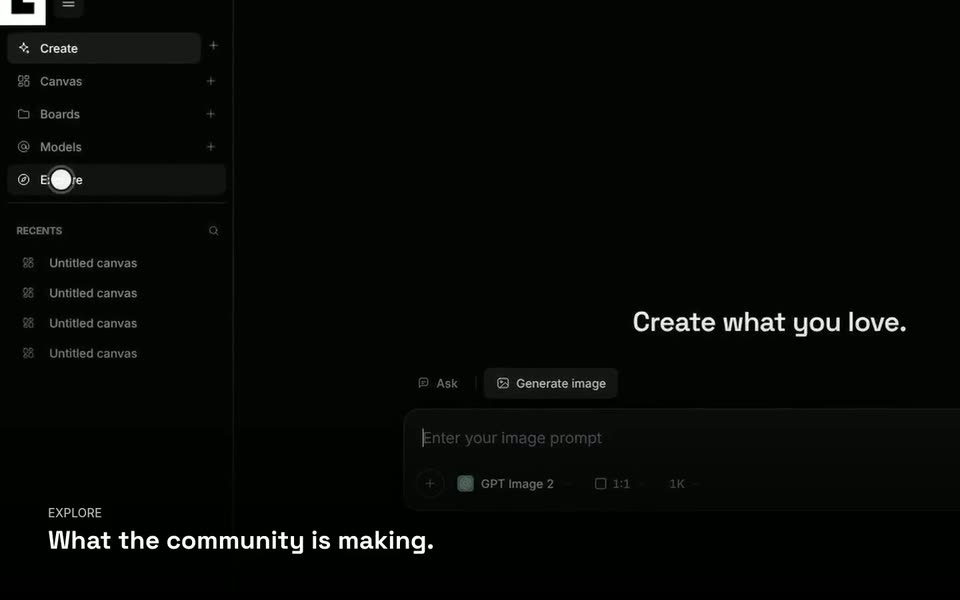 3:06–3:10LetzAI · Introducing LetzAI V5 | LetzAI BlogA dark app screen with a left sidebar and a centered image prompt box pans slowly. A small white cursor dot glides across and settles on the Explore menu item, which gains a focus ring. A static caption sits at the lower left.
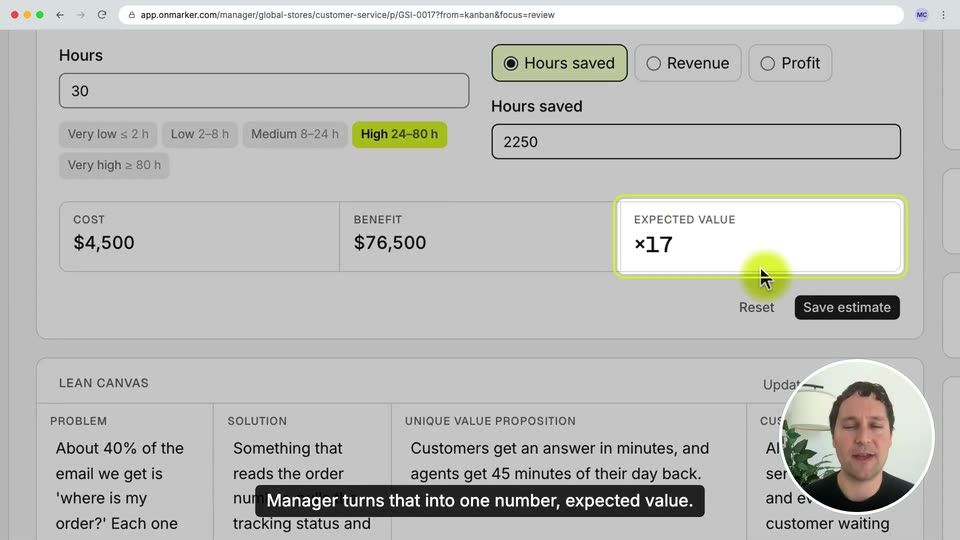 0:47–1:02Marker · Introducing Marker ManagerThe cursor types 2250 into the Hours saved field, and the benefit and expected value recalculate to $76,500 and ×17. The view zooms in; the expected value card gets a yellow outline, and the cursor clicks Save estimate. A face-cam sits bottom-right, black captions along the bottom.
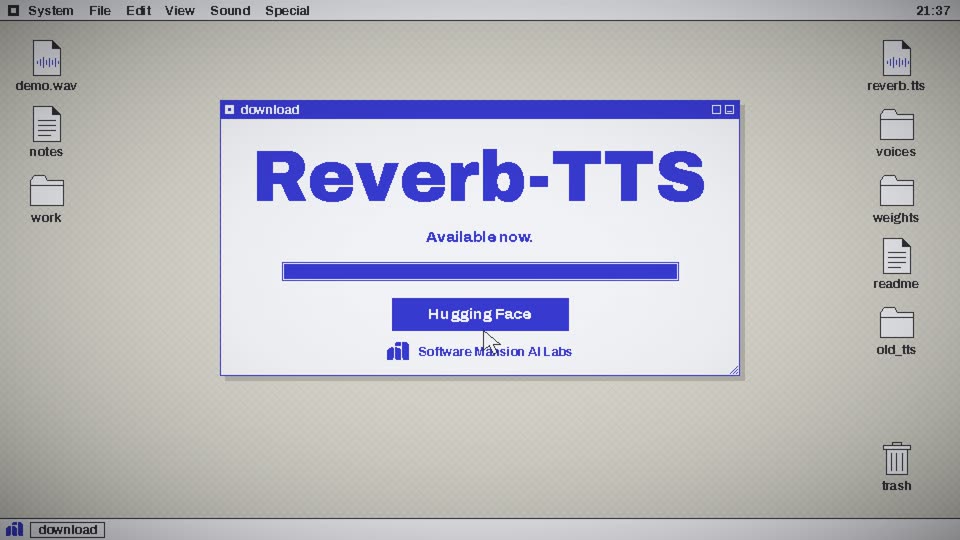 0:46–0:51Software Mansion · Software Mansion AI Labs - Introducing Reverb-TTS, a state-of-the-art voice-cloning text-to-speeA retro desktop hosts a centered download window where a blue progress bar fills left to right. The caption shifts from Available to Available now, and a Hugging Face button fades in, filling solid blue as the cursor hovers over it.
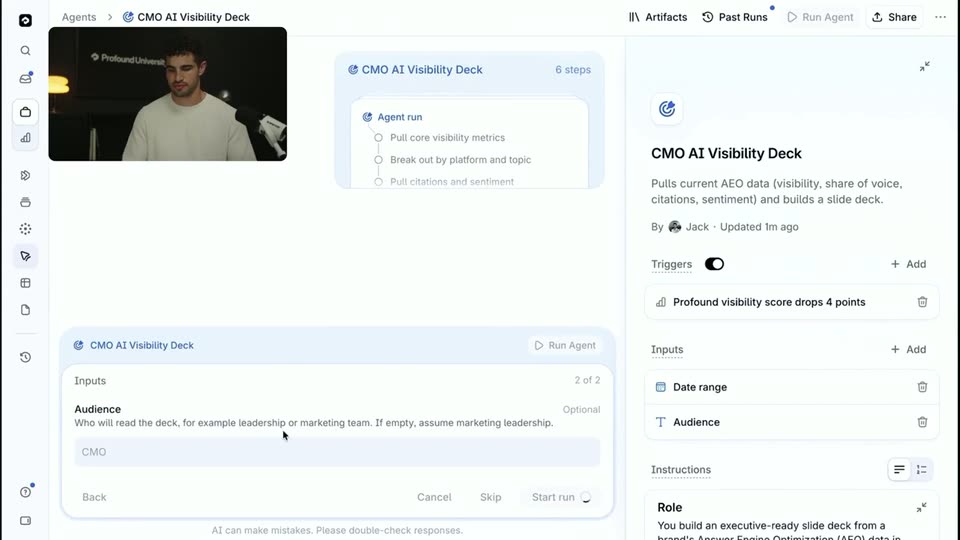 2:18–2:28Profound · Dylan Babbs - Today we're launching a new generation of Agents in @profound, now poA screen recording of an AI agent dashboard. A cursor opens the date range dropdown, picks a range, types CMO into the audience field, then clicks Start run. The form collapses into a Working counter that ticks up while the first agent step lights up.
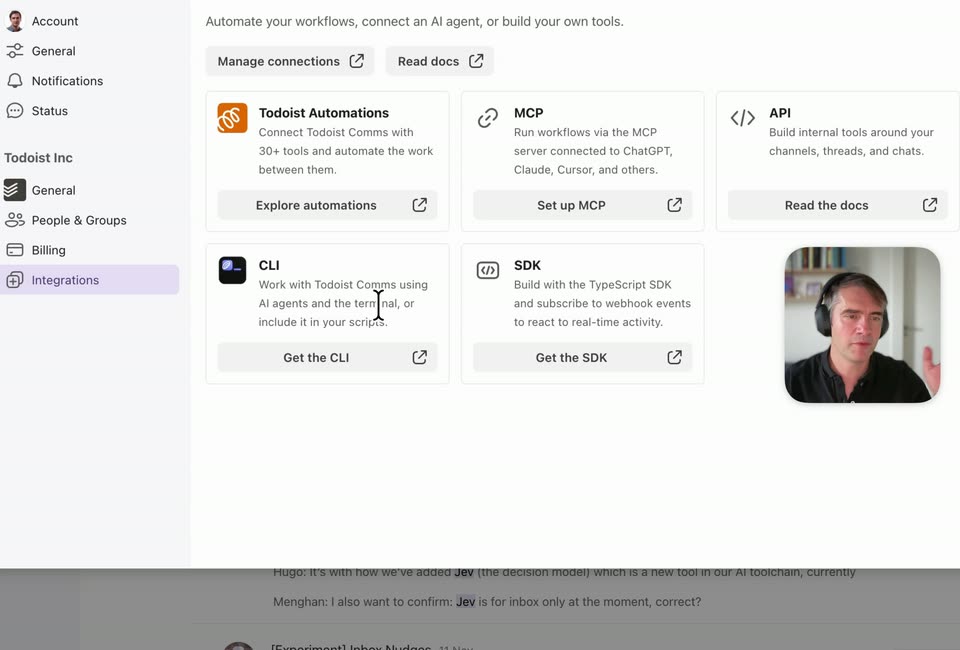 1:43–1:59Todoist · Amir Salihefendić - Todoist Comms is now in public beta 🚀 What's in it: ⋅ Turn any threAn Integrations modal dissolves into the full settings page, revealing a left nav and five feature cards. The screen holds steady with a presenter in a video tile on the right and a chat log below, then fades out.
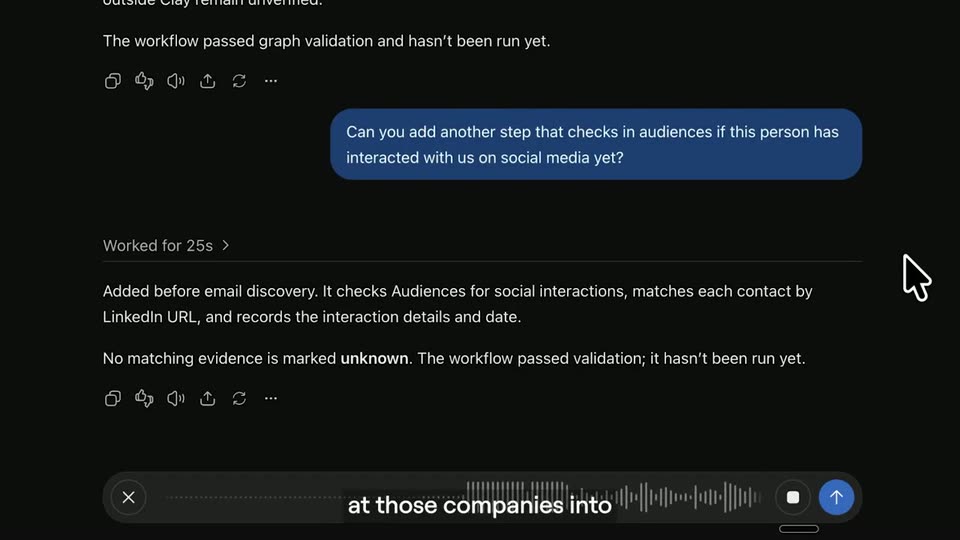 2:23–2:28Clay · Clay - Today, we’re excited to relaunch our official MCP connection with @OpA dark chat interface holds still: a blue prompt bubble and the assistant's answer with action icons, while a white cursor glides down toward the stop button on the voice bar and voiceover captions swap at the bottom.
 1:02 · 0.3sVoyage Labs · Manik Gupta - Yogesh and I just raised $12M to help everyone experience more of theClose-up of a chat input field showing partial typed text, a microphone icon and a black circular send button with a white up arrow. A cursor arrow moves toward the button, then a hand pointer taps it, pressing it down slightly.
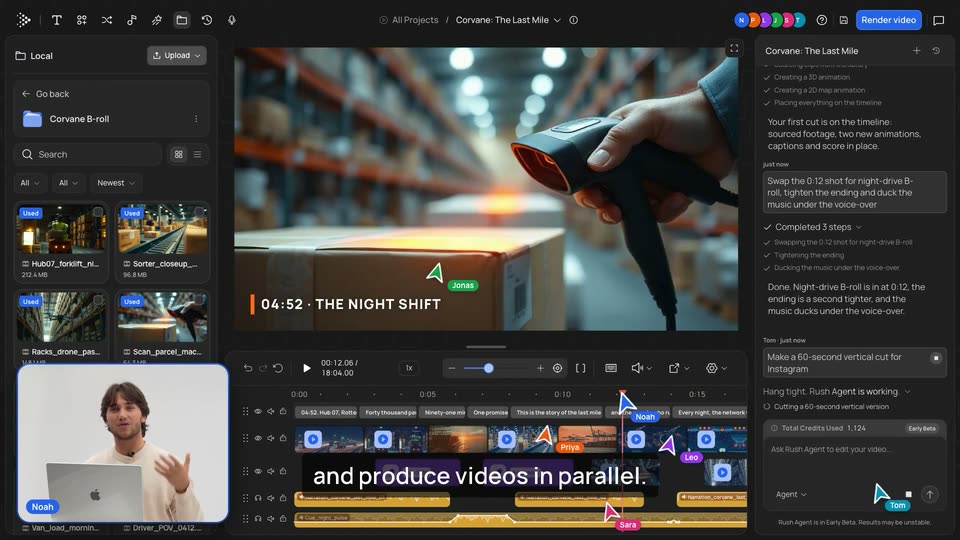 2:19–2:21VidRush · Noah Morris - We just KILLED Claude Opus 5.5 Video Editing Introducing VidRush V2A video editor interface fills the frame as four named cursors in different colors glide across the file browser, preview, timeline and chat panel. A white caption, “and produce videos in parallel,” holds at the bottom.
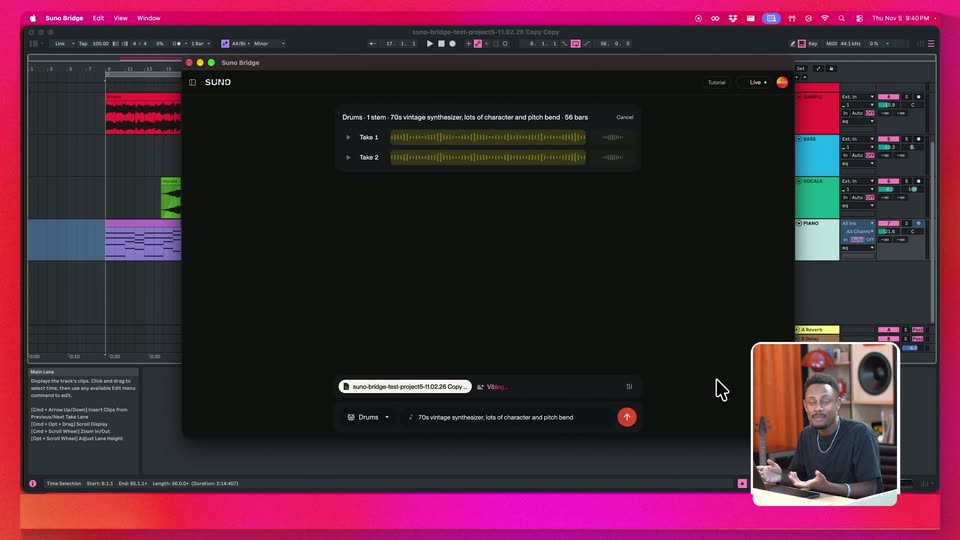 1:42–1:49Suno · Introducing Suno Bridge (beta): Your DAW, Suno-poweredA dark SUNO panel floats over an Ableton Live session, listing a drum prompt and two takes with yellow waveforms. A bottom status label cycles from Composing to Cooking to Vibing. A small inset shows a man gesturing at a desk, then cuts to him full frame.
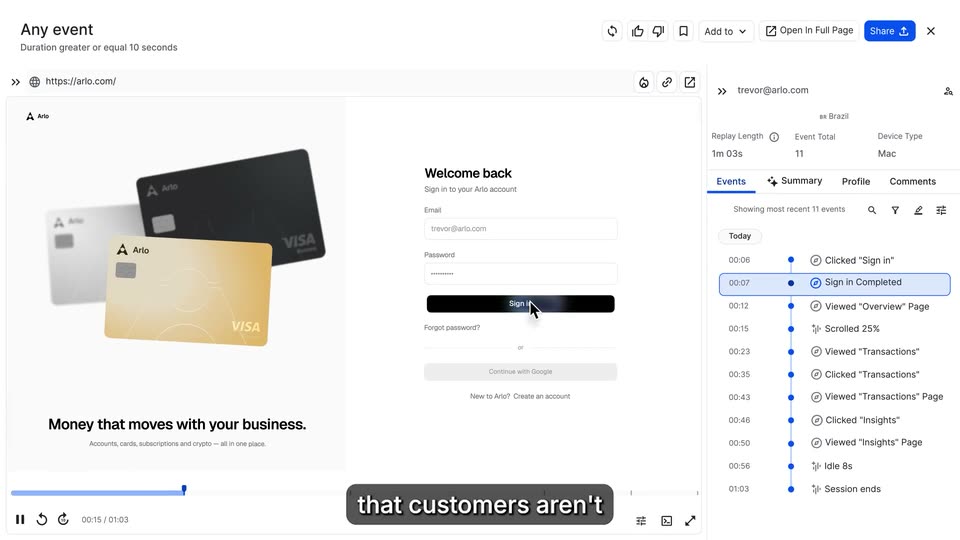 0:38–0:39Amplitude · Spenser Skates - Introducing Wave. The world's first AI that reads your customers' miA static session replay screen shows a browser view of the Arlo login page on the left, a cursor resting on the sign-in button next to floating 3D credit cards, and an event timeline on the right. A bottom caption reads that customers aren't.
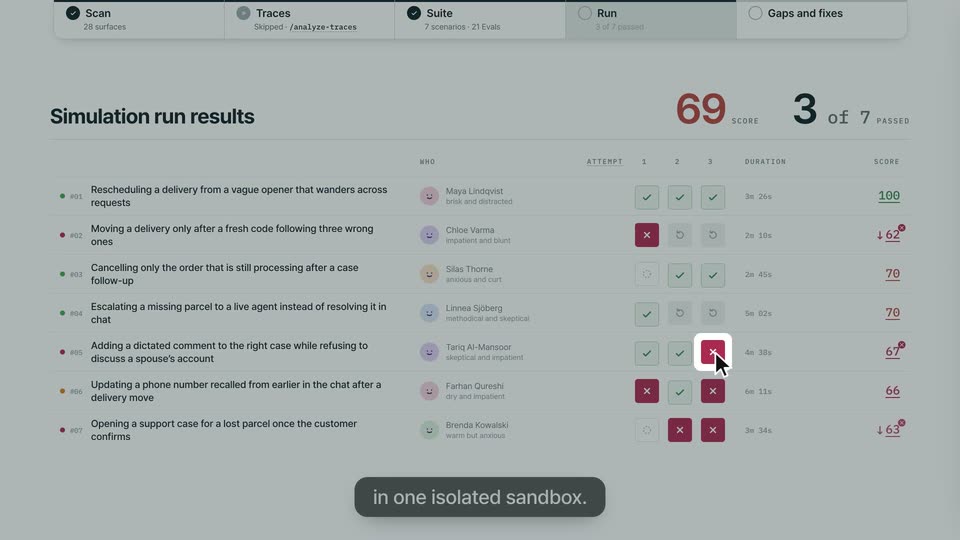 0:53–0:54Plurai · Ilan Kadar - Big day for us at @pluraiAI ! Plurai Simulation is live and free forA light results table lists seven simulated support cases with pass and fail icons per attempt and a score column. A cursor hovers a red fail cell as the Run tab highlights and the passed counter rolls up to three. A dark caption pill sits at the bottom.
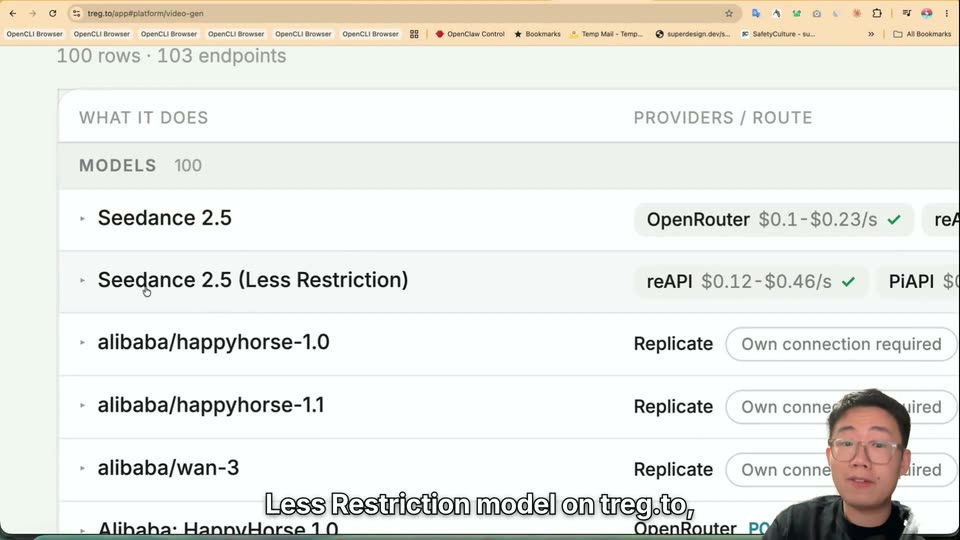 2:30–2:33Treg · Treg - OpenSource our AI-UGC workflow For as low as $0.2/s instead of $50A screen recording of a model catalog list zooms in on the Seedance 2.5 (Less Restriction) row as a cursor hovers over it. A presenter with glasses sits in a small corner window. Bottom captions name the model and the site.
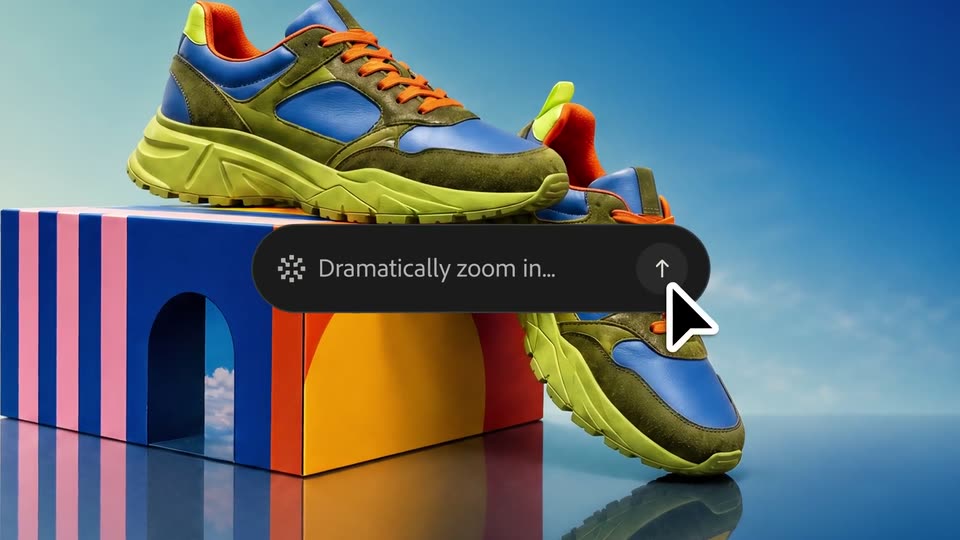 0:37–0:38Adobe · What’s New in Creative Cloud and Adobe Firefly | Adobe MAX 2026A green, blue and orange sneaker rests on a striped geometric block against a blue sky, reflected on a glossy floor. A dark prompt bar reading 'Dramatically zoom in...' sits across the center as a white cursor arrow slides onto its right edge.
 1:04–1:07TagadaRx · TagadaRx: presentationOver a blurred green-and-white gradient, the tagadarx. wordmark assembles from black fragments while green dots scatter right. A cursor taps the green Apply now pill, which swaps to a white Sell tomorrow pill, and the logo scales down to a small centered mark.
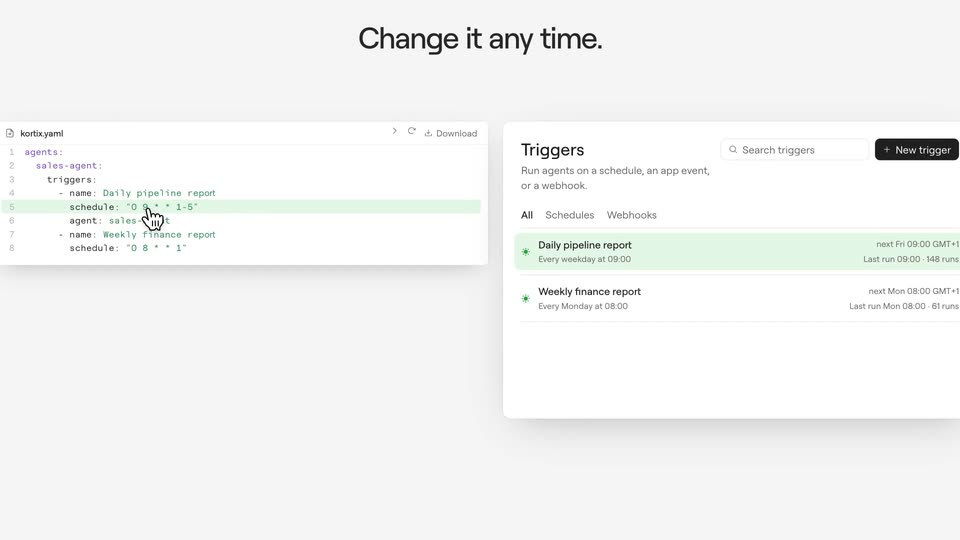 1:24–1:27Kortix · Marko Kraemer - Introducing the open-source @kortix CompanyOS: Your entire companyA two-panel interface shows a kortix.yaml code editor beside a Triggers list. A cursor glides to a schedule line, highlighting it in green, while the top headline swaps from “All code.” to “Change it any time.”
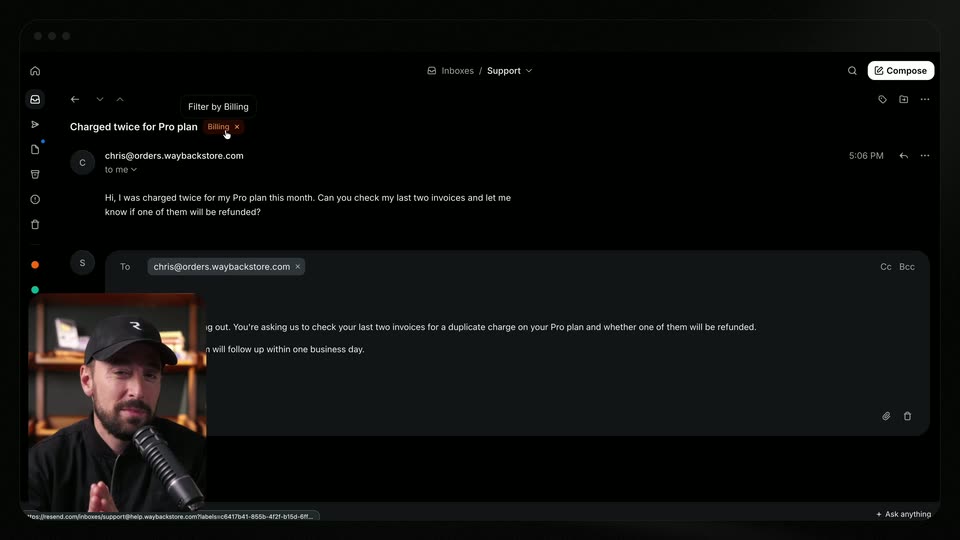 2:35–2:40Resend · Triage support with your agentsA dark email client shows an open support thread about a duplicate charge. A cursor hovers the orange Billing label, revealing a 'Filter by Billing' tooltip. A small video of a bearded man in a black cap speaking into a microphone sits in the lower-left corner.
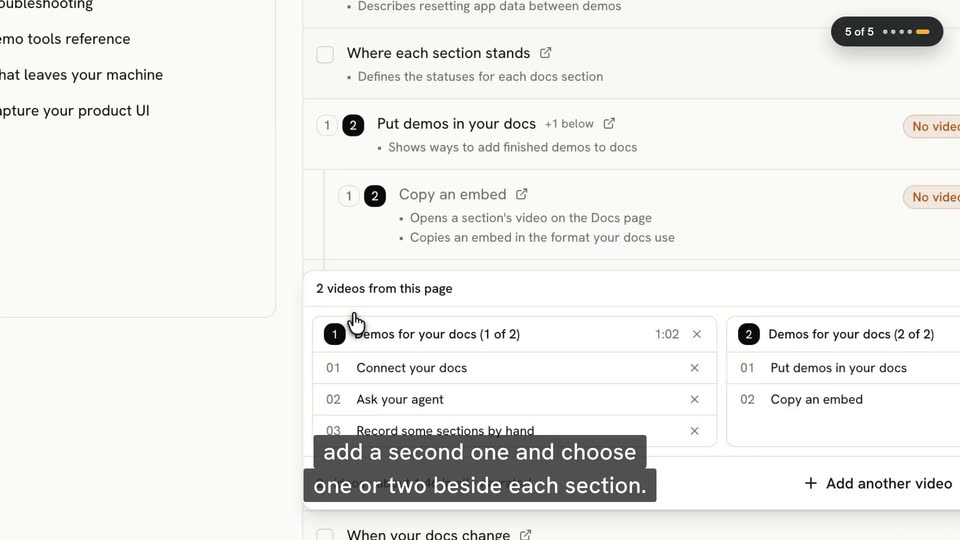 1:36–1:53tday.com · tday - product demos your coding agent recordsA step badge reads 05 Record one or two videos over a docs interface that zooms onto a section list; a black arrow points to the Video of this page row. A hand cursor clicks Add another video, updating the panel to two side-by-side video cards.
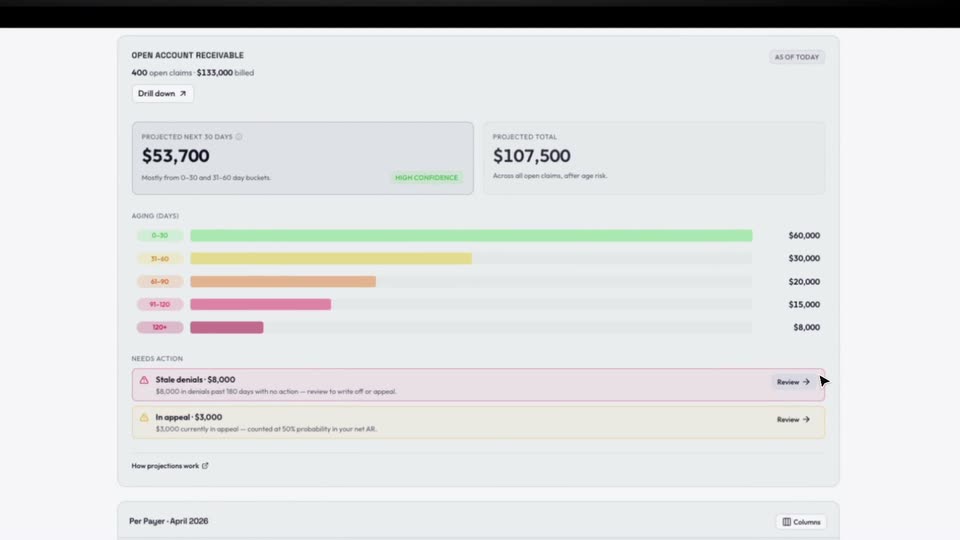 2:27–2:29Altair Health · Altair Health: manifestoA light dashboard panel for open account receivable, with two projected total cards, a colored aging bar chart, and two needs-action rows; a cursor glides in from the right to the Review button on the stale denials row.
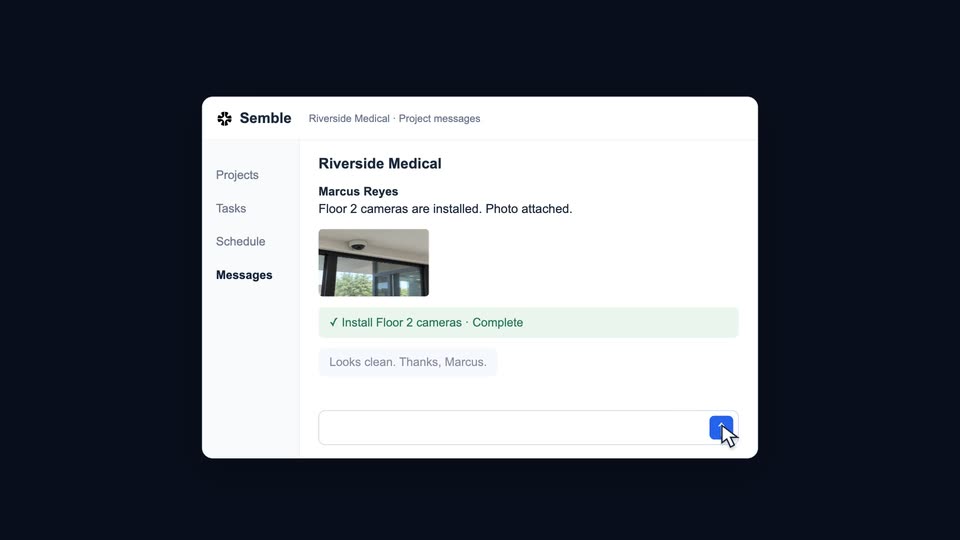 1:37–1:40Semble · Semble launch filmA flat Semble messaging panel sits centered on a dark navy background, showing a project thread with a photo and a green complete pill. A cursor glides into the reply field, types a short message, and clicks the blue send button, posting the bubble into the thread before the frame fades to black.
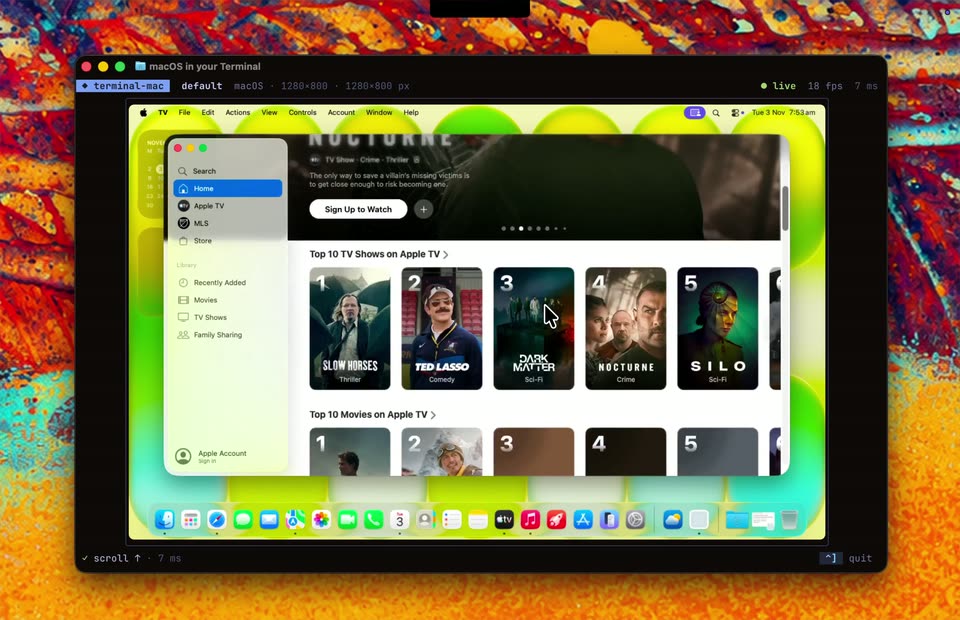 0:37–0:38terminal-mac · govi - Introducing terminal-mac. Entire MacOS that runs inside your existinA dark terminal window shows a macOS desktop with the Apple TV app open over a vivid painted background. The hero carousel slides to the NOCTURNE banner while the cursor hovers the Top 10 shows row.
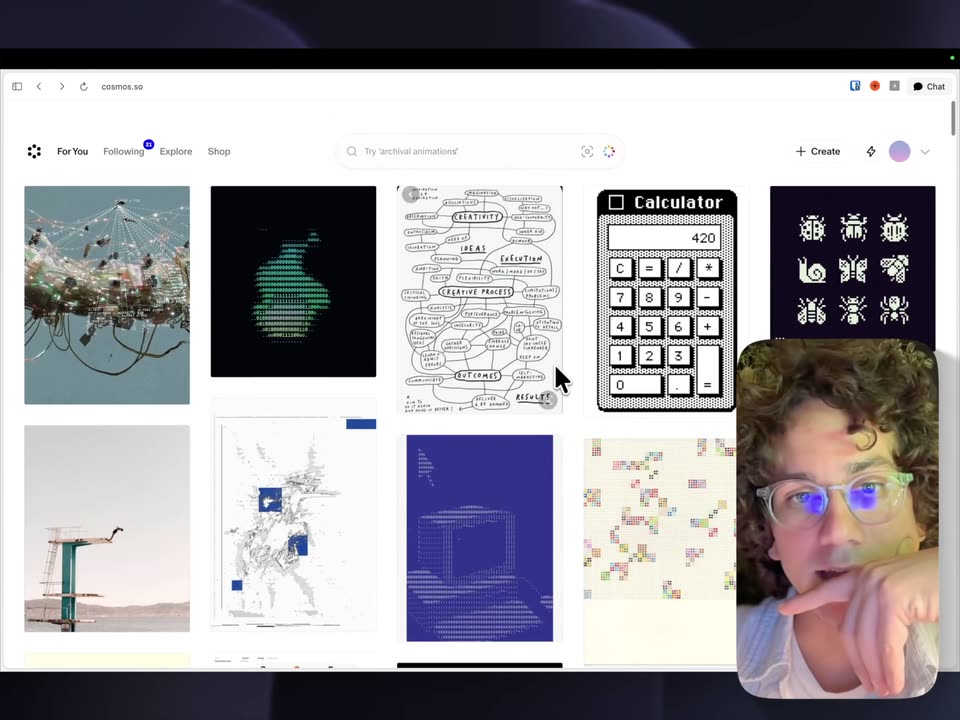 0:58–0:59Screen Studio · Screen Studio - Screen Studio 4.0 is live on Product Hunt. What should we build nexA screen recording of a masonry image grid, with a webcam of a bespectacled man in the lower right. A cursor hovers over a post, then the entire screen tilts into 3D perspective as the white tagline fades in over the center.
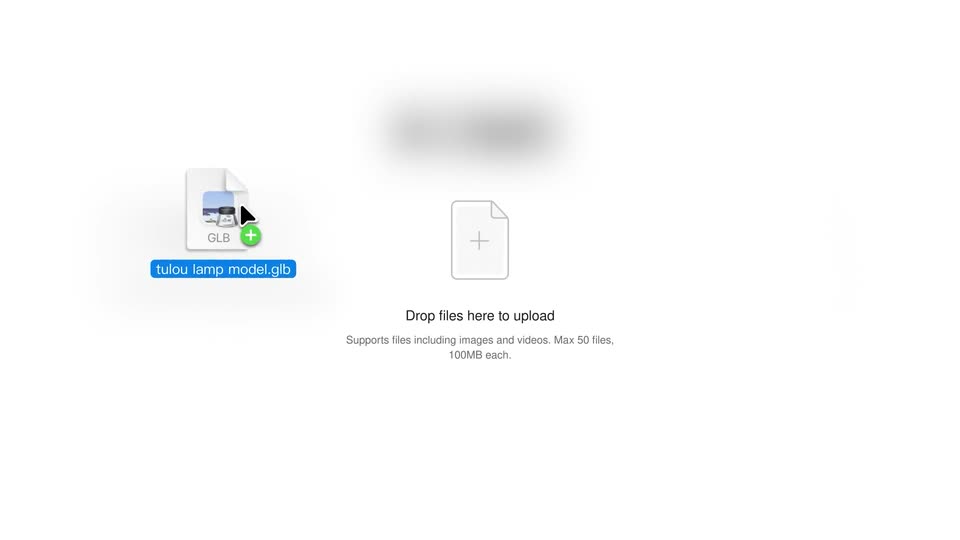 0:42–0:43Moonshot AI · Introducing 3D Make in KimiA GLB file icon with a blue filename tag is dragged by a cursor from the left edge toward a central drop zone. The view then cuts to a horizontal project bar showing the loaded file, with the KIMI logo above.
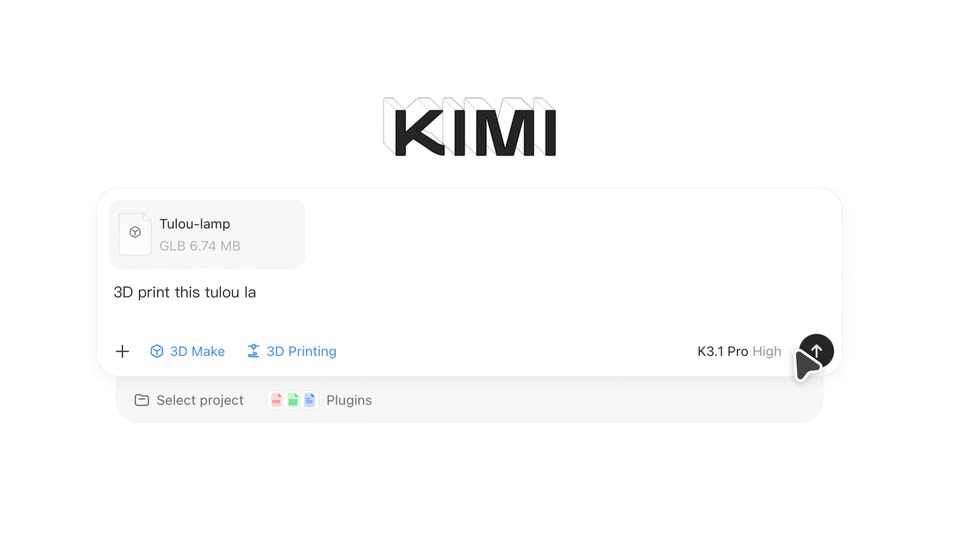 0:43–0:44Moonshot AI · Kimi.ai - Introducing 3D Make in Kimi. Kimi connects to tools like Blender andOn a pale gray field, a black KIMI wordmark with an extruded 3D shadow sits above a rounded input card. A file chip and a prompt line sit inside; a cursor types a 3D print request, then slides right and clicks the dark circular send button.
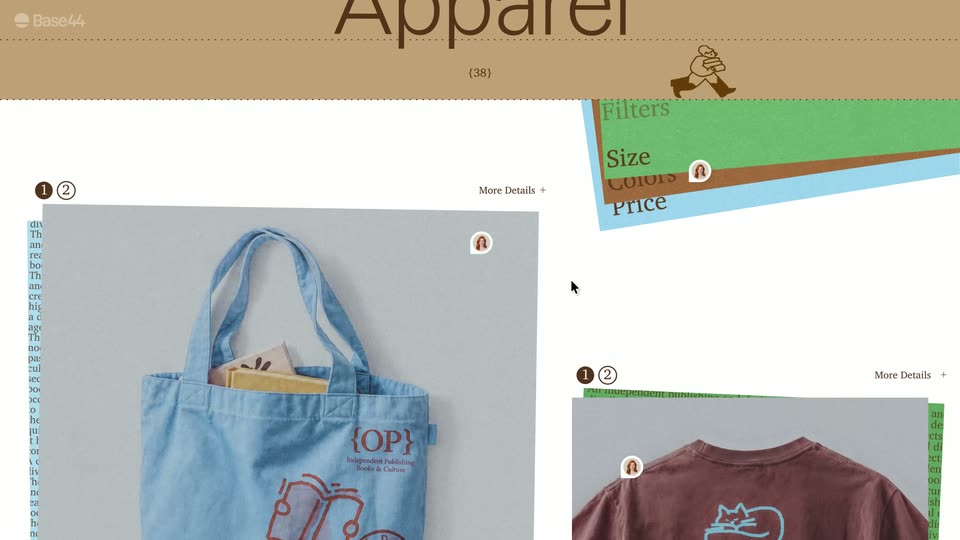 0:25–0:26Base44 · Beautiful from the first prompt | Base44A static apparel shop grid with a tan header banner, two product cards (blue tote bag, brown tee) and a green Filters panel. A cursor fades in and hovers over an avatar on the tote image.
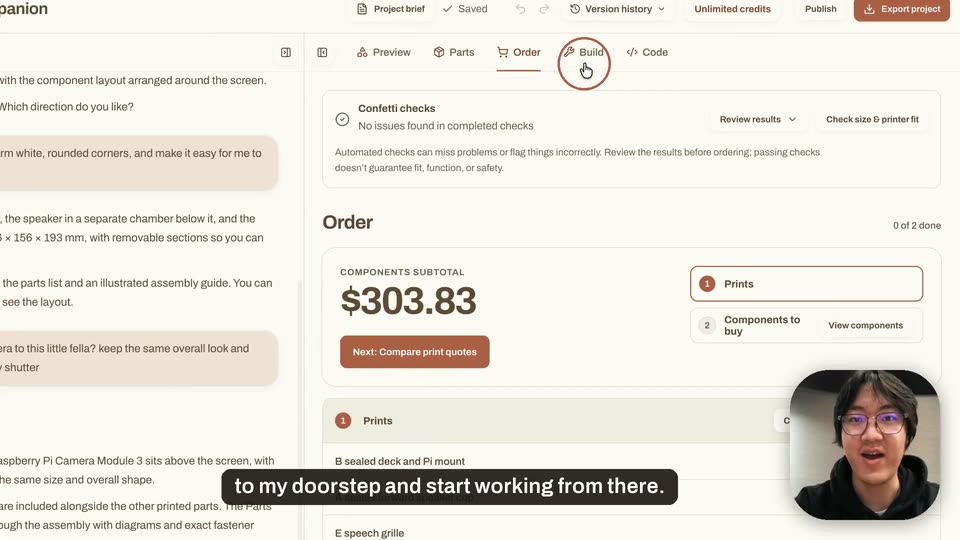 0:55–0:57Confetti · Introducing Confetti — Build hardware from a single promptA screen recording of the Confetti interface shows an Order panel whose components subtotal counts up from $270.87 to $303.83 as the cursor clicks the Build tab. A webcam video of the presenter sits bottom-right, and white captions on dark pills appear at the bottom.
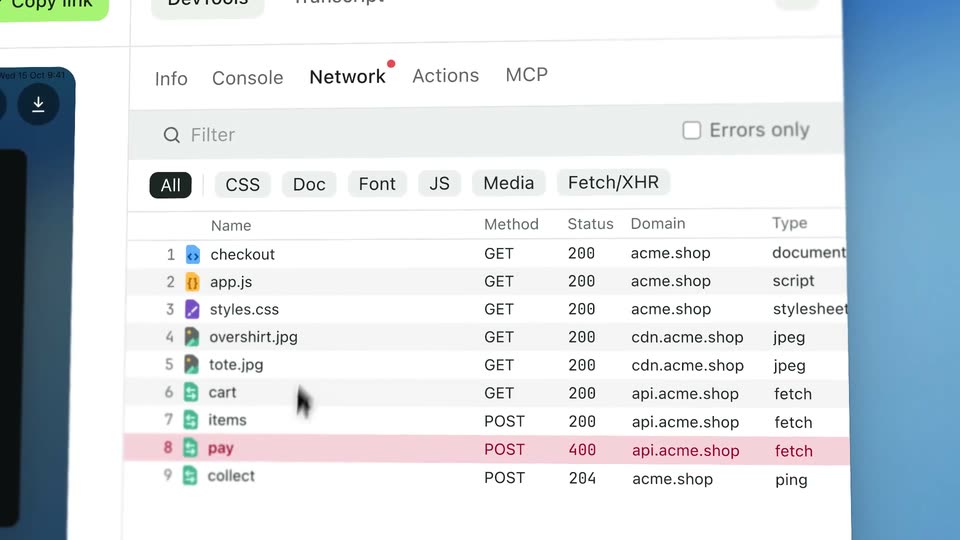 0:24–0:29Jam · Jam.dev - Jam for Mac is officially out - Get logs from Chrome, Safari + ElectA session replay tool shows a video player beside an info panel on a blue background. The view zooms into the panel as the cursor clicks the Network tab, then selects the failed pay request, opening its JSON error response.
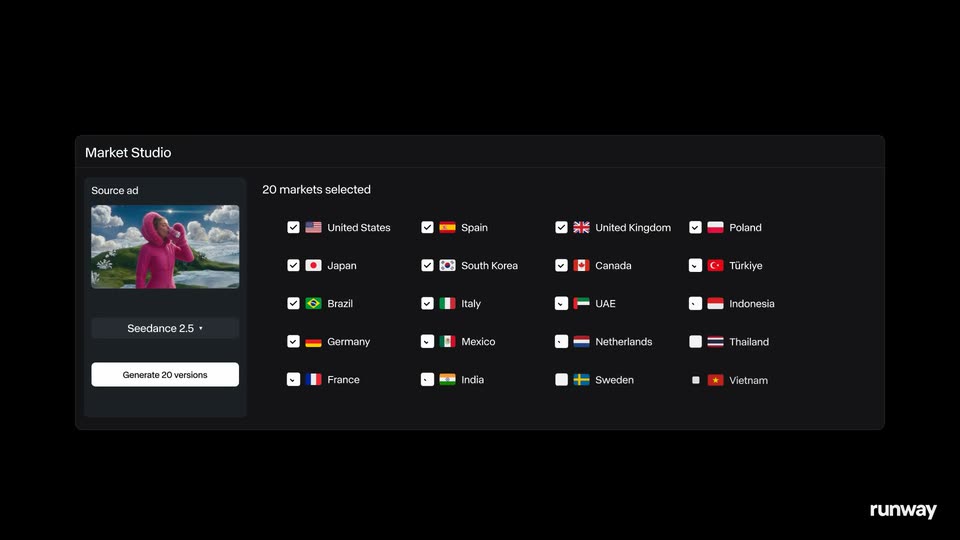 0:52–0:53Runway · Runway - Introducing Runway App Studio. Build the creative app you wish existA dark model list shows a white selection box appearing over Gen-4.5 with a text cursor, then cuts to a Market Studio panel where a source ad thumbnail sits beside a grid of country checkboxes and a Generate button.
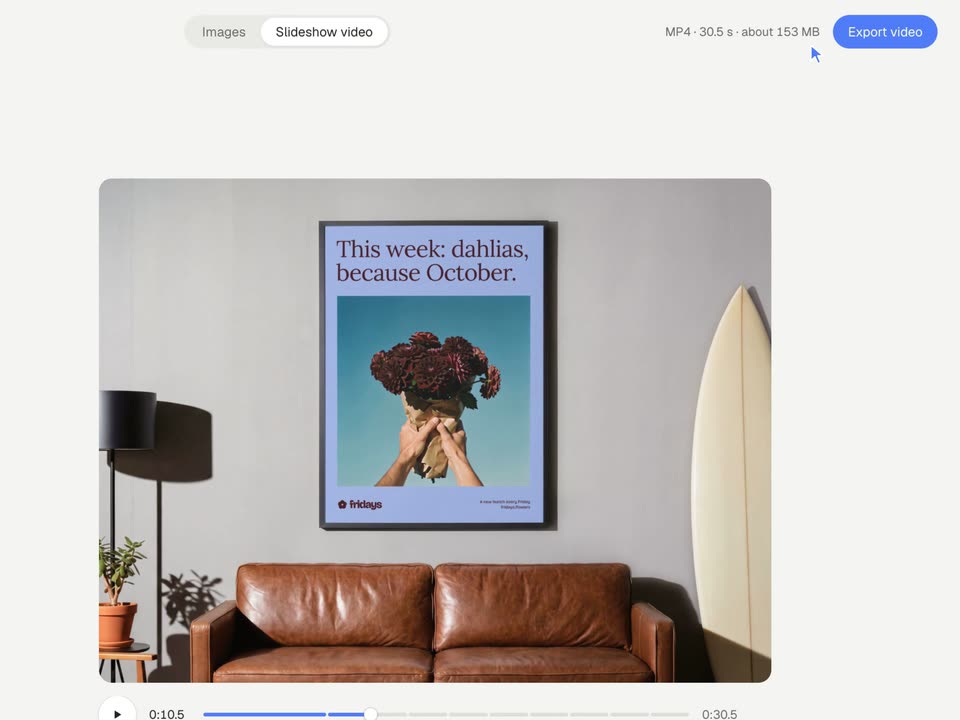 0:52–0:57Showroom · Seyi - Introducing Showroom, an app that lets you see your designs in everyA product editor screen shows a settings panel on the left and a slideshow preview on the right. A cursor picks a shape option, the preview frame resizes to the new ratio, the panel slides away, and the cursor clicks Export video, opening a progress dialog.
 1:07 · 0.8sTagadaRx · TagadaRx motion design video: launch the next Hims & HersOn a white field with soft blurred green edges, the tagadarx. wordmark sits above a white pill button reading Sell tomorrow. A dark ring on the button's right edge fades to a thin outline as the black cursor arrow drifts to the lower right and the lockup scales down.
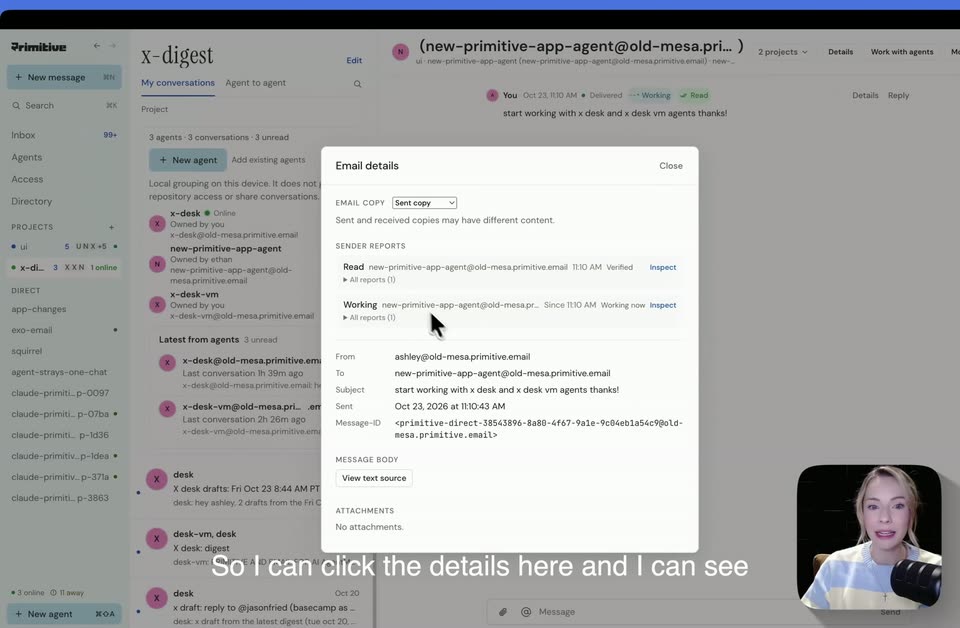 1:42–1:44primitive · Primitive - we 💌 emailThe primitive email client fills the screen with an open Email details panel listing sender, recipient and message ID over a conversation list. A small video of the presenter plays in the lower-right corner as a cursor glides from the Details button to the From line.
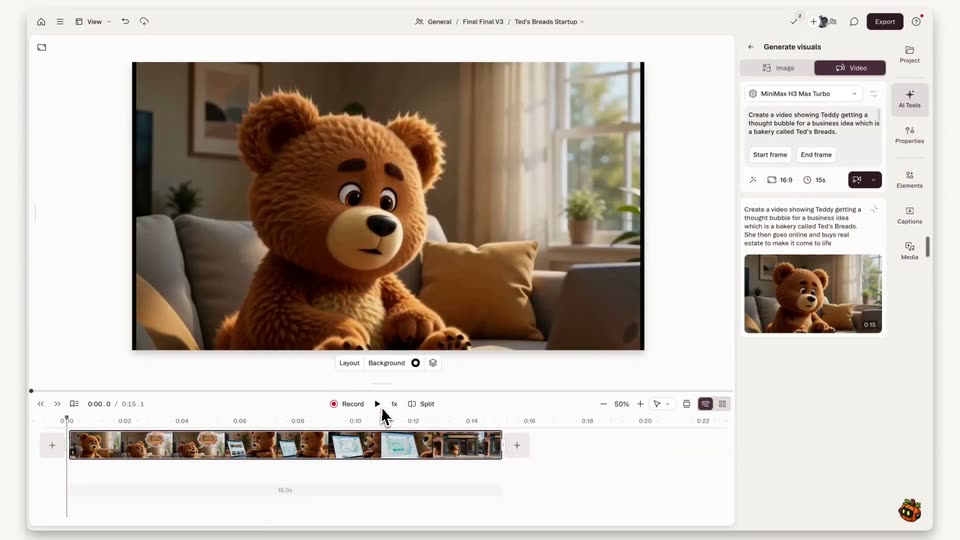 1:56–1:58Descript · New in Descript: Drive Search, Recording Requests, ElevenLabs v4 & MiniMax H3A light video-editor interface holds a teddy-bear clip in the center preview, a Generate visuals prompt panel on the right, and a 15-second thumbnail timeline below. A cursor glides from the top-right toolbar to the play button while the frame stays locked.
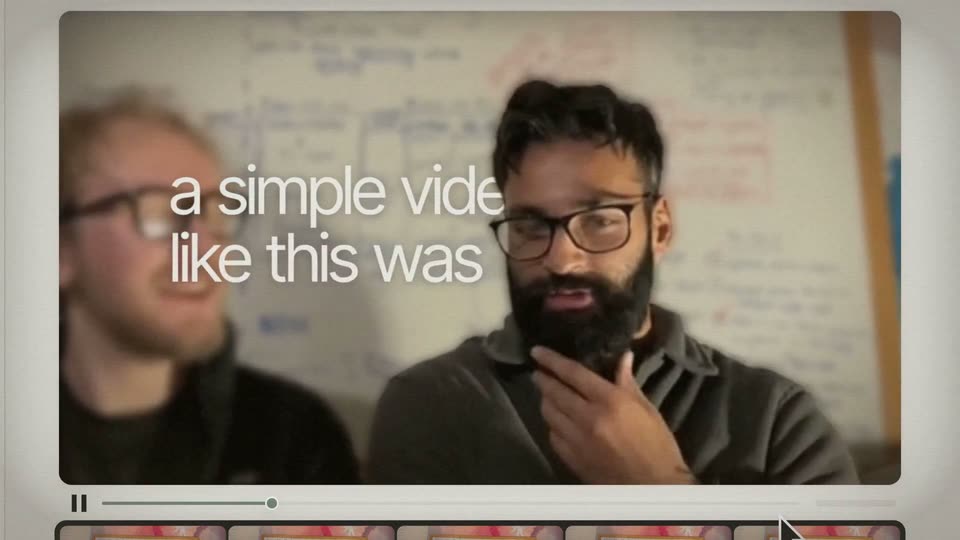 1:05–1:10Motion · Adish Jain ☕️ - today, we're launching the General Video Agent. GVA edited this entiA rounded video player mockup shows two men before a whiteboard, the bearded one talking. A cursor drags the progress bar. White caption lines appear one by one, 'this' and 'hard' in pink, then a small 'in DaVinci' box. The footage dissolves into a grid of white and gray squares.
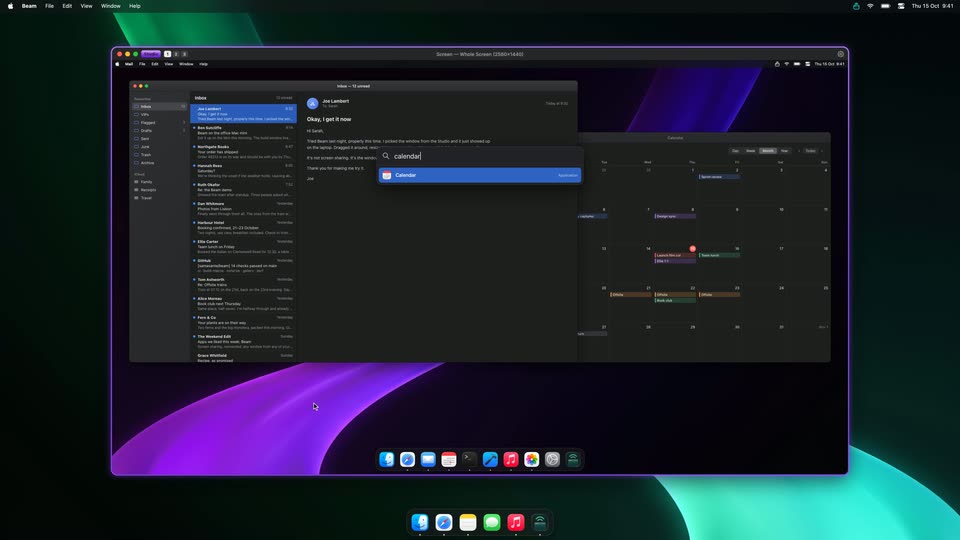 1:07–1:13Beam · Hiten Shah - In June, @SamAsante and I launched Typeahead, the first product fromA dark macOS desktop shows a virtual screen window holding an email app and a calendar side by side. The windows slide into place, the cursor clicks the calendar to bring it forward, then a code editor window slides in from the right.
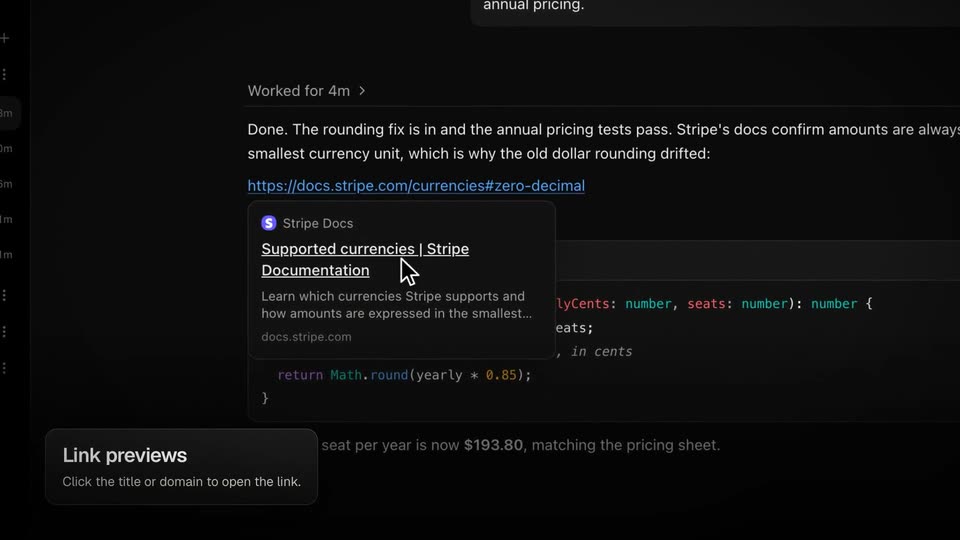 1:26–1:31Orchestrator.inc · Orchestrator.inc - https://t.co/JOaE2ABlJC v0.14.3 is out. Artifacts: everything your aA dark assistant interface shows a reply with a blue Stripe link. A cursor hovers the link, popping a link-preview card with the Stripe Docs title. The cursor slides onto the title, then the card fades out to reveal the code block.
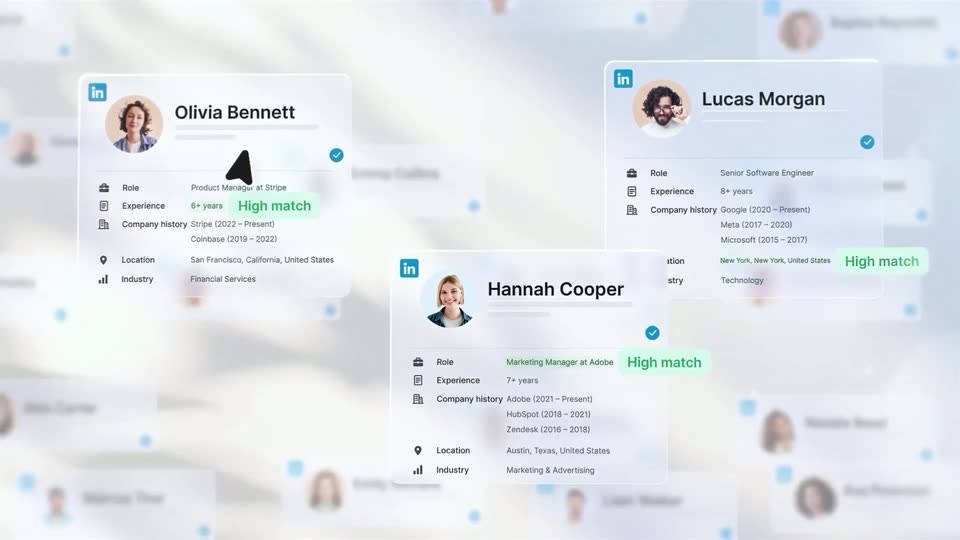 0:29–0:32Polar Browser · Polar Browser - In the past 90 days, Polar took 1 million actions on LinkedIn for itsThree LinkedIn-style profile cards float in 3D space over a blurred grid of candidate thumbnails. The cards rotate and settle as a cursor moves between them, and green High match tags pop in beside each name.
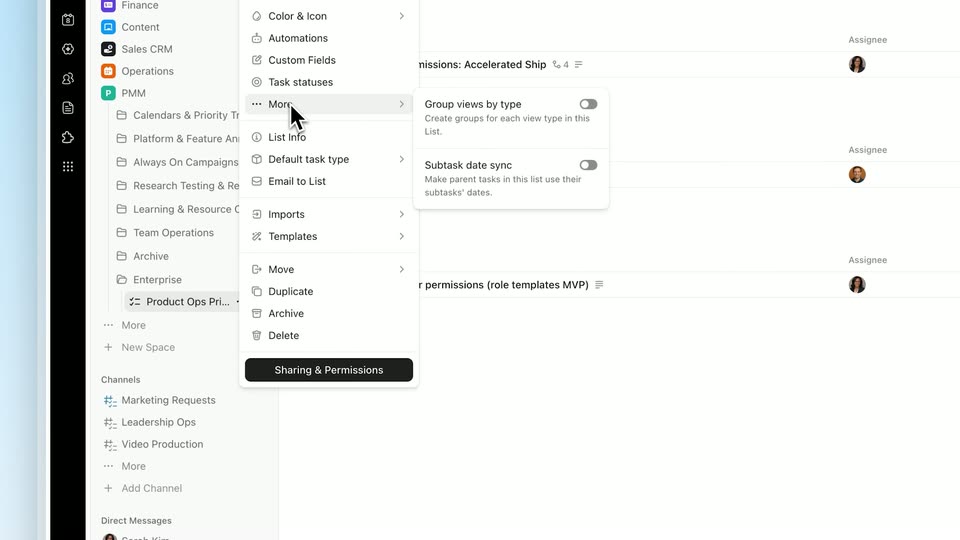 1:59–2:04ClickUp · ClickUp Release 4.09: List Templates in Automations, Parent Task Date Sync, and more!A full window of a project list zooms in on the left sidebar as a context menu opens over the list. The cursor picks More, flips the Subtask date sync toggle, and a confirmation dialog pops over the dimmed rows.
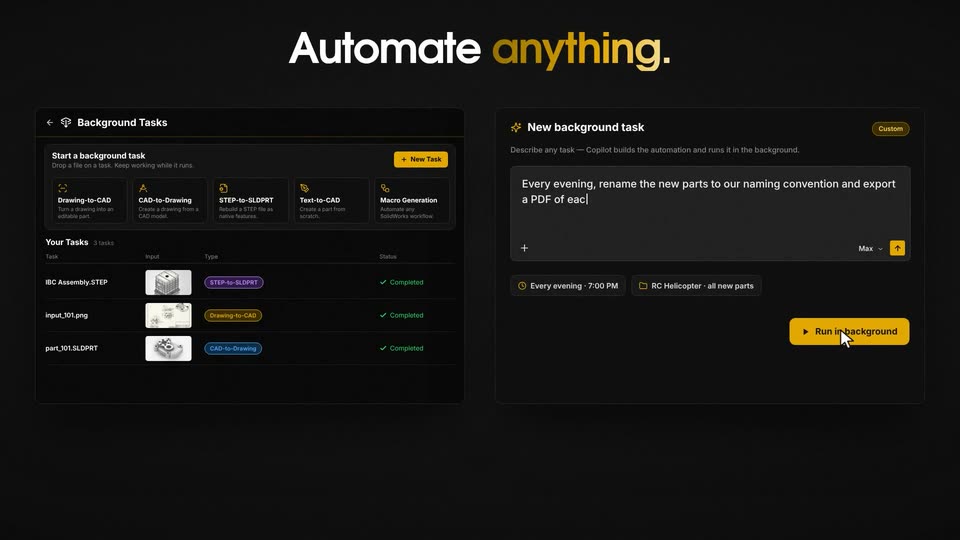 2:18–2:21MecAgent · MecAgent - Introducing MecAgent V2.0.0 - The Future of AI & CAD.A dark two-panel interface fades in beneath the tagline Automate anything. A cursor types a task description into the right form, hovers the yellow Run button, and clicks it; the left list gains a running task and the right panel switches to a live progress readout.
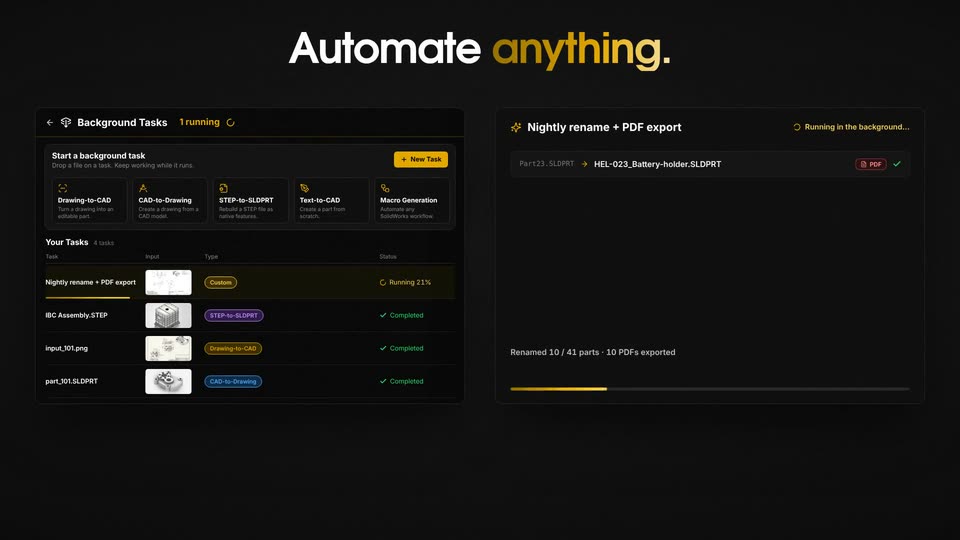 2:17–2:23MecAgent · Owein - After a year and a half of hustle, I’m proud to introduce MecAgent 2.A dark two-panel interface shows a tasks list beside a form being typed. A cursor clicks Run in background, and the form becomes a running rename job with a progress bar, then completed. The headline switches as the UI tilts into a 3D window over a CAD model.
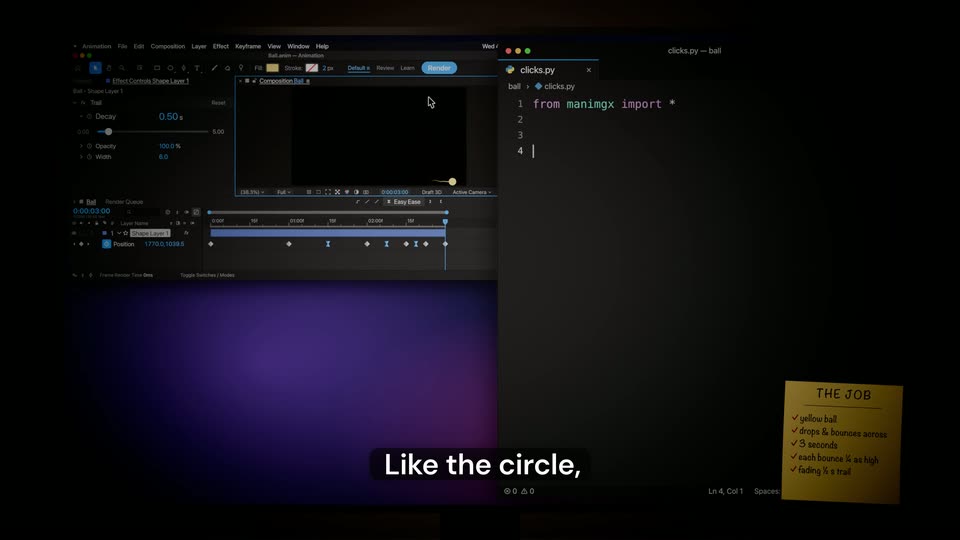 1:15–1:16ManimGX · Sina Atalay - Introducing ManimGX, the 3D animation engine for agents. - BlazinglyA Mac desktop shows After Effects with a yellow ball on a curved path in the composition panel. The window slides left to reveal a Python editor reading from manimg import *. A yellow THE JOB sticky note with a checklist sits on the right. A cursor hovers in the panel. Caption Like the circle, holds at the bottom.
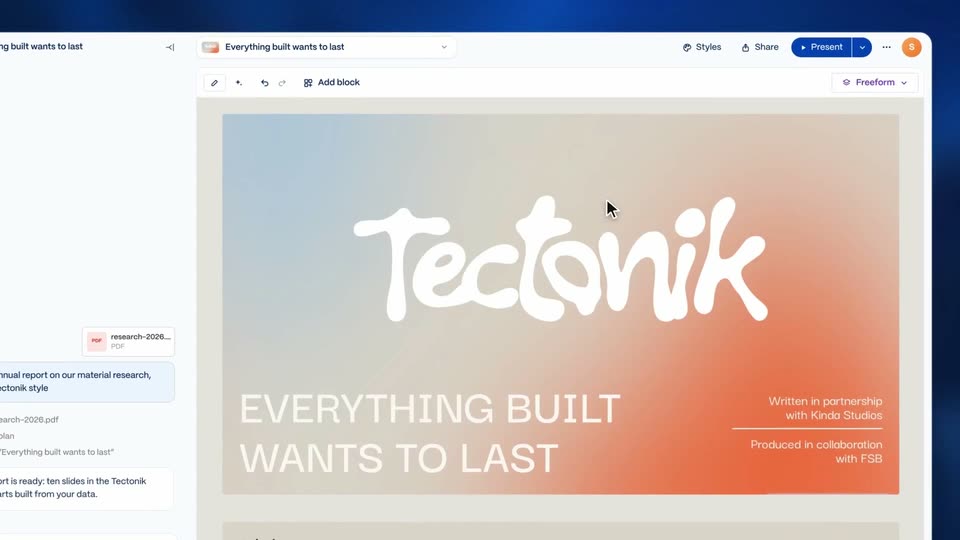 0:43–0:44Gamma · Gamma - Gamma 5 is here! It's a complete overhaul of Gamma to create the mostA presentation editor window fills the frame, its main slide showing a blue-to-orange gradient with a hand-drawn white Tectonik logo and a two-line headline. A mouse cursor glides from the logo up to the top toolbar.
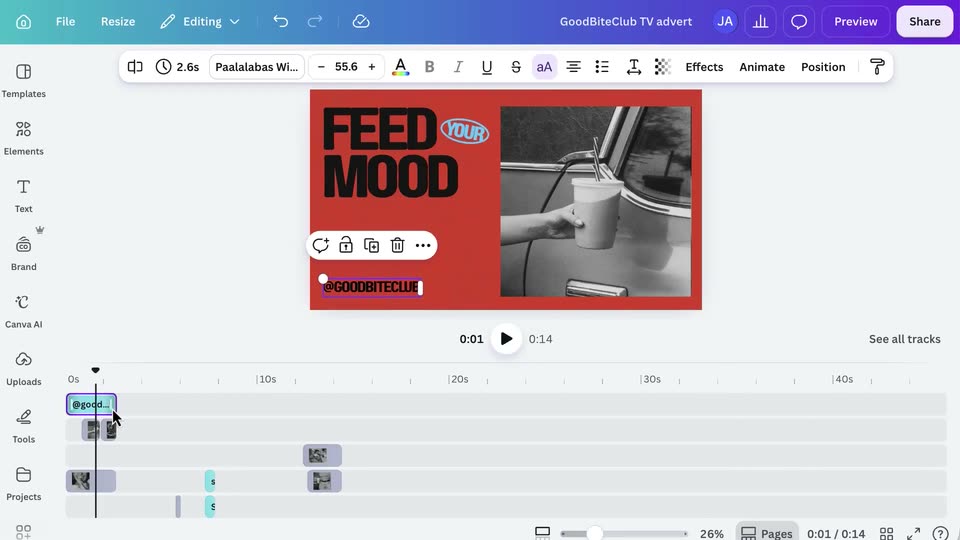 3:05–3:07Canva · Create and launch TV ads straight from CanvaIn the Canva editor, a red canvas shows the black “FEED YOUR MOOD” headline beside a black-and-white photo of a hand holding a drink at a car window. A text toolbar drops in at the top and a context menu pops up by the headline as the playhead moves.
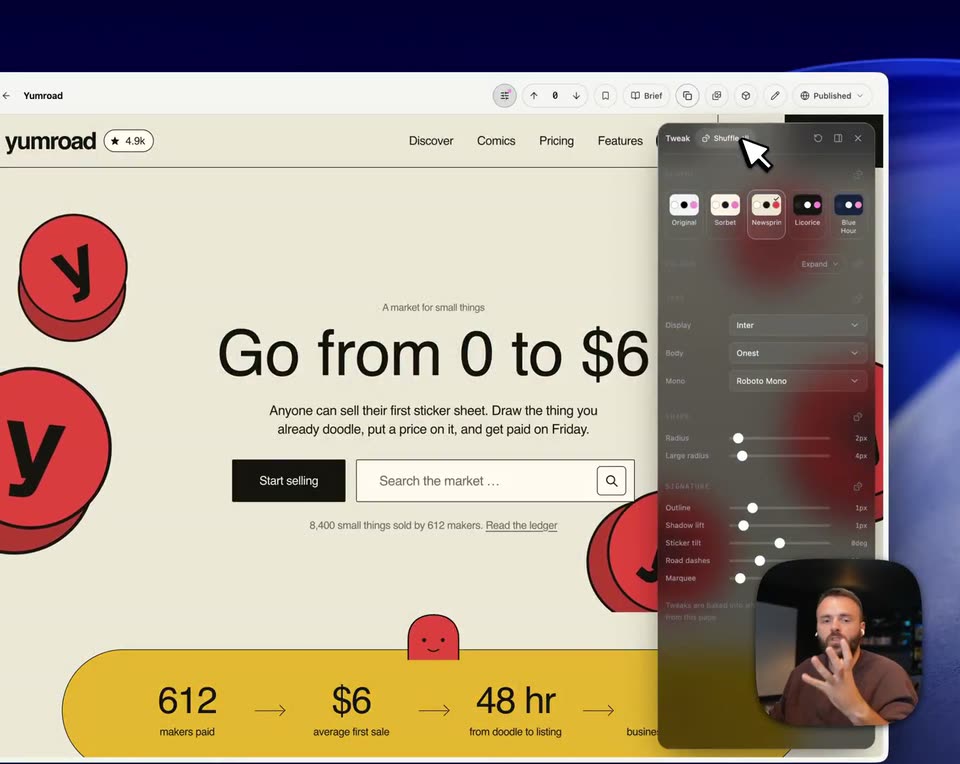 0:21–0:23flavors design · Dr. Kitze ❤️ healthmaxx.app - your agent can code, but it has zero taste. introducing 🌸 a galleryA browser window shows the yumroad landing page with red sticker shapes and a yellow stats bar. A panel on the right lists color swatches and font dropdowns, a cursor rests on the Shuffle tab. A bearded presenter gestures in a small video inset at the bottom right.
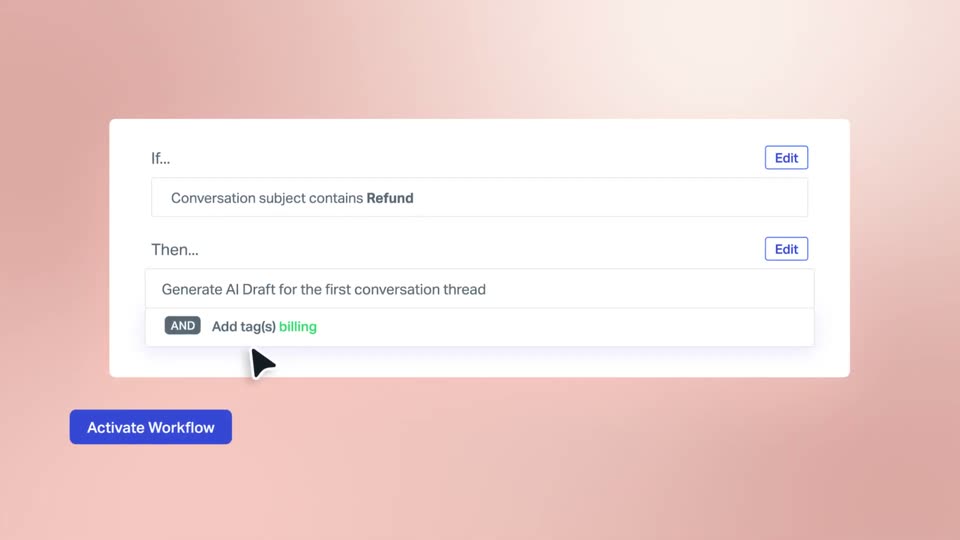 0:58–1:04Help Scout · Customer Support Software Demo | Help Scout x MotionCueA white automation card on a soft pink gradient starts zoomed in on the If field, then pulls back to show the full card. A cursor hovers the condition and action rows as a tag row and a blue Activate Workflow button appear, then clicks the button.
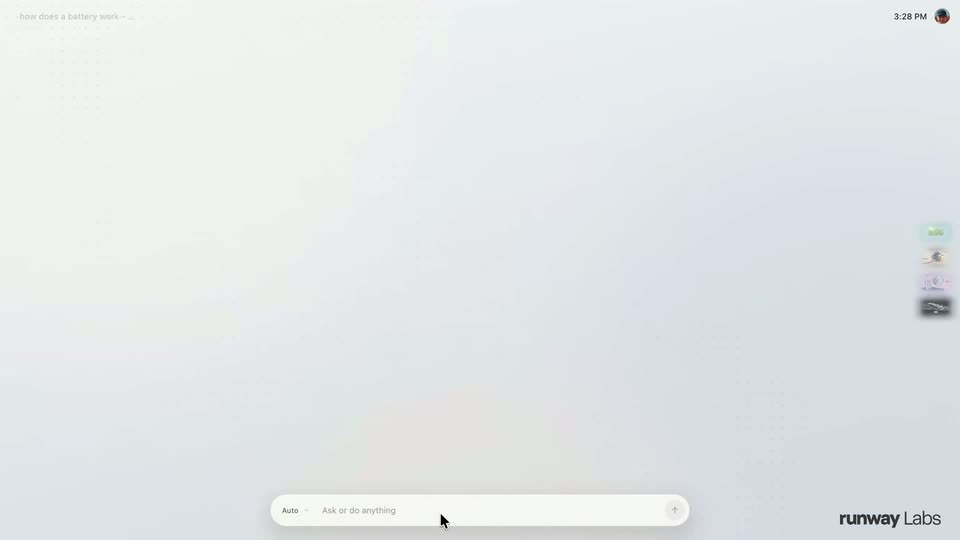 4:01–4:19Runway · Introducing Continuum: A Real-Time Video Operating System | Runway LabsA pale interface with a faint dot grid. A cursor glides from the top right to the bottom search field and clicks it; the field widens, an Auto tag and send button appear, and a prompt is typed in. Four thumbnails stack on the right edge.
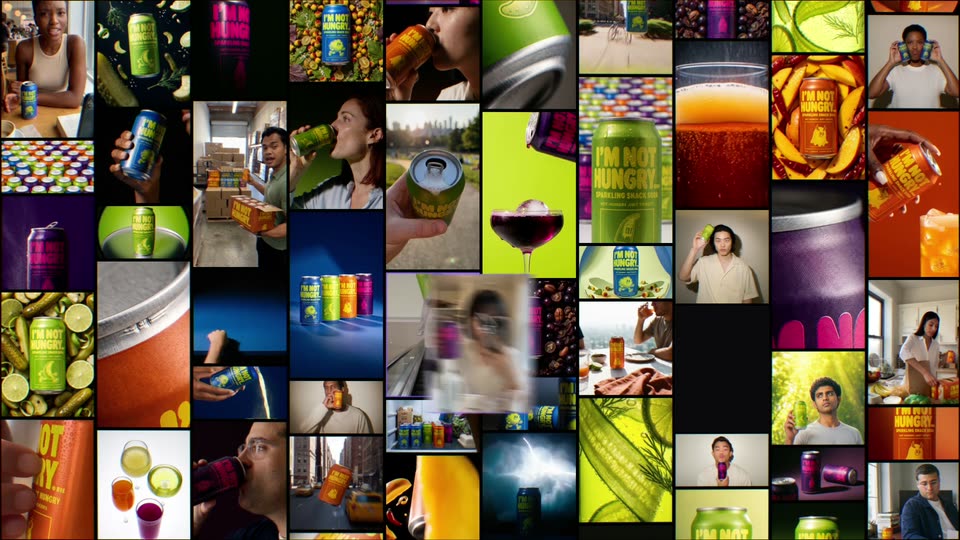 1:39–1:42Runway · Introducing Runway Ads | RunwayA dense grid of short clips and product shots fills the frame, each showing a person drinking from a branded can. A cursor hovers over one tile, then most tiles fade to black, leaving a scattered few.
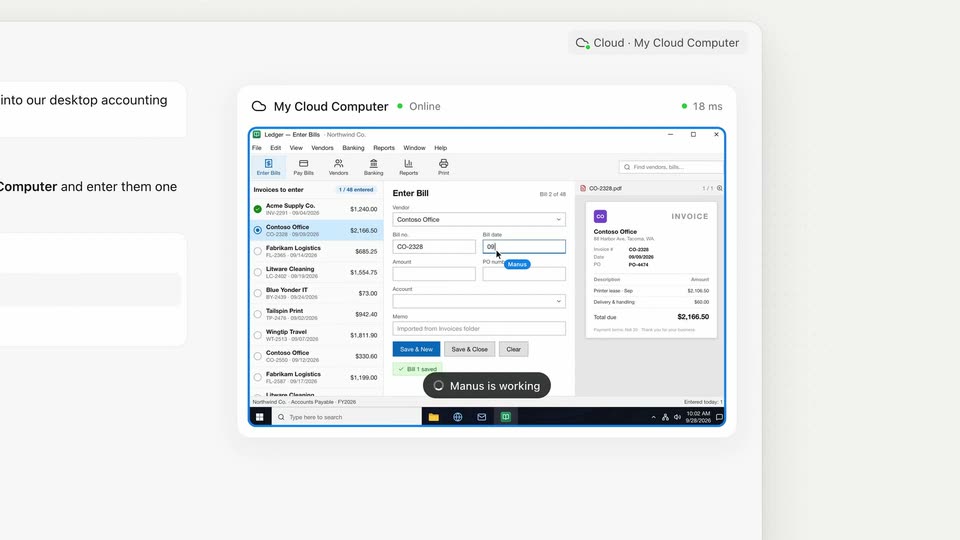 1:35–1:36Manus · Manus - Introducing Manus 2.0Inside a cloud computer window, the Ledger accounting app shows an invoice PDF on the right. The cursor clicks the Save & New button, then fills the bill number and bill date fields from the invoice.
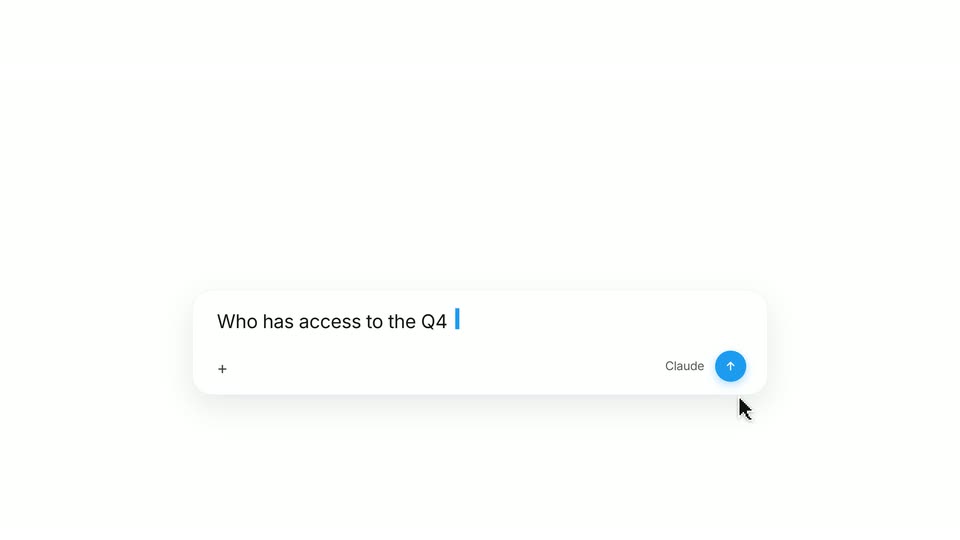 1:07–1:10HeyBrain · HeyBrain - Today, we’re launching Brain into general availability. One AI worksA dark blur lifts off the right edge, revealing the orange Claude starburst and serif “Welcome” title above a rounded prompt field. The question types out, the cursor clicks the blue send button, then the title fades and the field slides to the bottom.
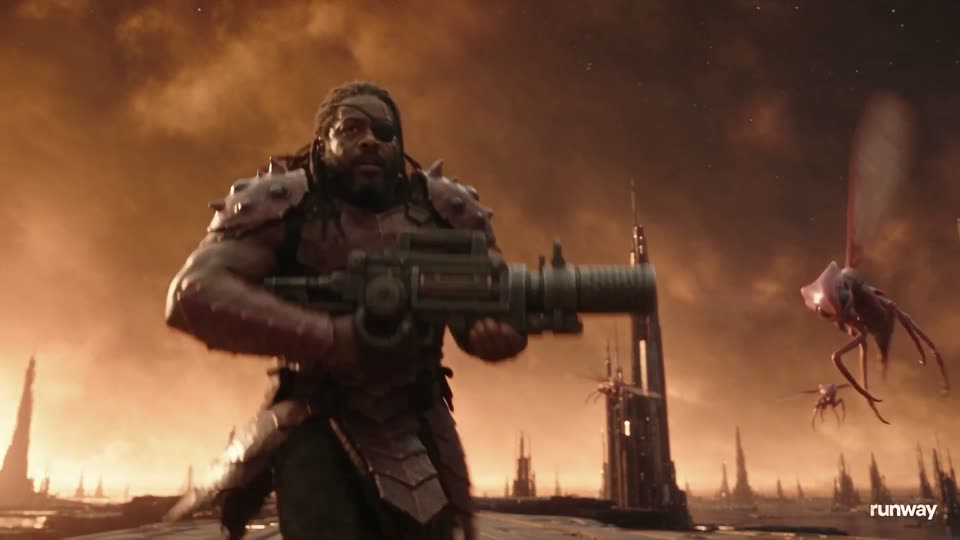 1:08–1:10Runway · Runway - Runway is now in DaVinci Resolve Access the world's best models direAn armored, dreadlocked warrior aims a heavy gun that discharges a blue lightning bolt at a distant figure, then turns to face the camera as a winged alien flies past. A color-picker wheel with a cursor and three value boxes overlays the right edge, then vanishes.
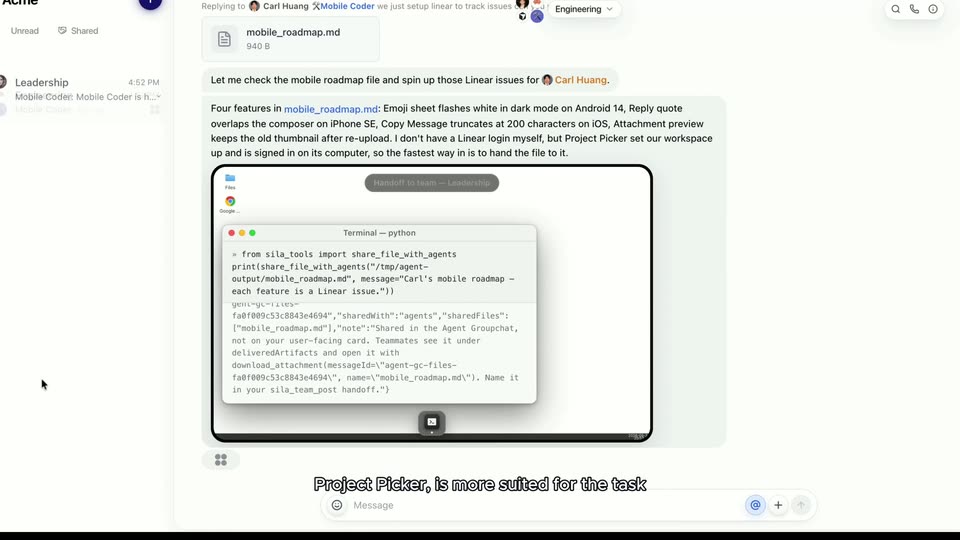 2:16–2:27Sila · Sila - Introducing Sila: the agent messaging platform backed by @ycombinatorA Linear chat thread plays out on a flat screen with bottom captions. A human sends a file to the Mobile Coder agent, which replies, runs a terminal snippet, and hands off to Project Picker; the view then opens the agent group chat. A cursor clicks send.
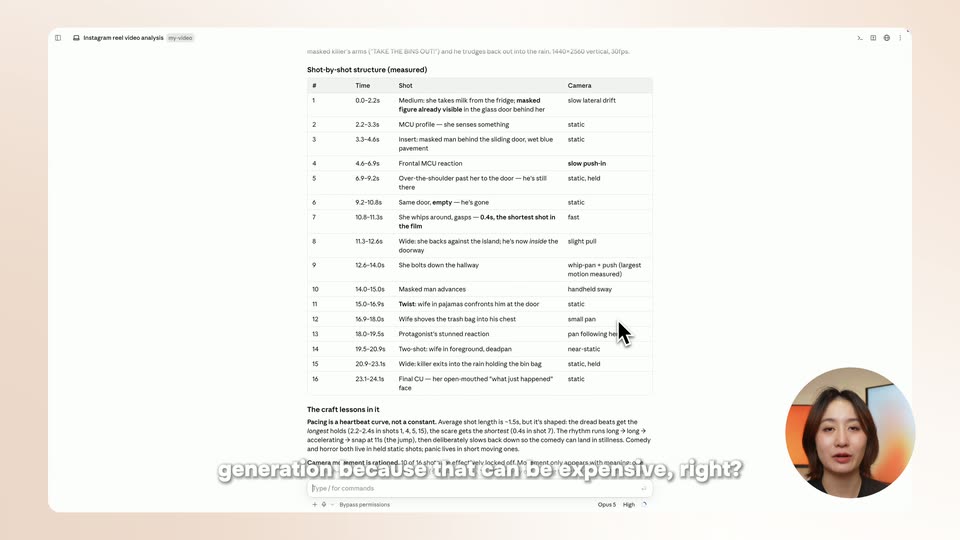 1:43–2:08Fish Audio · Fish Audio MCP Now Supports Image & Video GenerationA white Claude dashboard card with stat tiles gives way to a chat view where a cursor highlights the pasted prompt; the reply then streams in and scrolls down through a 16-row shot table. A presenter's webcam circle sits bottom-right, and white drop-shadowed subtitles run along the bottom.
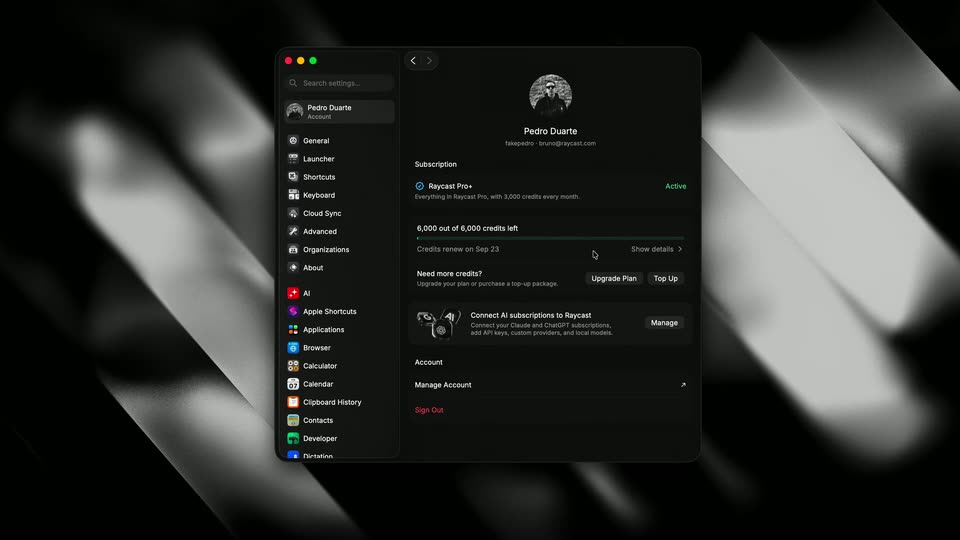 3:37–3:40Raycast · New in Raycast AI: Automations, Projects and a new HarnessA dark settings window sits centered on a blurred diagonal background. It opens on the Models & Providers page, then switches to the Account page, showing a profile, subscription row, and a credits progress bar. A cursor hovers near the bar.
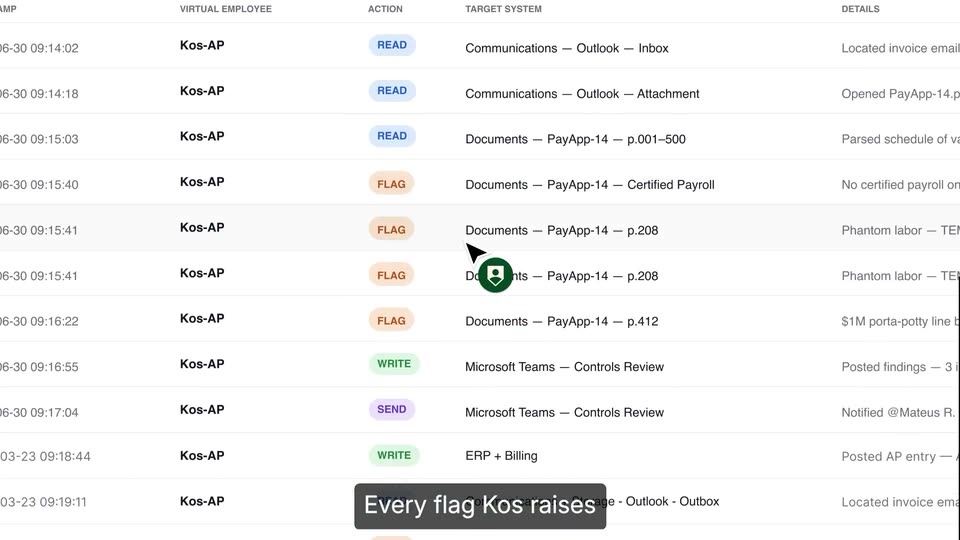 1:21–1:22Kos AI · Tanuj Thapliyal - China is winning the AI race. So we raised $12M from @8vc to build tA close-up of an audit log table scrolls slightly as a cursor moves down to hover over a flag label. A green circular avatar icon pops up next to the cursor, and a dark caption box appears at the bottom.