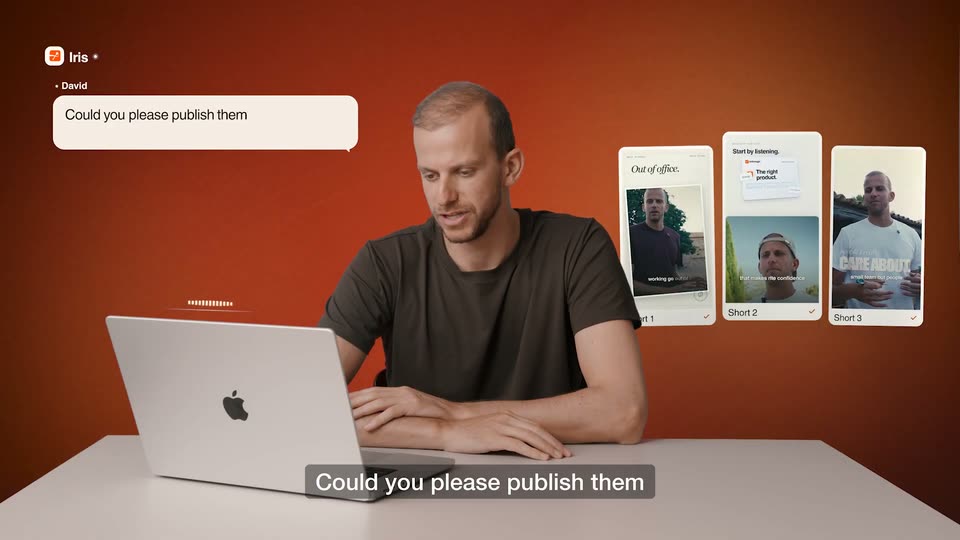
1:14

What is GitHub Spark? Introducing a brand new way to build powerful, AI assisted applications
GitHub · Developer tools · Oct 2024
Resend’s 3:40 launch film runs 42 scenes, about 5.2 s each. The product is on screen from the first frame and 4 features are revealed. There is no explicit call to action; a voiceover carries the film. A two-step tutorial that alternates a locked-off studio presenter with dark UI and terminal screens, each phase opened by a serif step card. The presenter's webcam inset persists in the corner of screen recordings, and steady moderate cuts keep the walkthrough conversational.
Is this your launch? to your site or press kit.
GitHub · Developer tools · Oct 2024
Films whose music sounds like this one, voice left out
Mistral AI · Corporate Tech / Electronic
Amplitude · Corporate tech launch
Submagic · Electronic
A bearded man in a black cap and bomber jacket sits at a podcast desk, speaking into a large boom microphone while gesturing with both hands. The locked-off medium shot frames him against warm wooden shelves holding plants, books and a flip clock.
Camera: Push in
A dark email client shows a support inbox with one thread tagged Draft and Billing. A cursor hovers over the tags as a tooltip card fades in below, revealing the customer's message about being charged twice.
Techniques: Cursor demo
Camera: Static
A dark email client shows a support thread titled “Charged twice for Pro plan” with a red Billing tag and a drafted reply box below. A white cursor glides left to hover on the tag while the rest of the interface stays still.
Techniques: Cursor demo
Camera: Static
A man in a black cap and jacket sits centered at a studio microphone, talking and gesturing with both hands. Behind him, wooden shelves hold books, plants, a flip clock and a vintage computer. The medium shot holds steady as he explains a feature.
Camera: Static
A dark inbox app fills the frame. A cursor hovers over colored label dots in the left sidebar, showing tooltips, while the main panel switches from an empty inbox state to a Customize settings view with an instructions text box and a tone slider.
Techniques: Cursor demo
Camera: Static
A dark settings panel for the Customize tab sits flat on black. A cursor moves from the instructions text box to the actions dropdown, then drags the tone-of-voice dot rightward across a dot grid.
Techniques: Cursor demo
Camera: Static
A bearded man in a black cap and bomber jacket sits at a studio desk, speaking into a large microphone on a boom arm. He gestures with open hands, then clasps them in front of him. Behind him, wooden shelves hold books, plants, a vintage computer and a flip clock. The camera stays locked off.
Camera: Static
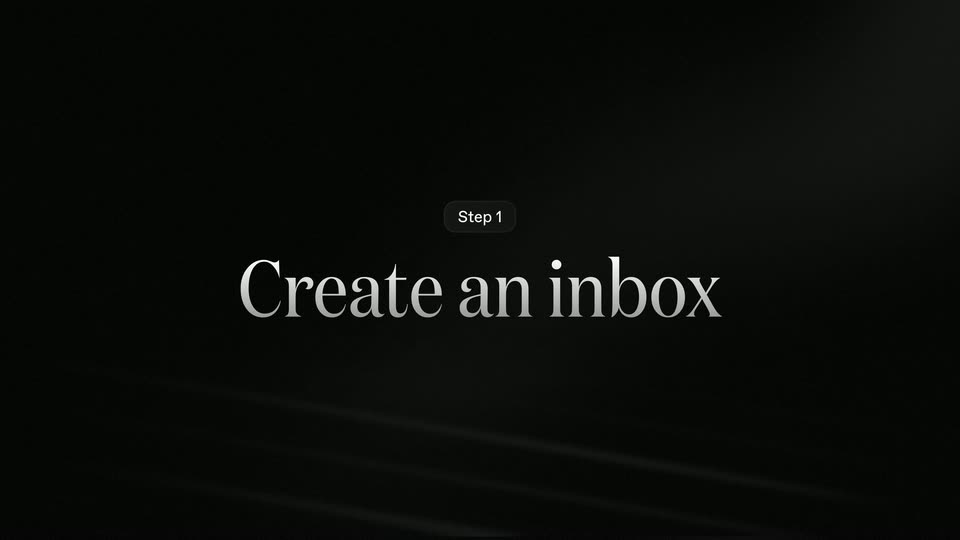
A darkened live-action shot shows a person's clasped hands at a desk along the bottom edge. A small 'Step 1' pill and a large serif headline 'Create an inbox' fade in and brighten at center, locked-off.
On-screen text: “Step 1”, “Create an inbox”
Camera: Static
A bearded man in a black cap and jacket sits centered, speaking into a studio microphone on a boom arm. He gestures with both hands while talking. Behind him, warm-lit wooden shelves hold books, plants, a small monitor and a wall clock.
Camera: Static
A dark terminal window displays a typed prompt asking the Claude Code CLI to build an inbox via the Resend MCP server. The prompt block fills with a gray highlight, and a status line below cycles through 'Claucling' and 'Befuddling (2s, thinking)' while a block caret blinks.
Camera: Static
A bearded man in a black cap and bomber jacket sits in a podcast studio, talking into a condenser mic on a boom arm while gesturing with both hands. Wooden shelves with books, plants and a flip clock fill the background. The locked-off frame pushes in slightly at the end.
Camera: Static
A dark terminal window fills the frame, showing a Claude Code log. A white mouse cursor drifts over a numbered subdomain list, then the list collapses into a one-line answer, new status lines type in, and a red Befuddling timer with a blinking block cursor appears.
Techniques: Cursor demo
Camera: Static
A dark terminal log fills the frame as its text updates, an AI agent confirming a support inbox. A small picture-in-picture video of a bearded man in a black cap sits lower left. The terminal dims and dissolves to a full-screen shot of him at a desk with a microphone.
Camera: Static
A bearded man in a black cap and bomber jacket sits at a studio microphone, speaking and gesturing with his hands. Behind him, wooden shelves hold books, plants and a retro computer. The locked-off medium shot stays fixed on him.
Camera: Static
A dark terminal window holds a static log of an AI assistant creating a support inbox, the cursor resting on the email address. In the lower-left corner a small webcam feed shows a bearded man in a black cap speaking into a microphone.
Camera: Static
A bearded man in a black cap and jacket sits before a studio microphone, gesturing with both hands as he talks. Behind him, warm-lit wooden shelves hold books, plants and a flip clock. The shot is static, framed with rounded corners.
Camera: Static
A dark Wayback inbox dashboard fills the frame while a small clip of a man in a cap speaking into a microphone sits in the bottom-left corner. A cursor moves over the single inbox row, and a checkbox fades in beside the address.
Techniques: Cursor demo
Camera: Static
A dark inbox UI displays an empty state with a centered icon and two buttons. A small webcam feed of a bearded man in a black cap with a microphone overlays the bottom left, and a command field at the bottom types /docs.
Camera: Static
A bearded man in a black cap and bomber jacket sits at a desk, speaking into a large microphone on a boom arm. He gestures with both hands while talking. Behind him, wooden shelves hold books, plants, a vintage computer, and a clock. The frame is locked off.
Camera: Static
Dark email app UI fills the frame on an empty inbox state with two buttons; a cursor hovers the sidebar plus icon, revealing an Add label tooltip. A man in a black cap speaks into a microphone in a lower-left video inset.
On-screen text: “1100”
Techniques: Cursor demo
Camera: Static
A bearded man in a black cap and jacket sits at a desk, speaking into a studio microphone while gesturing with both hands. Behind him, wooden shelves hold books, plants, a flip clock and a retro computer in a dimly lit room. The camera stays locked off.
Camera: Static
A dark terminal window displays an assistant's reply and a prompt asking it to create four inbox labels. The view scrolls up, the prompt block fills with a gray highlight, and a red status line plus a gray tip line appear below it.
Camera: Static
A bearded man in a black cap and bomber jacket speaks into a studio microphone, gesturing with both hands, on a static camera. Behind him, wooden shelves hold books, plants, a vintage computer, and a flip clock in warm light.
Camera: Static
A dark inbox interface shows an empty state with a centered icon and two buttons, while a small webcam feed of a man with a cap speaks into a microphone in the bottom left corner. The frame is locked off as the Compose button scales.
Camera: Push in
A dark inbox UI with a small presenter inset in the corner; the cursor hovers over sidebar dots, revealing tooltips Bug report, Feature request, Urgent as the view zooms in. It cuts to a full shot of the presenter speaking into a microphone.
Techniques: UI zoom, Cursor demo
Camera: Push in
A bearded man in a black cap and jacket talks into a studio microphone, gesturing with both hands in front of a bookshelf backdrop. At the end the shot cuts to a dark terminal window with a typed prompt, the speaker shown as a small corner inset.
Camera: Static
A dark terminal window fills the frame, showing a CLI prompt to update a support agent. A man in a black cap speaks into a microphone in a small bottom-left inset. An orange block cursor blinks, then the view scrolls up.
Camera: Static
A bearded man in a black cap and jacket sits at a studio microphone, gesturing with both hands as he speaks, framed against wooden shelves holding books, plants and a vintage computer.
Camera: Static
The cursor moves to the gear icon in the lower left of a dark inbox screen and clicks it. A settings panel with inbox fields slides in from the left, dimming the empty-state view behind it.
Techniques: Cursor demo
Camera: Static
A dark settings panel sits beside a small face-cam of a man in a black cap talking into a mic. The cursor clicks the Customize tab, the form crossfades to instructions and a tone grid, then opens the Available actions dropdown to reveal checked options.
Techniques: Cursor demo
Camera: Push in
A man in a black cap and jacket sits before a studio microphone, gesturing with both hands as he speaks. Behind him, wooden shelves hold books, plants and a flip clock. The frame stays locked off at a medium distance throughout.
Camera: Static
A bearded man in a black cap and jacket sits at a studio microphone, hands clasped, against shelves and plants. The shot cuts to a black card reading Step 2 above a large serif line, Test the inbox.
On-screen text: “Step 2”, “Test the inbox”
Camera: Static
A dark title card holds a small rounded pill reading Step 2 above a large serif headline Test the inbox. Both stay still on a locked-off frame over a faintly textured black background with subtle diagonal lines at the bottom.
On-screen text: “Step 2”, “Test the inbox”
Camera: Static
A dark terminal window fills the frame with monospace log text. A large serif headline reading Test the inbox and a Step 2 pill overlay it, then fade out. A blinking cursor sits in the input line, and a Coalescing status line appears at the bottom.
On-screen text: “Step 2”, “Test the inbox”
Camera: Static
A bearded man in a black cap and jacket sits at a studio microphone, gesturing with both hands as he speaks. Wooden shelves with books, plants, and a flip clock fill the dark background. The frame is locked off in a steady medium shot.
Camera: Static
A dark inbox screen shows one email row while a presenter in a black cap speaks into a mic from a small video inset at lower left. The cursor hovers the row, which expands to reveal a draft message bubble and two pill labels, Draft and Billing.
Techniques: Cursor demo
Camera: Static
A dark email client shows an open support thread about a duplicate charge. A cursor hovers the orange Billing label, revealing a 'Filter by Billing' tooltip. A small video of a bearded man in a black cap speaking into a microphone sits in the lower-left corner.
Techniques: Cursor demo
Camera: Static
A man in a black cap and jacket sits at a studio microphone, gesturing with both hands as he talks. Behind him, wooden shelves hold books, plants, a flip clock and a vintage computer. The camera stays locked off on a medium shot.
Camera: Static
In a dark-mode inbox, a support email thread is open with a full reply draft in the compose panel. The text caret moves through the draft, then a mouse pointer glides to the Send button and clicks it, changing the button to a three-dot loading state.
Techniques: Cursor demo
Camera: Static
A dark email thread on a black window shows a customer's double-charge complaint and a support reply below it. A cursor rests in the message area while a Reply and Forward control fades in at the bottom of the screen.
Camera: Static
A man in a black cap and jacket sits at a microphone in a warm-lit home studio, gesturing as he speaks; three translucent pill labels fade in one by one on the left edge.
On-screen text: “Slack notification”, “Connect your agent”, “Support form”
Camera: Static
A white Resend wordmark holds centered on a near-black field as a dim shot of a person at a desk fades out behind it. Faint diagonal light streaks sit along the lower edge for the rest of the clip.
On-screen text: “Resend”
Camera: Static