1:07
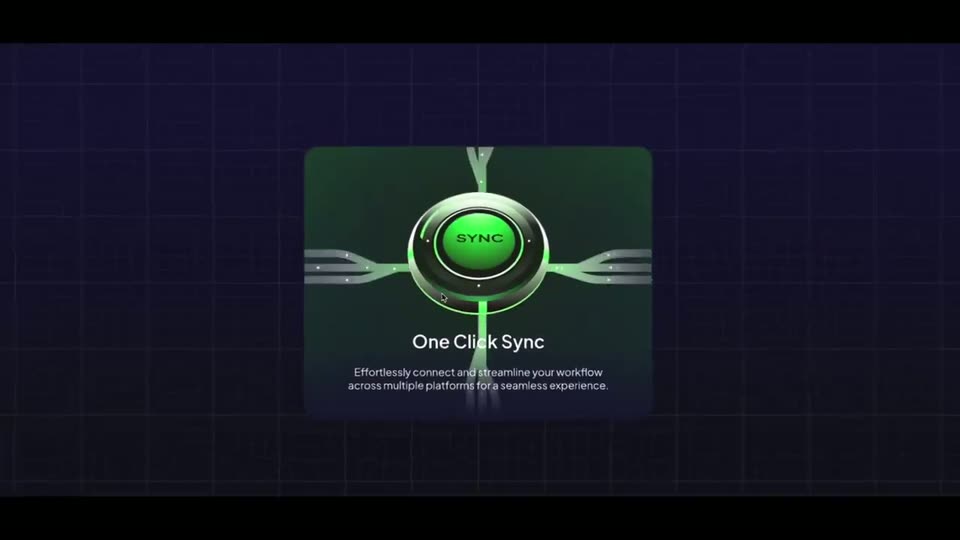
Lottielab - Interactivity is now live on Lottielab. 📣
Lottielab · Aug 2024
Gemini · May 2026 · 0:53 · Full motion · AI-annotated
Gemini’s 0:53 launch film runs 31 scenes, about 1.7 s each. The product is on screen from the first frame and 4 features are revealed. There is no explicit call to action; a voiceover carries the film. A dark, starfield product launch built as one continuous block-party task: a named intro, four capability beats each opened by a two-line white-over-blue headline, and a logo outro. Pacing is steady at about 108 BPM with locked-off text cards alternating with 3D card flights, glowing ripple pulses, and self-typing prompts, all in a rounded sans on black with a single blue accent.
Is this your launch? to your site or press kit.
Lottielab · Aug 2024
Stord · Jan 2026
Adobe · Feb 2025
On a black background, a blue four-pointed star with a small teal trail pops in above the centered title Meet Gemini Spark. The star shrinks and drops down as the title fades, and a blue two-line headline Your 24/7 personal AI agent appears above the star.
On-screen text: “Meet”, “Gemini Spark”, “Your 24/7”, “personal AI agent”
Techniques: Kinetic type
Camera: Static
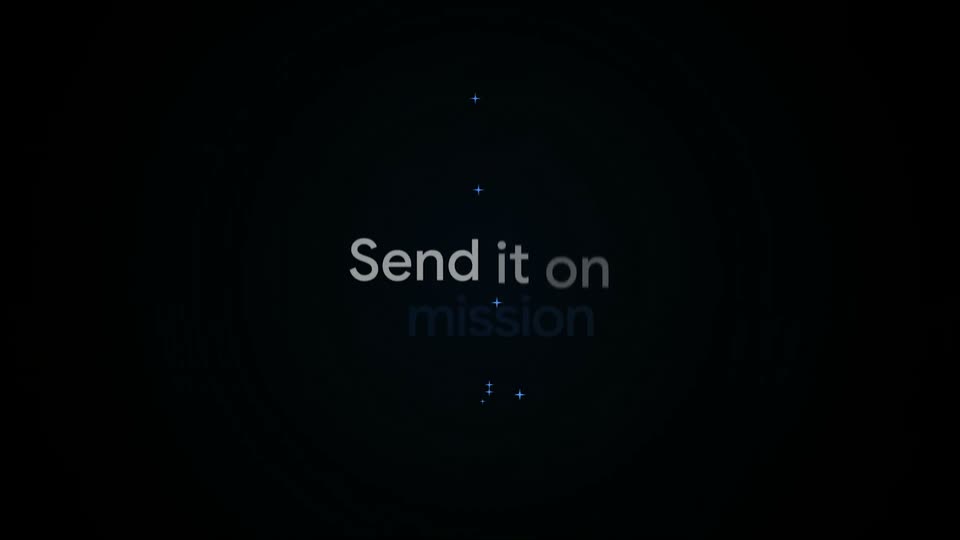
On a black background, a glowing blue crystal and blurred text dissolve as the centered lines Send it on in white and a mission in blue snap into focus. A thin vertical column of small plus-shaped sparkles drifts behind the text.
On-screen text: “Send it on”, “a mission”
Techniques: Particles
Camera: Static
A centered two-line headline, white over blue, holds still on black while a vertical thread of small blue plus-shaped particles drifts and dissolves behind it.
On-screen text: “Send it on”, “a mission”
Techniques: Particles
Camera: Static
A white cursor clicks the Spark side of a Chat/Spark toggle on a dark blue radial glow. The pill expands into a large rounded card, and the words 'Send it on a mission' sit inside it.
On-screen text: “Send it on”, “a mission”
Techniques: Cursor demo, Morph
Camera: Static
A dark settings dialog sits centered on a deep blue gradient. It lists six Google apps under a Connected Apps header and stacks three pill buttons below. The headline eases from a soft blur into sharp focus, and the bottom Connect all button holds a pale blue glow ring.
Camera: Static
A dark settings card on a navy gradient: the app list gives way to a connecting state as Google app icons orbit a circular avatar and rows flip from spinners to green checks. The headline swaps to 'Your apps are connected to Gemini,' then the card fades to black.
Camera: Static
On a dark blue radial background, the Gemini Spark logo and title sit above a dark input field where a long prompt about a block party Google Sheet types itself in line by line. The camera then pushes in on the round blue send button.
Techniques: Kinetic type, UI zoom
Camera: Push in
A blue four-pointed sparkle icon with two cyan motion trails hovers above the caption on a dark navy radial glow. Both start soft and out of focus, then rack into sharp focus as the frame stays locked off.
On-screen text: “Working on it...”
Camera: Static
A deep blue radial glow fills the frame with faint stars. A blue four-pointed sparkle sits above the gray text Working on it..., both held still at center. A diagonal strip of small white squares drifts leftward across the right side, trailing motion blur toward the upper right.
Camera: Static
White interface cards float in a diagonal stack through a starry space, rotating and drifting with motion blur. The 3D perspective shows the panels at varying depths against a dark blue nebula.
Techniques: 3D mockup
Camera: Static
A white form card with gray placeholder lines and a colorful M badge floats in a dark starry space. The card starts tilted in 3D perspective and rotates to face the camera, settling flat in the center.
Techniques: 3D mockup
Camera: Static
On a black background, a small white caption sits at the top. Two centered lines fade in: 'Watch it' in white above 'connect the dots' in blue. The text holds still as the clip ends.
On-screen text: “Spring Neighborhood block party”, “Watch it”, “connect the dots”
Techniques: Kinetic type
Camera: Static
A black screen holds a centered two-line title, white 'Watch it' above blue 'connect the dots', static and locked-off for the brief hold.
On-screen text: “Watch it”, “connect the dots”
Camera: Static
A dark rounded card sits on black. A vertical blue line draws downward, lighting three glowing nodes in sequence. The top node reveals the Gmail logo, the middle a clock icon beside a two-line note, the bottom a green Sheets icon and label.
On-screen text: “I've confirmed volunteer emails and am creating the spreadsheet”
Camera: Static
A white email card titled Spring Neighborhood block party tilts into view in 3D against a starry night sky, a circular Gmail badge on its right edge and a blue sparkle popping in. Caption text and app labels fade in as the card settles.
On-screen text: “Gmail”, “I've confirmed volunteer emails”, “and am creating the spreadsheet”, “Sheets”
Techniques: 3D mockup
Camera: Static
A white roster card floats in 3D perspective against a starfield and a grid of colored dots. Its title scales from 'Spring Neighborhood block party' to 'Block Party - Volunteer Roster' while a Gmail badge slides off and a blue four-point star pulses beside the green calendar icon.
Techniques: 3D mockup, Morph
Camera: Static
A dark rounded input box floats on a near-black backdrop with a soft blue glow, a white plus sign at lower left and a blue up-arrow button at lower right. A white prompt types out across two lines, filling the box.
Techniques: Kinetic type
Camera: Static
On a near-black background with a faint blue glow, the centered tagline fades in: “Under your” in light gray above “direction” in blue, with a brief mirror reflection beneath the second line that fades out as the text settles.
On-screen text: “Under your”, “direction”
Camera: Static
A centered notification card on black shows the heading 'Your Block Party Shift Assignment' over gray placeholder lines, with a multicolored M badge at the top right. The card starts dark and brightens to white while the heading slides in and the badge holds.
On-screen text: “Your Block Party Shift Assignment”, “Under your”, “direction”
Camera: Static
A stack of white email cards recedes in 3D perspective on a black background. The top card, in sharp focus, carries a subject line and a multicolored M badge; the cards below shrink into the distance. The whole cascade drifts slowly upward as the clip plays.
Techniques: 3D mockup
Camera: Static
A dark Gmail email card titled Confirmation Required sits centered on a deep blue radial background, with a blue sparkle and the status Waiting for your input above it. A blurred card slides down out of frame, revealing the blue Send button.
Camera: Static
A dark screen centers a glowing blue Send button beneath faint message text. The text fades out as the button is pressed, shifting to a dark fill with a bright cyan outline, and soft concentric rounded rings ripple outward into the darkness.
Camera: Static
A dark rounded chat bubble sits centered on black. A message types in word by word across four lines, the bubble grows to fit, then the whole card shrinks slightly as it settles. A plus icon and a blue circular send button sit at the bottom.
Techniques: Kinetic type
Camera: Static
A two-line blue headline, Tackle your to-do list, scales up and brightens from a small dim state to full size on a black background. Near the end, a tiny blue four-point sparkle pops in at the left edge.
On-screen text: “Tackle”, “your to-do list”
Techniques: Kinetic type
Camera: Static
Two blue calendar event cards brighten into view on the right, listing a coffee pickup and a block party, while a small blue sparkle icon and the white caption “OK, I’ve blocked your calendar!” hold on the left against black.
On-screen text: “OK, I’ve blocked your calendar!”
Camera: Static
Black background. Two blue calendar event cards stack at right, a blue four-point sparkle and the white caption sit at left. The locked-off composition holds, then blurs and fades to black over the final half second.
On-screen text: “OK, I've blocked your calendar!”
Camera: Pan
A blue calendar icon marked 31 sits centered on a black frame while concentric blue rounded-rectangle rings ripple outward behind it. The icon bobs gently and the rings pulse in rhythm, creating a sense of depth.
Camera: Static
A centered headline fades in on black: “Your most complex to-dos,” in blue, “done” in off-white. Below it, a blue four-pointed sparkle with two small dashes rotates, grows, and drifts up and to the right.
On-screen text: “Your most complex to-dos, done”
Camera: Static
On a black field, the gray line “Think it” scales in at center as a blue light streak arcs through the upper right. A moment later the white line “Direct it” appears directly beneath it, both locked off.
On-screen text: “Think it”, “Direct it”
Techniques: Kinetic type, Light sweep
Camera: Static
On a dark navy field, three centered lines of white text, Think it, Direct it, And let it, fade out as a larger blue Do it fades in at the center. The frame stays locked off.
On-screen text: “Think it”, “Direct it”, “And let it”, “Do it”
Techniques: Kinetic type
Camera: Static
Black background. The blue Gemini Spark headline sits above a blue four-pointed spark icon that eases from a tilted spin to upright as its trailing dashes fade to dots; the white tagline and a small gray disclaimer remain locked off.
On-screen text: “Do it”, “Gemini Spark”, “Your 24/7”, “personal AI agent”, “Check responses. Supervise closely, interrupt when needed. Subscription required. Compatibility and availability varies. 18+.”
Camera: Static