Cursor demo
A visible cursor operates the interface.
14,987 scenes · page 218 of 250
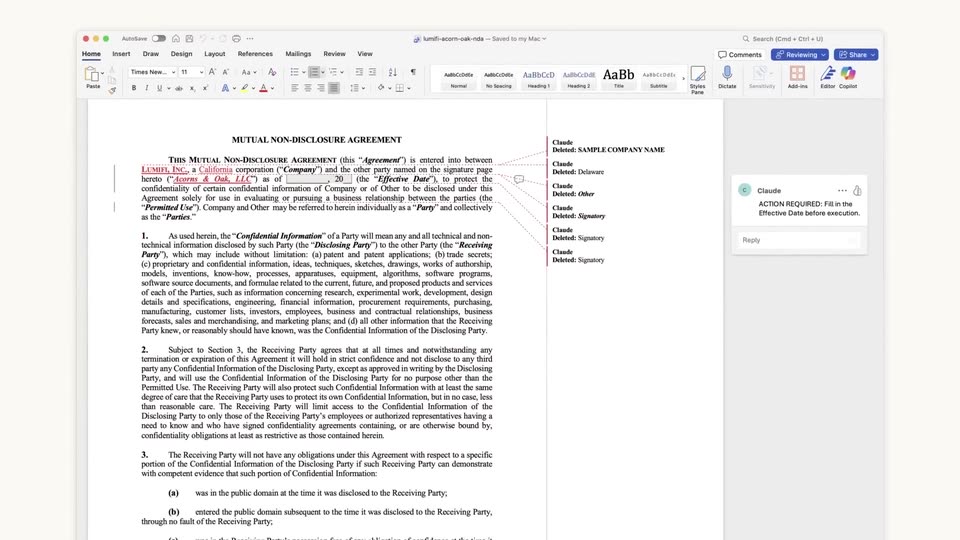 1:18–1:21Anthropic · Claude works with you on slides, spreadsheets, and contract redlinesA Microsoft Word window shows a mutual non-disclosure agreement with a Claude comments panel on the right. A white file card titled 'Lumifi acorn oak nda' with a hand cursor sits over the page, then slides away as the document scrolls down to reveal more comments.
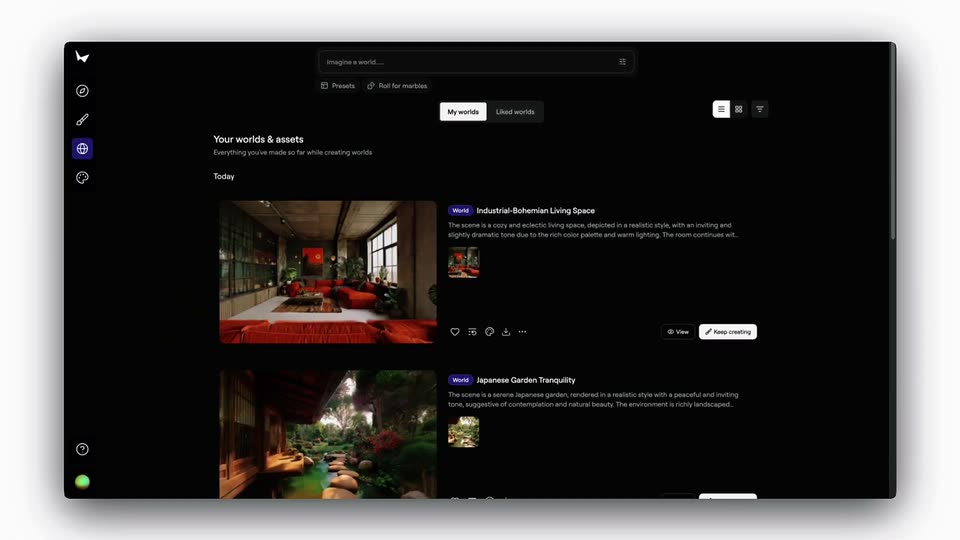 0:47–0:50World Labs · Welcome to Marble!A dark app interface dissolves from a generating state to a completed world list, the framed panel zooming to full screen. A cursor glides over the list toward the View button on the first card.
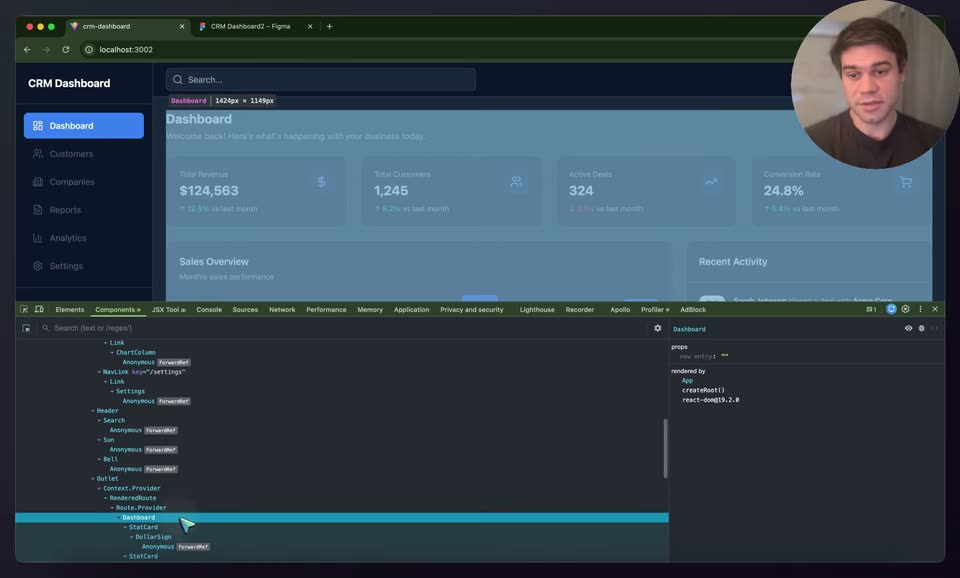 1:00–1:01Coasts · JSX Tool DemoA screen recording of a browser shows a CRM dashboard with a dark sidebar and stat cards, while the developer tools panel below highlights React component nodes as a cursor clicks through them. A circular webcam feed of a presenter sits in the top right corner.
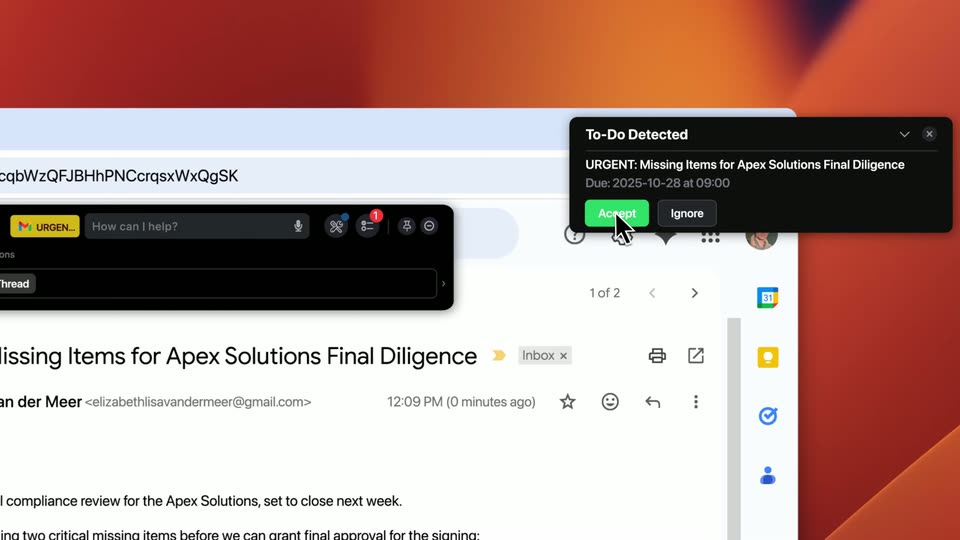 1:07–1:09Logical · Logical | The Proactive Desktop CopilotA tilted 3D email client on an orange background stays out of focus while a dark “To-Do Detected” card with a green Accept button holds focus top right. The camera reframes onto the card as a cursor moves in and clicks Accept.
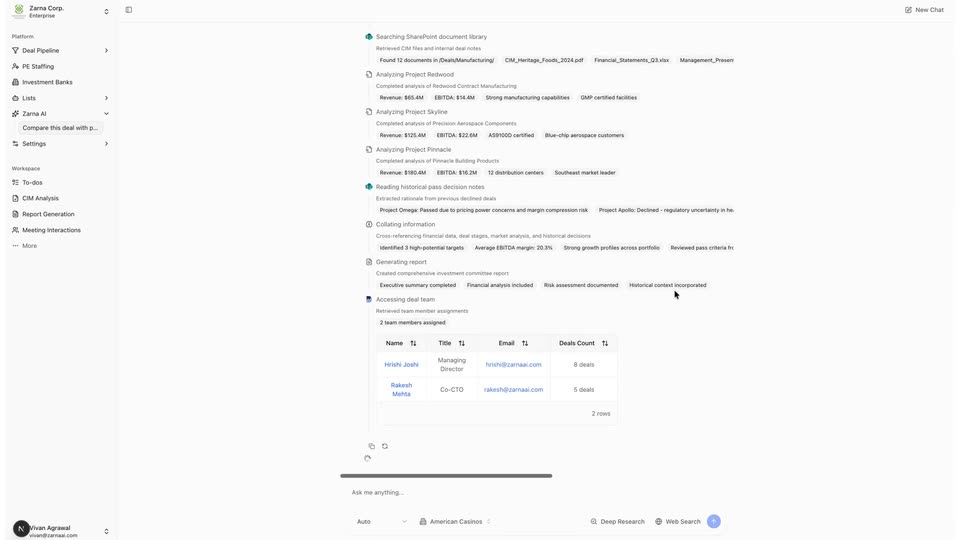 1:22–1:50Zarna · Demo Video - ZarnaA light-themed AI chat interface streams a multi-step analysis. A blue prompt bubble sits at top; below it, reasoning blocks and data tables appear one after another as the page scrolls down, ending on a benchmark report. A cursor drifts across the fields.
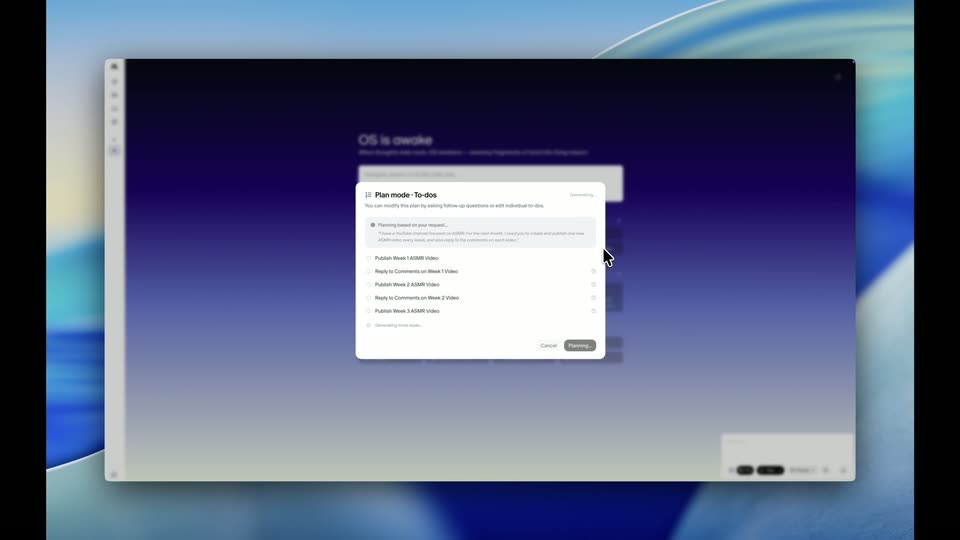 1:55–1:57Flowith · Derek Nee - introducing the OpenAI Atlas killer. might be the last browser you'llA product window tilted in 3D on a blue gradient backdrop. A “Plan mode: To-dos” modal in the center fills with a growing list of task rows, each with a checkbox and a trash icon, while a white cursor rests at the modal's right edge.
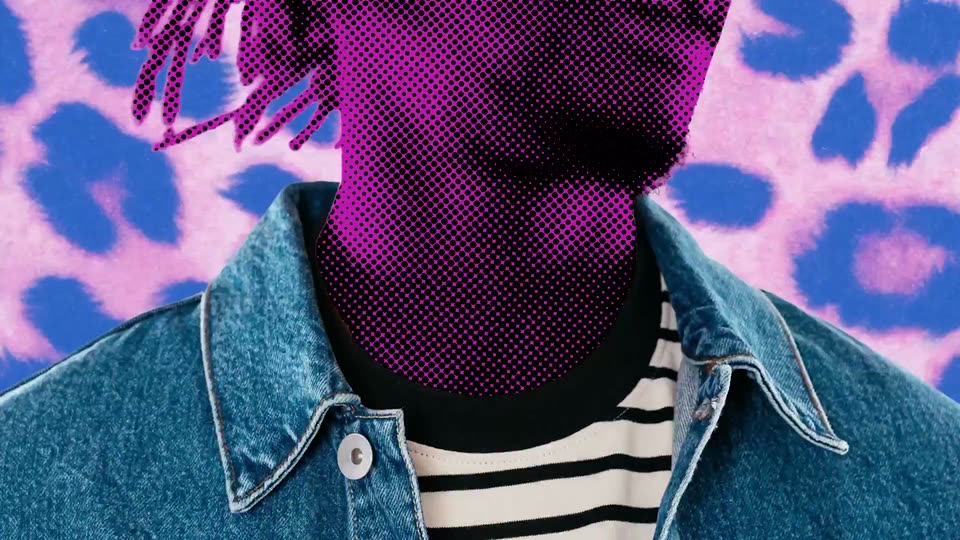 0:31–0:33Topaz Labs · Topaz Labs - @Adobe + Topaz Labs 🤝🙌 Just announced—you can now access select TopazA white Halftone control panel with sliders sits over a magenta-and-black halftone portrait on a blue tie-dye background. A cursor drags the Size and Definition sliders, then the panel vanishes to reveal the treated neck and denim jacket.
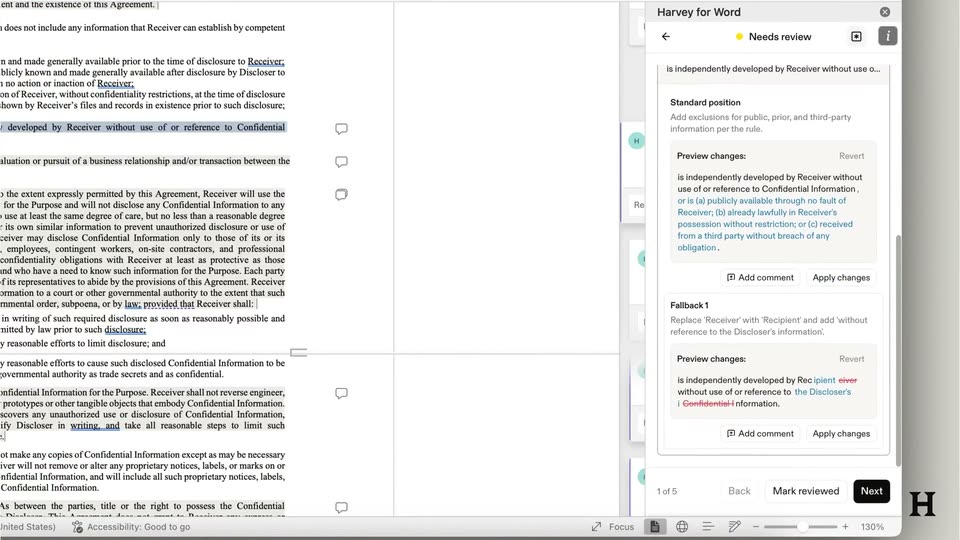 1:49–1:54Harvey · Microsoft IntegrationsA 3D view of a Word window zooms into the document, where red strikethrough and red insertions mark the NDA text. A cursor clicks through the Harvey for Word sidebar, opening rule summaries and a text-to-review box.
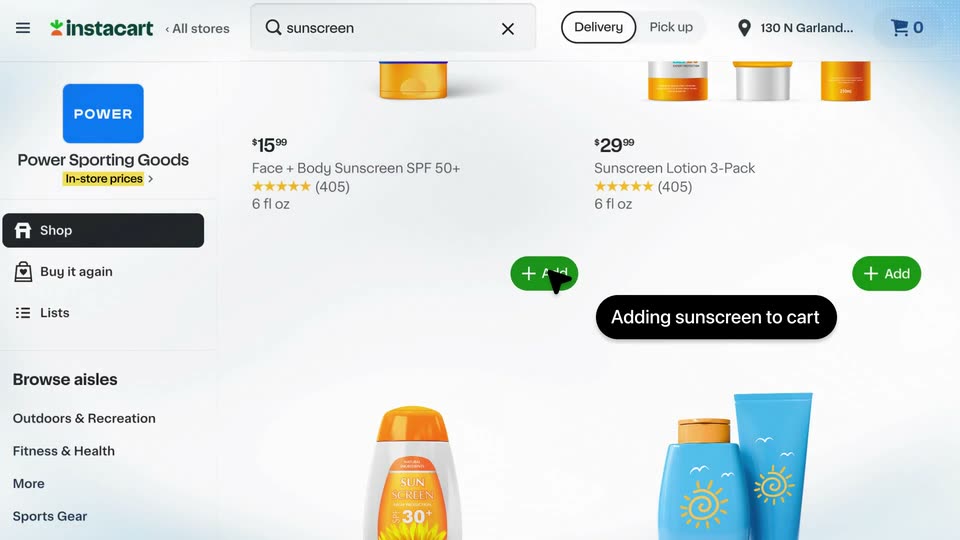 1:17–1:21OpenAI · OpenAI - Meet our new browser—ChatGPT Atlas. Available today on macOS:A light Instacart web page with a search bar reading sunscreen scrolls down through sunscreen product cards while a black cursor moves and clicks a green Add button. Black pill captions appear in turn narrating each step.
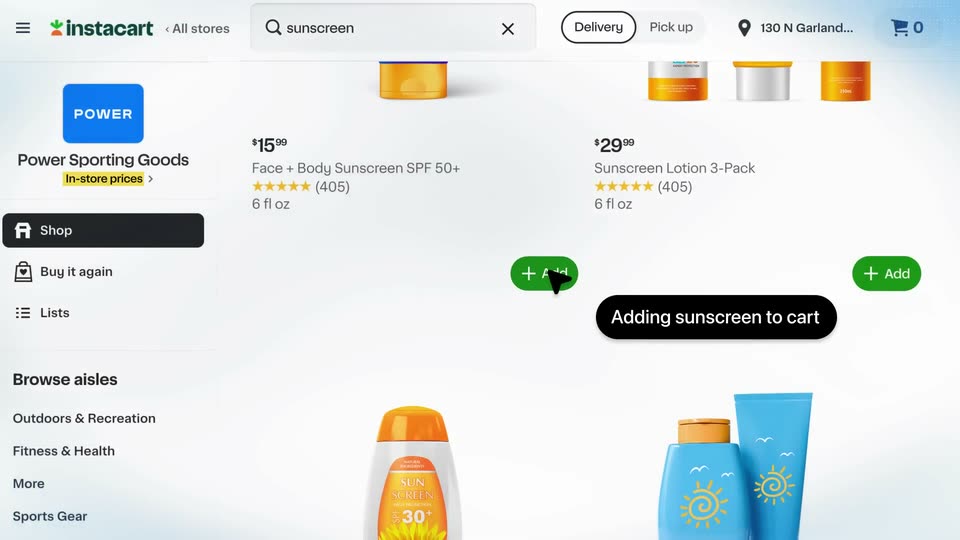 1:17–1:21OpenAI · Introducing ChatGPT AtlasThe Instacart web page shows sunscreen search results in a grid. A cursor hovers over the search bar, the page scrolls up through product cards, and the cursor clicks a green Add button. Black pill-shaped captions narrate the steps.
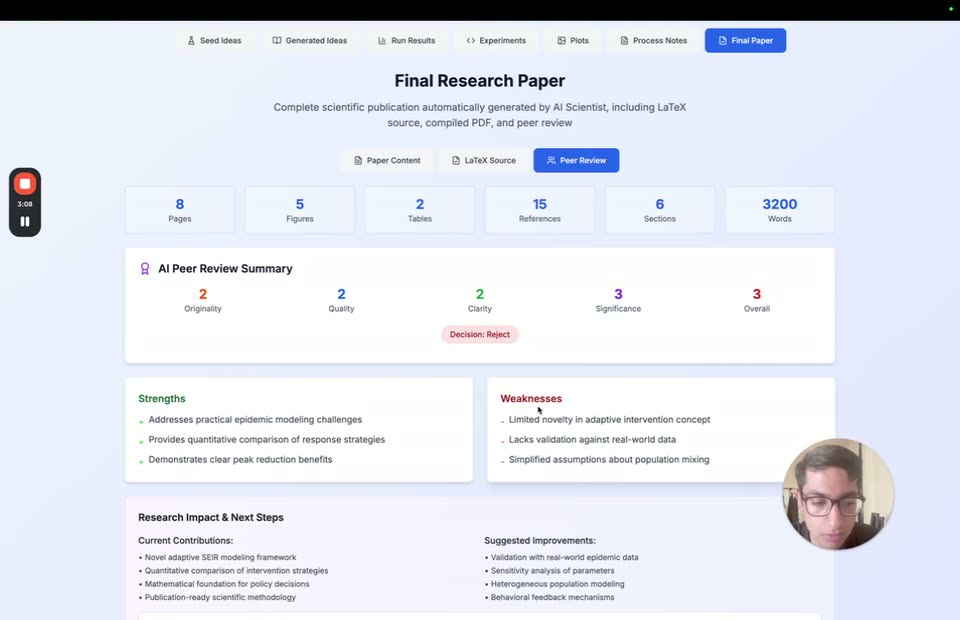 2:11–3:49Sciloop · Sciloop - End to End Scientific DiscoveryA screen capture of the SciLoop results page: a cursor clicks tabs, the page scrolls from the process timeline to a generated PDF, then the peer review summary with a reject badge. A circular webcam of the presenter sits bottom-right.
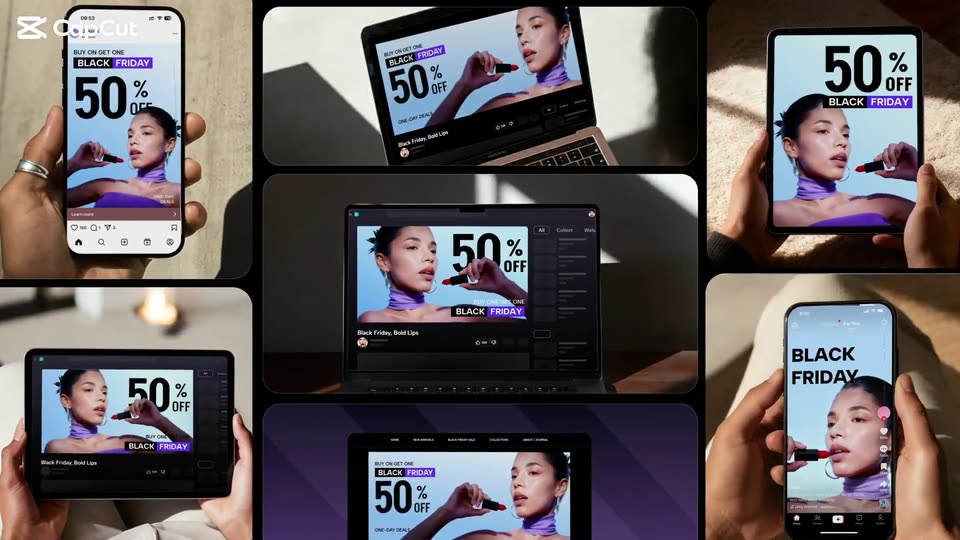 0:54–0:56CapCut · CapCut - Your all-in-one e-comm toolkit is here. Meet the new CapCut Desktop!A tablet in 3D perspective shows a Black Friday 50% off lipstick ad, then the layout expands into a grid of phones, tablets and a laptop with the same design, then zooms to a close-up where a cursor hovers the Follow button.
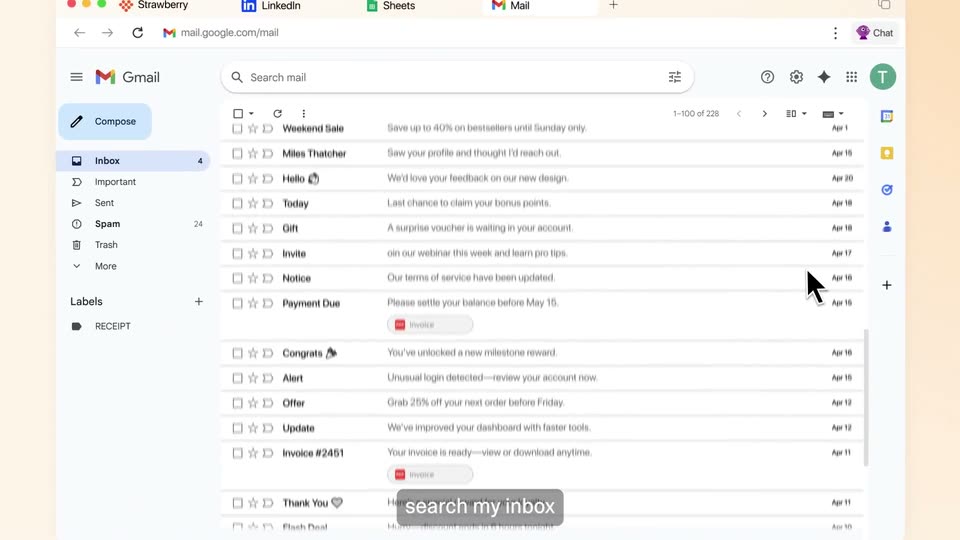 0:43–0:46Strawberry · Charles Maddock - We've raised $6M from General Catalyst, EQT Ventures, and founders ofA spreadsheet of candidates fades out over a Gmail inbox in a browser window. A cursor scrolls down the list of messages while caption pills appear at the bottom of the frame.
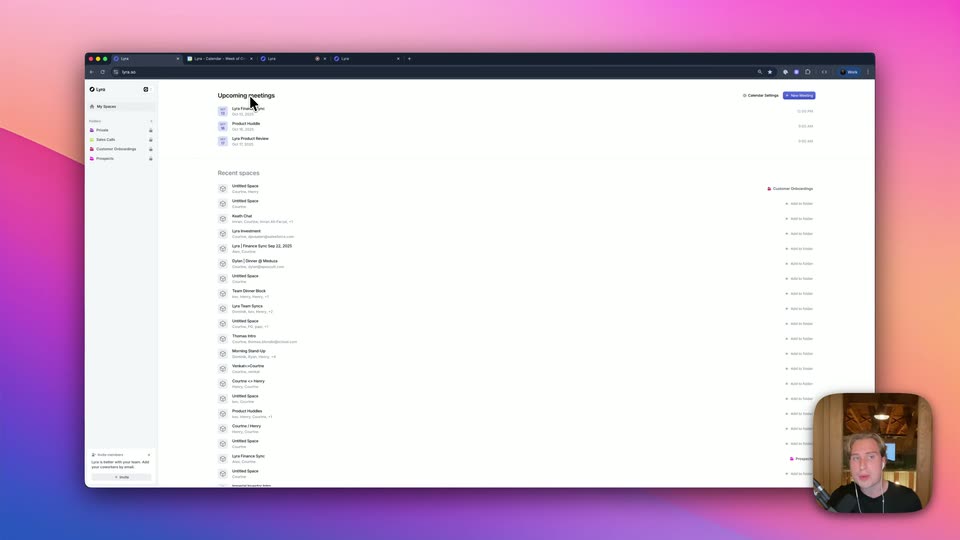 0:15–0:16IRBC · Lyra, The Final Meeting Platform.A browser window shows the Lyra dashboard, with an Upcoming meetings row above a long Recent spaces list, on a pink-to-purple gradient backdrop. A small webcam feed of a man sits in the lower right corner. A cursor hovers at the meetings heading.
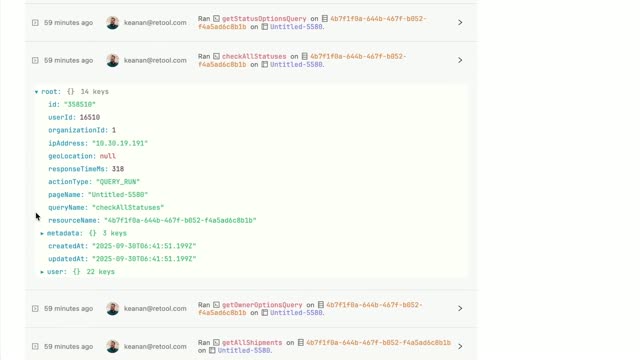 1:38–1:43Retool · Introducing Enterprise AppGen: AI-Assisted Development from RetoolA white activity log lists user actions with avatars and timestamps. A cursor clicks the chevron on the 'Ran checkAllStatuses' row, and a syntax-highlighted JSON payload expands beneath it while the list scrolls up slightly.
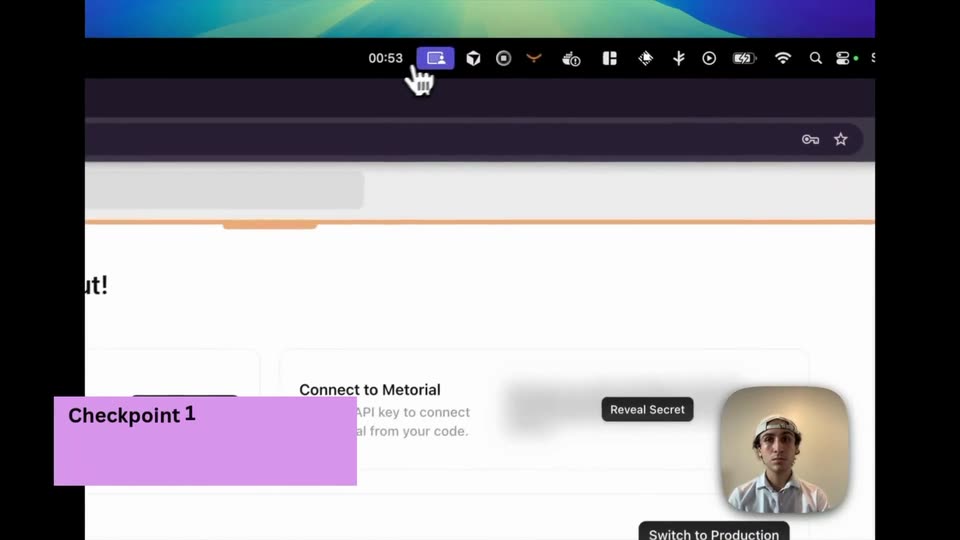 0:41–0:46Metorial · Introducing Metorial - YC F25A screen recording of the Material dashboard: the OAuth modal closes, then the cursor jumps to the macOS menu bar and clicks the screen-recording icon as the view zooms in. A lavender caption card slides in at the lower left. A presenter webcam bubble sits bottom right.
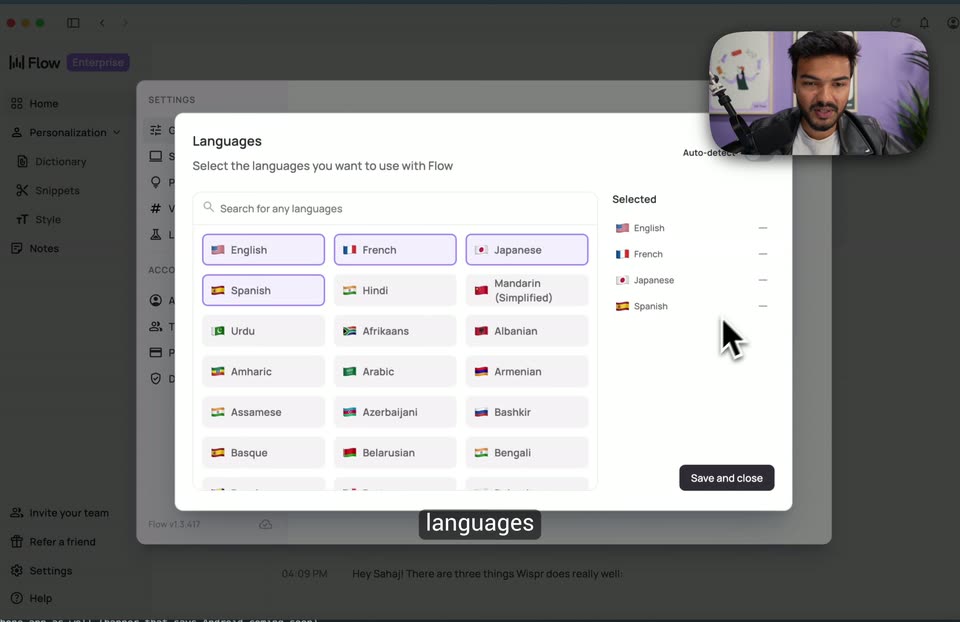 1:49–1:50Wispr Flow · Intro to Wispr Flow: voice-to-text AI that turns speech into clear, polished writing in every app.A settings modal crossfades from the General view to the Languages grid, a pixel hand cursor hovers over the selected list, a webcam bubble of a man sits top right, and a languages caption rests at the bottom.
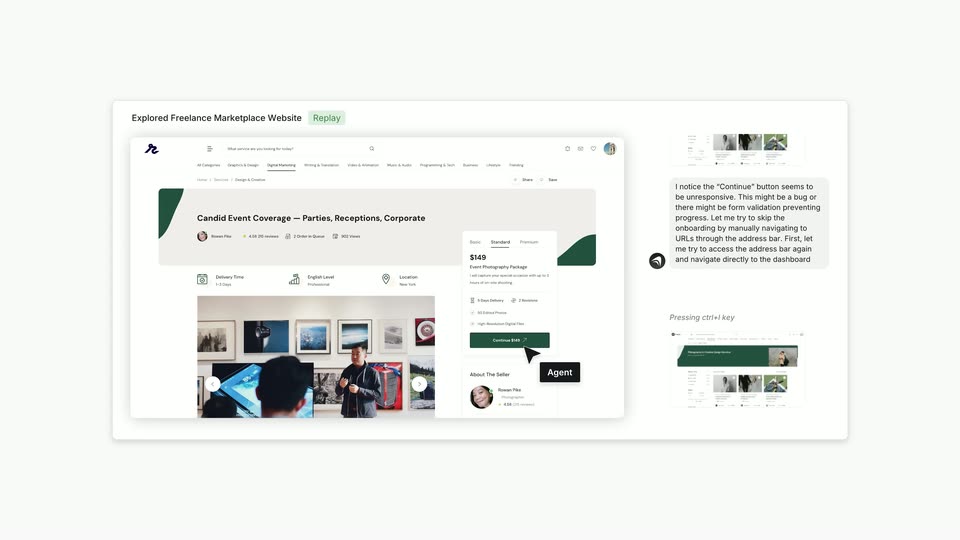 0:44–0:46Anything · Introducing Anything MaxA white card shows a freelance marketplace page with a cursor labeled Agent over the Continue Edit button. Gray thought bubbles on the right explain the agent's next step, then a small browser address bar appears under a Ctrl+L caption.
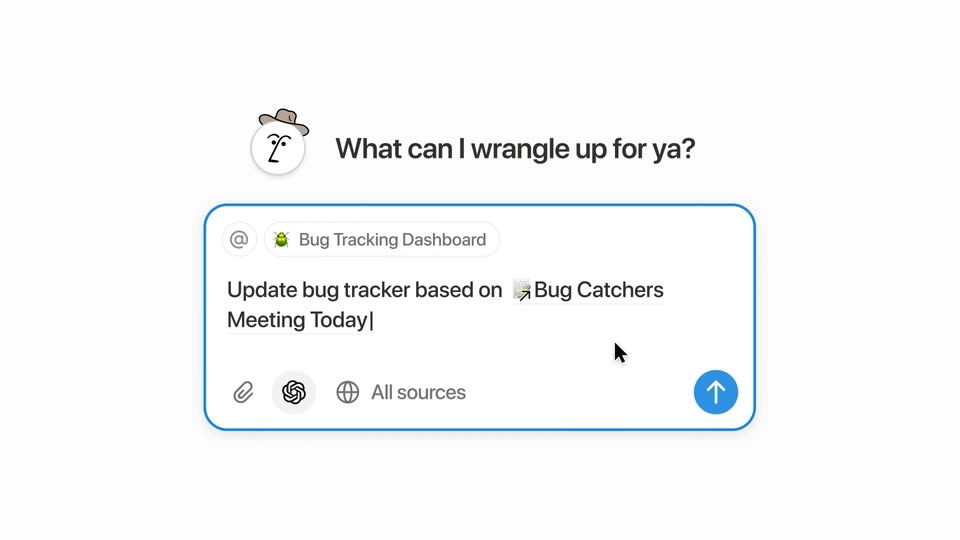 1:06–1:10Notion · Introducing Notion 3.0: AgentsA bright product screen shows a chat input card with a hat-wearing llama avatar and a greeting. A cursor types 'Update bug tracker based on Bug Catchers Meeting Today', then clicks the blue send arrow.
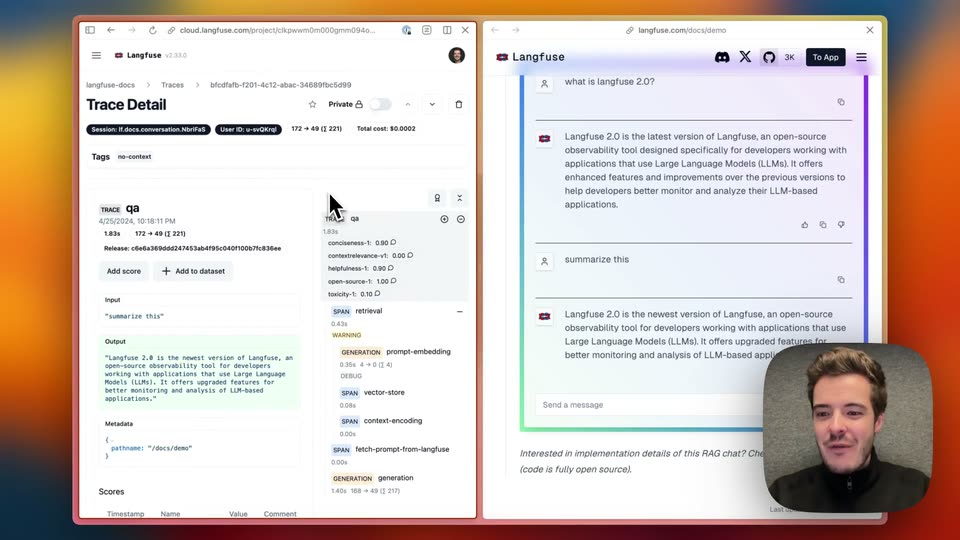 1:20–1:25Langfuse · Introducing Langfuse 2.0Two browser windows sit side by side on a gradient backdrop: a trace detail view on the left, a chat demo on the right, with a small webcam feed in the corner. The view zooms into the right panel as a cursor hovers the thumbs-up icon on a reply.
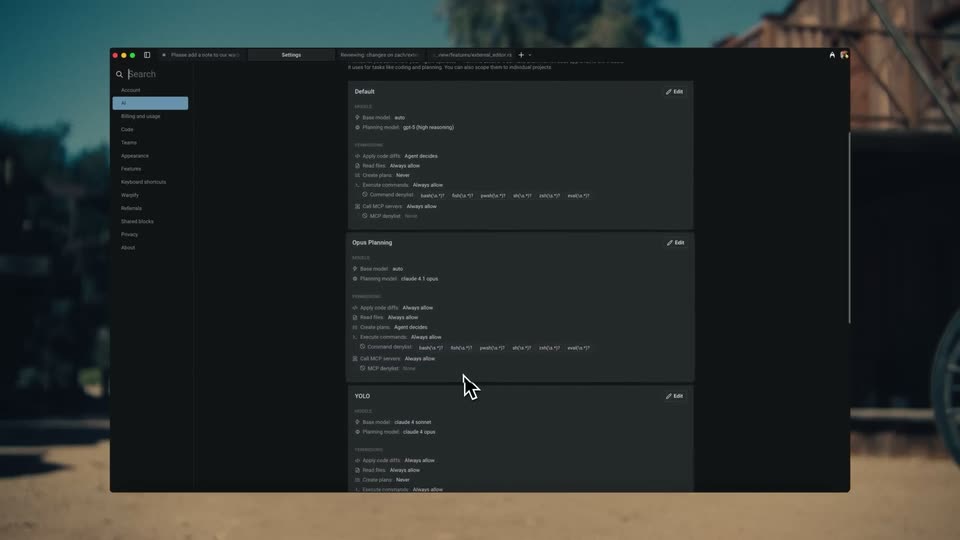 1:39–1:44Warp · Introducing Warp Code | The fastest way from prompt to productionA dark settings window floats over a blurred outdoor backdrop. The agent profiles list scrolls up while the cursor moves, then the Opus Planning card zooms forward to fill the frame as the rest of the interface blurs.
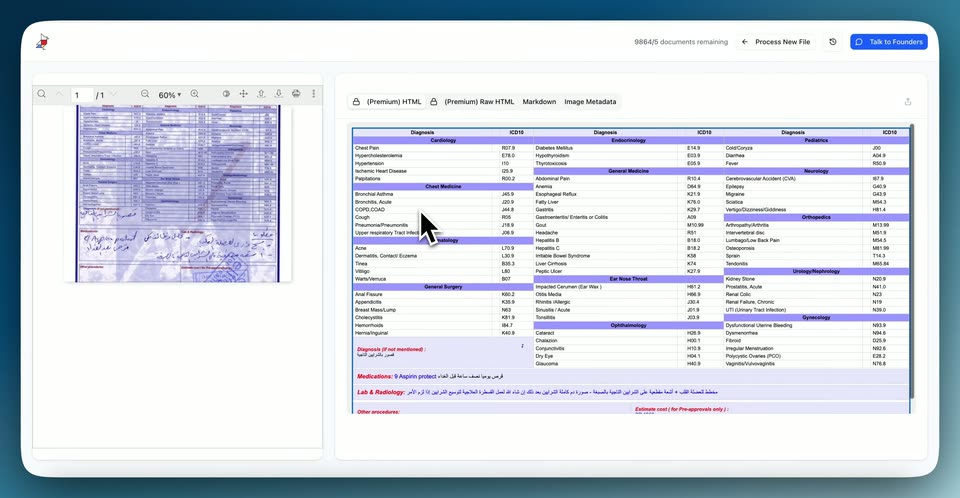 0:38–0:45Cardinal · cardinal demoA document app window on a blue background shows a scanned medical form on the left and a generated table of diagnoses with ICD10 codes on the right. A cursor moves over the table, then hovers the HTML and Markdown tabs as extra rows load.
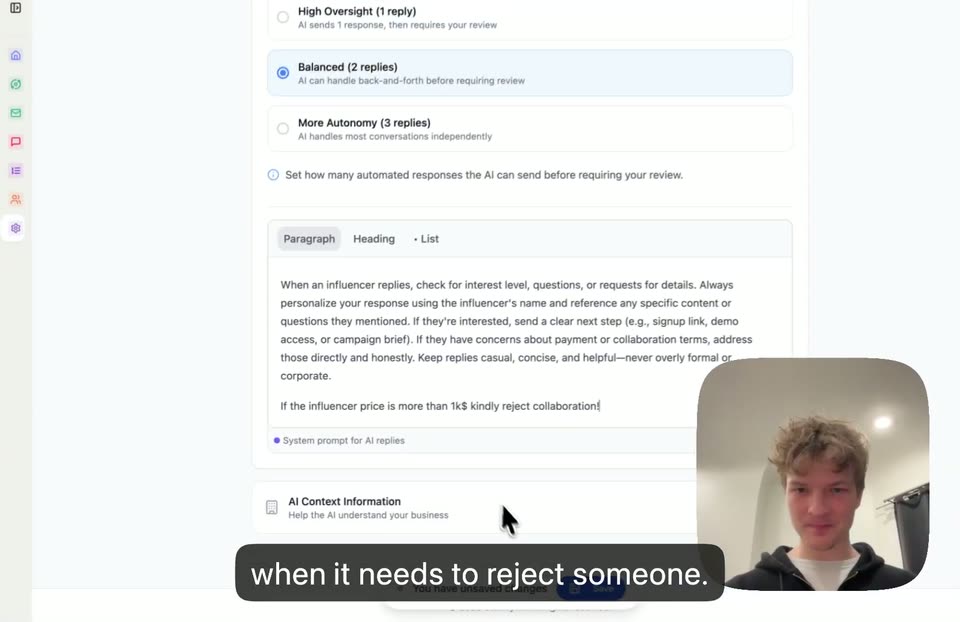 1:26 · 0.5sStormy · Stormy AI launch videoA product settings panel with a text editor is framed center, the page scrolls up slightly to reveal radio options. A cursor hovers over the body text. A black caption box sits at the bottom and a small presenter video inset fills the lower right corner.
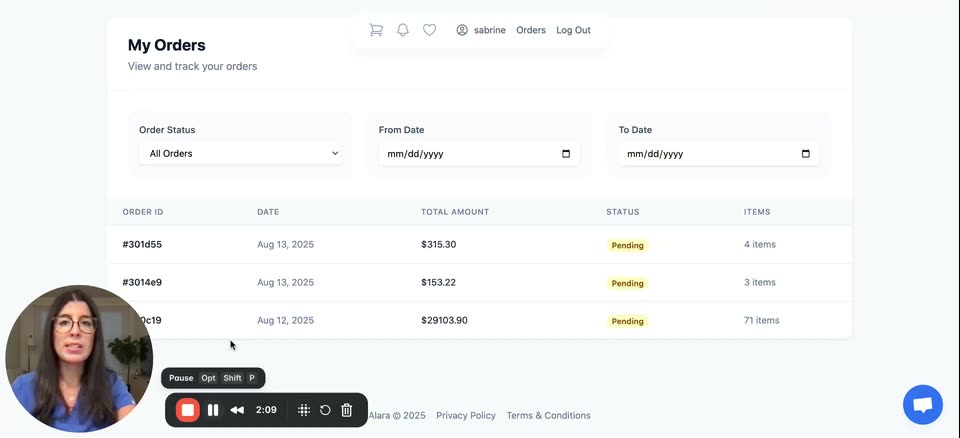 2:03–2:09Alara · Alara Dental - Transforming Dental Supply PurchasingA screen recording shows an e-commerce orders table while a presenter speaks in a circular webcam at the lower left. The cursor moves to the heart icon in the top bar and clicks it, swapping the view to a favorites grid of product cards.
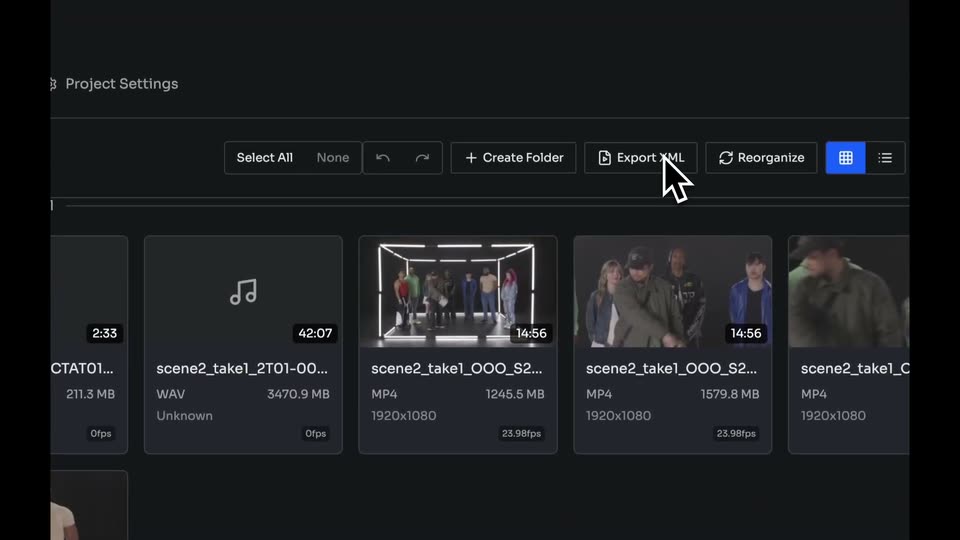 1:27–1:30cocreate · Cocreate demo videoA dark ccreate dashboard shows an asset grid of media files, then the frame zooms into the top toolbar. A white cursor glides to the Export XML button and clicks it, turning the button blue.
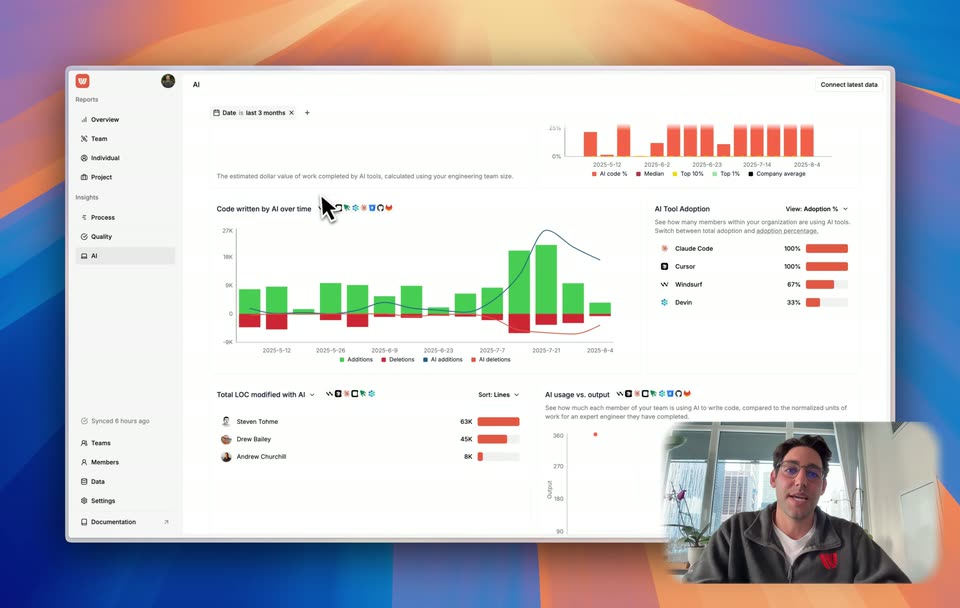 1:24–2:02Weave · Product Hunt Launch VideoA white dashboard with orange and green charts fills the frame, a presenter in a small webcam inset at bottom right. A custom cursor moves across panels as the view zooms into the tool-adoption list and the savings figure, then the page switches to an expanding adoption checklist.
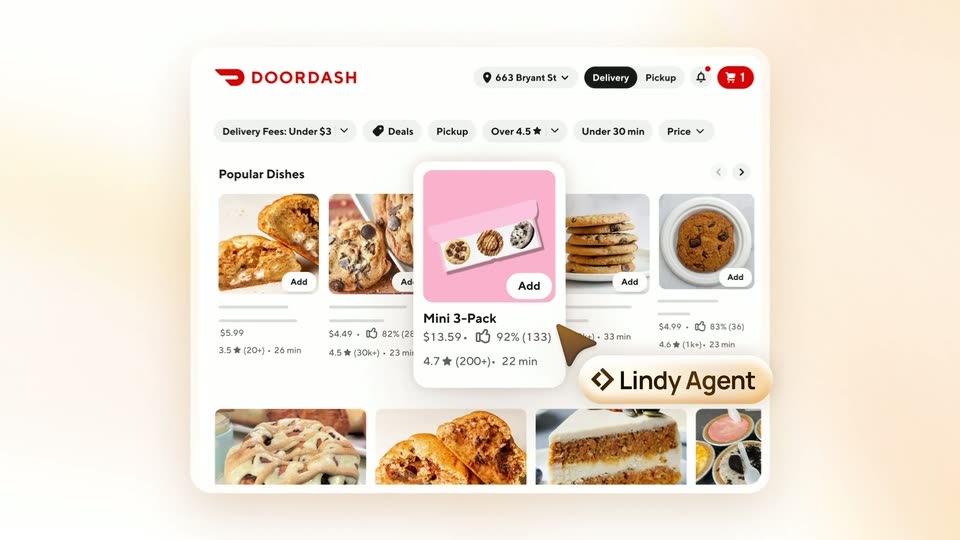 0:47–0:49Lindy · Lindy - Lindy 3.0 is live. You can now create agents with a simple prompt anA tilted DoorDash food menu card on a soft cream gradient scales up slowly. A cream Lindy Agent pill with a brown cursor arrow hovers over the Add button of a pink Mini 3-Pack tile.
 1:13–1:14Imprezia · Imprezia Launch VideoA dark chat interface listing Tokyo hotel recommendations fades to a plain dark gray field, leaving a white hand cursor mid-frame and a thin multicolor gradient strip on the left edge.
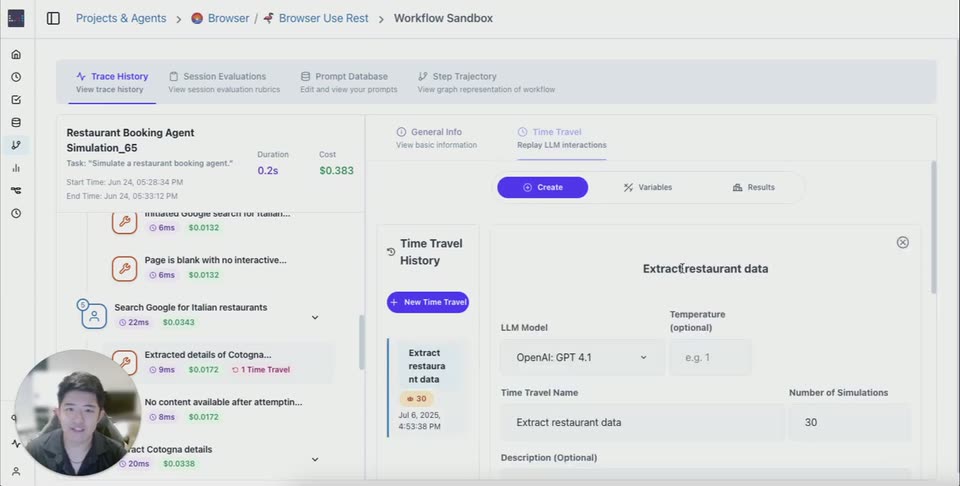 1:14–1:17Lucidic AI · Lucidic HN DemoA product dashboard shows a trace history list and a Time Travel panel. A cursor clicks a saved entry, and a settings form with model, name and simulation fields expands on the right. A small circular webcam video of a presenter sits in the lower left corner.
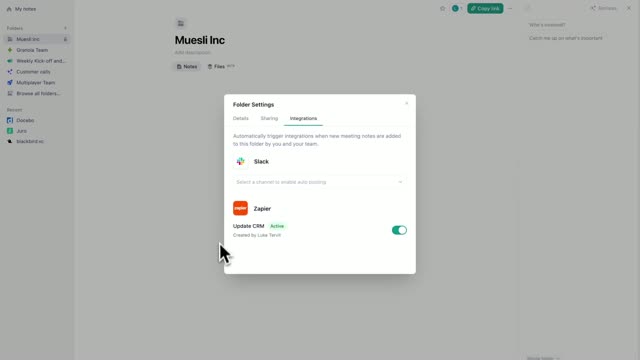 2:00–2:11Granola · Introducing Granola + Zapier | Your meeting notes, now connected with over 8,000 appsA cursor moves down the folder list, clicks the menu beside Muesli Inc and chooses Integrations. A Folder Settings panel opens over the dimmed screen, expanding the Zapier row to show an active Update CRM workflow with a green toggle.
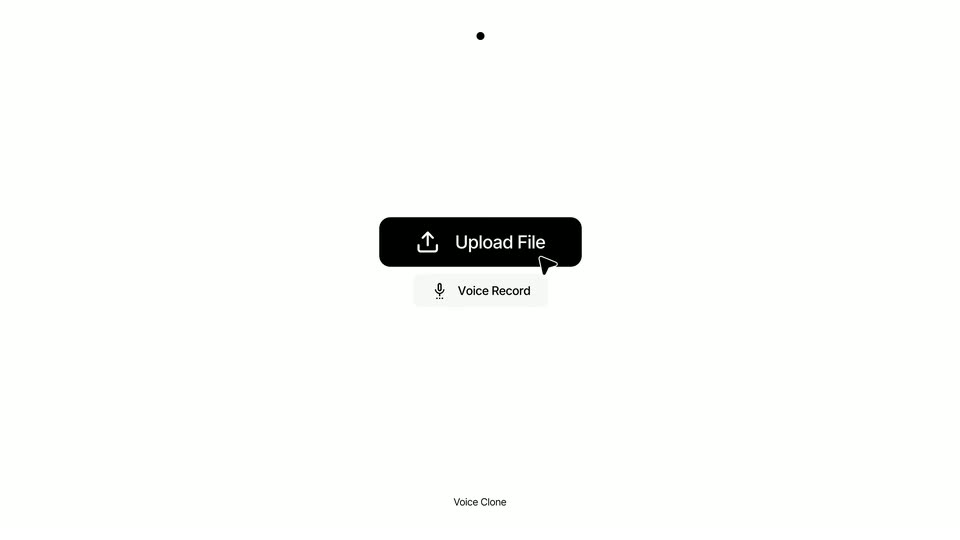 1:03–1:06GhostEye · Introducing: GhostEyeOn a white screen, a cursor hovers a black Create Voice Clone button, which gives way to a two-option panel. The cursor moves to Voice Record and selects it, turning the row black. A small Voice Clone label sits at the bottom.
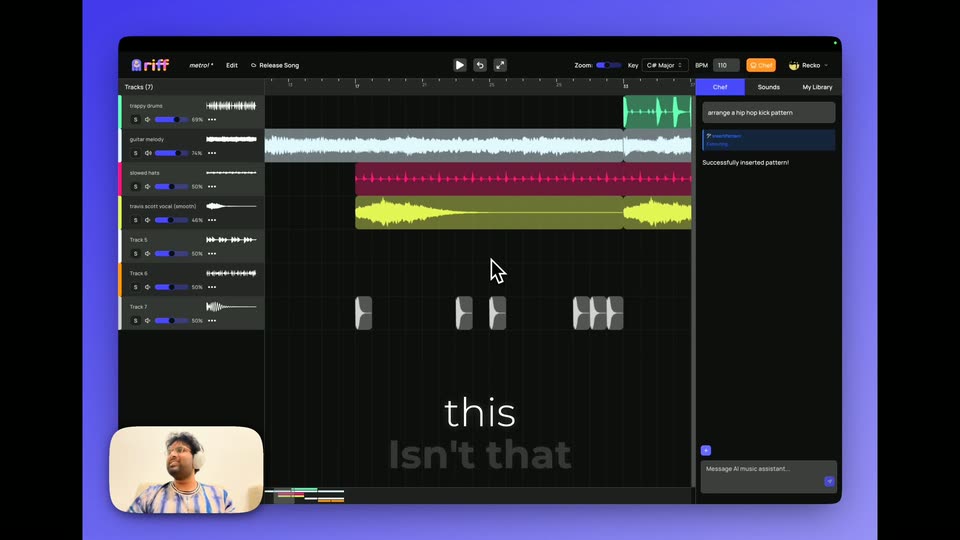 1:44–1:49Physical Turing · Welcome to RiffA dark music editor interface on a purple background shows colored waveform tracks and a right-side chat panel. A white cursor hovers over the timeline while a small video tile in the lower left shows a man gesturing. Large white words appear one by one in the center.
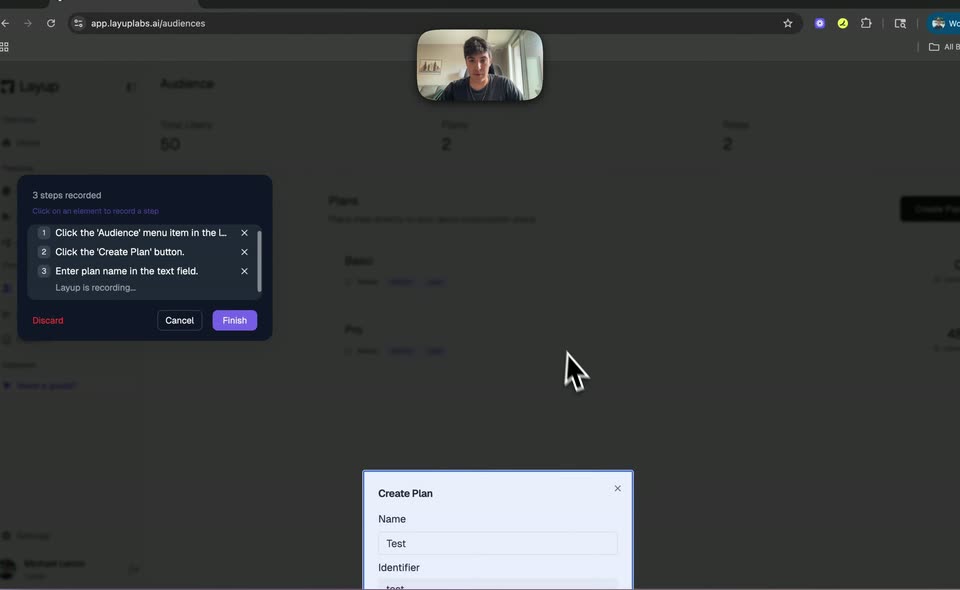 0:56–0:57Andco · Layup 2.0 July LaunchA full-screen browser view of a darkened app shows a white Create Plan dialog centered, with a small webcam feed of a presenter at the top and a step-recording panel at left. The mouse cursor hovers over the Roles field of the form.
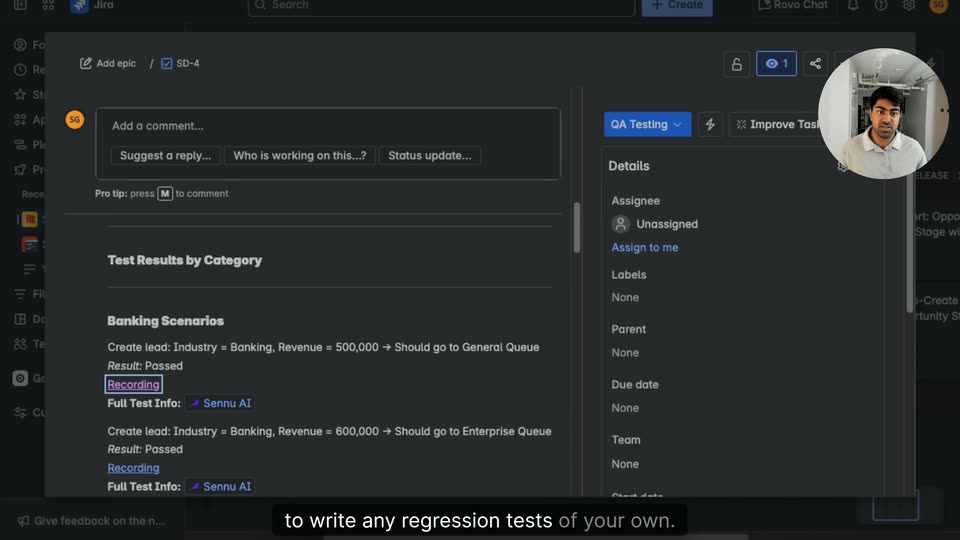 2:02–2:36Sennu AI · Sennu AI - AI Salesforce QA DemoA dark project interface shows a test-results thread and a details panel, with a presenter in a circular video-call window top right. A cursor hovers a Sennu AI link, opening a Copy link tooltip, as subtitles run along the bottom.
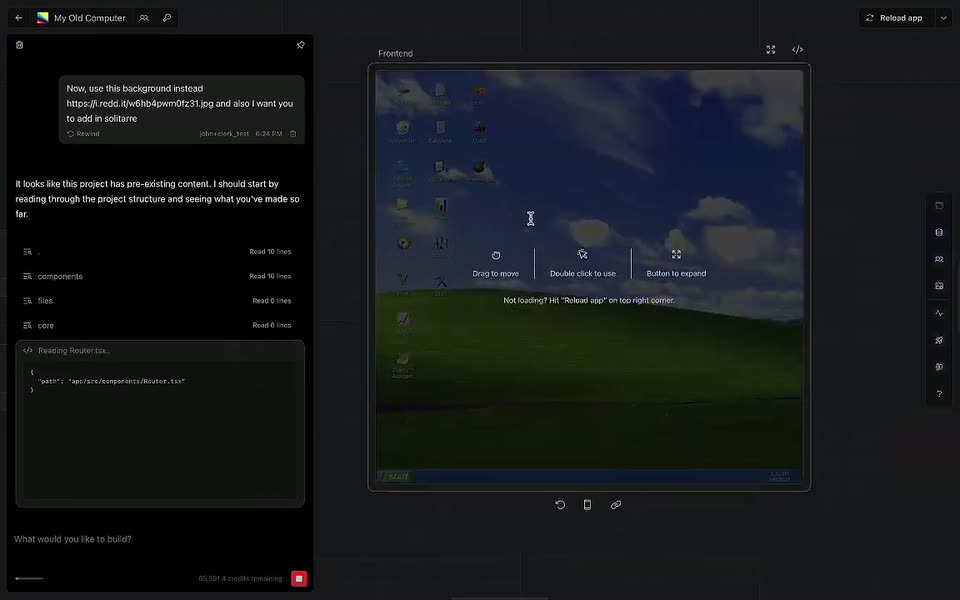 0:56–1:01Sharpe · Introducing Solar by LumenaryA dark builder interface shows a chat panel on the left reading project files while a Windows XP desktop mockup sits in a grid canvas on the right. A cursor drags the window's corner to resize it, then the viewport pans left to reveal code files.
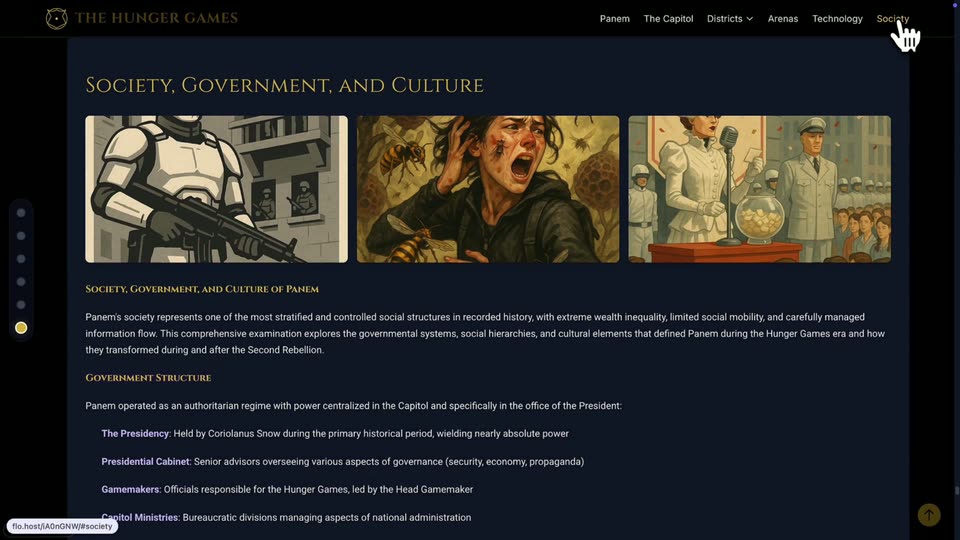 0:50–0:51Flowith · Flowith - flowith neo is now open to everyone. no more codes hunting. gen anytA dark webpage shows an open modal over a content page. A cursor at the top right closes the modal, revealing the heading Society, Government, and Culture, three framed illustrations, and paragraphs of text.
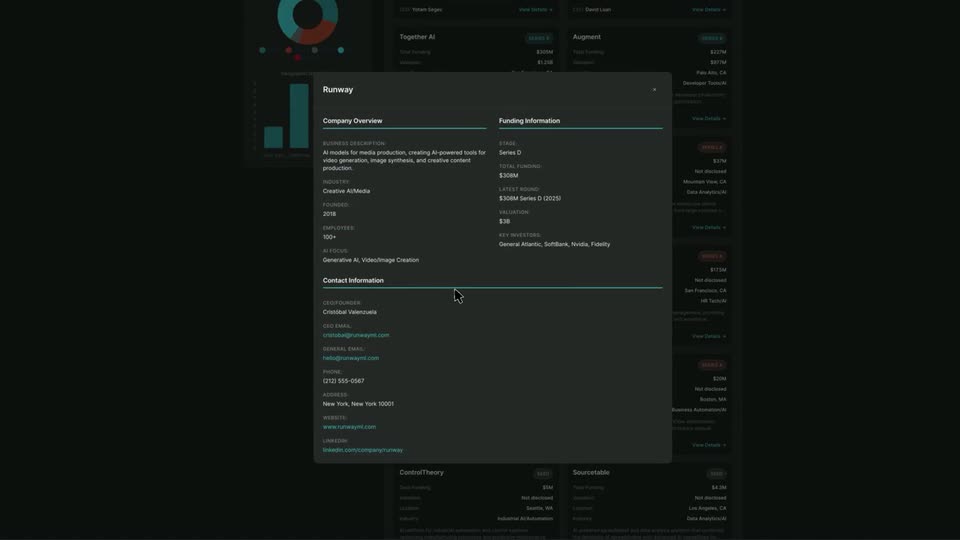 0:30–0:32Perplexity · Perplexity - Today we're launching Perplexity Labs. Labs is for your more complexA dark modal window displaying company contact details is centered over a dimmed dashboard. A pill-shaped bottom navigation bar with icons slides up from the bottom edge, partially covering the modal.
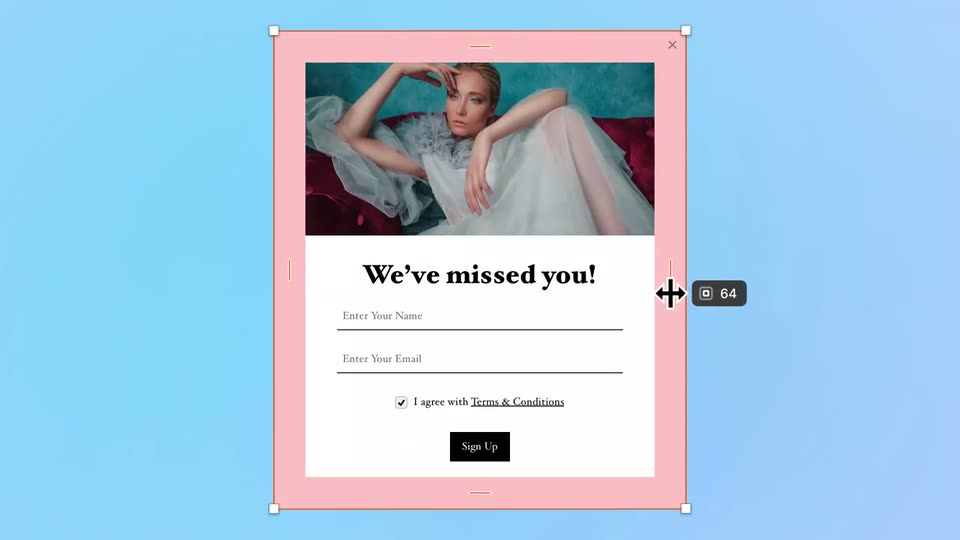 0:28–0:31Sketch · Sketch - Remember when we said auto layout was coming to Sketch? It’s here. ItA signup card with a model photo and form fields sits on a blue canvas, selected by corner handles as two cursors hover over the fields. The selection turns pink with a size badge, then the view zooms out to reveal a dark phone mockup on the left.
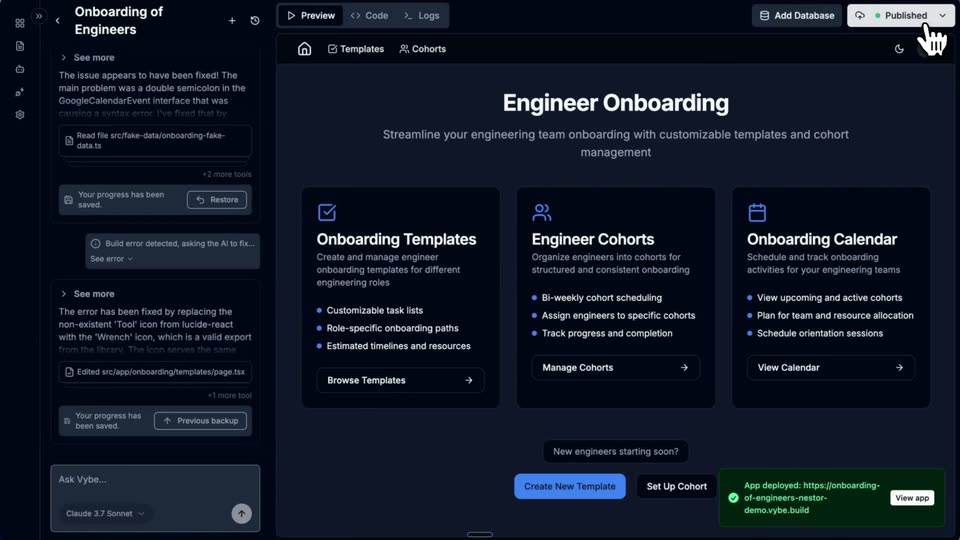 1:24–1:30Vybe · Vybe Demo - Build internal apps 10X fasterA dark app-builder screen shows a web preview titled Engineer Onboarding with three feature cards. A cursor moves to the top-right Publish button, clicks it, the label changes to Published, and a green deployment toast with a URL slides in at the bottom right.
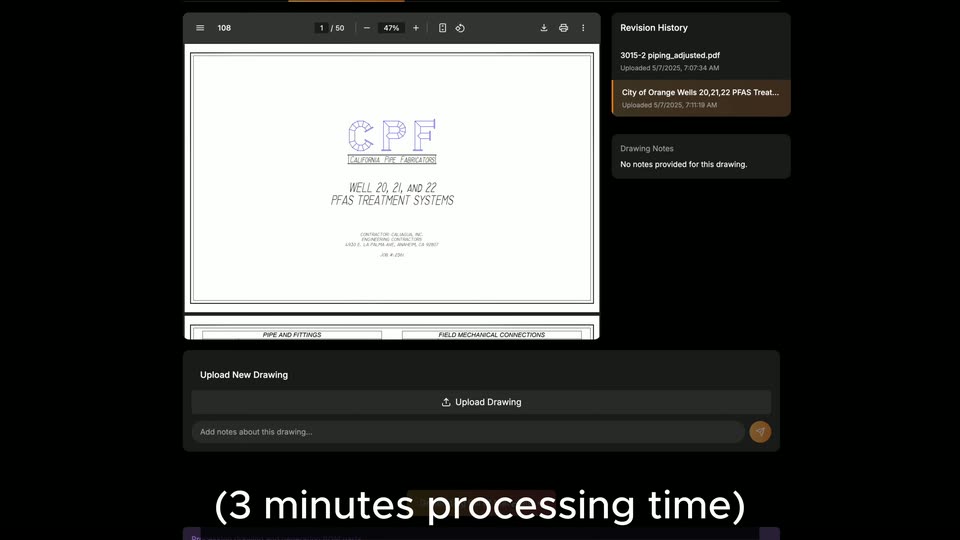 3:07–3:11Jeevy Fabrication · Introducing Jeevy FabricationA dark drawing-review interface shows a PDF title block, a revision history panel, and an upload section, with a cursor hovering over the Generating Bill of Materials button. The caption (3 minutes processing time) fades in at the bottom, then the view zooms out to reveal the top tabs.
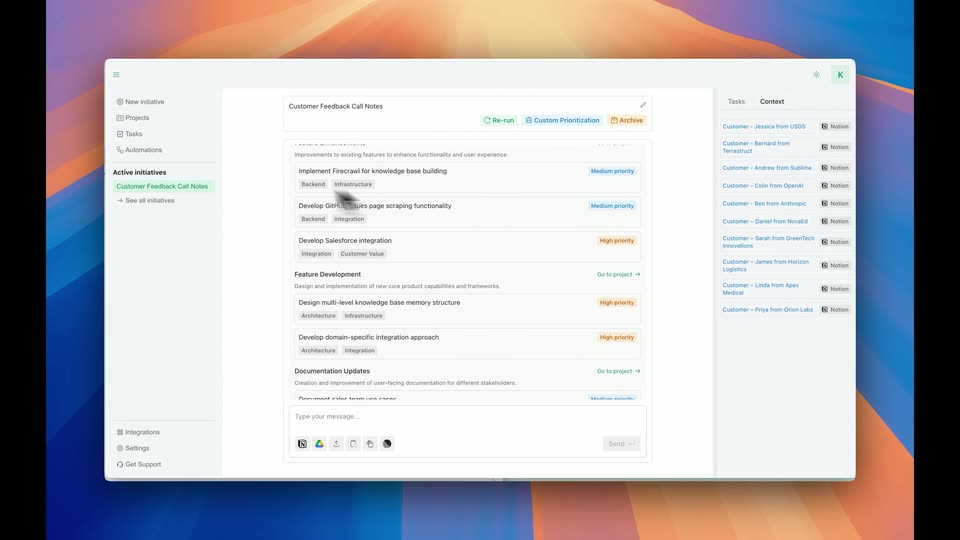 0:52–0:54Kestral · Kestral - Your AI Work Prioritizer -- Launch YCA blurred multi-panel slide resolves into a locked-off three-column app view on a diagonal orange-blue gradient: sidebar, task list with priority tags, right-hand task list. A hand cursor taps a highlighted sidebar entry, then the frame holds.
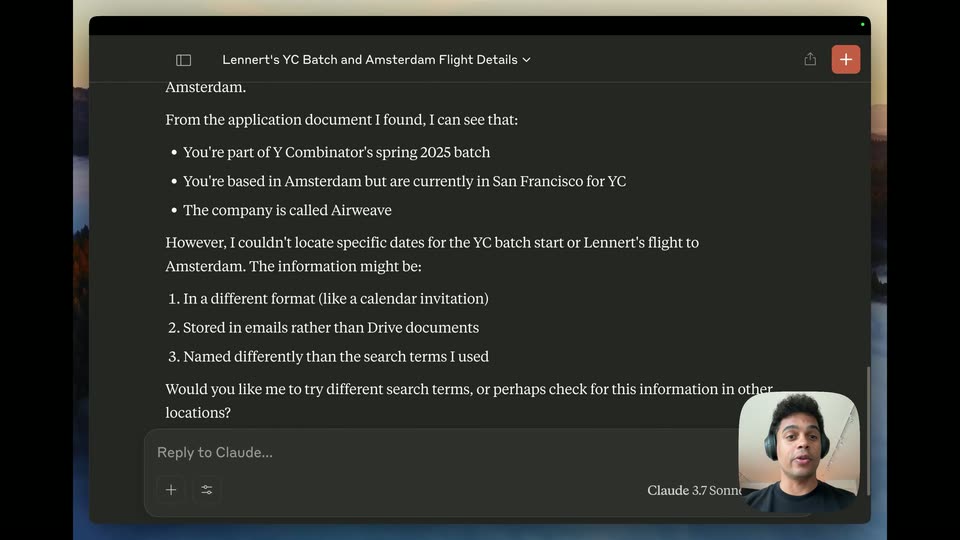 0:36–0:54Airweave · Airweave AI // Launch YC DemoA close-up of the Claude prompt zooms out to the full dark chat window; the assistant streams a reply and Google Drive search chips while the chat scrolls. A hand cursor clicks the new-chat button, clearing the screen.
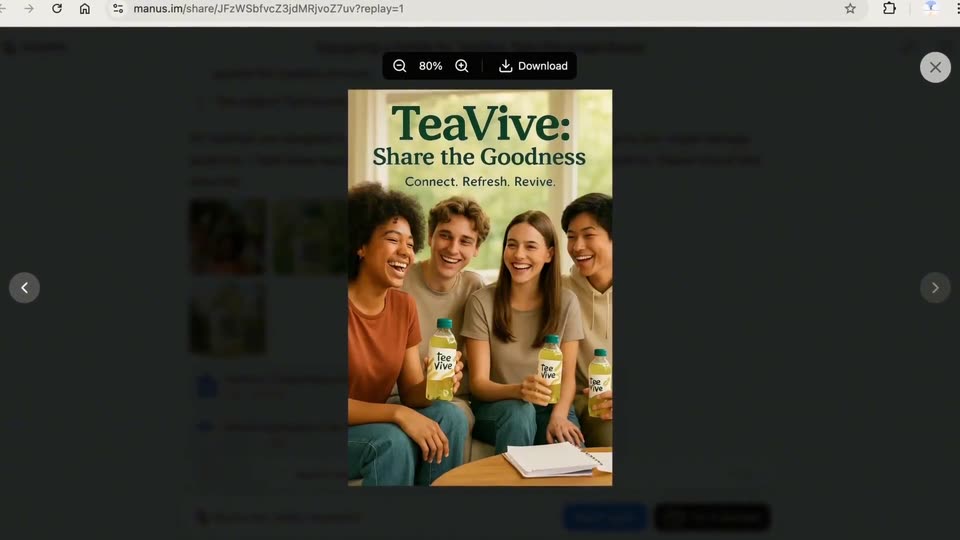 0:39–0:40Manus · Manus - Introducing Manus image generation. Manus doesn’t just generate imagA lightbox viewer centers a TeaVive poster, four smiling young adults holding drink bottles, over a dimmed feed. A cursor glides to the top-right close button and hovers, brightening it.
 1:07–1:08Notion · Meet the all-in-one Notion AI for workA light search field shows placeholder text above a segmented control reading Ask, Research, Build. A black cursor arrow drifts up to the chevron beside the Ask button. The frame stays locked off on the white interface.
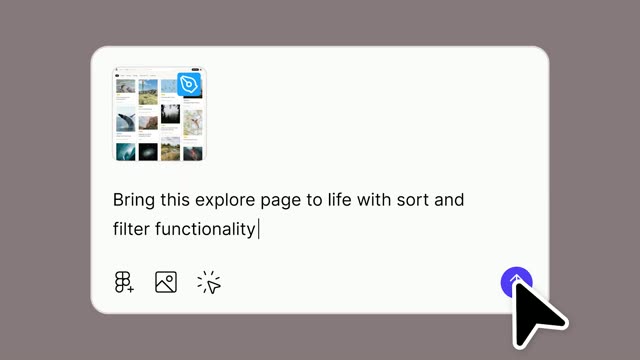 0:29–0:31Figma · All the launches at Config 2025 | FigmaA white prompt card scales up on a gray backdrop while a prompt types out letter by letter beneath a small explore-page thumbnail. A large cursor arrow slides in and rests on the blue send button.
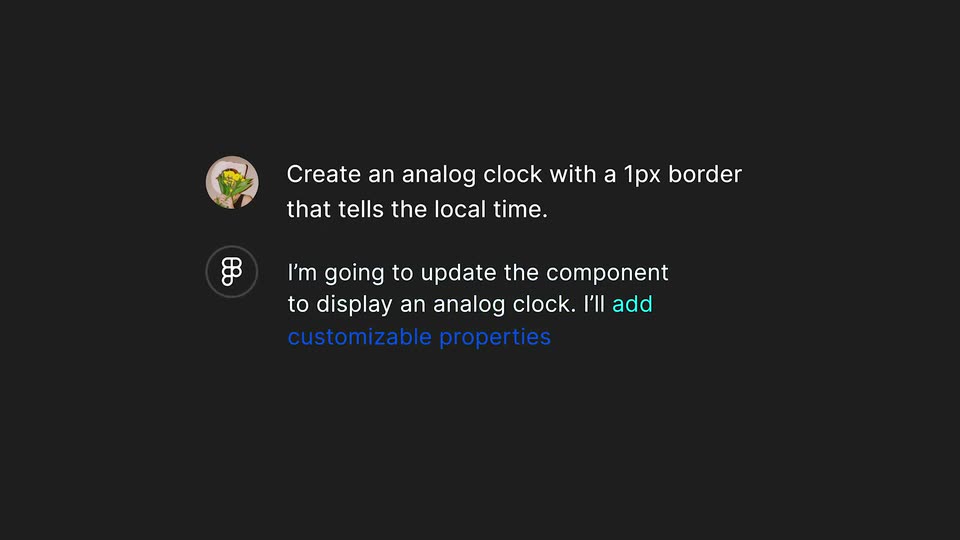 0:41–0:43Figma · Figma - Introducing Figma Sites Take your designs straight to the web. WithA dark chat interface opens on a user's white sans prompt beside a plant avatar. The view reframes wider as the assistant reply appears, 'going to update' in cyan, then a rounded Clock preview card slides up holding a white cursor arrow above a row of action icons.
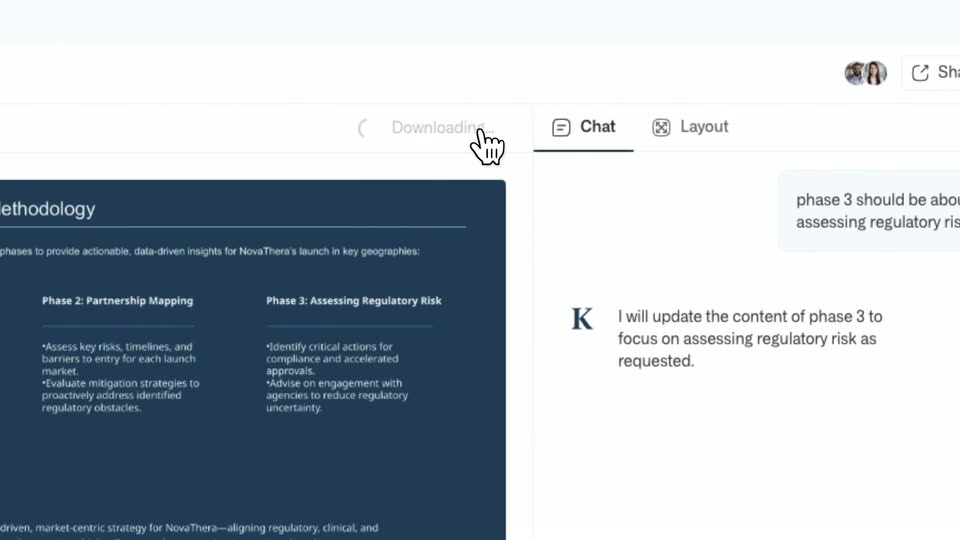 0:46–0:50Kenley · Introducing Kenley WorkStreamsSplit view of a presentation editor: a dark slide lists three launch phases beside a chat panel showing a request and a reply. The cursor clicks the download icon in the top bar; the label becomes Downloading with a spinner as the camera zooms in.
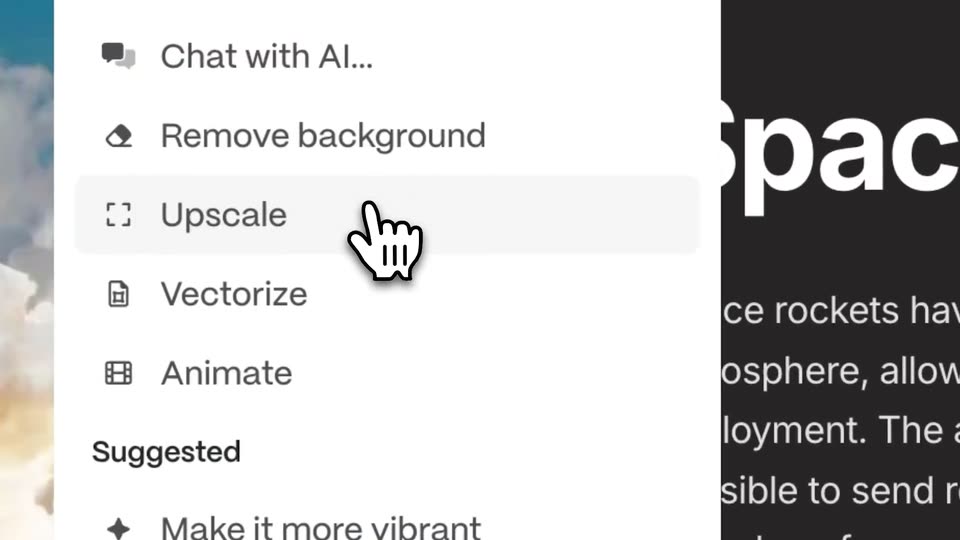 0:41–0:42Gamma · Gamma - Introducing AI Image Editing with animation! You can now edit and anA white dropdown menu lists image-editing options, with a cartoon hand cursor hovering over the highlighted Upscale row. Behind it, a dark panel shows a large white Space headline and body copy, and a blurred sky image sits at the left edge.
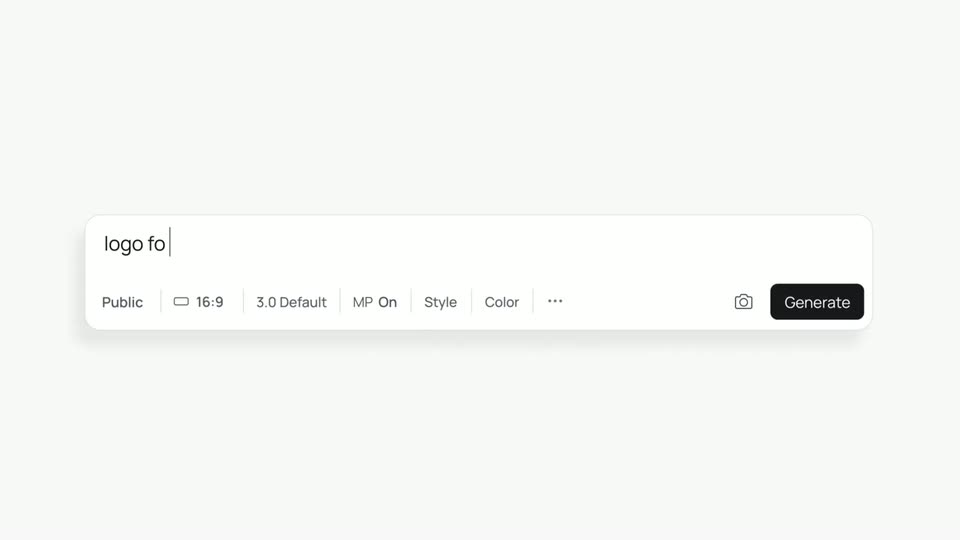 0:49–0:52Ideogram · Ideogram - Meet Ideogram 3.0 — stunning realism, creative designs, and consistenA close-up of a prompt bar's settings row pulls back to reveal the full bar as the words logo for Brewgram coffee shop type into the input field. A cursor arrow moves across the bar and rests on the black Generate button.
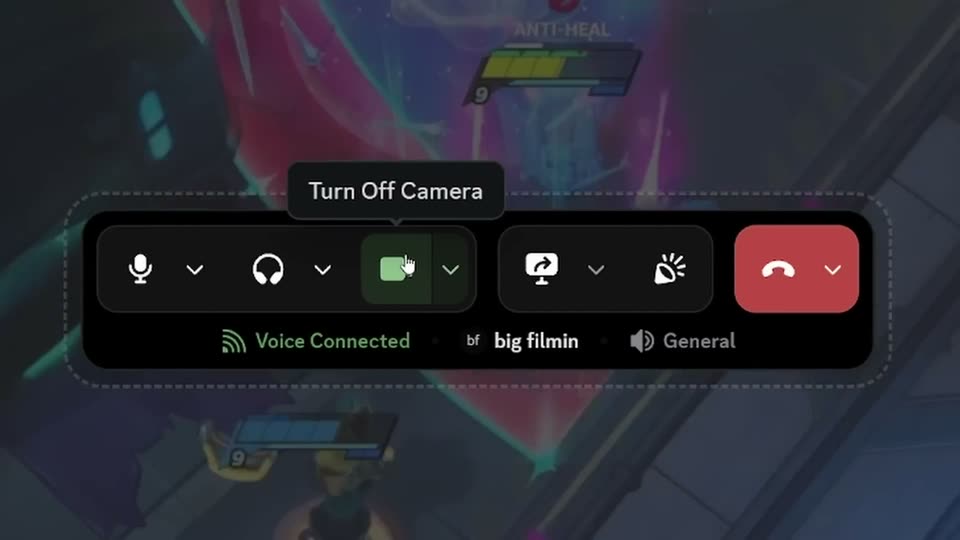 2:32–2:34Discord · Introducing the NEW Discord Game OverlayA black control bar with mic, headset, camera and call icons sits over a dark game screen. A cursor hovers the camera icon under a Turn On Camera tooltip, then clicks it; the icon turns green and the tooltip reads Turn Off Camera.
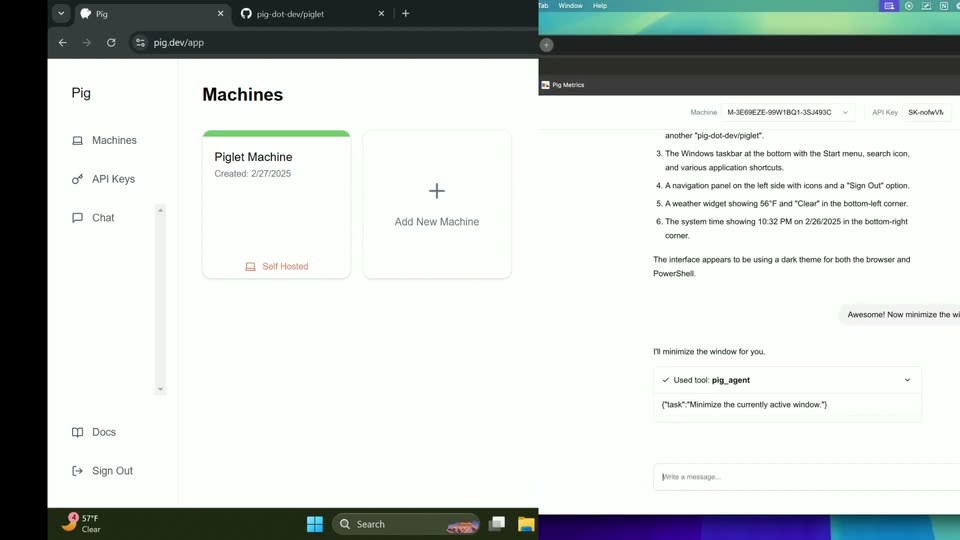 1:32–1:39Butter · Pig Official LaunchA desktop screen shows a browser on the left with the Pig Machines page and a chat panel on the right. A command is typed, the agent replies with a tool call, then the right window minimizes and the browser fills the screen, a pink cursor appearing.
 2:29–2:35Mastra · Mastra Demo - The Typescript AI Agent Framework (2024)A dark chat interface fills the screen with a circular webcam feed of a man in the bottom right. The view zooms into the input bar as a query is typed, then pulls back to reveal the sent message bubble and a new entry in the chat history.
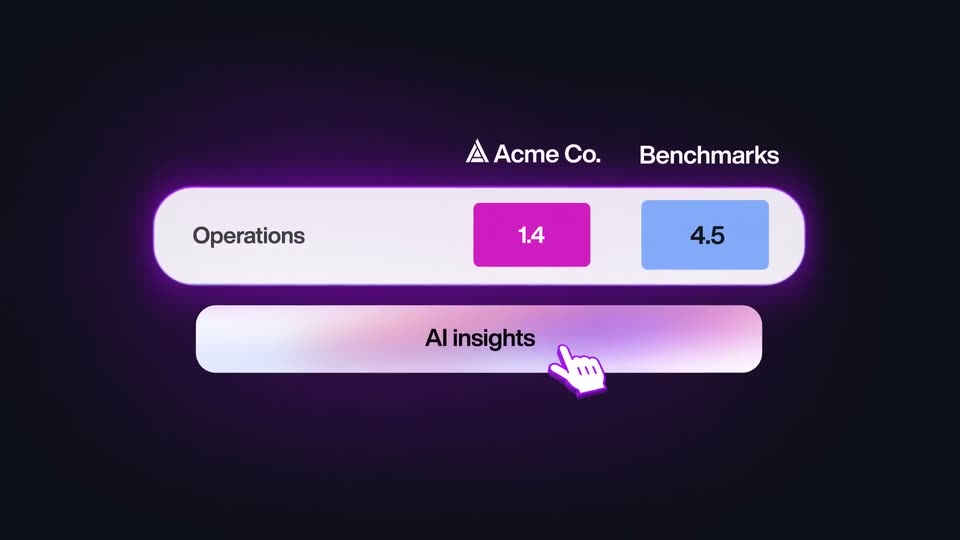 1:26–1:28Teamble · Best SaaS Product Demo Video | TeambleOn a dark backdrop, two stacked UI cards: a white Operations row with a magenta 14 and blue 45, an Acme Co. and Benchmarks header, and a gradient AI insights bar below. A white hand cursor with a purple outline glides up and rests on the AI insights bar.
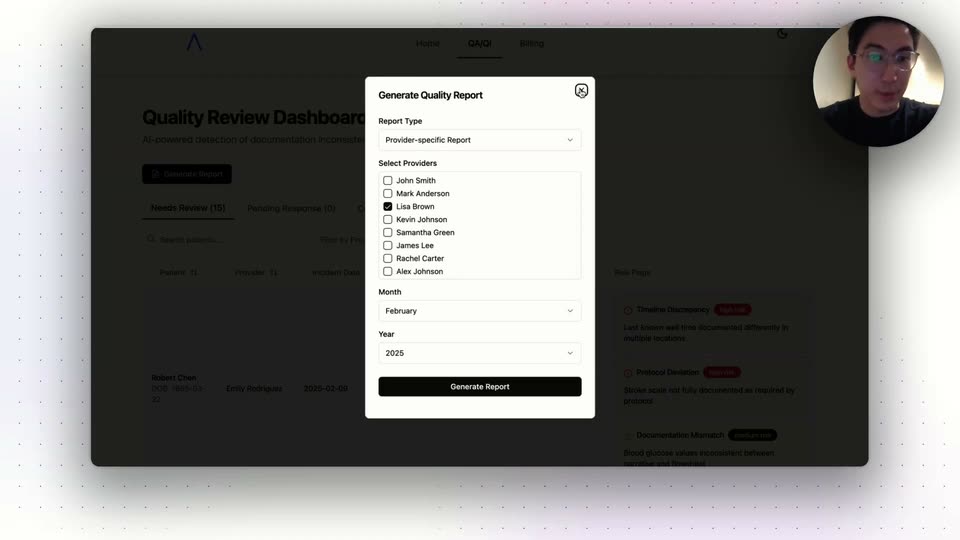 2:06–2:07Amby Health · Amby Health YC LaunchA dimmed quality dashboard sits behind a centered white modal listing provider checkboxes and a Generate Report button. A circular webcam feed of a presenter floats top right. A cursor drifts right toward the modal's close icon.
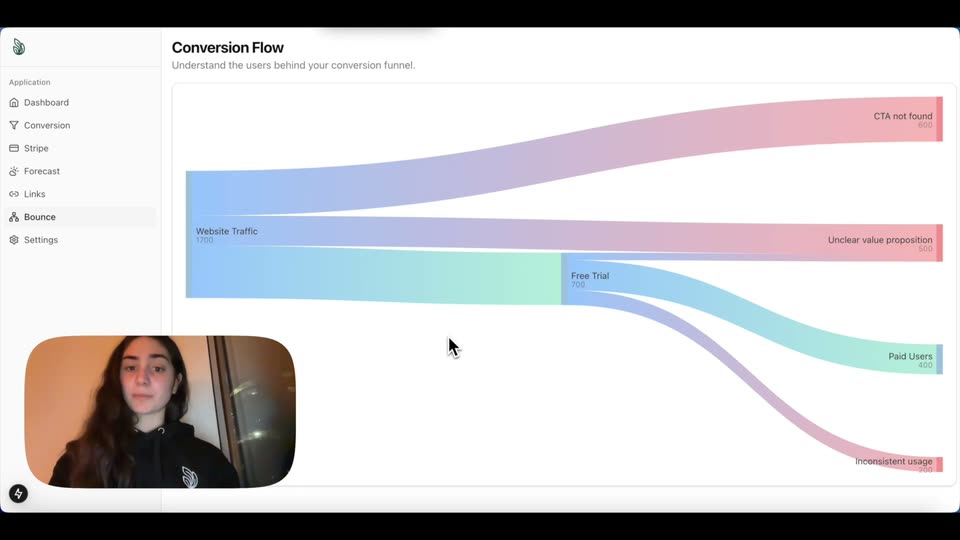 1:44–2:00Cedar · Cedar Demo 🌲A conversion funnel dashboard fills the frame, a Sankey diagram of colored flows, with a small webcam inset of a woman speaking in the lower left. A cursor hovers over a pink flow, popping a tooltip, then the view zooms in on the left node.
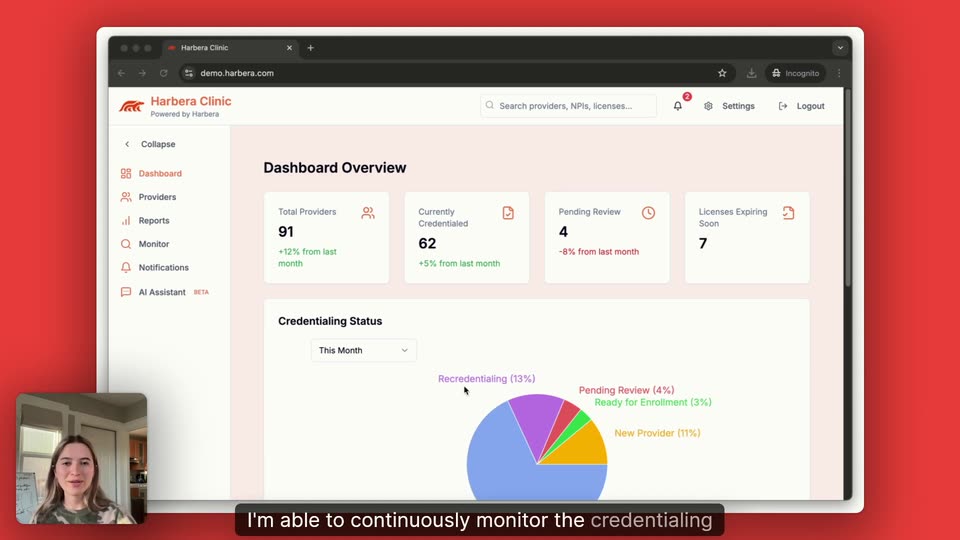 1:10–1:21Harbera · Launch YC: HarberaA browser window on a red background shows the Harbera Clinic dashboard with stat cards and a pie chart, while a small video inset of a woman speaks in the corner and captions roll at the bottom; the cursor drifts and the page scrolls to reveal the chart legend.
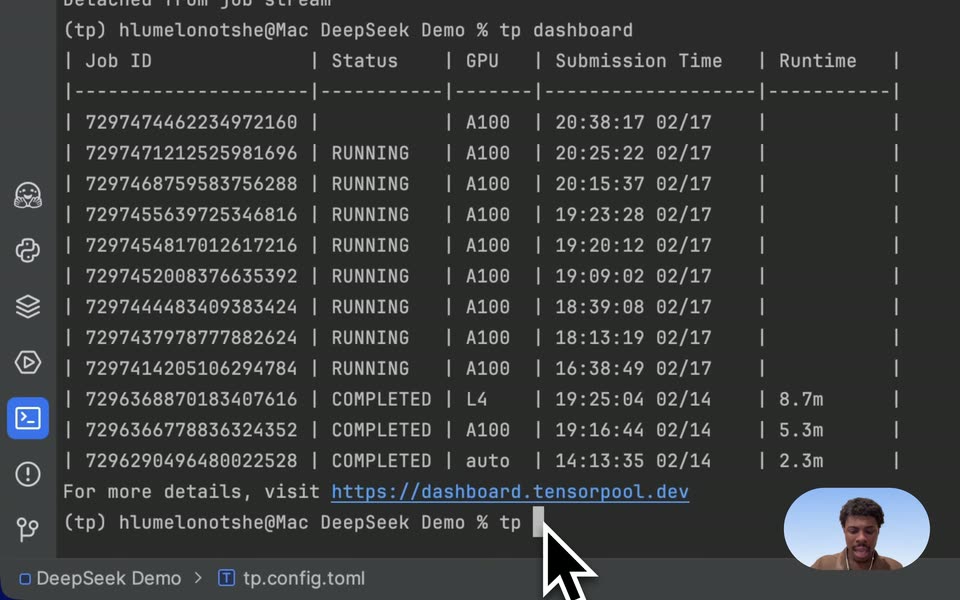 2:00–2:05TensorPool · TensorPool (W25) - The Easiest Way to Access GPUsA code editor with a terminal panel listing running jobs in a table. The view zooms into the terminal as a cursor moves down and types a command at the prompt. A small webcam feed of a presenter sits in the bottom corner.
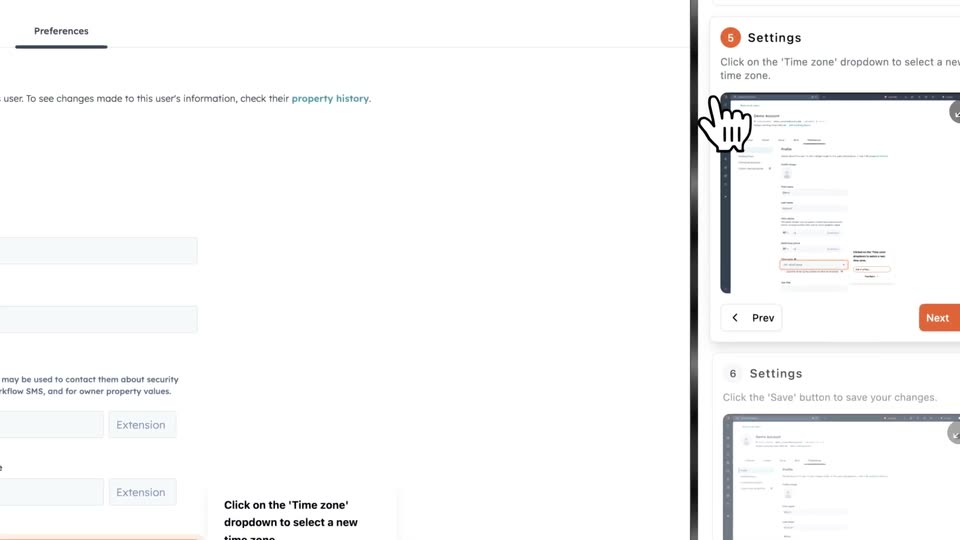 1:20–1:21SAMMY Labs · SAMMY Labs - Product TourSplit layout: a user preferences form on the left scrolls upward while a vertical stack of numbered step cards on the right scrolls in sync. A white hand cursor with a black outline glides down the right column, pointing at each card as it passes.
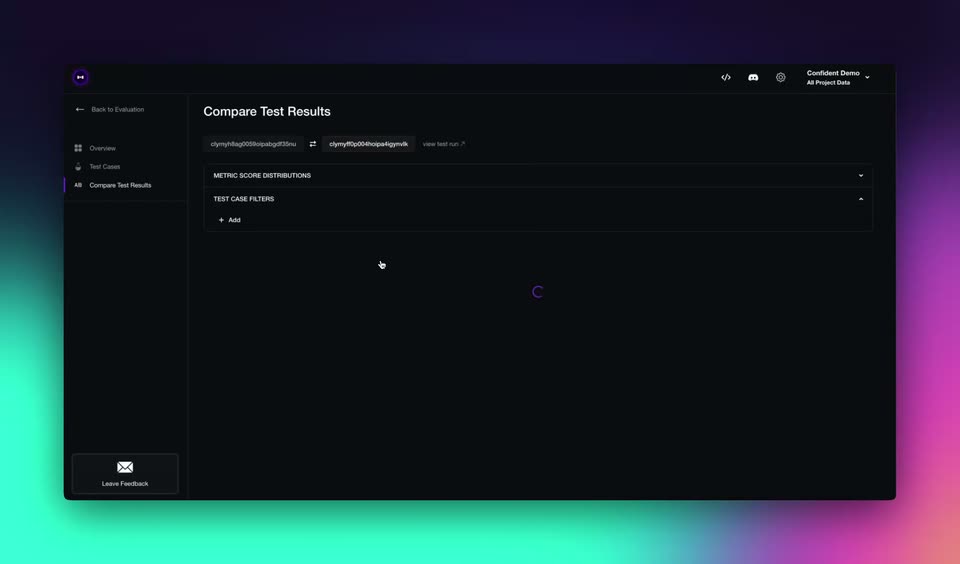 1:07–1:08Confident AI · Confident AI Launch YCA dark product dashboard titled Compare Test Results fills the frame over a teal-to-pink gradient. A left sidebar lists navigation items, a white cursor rests in the empty content pane, and a small purple loading spinner turns at center.
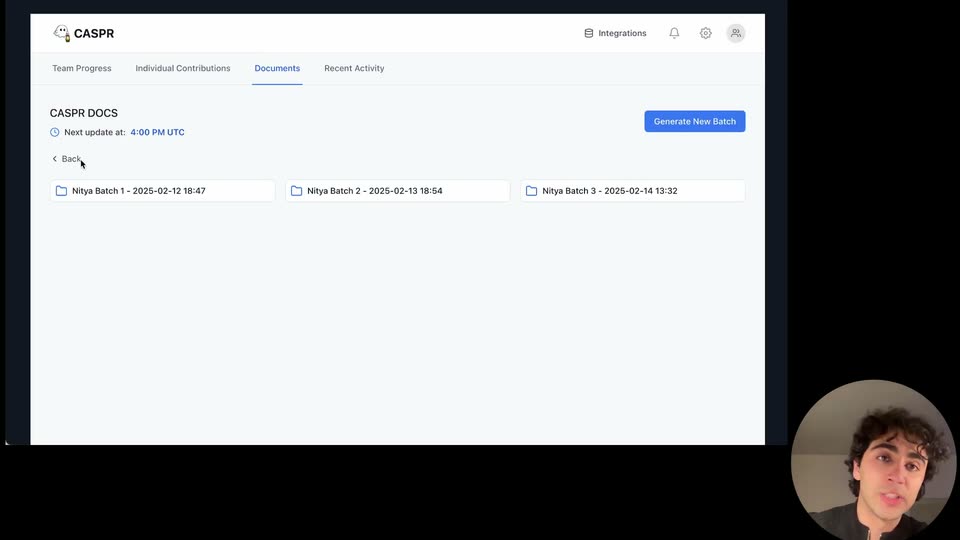 0:57–1:03Peppr AI · Peppr AI Demo VideoA screen recording of the CASPR dashboard shows the Documents tab with a grid of document cards. A cursor clicks Back twice, swapping the cards for folder views, while a small circular webcam of the presenter sits in the bottom right corner.