Cursor demo
A visible cursor operates the interface.
14,972 scenes · page 219 of 250
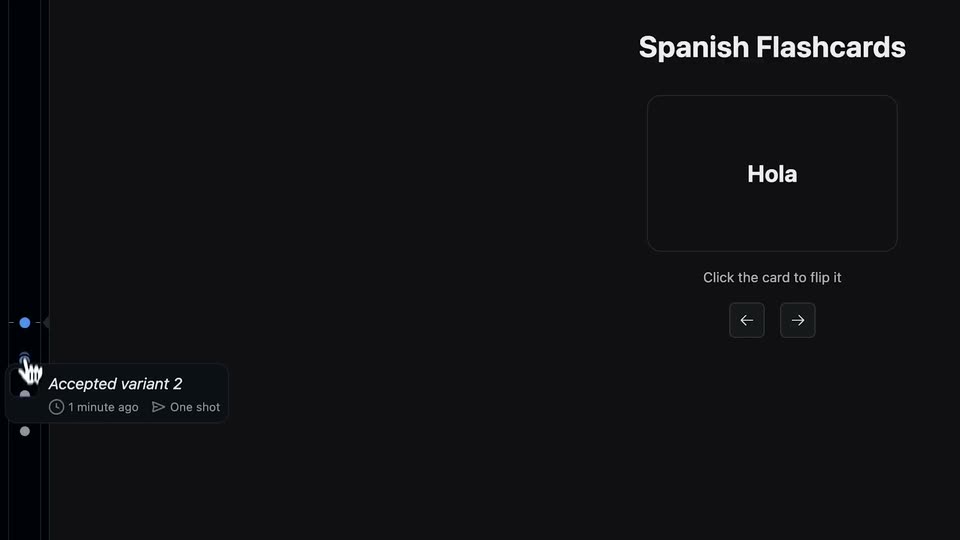 0:35–0:36GitHub · What is GitHub Spark? Introducing a brand new way to build powerful, AI assisted applicationsA dark Spanish flashcards screen stays locked off, a Hola card on the right. On the left, a white cursor slides down a vertical track, hovers a dot that pops a tooltip, then returns to the top.
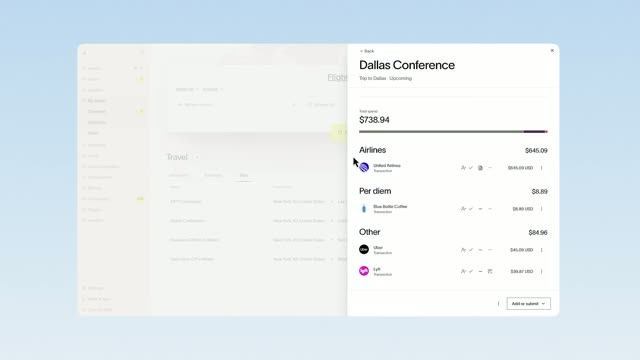 1:09–1:12Ramp · Meet Ramp: A smart finance operations platform that saves you time and moneyThe left half of a travel dashboard is dimmed under a white overlay while a bright right-hand panel shows the Dallas Conference trip details. A cursor glides down the panel as the date and location rows fold away, revealing the full expense list: Airlines, Per diem, and Other.
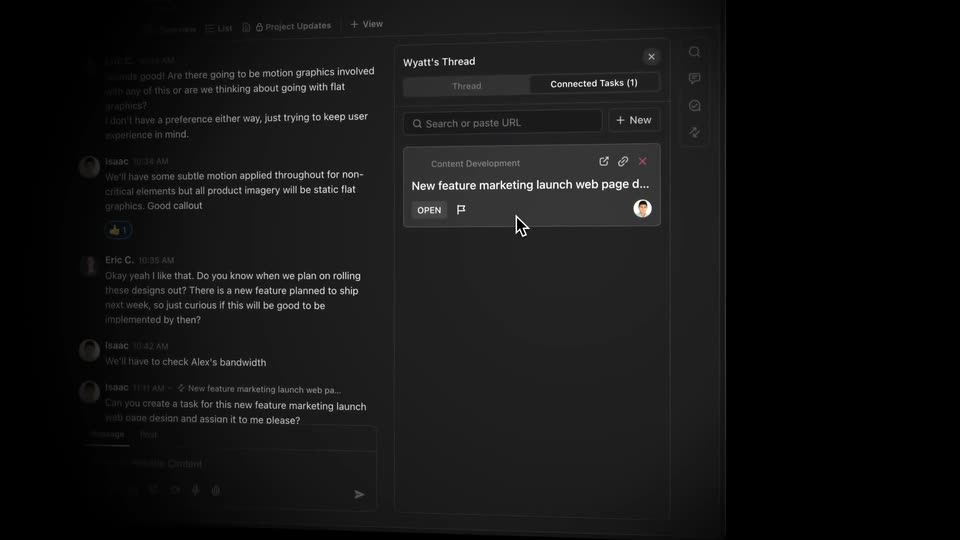 1:01–1:02ClickUp · Introducing ClickUp ChatA darkened chat view with a right-hand panel listing a connected task card; a cursor hovers over the card as a gray caption fades in across the lower center.
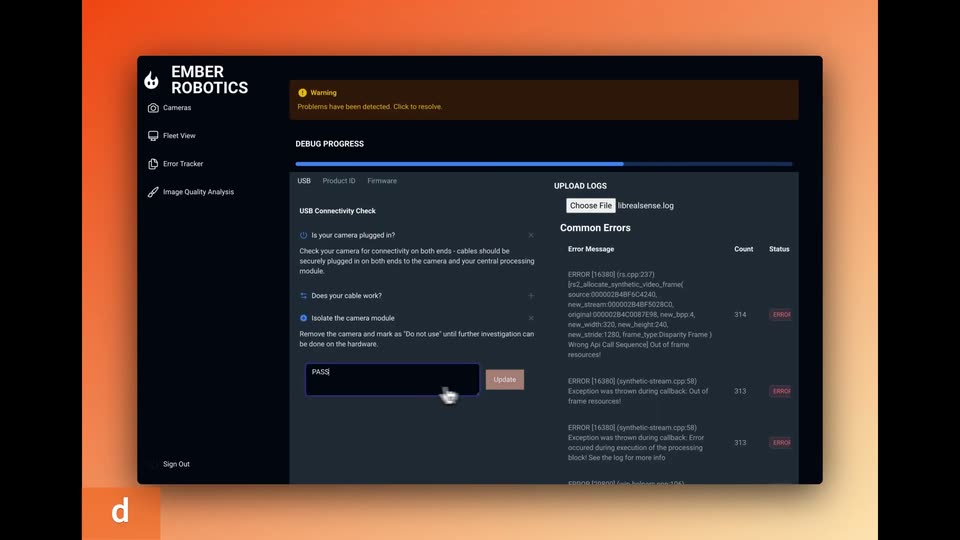 0:44 · 0.5sEmber Robotics · 🔥 Introducing Ember Assistant 🔥- Robotics Camera System Assistant!A flat Ember Robotics dashboard on an orange background shows a debug progress bar, a USB check form and a common-errors table. A cursor types PASS into the input and hovers the Upload button, while a white bottom-left caption shifts from debugging rec to debug.
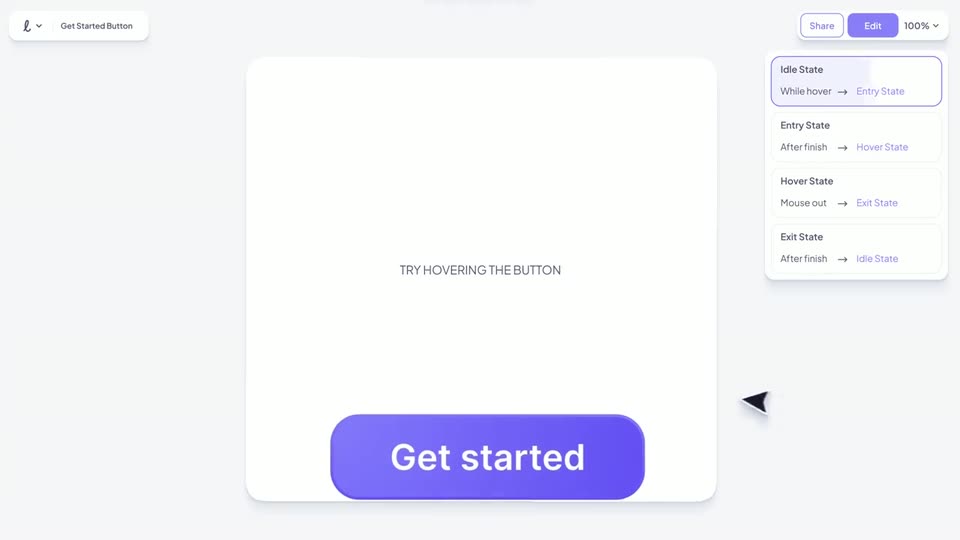 0:39–0:40Lottielab · Lottielab - Interactivity is now live on Lottielab. 📣Inside a button-animation editor, a cursor moves to the purple Get started button on a white canvas. On hover, a 3D penguin pops out of the button and the label darkens, while state cards sit on the right.
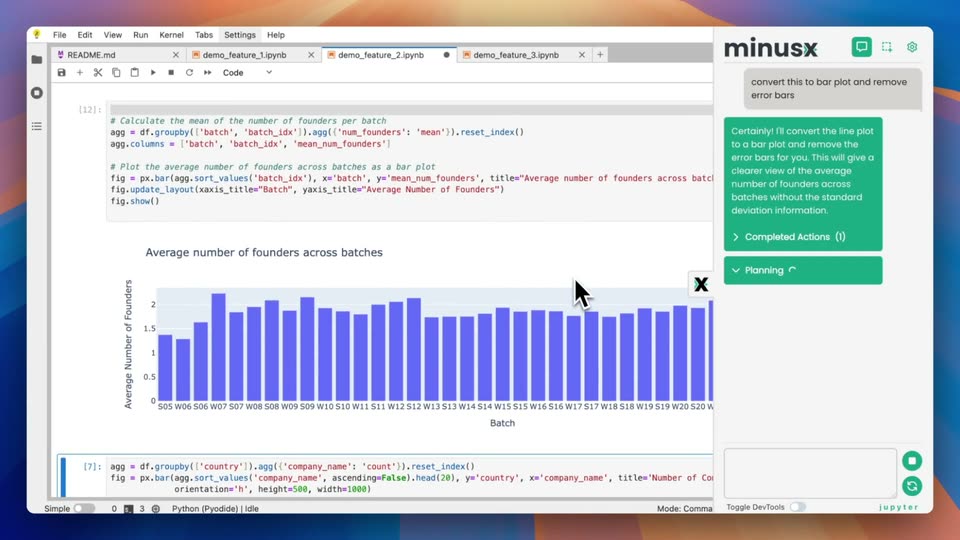 0:49 · 0.6sMinusX · MinusX: AI Data Scientist for Jupyter and MetabaseA Jupyter notebook and the minusx assistant panel sit side by side. The notebook scrolls down to a new bar chart while the assistant panel swaps in a fresh green reply bubble, and a cursor hovers over the chart area.
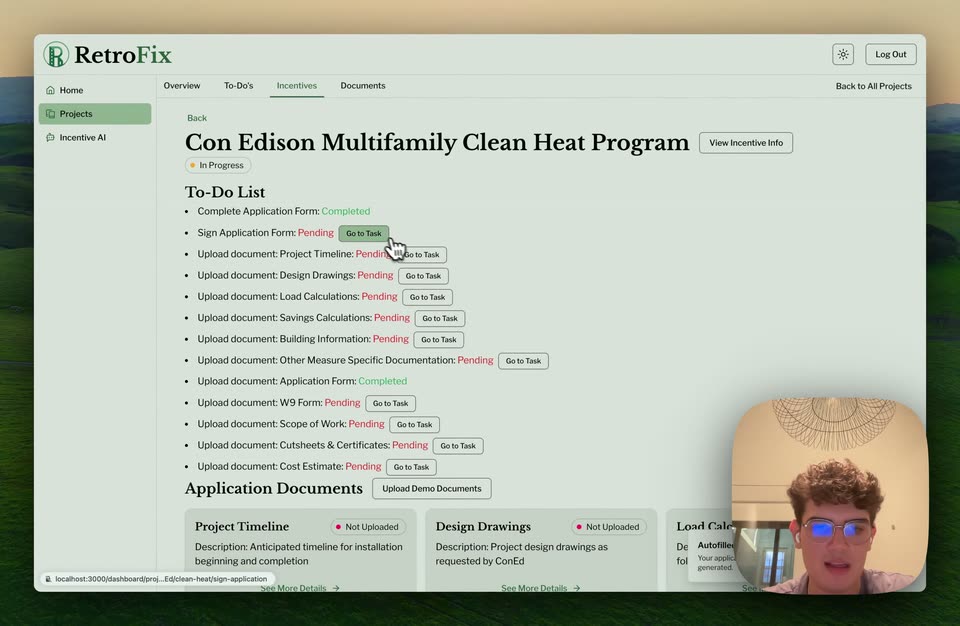 1:39–1:42RetroFix · RetroFix Product DemoA screen recording of the RetroFix dashboard plays with a presenter's video call inset bottom right. The view starts zoomed into a grid of document cards, then pulls back to the full project page and to-do list, where a hand cursor hovers over a Go to Task button.
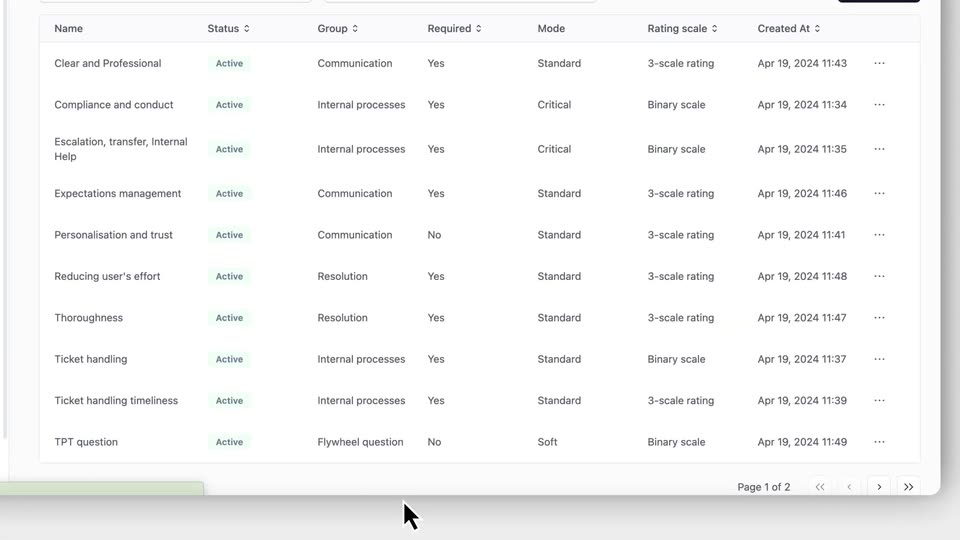 0:38–0:39Intryc · Intryc YC Launch videoA light form panel with Name, Score and Instructions rows for grading options sits on the right. A cursor hovers by the Discard changes button, then the panel scrolls up a few pixels as the cursor drifts down-left.
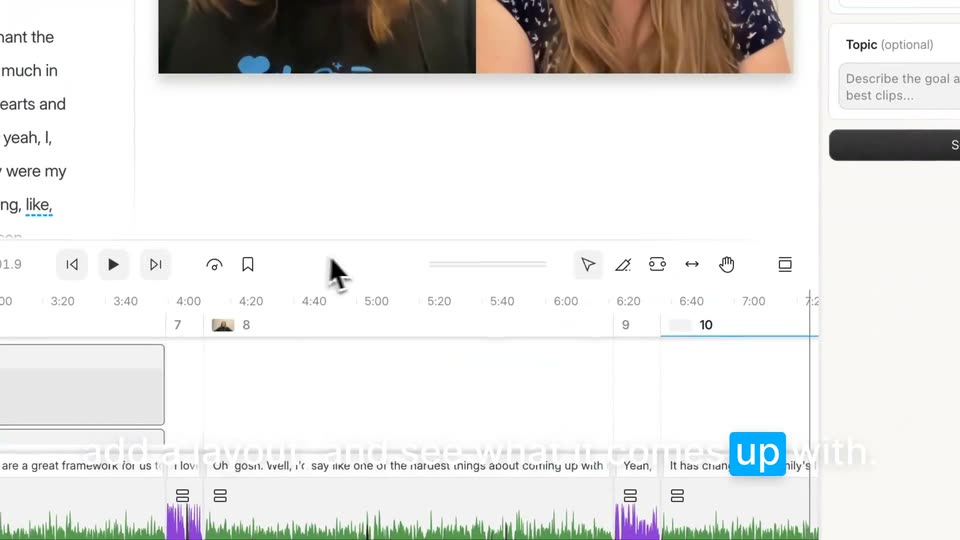 2:26–2:27Descript · Descript - Today, we're launching Descript's new AI assistant editor, Underlord.A video editor interface fills the frame, with a transcript and waveform timeline below a preview of two women. A cursor glides across the top toolbar as a blue highlight box slides along the transcript line, and a white caption 'comes up with' sweeps in across the bottom.
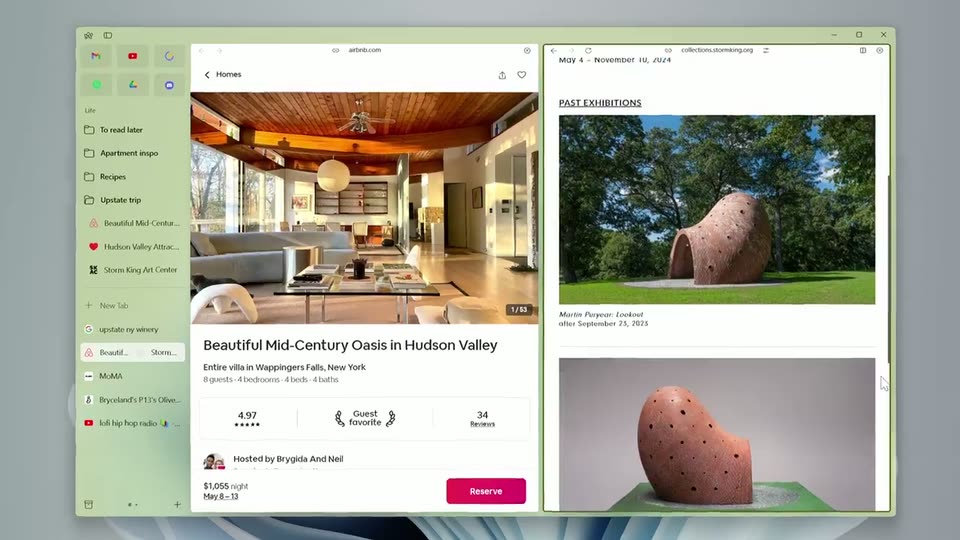 0:20–0:21The Browser Company · The Browser Company - Arc on Windows is finally here. No more waitlists, no more betas. DTwo browser windows sit side by side on a pale background. The left holds an Airbnb listing with a living room photo and a pink Reserve button. The right holds a museum page titled Past Exhibitions with sculpture photos; a cursor glides down the page as the top header collapses.
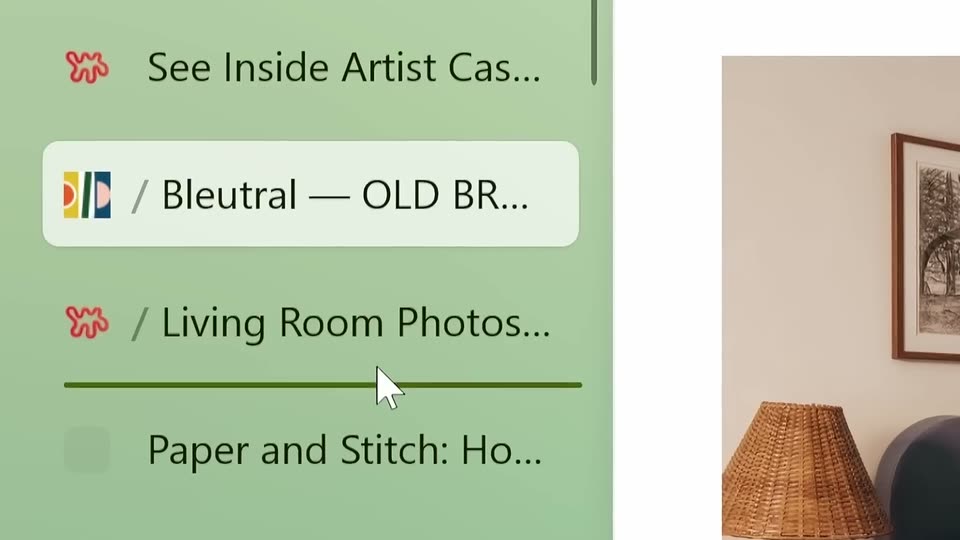 0:22–0:23The Browser Company · Arc on Windows. Download now.A green panel lists collection names beside a living room photo preview. A white cursor hovers over the list as the Living Room Photos row slides up and the highlighted Bleutral row slides down, swapping their order.
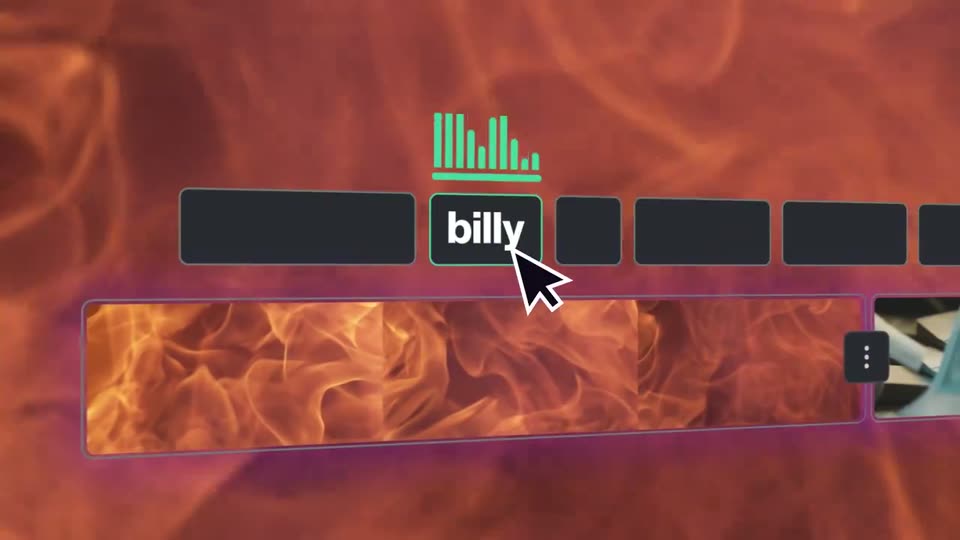 0:14–0:16Captions · Mirage - Introducing Captions for web. Video editing made simple, thanks toA fiery orange backdrop sits behind a dark tab bar; the center tab is outlined in teal with a green level meter above it and a white cursor on it. A magenta-framed panel below plays fire. The word more scales across the frame.
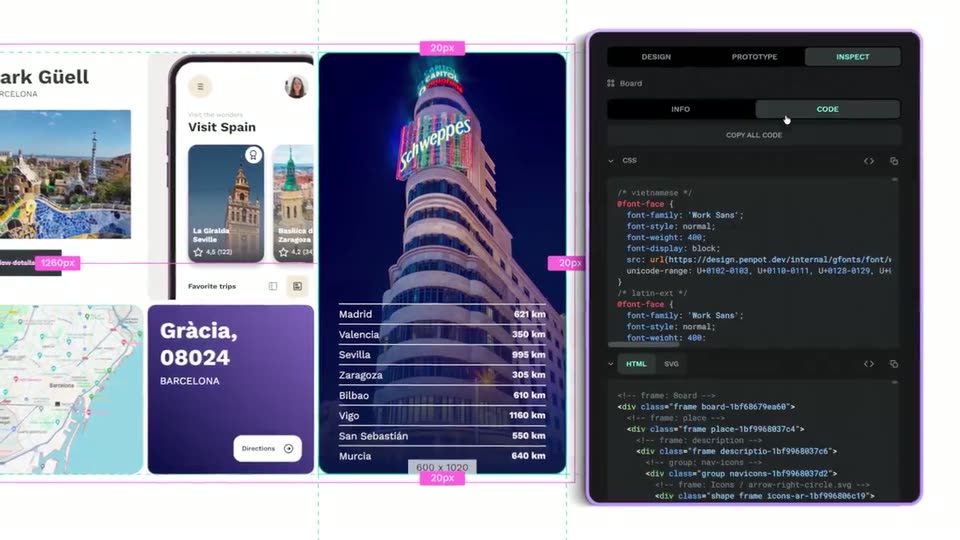 0:56–0:59Penpot · Penpot - 💥 Penpot 2.0 is now available! Explore & enjoy the unique featurA design tool view shows a phone mockup of a travel app beside a properties panel. Pink 20px spacing labels frame the mockup. A cursor clicks the CODE tab, swapping the panel from layout properties to CSS and HTML code.
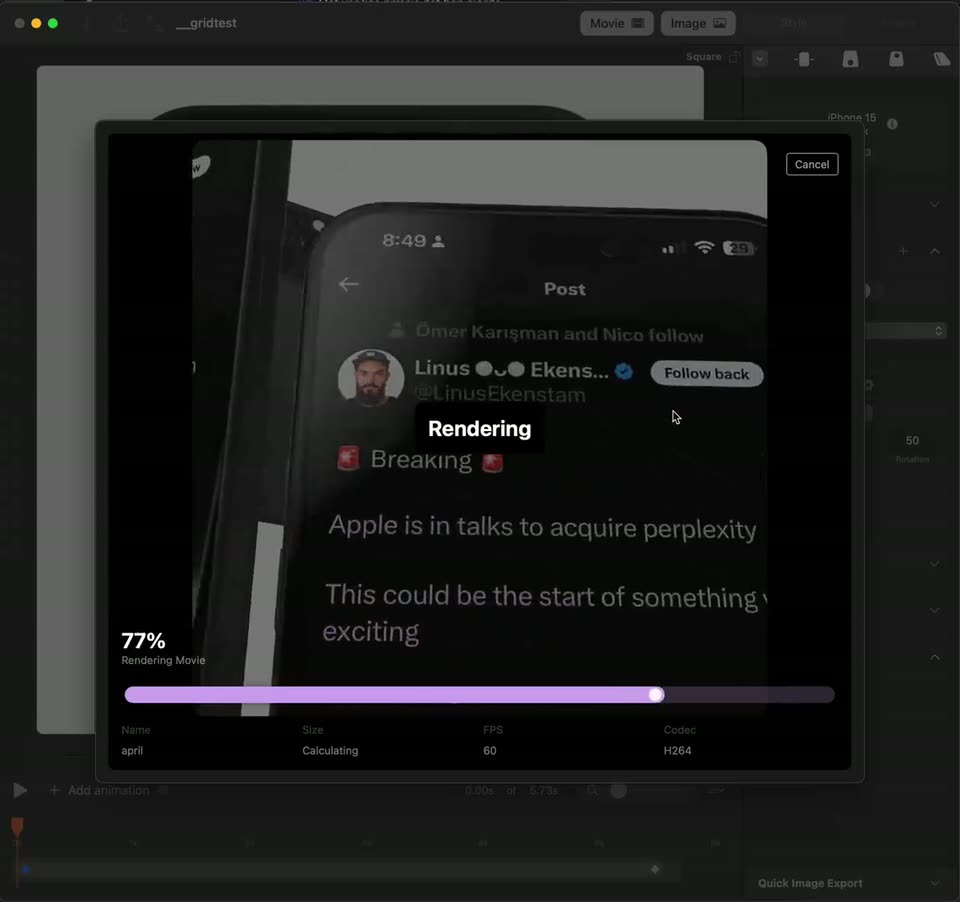 0:40–0:44Rotato · Morten from Rotato - Circles, half circles and grids rolling out to beta users soon:A locked-off dark editor window centers a Rendering modal; its percentage and progress bar climb from 0% to 93% while phone mockups of social posts cycle in the preview, then the modal becomes Your movie has been saved with buttons, a cursor drifting nearby.
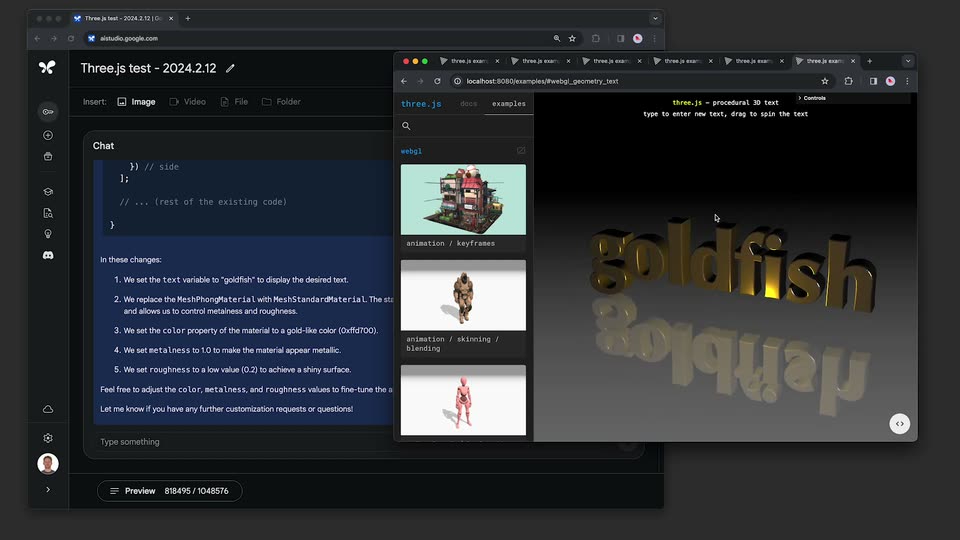 2:51–3:00Google · Problem solving across 100,633 lines of code | Gemini 1.5 Pro DemoTwo app windows sit on a dark desktop: an AI chat panel on the left and a browser on the right showing the word goldfish as 3D gold text over a reflective floor. A cursor drags the text to spin it, the metallic surface catching light as it tilts.
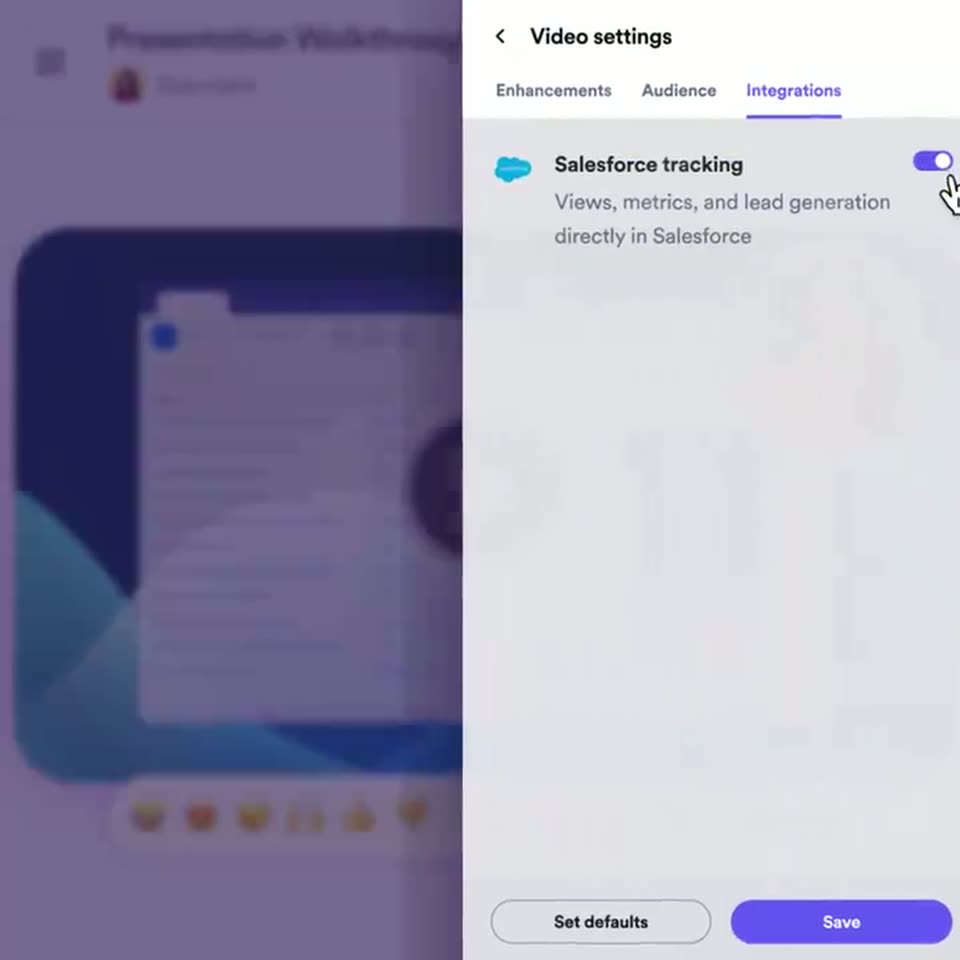 0:34–0:35Loom · Loom - 🚨 Sales & customer-facing teams — unlock more revenue with Loom!A white settings panel slides right over a dimmed app background, revealing a video player with a play button on the left. A hand cursor rests on the Salesforce tracking toggle beside a purple Save button.
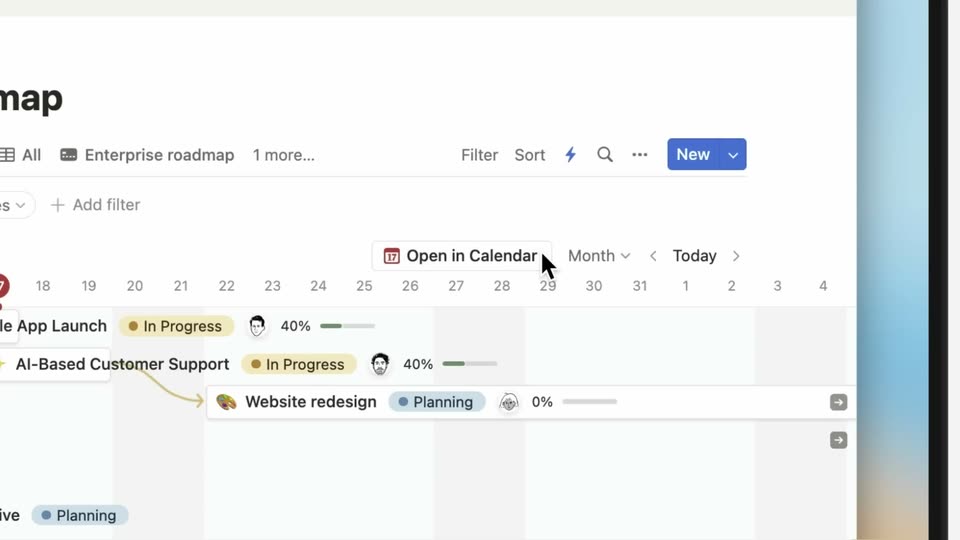 1:04–1:05Notion · Meet Notion CalendarA roadmap timeline lists task rows with status pills and progress bars beneath a date header. A cursor slides left onto a button, holding an Open in Calendar tooltip above it.
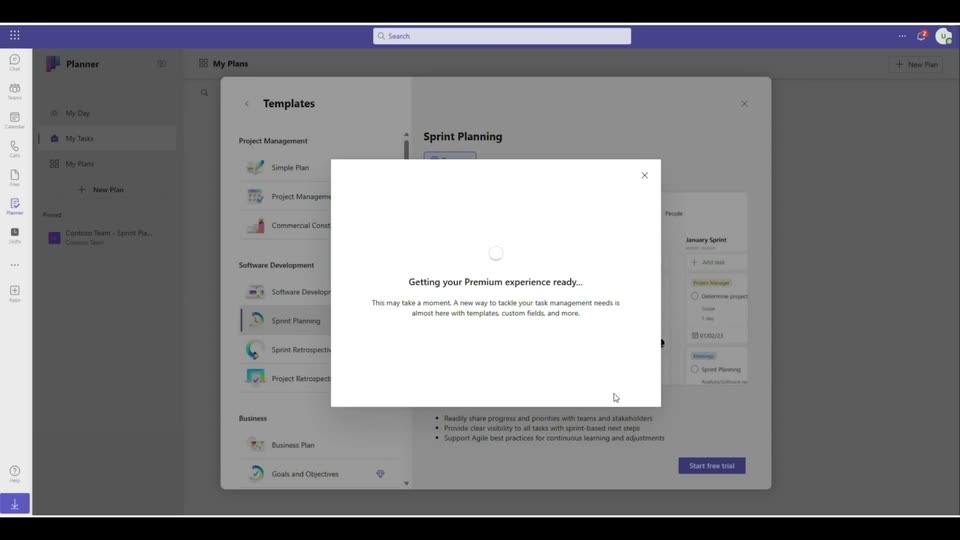 1:52–1:57Microsoft · Meet the new Microsoft PlannerA Planner templates screen shows a centered modal offering a premium trial. A cursor moves to the Start free trial button and clicks it. The modal swaps to a brief loading state, then to a welcome screen with a colorful illustration and a Get Started button.
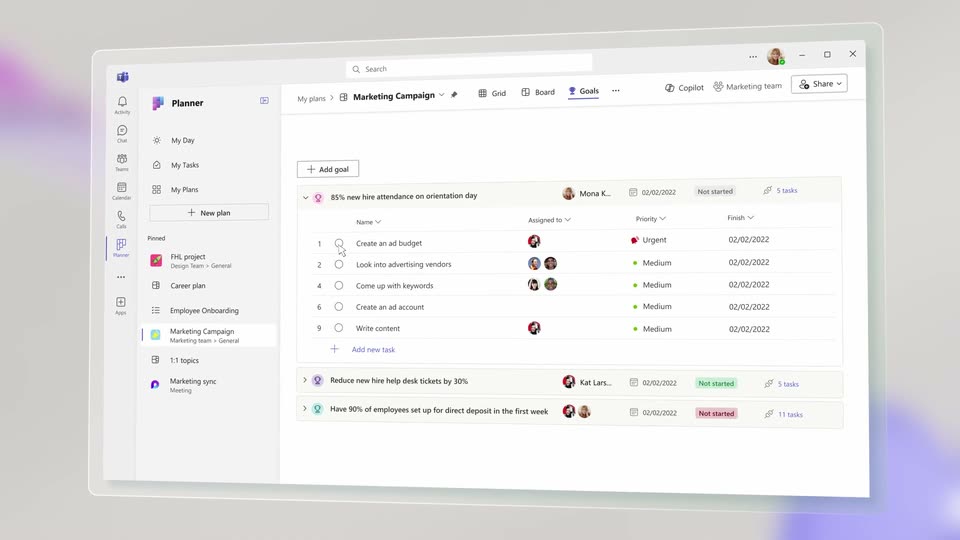 1:35–1:38Microsoft · The new Microsoft Planner: Manage all your tasks and plans in one simple, familiar experienceA Planner goals view floats in 3D perspective over a soft gradient, tilted at first. The camera pushes in and the panel rotates flat as a cursor glides from the sidebar to the top task row.
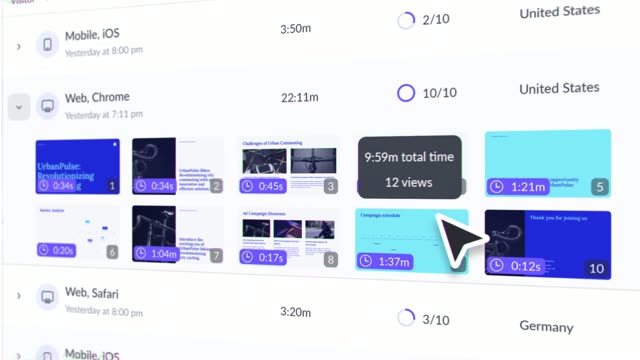 1:11–1:13Pitch · Introducing Pitch 2.0A cursor moves across a visitor analytics list and hovers a slide thumbnail, raising a dark tooltip showing 9:59m total time and 12 views. The view then zooms out to the full table, tilted in 3D perspective against a blurred background.
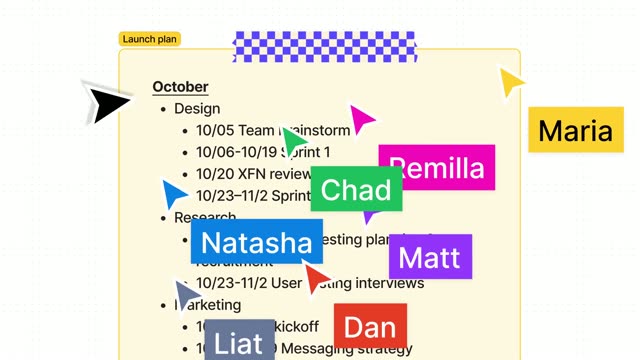 0:35–0:38Figma · Introducing FigJam AIA cream launch plan card listing an October schedule sits on a dotted gray background, topped with blue checkered tape. Seven colored name tags and matching cursors pop in and float around the card while the card drifts slightly left.
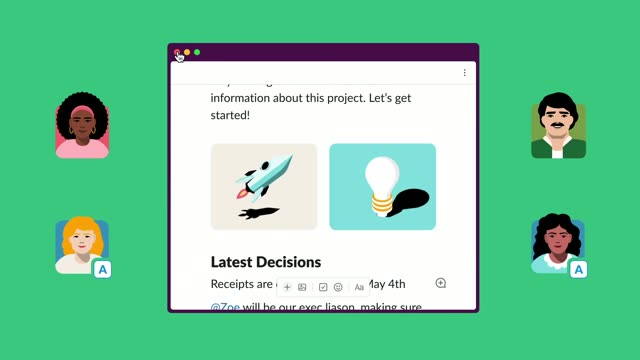 1:07–1:09Slack · Introducing canvas | A new surface to share and organize knowledge | SlackA flat illustrated project document with rocket and lightbulb cards opens in close-up, then the frame pulls back to reveal the full Slack workspace with sidebar, search bar, and Canvas panel. Four teammate avatars sit on a green backdrop; a cursor hovers at the window's top-left.
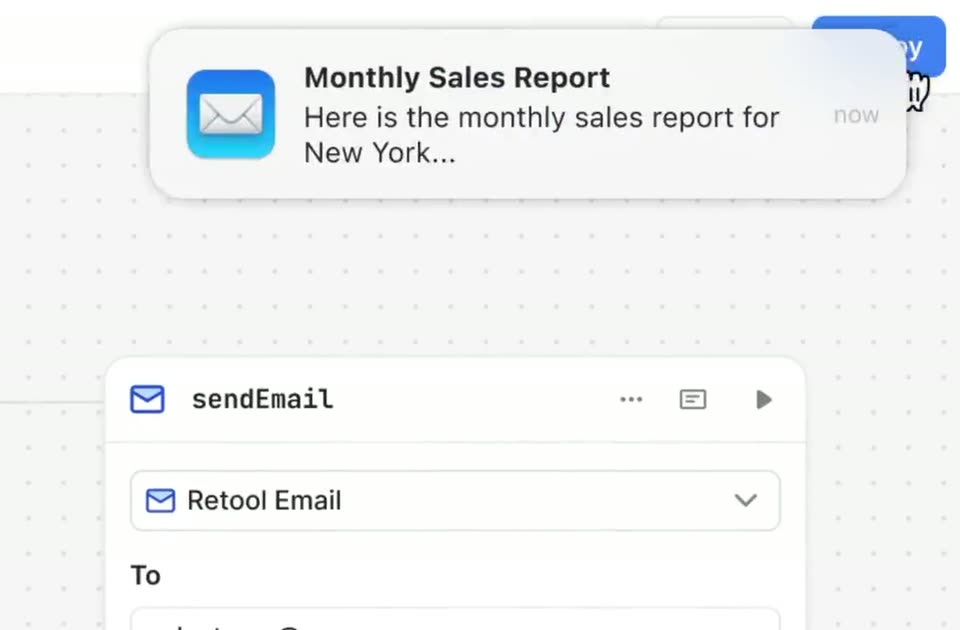 0:32–0:37Retool · Retool - Say hello to the fusion of visual programming, code, and AI. RetoolA flat Retool workflow view shows a sendEmail card on a dotted grid, a hand cursor resting on the blue Deploy button at top right. A white notification banner with a blue mail icon slides in from the top, then slides out to the right.
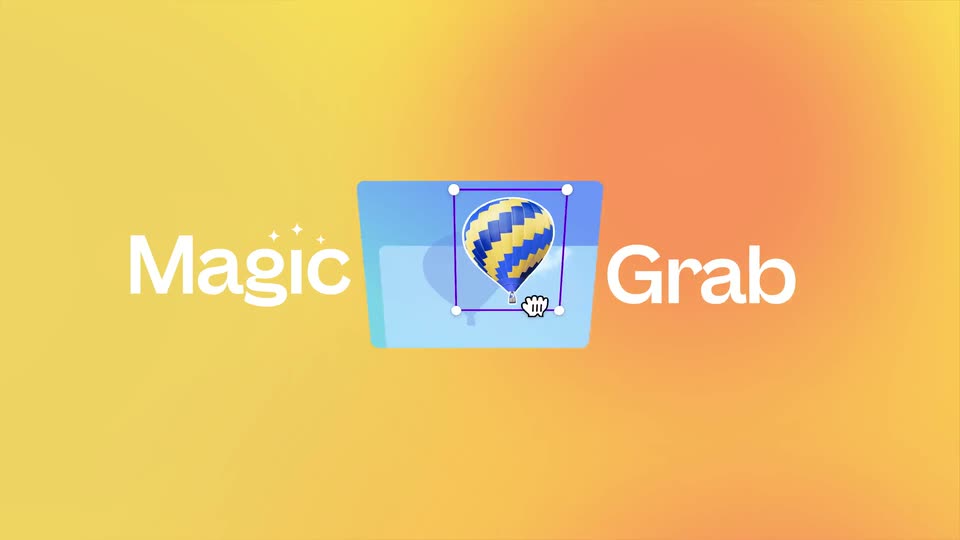 1:45 · 0.5sCanva · Canva - Meet Magic Studio. Supercharge your workflow with all the power of AIOn a yellow-to-orange gradient, a blue folder holds a striped hot-air balloon inside a purple selection box with white handles, while a white hand cursor grabs its base. The white words Magic and Grab flank the icon, small sparkles twinkling above Magic.
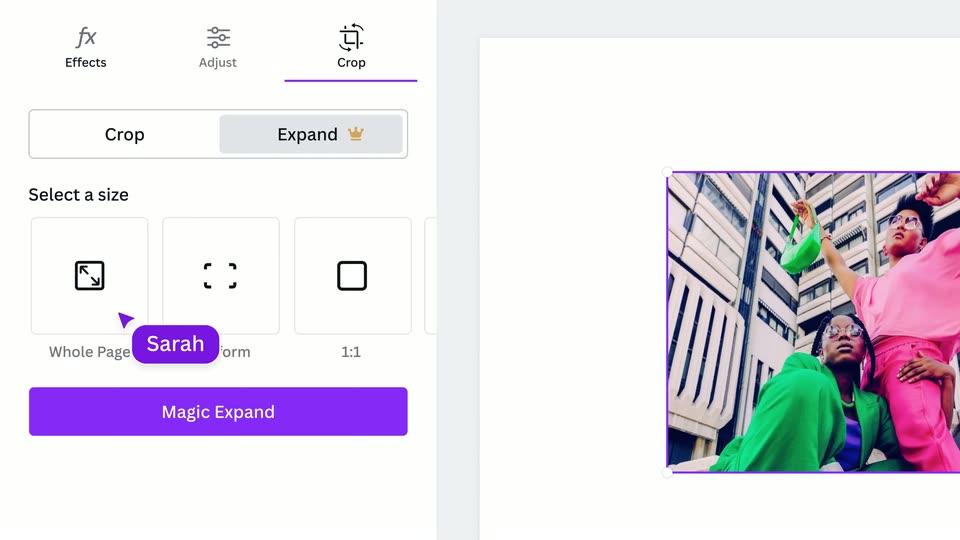 1:06–1:08Canva · Meet Magic Studio | Let the power of AI supercharge your workA white editor panel on the left switches from the Effects tab, with six Magic Studio tiles, to the Crop tab showing an Expand toggle and a purple Magic Expand button. A purple cursor labeled Sarah moves over the controls beside a framed photo of two people.
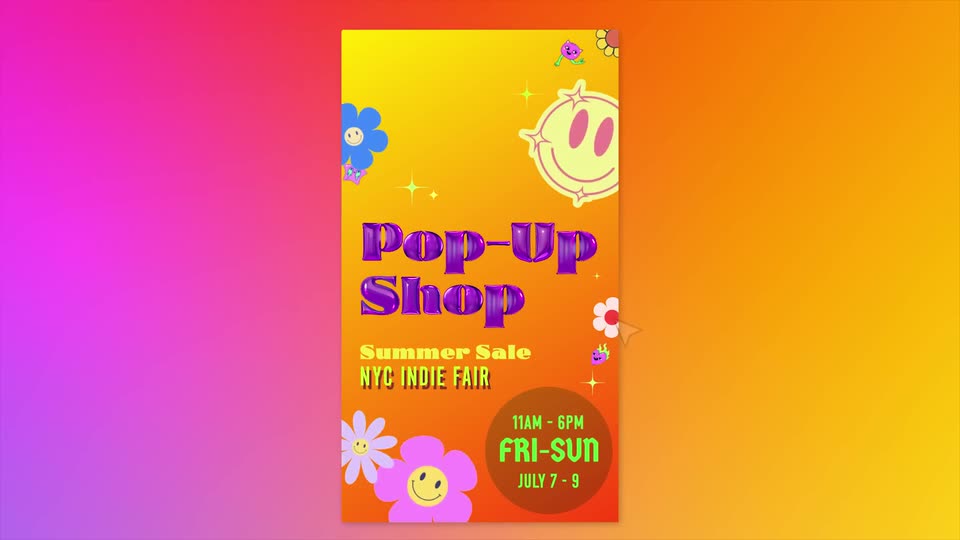 0:20–0:22Adobe · Adobe Firefly: Out of Beta & Ready For Your Imagination | AdobeA vertical yellow poster slides to center on a pink-to-orange gradient as a selected 3x3 grid of flower photos shrinks and morphs into small flower stickers that pop into the corners, joined by a smiley sun, daisies and sparkles, while a cursor hovers over the layout.
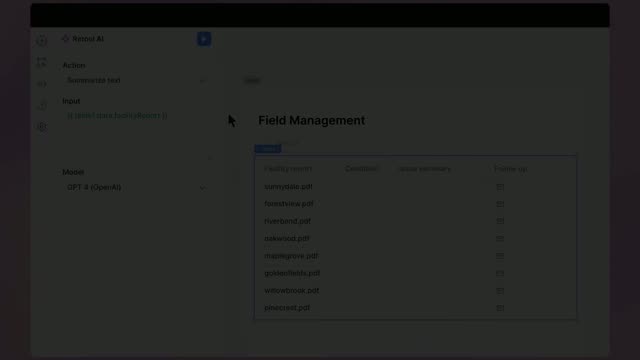 0:24–0:25Retool · Introducing Retool AI—powerful AI building blocksA flat Retool interface shows an AI action panel on the left and a Field Management table outlined in blue on the right, with a cursor hovering between them. The whole screen dims and fades to black.
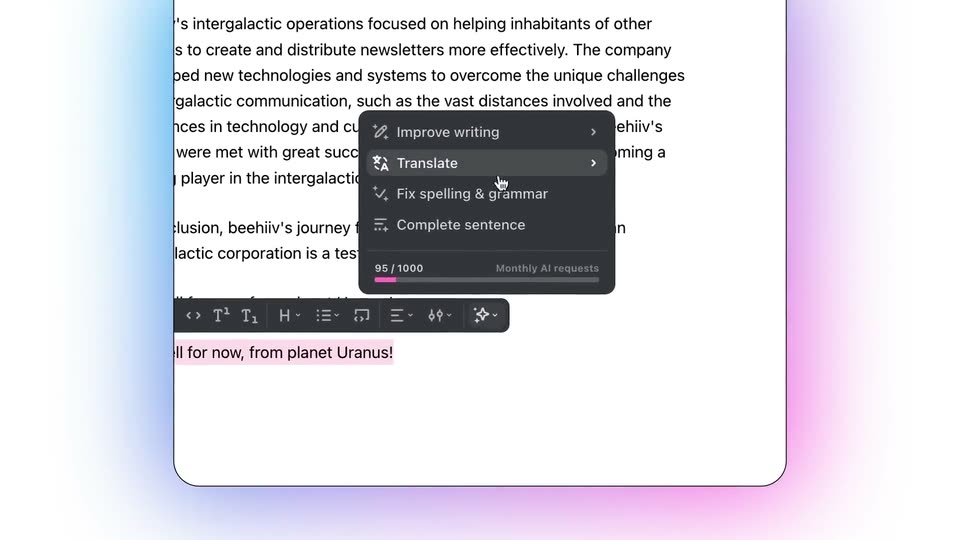 1:00–1:03beehiiv · beehiiv 🐝 - Introducing beehiiv AI ✨ Coming live from UranusA white document card with body copy floats in 3D perspective on a blue-to-pink gradient. The view zooms in as a cursor opens a dark context menu, selects Translate, and a language dropdown appears while the closing line highlights pink. Blue pill captions sit at the bottom.
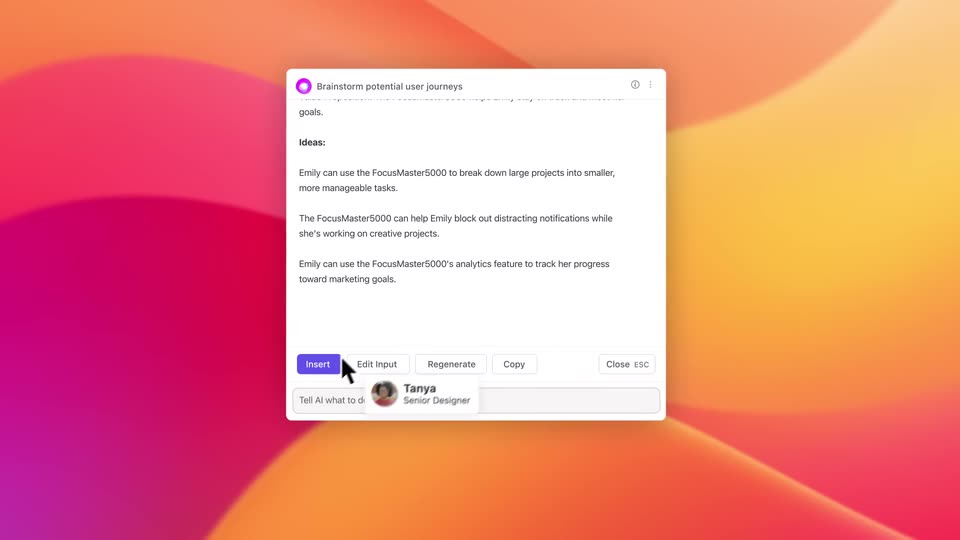 0:46–0:50ClickUp · Introducing ClickUp AIA white modal card floats centered on a multicolor gradient. Inside, the generated journey text cycles through three personas, Sarah, John and Emily, as the body copy updates. A cursor glides down and presses the Insert button while a small Tanya, Senior Designer, user card fades in at the bottom.
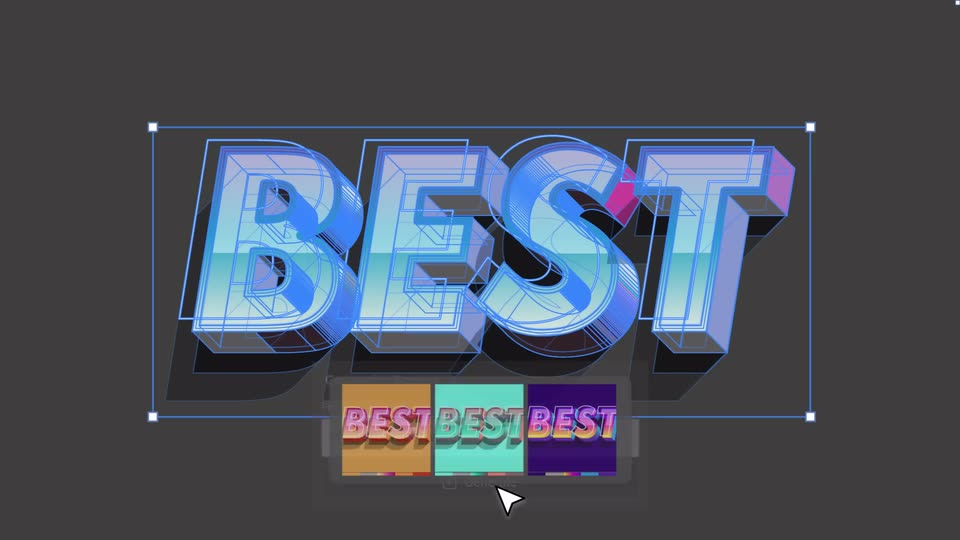 0:21–0:23Adobe · Adobe Illustrator x Adobe Firefly: Announcing Generative Recolor | AdobeA 3D wireframe BEST in blue and purple sits on a dark canvas inside a blue selection box. A Generative Recolor panel below shows a prompt field, then swaps to three color swatches of the word as a cursor hovers the first.
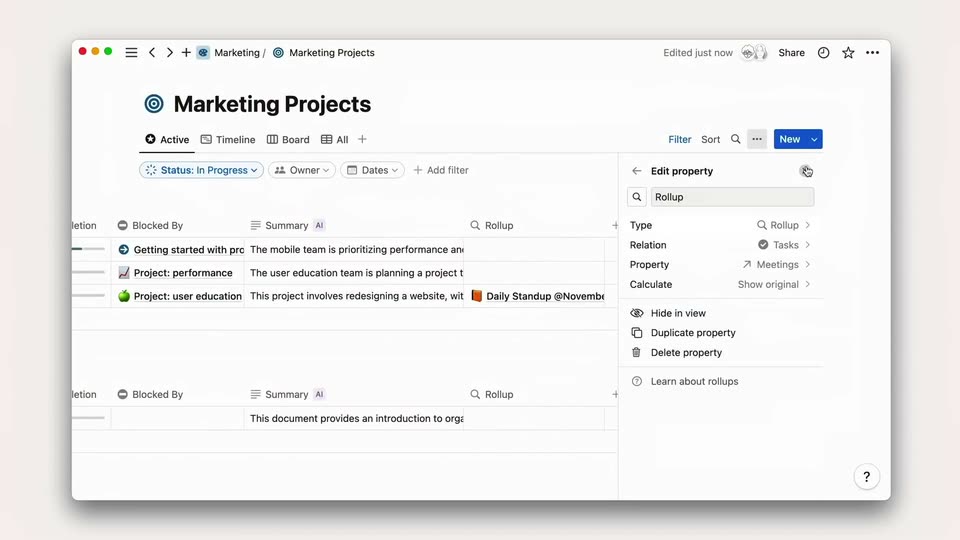 2:11–2:14Notion · Welcome to Notion ProjectsA project app window shows a Marketing Projects table with an Edit property panel open, searching Rollup. The panel closes, revealing the full table with a Rollup column listing linked meetings. It cuts to a woman in a brown sweater speaking in a blurred interview setting.
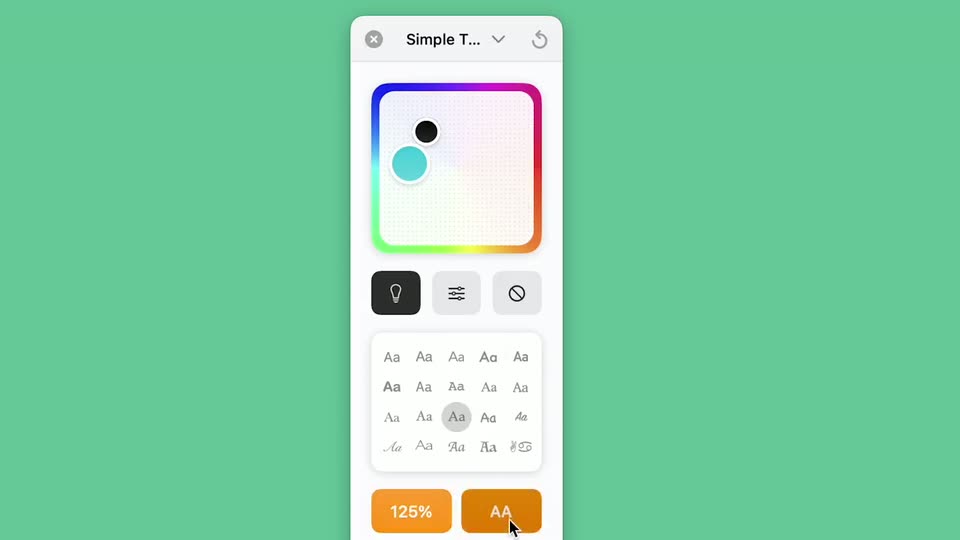 0:22–0:23The Browser Company · The Browser Company - What if the internet... was actually 𝑦𝑜𝑢𝑟 internet? 🎨 Introducing BA flat settings panel sits on a green field, showing a rainbow-bordered color picker and a grid of Aa font styles. A cursor hops across the grid, hovers the reset icon to pop a tooltip, and the size button flips to 150%.
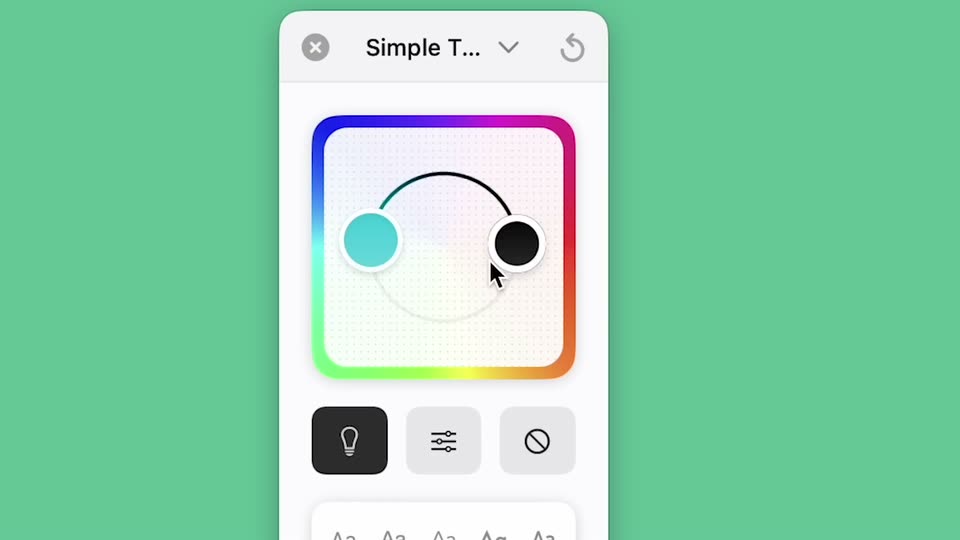 0:23–0:24The Browser Company · Boosts by Arc | Meet Your New InternetA white panel with a rainbow-gradient bordered canvas sits on a green background. A cursor drags two circular handles, one teal and one black, bending the curve between them into a loop.
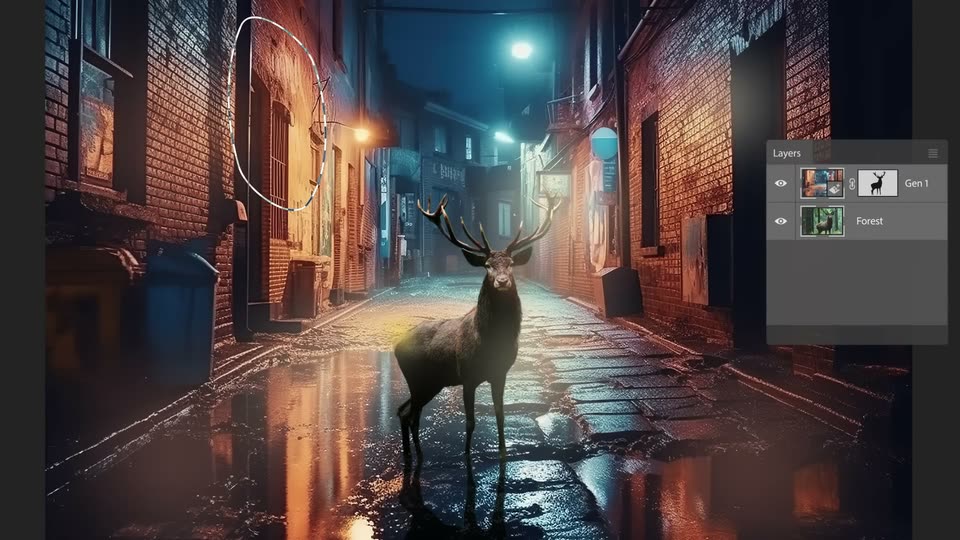 0:26–0:31Adobe · Adobe Photoshop (beta) x Adobe Firefly: Announcing Generative Fill | AdobeA stag stands in a dark, wet alley with a Layers panel on the right. A cursor draws a white lasso around a left window, then the image dims as a prompt bar and the line 'Describe what you would like to generate' appear across the center.
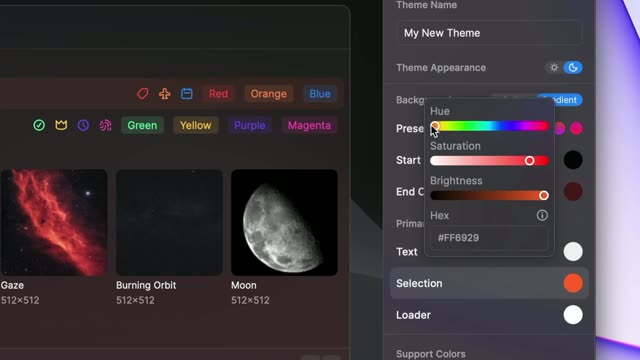 1:13–1:15Raycast · Introducing Raycast ProA dark theme editor fills the frame, with space thumbnails and color chips on the left and a settings panel on the right. A cursor opens a color picker popup showing hue, saturation and brightness sliders, then closes it, leaving the Selection swatch orange.
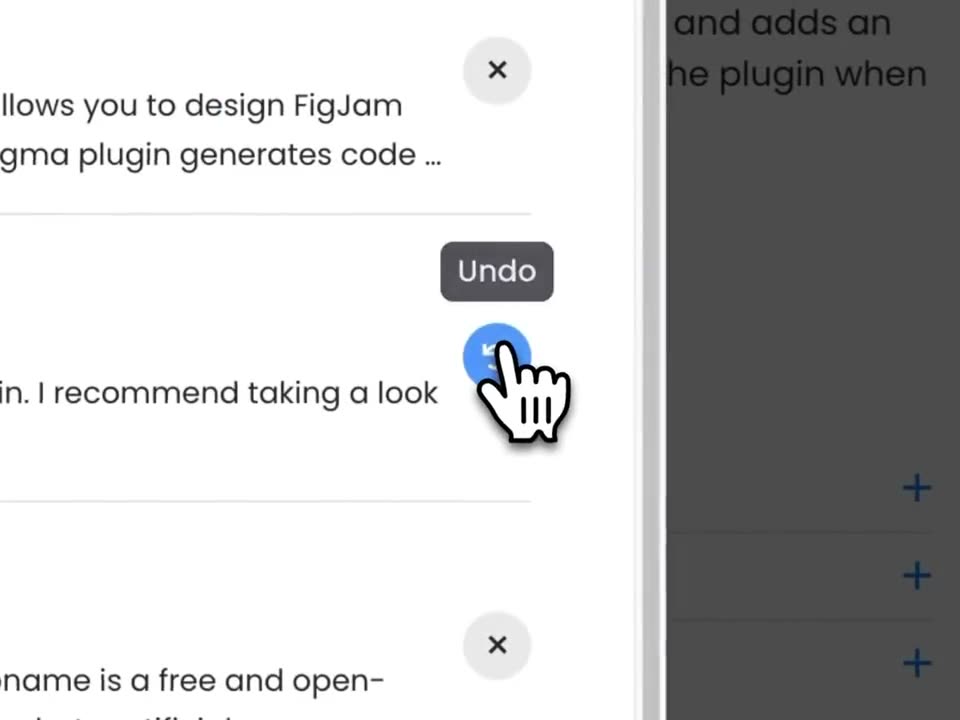 1:02–1:05Perplexity · Perplexity - We are excited to launch the next version of Introducing login, threaA flat browser interface shows a sources panel and a dark View Sources button. A large white hand cursor clicks it, then the view zooms to a blue undo control and a Cancel/Done bar.
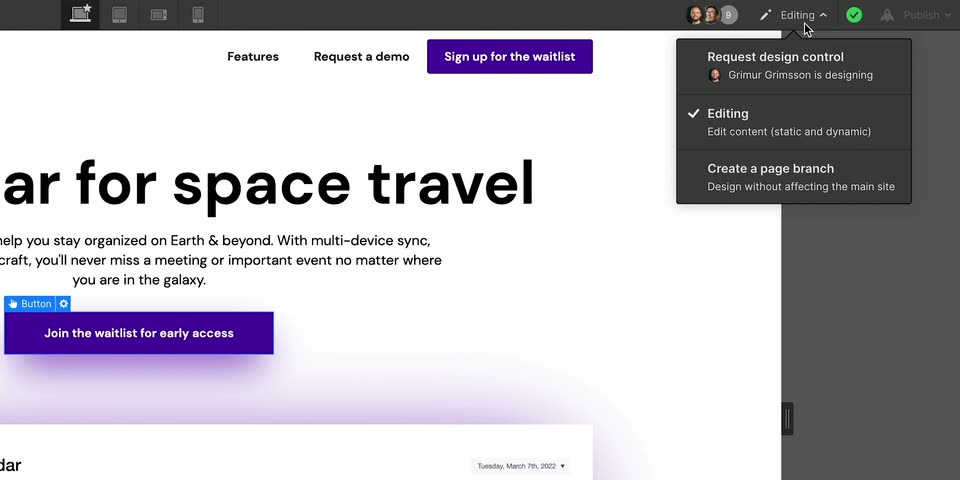 1:23–1:25Webflow · Introducing WebflowA design tool screen displays a website mockup with a purple waitlist button. A dark side panel lists team members and their editing status, then the Editing dropdown opens to show options such as Request design control and Create a page branch.
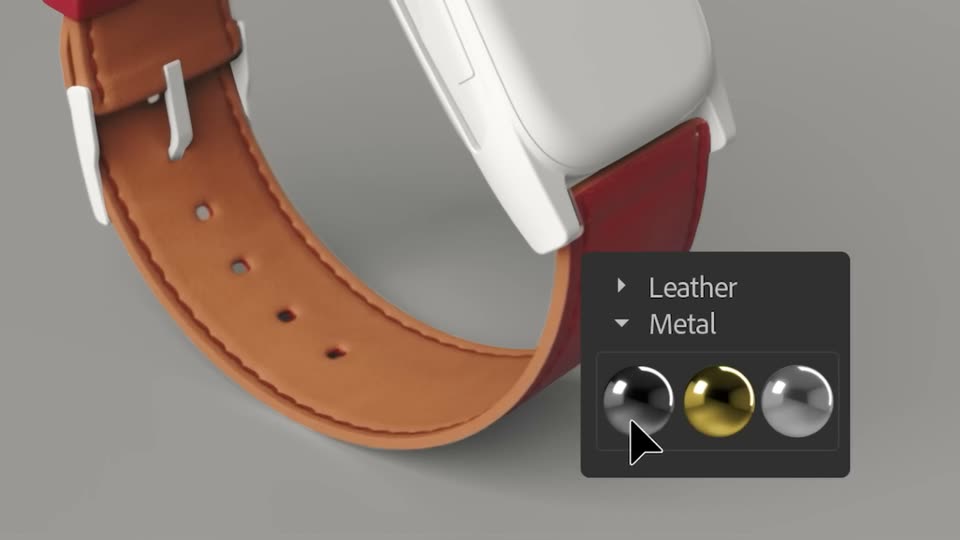 0:16–0:18Adobe · Adobe Firefly: Family of New Creative Generative AI Models | AdobeA white-cased watch with a tan and red leather band rotates in 3D on a gray backdrop. On the right, a dark configurator panel toggles: the Leather row collapses and the Metal row expands to show four metallic finish swatches, while a cursor clicks the options.
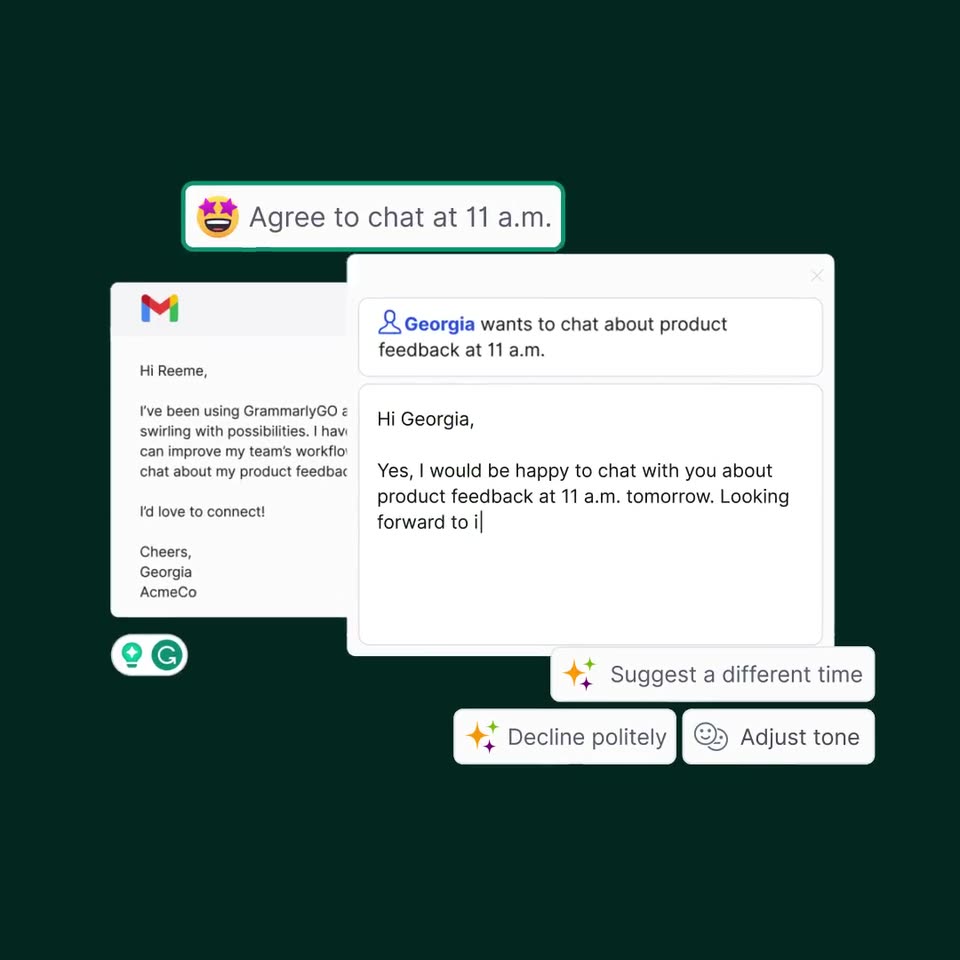 0:47–0:50Grammarly · Superhuman - Introducing GrammarlyGO—a new generation in writing. Speed up your wA dark green background holds a Gmail email card and a Grammarly notification card. A cursor clicks the Agree to chat at 11 a.m. suggestion button, which highlights green and slides up, while a drafted reply panel types itself in on the right.
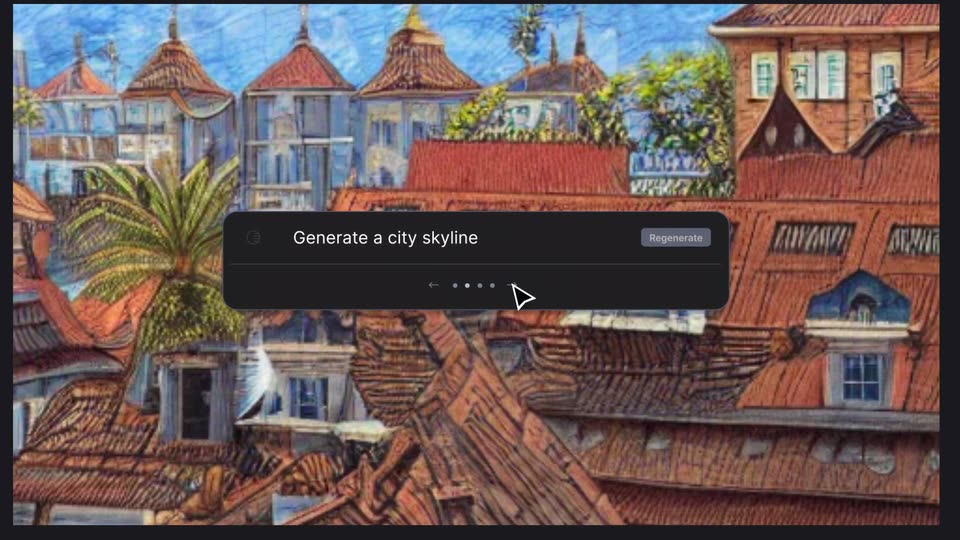 0:47 · 0.6sRunway · Text to Video: Early Access Waitlist | RunwayA dark rounded prompt bar with the typed prompt and a Regenerate button sits centered over a watercolor city. The backdrop regenerates from a wide skyline to a close rooftop view while the bar and its text scale in. A white cursor rests at the bar's lower right corner.
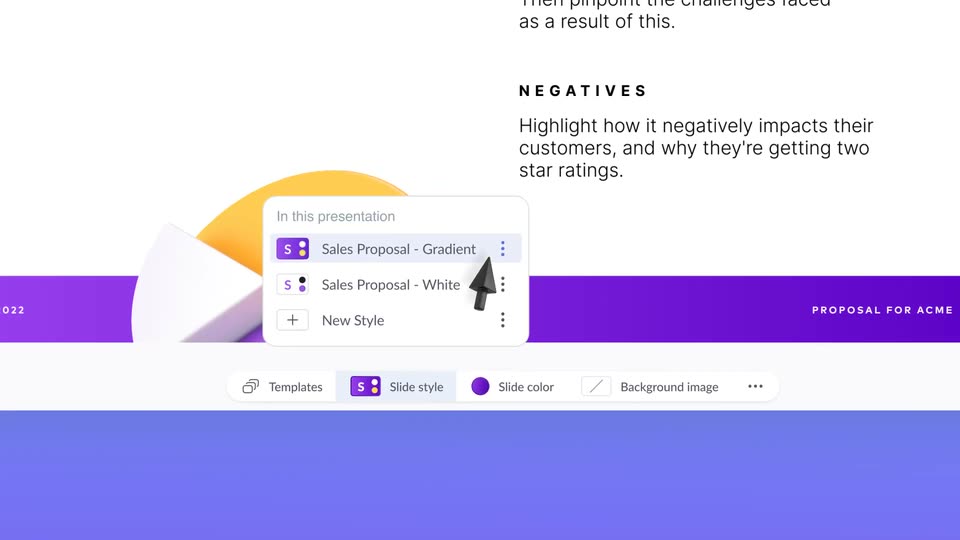 0:37–0:42Pitch · Introduction to Pitch | Create beautiful presentations with your teamThe slide editor window, first tilted in 3D perspective, flattens as the camera zooms into the bottom toolbar. A cursor clicks the Slide style button, opens a style menu, then opens a settings panel that slides in from the right.
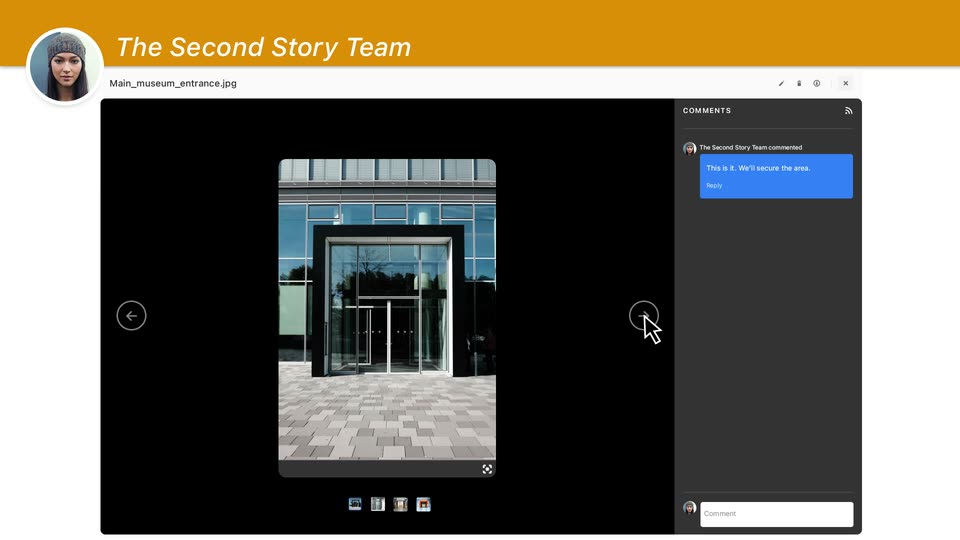 0:33–0:35Airtable · Airtable: introducing interface designerA flat product interface shows a dark photo viewer holding a museum entrance image that brightens as it loads, next to a comments panel with a blue comment bubble. A cursor sits on the right arrow, and the filename above the viewer updates to the new image.
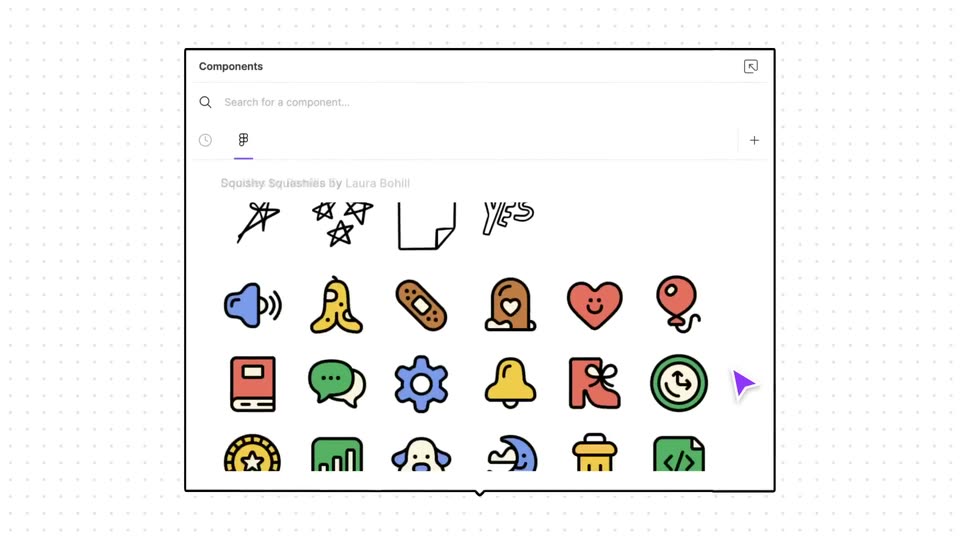 0:26–0:30Figma · Welcome to FigJamA white Components panel on a dotted background cycles its emoji grid through four sets: colorful Totem Emotes, line-art Doodles, hand-drawn Emotes, and 3D Candy Bytes. A purple cursor hovers at the right edge throughout.
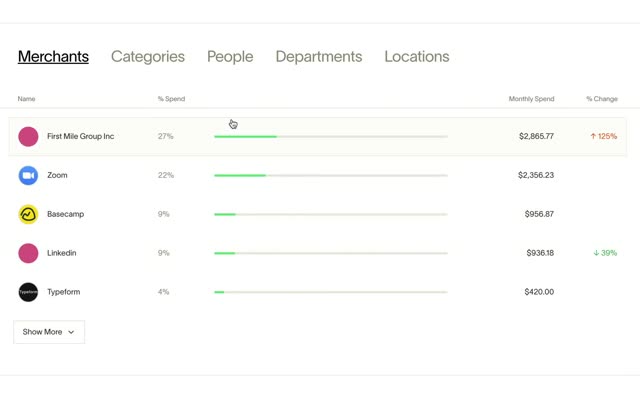 0:58–1:07Ramp · Meet Ramp: The finance automation platform that saves you time & moneyA cursor picks SaaS / Software from the category dropdown, the chart recolors pink and a hover shows a $7,208.05 tooltip. The view scrolls down as the cursor clicks the People tab, swapping the merchant rows for a people list, then fades to white.
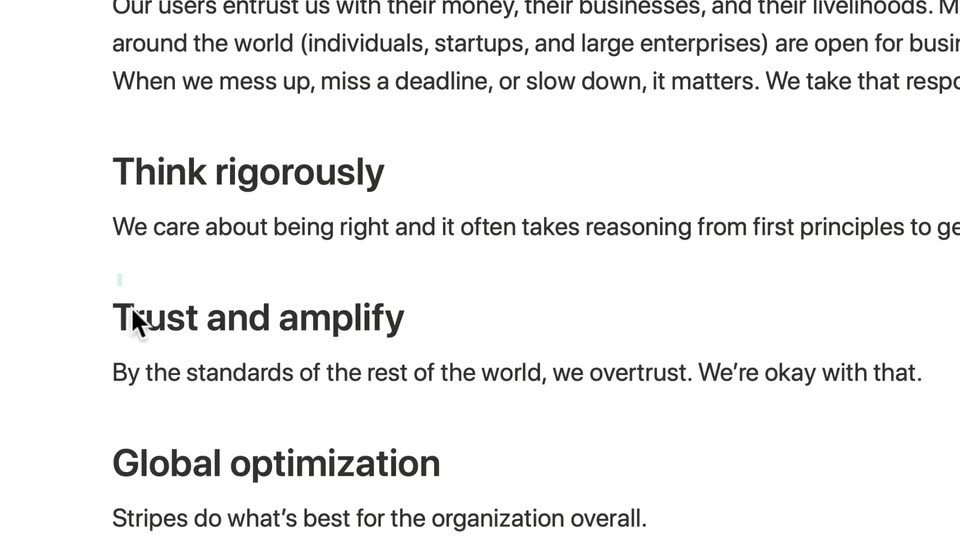 1:04–1:09Notion · What is Notion?A document page with an astronaut photo and a “Mission, Vision, Values” heading scrolls down as the view zooms in. The “Trust and amplify” block is highlighted, a grab handle appears, and the cursor drags it above “Think rigorously”.
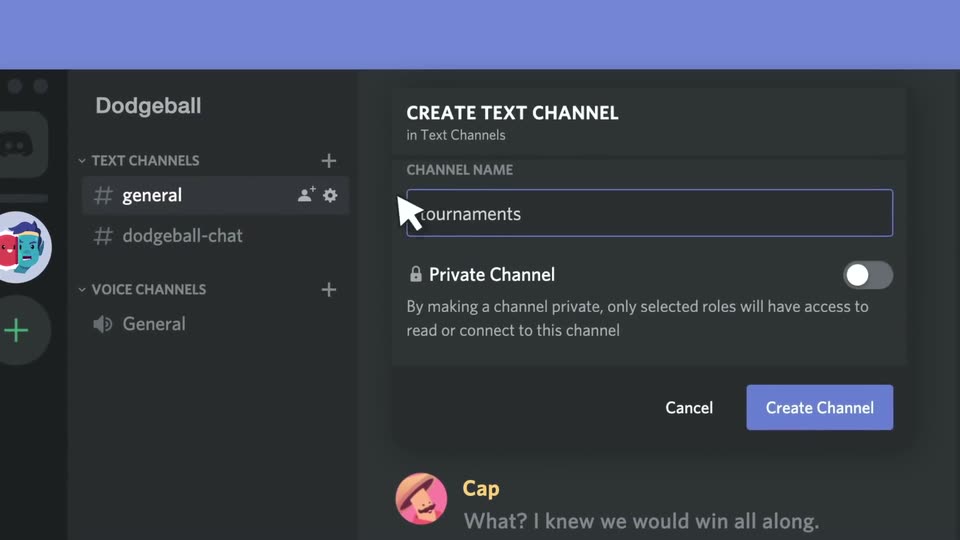 0:48–0:52Discord · How Discord Works in 148,000 Miliseconds or LessA Discord server view with a Create Text Channel modal over the chat. A cursor clicks the plus icon, types tournaments into the channel name field, then moves to and clicks the Create Channel button.
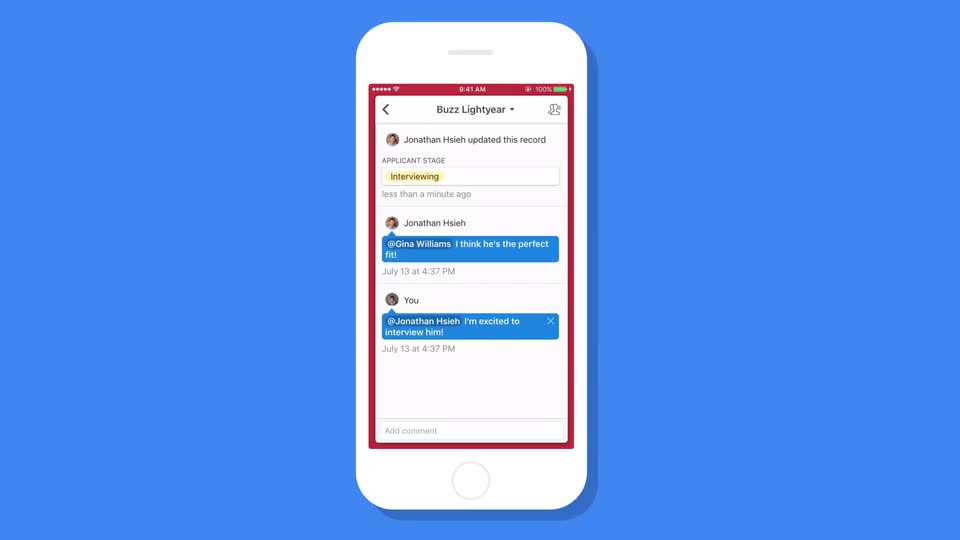 1:38–1:42Airtable · Meet AirtableA white iPhone on a blue background shows a mobile app chat. A caret types a comment over the keyboard, which switches rows, then the sent message appears as a blue bubble. The frame wipes to white and the Airtable logo blurs in at the bottom.
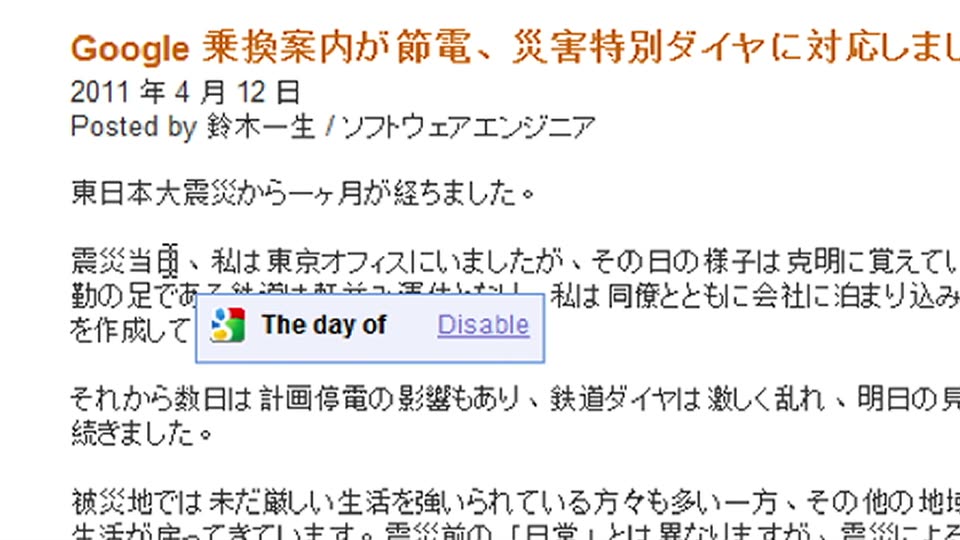 1:04–1:20Google · Introducing Google Toolbar 7A full browser window shows a Japanese blog page. The cursor clicks the Translate button in the toolbar banner, the page switches to English, then reverts to Japanese. The view zooms into the article, and the cursor hovers over a word, popping up a small English tooltip.
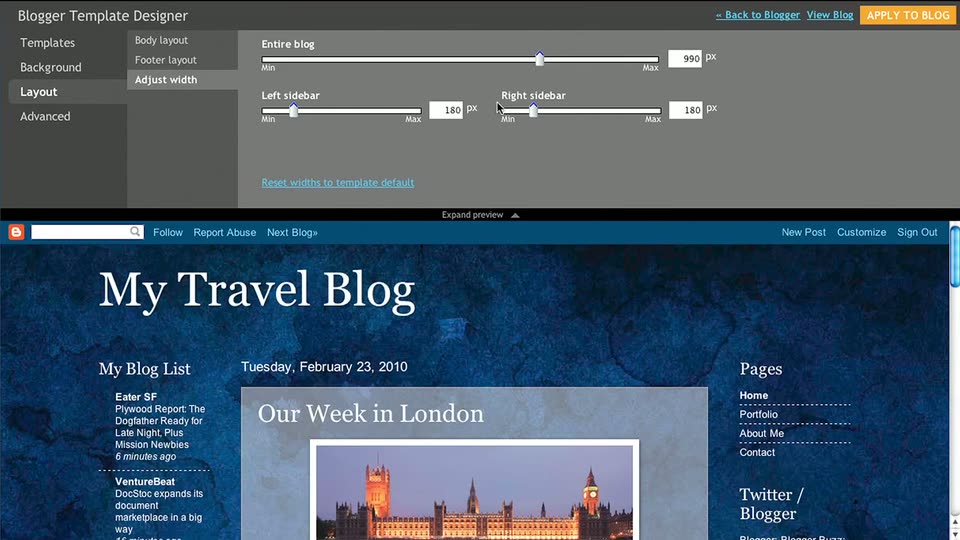 0:37–0:40Google · Introducing the Blogger Template DesignerA Blogger Template Designer panel sits above a live blog preview. A cursor drags the Entire blog slider right from 860 to 990 px, and the blue My Travel Blog preview reflows wider in real time.
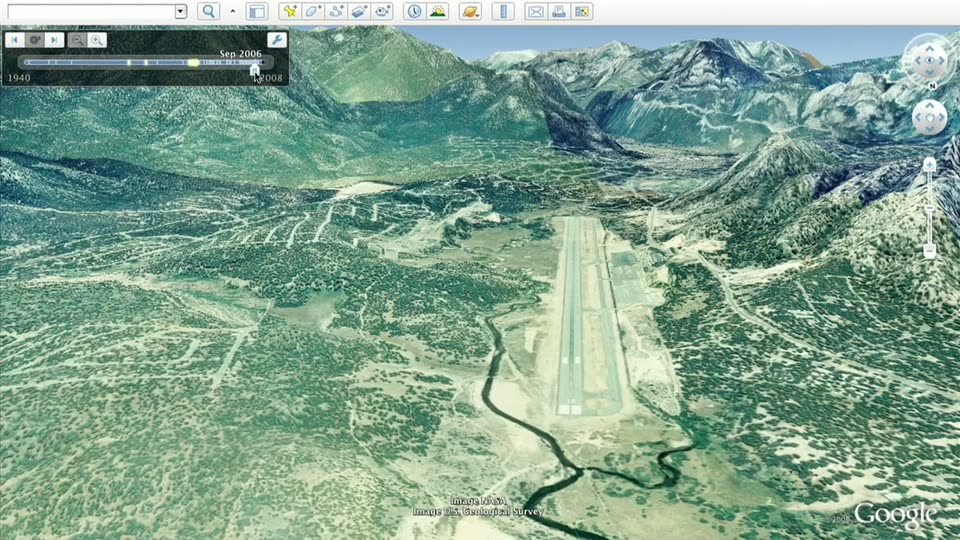 0:33–0:34Google · What's New in Google Earth 5.0A locked-off view of a Google Earth 3D terrain showing a mountain valley and an airport runway. A cursor drags the top-left timeline slider from 1989 toward 2005, the date label updating as the imagery shifts.
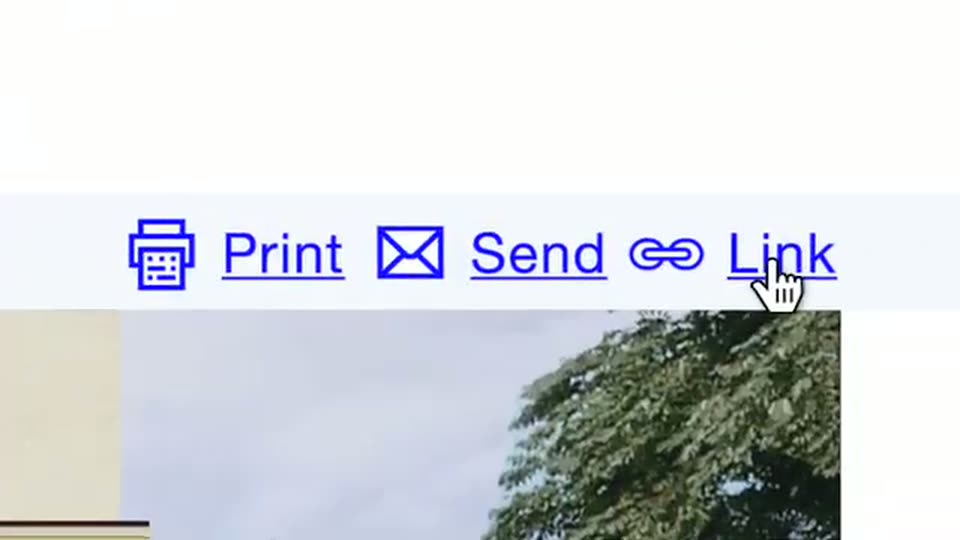 1:16–1:21Google · Street View now available in New ZealandA crossfade settles on a Google Maps page showing a street view of a cafe facade labeled Botanical Cafe. The view zooms into the top-right toolbar as a hand cursor moves across the Print, Send and Link links.
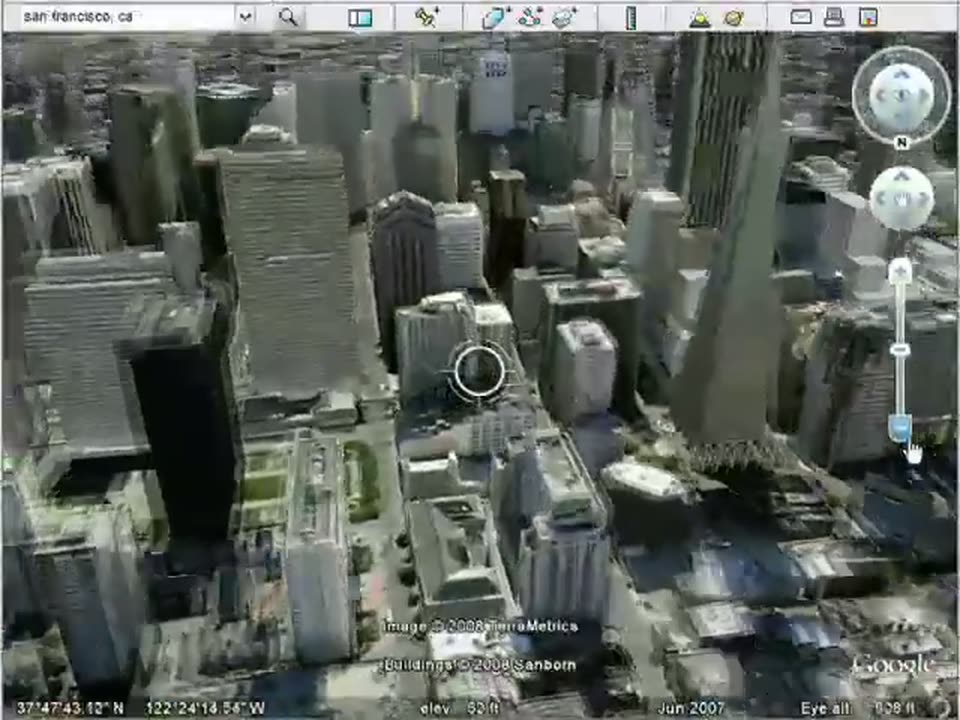 0:28–0:29Google · New features in Google Earth 4.3A 3D city map of San Francisco fills the screen inside a mapping interface. A hand cursor drags the zoom slider on the right as the view pulls back over the buildings.
 1:10–1:11Google · Google Maps Street View - launch videoA street view camera glides forward along a road lined with parked cars. White clickable arrows sit on the pavement, and a hand cursor hovers over one as a dark California St label holds on the left.
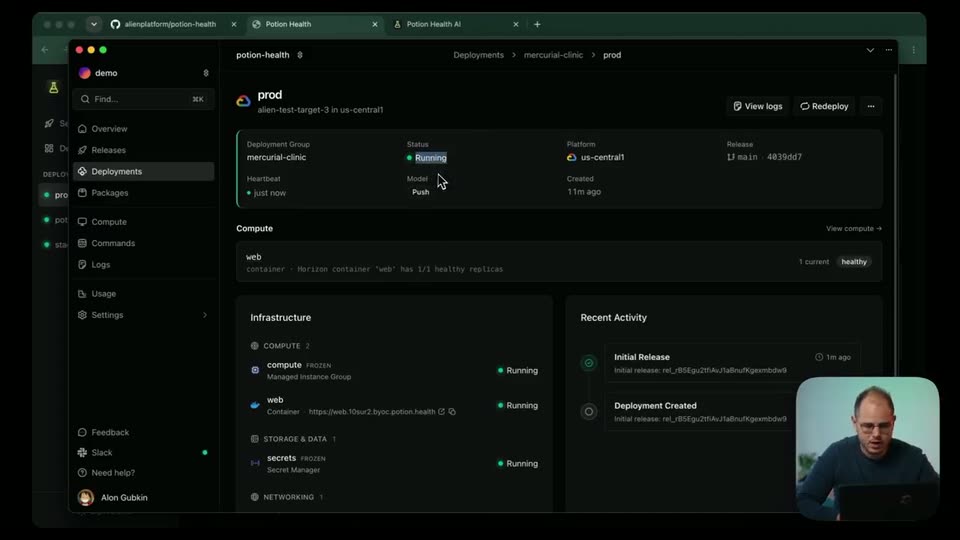 3:32–3:39Alien · We're launching the Alien platform today, backed by a $5M seed from Basis Set, Jibe Ventures, and angels from OpenAI, Google, and Databricks. We've built it so that when your next $300K enterpriseA dark deployment dashboard fills the frame, sidebar and detail panels listing running services in green. A mouse cursor drifts over the status and compute rows as the page scrolls a few lines. A small rounded webcam inset in the corner shows a man watching the screen.
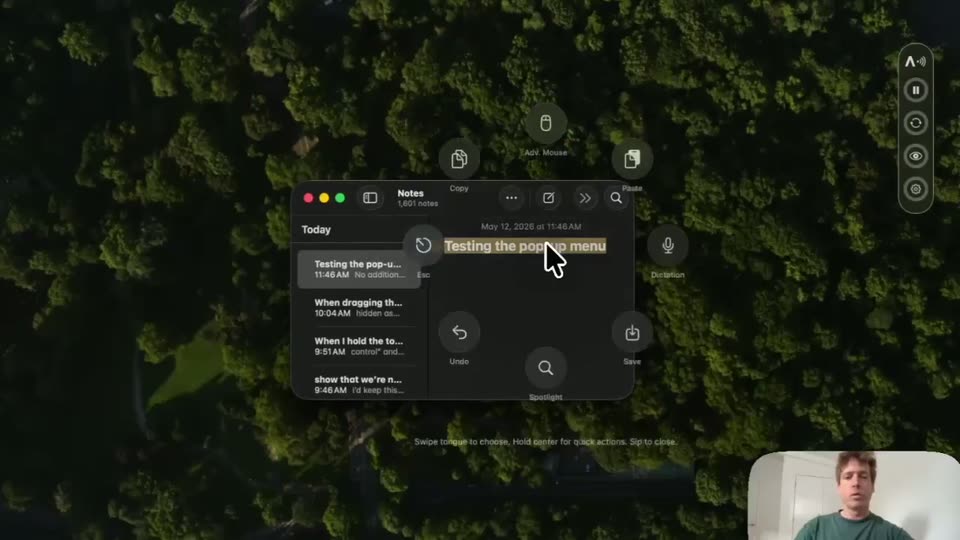 3:03–3:09Augmental · MouthPad is a touchpad you drive with your tongue. Now available across the US. Over 100 people already use it, some for up to 16 hours/day. It works for gaming, for CAD, for Figma, and we're inA dark Notes window floats over an aerial forest wallpaper beside a small webcam feed of a man. The note title is typed, then highlighted, and a ring of circular action buttons expands around the cursor to form a radial menu.
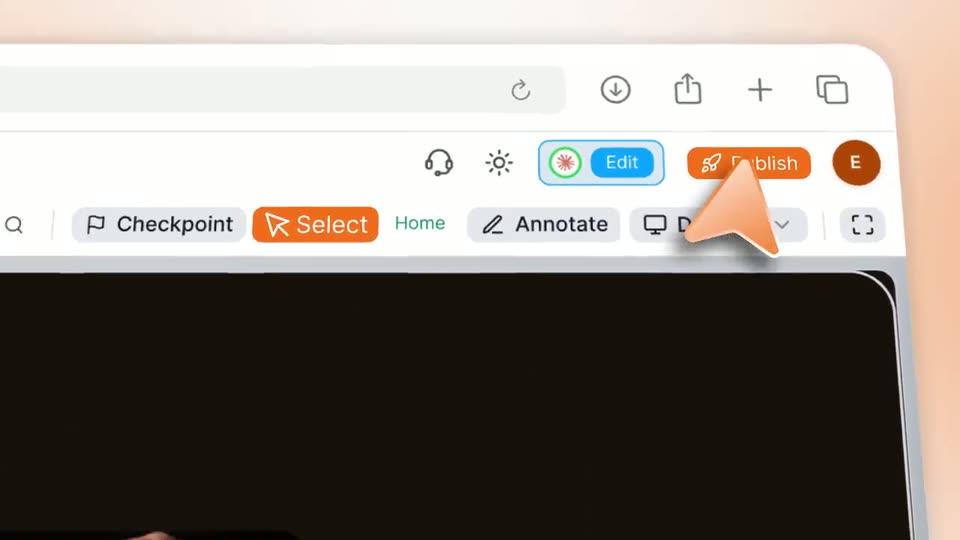 0:48–0:50Floot · Claude and ChatGPT can already write you an app. Getting it live is another story. Today we're fixing that: connect Floot, and you can build and ship real apps directly inside Claude and ChatGPT -A tilted 3D view of a collaboration tool's toolbar reframes onto its top row. An orange arrow cursor slides right across the icons and rests on the orange Publish button.
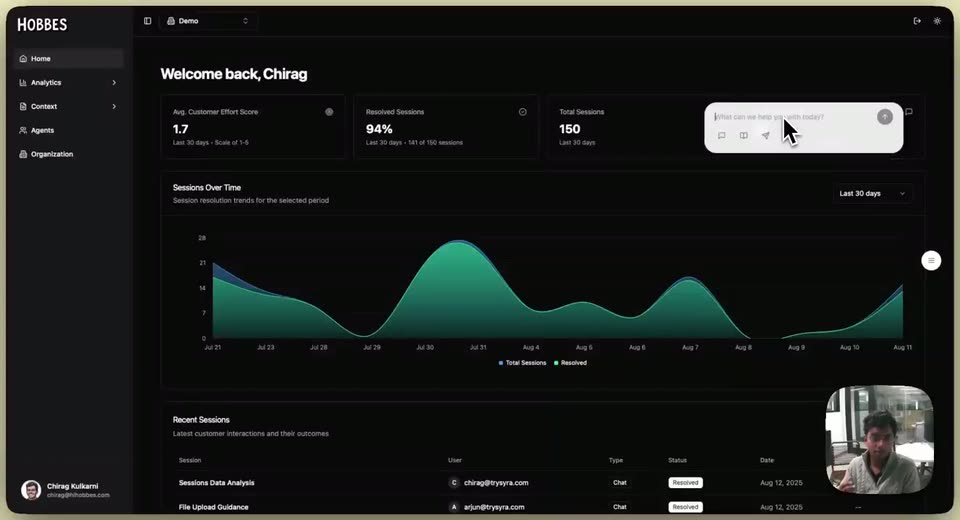 0:24–0:25Hobbes · 🚨Major update🚨 Syra is now Hobbes (hihobbes.com)! As we worked with some amazing teams this year, we saw a big gap in the agent landscape: visual context. Agents trained on knowledge bases + helpA dark analytics dashboard fills the frame, showing a welcome headline, three metric cards, a teal area chart and a sessions table. A mouse cursor hovers over the AI prompt box. A small webcam tile in the bottom corner shows a person talking.
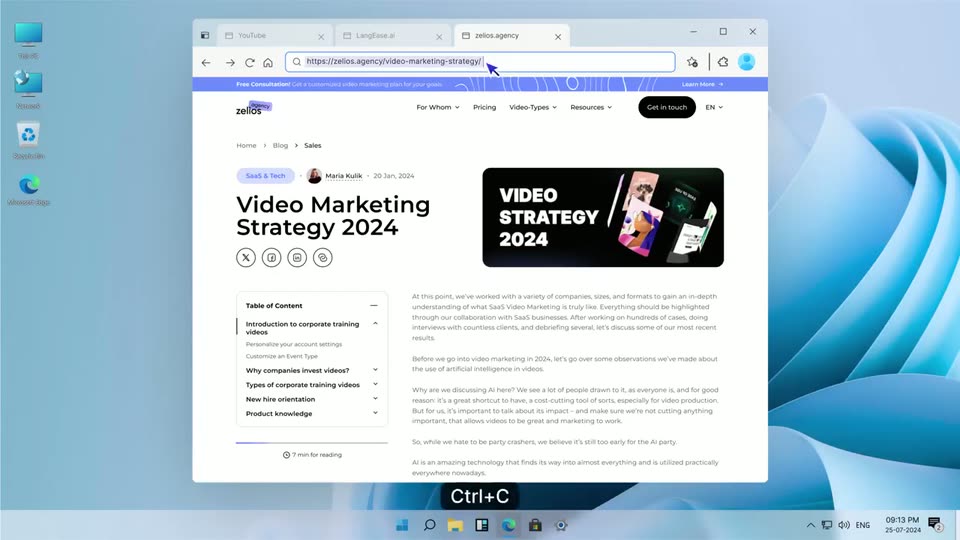 0:58–1:01LangEase · Imagine reaching a global audience without breaking a sweat. 🌎 LangEase is making it a reality. Our AI-powered localization platform is coming soon! Join the waitlist for exclusive early access.… | LangEaseA full-screen Windows desktop shows a browser open to a blog article titled Video Marketing Strategy 2024. The mouse cursor glides from the right edge to the address bar, and a dark Ctrl+C pill pops up at the bottom center as the link is copied, then fades.
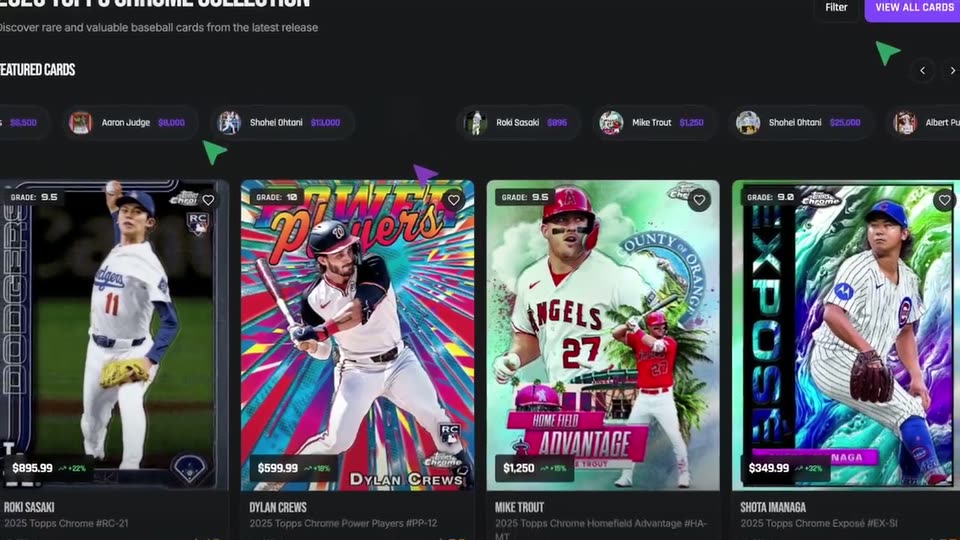 0:57–0:59Magic Patterns · Announcing our $6M Series A and Magic Patterns 2.0. We’ve grown profitably, hit $1M ARR, and quietly built an AI design tool loved by product managers, designers, and website builders. PreviouslyA dark collection page shows a horizontal strip of player chips above a row of baseball card mockups with prices. A purple cursor glides from the upper center to the top-right corner, stopping near the View All Cards button.
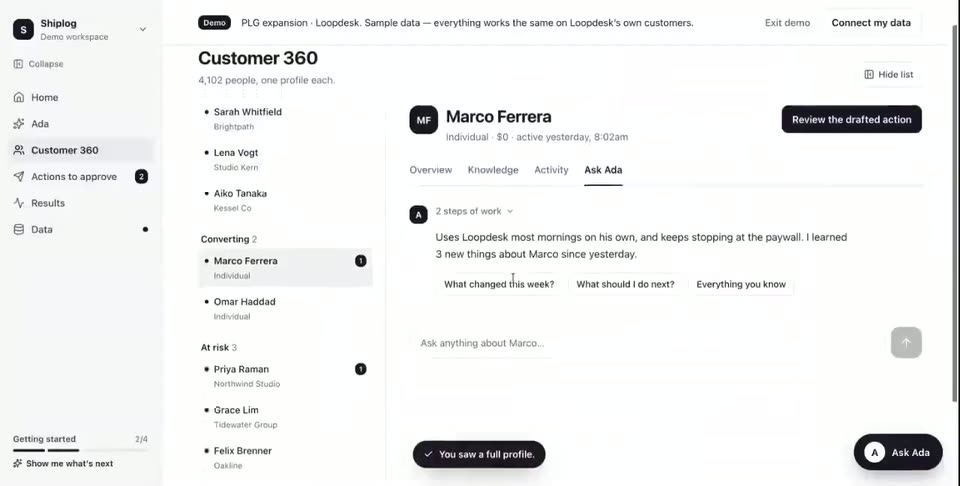 3:03–3:10Shiplog · #customersuccess #ai #saas #productledgrowth #revenuegrowth | Shiplog (F/AI F26)A paywall-offer explanation card sits over the Sarah Whitfield profile, then dismisses. The Customer 360 list scrolls down as the cursor clicks Marco Ferrara, and the right panel swaps to his profile, showing a Review the drafted action button.