Cursor demo
A visible cursor operates the interface.
14,987 scenes · page 217 of 250
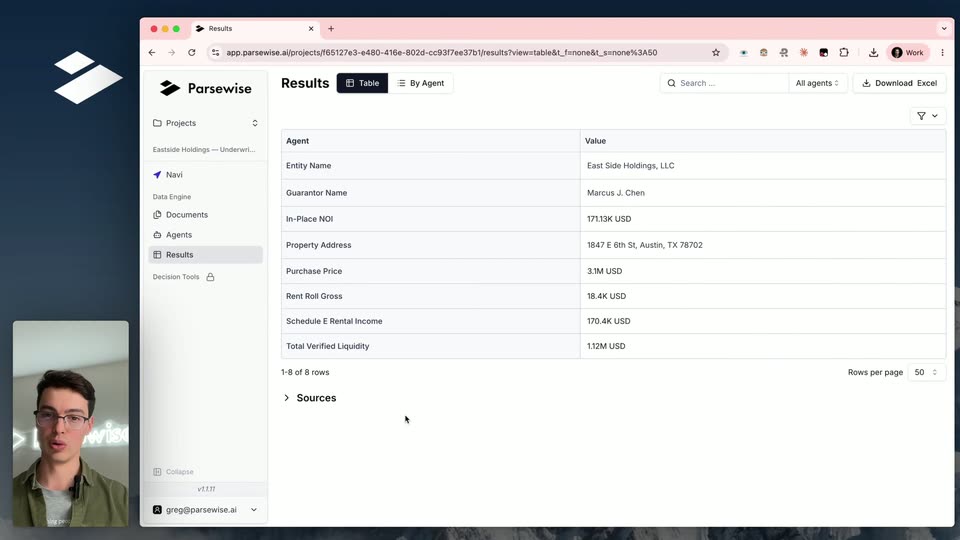 1:51–2:01Parsewise · Parsewise API LaunchA flat browser window of the Parrowse app sits on a dark blue gradient, with a small webcam feed of a man in a green jacket at lower left. A cursor clicks Results in the sidebar, the table loads with agent values, then opens a cell detail listing source documents.
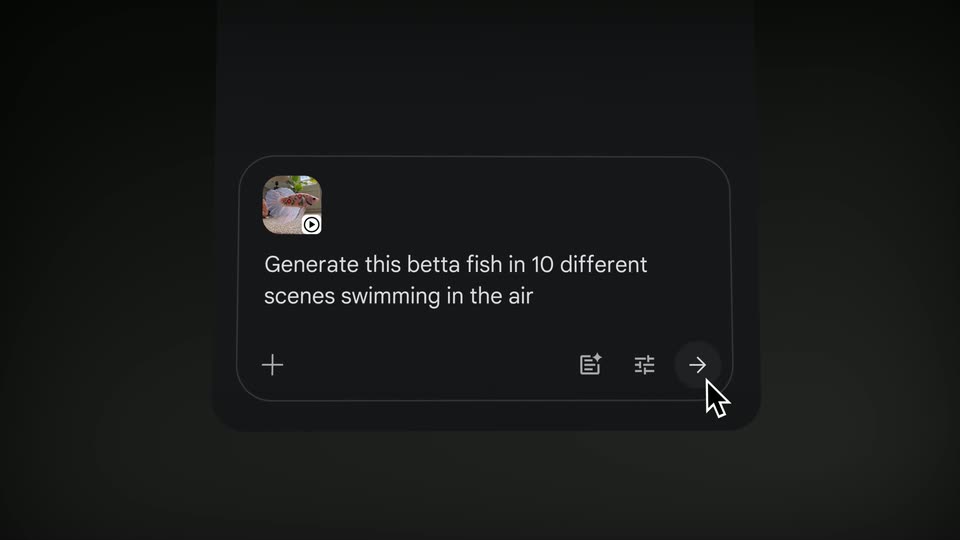 0:39–0:44Google · Google Flow - Introducing your agent and the all-new Gemini Omni model in Google FlA dark prompt card shows a betta fish photo and placeholder text; the photo shrinks to a thumbnail while the prompt is typed, the cursor clicks the send arrow, then the view opens to a grid of images.
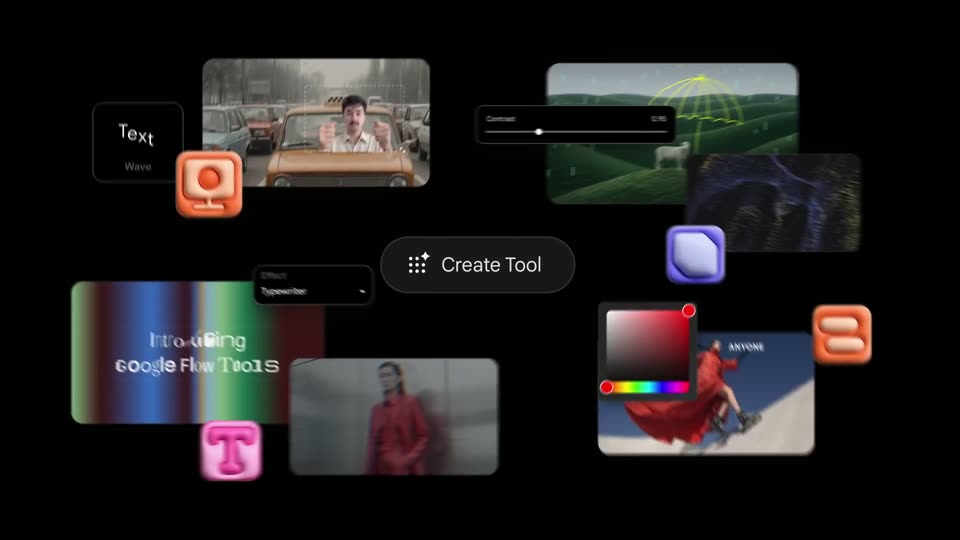 1:03–1:04Google · Introducing Tools in Google FlowA blurred close-up on the central Create Tool button with a hand cursor sharpens and pulls back to reveal a 3D field of floating UI cards, sliders, a color picker and app icons on black.
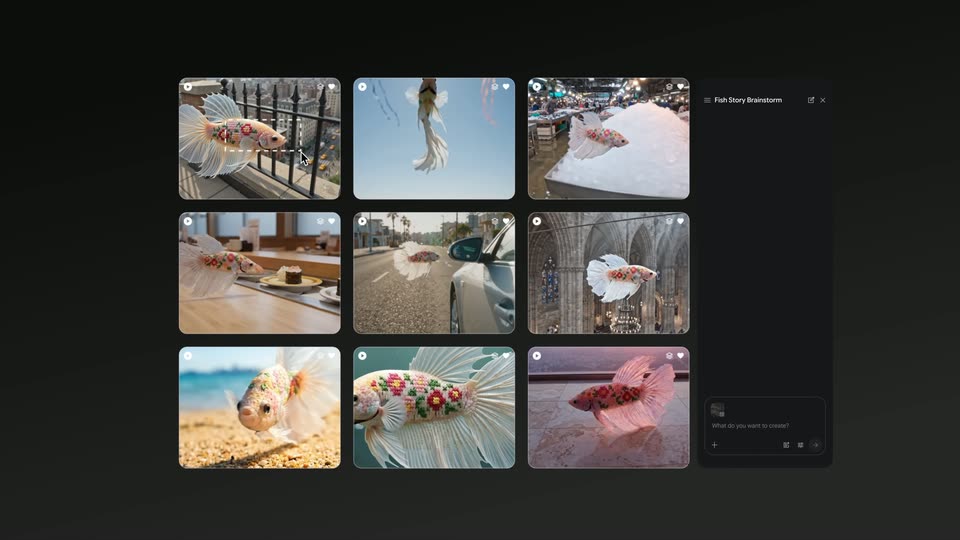 0:50–0:59Google · Introducing your Agent and Gemini Omni in Google FlowA white headline fades in line by line beside a dark toggle panel, where a cursor flips the Image/Video switch. The view cuts to a 3x3 grid of generated fish images with a side panel; the cursor highlights tiles, dashed crop guides appear, and a larger editor card opens.
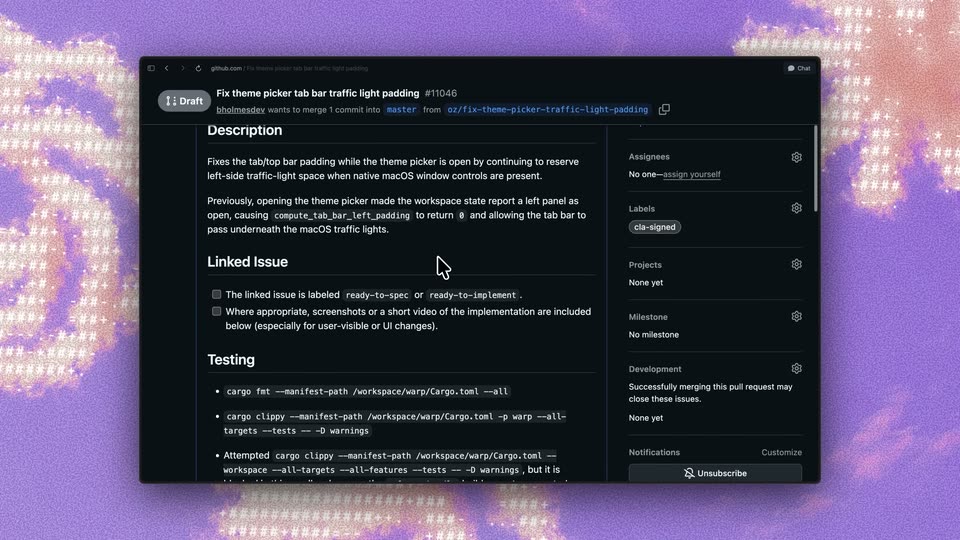 1:44–1:48Warp · Introducing multi-agent orchestrationA browser window holds a dark GitHub pull request page that scrolls down to reveal the description, linked issue and testing sections, while a cursor drifts over the tabs. The window sits on a purple field of glowing hash symbols.
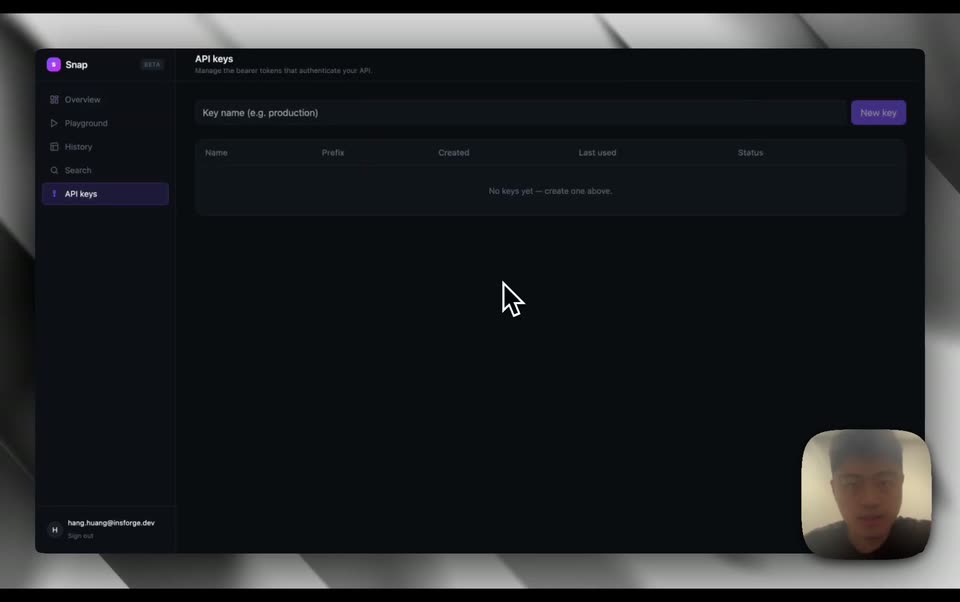 1:07–1:08InstaBox · InsForge YC Launch VideoA dark dashboard interface switches from an Overview page to an API keys page as a cursor moves through the sidebar. A small webcam self-view of a man sits in the bottom right corner.
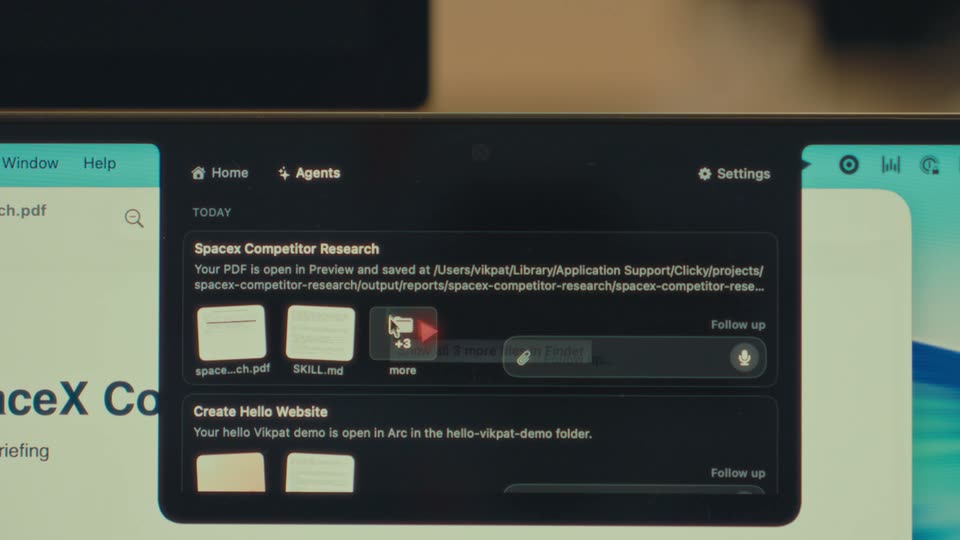 0:54–0:56HeyClicky · hi im clickyA close-up of a laptop screen shows a dark assistant panel expanding over a PDF document. The panel reveals two task cards with file thumbnails, and a cursor moves to hover over a more tile, popping a Finder tooltip.
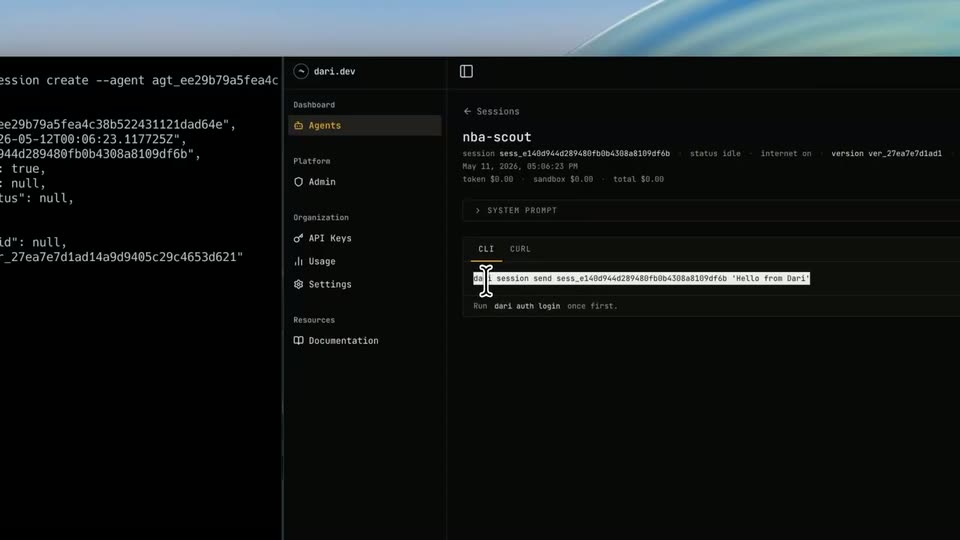 0:56–0:57dari.dev · Dari.devA dark dashboard window sits on a desktop; in the session panel's CLI tab a command types out letter by letter, ending with a quoted greeting, while a JSON column and a navigation sidebar stay static.
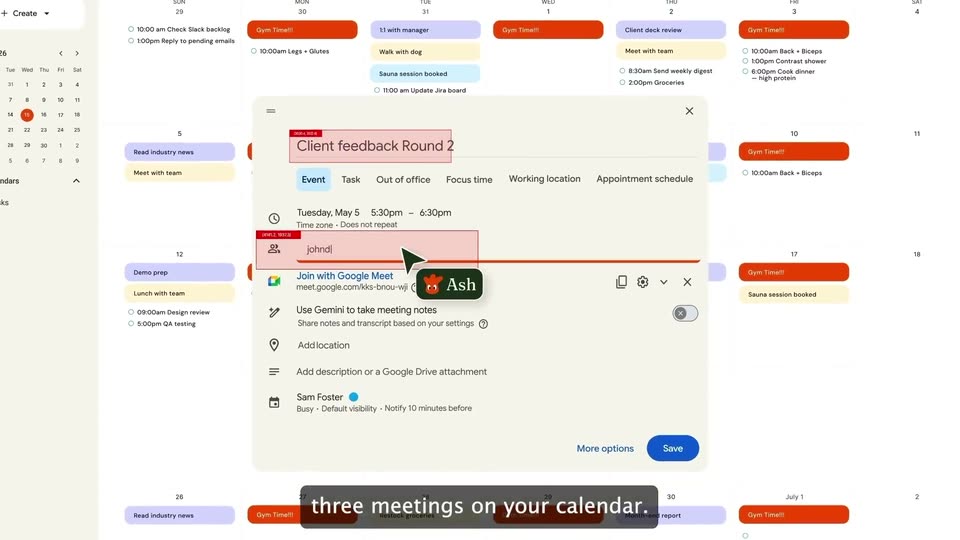 0:38–0:40Vellum · akash - We’ve raised 25M to build the world’s first Personal Intelligence. IA week-view calendar with an event dialog open; a cursor moves through the dialog fields while a small red-shirt avatar chip labeled Ash follows it. A dark caption pill at the bottom reads three meetings on your calendar.
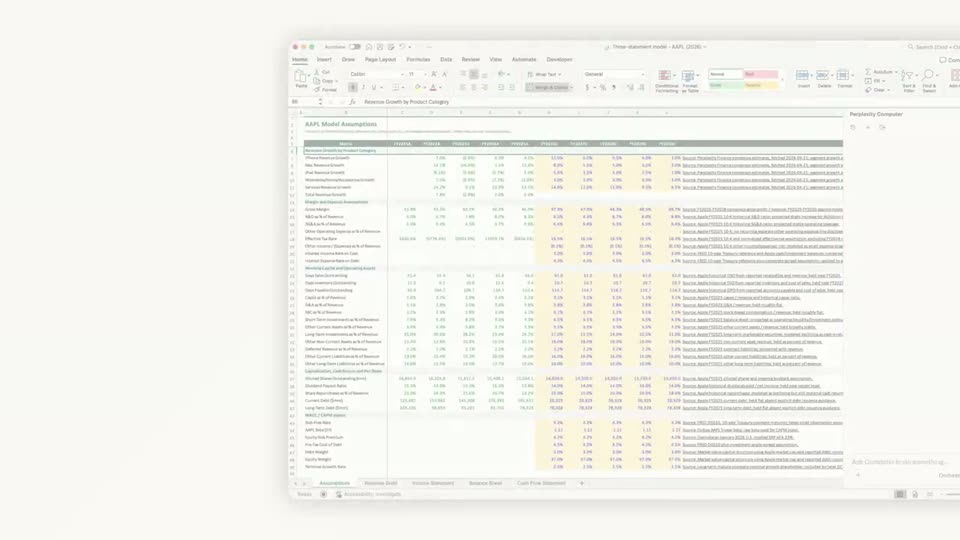 1:45–1:46Perplexity · Perplexity - Today we're launching Perplexity Computer for Professional Finance.A light chat panel with financial bullet points and a spreadsheet file card ghosts out as a cursor hovers the Download button, then the view cuts to the full spreadsheet interface showing the model assumptions table and a right-side panel.
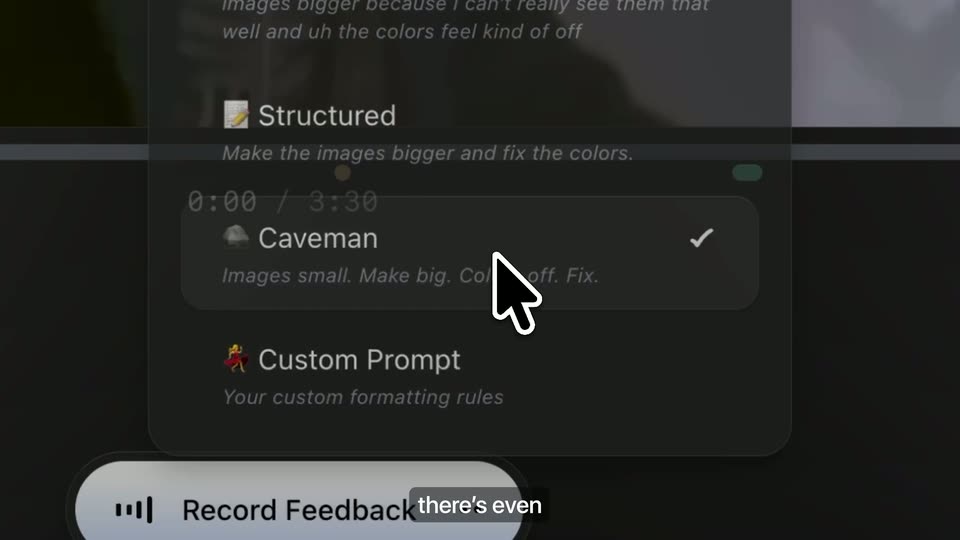 0:47–0:48Flask · Enrico Tartarotti - Introducing Flask. Give detailed feedback on videos and creative assA dark options panel lists feedback styles, a large white cursor hovers over the Caveman row. The panel then fades to reveal a video player timeline behind it, while small captions appear at the bottom.
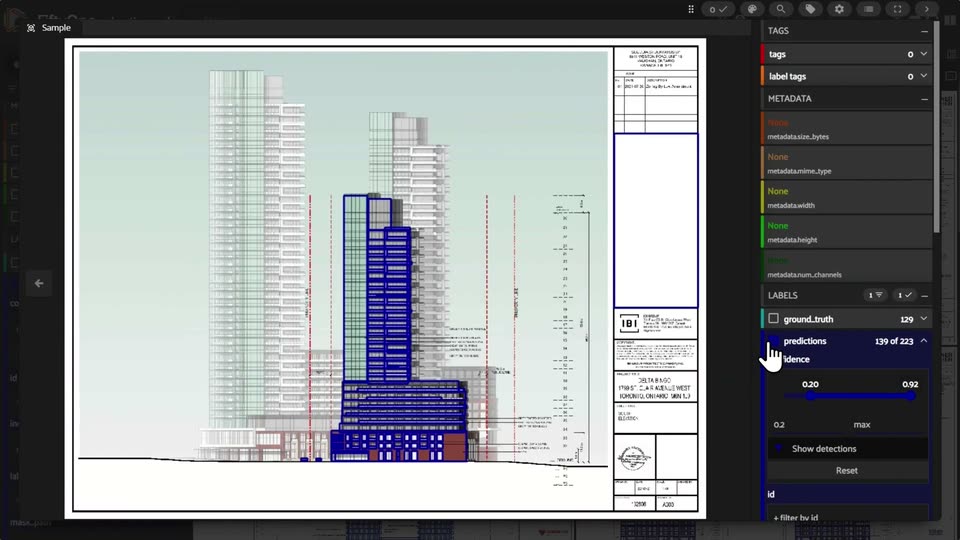 1:57–1:58PLAN0 AI · PLAN0 Demo VideoA dark interface displays an architectural drawing on a canvas and a settings panel. A cursor clicks the predictions checkbox, revealing a blue bounding box over the building.
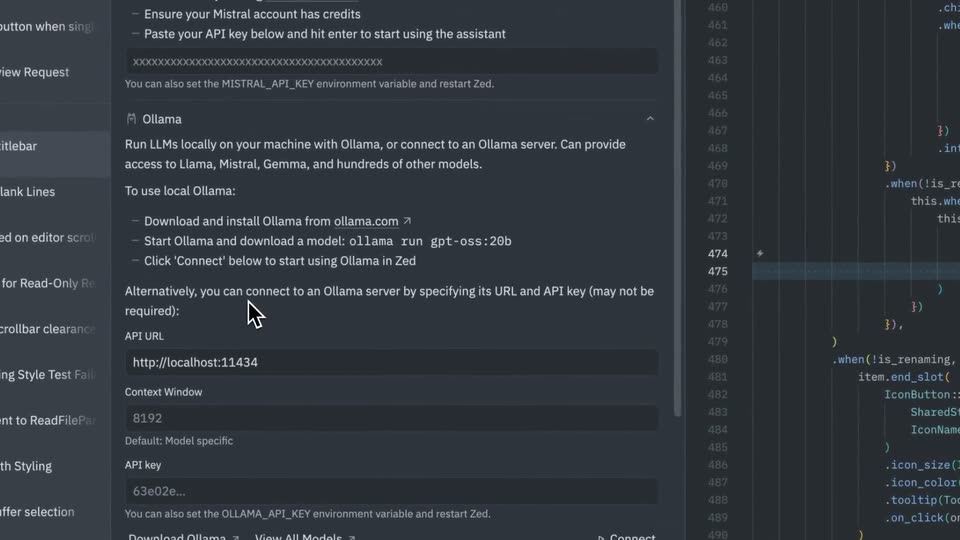 1:27–1:29Zed · Zed - Zed 1.0: Your last next editor.A dark settings panel inside a code editor scrolls down past API key fields and model provider sections, while a white arrow cursor drifts down and hovers near the Ollama context window row. The syntax-highlighted code pane on the right stays still.
 0:38–0:39Anthropic · Introducing Claude Design by Anthropic LabsA close-up of a toolbar where a hand cursor taps the Comment button, then the Edit text button, each flashing a peach highlight on press.
 0:47–0:49Anthropic · Claude - Introducing Claude Design by Anthropic Labs: make prototypes, slides,A wide view of a document editor zooms into the top toolbar, where a hand cursor rises and taps the coral Comment button.
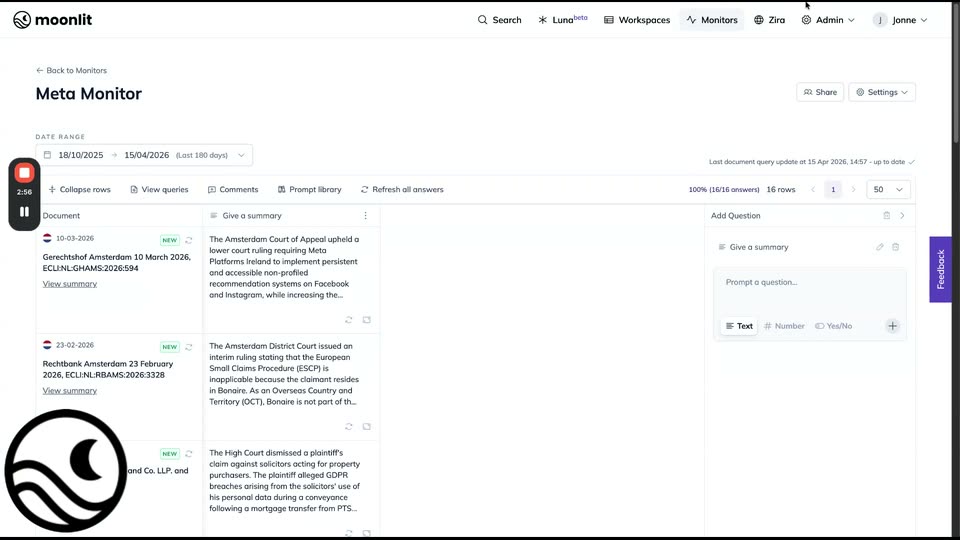 2:34–2:37Moonlit · Introducing Lightspeed: faster legal research | MoonlitA screen recording of the moonlit Meta Monitor dashboard shows a document table with dates and summaries beside an Add Question panel. A cursor moves across the top navigation bar, then to the date range and toolbar. A red-dot recording control with a timer sits on the left edge.
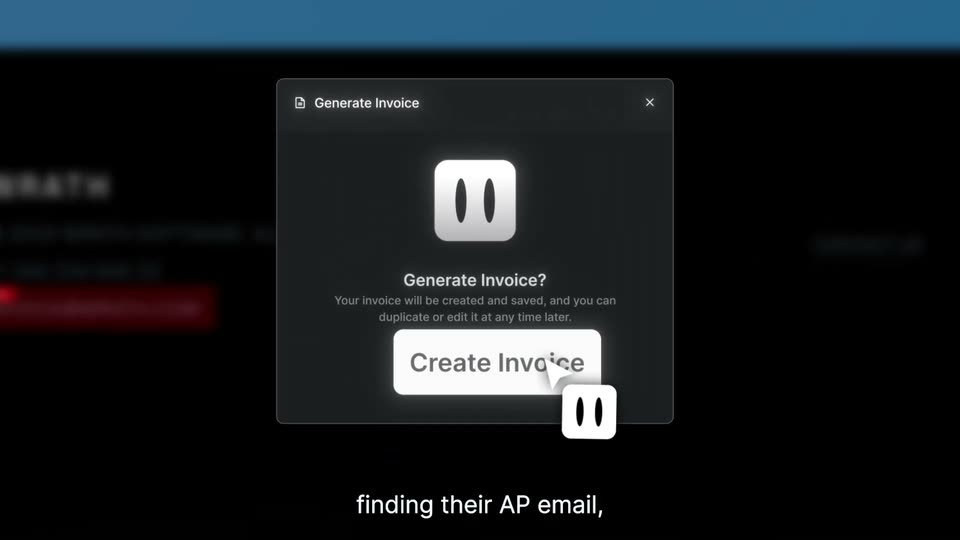 1:25–1:26Slash · Victor Cardenas Codriansky - We (@slashapp) raised a $100M Series C at $1.4 billion valuation to bA dark website footer blurs as the frame reframes onto a centered Generate Invoice modal. The modal's loading logo resolves into a confirmation dialog with a Create Invoice button, and a cursor hovers over it.
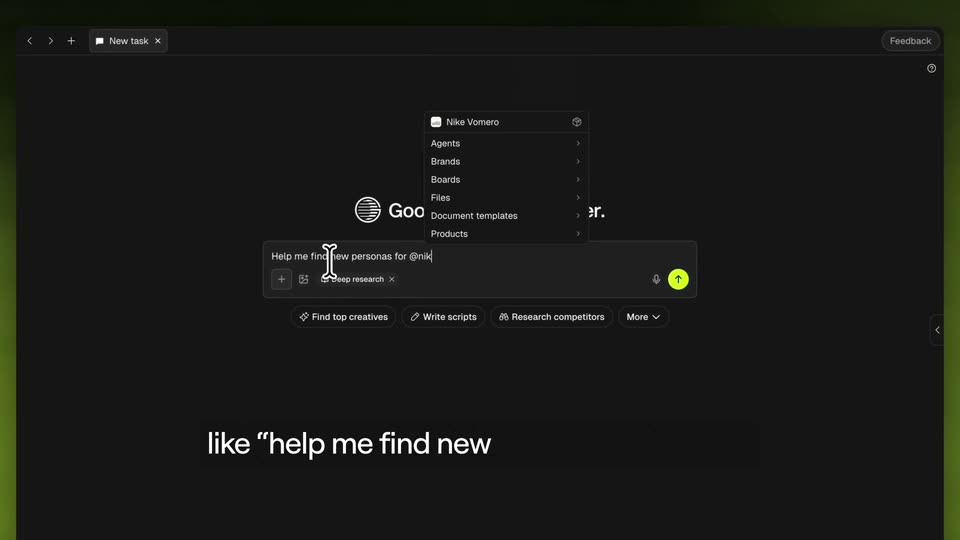 1:13–1:17General Context Labs · Sawyer Covington - This is what having a creative team of 100 could look like. IntroduciA dark browser window shows a task composer greeting the user. A hand cursor clicks the plus menu, selects the Deep research chip, then types a prompt and picks Nike from a dropdown list. White captions build word by word along the bottom edge.
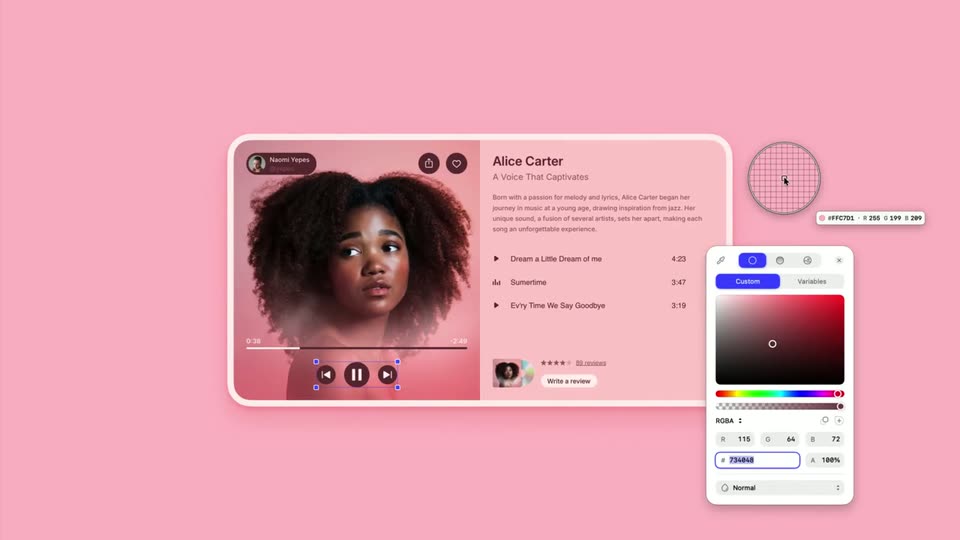 1:08–1:10Sketch · Sketch - 🆕 Things you’ve been asking us for 🆕 Selection colors, independent bA pink music player card slides in from the left and settles at center while a color picker panel holds on the right. A grid loupe magnifies the artist name as the cursor hovers, then the whole card scales up.
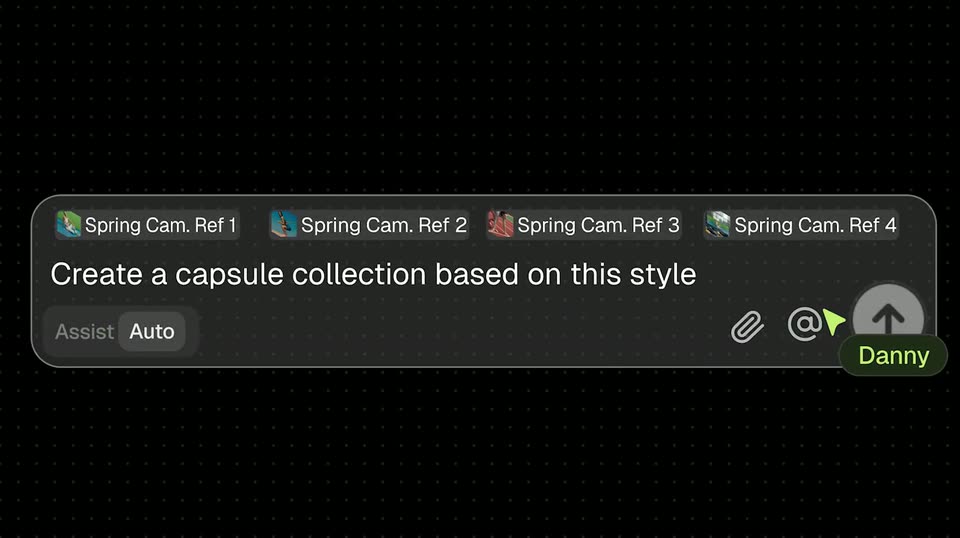 0:38–0:42FLORA · FLORA © - Introducing FAUNA. The creative agent built for people whose ideas deA rounded prompt bar brightens on a black dotted grid. Four reference chips line the top as the prompt types out. A green Danny pill with a cursor arrow slides from center to the right and fades as the send button lights up.
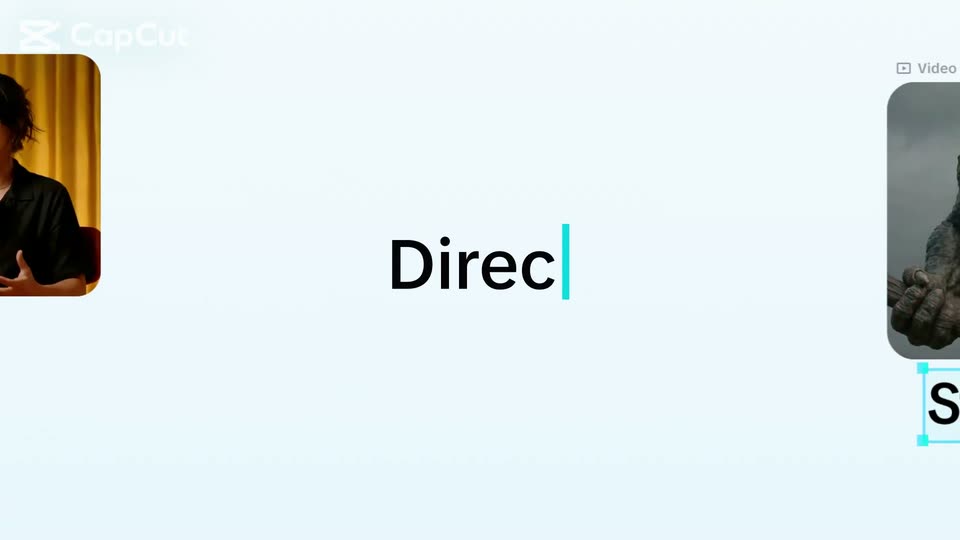 1:08 · 0.5sCapCut · CapCut - Introducing CapCut Video Studio, a timeline-free way to create videosA pale blue CapCut canvas: a rounded clip of a roaring goat sits center, then a text field types Dre with a cyan caret as two more clips, one showing the letter S with selection handles, slide in from the edges.
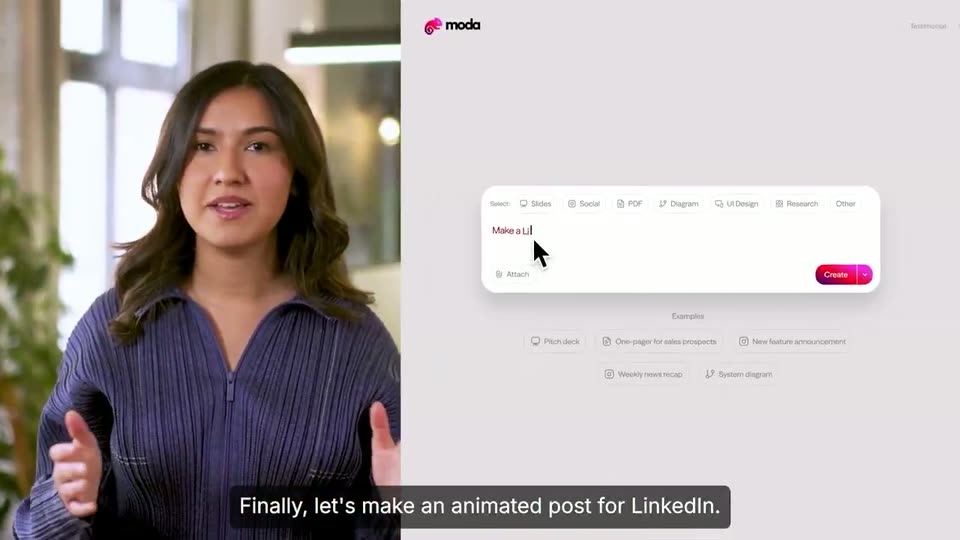 1:08–1:09Moda · Anvisha - We raised $7.5M to kill AI slop. Introducing Moda: the world's firstSplit screen: a woman in a blue shirt talks on the left; on the right the moda interface shows a cursor moving into the prompt box and typing 'Make a Linked' as the placeholder text clears.
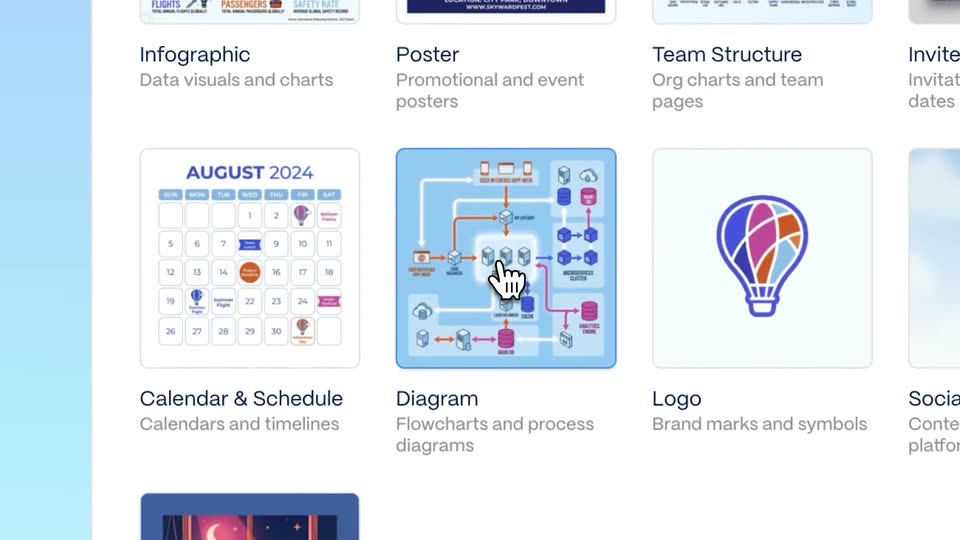 0:33–0:35Gamma · Gamma - Introducing Gamma Imagine! Gamma Imagine lets you create standaloneA white grid of template categories, each card pairing a thumbnail with a title and subtitle. A hand cursor drifts down to hover the center of the Diagram card.
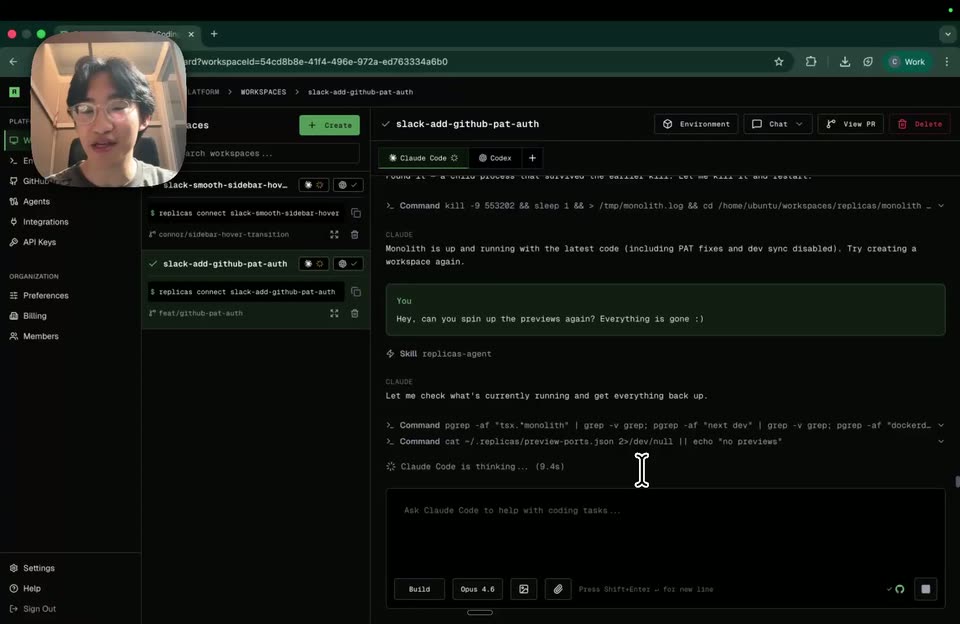 2:29–2:47Replicas · Replicas V1 DemoA dark developer dashboard with a small webcam inset of a man with glasses in the top-left corner. A chat message is typed and sent, then agent replies and command lines stack up, scrolling the thread upward as a bone-shaped cursor moves near the top buttons.
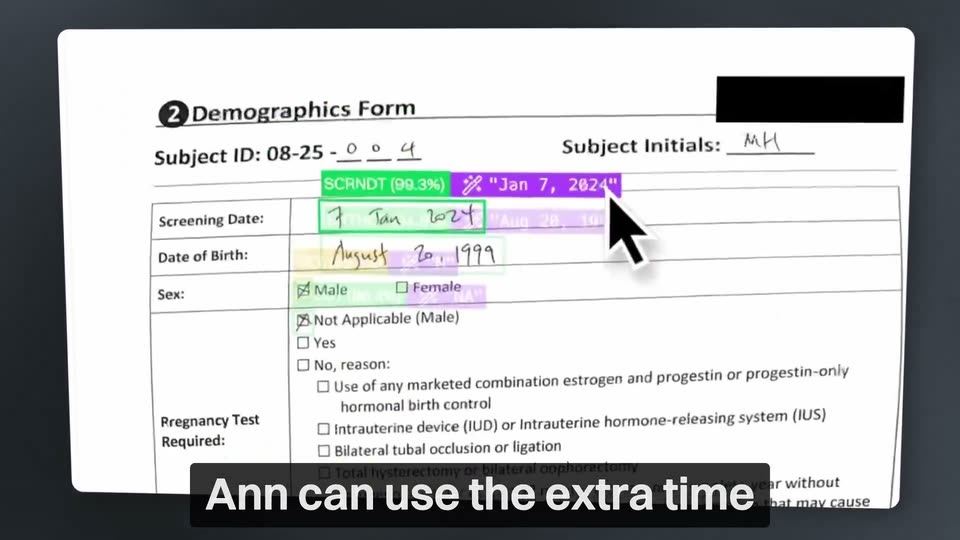 1:10–1:12Harbor · Y Combinator - Harbor (@runharbor) is a new electronic data capture platform for cliA demographics form with colored field highlights and a side panel of confidence scores. A cursor points at a date field as the view zooms in. The caption 'Ann can use the extra time' swaps to 'to focus on her patients' as the form tilts and fades to white.
 0:40–0:43Manus · Manus - Today, we're taking Manus out of the cloud and putting it on your desA Finder window fades in on a cloudy desktop showing one MeetingTranslator icon. A cursor glides to the icon and clicks it, launching the Meeting Translator app window that scales in over the Finder, while a small lavender window pops up at the bottom right.
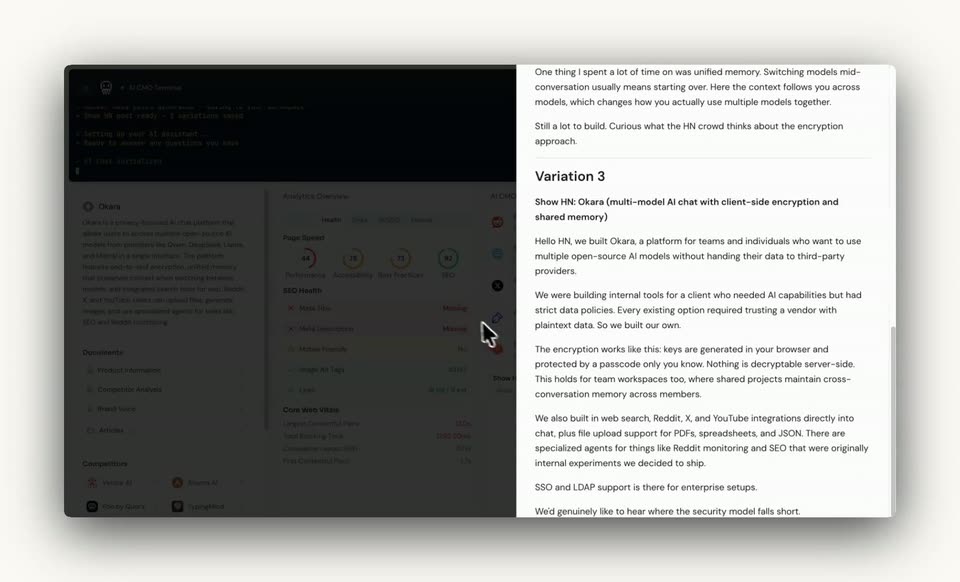 0:51–0:52Okara · Okara - Today we're introducing the world's first AI CMO. Enter your websiteA three-panel dashboard fills the frame: a dark terminal on the left, an analytics view with speed gauges in the middle, and a chat feed on the right. The right panel switches from an SEO document to a Hired and AI CMO conversation as a cursor moves.
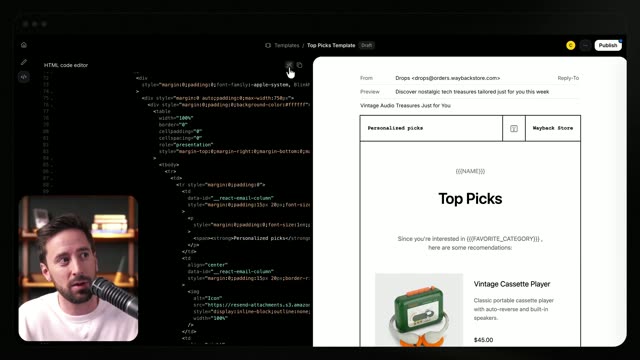 2:32–2:47Resend · The NEW Email Editor is here!Split view of an email builder: a dark HTML code editor on the left, a white email preview on the right, with the presenter's webcam feed in a lower-left inset. The code list scrolls between sections while the cursor moves to the editor toolbar and clicks a format icon.
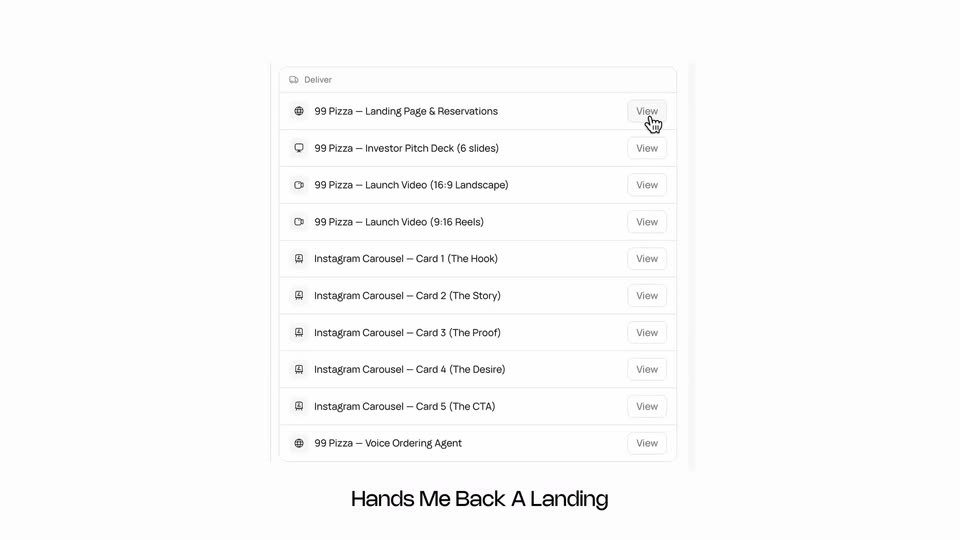 1:39–1:40Runable · Umesh Kumar - Introducing Runable 2.0 — the best way to work with AI. Runable nowA white deliverables list card sits centered as a hand cursor moves down the column of buttons. The card slides up and a diagonal wipe reveals a dark 99 Pizza landing page at right, while a caption decodes along the bottom.
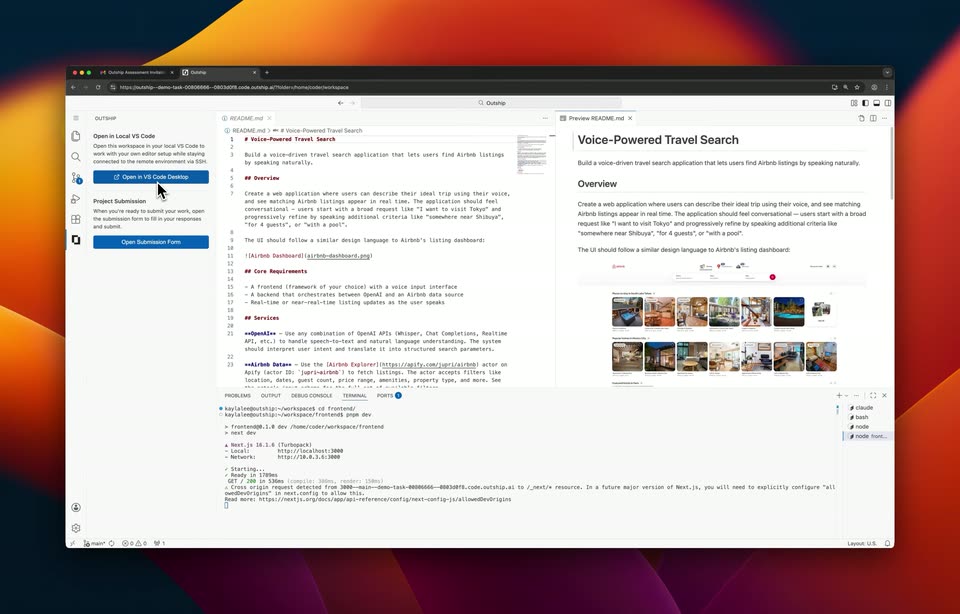 0:35–0:37Outship · OutshipA flat code editor workspace shows a file tree, a README markdown file, and a rendered preview side by side. A cursor moves to the left sidebar and clicks an icon, opening a dropdown menu with the option to open in local VS Code.
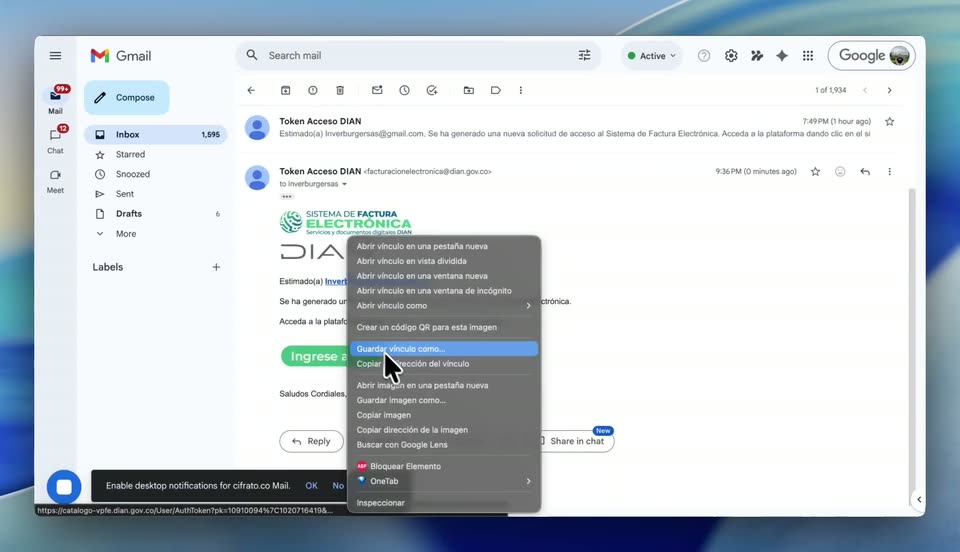 0:45–0:46Cifrato · Demo CifratoA Gmail window shows an open email with a right-click context menu overlaid on the message body. The cursor glides down the menu, highlighting the link-copy options while the voiceover notes the token URL is extracted.
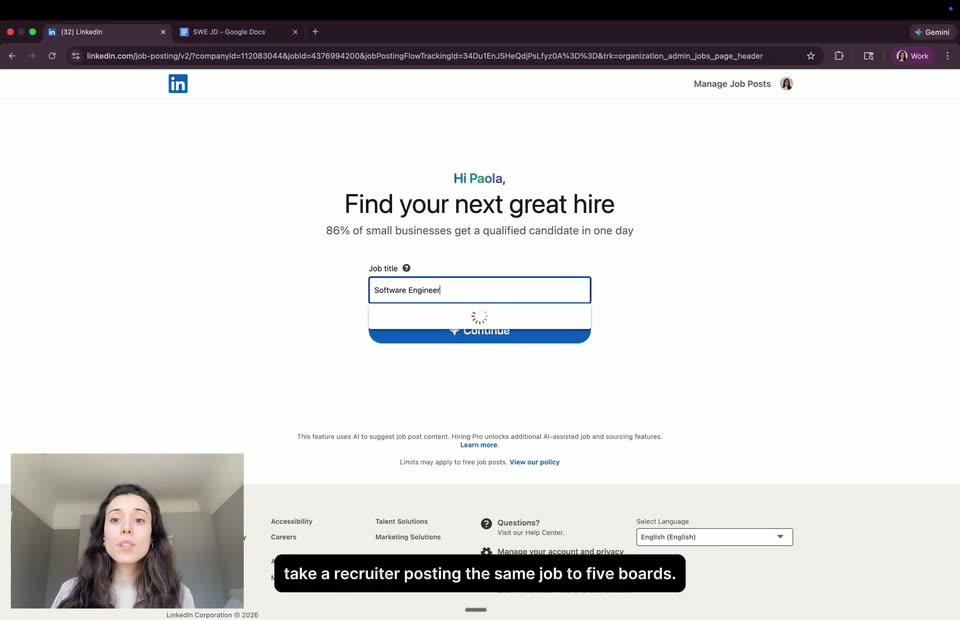 0:44–0:46Cofia · Introducing CofiaA LinkedIn job posting page fills the screen, with a small webcam inset of a woman in the lower left. The cursor enters the job title field, types Software Engineer, and the view switches to an AI-drafted description. Black caption boxes appear at the bottom.
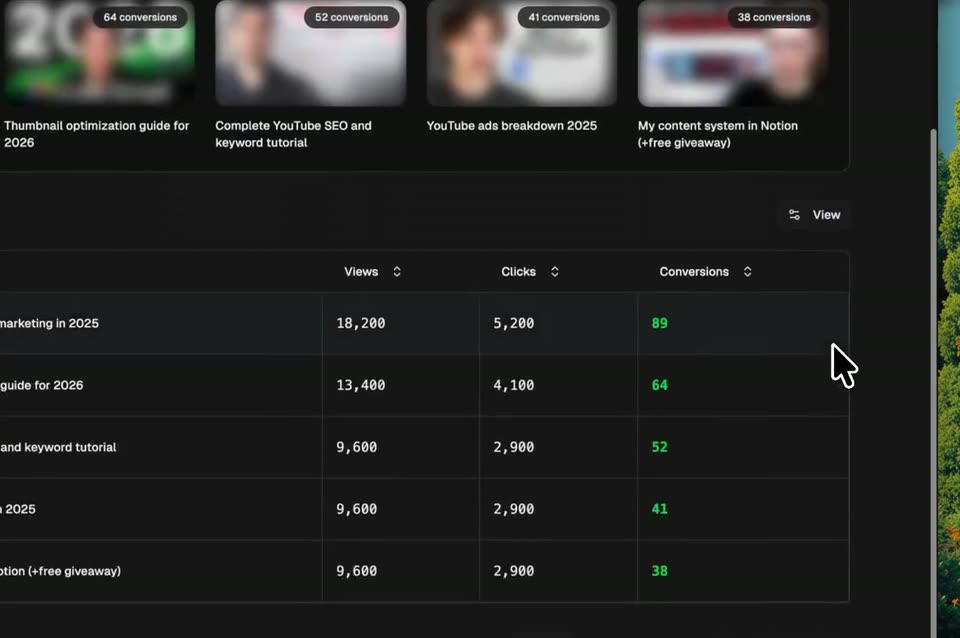 0:29–0:30Pulse · Pulse App - Psst, dark mode is here. If you're running youtube lead gen offers,A dark analytics dashboard transitions from a list view to a grid of four video thumbnails, each with a conversions badge, above a table of views, clicks and conversions. A cursor rests beside the View toggle on the right.
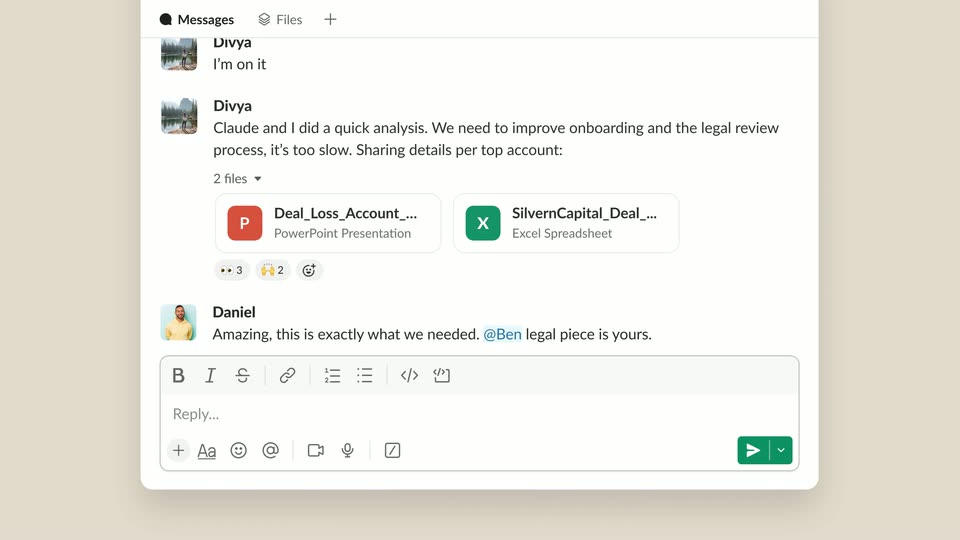 1:01–1:05Anthropic · Claude - Introducing Cowork and plugin updates that help enterprises customizeA messaging app chat opens zoomed on the composer, then pulls back to the full thread as messages load in sequence: an analysis post with two file cards, reaction badges, then two short replies. A cursor rests on the send button.
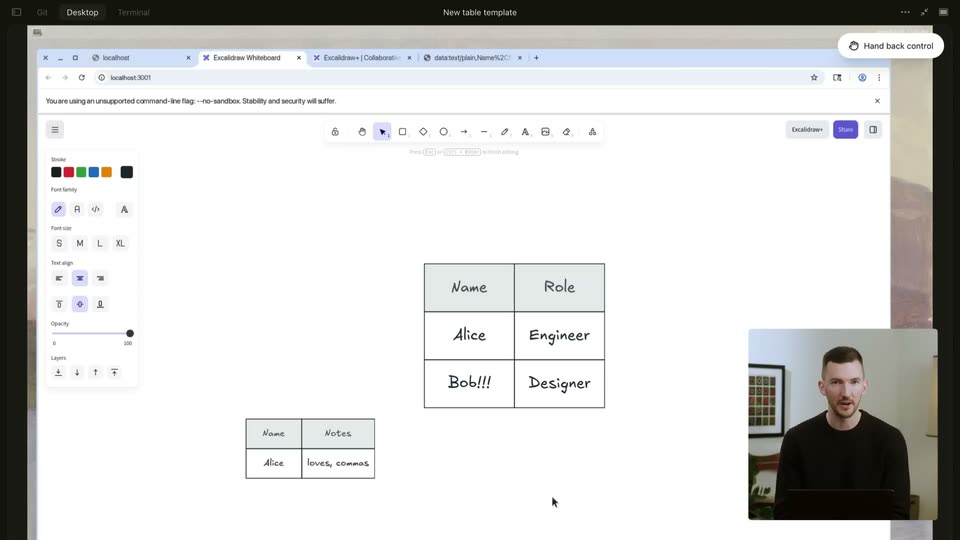 2:11–2:20Cursor · A computer for every agentA whiteboard app fills the screen, showing two hand-drawn tables on a canvas. A cursor types 'Bob!!!' into a cell of the larger table. A small webcam feed of a man in a black sweater sits in the bottom right corner, talking and gesturing.
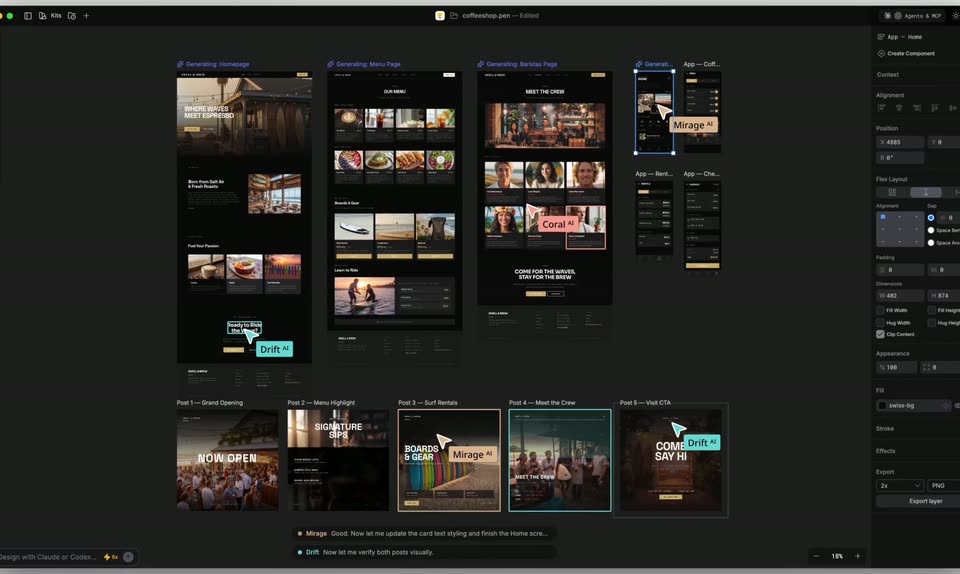 0:36–0:41Pencil · Tom Krcha - Pencil just crossed 100,000 users! Today we are introducing SWARM modA dark design-tool canvas displays a grid of coffee-shop website screens and social posts. Named agent tags in colored chips drift across the layout while the view zooms in and a properties panel slides in from the right.
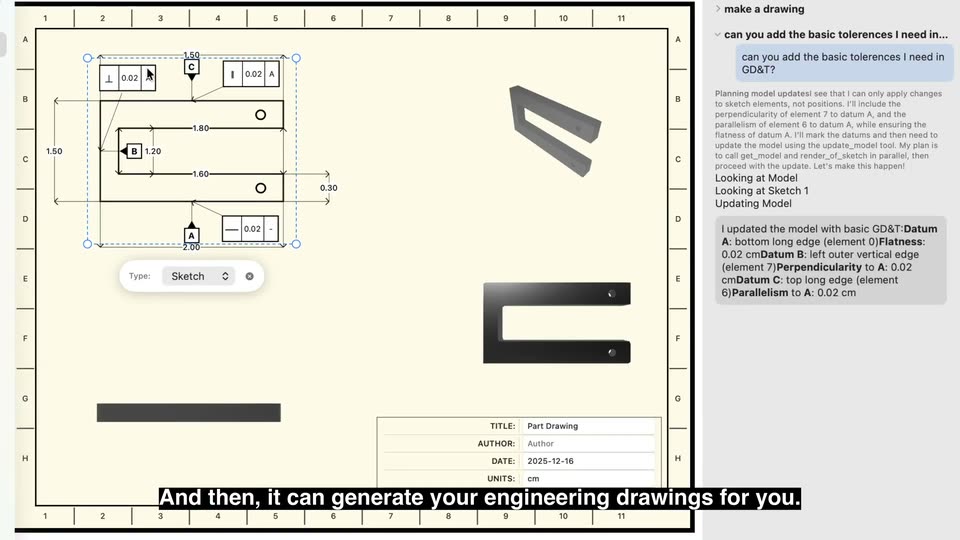 0:53–0:56Y Combinator · Y Combinator - Aurorin is building new professional CAD Software from the ground upA split CAD screen: on the left a white drawing sheet fills with animated dimension lines and GD&T frames, on the right a chat panel streams the model update. Two C-bracket renders, gray angled and black front, sit in the sheet; a cursor taps a symbol.
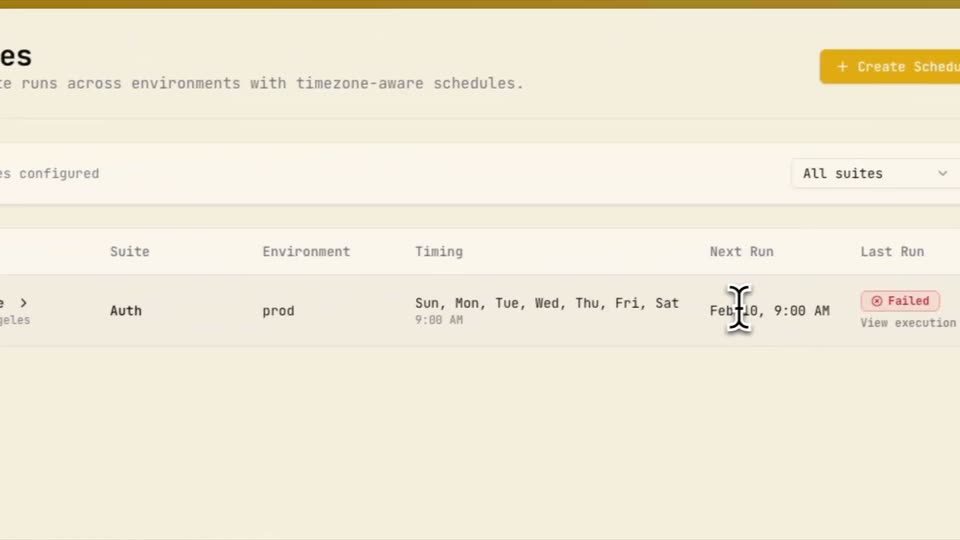 1:03–1:06Canary · Canary - Friday. 5:47 PM. Quick Claude session, small auth refactor. LGTM, meA warm-toned product screen shows the Schedules page; a hand cursor taps the menu, then the view pans right across the table rows to reveal a Failed status badge. A bottom caption reads nightly schedules automatically.
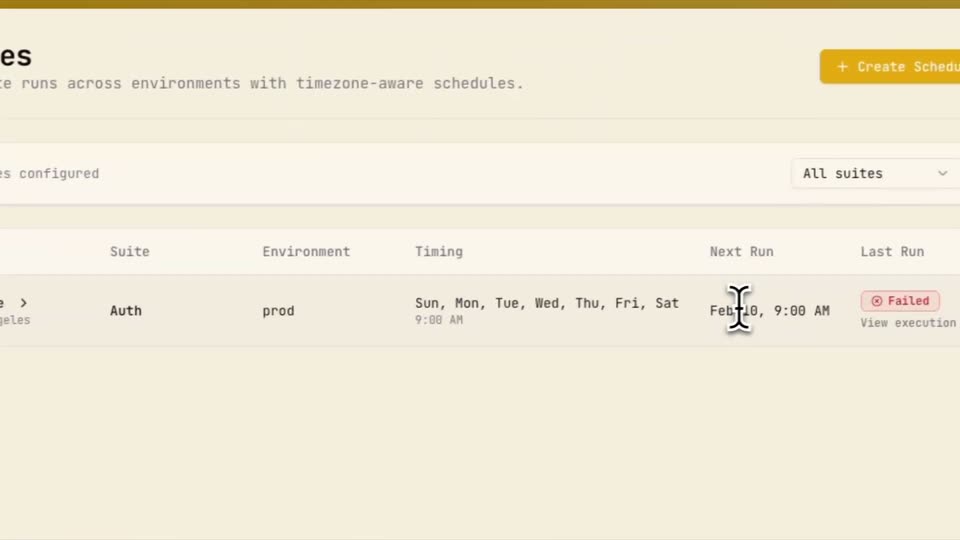 1:03–1:06Canary · Canary Launch VideoA close-up of a schedules table zooms out to reveal the full Schedules page and its header. A mouse cursor hovers over the Auth row, then shifts right as the view widens.
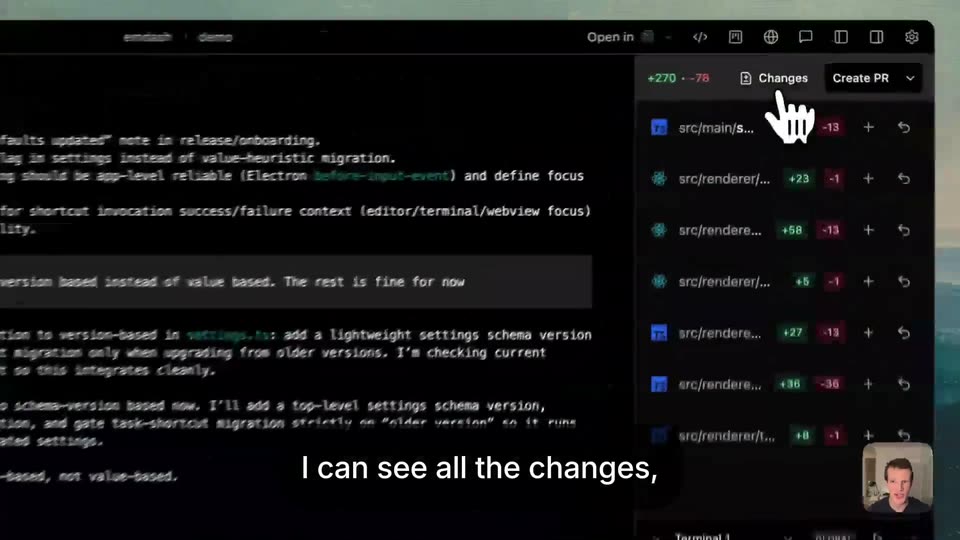 0:36–0:37Emdash · Y Combinator - .@emdashsh is building an open-source Agentic Development EnvironmentA dark IDE shows a task list left, a markdown summary center, and a file changes panel right. A cursor moves to the top right over the Changes and Create PR controls, with a small webcam feed of a man in the corner.
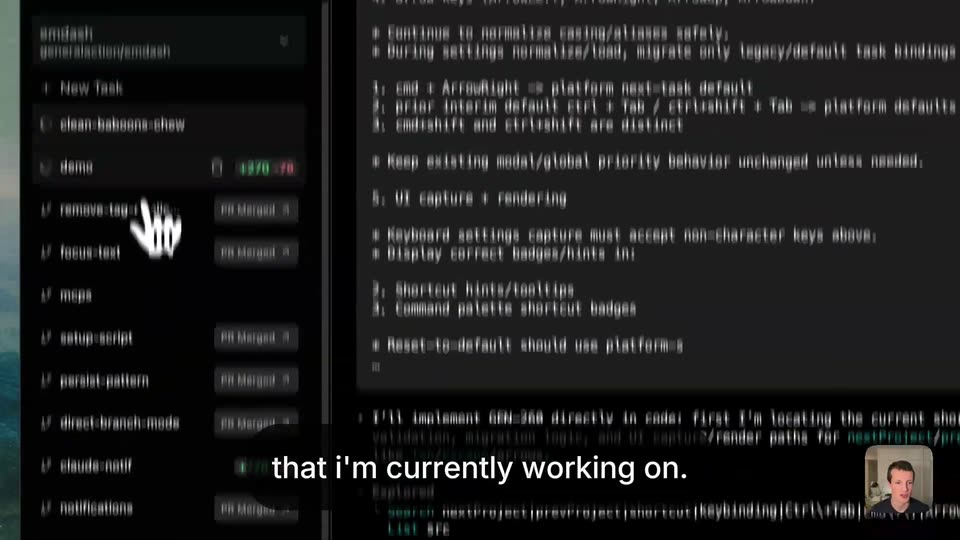 0:30–0:32Emdash · Launch Emdash (YC W26)A dark two-panel interface shows a task list on the left and a code document on the right. The list scrolls up as a hand cursor hovers over items, while a white caption sits at the bottom.
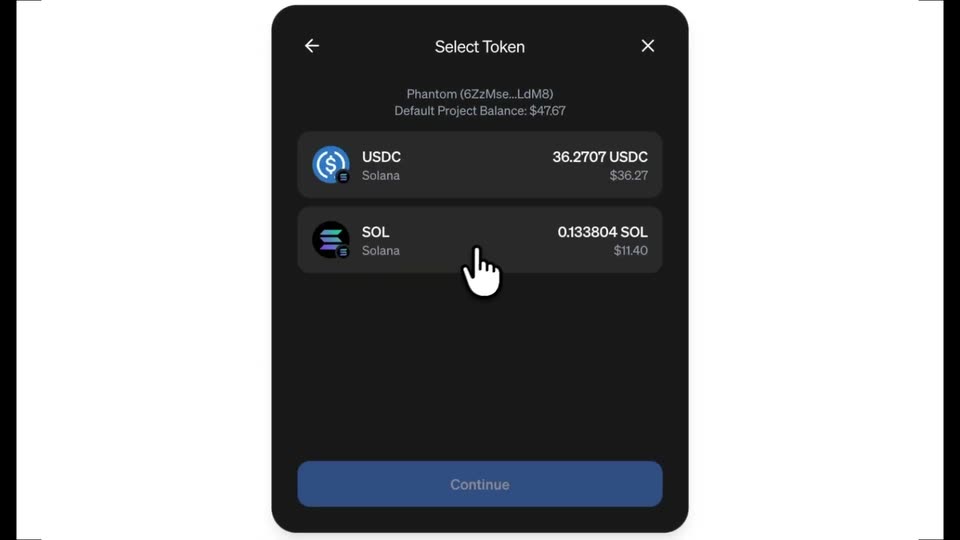 0:24–0:26Unifold · Unifold - Universal Deposit InfrastructureA dark Select Token panel sits on a white background; a white hand cursor glides to the SOL row as a loading spinner fades, while a two-line caption wipes out from the lower left.
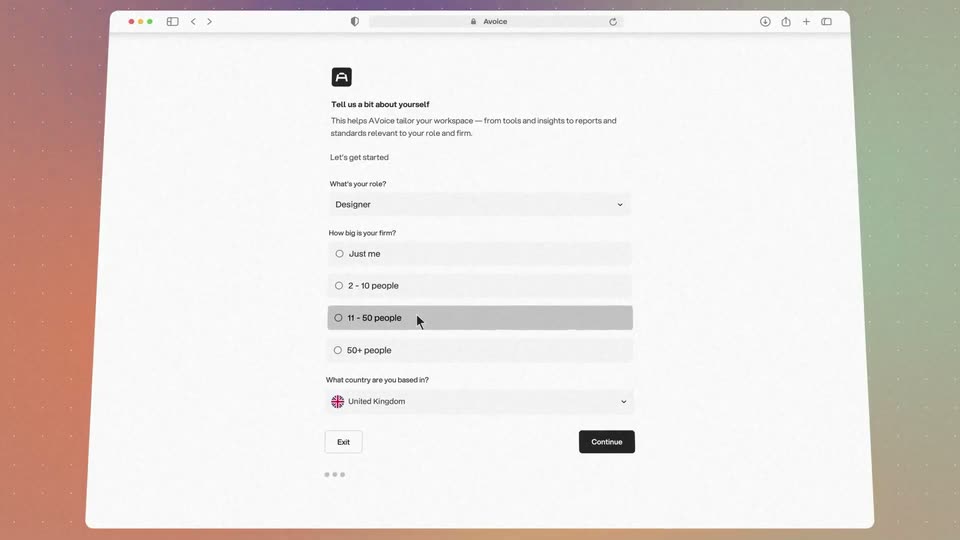 1:30–1:33Avoice · Avoice | The AI Workspace For ArchitectsA browser window on a starry orange-to-green gradient shows the Avoice onboarding form. The view opens close on the fields, pulls back to the full window, a cursor clicks a team-size radio, and the page slides left to a workspace setup screen.
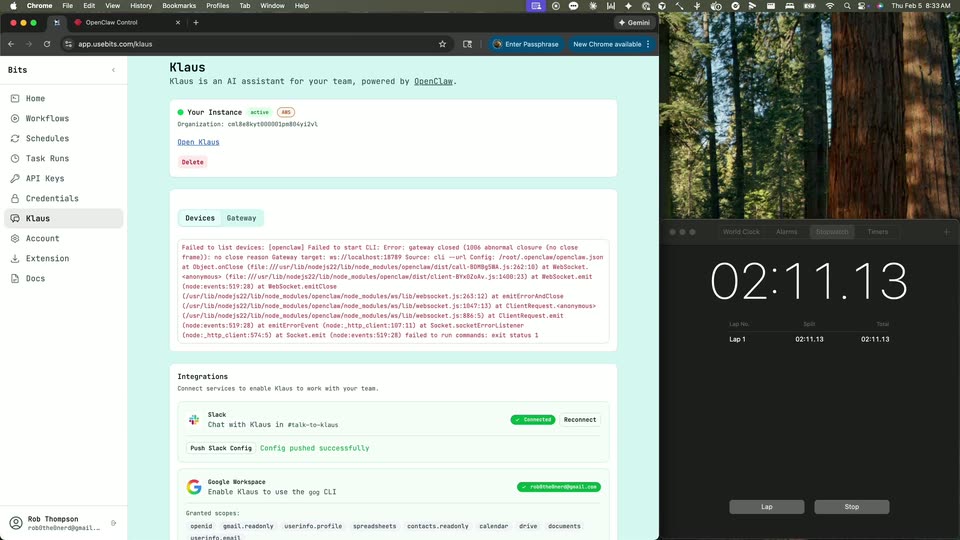 0:28–0:31usebits_inc · Y Combinator - OpenClaw is a new viral and scarily effective virtual assistant. ButA browser window shows the Klaus dashboard. A white hand cursor rests on the left sidebar, then the panel switches to a chat view with a red error line and a Google Workspace card. On the right, a stopwatch over a forest photo counts up.
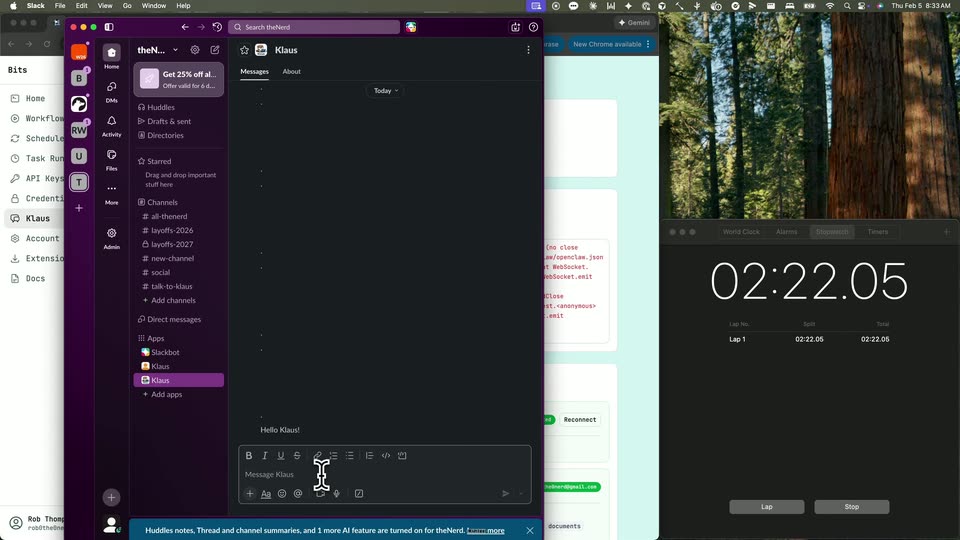 0:42–0:48Klaus AI · Klaus launchA static desktop view stacks a dark chat app, a code terminal, and a stopwatch ticking up over a forest photo. A cursor clicks the input box, types a greeting, then highlights a bot's reply as it appears.
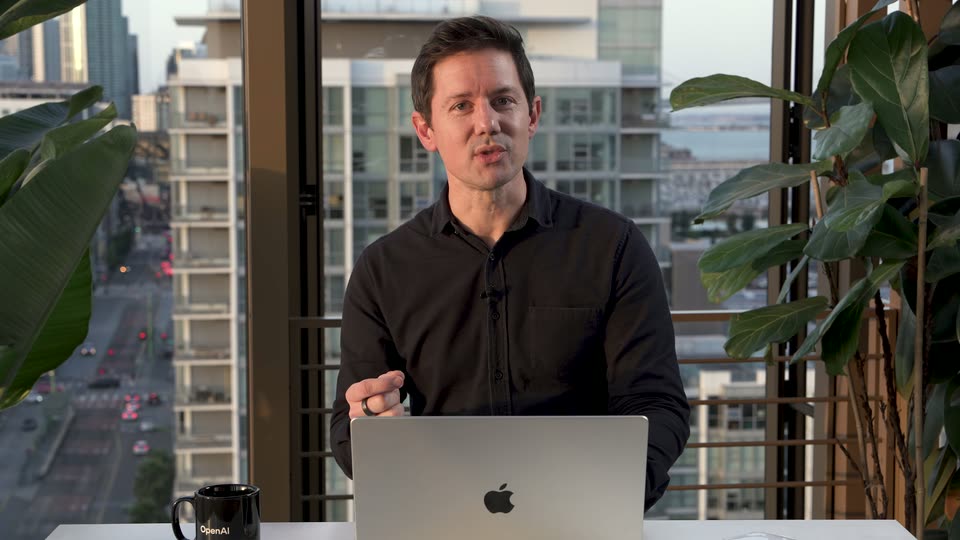 2:13–2:18OpenAI · Introducing the Codex appA man in a black shirt sits at a desk before a city-window backdrop, talking and gesturing, with a MacBook and black OpenAI mug on the desk; the shot cuts to the Codex interface showing a Let's build prompt and a cursor on the send button.
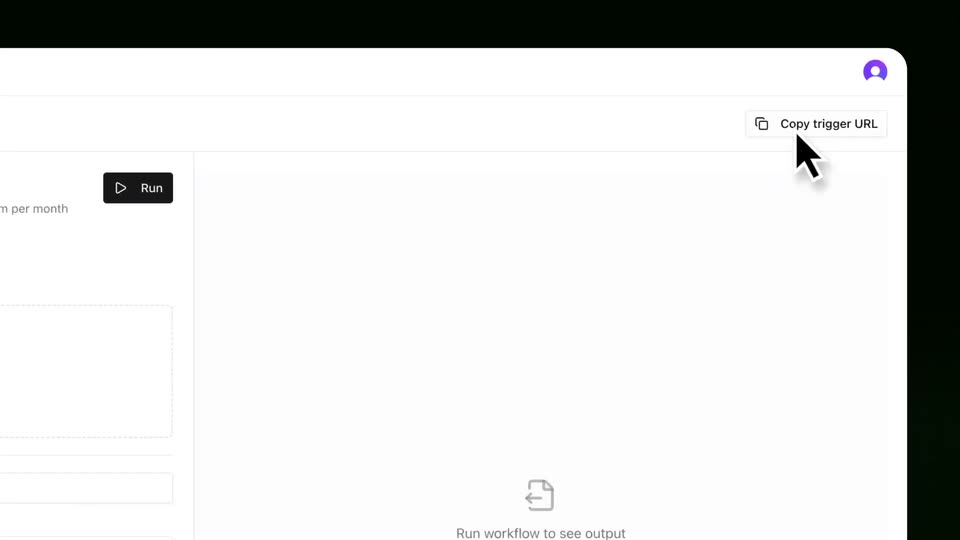 1:17–1:19EigenPal · Introducing EigenPalThe view zooms into the top-right of a workflow editor, framing the Copy trigger URL button. A cursor clicks it and a Copied! toast pops in beside it.
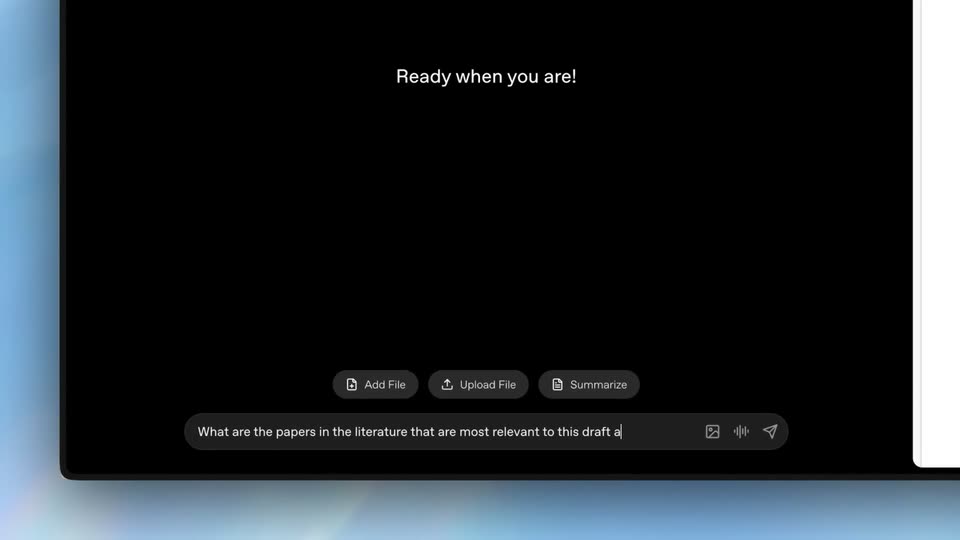 1:05–1:06OpenAI · Introducing Prism, a free workspace for scientists to write and collaborate on researchA question types itself into the bottom input bar of a dark chat screen, the caret advancing letter by letter. Above, the greeting 'Ready when you are!' sits over three pill buttons labeled Add File, Upload File and Summarize.
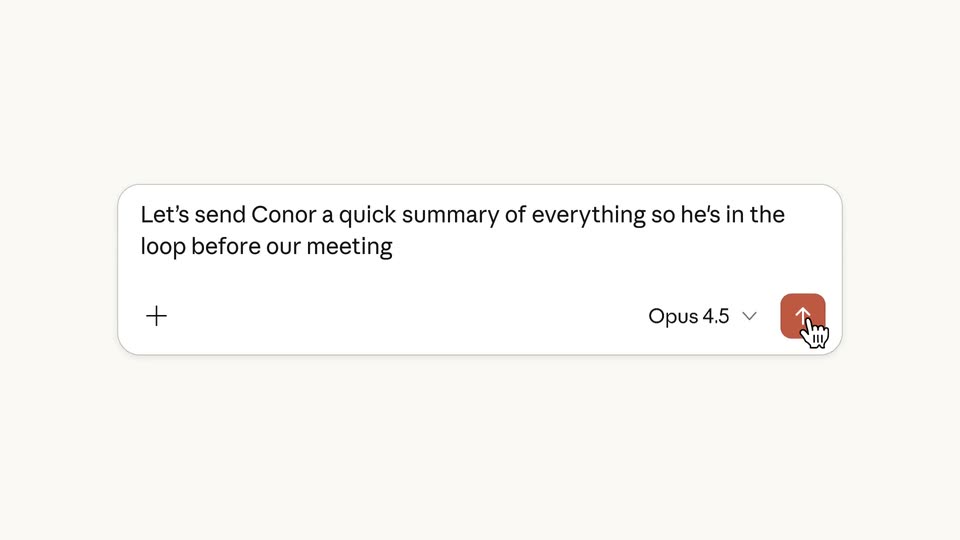 0:34–0:35Anthropic · Claude - Your work tools are now interactive in Claude. Draft Slack messages,A rounded chat input sits on a cream field, filled with a typed prompt, a plus icon at left and an Opus 4.5 tag beside an orange send button. A hand cursor rests on the send button while a black arrow pointer vanishes below it.
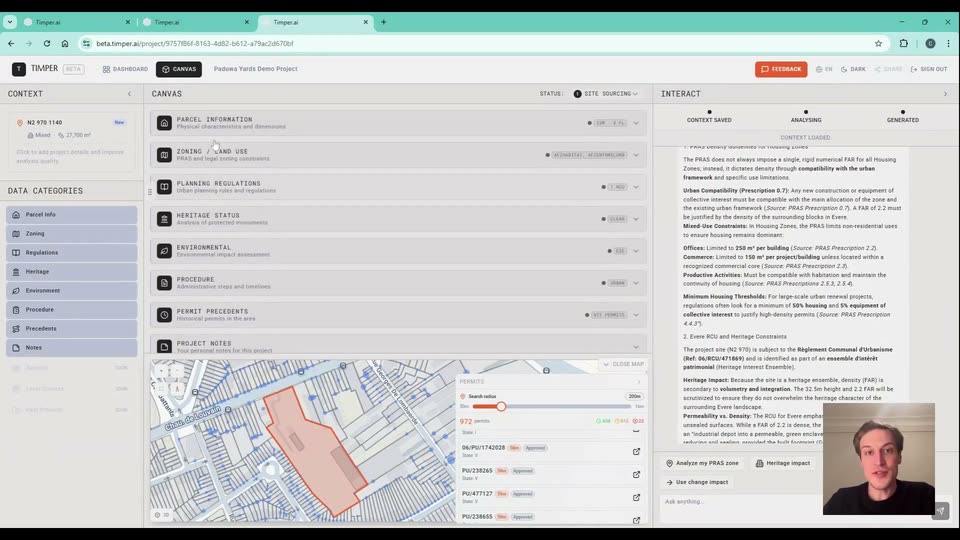 1:51–1:56Timper · Timper.ai - Demo Jan 2026A three-panel web app fills the frame, a street map with an orange parcel pinned at the bottom. The middle canvas collapses an expanded permit card into a stacked list of category rows. A man talks in a small video-call box at the lower right.
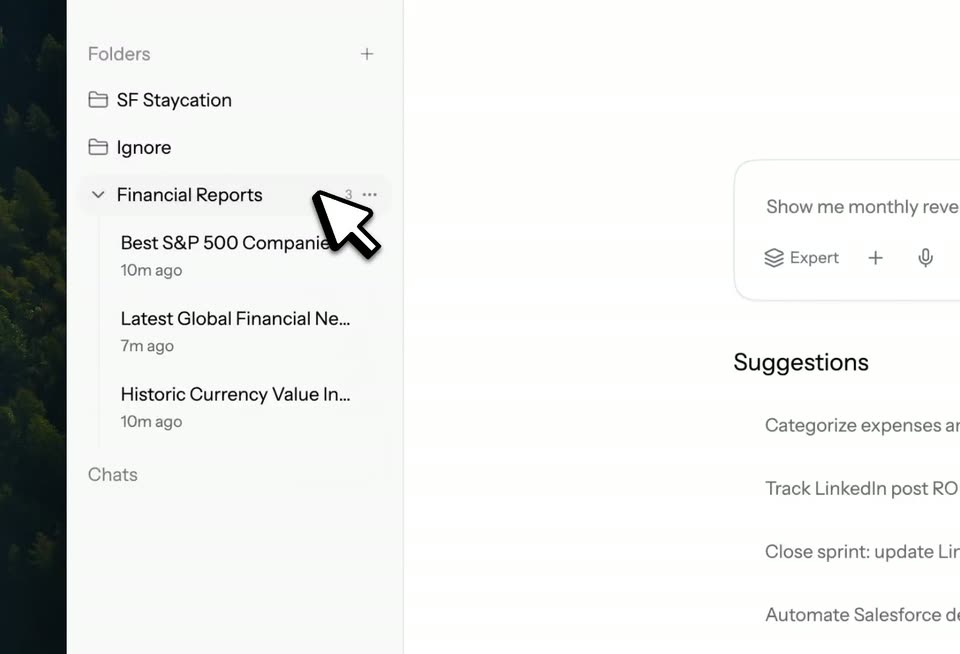 0:10–0:11Doe · doe - We're announcing folders for chat sessions and files!A close-up of a sidebar interface. A large black cursor hovers over the Financial Reports folder and clicks it, expanding the row to reveal three dated documents. On the right, a prompt field cycles through example phrases above a Suggestions list.
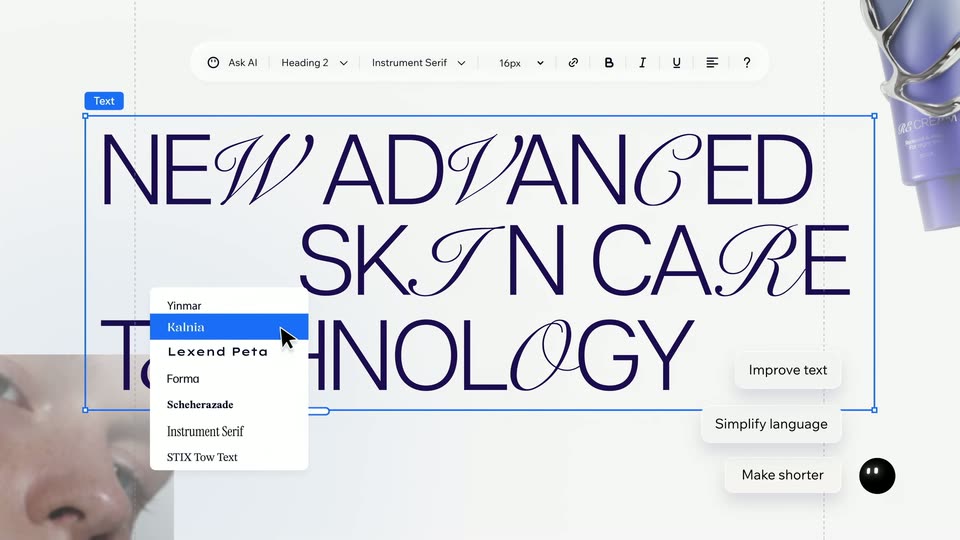 0:38–0:39Wix Harmony · Wix Harmony: The new way to createA text-editing canvas shows the heading NEW ADVANCED SKIN CARE TECHNOLOGY in a mixed serif and script face inside a blue selection frame. A cursor moves into the open font dropdown and highlights Kalnia as the list shifts up.
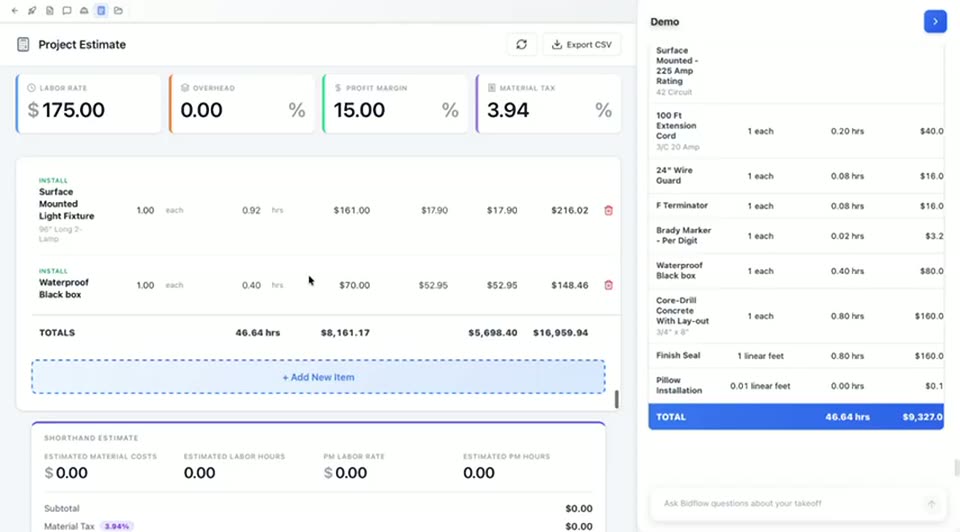 1:15–1:30Bidflow · Bidflow DemoA close-up of the estimate dashboard's rate cards and line items blurs into the full app view. A cursor hovers the Export CSV button, then the line-item table swaps to a totals row beside a side panel.
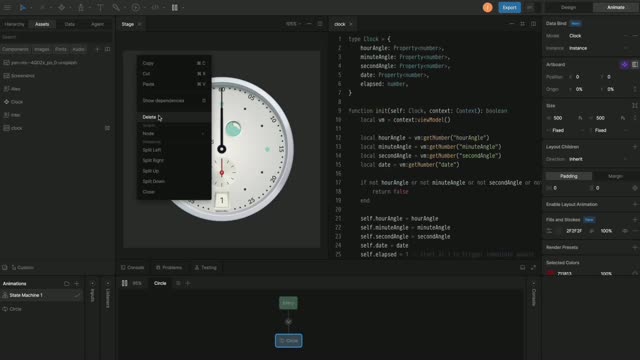 1:13–1:14Rive · Scripting is Live in Rive ✨A dark editor layout fills the frame: a white analog clock sits on the central stage with a context menu expanding over it, code and a node graph occupy the side and bottom panels, and a cursor hovers across the menu items.
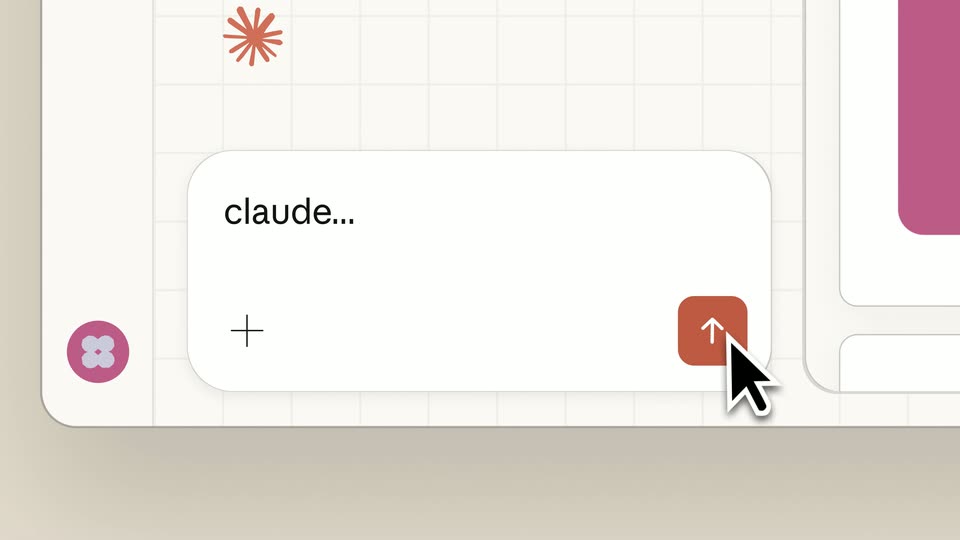 0:57–1:02Anthropic · Claude - Introducing Cowork: Claude Code for the rest of your work. Cowork leA close-up of a chat compose box on a cream grid background. A black cursor sits on the orange send button as the placeholder Reply... gives way to typed text reading claude... you cooked.
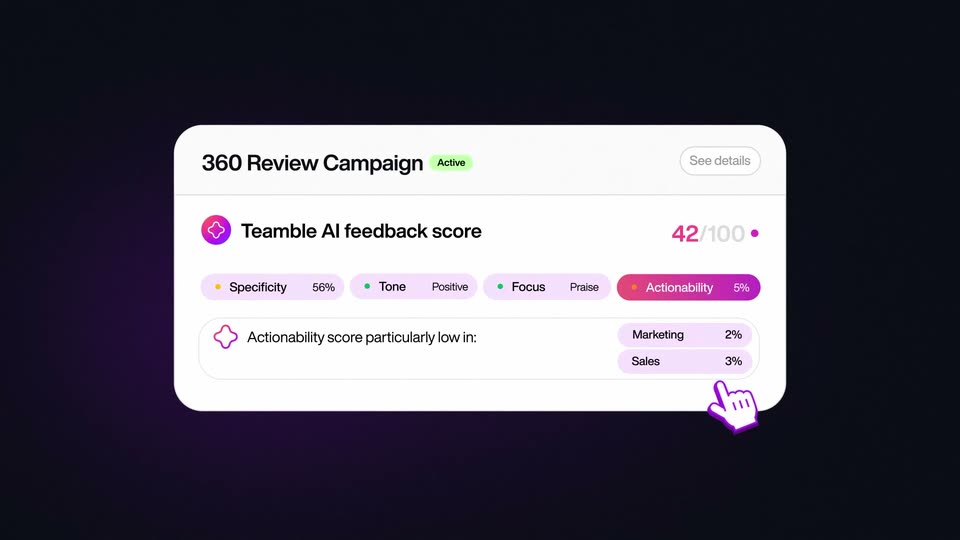 1:17–1:21Teamble · Teamble launch filmA white product card floats on a dark purple field. A purple hand cursor taps the Actionability pill, which turns pink and reveals a row listing Marketing and Sales. The cursor then taps the Sales pill as the feedback score counts up from 38 to 42.
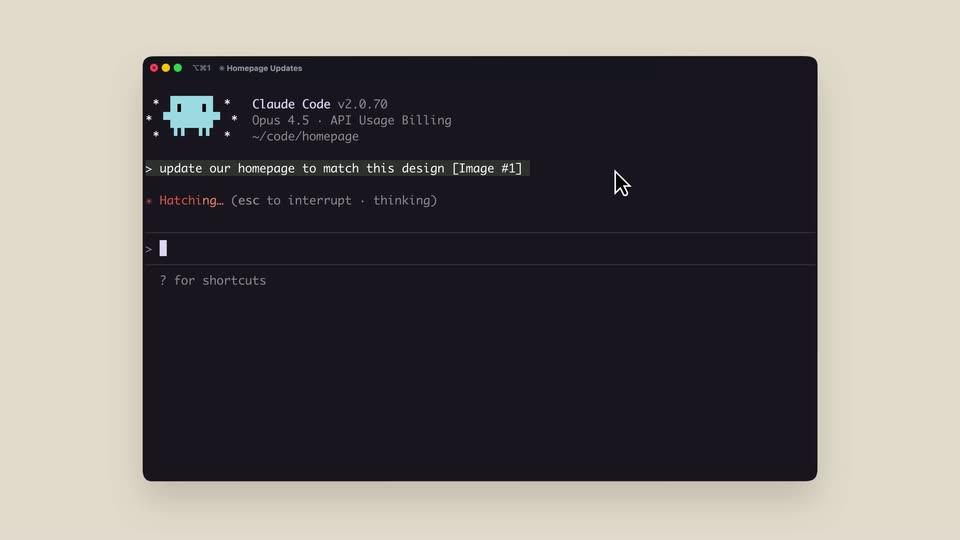 1:12–1:18Anthropic · Let Claude handle work in your browserA dark terminal window on a cream background types a prompt as a tilted phone mockup drops in with the cursor, then the image is replaced by an [Image #1] token. A red thinking status line appears, and the assistant reply begins typing.
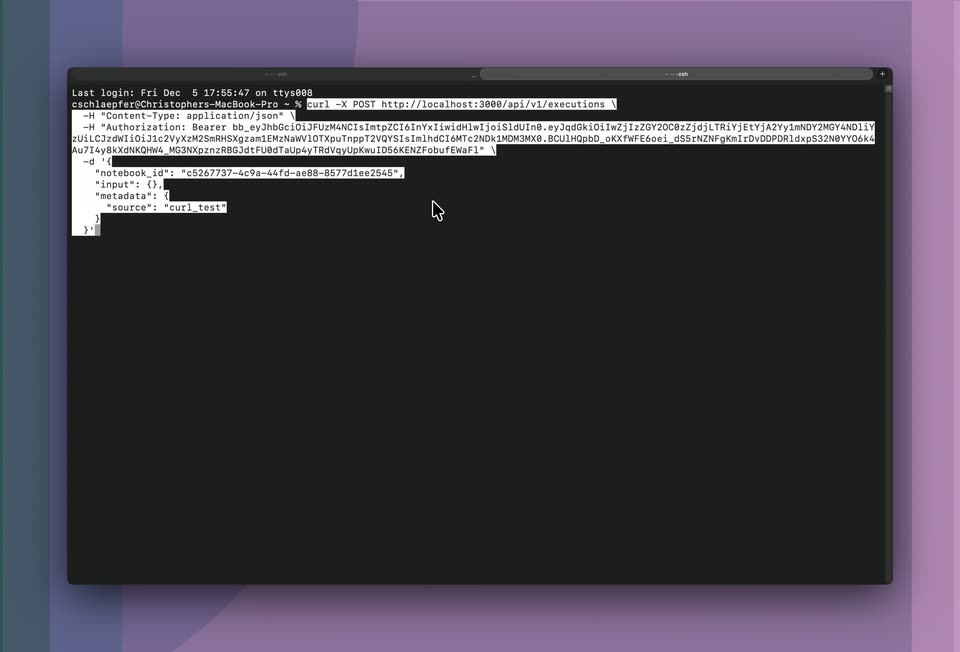 2:52–2:56Kilvin · BrowserBook YC DemoA dark terminal window sits on a soft purple background. A cursor drifts over the empty prompt, white glitch bars flash across the text, then a curl command types out line by line.
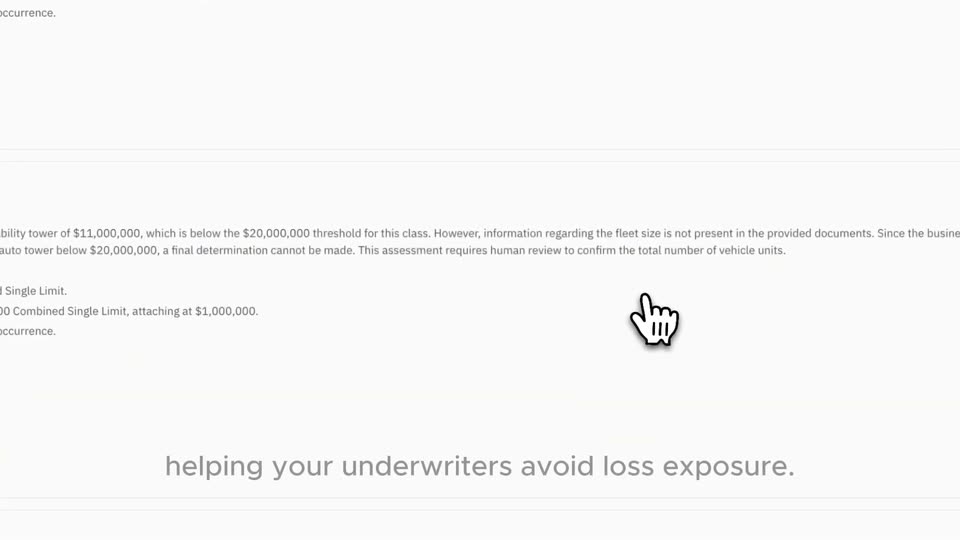 1:16 · 0.8sAdaptional · Adaptional IntroA blurred white document fills the frame as a hand cursor glides from left to right across the middle. A gray caption sits at the bottom.
 1:14–1:15Craft · Introducing the new Craft Assistant, MCP & API and more!A dark editor window opens with a theme dropdown on the right, listing color schemes beside circular letter swatches. The menu closes to reveal an empty dark canvas, the cursor resting in the lower right corner.