
0:59
Explore
00:00:00 / 03:31:25
- Length
- 3:31
- Scenes
- 20 · 10.6 s avg
- Product on screen
- 0:00
- Features shown
- 4
- Voiceover
- Yes
- Views
- 12K on YouTube
as of November 11, 2026
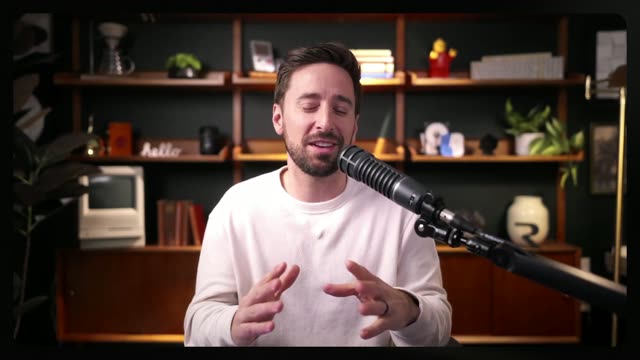
Resend’s 3:31 launch film runs 20 scenes, about 11 s each. The product is on screen from the first frame and 4 features are revealed. There is no explicit call to action; a voiceover carries the film. The video alternates between locked-off studio shots of the presenter and locked-off screen recordings of the dark editor, with the presenter shrinking into a rounded lower-left inset during the demos. Each feature is introduced in a short talking-head beat and then shown in one continuous screen take, keeping the pace steady at about five cuts per minute.
Footage neededEstimated needs: 5 capture groups — your screens or recordings · 1 official logo — reused across the film · 6 filmed passages — shoot, supply or replace
Is this your launch? to your site or press kit.
More like this

2:20

Executor Demo
Executor · B2B · Aug 2026
3:24

Meet the Replit Agent
Replit · Developer tools · Sep 2024
Similar soundtrack
Films whose music sounds like this one, voice left out
1:42
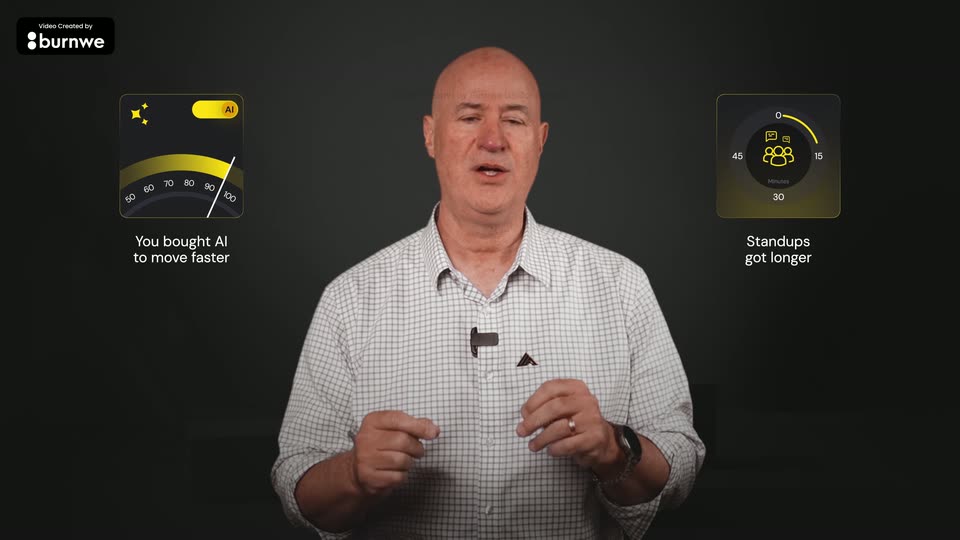
Live Action meets Motion Graphics | SaaS Explainer Video | Astra
Astra · Electronic, Post-Rock
1:16
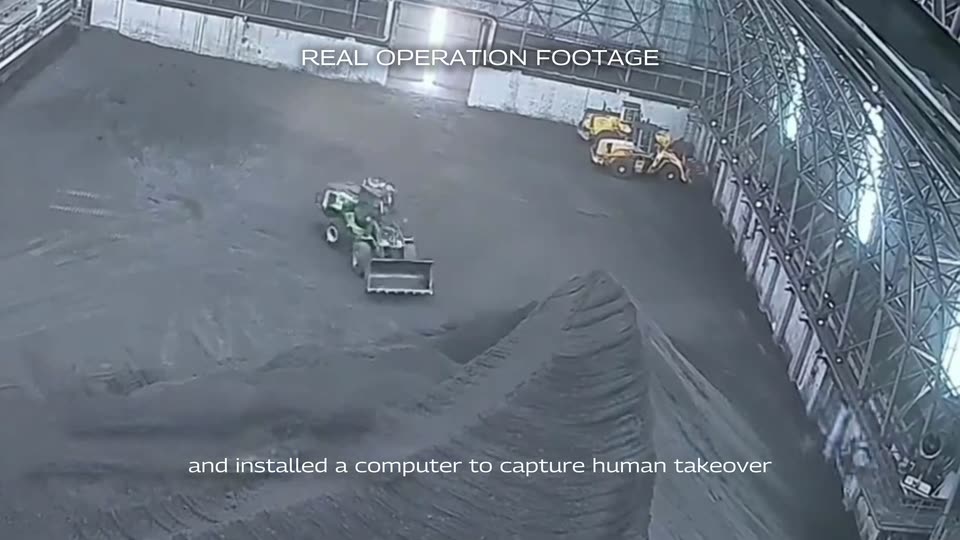
Alliance - Heavy machinery is running out of operators. Introducing @pilot_robo
Alliance · Corporate tech launch
1:33
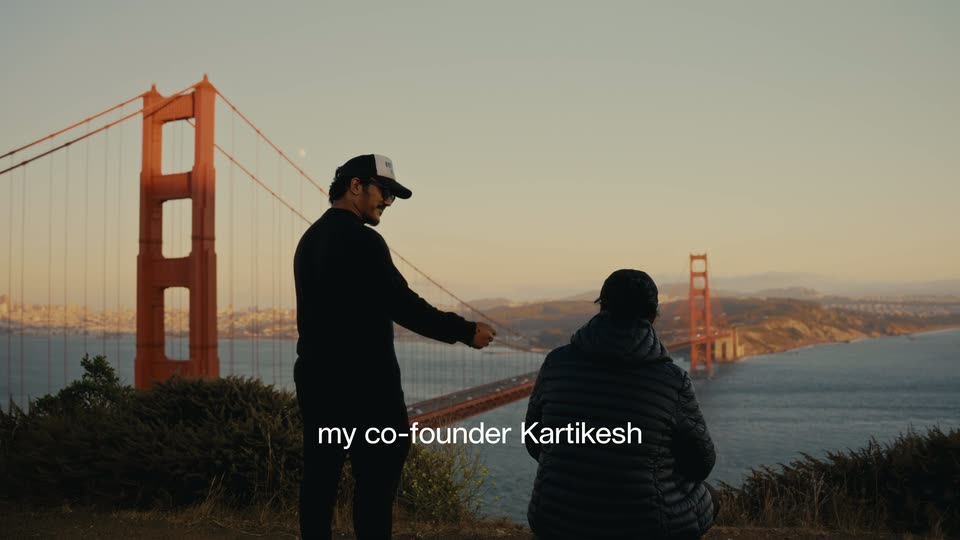
Sudip - We raised $4.8M to build @laminalabs and make AI explain with video,
Lamina Labs · Electronic
The NEW Email Editor is here!, scene by scene
· 20 scenes as text
01 · Product intro · 0:00–0:13
A man in a cream sweater sits centered, speaking into a studio microphone on a boom arm, gesturing with both hands. Behind him, dark wooden shelves hold books, plants and small objects; a leafy plant frames the left, a lamp and keyboard the right. Static medium shot.
Camera: Pull out
02 · Demo · 0:13–1:07
A dark email-template editor fills the frame, its cursor tapping the left toolbar to pop open component menus while the right panel flips between Layout and Text settings. A small talking-head video of a man at a microphone sits in the lower-left corner.
Techniques: Cursor demo
Camera: Static
03 · Feature reveal · 1:07–1:11
A man in a white sweatshirt sits at a studio microphone, gesturing with both hands while speaking. Wooden shelves behind him hold plants, books, a vintage computer, and small objects against a dark wall. The medium shot stays static throughout.
Camera: Push in
04 · Feature reveal · 1:11–1:16
Locked-off screen recording of a dark email template editor. The cursor types in the body, triggers a slash menu, then opens a block menu from the left toolbar. A presenter's webcam feed in a rounded frame sits in the lower-left corner.
Techniques: Cursor demo
Camera: Static
05 · Feature reveal · 1:16–1:32
A dark email-builder window fills the frame; a cursor opens the left menu and clicks 2 columns, then 3 columns, dropping dashed column boxes onto the white canvas while the right panel updates. A small talking-head video of a man at a mic fades in at the bottom left.
Techniques: Cursor demo
Camera: Static
06 · Feature reveal · 1:32–1:36
A man in a white sweater sits before a studio microphone, gesturing with both hands as he speaks. He is centered in a locked-off medium shot against a wall of wooden shelves holding books, plants and small objects.
Camera: Static
07 · Feature reveal · 1:36–1:40
A screen recording of an email template editor shows a cursor pasting a tweet; a grey box with the X logo appears and a 'Paste as' menu offers 'Embed post' and 'URL'. A video inset of a man at a microphone sits in the lower-left corner.
Techniques: Cursor demo
Camera: Static
08 · Feature reveal · 1:40–1:46
In a locked-off view of an email builder, a pasted Twitter post opens an embed settings modal as the background dims. The cursor checks the dark mode box, the preview flips to dark, then moves to the close button; a presenter speaks in a small corner webcam.
Techniques: Cursor demo
Camera: Static
09 · Feature reveal · 1:46–1:52
A template editor screen shows a Twitter post preview card with an embedded video and a dark properties panel on the right. A small webcam feed of a man speaking into a microphone sits at the lower left, gesturing as he talks. A cursor hovers at the card's right edge.
Techniques: Cursor demo
Camera: Static
10 · Feature reveal · 1:52–1:54
A man in a white sweater speaks into a studio microphone against a lit bookshelf. The frame then fills with the product's email editor, the white canvas and right-hand text panel, while the man shrinks into a small rounded inset at the lower left.
Techniques: Split screen
Camera: Static
11 · Feature reveal · 1:54–2:02
An email template editor fills the screen, dark formatting panel on the right. The view zooms into the canvas as a block-type command dropdown pops up mid-frame, while a small inset of the host at a mic sits bottom left.
Techniques: UI zoom, Cursor demo
Camera: Push in
12 · Feature reveal · 2:02–2:23
A man in a white sweater sits centered before a studio microphone, gesturing with both hands as he talks. Behind him, wooden shelves hold books, plants and small objects. The frame stays locked off on this medium shot throughout.
Camera: Static
13 · Feature reveal · 2:23–2:26
A locked-off view of an email template editor shows a 'Top Picks' layout with a cassette player card. A cursor glides across the template, then to the left toolbar, clicking the code tab to open an HTML panel. A bearded presenter speaks in a small inset at lower left.
Techniques: Cursor demo
Camera: Static
14 · Feature reveal · 2:26–2:28
A split interface shows an HTML code editor on the left with a small talking-head video overlaid in the corner, and an email template preview on the right titled Top Picks with a cassette player card. A cursor hovers over the code pane.
Techniques: Cursor demo
Camera: Static
15 · Feature reveal · 2:28–2:32
A dimmed interface shows a centered 'Enable code editing' modal; a cursor types the confirmation text and clicks the red button, which shows loading dots. A presenter at a microphone appears in a small video inset at the lower left.
Techniques: Cursor demo
Camera: Static
16 · Feature reveal · 2:32–2:47
Split view of an email builder: a dark HTML code editor on the left, a white email preview on the right, with the presenter's webcam feed in a lower-left inset. The code list scrolls between sections while the cursor moves to the editor toolbar and clicks a format icon.
Techniques: Split screen, Cursor demo
Camera: Static
17 · Feature reveal · 2:47–2:56
A dark email editor shows a Switch to writing mode dialog. The cursor types CONVERT TO WRITING into the confirm field and clicks the red button; the screen fades to a light template view. A man at a microphone appears in a small inset at the bottom left.
Techniques: Cursor demo
Camera: Static
18 · Other · 2:56–3:26
A man in a white sweater sits at a desk, speaking into a boom-mounted studio microphone and gesturing with both hands. He is framed in a medium shot against wooden shelves holding books, plants and a vintage computer; the cut tightens to a closer shot near the end.
Camera: Static
19 · Outro · 3:26–3:27
A bearded man in a white sweater sits at a desk speaking into a large studio microphone, bookshelves and plants behind him. The shot cuts to the Resend wordmark centered on a black background.
On-screen text: “Resend”
Camera: Static
20 · Outro · 3:27–3:31
The white Resend wordmark holds centered on a near-black field, with faint diagonal lines crossing the lower third. The frame is locked off and the logo stays still throughout the clip.
On-screen text: “Resend”
Camera: Static