2:36

Telemetron Demo
Layers · Healthcare · Oct 2025
Timper · Jan 2026 · 1:56 · Full motion · AI-annotated
Timper’s 1:56 launch film runs 14 scenes, about 8.3 s each. The product is on screen from the first frame. There is no explicit call to action; a voiceover carries the film. One unbroken screen recording that moves from the landing page through the login into a real-time walkthrough of the new-site analysis flow, cutting only when the interface state changes. Its signature moves are the pinned presenter webcam in the corner and the orange highlight that tracks the cursor target and the selected parcel.
Is this your launch? to your site or press kit.
Layers · Healthcare · Oct 2025
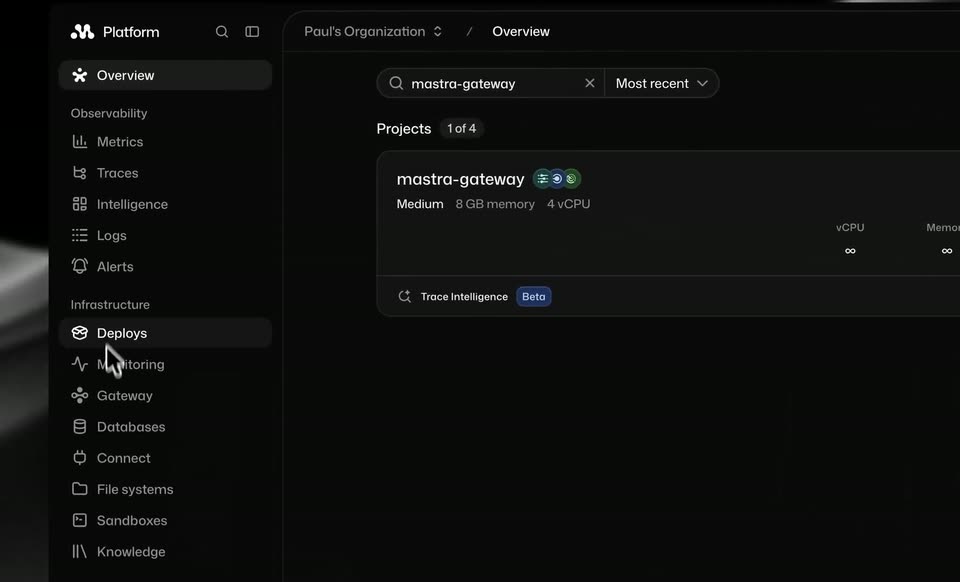
Mastra · B2B · Nov 2026
Films whose music sounds like this one, voice left out
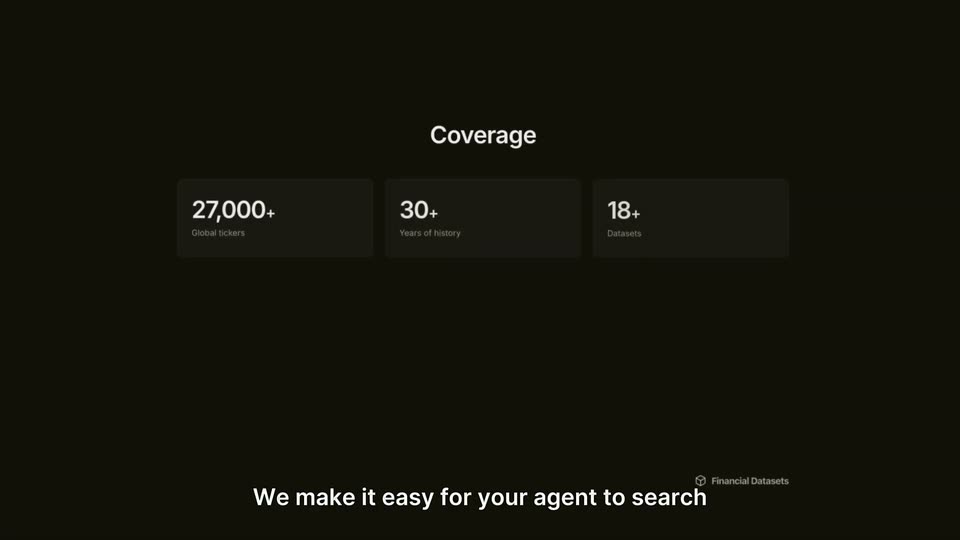
Financial Datasets · Tech promotional narration
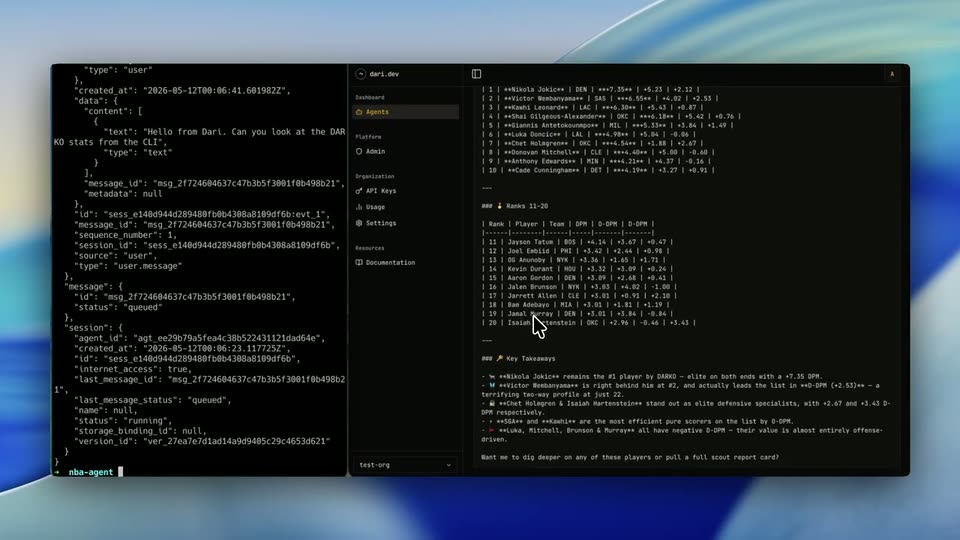
dari.dev · Modern electronic
A browser window shows the Timper landing page; the page scrolls down to a row of client logos, then back up to the hero. A small webcam of the presenter sits in the bottom right corner, and the cursor drifts to the Sign in link.
Techniques: 3D mockup, Cursor demo
Camera: Static
A browser window shows the Timper login page: a dark card with an orange glow, an email field and an orange continue button, centered on a light gray page. A small webcam video of the presenter sits in the bottom right corner as the card fades in.
Camera: Static
A Timper login screen centers on a gray page, its dark card holding a WELCOME BACK heading and orange sign-in button. A cursor glides down and clicks the button, which flips to SIGNING IN. A small webcam feed of a man stays pinned in the corner.
Techniques: Cursor demo
Camera: Static
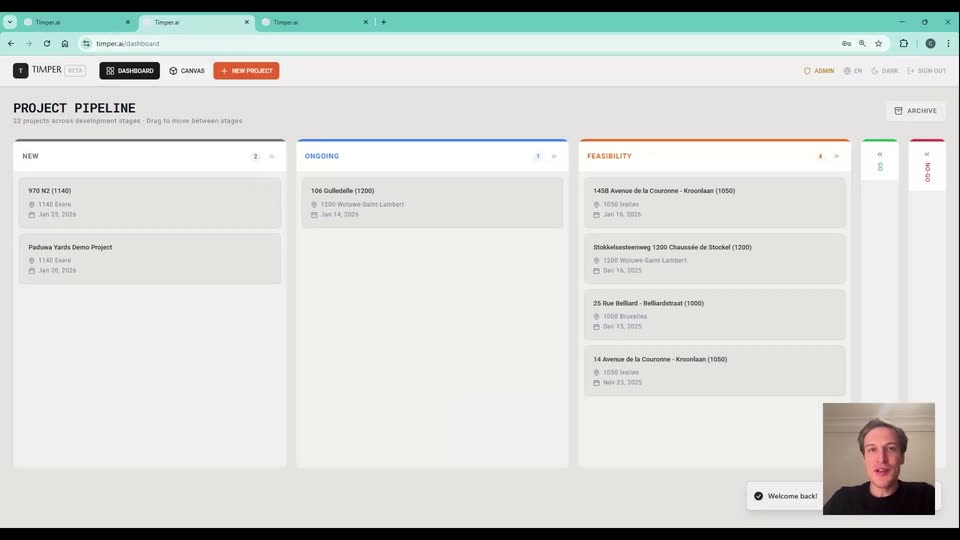
A browser window shows the Timper dashboard with a Kanban project pipeline board. The view fades from dim to full brightness as a cursor glides up to hover the orange New Project button, while a small webcam feed of the presenter sits in the bottom right corner.
Techniques: Cursor demo
Camera: Static
Over a dimmed project pipeline board, a cursor works the central 'Analyze a new site' modal, typing a Brussels address, clicking a parcel on the map, and entering a project description, with a presenter's webcam inset in the bottom right.
Techniques: Cursor demo
Camera: Static
A screen recording of the Temper dashboard, an 'Analyze a new site' modal open over a dimmed pipeline list. A cursor clicks the Start Analysis button, which turns into a gray 'Analyzing' state with a spinner. A small presenter webcam feed sits in the bottom right corner.
Techniques: Cursor demo
Camera: Static
A browser window shows a Kanban dashboard titled Project Pipeline with columns New, Ongoing and Feasibility, each holding project cards. A presenter's webcam feed sits in the bottom right corner while a cursor moves across the New column.
Techniques: Cursor demo
Camera: Static
A browser window with a teal header and three tabs shows the product loading: a blank white page with a small orange spinner spinning in the center. A small webcam video of a man in a black shirt sits in the bottom-right corner while the page stays empty.
Camera: Static
A screen recording of the Timper project interface fills the frame, a small presenter webcam in the bottom right. A cursor clicks through the left sidebar categories, and the canvas rows populate with data while a street map slides into the lower panel.
Techniques: Cursor demo
Camera: Static
A browser window shows a project information form on the left while a blurred dashboard sits behind it. The form scrolls down through address, parcel and analysis fields as the cursor moves along. A small webcam feed of the presenter stays fixed in the bottom right corner.
Techniques: Cursor demo
Camera: Static
A full-screen view of the Temper web app shows three side-by-side panels while the AI streams a zoning analysis, the data list expands row by row under a moving cursor, and the map zooms onto an orange parcel; a presenter's webcam sits in the lower right corner.
Techniques: Kinetic type, Cursor demo, UI zoom
Camera: Static
A locked-off screen capture of the Temper.ai canvas, a three-column dashboard with a highlighted map parcel on the left and an AI-generated zoning brief on the right. A small webcam of the presenter sits in the lower right corner as he speaks.
Camera: Static
The Temper.ai dashboard fills the frame in three columns. The right AI panel resolves from a dark placeholder into generated text, the language menu opens, a sample question types into the chat box, and the cursor hovers over sidebar categories while a presenter video sits in the corner.
Techniques: Cursor demo
Camera: Static
A three-panel web app fills the frame, a street map with an orange parcel pinned at the bottom. The middle canvas collapses an expanded permit card into a stacked list of category rows. A man talks in a small video-call box at the lower right.
Techniques: Cursor demo
Camera: Static