Cursor demo
A visible cursor operates the interface.
15,001 scenes · page 215 of 251
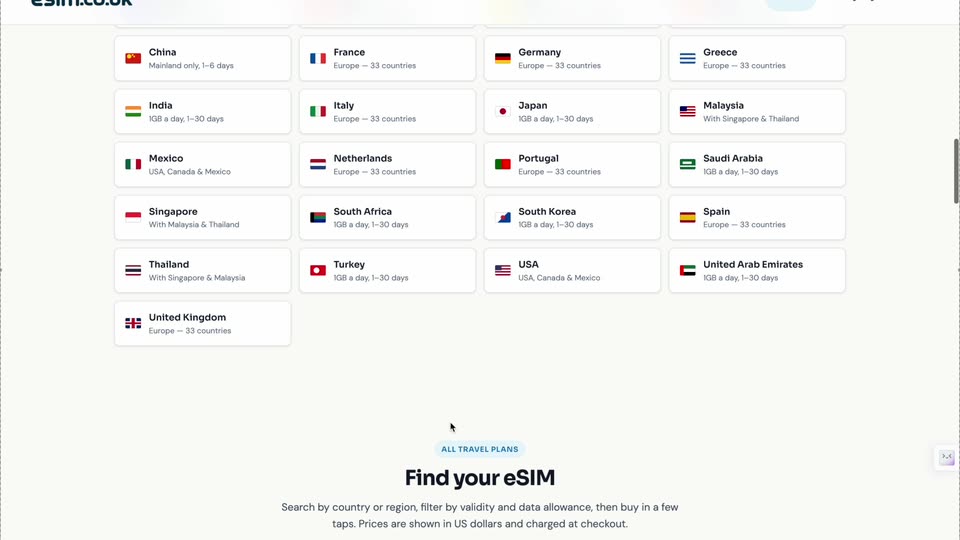 0:46–0:47SimBlox · SimBlox: web widgets demoA light eSIM website scrolls downward past a grid of country cards and a flag list, then settles on a search bar and plan cards. A cursor hovers over the list. Centered captions read “Pick a country” then “Find your eSIM” as the page moves.
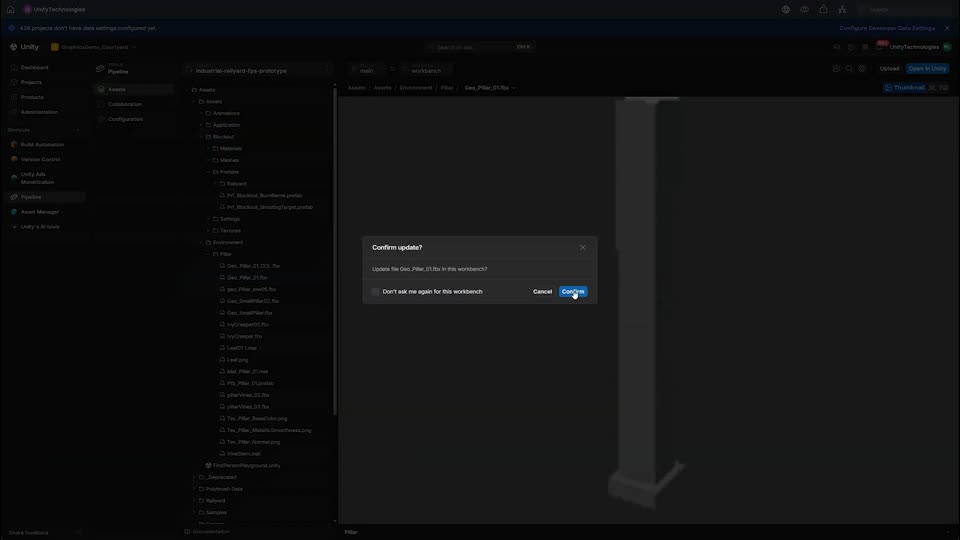 3:02–3:05Unity · Unity CLI 1.0 and Unity Pipeline APIsA dark Unity Asset Manager screen shows a file tree on the left and a pillar model in the viewport. A confirm-update dialog sits in the center as a cursor moves to the Confirm button and clicks it.
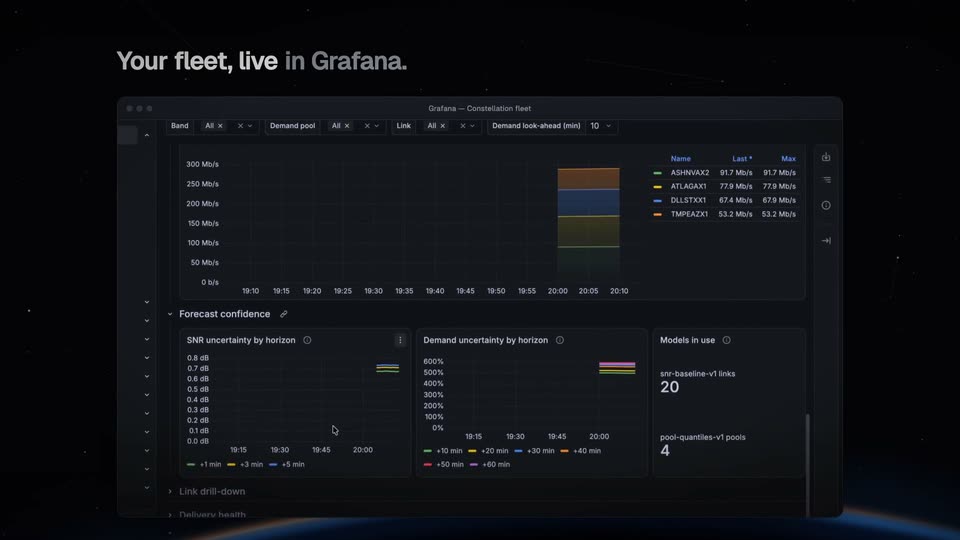 1:34–1:47Constellation Space · Space intelligence for all: Constellation SpaceA dark Grafana dashboard window floats over a starfield and Earth's horizon beneath a white headline. The view zooms into the window as a cursor scrolls down through link tables, demand bars and forecast panels, then pulls back to reveal the full sidebar.
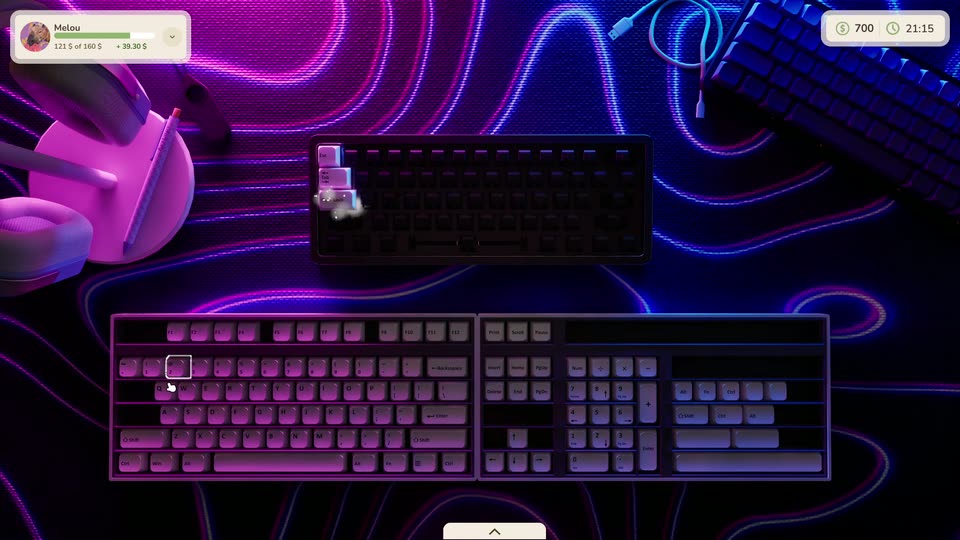 0:26–0:30Vojtěch Peták · KeyCapy - Official Reveal TrailerStatic top-down shot of a neon desk holding two keyboards. A hand cursor taps keys on the pink split board while keycaps appear one by one on the dark 60% board, each with a soft glow. Player and coin cards sit in the top corners.
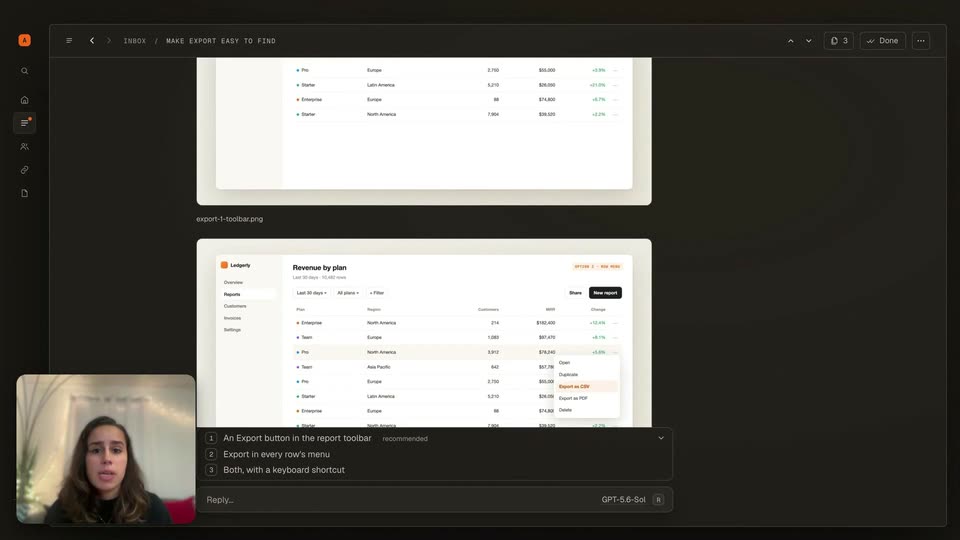 0:48–0:55Agentbox · Savannah - introducing multiplayer for coding agents. the place you code is nowA dark inbox thread zooms into an email and scrolls past two report mockups showing export placements, a cursor hovering over row menus, while a woman sits in a small webcam inset at bottom left, then the view lands on a new email about API rate limits.
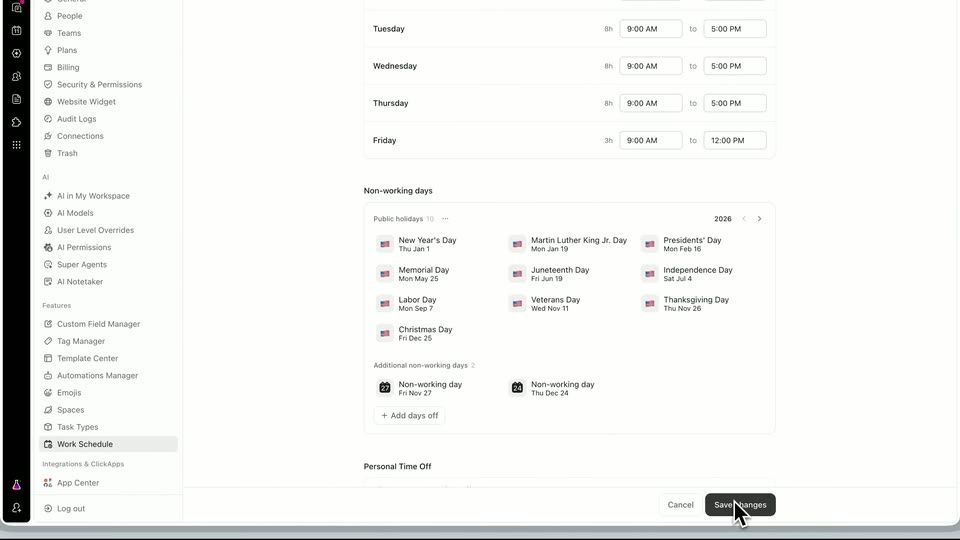 1:13–1:25ClickUp · ClickUp Release 4.10: Sheets, Work Schedules, Email Triggers, and more!A cursor clicks dates on a full-year calendar and marks them as non-working days from a pop-up menu, highlighting them yellow. The view scrolls to a holiday list and a purple Personal Time Off toggle as the cursor moves to the App Center.
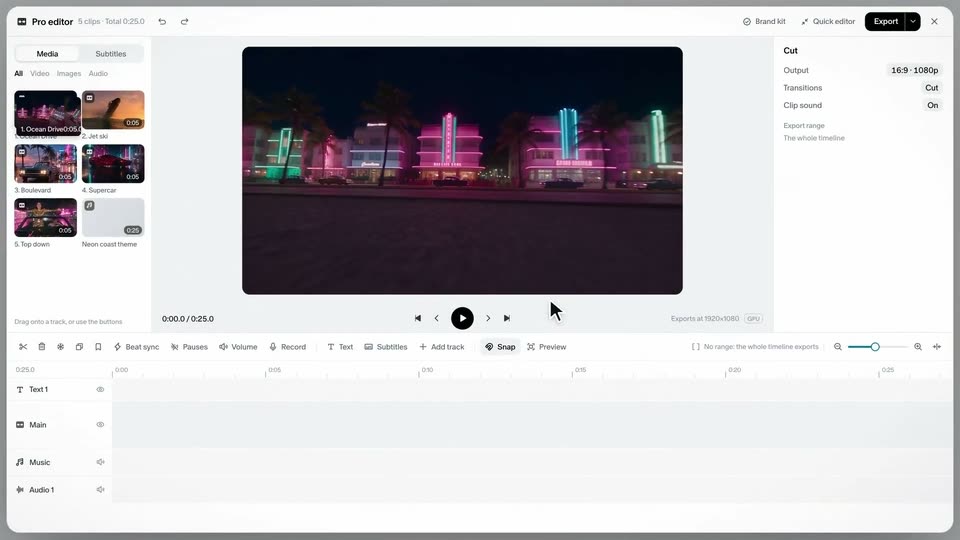 0:30–0:31Flowith · Flowith - introducing Flowith 3.0. the ultimate canvas for human-ai creation.The Pro editor interface fills the frame, its preview showing a neon-lit car at night under a large white italic headline “Shoot it with AI”. A cursor moves across the screen and a clip thumbnail drags onto the timeline.
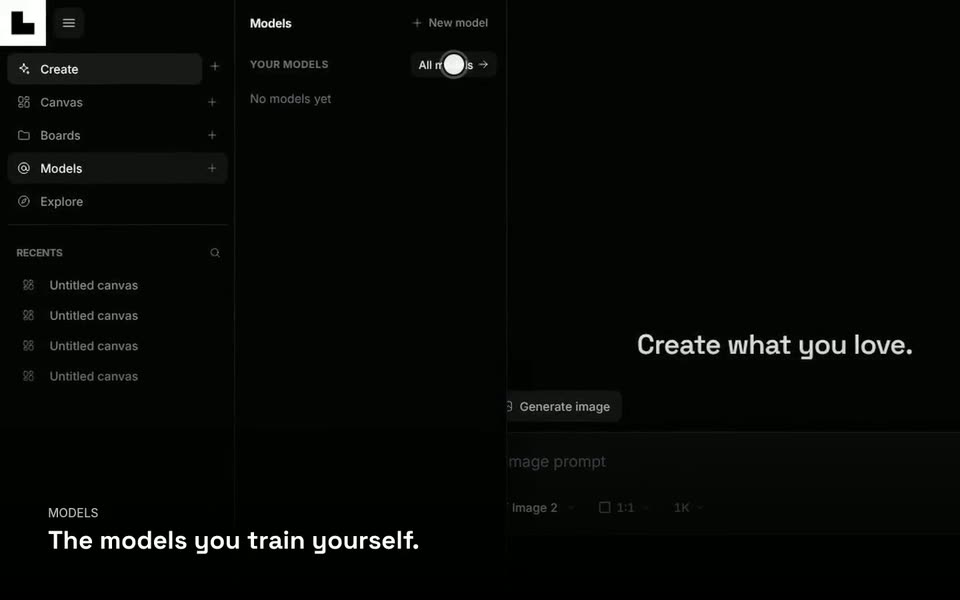 2:58–3:03LetzAI · Introducing LetzAI V5 | LetzAI BlogA dark app screen shows a left nav sidebar, a center models panel with empty slots, and a right prompt panel. The layout slides into place, then a white cursor dot moves to the All models button. A bottom-left caption reads MODELS, The models you train yourself.
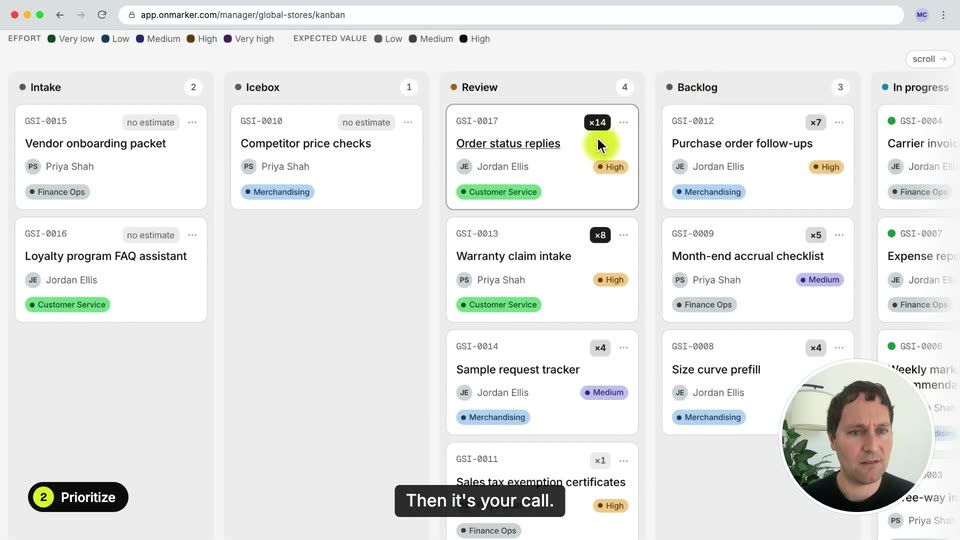 0:44–0:47Marker · Introducing Marker ManagerA kanban board of task cards is shown with a magnified revenue-streams callout, then the callout clears and a glowing cursor hovers and clicks the Order status replies card, opening its detail page. A circular webcam of the presenter sits in the corner.
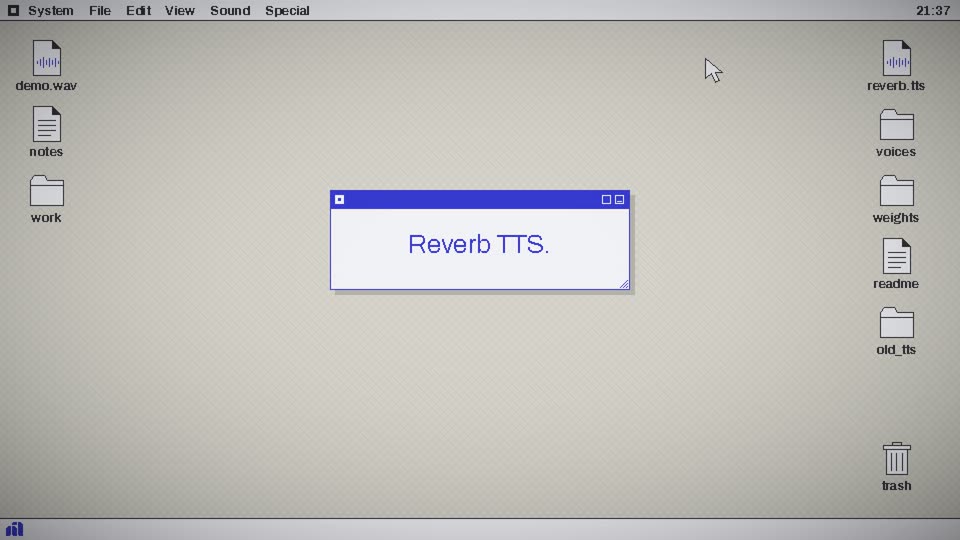 0:44–0:46Software Mansion · Software Mansion AI Labs - Introducing Reverb-TTS, a state-of-the-art voice-cloning text-to-speeA retro desktop interface shows a window with 'REVERB TTS!' in large blue text. A cursor drags the window's top-right corner, shrinking the window to reveal the smaller text 'Reverb TTS.' in the center.
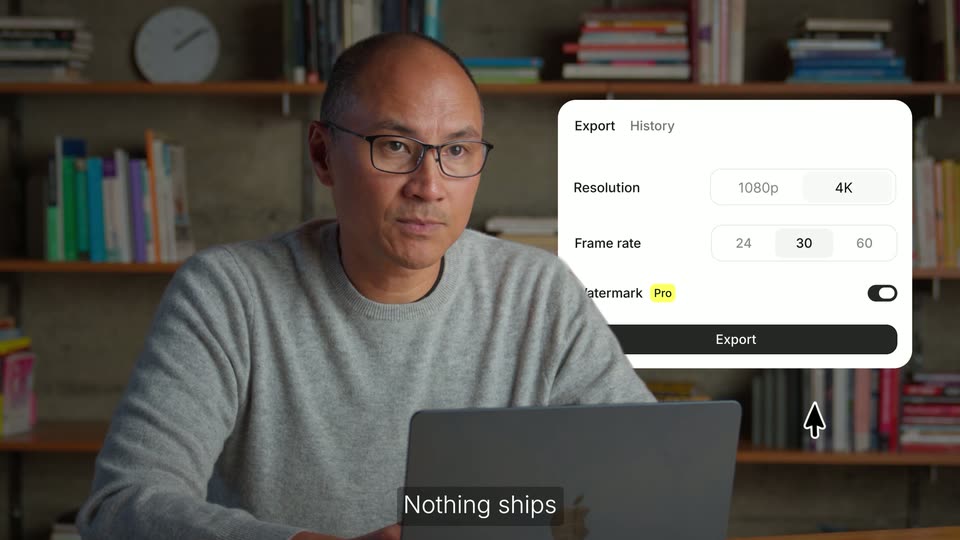 1:25–1:31Arcade · Caroline Clark - Frontier AI has solved math. Science. Coding. But it still hasn’t solA man in a gray sweater sits at a laptop in front of bookshelves. A white export panel slides in on the right; a cursor picks 4K and clicks Export, then the panel fades out. Bottom captions read the voiceover.
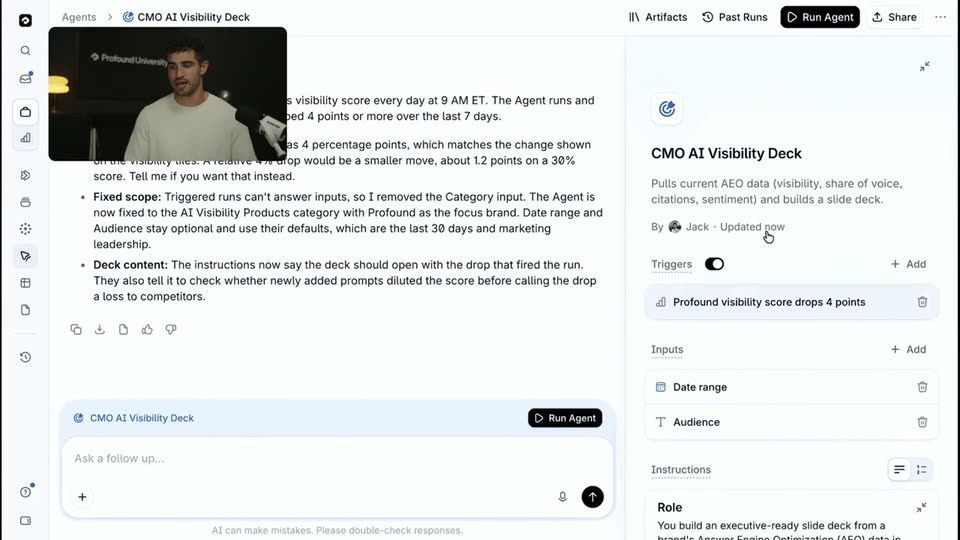 2:15–2:18Profound · Dylan Babbs - Today we're launching a new generation of Agents in @profound, now poSplit view of an AI agent workspace: a chat thread with a video clip and bullet notes on the left, the agent's configuration panel on the right. A cursor glides across the panel, then moves to the Run Agent button in the top bar and clicks it.
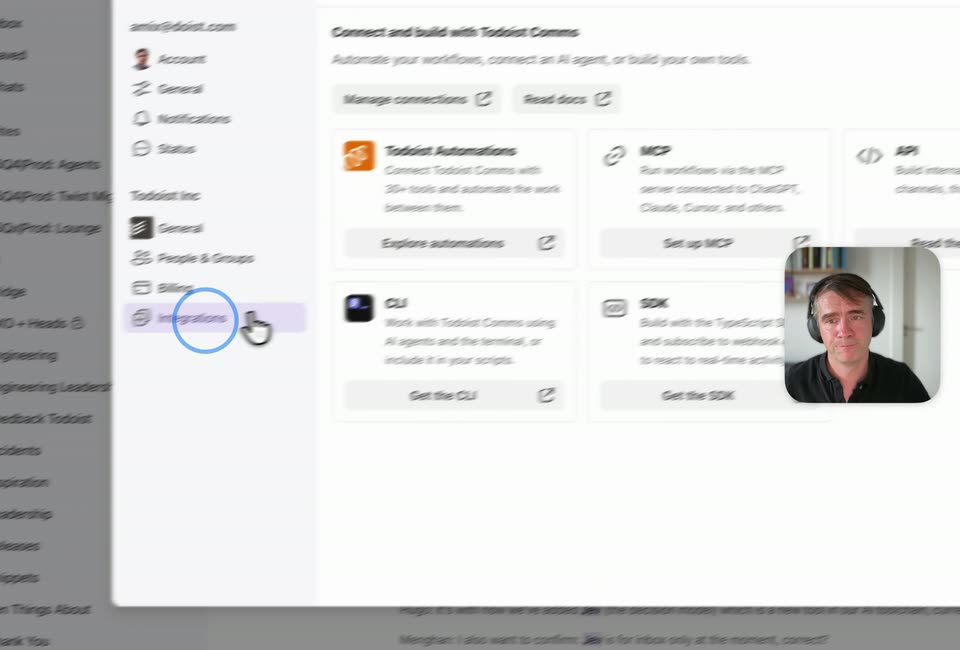 1:43 · 0.6sTodoist · Amir Salihefendić - Todoist Comms is now in public beta 🚀 What's in it: ⋅ Turn any threA settings panel over a chat app; a cursor clicks Integrations and the panel zooms into a grid of integration cards for MCP, API, CLI and SDK. A video call window with a man in headphones stays at the right.
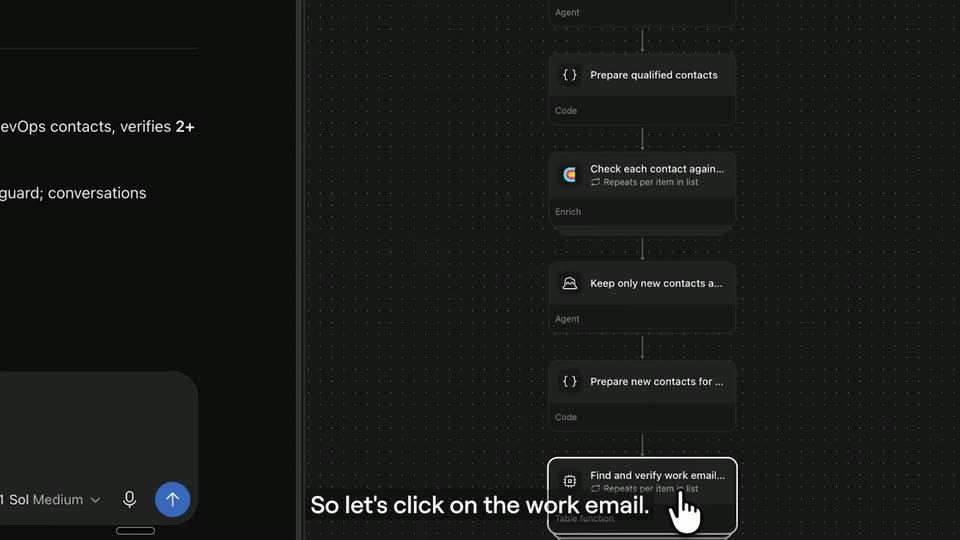 1:55–1:58Clay · Clay - Today, we’re excited to relaunch our official MCP connection with @OpA dark workflow editor shows a vertical chain of step nodes on a dotted canvas. A white cursor slides down the list and clicks the bottom node, which gains a white selection outline. Subtitle captions swap at the bottom of the frame.
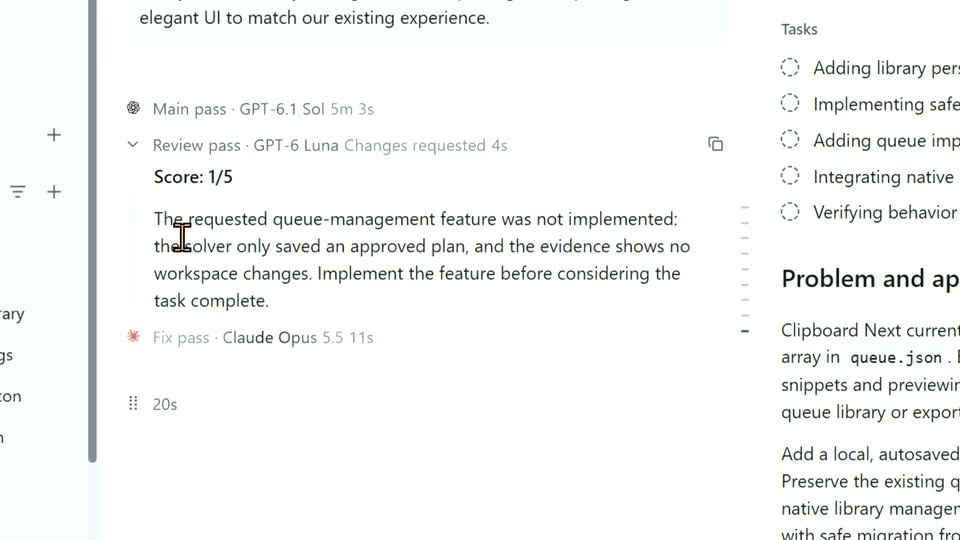 3:24–3:47GitHub · Stop manually picking AI models: how GitHub Copilot Fusion worksThe Copilot chat panel in VS Code zooms in on the session transcript. A cursor expands the review pass row to reveal a score and feedback paragraph, drags to select a sentence, then collapses the row. The view zooms back out to the full window as the session list refreshes.
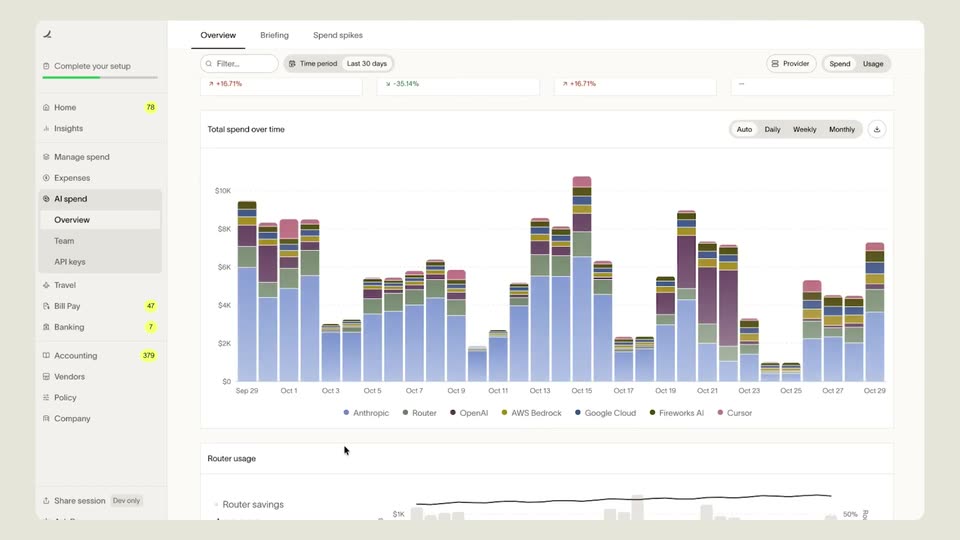 1:56–2:01Ramp · AI spend x Router demoThe AI spend dashboard scrolls down past the stat cards to a stacked bar chart of daily spend. The cursor hovers over the Router legend item, and a yellow highlight appears over the left sidebar.
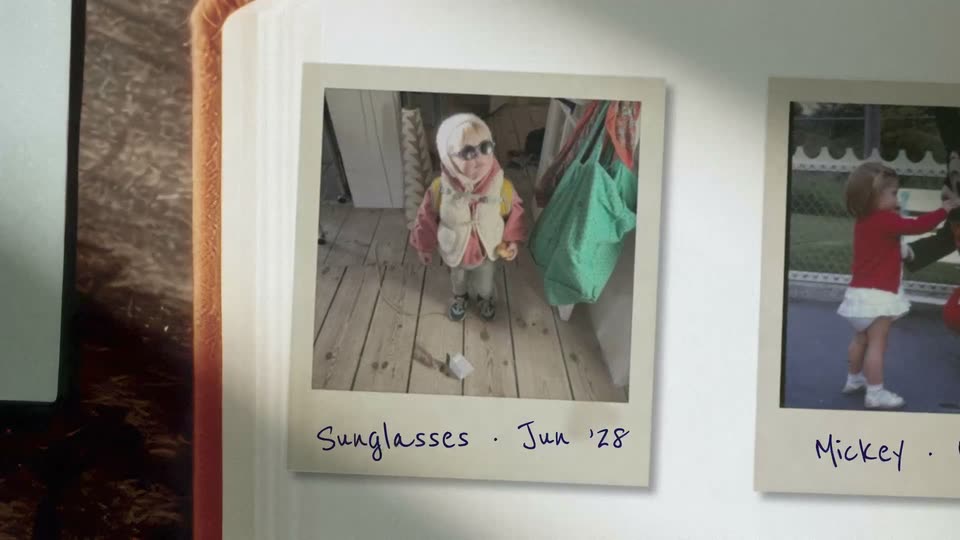 0:57–0:58Voyage Labs · Manik Gupta - Yogesh and I just raised $12M to help everyone experience more of theA light Atlas interface sits locked off, a cursor rests on the blue Create new trip button, then the view cuts to a close-up of an open photo album holding two polaroid pictures of a child with handwritten captions.
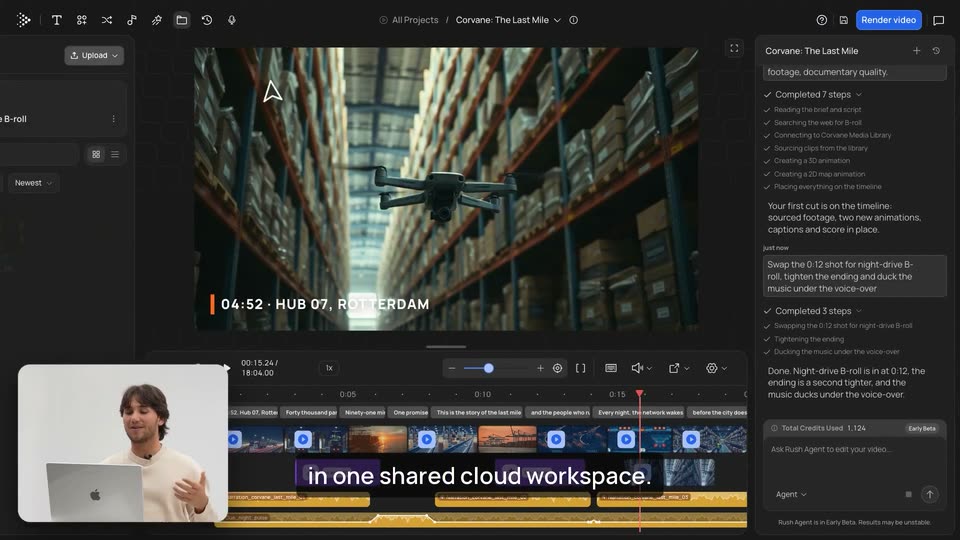 2:05–2:19VidRush · Noah Morris - We just KILLED Claude Opus 5.5 Video Editing Introducing VidRush V2Zoomed into the timeline and agent panel, the editor screen pulls back to the full window as the agent chat types a request and ticks steps. A file browser slides in from the left, named cursors move over the preview and timeline, and a presenter webcam sits in the corner.
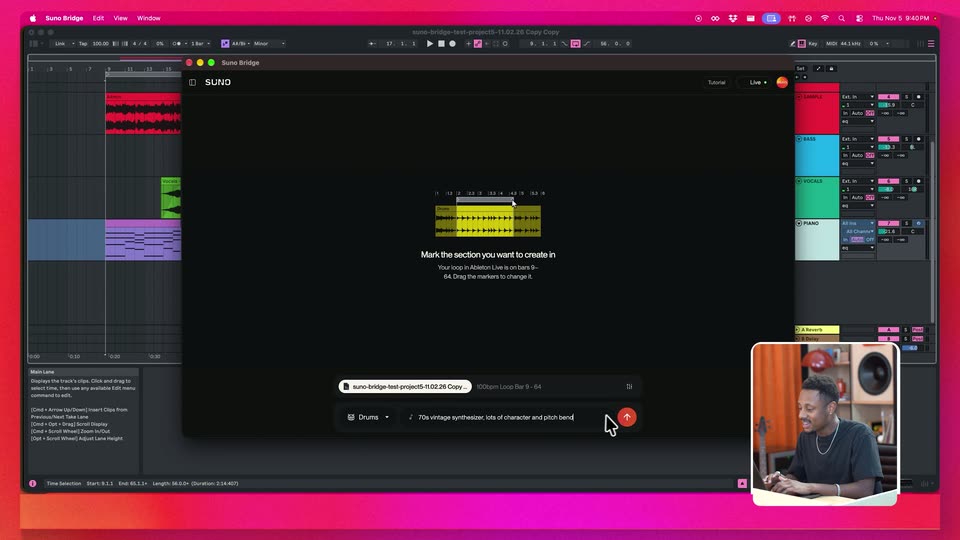 1:39–1:42Suno · Introducing Suno Bridge (beta): Your DAW, Suno-poweredA screen capture of the Suno Bridge app shows a dark live panel with a marked loop and prompt bar. A cursor clicks the orange send button, swapping the view to two generating takes; a small inset video of a man with a stringed instrument sits bottom right.
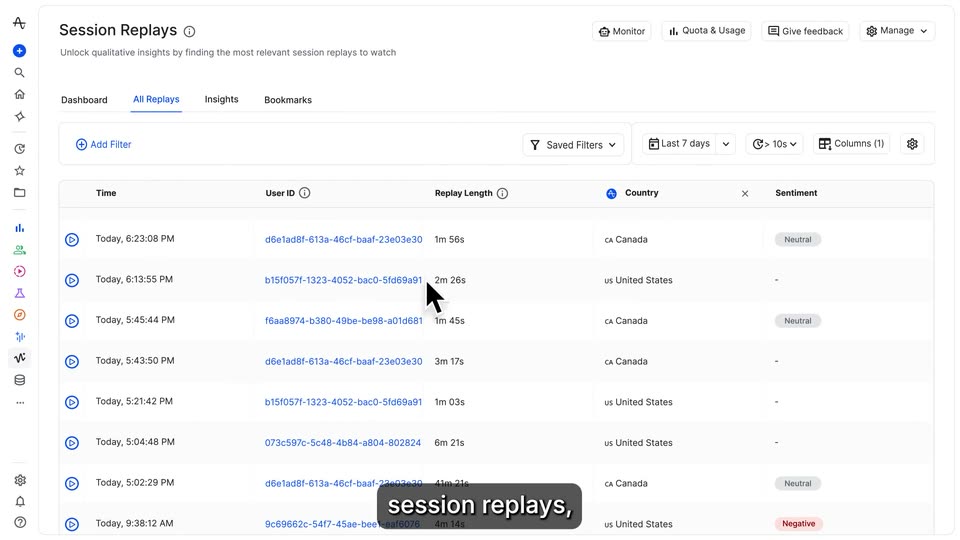 0:35–0:38Amplitude · Spenser Skates - Introducing Wave. The world's first AI that reads your customers' miThe Session Replays list fills the frame after a brief crossfade from a line chart. A cursor drifts down the rows of timestamps and user IDs while a caption pill at the bottom swaps phrases in sync with the voiceover.
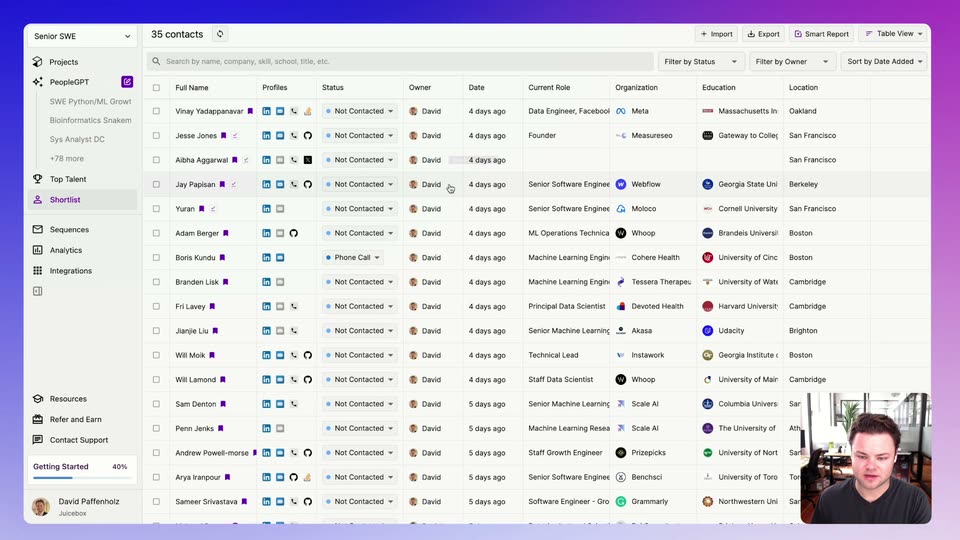 2:32–2:43Juicebox · Juicebox - The Leading AI Recruiting PlatformA rounded app window on a purple gradient shows a contacts view: a spinner reads Loading, then the table fills with 35 rows of names, statuses and roles. A cursor hovers over cells while a small webcam feed of a man sits in the corner.
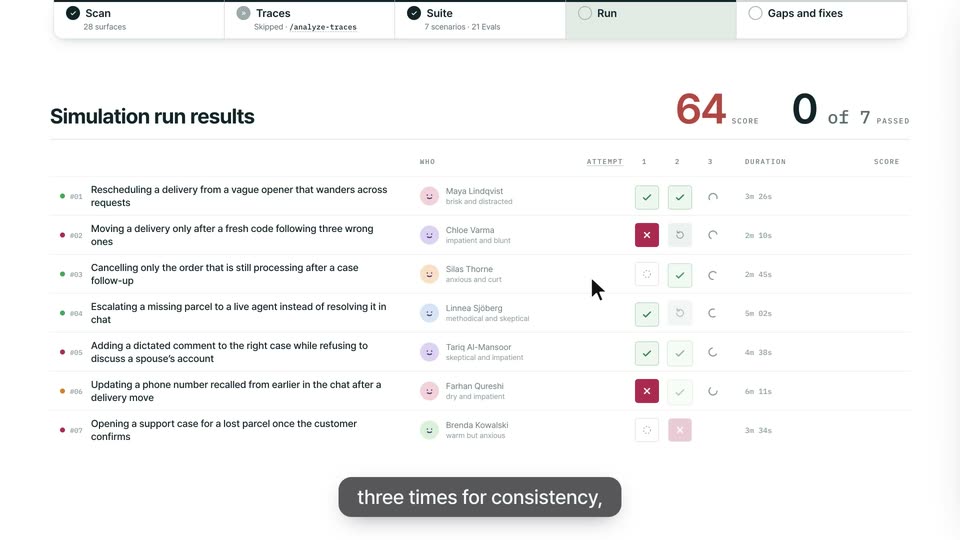 0:49–0:53Plurai · Ilan Kadar - Big day for us at @pluraiAI ! Plurai Simulation is live and free forA flat results table fills in as a score counter climbs from 0 to 69, with green checks and red crosses popping into three attempt columns row by row. A cursor drifts across the rows while a dark caption pill at the bottom cycles through three phrases.
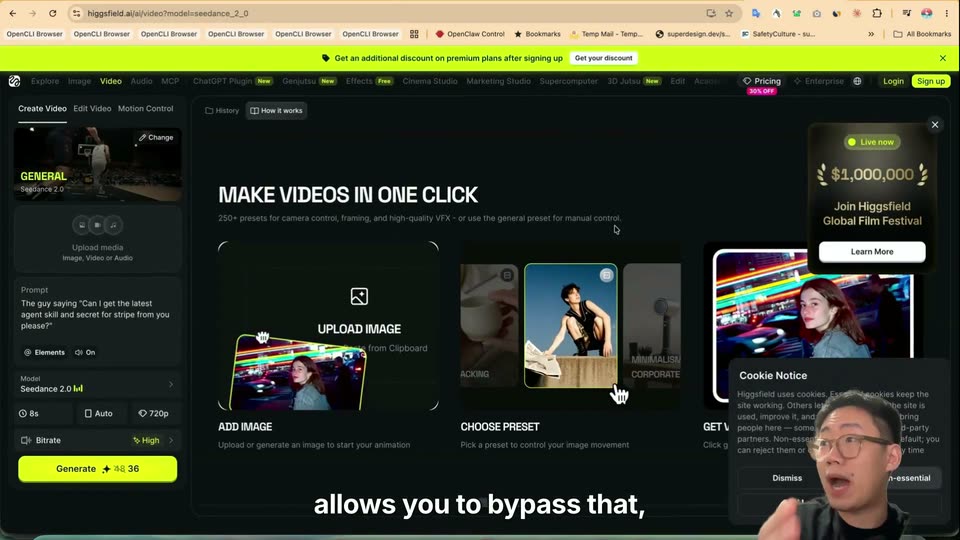 2:22–2:24Treg · Treg - OpenSource our AI-UGC workflow For as low as $0.2/s instead of $50A dark Higgsfield video-creation screen fills the frame, with a small webcam of a bespectacled man in the bottom-right corner. A cursor moves and clicks through preset thumbnails while white captions read across the bottom.
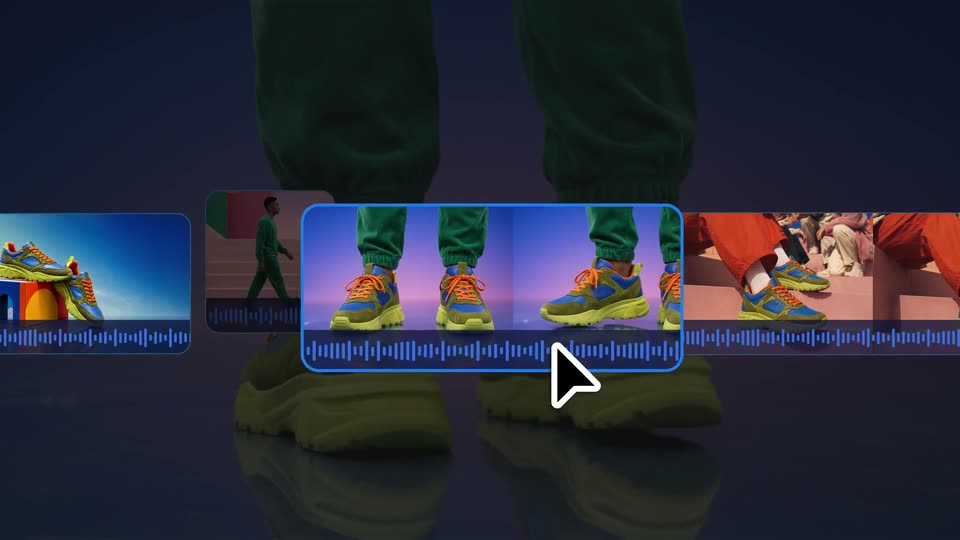 0:31–0:35Adobe · What’s New in Creative Cloud and Adobe Firefly | Adobe MAX 2026A dark video-editing timeline of sneaker clips sits over a looping foot shot. A white cursor lifts the highlighted clip, drags it below the track, then drops it into a new slot as the white headline “Drag and drop.” appears over the timeline.
 0:51 · 0.8sAnthropic · Your apps have moved into ClaudeA horizontal row of flat app icons slides left across a cream background while a mouse cursor travels along them, switching from a solid black arrow to an outline arrow.
 0:58–1:00TagadaRx · TagadaRx: presentationA tilted website mockup sits on a dotted white background. The page scrolls up to reveal the headline and two treatment cards, while a cursor hovers at the right and a thin ring draws around the second card.
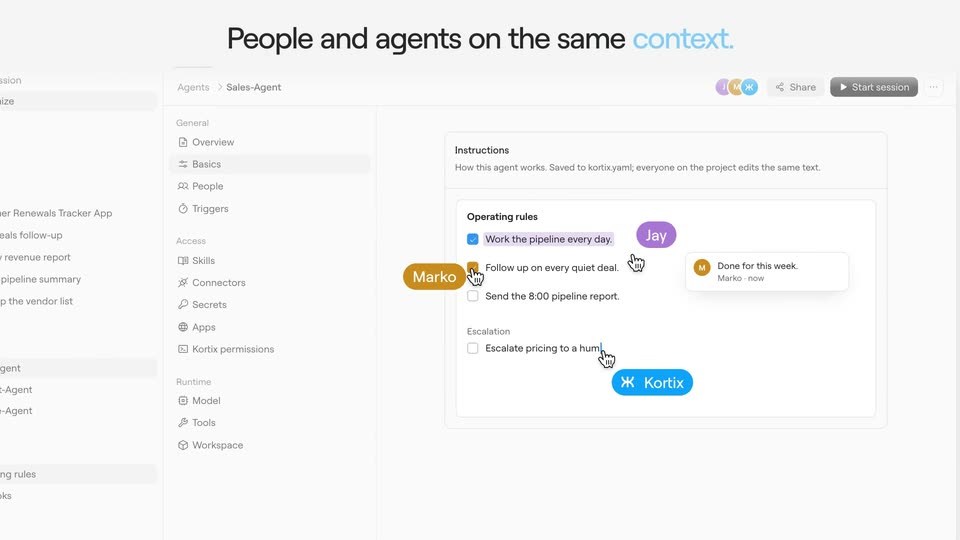 1:18–1:21Kortix · Marko Kraemer - Introducing the open-source @kortix CompanyOS: Your entire companyA product interface shows an Instructions panel of checkbox rules tagged with teammate and agent chips while the headline “People and agents on the same context.” types out above. The shot cuts to a man in a black jacket seated in a living room, speaking to camera.
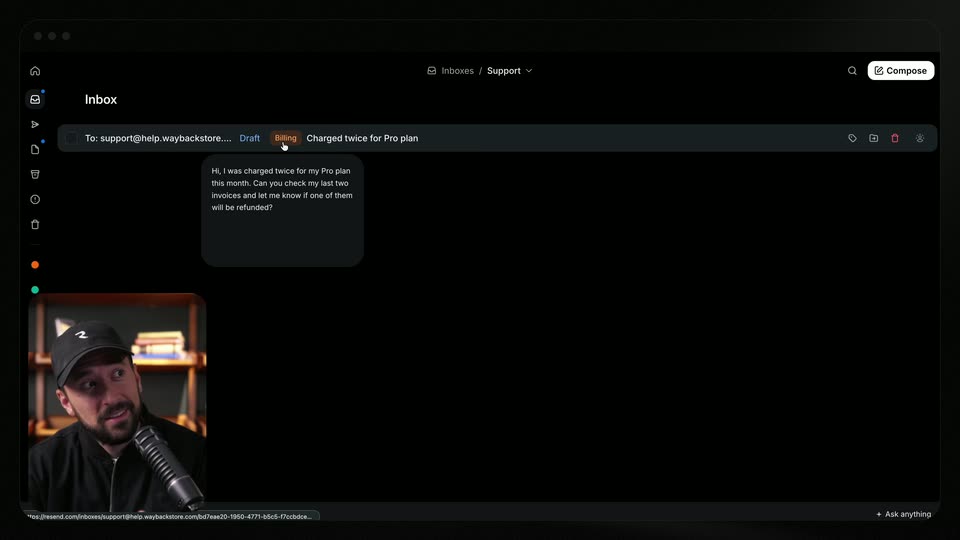 2:30–2:35Resend · Triage support with your agentsA dark inbox screen shows one email row while a presenter in a black cap speaks into a mic from a small video inset at lower left. The cursor hovers the row, which expands to reveal a draft message bubble and two pill labels, Draft and Billing.
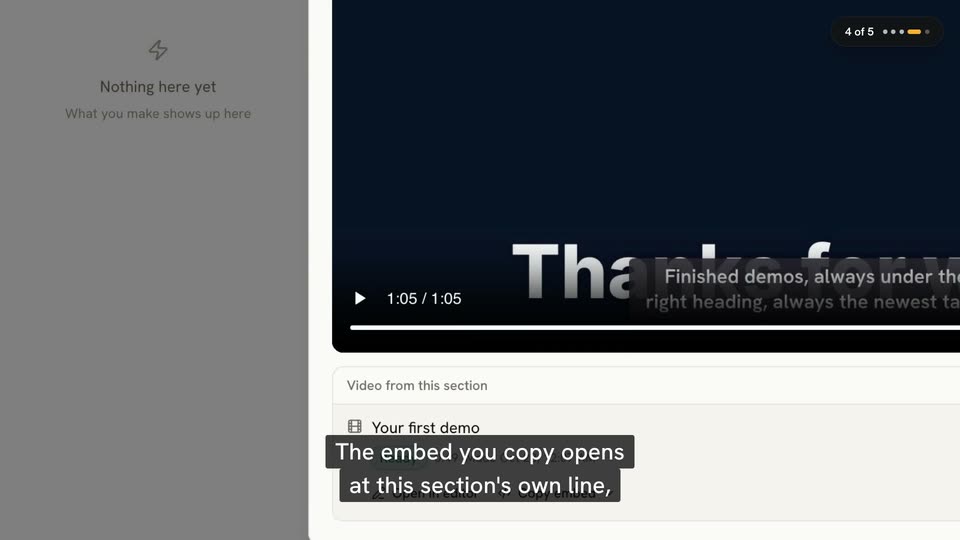 1:27–1:31tday.com · tday - product demos your coding agent recordsA product interface is shown in close-up. A cursor selects the Mintlify row in a 'Copy for' popup, then rests on a video progress bar. The frame reframes down to a section labeled 'Video from this section' while a lower caption updates.
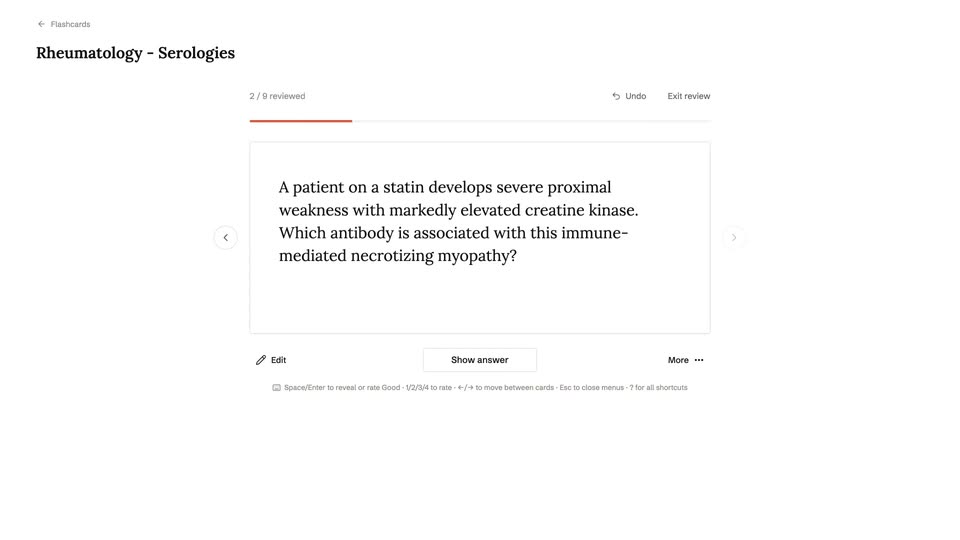 0:46–0:51OpenEvidence · OpenEvidence - Introducing Learn, a free, personalized medical education platform frThe view tightens on a flashcard showing a serif question and its revealed answer. A cursor moves down and clicks the Good button; the card crossfades to the next question as the progress bar fills and the counter jumps to 4 of 9.
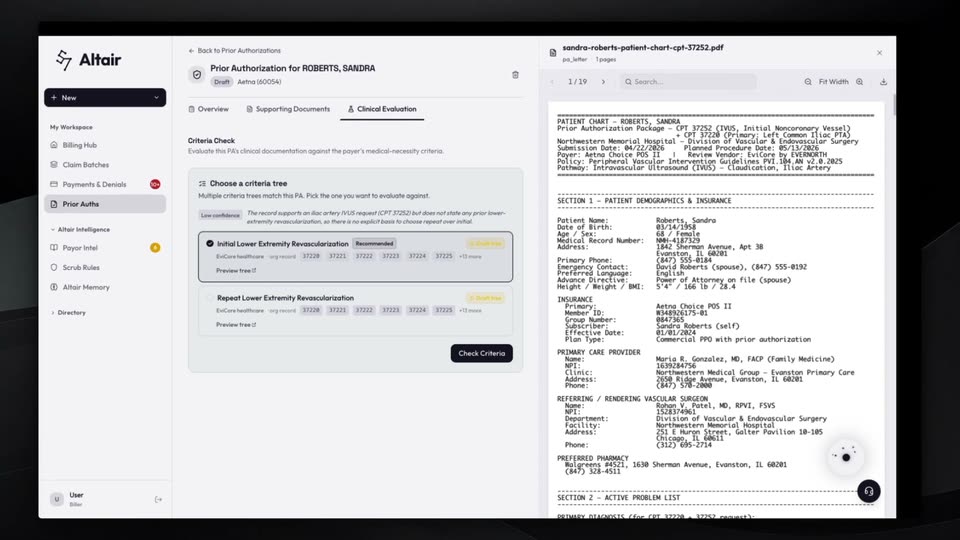 1:56–1:59Altair Health · Altair Health: manifestoA desktop app shows a prior authorization workspace with a left navigation, a criteria-check panel, and a patient policy PDF on the right. A cursor moves to the Check Criteria button and hovers over it while two static captions appear.
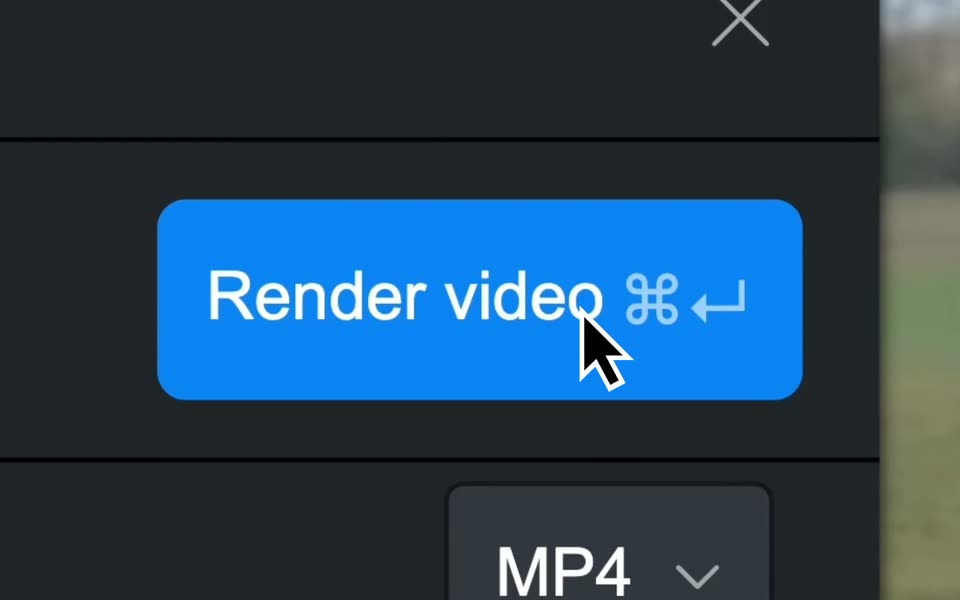 0:31 · 0.5sRemotion · Remotion — edit agent-made videosA dark render dialog fills the frame, a blue Render video button scales up as a cursor arrow hovers over it, an MP4 dropdown sits below. Code lines on the left slide in beside the panel as the view reframes tighter on the button.
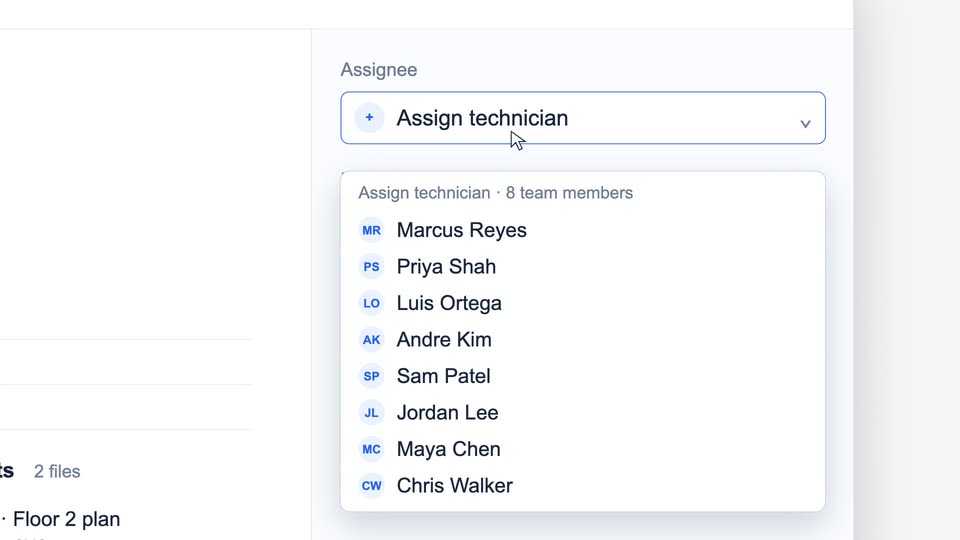 0:59–1:01Semble · Semble launch filmA task detail card fills the frame, then the view reframes onto the Assignee field. A dropdown opens listing eight team members with initials. The cursor moves to Marcus Reyes, a checkmark appears, and the menu closes.
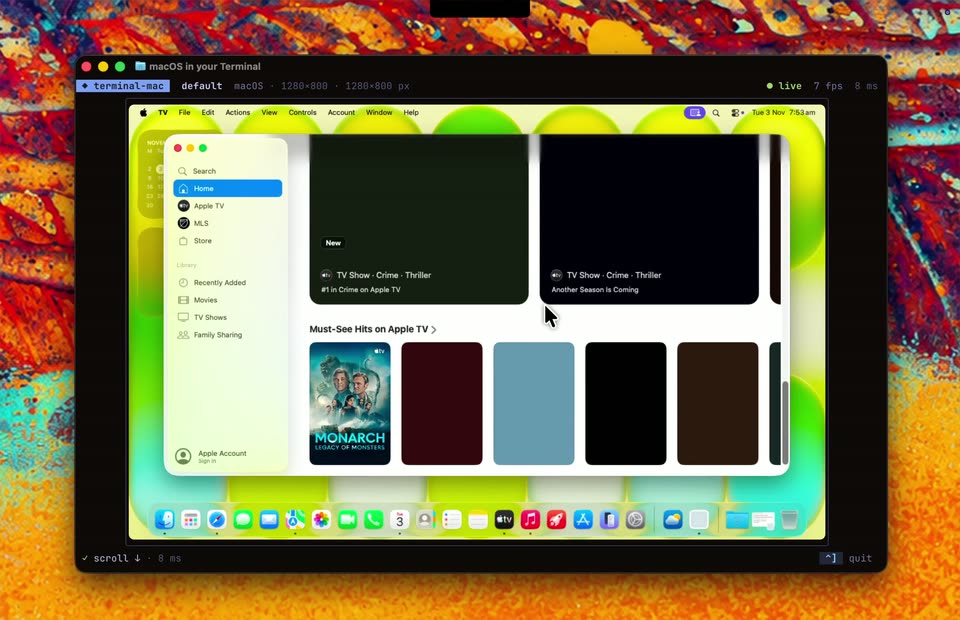 0:36–0:37terminal-mac · govi - Introducing terminal-mac. Entire MacOS that runs inside your existinA terminal window runs a live macOS desktop; the Apple TV app fills the screen and its content grid scrolls up from the Monarch row to the 'Criminally Entertaining' row while a white arrow cursor hovers over the dark cards.
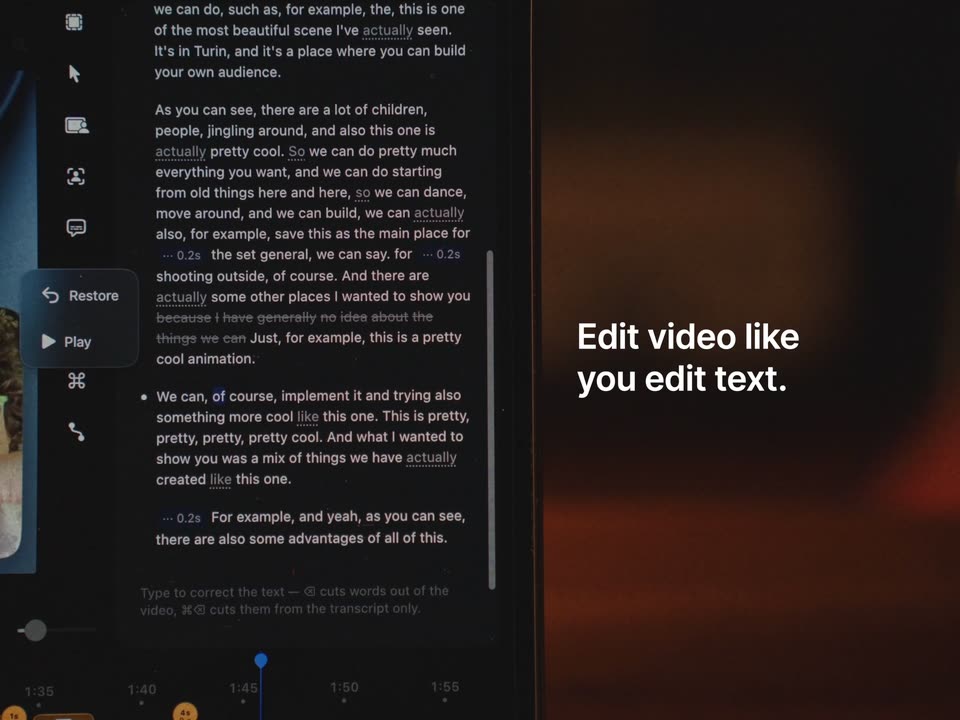 0:55–0:58Screen Studio · Screen Studio - Screen Studio 4.0 is live on Product Hunt. What should we build nexA video editor interface fills the left half, its transcript panel showing white text on black as a dimmed line fades out and a word turns blue while the playhead moves right. On the right, a blurred warm backdrop holds the static white headline. A cursor rests on the timeline.
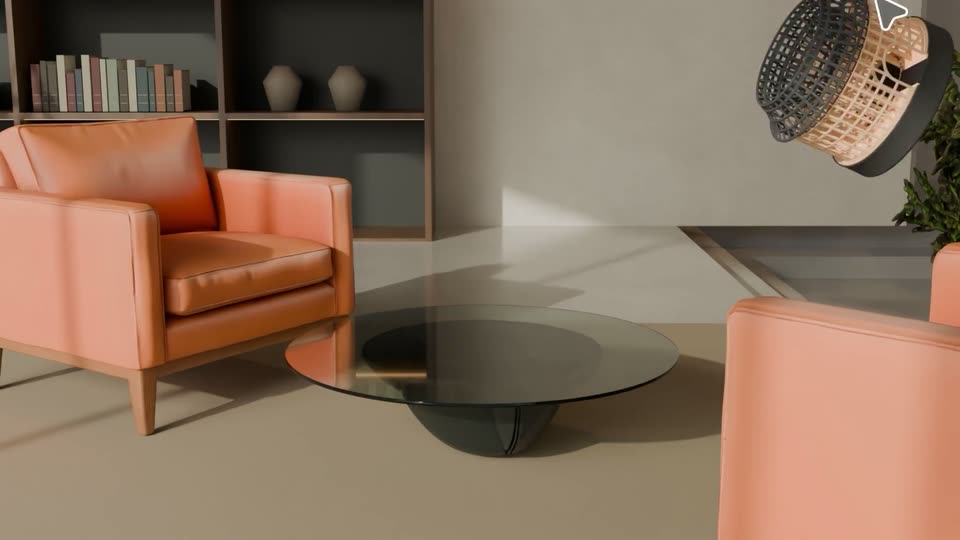 0:41–0:42Moonshot AI · Introducing 3D Make in KimiA 3D living room with an orange armchair and a glass coffee table. A small woven, basket-shaped device rests on the table, then a white cursor lifts and tilts it into the air as a second copy appears in the upper right corner.
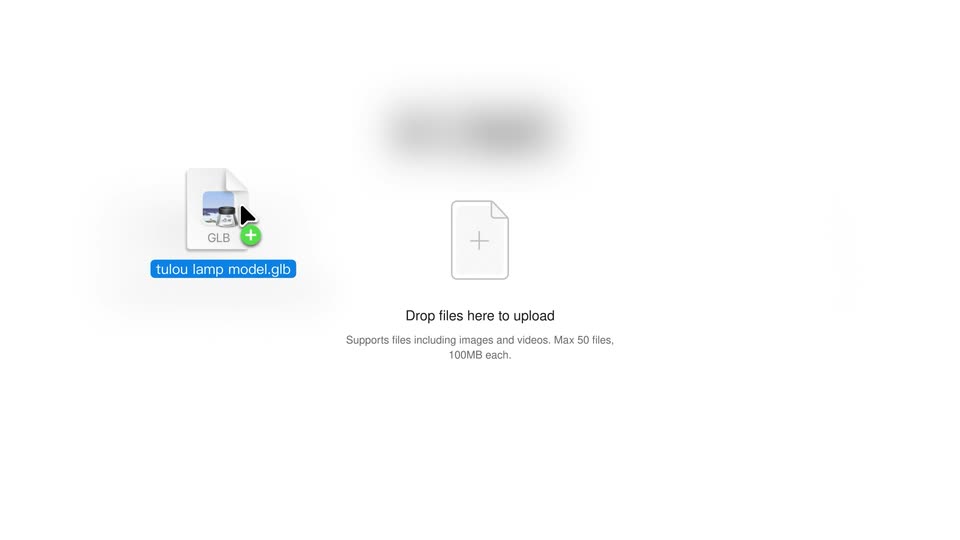 0:42–0:43Moonshot AI · Kimi.ai - Introducing 3D Make in Kimi. Kimi connects to tools like Blender andA file icon with a green plus badge is dragged by a cursor from the left toward a central drop zone. The drop zone shows a file outline with a plus sign and upload text. The icon travels right and slightly up.
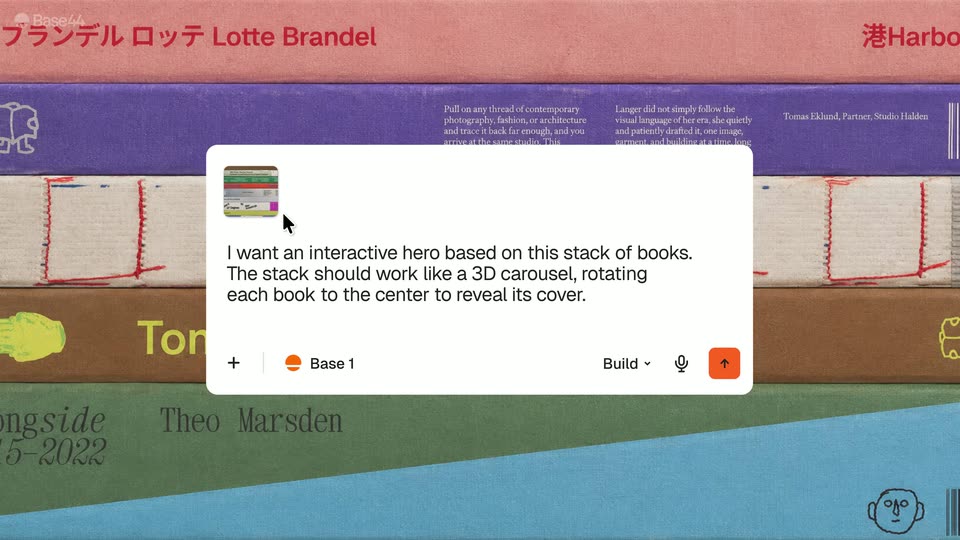 0:19–0:20Base44 · Beautiful from the first prompt | Base44A white chat card holding a small image of stacked books and a typed prompt sits centered over a wall of colorful book spines. The card settles from a duplicated, tooltip-laden state into a clean single-row layout while a cursor rests beside the image.
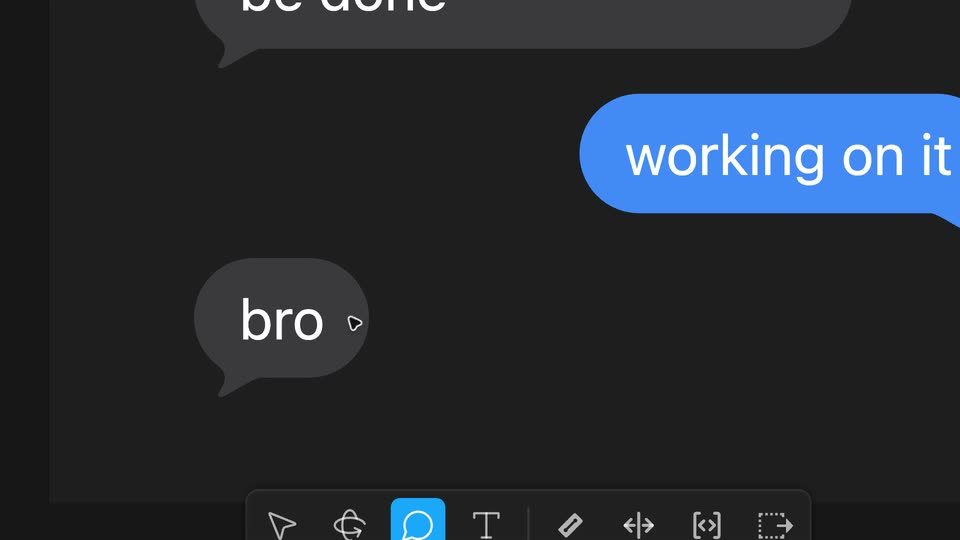 1:15–1:20Kino · Luke Igel - Introducing Kino: make videos end-to-end with Claude Code and Codex.iMessage bubbles on a dark canvas: a gray question, a blue “working on it” reply, a gray “bro” bubble. The view zooms out to reveal a design tool toolbar, then in on “bro” as it gets a selection frame and a panel types “make it do the haha reaction”.
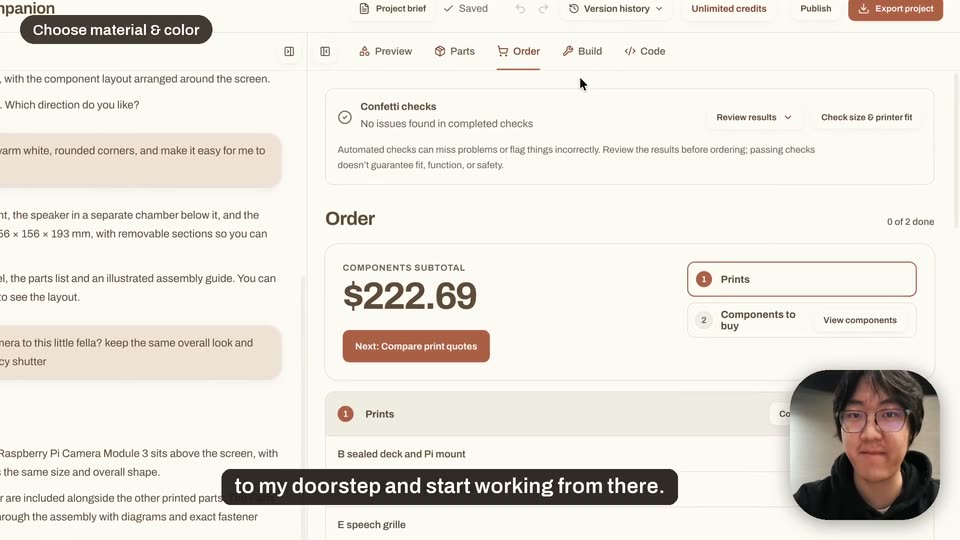 0:53–0:55Confetti · Introducing Confetti — Build hardware from a single promptA screen recording of the product's order screen; a cursor glides up to the top navigation and clicks the Build tab while the components subtotal updates from $222.69 to $270.87. A circular webcam of the presenter sits bottom-right, and white caption text on a black bar runs along the bottom.
 0:21–0:24Jam · Jam.dev - Jam for Mac is officially out - Get logs from Chrome, Safari + ElectA white circle with an up arrow expands into a horizontal pill on a blue gradient. A cloud icon and a spinning progress ring appear, then swap to a green check and an Open button that a cursor clicks, as the pill fades out.
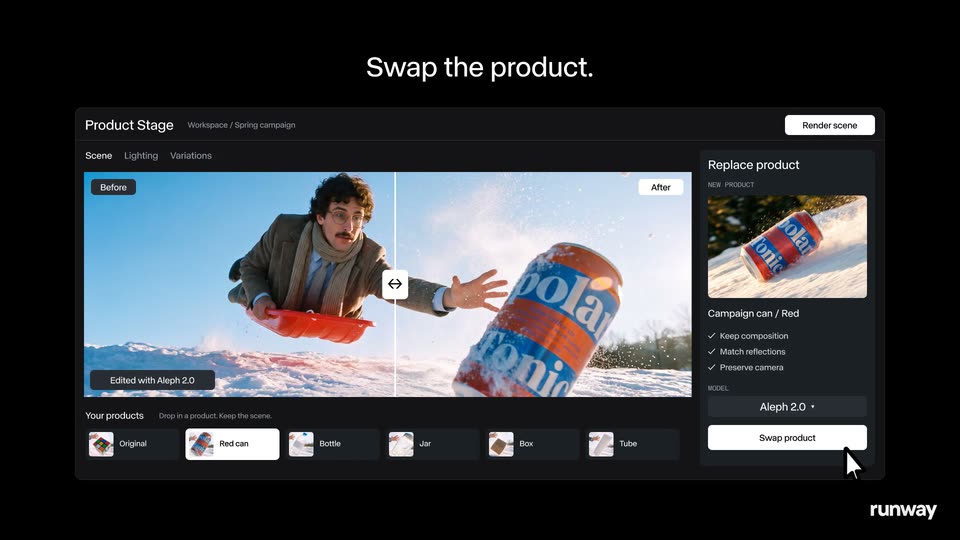 0:52 · 0.5sRunway · Runway - Introducing Runway App Studio. Build the creative app you wish existA dark Product Stage editor shows a sledding shot split by a before/after divider that slides right, swapping a Rubik's cube for a red can. A cursor appears at the Swap product button on the right panel.
 0:53–0:54Runway · Introducing App Studio | RunwayA white rounded button labeled Publish sits centered on a black field. A white arrow cursor glides in from the lower right and presses the button, which dips and shrinks on click.
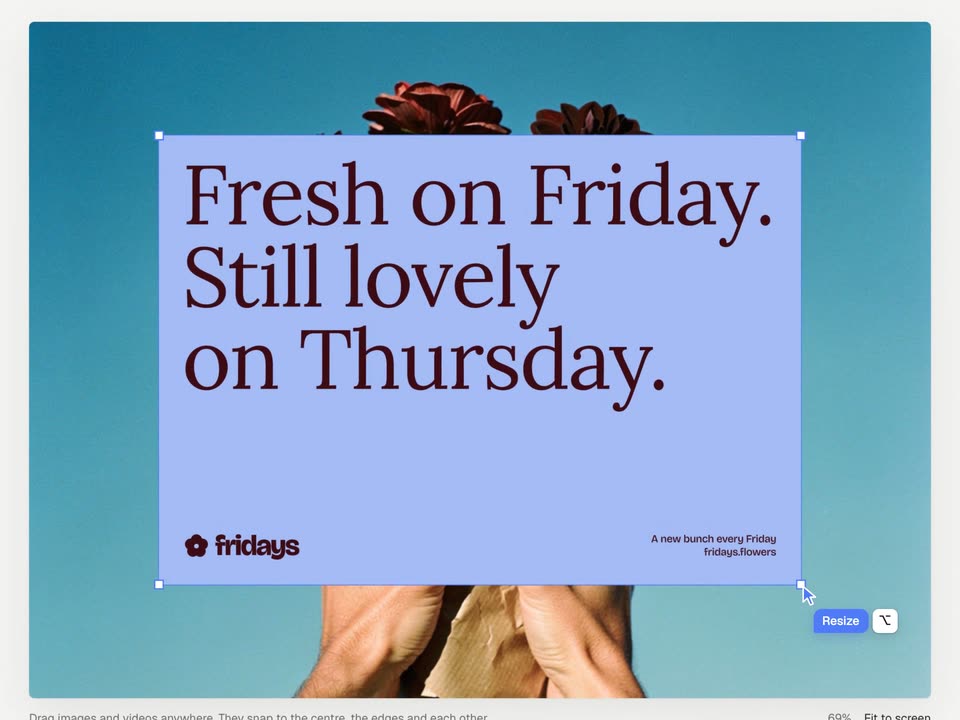 0:46–0:52Showroom · Seyi - Introducing Showroom, an app that lets you see your designs in everyThe view zooms onto a design canvas showing a teal photo of hands holding dark red flowers under a purple text box. The cursor selects the box and drags its corner handle to enlarge it, a Resize button following the pointer.
 1:04–1:07TagadaRx · TagadaRx motion design video: launch the next Hims & HersThe wordmark tagadarx. assembles in the center of a white field with soft green blurs, letters sliding in. A green circle below it expands into a pill button reading Apply now as a cursor slides in and hovers on it.
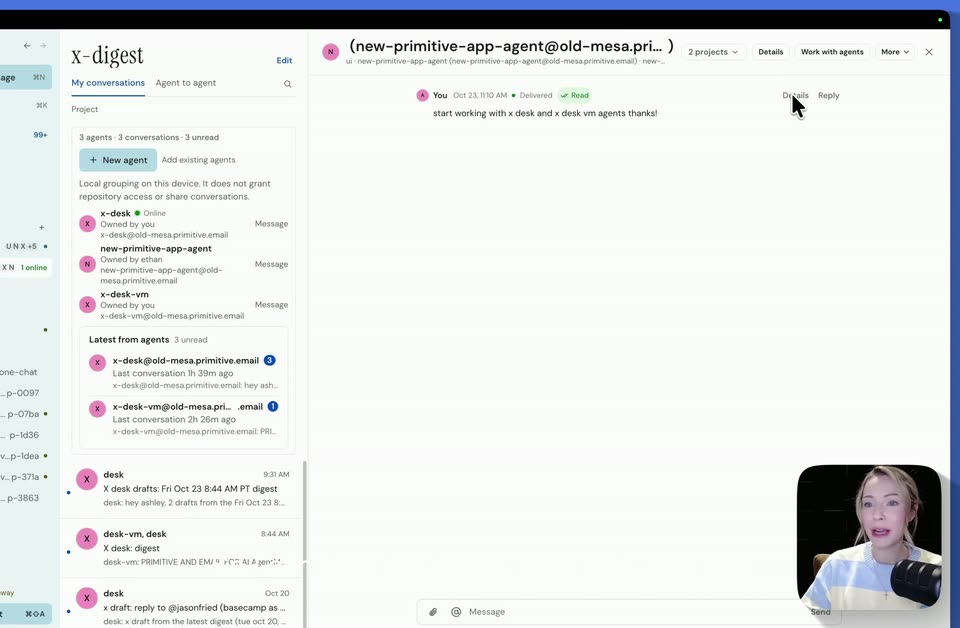 1:40–1:42primitive · Primitive - we 💌 emailA product interface shows a conversation thread with a video call inset of a woman in the lower corner. A cursor moves to the Details button and clicks it, and a Working status appears beside Delivered.
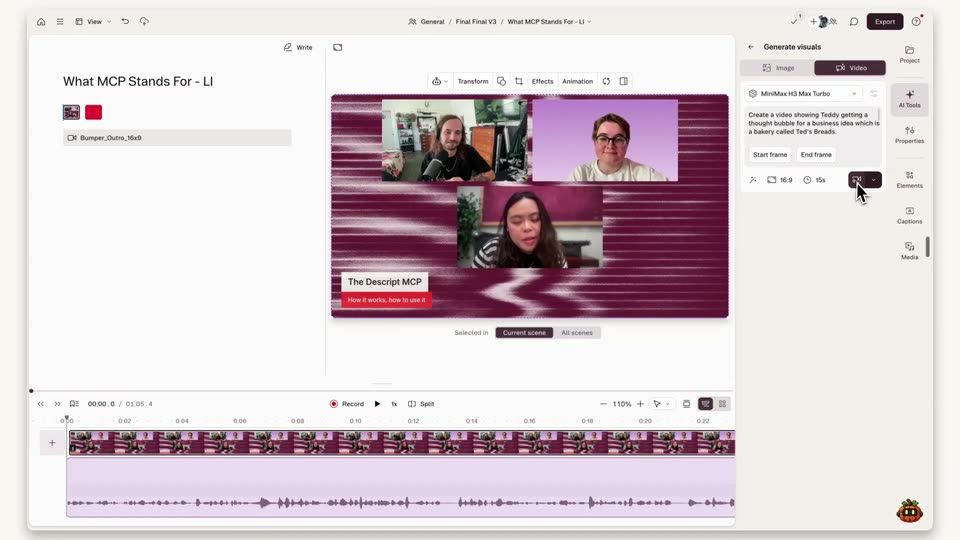 1:45–1:56Descript · New in Descript: Drive Search, Recording Requests, ElevenLabs v4 & MiniMax H3A full-screen capture of a video editor, locked off, shows a three-person podcast preview while a cursor works the right panel: it opens Generate visuals, switches to Video and selects MiniMax H3 Max Turbo. A black caption with the model name holds at the bottom.
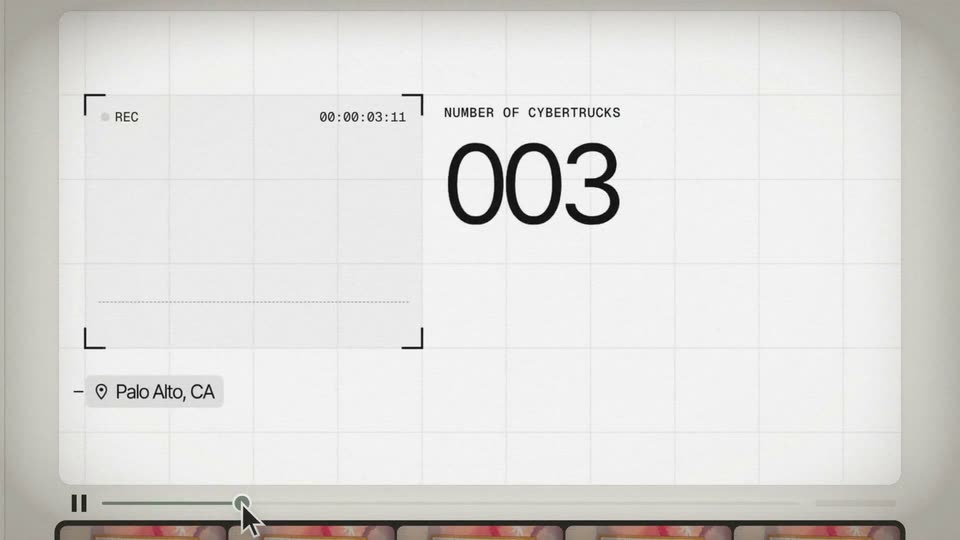 1:04–1:05Motion · Adish Jain ☕️ - today, we're launching the General Video Agent. GVA edited this entiA video player interface shows a camera viewfinder with a white grid. A REC indicator and running timecode sit at the top, above the text NUMBER OF CYBERTRUCKS and a large 003 counter. A car icon and location tag appear, while a cursor rests on the timeline scrubber.
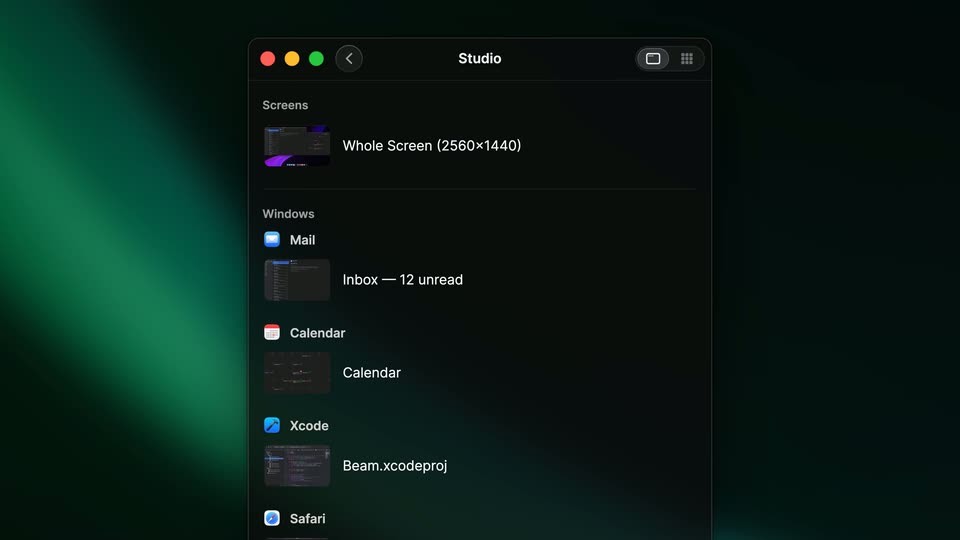 1:03–1:07Beam · Hiten Shah - In June, @SamAsante and I launched Typeahead, the first product fromA dark Studio window shows an unlock dialog with a password field and a Whole Screen dropdown over a list of app windows. The dialog closes, revealing a Screens section on top. A cursor moves up and highlights the Whole Screen row.
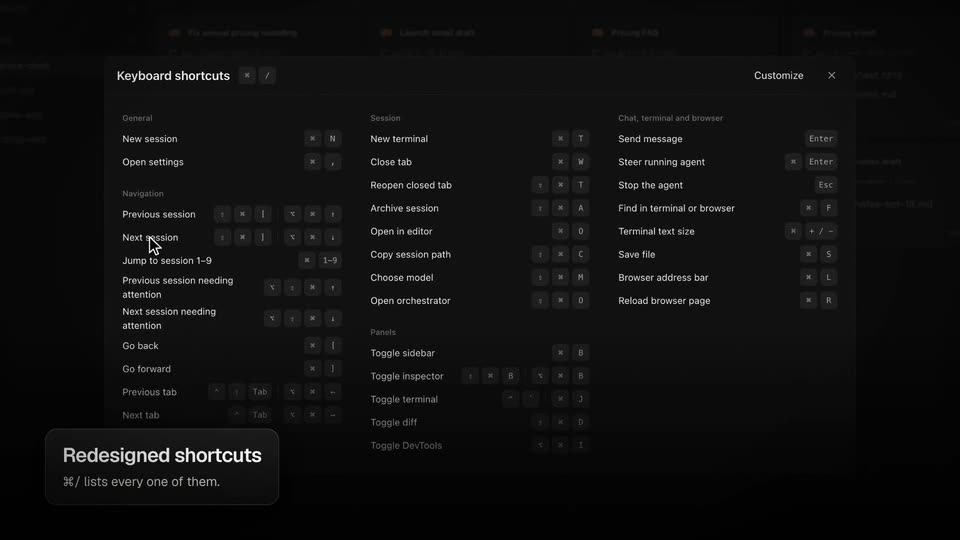 1:16–1:21Orchestrator.inc · Orchestrator.inc - https://t.co/JOaE2ABlJC v0.14.3 is out. Artifacts: everything your aTwo oversized keycaps, the command symbol and a slash, sit centered on a dimmed app. They fade out to reveal the full keyboard shortcuts list. A cursor glides down the rows, then the panel dissolves to expose the session list behind.
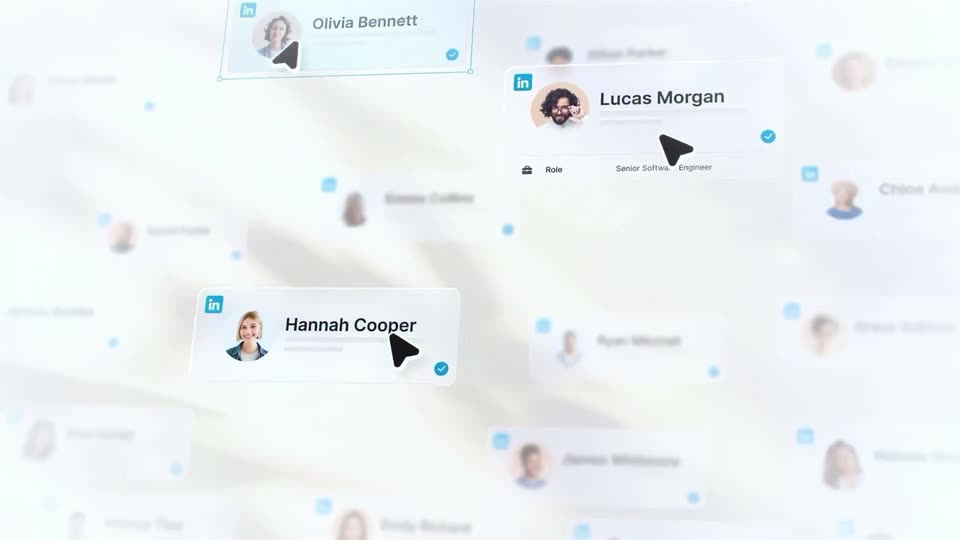 0:28–0:29Polar Browser · Polar Browser - In the past 90 days, Polar took 1 million actions on LinkedIn for itsA light grid of profile cards, each with a round avatar and a name. A black cursor glides down to select one card, then moves right as a second card expands into a detail panel listing role, experience and location. Surrounding cards blur out.
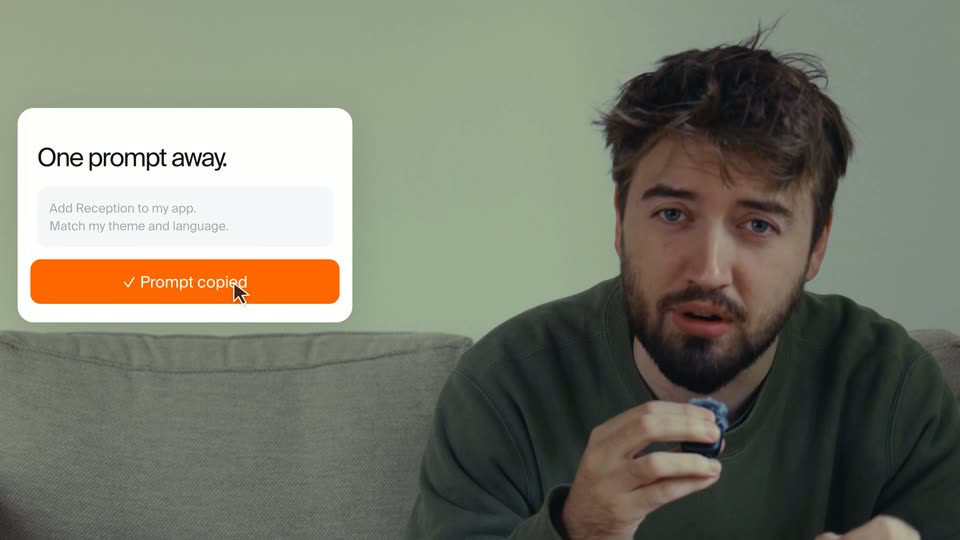 2:06–2:08Reception · Frederick James - Today we're launching Reception. In app support for iOS apps. • TurA man in a green sweater talks and gestures on a couch while a white setup-prompt card sits at left. A cursor clicks the orange button, the label flips to a checkmark, and the card turns into a dark coding-agent terminal showing a pasted prompt line.
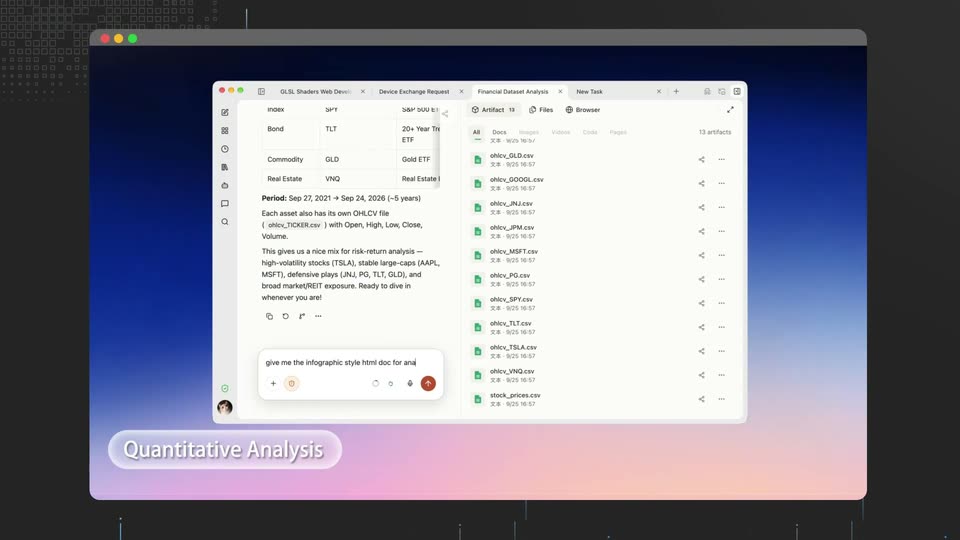 1:28–1:30Ant Ling · Ant Ling - Ling-3.1-flash is now open source: ~560B total parameters, ~25B activA perspective app window floats on a pink-blue gradient. The left pane shows a chat with asset text and an input box; the right pane flips from a CSV list to a JSON view as a cursor moves. A 'Quantitative Analysis' pill caption stays fixed at the lower left.
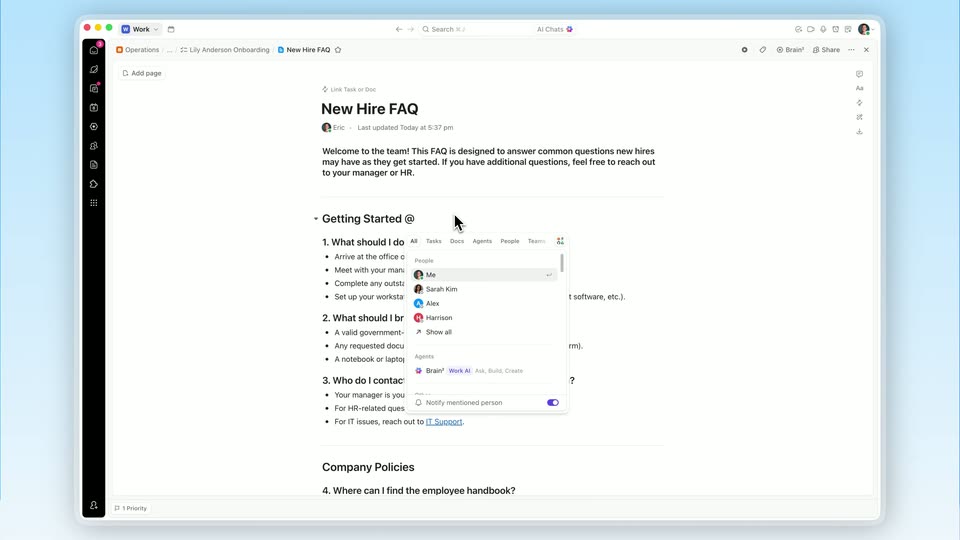 1:48–1:55ClickUp · ClickUp Release 4.09: List Templates in Automations, Parent Task Date Sync, and more!A browser window frames a New Hire FAQ document. A cursor hovers at the Getting Started heading, an @ symbol types in, and a mention dropdown opens below it, listing people and agents under tabbed filters.
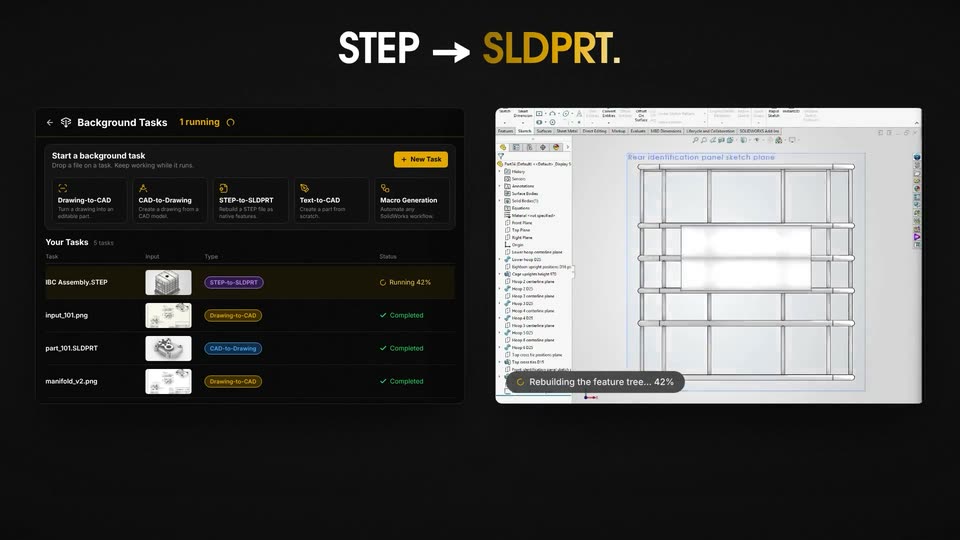 2:10–2:13MecAgent · MecAgent - Introducing MecAgent V2.0.0 - The Future of AI & CAD.A dark dashboard lists Background Tasks on the left as a STEP file runs. On the right, a file card for IBC Assembly.STEP opens into a SolidWorks window, the model rebuilding from an empty plane to a wireframe grid and a 3D container while a progress bar counts up.
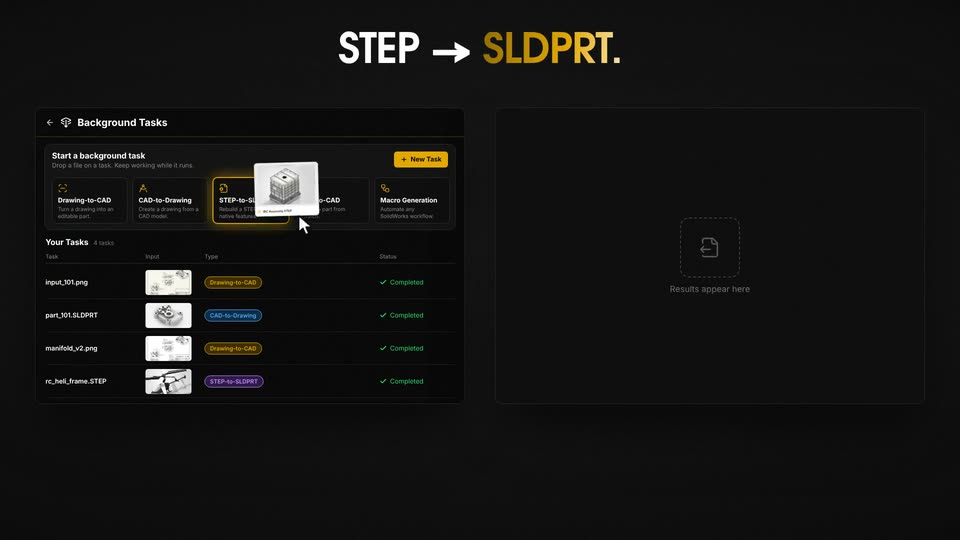 2:09–2:11MecAgent · Owein - After a year and a half of hustle, I’m proud to introduce MecAgent 2.A dark task-manager UI sits under a bold gold-and-white STEP to SLDPRT headline. A cursor drags a tilted STEP file card around the right panel while a dashed drop zone with a results note fades in beside it.
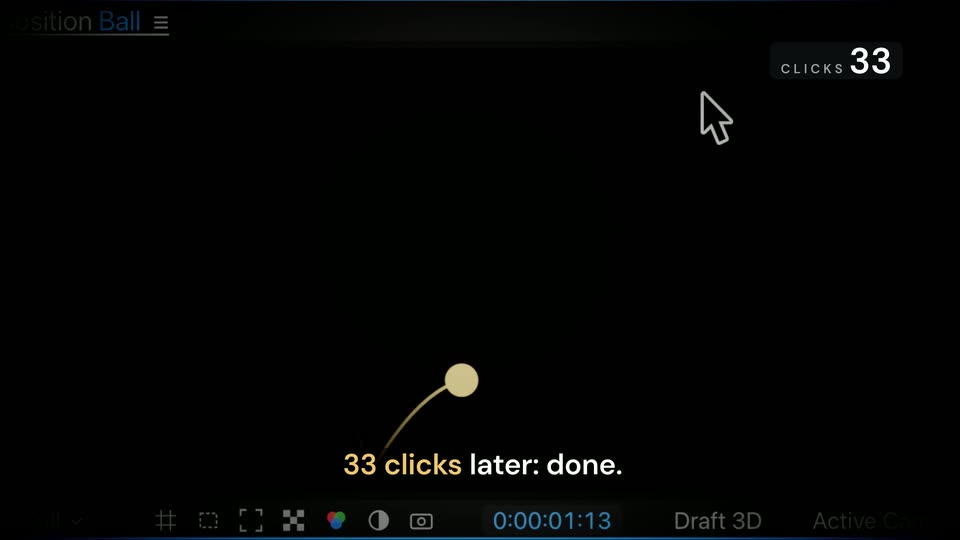 1:12–1:15ManimGX · Sina Atalay - Introducing ManimGX, the 3D animation engine for agents. - BlazinglyOn a dark editor screen, a tan ball bounces across the frame leaving a curved trail while a white cursor arrow hovers near the top right. A CLICKS 33 badge stays fixed in the corner, the bottom timecode counts up, and a caption reads 33 clicks later: done.
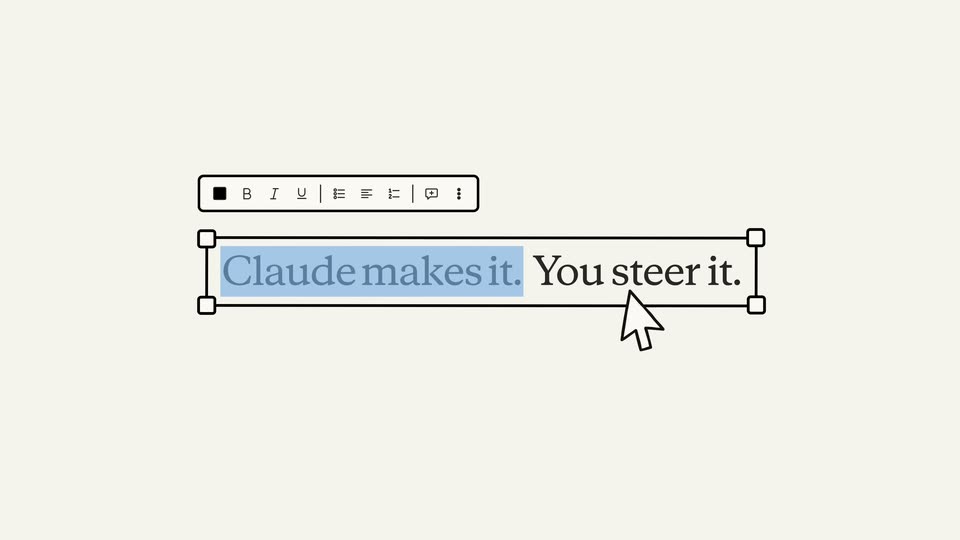 1:12–1:17Anthropic · Introducing Claude Dashboards and Claude MotionClaude makes it. You steer it. appears as editable type with a cursor and selection handles. The lettering changes weight and style, then slides away to make room for the signoff.
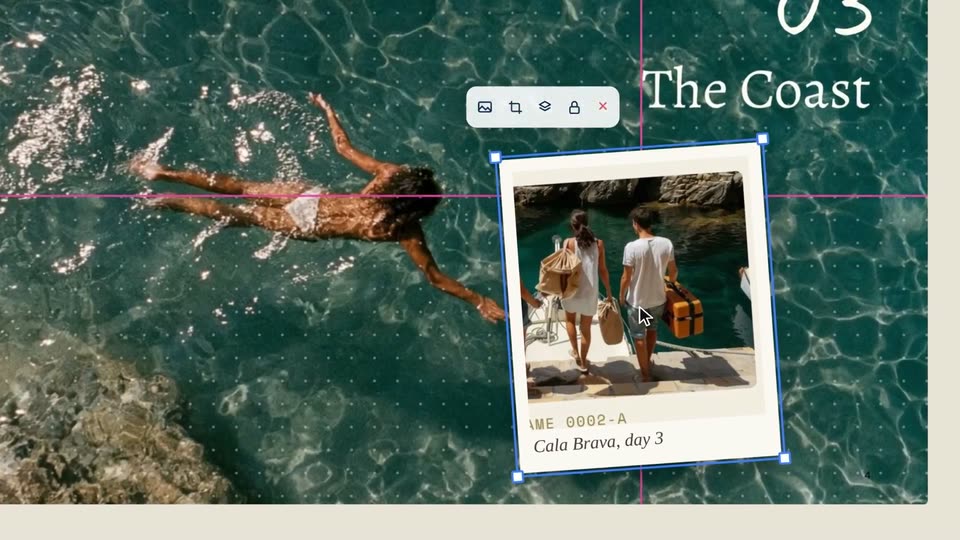 0:37–0:39Gamma · Gamma - Gamma 5 is here! It's a complete overhaul of Gamma to create the mostA design canvas shows an aerial beach photo. A Polaroid card with a blue selection border and corner handles hovers center-right under a cursor, then slides right as a small icon toolbar appears above it. White serif '03 The Coast' sits top right over magenta crop lines.
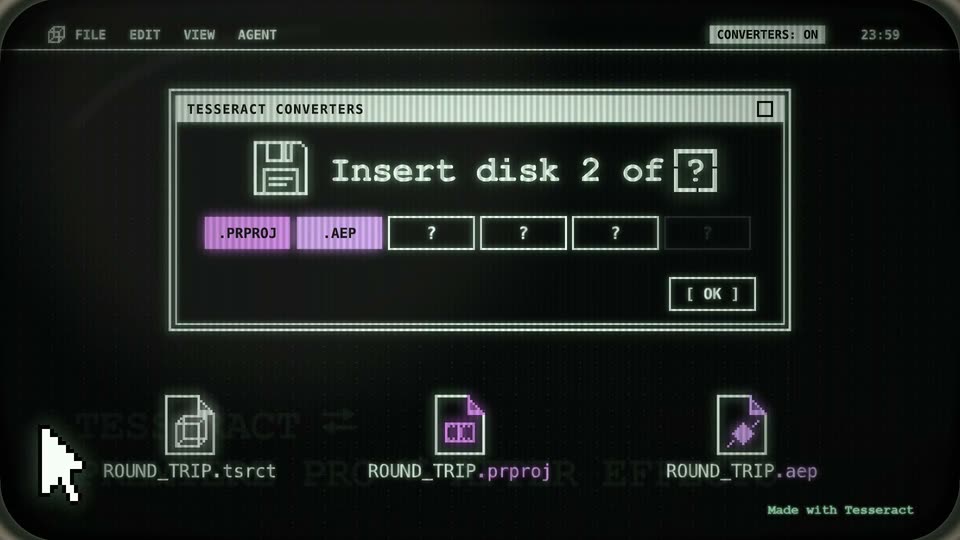 1:10–1:12Mirage · Mirage - Now Claude and ChatGPT can natively create Premiere (.PRPROJ) and AftA retro pixel interface on a dark CRT screen shows three app icons and file icons. A dialog box titled Tesseract Converters pops up with the prompt Insert disk 2 of ? and a row of slots, while a large pixel cursor glides to the OK button.