Cursor demo
A visible cursor operates the interface.
15,001 scenes · page 214 of 251
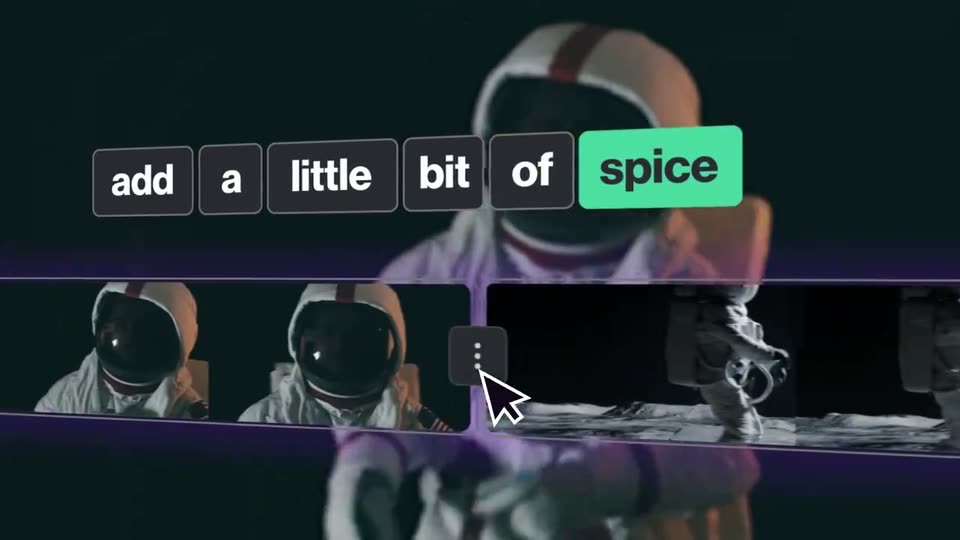 0:12–0:13Captions · Mirage - Introducing Captions for web. Video editing made simple, thanks toA dark editor view shows a row of caption tiles reading add a little bit of spice sliding left over a blurred astronaut, while a cursor taps a film-strip icon in a horizontal clip strip. The view scrolls down to reveal a yellow panel with large white numerals.
 0:54–0:55Penpot · Penpot - 💥 Penpot 2.0 is now available! Explore & enjoy the unique featurA black pill tab bar with a violet outline hovers over a white field marked by faint vertical wireframe lines. A hand cursor eases onto the rightmost INSPECT tab, shown in gray with teal text, while the other tabs stay dark.
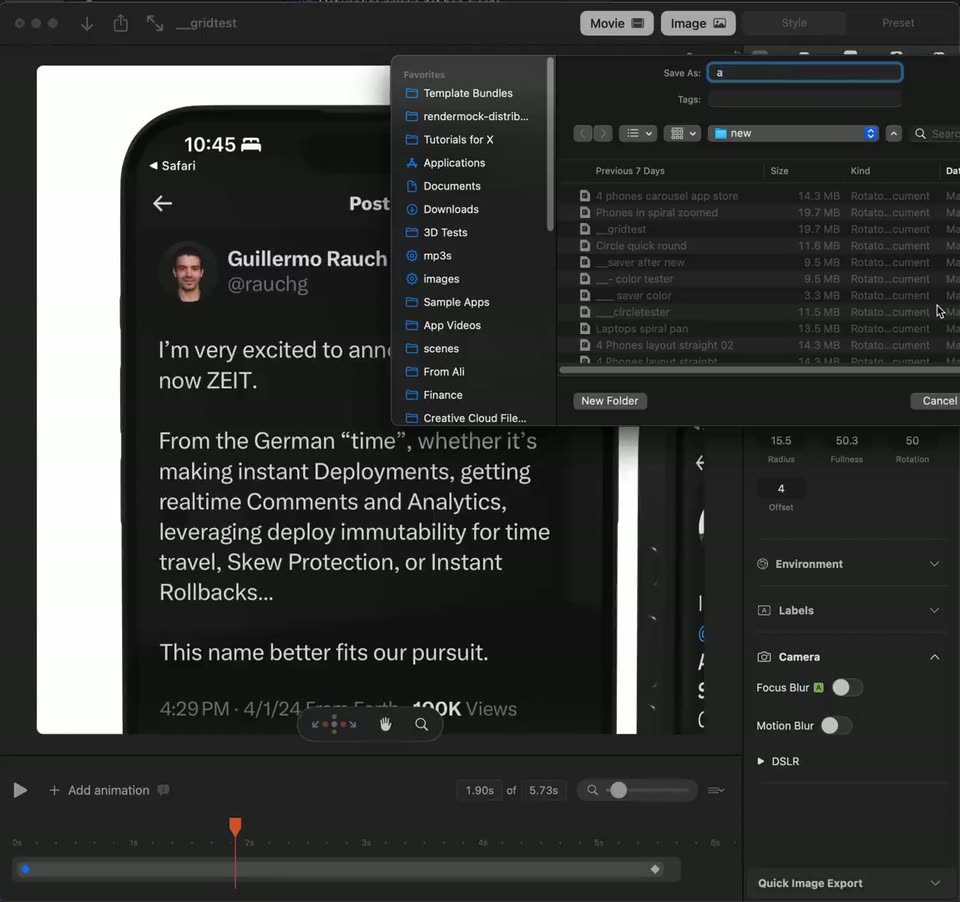 0:38–0:40Rotato · Morten from Rotato - Circles, half circles and grids rolling out to beta users soon:A macOS save dialog sits over a design app displaying a phone mockup of a tweet. The filename field is typed from “gridtest” to “apri” as the sidebar selection and file list switch, with a cursor moving over the list.
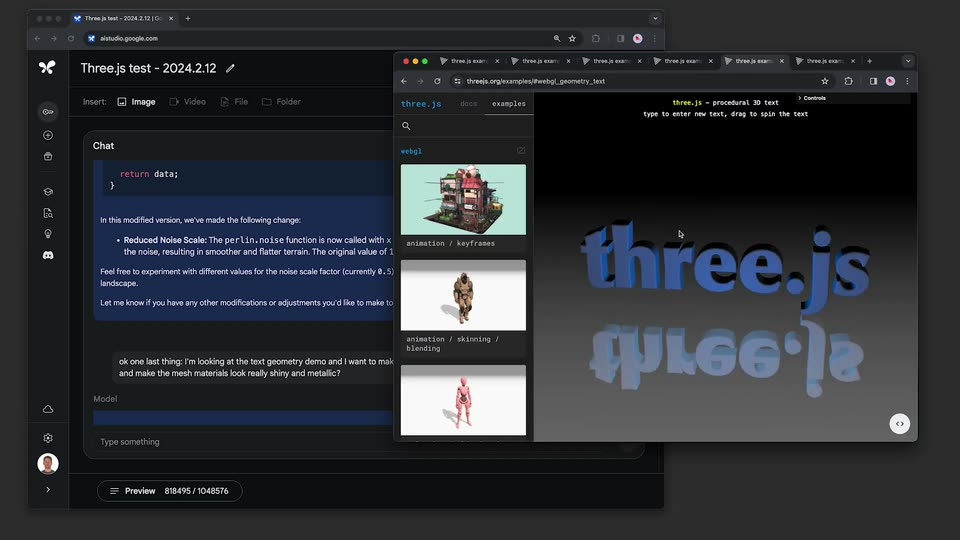 2:24–2:29Google · Problem solving across 100,633 lines of code | Gemini 1.5 Pro DemoA screen recording shows three overlapping windows: an AI chat panel on the left, a three.js examples browser in the middle, and a 3D view on the right where blue letters spin above a mirrored reflection. A cursor drifts across the panels.
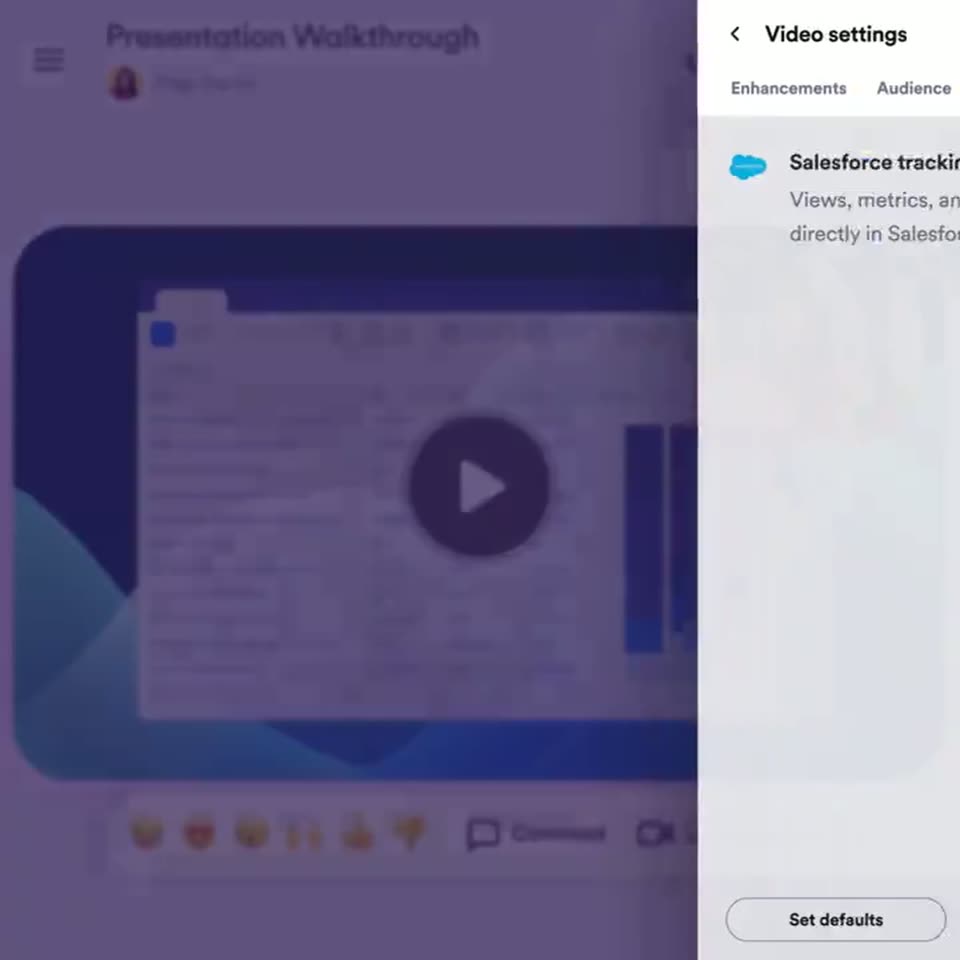 0:33–0:34Loom · Loom - 🚨 Sales & customer-facing teams — unlock more revenue with Loom!A Loom presentation page with a video player and emoji reaction bar sits on a pale background. A white Video settings panel slides in from the right, dimming the page, and lands on the Integrations tab showing a Salesforce tracking row as a cursor hovers it.
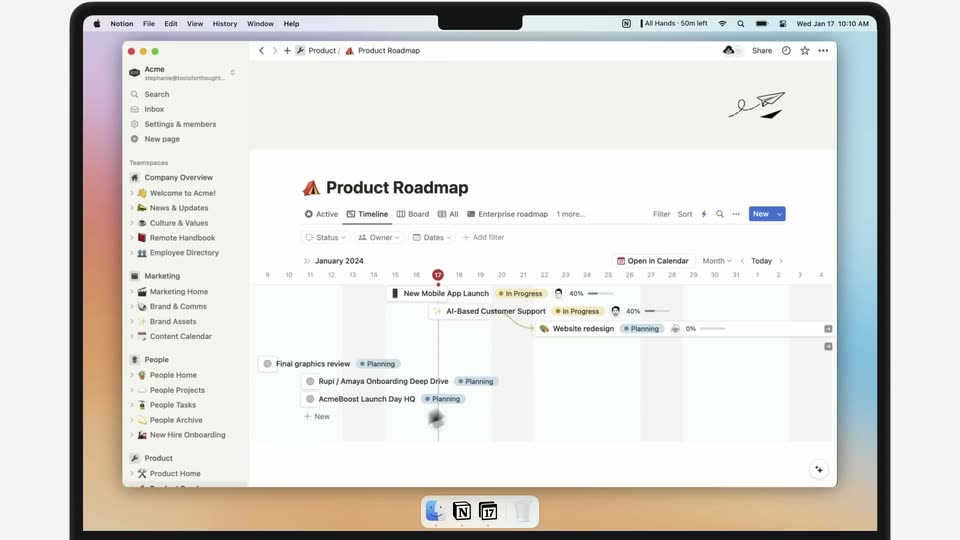 1:03–1:04Notion · Meet Notion CalendarA laptop screen shows a Notion-style roadmap page with a horizontal timeline of colored task bars and a left sidebar. A mouse cursor drifts across the empty lower area of the board.
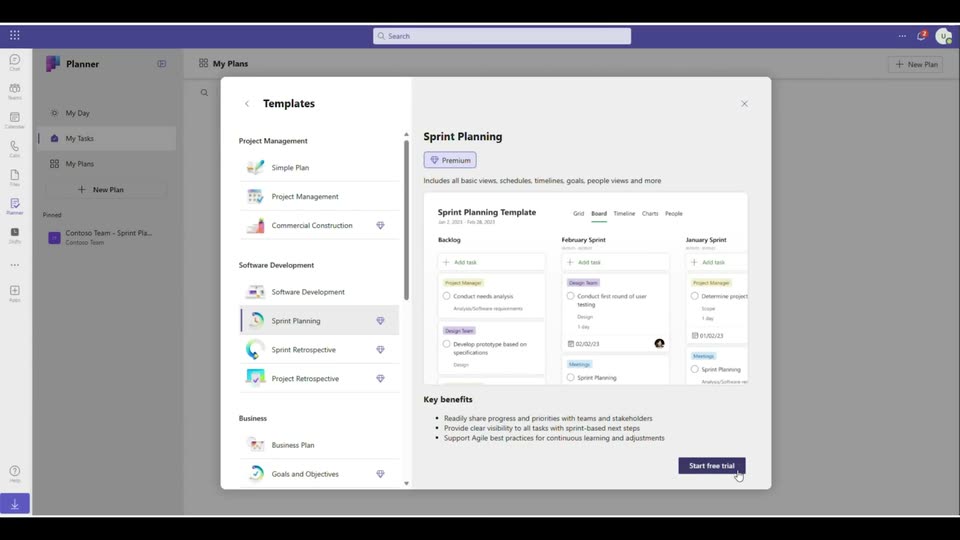 1:48–1:52Microsoft · Meet the new Microsoft PlannerA Planner template dialog shows the Sprint Planning detail with a Premium badge and a preview grid of task columns. A cursor glides down from the top right and presses the Start free trial button in the lower right corner.
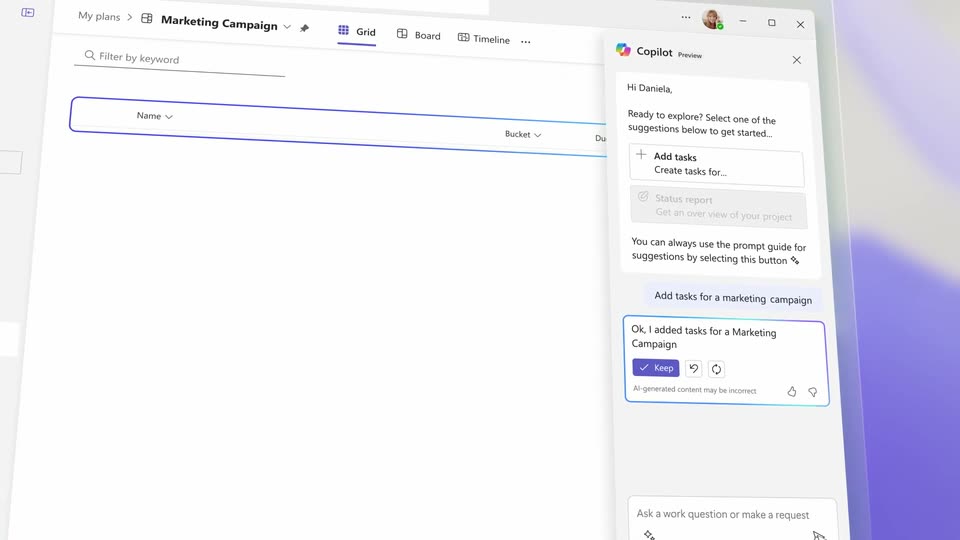 1:20–1:27Microsoft · The new Microsoft Planner: Manage all your tasks and plans in one simple, familiar experienceA Planner window sits in 3D perspective against a blurred purple backdrop. The view pushes into the Copilot panel as a cursor types a prompt, then reframes left to reveal a task grid filling row by row.
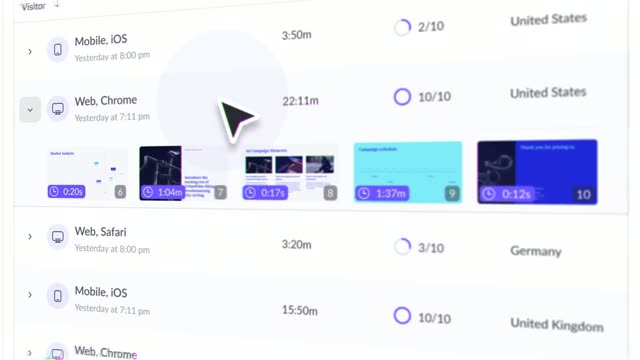 1:09–1:11Pitch · Introducing Pitch 2.0A visitor list sharpens from a brief blur as a cursor glides in and pauses on the Web, Chrome row. The row highlights with a purple pulse, then expands to open a session replay filmstrip with timestamps below.
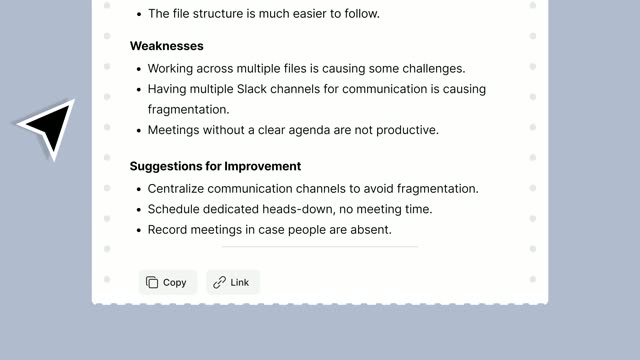 0:29–0:33Figma · Introducing FigJam AIA white note card with a perforated edge on a gray-blue background scales up, then its summary text scrolls down through Strengths, Weaknesses, and Suggestions sections. A purple block fades in over the last lines as a black cursor moves around the card.
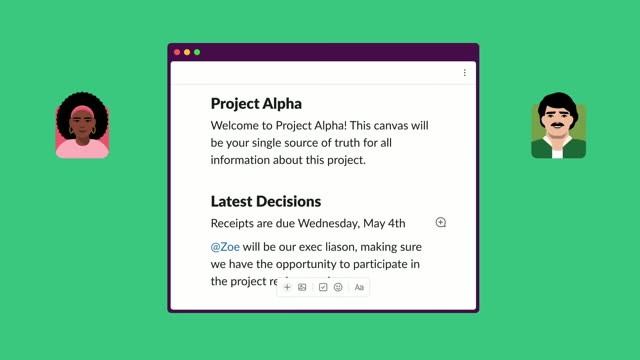 0:48–1:07Slack · Introducing canvas | A new surface to share and organize knowledge | SlackA flat browser window on green: cursors drop a video and two plant images into the canvas, then link cards fly in. The page scrolls past checklists, a cursor types a welcome line, and teammate avatars pop in around the window.
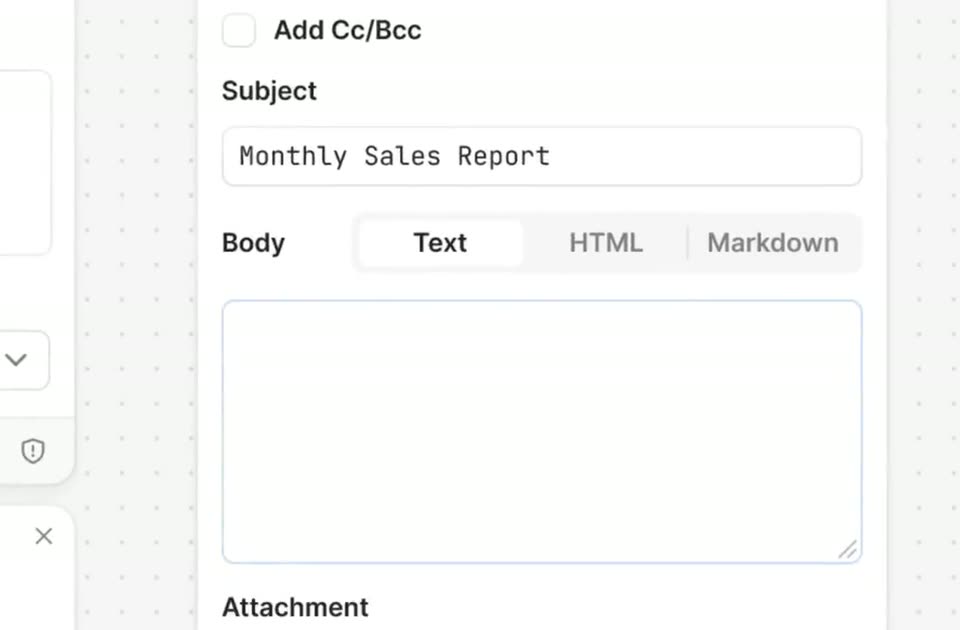 0:29–0:32Retool · Retool - Say hello to the fusion of visual programming, code, and AI. RetoolA white email node panel crossfades into a tighter crop on the Body field. A blinking caret sits in the empty box, then a sentence ending in a green template variable is typed in while a hand cursor hovers at the right.
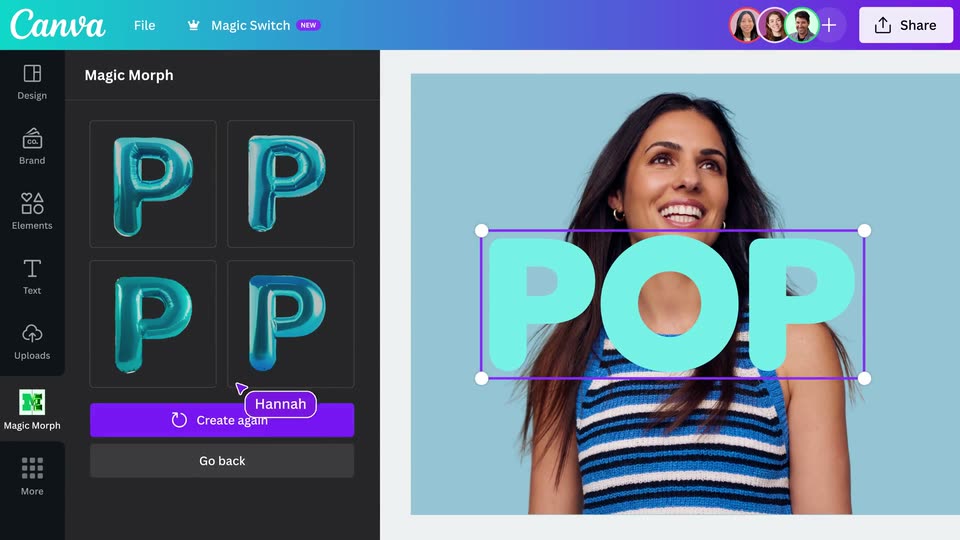 1:33–1:36Canva · Canva - Meet Magic Studio. Supercharge your workflow with all the power of AIThe Canva Magic Morph panel sits beside a canvas showing a smiling woman with a flat teal POP text selected. A cursor labeled Hannah clicks the Magic Morph button, then picks a balloon variant, and the flat text morphs into a glossy 3D balloon POP with sparkles.
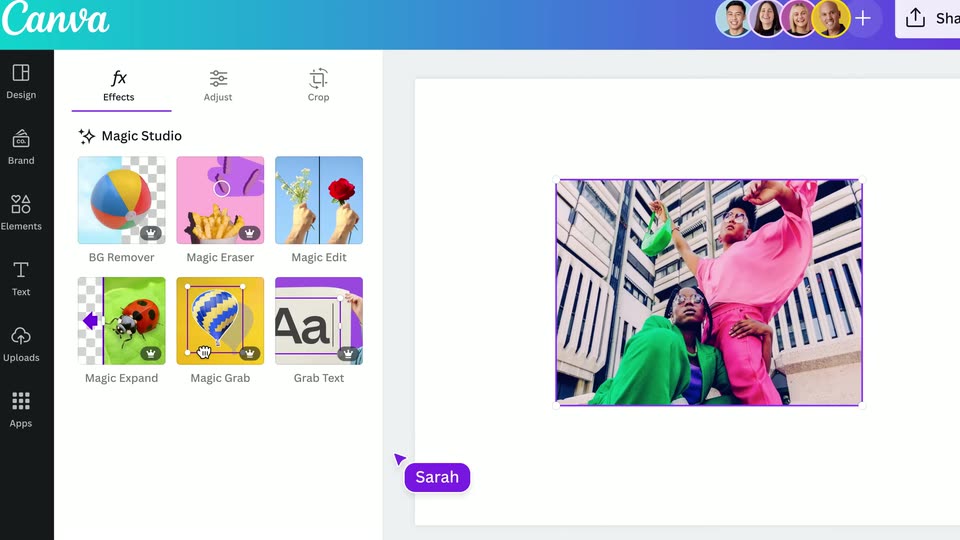 1:06 · 0.7sCanva · Meet Magic Studio | Let the power of AI supercharge your workA Canva editor window zooms in on the Magic Studio panel, enlarging six tool cards. A purple collaborator cursor labeled Sarah slides from the canvas edge to hover over the Magic Grab card, while a photo of dancers in green and pink sits in the right canvas.
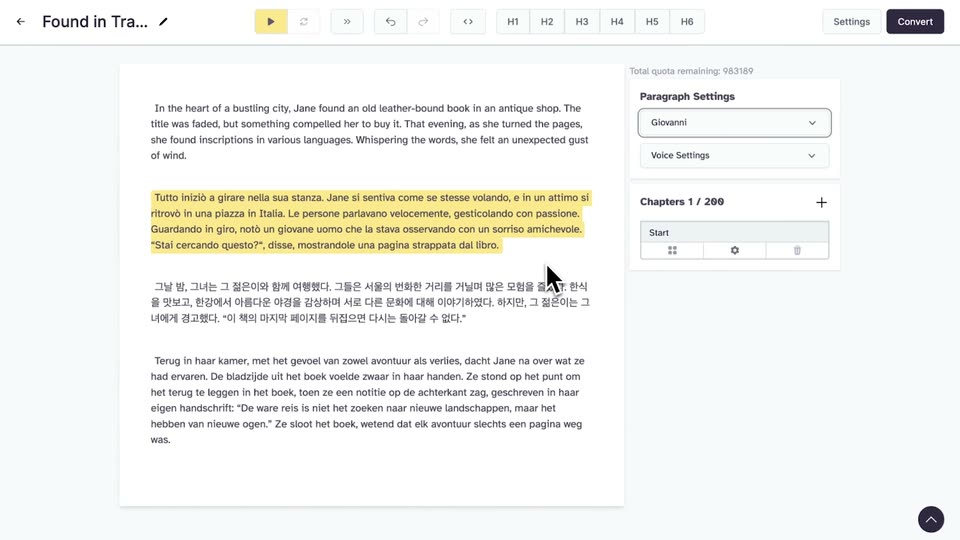 1:07–1:23ElevenLabs · Introducing: ProjectsA close-up of a voice settings dropdown scrolls through a list of named voices until the cursor lands on Giovanni, then the view zooms out to the full editor, where the cursor hovers over a yellow-highlighted Italian paragraph in a multilingual document.
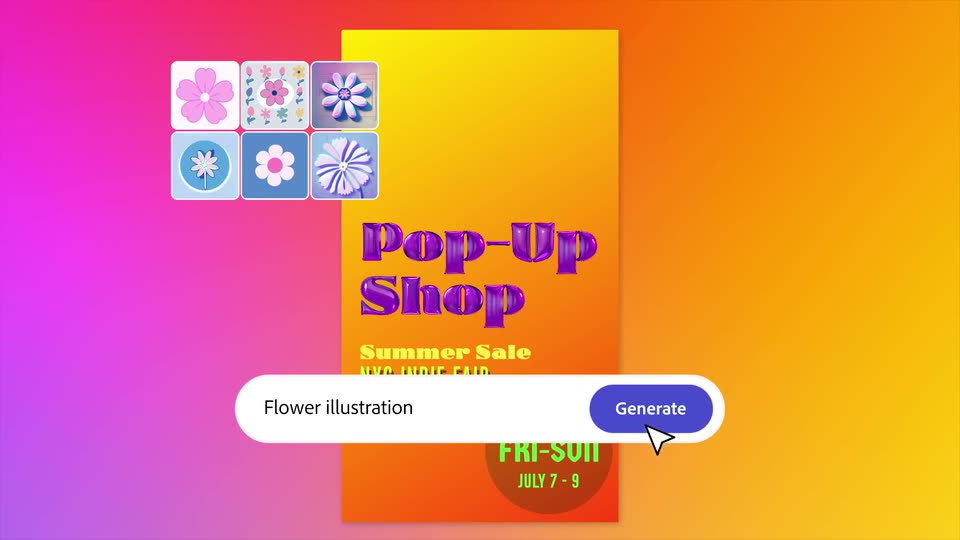 0:19–0:20Adobe · Adobe Firefly: Out of Beta & Ready For Your Imagination | AdobeA yellow-to-orange Pop-Up Shop poster sits on a pink-orange gradient. A white prompt bar reads “Flower illustration” beside a blue Generate button. A cursor hovers on the button, then six flower illustration thumbnails pop in at the top left.
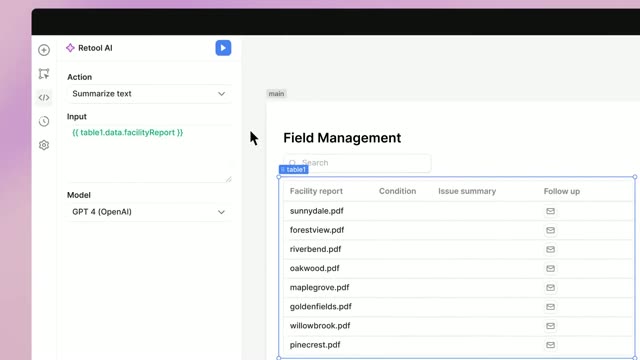 0:21–0:24Retool · Introducing Retool AI—powerful AI building blocksA cursor opens the Action dropdown in the Retool AI panel and highlights Summarize text. The frame pulls back to the full window, where the action panel now shows the selection beside a Field Management report table.
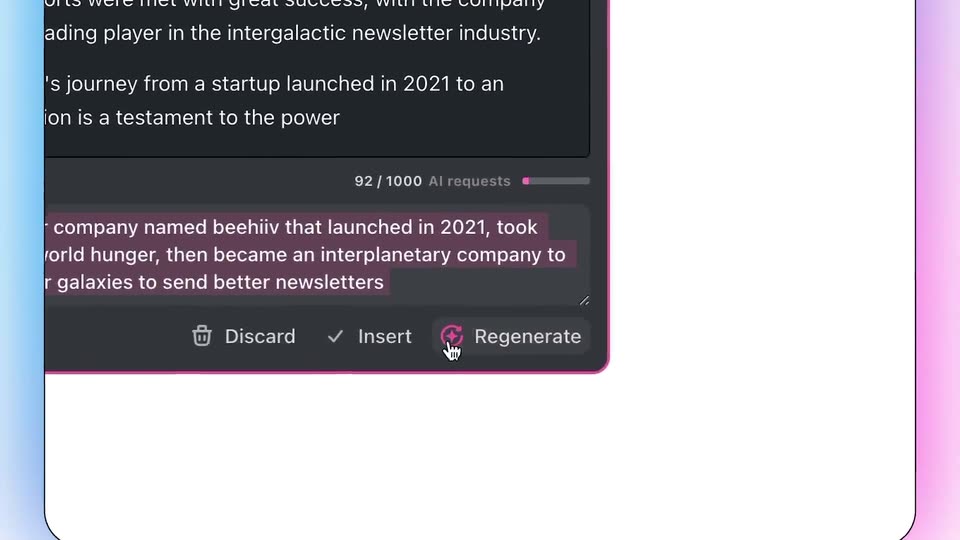 0:57–0:58beehiiv · beehiiv 🐝 - Introducing beehiiv AI ✨ Coming live from UranusA dark text panel with a pink border sits on a white card over a blue-to-pink gradient. A hand cursor slides from the Regenerate button to the Insert button and presses it, holding the highlighted state.
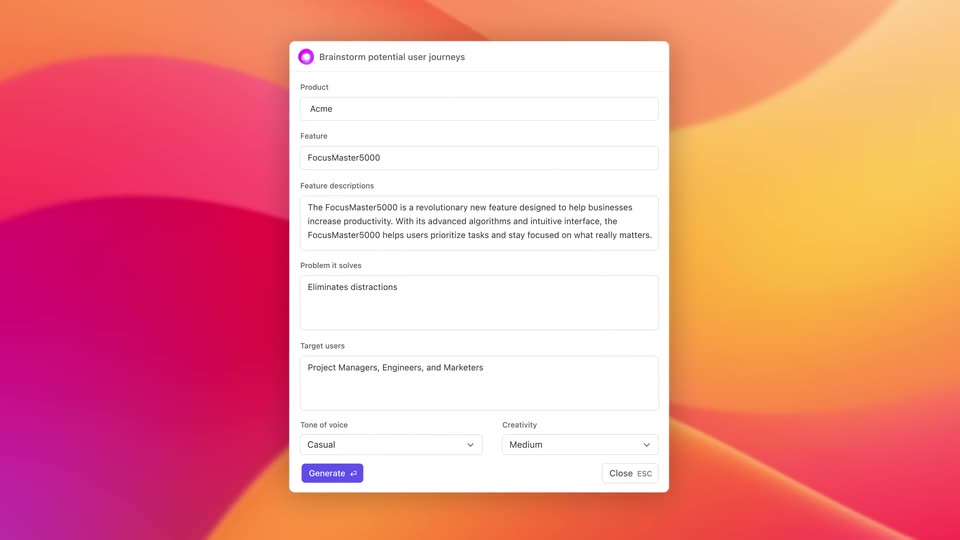 0:43–0:46ClickUp · Introducing ClickUp AIA white form modal slides in from the left over a pink and orange gradient, titled Brainstorm potential user journeys. A cursor and a Tanya, Senior Designer presence chip appear, then text types itself into the Feature descriptions, Problem it solves, and Target users fields.
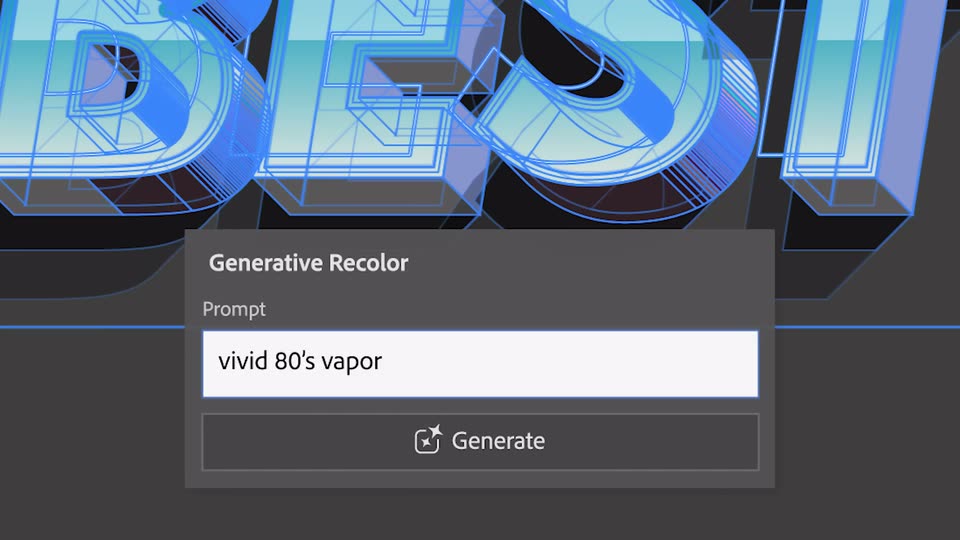 0:19–0:21Adobe · Adobe Illustrator x Adobe Firefly: Announcing Generative Recolor | AdobeA dark dialog labeled Generative Recolor is centered over large teal 3D letters with blue wireframe outlines. An arrow cursor hovers in the prompt field, then the prompt vivid 80's vaporwave is typed in letter by letter behind a caret.
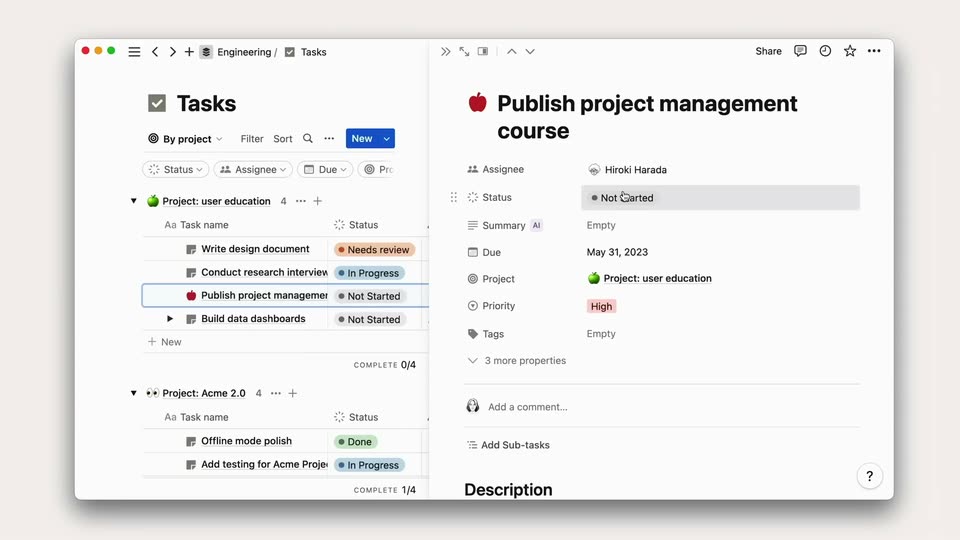 2:07–2:11Notion · Welcome to Notion ProjectsA flat task-management screen shows a project task list on the left and a detail panel on the right. A cursor moves down the detail rows, highlighting the assignee, status and due date fields in turn.
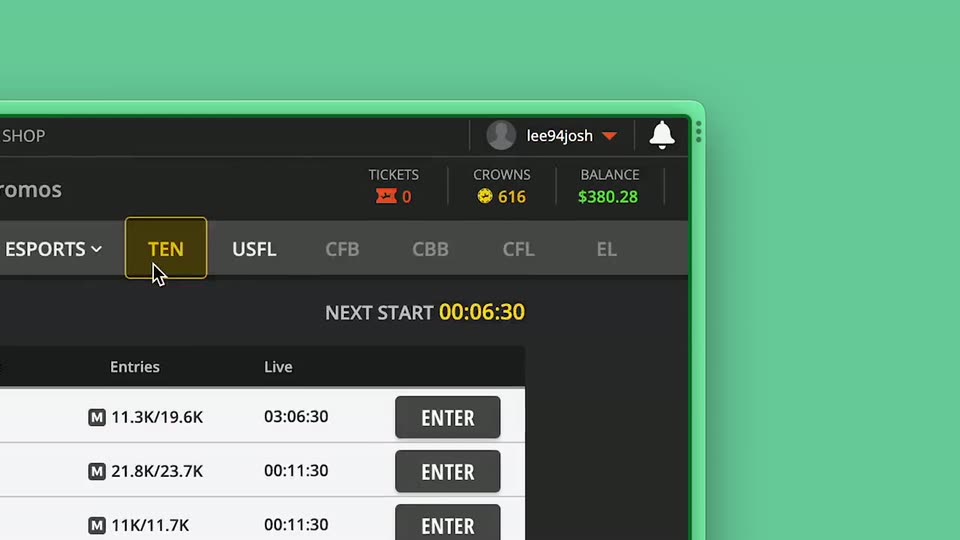 0:22 · 0.5sThe Browser Company · The Browser Company - What if the internet... was actually 𝑦𝑜𝑢𝑟 internet? 🎨 Introducing BClose-up of a dark sports-betting interface on a green backdrop. A white cursor clicks the TEN tab, the tab row and the entry list below flash yellow, and the NEXT START countdown ticks from 00:06:30 to 00:06:27.
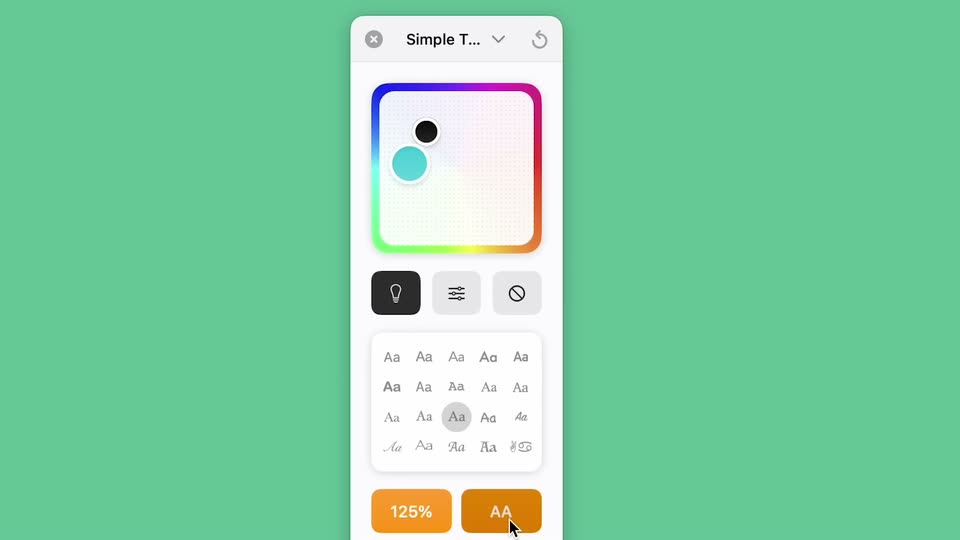 0:22–0:23The Browser Company · Boosts by Arc | Meet Your New InternetA white customization panel on a green background shows a rainbow-bordered color picker and a grid of font samples. A cursor taps different samples, sets the size to 150%, and hovers the reset icon, revealing a tooltip.
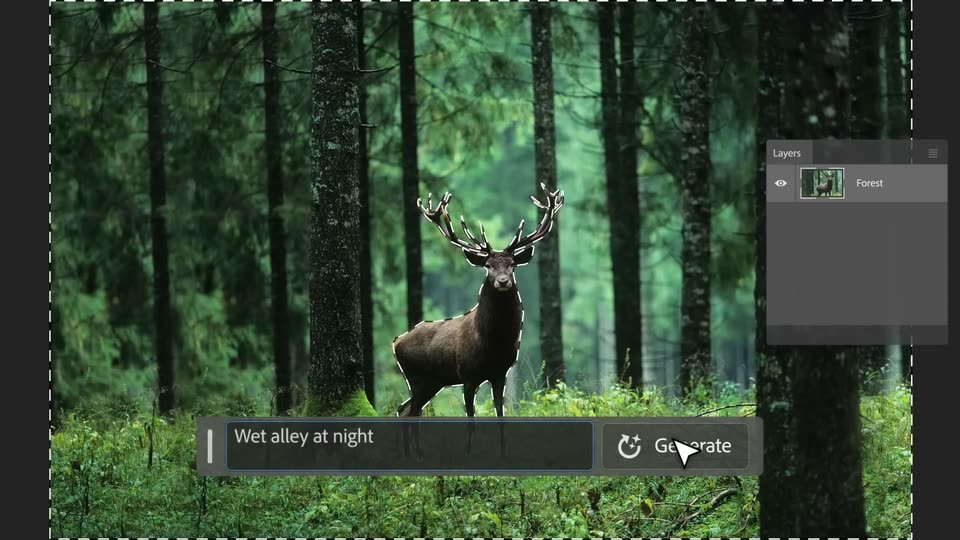 0:25–0:26Adobe · Adobe Photoshop (beta) x Adobe Firefly: Announcing Generative Fill | AdobeA forest photo with a stag fills the canvas inside a dashed border. A Layers panel on the right lists one layer, Forest. A bottom bar shows the prompt Wet alley at night next to a Generate button, where the cursor hovers.
 0:53–0:54Zapier · Introducing Zapier TablesA dark Share button sits centered on lavender with two outlined cursors. The button darkens, the cursors settle, then a white notification bar with a teal check appears, reading ‘My New Table’ shared.
 1:08–1:13Raycast · Introducing Raycast ProA dark theme-editor window tilts in 3D over a purple abstract backdrop. A cursor clicks the Midnight theme, then the Set as Current button, and the camera reframes onto the window's left sidebar.
 0:58–0:59Perplexity · Perplexity - We are excited to launch the next version of Introducing login, threaA white Perplexity app window on a starry black background sharpens from a blurred, magnified list into focus. The interface shows a sidebar and a Your Threads list of prompts; a hand cursor glides down the rows.
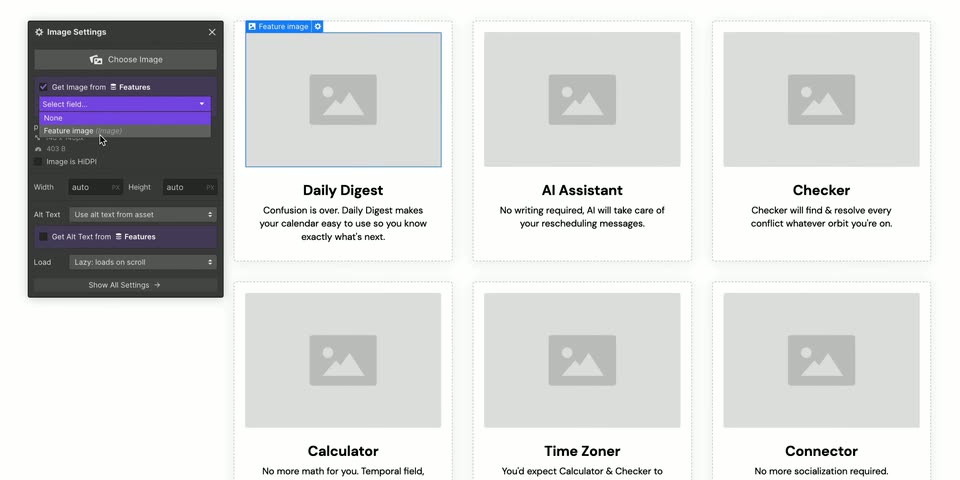 1:20–1:22Webflow · Introducing WebflowA dark image settings panel sits left with a cursor over a field dropdown; a grid of six feature cards with gray placeholder images and captions fills the right, the first outlined in blue. The cursor moves to the Feature image option.
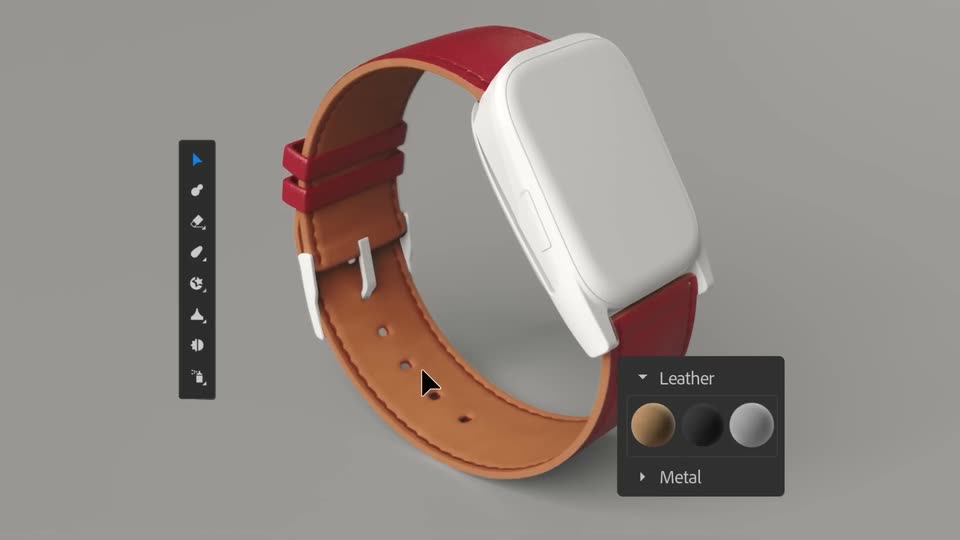 0:15–0:16Adobe · Adobe Firefly: Family of New Creative Generative AI Models | AdobeA white smartwatch mockup floats in 3D perspective on a gray backdrop, a vertical icon toolbar at left. A cursor taps a small brown sphere on the strap, and it recolors from white to tan leather, then pink. A material panel sits at lower right.
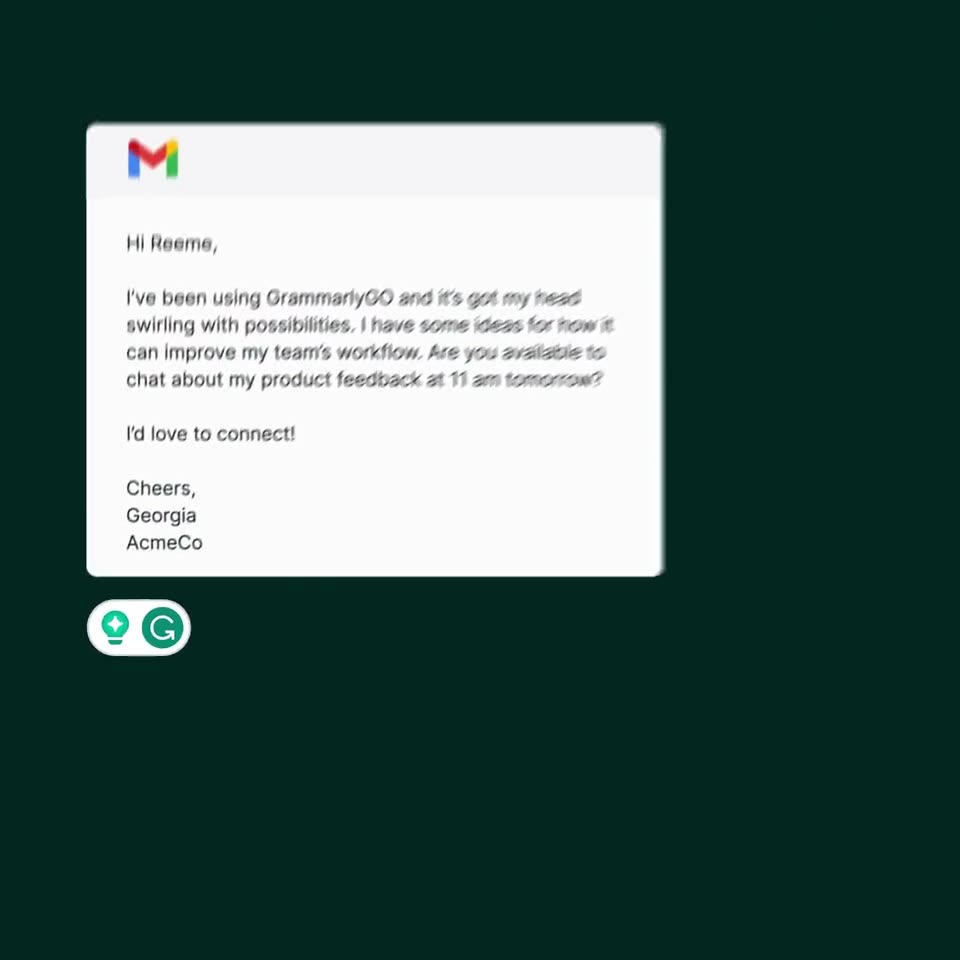 0:46–0:47Grammarly · Superhuman - Introducing GrammarlyGO—a new generation in writing. Speed up your wA white email card on a dark green field scrolls up and scales down, revealing the Gmail logo and body copy. A black cursor rests on a small white pill with two teal icons at the lower left.
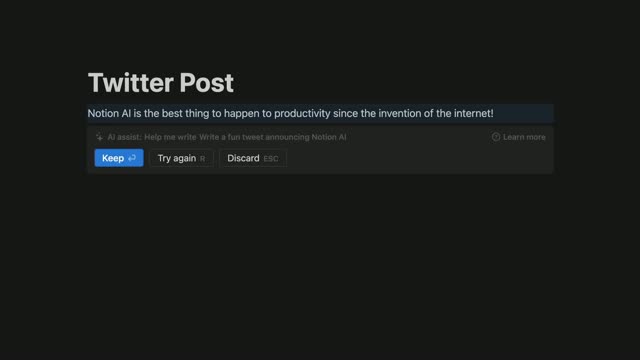 1:08–1:14Notion · Introducing Notion AIOn a dark page headed Twitter Post, a hand cursor clicks the blue Generate button in an AI assist panel; a one-line tweet appears, then the view zooms in as the cursor rests on Keep.
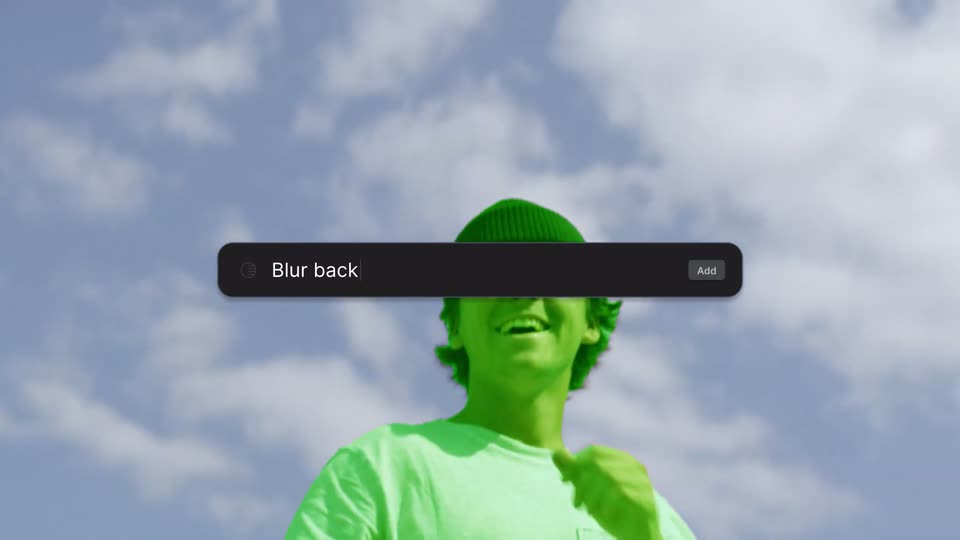 0:41–0:42Runway · Text to Video: Early Access Waitlist | RunwayA green-tinted man turns and lifts a hand against a cloudy blue sky. A dark rounded input bar pops in across his face, a caret types a short prompt that is then cleared and retyped, and an Add button sits at the right edge.
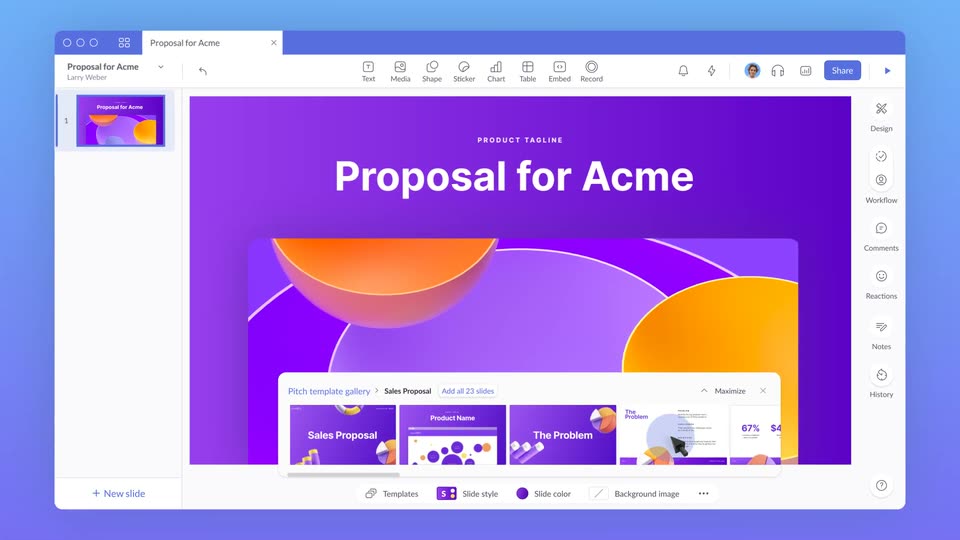 0:34–0:36Pitch · Introduction to Pitch | Create beautiful presentations with your teamA presentation editor window sits on a blue gradient. The cursor glides from the slide down to the template gallery docked at the bottom and hovers a thumbnail, which lifts, tilts and enlarges as if picked up.
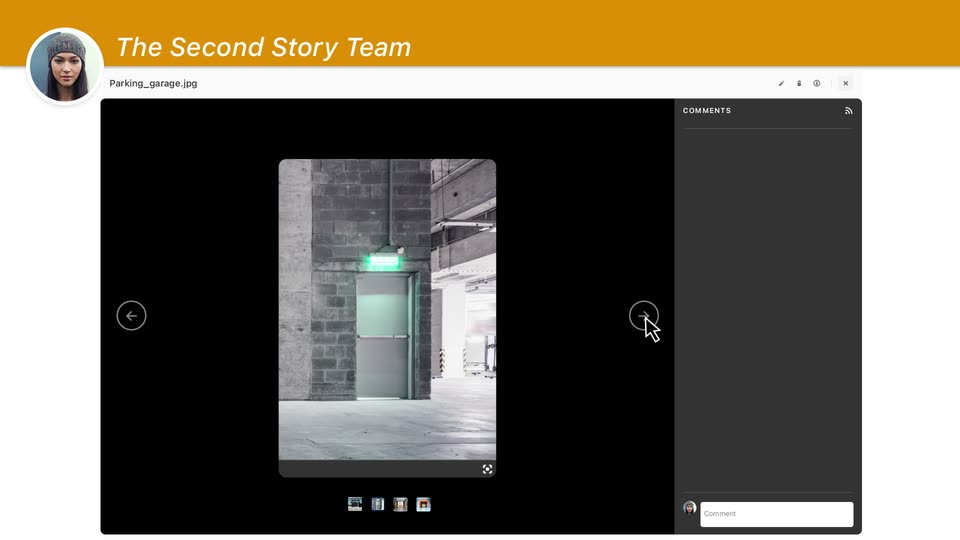 0:32–0:33Airtable · Airtable: introducing interface designerA dark photo-viewer window fills the frame beneath an orange team header. A cursor taps the right arrow, sliding the photo from a loading dock to a centered parking-garage shot, while a comments panel sits at right and four thumbnails line the bottom.
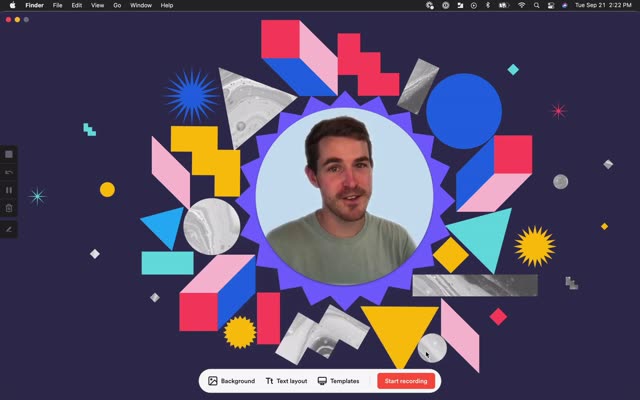 1:04–1:19Loom · Introducing CanvasOn a dark purple canvas of colorful geometric shapes, a circular webcam feed of a talking man glides from the lower-left corner and scales up to the center, settling inside the purple starburst. A cursor clicks the close button on the Templates panel, dismissing it.
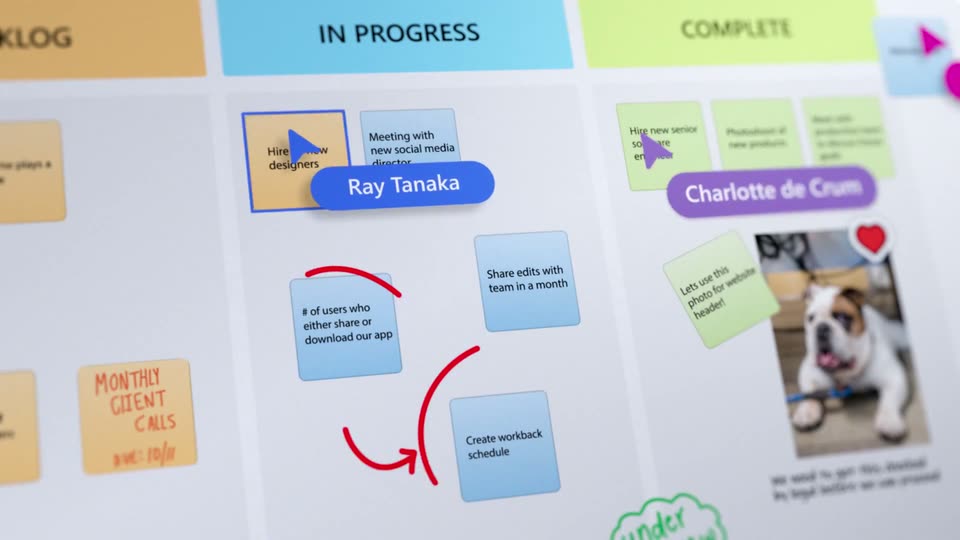 0:34–0:35Microsoft · Meet the new Microsoft Whiteboard designed for Hybrid WorkA tilted close-up of a Kanban board with three columns. A blue Ray Tanaka cursor and a purple Charlotte de Crum cursor glide across the cards. An orange card turns blue under Ray's cursor while a red hand-drawn circle slides down to another card.
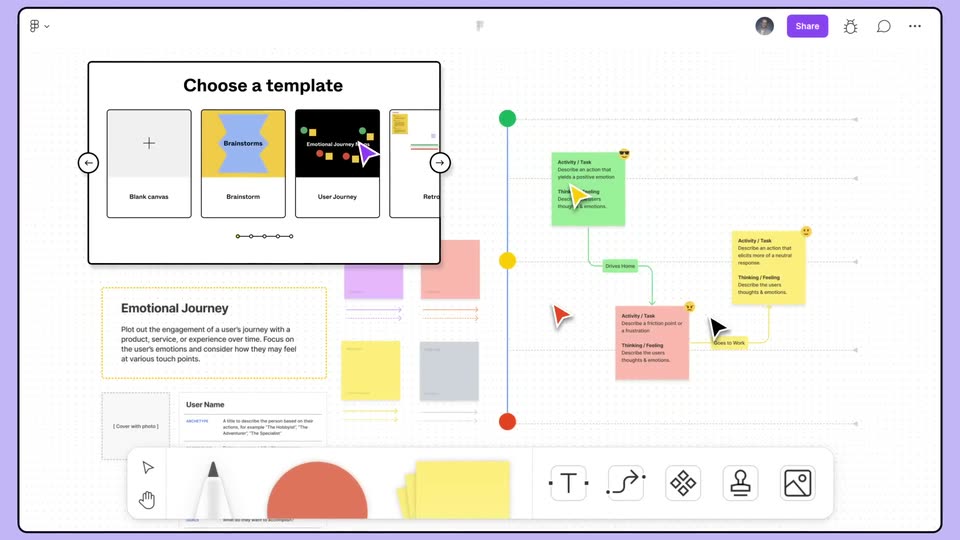 0:23–0:26Figma · Welcome to FigJamA whiteboard interface shows a 'Choose a template' dialog over a dotted canvas. A purple cursor taps the carousel's right arrow, scrolling cards left to reveal User Journey and Emotional Journey Map. The background shifts to a journey-map layout while the toolbar stays fixed.
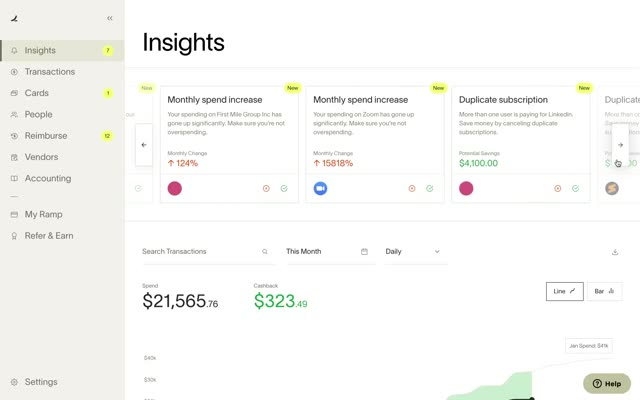 0:53–0:58Ramp · Meet Ramp: The finance automation platform that saves you time & moneyA cursor sweeps across a horizontal row of insight cards in a finance dashboard, scrolling them left to reveal spend and subscription alerts, then hovers over a green checkmark. The page header and a spend chart stay fixed below.
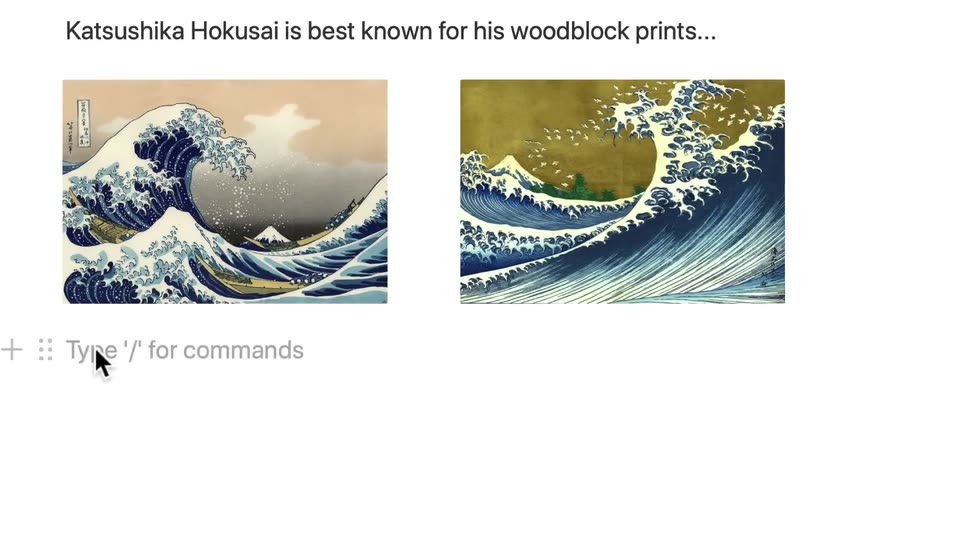 0:55–0:59Notion · What is Notion?A document page scrolls down past a Research heading, a Hokusai caption and two Great Wave prints. The cursor hovers the right print, revealing a Caption/Original bar, then clicks a pasted YouTube link; a menu opens and a black video player loads below.
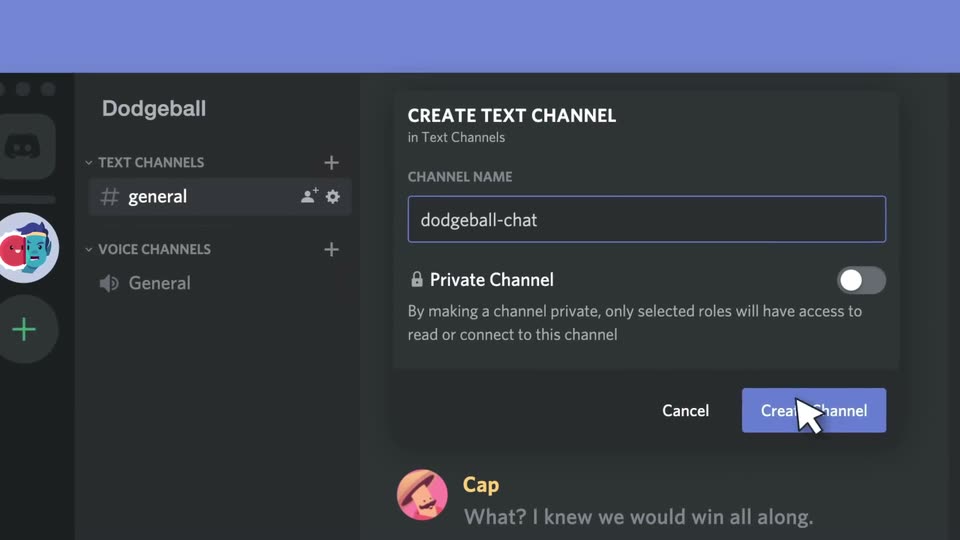 0:45–0:48Discord · How Discord Works in 148,000 Miliseconds or LessA dark Discord workspace shows a Create Text Channel panel sliding in from the right. A white cursor types dodgeball-chat into the name field, then clicks the blue Create Channel button. The panel fades out and the new channel appears in the left sidebar.
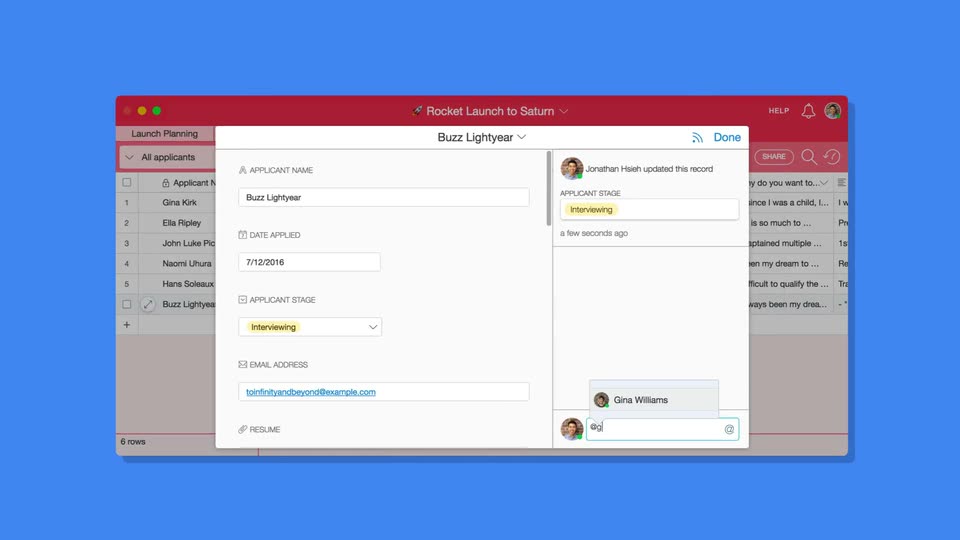 1:25–1:29Airtable · Meet AirtableAn Airtable record panel for Buzz Lightyear sits on a blue background. The cursor types @ in the comment box, a mention list with two names drops down, and Gina Williams is picked. The desktop view then blurs and pulls back as a phone slides in from the right.
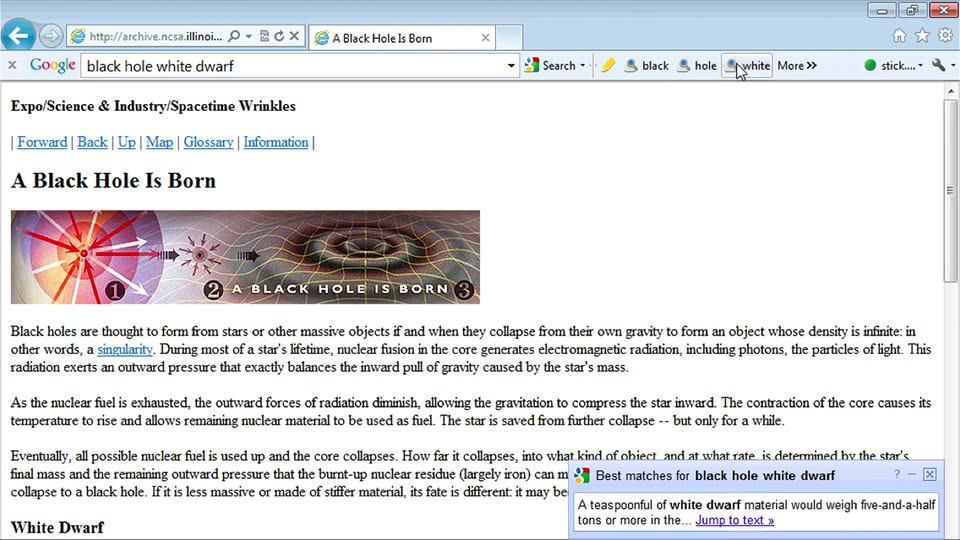 0:45–1:04Google · Introducing Google Toolbar 7The cursor clicks the highlighter icon in the search toolbar, and Black and Hole in the page heading get colored highlights. The view zooms into the toolbar, the cursor clicks the chips black, hole, white, then Jump to text in the popup, and the page scrolls to the match.
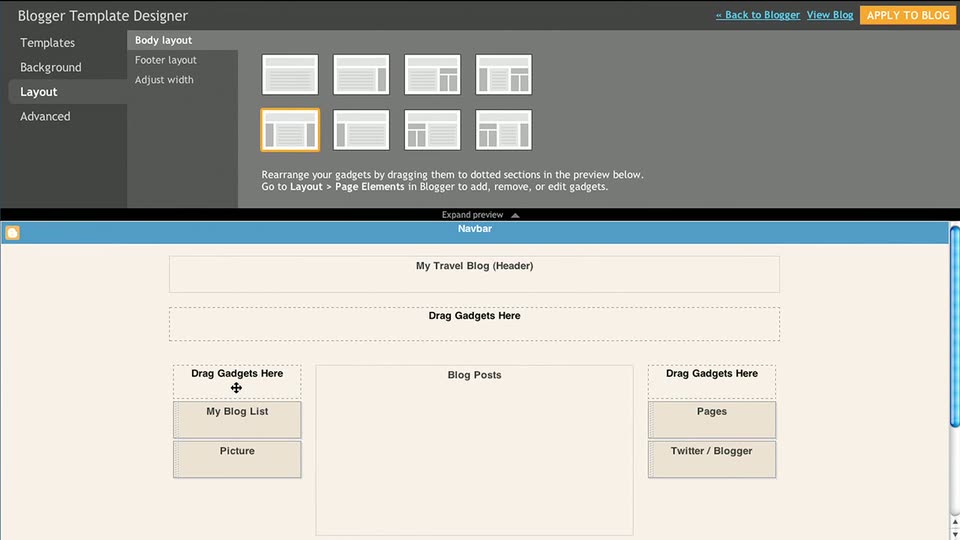 0:33–0:37Google · Introducing the Blogger Template DesignerA cursor selects a layout thumbnail in the Blogger Template Designer, marked by an orange border, and the page preview below reflows from a single column into a three-column layout with left and right sidebars.
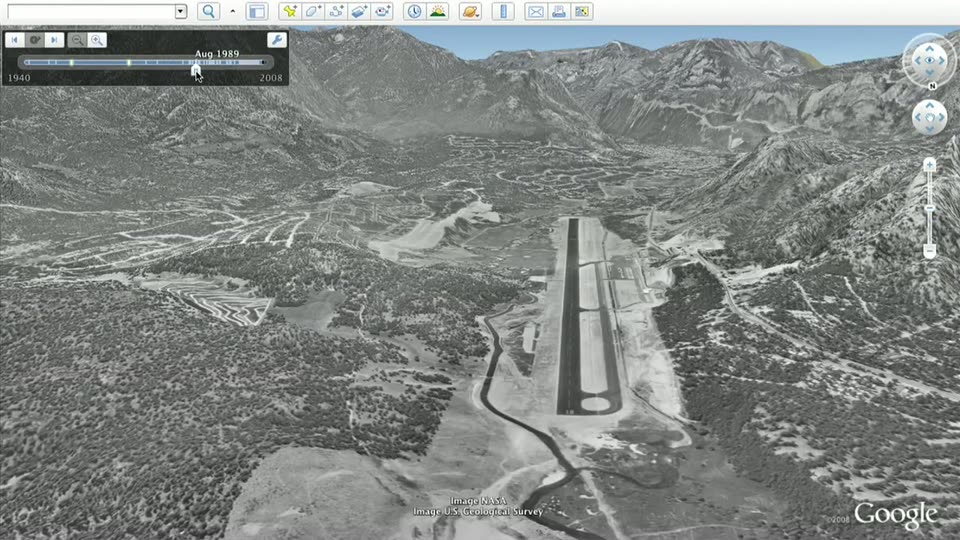 0:32–0:33Google · What's New in Google Earth 5.0A grayscale 3D valley with an airport runway sits inside a mapping app window. A cursor drags the top-left timeline slider rightward, the date label stepping from 1971 to 1989 while the terrain stays locked off.
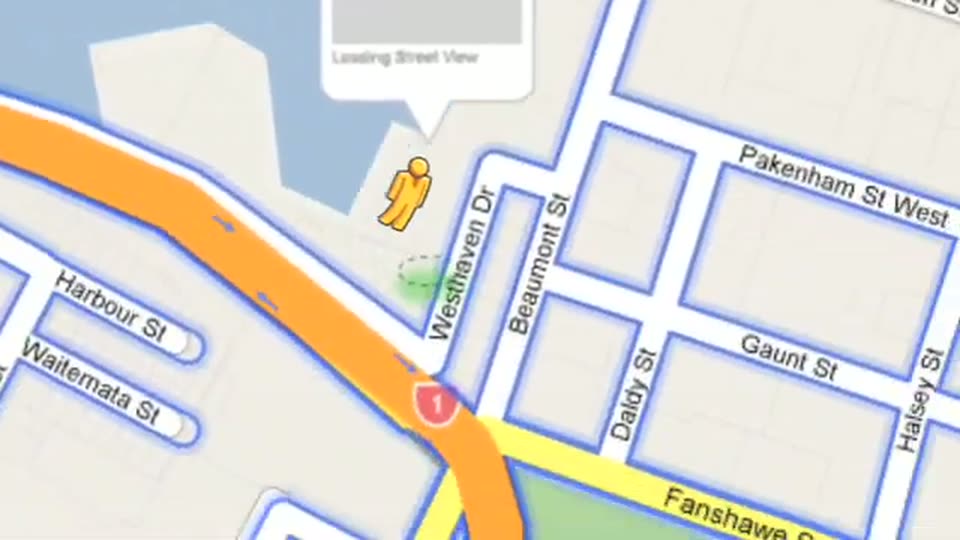 1:10–1:16Google · Street View now available in New ZealandA Google Maps view zooms in on a city map as a yellow Street View figure is dragged from the controls onto a blue-outlined street, dropping a green marker.
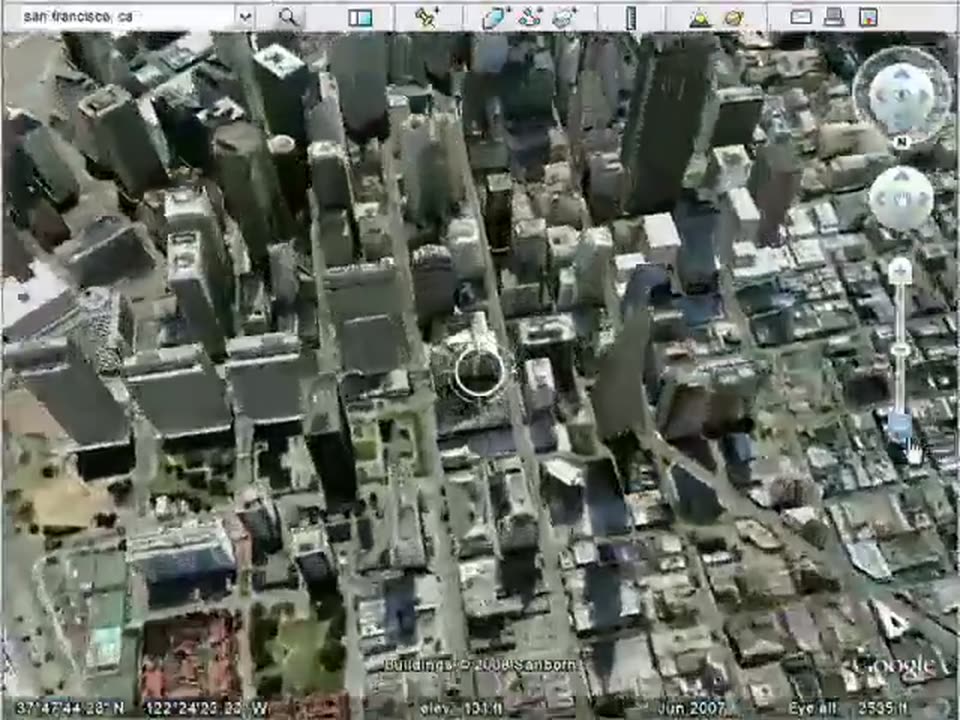 0:27–0:28Google · New features in Google Earth 4.3A flat satellite map of San Francisco tilts and zooms into a 3D perspective, extruding the city's buildings, while a white cursor rests on the altitude slider at the right edge.
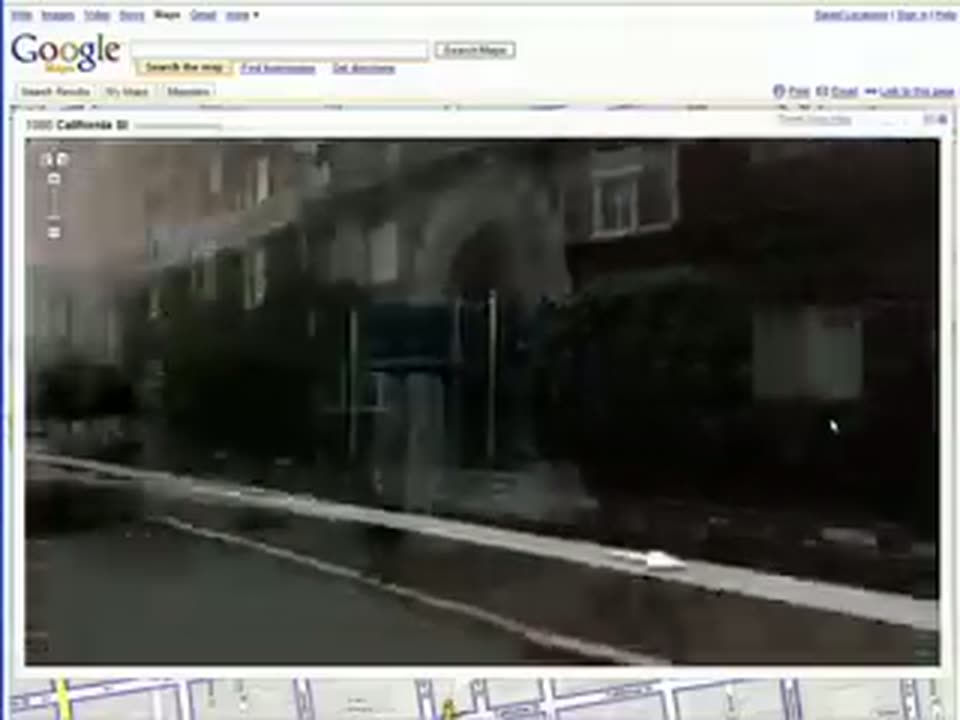 1:04–1:05Google · Google Maps Street View - launch videoA browser window shows a Google Maps street view of a dark building facade. The panorama rotates left as if dragged, blurring mid-pan before settling on a wider street with a crosswalk and a white cursor at the edge.
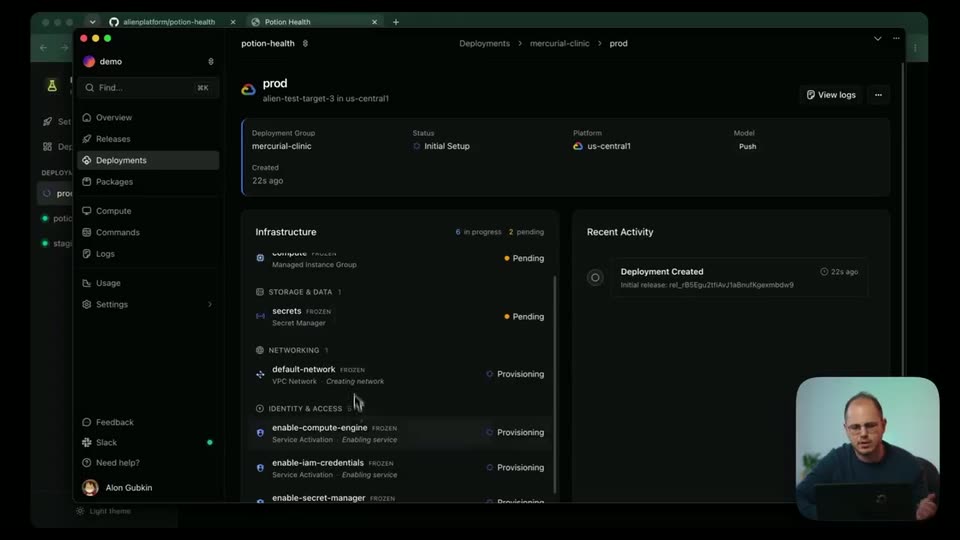 2:41–2:45Alien · We're launching the Alien platform today, backed by a $5M seed from Basis Set, Jibe Ventures, and angels from OpenAI, Google, and Databricks. We've built it so that when your next $300K enterpriseA dark deployment dashboard fills a browser window. The Infrastructure list scrolls down slowly, revealing rows of resources tagged Pending or Provisioning, while a cursor hovers over them. A small webcam video of a man in a dark shirt sits in the bottom right corner.
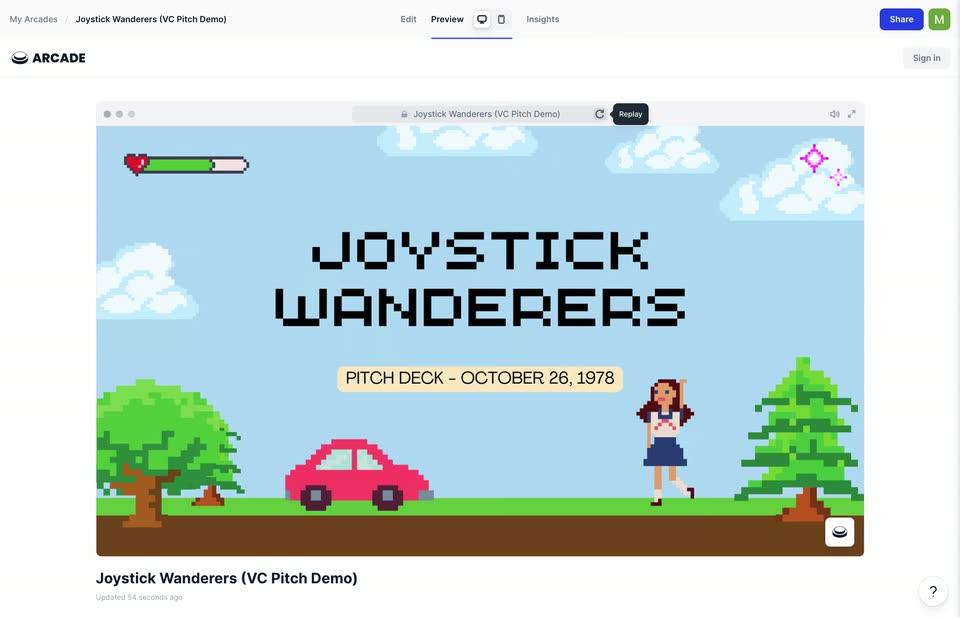 2:46–2:56Arcade · Arcade Adventure 👾The ARCADE interface sits in Preview mode, framing a pixel-art game title screen: black pixel text JOYSTICK WANDERERS over a blue sky, with a heart health bar, a pink car, a walking character and trees. A cursor hovers the refresh icon, popping a Replay tooltip. The frame stays locked.
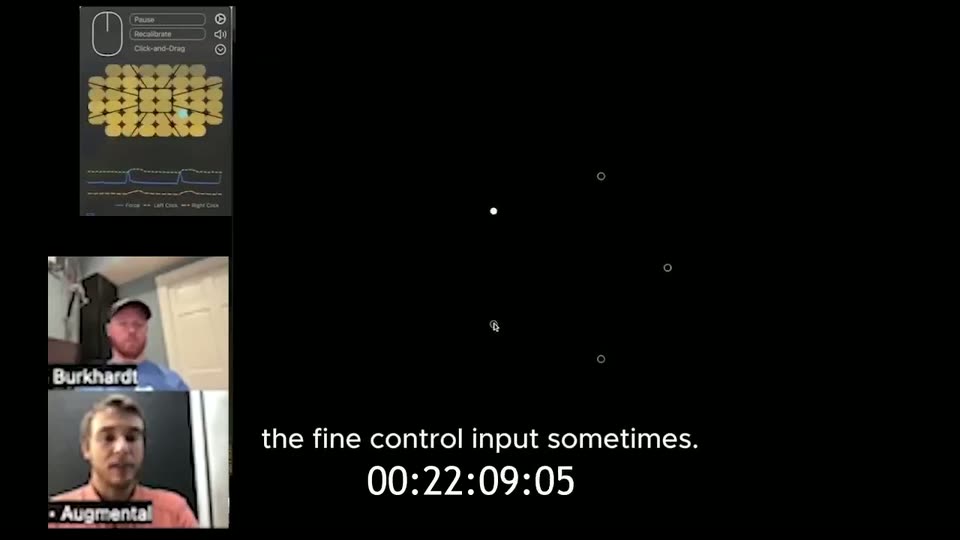 2:58–3:03Augmental · MouthPad is a touchpad you drive with your tongue. Now available across the US. Over 100 people already use it, some for up to 16 hours/day. It works for gaming, for CAD, for Figma, and we're inA black demo field holds five small target circles; a white cursor moves from circle to circle, filling each as it clicks. A left column shows a mouse-control panel and two webcam feeds of speakers. White subtitles and a timecode run along the bottom.
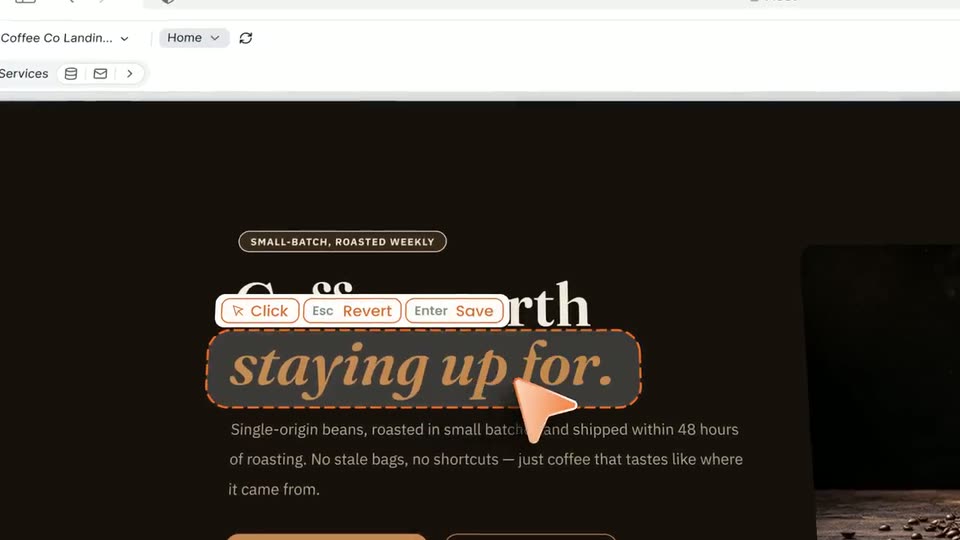 0:37–0:41Floot · Claude and ChatGPT can already write you an app. Getting it live is another story. Today we're fixing that: connect Floot, and you can build and ship real apps directly inside Claude and ChatGPT -The orange cursor clicks the serif headline on a dark page in a website builder; the words swap to 'staying up' in a dashed edit box. The view zooms out to reveal the full hero, with a photo of a hand pouring from a copper kettle into a dripper.
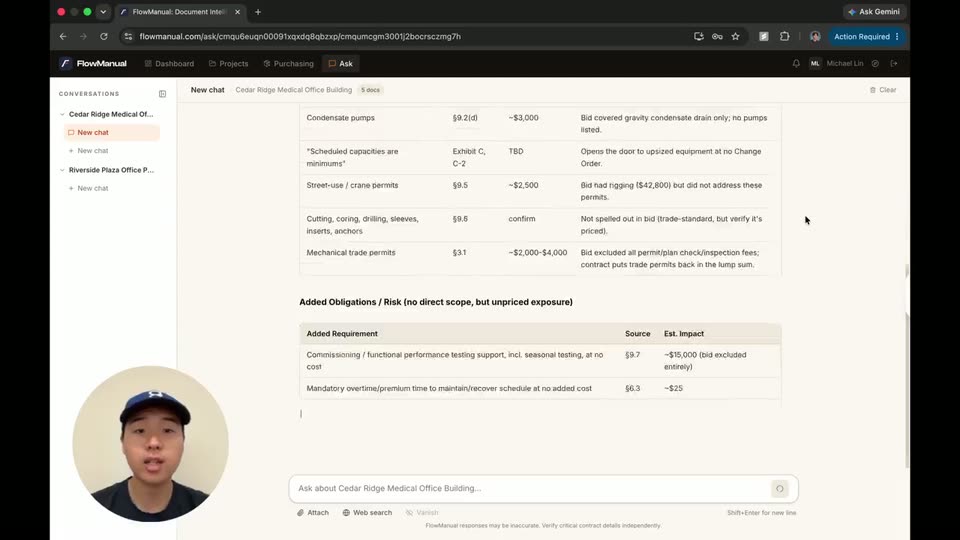 1:41–1:57FlowManual · Hey! This is FlowManual; an AI-native back office for construction contractors. Here’s a little demo to show you what we’ve been working on. We've talked with hundreds of contractors and realized… | FlowManual (YC S26)A screen recording of the FlowManual app with a circular webcam of the presenter in the lower left. The cursor opens the Ask tab and a new chat, types a question about added scope, and the AI streams a long answer with tables as the page scrolls.
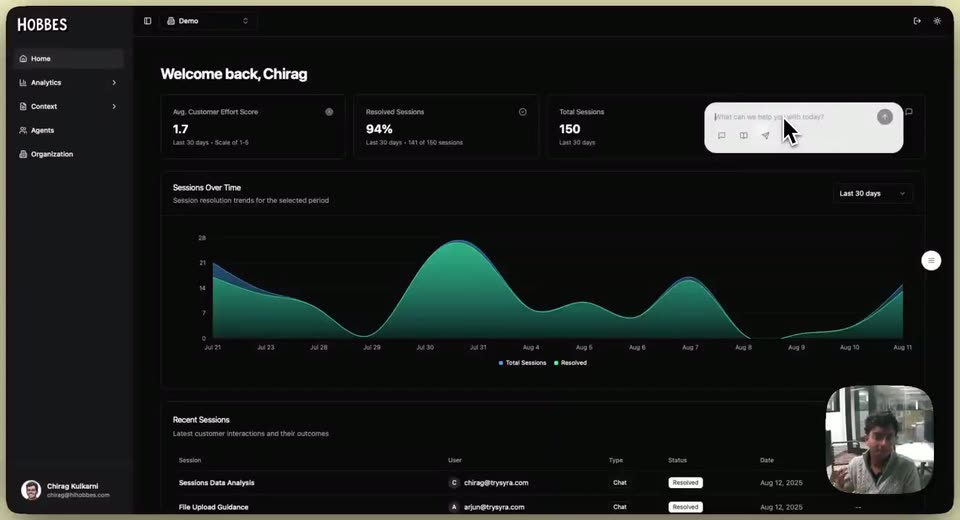 0:23–0:24Hobbes · 🚨Major update🚨 Syra is now Hobbes (hihobbes.com)! As we worked with some amazing teams this year, we saw a big gap in the agent landscape: visual context. Agents trained on knowledge bases + helpA dark analytics dashboard fills the frame, showing a left sidebar, three stat cards, a teal area chart, and a sessions table. A white cursor hovers over the search field at the top right, and a small video call window with a person sits in the bottom right corner.
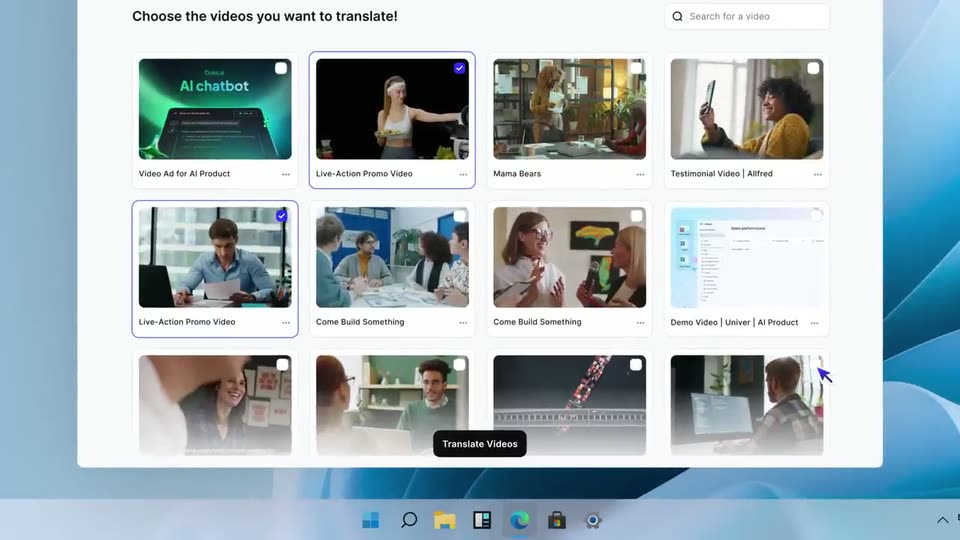 0:54–0:58LangEase · Imagine reaching a global audience without breaking a sweat. 🌎 LangEase is making it a reality. Our AI-powered localization platform is coming soon! Join the waitlist for exclusive early access.… | LangEaseA screen recording of the LangEase web app shows a grid of video thumbnails; a cursor clicks checkboxes on several cards, each gaining a purple outline and a blue check, while a black Translate Videos button sits below. The view zooms in on the grid.
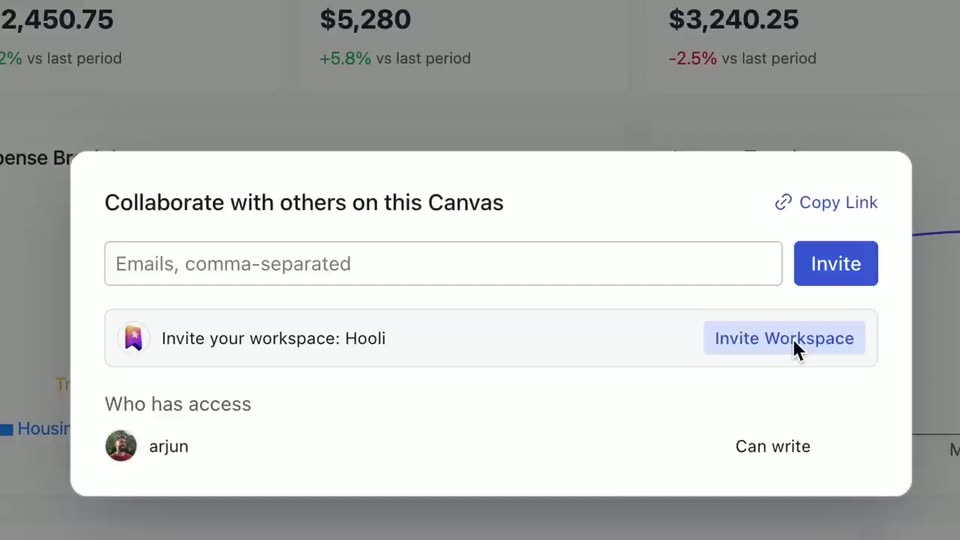 0:56–0:57Magic Patterns · Announcing our $6M Series A and Magic Patterns 2.0. We’ve grown profitably, hit $1M ARR, and quietly built an AI design tool loved by product managers, designers, and website builders. PreviouslyA white collaboration modal sits centered over a dimmed dashboard of dollar figures and percentage changes. A mouse cursor rests on the Invite Workspace button, holding a light-blue hover state.
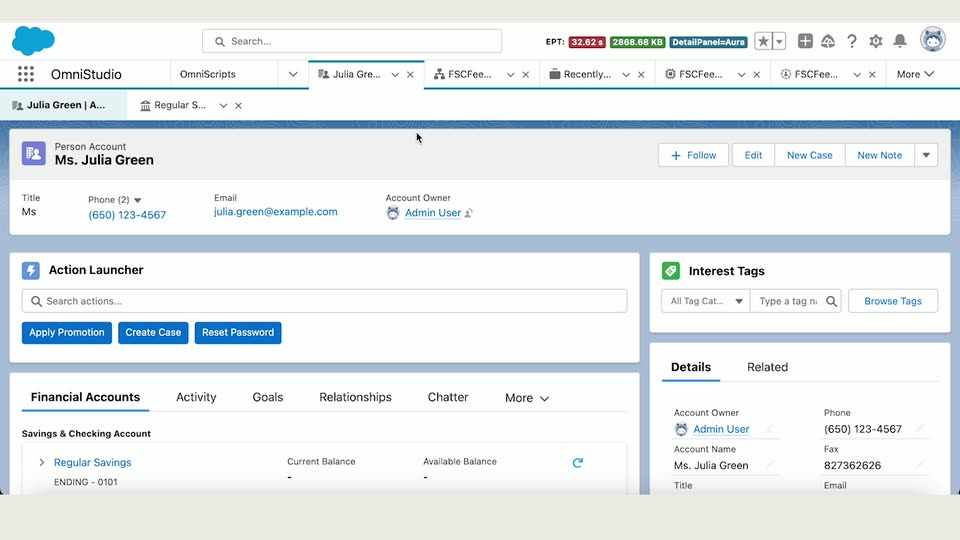 1:20–1:36Salesforce · Financial Services Cloud - Service Process AutomationA flat screen capture of a CRM account page for Ms. Julia Green holds still, then a cursor moves to the Action Launcher search box, clicks it, types fee and a dropdown lists Fee Reversal, which the cursor hovers over.
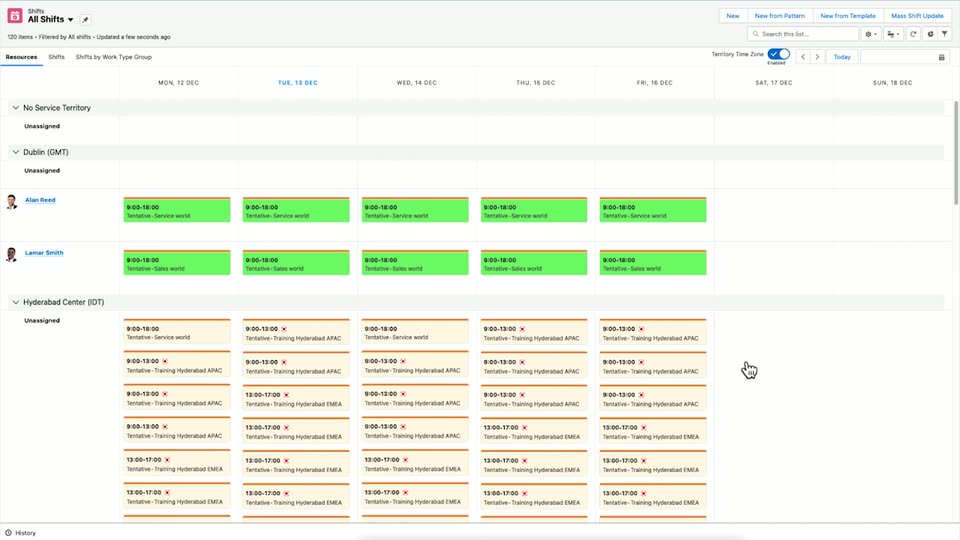 1:11–1:21Salesforce · Service Cloud - Salesforce Contact Center: Insights & SchedulingA shift-scheduling grid loads behind a green confirmation banner. A blue spinner spins at center, then the weekly table fills with green and orange shift blocks. A hand cursor moves right and hovers over an orange block in the Friday column.
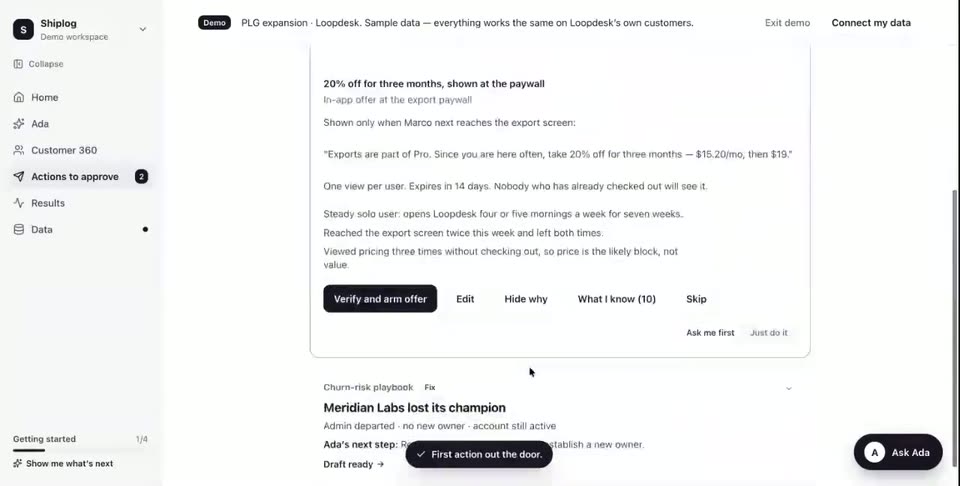 2:59–3:03Shiplog · #customersuccess #ai #saas #productledgrowth #revenuegrowth | Shiplog (F/AI F26)A light-themed Shiplog interface scrolls down a feed of playbook cards, settling on a 20% off for three months offer card. A cursor hovers to reveal a Why this tooltip and supporting data lines, while a black First action out the door. pill stays pinned at the bottom.
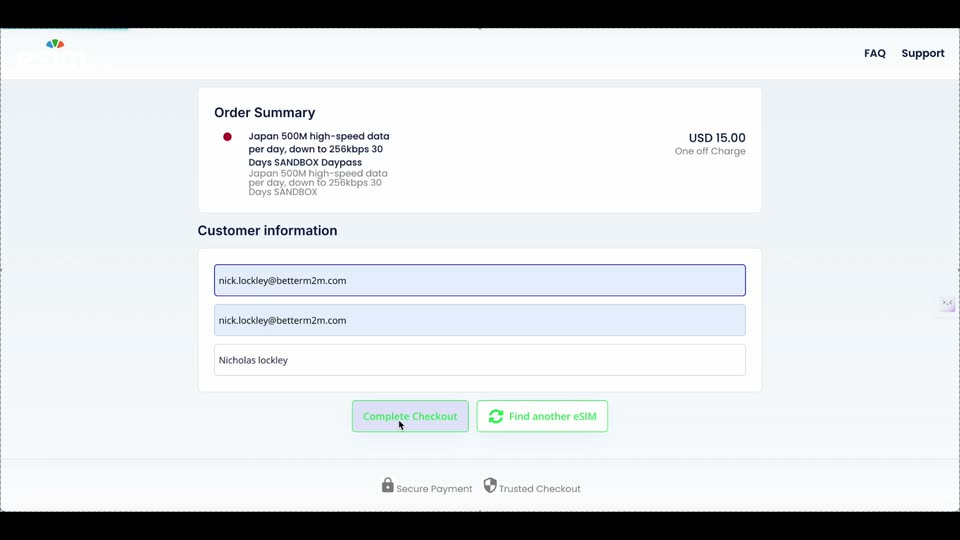 0:48–0:55SimBlox · SimBlox: minute demoA checkout page resolves from a loading spinner, the email and name fields fill in automatically, then the view scrolls down to expose the checkout buttons while a cursor hovers over them.
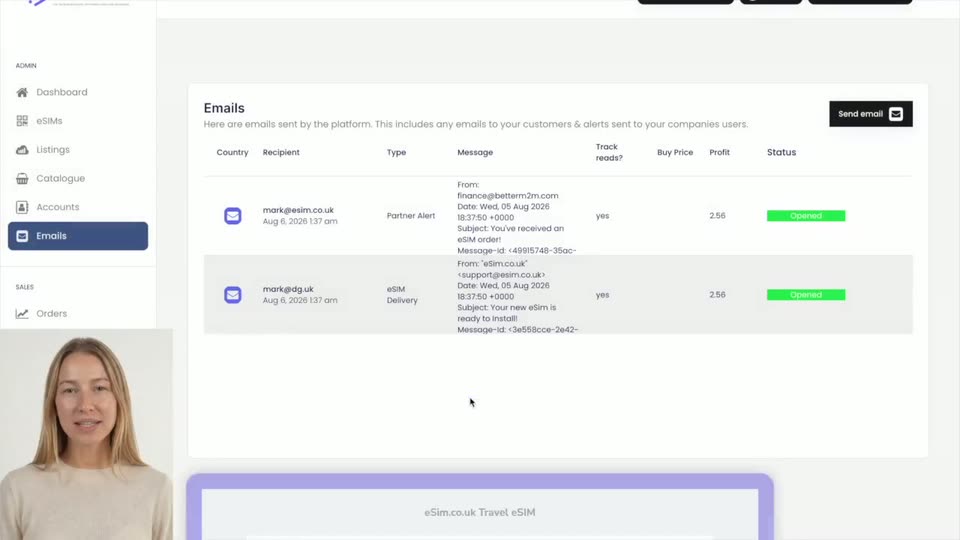 1:37 · 0.4sSimBlox · SimBlox: apps demoA presenter sits in a small window at the lower left of a dashboard Emails screen. An email preview card with a purple outline fades away, revealing the table with its second row highlighted blue under a hovering cursor.