Cursor demo
A visible cursor operates the interface.
15,001 scenes · page 213 of 251
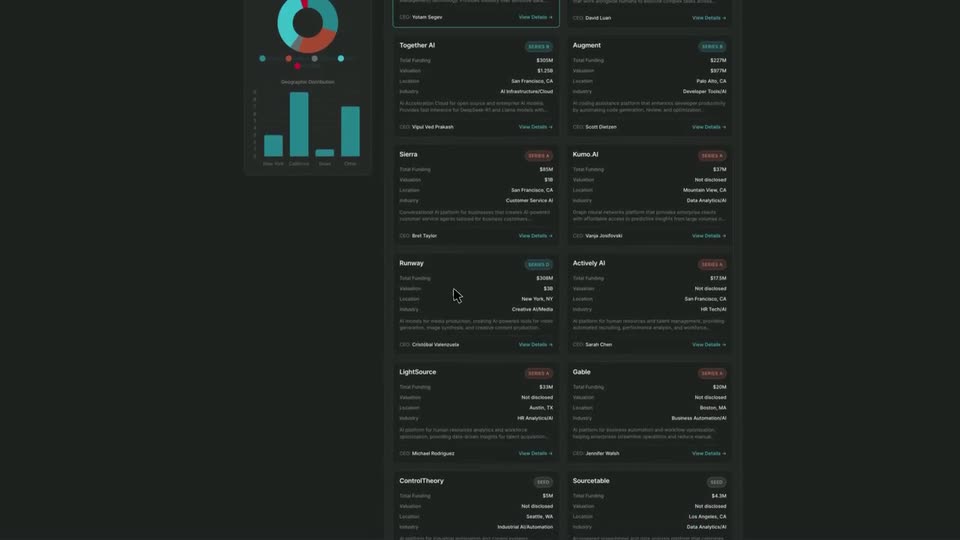 0:29–0:30Perplexity · Perplexity - Today we're launching Perplexity Labs. Labs is for your more complexA dark analytics dashboard scrolls down past a top stat bar, revealing a two-column list of potential customers with funding figures and a left panel of filters plus a donut and bar chart. A cursor hovers over the list as the rows move beneath it.
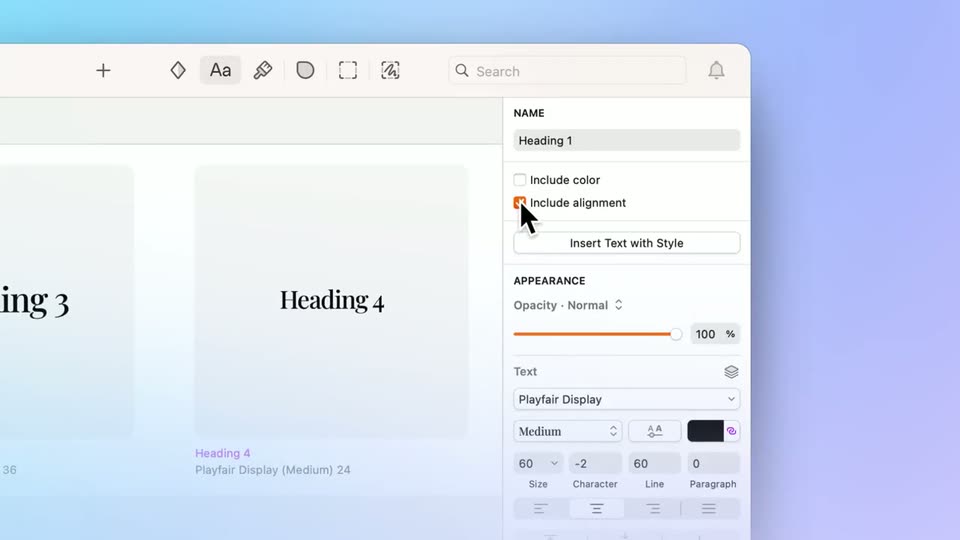 0:22–0:25Sketch · Sketch - Remember when we said auto layout was coming to Sketch? It’s here. ItA design app panel fills the frame; the cursor clicks to uncheck Include color and Include alignment while serif headings sit on the canvas. A hard vertical wipe then reveals a phone with a San Francisco webpage on the right.
 0:51–0:58Simplex · Simplex Launch VideoOn a pale lavender background, the blue Simplex wordmark and triangular mark scale into the center, a tagline slides in above, then both fade out, leaving the underlined URL. A white cursor with a blue outline glides in from the bottom right and clicks the link.
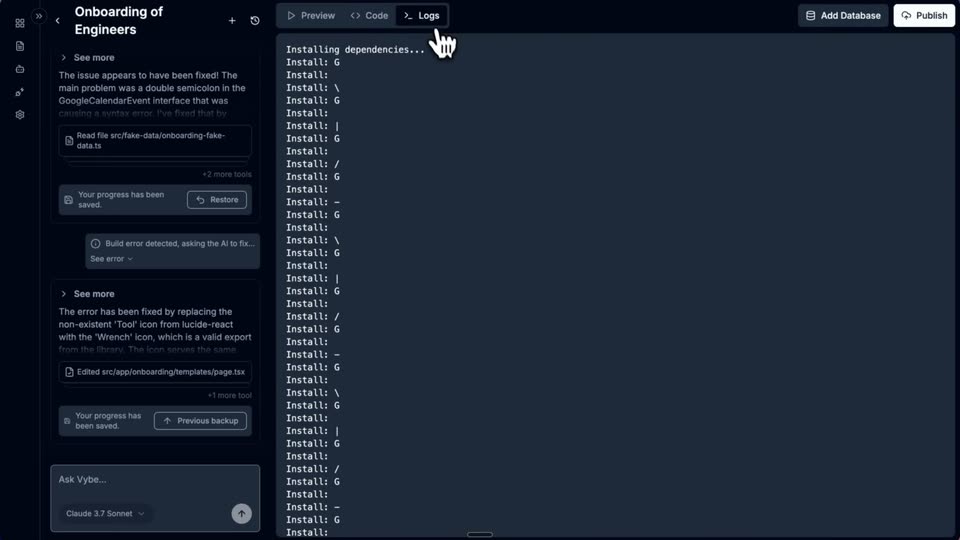 1:23–1:24Vybe · Vybe Demo - Build internal apps 10X fasterA dark two-pane app view: a chat column of task cards on the left and a logs panel of repeating install lines on the right. A cursor moves across the top tabs, tapping Code and Logs.
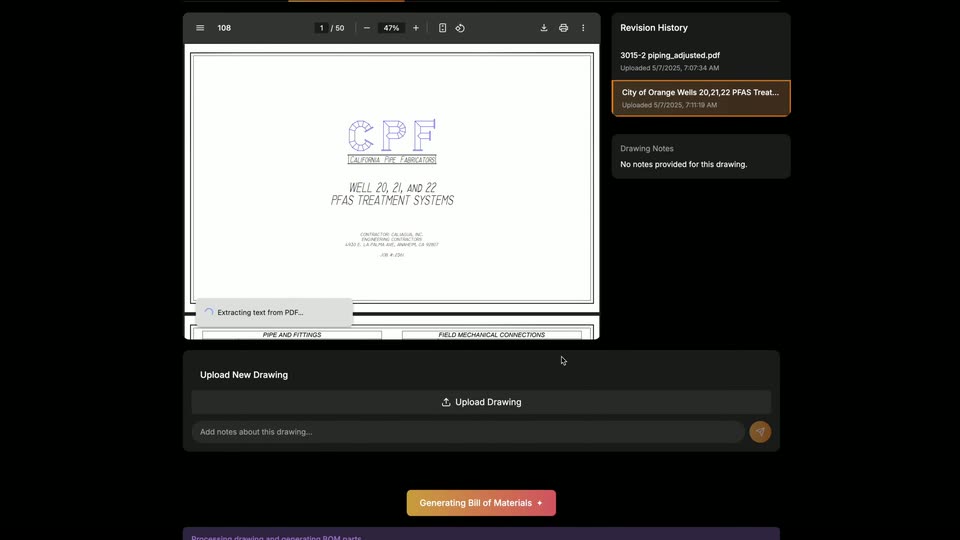 3:05–3:07Jeevy Fabrication · Introducing Jeevy FabricationA dark project dashboard shows a PDF drawing of a pipe manifold with a revision history panel on the right. The cursor selects a file entry, then the view zooms into the document as an orange button appears below.
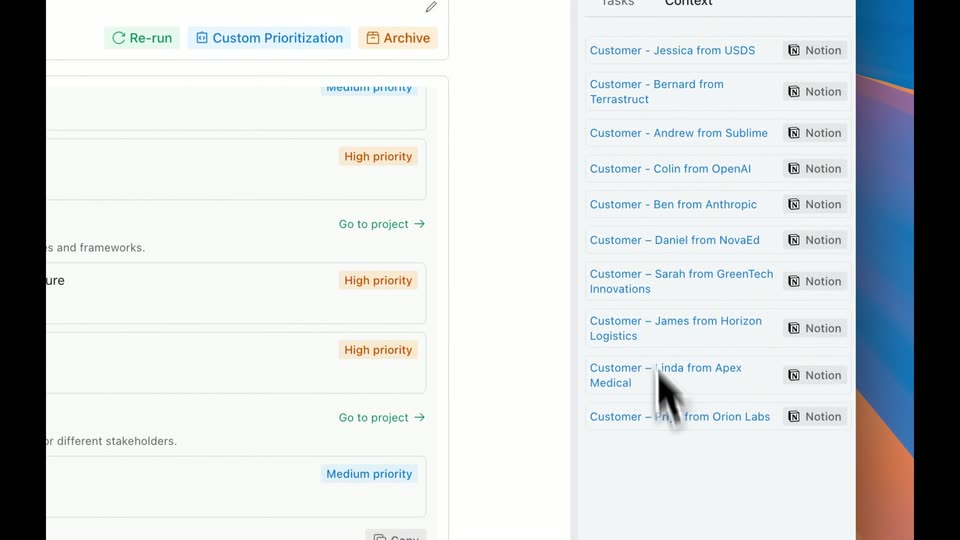 0:50–0:52Kestral · Kestral - Your AI Work Prioritizer -- Launch YCA white task board fills the frame over an orange-blue gradient. The left column shows priority rows and action buttons; the right column lists customer entries, each with a Notion button. A cursor glides down the list as the frame sharpens from a soft blur.
 0:35–0:36Airweave · Airweave AI // Launch YC DemoA Google Drive screen recording shows the cursor clicking a view toggle, then the frame zooms into a document line reading “Lennert and when his flight to Amsterdam” with Amsterdam in red, above a model selector bar.
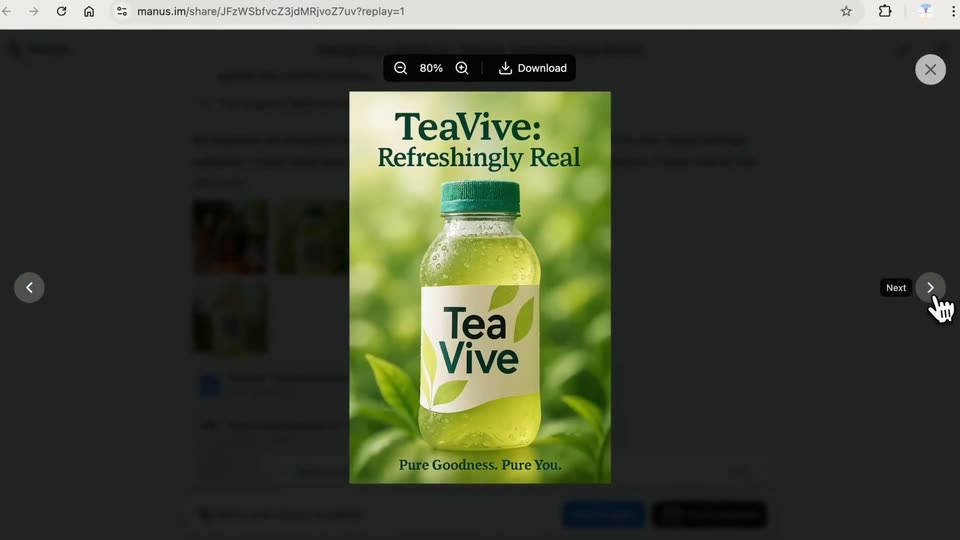 0:38–0:39Manus · Manus - Introducing Manus image generation. Manus doesn’t just generate imagA dimmed browser page frames a centered lightbox showing a TeaVive poster, a green-capped tea bottle against a leafy backdrop. A hand cursor rests on the Next arrow at the right edge as the top toolbar holds zoom and download controls.
 1:00–1:04Notion · Meet the all-in-one Notion AI for workA black cursor types “Product Leads” into a share field and clicks the blue Invite button. The panel slides away, revealing a row of five illustrated avatars and a +8 counter beside the Share button.
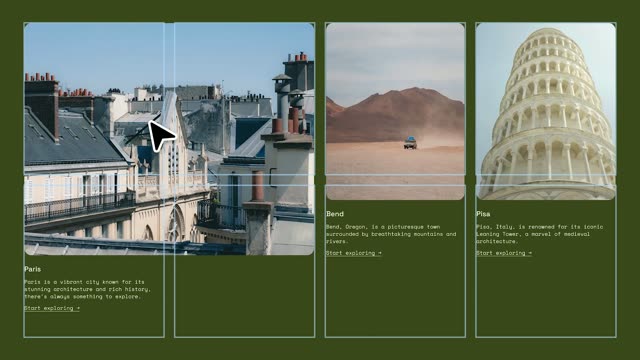 0:21–0:22Figma · All the launches at Config 2025 | FigmaA locked-off view of three travel cards on a dark olive field: Paris rooftops, a desert car, the Leaning Tower of Pisa, each with a title and link. A white cursor glides across the Paris image.
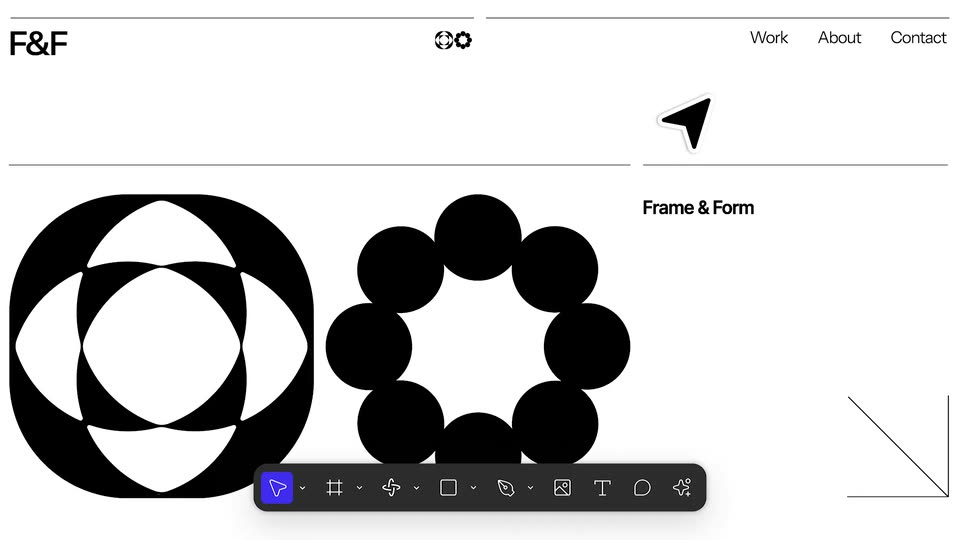 0:35–0:37Figma · Figma - Introducing Figma Sites Take your designs straight to the web. WithA white design canvas holds two black geometric marks, a nav bar and a floating toolbar, settling in from a doubled offset state. A cursor draws a green 300 × 300 selection box on the right, then a large black paragraph appears below the marks.
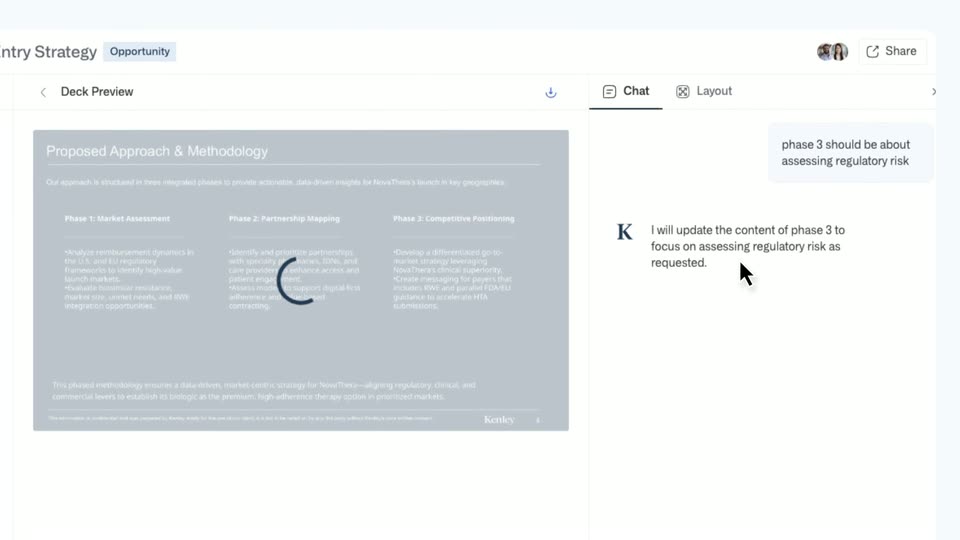 0:46 · 0.5sKenley · Introducing Kenley WorkStreamsA product interface shows a slide titled Proposed Approach & Methodology on the left and a chat panel on the right. Two chat messages discuss updating phase 3. A cursor hovers over the chat area, moving slightly.
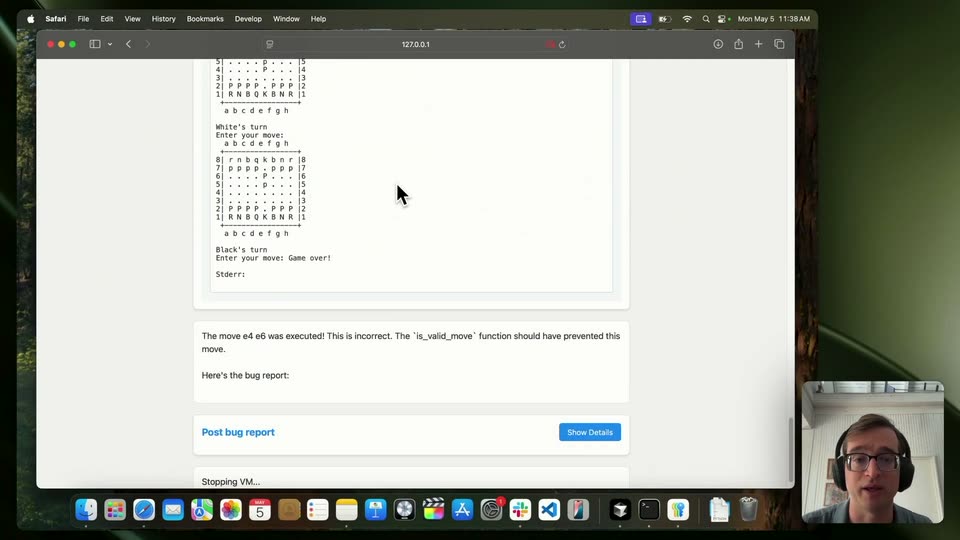 2:30–2:32Cartpole · Jazzberry DemoA Safari window shows a monospaced board-game log and bug-report rows, with a cursor over the log. It reframes into two side-by-side browser windows, and a GitHub issue modal opens left; a webcam feed stays bottom right.
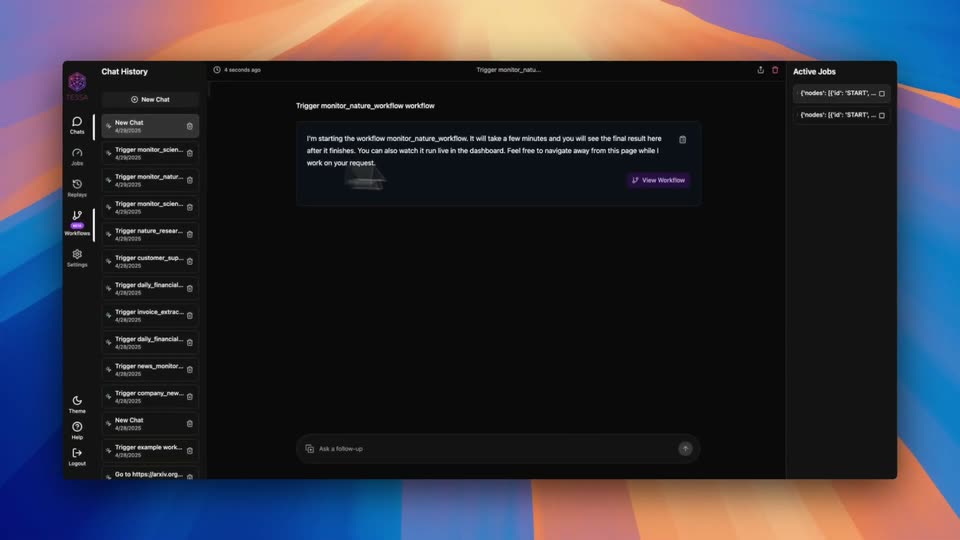 0:48–0:52Altrina · Workflow EditorA dark dashboard resolves from a blurred ghosting transition into a flat screen view. A cursor hovers over a purple View Workflow button in a chat message, then drifts upward. A left sidebar lists chat history entries and a right panel shows active jobs over a colorful gradient backdrop.
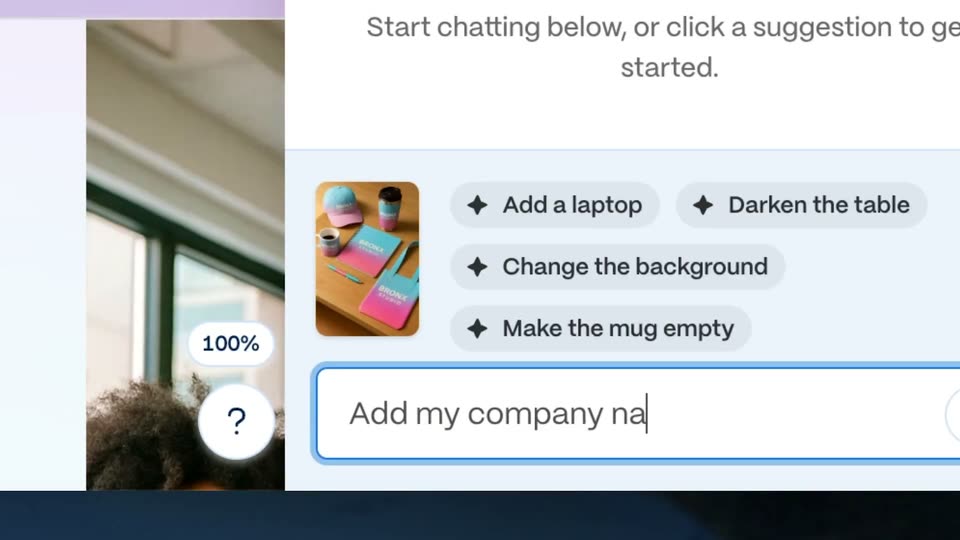 0:40–0:41Gamma · Gamma - Introducing AI Image Editing with animation! You can now edit and anA close-up of a chat interface shows a text input field where the phrase 'Add my company name' is typed out character by character. Above the input box, several suggestion chips like 'Add a laptop' and 'Change the background' are displayed next to a small image thumbnail.
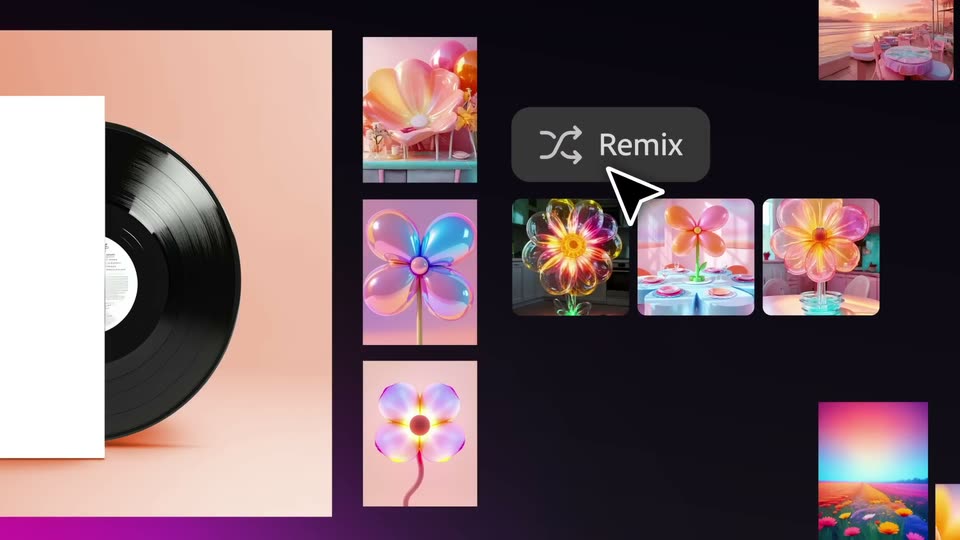 0:33–0:37Adobe · Adobe Firefly: The next evolution of creative AI is hereOn a dark canvas, a cursor boxes three flower thumbnails, clicks a Remix button, and three new flower variations appear beside them. The vinyl record image then clears to white while a balloon-flower scene drops into the center.
 0:49 · 0.8sIdeogram · Ideogram - Meet Ideogram 3.0 — stunning realism, creative designs, and consistenA white rounded pill button labeled Creative design made simple sits on a gray gradient with a white cursor arrow at its lower-right corner, while a second identical pill is clipped at the top edge. The pills then move up and out of frame, leaving only the gradient.
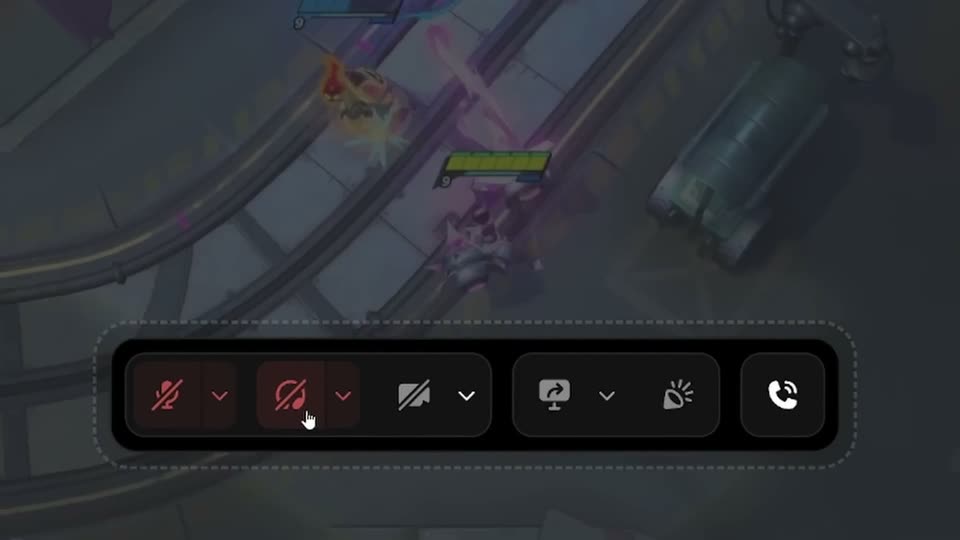 2:29–2:32Discord · Introducing the NEW Discord Game OverlayA darkened top-down game map fills the frame behind a Discord control bar at the bottom. A settings panel with a Deafen button opens on the left, then closes. A cursor taps the headphone icon, which flips to a red deafened state.
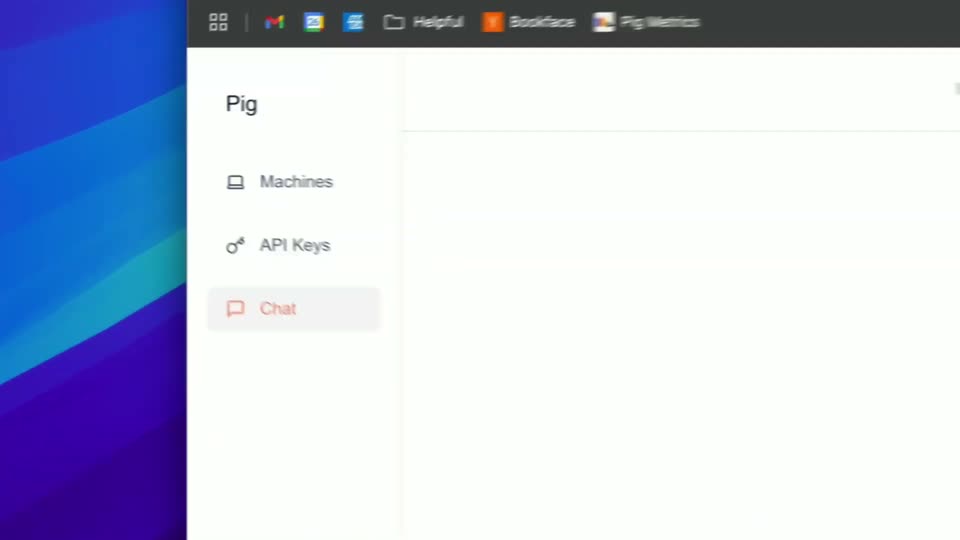 1:05–1:12Butter · Pig Official LaunchA browser window shows the Pig app machine list. The cursor clicks the Piglet Machine card, and the detail page loads with a Controls panel. The view zooms onto the sidebar as the cursor picks Chat, revealing a chat screen with a prompt and action buttons.
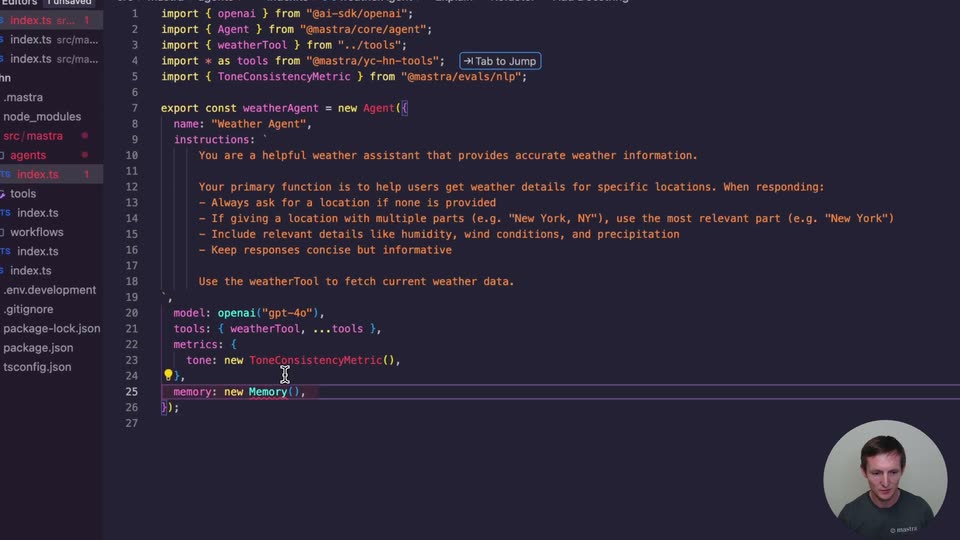 2:10–2:29Mastra · Mastra Demo - The Typescript AI Agent Framework (2024)A dark code editor displays a TypeScript file as new import and metric lines type in, autocomplete lists pop up, and red error highlights flash. A small circular webcam of the presenter stays in the corner, then a blurred zoom transition closes the shot.
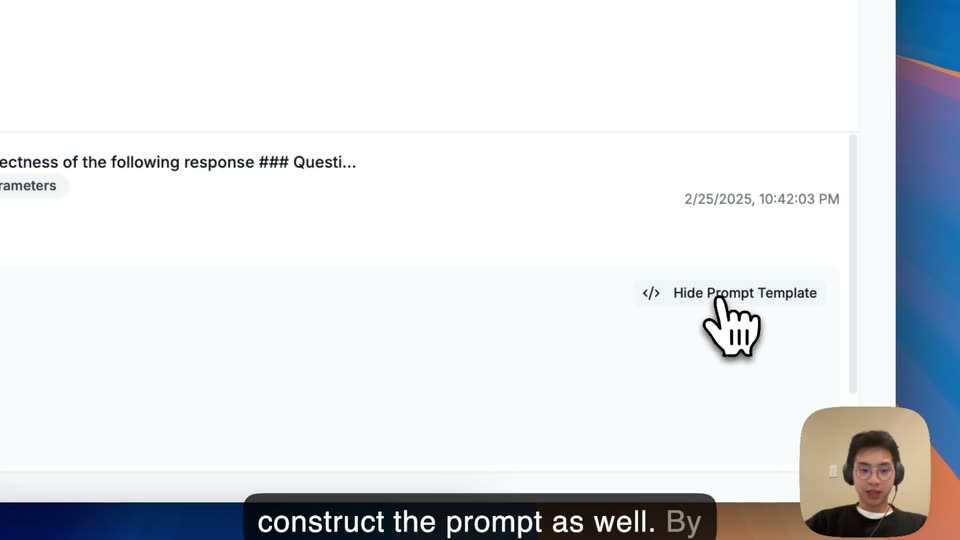 1:19–1:41Sublingual · Sublingual AI DemoA browser window shows the evaluation dashboard on a gradient desktop, with a webcam inset bottom right. The cursor taps the Correctness chip, then Evaluate All, and a 0% badge appears. Zooming in, the cursor clicks Show Prompt Template, highlighting the template in purple and the user input in green.
 1:04–1:07Teamble · Best SaaS Product Demo Video | TeambleOn a dark purple field, a glowing pink-to-purple pill button labeled Share it sits under a white hand cursor. The button expands into a row of three contact avatars, the cursor taps one, then the element collapses into a small gradient circle with a white check.
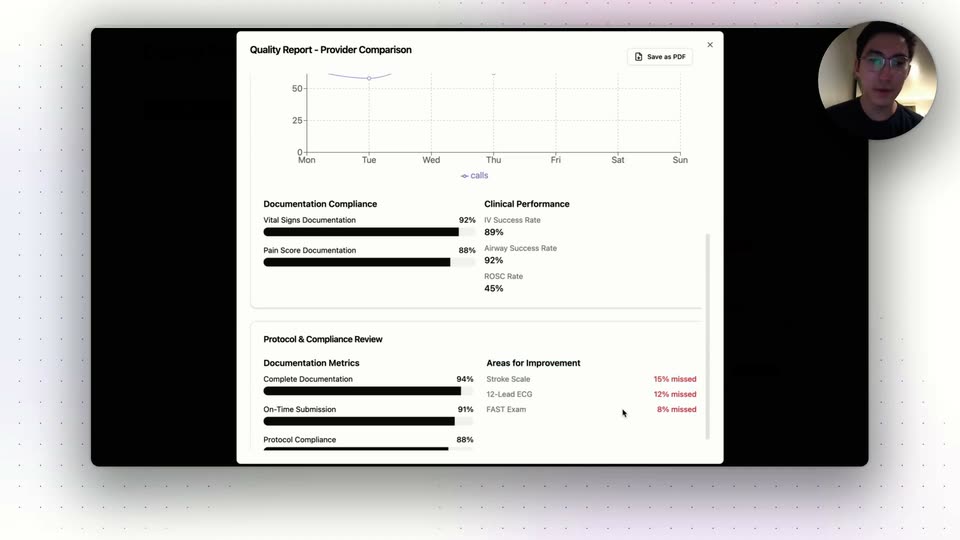 1:46–2:06Amby Health · Amby Health YC LaunchA white report modal sits on a black screen beside a circular webcam inset. A loading spinner gives way to a donut chart, line graph and progress bars as the panel scrolls; the cursor hovers the graph, selects a heading, then moves to the close icon.
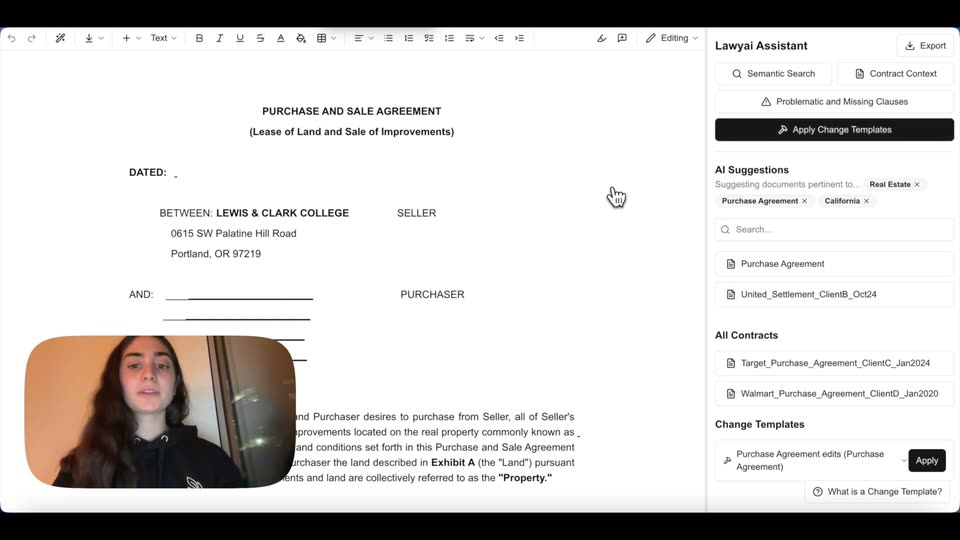 1:21–1:44Cedar · Cedar Demo 🌲A screen capture of a contract editor shows a purchase agreement beside a Lawvai Assistant sidebar. A rounded webcam inset in the lower left shows a woman in a black hoodie talking and gesturing. The cursor clicks sidebar tabs, swapping the panel to AI Suggestions.
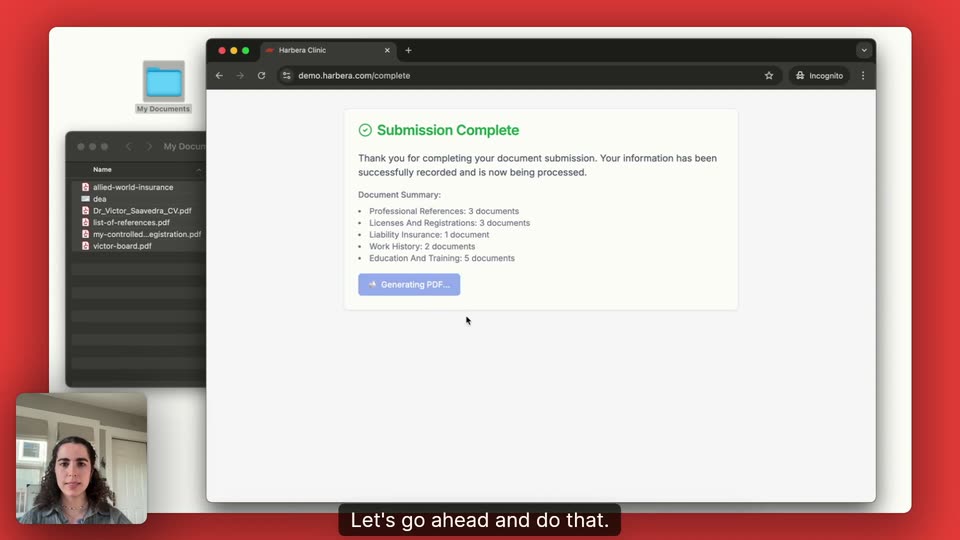 1:00–1:10Harbera · Launch YC: HarberaA browser window with a green 'Submission Complete' page overlays a dark file explorer, with a small webcam feed of a woman in the lower left. The cursor clicks the blue download button, which reads 'Generating PDF...' before a toast confirms the file. Subtitles run along the bottom.
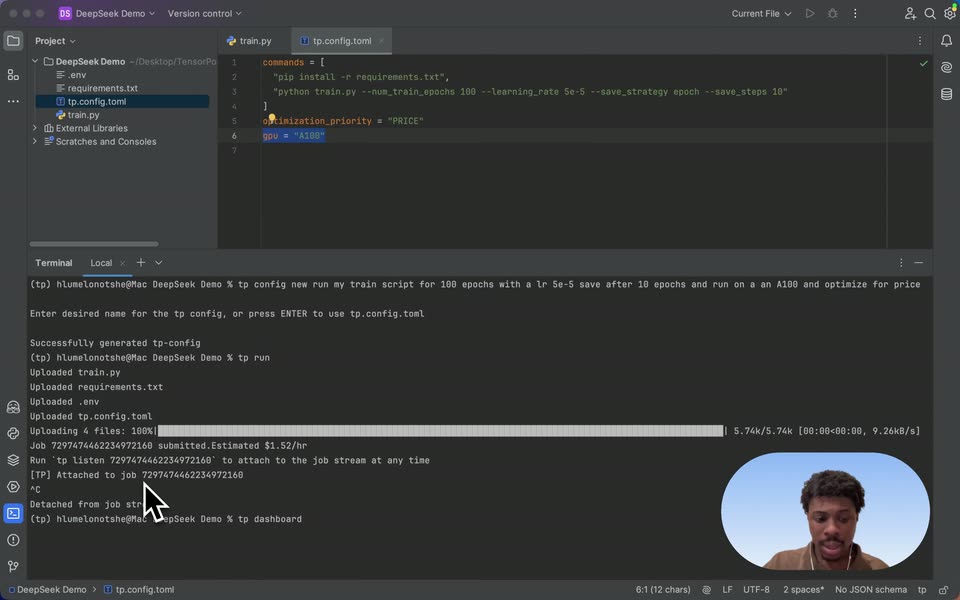 1:42–2:00TensorPool · TensorPool (W25) - The Easiest Way to Access GPUsA dark code editor fills the screen, its terminal panel at the bottom. A mouse cursor types tp dashboard, and a table of job IDs and statuses prints out. A small circular webcam of the presenter sits in the lower right corner.
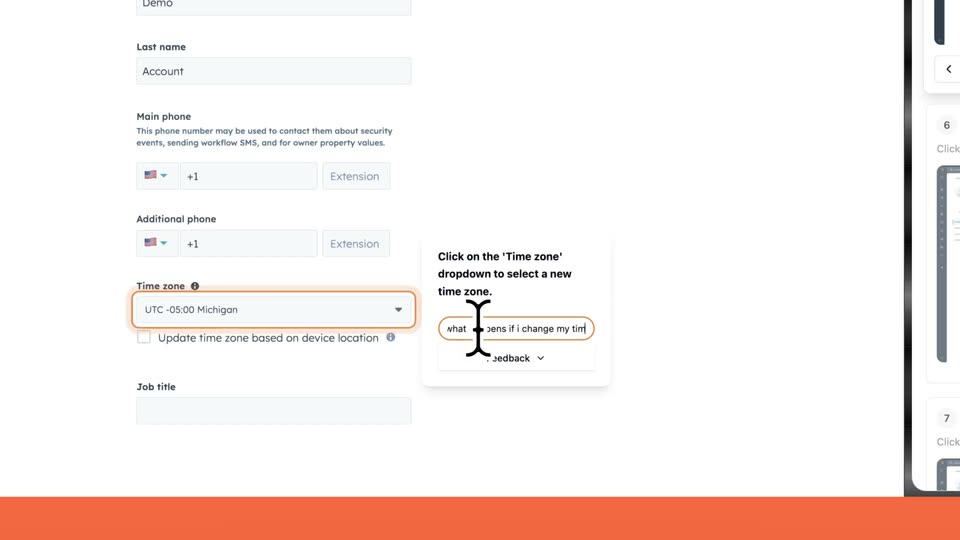 0:49–1:20SAMMY Labs · SAMMY Labs - Product TourA laptop and phone mockup sit in 3D on an orange field as the screen opens a user profile; the view zooms into the time zone dropdown while a cursor types a question into the assistant box, which then answers.
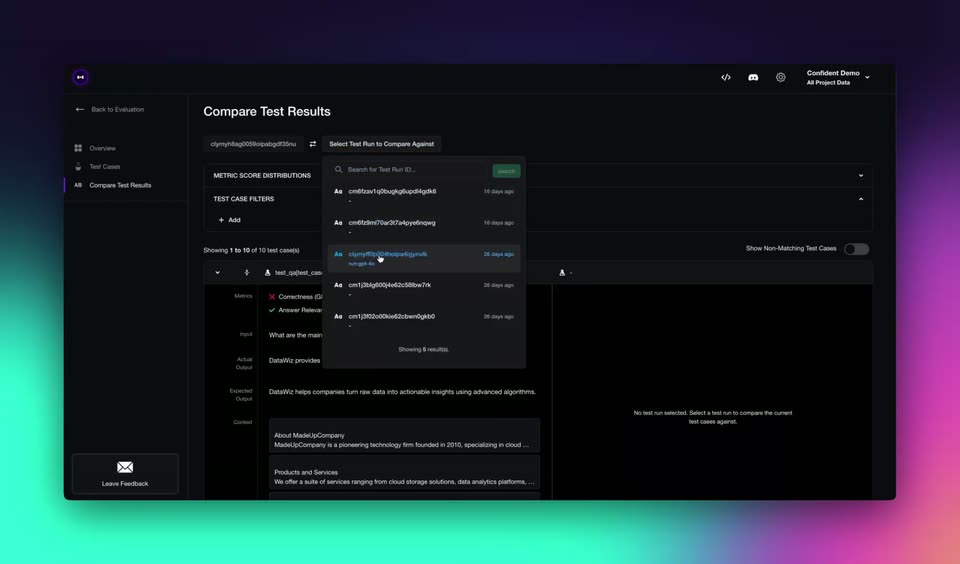 1:07 · 0.7sConfident AI · Confident AI Launch YCA dark test-comparison dashboard sits flat on a purple, teal and pink gradient. An open dropdown lists past runs while a cursor glides down the list and rests on a blue-highlighted entry.
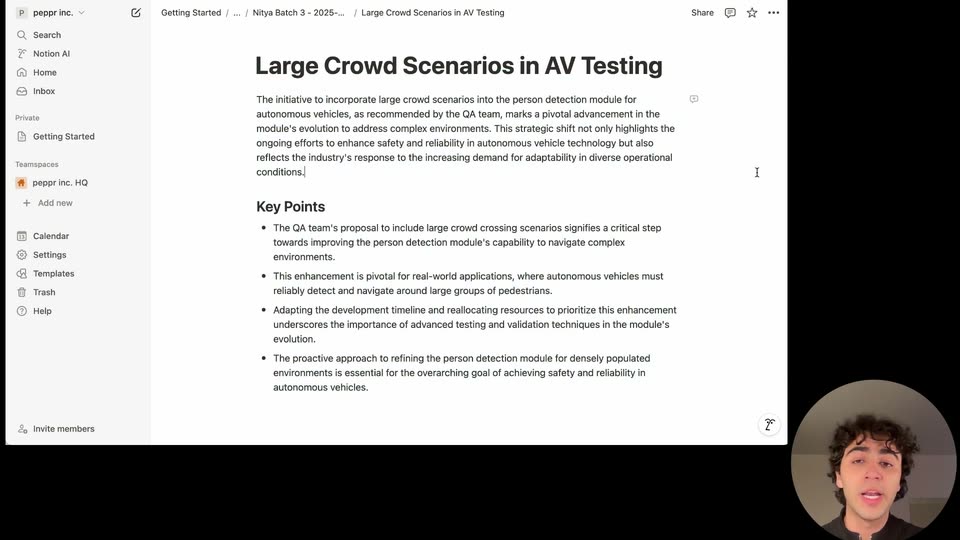 0:50–0:57Peppr AI · Peppr AI Demo VideoA screen recording of a Notion page titled “Large Crowd Scenarios in AV Testing” scrolls briefly up and down. A cursor drags across the paragraph and bullet list, flashing a blue highlight. A circular webcam feed of a speaking presenter sits in the bottom right corner.
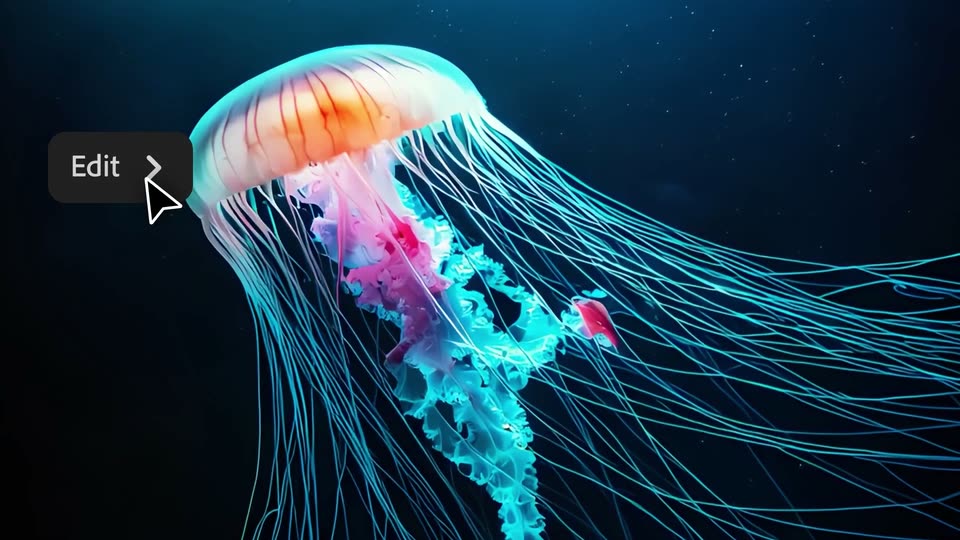 0:42–0:45Adobe · Meet Firefly Video Model | AdobeA glowing jellyfish drifts on a dark blue field as white headlines swap phrase by phrase. The frame then pulls back to reveal the image inside a Photoshop web window, with an Edit menu and a cursor on the left.
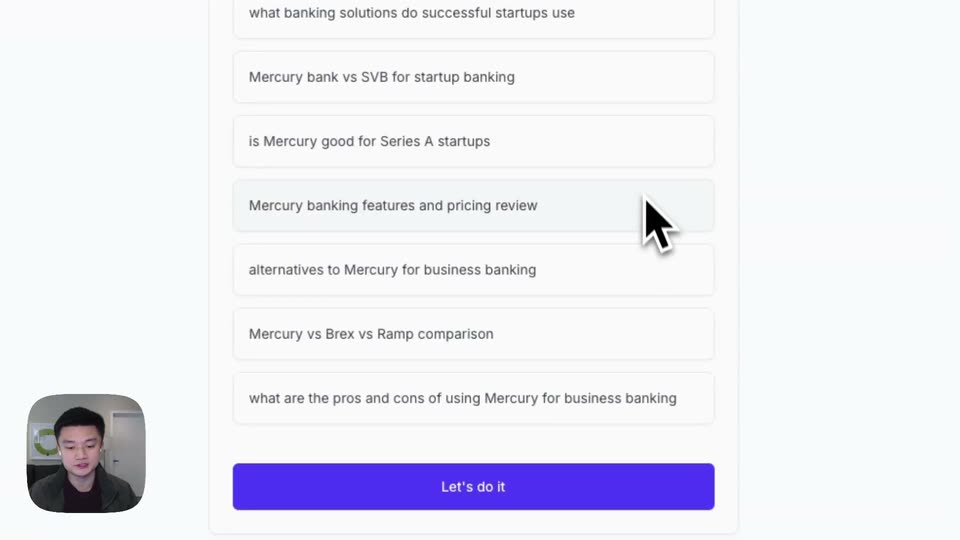 0:55–0:56AthenaHQ · AthenaHQ with Andrew, Co-Founder and CEOA flat list of banking query suggestions sits on a white panel with a purple button below. A black cursor glides down the rows at a slow pace while a small video feed of a man appears in the bottom left corner.
 1:01–1:04Rive · Feathering AnnouncementA neon Apple logo glows at center on a black background, its magenta and blue outline breathing as a soft ripple of light expands around it. A cursor drifts from the logo's center to the lower left and out of frame.
 1:10–2:09Candor · Candor (YC W25) Demo || Win Government Funding With AIA cursor clicks Next through the Outline Builder steps: a spinner loads, then context cards appear with a source tooltip on hover. Another click shows 'Creating your draft...', then a document editor with generated text and an AI panel opens. A webcam feed sits bottom-left.
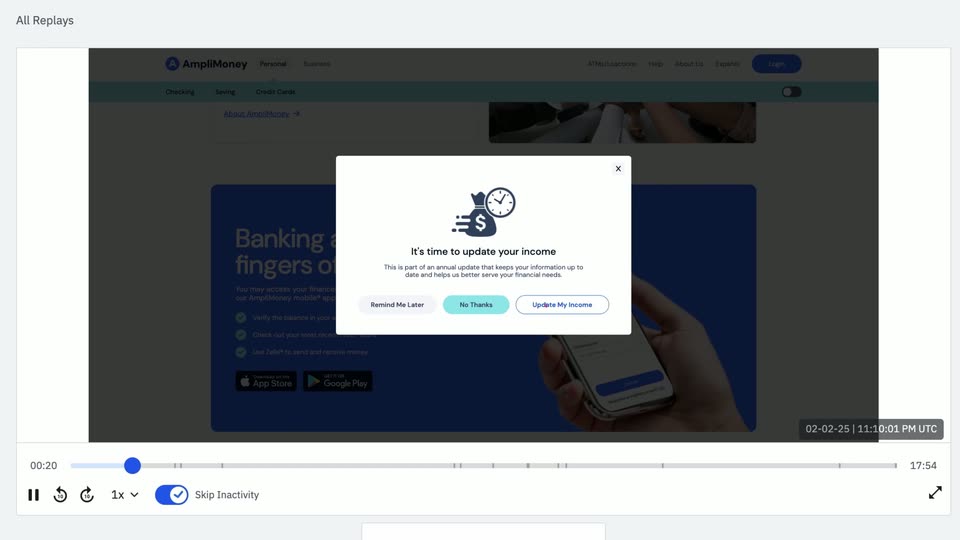 1:58–2:01Amplitude · Amplitude Guide and Survey OverviewA screen-replay player shows a bank website with a centered modal reading 'It's time to update your income'. A red cursor trail sweeps across the page and hovers over the modal's buttons while the background page scrolls to a bonus offer.
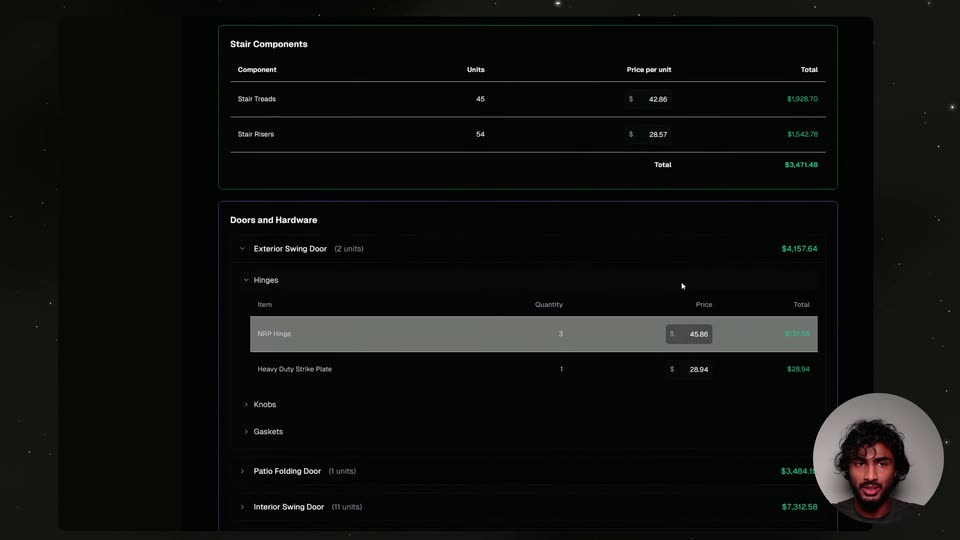 1:25–1:28Bild AI · Read Blueprints Using Bild AIA dark pricing table is shown in close-up, then the frame zooms out to reveal the full Material Breakdown dashboard with a left sidebar and two data tables. A cursor hovers over highlighted rows, and a circular presenter avatar stays fixed in the bottom-right corner.
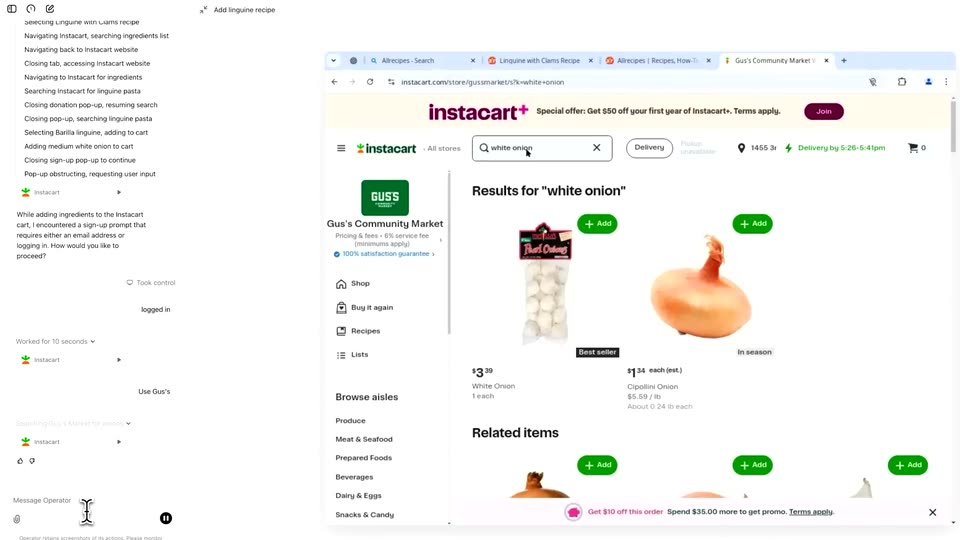 3:28–3:33OpenAI · Demonstrating OperatorA split screen shows an automation log on the left and a live Instacart browser on the right. The store page loads from gray placeholders into onion product cards while a cursor hovers the search field; left-panel steps highlight in sequence.
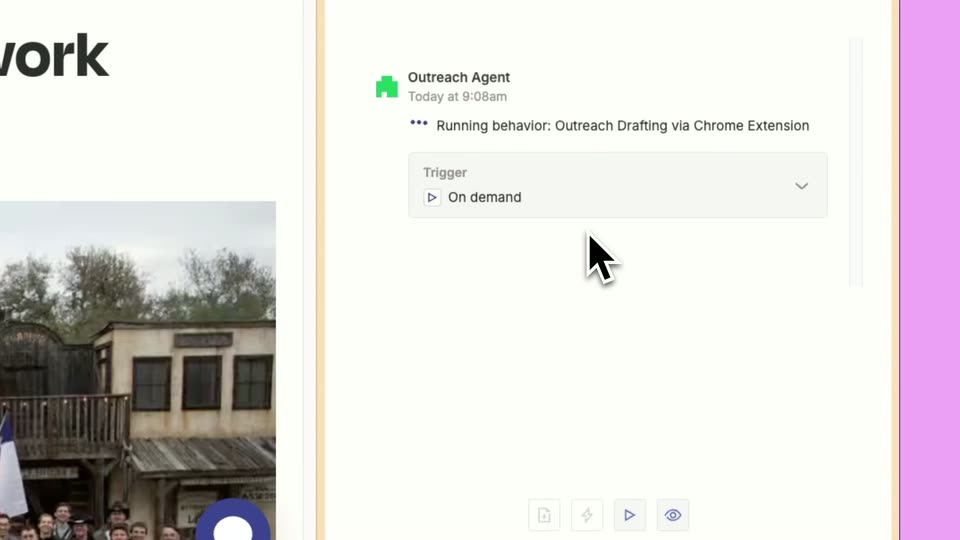 0:33–0:39Zapier · Introducing Zapier Agents: The Future of Automation is Here!A chat panel sits right of a scrolling column of team photos. A hand cursor clicks the Run Behavior button, a spinner loads, then an Outreach Agent message with an On demand trigger card appears.
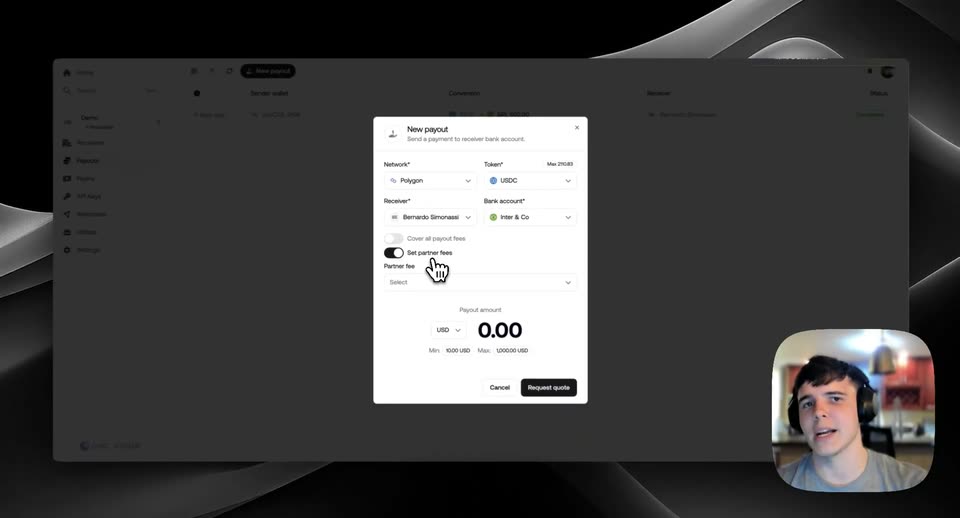 0:39–0:58BlindPay · BlindPay - DemoA white hand cursor clicks New payout, fills the form with Polygon, USDC, a receiver and Inter & Co, and toggles on the partner fee. The view then pulls back to reveal the interface as a tilted panel in a dark 3D space before zooming in.
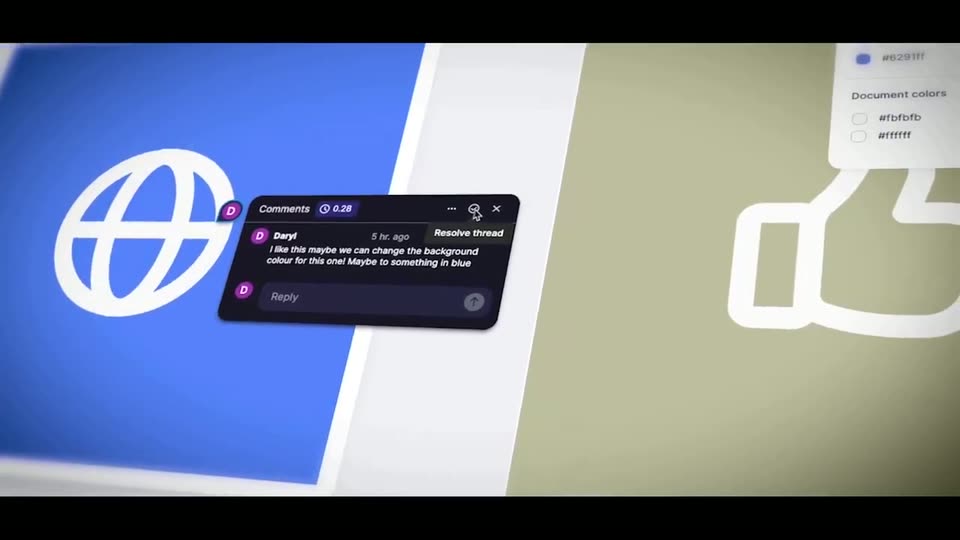 1:08–1:10Lottielab · Lottielab - After months in public beta, we’re thrilled to announce that LottielaA 3D-tilted tablet screen shows a blue app with a white globe logo. A dark comment card floats in front, and a cursor hovers over its top menu to open a Resolve thread option. A green panel with a white thumbs-up icon sits to the right.
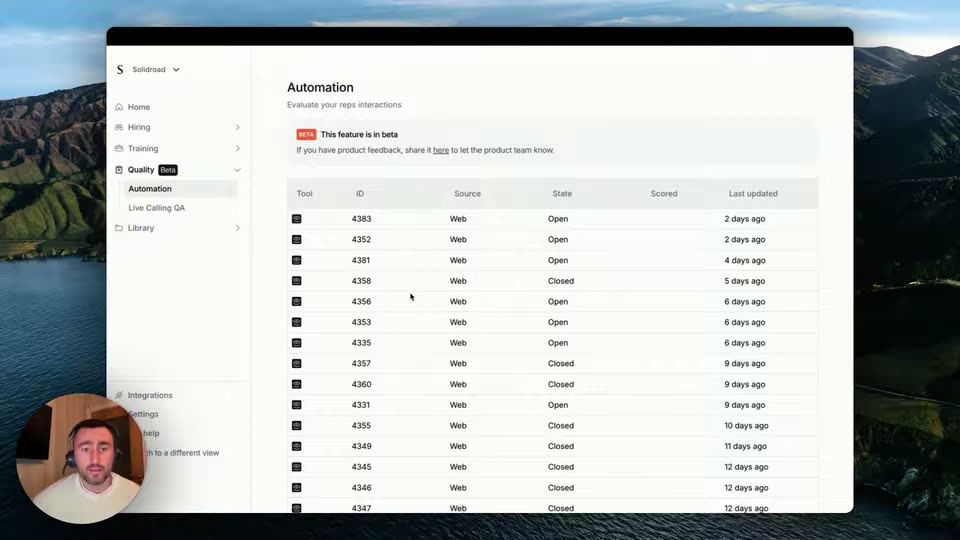 1:52–2:08Solidroad · Solidroad YC Launch DemoA flat screen recording of the Solidroad Automation page shows a table of web interactions under a beta banner. A cursor drifts across the rows and columns while a presenter in a circular webcam inset at the bottom left speaks. A mountain and lake wallpaper sits behind the window.
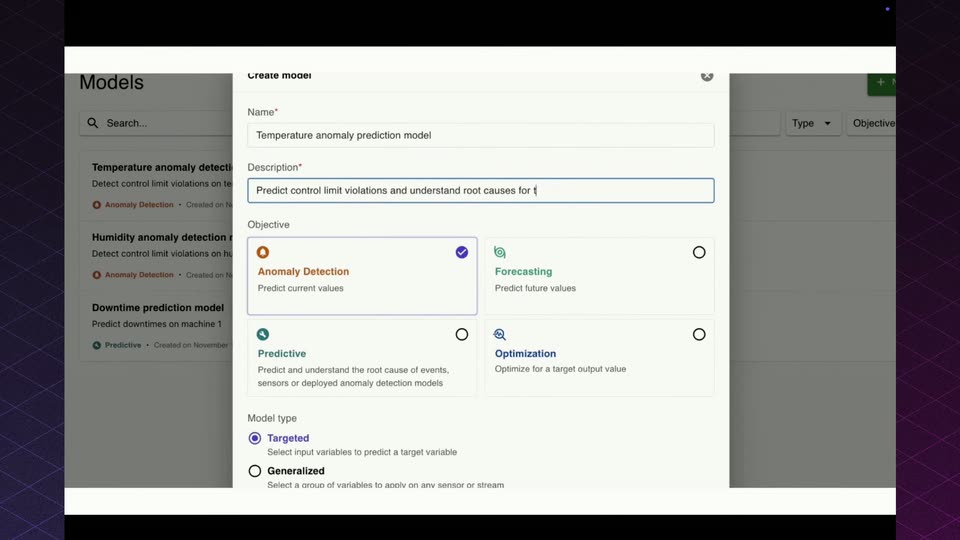 1:28–1:36Vortexify · Praxis AI LaunchA white Create model dialog sits over a Models list. Text types into the Name and Description fields, the objective radio switches from Anomaly Detection to Predictive, and a cursor clicks the green Create model button as the view zooms out.
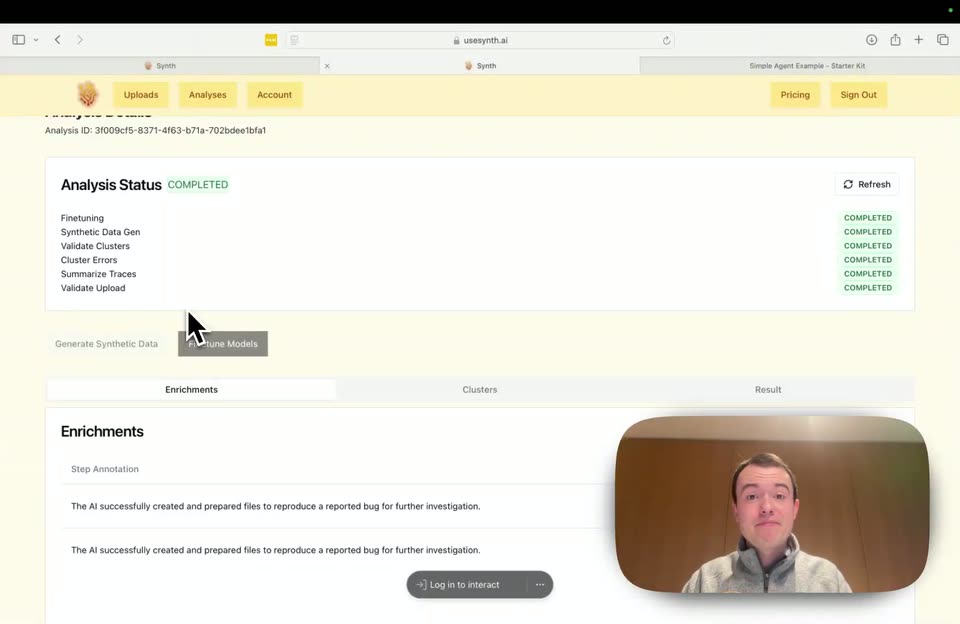 1:24–1:48Synth · Synth AI YC LaunchA web dashboard shows an Analysis Status list with all steps marked completed, above tabbed panels for Enrichments and Clusters. A presenter talks and gestures in a small rounded video window at bottom right. The cursor clicks the Clusters tab and the view zooms to a table of annotations.
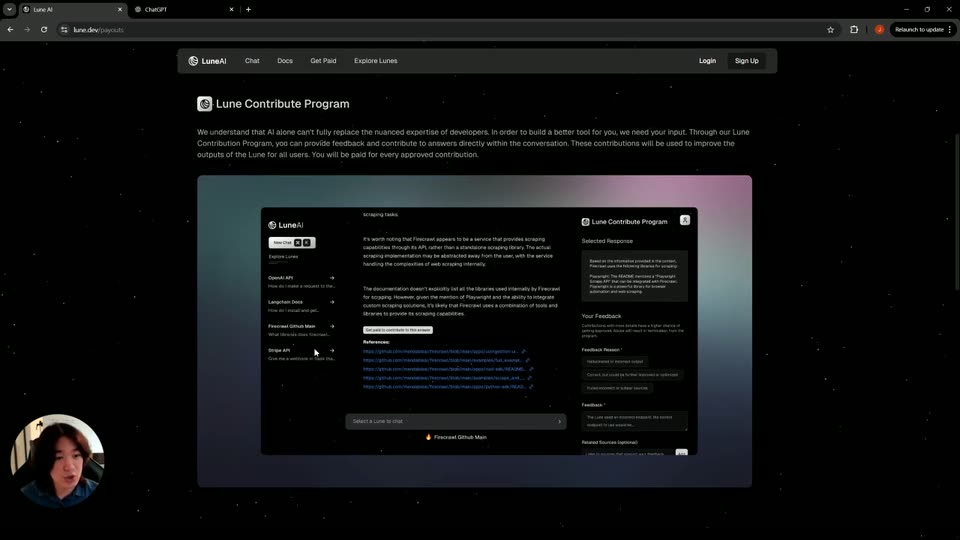 2:13–2:29Endstack · Lune AI DemoScreen recording of the LuneAI payments page on a starfield background. The page scrolls down from the large headline into the Lune Contribute Program section, where a dark mockup of the feedback interface sits in a glowing card. A small circular webcam of the presenter stays in the lower left while the cursor drifts over the page.
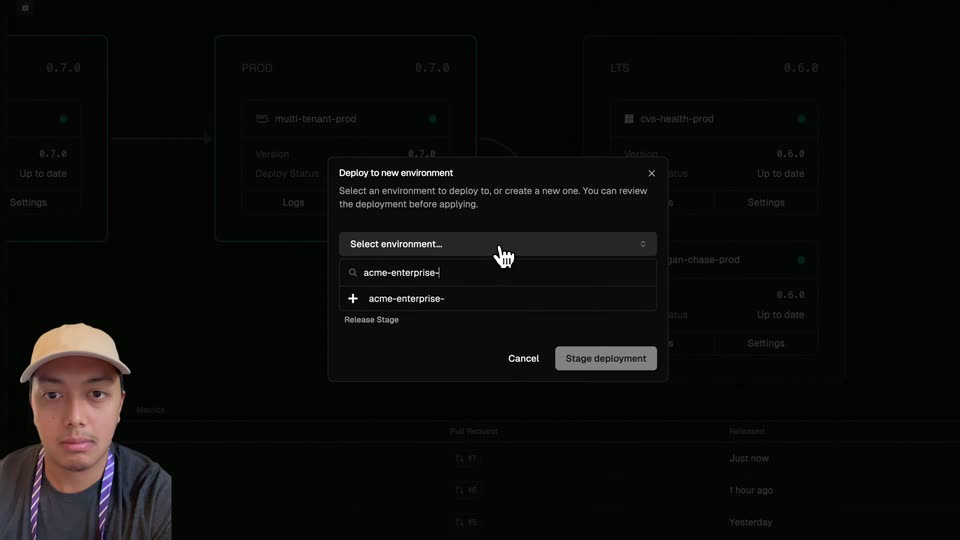 0:42–0:44Ryvn · Ryvn | On-prem deployments, without the stressA dark deployment dashboard displays an open modal dialog. A hand cursor hovers over the environment dropdown as the search field filters the list. A man in a cap watches from a small facecam in the bottom left corner.
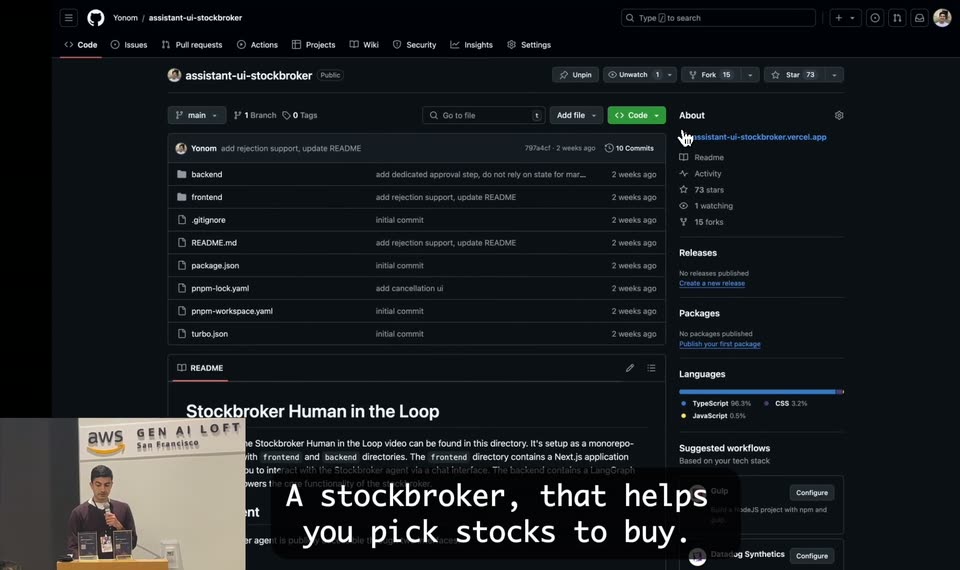 1:07–1:12assistant-ui · assistant-ui | AWS GenAI Loft DemoA dark GitHub repository page fills the screen as a hand cursor glides to a link on the right. A small inset video of a speaker plays in the lower left, white monospace captions change at the bottom, then the page cuts to black.
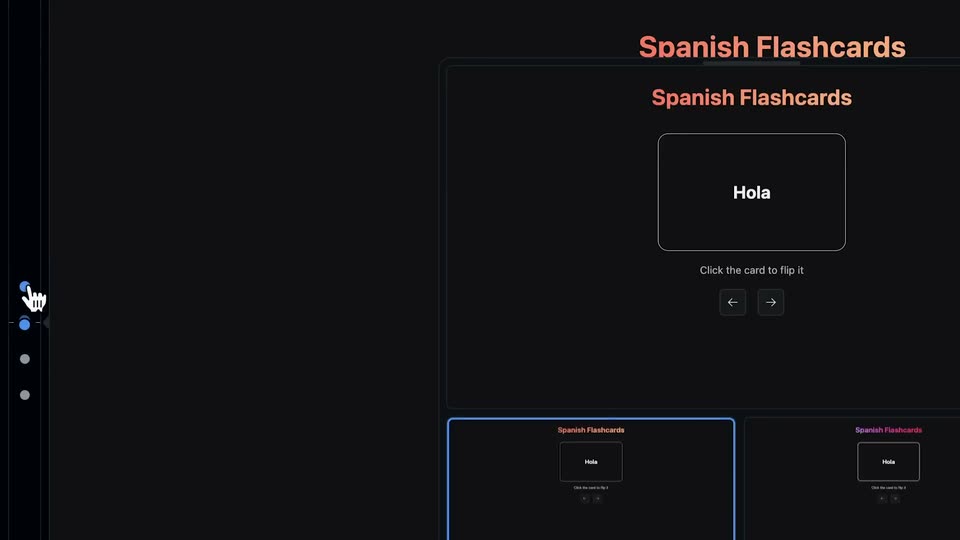 0:35 · 0.7sGitHub · What is GitHub Spark? Introducing a brand new way to build powerful, AI assisted applicationsA dark app screen stays locked off, with an orange headline above a flashcard panel showing a Hola card and arrow buttons. A white cursor moves to the left dot menu.
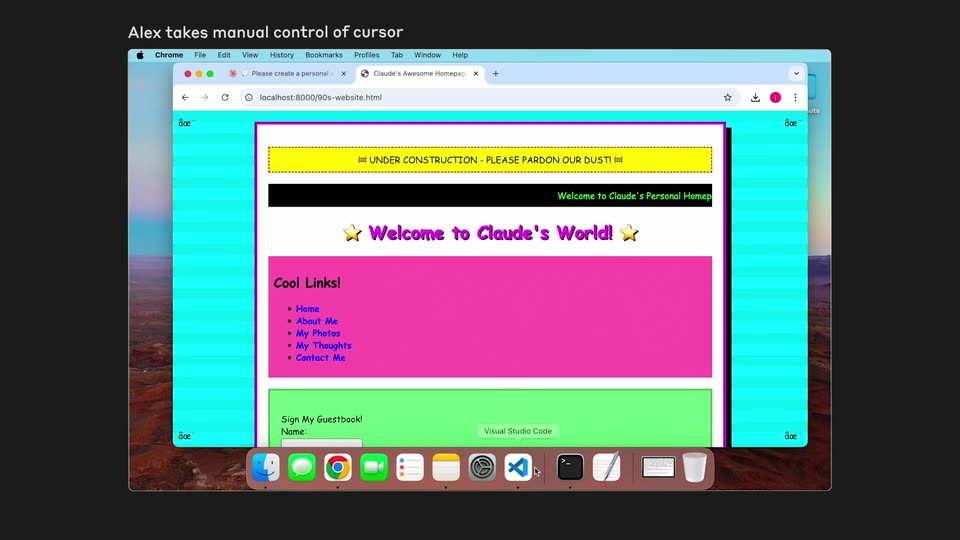 2:47–2:50Anthropic · Claude | Computer use for codingA static macOS screen shows a Chrome window with a retro 90s homepage; the mouse cursor glides from the page down to the dock and hovers the Visual Studio Code icon, its tooltip popping up. The white headline stays fixed at the top.
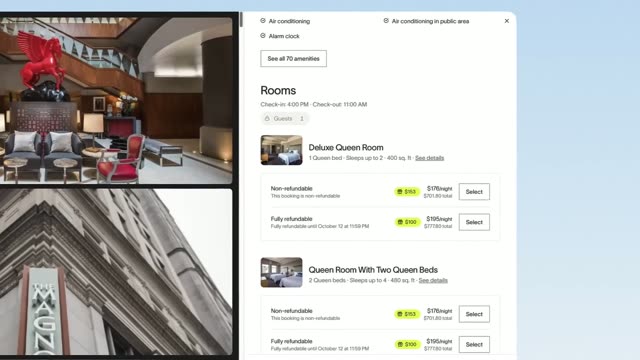 1:05–1:09Ramp · Meet Ramp: A smart finance operations platform that saves you time and moneyA tilted laptop mockup in 3D perspective shows a hotel booking screen with room photos and a rates list on the right. The view zooms in to flatten the interface, then crossfades to a Dallas Conference budget panel where a cursor appears.
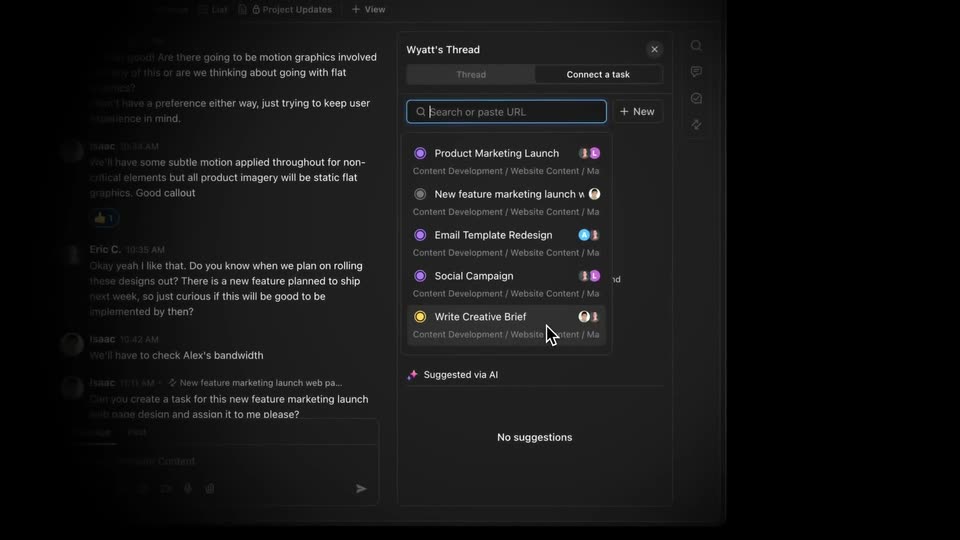 0:55–1:01ClickUp · Introducing ClickUp ChatIn a dark chat interface, a cursor clicks a toolbar icon and a Connect a task panel opens beside the thread. The view then zooms into the panel as a list of tasks fills in and the cursor moves down it.
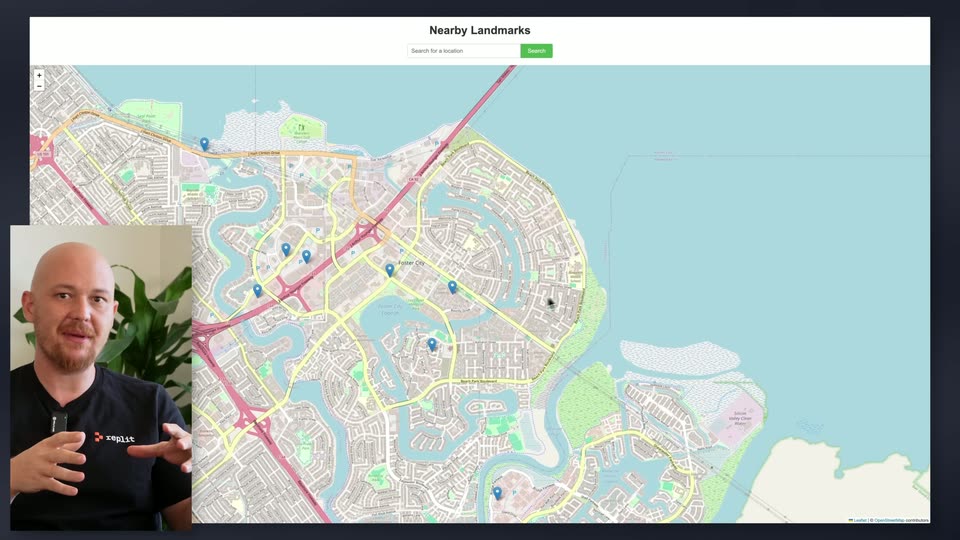 2:59–3:07Replit · Meet the Replit AgentA man in a small box at bottom left gestures while a web map of the Bay Area fills the rest of the frame. The map zooms into Foster City, blue pins cluster, and the cursor clicks a pin to open a white info card.
 0:26–0:27Ideogram · Ideogram - Introducing Ideogram 2.0 — our most advanced text-to-image model, nowA tilted white settings panel floats over a soft pink gradient, its top controls softly blurred. A flat white arrow cursor glides up from the bottom edge and presses the black Generate button, which darkens on the click.
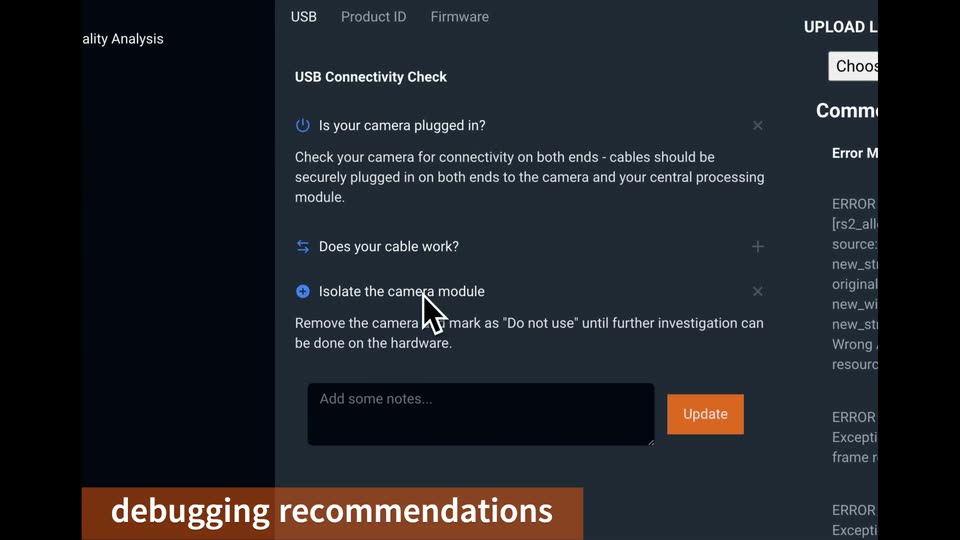 0:41–0:44Ember Robotics · 🔥 Introducing Ember Assistant 🔥- Robotics Camera System Assistant!A dark robotics dashboard zooms from the full error tracker view into the USB connectivity check panel. A cursor hovers a checklist row, then the notes field gains focus with a blinking caret, while a solid orange bar at the bottom holds the caption.
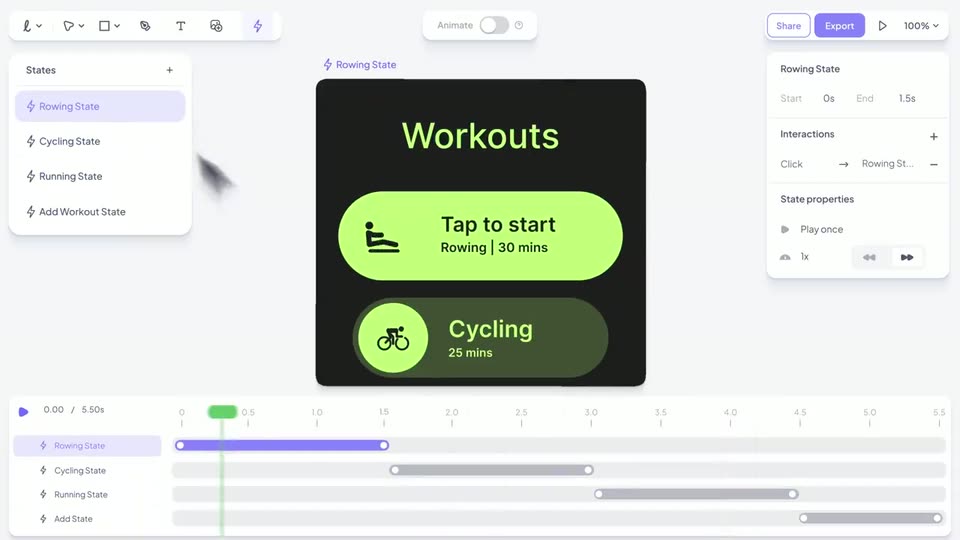 0:33–0:38Lottielab · Lottielab - Interactivity is now live on Lottielab. 📣A cursor selects states in the left panel of a design tool while the dark phone preview in the center scrolls a workouts list between rowing, cycling and running. The cursor then moves to the play button and the view zooms into the preview.
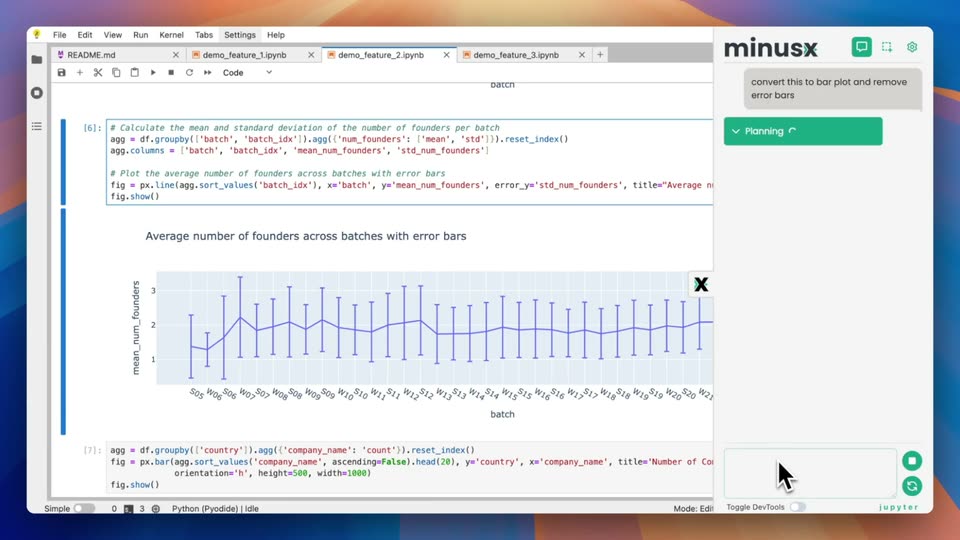 0:46–0:48MinusX · MinusX: AI Data Scientist for Jupyter and MetabaseA Jupyter notebook shows a line chart of founders per batch. In the lower right, a chat box types a prompt to convert it to a bar plot, then a green Planning button slides in above it.
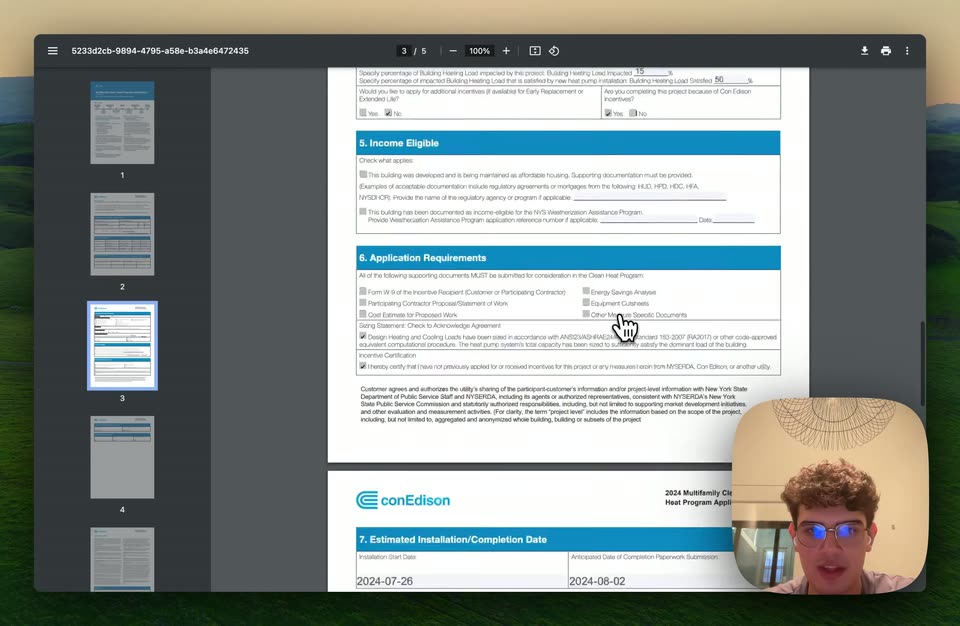 1:36–1:39RetroFix · RetroFix Product DemoA ConEdison application form opens in a dark PDF viewer with a numbered page sidebar; the view flips from page one to four as a hand cursor hovers over the text. A rounded webcam feed of a man with glasses sits in the bottom-right corner over a green-hill desktop.
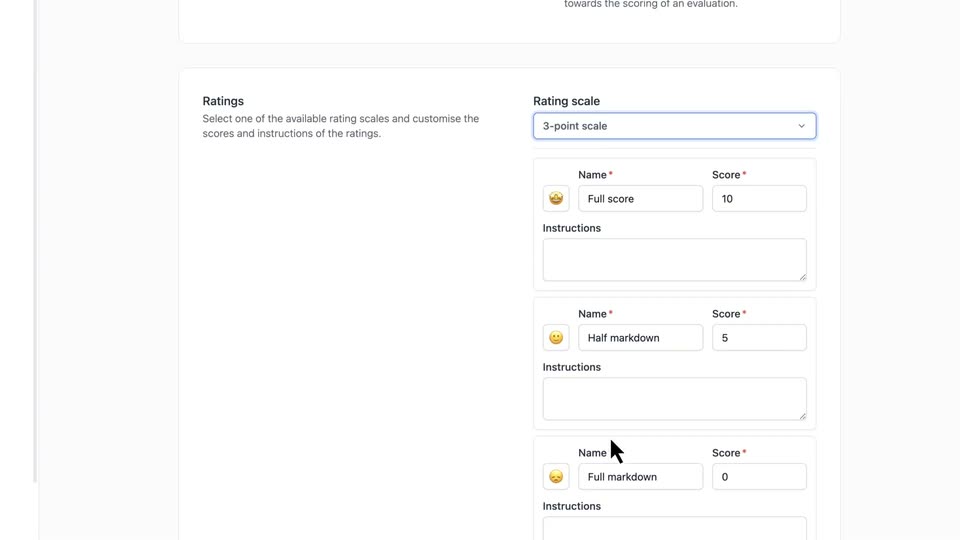 0:34–0:38Intryc · Intryc YC Launch videoA tilted 3D mockup of a criterion-editing screen scrolls down through a form, a hand cursor opens a rating-scale dropdown, then the whole card scales down and fades.
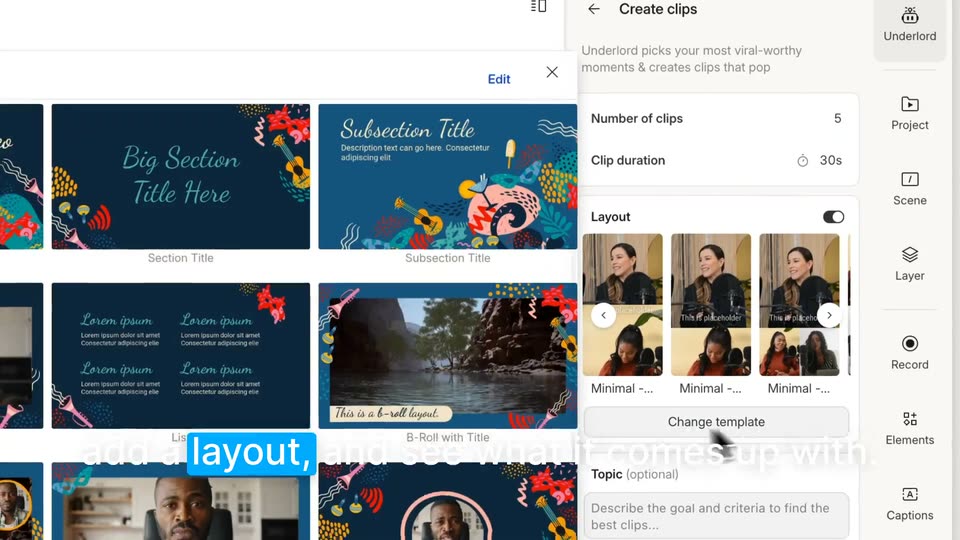 2:25–2:26Descript · Descript - Today, we're launching Descript's new AI assistant editor, Underlord.A grid of video layout templates sits beside a settings panel. A cursor hovers over a button while white text with blue highlights types out across the bottom.
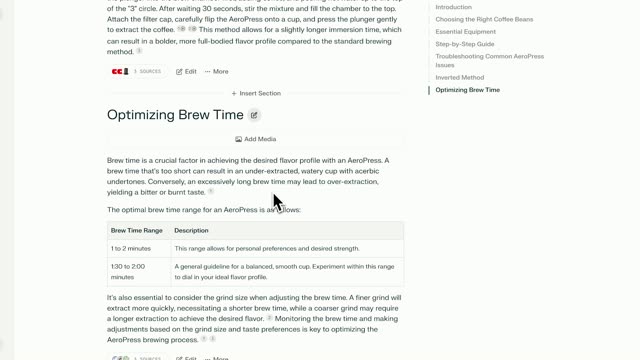 0:43–0:47Perplexity · Introducing Perplexity PagesA document editor shows a paragraph highlighted in teal under the heading Optimizing Brew Time. A dark pill button labeled Rewriting this section hovers over the text with a cursor. The paragraph then regenerates, condensing into a two-column table of brew time ranges.
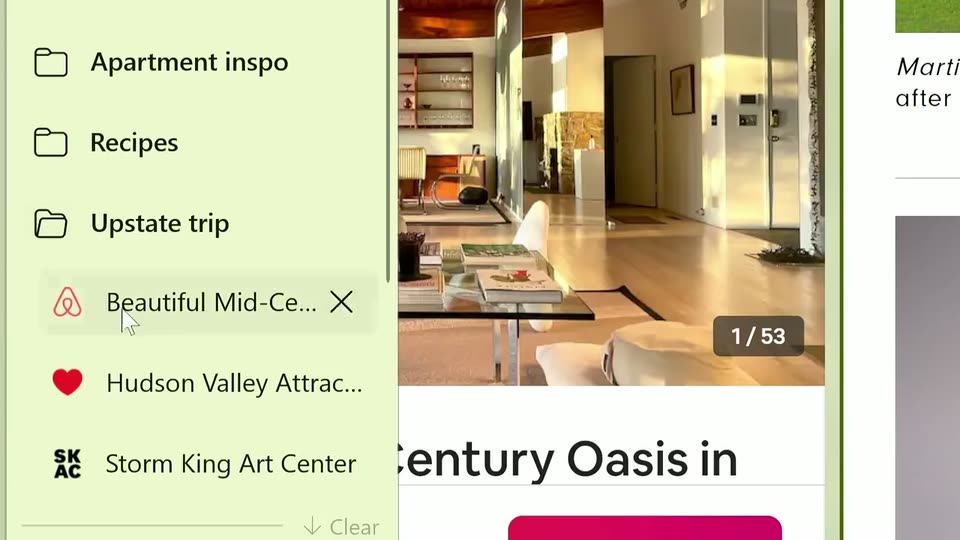 0:19–0:20The Browser Company · The Browser Company - Arc on Windows is finally here. No more waitlists, no more betas. DA pale green sidebar lists folders and saved entries beside a document preview showing a sunlit living room. A white cursor arrow glides down the list, and small black X marks pop in next to two entries.
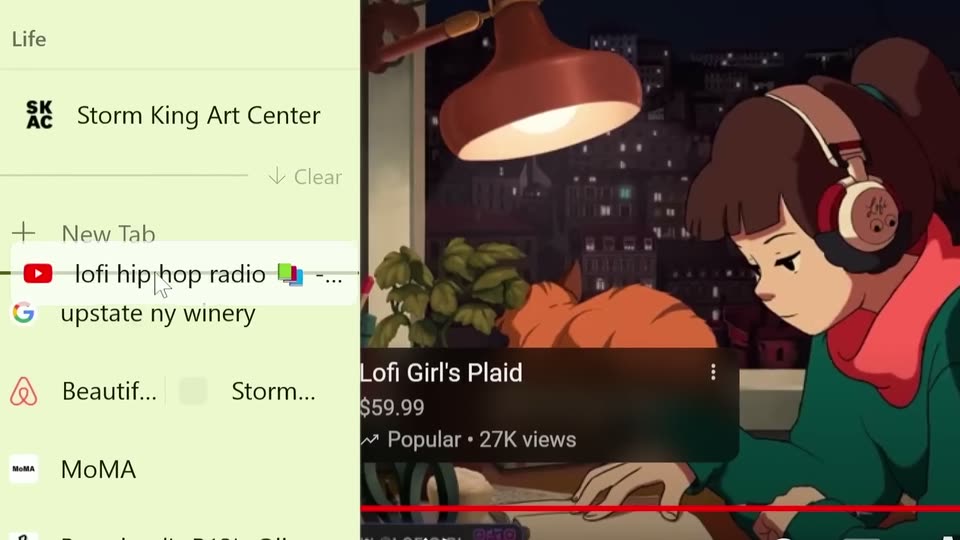 0:22 · 0.5sThe Browser Company · Arc on Windows. Download now.A browser view splits into a left tab list and a right video panel. A white cursor hovers the lofi hip hop radio tab while the list scrolls up, revealing upstate ny winery. The right panel plays an animated girl at a desk with a price overlay.