Cursor demo
A visible cursor operates the interface.
15,015 scenes · page 211 of 251
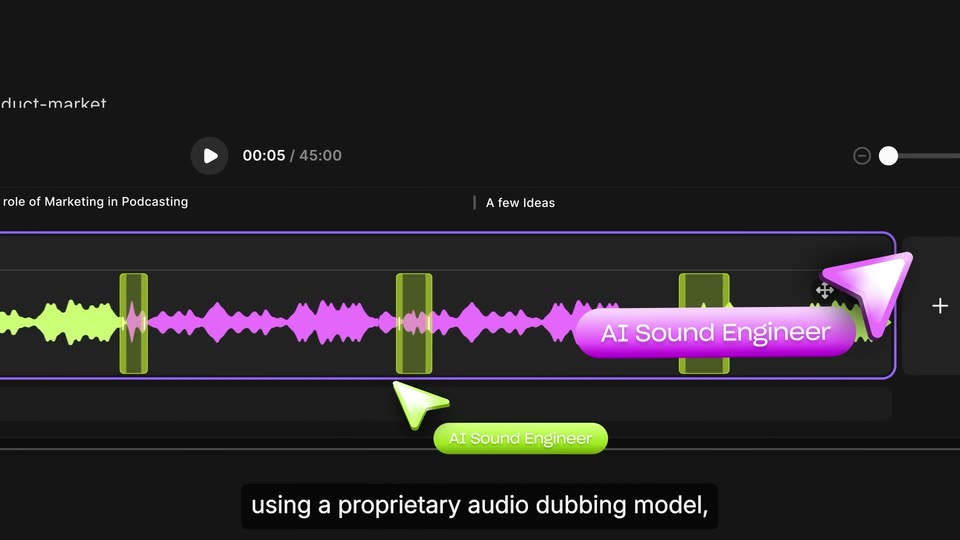 1:14–1:20Riverside · Nadav Keyson - AI Videos are ALL slop. AI should be making you a content machine.The dark Riverside editor shows a transcript, two speaker video tiles and an audio waveform. The view zooms into the waveform as purple segment bars appear, then a cursor drags a boundary and green handles snap into place. White captions in black boxes narrate at the bottom.
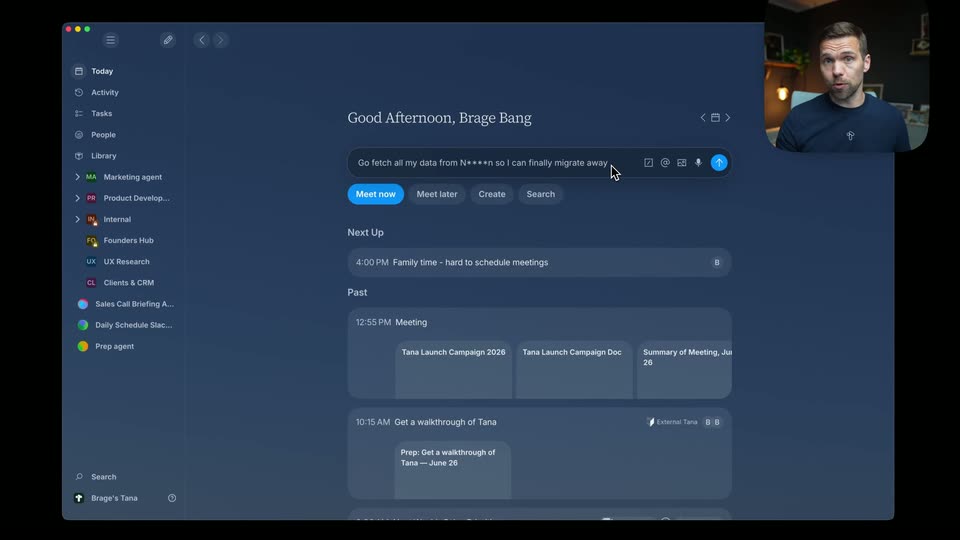 2:32–2:34Tana · Beyond AI Meeting Notes: Meet the New TanaA dark Tana dashboard fills the frame, with a small rounded webcam feed of a presenter in the top right. The mouse cursor glides to the blue send button in the chat field and clicks it, while the greeting, action chips and meeting cards stay still.
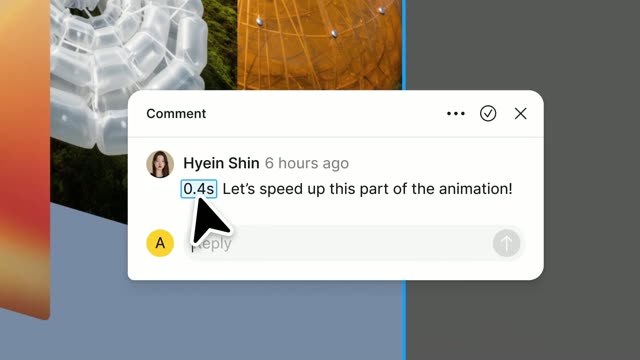 0:44–0:46Figma · Introducing Figma Motion: Your canvas now has a timelineA comment card on a design tool shows a highlighted timecode as a cursor grabs its corner and drags it. The view then zooms out to reveal a timeline of image thumbnails, a blue playhead and a circled comment avatar.
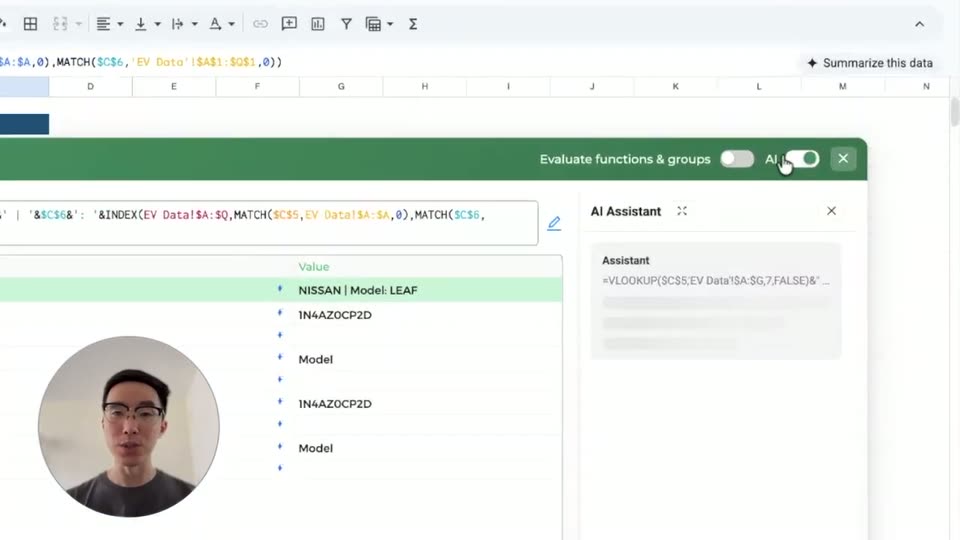 1:13–1:20Dimely · SheetWhiz Trace Precedents AI DemoA spreadsheet shows a Trace Precedents panel listing formula parts with their values, a circular presenter webcam in the corner. The view zooms into the panel header as a cursor flips the Evaluate functions and groups toggle to on.
 0:42–0:44Genspark · Genspark - 🎨 Introducing Genspark Design The next-gen AI for design and creatioOn a warm cream gradient, the Genspark Design logo slides in above a centered white prompt box reading “Create my design system based on the UI.” A cursor glides in from the right and taps the small circular enter button, which flashes gray.
 0:28–0:30Lottielab · Lottielab - Introducing Magic Animator beta 3.0✨ Prompt and edit animations in FA white product panel sits on the left with a blue canvas above and action buttons below, while a blue grid fills the right holding the white headline. A black cursor drifts left and right across the panel edge.
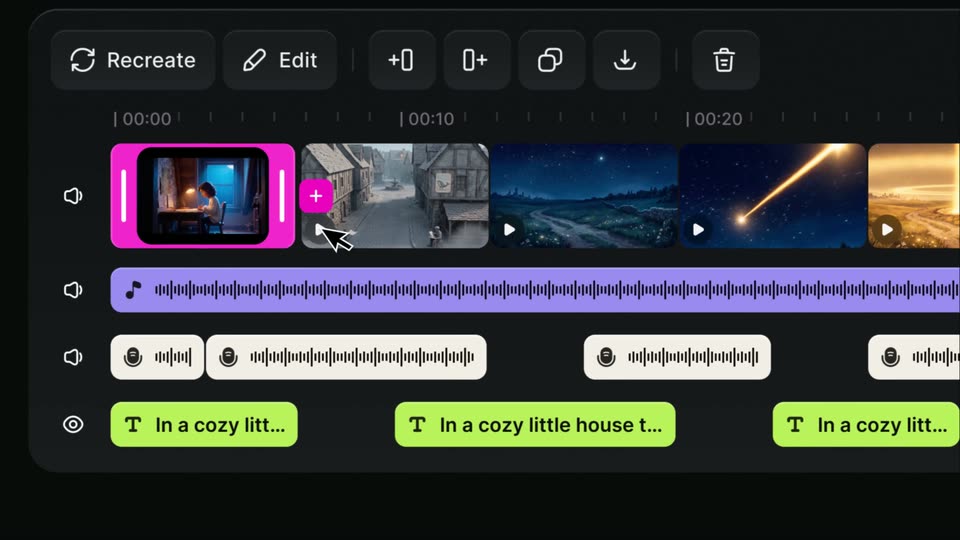 1:03–1:05OpenArt · OpenArt - The way videos are made is about to change. Introducing OpenArt DireA dark timeline panel slides in from the top left and centers, the magenta 'Timeline' tag sliding off frame. A cursor drags a video clip to a new slot; it takes a magenta outline, then its thumbnail switches to a 'Generating' state while the audio and caption tracks hold still.
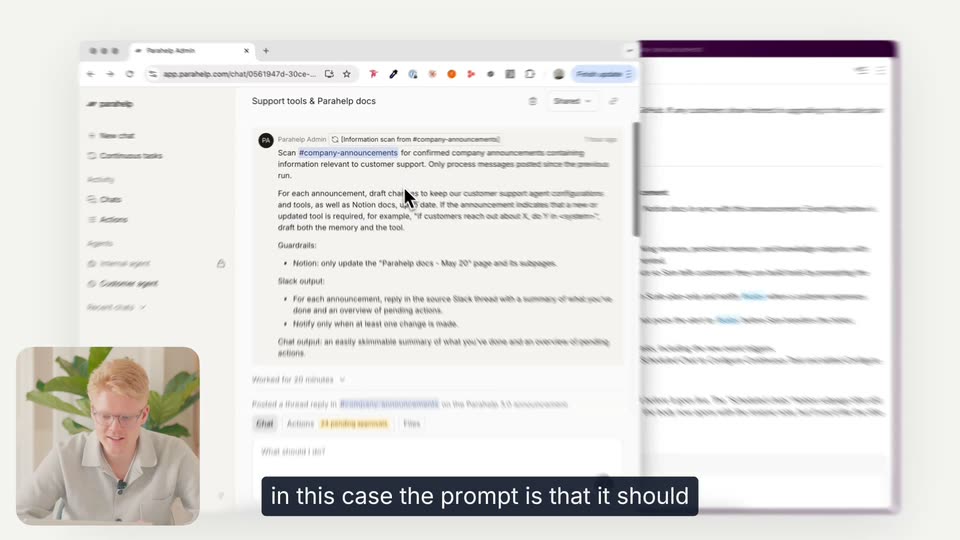 2:08–2:12Parahelp · Mads Lunau - Today, we’re launching Parahelp 3. With Parahelp 3, we’re doubling dA ParaHelp chat window fills the frame, showing agent instructions with a cursor on the text. A second window peeks in from the right and a gesturing presenter sits in the lower-left corner. A dark caption bar at the bottom swaps lines as the view zooms into the document.
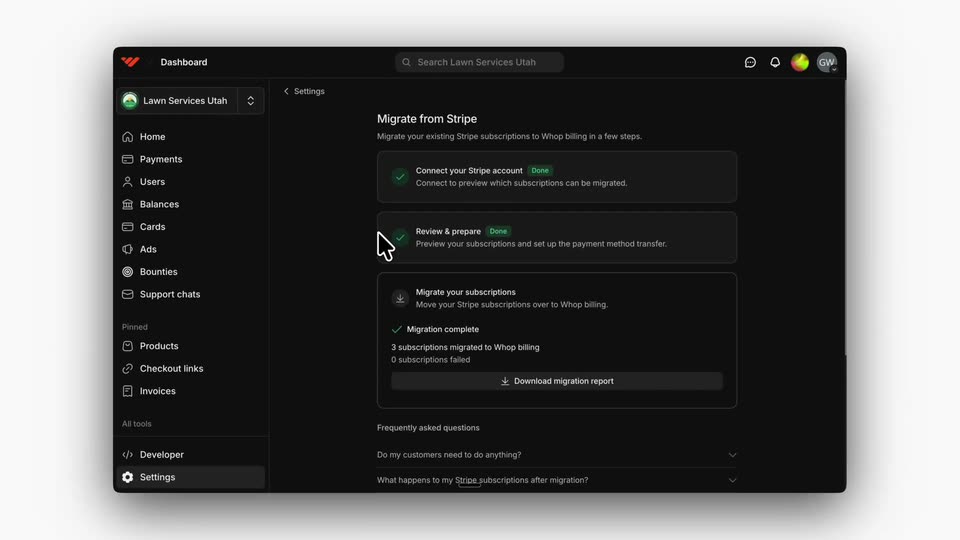 0:20–0:22Whop · Whop MigrationsA dark dashboard mockup sits in 3D perspective on a light gray backdrop, angled slightly with a soft shadow. The settings page lists three Stripe migration step cards. A white hand cursor drifts across the panel and the left sidebar.
 1:10–1:11Motion · Adish Jain ☕️ - we’re launching Motion, the frontier agent for tasteful motion designA dark rounded bar holds an orange “Plan on” pill with a layers icon and a square orange arrow button. A white cursor glides from the pill to the arrow and clicks it, the arrow button flipping to a black fill with an orange outline.
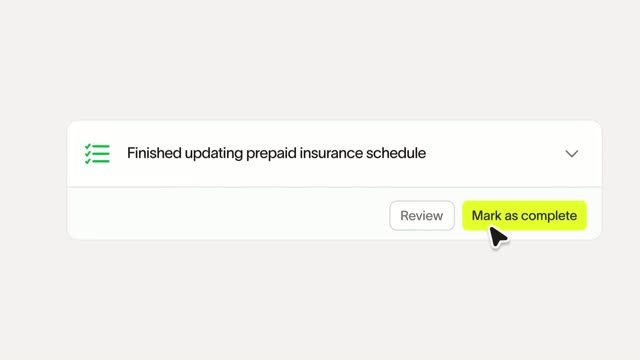 0:51–0:52Ramp · Introducing Stack | AI built for accountants | by RampA white task card with a green checklist icon and two action buttons rests on a pale gray field. A black cursor drifts up from the lower right and stops on the yellow Mark as complete button.
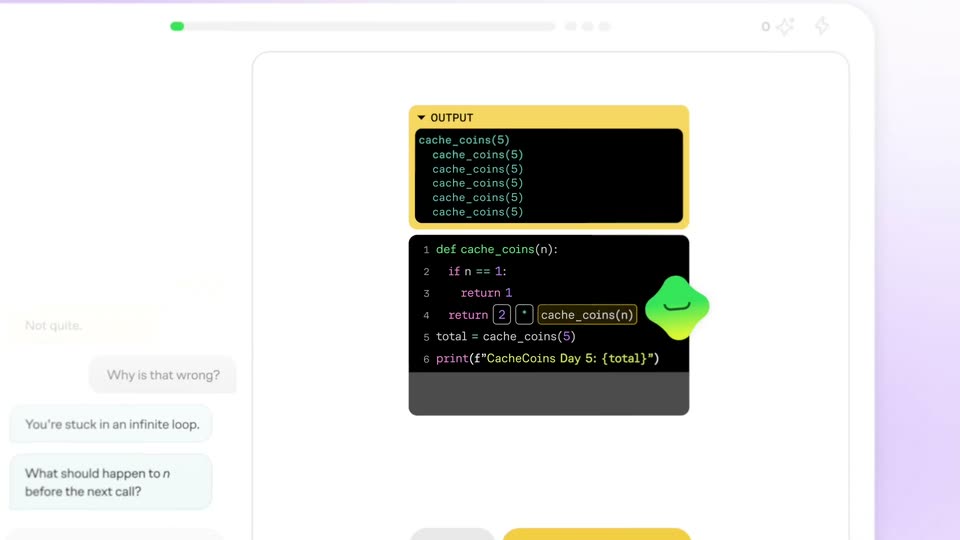 1:28–1:32Koji · Sue - AI is making kids dumber. It should be making them geniuses. IntrodA coding tutor UI fills the frame: a chat log left, a Python editor with a looping output panel right. A black cursor hovers the Get help and Try again buttons as a green square logo glides across the code, then the view pulls back to show the full window.
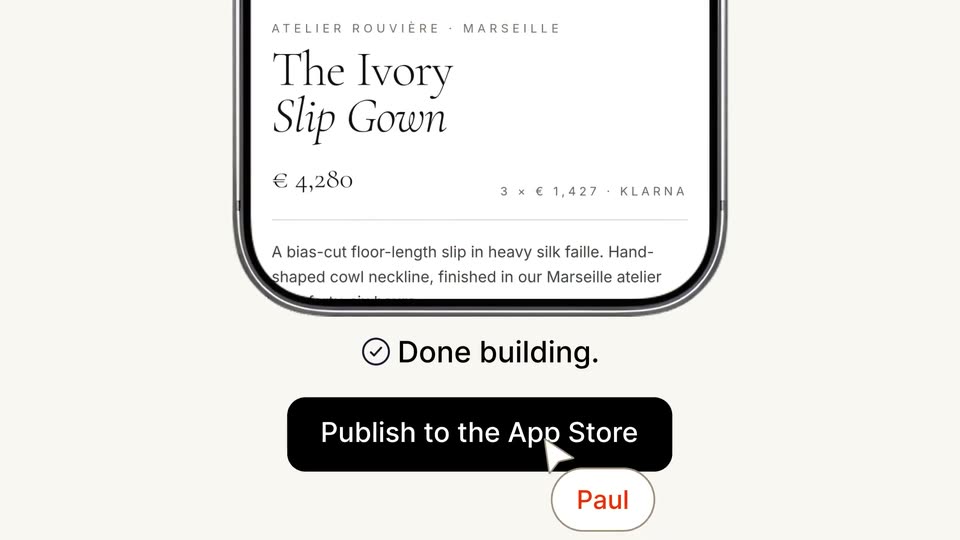 1:05–1:09Replit · Replit ⠕ - The best design work doesn't happen in a chat box. You need space toA centered phone mockup displays a fashion app product page. The view pushes in to the lower screen, then a black button labeled Publish to the App Store turns blue as a cursor and a Paul speech bubble appear.
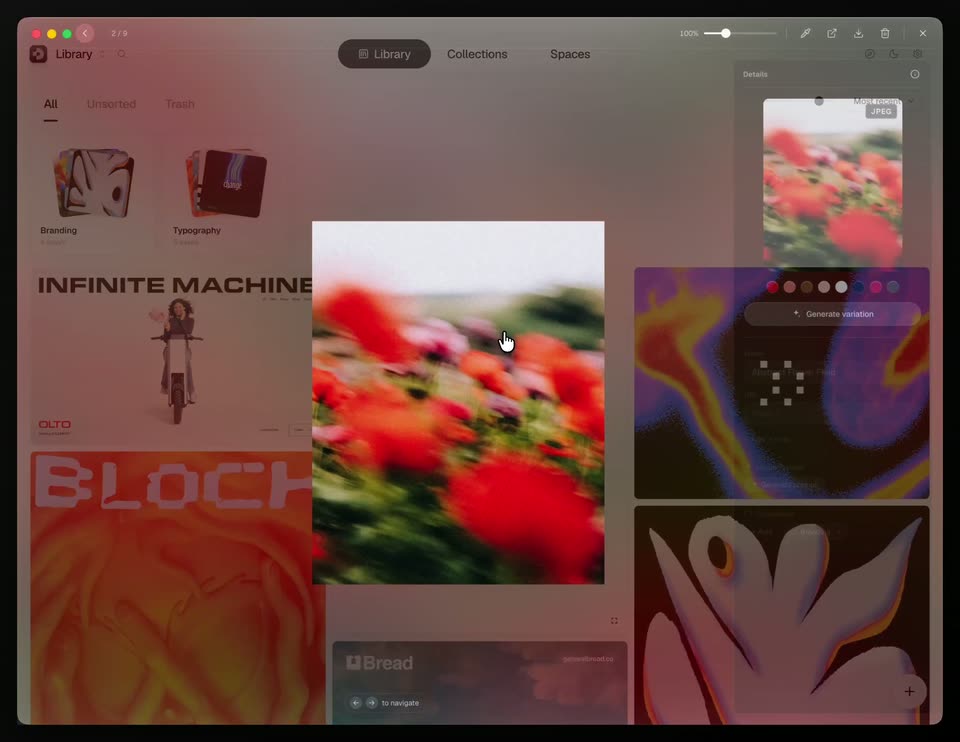 0:25–0:26GatherOS · Brett - Introducing GatherOS™ [beta]. The Mac app for design inspiration, buA library grid of image thumbnails and folders fills the screen. A cursor hovers over a red flower image, then the top bar updates and a right-side details panel appears, showing the image's metadata.
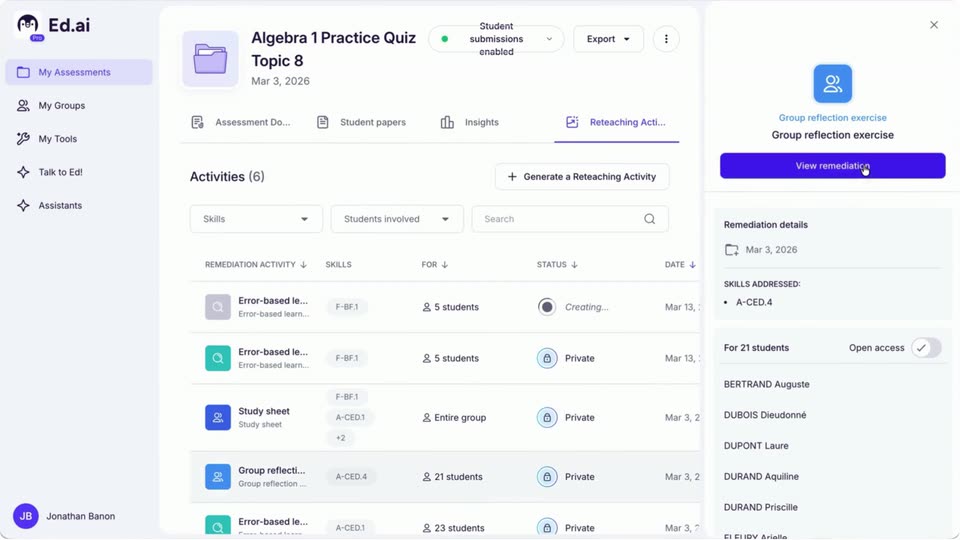 0:42–0:44Ed.ai · Ed.ai in 1 minuteA static screen of an Ed.ai assessment page shows the Reteaching Activities tab with a six-row table and a right panel titled Group reflection exercise. A cursor hovers over the View remediation button.
 0:40–0:41e2e · TesterArmy: Test your app with natural languageA checked reCAPTCHA widget with a cursor on its box slides left with motion blur over a dark dotted backdrop, as a white email inbox panel with a window header slides in from the right edge.
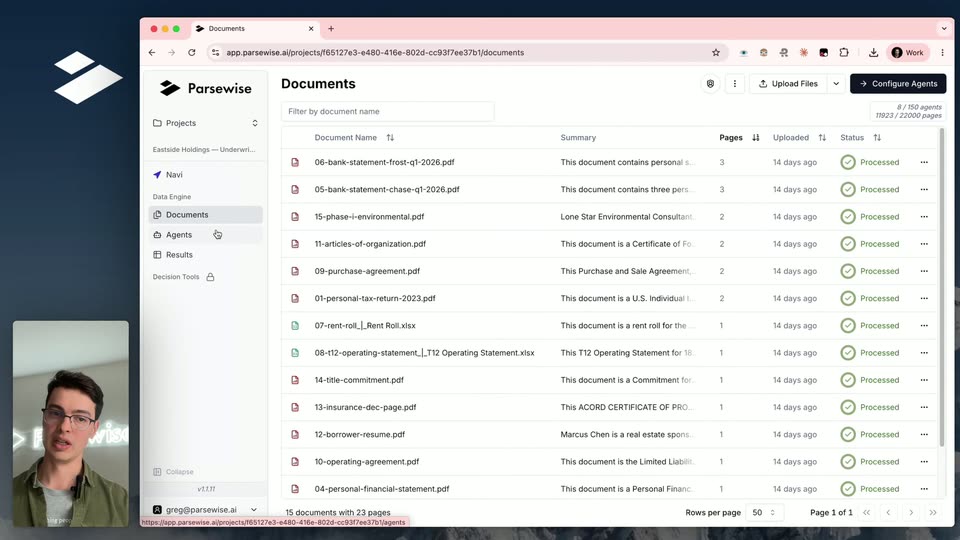 1:49–1:51Parsewise · Parsewise API LaunchA Parsewise Documents table fills the screen, framed by a dark panel with the white logo on the left and a presenter's webcam at lower left. The cursor drifts down the sidebar from Documents to Agents while the table stays still.
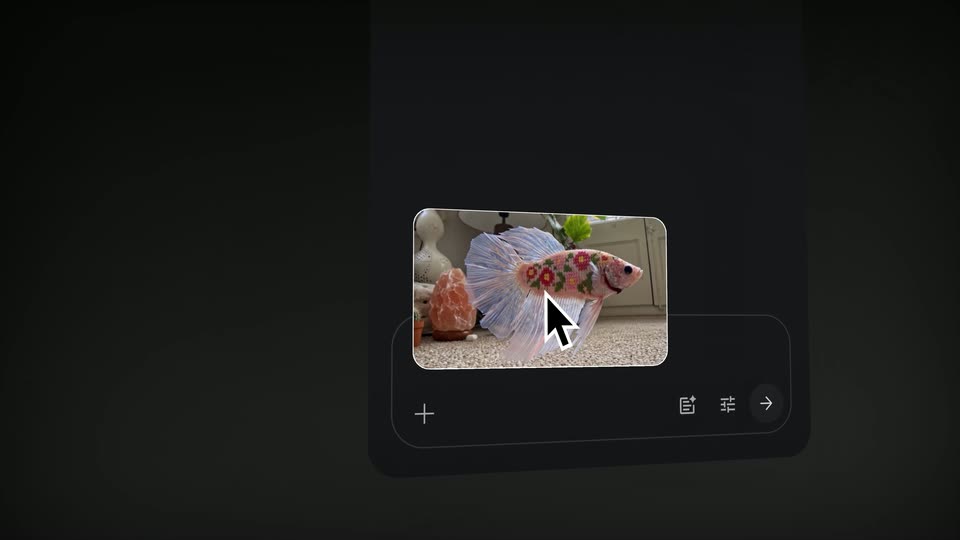 0:38–0:39Google · Google Flow - Introducing your agent and the all-new Gemini Omni model in Google FlA dark interface shows a grid of media thumbnails beside a left icon rail. A white cursor hovers over a betta fish video tile as the view zooms in toward that tile and a prompt input box below.
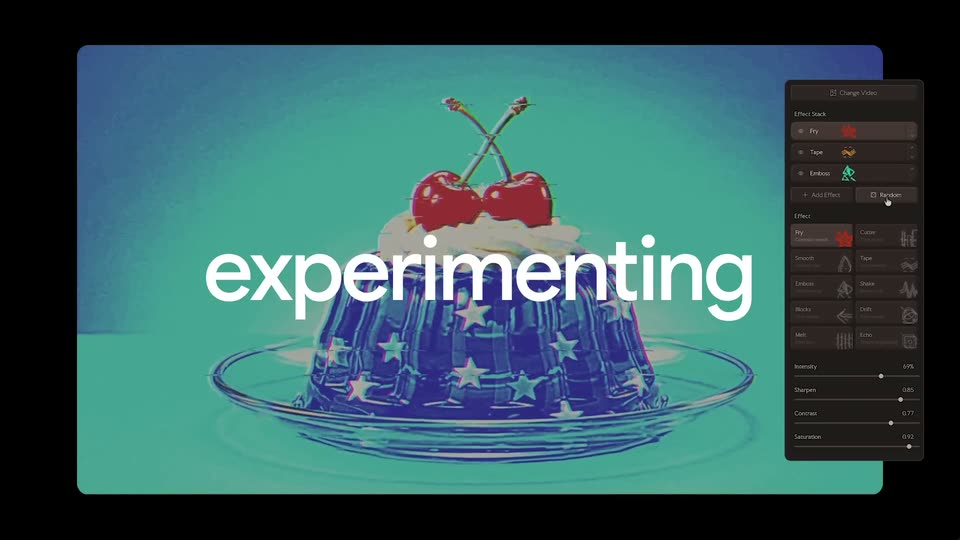 0:59 · 0.7sGoogle · Introducing Tools in Google FlowA video editor interface shows a teal-graded dessert clip with the word experimenting overlaid. An effects panel on the right swaps its preset list while a cursor hovers the Random button.
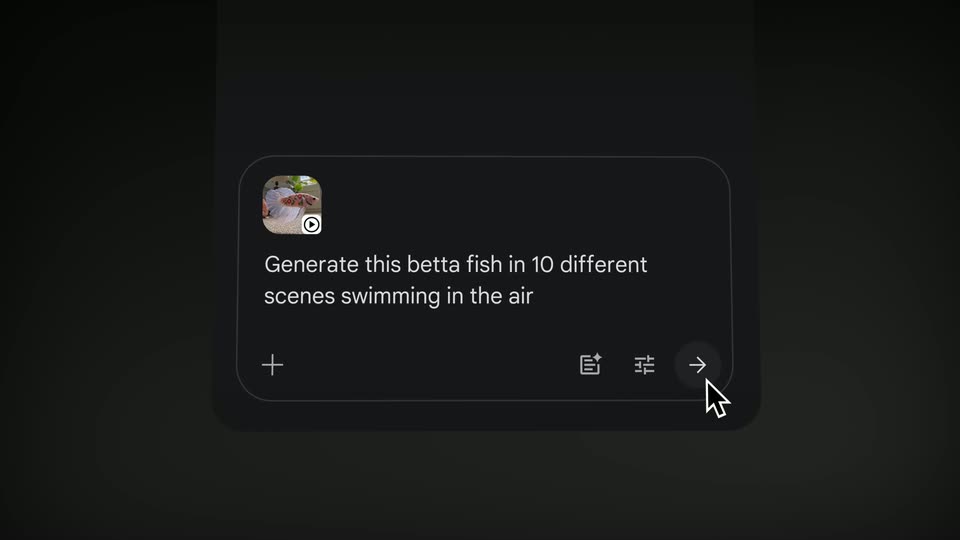 0:39–0:44Google · Introducing your Agent and Gemini Omni in Google FlowA dark prompt bar with a betta fish photo that shrinks to a thumbnail as “Generate this betta fish in 10 different scenes swimming in the air” is typed; the cursor clicks send, and the view cuts to a grid of generated images.
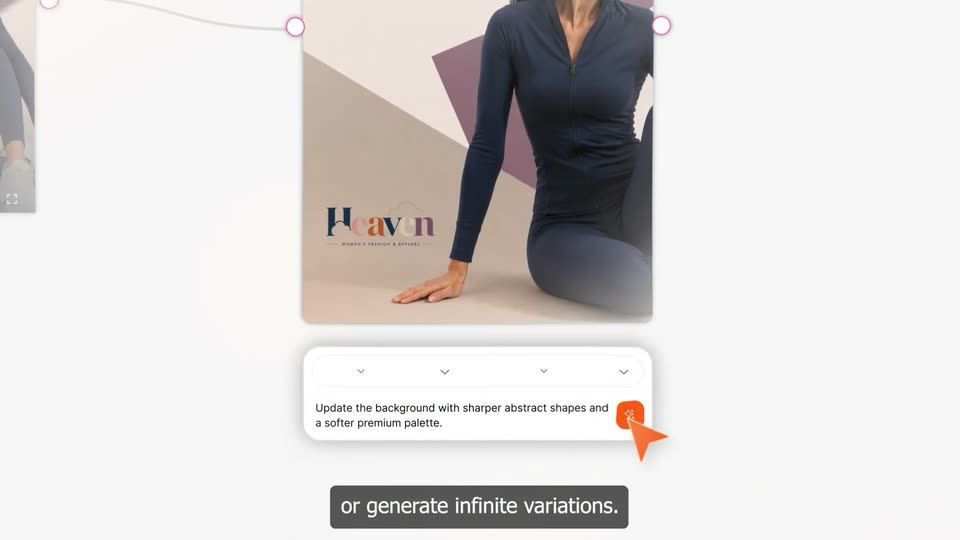 1:58–2:00Tempo · Joe Devoy - Introducing Tempo: The world’s first AI Head of Growth. AI can now sA close-up of the editor shows a fashion poster with a woman in navy activewear and the Heavin logo. Below it, a prompt field types an edit request as an orange cursor hovers, and a dark caption pill at the bottom states the action.
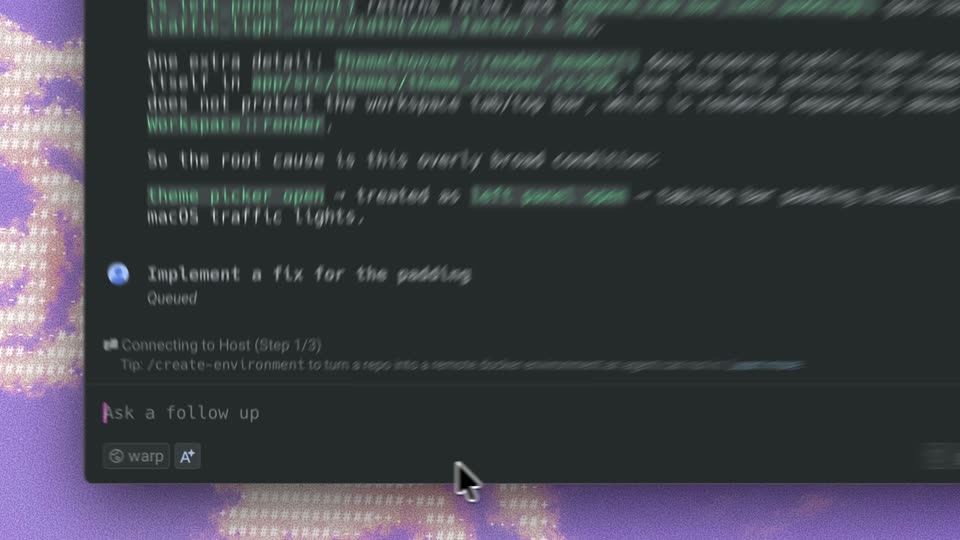 1:36–1:41Warp · Introducing multi-agent orchestrationA dark terminal chat shows an AI bug analysis; the prompt field types 'Implement a fix for the padding' while a mouse cursor moves, then the view zooms out to the full window with a 'Starting cloud environment' toast.
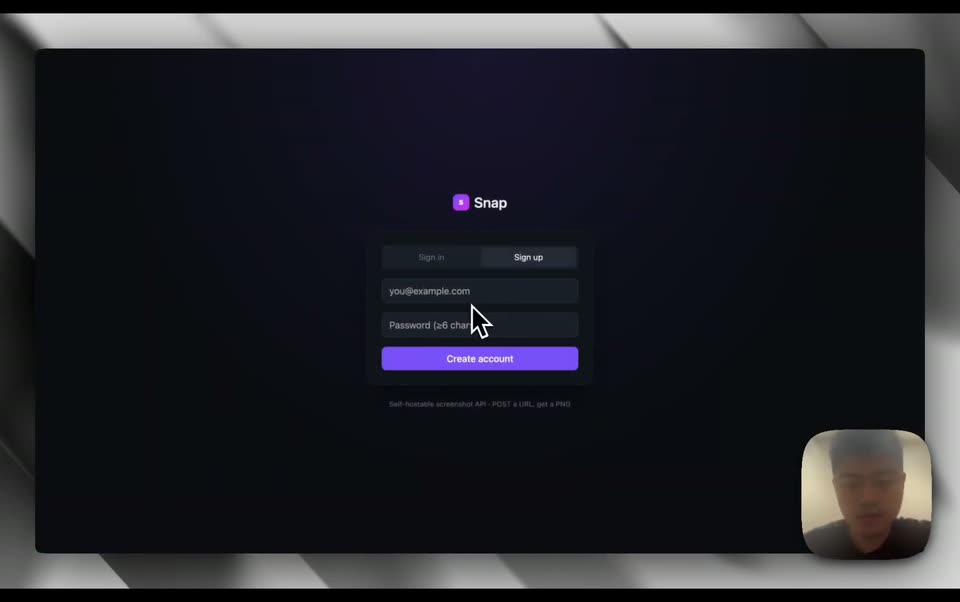 1:02–1:07InstaBox · InsForge YC Launch VideoA dark Snap sign-in card floats in 3D perspective over a light abstract backdrop. A white cursor clicks the Sign up tab, swapping the form to a sign-up layout with a purple Create account button. A small rounded webcam feed of a man sits bottom right.
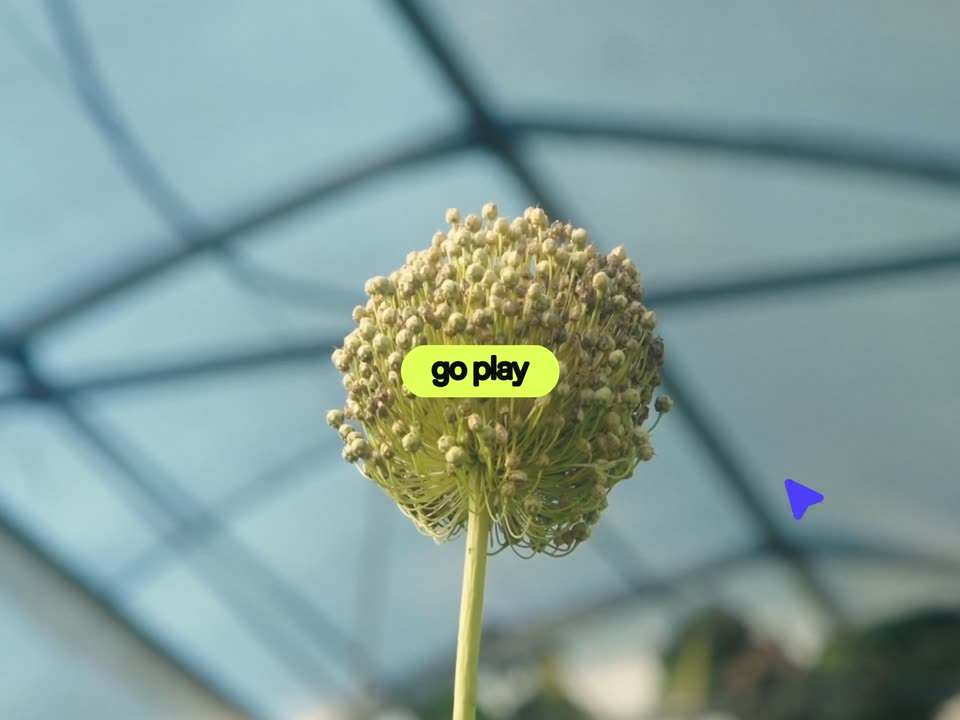 1:20–1:22Riffle · Anurag Choudhary - allow @deoeven and I to introduce the future of music creation. riffA spherical green flower head on a thin stem fills the center against a blurred glass dome. A lime-green pill reading go play rests on the bloom. A purple cursor glides in from the right and taps the pill. The frame stays locked off.
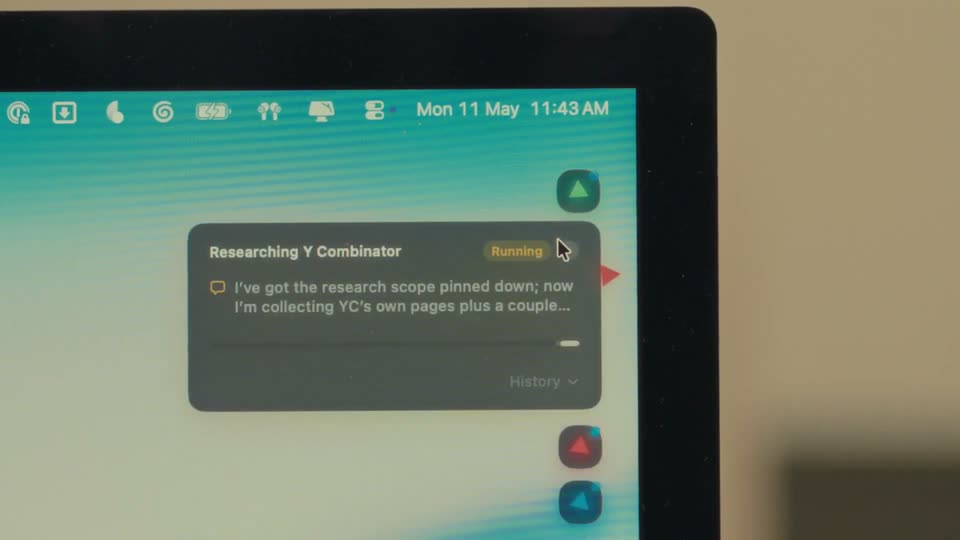 0:56–0:58Clicky · Y Combinator - Clicky is the simplest interface in the world to spawn agents. It caA close-up of a tablet screen shows a dark notification card on a teal gradient desktop. The card title switches from Sony headphones to Y Combinator as a cursor hovers at its corner and a column of colored triangle icons shifts vertically.
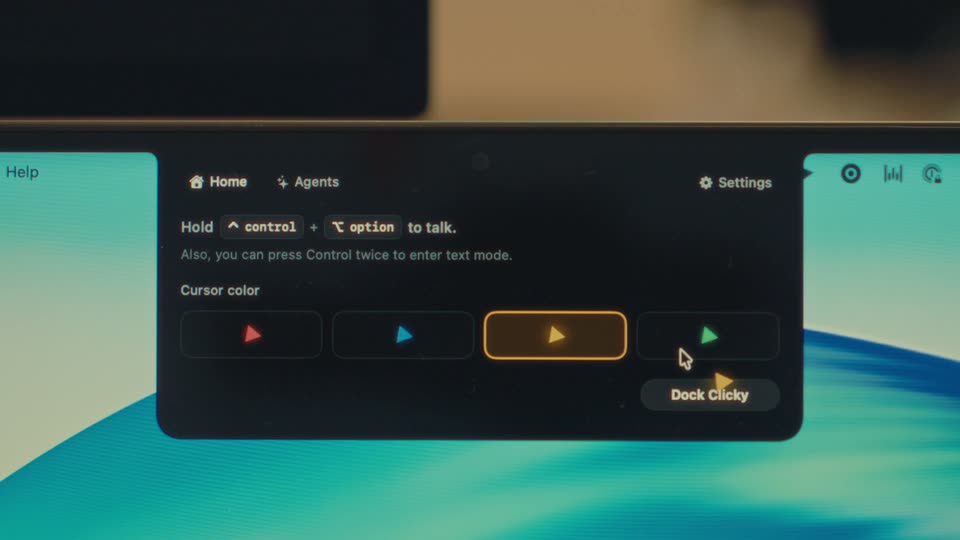 0:50–0:52HeyClicky · hi im clickyA locked-off close-up of a laptop screen shows a dark settings panel. A white cursor glides along the Cursor color row, highlighting the blue, yellow and green swatches in sequence, then hovers on the Dock Clicky button. A soft blurred desk fills the background.
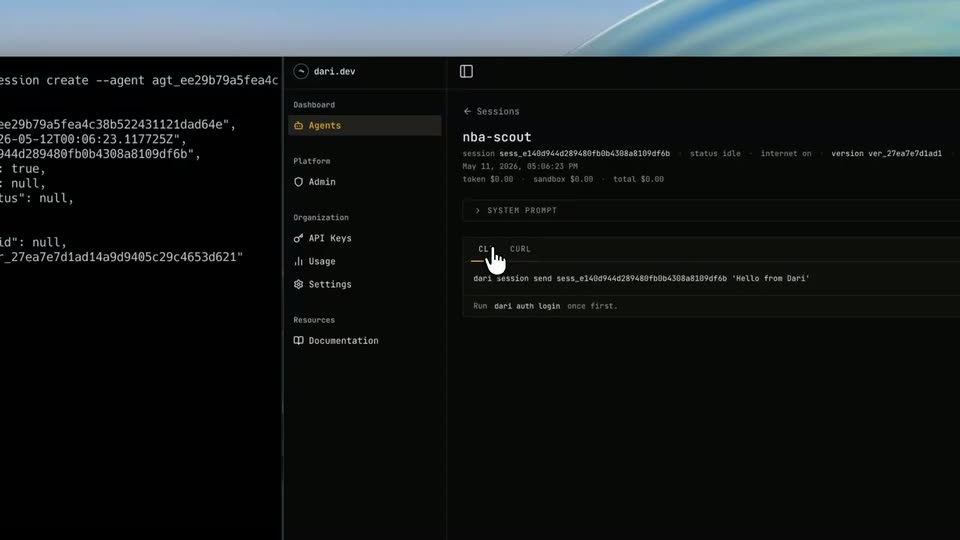 0:56 · 0.8sdari.dev · Dari.devA dark product dashboard fills the frame, a terminal log on the left and a session panel on the right. A cursor clicks the CLI tab, the code block swaps from a multi-line curl command to a single-line CLI command.
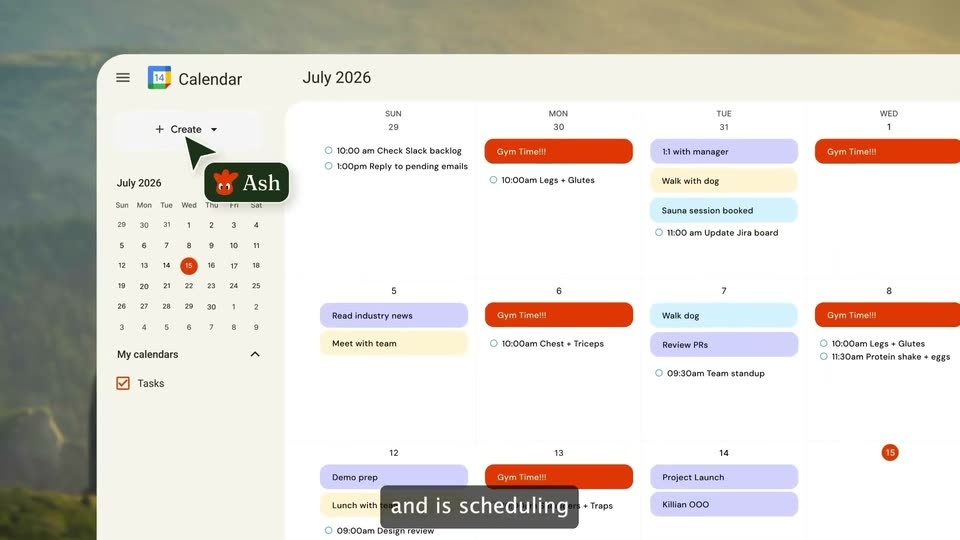 0:37–0:38Vellum · akash - We’ve raised 25M to build the world’s first Personal Intelligence. IA tilted calendar app for July 2026 floats in 3D over a blurred landscape. A cursor moves to the Create button as a small Ash avatar chip drifts in the center, and a bottom caption reads and is scheduling.
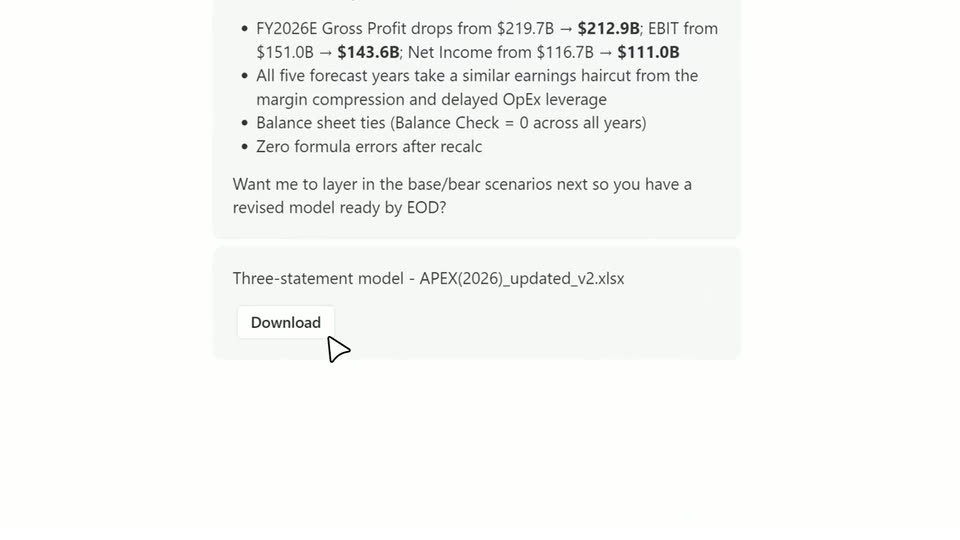 1:39–1:45Perplexity · Perplexity - Today we're launching Perplexity Computer for Professional Finance.A Perplexity chat interface fills with a typed response, the view scrolling up through summary bullets and a forecast table. A cursor moves to the Download button, and an Excel file card slides in below it.
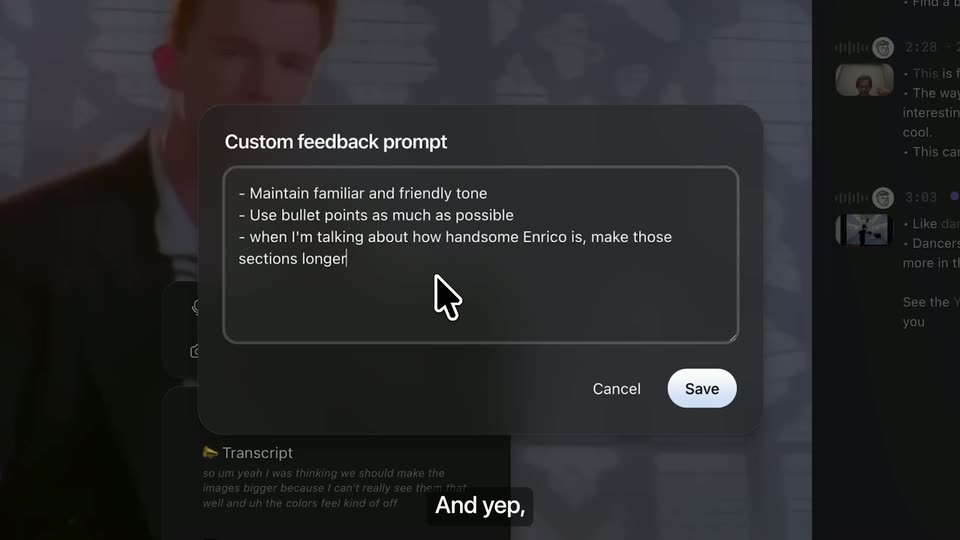 0:45–0:46Flask · Enrico Tartarotti - Introducing Flask. Give detailed feedback on videos and creative assA dark modal titled “Custom feedback prompt” fills the center, its text box listing three bullet lines over a blurred video call and comment sidebar, while a white arrow cursor hovers in the field. A bottom caption swaps from “or build your own.” to “And yep,” on a locked-off frame.
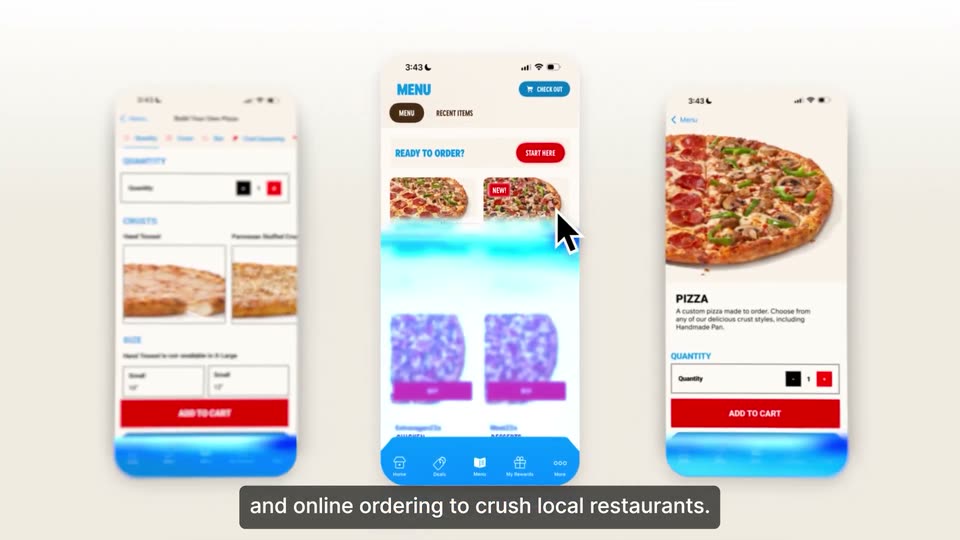 1:32–1:35Owner · Adam Guild - Introducing Grader: the world's first AI CMO for restaurants. It’s hThree phone mockups line up on a cream background, center sharp, sides blurred. A cursor taps a pizza tile, then the phones tilt into a 3D fan while the menu swaps to a sandwich list. A dark caption bar carries the voiceover.
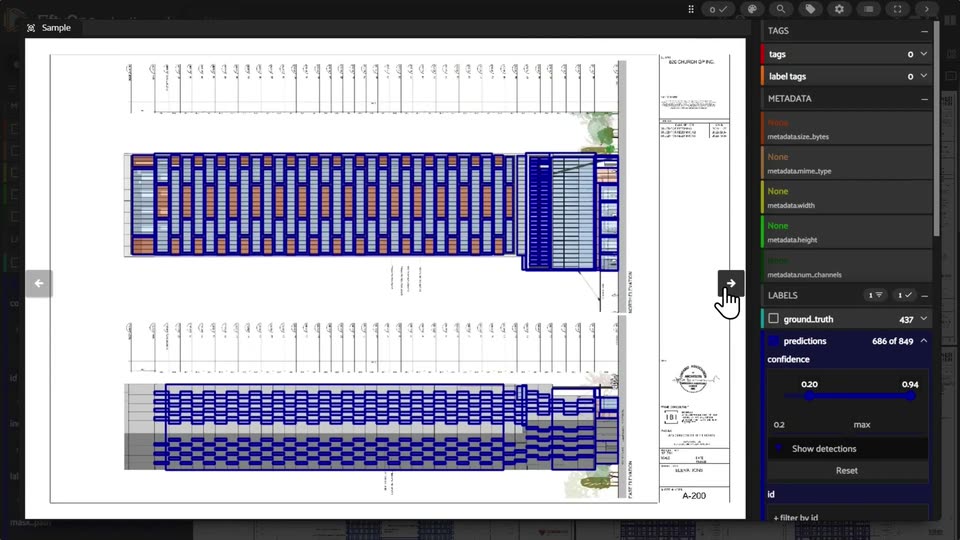 1:54–1:57PLAN0 AI · PLAN0 Demo VideoA dark annotation tool shows two architectural floor plans on a white canvas beside a right panel of tags, metadata and labels. A cursor clicks the predictions checkbox, and the orange detection boxes on the plans switch to solid blue.
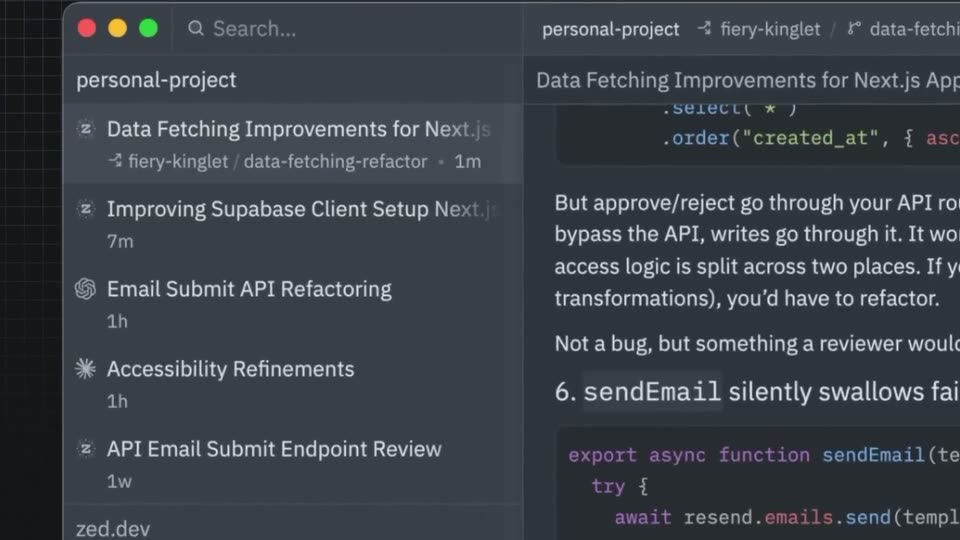 1:26–1:27Zed · Zed - Zed 1.0: Your last next editor.A dark code-review screen shows a pull-request list beside a diff view, then cross-dissolves into a model-provider settings panel with API key fields. A hand cursor moves from one list item to another as the two views blend.
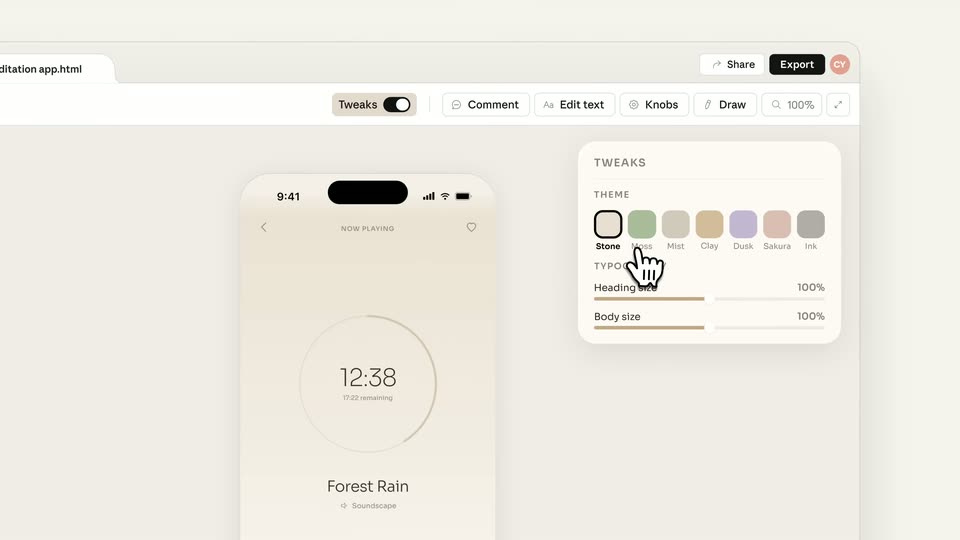 0:35–0:38Anthropic · Introducing Claude Design by Anthropic LabsIn a flat prototyping editor, a phone mockup of a meditation app sits beside a TWEAKS panel. The view zooms onto the player screen as a cursor taps the Play tab, then picks the Moss swatch, shifting the phone's tint to green.
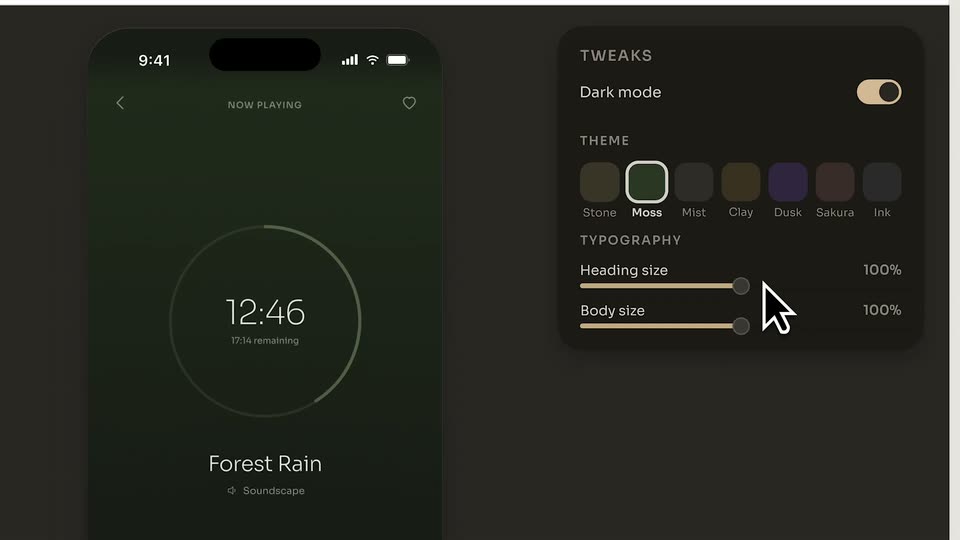 0:44–0:46Anthropic · Claude - Introducing Claude Design by Anthropic Labs: make prototypes, slides,A hand cursor flips the dark mode toggle on a tweaks panel beside a phone mockup playing Forest Rain. The view then pulls back to reveal the full design-tool workspace, with a chat column on the left and an AI notes panel on the right.
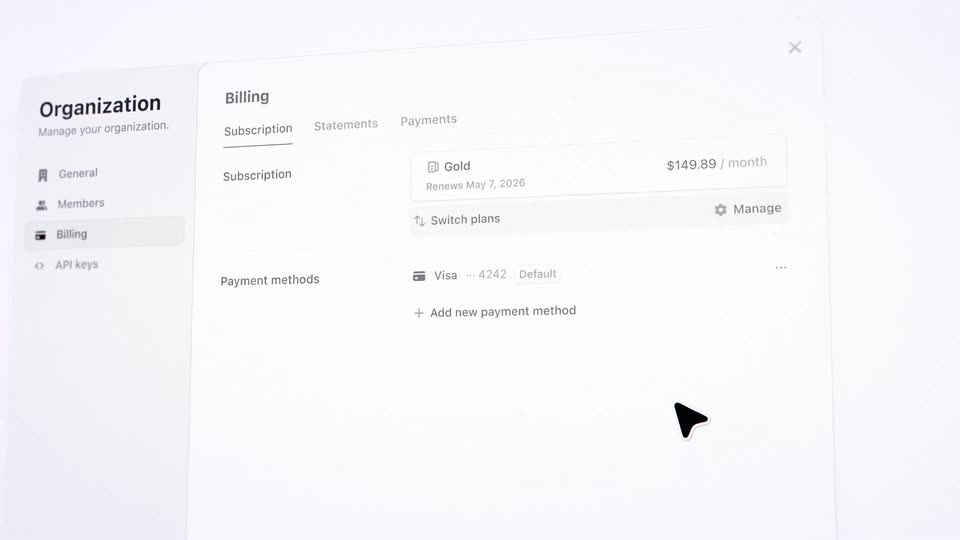 0:57 · 0.8sClerk · Clerk - Introducing B2B Authentication. Built to help you build for enterpriA tilted 3D pricing modal with three plan columns floats over a billing dashboard. A cursor hovers the Gold Subscribe button, then the modal fades out and the perspective flattens to the flat billing page showing the active Gold subscription and a saved Visa card.
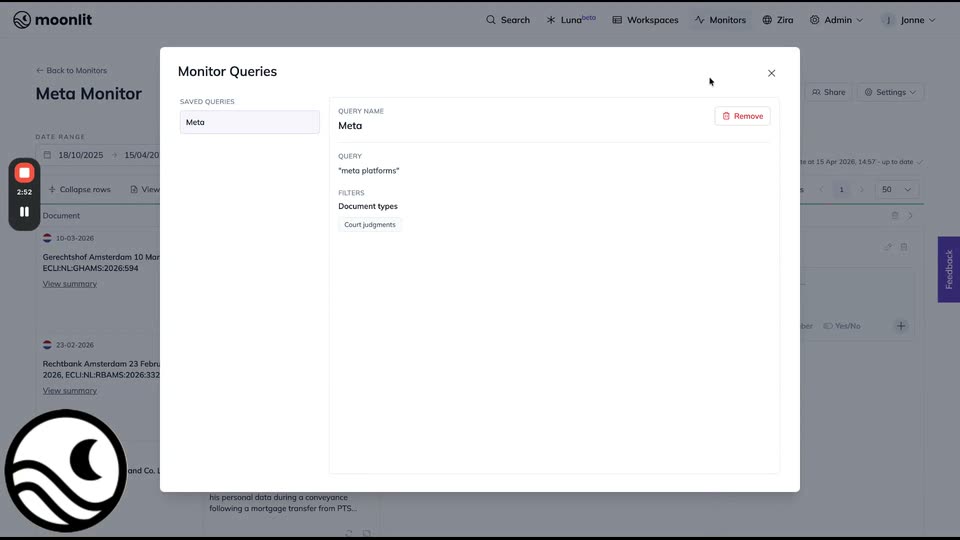 2:28–2:34Moonlit · Introducing Lightspeed: faster legal research | MoonlitA Monitor Queries modal sits over the Meta Monitor list. Gray placeholder bars resolve into a saved query card showing the query text and document-type filters, then the cursor moves to the close icon and the modal fades out to reveal the document list.
 1:24–1:25Slash · Victor Cardenas Codriansky - We (@slashapp) raised a $100M Series C at $1.4 billion valuation to bA blurred website landing page scrolls up and snaps into focus on the footer, where a white cursor hovers over the invoice email address inside a red highlight box.
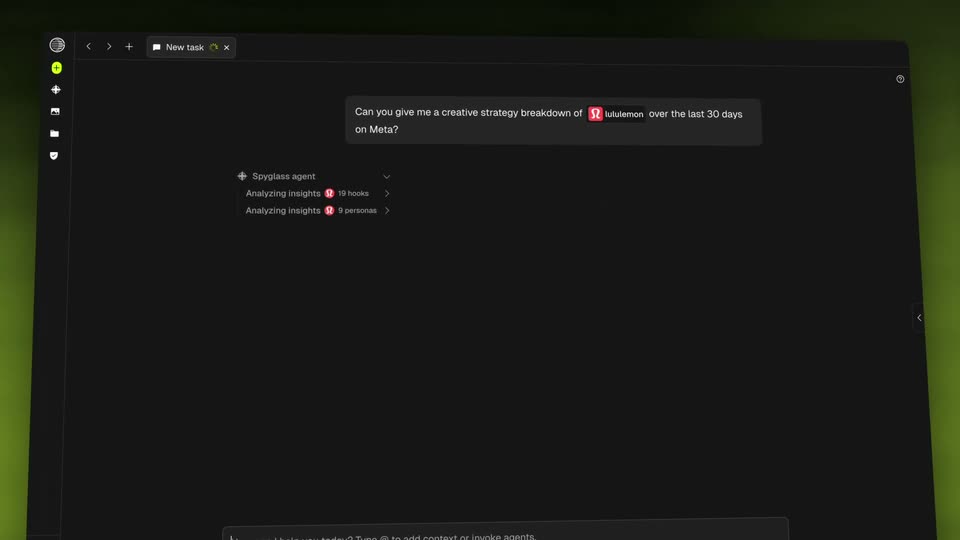 0:54–1:00General Context Labs · Sawyer Covington - This is what having a creative team of 100 could look like. IntroduciA dark prompt screen auto-types a Lululemon research query into the input box as a white caption builds word by word beneath it. The frame then cuts to a tilted 3D view of the results page, where a hand cursor rests on the agent's markdown answer.
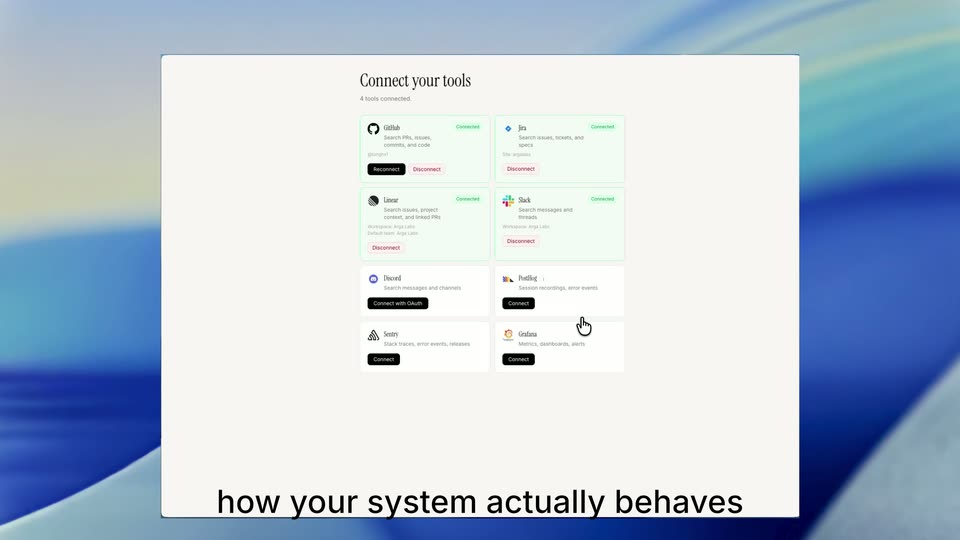 0:51–0:57Arga Labs · Arga Labs Launch VideoA light web UI on a blurred blue backdrop. A cursor clicks Connect with OAuth on the Slack card, then Authorize on the Slack permission page; the tools grid returns with Slack connected, then cuts to a validation report. Bottom captions swap line by line.
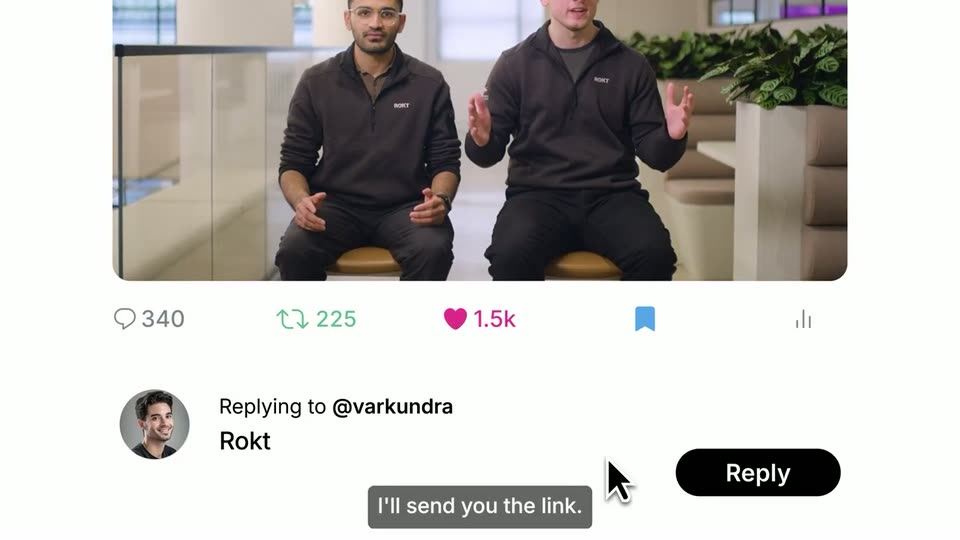 1:35–1:38Rokt · Varun Kundra - ANNOUNCEMENT: Rokt has just paid out over $1 BILLION to brands. RoktA Twitter post mockup shows two men in dark hoodies on the video thumbnail. A cursor hovers the retweet icon, types Rokt in the reply field, and a tooltip reads Retweet and comment., then I'll send you the link., before the cursor moves to the Reply button.
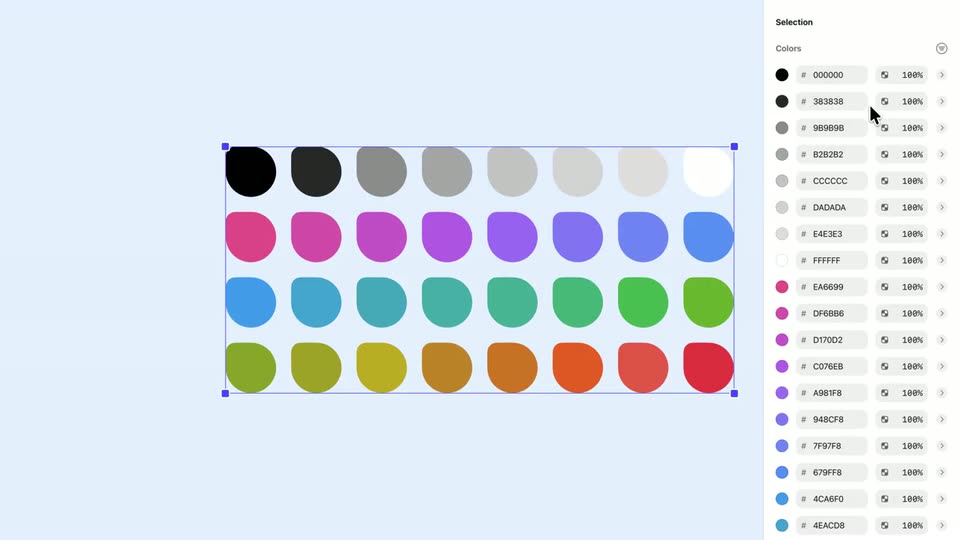 0:59–1:02Sketch · Sketch - 🆕 Things you’ve been asking us for 🆕 Selection colors, independent bA light blue canvas holds a grid of rounded color swatches inside a selection box, with a white color list on the right. A cursor opens a Sort By menu and picks Color; the list and grid reorder while the panel widens and the grid slides left.
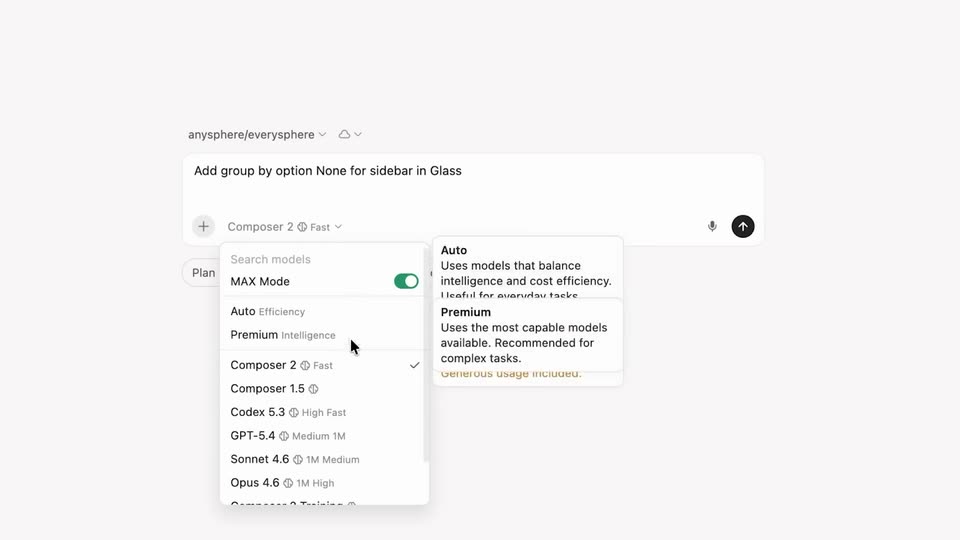 1:08–1:11Cursor · Introducing Cursor 3A prompt field sits above a model selector. The cursor opens the dropdown list and hovers across entries while a detail card on the right updates to describe the model under the cursor.
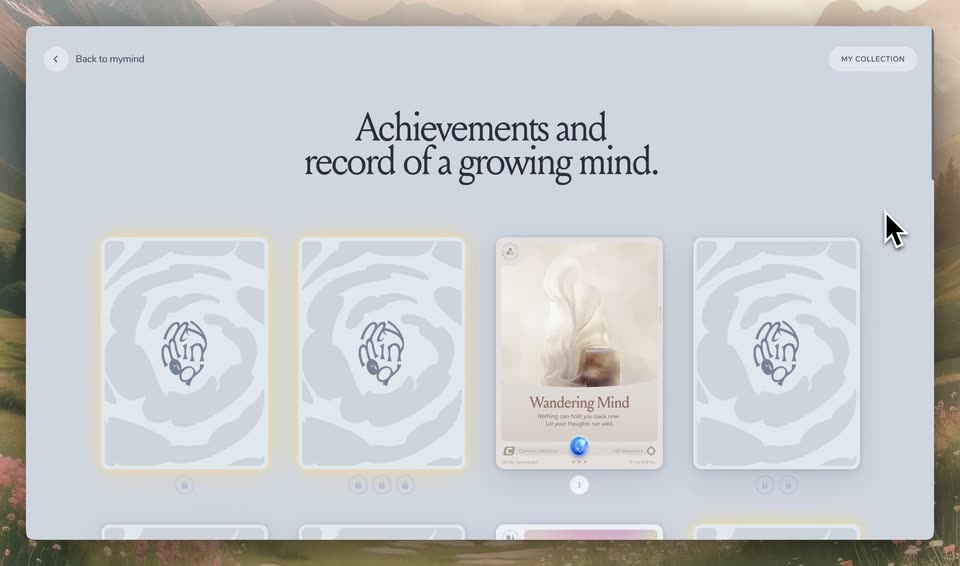 0:59–1:04mymind · mymind - Today we're excited to show you something we put a lot of love into.A light gray panel holds a grid of cards with a hand icon on a wavy pattern. The grid scrolls as cards reveal illustrated mind cards in red, purple and cream. A cursor hovers at the right edge, then a dark serif headline slides in at the top.
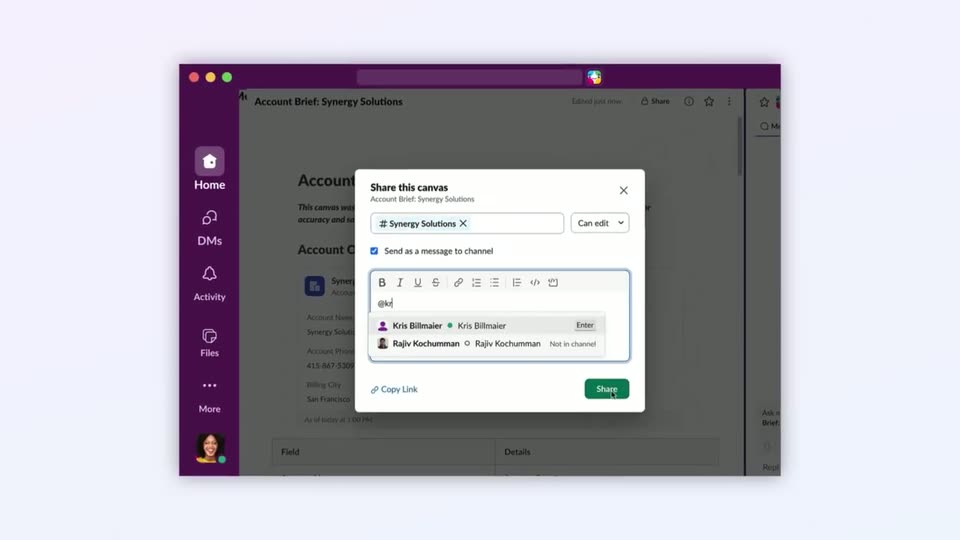 0:59–1:01Slack · Slack - Slack CRM is here for small businesses. 👋 Manage every customer reA Slack share dialog in 3D perspective scales up over a blurred document, the green Share button highlighted as a cursor clicks it. A black caption slides in at the bottom.
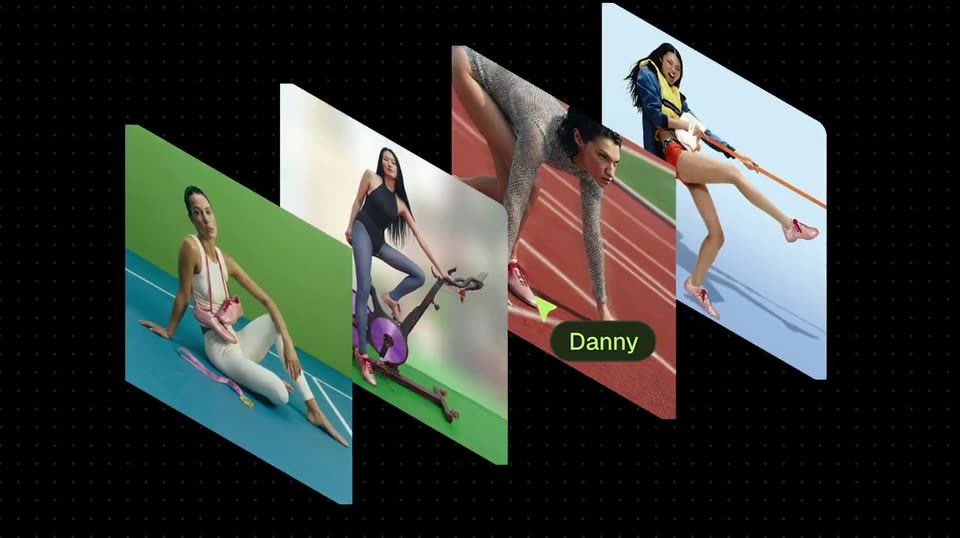 0:38 · 0.8sFLORA · FLORA © - Introducing FAUNA. The creative agent built for people whose ideas deFour tilted photo cards of athletes float in 3D perspective over a black dotted background. A green cursor moves toward the runner card as a dark pill labeled Danny slides in beside it.
 0:59–1:00CapCut · CapCut - Introducing CapCut Video Studio, a timeline-free way to create videosA white rounded card sits on a pale blue field. A teal cursor arrow slides up and taps a dark circular button, which fills with a glowing cyan up-arrow.
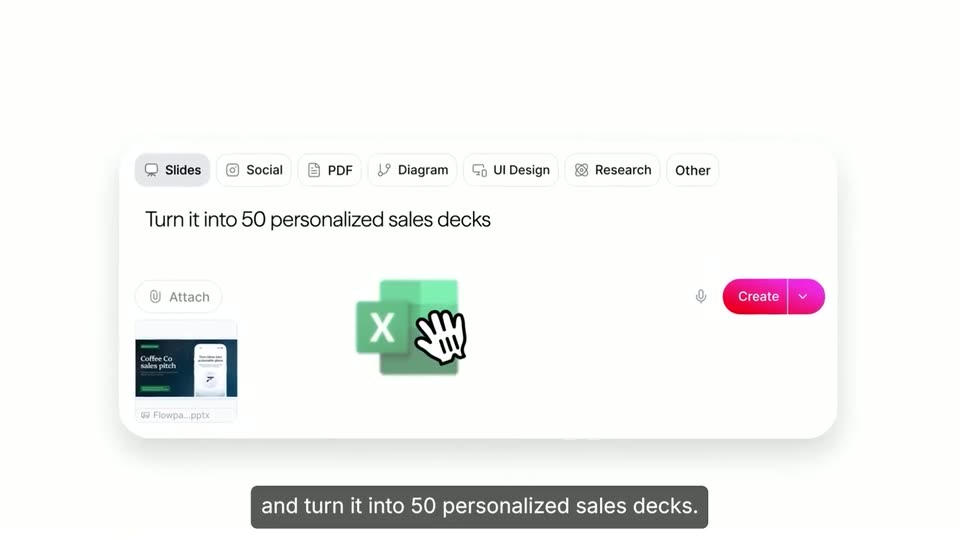 1:01–1:04Moda · Anvisha - We raised $7.5M to kill AI slop. Introducing Moda: the world's firstA white prompt card with a row of category chips sits on a light background. The sentence “Turn it into 50 personalized sales decks” is typed in as a cartoon hand cursor hovers over it, then two file thumbnails appear and the camera zooms in on the card.
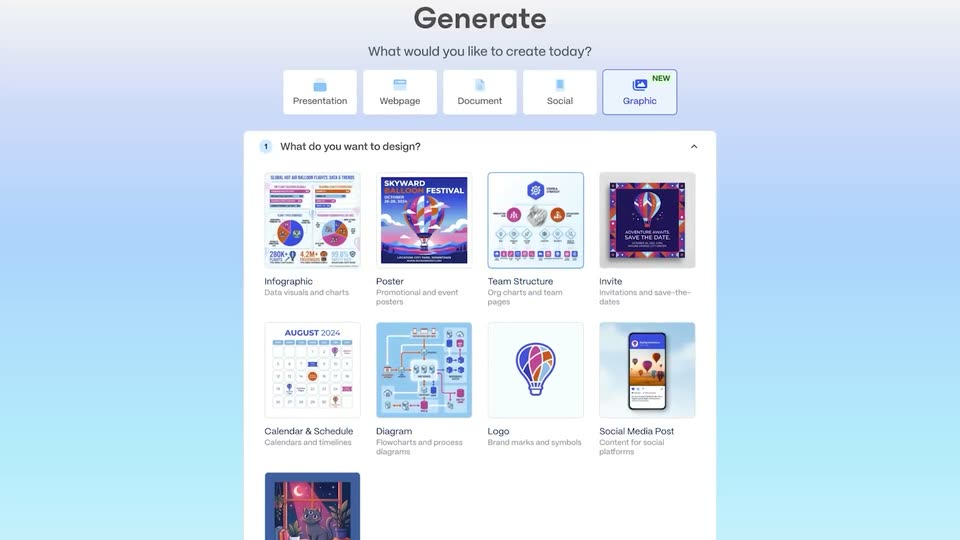 0:32–0:33Gamma · Gamma - Introducing Gamma Imagine! Gamma Imagine lets you create standaloneA light-blue screen shows the Generate view: a row of category tabs with Graphic highlighted, above a grid of labeled design templates. A cursor drifts from the Team Structure tile toward the Poster tile. The frame holds steady with no camera move.
 2:18–2:29Replicas · Replicas V1 DemoA dark coding-agent interface fills the screen, a small rounded video-call window of a person in the top left. A cursor hovers over the right environment panel, then the view zooms into the chat input where a bone-shaped text cursor blinks before zooming back out as a prompt is typed.
 1:09–1:10Harbor · Y Combinator - Harbor (@runharbor) is a new electronic data capture platform for cliA flat screen view of the Magic Capture page. A cursor drags two PDF files from a Finder window into the drop zone, and the files then appear in the Selected Files list. A lower-third caption reads “Now, it takes ten minutes.” and fades out.
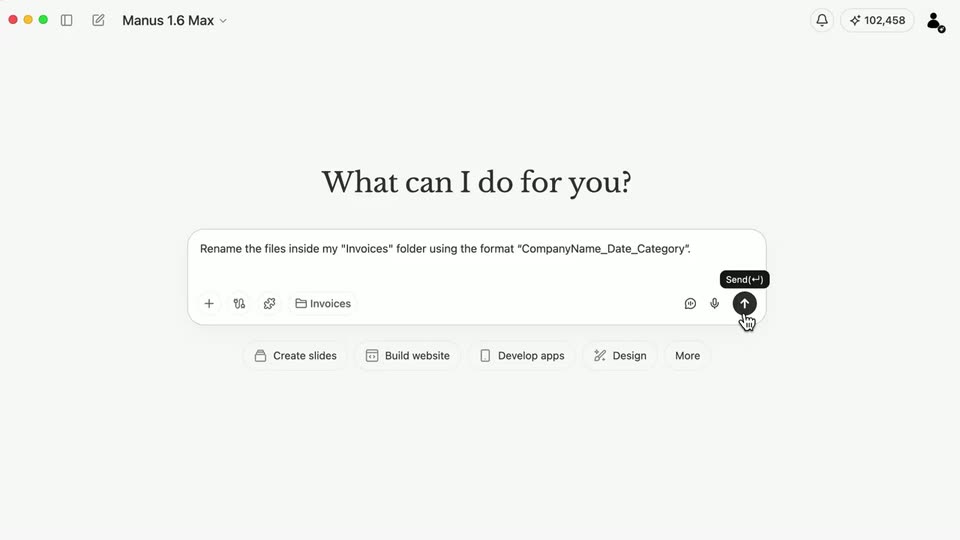 0:29–0:30Manus · Manus - Today, we're taking Manus out of the cloud and putting it on your desA flat white interface shows a serif headline above a rounded prompt box. The instruction text fills the box letter by letter, then the cursor travels to the dark circular send button and a Send tooltip pops up.
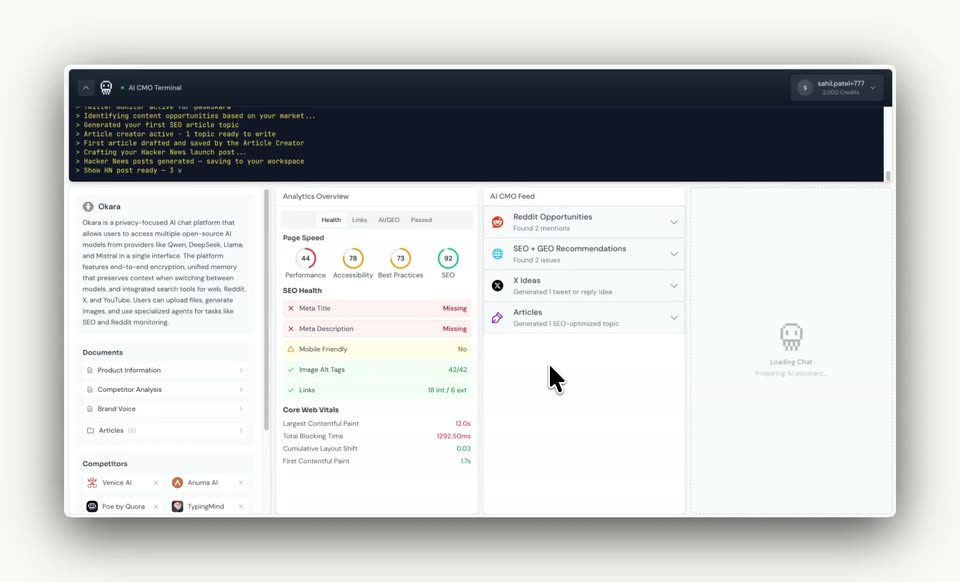 0:43–0:50Okara · Okara - Today we're introducing the world's first AI CMO. Enter your websiteA product dashboard fills the frame: a dark terminal strip on top prints status lines, while three columns below hold a documents list, an analytics panel with score rings, and a feed of expandable cards. A cursor clicks the feed open, and a chat panel slides in from the right.
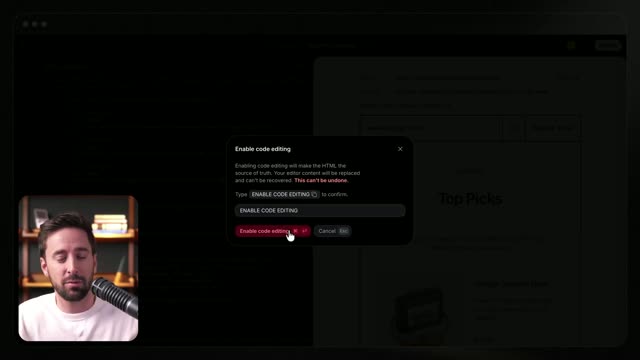 2:28–2:32Resend · The NEW Email Editor is here!A dimmed interface shows a centered 'Enable code editing' modal; a cursor types the confirmation text and clicks the red button, which shows loading dots. A presenter at a microphone appears in a small video inset at the lower left.
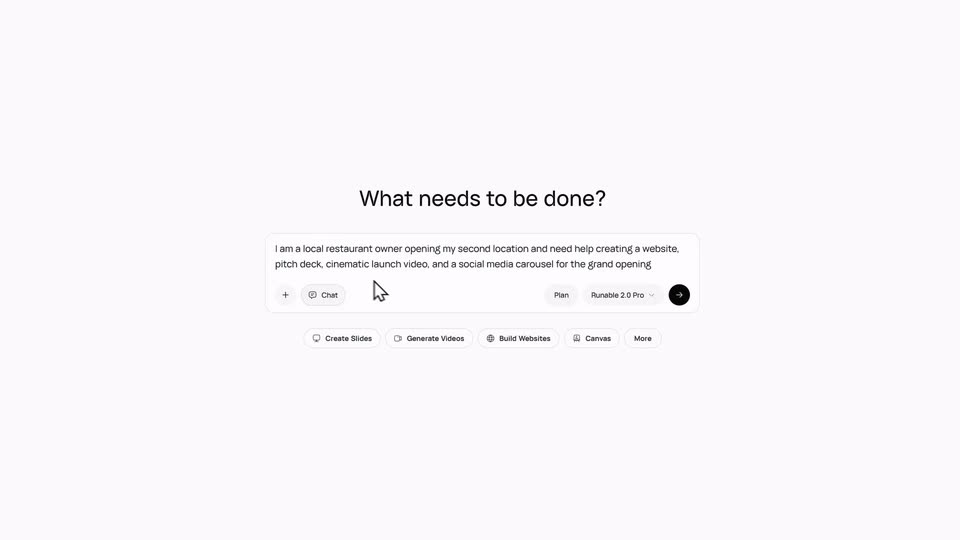 1:33–1:39Runable · Umesh Kumar - Introducing Runable 2.0 — the best way to work with AI. Runable nowA centered prompt box on white, headed “What needs to be done?”, receives a typed restaurant-owner request as a cursor works the field, then clicks the black send arrow. The interface blurs out at the end while a bottom caption follows the voiceover.
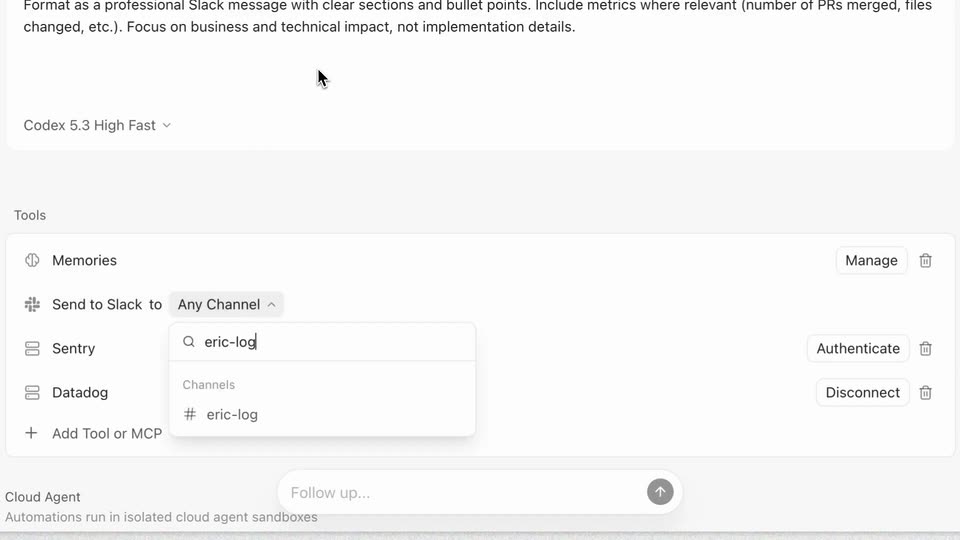 1:20–1:23Cursor · Introducing Automations: always-on coding agentsA light tools panel lists Memories, Send to Slack to, Sentry and Datadog. A cursor clicks the Any Channel dropdown, a search box opens with eric-log typed, and the cursor moves down to the matching channel result.
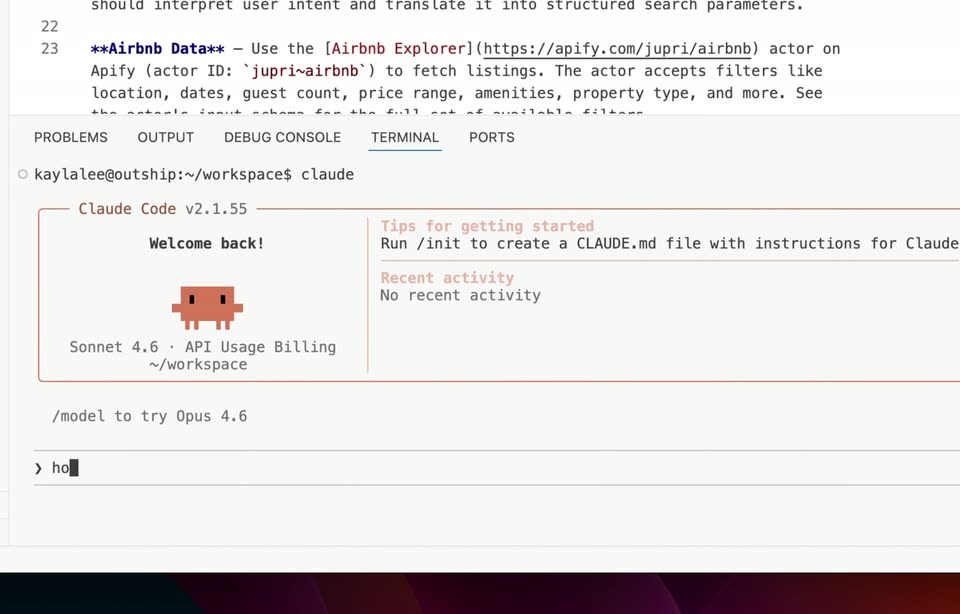 0:30–0:35Outship · OutshipA VS Code window on a gradient desktop zooms into its terminal as the command claude is typed. The Claude Code panel opens with a welcome prompt, then the view pulls back to the full window.
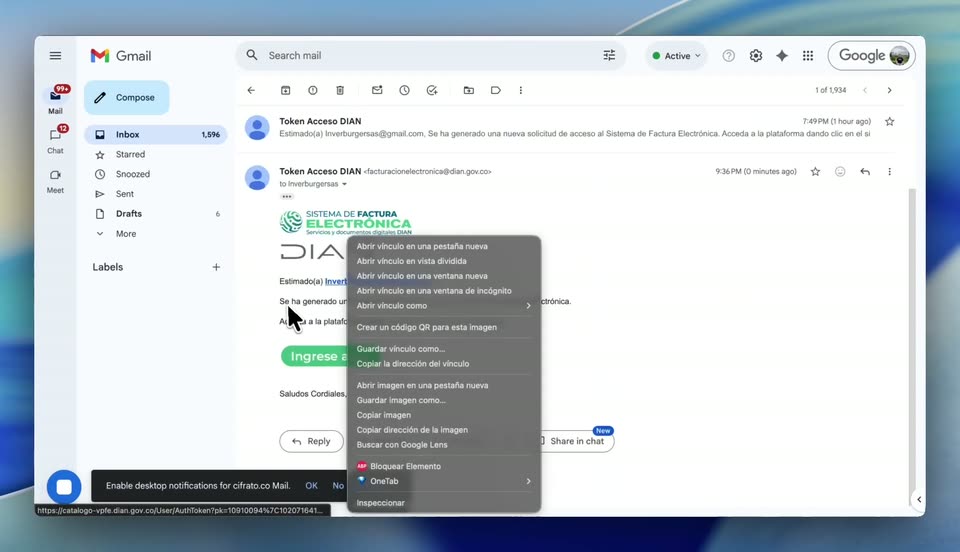 0:44–0:45Cifrato · Demo CifratoA Gmail window in slight 3D perspective shows an inbox list, then cuts to an opened email. A cursor right-clicks a link, opening a context menu over the link while the link URL appears in the status bar.
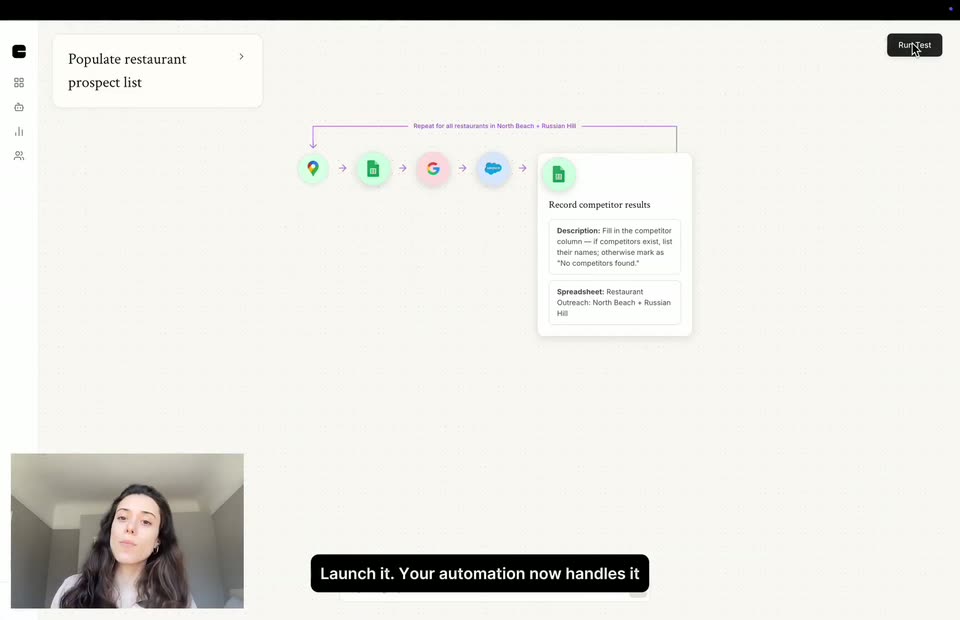 0:36–0:38Cofia · Introducing CofiaA light dotted-grid workflow canvas shows a row of circular step icons linked by arrows, with a detail card sliding from the left icon to the right icon as a cursor moves to the Run Test button. A small webcam of a woman sits in the lower-left corner and a black subtitle bar holds at the bottom.
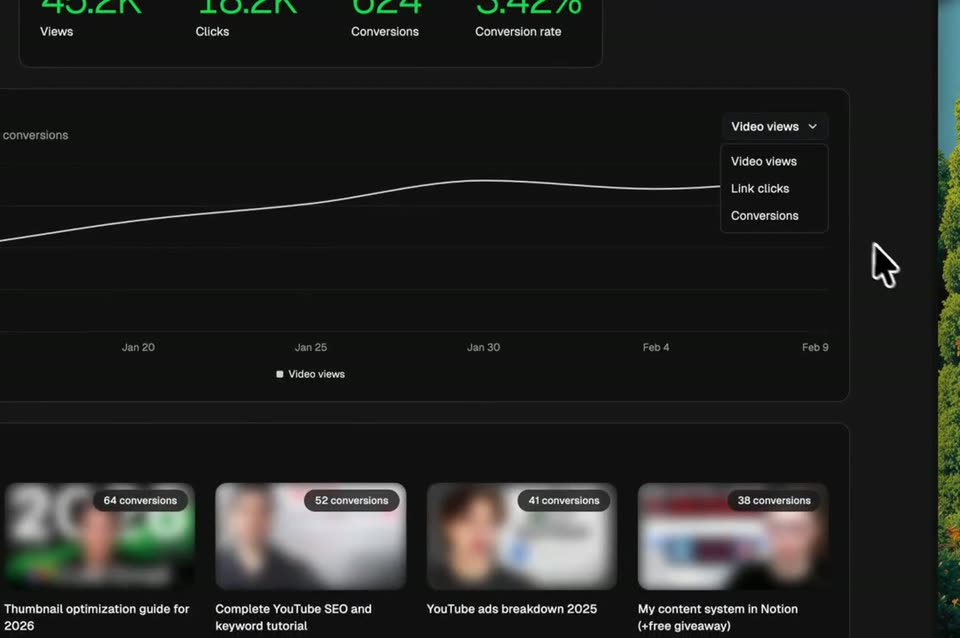 0:25–0:29Pulse · Pulse App - Psst, dark mode is here. If you're running youtube lead gen offers,A dark YouTube dashboard appears blurred, then the frame tightens on the right side as a cursor taps a metric dropdown that opens a list and closes again, the panel coming into sharp focus over a green photo edge.