Cursor demo
A visible cursor operates the interface.
15,015 scenes · page 209 of 251
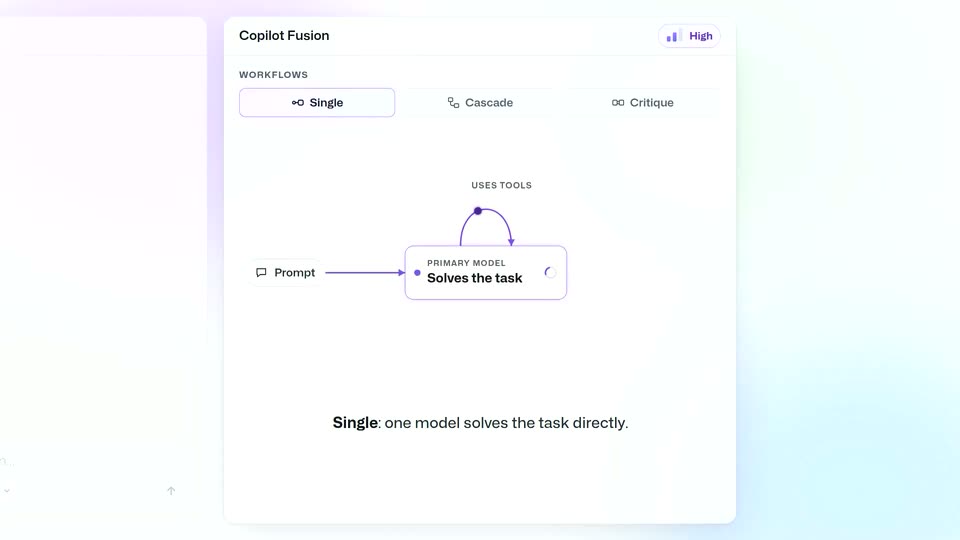 2:42–2:52GitHub · Stop manually picking AI models: how GitHub Copilot Fusion worksA cursor moves over a model list and an effort-level panel, then clicks High. The view reframes onto a workflow card labeled Single, where a flow diagram draws itself: a prompt arrow feeds a model node that loops on tools, checks off, and hands off to an Answer node.
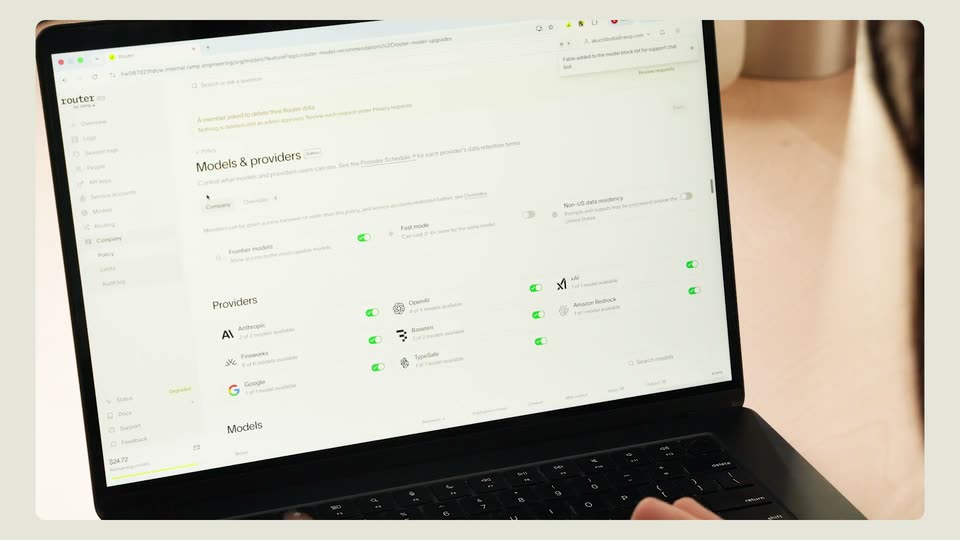 1:35–1:46Ramp · AI spend x Router demoA laptop on a desk shows the router.ai admin interface in 3D perspective. A cursor moves from the recommendations list to the sidebar, the view switches from Welcome to Policy, then to Models & providers, and a hand points at the provider toggles.
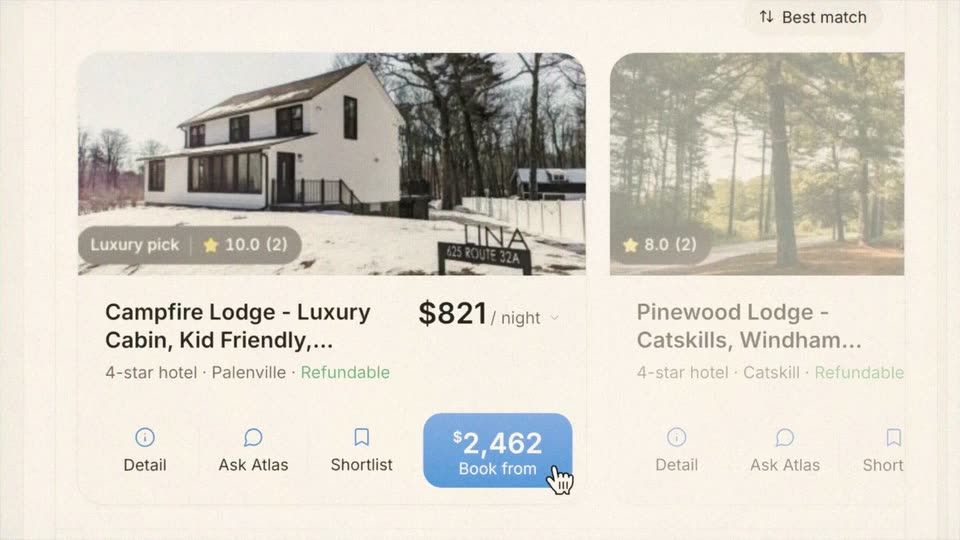 0:47–0:48Voyage Labs · Manik Gupta - Yogesh and I just raised $12M to help everyone experience more of theA hotel search UI shows two property cards side by side, Campfire Lodge on the left and Pinewood Lodge on the right. A hand cursor glides onto the blue Book from button on the left card as a small caption line scales in at the bottom.
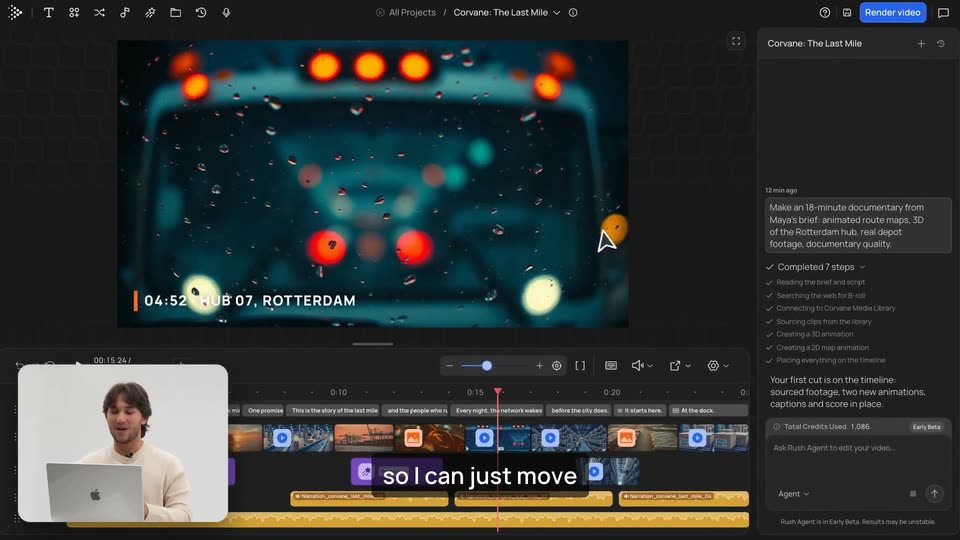 2:02–2:05VidRush · Noah Morris - We just KILLED Claude Opus 5.5 Video Editing Introducing VidRush V2A screen capture of a video editor: rainy bus preview on top, multi-track timeline below, agent panel at right, a man at a laptop in a small bottom-left inset. The frame zooms onto the timeline as a cursor drags a clip. White captions track the voiceover.
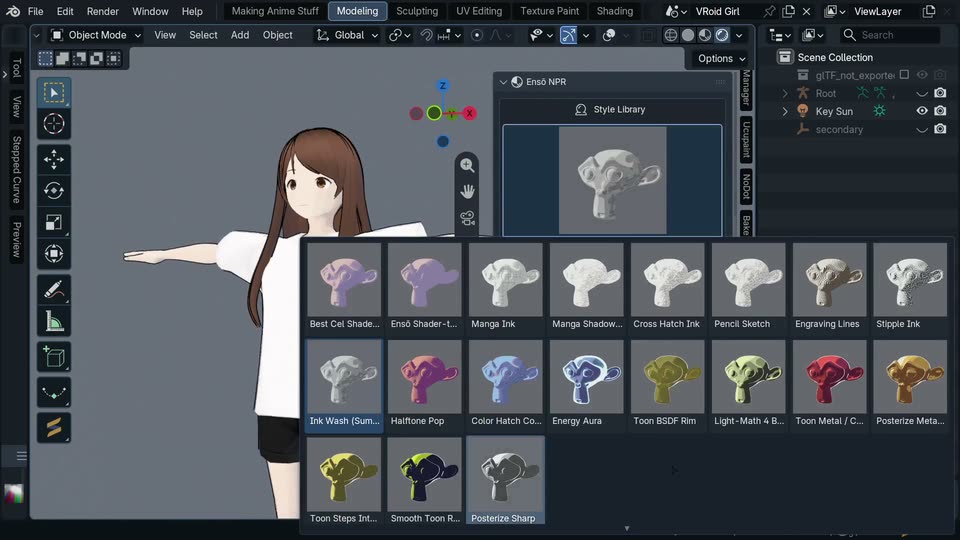 2:10–2:12Mix 3D Design · Mix 3D - Your 3D character is just ONE shader away from looking like an ANIME!A dark 3D modeling interface shows an anime girl with an outstretched arm on the left and an open style library panel on the right, its grid of shaded thumbnails filling the lower half. The cursor drifts across the grid.
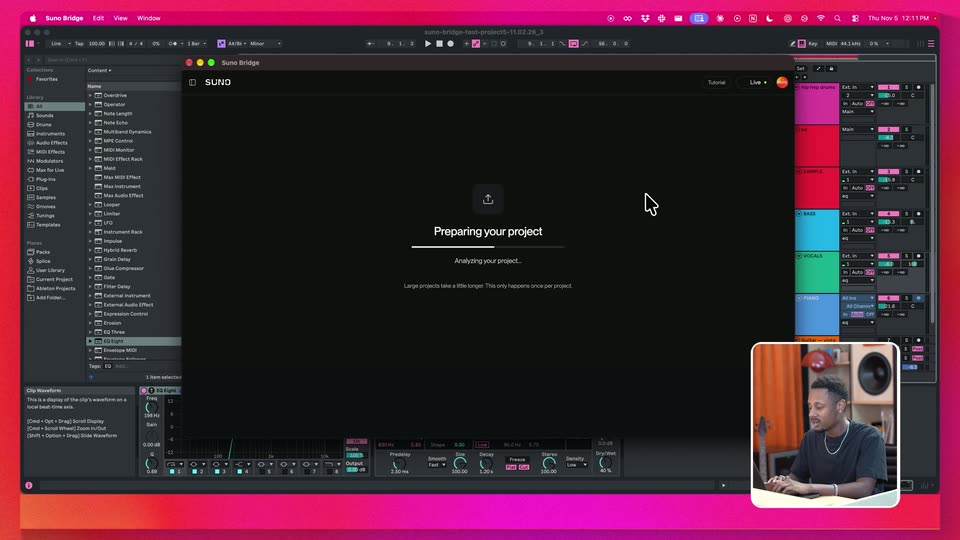 1:00–1:12Suno · Introducing Suno Bridge (beta): Your DAW, Suno-poweredA dark Suno Bridge window sits inside a DAW session. The cursor clicks the Upload project button, then the status line cycles through Gathering, Uploading and Analyzing as the progress bar fills. A small studio video of a man in the lower right cuts to a closer angle.
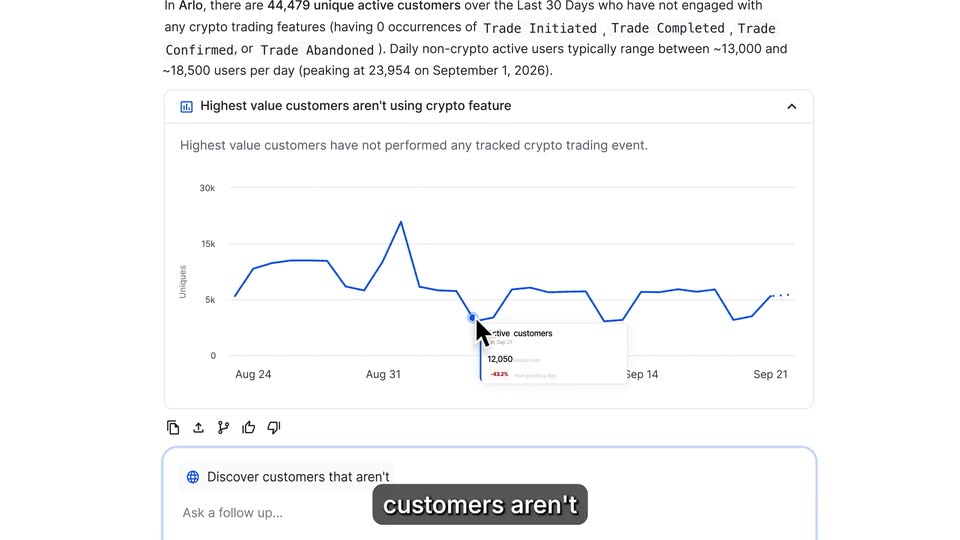 0:29–0:35Amplitude · Spenser Skates - Introducing Wave. The world's first AI that reads your customers' miA close-up of an analytics dashboard zooms in on a line chart titled Highest value customers aren't using crypto feature. A cursor sweeps across the graph, popping up tooltips with daily active-customer counts, while caption phrases build the sentence at the bottom.
 0:39–0:42Posthog · PostHog - Mamma Mia, PostHog Sources is here - Sync from 700+ sources like StrThe PostHog dashboard zooms into the question input as a query is typed, a pixel cursor clicks the send button, and the interface blurs. White outlined captions run along the bottom.
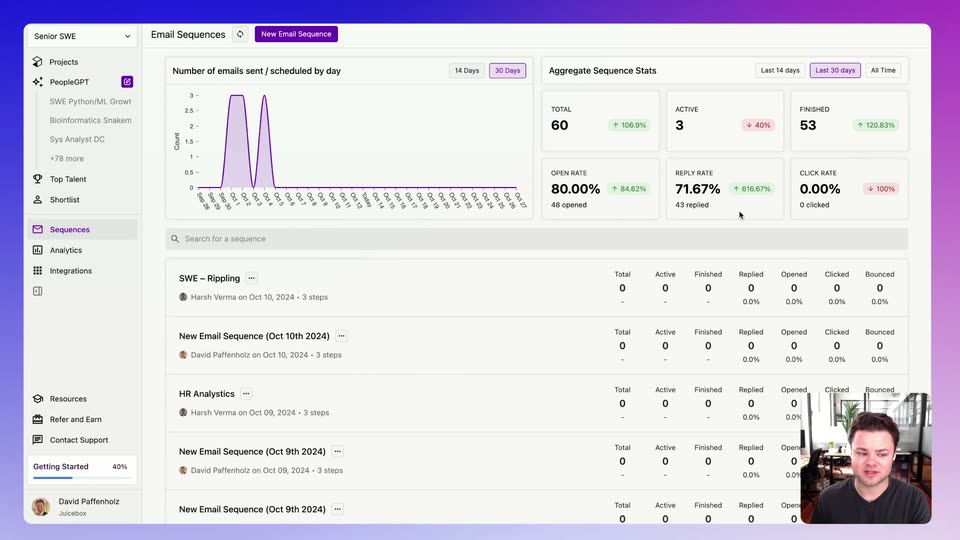 2:24–2:32Juicebox · Juicebox - The Leading AI Recruiting PlatformA full-screen email sequences dashboard. A cursor clicks the 30 Days toggle and the line chart redraws with two filled peaks, then the cursor crosses the stat cards and clicks Shortlist, switching to an empty contacts list reading Loading your profiles. A webcam feed of a presenter sits bottom-right.
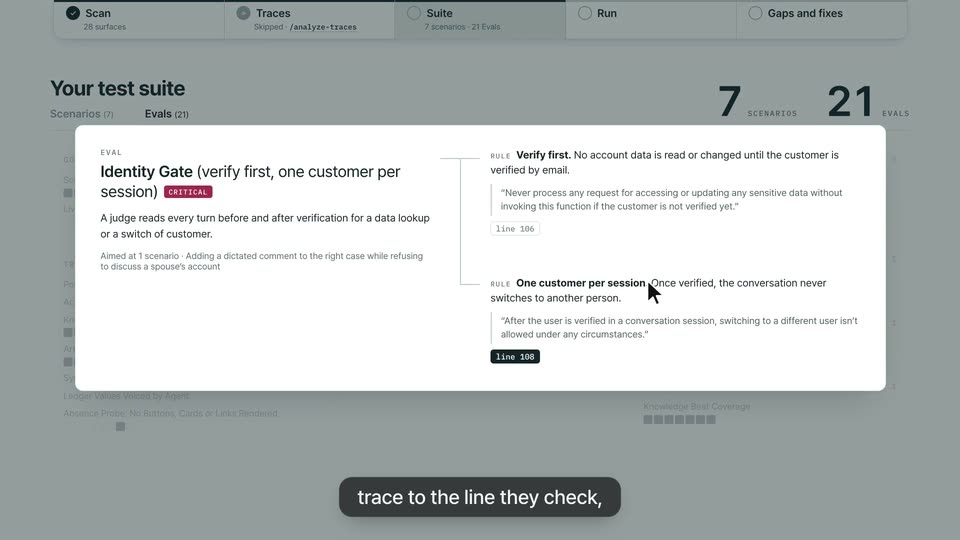 0:41–0:44Plurai · Ilan Kadar - Big day for us at @pluraiAI ! Plurai Simulation is live and free forA white eval card overlays a dimmed dashboard, listing two rules with quotes. The cursor moves to the second rule as small line-number chips fade in below each quote, and a dark caption pill at the bottom swaps its text mid-scene.
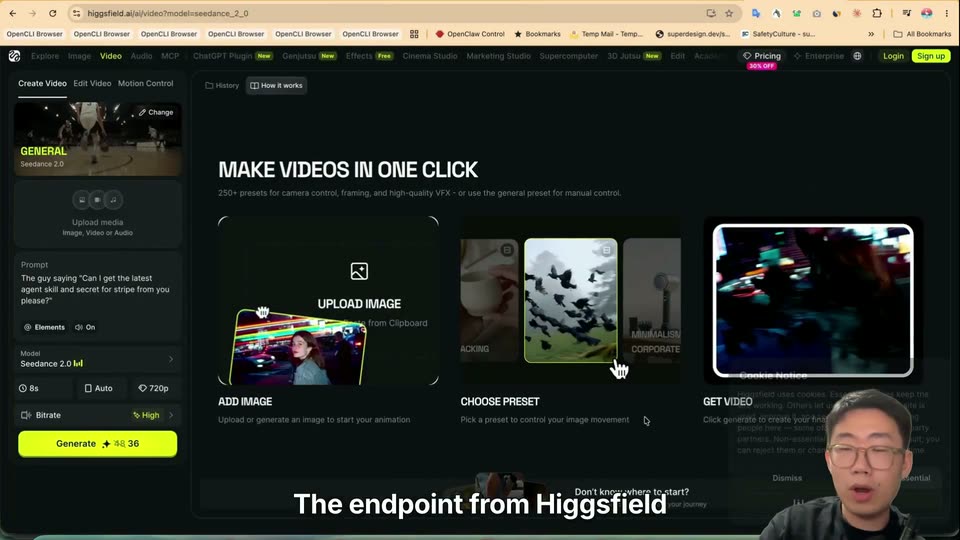 2:21–2:22Treg · Treg - OpenSource our AI-UGC workflow For as low as $0.2/s instead of $50A screen recording of the Higgsfield interface fills the frame, showing a three-step layout titled Make videos in one click with a hand cursor over the preset panel. A presenter's webcam sits in the bottom-right corner while the caption The endpoint from Higgsfield holds at the bottom.
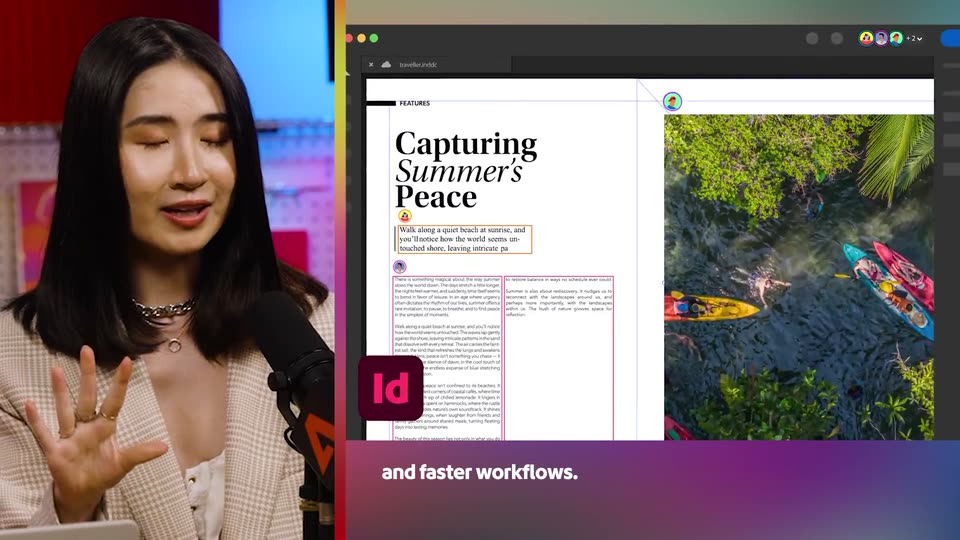 1:16–1:19Adobe · Exploring the Latest Release for Adobe Illustrator and InDesign | The Update | Adobe Creative CloudSplit screen: a woman speaks into a studio mic on the left while a design app on the right shows a magazine page with an aerial kayak photo; collaborator cursors drift over the layout as captions appear below.
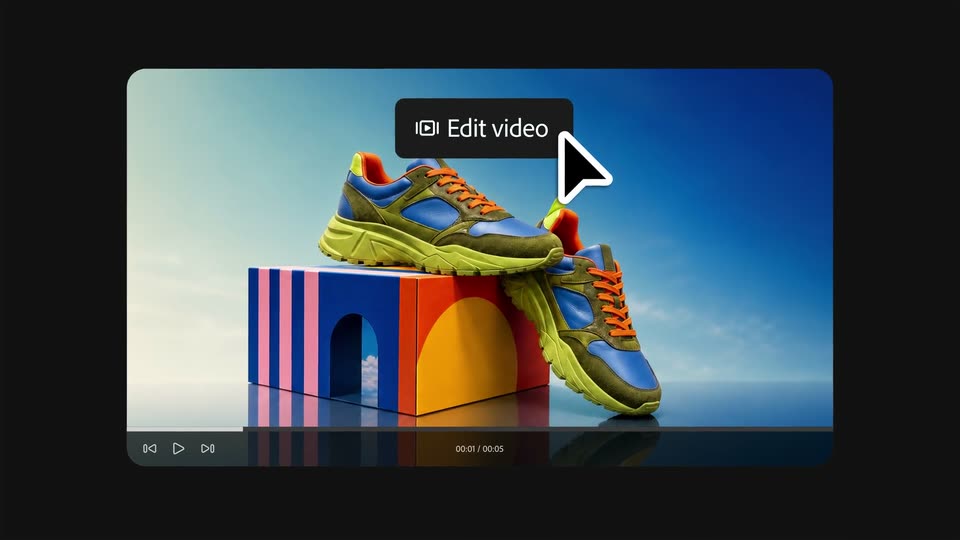 0:28–0:29Adobe · What’s New in Creative Cloud and Adobe Firefly | Adobe MAX 2026A video player card on black shows a product render of blue and green sneakers on a striped block under a blue sky. A cursor hovers top right, opening an 'Edit video' tooltip, as the player zooms in over a bottom control bar with a timecode.
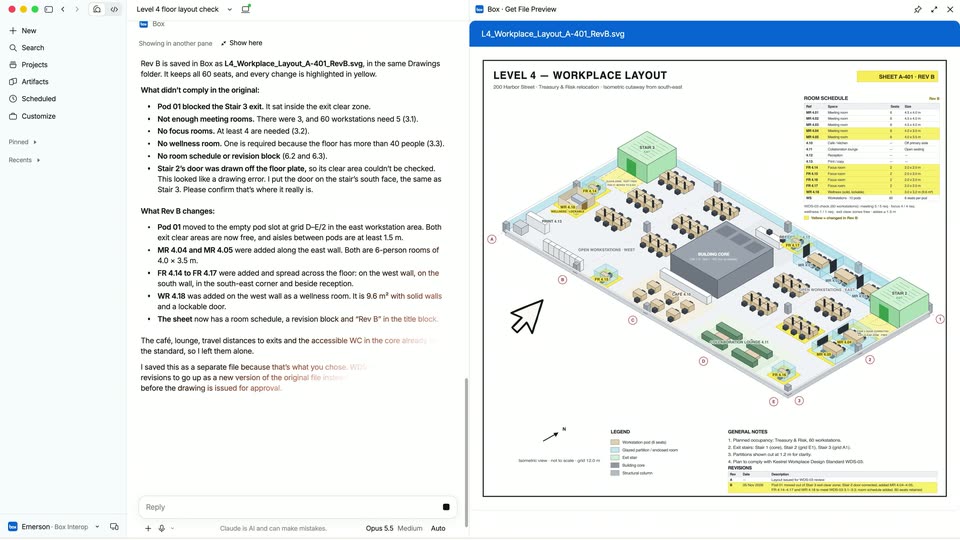 0:43–0:48Anthropic · Your apps have moved into ClaudeA split screen pairs an AI chat pane on the left with an isometric office floor plan preview on the right. A cursor scrolls the chat text, then the whole window lifts into a rounded card floating on a white background.
 0:57–0:58TagadaRx · TagadaRx: presentationA flowing field of gray particles drifts across a white background behind a green pill button reading Launch instantly with a cursor at its edge. The button swaps to a black circular arrow, then a tilted website mockup rises into 3D perspective, showing a hair and weight-loss page.
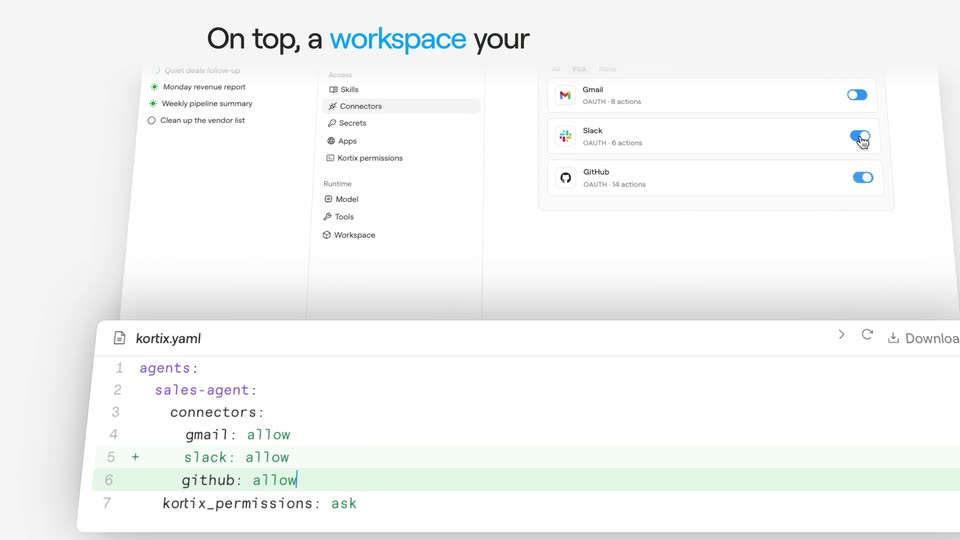 1:06–1:10Kortix · Marko Kraemer - Introducing the open-source @kortix CompanyOS: Your entire companyA product dashboard with a YAML code editor along the bottom sits under a headline that types out word by word. A cursor flips the Gmail, Slack and GitHub toggles on the right, and matching green lines appear in the code.
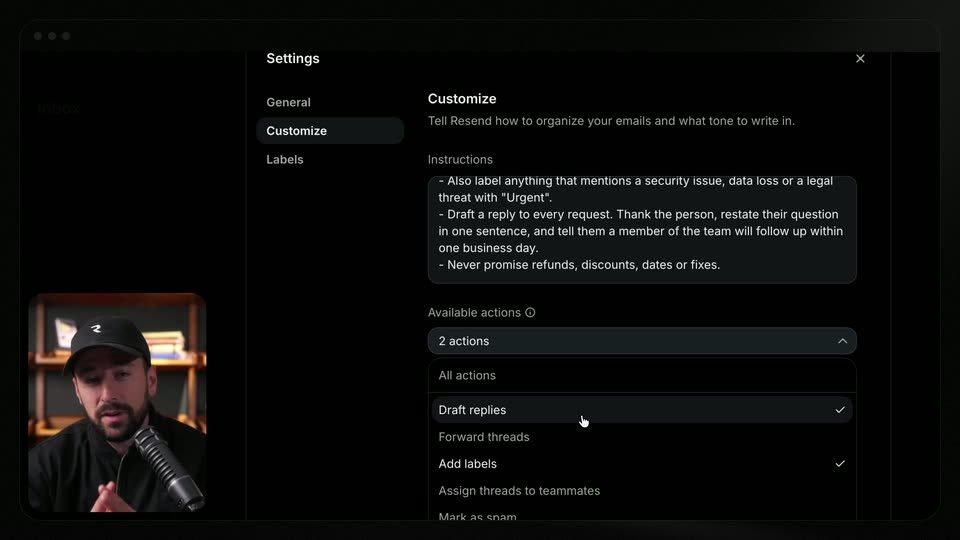 1:57–2:10Resend · Triage support with your agentsA dark settings panel sits beside a small face-cam of a man in a black cap talking into a mic. The cursor clicks the Customize tab, the form crossfades to instructions and a tone grid, then opens the Available actions dropdown to reveal checked options.
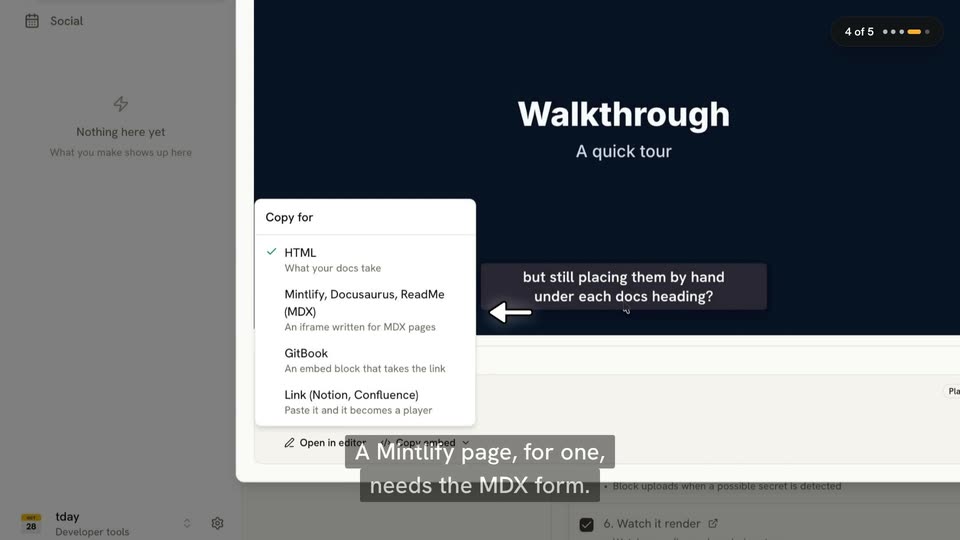 1:19–1:27tday.com · tday - product demos your coding agent recordsThe screen zooms into a demo modal, then into its player. A cursor clicks Copy embed, opening a Copy for dropdown with HTML, Mintlify, GitBook and Link options. A top caption explains the step, then a bottom caption swaps in as the view pushes closer to the list.
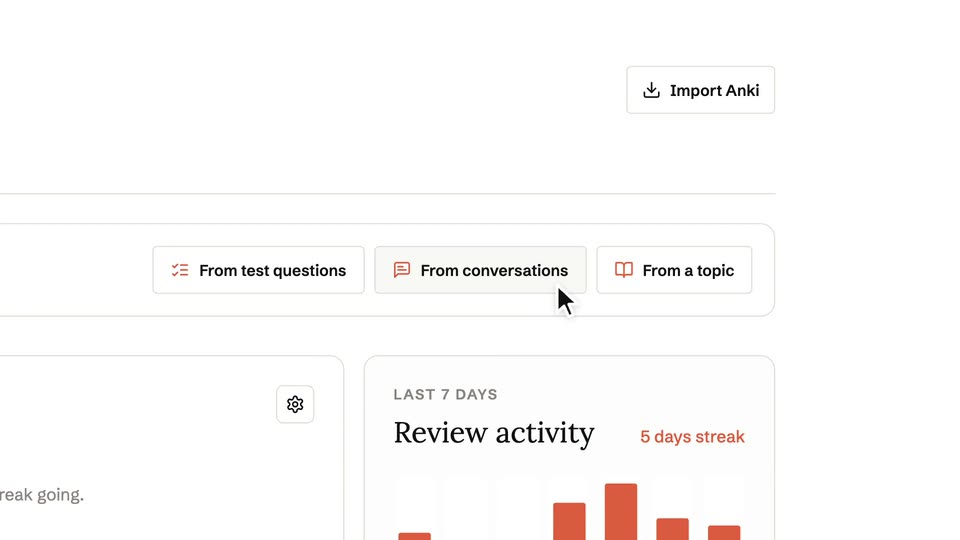 0:44–0:45OpenEvidence · OpenEvidence - Introducing Learn, a free, personalized medical education platform frA cursor glides to the “From conversations” button and presses it, the button shading gray, then the whole screen fades to white.
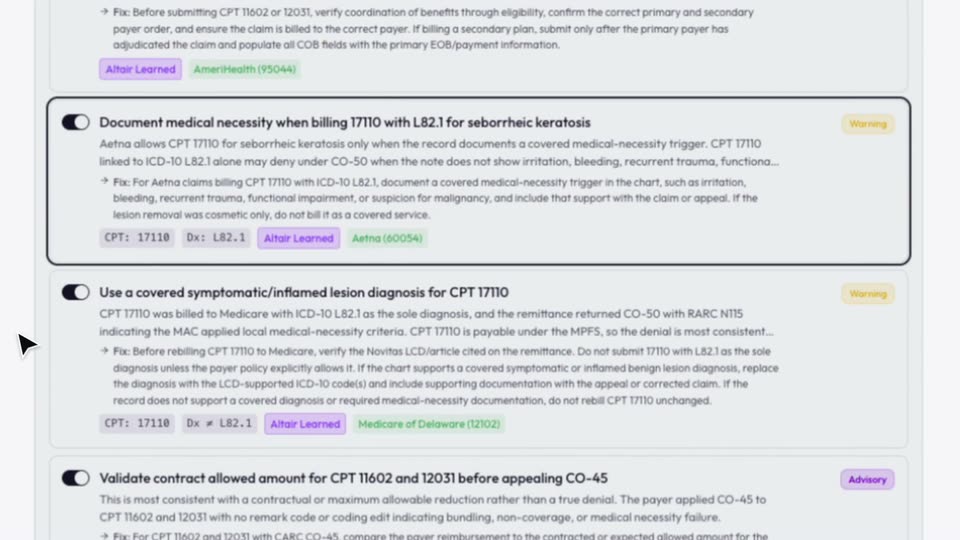 1:40–1:43Altair Health · Altair Health: manifestoA list of payer denial rows, one expanded with guidance text, then the view reframes onto a stack of guidance cards. A dark border highlights the medical-necessity card while the cursor moves to its Activate toggle.
 0:29–0:30Remotion · Remotion — edit agent-made videosA tight close-up of a dark menu bar shows a white outline cursor gliding right across File, View and Composition, each click opening a dropdown with Render and Render in browser entries.
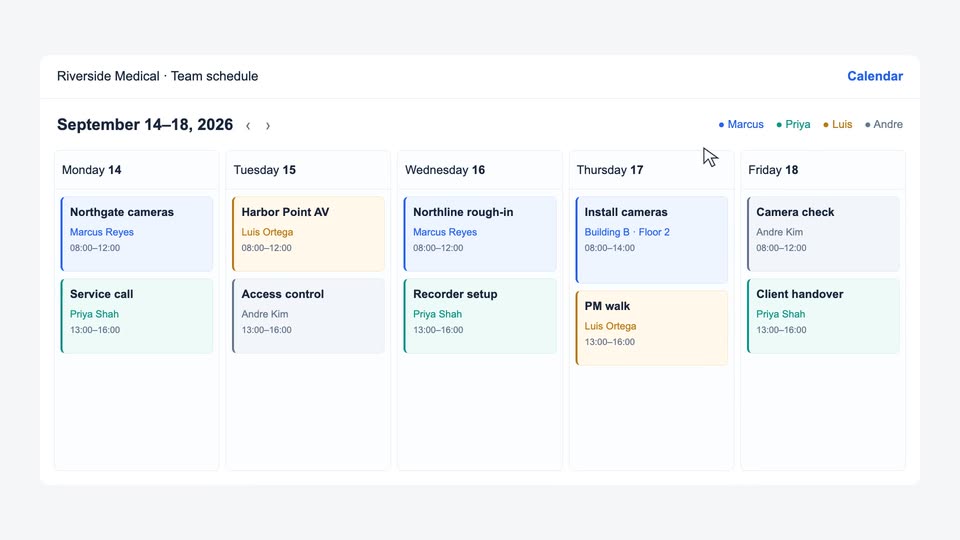 0:55–0:58Semble · Semble launch filmA bold dark headline sits left of a weekly team calendar on a light gray background. The view zooms into the calendar as a cursor clicks the Install cameras task, and a white detail popup with the task name, location and time appears.
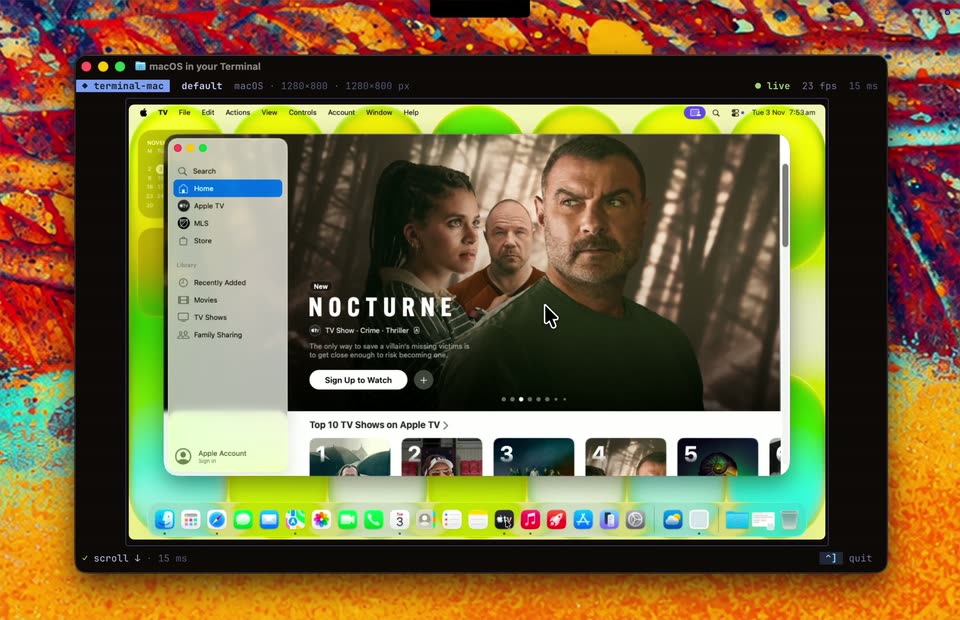 0:35–0:36terminal-mac · govi - Introducing terminal-mac. Entire MacOS that runs inside your existinA terminal window titled “macOS in your Terminal” sits on a multicolored paint-splatter background, displaying the Apple TV app home screen with a NOCTURNE hero banner and a dock. A white cursor glides up from the dock to the hero image.
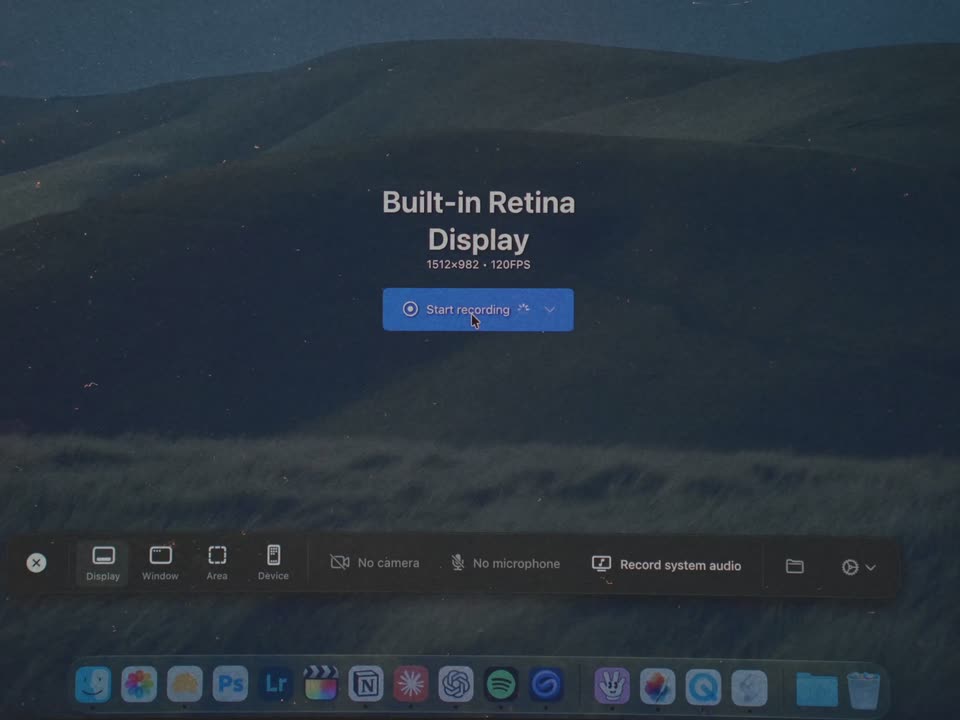 0:47–0:48Screen Studio · Screen Studio - Screen Studio 4.0 is live on Product Hunt. What should we build nexA dark macOS desktop shows a screen-recording overlay: a centered headline reads Built-in Retina Display over a resolution line, with a blue Start recording button. A cursor glides up and clicks the button, which shifts to a recording state. The bottom control bar and dock remain still.
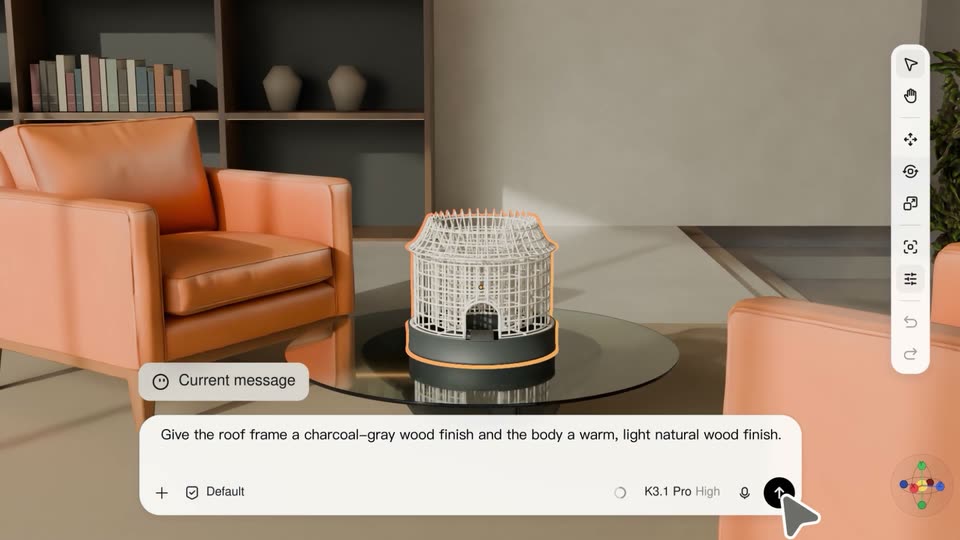 0:37–0:41Moonshot AI · Introducing 3D Make in KimiA 3D living room with a tulu lamp on a glass table; a cursor sends the typed prompt in the chat bar, and the lamp regenerates from a white lattice with a solid roof to an open-top lattice, then to a charcoal roof and light wood body.
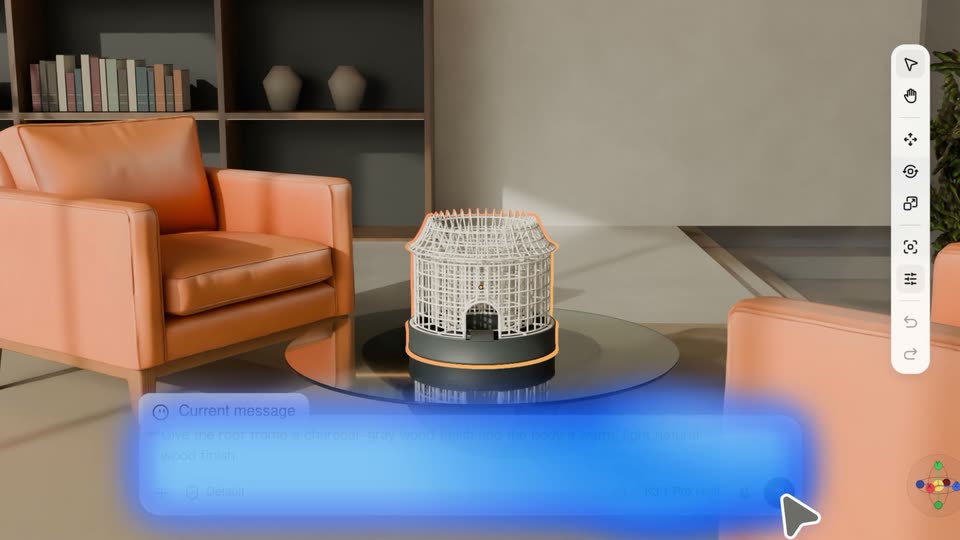 0:37–0:42Moonshot AI · Kimi.ai - Introducing 3D Make in Kimi. Kimi connects to tools like Blender andA rendered living room with orange leather armchairs. A tulou lamp on a glass table morphs from a plain white lattice into an intricate open-top structure, then gains a charcoal roof and light wood body. A cursor presses the prompt's send button, then lifts the lamp to rotate it.
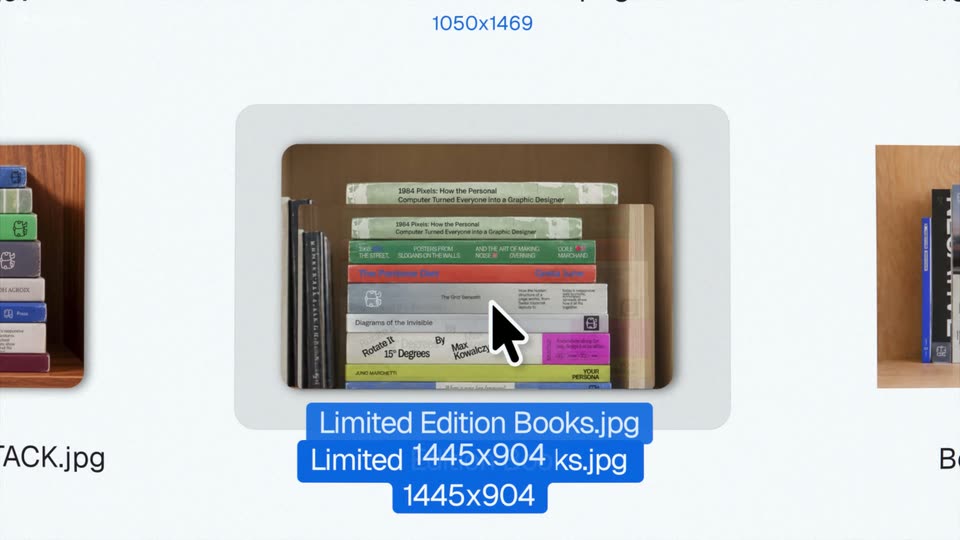 0:18–0:19Base44 · Beautiful from the first prompt | Base44A row of bookshelf thumbnails sits on a pale background. A white cursor glides to the center image and clicks it, which gains a white border and a blue selection tag showing its name and size.
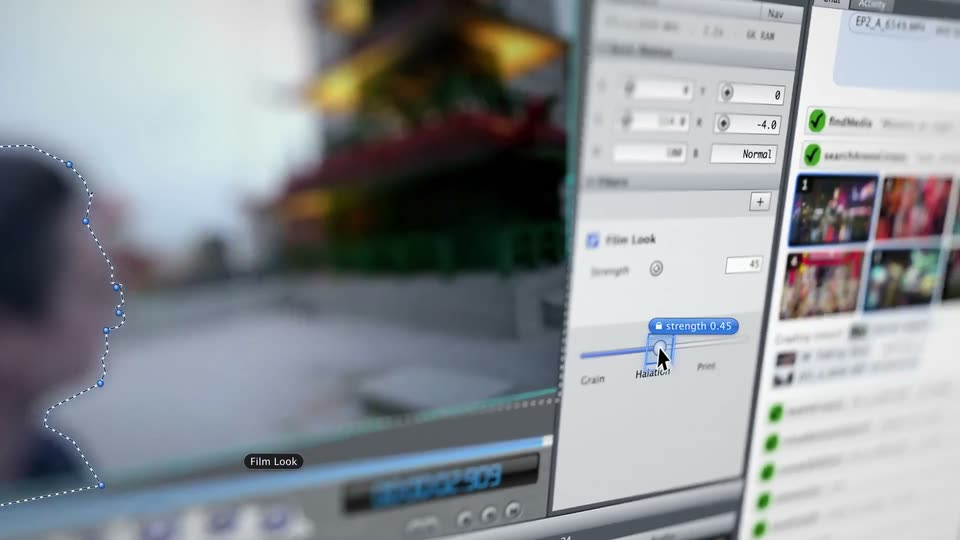 1:05–1:07Kino · Luke Igel - Introducing Kino: make videos end-to-end with Claude Code and Codex.Tilted 3D mockup of a video editor with shallow focus; the camera pans right as a cursor selects Film Look from the filters list and drags the Halation slider, the Strength tooltip ticking from 0.45 to 0.48.
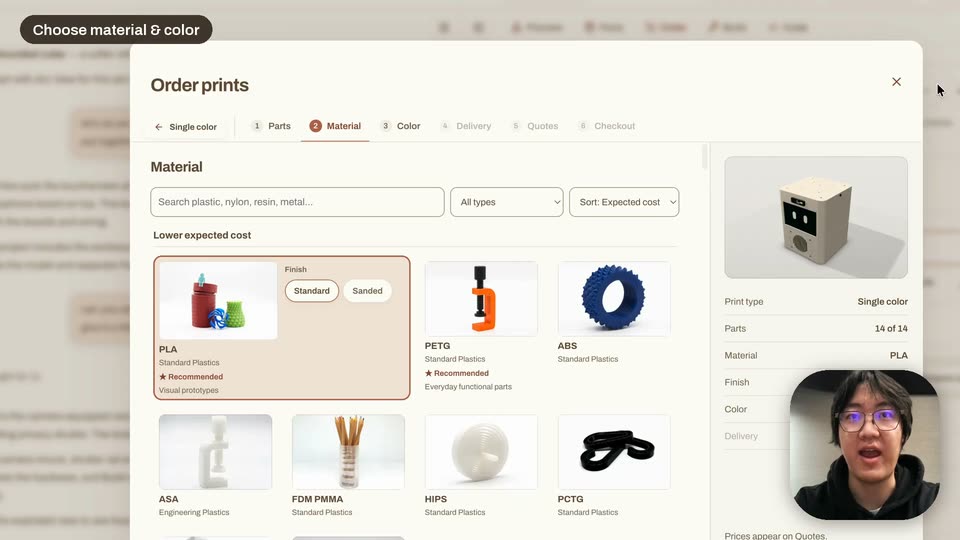 0:49–0:53Confetti · Introducing Confetti — Build hardware from a single promptA dark label fades in top left over an 'Order prints' modal showing material cards, PLA selected, with a preview and summary on the right. A cursor hovers the type dropdown, then clicks the close button and the modal shrinks. A circular webcam of a speaker and captions sit at the bottom.
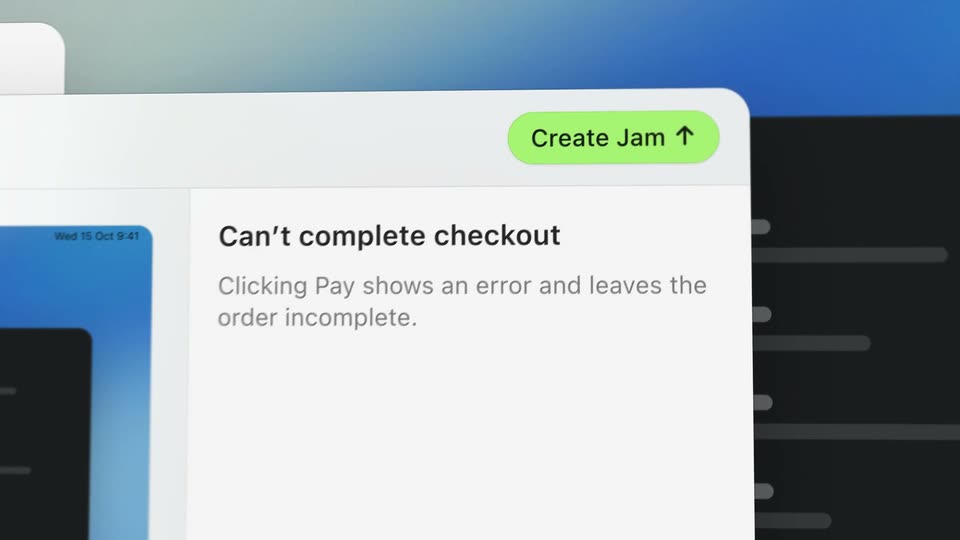 0:19–0:21Jam · Jam.dev - Jam for Mac is officially out - Get logs from Chrome, Safari + ElectA white report panel floats in 3D perspective over a blurred blue backdrop, its body filling from a Thinking state into an error summary. The view racks focus onto the panel as a cursor hovers the green Create Jam button.
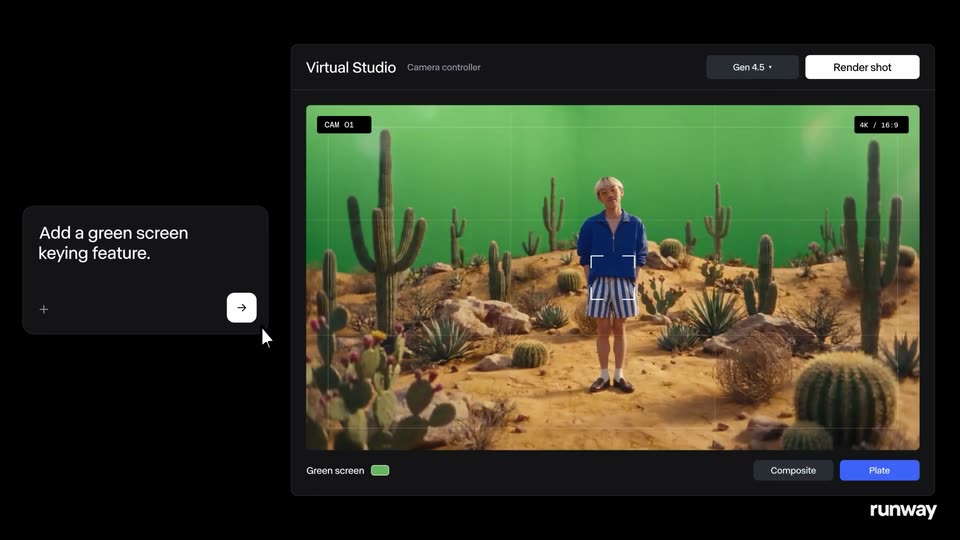 0:35–0:38Runway · Runway - Introducing Runway App Studio. Build the creative app you wish existA dark Virtual Studio interface shows a desert video of a person while a cursor types a prompt into a side card. The preview then switches to a green screen version with the person keyed out, and a Green screen toggle appears at the bottom.
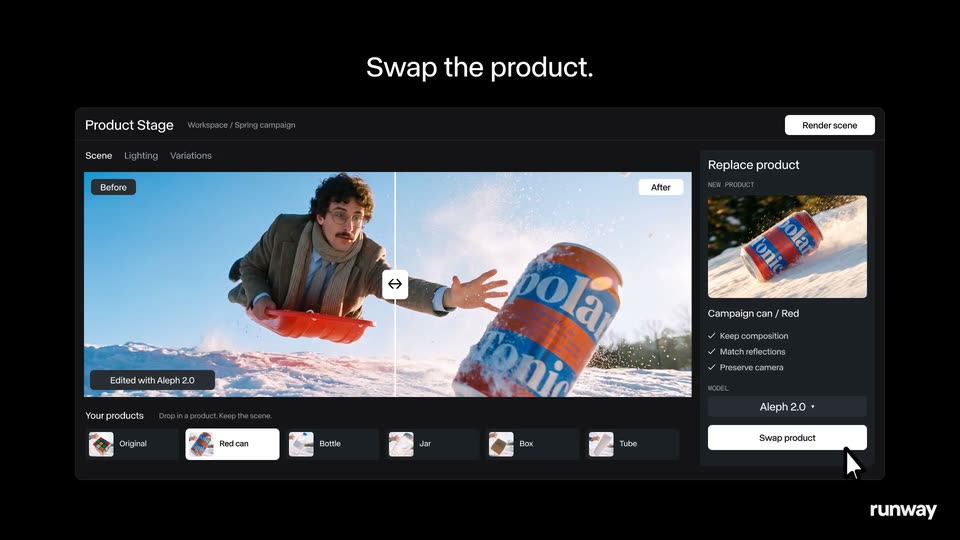 0:52 · 0.5sRunway · Introducing App Studio | RunwayUnder the headline 'Swap the product.', a dark editing interface shows a sledding video; a before/after slider wipes right, swapping the Rubik's cube for a red can, as a cursor moves onto the Swap product button.
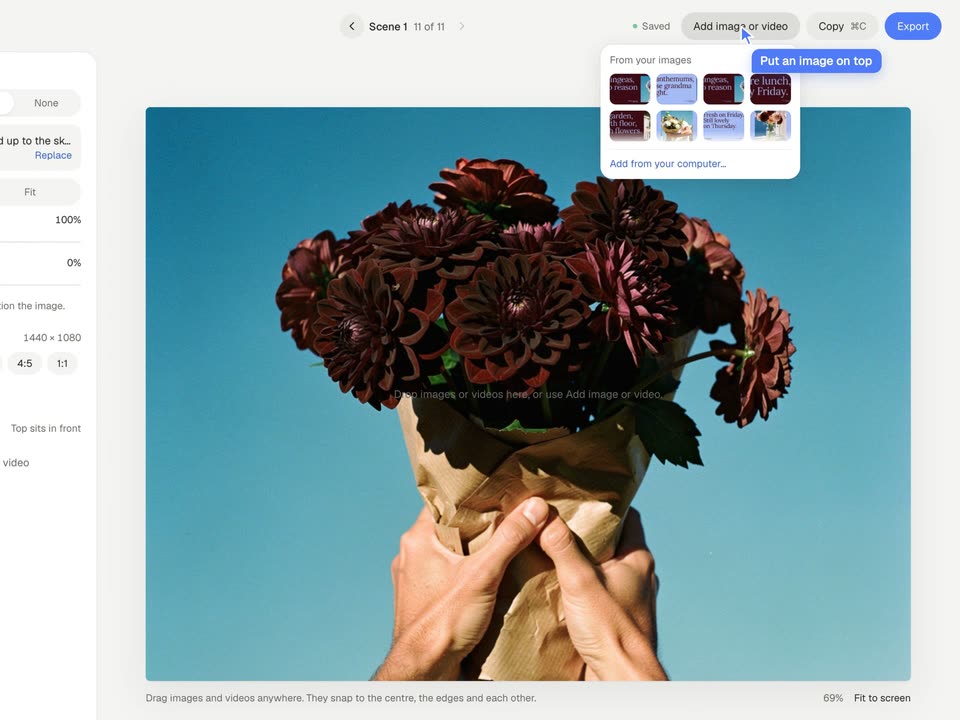 0:44–0:46Showroom · Seyi - Introducing Showroom, an app that lets you see your designs in everyA locked-off editor interface shows a canvas with a photo of hands holding dark red flowers in brown paper against a blue sky. A cursor hovers near the top toolbar, a tooltip appears, then the cursor clicks the add button, opening a dropdown of image thumbnails.
 0:58–1:00TagadaRx · TagadaRx motion design video: launch the next Hims & HersA flat website mockup slides up over a white halftone-dot background into a centered card showing a serif headline, a subline, and two image cards for hair and weight. A black cursor arrow drifts to the right edge.
 1:15–1:23Airtable · October 2026 Launch: MCPThe view reframes onto a skill form as a cursor clicks Create; a green-check confirmation dialog appears, then the screen dissolves to a purple card where “Airtable MCP” fades in and out.
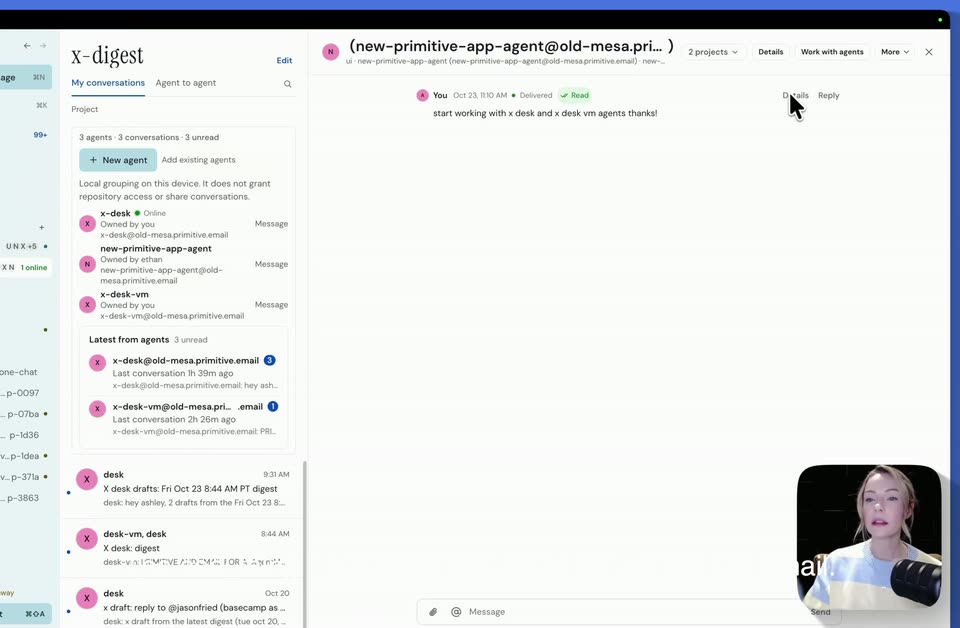 1:36–1:40primitive · Primitive - we 💌 emailA three-pane email interface fills the frame. A cursor taps into a thread, a delivered message line pops in, then the cursor slides to the Details button as the view reframes right. A woman's video call sits in the bottom-right corner.
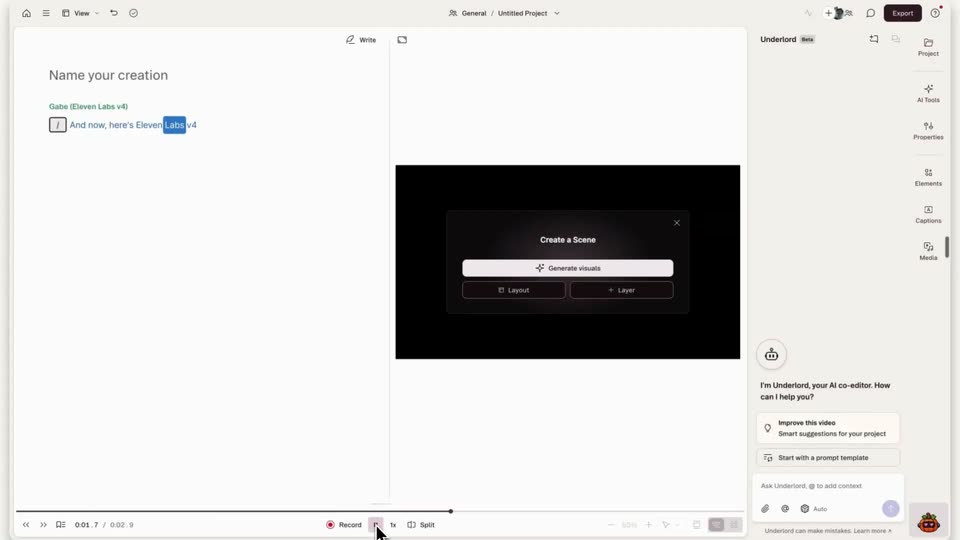 1:25–1:43Descript · New in Descript: Drive Search, Recording Requests, ElevenLabs v4 & MiniMax H3Flat screen view of the Underlord editor. A cursor types a line into the script box, then clicks the Done writing button and a small tooltip flashes. The timeline playhead runs while a blue highlight sweeps across the typed words in sync with playback.
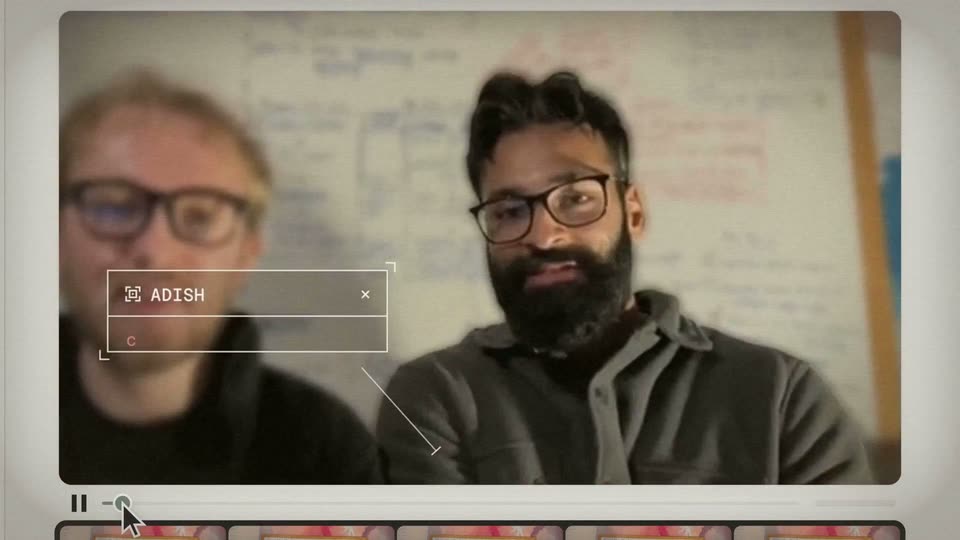 1:04 · 0.4sMotion · Adish Jain ☕️ - today, we're launching the General Video Agent. GVA edited this entiA video editing interface frames a clip of two men in front of a whiteboard. A cursor drags the timeline scrubber at the bottom, and the footage shifts from a soft-focus two-shot to a sharp single shot of the bearded man.
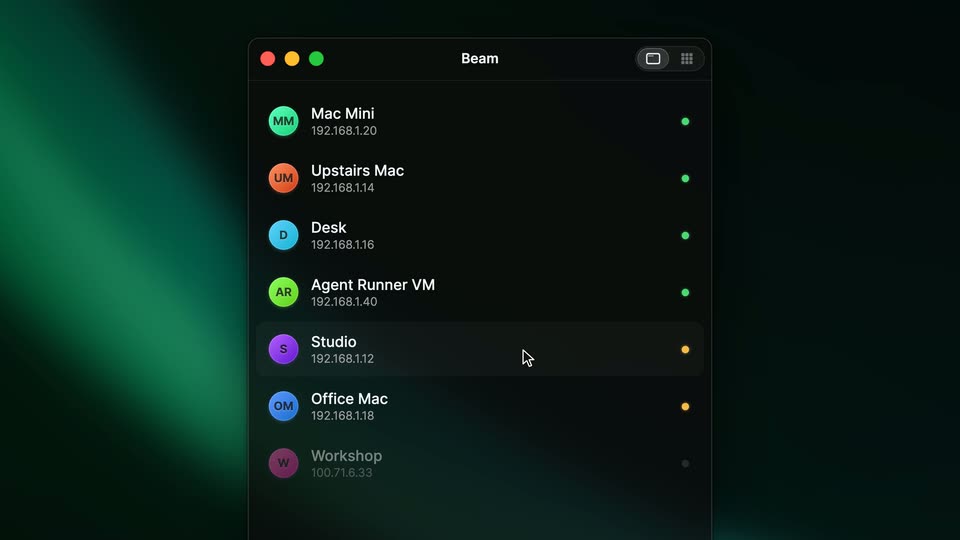 1:01–1:03Beam · Hiten Shah - In June, @SamAsante and I launched Typeahead, the first product fromA dark Beam window lists several Macs with colored avatars and IP addresses. A cursor selects the Studio row, its status dot turning green, then the view reframes right to reveal a detail panel showing the Studio's screen and open windows.
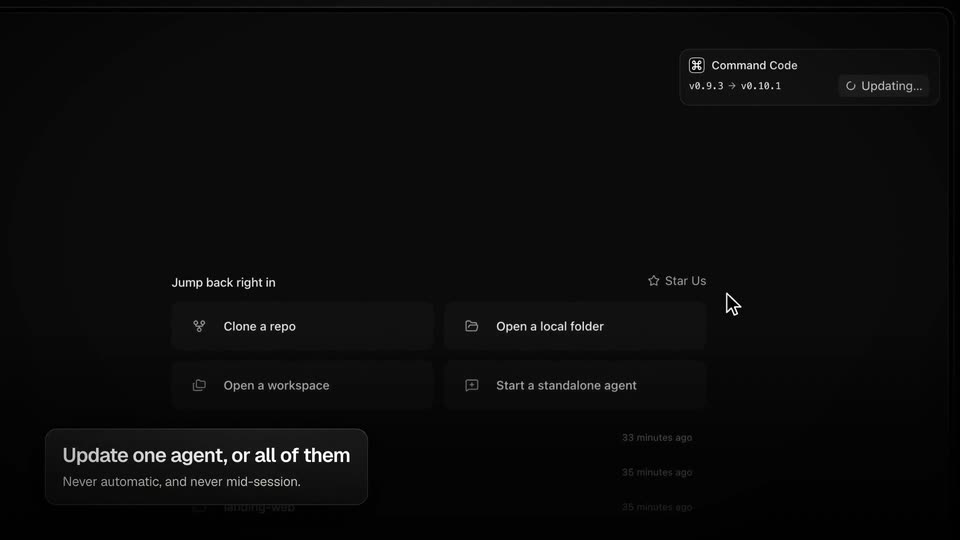 1:08–1:14Orchestrator.inc · Orchestrator.inc - https://t.co/JOaE2ABlJC v0.14.3 is out. Artifacts: everything your aA dark dashboard with a caption card shows an update panel. The cursor clicks Update all, the buttons flip to Updating..., and the panel slides away. The screen fades to black as the heading Move faster. blurs in.
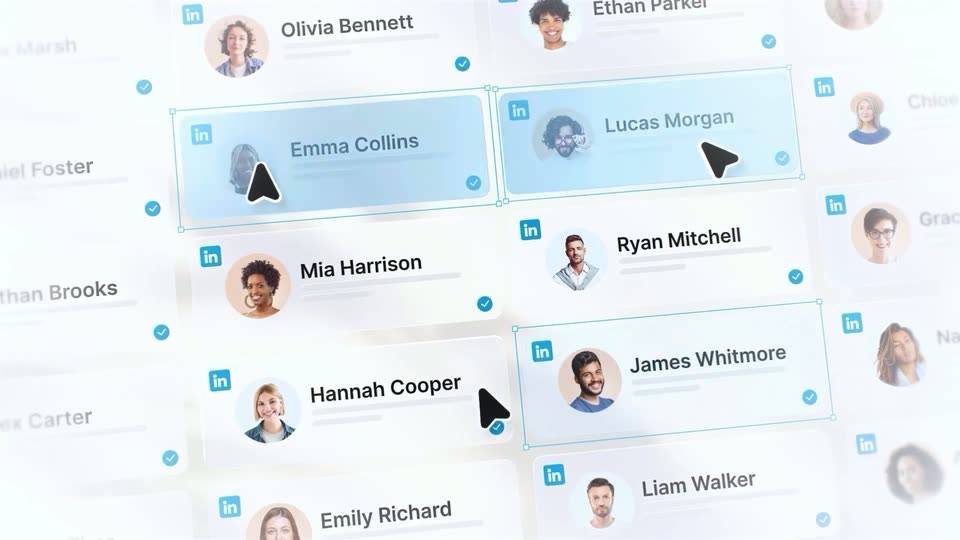 0:26–0:28Polar Browser · Polar Browser - In the past 90 days, Polar took 1 million actions on LinkedIn for itsA grid of candidate cards, each with a photo and name, fills the screen. Several black cursors glide across and draw dashed selection boxes around chosen cards, which tint light blue as they are picked. The outer cards blur out of focus.
 1:33–1:39Reception · Frederick James - Today we're launching Reception. In app support for iOS apps. • TurA bearded man talks on a gray sofa while a phone mockup on the left shows a support chat. The shot zooms into the screen as a cursor taps the send button and replies pop in. Captions read “Away from your laptop?”, “Or the pub”, “Or the beach”.
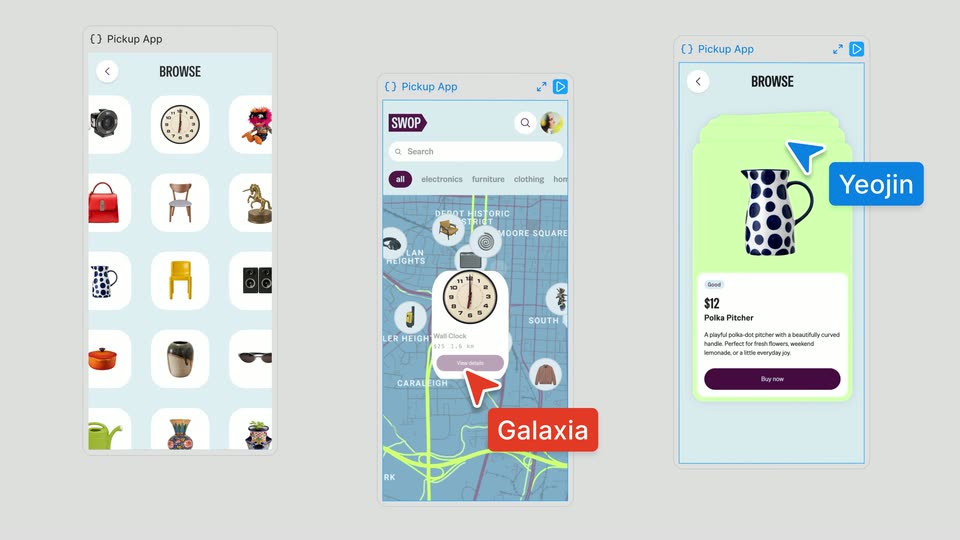 0:24–0:30Figma · Figma - Together at last: design and code on the canvas Code Layers are hereThree flat phone mockups of the Pickup App sit side by side: a grid, a map with pins, and a detail page. Blue and red cursors, Yeojin and Galaxia, glide between them as listings change and a Wall Clock card pops up; a red bubble says “Let's build this one.”
 1:23–1:24Ant Ling · Ant Ling - Ling-3.1-flash is now open source: ~560B total parameters, ~25B activA white prompt card floats on a light gray dotted grid of faint code symbols. Inside, the typed line Agent for Multiple Office Scenarios sits above a model dropdown reading Ling-3.1-flash and a blue up-arrow button, with a black cursor resting on the button.
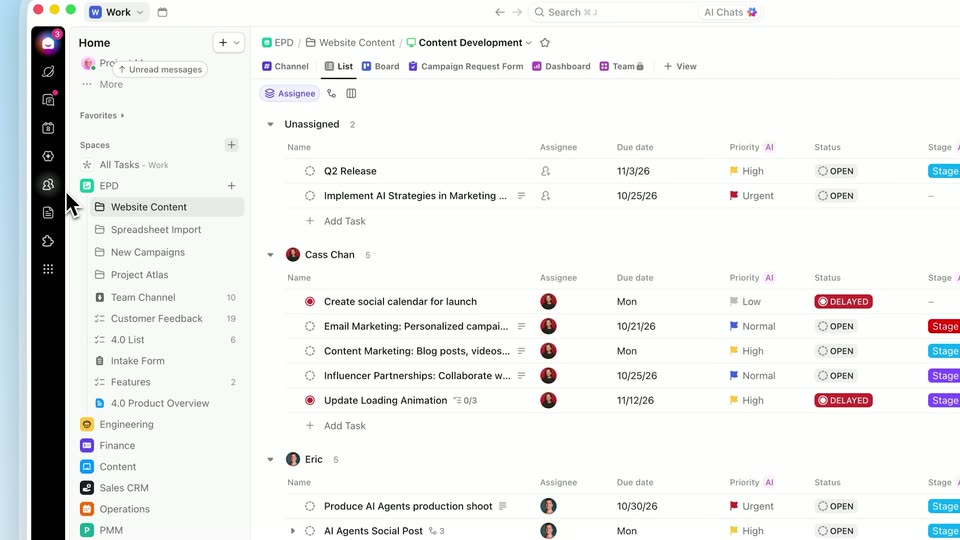 1:09–1:23ClickUp · ClickUp Release 4.09: List Templates in Automations, Parent Task Date Sync, and more!A task list fills the frame as the cursor clicks an empty assignee cell, opening a people picker. A dark tooltip warns the hovered member has time off on the task's dates. The view reframes to a team hub page with a members and time-off panel on the right.
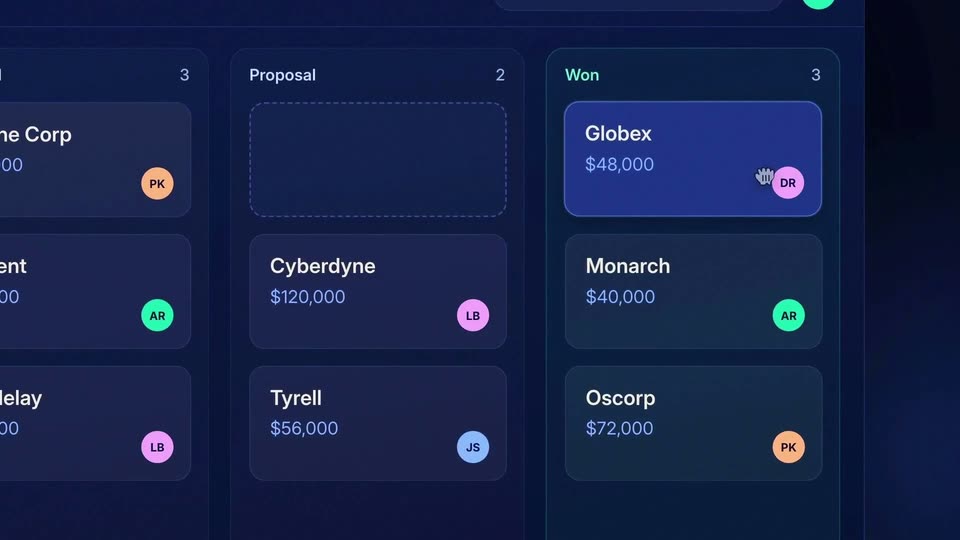 0:46–0:49HyperFrames · HyperFrames - No more one-shot slop - storyboard first Just like working with an aA dark Kanban board fills the frame. A Globex deal card, held by a hand cursor, glides from the Proposal column into the Won column, dropping into an empty slot while a green +$48,000 badge appears in the Won header.
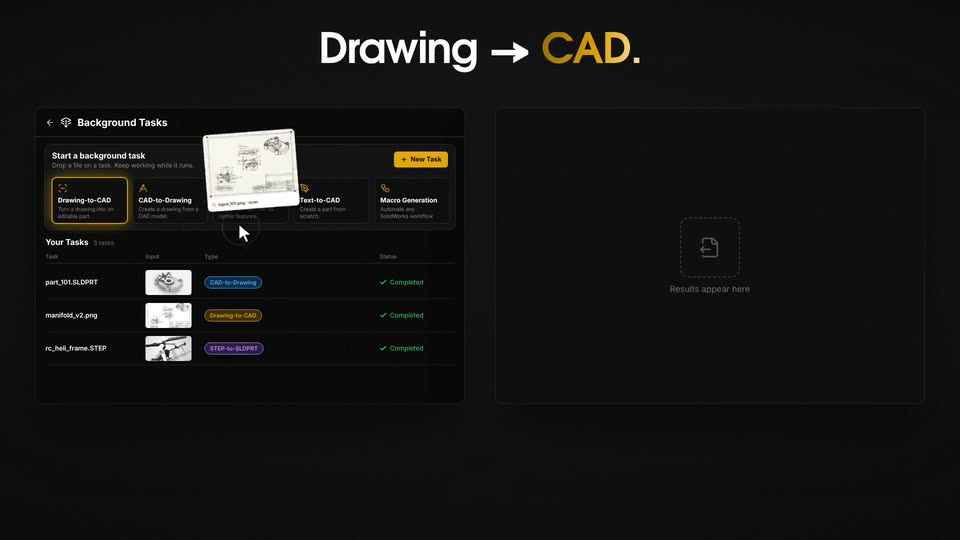 2:04–2:06MecAgent · MecAgent - Introducing MecAgent V2.0.0 - The Future of AI & CAD.A dark app screen under the headline Drawing to CAD. The left Background Tasks panel ticks a new task to running with a spinner, while the right panel zooms from a faint scan preview to a full technical drawing, a progress pill reading 3% sliding in below it.
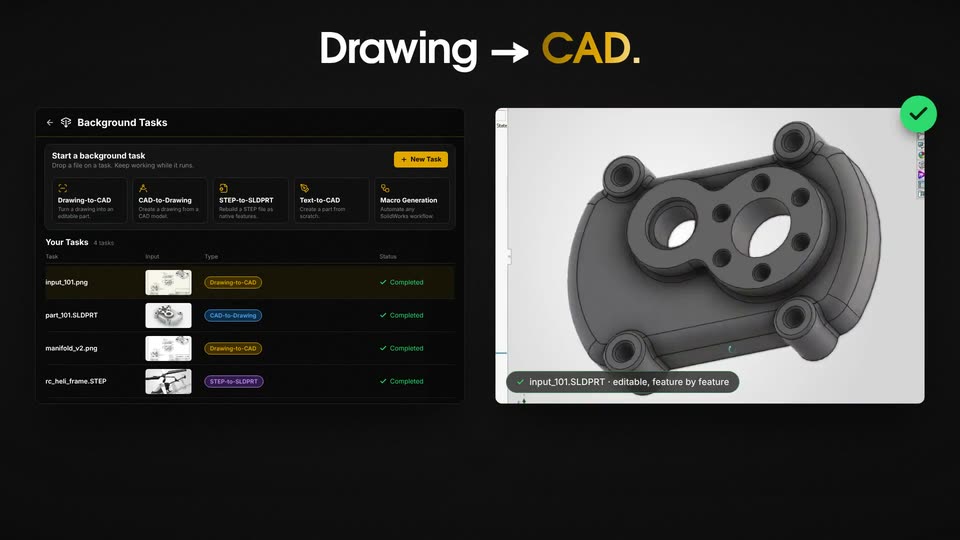 2:04–2:09MecAgent · Owein - After a year and a half of hustle, I’m proud to introduce MecAgent 2.A dark UI panel lists background tasks as a cursor starts a Drawing-to-CAD job; the right panel zooms into a technical drawing, whose lines morph into a rotating 3D part once the task completes.
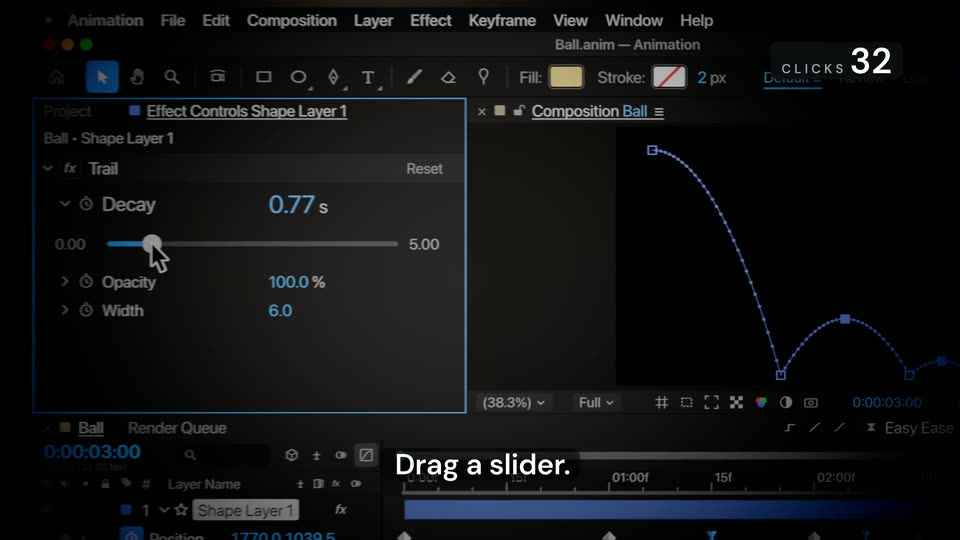 1:10–1:12ManimGX · Sina Atalay - Introducing ManimGX, the 3D animation engine for agents. - BlazinglyIn After Effects, a cursor drags the Decay slider from 2.96s to 0.50s while a blue dotted arc with a glowing ball plays in the composition panel. The view reframes onto the composition as a click counter ticks from 32 to 33.
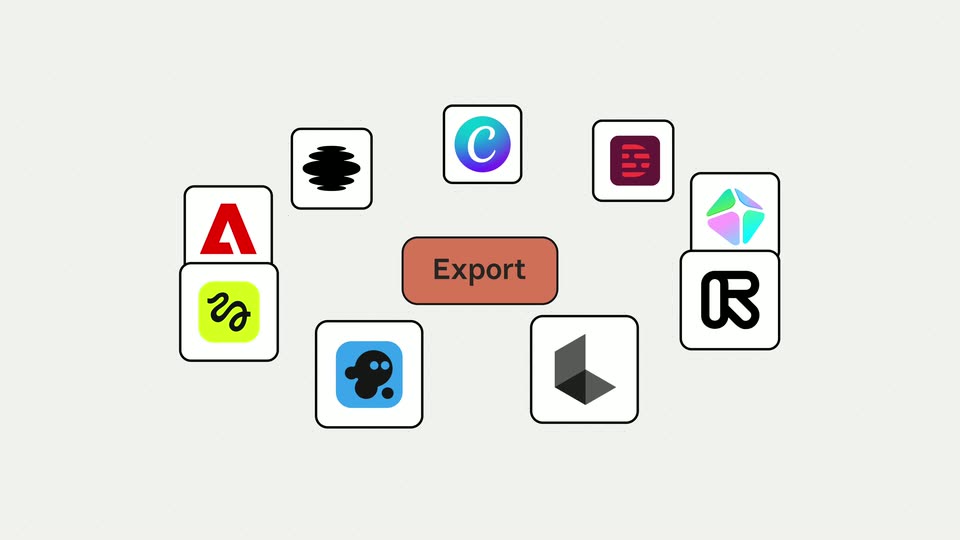 1:07–1:12Anthropic · Introducing Claude Dashboards and Claude MotionA hand clicks the orange Export button. Design-tool logo tiles fly outward and orbit around the button, then settle in a ring. Their letters belong to the logos rather than animated headline text.
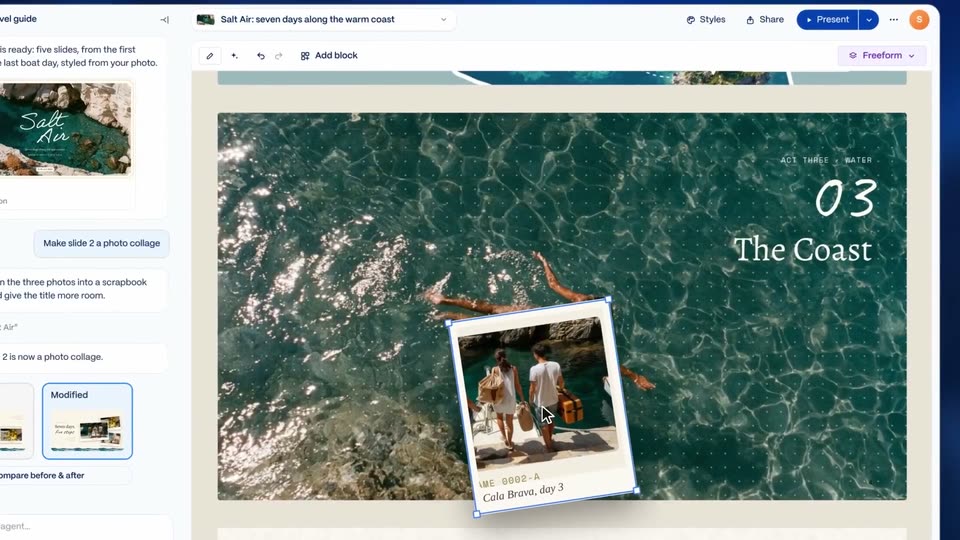 0:36–0:37Gamma · Gamma - Gamma 5 is here! It's a complete overhaul of Gamma to create the mostIn a slide editor, a cursor drags a selected polaroid photo with two figures from left to right across an aerial ocean slide. The surrounding chat panel and toolbar stay fixed while selection handles follow the moving frame.
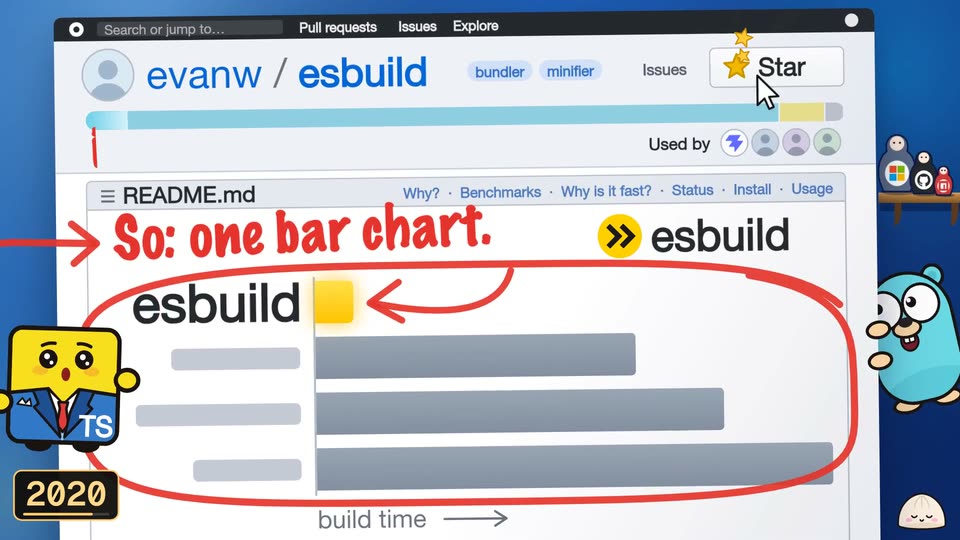 1:31–1:32Bun · Bun - bun check ./slopcore.tsA GitHub page for esbuild sits behind hand-drawn red annotations: an arrow points to the red headline, an oval circles a bar chart, and a yellow ring highlights the esbuild bar. A cursor clicks the Star button, filling it yellow, while a red arrow draws itself toward the highlighted bar.
 1:03–1:04Mirage · Mirage - Now Claude and ChatGPT can natively create Premiere (.PRPROJ) and AftA pixelated white cursor drags from the lower left toward the center of a dark teal field, pulling a tangled trail of green line streaks and dots behind it. The scribbled particle mass grows denser as the cursor settles in the middle, framed by thin HUD corner marks.
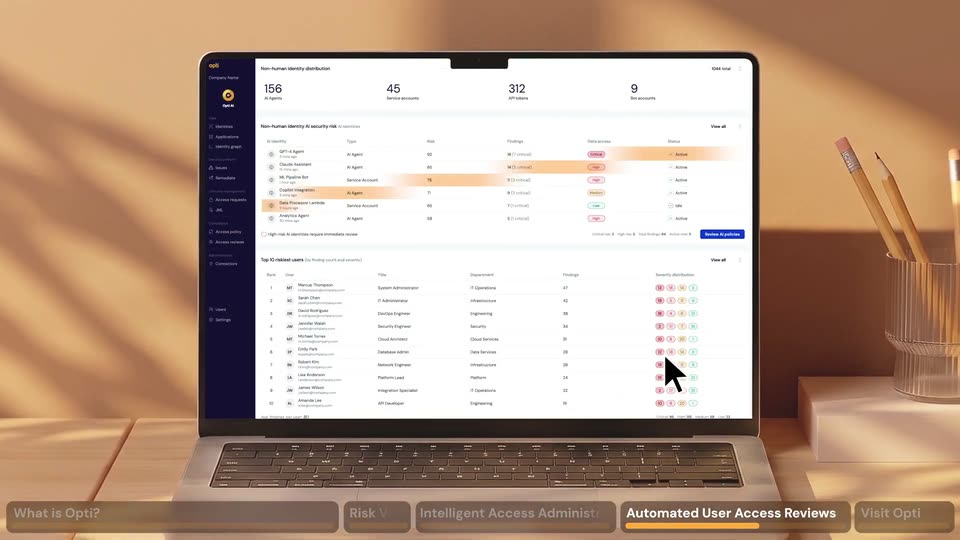 1:09–1:11Opti · Opti — SaaS Product Explainer Video | SaaS AnimateA laptop on a sunlit wooden desk displays the Opti dashboard; the screen cuts from a metrics view with donut and bar charts to a top-risk-users table as a cursor hovers. A bottom tab bar highlights Automated User Access Reviews.
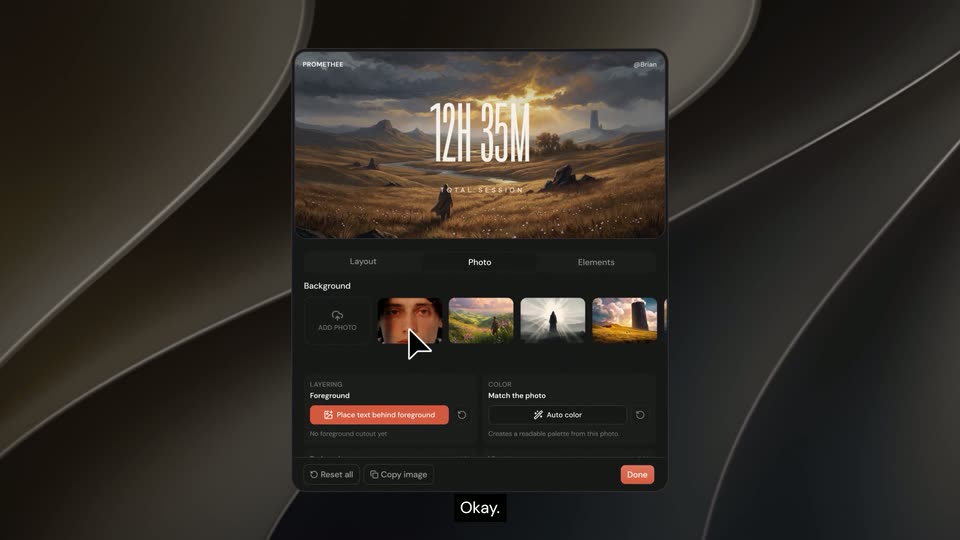 1:10–1:15Promethee · N. - introducing Promethee, an app that turns your work into a multiplayerA dark session card floats at a slight 3D angle over black ribbon loops. A cursor taps Customize, the card scales up into a layout and photo editor, then clicks Done as the preview swaps to a face.
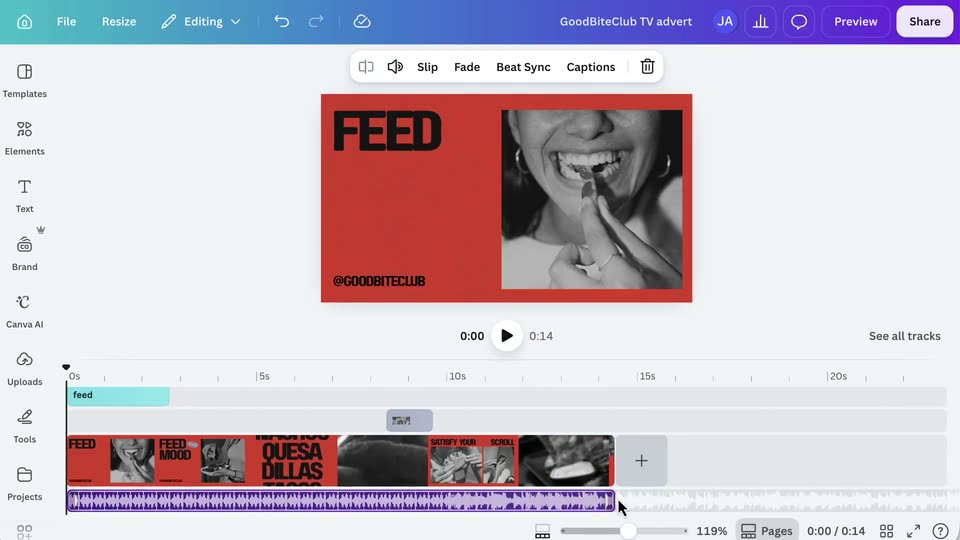 2:46–2:52Canva · Create and launch TV ads straight from CanvaA video editor fills the frame: a red FEED clip plays in the canvas over a multi-track timeline. A cursor drags the right edge of the purple audio track to trim it, then the playhead moves forward and the preview switches to a hand holding a chocolate bar.
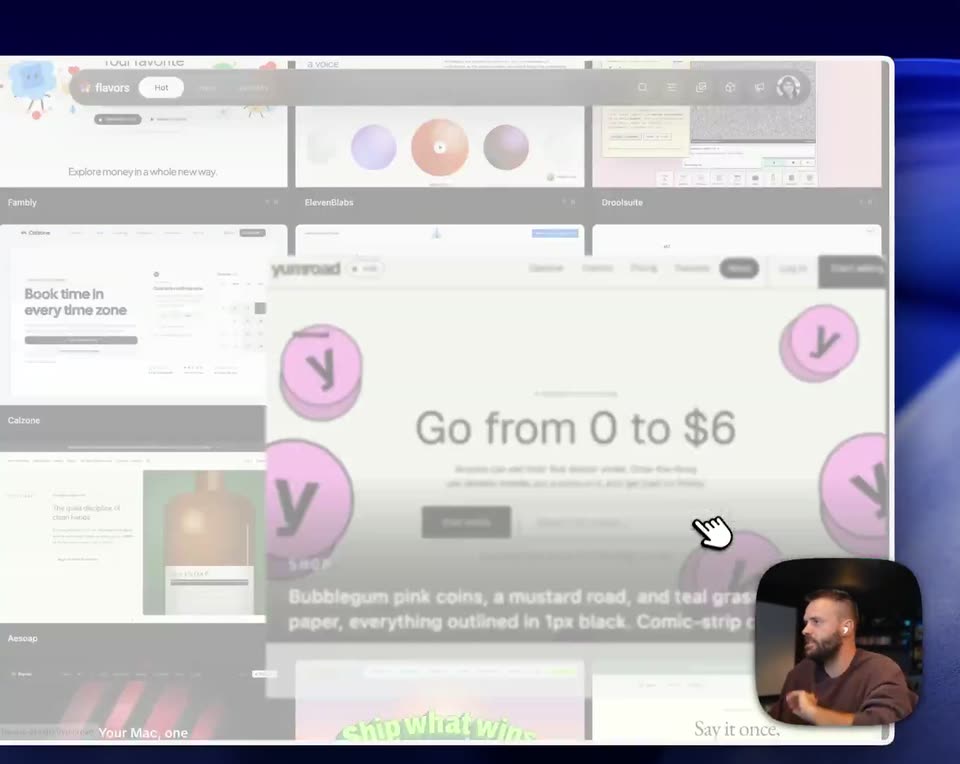 0:17–0:18flavors design · Dr. Kitze ❤️ healthmaxx.app - your agent can code, but it has zero taste. introducing 🌸 a galleryA dark product interface fills the frame, its top toolbar showing icons and a Published tag, while a white hand cursor hovers over the empty canvas. A small webcam inset of a bearded presenter sits in the bottom-right corner, and a ghosted grid of website mockups fades out at the start.
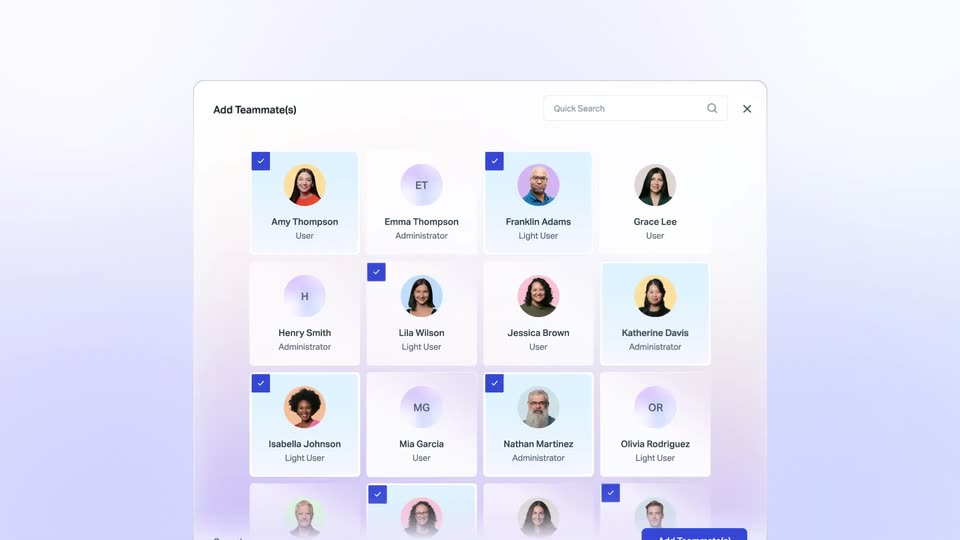 0:45–0:55Help Scout · Customer Support Software Demo | Help Scout x MotionCueA white Routing settings card on a lavender gradient. A cursor scrolls down, selects Round Robin, types 8 in the limit field, and clicks Add Teammate, opening a grid of teammate cards. A green 'Changes saved' toast pops over the dimmed modal.
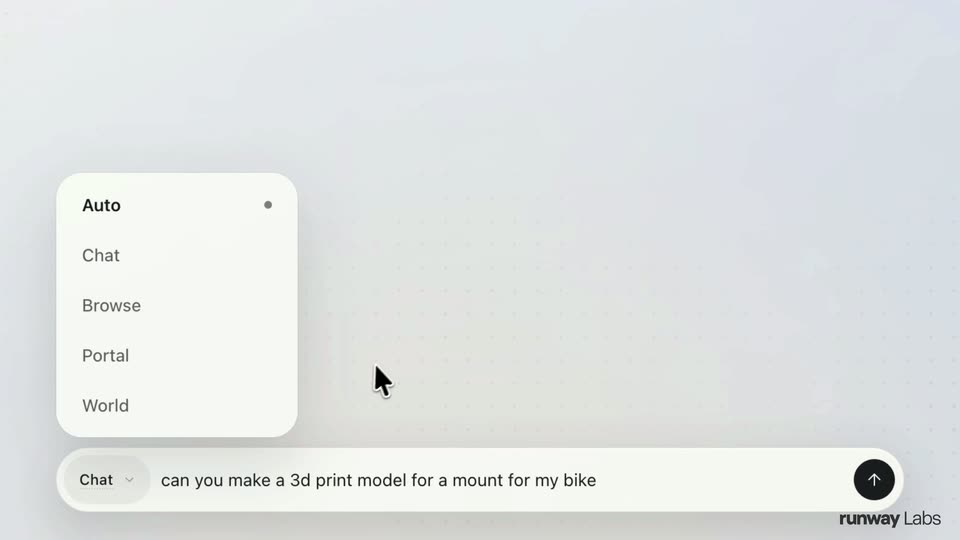 2:50–3:24Runway · Introducing Continuum: A Real-Time Video Operating System | Runway LabsA pale UI screen on a dotted grid shows a prompt bar at the bottom. The camera zooms into the bar while a cursor types a 3D print prompt and opens a mode dropdown, then pulls back as a chat panel appears.
 0:46–0:47Arcads · arcads AI - Introducing Arcads Singing Ads 🎶 This format is CRUSHING on Meta ..A magenta pill-shaped button reading Launch rests on a black field, ringed by a soft glow. A black cursor with a white outline hovers at the button's right edge as the button lifts a few pixels, the glow separating into a rounded outline.